PERIBOARD-636 - Keyboard Perixx - Free user manual and instructions
Find the device manual for free PERIBOARD-636 Perixx in PDF.


| Product Type | Keyboard |
| Brand | Perixx |
| Model | PERIBOARD-636 |
| Layout | QWERTY, US Standard |
| Number of Keys | 104 keys including numeric keypad |
| Connection Type | Wired USB 2.0 |
| Cable Length | 1.5 meters |
| Dimensions (W x D x H) | 440 x 140 x 30 mm |
| Weight | 800 g |
| Power Source | USB bus-powered |
| Compatible Systems | Windows, macOS, Linux |
| Key Switch Type | Membrane |
| Key Features | Multimedia hotkeys, spill-resistant design, low-profile keys |
| Maintenance & Cleaning | Clean with soft, dry cloth; avoid liquids; disconnect before cleaning |
| Safety Warnings | Do not expose to moisture; avoid excessive force; keep away from heat sources |
| Spare Parts & Repairability | Not user-serviceable; contact Perixx support for repairs |
| Warranty | 1 year limited warranty |
Frequently Asked Questions - PERIBOARD-636 Perixx
User questions about PERIBOARD-636 Perixx
0 question about this device. Answer the ones you know or ask your own.
Ask a new question about this device
Download the instructions for your Keyboard in PDF format for free! Find your manual PERIBOARD-636 - Perixx and take your electronic device back in hand. On this page are published all the documents necessary for the use of your device. PERIBOARD-636 by Perixx.
USER MANUAL PERIBOARD-636 Perixx
Wireless Compact Membrane Ergonomic Split Keyboard
natural_image
Line drawing of a computer keyboard layout with no text or symbols-User Manual -Bedienungsanleitung -Manual de instrucciones -Mode D'Emploi -Manuale Utente -マニュアル -产品说明书 -使用手册
VALUE CREATOR
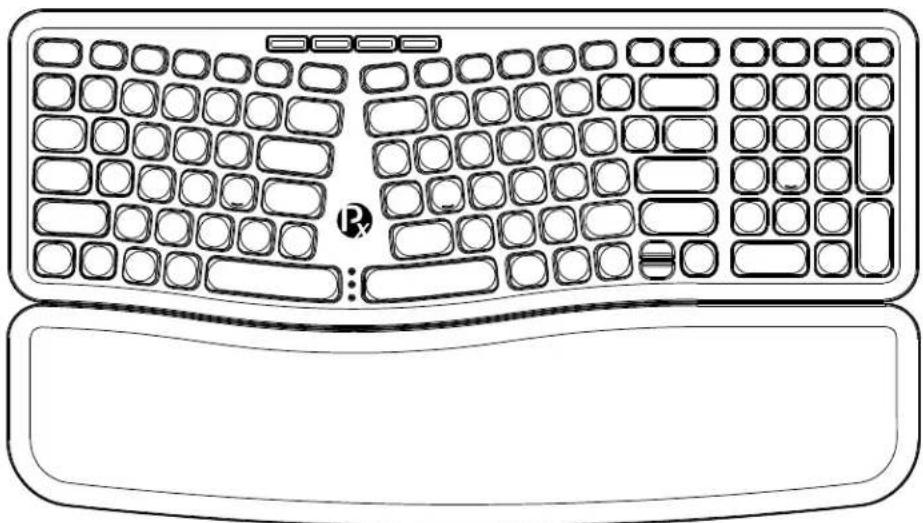
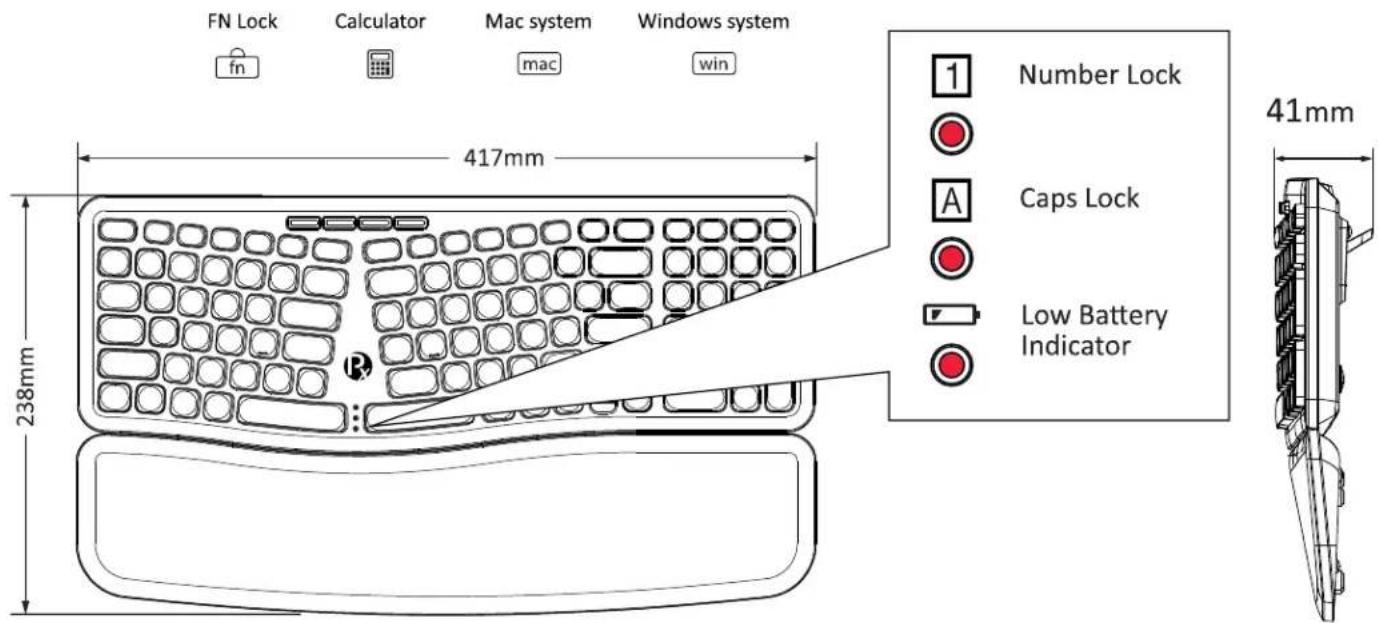
Product Illustration
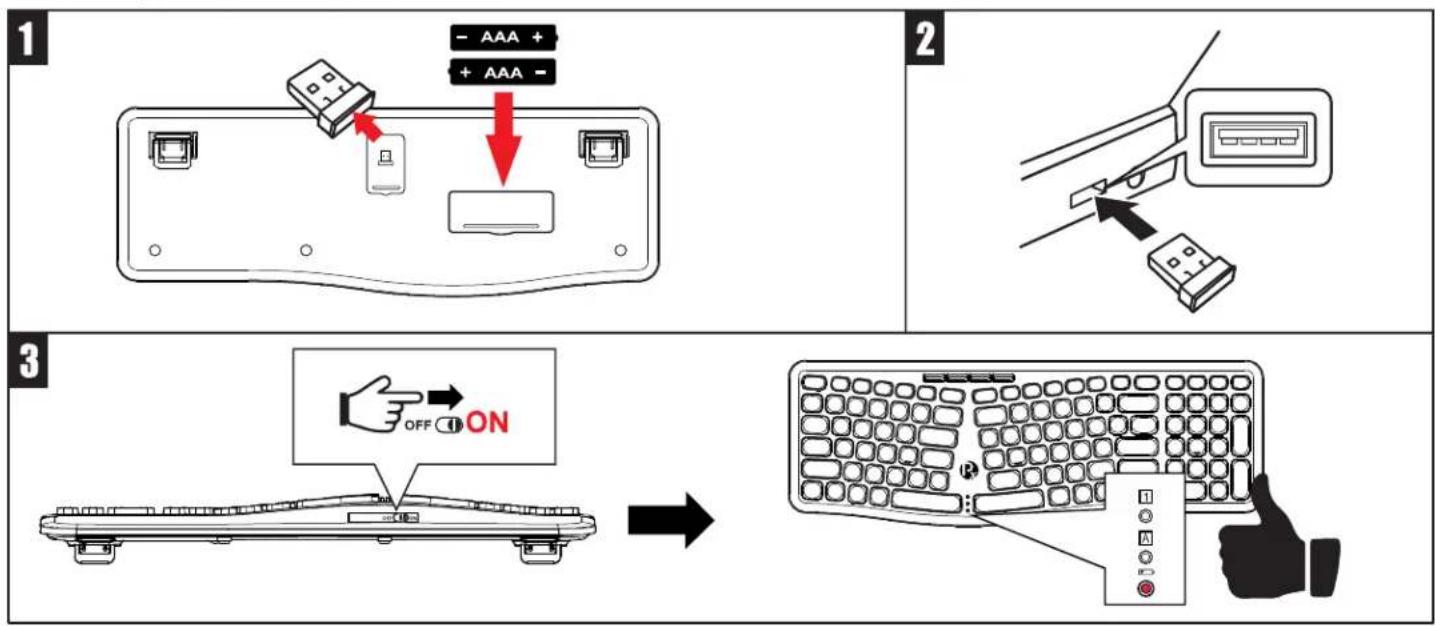
How do you connect PERIBOARD-636?
English(US/UK)
FCC Warning
This device complies with Part 15 of the FCC Rules. Operation is subject to the following two conditions:
(1) This device may not cause harmful interference, and (2) this device must accept any interference received, including interference that may cause undesired operation.
NOTE 1:
This equipment has been tested and found to comply with the limits for a Class B digital device, pursuant to Part 15 of the FCC Rules. These limits are designed to provide reasonable protection against harmful interference in a residential installation. This equipment generates, uses and can radiate radio frequency energy and, if not installed and used in accordance with the instructions, may cause harmful interference to radio communications. However, there is no guarantee that interference will not occur in a particular installation. If this equipment does cause harmful interference to radio or television reception, which can be determined by turning the equipment off and on, the user is encouraged to try to correct the interference by one or more of the following measures:
- Reorient or relocate the receiving antenna.
- Increase the separation between the equipment and receiver.
- Connect the equipment into an outlet on a circuit different from that to which the receiver is connected.
- Consult the dealer or an experienced radio/TV technician for help.
NOTE 2:
Any changes or modifications to this unit not expressly approved by the party responsible for compliance could void the user's authority to operate the equipment.
CE Caution
hereby declares that this Product is in compliance with the essential requirements and other relevant provisions of Directive 2014/53/EU.
The full text of the EU declaration of conformity is available at the internet address: https://perixx.com/pages/download-user-manual
This product is intended for sale and application in a business environment.
RED Article 10 2
-This product can be used across EU member states
RED Article 10 10
-The product is class 1 product, No restrictions
Ensure that the product has undergone SAR testing at the appropriate distance and complies with the requirements of EN 62479:2010.
Frequency Range:
2408-2474MHz
English(US/UK)
Caution
- The manufacturer and re-resellers are not responsible for any technical malfunctions, damage, or personal injury incurred by:
o Any attempt to dismantle, change or modify the product in any manner
o Malfunction or damage is due to misuse or improper alteration or repair.
o Malfunction or damage caused by external influence such as falling
o Malfunction or damage is caused by fire, salt, gas, earthquake, lightning, wind, water, or other natural calamities, or abnormal voltage.
o Malfunction or damage is caused by other devices connected to the products.
o Malfunction or damage is caused by high temperature, humid, greasy, dusty, and hazardous environment.
- You are cautioned that changes or modifications not expressly approved by Perixx Computer GmbH could void your authority to operate the equipment.
- All brand names, trademarks, and logos are the properties of their respective owners.
Please Note: Long-term repetitive use of any keyboard and mouse could cause injury to the user. Perixx recommends users avoid excessive use of this or any keyboard and mouse.
Important Safety Instructions:
- Avoid dropping.
- Do not disassemble.
• This product is suitable for moderate climates only. - The maximum ambient temperature during use of this product must not exceed 40 degree
- Open flame sources, such as candles, must not be placed on this product.
- Only use a dry cloth or brush to clean this product.
Perixx offers a one-year limited warranty with an optional one-year extension.
Specification
| Interface | 2.4GHz | Number of keys | 101 keys (US layout) |
| Size | 417*238*41mm | Type of keyboard | Membrane |
| Weight | 821±10g | Actuation distance | 2.4±0.3mm |
| Input current | 3V/5mA | Total travel distance | 3.9±0.3mm |
| Battery required | AAA batteries 2pcs | Durability | 10 million keypresses |
| Material | ABS | Operating Temperature | 0°C ~ 60°C |
| Operating system requirements | Win 7 or latermacOS Big Sur 11.2.1 or later | Storage Temperature | -20°C ~ 60°C |
English(US/UK)
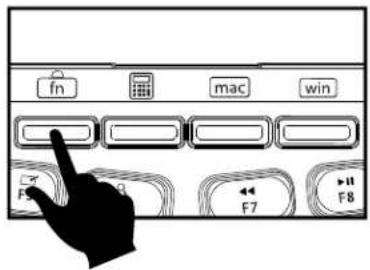
Multimedia keys
***Please press "Fn Lock" before using multimedia keys.***

 | Decrease the brightness of the display |  | Increase the brightness of the display |  | Mission Control |
 | Launchpad |  | Display and hide the desktop |  | Search |
 | Previous Track |  | Play/Pause |  | Next Track |
 | Mute |  | Volume down |  | Volume up |
 | Print Screen | ||||
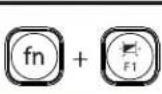 | F1 | 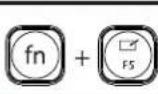 | F5 | 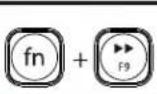 | F9 | 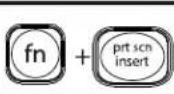 | Insert |
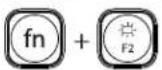 | F2 | 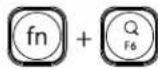 | F6 | 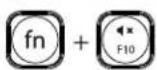 | F10 | ||
 | F3 | 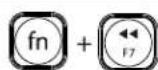 | F7 | 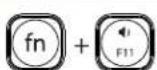 | F11 | ||
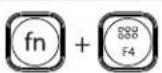 | F4 | 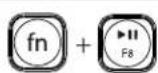 | F8 | 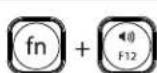 | F12 | ||
Deutsch (DE)
Bitte beachten Sie:
| 設備名稱:無線兩區薄膜人體工學鍵盤 型號(型式):PERIBOARD-636Equipment name Type designation (Type) | ||||||
| 單元 Unit | 限用物質及其化學符號Restricted substances and its chemical symbols | |||||
| 鉛Lead(Pb) | 汞Mercury(Hg) | 鎘Cadmium(Cd) | 六價鉻Hexavalent chromium Cr+6 | 多溴聯苯Polybrominated biphenyls(PBB) | 多溴二苯醚Polybrominated diphenyl ethers(PBDE) | |
| 鍵盤內外殼 | ○ | ○ | ○ | ○ | ○ | ○ |
| 鍵盤模組 | ○ | ○ | ○ | ○ | ○ | ○ |
| 電路板 | ○ | ○ | ○ | ○ | ○ | ○ |
| 電線 | ○ | ○ | ○ | ○ | ○ | ○ |
| 備考 1. “超出0.1 wt %”及“超出0.01 wt %”係指限用物質之百分比含量超出百分比含量基準值。Note 1: “Exceeding 0.1 wt %” and “exceeding 0.01 wt %” indicate that the percentage content of the restricted substance exceeds the reference percentage value of presence condition.備考 2. “○”係指該項限用物質之百分比含量未超出百分比含量基準值。Note 2: “○” indicates that the percentage content of the restricted substance does not exceed the percentage of reference value of presence.備考 3. “-”係指該項限用物質為排除項目。Note 3: The “-” indicates that the restricted substance corresponds to the exemption | ||||||
無線兩區薄膜人體工學鍵盤
型號:PERIBOARD-636
額定電壓 : DC 3V = 5mA
製造號碼:如本體
製造年份:2024
原產地:中國大陸

R3B701 RoHS
製造商:佩銳科技(深圳)有限公司
地址:深圳市南山区西丽街道新光路43
号聚创金谷创意园A栋#509-510
進口商:佩銳科技有限公司
EU Declaration of Conformity
Manufacturer's Name: Perixx Computer GmbH
Manufacturer's Address: Heerdter Landstrasse 189e,
40549 Düsseldorf, Germany
Declares that the product:
Product Name: Wireless Compact Membrane Ergonomic Split Keyboard
Model Name: PERIBOARD-636
The object of the declaration described above is in conformity with the following EU harmonisation legislations:
RED 2014/53/EU Directive
and conforms to the following standards:
EN 50663:2017
EN 62479:2010
EN 62368-1:2014+A11:2017
ETSI EN 301 489-1 V2.2.3 (2019-11)
ETSI EN 301 489-3 V2.1.1 (2019-03)
This declaration of conformity is issued under the sole responsibility of the manufacturer or representative.