Oracle Air - Disk array COOLER MASTER - Free user manual and instructions
Find the device manual for free Oracle Air COOLER MASTER in PDF.


| Product Type | Disk Array (NAS/DAS) |
| Brand | Cooler Master |
| Model | Oracle Air |
| Supported Drive Form Factor | 3.5" and 2.5" SATA/SAS HDD/SSD |
| Number of Bays | 4 (typical for desktop disk array) |
| Maximum Capacity | Up to 64 TB (with 16 TB drives) |
| Interface | USB 3.2 Gen 2 (Type-C), eSATA |
| RAID Support | Hardware RAID 0, 1, 5, 10, JBOD |
| Cooling | 120 mm silent fan, aluminum heat sink |
| Power Supply | External 12V/5A adapter |
| Power Consumption | 45 W (idle), 65 W (active) |
| Dimensions (W x H x D) | 220 x 185 x 140 mm |
| Weight | 2.8 kg (without drives) |
| Material | Aluminum alloy and steel |
| Operating Temperature | 5°C to 35°C |
| Vibration Dampening | Rubber grommets for drive mounts |
| LED Indicators | Power, HDD activity, RAID status |
| Security | Kensington lock slot |
| Spare Parts & Repairability | User-replaceable fan and power supply |
| Maintenance & Cleaning | Dust filter on intake, clean monthly |
| Included Accessories | USB cable, power adapter, quick guide, screws |
Frequently Asked Questions - Oracle Air COOLER MASTER
User questions about Oracle Air COOLER MASTER
0 question about this device. Answer the ones you know or ask your own.
Ask a new question about this device
Download the instructions for your Disk array in PDF format for free! Find your manual Oracle Air - COOLER MASTER and take your electronic device back in hand. On this page are published all the documents necessary for the use of your device. Oracle Air by COOLER MASTER.
USER MANUAL Oracle Air COOLER MASTER
natural_image
Black and white diagonal striped pattern with no text or symbolsORACLE AIR
NVME M.2 SSD ENCLOSURE
USER MANUAL

text_image
1. PUSH02.
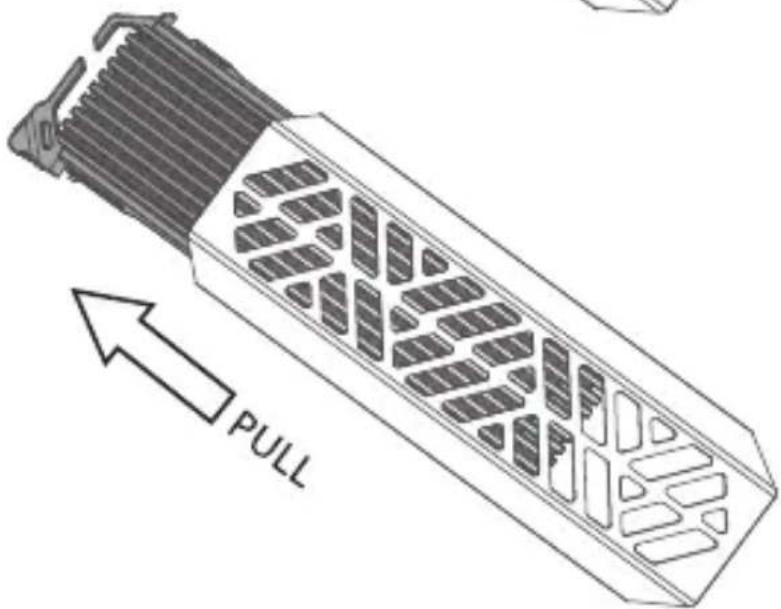
text_image
PULL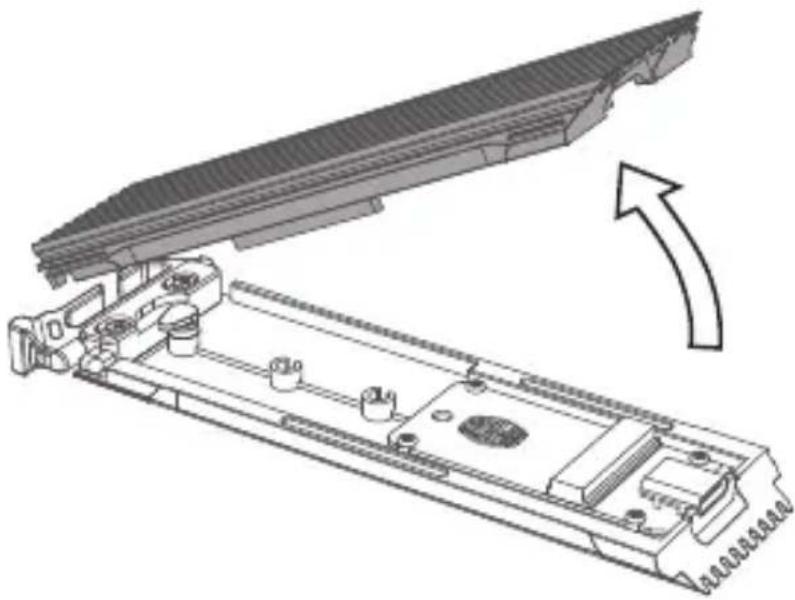
natural_image
Technical diagram of a mechanical assembly with an arrow indicating direction (no text or symbols present)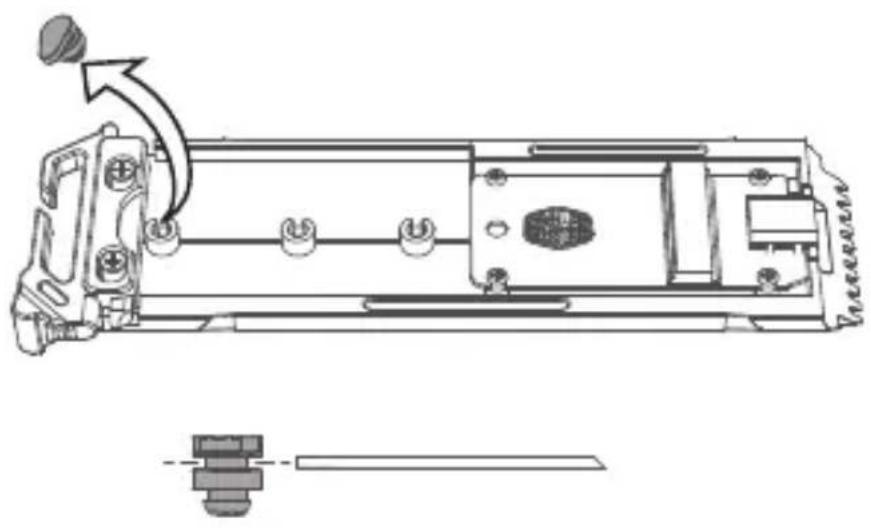
natural_image
Technical line drawing of a mechanical assembly with no visible text or symbols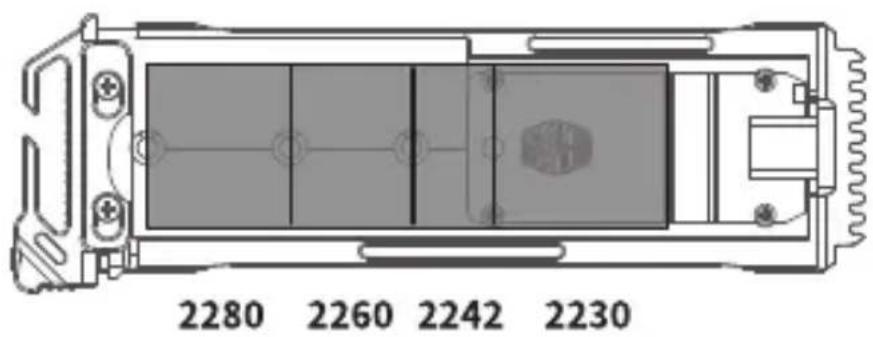
text_image
2280 2260 2242 2230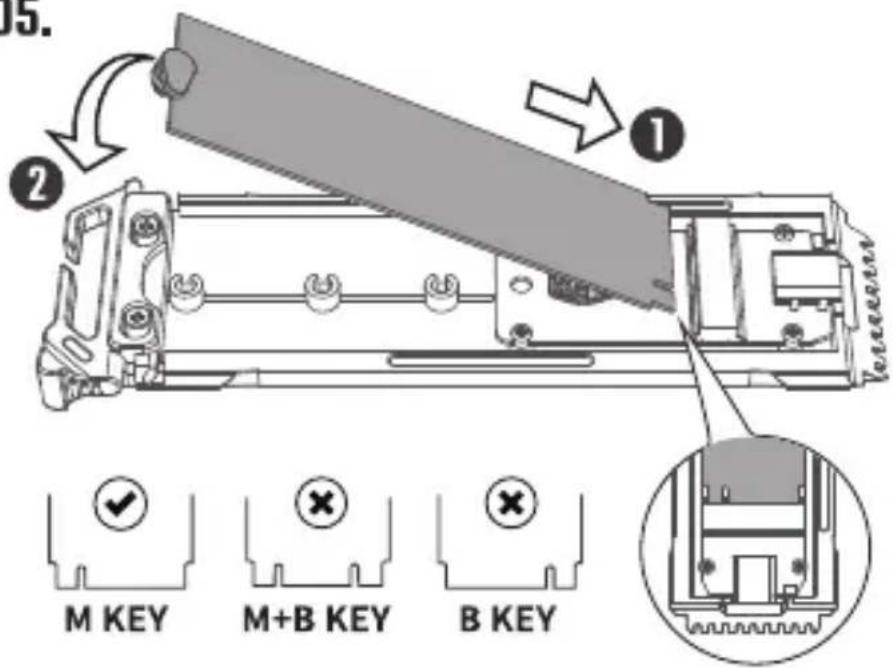
text_image
15. ① ② M KEY M+B KEY B KEY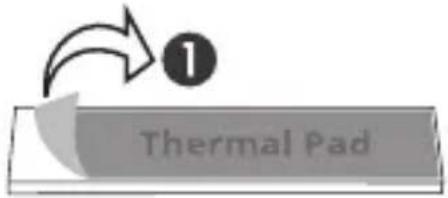
text_image
Thermal Pad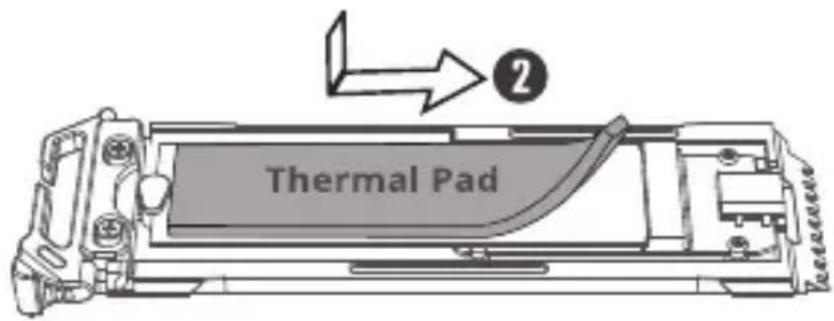
text_image
Thermal Pad ②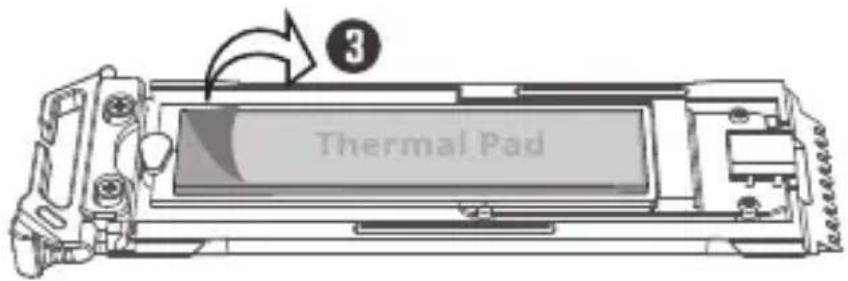
text_image
Thermal Pad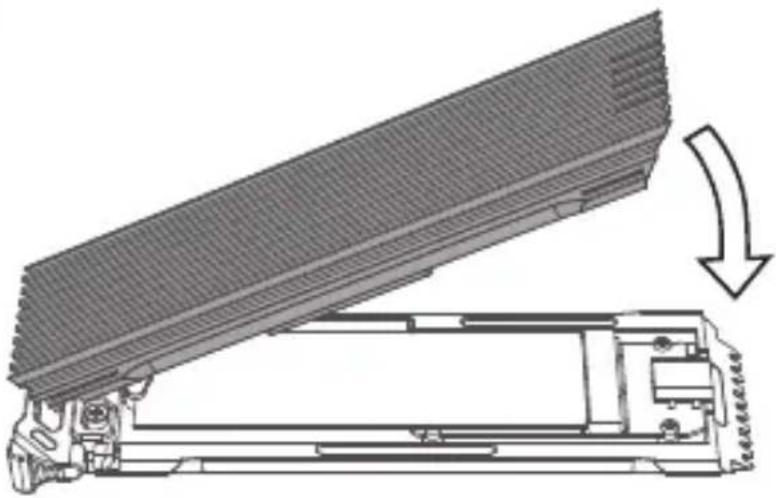
natural_image
Technical line drawing of a mechanical device with an open lid and a base, showing a curved arrow indicating motion (no text or symbols present)
text_image
PUSH CLICK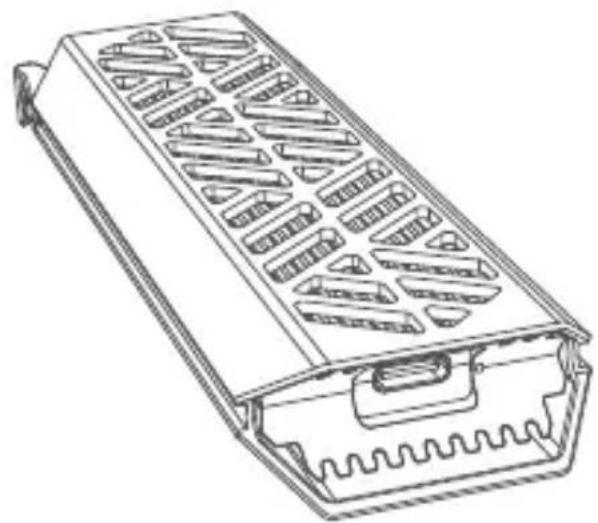
natural_image
Line drawing of a rectangular electronic device with internal slots and a wavy base (no text or symbols)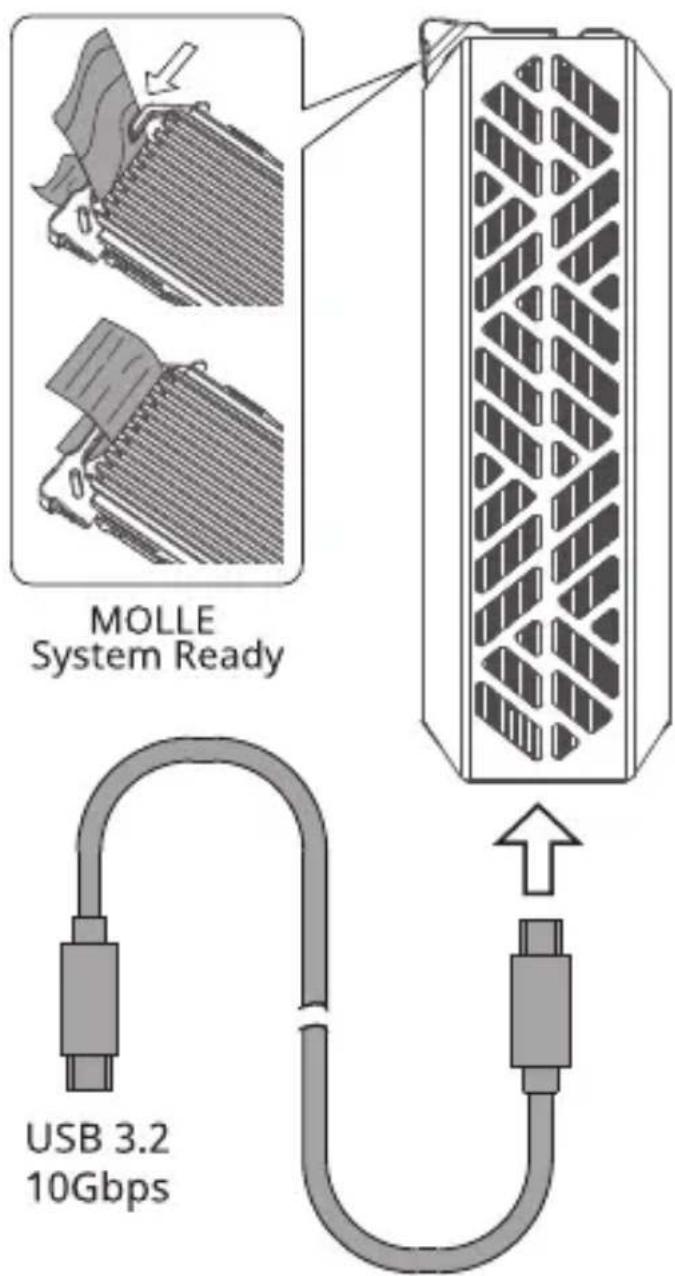
text_image
MOLLE System Ready USB 3.2 10GbpsWarranty Information
繁题中文(ZHT)
Note: The form is only applied to China law.
English (EN)
Cooler Master guarantees that this device is free of defect in material and workmanship, and provides a two-year limited hardware warranty for the device commencing from the date of purchase. Please keep your receipt for proof of purchase.
Using this device in any other capacity voids the warranty. If you are not familiar with computer hardware installation, please ask for professional assistance.
The warranty offered covers normal use. Defect or damage that result from improper operation, storage, misuse or abuse, accident or neglect, which are not the fault of Cooler Master, are exclude from warranty coverage.
Note: the warranty is voided by removal or alternation of product or parts identification labels.
*All OEM/bulk packaging product come with one year limited warranty
*In case of conflict between the warranty provided by the country of point of sale and this manual, the warranty of the actual country of point of sale shall be the prevailing document.
*In case of malfunction of electronic components or need of accessories purchase during the warranty period, please return to the original store of purchase.
Türkçe (TR)
Room 112, Building 9, No. 327, Songjin Road,
Jinshanwei Town, Jinshan Dist., Shanghai City, China
Tel: +86-21-51872177
North America - Cooler Master NA
1 N Indian Hill Blvd Suite D200 Claremont,
CA 91711 USA Tel: +1-888-624-5099
South America
Email: Soporte_Latam@coolermaster.com.tw
Cooler Master Support:
https://account.coolermaster.com/

PRODUCT PAGE AND MANUAL
Visit the Product Page for
information, manual and other
downloads
© 2022 Cooler Master Technology Inc.ALLRight Reserved.
All trademarks are registered to their respective owners.