22AV8573 - Remote control PHILIPS - Free user manual and instructions
Find the device manual for free 22AV8573 PHILIPS in PDF.


User questions about 22AV8573 PHILIPS
0 question about this device. Answer the ones you know or ask your own.
Ask a new question about this device
Download the instructions for your Remote control in PDF format for free! Find your manual 22AV8573 - PHILIPS and take your electronic device back in hand. On this page are published all the documents necessary for the use of your device. 22AV8573 by PHILIPS.
USER MANUAL 22AV8573 PHILIPS
Register your product and get support at
www.philips.com/welcome
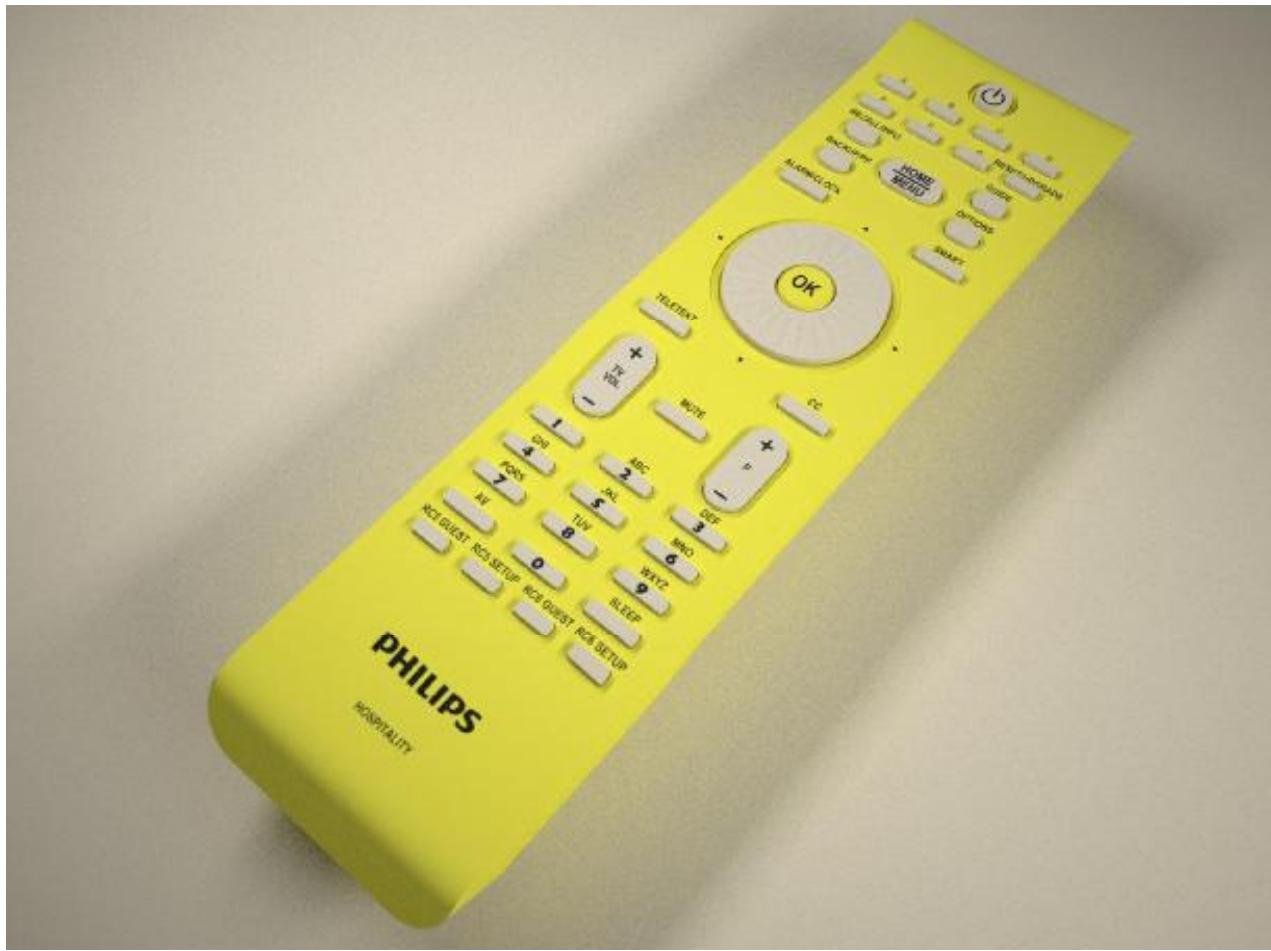
22AV8573/00 Setup Remote Controller
DFU-OCT2010
Table of contents
- INTRODUCTION TO HOSPITALITY MODE SETUP
- REMOTE CONTROL
2.1 PBS Set-Up Remote control 22AV8573
2.2 Remote control mapping guest RC
1. INTRODUCTION TO HOSPITALITY MODE SETUP
The Philips' Professional Hospitality Television offers settings that allow these televisions to be used in application environments that will offer additional setup features but (controlled) limited normal user setup functionality.
This mode limits the amount of TV controls (e.g. like volume limitation), that a normal user (i.e. hotel guest) can use. The amount of access can be configured in the setup menu by a super-user (e.g. hotel installer).
This manual describes the setup remote controller that can be used to bring up the specific hotel mode menu for setting those specific settings.
2. REMOTE CONTROL
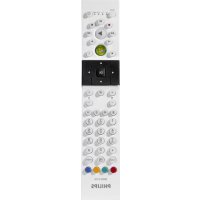
2.1 PBS Set-Up Remote control 22AV8573
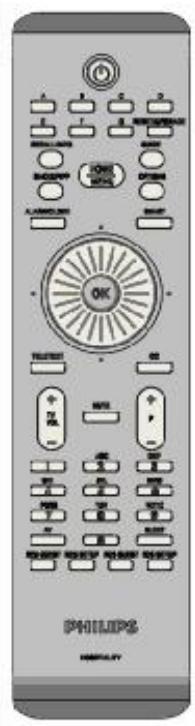
Other Remote Control behavior can be selected using the mode button.
Check the TV specifications if it supports RC5 and/or RC6 remote control commands.
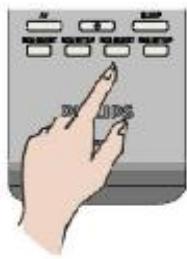
RC5 GUEST:
Guest RC functionality with RC5 RC commands
RC6 GUEST:
Guest RC functionality with RC6 RC commands
RC5 SETUP:
Setup RC functionality. This is currently supporting all Philips Hospitality TVs.
RC6 SETUP:
Future feature. Not supported in TVs (yet).

Note: Setup mode should be selected for hotel installer.
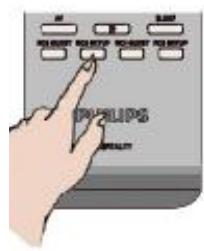
Step 1: Press RC5 SETUP
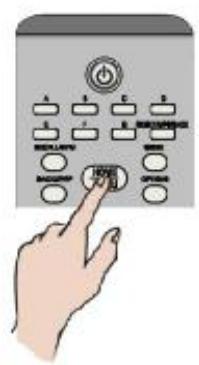
Step 2: Press HOME/MENU
2.2 Remote control mapping guest RC
| 22AV8573 | SETUP | GUEST | |
| Function | RC5 | RC5 | RC6 |
| Standby | Standby | Standby | Standby |
| A* | -- | -- | -- |
| B* | -- | -- | -- |
| C* | -- | -- | -- |
| D* | -- | -- | -- |
| E* | -- | -- | -- |
| F* | -- | -- | -- |
| G* | -- | -- | -- |
| Reset/Upgrade | Reset/Upgrade | -- | -- |
| Recall/Info | Recall/Info | Info | |
| Guide | Guide | Guide | |
| Home/Menu | Home/Menu | Guest Menu | |
| Back/PP | Back/PP | Prev. channel | |
| Options | Options | Options | |
| Alarm/Clock | Alarm/Clock | Alarm | |
| Smart | Smart | Smart | |
| ^ | ^ | ^ | ^ |
| < | < | < | < |
| > | > | > | > |
| v | v | v | v |
| Teletext | Teletext | Teletext | Teletext |
| CC | CC | -- | -- |
| Vol + | Vol + | Vol + | Vol + |
| Vol - | Vol - | Vol - | Vol - |
| Mute | Mute | Mute | Mute |
| P + | P + | P + | P + |
| P - | P - | P - | P - |
| 1 | 1 | 1 | 1 |
| 2 | 2 | 2 | 2 |
| 3 | 3 | 3 | 3 |
| 4 | 4 | 4 | 4 |
| 5 | 5 | 5 | 5 |
| 6 | 6 | 6 | 6 |
| 7 | 7 | 7 | 7 |
| 8 | 8 | 8 | 8 |
| 9 | 9 | 9 | 9 |
| 0 | 0 | 0 | 0 |
| AV | AV | AV | AV |
| Sleep | Sleep | Sleep | Sleep |
- Exact functionality depends on TV model.