
TAOPIX - Logiciel de composition de documents CANON - Notice d'utilisation et mode d'emploi gratuit
Retrouvez gratuitement la notice de l'appareil TAOPIX CANON au format PDF.

| Type de logiciel | Plateforme de gestion de production photo |
| Fonction principale | Gestion complète du processus de production de livres photo |
| Compatibilité | Ordinateur |
| Utilisateurs cibles | Laboratoires photo professionnels et imprimeurs |
| Fonctionnalités de design | Conception et personnalisation de produits photo |
| Gestion des commandes | Commande, paiement et suivi intégrés |
| Intégration | Connexion aux systèmes MIS |
| Portails clients | Sites web personnalisables pour clients |
| Passerelles de paiement | Support des paiements en ligne |
| Suivi de production | Module de suivi des commandes, impression et expédition |
| Flexibilité | Gestion multi-produits, marchés et tarifications |
| Objectif commercial | Augmentation de la rentabilité et fidélisation client |
| Avantage concurrentiel | Personnalisation unique et gestion des droits clients |
| Type de produit final | Livres photo et produits photo personnalisés |
FOIRE AUX QUESTIONS - TAOPIX CANON
Questions des utilisateurs sur TAOPIX CANON
0 question sur cet appareil. Repondez a celles que vous connaissez ou posez la votre.
Poser une nouvelle question sur cet appareil
Téléchargez la notice de votre Logiciel de composition de documents au format PDF gratuitement ! Retrouvez votre notice TAOPIX - CANON et reprennez votre appareil électronique en main. Sur cette page sont publiés tous les documents nécessaires à l'utilisation de votre appareil TAOPIX de la marque CANON.
MODE D'EMPLOI TAOPIX CANON
Start your own photo book business.
With the TAOPIX™ Photobook Platform
you can
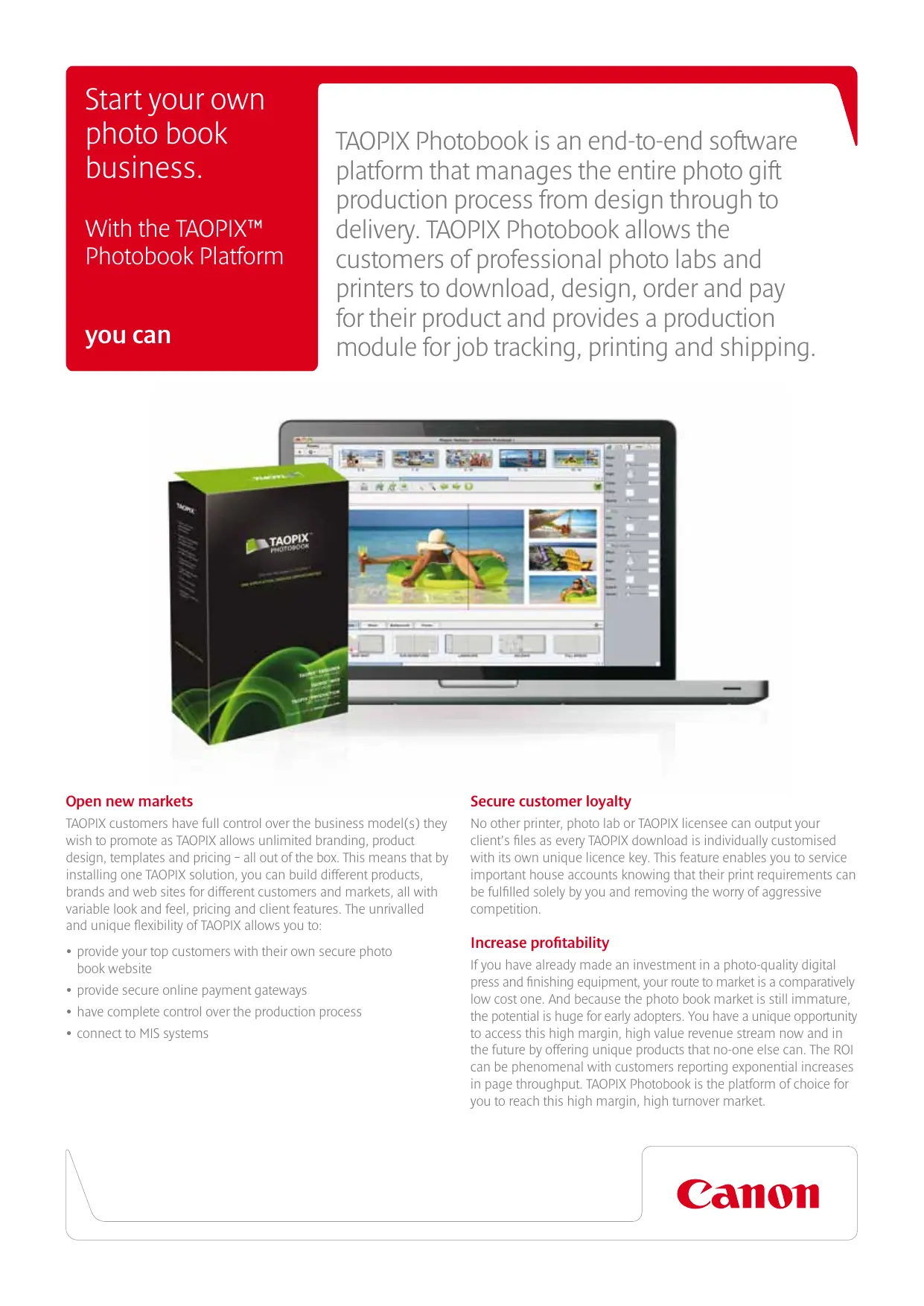
TAOPIX Photobook is an end-to-end software platform that manages the entire photo gift production process from design through to delivery. TAOPIX Photobook allows the customers of professional photo labs and printers to download, design, order and pay for their product and provides a production module for job tracking, printing and shipping.

Open new markets
TAOPIX customers have full control over the business model(s) they wish to promote as TAOPIX allows unlimited branding, product design, templates and pricing – all out of the box. This means that by installing one TAOPIX solution, you can build different products, brands and web sites for different customers and markets, all with variable look and feel, pricing and client features. The unrivalled and unique flexibility of TAOPIX allows you to:
- provide your top customers with their own secure photo book website
- provide secure online payment gateways
have complete control over the production process
connect to MIS systems
Secure customer loyalty
No other printer, photo lab or TAOPIX licensee can output your client's files as every TAOPIX download is individually customised with its own unique licence key. This feature enables you to service important house accounts knowing that their print requirements can be fulfilled solely by you and removing the worry of aggressive competition.
Increase profitability
If you have already made an investment in a photo-quality digital press and finishing equipment, your route to market is a comparatively low cost one. And because the photo book market is still immature, the potential is huge for early adopters. You have a unique opportunity to access this high margin, high value revenue stream now and in the future by offering unique products that no-one else can. The ROI can be phenomenal with customers reporting exponential increases in page throughput. TAOPIX Photobook is the platform of choice for you to reach this high margin, high turnover market.
Your customer benefits.
Fast, efficient photo book creation
TAOPIX Photobook gives the photo book purchaser the ability to download their Designer software on to a Mac or PC. Their photo book can then be created anywhere, without the need for an internet connection. The customer's images can be quickly imported into the Designer software to begin creating their photo book immediately after installation. The customer can work on multiple projects simultaneously and once a project is started, they can save the pages they have completed then revisit the same project at a later date. There are no limitations to the amount of times a project can be saved or revised.
Tailored download client
TAOPIX Designer can be tailored to the individual requirements of your customer. For the beginner, you can make sure they have the highest level of assistance that TAOPIX Designer can offer; their tailored download can include the built-in assistant, Wizard and/or TAOPIX Genie. These are all helpful tools that can guide the photo book buyer through the entire creation process.
For the more advanced customer, their Designer software might include more of the sophisticated features available with TAOPIX Photobook. You can disable the Genie and other assistants for the confident user and tailor the software to their needs.
Getting started
The TAOPIX Starter Kit is included with every purchase of TAOPIX Photobook. You can offer your new customer a comprehensive range of ready-made photo book templates and designs which make it easier for them to get started. They simply choose the design they prefer, import their images into the Designer software and click 'Autoflow'. Their images will then be positioned automatically throughout the photo book, creating the required amount of pages simultaneously.
Flexible payment options
TAOPIX Photobook provides your customer with a shopping basket facility which consists of a flexible pricing engine with tax, shipping, voucher, discount and per page pricing options. It also allows your customer to choose their preferred method of payment (credit card, account, cheque or PayPal for example).

Key Features
18 languages to date
20+ multiple-country payment gateways
Unlimited branding - business-to-business and business-to-consumer models
Built-in training assistant, Wizard and flight check
Auto Update - dynamic delivery of updated templates, styles and content
Starter Kit - a comprehensive range of templates and designs
TAOPIX Connector - a link to MIS, Workflow, Colour Management and third party production systems
TAOPIX Multisite option - for efficient, multiple site photo book production
Canon Inc.
www.canon.com
Canon Europe.
www.canon-europe.com
English-UK Edition 0155W782
© Canon Europe Ltd 2010