WCP-300 - Chargeur sans fil LG - Notice d'utilisation et mode d'emploi gratuit
Retrouvez gratuitement la notice de l'appareil WCP-300 LG au format PDF.



| Type de produit | Chargeur sans fil |
| Marque | LG |
| Modèle | WCP-300 |
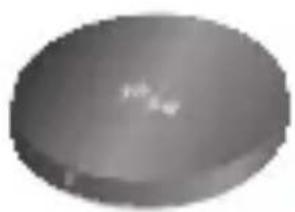
| Dimensions | Diamètre 69,8 mm x Hauteur 11,9 mm |
| Poids | 62 g |
| Alimentation d'entrée | DC 5V, 1800 mA |
| Alimentation de sortie | DC 5V, 1000 mA |
| Temps de charge | Moins de 4 heures (pour batterie 1500 mAh) |
| Température de fonctionnement | -10 °C à 60 °C |
| Indicateur lumineux | Ambre fixe (alimentation), vert clignotant (charge), vert fixe (charge terminée) |
| Compatibilité | Tous les appareils certifiés QI |
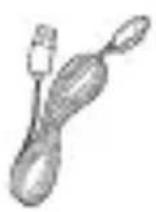
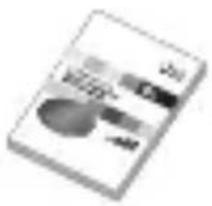
| Contenu de la boîte | Chargeur WCP-300, adaptateur secteur, câble USB, manuel d'utilisation, carte WEEE, carte de garantie |
| Entretien et nettoyage | Ne pas nettoyer avec de l'eau, de l'alcool ou du benzène. Utiliser un chiffon sec. |
| Sécurité | Ne pas utiliser de rallonge, ne pas exposer à l'eau ou à l'humidité, ne pas ouvrir le boîtier. Tenir hors de portée des enfants. |
| Réparabilité | Ne pas réparer soi-même. Adressez-vous à un centre de service agréé LG. |
| Pays d'origine | Non spécifié |
| Garantie | Consultez la carte de garantie fournie. |
| Certifications | FCC ID: BEJWCP300, C€1177 |
FOIRE AUX QUESTIONS - WCP-300 LG
Questions des utilisateurs sur WCP-300 LG
0 question sur cet appareil. Repondez a celles que vous connaissez ou posez la votre.
Poser une nouvelle question sur cet appareil
Téléchargez la notice de votre Chargeur sans fil au format PDF gratuitement ! Retrouvez votre notice WCP-300 - LG et reprennez votre appareil électronique en main. Sur cette page sont publiés tous les documents nécessaires à l'utilisation de votre appareil WCP-300 de la marque LG.
MODE D'EMPLOI WCP-300 LG

LG
Life's Good
Contact office for compliance of this product :
LG Electronics Inc.
EU Representative, Krijgsman 1,
1186 DM Amstelveen, The Netherlands
English
Svenska
LG Electronics, Inc
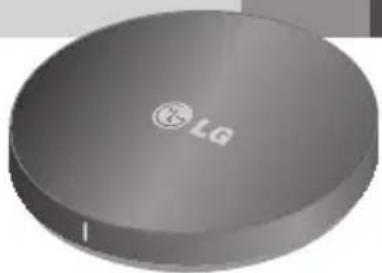
Wireless Charging Pad
WCP-300 User Manual
natural_image
Circular metallic object with 'LG' logo and printed text, no readable symbols or numbers beyond the logo.Rev 1.0 EU
All rights reserved.
LG Electronics Inc., 2014
LG Electronics, Inc
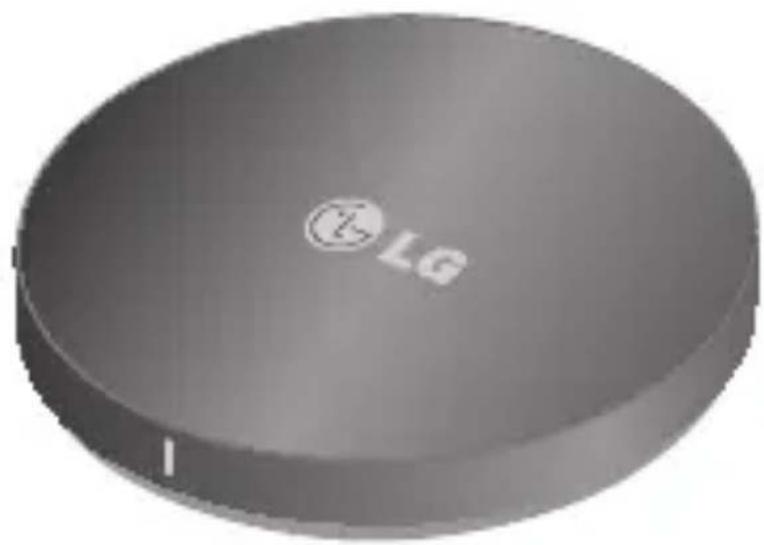
Wireless Charging Pad
WCP-300 User Manual
natural_image
Circular gray object with a logo and 'LG' mark, no visible text or symbols on the body.All rights reserved.
LG Electronics Inc., 25th July 2014
Note: For optimal performance and to prevent any damage to, or misuse of the WCP-300, please read all of the information carefully before using the WCP-300.
Any modifications or changes to this manual due to typographical errors or inaccuracies of stated information shall only be made by LG Electronics Inc..
Included in the Package
natural_image
Gray circular object with a small white mark on its surface (no text or symbols visible)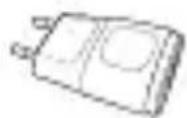
natural_image
Illustration of a closed book with abstract cover design (no readable text or symbols)
WCP-300 (Wireless Charger)
* Power Adapter
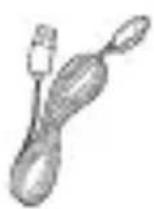
* USB Cable
card
User Manual WEEE CardWarr
* These items could be changed or excluded as it may chance.
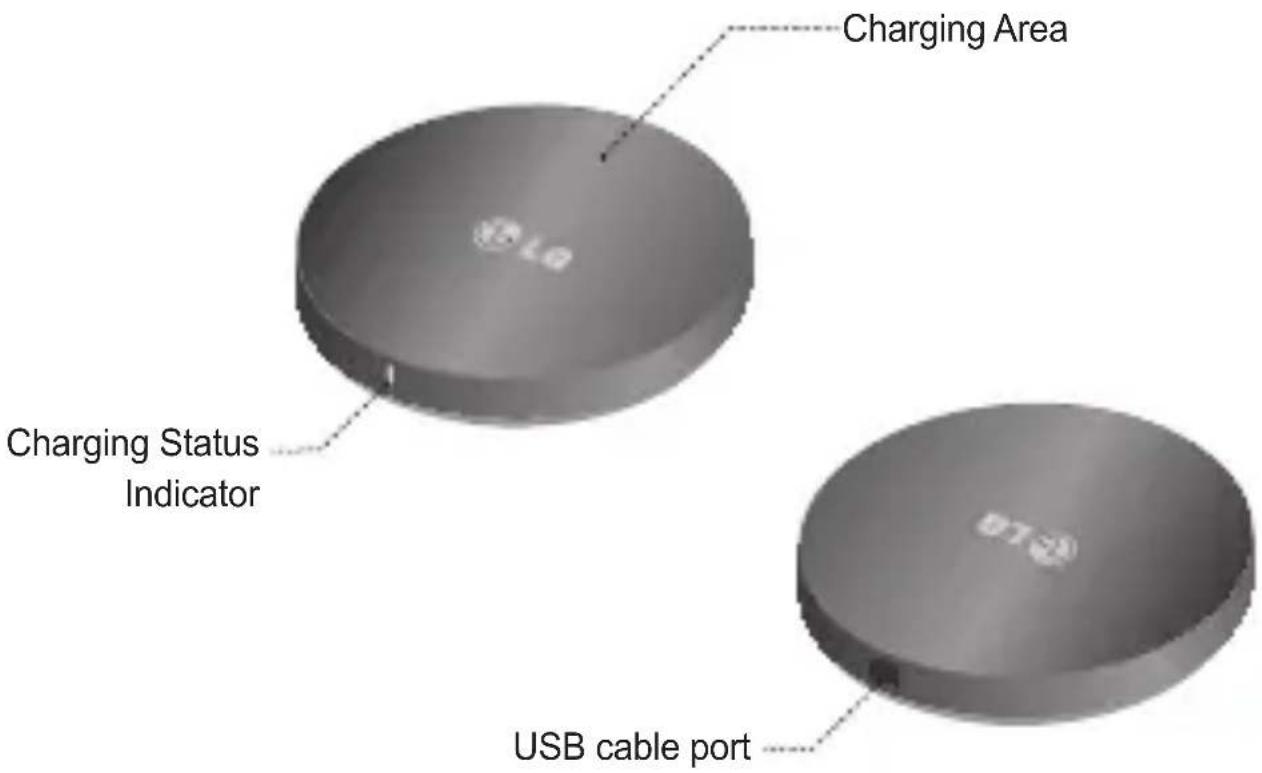
Description of Parts
How to Use
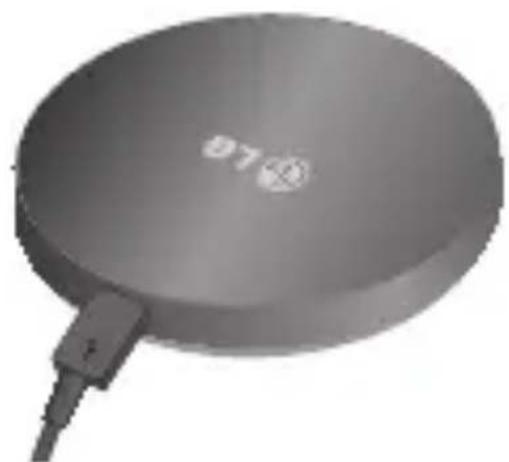
Setup
natural_image
Exterior view of a circular electronic device with a cable and indicator lights (no text or symbols visible)- Connect the USB cable to the power adapter and plug it into an electrical socket.
Charging
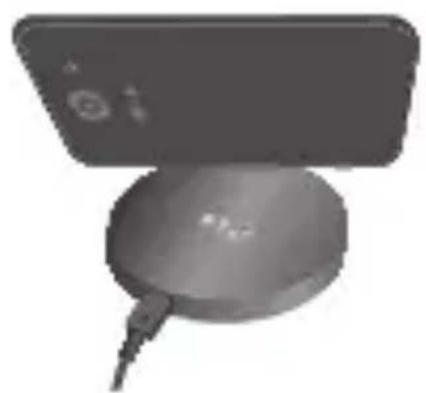
natural_image
Close-up of a handheld electronic device with a circular base and cable (no visible text or symbols)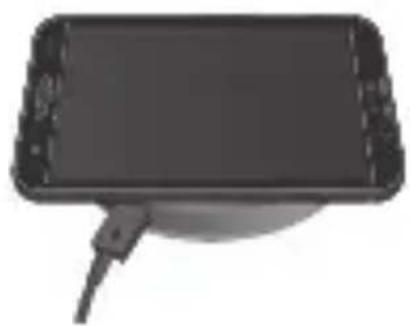
natural_image
Illustration of a black rectangular device with a cable inserted, no visible text or symbols- Make sure the USB cable and power adapter are connected and plugged into a electrical socket.
- Place the device on the wireless charging pad.
NOTE: Make sure that the battery compartment (The center of the phone) is directly on the wireless charging pad. Otherwise, the device will not charge.
NOTE: The WCP-300 is compatible with all QI certified devices.
Charging Indicator
| Function W | CP-300 Status LED color | |
| Operating | Power supply disconnected OffPower supply connected Solid Amber | |
| Charging | Charging Flickering GreenCharging complete Solid Green |
Precautions
- Do not drop the Wireless Charging Pad from high places.
- Do not modify, repair, or take the Wireless Charging Pad apart.
- Do not clean with water alcohol or benzene.
- Keep the Wireless Charging Pad away from humidity and dust.
- Do not place heavy objects on the Wireless Charging Pad.
- Do not place sharp objects near or on the Wireless Charging Pad.
- Keep Wireless Charging Pad away from any liquids, moisture or creams.
- Changes or modifications not expressly approved by the party responsible for compliance could void the user's authority to operate the equipment.
| Item Description | |
| Input / Output DC 5V, 1800mA / DC 5V, 1000mA | |
| Charging time < 4 hours (Based on 1500mAh Battery) | |
| Operation temperature -10°C ~ 60°C | |
| Dimension Φ 69.8mm(Dia.) X 11.9mm(H), 62g | |
Declaration of Conformity
FCC NOTICE TO USERS: This device complies with part 15 of the FCC rules.
Operation is subject to the following two conditions:
(1) This device may not cause harmful interference and
(2) This device must accept any interference received, including interference that may cause undesired operation.
NOTE: This equipment has been tested and found to comply with the limits for a Class B digital device, pursuant to part 15 of the FCC Rules. These limits are designed to provide reasonable protection against harmful interference in a residential installation. This equipment generates, uses and can radiate radio frequency energy and, if not installed and used in accordance with the instructions, may cause harmful interference to radio communications. However, there is no guarantee that interference will not occur in a particular installation. If this equipment does cause harmful interference to radio or television reception, which can be determined by turning the equipment off and on, the user is encouraged to try to correct the interference by one or more of the following measures:
- Reorient or relocate the receiving antenna.
- Increase the separation between the equipment and receiver.
- Connect the equipment into an outlet on a circuit different from that to which the receiver is connected.
- Consult the dealer or an experienced radio/TV technician for help.
FCC ID: BEJWCP300
C€1177
Declaration of Conformity
Hereby, LG Electronics European Shared Service Center B.V., declares that this Wireless-charger WCP-300 is compliant with the essential requirements and other relevant provisions of Directive 1999/5/EC. The complete Declaration of Conformity may be requested through the following postal address:
LG Electronics European Shared Service Center B.V.
European Standard Team
Krijgsman 1
1186 DM Amstelveen
The Netherlands
or can be requested at our dedicated DoC email for Europe :
doc-admin@lge.com
Safety Instructions

WARNING: Failure to follow the instructions may cause serious injury and even death.

CAUTION: Failure to follow the instructions may cause injury to persons or damage to the product.
- Read the owner's manual carefully and keep it to hand.
- When disconnecting the power adapter, always remove with the plug, do not pull the wire by itself.
- Never handle the power adapter with wet hands, as this could cause fire or electric shock.
- Refer servicing to qualified personnel only.
- Do not open the housing
- Do not twist or pinch the USB cable while connected to the power adapter. If the USB cable or power adapter need to be replaced, ensure that they comply with the manufacturer's recommendation.
- Unplug the device during lighting storms and when unused for extended periods of time.
When using an electrical device, especially when children are present, basic safety precautions should always be followed, including the following:
DANGER to reduce the risk of electric shock
- Always unplug the device from the electrical outlet before cleaning.
- Do not reach for a device that has fallen into water. Unplug it immediately.
- Do not place or store device where it can fall or be pulled into a tub or sink.
- Do not place in or drop into water or other liquid.
WARNING to reduce the risk of burns, fire, electric shock or injury to persons
- Do not use with extension cord.
- Children should be closely supervised to ensure that they do not play with the device.
- Use this device only for its intended use as described in this manual. Do not use with unauthorized accessories of devices.
- Never operate this device if it has a damaged cord, plug, cable or housing. If it is not working properly, if it has been dropped or damaged, return it to the LG Service Center for examination and repair.
- Keep cord away from heated surfaces.
- This device is designed for indoor use only. Do not use outdoors.
- Only set on dry surfaces. Do not place on surface wet from water or cleaning solvents.
- Please do not put any metal substance like coin when charging. It can cause product damage and serious burns.
MEMO
LG Electronics Inc
Trådlös laddningsplatta
WCP-300 Användarhandbok
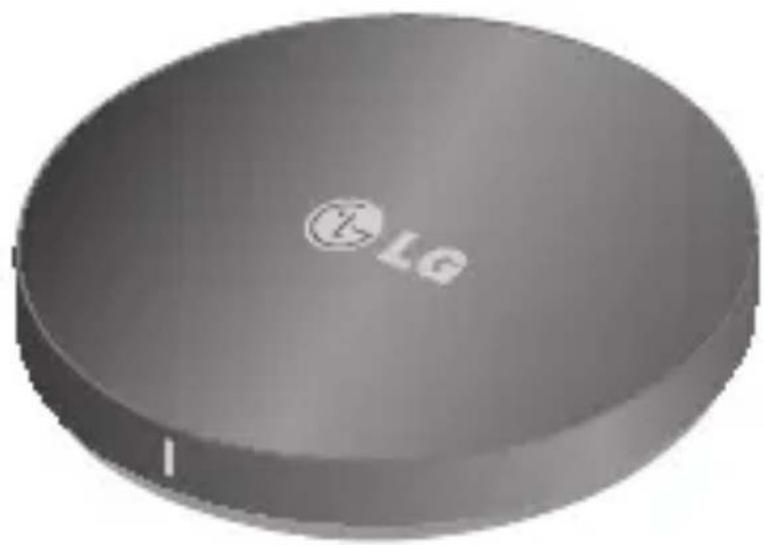
natural_image
Circular gray object with a logo and 'LG' mark, no visible text or symbols on the body.Med ensamrätt.
LG Electronics Inc., 25 juli 2014
Obs! Läs all information noga innan du använder WPC-300, så får du bästa prestanda och undviker skador på WPC-300.
Ändringar i den här handboken på grund av tryckfel eller faktafel får endast utföras av LG Electronics Inc.
Förpackningens innehåll
natural_image
Circular metallic object with a small white mark on top (no visible text or symbols)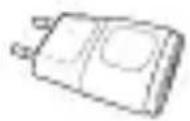
natural_image
Illustration of a closed book with abstract geometric shapes and text (no readable symbols or text)
WCP-300 (Trådlös laddare)
*Ströma- dapter
*USB-kabel
tikort
Användarhand- bok
WEEE-kortGara
* Dessa objekt kan ändras eller uteslutas.
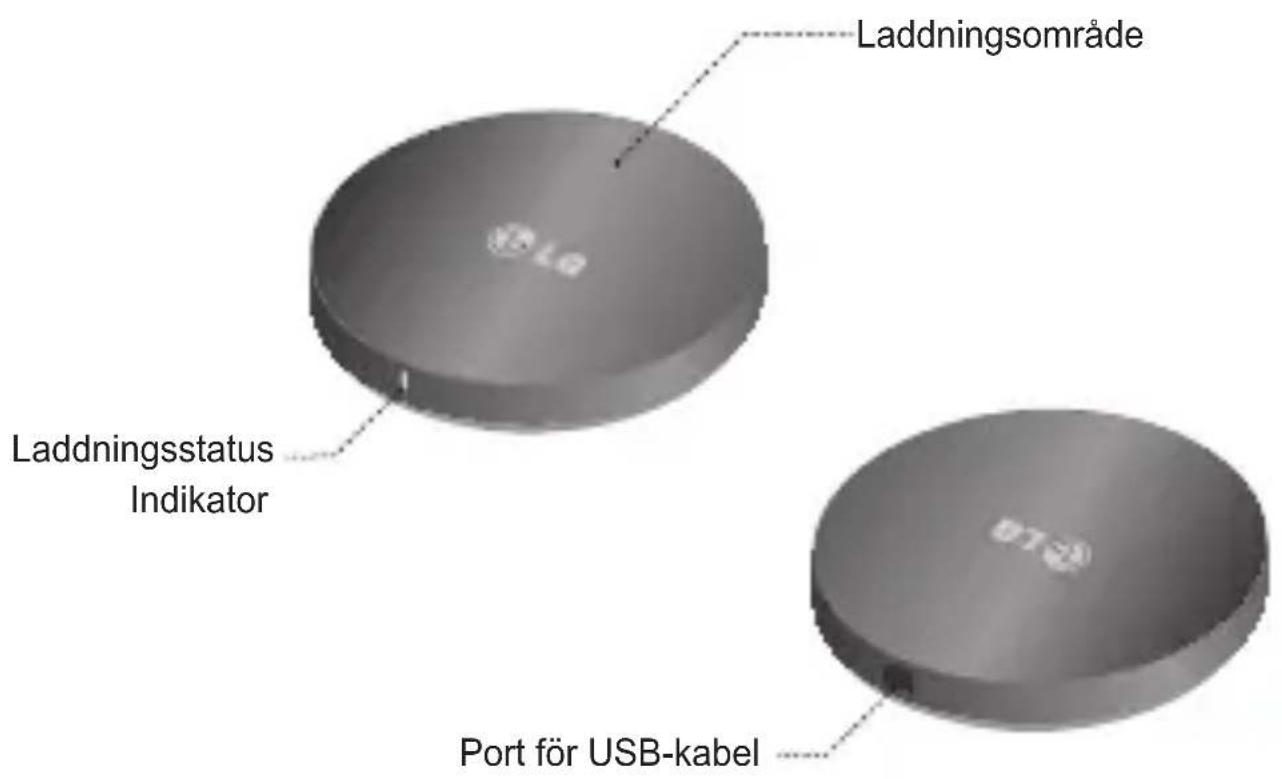
Beskrivning av delar
Användning
Konfiguration
natural_image
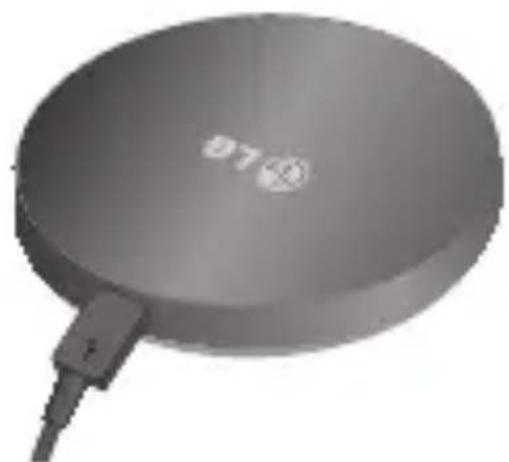
Exterior view of a circular electronic device with a cable and indicator lights (no text or symbols visible)- Anslut USB-kabeln till strömadaptern och anslut den till ett eluttag.
Laddning
natural_image
Close-up of a handheld electronic device with a circular base and cable (no visible text or symbols)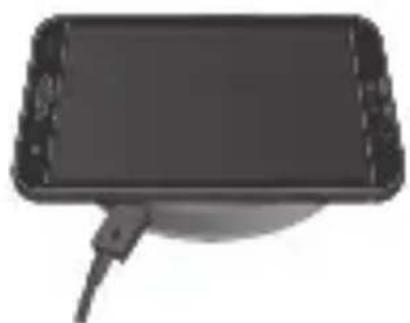
natural_image
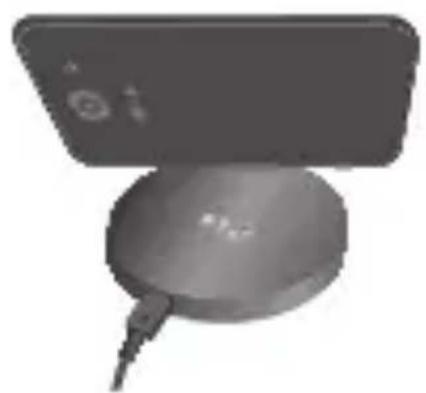
Top-down view of a black rectangular device with a cable attached (no visible text or symbols)- Kontrollera att USB-kabeln och strömadaptern sitter i och är anslutna till ett eluttag.
- Placera enheten på den trådlösa laddningsplattan.
OBS! Kontrollera att batterifacket (mitt på telefonen) ligger direkt mot den trådlösa laddningsplattan. Annars laddas enheten inte.
OBS! WCP-300 kan användas med alla QI-certifierade enheter.
Laddningsindikator
| Funktion | WCP-300-indikatorlampa färg | |
| I drift | Strömförsörjning bortkopplad Off (av)Strömförsörjning ansluten Fast gult sken | |
| Laddning | Laddning Blinkande grönt skenLaddning slutförd Fast grönt sken | |
Säkerhetsåtgärder
– Undvik att tappa den trådlösa laddningsplattan från hög höjd.
– Du får inte ändra, reparera eller ta isär den trådlösa laddningsplattan.
– Rengör den inte med vatten, alkohol eller bensen.
– Utsätt inte den trådlösa laddningsplattan för fukt eller damm.
– Placera inga tunga föremål på den trådlösa laddningsplattan.
– Placera inga vassa föremål nära eller på den trådlösa laddningsplattan.
- Utsätt inte den trådlösa laddningsplattan för någon typ av vätska, fukt eller krämer.
- Ändringar eller modifikationer som inte uttryckligen tillåts av den part som ansvarar för regelefterlevnad kan göra att användarens rätt att bruka utrustningen upphör att gälla.
| Produktdel Beskrivning |
| Ineffekt/uteffekt DC 5 V, 1 800 mA/DC 5 V, 1 000 mA |
| Laddningstid < 4 timmar (baserat på 1 500 mAh-batteri) |
| Drifttemperatur -10 °C ~ 60 °C |
| Mått Φ 69,8 mm (dia.) x 11,9 mm (H), 62 g |
Regelefterlevnad
FCC-MEDDELANDE TILL ANVÄNDARE: Den här enheten uppfyller artikel 15 i FCC-reglerna.
Användningen är underkastad följande två villkor:
(1) Enheten får inte orsaka skadliga störningar, och
(2) Enheten måste acceptera eventuell inkommande störning som kan orsaka att enheten inte fungerar normalt.
OBS! Den här utrustningen har testats och uppfyller kraven för klass B-digitalenheter, och uppfyller artikel 15 av FCC-reglerna. De här kraven har utformats för att ge tillräckligt skydd mot skadliga störningar i bostadsinstallationer. Den här utrustningen skapar, använder och kan utstråla radiofrekvensenergi. Om den inte installeras eller används i enlighet med instruktionerna kan det orsaka skadlig störning på radiokommunikationer. Men det finns inga garantier för att störningar inte sker i en viss installation. Om den här utrustningen skulle orsaka skadliga störningar på radio- och tv-mottagning, vilket kan fastställas genom att man slår på och av utrustningen, bör användaren försöka korrigera störningen genom en eller flera av följande åtgärder:
– Rikta om eller flytta mottagarantennen.
– Öka avståndet mellan utrustningen och mottagaren.
- Anslut utrustningen till ett annat uttag än den där mottagaren är ansluten.
– Be din återförsäljare eller en erfaren radio/tv-tekniker om hjälp.
FCC ID: BEJWCP300
C€1177
Regelefterlevnad
Härmed intygar LG Electronics European Shared Service Center B.V. att den trådlösa WCP-300-laddaren uppfyller gällande regler och andra relevanta delar av direktiv 1999/5/EC. En fullständig försäkran om överensstämmelse kan beställas från följande adress:
LG Electronics European Shared Service Center B.V.
European Standard Team
Krijgsman 1
1186 DM Amstelveen
The Netherlands
eller via vår DoC-e-post för Europa på adressen:
doc-admin@lge.com
Säkerhetsföreskrifter

WARNING: Följs inte instruktionerna kan det leda till allvarliga skador och till och med dödsfall.

WARNING: Följs inte instruktionerna kan det leda till person- eller produktskador.
- Läs användarhandboken noggrant och ha den nära till hands.
- När du kopplar bort strömadaptern ska du alltid hålla i kontakten, inte i själva sladden.
- Ta aldrig i strömadaptern med blöta händer – det kan orsaka brand och elektriska stötar.
– Låt endast kvalificerad personal utföra service.
– Öppna inte höljet. - Se till att inte vrida eller klämma USB-kabeln när den är ansluten till strömadaptern. Om du behöver byta ut USB-kabeln eller strömadaptern bör du se till att följa tillverkarens rekommendation.
- Dra ur enhetens strömkabel under åskväder och när enheten inte ska användas under en längre tid.
När du använder en elektrisk enhet, i synnerhet när barn finns i närheten, bör du vidta grundläggande försiktighetsåtgärder, bland annat följande:
FARA: Minska risken för elstötar
– Dra alltid ur strömkabeln innan du rengör enheten.
- Försök inte plocka upp en enhet som fallit ner i vatten. Koppla ur den omedelbart.
- Undvik att ställa eller förvara enheten så att den kan falla eller dras ned i ett badkar, handfat eller en diskho.
– Undvik att lägga eller tappa enheten i vatten eller annan vätska.
WARNING: Minska risken för brännskador, brand, elstötar och person-skador
- Använd inte enheten med förlängningssladd.
– Håll noggrann uppsikt över barn så att de inte leker med enheten. - Använd bara enheten till det avsedda syftet enligt den här handboken. Använd enheten enbart med godkända tillbehör och enheter.
- Använd inte enheten om det finns skador på sladd, kontakt, kabel eller skal. Om enheten inte fungerar som den ska eller om den har tappats eller skadats kan du lämna in den till LG:s servicecenter för undersökning och reparation.
– Håll sladdar borta från varma ytor.
– Enheten är endast avsedd för inomhusbruk. Använd den inte utomhus. - Ställ den bara på torra ytor. Placera den inte på ytor som är blöta av vatten eller rengöringsmedel.
- Placera inga metallföremål, t.ex. mynt, på enheten under laddning. Det kan orsaka skador på produkten och allvarliga brännskador.
MEMO
- LG Electronics, Inc
- Wireless Charging Pad
- WCP-300 User Manual
- Included in the Package
- Description of Parts
- How to Use
- Setup
- Charging
- Charging Indicator
- Precautions
- Declaration of Conformity
- Safety Instructions
- DANGER to reduce the risk of electric shock
- WARNING to reduce the risk of burns, fire, electric shock or injury to persons
- MEMO
- LG Electronics Inc
- Trådlös laddningsplatta
- WCP-300 Användarhandbok
- Förpackningens innehåll
- Beskrivning av delar
- Användning
- Konfiguration
- Laddning
- Laddningsindikator
- Säkerhetsåtgärder
- Regelefterlevnad
- Säkerhetsföreskrifter
- FARA: Minska risken för elstötar
- WARNING: Minska risken för brännskador, brand, elstötar och person-skador
Marque : LG
Modèle : WCP-300
Catégorie : Chargeur sans fil