
WFT6142I - INSTALLATION - Routeur sans fil THOMSON - Notice d'utilisation et mode d'emploi gratuit
Retrouvez gratuitement la notice de l'appareil WFT6142I - INSTALLATION THOMSON au format PDF.


| Type de produit | Routeur sans fil |
| Marque | THOMSON |
| Modèle | WFT6142I |
| Norme Wi-Fi | Wi-Fi 4 (802.11n) |
| Bandes de fréquence | 2,4 GHz |
| Débit maximal théorique | 300 Mbps |
| Ports LAN | 4 ports Ethernet 10/100/1000 |
| Port WAN | 1 port RJ45 |
| Antennes | 2 antennes externes fixes |
| Sécurité sans fil | WEP, WPA, WPA2-PSK, WPS |
| Alimentation | Adaptateur secteur 12V/1A |
| Dimensions (L x P x H) | 200 x 150 x 50 mm |
| Poids | 300 g |
| Indicateurs LED | Alimentation, Wi-Fi, WAN, LAN |
| Interface de gestion | Web (HTTP/HTTPS) |
| Configuration requise | Navigateur web, connexion Internet |
| Température de fonctionnement | 0°C à 40°C |
| Humidité de fonctionnement | 10% à 90% sans condensation |
FOIRE AUX QUESTIONS - WFT6142I - INSTALLATION THOMSON
Questions des utilisateurs sur WFT6142I - INSTALLATION THOMSON
0 question sur cet appareil. Repondez a celles que vous connaissez ou posez la votre.
Poser une nouvelle question sur cet appareil
Téléchargez la notice de votre Routeur sans fil au format PDF gratuitement ! Retrouvez votre notice WFT6142I - INSTALLATION - THOMSON et reprennez votre appareil électronique en main. Sur cette page sont publiés tous les documents nécessaires à l'utilisation de votre appareil WFT6142I - INSTALLATION de la marque THOMSON.
MODE D'EMPLOI WFT6142I - INSTALLATION THOMSON
GUIDE D'INSTALLATION
INSTALLATIONS- UND BETRIEBSANLEITUNG
INSTRUCTIONS FOR USE
Lave-Linge
Waschmaschine
Washing machine
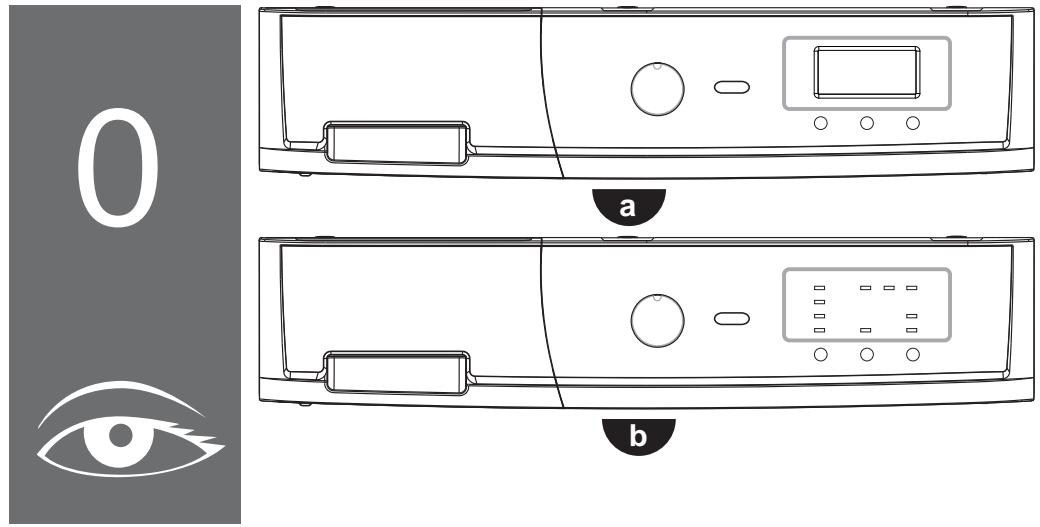
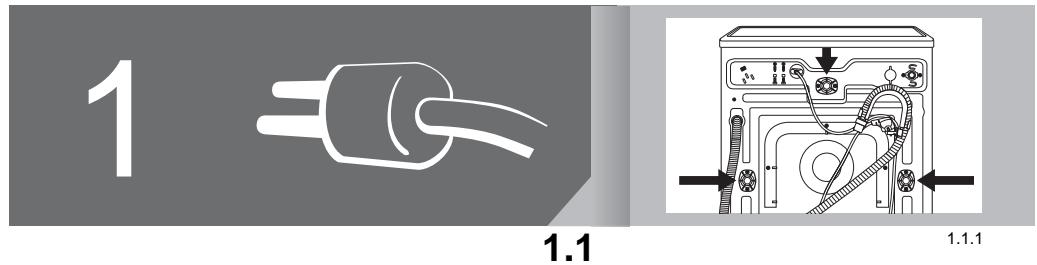
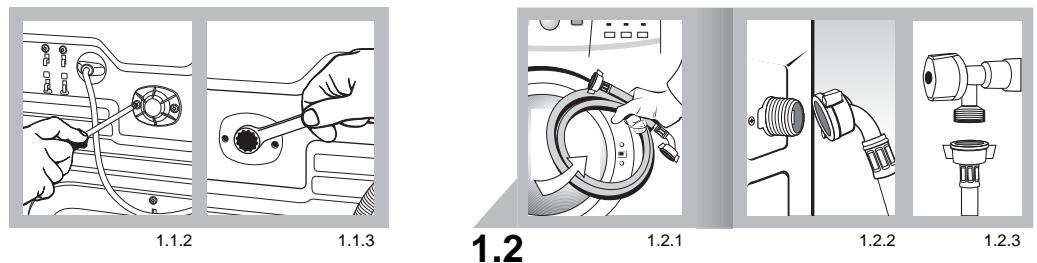
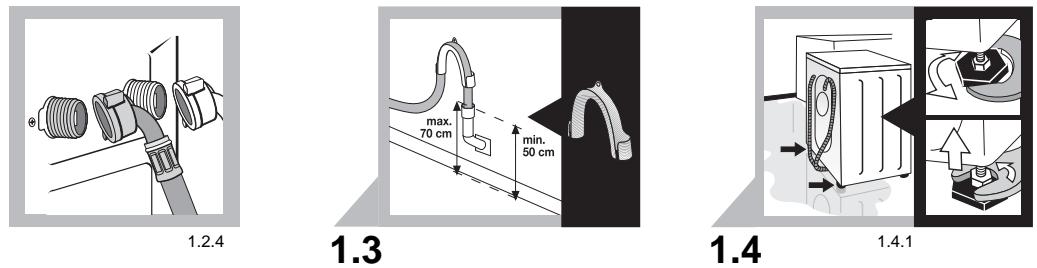
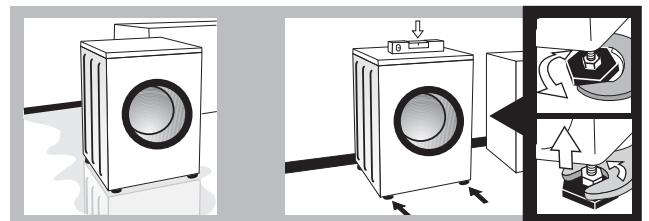
natural_image
Illustration of a washing machine with a control panel and mechanical components (no text or symbols)1.4.2

1.5
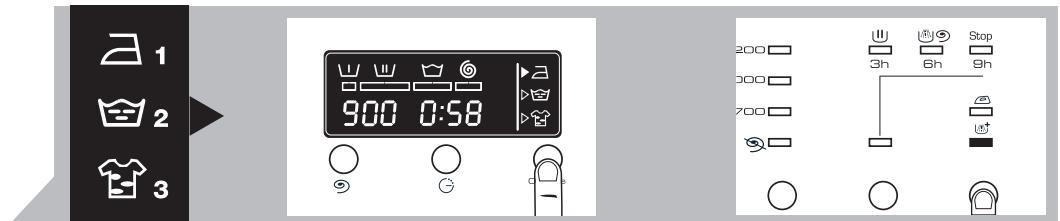
2.6
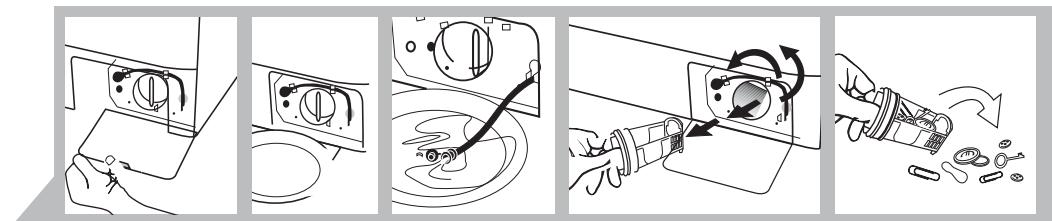
3.2

2.1
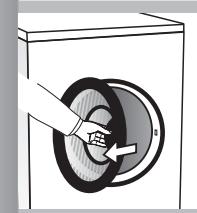
natural_image
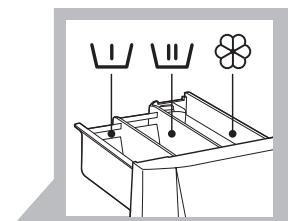
Simple line drawing of a kitchen appliance with three labeled items (cabbage, pepper, flower) and no text or symbols2.2
natural_image
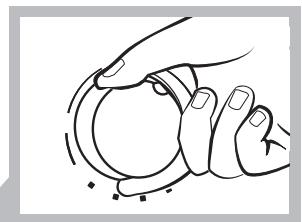
Line drawing of two hands holding a circular object, no text or symbols present2.3
natural_image
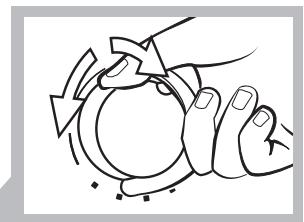
Line drawing of hands holding a circular object with arrows indicating motion (no text or symbols)2.4
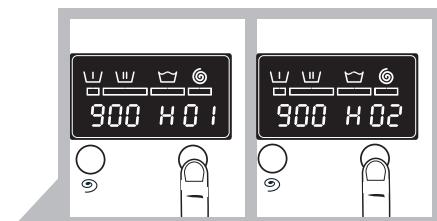
2.7
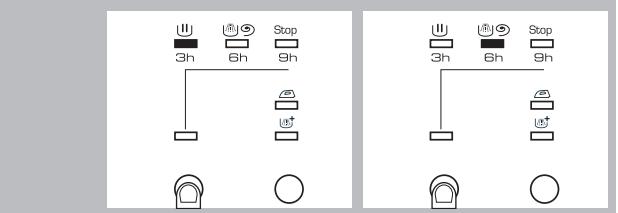
b

4.1
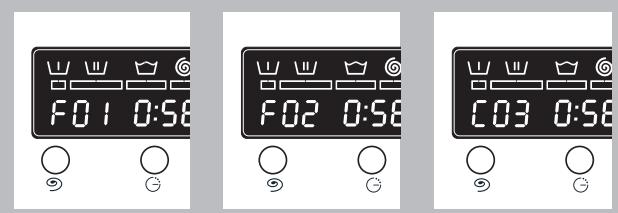
4.1.1
4.1.
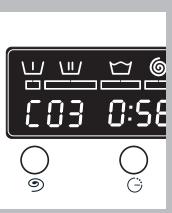
4.1.3
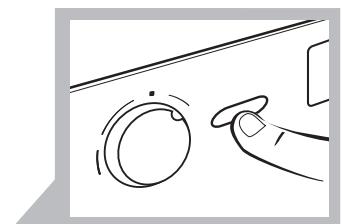
natural_image
Line drawing of a hand pressing a button on a circular knob (no text or symbols)2.8
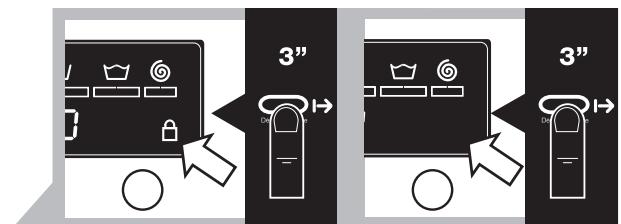
2.9
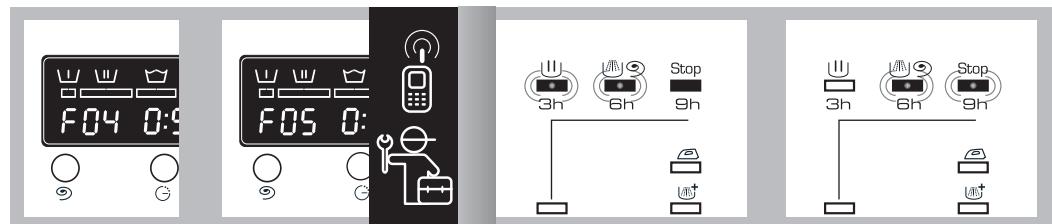
4.1.4
b
4.1.1
[Non-Text]
4.1.2
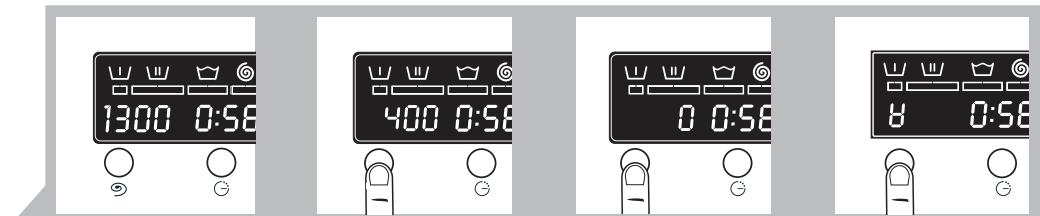
2.5
a
2.5.1
The Ground Truth image displays a single, solid horizontal line. According to Rule 2 (UNDERSCORE & LINE RULES), this is a stylistic or background line, not a placeholder underscore. Therefore, the OCR result must ignore it and output nothing or only meaningful text. The provided OCR content is "____", which consists of four underscores. This is an incorrect interpretation of the line as a placeholder, violating the rule that stylistic lines must be ignored. The OCR has hallucinated underscores where none should exist based on the GT's visual context. Hence, the OCR result is inconsistent with the Ground Truth.
The Ground Truth image displays a single, solid horizontal line. According to Rule 2 (UNDERSCORE & LINE RULES), this is a stylistic or background line, not a placeholder underscore. Therefore, the OCR result must ignore it and output nothing or only meaningful text. The provided OCR content is "____", which consists of four underscores. This is an incorrect interpretation of the line as a placeholder, violating the rule that stylistic lines must be ignored. The OCR has hallucinated underscores where none should exist based on the GT's visual context. Hence, the OCR result is inconsistent with the Ground Truth.
2.5.2
The Ground Truth image displays a single, solid horizontal line. According to Rule 2 (UNDERSCORE & LINE RULES), this is a stylistic or background line, not a placeholder underscore. Therefore, the OCR result must ignore it and output nothing or only meaningful text. The provided OCR content is "____", which consists of four underscores. This is an incorrect interpretation of the line as a placeholder, violating the rule that stylistic lines must be ignored. The OCR has hallucinated underscores where none should exist based on the GT's visual context. Hence, the OCR result is inconsistent with the Ground Truth.
2.5.
The Ground Truth image displays a single, solid horizontal line. According to Rule 2 (UNDERSCORE & LINE RULES), this is a stylistic or background line, not a placeholder underscore. Therefore, the OCR result must ignore it and output nothing or only meaningful text. The provided OCR content is "____", which consists of four underscores. This is an incorrect interpretation of the line as a placeholder, violating the rule that stylistic lines must be ignored. The OCR has hallucinated underscores where none should exist based on the GT's visual context. Hence, the OCR result is inconsistent with the Ground Truth.
2.5.4
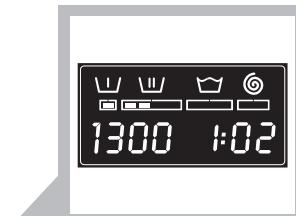
2.1
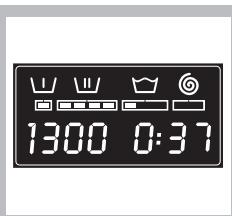
2.10.1
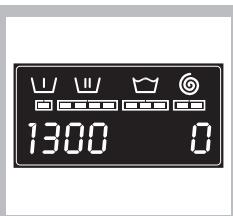
2.10.2
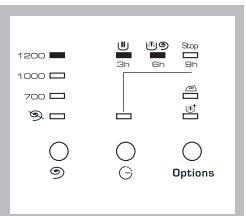
2.10.3
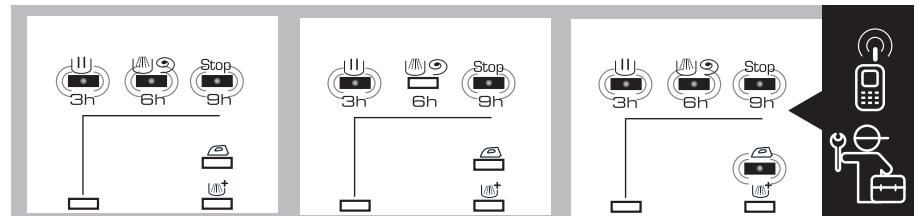
4.1.3
4.1.4
[Non-Text]
[Non-Text]
4.1.5
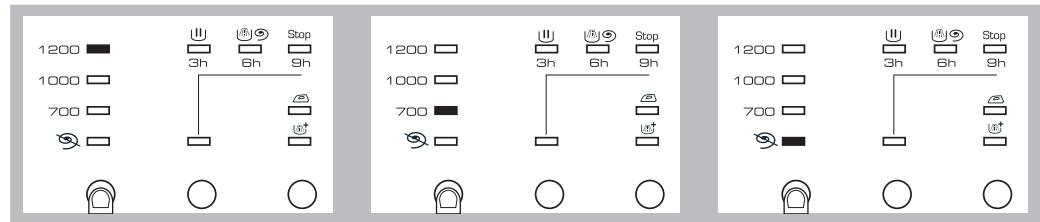
2.5.1
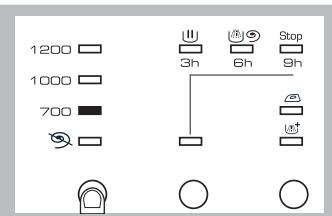
2.5.2
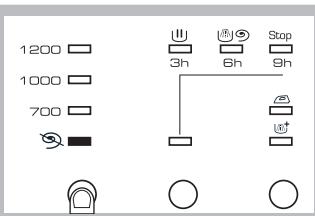

3.1
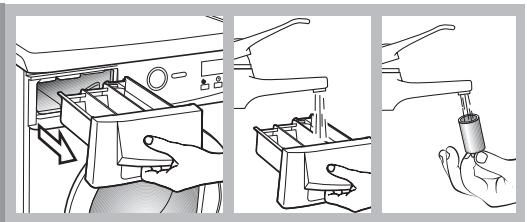
natural_image
Three-step diagram showing a hand inserting a plastic bottle into a washing machine, with no text or symbols present.3.1.1
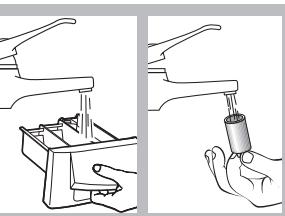
natural_image
Illustration showing two hand positions: one with a handle and the other holding a cylindrical object (no text or symbols present)3.1.2

natural_image
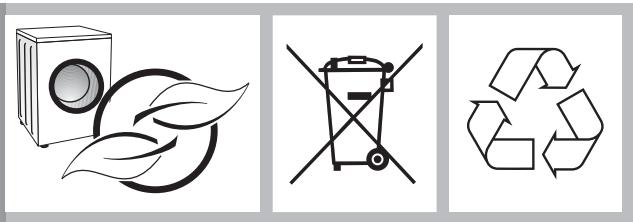
Three symbolic icons: a washing machine with leaf, a recycling bin with no waste, and a recycling symbol (no text or labels)
Marque : THOMSON
Modèle : WFT6142I - INSTALLATION
Catégorie : Routeur sans fil