XMP6200 - Lecteur multimédia Iadea - Notice d'utilisation et mode d'emploi gratuit
Retrouvez gratuitement la notice de l'appareil XMP6200 Iadea au format PDF.


| Type de produit | Lecteur multimédia |
| Marque | Iadea |
| Modèle | XMP6200 |
| Dimensions | 167 x 118,8 x 24,5 mm |
| Poids | 275 g |
| Alimentation | 12V 1,5A DC, adaptateur secteur fourni |
| Consommation électrique | 6 W en moyenne |
| Formats vidéo supportés | H.264, VC-1, MPEG-4 ASP, MPEG-2 (jusqu'à 1080p, 10 Mbps) |
| Formats image supportés | JPEG, PNG (jusqu'à 1920x1080) |
| Codecs audio | MP3 jusqu'à 320 Kbps |
| Stockage interne | 8 Go de mémoire flash |
| Stockage extensible | Lecteur de carte Micro SD |
| Connectiques | HDMI 1.4, USB 2.0 x2, Ethernet RJ45, prise antenne Wi-Fi, Micro USB (ADB), lecteur Micro SD |
| Montage | VESA MIS-D100 (100x100 mm) ou velcro fourni |
| Contenu de l'emballage | Lecteur, adaptateur secteur, antenne Wi-Fi, câble HDMI, velcro (2 paires) |
| Accessoire requis non inclus | Souris USB pour la configuration |
| Température de fonctionnement | 0 à 45 °C |
| Humidité de fonctionnement | 10 à 85 % sans condensation |
| Certifications | CE, FCC, VCCI, TELEC, CCC, IC |
| Garantie | Un an limitée pièces et main-d'œuvre |
| Fonctions dynamiques | W3C HTML5, SMIL 3.0 (sous-ensemble) |
| Nettoyage et entretien | Débrancher l'appareil. Nettoyer avec un chiffon doux et sec. Ne pas utiliser de liquides. |
| Sécurité | Utiliser uniquement l'adaptateur fourni. Ne pas exposer à l'eau ou à l'humidité. Ne pas ouvrir l'appareil. |
| Pièces détachées et réparabilité | Contacter le service client Iadea pour toute réparation ou pièce. |
FOIRE AUX QUESTIONS - XMP6200 Iadea
Questions des utilisateurs sur XMP6200 Iadea
0 question sur cet appareil. Repondez a celles que vous connaissez ou posez la votre.
Poser une nouvelle question sur cet appareil
Téléchargez la notice de votre Lecteur multimédia au format PDF gratuitement ! Retrouvez votre notice XMP6200 - Iadea et reprennez votre appareil électronique en main. Sur cette page sont publiés tous les documents nécessaires à l'utilisation de votre appareil XMP6200 de la marque Iadea.
MODE D'EMPLOI XMP6200 Iadea
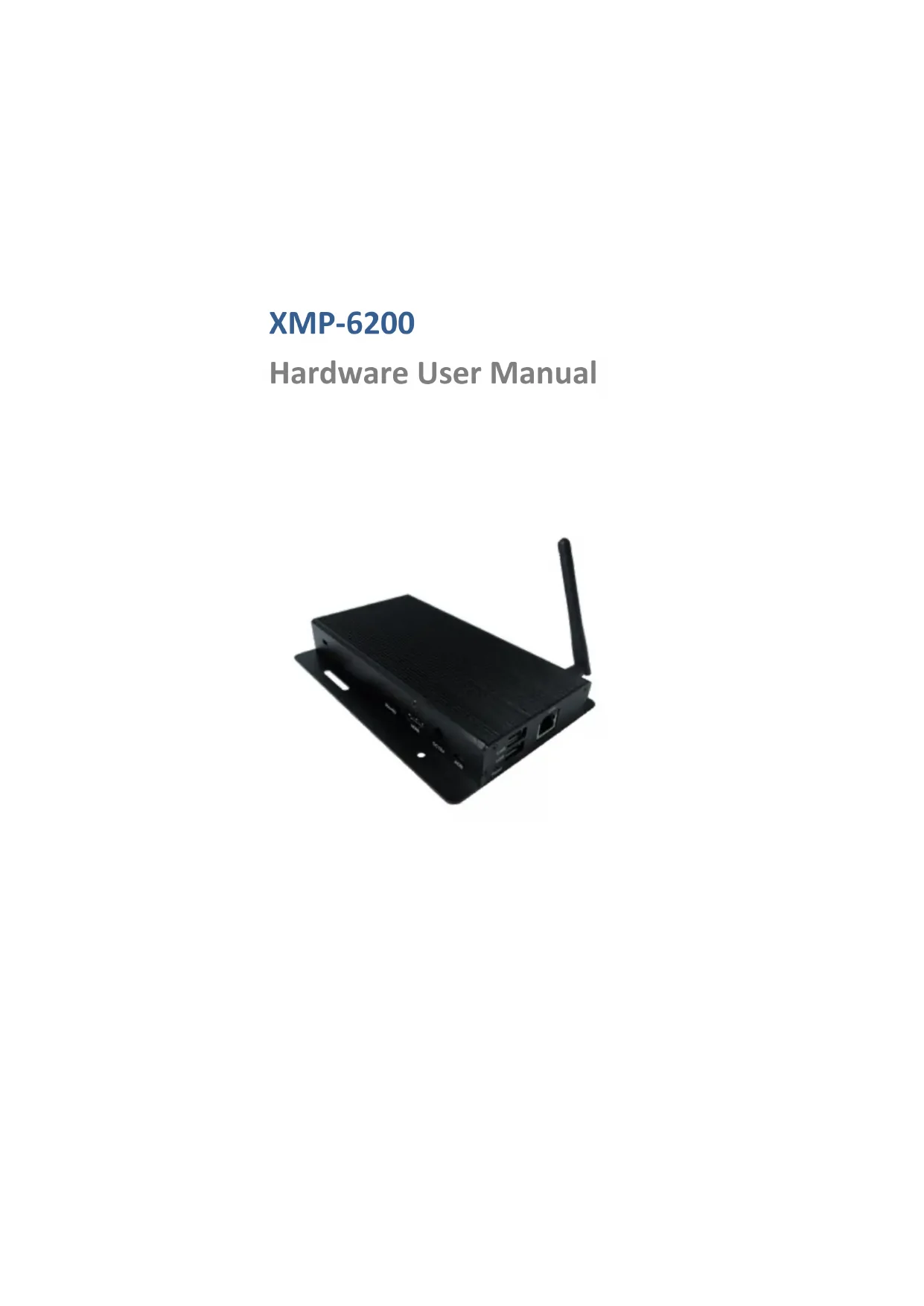
XMP-6200
Hardware User Manual

Contents
1. Introduction 1
1.1. Package contents 1
1.2. Installation 1
1.3.Physical view 2
2. Technical Data 3
2.1. Specifications 3
1. Introduction
This document describes the hardware of the XMP-6200.
1.1. Package contents

Media Player Unit
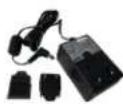
AC Adapter (with select power plug)

Wireless Antenna

HDMI Cable

Velcro (2 sets)
NOT INCLUDED: A USB mouse is required for system setup
1.2. Installation
Attach wireless antenna
Attach the wireless antenna as shown below, and then screw antenna clockwise onto the post.

Mounting Option 1: [VESA Mount] The player can be attached to mounting posts on the back of screens with the built in VESA MIS-D100 (100mmx100mm) compatible mounting flange(screw thread : M4)

Bottom view
Mounting Option 2: [Attach the player on the back of the monitor using Velcro]
- Separate the Velcro pads, and stick on the bottom of player as shown below.
![Iadea XMP6200 - Mounting Option 2: [Attach the player on the back of the monitor using Velcro] - 1](/content/2026/03/532153/images/029a79fc4332ae257ef657efe158975074d9d7ea7d3ade3f6ec50b5012cb6acd.jpg)
- Stick the other Velcro pad onto the back of monitor, and then attach the player to it. Use HDMI cable to connect player and the monitor.
![Iadea XMP6200 - Mounting Option 2: [Attach the player on the back of the monitor using Velcro] - 2](/content/2026/03/532153/images/36be5ea72eba3ce2e1eddc71cf27630db6abaf6c2e2d56a23f128101bc4872bb.jpg)
![Iadea XMP6200 - Mounting Option 2: [Attach the player on the back of the monitor using Velcro] - 3](/content/2026/03/532153/images/0e33ef74c701237fd5a906c96bd1888c04d0590f410df3adbe89d1ac4e3a9ebf.jpg)
1.3. Physical view


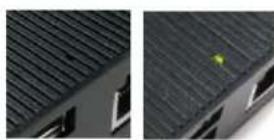
Physical features (left to right in above illustration)
- Reset button to perform factory reset
- USB ports for USB content update and configuration
- Power(green) and Status(orange) LED indicator
- Ethernet port for network content update
- Wireless antenna post
VESA mount
Kensington lock - Micro SD card slot
- HDMI port
DC input port - Micro USB for ADB, Android debug console port
2. Technical Data
2.1. Specifications
| XMP-6200 | |
| Video format support | H.264 (up to 1080p,10Mbps)VC-1 (up to 1080p,10Mbps)MPEG-4 ASP (up to 1080p,10Mbps)MPEG-2 (up to 1080p,10Mbps)POPAI Screen Media Standards : S6 to S12, E4,E7,E8 |
| Image format support | JPEG,PNG up to 1920x1080POPAI Screen Media Standards : S1 to S3, E1 to E3 |
| Audio codec support | MP3 up to 320KbpsPOPAI Screen Media Standards : S4, S5 |
| Dynamic content | W3C HTML5 (HTML, CSS, JavaScript)W3C SMIL 3.0 instructions (sub-set) |
| Physical I/O connectors | HDMI 1.4USB 2.0 x 2RJ45 Ethernet portWireless antenna portMicro USB for ADBMicro SD card slot |
| Local storage | 8 GB on-board flash memoryMicro SD card expansion slot |
| Accessories | AC adapter(UL/FCC/CE/CCC/C-Tick/VCCI certified power supplies)HDMI cableWireless antennaVelcro ( 2 sets ) |
| Power requirement | 12V 1.5A DC |
| Power consumption | Average 6 W |
| Environmental | Operating temperature: 0 - 45°C / 32 - 113° FHumidity: 10 - 85% @ 40°C / 32 - 104° F non-condensing |
| Dimensions | 167x118.8x24.5 mm ( 6.57x4.67x0.96 inches) |
| Weight | 275 g/0.61 lbs |
| Certifications | CE/FCC/VCCI/TELEC/CCC/IC |
| Warranty | One-year limited parts & labor |


- XMP-6200
- Hardware User Manual
- Contents
- Introduction 1
- Technical Data 3
- Introduction
- Package contents
- Installation
- Attach wireless antenna
- Mounting Option 2: [Attach the player on the back of the monitor using Velcro]
- Physical view
- Physical features (left to right in above illustration)
- Technical Data
- Specifications
Marque : Iadea
Modèle : XMP6200
Catégorie : Lecteur multimédia