K38240EU - Autres accessoires informatique KENSINGTON - Notice d'utilisation et mode d'emploi gratuit
Retrouvez gratuitement la notice de l'appareil K38240EU KENSINGTON au format PDF.


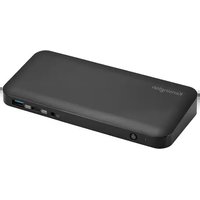
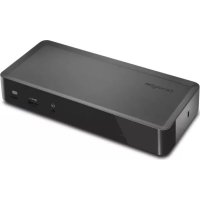
| Type de produit | Station d'accueil universelle |
| Modèle | K38240EU (SD4700P) |
| Marque | Kensington |
| Compatibilité système | Windows 10/7, macOS 10.13 ou ultérieur |
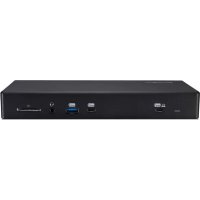
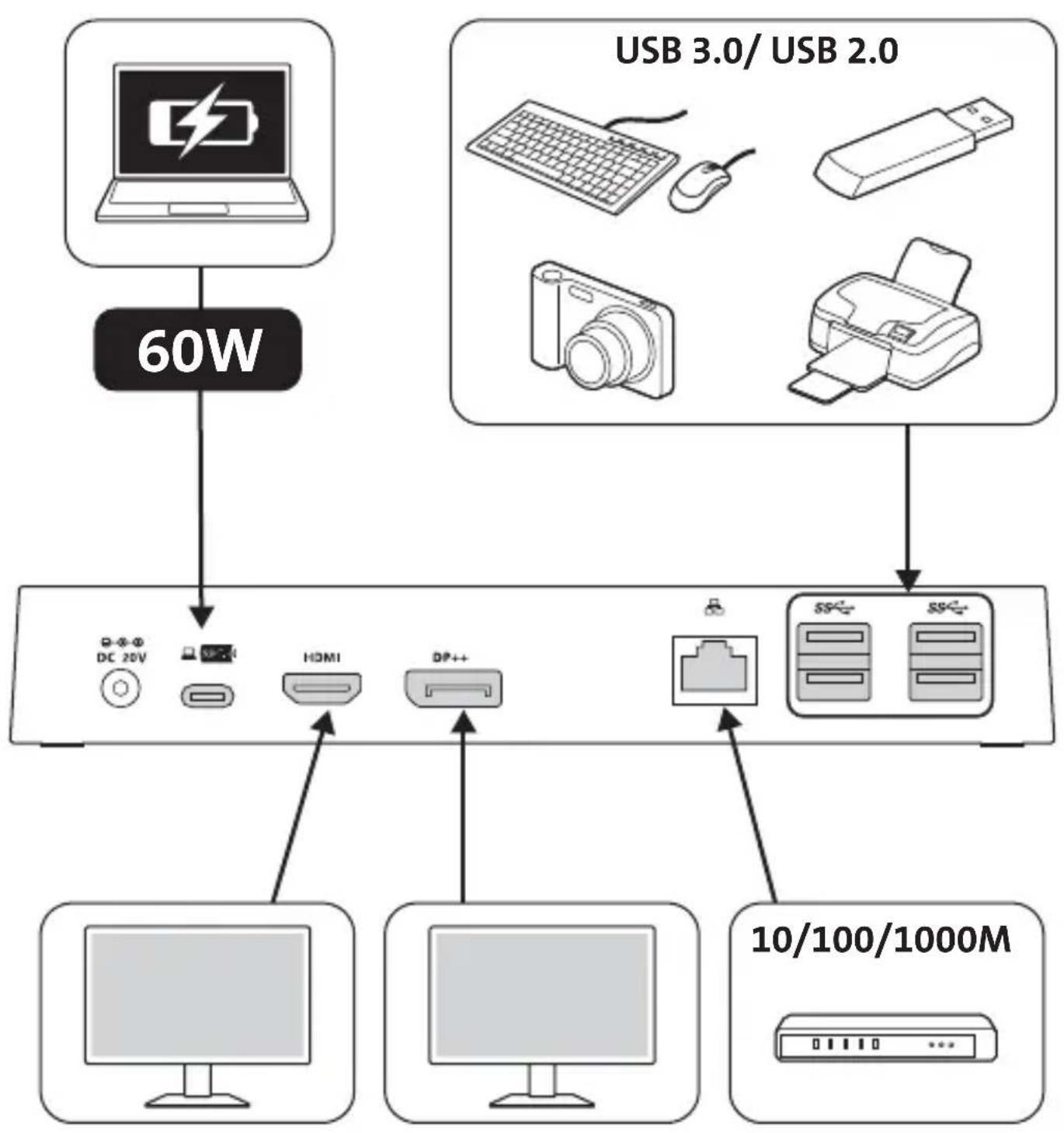
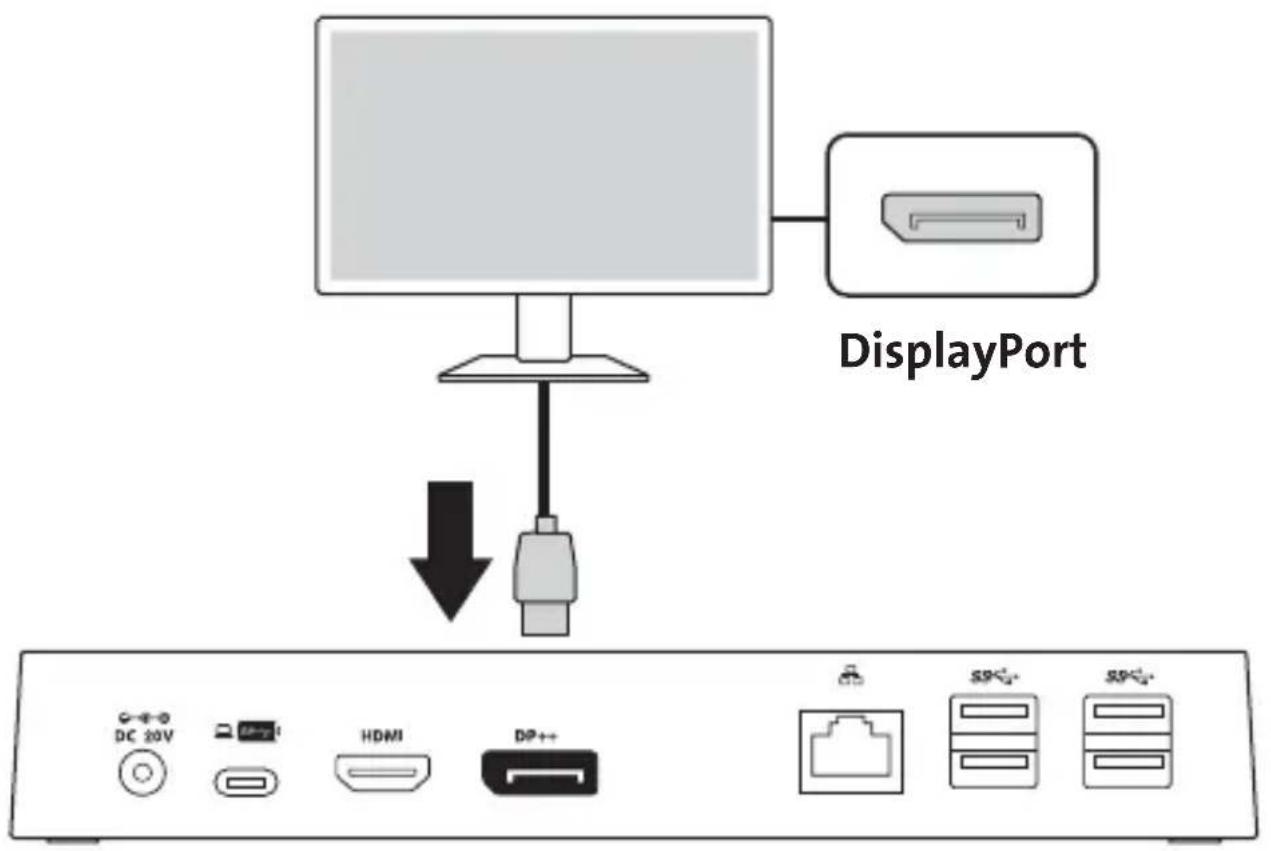
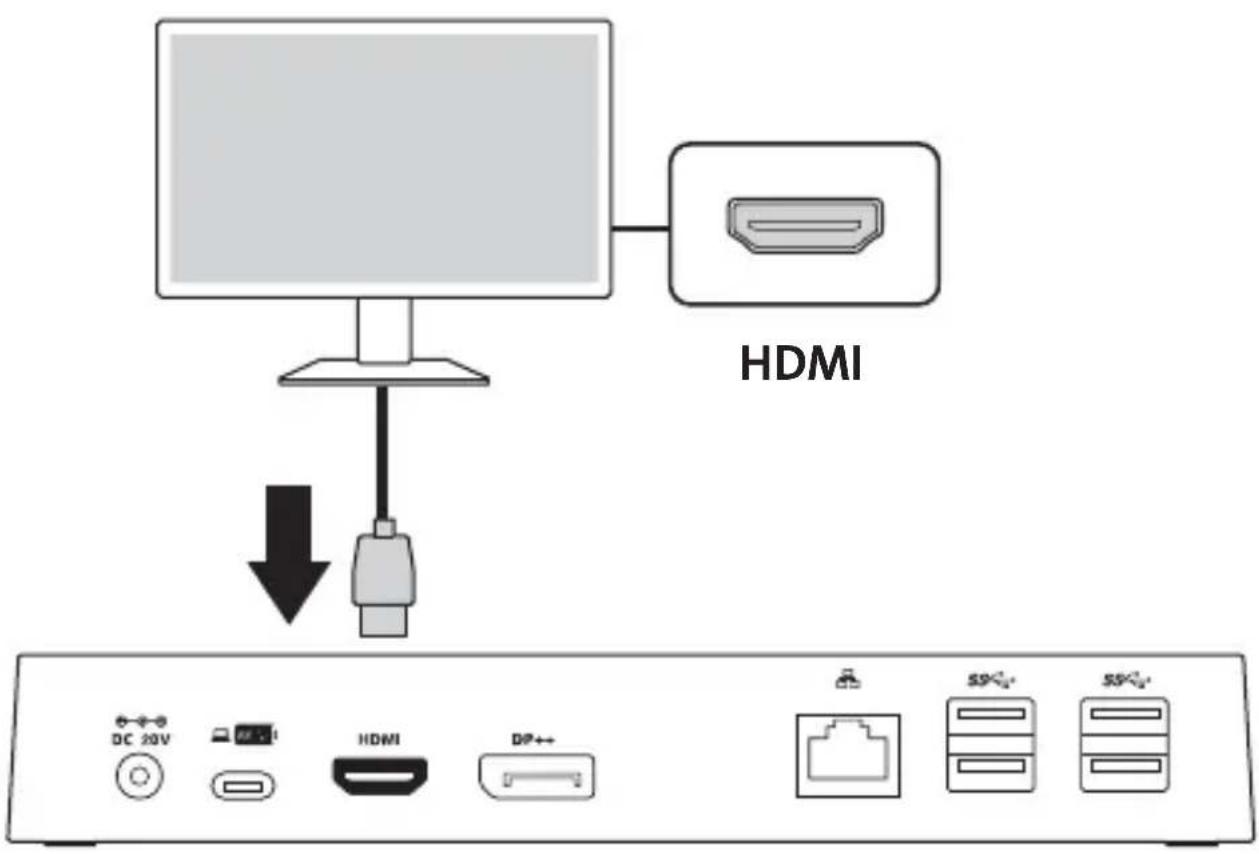
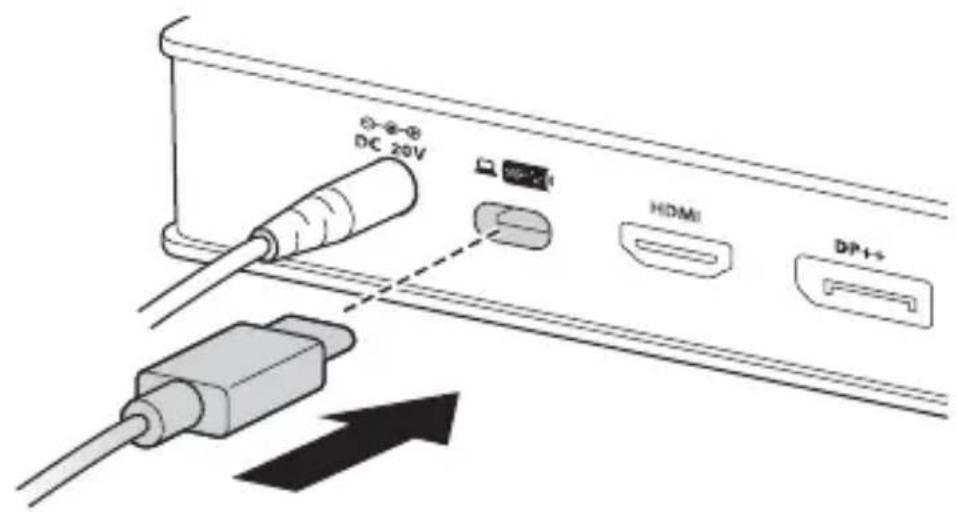
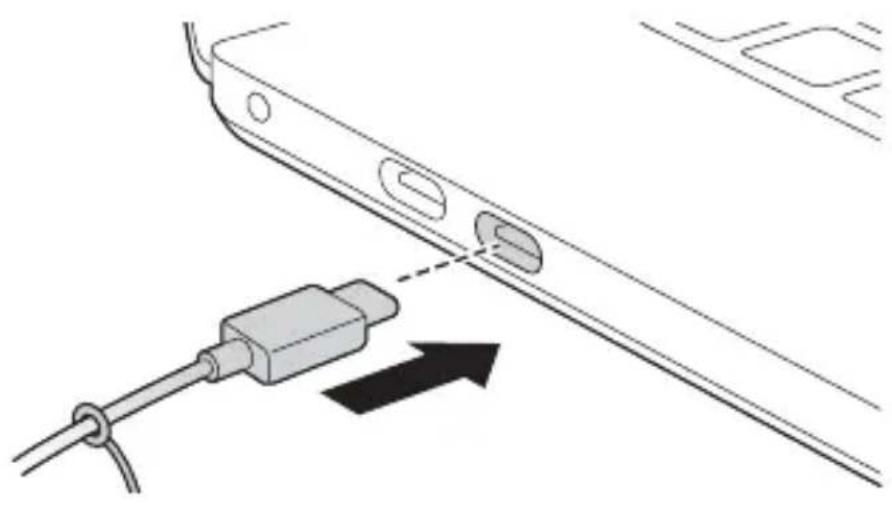
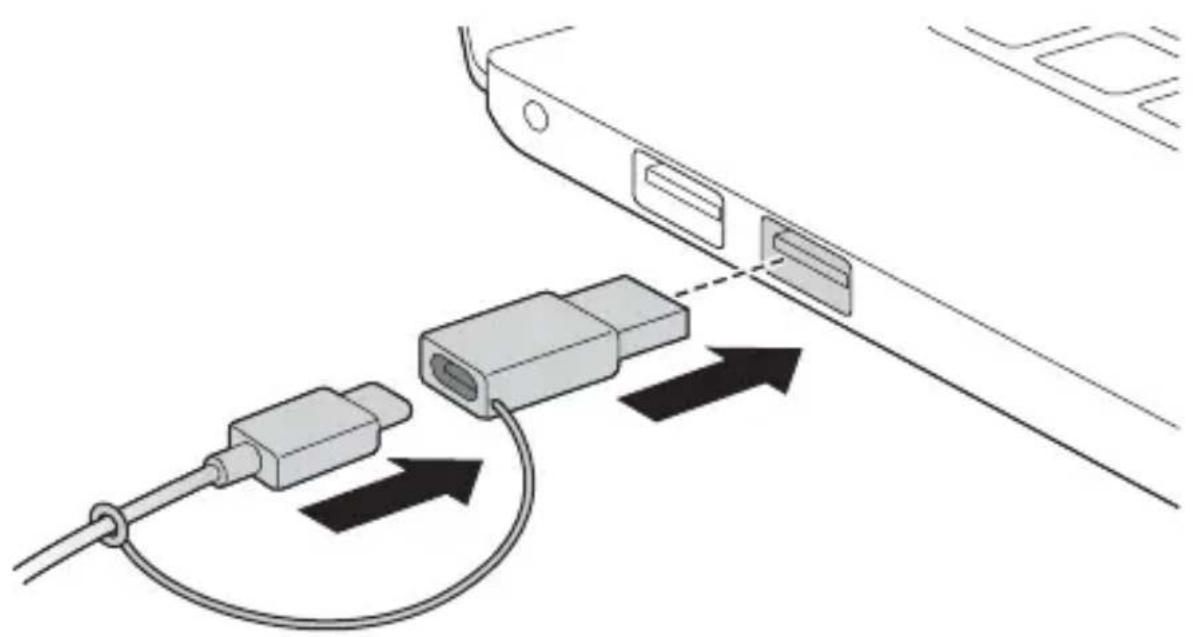
| Connectivité | USB-C, USB 3.0, HDMI, DisplayPort, Ethernet (RJ45), audio combo |
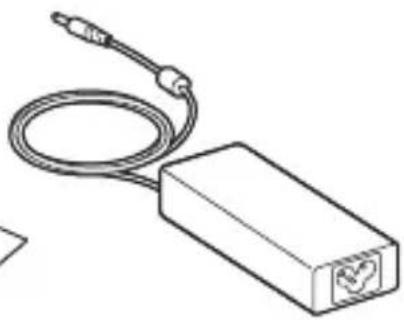
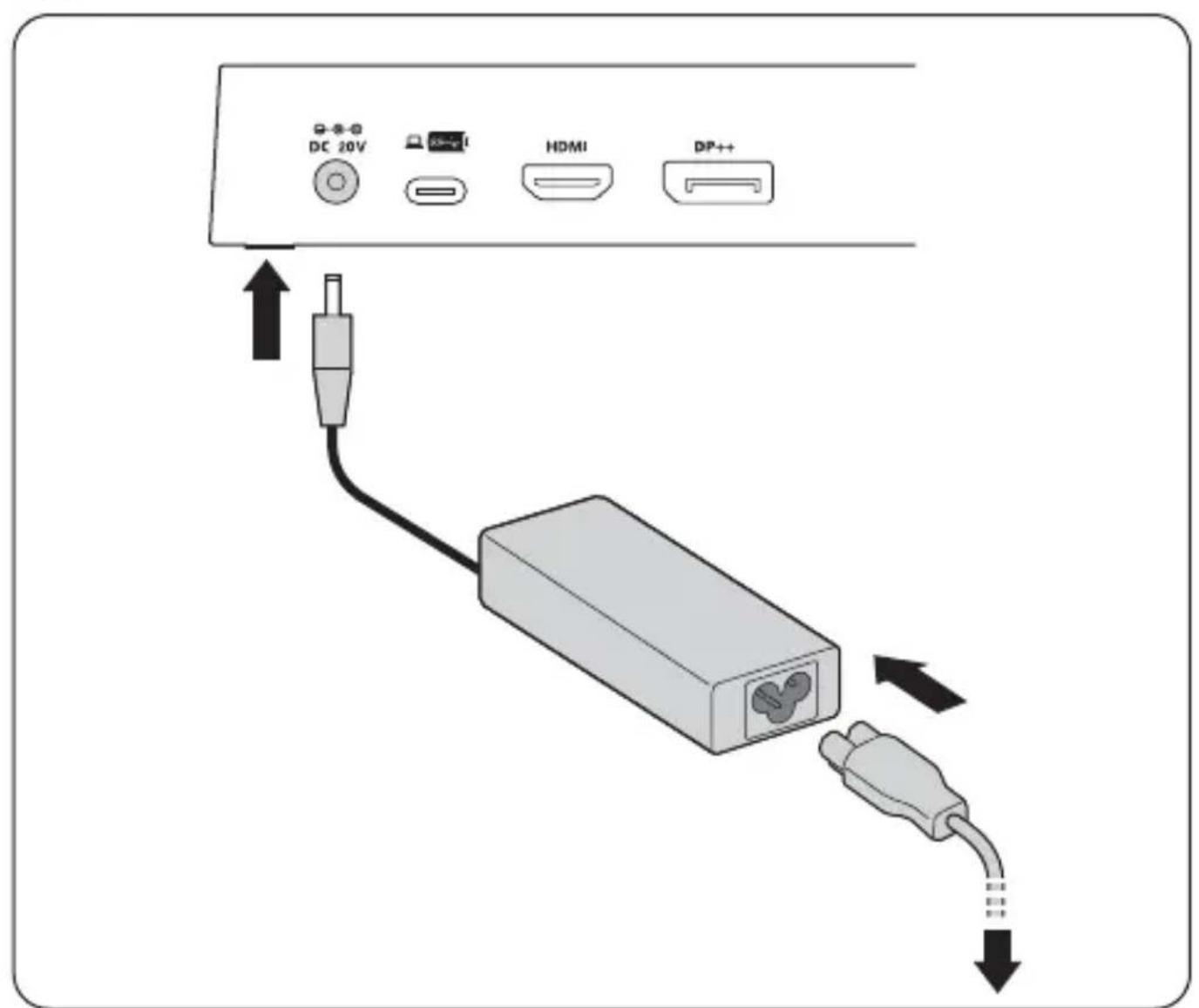
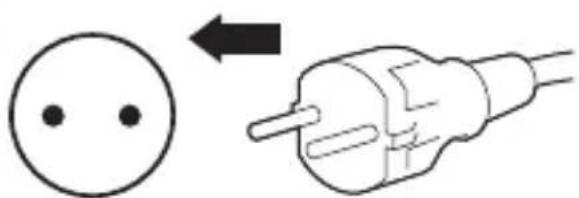
| Alimentation | Adaptateur secteur externe (inclus) |
| Charge de périphériques | Port USB avec charge de batterie 1,2 A compatible USB BC 1.2 |
| Dimensions (approx.) | 20 x 10 x 3 cm |
| Poids (approx.) | 500 g |
| Sécurité | Emplacement pour verrou Kensington (compatible MicroSaver 2.0, vendu séparément) |
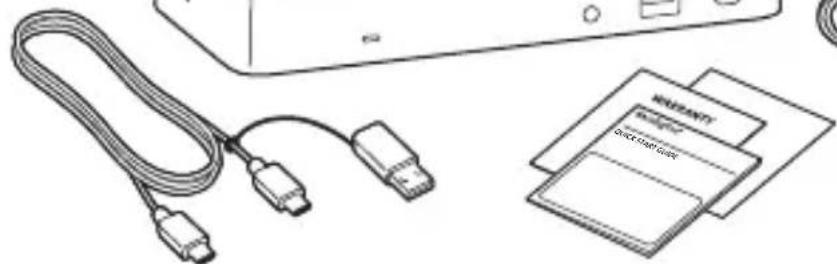
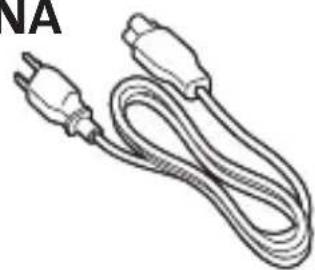
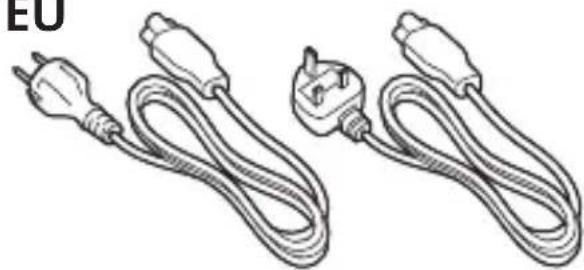
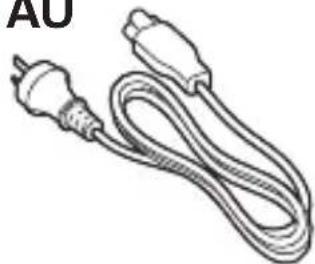
| Contenu de la boîte | Station d'accueil, adaptateur secteur, guide de démarrage rapide |
| Entretien | Nettoyer avec un chiffon doux et sec. Ne pas utiliser de produits abrasifs. |
| Réparabilité | Pièces détachées (adaptateur, câbles) disponibles séparément sur le site du fabricant |
| Garantie | 2 ans (selon législation locale) |
| Support technique | kensington.com/support, numéros locaux (France: 01 7671 0404) |
FOIRE AUX QUESTIONS - K38240EU KENSINGTON
Questions des utilisateurs sur K38240EU KENSINGTON
0 question sur cet appareil. Repondez a celles que vous connaissez ou posez la votre.
Poser une nouvelle question sur cet appareil
Téléchargez la notice de votre Autres accessoires informatique au format PDF gratuitement ! Retrouvez votre notice K38240EU - KENSINGTON et reprennez votre appareil électronique en main. Sur cette page sont publiés tous les documents nécessaires à l'utilisation de votre appareil K38240EU de la marque KENSINGTON.
MODE D'EMPLOI K38240EU KENSINGTON
Kensington
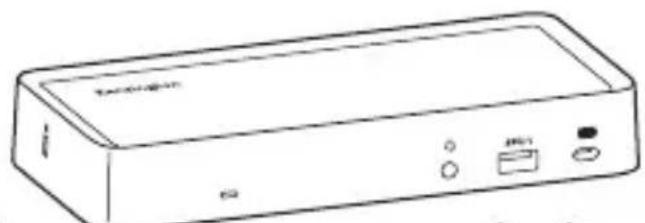
SD4700P Universal USB-C and USB 3.0 Docking Station
QUICK START GUIDE
PRÍRUČKA ZACÍNÁME
GUIDE DE DEMARRAGE RAPIDE
SZYBKI START
KURZANLEITUNG
KPATKOE PYKOBOДCTBO
SNELSTARTGIDS
ПОЛьЗOBATEЛЯ
GUIDA RAPIDA
MANUAL DE INICIO RAPIDO
GUIA RAPIDA
快速入门指南
GYORSKALAUZ
ケイクスローガイド

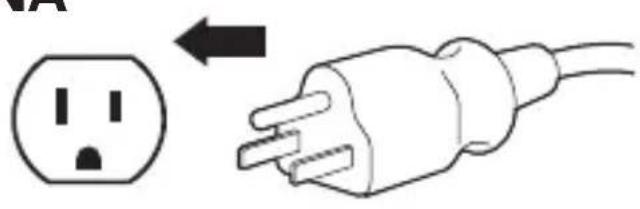
NA
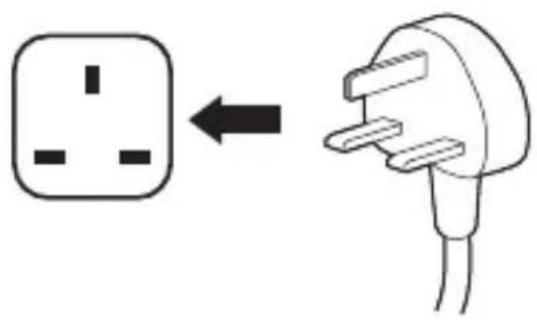
EU
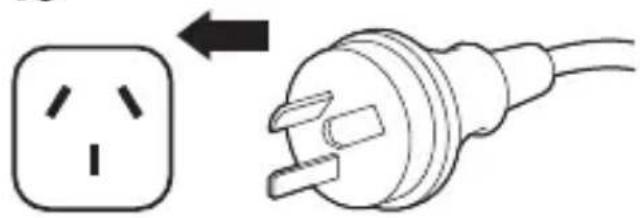
AU
Register Now!
Enregisterer maintainant!
Jetzt registrieren!
Nu registereren
Registrar ahora
Registra adesso
Regisztraljon most!
Zaregistrujte se nyni!
Zarejestruj sie!
3apernctpnpobatbca!
Registe-se ahora!
立即注册!
今登錄
1
NA
AU
EU

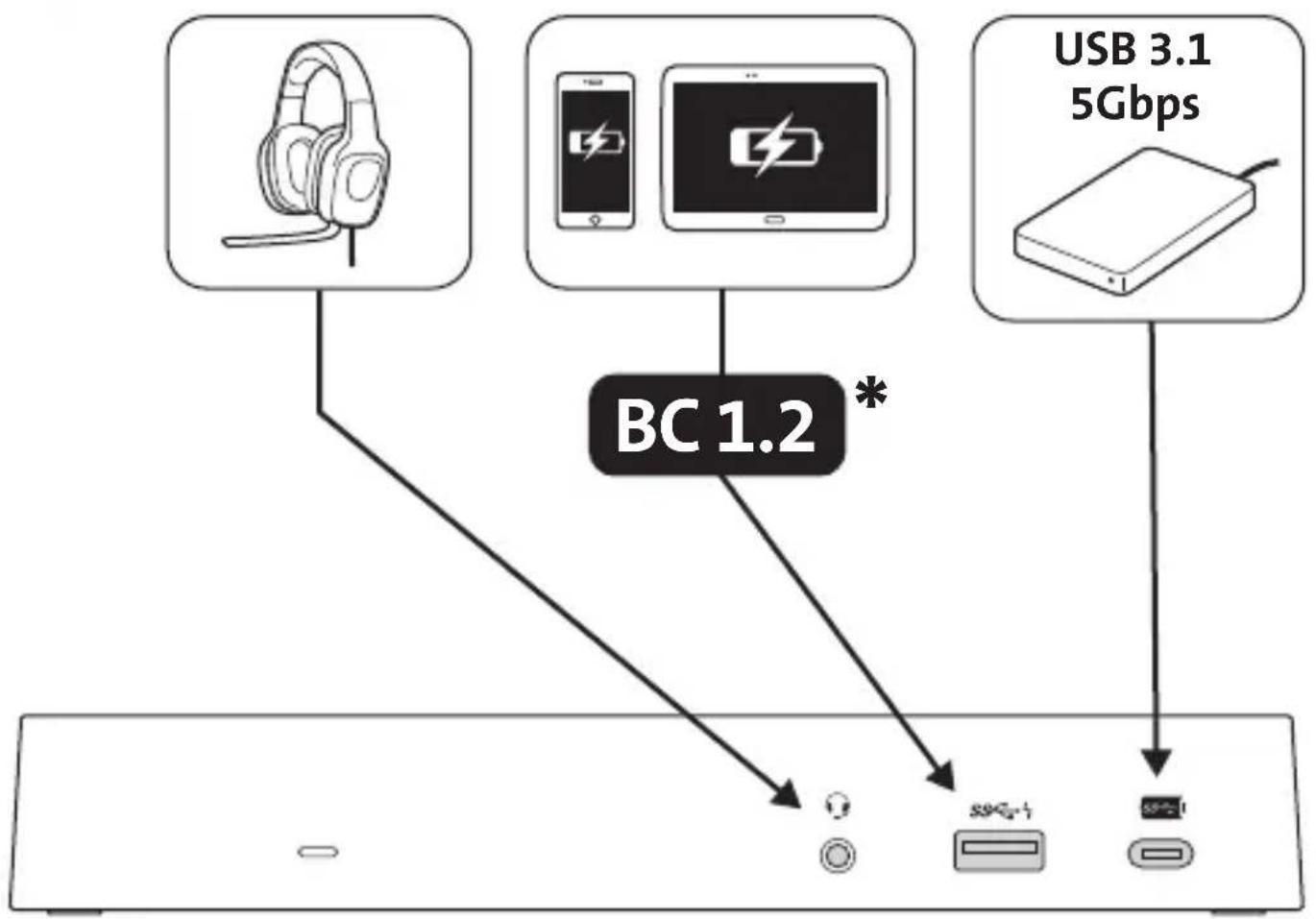
- USB Battery Charging 1.2-compliant devices /
- Chargeur USB 1.2 Amp pour les apparciels conformes /
- USB-Batterie zum Laden mit 1,2A kompatibler Geräte /
- Batterij opladen via USB 1.2-compatible apparatus /
- Dispositivi conformi alle specifiche USB Battery Charging 1.2 /
- Dispositivos compatibles con el cargador USB 1.2 para baterías /
- USB akkumulatortöltés 1.2-es szabványnek megfelelo eszközök /
- Zařizení podporujíci nabíjení baterií prostřednictvím USB verze 1.2 /
- Urzadzenia zgodne z norma USB Battery Charging 1.2 /
- 3apяДka akКуМлЯТopa USB 1.2 -coBmecTиMbIe yCTpoICTBa /
- Dispositivos de corregamento de bateria compatíveis com USB 1.2 /
- USB 电池充电 1.2 兼容设备 /
- USB Battery Charging 1.2 (USB ロフデリ充電仕樣) 互換機器
3




www.kensington.com/support

Windows® 10/7
macOS X 10.13 or later
macOS 10.13 ou version ultérieure / macOS 10.13 oder hoher / macOS 10.13 of later / macOS 10.13 o superiore / macOS 10.13 y versiones posteriores / macOS 10.13 vagy ujabb / macOS 10.13 nebo novějsi / macOS 10.13 lub nowszy / macOS 10.13 ilni 6oJIe peOzДнeI Bepn/ macOS 10.13 ou posterior / macOS 10.13 或更高版本 / macOS 10.13 以降
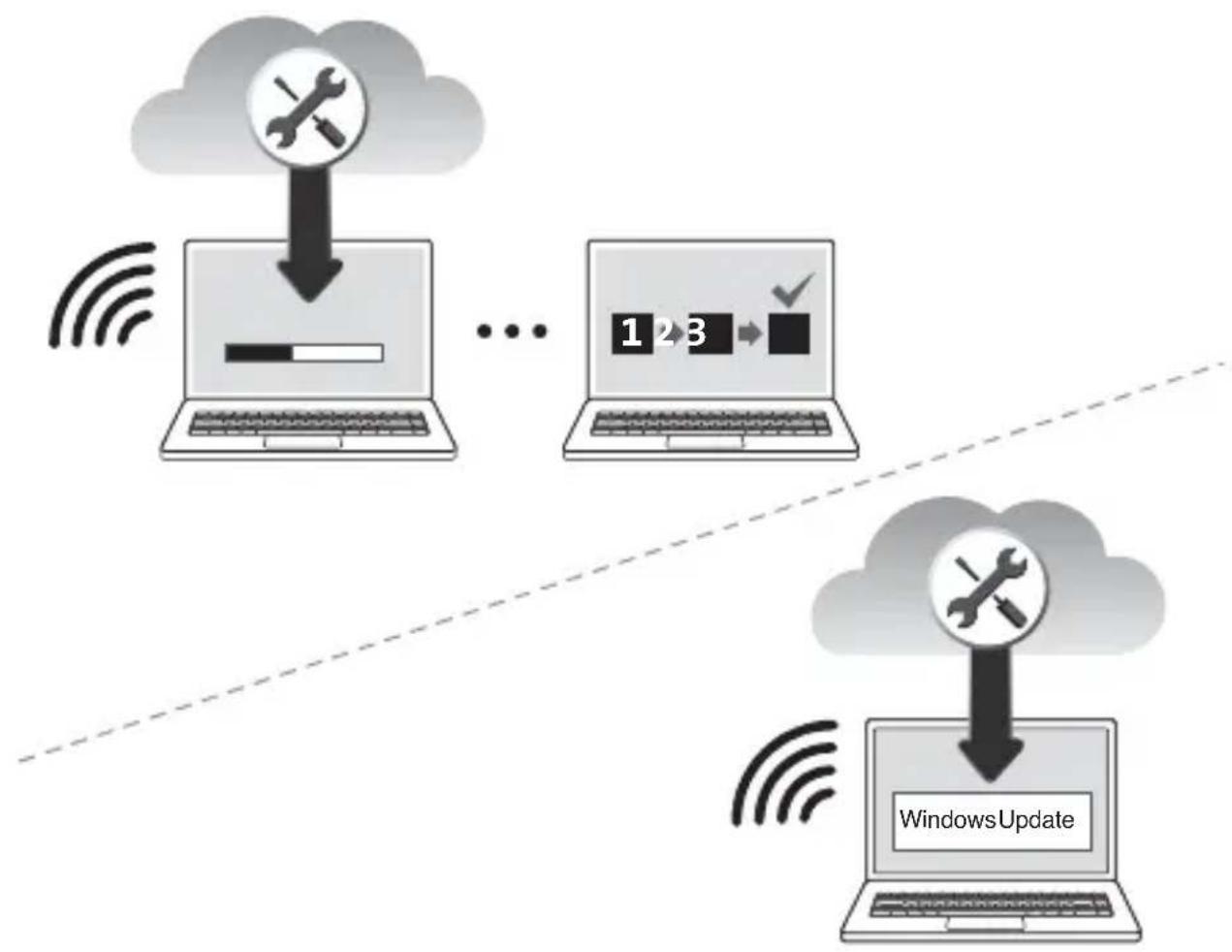
www.kensington.com/software
Windows Update / Mises à jour Windows / Windows -Updates / Windows Updates / Aggiornamenti Windows Actualizaciones de Windows / Windows Frissiték/ Aktualizace systému Windows / Aktualização Windows / OsnoBlenna Windows / Windows Actualizações / Windows 更新 / Windows Update
Sold separately / Vendus séparément / Separat erhältlich / Los verkrijgbaar / Venduti separamente / Venden por separado / Külön kell megvásárolni / Prodávány samostatné / Sprzedawane oddzielnie / pódaIoTc r OTeJIbHr/Vendidos em separado/单独出售/别壳
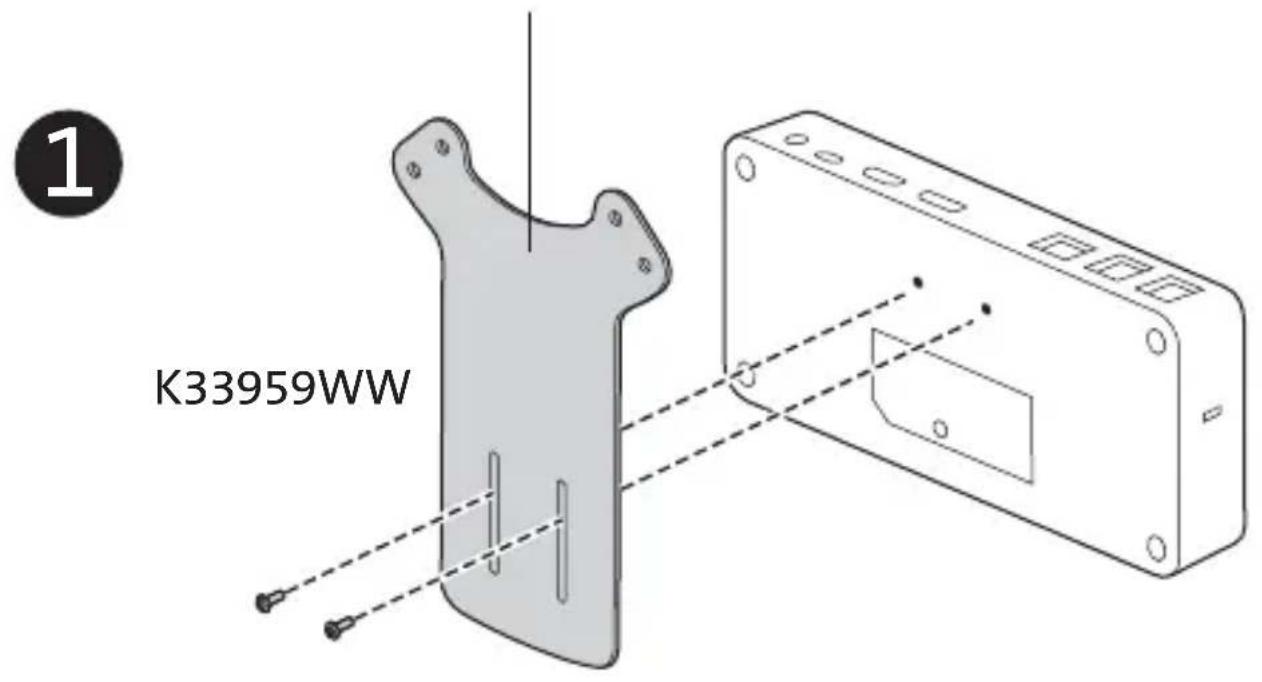
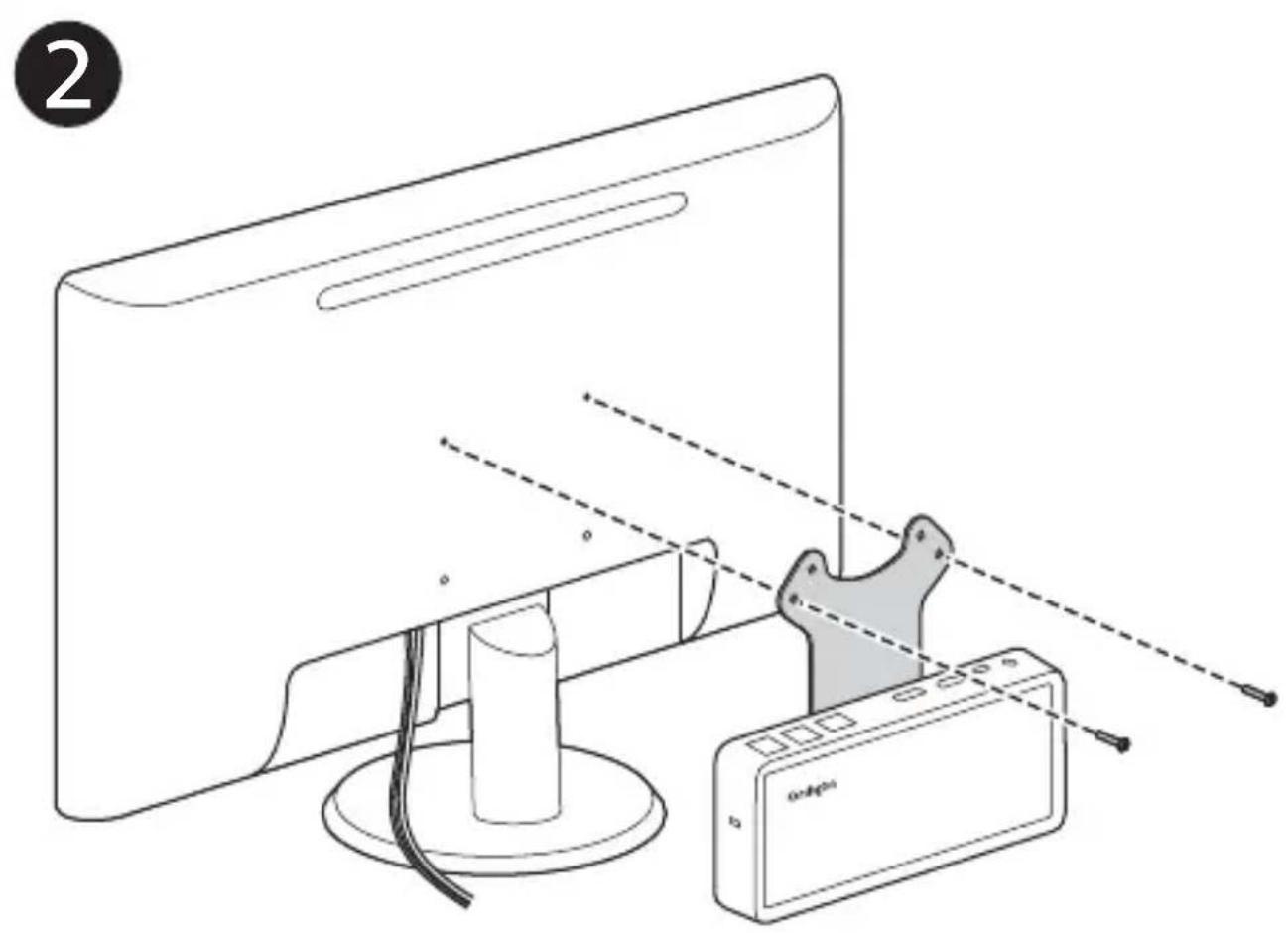
Sold separately / Vendus séparément / Separat erhältlich / Los verkrijgbaar / Venduti separatamente / Venden por separado / Külön kell megvasárolni / Prodávány samostatné / Sprzedawane oddzielnie /Пробадутся оданьно / Vendidos em separado /单独出售/别壳
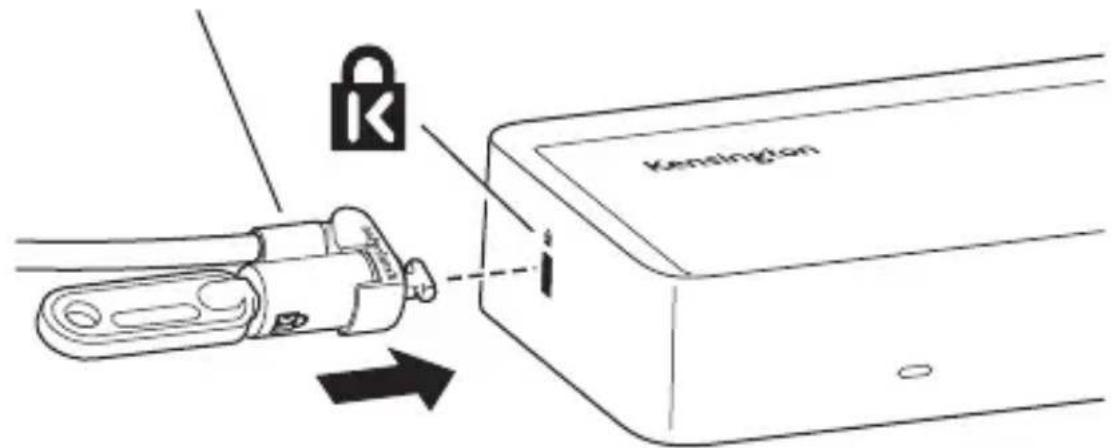
Recommended / Recommandé / Empfohlen / Aanbevolen / Consigliato / Recomendado / Ajánlott / Doporučený / Polecane / PeKoMeHnyeTcra / Recomendado / 推荐 / 推奨:
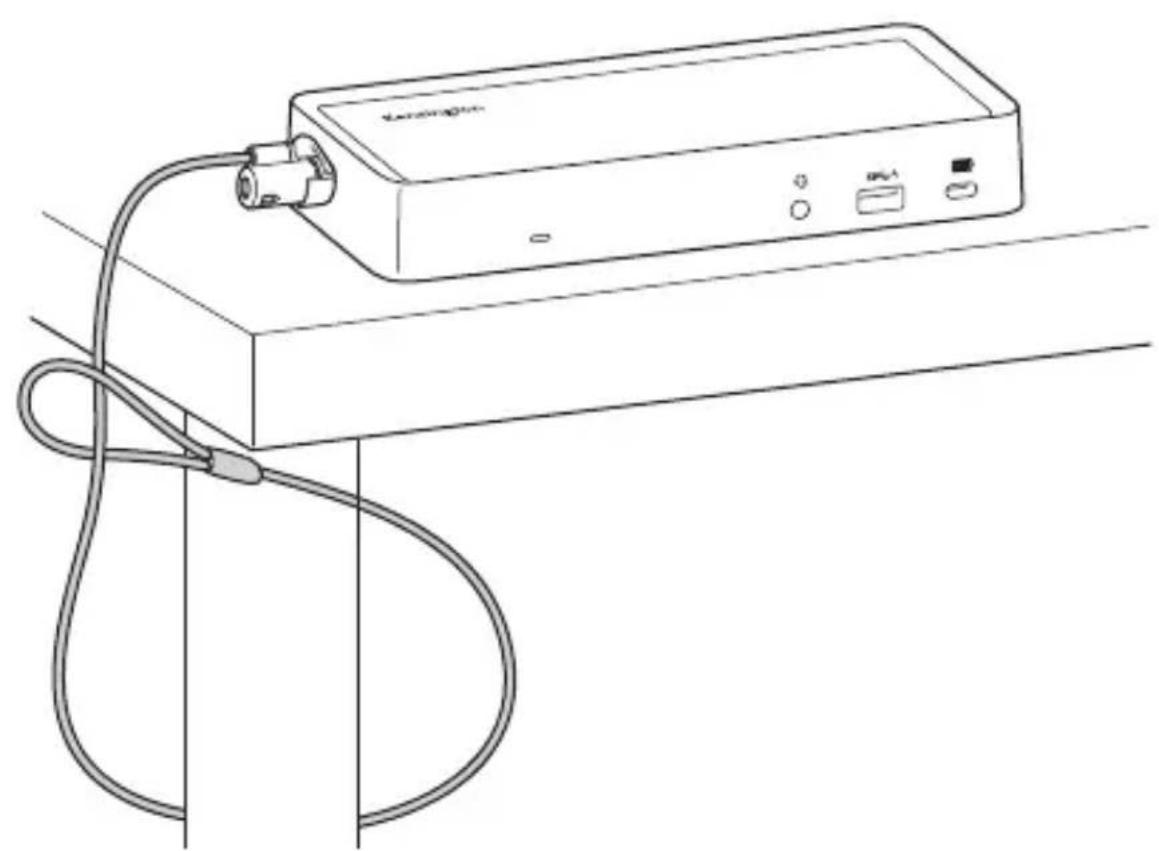
K65020WW MicroSaver® 2.0 Keyed Lock
Technical Support / Assistance technique / Technischer Support / Technische ondersteuning / Supporto tecnico / Asistencia tcnica / Muszaki tamogatas / Technicka podpora / Pomoc technicznna / Texnuecka npdpekka / Assistencia tcnica/ 技术支持/ 一力尔萨一卜
| Australia 1300 881 931 | Japan +81 04-7129- | 2135 |
| België / Belgique 02 401 2395 | México 55 15 00 57 | 00 |
| Brasil 14 3235-4003 | Nederland | 010 713 1882 |
| Canada 1 800 268 3447 | New Zealand | 0800 539 26273 |
| China 400 0684 219 | Norway | 80017520 |
| Denmark 80 250966 | Österreich | 0800 677 873 |
| Deutschland 0692 22 3654 | Polska | 22 570 18 00 |
| Espana 911 146 735 | Portugal | 800855802 |
| Finland 0800 9 15697 | Russia | 007 495 933 5163 |
| France 01 7671 0404 | Schweiz / Suisse | 044 580 6667 |
| Hong Kong 00852 2823 5130 | Sweden | 08 5033 6577 |
| Hungary 06 20 9430 612 | United Kingdom | 0203 364 5390 |
| Ireland 01 431 1395 | United States | 1 800 535 4242 |
| Italia 02 3604 7030 | International Toll | +31 53 484 9135 |
Kensington and the ACCO name and design are registered trademarks of ACCO Brands. All other registered and unregistered trademarks are the property of their respective owners.
©2018 Kensington Computer Products Group, a division of ACCO Brands. Any unauthorized copying, duplicating, or other reproduction of the contents hereof is prohibited without written consent from Kensington Computer Products Group. All rights reserved. 01/18

BAN28
Kensington Computer Products Group A Division of ACCO Brands
1500 Fashion Island Blvd, 3rd Floor San Mateo, CA 94404



ACCO Brands Europe
A Division of ACCO Brands Europe Oxford House, Oxford Road Aylesbury, Buckinghamshire, HP21 8SZ United Kingdom
ACCO Brands Canada Inc.
7381 Bramalea Rd Mississauga, ON L5S 1C4 Canada
ACCO Brands Australia - Kensington
2 Coronation Avenue Kings Park NSW 2148 Australia
Importado por ACCO Mexicana S.A.de C.V.
Circuito de la Industria Norte # 6, Corredor Industrial Toluca Lerma, Lerma Mexico Cp.52004 R.F.C.AME640229-1W3
Acco Brands Chile S.A., Avda. Presidente Riesco # 5711, oficina 201 Las Condes, Santiago, Chile C.P. 7561114
Importado e Distribuído por:
TILIBRA PRODutos DE PAPELARIA LTDA. CNPJ:44.990.901/0001-43 Rua Aymores,6-9-Bauru/SP-Brasil CEP 17013-900
ACCO Brands Asia Pte Ltd
5A Toh Guan Road East #06-03, Singapore 608830
广州市爱珂贸易有限公司上海分公司
中国上海市长宁区延安西路2299号1509室
电话:021-61368966
传真:021-61710161www.accobbrands.com
阿·波兰斯·德拉夫株式会社 T164-8721
東京都中野区本町1-32-2八一モ二一夕フ-14F
http://www.kensington.com/jp E-MAIL: JP.Kensington@acco.com