HONEYWELL DC315NP2 - Sonnette de portes

DC315NP2 - Sonnette de portes HONEYWELL - Notice d'utilisation et mode d'emploi gratuit

Retrouvez gratuitement la notice de l'appareil DC315NP2 HONEYWELL au format PDF.

📄 2 pages Français FR Télécharger 💬 Question IA 9 questions ⚙️ Specs
Notice HONEYWELL DC315NP2 - page 1
Choisissez votre langue et indiquez votre email : nous vous enverrons une version traduite specifiquement.
Caractéristiques techniques Sonnerie sans fil, portée jusqu'à 100 mètres, 38 mélodies différentes, volume réglable.
Utilisation Facile à installer, idéal pour les maisons individuelles et les appartements.
Maintenance et réparation Fonctionne avec des piles, vérifiez régulièrement l'état des piles pour un fonctionnement optimal.
Sécurité Signalisation lumineuse pour les personnes malentendantes, résistant aux intempéries pour l'unité extérieure.
Informations générales Compatible avec d'autres accessoires de la gamme Honeywell, garantie de 2 ans.

FOIRE AUX QUESTIONS - DC315NP2 HONEYWELL

Comment installer la sonnette HONEYWELL DC315NP2 ?
Pour installer la sonnette, suivez les instructions fournies dans le manuel. Généralement, vous devez fixer la base à l'aide des vis fournies, insérer les piles dans le récepteur et associer le bouton avec le récepteur en suivant les étapes d'appariement.
Que faire si la sonnette ne fonctionne pas ?
Vérifiez d'abord que les piles du récepteur et du bouton sont correctement installées et chargées. Assurez-vous également que la sonnette est à portée de votre récepteur.
Comment changer le son de la sonnette ?
Pour changer le son, appuyez sur le bouton de sélection du son sur le récepteur. Cela vous permettra de parcourir les différentes sonneries disponibles.
La sonnette HONEYWELL DC315NP2 est-elle étanche ?
Oui, la sonnette est conçue pour résister aux intempéries, mais il est recommandé de l'installer dans un endroit protégé pour prolonger sa durée de vie.
Comment associer un nouveau bouton à la sonnette ?
Pour associer un nouveau bouton, mettez le récepteur en mode d'appariement en suivant les instructions du manuel, puis appuyez sur le bouton de la sonnette que vous souhaitez associer.
La portée de la sonnette est-elle suffisante pour une maison de deux étages ?
La portée de la sonnette est généralement d'environ 100 mètres en champ libre. Dans une maison de deux étages, cela devrait être suffisant, mais des murs épais ou d'autres obstacles peuvent réduire la portée.
Comment remplacer les piles de la sonnette ?
Pour remplacer les piles, ouvrez le compartiment des piles sur le récepteur et le bouton, retirez les anciennes piles et insérez de nouvelles piles en respectant la polarité indiquée.
Est-ce que la sonnette HONEYWELL DC315NP2 a une fonction de volume réglable ?
Oui, le récepteur dispose d'un réglage de volume qui vous permet d'augmenter ou de diminuer le son de la sonnette selon vos préférences.

Questions des utilisateurs sur DC315NP2 HONEYWELL

1 question sur cet appareil. Repondez a celles que vous connaissez ou posez la votre.

Poser une nouvelle question sur cet appareil

L'email reste privé : il sert seulement à vous prévenir si quelqu'un répond à votre question.

Comment régler le volume et la sonnerie de la sonnette HONEYWELL DC315NP2 ?
FAQ fréquente - 15/03/2026
Réponse Notice-Facile

Pour régler le volume et la sonnerie de votre sonnette de porte HONEYWELL DC315NP2, suivez ces étapes simples :

1. Localiser le bouton de réglage

Sur votre appareil, trouvez le bouton ou commutateur de réglage, généralement situé sur le côté ou à l'arrière de la sonnette.

2. Ajuster le volume

  • Appuyez sur ce bouton pour modifier le volume. Vous entendrez différentes tonalités correspondant aux niveaux de volume disponibles.
  • Choisissez le volume qui vous convient en arrêtant d'appuyer lorsque le niveau désiré est atteint.

3. Sélectionner la sonnerie

  • Si votre modèle propose plusieurs sonneries, continuez à appuyer sur le bouton pour faire défiler les options.
  • Lorsque vous entendez la sonnerie souhaitée, relâchez le bouton pour la sélectionner.

4. Tester les réglages

Appuyez sur le bouton de la sonnette pour vérifier que le volume et la sonnerie correspondent à vos préférences.

Ces réglages vous permettent de personnaliser votre sonnette pour une utilisation optimale.

Répondre (soyez le premier)

Téléchargez la notice de votre Sonnette de portes au format PDF gratuitement ! Retrouvez votre notice DC315NP2 - HONEYWELL et reprennez votre appareil électronique en main. Sur cette page sont publiés tous les documents nécessaires à l'utilisation de votre appareil DC315NP2 de la marque HONEYWELL.

MODE D'EMPLOI DC315NP2 HONEYWELL

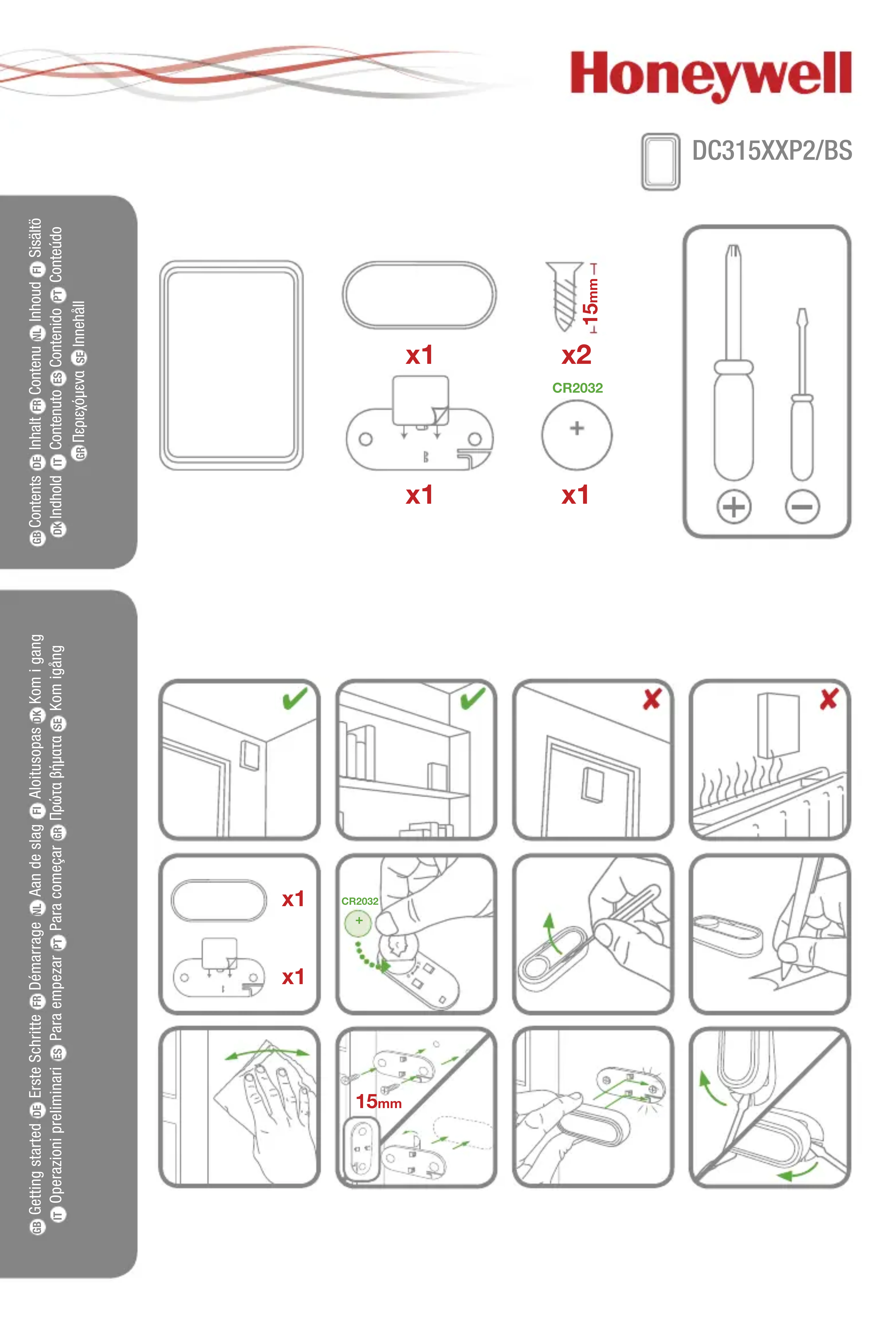
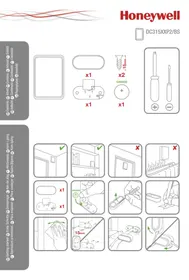
GB Contents DE Inhalt FR Contenu NL Inhoud FI Sisältö DK Indhold IT Contenuto ES Contenido PT Conteúdo GR Περιεχόμενα SE Innehåll
HONEYWELL DC315NP2 - 1

natural_image Blank rectangular frame with rounded corners (no text or symbols)
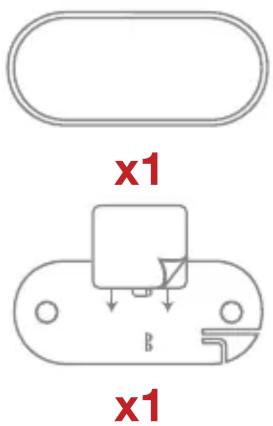
HONEYWELL DC315NP2 - 2

text_image x1 x1

HONEYWELL DC315NP2 - 3

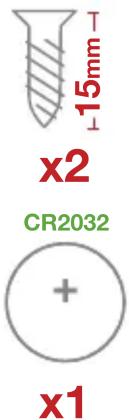
text_image x2 CR2032 + x1 -15mm

HONEYWELL DC315NP2 - 4

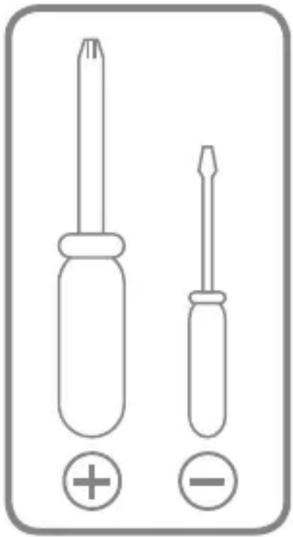
natural_image Two screwdrivers with positive and negative polarity indicators (no text or symbols on the graphics)

GB Getting started DE Erste Schritte FR Démarrage NL Aan de slag FI Aloitusopas OK Kom i gang IT Operazioni preliminari ES Para empezar PT Para começar GR Πρώτα βήματα SE Kom igång
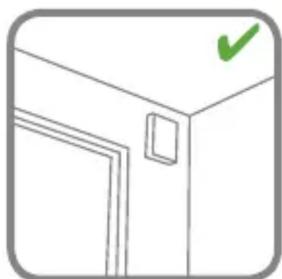
HONEYWELL DC315NP2 - 5

natural_image Simple line drawing of a door with a green checkmark on top (no text or symbols)
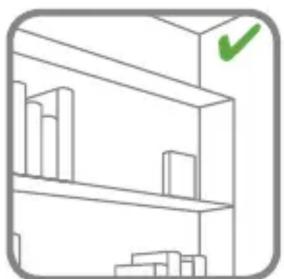
HONEYWELL DC315NP2 - 6

natural_image Simple line drawing of a bookshelf with one shelf highlighted by a green checkmark (no text or symbols)
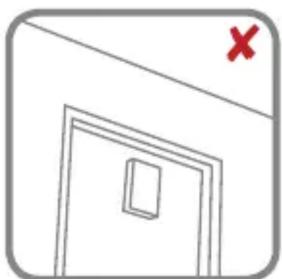
HONEYWELL DC315NP2 - 7

natural_image Simple line drawing of a door with a red X mark on top (no text or symbols)
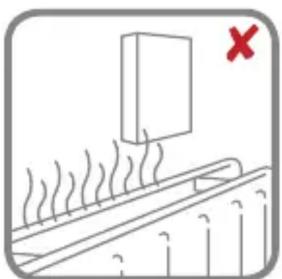
HONEYWELL DC315NP2 - 8

natural_image Simple line drawing of a fire barrier with smoke and a red X mark (no text or symbols)
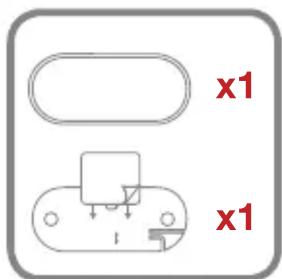
HONEYWELL DC315NP2 - 9

text_image x1 x1

HONEYWELL DC315NP2 - 10

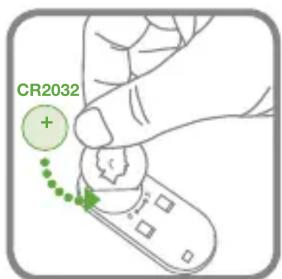
text_image CR2032

HONEYWELL DC315NP2 - 11

natural_image Illustration of a hand holding a pen, with a green arrow indicating rotation (no text or symbols)
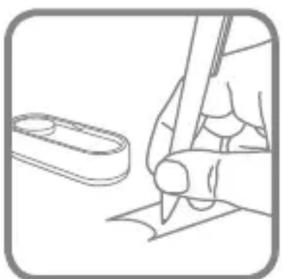
HONEYWELL DC315NP2 - 12

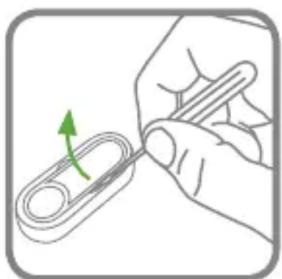
natural_image Line drawing of a hand holding a pen and eraser, with a separate paperclip nearby (no text or symbols)
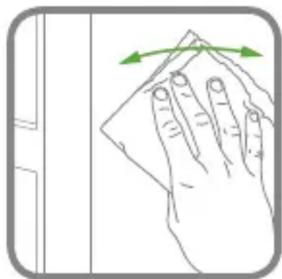
HONEYWELL DC315NP2 - 13

natural_image Illustration of a hand cleaning a surface with a green arrow indicating rotation (no text or symbols)
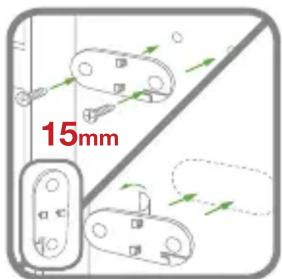
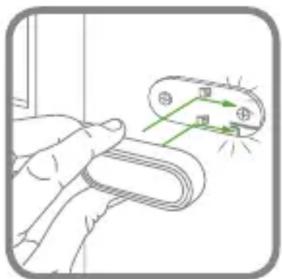
HONEYWELL DC315NP2 - 14

text_image 15mm

HONEYWELL DC315NP2 - 15

natural_image Illustration of a hand holding a flexible hose with green electrical circuit lines (no text or symbols)
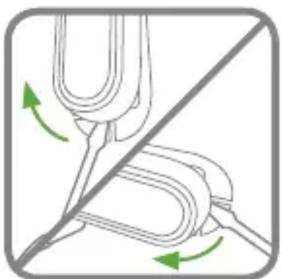
HONEYWELL DC315NP2 - 16

natural_image Diagram showing a fork being inserted into a string with green arrows indicating force direction (no text or symbols)

GB Optional features DE Optionale Funktionen FR Options disponibles NL Opties

FI Valinnaiset ominaisuudet PK Valgfrie funktioner IT Funzionalità opzionali

ES Opciones disponibles PT Funções opcionais GR Προαιρετικές λειτουργίες πρόσθετων

SE Möjliga funktioner

HONEYWELL DC315NP2 - 17

GB Linking DE Einlernen

FR Programmation NL Verknüpfung

FI Linkittäminen DK Forbinde

IT Collegamento ES Enlace PT Pro-

gramação GR Oúvδεση SE Länkning
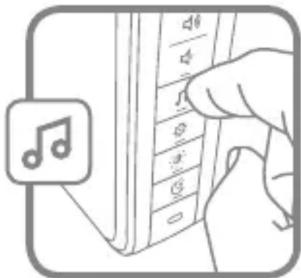
HONEYWELL DC315NP2 - 18

natural_image Illustration of a hand pressing down on a musical note device (no text or symbols visible)
HelloDingDongWestminsterMarimbaPianoBellTelephoneSoft Alert
x4
x6
x8

HONEYWELL DC315NP2 - 19

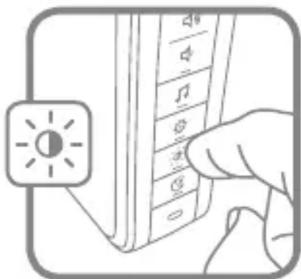
text_image Diagram showing a hand pointing to a vertical list of icons with labels like 'A', 'B', etc., next to an icon labeled '太阳' (sun).

HONEYWELL DC315NP2 - 20

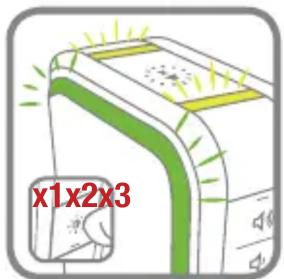
text_image x1x2x3

HONEYWELL DC315NP2 - 21

natural_image Illustration of a computer monitor with green screen and control panel, no text or symbols present
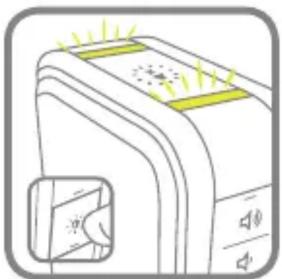
HONEYWELL DC315NP2 - 22

natural_image Illustration of a device emitting light rays, with no visible text or symbols
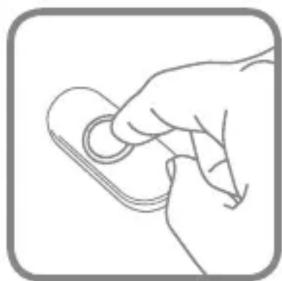
HONEYWELL DC315NP2 - 23

natural_image Line drawing of a hand holding a circular object with a pen, no text or symbols present
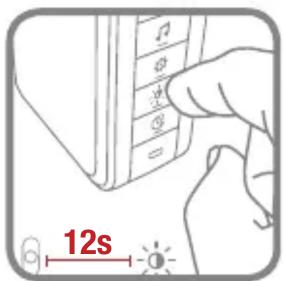
HONEYWELL DC315NP2 - 24

text_image 12s

HONEYWELL DC315NP2 - 25

natural_image Illustration of a computer monitor with a green handle and sound waves, accompanied by a color palette icon (no text or symbols on the device itself)
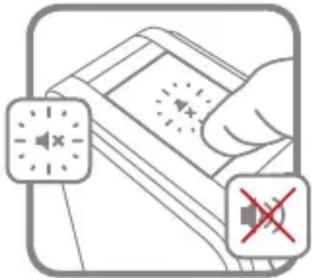
HONEYWELL DC315NP2 - 26

text_image Diagram showing a hand holding a device with sound wave icons and a red X symbol indicating no sound.
x23Hrsx36Hrs
x49Hrsx512Hrs

HONEYWELL DC315NP2 - 27

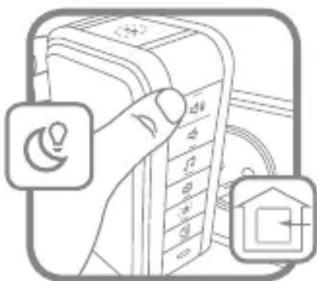
natural_image Illustration of a hand holding a device with icons for lightbulb, battery, and home (no text or symbols)
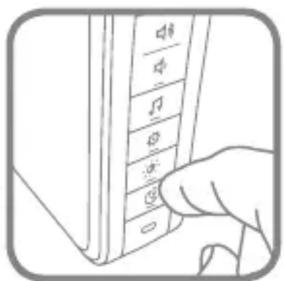
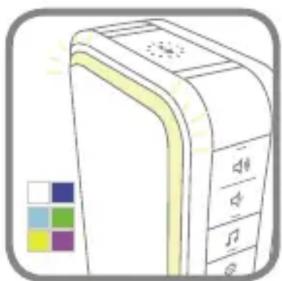
HONEYWELL DC315NP2 - 28

text_image Hand holding a button labeled with musical notation symbols (e.g., clef, time, rhythm) in a software interface.

HONEYWELL DC315NP2 - 29

natural_image Illustration of a computer tower with control panel and buttons, no text or symbols present
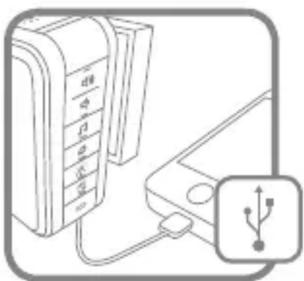
HONEYWELL DC315NP2 - 30

natural_image Diagram showing a device with a keypad connected to an external port, accompanied by a USB symbol (no text or labels present)
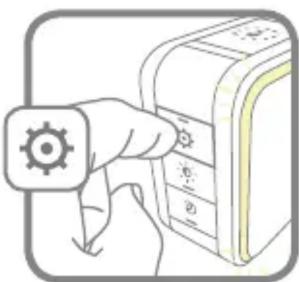
HONEYWELL DC315NP2 - 31

natural_image Illustration of a hand pressing down on a device with a gear icon (no text or symbols)
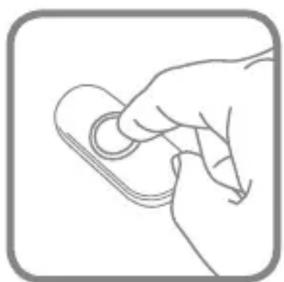
HONEYWELL DC315NP2 - 32

natural_image Line drawing of a hand holding a small object, no text or symbols present
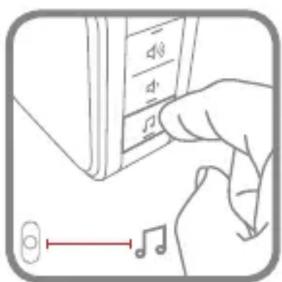
HONEYWELL DC315NP2 - 33

text_image Diagram showing a hand pressing a musical note on a device panel with control buttons and a note symbol below.

HONEYWELL DC315NP2 - 34

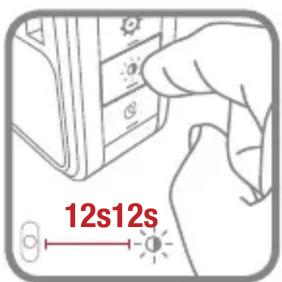
text_image 12s12s

HONEYWELL DC315NP2 - 35

GB Trouble shooting DE Fehlerbehebung FR Dépannage NL Probleemoplossing

FI Vianmääritys DK Problemlösning IT Risoluzione die problemi ES Solución de

problemas PT Resolução de problemas GR Antimetώπιση προβλημάτων SE Felsökning

livewell.honeywell.com
HONEYWELL DC315NP2 - 36

natural_image Product photo of Honeywell home security devices including a controller, speaker, and smart lock (no visible text or symbols)
Assistant notice
Powered by Anthropic
En attente de votre message
Informations produit

Marque : HONEYWELL

Modèle : DC315NP2

Catégorie : Sonnette de portes