
SP C352DN - Imprimante couleur laser RICOH - Notice d'utilisation et mode d'emploi gratuit
Retrouvez gratuitement la notice de l'appareil SP C352DN RICOH au format PDF.

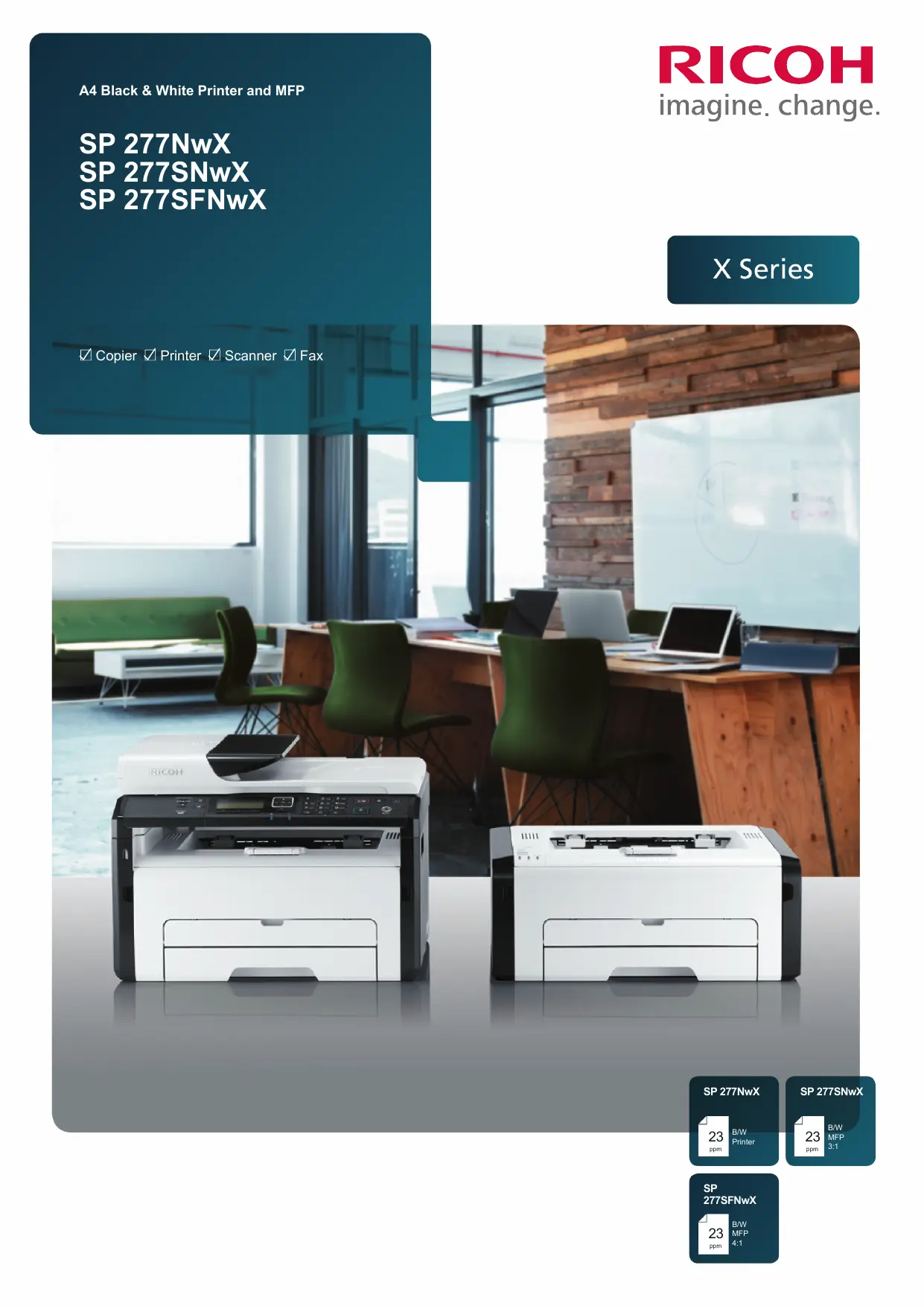

| Type de produit | Imprimante couleur laser |
| Marque | Ricoh |
| Modèle | SP C352DN |
| Fonctions principales | Impression, copie, numérisation, télécopie |
| Dimensions (L x P x H) | 402 x 360 x 293 mm |
| Poids | 10 kg |
| Alimentation électrique | 220-240 V, 50/60 Hz |
| Résolution d'impression maximale | 1200 x 600 dpi |
| Vitesse d'impression (couleur) | 20 ppm |
| Capacité du bac papier standard | 150 feuilles |
| Capacité maximale du bac papier | 185 feuilles |
| Grammage papier supporté | 60-105 g/m² |
| Mémoire standard | 128 Mo |
| Connectivité | USB 2.0, Ethernet 100Base-TX, Wi-Fi 802.11b/g/n |
| Impression mobile | Apple AirPrint, Mopria, Google Cloud Print, NFC |
| Consommation électrique (max) | 900 W |
| Consommation en veille | 65 W |
| Niveau sonore (fonctionnement) | 65 dB(A) |
| Cartouche d'encre | Cartouche tout-en-un haute capacité : 2 600 pages (noir) |
| Entretien | Nettoyer l'extérieur avec un chiffon doux et sec. Utiliser un kit de nettoyage pour l'intérieur. |
| Sécurité | Ne pas exposer à l'humidité. Débrancher avant tout entretien. |
| Pièces détachées et réparabilité | Cartouche toner, unité tambour, plateau de sortie. Indice de réparabilité : 7,2/10. |
FOIRE AUX QUESTIONS - SP C352DN RICOH
Questions des utilisateurs sur SP C352DN RICOH
0 question sur cet appareil. Repondez a celles que vous connaissez ou posez la votre.
Poser une nouvelle question sur cet appareil
Téléchargez la notice de votre Imprimante couleur laser au format PDF gratuitement ! Retrouvez votre notice SP C352DN - RICOH et reprennez votre appareil électronique en main. Sur cette page sont publiés tous les documents nécessaires à l'utilisation de votre appareil SP C352DN de la marque RICOH.
MODE D'EMPLOI SP C352DN RICOH
SP 277NwX
SP 277SNwX
SP 277SFNwX
X Series
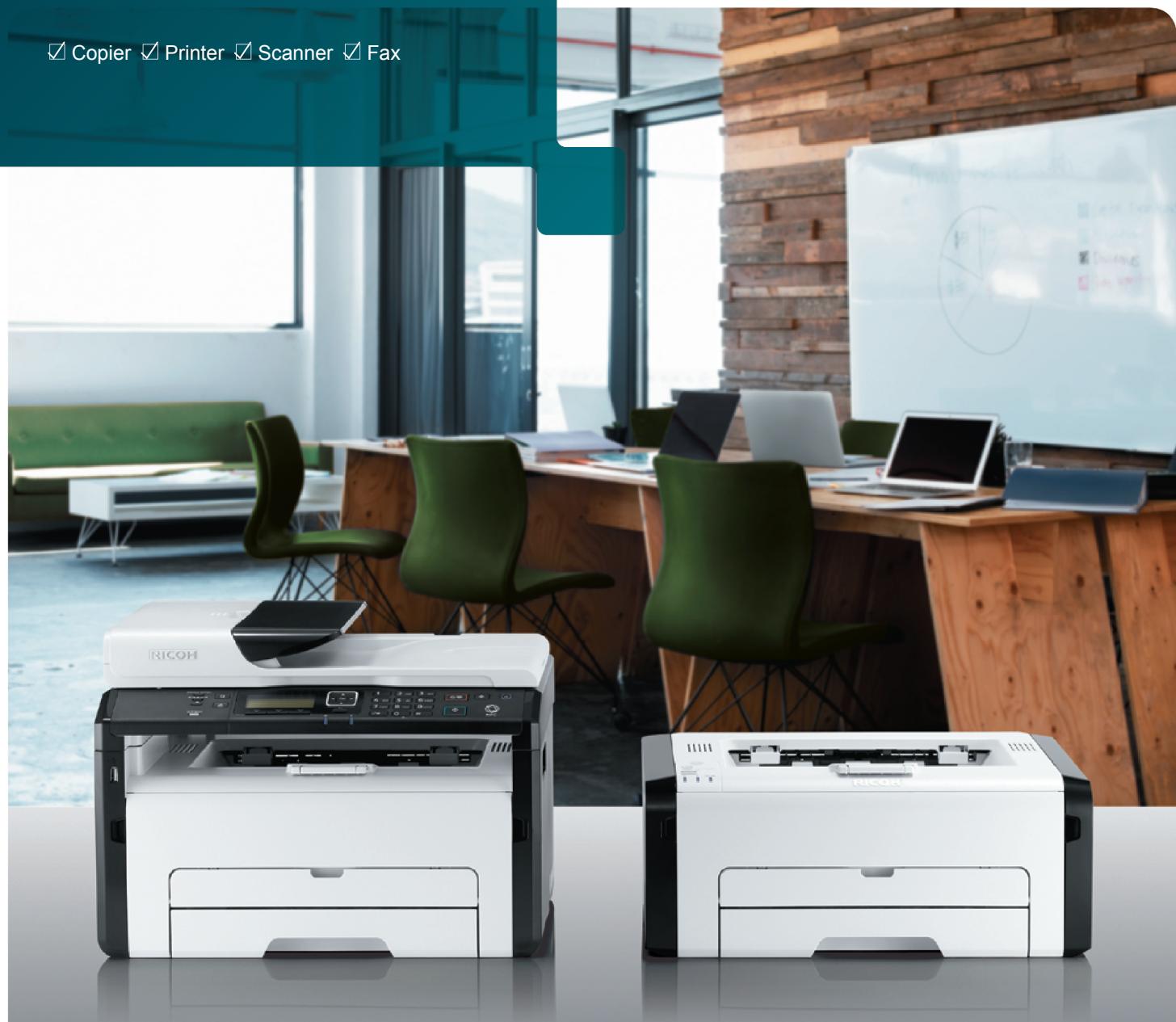
Copier Printer Scanner Fax
SP 277NwX
23
B/W Printer
13/14
SP 277SNwX
23
3:1 ppm
SP
277SFNwX

23
ppm
m = 311
SP 277SNwX
23
3:1 ppm
Compact reliability you can count on. With an extra bonus.
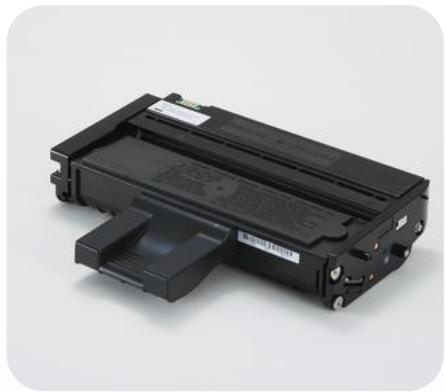
Thanks to the high-yield All-In-One cartridge – that features best-in-class cost-per-print – our SP 277 X series can make your printing life much more economical. It gives you up to 2,600 prints from initial purchase, which means less frequent replacement of the toner cartridge and with more time between ordering supplies, your total cost of ownership are reduced too. And each device's usability and reliability will give you more time to focus on the business and less time replacing toner.
- Product portfolio: Standard Printer: SP 277NwX, 3in1 MFP: SP 277SNwX and a 4in1: SP 277SFNwX
- Best-in-class cost efficiency with All-in-One cartridge technologies
- Low frequency of replacing toner thanks to high yield cartridge - up to 2,600 prints – included in the box
- Auto driver install and supports various IT usage environments including Windows/Mac/Linux/iOS/Android
- Print from mobile devices with Smart Device support: Mopria, AirPrint, Google Cloud Print, Ricoh apps and NFC
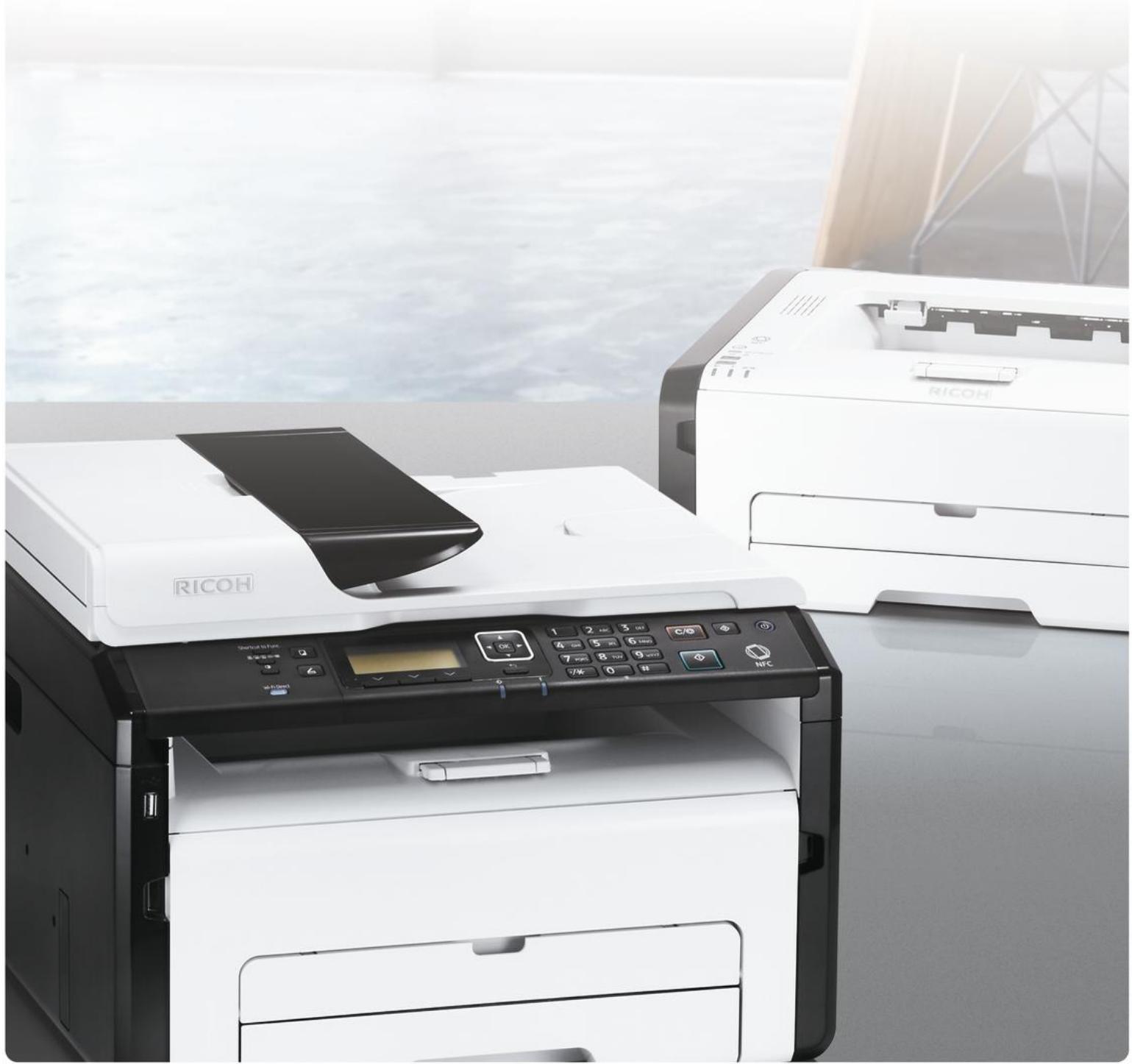
A range to suit your needs.
Small size. Mighty output.
Simple to set up, their intuitive interface means they add value to your output every day. Their compact nature enables flexible positioning anywhere in an office or home office environment. And the included high-yield All-In-One cartridges, you get more prints at a lower cost across the range.
Connect wherever you are.
These multifunction printers enable you to securely send documents to print and collect scanned images from your mobile smart device quickly. The connection options support iOS and Android – and with NFC you can easily connect without having to register your device or join the network.
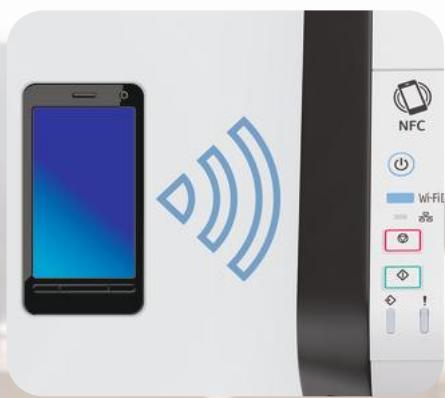
Work in new ways.
Helping you work more efficiently and more flexibly, these black and white A4 devices support wireless connectivity in AirPrint, Mopria and Google Cloud Print to let you connect with ease. And with the Ricoh Smart Device Print&Scan app, you have the flexibility to simply get on with the work.
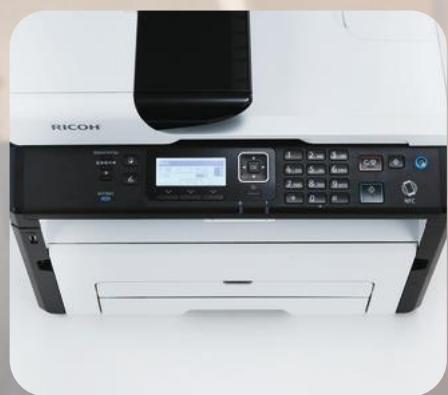
Low cost. Less waste.
Get the advantage of the lowest CPP in its class and buy toner less often. Save on both time and costs with the All-In-One high yield cartridge. Capable of up to 2,600 prints right out of the box, you also get a lower environmental impact thanks to less frequent disposal and an overall better TCO.
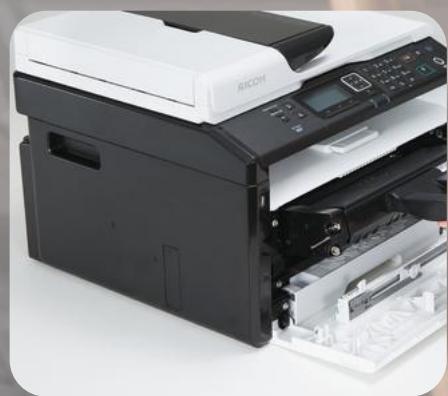
SP 277NwX / SP 277SNwX / SP 277SFNwX
MAIN SPECIFICATIONS
GENERAL
| Warm-up time: | 30 seconds |
| First output speed: | 10 seconds |
| Continuous output speed | |
| Memory: | Standard: 128 MB Maximum: 128 MB |
| Dimensions (W x D x H): | 402/402/402 x 360/360/360 x 165/293/293 mm |
| Weight: | 7/10/10 kg |
| Power source: | 220 - 240 V, 50/60 Hz |
COPIER (SP 277SNwX, SP 277SFNwX)
| Copying process: | Laser beam scanning and electro-photographic printing |
| Multiple copying: | Up to 99 copies |
| Resolution: | 600 x 600 dpi |
| Zoom: | From 25% to 400% in 1% steps |
PRINTER
| Printer language: | GDI |
| Print resolution: | Maximum (1,200 x 600 dpi) |
| Interface: | USB 2.0 Ethernet 10 base-T/100 base-TX Wireless LAN (IEEE 802.11b/g/n) |
| Mobile printing capability: | Apple AirPrintTM Mopria Google Cloud Print NFC |
| Windows® environments: | Windows® Vista, Windows® 7, Windows® 8, Windows® 8.1, Windows® 10, Windows® Server 2008, Windows® Server 2008R2, Windows® Server 2012, Windows® Server 2012R2 |
| Mac OS environments: | Macintosh OS X v10.8 - v10.11 |
SCANNER (SP 277SNwX, SP 277SFNwX)
| Scanning: | B&W Full Colour |
| Resolution: | 600 dpi |
| Bundled drivers: | Network TWAIN |
FAX (SP 277SFNwX)
| Compatibility: | G3 |
| Transmission speed: | G3: 3 second(s) |
| Modem speed: | Maximum: 33.6 Kbps |
PAPER HANDLING
| Recommended paper size: | A4 |
| A5 | |
| A6 | |
| B5 | |
| B6 | |
| Paper input capacity: | Standard: 150 sheets |
| Maximum: 150/185/185 sheets | |
| Paper output capacity: | Standard: 50 sheets |
| Paper weight: | Paper tray(s): 60 - 105 g/m2 |
RICOH
imagine. change.
www.ricoh-europe.com
ECOLOGY
Power consumption:
Maximum: 900 W
Operating power: 400 W
Ready mode: 65 W
CONSUMABLES
All-in-one cartridge capacity:
Black: 2,600 prints
Starter toner:
Black: 2,600 prints
Consumable yield measuring
method ISO/IEC 19752
Apple AirPrint applies only to the SP 277SNwX/SP 277SFNwX. Both Apple AirPrint and Google Cloud Print will be available in spring 2017.


CERTIFIED


mopria


ISO9001 certified, ISO14001 certified, ISO27001 certified
All brand and/or product names are trademarks of their respective owners.
Specifications and external appearance are subject to change without notice. The colour of the actual product may vary from the colour shown in the brochure. The images in this brochure are not real photographs and slight differences in detail might appear.
Copyright © 2017 Ricoh Europe PLC. All rights reserved. This brochure, its contents and/or layout may not be modified and/or adapted, copied in part or in whole and/or incorporated into other works without the prior written permission of Ricoh Europe PLC.
Marque : RICOH
Modèle : SP C352DN
Catégorie : Imprimante couleur laser