
MO070 - Modem SWEEX - Notice d'utilisation et mode d'emploi gratuit
Retrouvez gratuitement la notice de l'appareil MO070 SWEEX au format PDF.

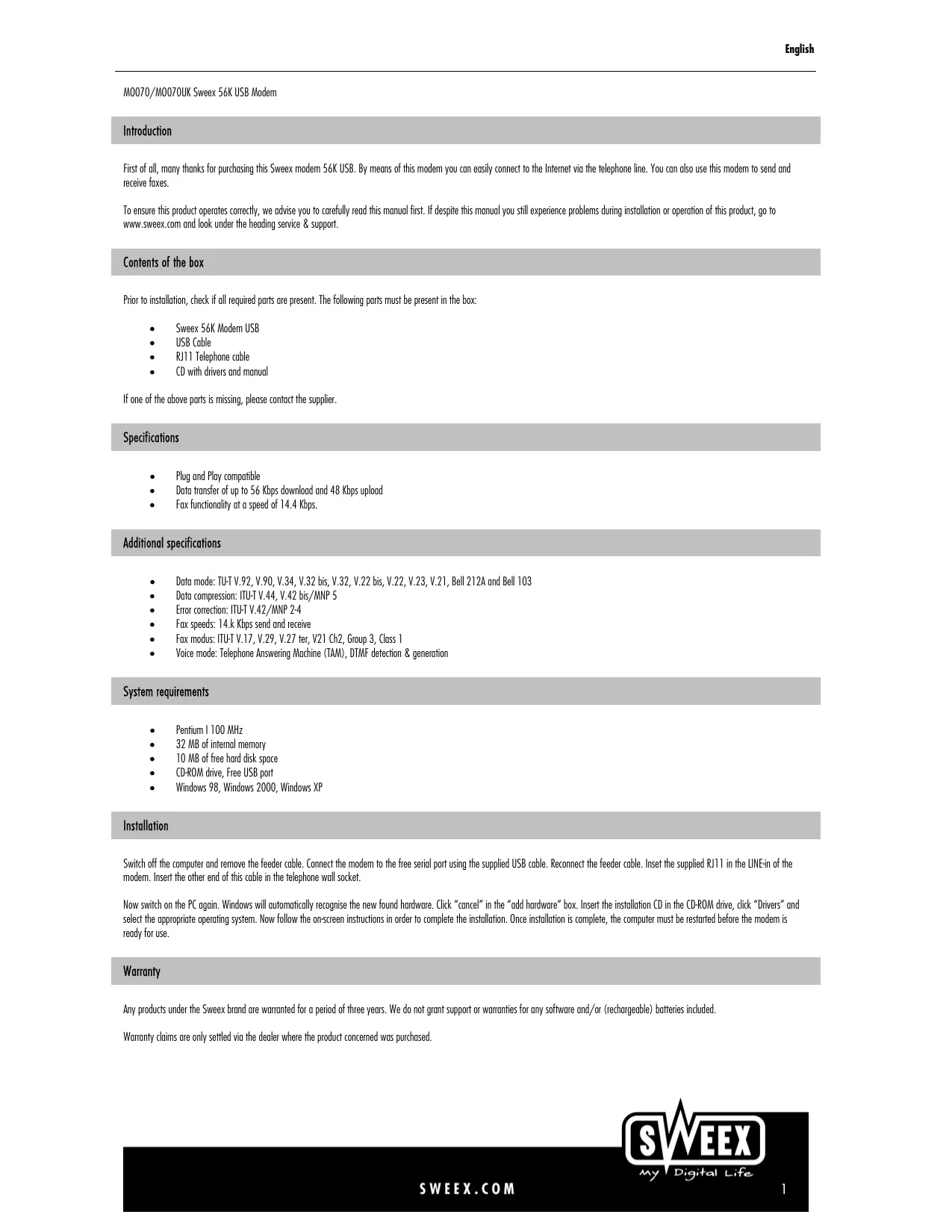
| Type de produit | Modem externe USB 56K |
| Marque | Sweex |
| Modèle | MO070 |
| Catégorie | Modem |
| Connectivité | USB 1.1, RJ11 (ligne téléphonique) |
| Débit de données max. | 56 Kbps (download), 48 Kbps (upload) |
| Compression de données | ITU-T V.44, V.42bis/MNP 5 |
| Correction d'erreurs | ITU-T V.42/MNP 2-4 |
| Vitesse de fax | 14,4 Kbps (émission et réception) |
| Modes fax | ITU-T V.17, V.29, V.27ter, V.21 Ch2, Groupe 3, Classe 1 |
| Mode vocal | Répondeur téléphonique (TAM), détection/génération DTMF |
| Systèmes d'exploitation supportés | Windows 98, Windows 2000, Windows XP |
| Configuration minimale requise | Pentium 100 MHz, 32 Mo RAM, 10 Mo disque dur, lecteur CD-ROM, port USB libre |
| Contenu de la boîte | Modem, câble USB, câble téléphonique RJ11, CD avec pilotes et manuel |
| Alimentation | Par port USB (5 V, 500 mA) |
| Dimensions (approx.) | 80 x 30 x 15 mm |
| Poids (approx.) | 50 g |
| Température de fonctionnement | 0 °C à 40 °C |
| Entretien et nettoyage | Débrancher l'appareil et nettoyer avec un chiffon doux et sec. Ne pas utiliser de produits liquides ou abrasifs. |
| Sécurité | Ne pas ouvrir l'appareil. Utiliser uniquement avec des câbles fournis. Protéger de l'humidité et des températures extrêmes. |
| Pièces détachées et réparabilité | Aucune pièce réparable par l'utilisateur. Contacter le revendeur ou Sweex pour tout problème. |
| Garantie | 3 ans (hors logiciels et batteries) |
FOIRE AUX QUESTIONS - MO070 SWEEX
Questions des utilisateurs sur MO070 SWEEX
0 question sur cet appareil. Repondez a celles que vous connaissez ou posez la votre.
Poser une nouvelle question sur cet appareil
Téléchargez la notice de votre Modem au format PDF gratuitement ! Retrouvez votre notice MO070 - SWEEX et reprennez votre appareil électronique en main. Sur cette page sont publiés tous les documents nécessaires à l'utilisation de votre appareil MO070 de la marque SWEEX.
MODE D'EMPLOI MO070 SWEEX
M0070/M0070UK Sweex 56K USB Modem
Introduction
First of all, many thanks for purchasing this Sweex modem 56K USB. By means of this modem you can easily connect to the Internet via the telephone line. You can also use this modem to send and receive faxes.
To ensure this product operates correctly, we advise you to carefully read this manual first. If despite this manual you still experience problems during installation or operation of this product, go to www.sweex.com and look under the heading service & support.
Contents of the box
Prior to installation, check if all required parts are present. The following parts must be present in the box:
- Sweex 56K Modem USB
USB Cable
• RJ11 Telephone cable
• CD with drivers and manual
If one of the above parts is missing, please contact the supplier.
Specifications
• Plug and Play compatible
• Data transfer of up to 56 Kbps download and 48 Kbps upload
• Fax functionality at a speed of 14.4 Kbps.
Additional specifications
• Data mode: TU-T V.92, V.90, V.34, V.32 bis, V.32, V.22 bis, V.22, V.23, V.21, Bell 212A and Bell 103
• Data compression: ITU-T V.44, V.42 bis/MNP 5
• Error correction: ITU-T V.42/MNP 2-4
• Fax speeds: 14.k Kbps send and receive
• Fax modus: ITU-T V.17, V.29, V.27 ter, V21 Ch2, Group 3, Class 1
• Voice mode: Telephone Answering Machine (TAM), DTMF detection & generation
System requirements
- Pentium I 100 MHz
• 32 MB of internal memory
• 10 MB of free hard disk space
• CD-ROM drive, Free USB port
• Windows 98, Windows 2000, Windows XP
Installation
Switch off the computer and remove the feeder cable. Connect the modem to the free serial port using the supplied USB cable. Reconnect the feeder cable. Inset the supplied RJ11 in the LINE-in of the modem. Insert the other end of this cable in the telephone wall socket.
Now switch on the PC again. Windows will automatically recognise the new found hardware. Click "cancel" in the "add hardware" box. Insert the installation CD in the CD-ROM drive, click "Drivers" and select the appropriate operating system. Now follow the on-screen instructions in order to complete the installation. Once installation is complete, the computer must be restarted before the modem is ready for use.
Warranty
Any products under the Sweex brand are warranted for a period of three years. We do not grant support or warranties for any software and/or (rechargeable) batteries included.
Warranty claims are only settled via the dealer where the product concerned was purchased.