
MO002 - Modem SWEEX - Notice d'utilisation et mode d'emploi gratuit
Retrouvez gratuitement la notice de l'appareil MO002 SWEEX au format PDF.

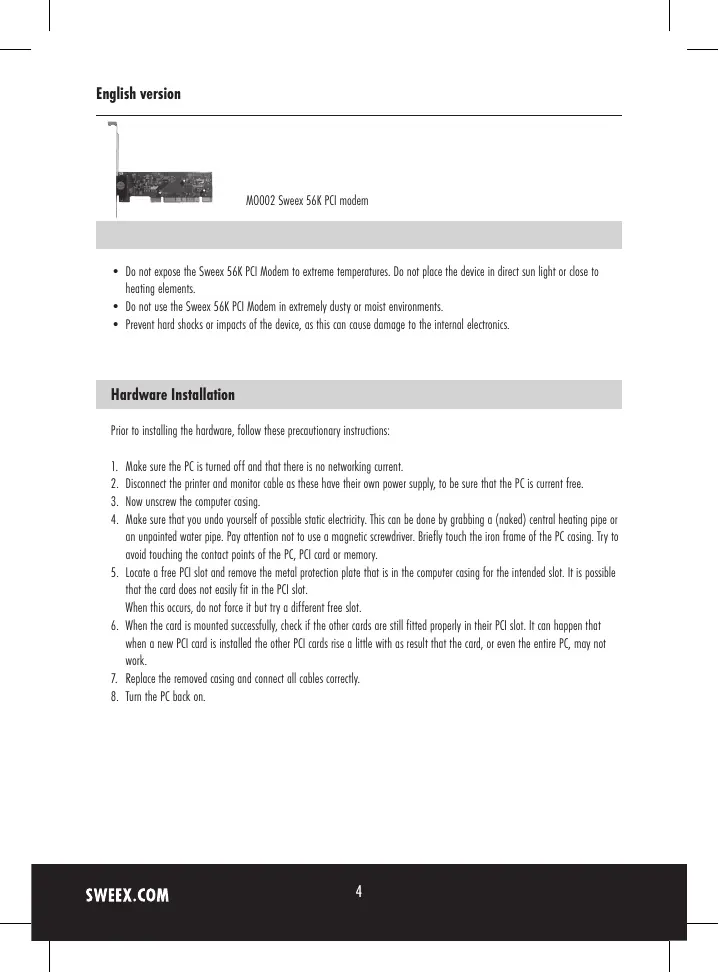
| Type de produit | Modem interne PCI 56K |
| Marque | SWEEX |
| Modèle | MO002 |
| Vitesse de transfert maximale | 56 Kbps (V.90) |
| Interface | PCI |
| Fonctions principales | Fax, répondeur, mise en attente Internet (Call Waiting) |
| Alimentation | Via bus PCI (5V, 500 mA) |
| Dimensions (approx) | 120 x 80 x 20 mm |
| Poids (approx) | 100 g |
| Compatibilité système | Windows 2000, XP, Vista |
| Logiciel fourni | FaxTalk Communicator, FaxTalk NetOnHold |
| Entretien | Nettoyer avec un chiffon sec, éviter l'humidité et la poussière |
| Sécurité | Débrancher l'appareil avant installation, éviter l'électricité statique |
| Garantie | 3 ans |
| Pièces détachées | Non disponibles séparément |
| Réparabilité | Non réparable par l'utilisateur |
FOIRE AUX QUESTIONS - MO002 SWEEX
Questions des utilisateurs sur MO002 SWEEX
0 question sur cet appareil. Repondez a celles que vous connaissez ou posez la votre.
Poser une nouvelle question sur cet appareil
Téléchargez la notice de votre Modem au format PDF gratuitement ! Retrouvez votre notice MO002 - SWEEX et reprennez votre appareil électronique en main. Sur cette page sont publiés tous les documents nécessaires à l'utilisation de votre appareil MO002 de la marque SWEEX.
MODE D'EMPLOI MO002 SWEEX
natural_image
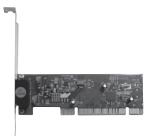
Close-up of a computer motherboard with visible circuitry and connectors (no text or symbols)M0002 Sweex 56K PCI modem
- Do not expose the Sweex 56K PCI Modem to extreme temperatures. Do not place the device in direct sun light or close to heating elements.
- Do not use the Sweex 56K PCI Modem in extremely dusty or moist environments.
- Prevent hard shocks or impacts of the device, as this can cause damage to the internal electronics.
Hardware Installation
Prior to installing the hardware, follow these precautionary instructions:
- Make sure the PC is turned off and that there is no networking current.
- Disconnect the printer and monitor cable as these have their own power supply, to be sure that the PC is current free.
- Now unscrew the computer casing.
- Make sure that you undo yourself of possible static electricity. This can be done by grabbing a (naked) central heating pipe or an unpainted water pipe. Pay attention not to use a magnetic screwdriver. Briefly touch the iron frame of the PC casing. Try to avoid touching the contact points of the PC, PCI card or memory.
- Locate a free PCI slot and remove the metal protection plate that is in the computer casing for the intended slot. It is possible that the card does not easily fit in the PCI slot.
When this occurs, do not force it but try a different free slot. - When the card is mounted successfully, check if the other cards are still fitted properly in their PCI slot. It can happen that when a new PCI card is installed the other PCI cards rise a little with as result that the card, or even the entire PC, may not work.
- Replace the removed casing and connect all cables correctly.
- Turn the PC back on.
Software installation
When Windows is started the "Found new hardware" window appears. Choose "Cancel".
Place the Sweex CD-ROM in the computer. The installation window will start automatically.
Choose "Drivers 2000, XP and Vista" to install the drivers.

Drivers 2000, XP and Vista
Choose "Software" to install FaxTalk Communicator or FaxTalk NetOnHold.

Software
With FaxTalk Communicator you can use the modem as fax and as answering machine.
With FaxTalk NetOnHold it is possible to "pause" internet when there is an incoming call or fax. This only works when Call Waiting is activated on the line.
Sweex does not give support on the supplied software and is not liable for this software.
Warranty
For all Sweex products a warranty period of 3 years applies. We do not give support or warranty on supplied software, rechargeable batteries and batteries. If one of the above parts is missing, contact the sales point where you have purchased the product.
All brand names and associated rights mentioned in this manual are and stay property of the rightful owner.