Notice Facile
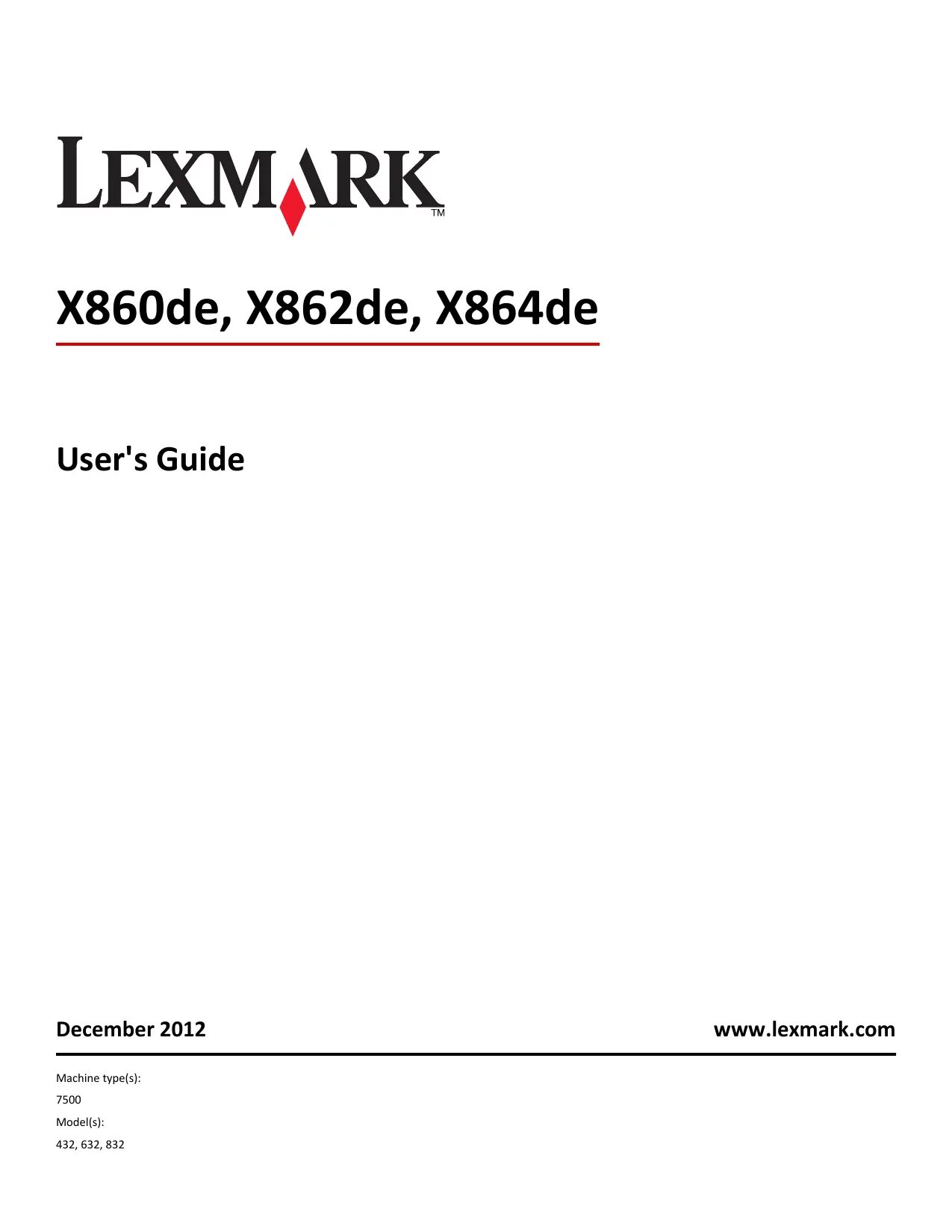
X862DE - Imprimante multifonction EPSON - Notice d'utilisation et mode d'emploi gratuit
Retrouvez gratuitement la notice de l'appareil X862DE EPSON au format PDF.
Notez ce manuel
★
★
★
★
★
★
★
★
★
★
 FR
💬
Question IA
❓
9 questions
⚙️
Specs
🖨️
Imprimer
FR
💬
Question IA
❓
9 questions
⚙️
Specs
🖨️
Imprimer
Chargement...
1 /
311

Sommaire
Cliquez un titre pour aller à la page
Assistant notice
Powered by ChatGPT
💬 Bonjour ! Je suis votre assistant notice.Je connais votre EPSON X862DE.
En quoi puis-je vous aider ? (utilisation, réglages, code erreur, entretien, explication d'une étape de la notice, etc.)💡 Exemples :
• Comment l'utiliser ?
• Code erreur E3 ?
• Comment nettoyer ?
En attente de votre message
Informations produit
Marque : EPSON
Modèle : X862DE
Catégorie : Imprimante multifonction
| Intitulé | Valeur / Description |
|---|---|
| Type de produit | Imprimante multifonction couleur A3 |
| Technologie d'impression | Jet d'encre à sublimation thermique |
| Résolution d'impression | Jusqu'à 4800 x 1200 dpi |
| Vitesse d'impression | Jusqu'à 24 pages par minute (noir et couleur) |
| Connectivité | USB 2.0, Ethernet, Wi-Fi, Wi-Fi Direct |
| Compatibilité des systèmes d'exploitation | Windows, macOS, Linux |
| Capacité du bac d'alimentation | 250 feuilles |
| Dimensions approximatives | 600 x 400 x 200 mm |
| Poids | Environ 20 kg |
| Type de cartouche | Cartouches d'encre individuelles |
| Entretien et nettoyage | Nettoyage des têtes d'impression via le logiciel, remplacement régulier des cartouches |
| Pièces détachées et réparabilité | Disponibilité de pièces détachées, possibilité de maintenance par des techniciens agréés |
| Sécurité électrique | Certifications CE, RoHS |
| Garantie | Garantie de 1 an, extension possible |
| Informations générales | Idéale pour les bureaux et les environnements professionnels, impression de documents de haute qualité |
FOIRE AUX QUESTIONS - X862DE EPSON
Comment résoudre un problème d'impression floue avec l'EPSON X862DE ?
Vérifiez d'abord la qualité de l'encre et remplacez les cartouches si nécessaire. Ensuite, réalisez un nettoyage des têtes d'impression via le panneau de contrôle de l'imprimante.
Que faire si l'imprimante ne se connecte pas au réseau ?
Assurez-vous que l'imprimante est correctement connectée à votre réseau Wi-Fi. Vérifiez les paramètres de connexion dans le menu réseau de l'imprimante et redémarrez le routeur si nécessaire.
Pourquoi l'imprimante affiche-t-elle un message d'erreur lors de l'impression ?
Vérifiez si du papier est coincé dans l'imprimante. Consultez le manuel d'utilisation pour des codes d'erreur spécifiques et suivez les instructions pour les résoudre.
Comment effectuer un calibrage de l'imprimante EPSON X862DE ?
Accédez au menu de configuration de l'imprimante et recherchez l'option de calibrage. Suivez les instructions à l'écran pour ajuster les paramètres d'impression.
Que faire si l'imprimante ne reconnaît pas les cartouches d'encre ?
Retirez et réinsérez les cartouches d'encre. Assurez-vous qu'elles sont compatibles avec le modèle EPSON X862DE. Si le problème persiste, essayez de réinitialiser l'imprimante.
Comment mettre à jour le firmware de l'EPSON X862DE ?
Visitez le site web d'Epson pour télécharger le dernier firmware. Suivez les instructions fournies pour mettre à jour votre imprimante via USB ou réseau.
Pourquoi l'imprimante ne répond-elle pas aux commandes d'impression ?
Vérifiez que l'imprimante est allumée et connectée. Redémarrez l'imprimante et l'ordinateur, puis essayez d'imprimer à nouveau. Assurez-vous que l'imprimante est définie comme imprimante par défaut.
Comment nettoyer les têtes d'impression de l'EPSON X862DE ?
Accédez au menu d'entretien de l'imprimante et sélectionnez l'option de nettoyage des têtes d'impression. Suivez les instructions à l'écran pour effectuer le nettoyage.
Quel type de papier est recommandé pour l'EPSON X862DE ?
Utilisez du papier photo de haute qualité ou du papier pour impressions couleur. Assurez-vous que le papier est compatible avec les spécifications de l'imprimante.
Téléchargez la notice de votre Imprimante multifonction au format PDF gratuitement ! Retrouvez votre notice X862DE - EPSON et reprennez votre appareil électronique en main. Sur cette page sont publiés tous les documents nécessaires à l'utilisation de votre appareil X862DE de la marque EPSON.
MODE D'EMPLOI X862DE EPSON
Autres manuels EPSON
Découvrez d'autres manuels et modes d'emploi de la marque EPSON