
Poseidon E2 - Keyboard Gamdias - Free user manual and instructions
Find the device manual for free Poseidon E2 Gamdias in PDF.


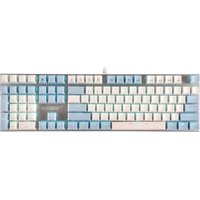
| Product Type | Mechanical Gaming Keyboard |
| Brand | Gamdias |
| Model | Poseidon E2 |
| Switch Type | Mechanical (Blue equivalent, tactile and clicky) |
| Key Rollover | N-Key Rollover (NKRO) |
| Backlight | Per-key RGB LED, customizable via software |
| Connectivity | USB 2.0 Type-A (braided cable) |
| Cable Length | 1.8 meters |
| Dimensions (W x D x H) | 440 x 140 x 30 mm |
| Weight | 1.2 kg |
| Material | ABS plastic case with metal top plate |
| Keycap Type | Double-shot injection molded ABS |
| Multimedia Keys | Fn-combination for media control |
| Onboard Memory | Yes, for macro and lighting profiles |
| Software Support | Gamdias Hera software (Windows) |
| Wrist Rest | Detachable magnetic wrist rest |
| Compatibility | Windows 7, 8, 10, 11; USB port required |
| Power Source | USB bus-powered (5V, 500mA max) |
| Certifications | CE, FCC, RoHS |
| Warranty | 2 years limited warranty |
| Cleaning Instructions | Unplug keyboard, use compressed air and damp cloth; avoid liquids |
Frequently Asked Questions - Poseidon E2 Gamdias
User questions about Poseidon E2 Gamdias
0 question about this device. Answer the ones you know or ask your own.
Ask a new question about this device
Download the instructions for your Keyboard in PDF format for free! Find your manual Poseidon E2 - Gamdias and take your electronic device back in hand. On this page are published all the documents necessary for the use of your device. Poseidon E2 by Gamdias.
USER MANUAL Poseidon E2 Gamdias
natural_image
Abstract geometric pattern with nested triangles and no text or symbols
natural_image
Black and white photo of a computer keyboard, mouse, and ARESIE3 headphones with visible function keys (no text or symbols on main objects)
natural_image
Stylized white sword icon on black background (no text or symbols)POSEIDONIE2
3- IN -1 Gaming Combo
《English》
Thank you for purchasing the GAMDIAS™ POSEIDON E2 3-in-1 COMBO. The GAMDIAS ARES E3 gaming keyboard has a comfortable design. The GAMDIAS™ AURA GS3 optical gaming mouse employs premium micro-processor complemented by 3,600 DPI precision-perfect optical sensors.
System Requirements
- Windows ® XP/ Vista / 7 / 8 / 10 / 11
- PC with USB ports
Package Contents
• GAMDIAS™ ARES E3 Membrane Gaming Keyboard
• GAMDIAS™ AURA GS3 Gaming Mouse
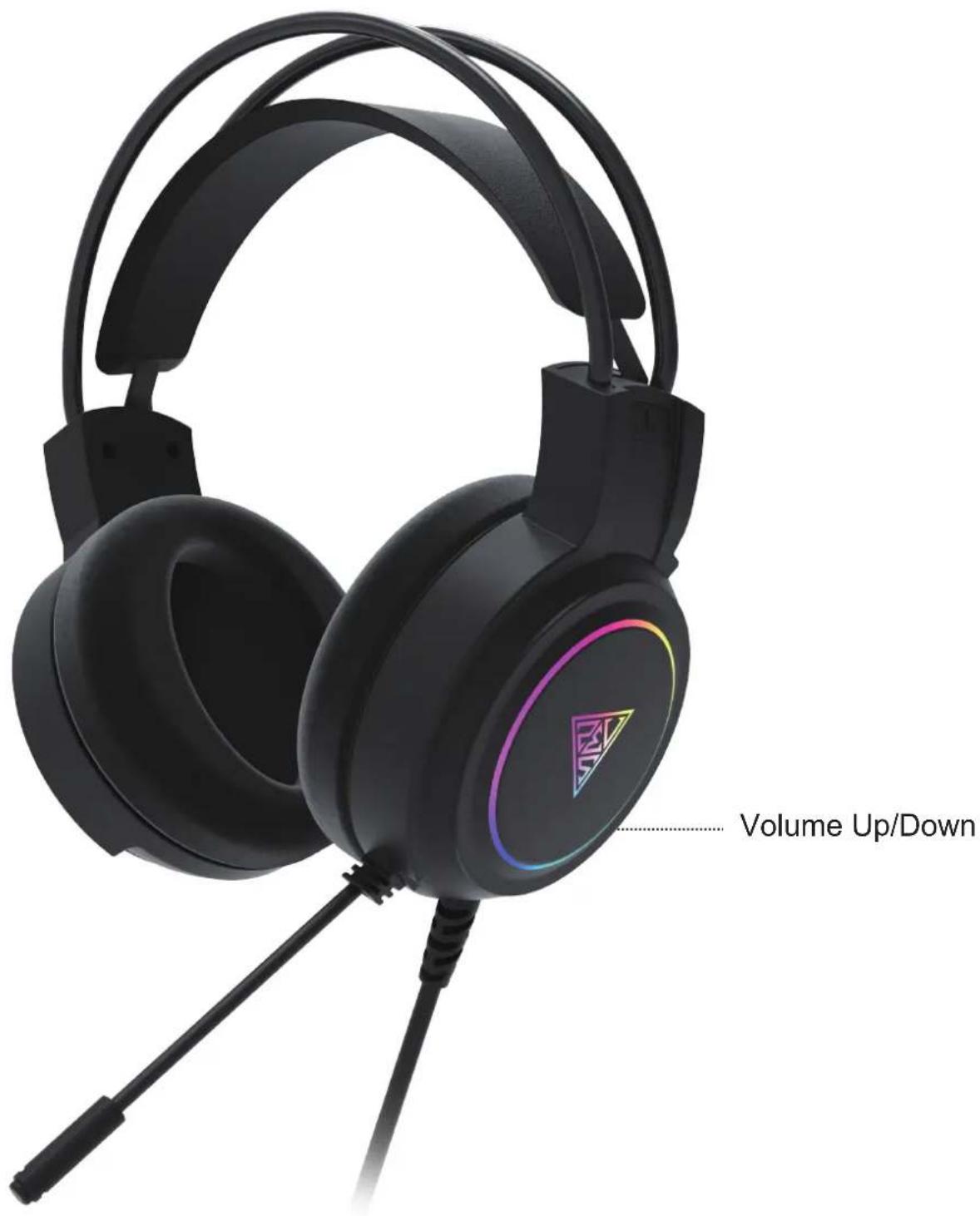
• GAMDIAS™ Gaming Headset
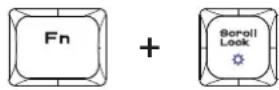
Introduction to ARES E3 Key Combination
Fn + F1\~F12

Keyboard backlight brightness ON/OF
Gaming Mouse Default Settings

Headset Default Settings

natural_image
Golden geometric logo design with interlocking triangular shapes (no text or symbols)GAMDIAS
GAMING ART IN MOTION
Brand : Gamdias
Model : Poseidon E2
Category : Keyboard