
CLC 5151 - Laser MFP CANON - Free user manual and instructions
Find the device manual for free CLC 5151 CANON in PDF.


| Product type | Color laser multifunction printer |
| Main functions | Print, copy, scan, fax (optional) |
| Color print speed | Up to 51 pages per minute (ppm) |
| Print resolution | 600 x 600 dpi |
| Supported paper sizes | A3, A4, A5, SRA3, A6, envelopes |
| Standard paper capacity | 2 x 550 sheets (drawers) + 100 sheets (multipurpose tray) |
| Maximum paper capacity | Up to 5,000 sheets with options |
| Supported paper weight (drawers) | 60 to 209 g/m² |
| Supported paper weight (multipurpose tray) | 60 to 253 g/m² |
| Automatic duplex | Yes |
| Recommended monthly duty cycle | 100,000 pages |
| Finishing options | Stapling, folding, booklet, punching (2 or 4 holes) |
| Dimensions (W x D x H) | Approx. 800 x 750 x 1,100 mm |
| Weight | Approx. 150 kg |
| Power supply | 220-240 V, 50/60 Hz |
| Power consumption (printing) | Approx. 1,500 W |
| Power consumption (standby) | Less than 200 W |
| Routine maintenance | Roller cleaning, toner and drum replacement |
| Security | Access control, network security, data encryption |
| Spare parts and repairability | Toner, drum, fuser, rollers, maintenance kits available |
Frequently Asked Questions - CLC 5151 CANON
User questions about CLC 5151 CANON
0 question about this device. Answer the ones you know or ask your own.
Ask a new question about this device
Download the instructions for your Laser MFP in PDF format for free! Find your manual CLC 5151 - CANON and take your electronic device back in hand. On this page are published all the documents necessary for the use of your device. CLC 5151 by CANON.
USER MANUAL CLC 5151 CANON
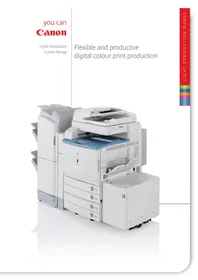
Flexible and productive digital colour print production
LIGHT PRODUCTION COLOUR RANGE
For print professionals who appreciate the finest details.
Exceptional colour and dependable performance
We want to ensure you can produce outstanding colour prints. Prints that bring sharpness and clarity to the most exceptional levels of detail. Canon’s Light Production Colour Range blends all the attributes and features you need for excellent print performance.
Built for production colour
The Canon Light Production Colour Range is designed for environments that need dependable, digital colour production, satisfying the ever-growing need for high-quality, short-run and print-on-demand colour.
Built to perform
Exceptional colour reliability and productive performance sets this range apart. Colour print speeds of up to 51 ppm complemented with productive auto duplexing functionality. Monthly workload capacity is great for demanding environments.
Quality prints
Canon's unique s-spherical toner produces a vibrant, consistent image with a superior quality finish that's pleasing to the eye. Image quality for graphics is outstanding and text is simultaneously delivered with exceptional precision.
Compact footprint
A compact footprint means Canon's Light Production Colour Range can easily be added to your existing production set-up. Even fully configured, your available floor space is optimised.
Canon's Light Production Range for outstanding colour.
It's never been simpler to produce exactly what's required
Make one of Canon's Light Production Colour devices the focal point of your digital colour print capabilities and unlock the full potential of your print environment.
Short-run colour
Whether it's 1 or 5,000 prints, the CLC range provides outstanding image stability, print to print. It's the ideal solution for the fast turnaround of short-run colour jobs.
Print-on-demand
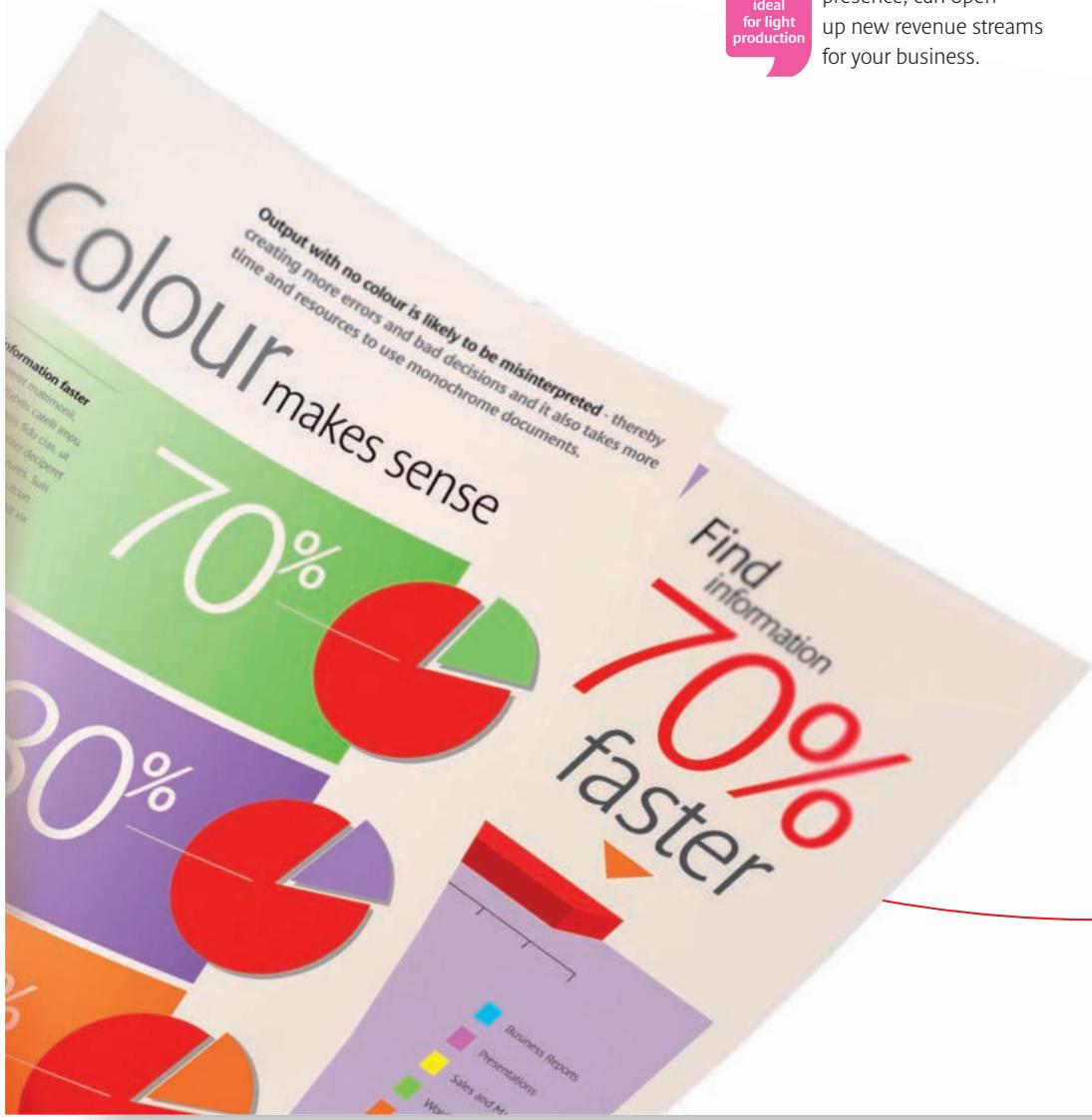
The CLC devices give you cost-effective print-on-demand capacity. You can produce marketing communication materials, journals and books, offering professional production to both organisations and individuals alike. Print, and reprint on demand, combined with an effective web

presence, can open up new revenue streams for your business.
Customised printing
The Light Production Colour Range takes marketing communications to a different level. Imagine printing a colour brochure for mailing to 3,000 companies. Customised printing means that the brochure can be constructed using “segmentation rules”, depending on the intended audience. For example, utilising a different image to represent the appropriate message for each targeted group, all printed superbly in a single run.
Personalised printing
Coupled with software solutions from Canon such as Canon Variable Data Printing (VDP), the CLC range provides high-speed, personalised colour printing. By combining graphical images and variable data, you can create marketing campaigns that talk directly to individuals. Generating better response rates and improved opportunities for your customers.
Comprehensive capabilities for those serious about print.
LIGHT PRODUCTION COLOUR RANGE
Add the finishing touch.
Finishing that never fails to impress
Superb colour output is complemented by a range of in-line finishing capabilities that give you the flexibility to surpass the expectations of your customers and meet all your deadlines.
Total production
Canon's Light Production Colour Range gives you complete end-to-end document finishing without user intervention. Produce colour reports with printed tab-inserts. Create outstanding saddle-stitched booklets in sizes up to 305 x 457mm and deliver them with effortless simplicity.
Offer everything
Now you need never turn down a customer job request. The CLC range handles 209 gsm media through the cassettes and 253 gsm media through the stack bypass. Forms, flyers, ad layouts, storyboards, newsletters, posters, presentations, reports, letterheads, business cards. It's all possible with Canon's CLC range.
Finishings available
Group & collate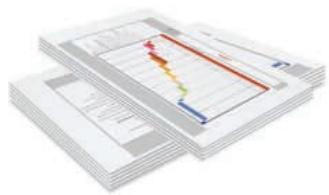
Stacking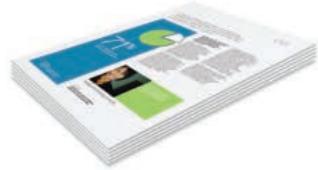
Stapling
Tab printing
V fold
Saddle stitch & Booklet creation
Hole punching (2 & 4 holes)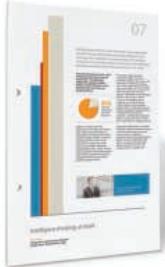
Experience production runs without user intervention.
LIGHT PRODUCTION COLOUR RANGE
See colour more clearly.
Added applications mean additional opportunity.
A suite of powerful workflow and management solutions is available to complement Canon's Light Production Colour Range and support your print environment. Expect to bring added control and optimize the efficiency of your digital print workflow.
How can we ensure accurate, high quality colour every time?
Graphic Arts Package helps optimize the workflow for design professionals using the CLC range. It allows you to achieve precise colour consistency and undertake accurate soft-proofing to speed up workflows. Plus, it provides sophisticated pre- and post-flight management for added productivity.
How can we improve performance and save time?
Production Printing Package is a toolset for the most demanding production environment. It enables simple document composition for the most sophisticated of jobs. Workflow improvements are quick to realize with powerful job management facilities that encourage the very best performance from your print environment.
How can we reduce imposition errors to improve effectiveness?
Impose is an intuitive WYSIWYG tool that streamlines the imposition process, resulting in reduced user errors and less waste. It makes even the most sophisticated Variable Data Printing jobs simple to manage. A Control Panel ensures it's easy to identify mistakes, reduce waste, and improve turnaround times.
How do we reduce errors and improve print job management?
Command Workstation sets the highest standard for the control of digital print jobs. It makes centralized management effortless and supports multiple operators. A wide range of easy-to-use facilities, with a customizable front-end, helps optimize workflow and enhance productivity.
Supporting your print environment.
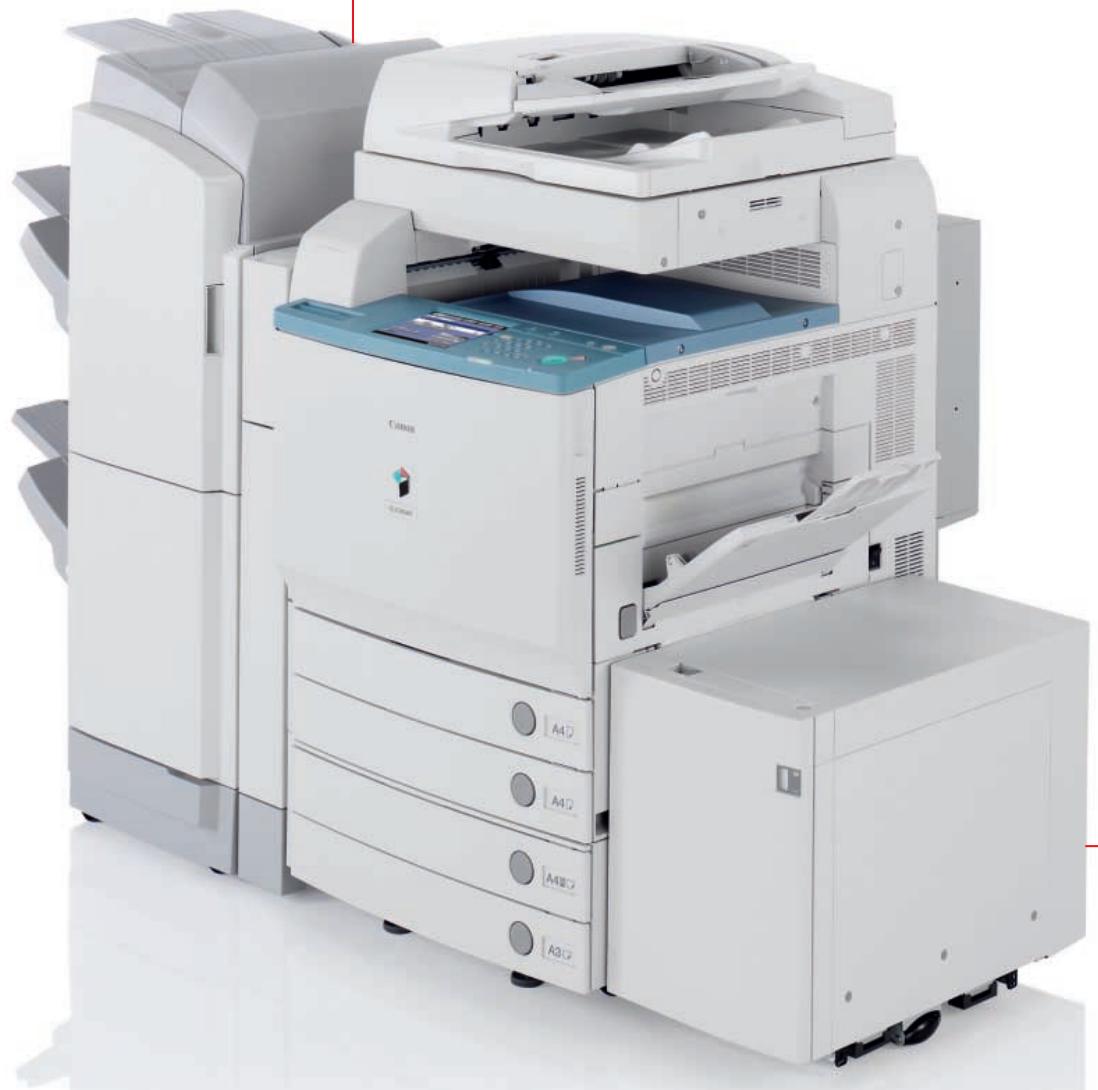
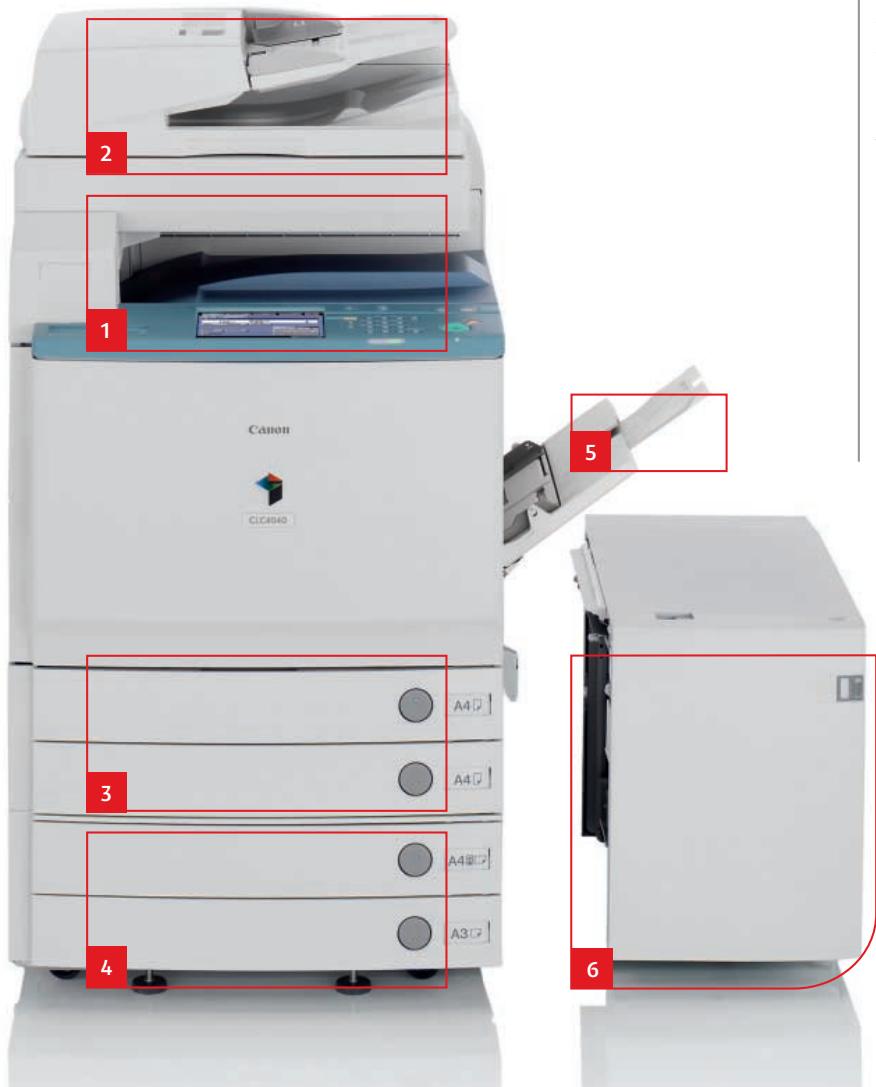
1 Colour scanner
The colour scanner is an advanced colour image reader that accepts scanning sizes up to A3. Scanned documents can be sent to email addresses, file locations, and even database applications.
3 Paper drawer
2 x 550 sheet drawers are provided with user-changeable sizes (up to 209 gsm) between A6 and 305 x 457 mm.
4 Paper drawer (optional)
An additional supply of 2 x 550 sheets drawers boosts production capacity further.
2 Document feeder (optional)
For fast and easy scanning and printing – including duplexing – the DADF-F1 automatically feeds in up to 70 ipm at 300 dpi and 51 ipm at 600 dpi. It can handle media up to 128 gsm and sizes up to A3.
Equipped to deal with anything
Canon's Light Production Colour Range brings flexible colour print performance to your print operation. The devices can be easily configured to meet today's demands, as well as being readily adaptable to tackle tomorrow's needs.

Configure the CLC range exactly as you need it.
5 Stack Bypass
The generous 100 sheet Stack Bypass accommodates a wide variety of media up to 253 gsm and sizes from A5R to SRA3 – use it for envelope printing, business cards and tab printing.
6 Large Capacity Tray (optional)
An additional 2,700 sheets can be configured to create a production capacity of 5,000 sheets from 6 separate paper sources. Ideal for environments that demand minimal user intervention and maximum productivity.
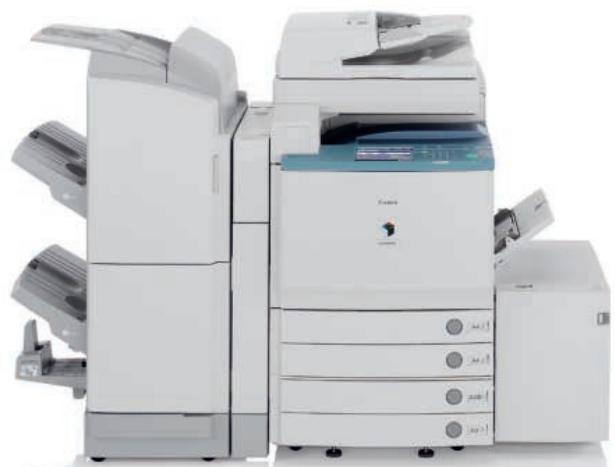
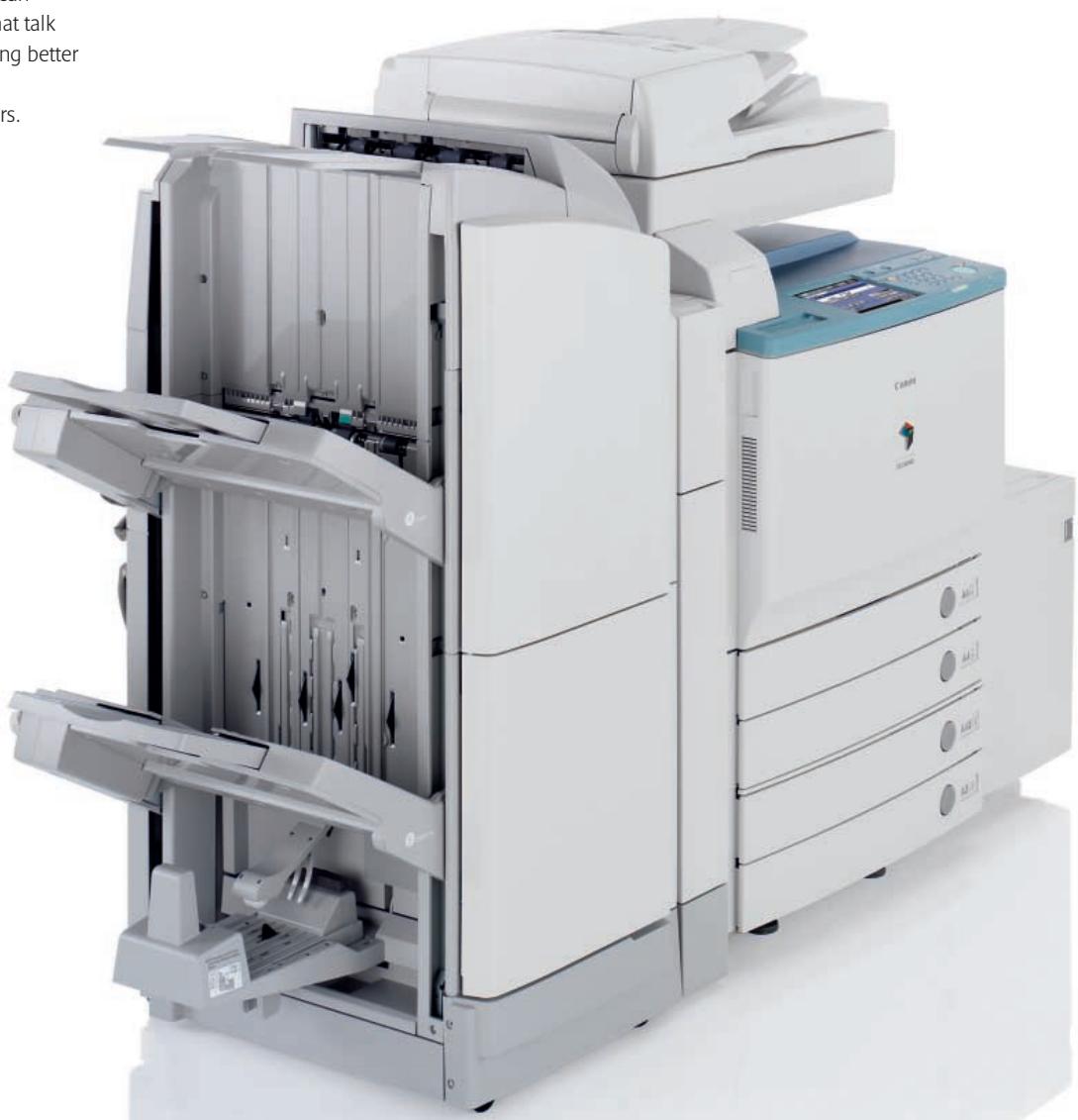
7 Finishing options
A number of powerful finishing options are available to meet the needs of your environment:
Finisher X1
Sort or group documents of up to 30 pages and staple with corner or double stapling.
Finisher W1
Three trays provide a 4,000 sheet capacity for lengthy production jobs. 50 sheet stapling is provided and up to 100 sets can be produced at a time.
Saddle Finisher W2 (pictured)
The Saddle Finisher W2 creates 15 sheet booklets (60 pages) up to an impressive A4 in size. Hole punching is also provided, as are all the facilities of the Finisher W1.
Puncher Unit
Compatible with the W1 and W2 Finishers, the Puncher Unit AG1 for 2 hole punching, and the Puncher Unit AJ1 for 4 hole punching, allows for media up to A3 size.
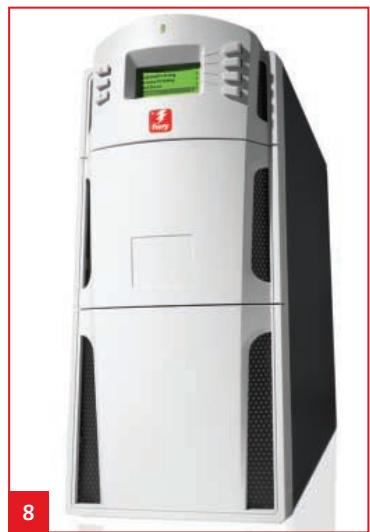
8 Controllers
Each device can be configured with the Canon Colour Network Printer Unit H1 and for top-end performance the PS-GX100 (pictured).
Touch screen
A colour touch screen display ensures simple operation.
Advanced security
The Light Production Colour Range takes security issues seriously. A host of built-in management and control facilities plus additional applications ensure data, network and device integrity isn't threatened by unauthorised access or hacking.
LIGHT PRODUCTION COLOUR RANGE
See digital differently. Talk to us and we'll show you how to make the most of Light Production Colour.

Conforms to the International Energy Star program as an MFP and Copier

Canon's GENUINE logo means quality all-round performance





- EXCEPTIONAL COLOUR AND DEPENDABLE PERFORMANCE
- BUILT FOR PRODUCTION COLOUR
- BUILT TO PERFORM
- QUALITY PRINTS
- COMPACT FOOTPRINT
- IT'S NEVER BEEN SIMPLER TO PRODUCE EXACTLY WHAT'S REQUIRED
- SHORT-RUN COLOUR
- PRINT-ON-DEMAND
- CUSTOMISED PRINTING
- PERSONALISED PRINTING
- FINISHING THAT NEVER FAILS TO IMPRESS
- TOTAL PRODUCTION
- OFFER EVERYTHING
- FINISHINGS AVAILABLE
- ADDED APPLICATIONS MEAN ADDITIONAL OPPORTUNITY
- HOW CAN WE ENSURE ACCURATE, HIGH QUALITY COLOUR EVERY TIME
- HOW CAN WE IMPROVE PERFORMANCE AND SAVE TIME
- HOW CAN WE REDUCE IMPOSITION ERRORS TO IMPROVE EFFECTIVENESS
- HOW DO WE REDUCE ERRORS AND IMPROVE PRINT JOB MANAGEMENT
- COLOUR SCANNER
- PAPER DRAWER
- PAPER DRAWER (OPTIONAL)
- DOCUMENT FEEDER (OPTIONAL)
- EQUIPPED TO DEAL WITH ANYTHING
- STACK BYPASS
- LARGE CAPACITY TRAY (OPTIONAL)
- FINISHING OPTIONS
- FINISHER X
- FINISHER W
- SADDLE FINISHER W2 (PICTURED)
- PUNCHER UNIT
- CONTROLLERS
- TOUCH SCREEN
- ADVANCED SECURITY
Brand : CANON
Model : CLC 5151
Category : Laser MFP