Light - Lighting Hive - Free user manual and instructions
Find the device manual for free Light Hive in PDF.


| Product Type | Smart LED Bulb |
| Brand | Hive |
| Model | Light |
| Dimensions (Diameter x Height) | 60 mm x 110 mm |
| Weight | 100 g |
| Base Type | E27 (standard screw) |
| Power Supply | AC 220-240V, 50/60Hz |
| Wattage | 9 W (equivalent 60 W incandescent) |
| Luminous Flux | 806 lumens |
| Color Temperature Range | 2700K - 6500K (warm to cool white) |
| Color Rendering Index (CRI) | 80 |
| Dimmable | Yes (via app or voice) |
| Connectivity | Zigbee (requires Hive Hub) |
| Smart Compatibility | Works with Amazon Alexa, Google Assistant, Apple HomeKit (via Hive Hub) |
| App Control | Hive app (iOS and Android) |
| Voice Control | Alexa, Google Assistant, Siri (via HomeKit) |
| Routines & Scheduling | Yes |
| Lifespan | 25,000 hours |
| Operating Temperature | -10°C to 40°C |
| Energy Class | A+ |
| Warranty | 2 years |
| Additional Features | Color changing (RGB), Away mode, Scene setting |
Frequently Asked Questions - Light Hive
User questions about Light Hive
0 question about this device. Answer the ones you know or ask your own.
Ask a new question about this device
Download the instructions for your Lighting in PDF format for free! Find your manual Light - Hive and take your electronic device back in hand. On this page are published all the documents necessary for the use of your device. Light by Hive.
USER MANUAL Light Hive
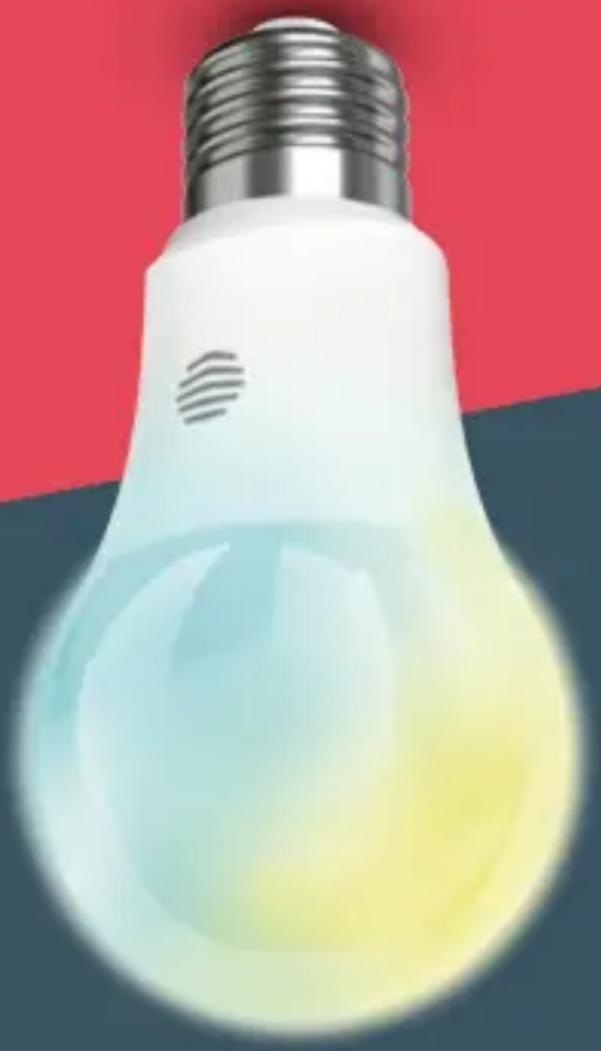
Cool to warm white smart light bulb
User guide
natural_image
Illustration of a white light bulb with a glowing yellow-orange tip against a red and blue background (no text or symbols)Welcome to Hive
This guide tells you everything you need to know to use your Hive Active Light.
natural_image
Illustration of a light bulb with a metallic top and gradient blue-yellow base against a red background (no text or symbols)If you're new to Hive products, please see the user guide provided with your Hive Hub to set up your Hive account.
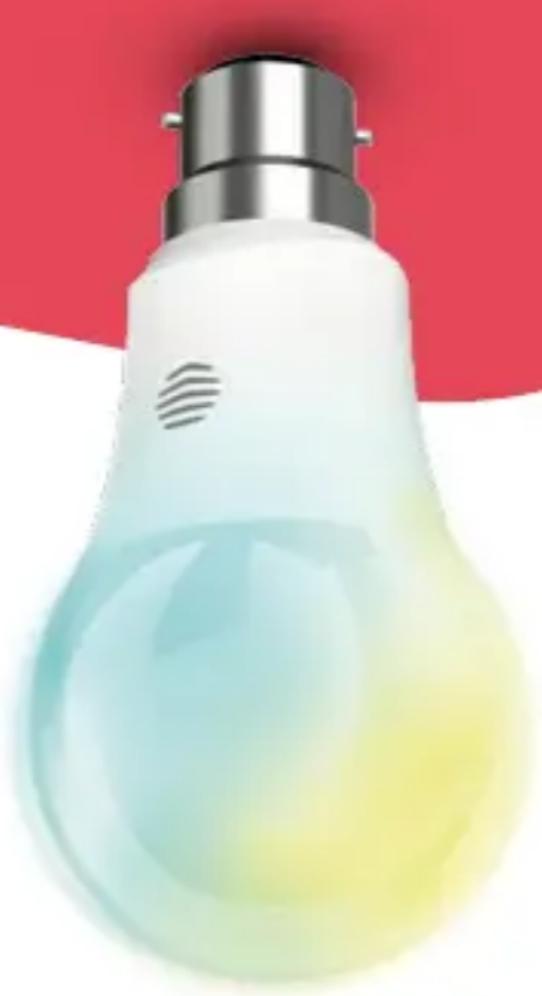
Your Hive Active Light can be turned on and off and dimmed remotely from your smartphone or tablet. You can also choose tones from cool to warm white and set schedules for when it turns on and off.
Getting started:
1 Add your Hive Active Light
You can do this using your Hive app or the online dashboard.
Using the Hive app:
- Open the Hive app on your smartphone or tablet. You may be asked to log-in.
- Tap the Menu button and then Install devices, then follow the on-screen instructions.
Using the online dashboard:
- Log in to your Hive account at hivehome.com
• Under Settings select Install devices, then follow the on-screen instructions.
2 Fit the bulb into the light fitting and switch the light on
Ensure the wall switch for the light is switched off before fitting the bulb. Your Hive Active Light is fitted in the same way traditional household bulbs are. Once fitted, switch the light on at the wall and the bulb will then flash on and off to show that it is searching for your hub.
Once your Hive Active Light appears on the screen it will flash once more to confirm it's connected. You can now name it and press Save to complete setup.
3 That's it!
You've finished setting up your Hive Active Light and you can now control it remotely.
Remember: To turn your Hive Active Light on or off remotely it must be switched on at the wall. Your Hive Active Light should not be dimmed using a wall mounted dimmer switch as it may cause buzzing or flickering.
Use in dry location only.
Usage
Your Hive Active Light is designed for indoor use only. Not suitable for emergency lighting.
Maintenance
Disconnect your Hive Active Light before cleaning and keep it away from water and other liquids at all times. The Hive Active Light does not contain any serviceable parts so do not attempt to open it.
Can we help?
You can view our handy how-to-use videos along with hints and tips at hivehome.com/support
If for any reason you need to return your Hive Active Light, simply return your box and its contents to the retailer. Any return is subject to the retailer's refund policy so please don't forget to check the retailer's refund policy too.
Centrica Connected Home Limited
declares that the radio equipment types
HV-GSCXZB279 and HV-GSCXZB229 comply
with Directive 2014/53/EU. Full declaration
text available at: hivehome.com/compliance
Max. radiated power: 10dBm
Frequency: 2400\~2483.5MHz
natural_image
Hive logo with white wave-like symbol on red background (no text or symbols beyond logo design)To avoid environmental and health problems due to hazardous substances in electrical and electronic goods, appliances marked with a crossed out wheeled bin should
not be placed into your household rubbish bin. Instead, when they are unable to be re-used, they should be recycled. Your local authority will be able to advise you on the location of the nearest recycling centre that is authorised to accept this type of waste. Please recycle responsibly.
natural_image
Symbol of a trash bin with crossed lines indicating no waste or discharge (no text or labels)Brand : Hive
Model : Light
Category : Lighting