
Video Doorbell Wedge Kit - Home Automation RING - Free user manual and instructions
Find the device manual for free Video Doorbell Wedge Kit RING in PDF.


| Product Type | Mounting Wedge for Video Doorbell |
| Brand | Ring |
| Model | Video Doorbell Wedge Kit |
| Compatibility | Ring Video Doorbell (1st, 2nd, 3rd gen), Ring Video Doorbell 2, Ring Video Doorbell Pro, Ring Video Doorbell Elite |
| Purpose | Adjusts viewing angle of doorbell camera |
| Material | Polycarbonate plastic |
| Color | White (standard) |
| Dimensions | 2.0 x 1.5 x 0.6 inches (approx.) |
| Weight | 1.0 oz (approx.) |
| Angle Offset | 15 degrees downward tilt |
| Installation | Mounts between doorbell and wall with included screws |
| Tools Required | Phillips screwdriver |
| Included Accessories | Wedge, mounting screws, wall anchors |
| Weather Resistance | UV-resistant and waterproof construction |
| Cleaning | Wipe with soft, damp cloth; avoid harsh chemicals |
| Safety | Follow installation instructions to ensure secure mounting |
| Repairability | No user-serviceable parts; replace if damaged |
| Certifications | CE, FCC |
| Warranty | 1-year limited warranty |
Frequently Asked Questions - Video Doorbell Wedge Kit RING
User questions about Video Doorbell Wedge Kit RING
0 question about this device. Answer the ones you know or ask your own.
Ask a new question about this device
Download the instructions for your Home Automation in PDF format for free! Find your manual Video Doorbell Wedge Kit - RING and take your electronic device back in hand. On this page are published all the documents necessary for the use of your device. Video Doorbell Wedge Kit by RING.
USER MANUAL Video Doorbell Wedge Kit RING
ring
Video Doorbell
Wedge Kit Install Guide
Install Tips
Mount your Video Doorbell flat against angled siding, or if your door is near a staircase, mount your Video Doorbell at an angle for a better view and improved motion detection.
- Comes with 3 stackable wedges
- Ranges from 5°, 10° and 15° angles
- Make sure to trim the feet off the back of the wedge that mounts directly to the wall.
Ring Installation Kits are paintable to match your home.
Check out ring.com/install-kits for more information
For additional help, visit: ring.com/help For immediate assistance, we're available 7 days a week at: help@ring.com
For a list of all our customer support numbers, visit: ring.com/callus
- Use the provided screws to mount one or more Wedge mounts to your wall.

If installing one Wedge mount, use the shorter (1.25in or 38mm) screw.
If installing more than one Wedge mount, use the longer (2.0in or 51mm) screw.


- Use the shortest screws to attach the bracket to the Wedge mount(s).

- Attach the Doorbell to the bracket and tighten the security screws.
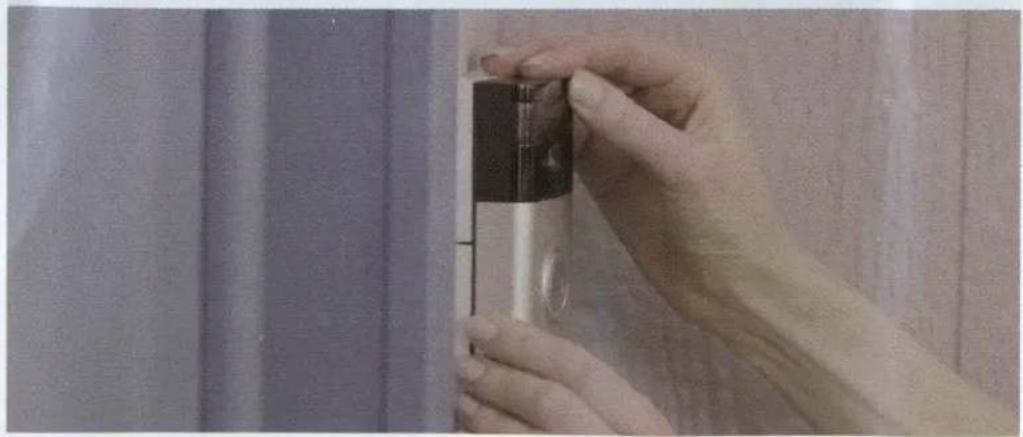
- You're all set!
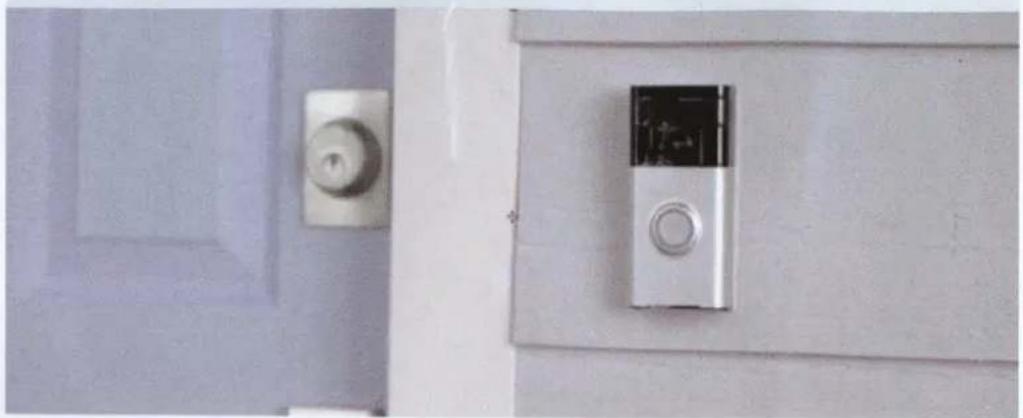


Brand : RING
Model : Video Doorbell Wedge Kit
Category : Home Automation