COM-595 - Barcode Reader Steren - Free user manual and instructions
Find the device manual for free COM-595 Steren in PDF.


| Product Type | Handheld Barcode Reader |
| Model | COM-595 |
| Brand | Steren |
| Dimensions (approx.) | 170 x 70 x 100 mm |
| Weight | 150 g |
| Power Supply | 5V DC via USB cable (included) |
| Interface | USB (USB HID, USB Virtual COM) |
| Scanning Technology | Laser |
| Scan Rate | 100 scans per second |
| Decode Capability | 1D barcodes (UPC/EAN, Code 39, Code 128, etc.) |
| Read Distance | 0 – 400 mm (depending on barcode density) |
| Light Source | Visible laser diode (650 nm) |
| Indicators | Beeper and LED (good read) |
| Operating Temperature | 0°C to 40°C |
| Storage Temperature | -20°C to 60°C |
| Humidity | 5% – 90% non-condensing |
| Cable Length | 1.5 m |
| Cleaning | Wipe with a soft cloth; avoid solvents. |
| Safety | Class 1 laser product; do not stare into beam. |
| Spare Parts / Repairability | Contact Steren support for replacement cables or scanners. |
| General Information | Plug and play; no driver needed for basic functions. |
Frequently Asked Questions - COM-595 Steren
User questions about COM-595 Steren
0 question about this device. Answer the ones you know or ask your own.
Ask a new question about this device
Download the instructions for your Barcode Reader in PDF format for free! Find your manual COM-595 - Steren and take your electronic device back in hand. On this page are published all the documents necessary for the use of your device. COM-595 by Steren.
USER MANUAL COM-595 Steren
natural_image
Illustration of a handheld electric shaver with black base and orange background (no text or symbols)COMPUTACIÓN
natural_image
Illustration of a desktop computer setup with monitor, tower, keyboard, and barcode scanner (no text or symbols)ÁNGULO DE LECTURA
barras.
RESTABLECER VALORES PREDETERMINADOS

TECLADO WEDGE

SERIE
MSP

Buzzer

BUENA LECTURA SONIDO APAGADO

BUENA LECTURA SONIDO ENCEDIDO

BUENA LECTURA SONIDO BAJO

Modo de lectura
ESP
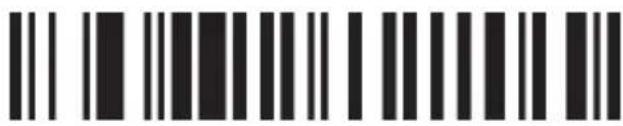
ESCANEO INDIVIDUAL
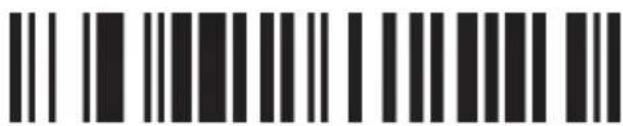
ESCANEO INDIVIDUAL SIN GATILLO
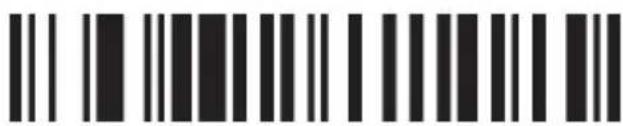
ESCANEO MÚLTIPLE
dS3

ESCANEO MÚLTIPLE SIN GATILLO

ESCANEO CONTINUO

PULSO
Imagen

HABILITAR

INHABILITAR
INGLÉS

ALEMÁN

FRANCÉS

REINICIAR
MSP

Mayúscula/Minúscula
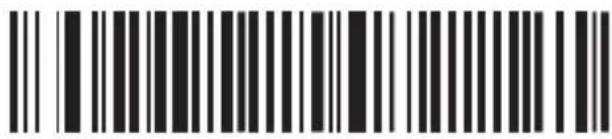
MAYÚSCULA

MINÚSCULA
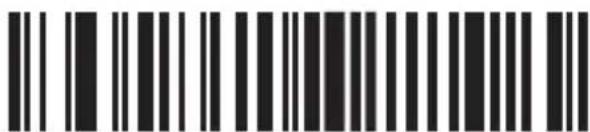
REINICIAR
NINGUNO

XENCENDIDO/APAGADO

RTS/CTS

ACK/NAK

HAND SHAKE TIMEOUT - 2 SEGUNDOS

HAND SHAKE TIMEOUT- 5 SEGUNDOS
ESP

Bits de datos
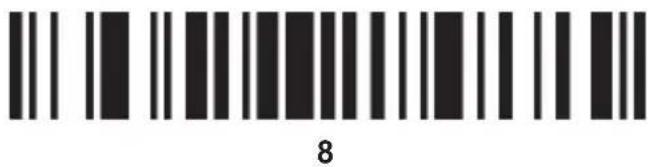
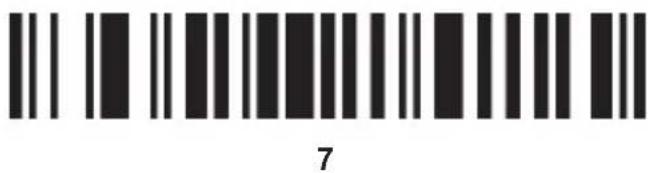

Bits de parada
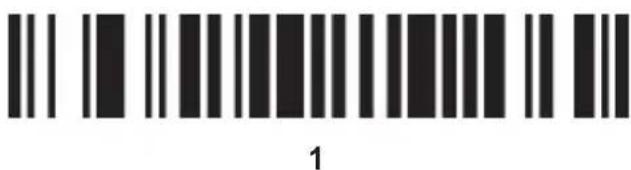
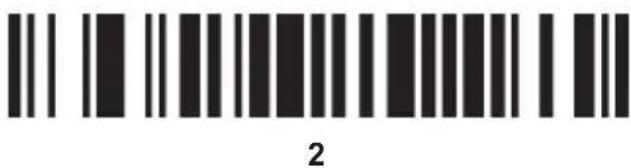

Comprobar dígitos
ESP

NINGUNO

ODD

IGUALAR
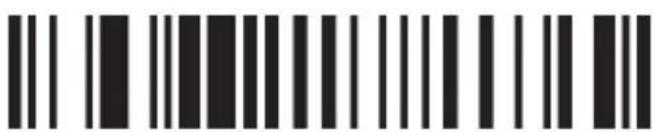
ESPACIO

REINICIAR
CANCELAR SUFIJO

TERMINACIÓN CHAR-CR
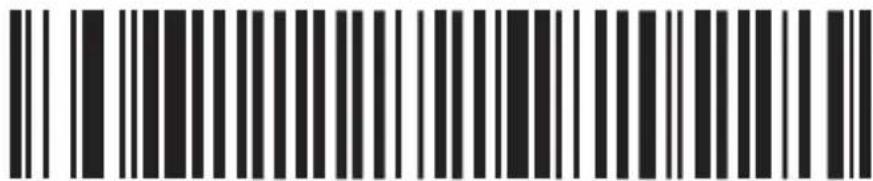
TODOS LOS CÓDIGOS DE PREÁMBULO-STX

TODOS LOS CÓDIGOS DE PREÁMBULO-ETX
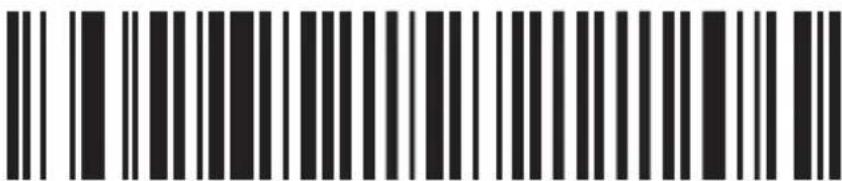
OCULTAR EL ÚLTIMO CARACTER

CÓDIGO 11/ENCENDIDO
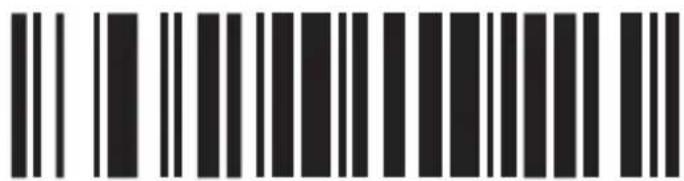
CÓDIGO 11/APAGADO
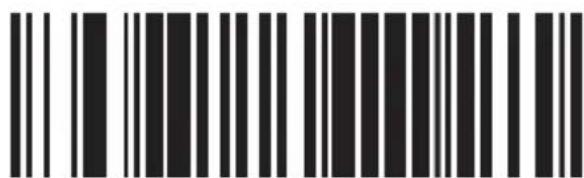
CARACTER ID "m"
ESP
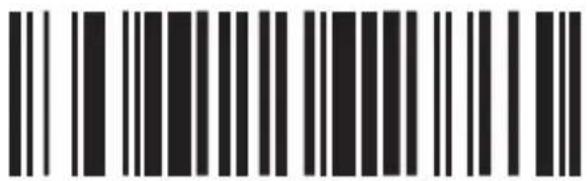
CARACTER ID "z"
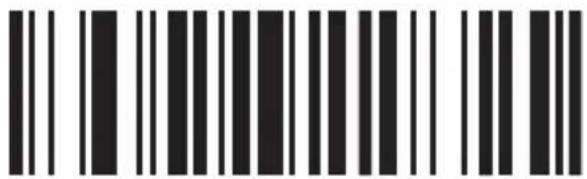
CÓDIGO 11
HABILITAR REDUNDANCIA
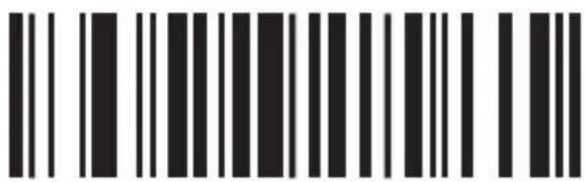
CÓDIGO 11
INHABILITAR REDUNDANCIA
Código 93
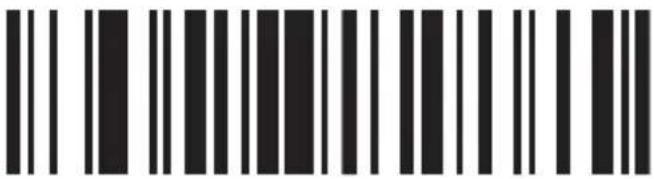
CÓDIGO 93/ENCENDIDO
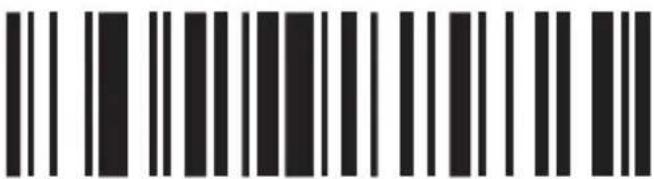
CÓDIGO 93/APAGADO
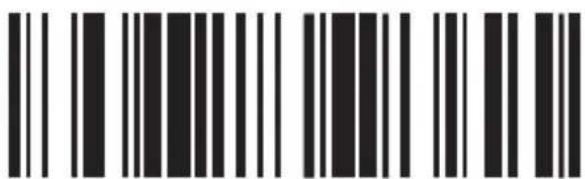
CARACTER ID "h"
dS3
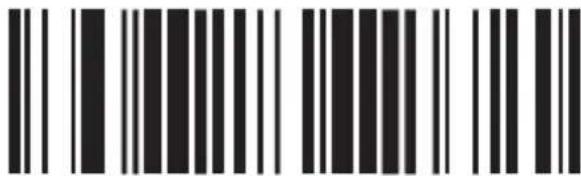
CARACTER ID "z"
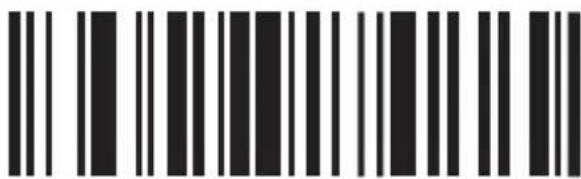
CÓDIGO 93 HABILITAR REDUNDANCIA
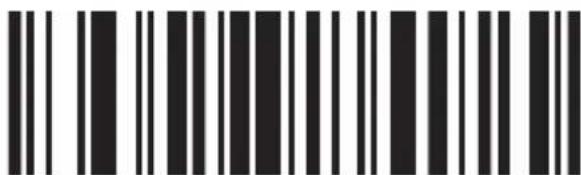
CÓDIGO 93 INHABILITAR REDUNDANCIA
Código 39
ESP
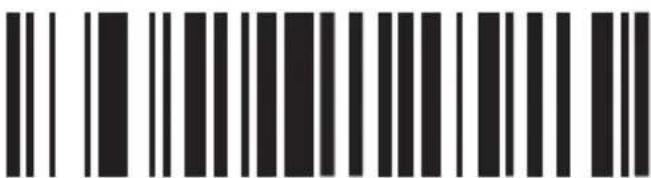
CÓDIGO 39/ENCENDIDO
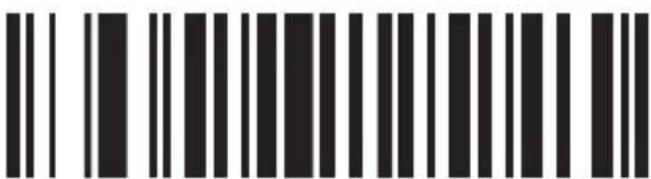
CÓDIGO 39/APAGADO
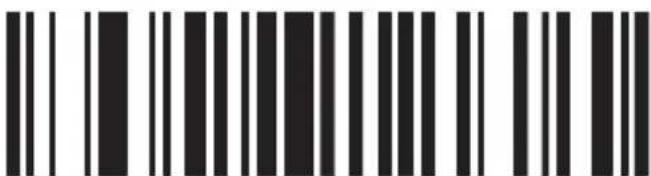
CÓDIGO 39 TODO ASCII - ENCENDIDO
dS3
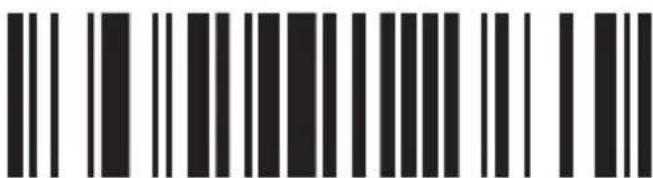
CÓDIGO 39 TODO ASCII - APAGADO

GUÍA DE CARACTER “+”
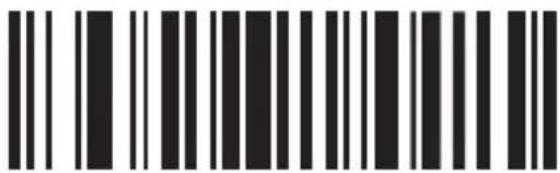
ENVIAR INICIAR/PARAR HABILITAR-CARACTERES
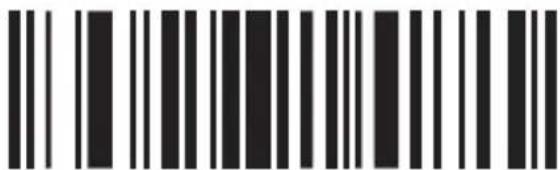
ENVIAR INICIAR/PARAR INHABILITAR-CARACTERES
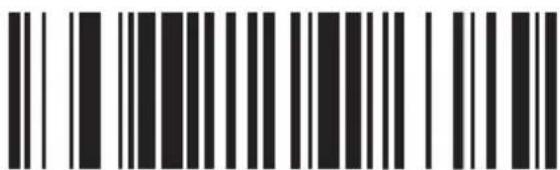
CARACTER ID "a"
dSP
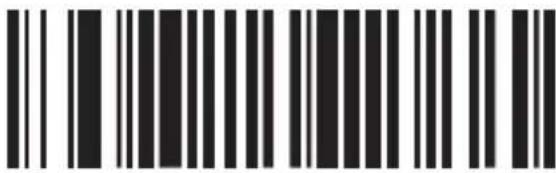
CARACTER ID "z"
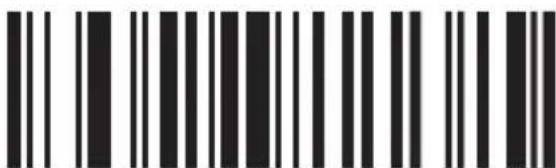
CÓDIGO 39 HABILITAR REDUNDANCIA
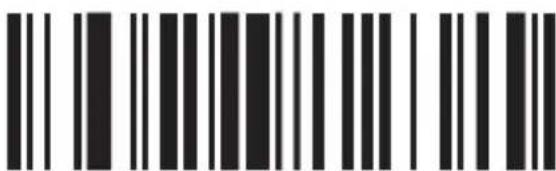
CÓDIGO 39 INHABILITAR REDUNDANCIA
Código 128

CÓDIGO 128/ENCENDIDO
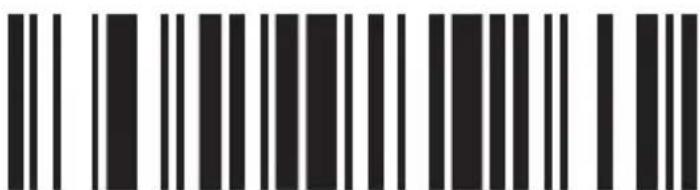
CÓDIGO 128/APAGADO
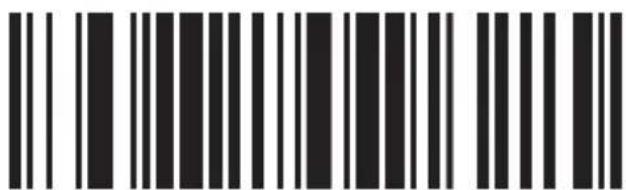
CARACTER ID "g"
dSP
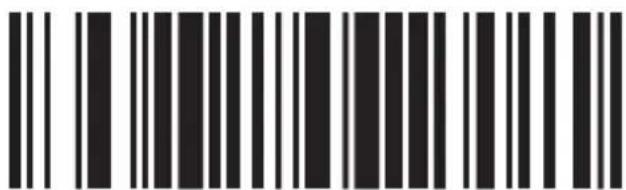
CARACTER ID "z"
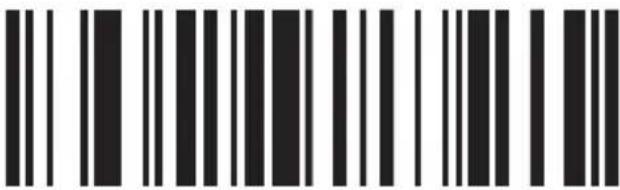
CÓDIGO 128 HABILITAR REDUNDANCIA
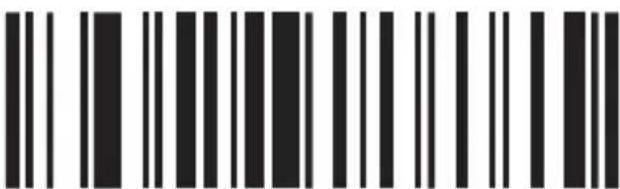
CÓDIGO 128 INHABILITAR REDUNDANCIA
CODABAR
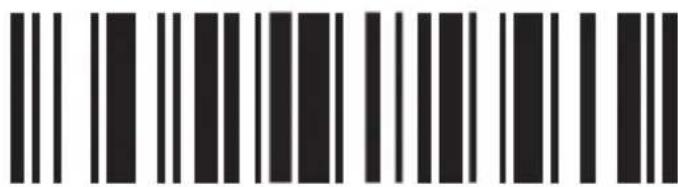
CODABAR/ENCENDIDO
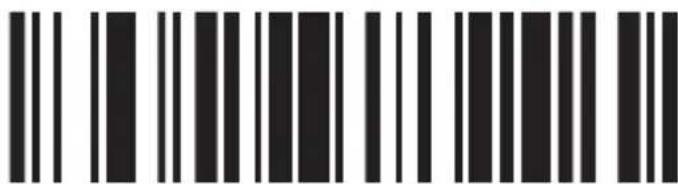
CODABAR/APAGADO

ENVIAR INICIAR/PARAR HABILITAR-CARACTERES
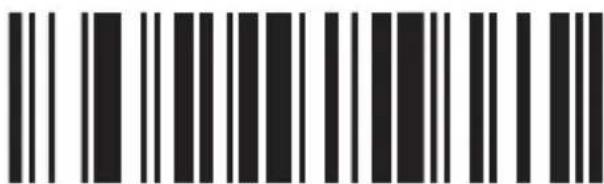
ENVIAR INICIAR/PARAR INHABILITAR- CARACTERES
MSP
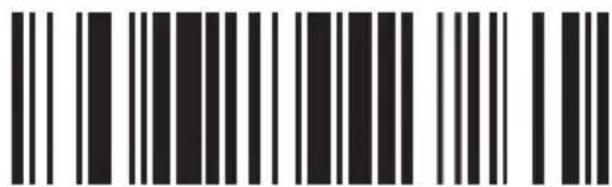
CARACTER ID "k"
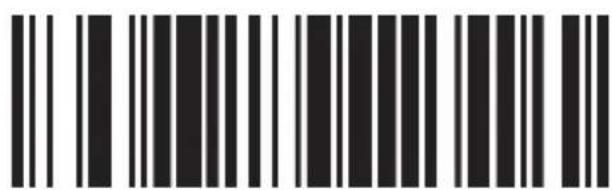
CARACTER ID "z"
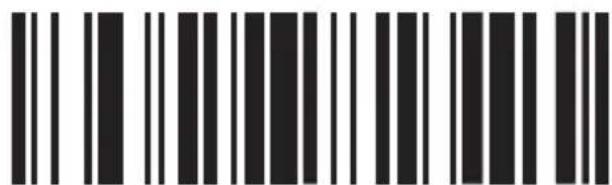
CODABAR
HABILITAR REDUNDANCIA
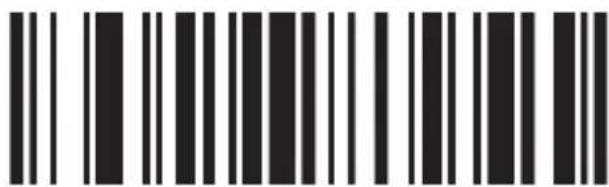
CODABAR INHABILITAR REDUNDANCIA
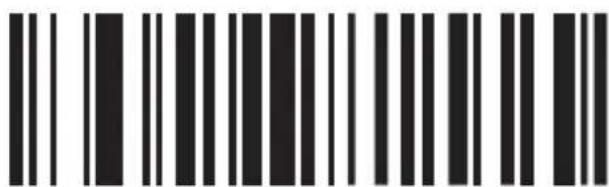
BAR WIDTH GAP PERMITIR-HABILITAR
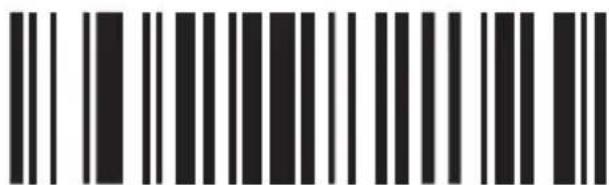
BAR WIDTH GAP PERMITIR-HABILITAR
MSP
Intercalado/ITF25
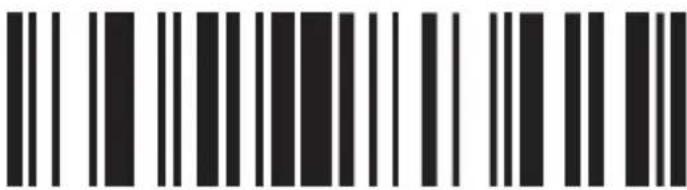
INTERCALADO/ITF25 ENCENDIDO
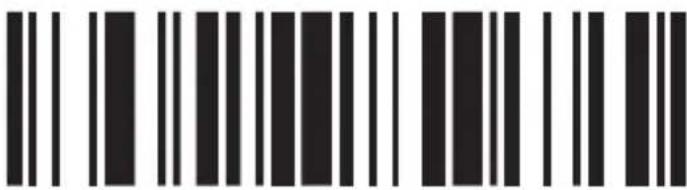
INTERCALADO/ITF25 APAGADO
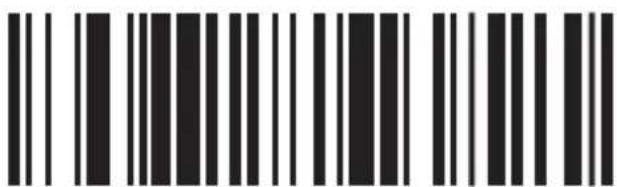
CARACTER ID "I"
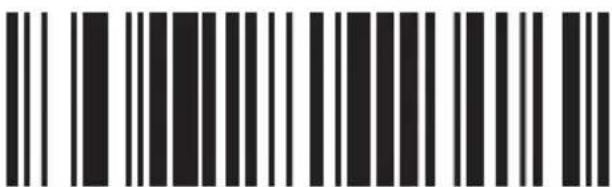
CARACTER ID "z"
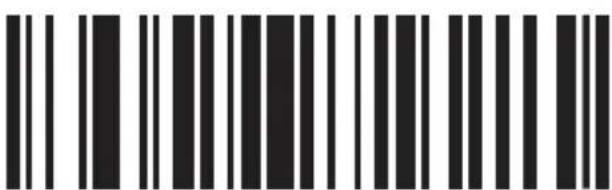
ITF25 HABILITAR REDUNDANCIA
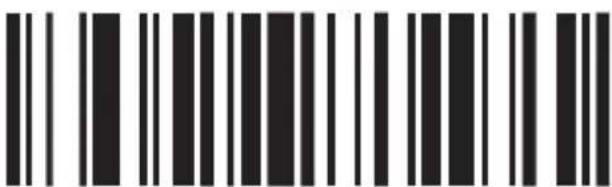
ITF25 INHABILITAR REDUNDANCIA
MSP
Industrial 25
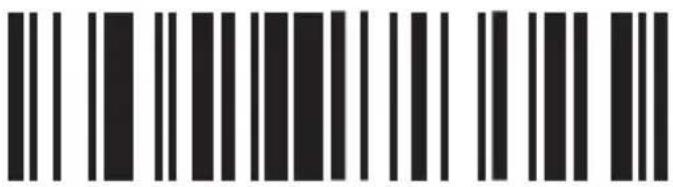
INDUSTRIAL 25/ENCENDIDO
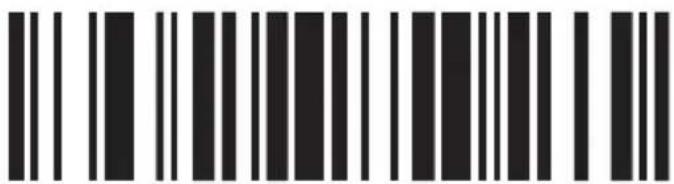
INDUSTRIAL 25/APAGADO
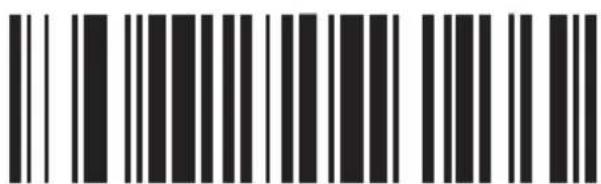
CARACTER ID "k"
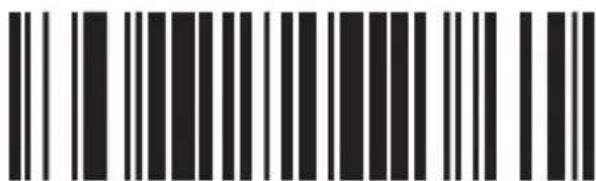
CARACTER ID "z"
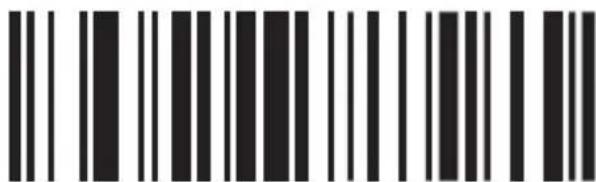
INDUSTRIAL 25 HABILITAR REDUNDANCIA

INDUSTRIAL 25 INHABILITAR REDUNDANCIA
dS3
MSI/PLESSEY
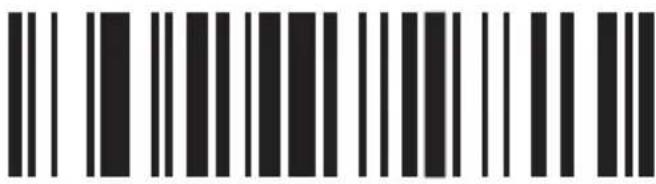
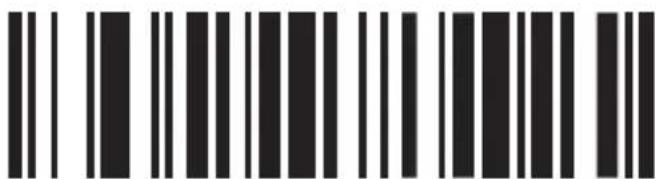
MSI - ENCENDIDO
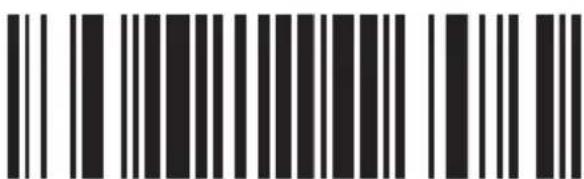
MSI - APAGADO
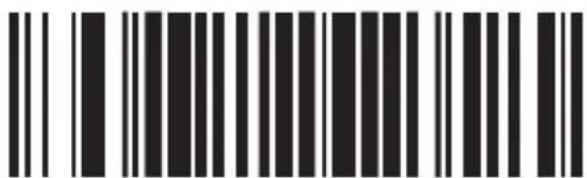
CARACTER ID "f"
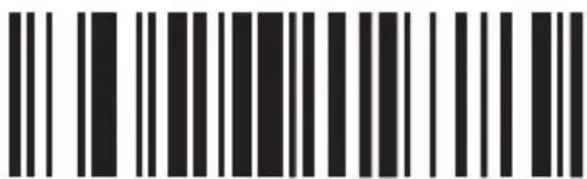
CARACTER ID "z"
MSI HABILITAR REDUNDANCIA
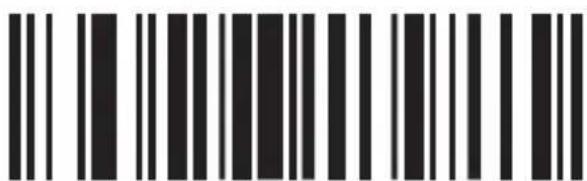
MSI INHABILITAR REDUNDANCIA
MSP
UPC-A
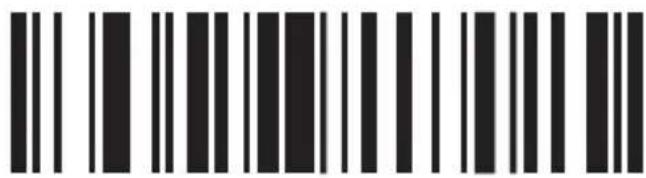
UPC-A/ENCENDIDO
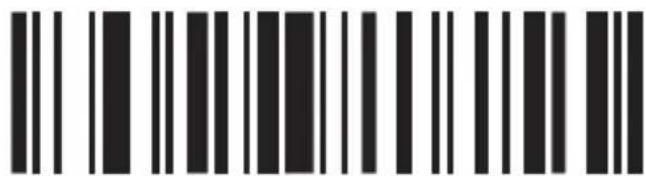
UPC-A/APAGADO
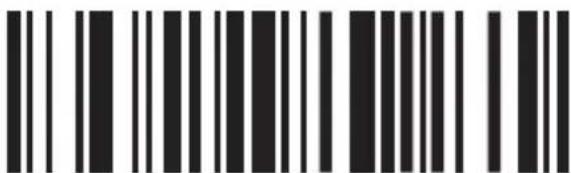
CONVERTIR UPC-A EN EAN13 HABILITAR
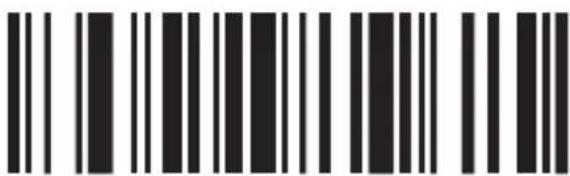
CONVERTIR UPC-A EN EAN13 INHABILITAR
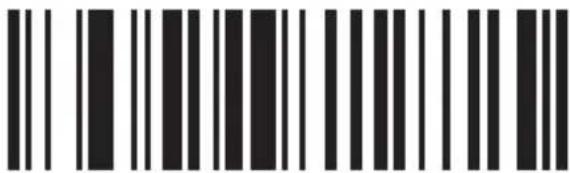
TRANSMITIR BIT DE SISTEMA HABILITAR
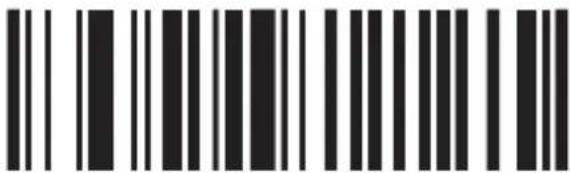
TRANSMITIR BIT DE SISTEMA INHABILITAR
dS3
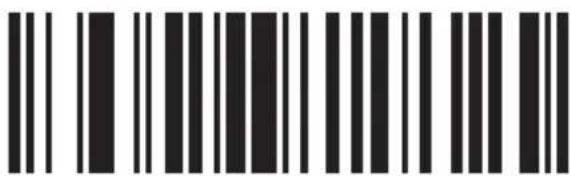
CARACTER ID "b"
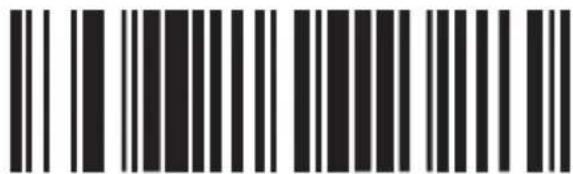
CARACTER ID "z"
UPC-E

UPC-E/ENCENDIDO
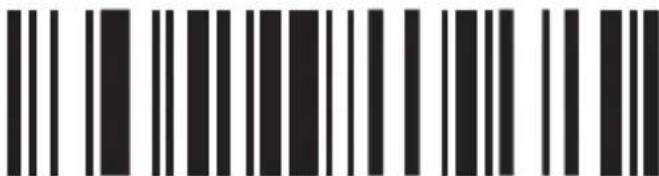
UPC-E/APAGADO
dSP
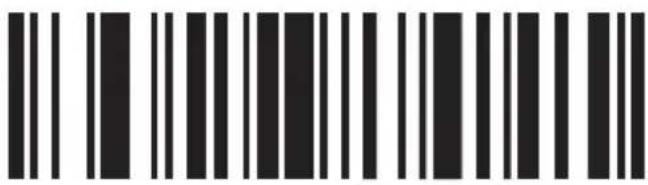
CONVERTIR UPC-E EN UPC-A HABILITAR
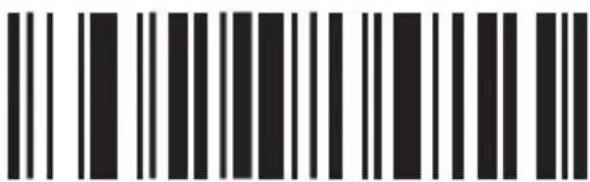
CONVERTIR UPC-E EN UPC-A INHABILITAR
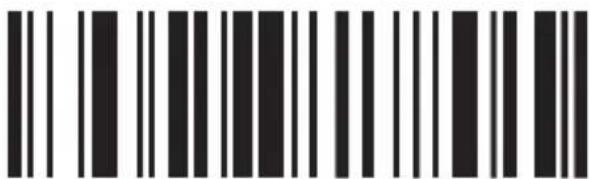
TRANSMITIR BIT DE SISTEMA HABILITAR
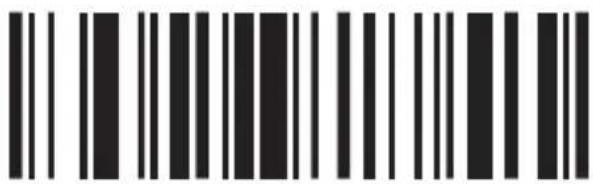
TRANSMITIR BIT DE SISTEMA INHABILITAR
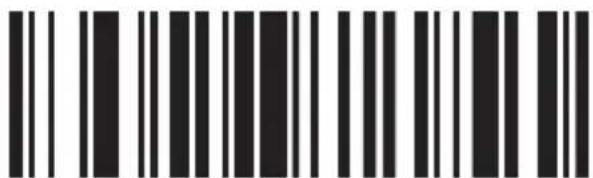
CARACTER ID "C"
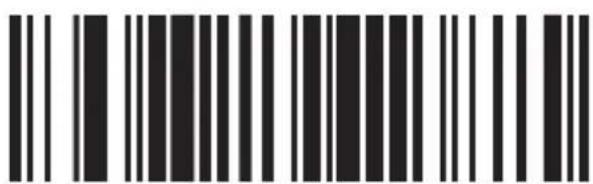
CARACTER ID "z"
EAN-13
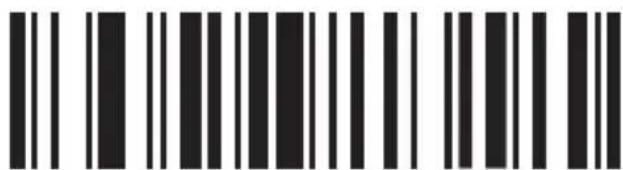
EAN-13/ENCENDIDO
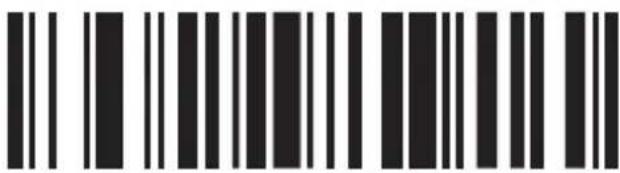
EAN-13/APAGADO
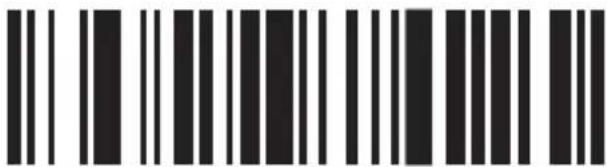
CONVERTIR EAN-13 A ISBN HABILITAR
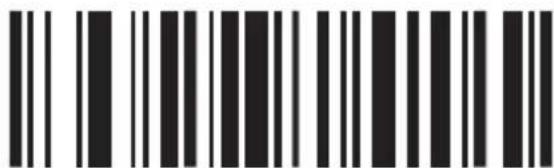
CONVERTIR EAN-13 A ISBN INHABILITAR
dS3
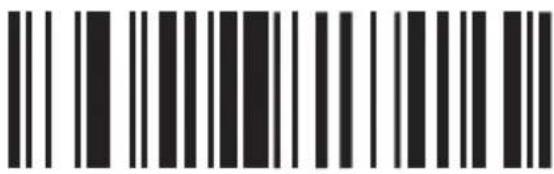
TRANSMITIR BIT DE SISTEMA HABILITAR
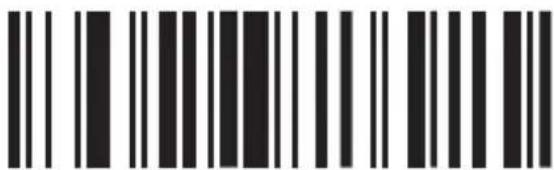
TRANSMITIR BIT DE SISTEMA INHABILITAR
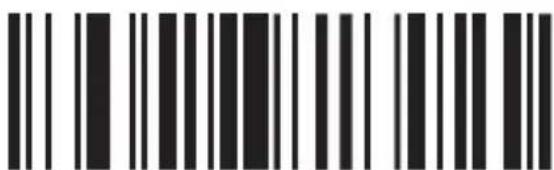
CARACTER ID "e"
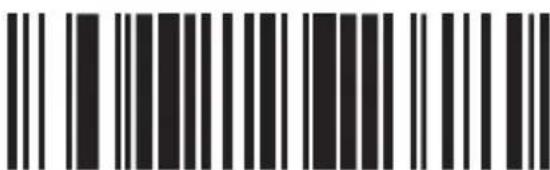
CARACTER ID "z"
MSP
EAN-8
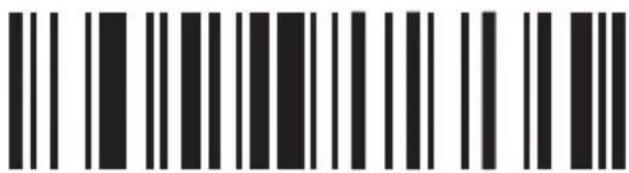
EAN-8/ENCENDIDO
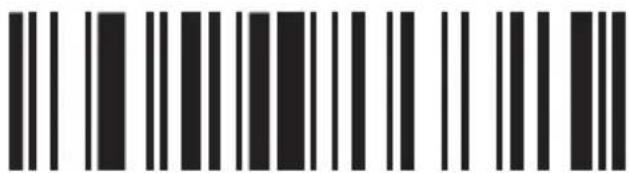
EAN-8/APAGADO
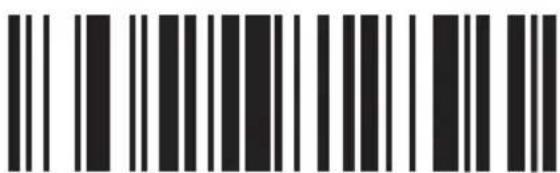
TRANSMITIR BIT DE SISTEMA HABILITAR
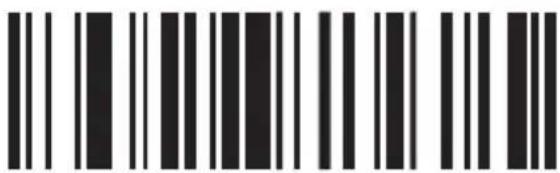
TRANSMITIR BIT DE SISTEMA INHABILITAR
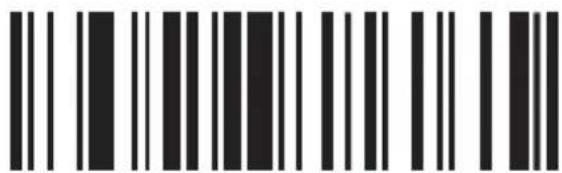
CARACTER ID "d"
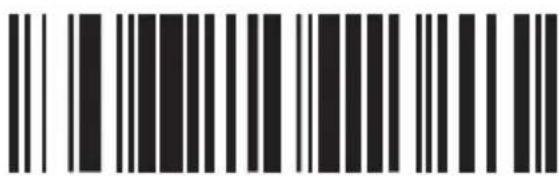
CARACTER ID "z"
ISBN
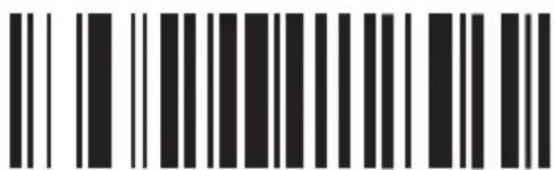
ISBN/ENCENDIDO
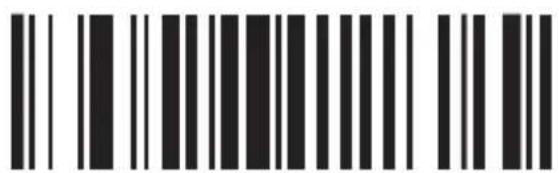
ISBN/APAGADO
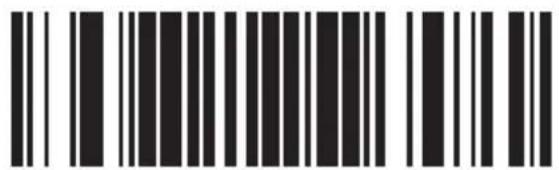
CARACTER ID "f"
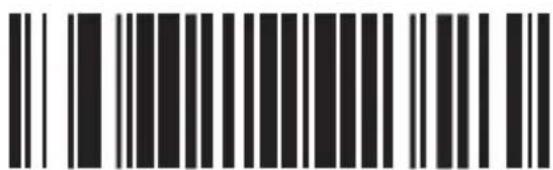
CARACTER ID "z"
MSP
UPC/EAN
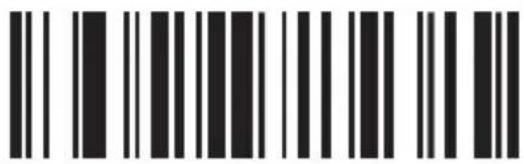
UPC/EAN INHABILITAR SUPLEMENTOS
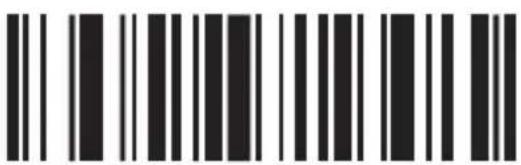
UPC/EAN SUPLEMENTOS - 2 DÍGITOS
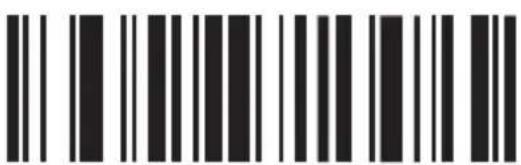
UPC/EAN SUPLEMENTOS - 5 DÍGITOS
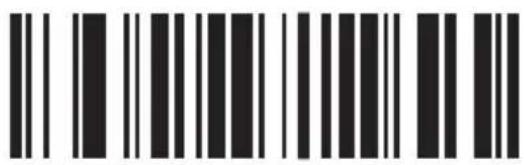
UPC/EAN SUPLEMENTOS - 2 Y 5 DÍGITOS
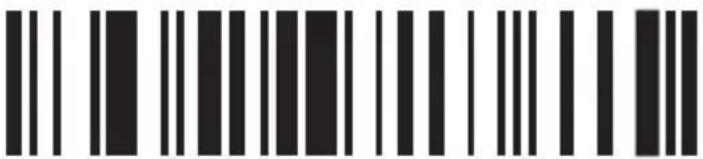
UPC/EAN HABILITAR REDUNDANCIA
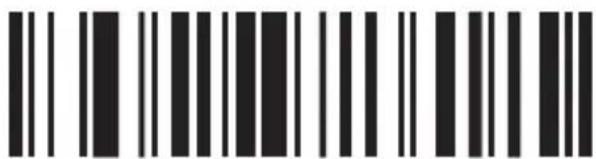
UPC/EAN INHABILITAR REDUNDANCIA
MSP
CÓDIGO 32
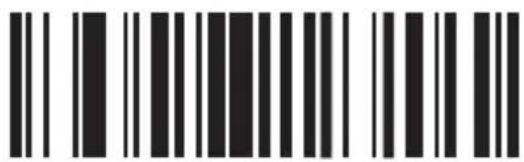
CÓDIGO 32/ENCENDIDO
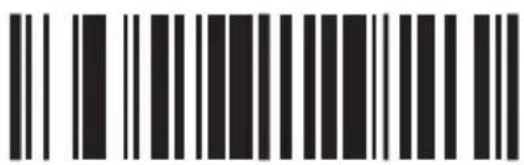
CÓDIGO 32/APAGADO

Agregar prefijo
PRUEBA
0 C003
OCULTAR CARACTERES
FRONTALES
\$02
STX
123456789
0 C004
OCULTAR CARACTERES
DE ATRÁS
\$0D
CR/ENTER
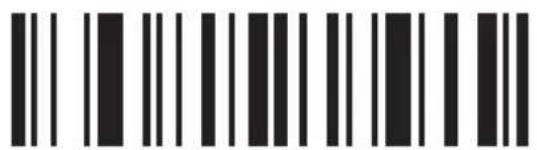
\$0E
so
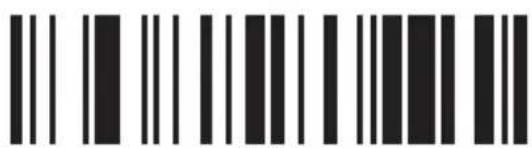
\$OF
SI
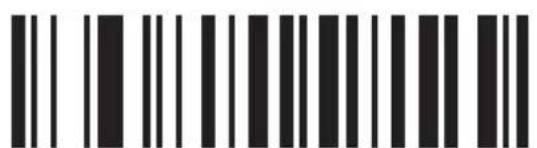
\$10
DLE
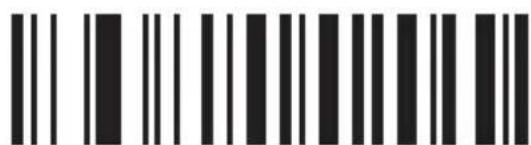
\$11
DC1
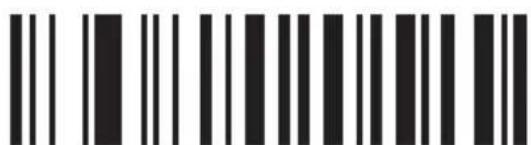
\$12
DC2
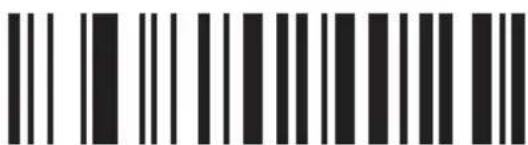
\$13
DC3
MSP
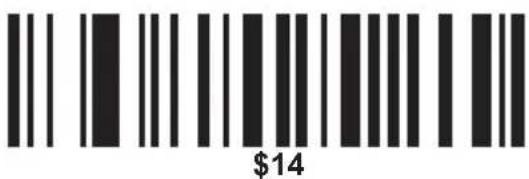
DC4
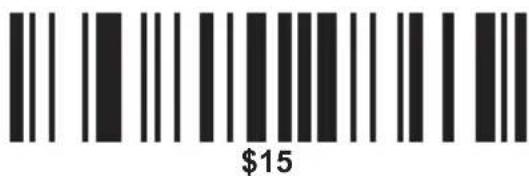
NAK
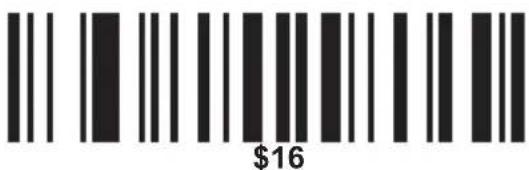
SYN
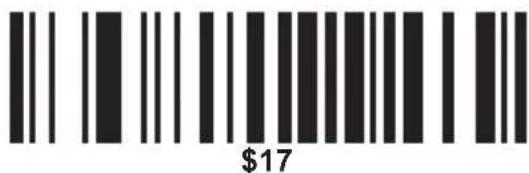
ETB
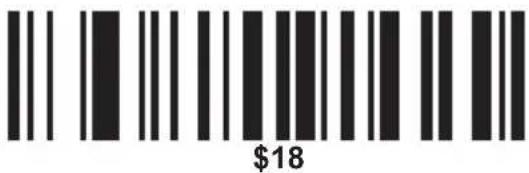
CAN
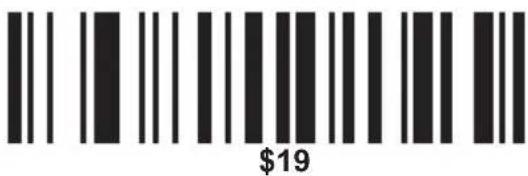
EM
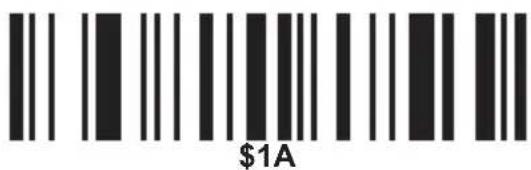
SUB
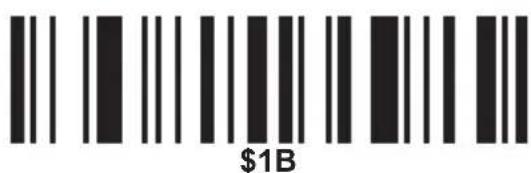
ESC/ESC
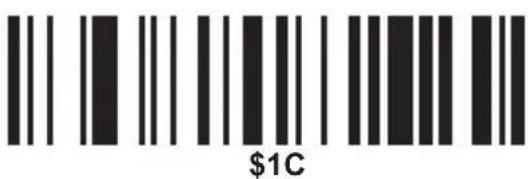
FS
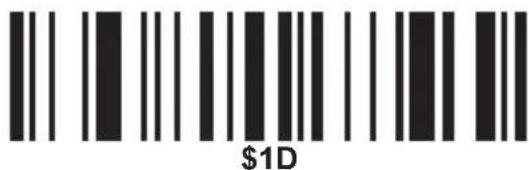
GS
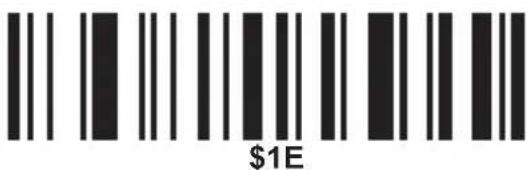
RS
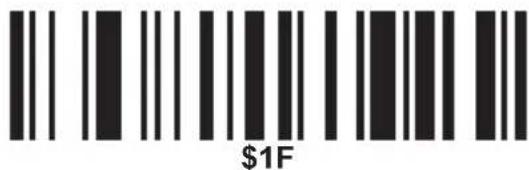
US
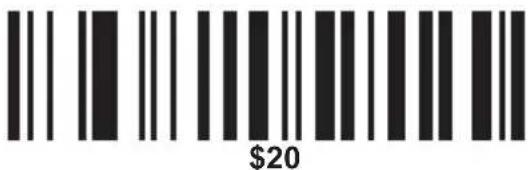
SP
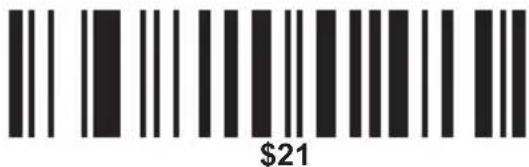
!
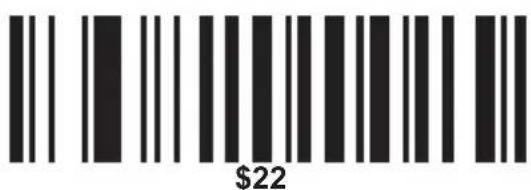
”
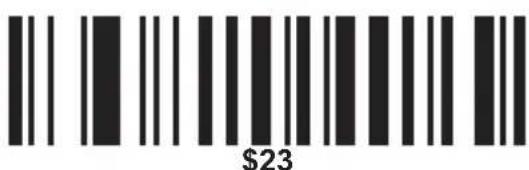
MSP
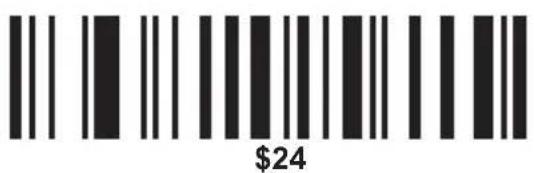
\$
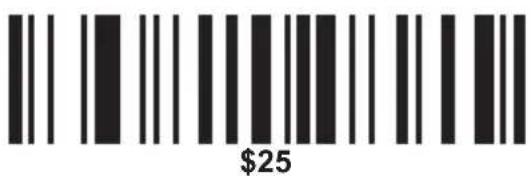
%
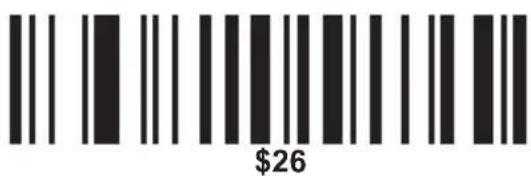
&
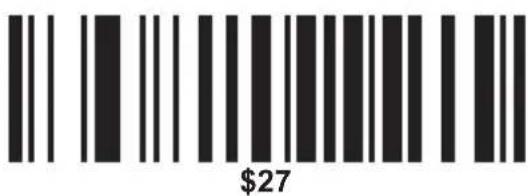
,
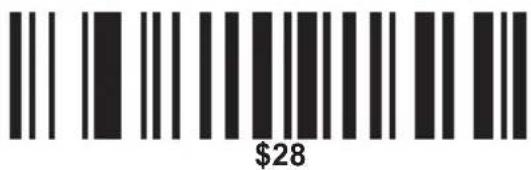
(
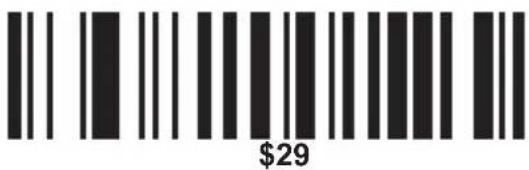
)
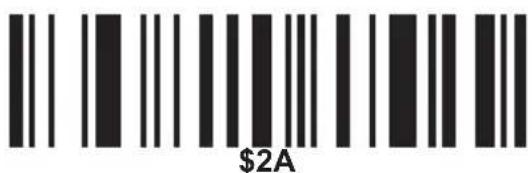
*
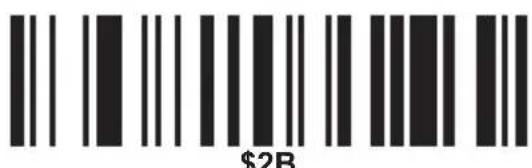
+
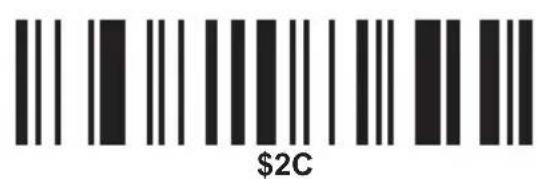
,
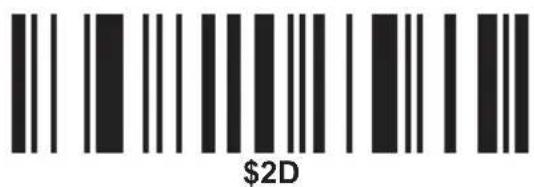
一
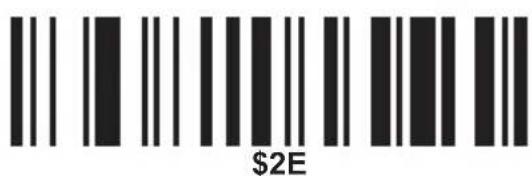
.
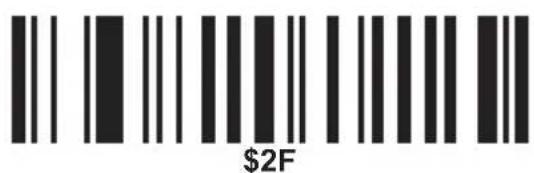
/
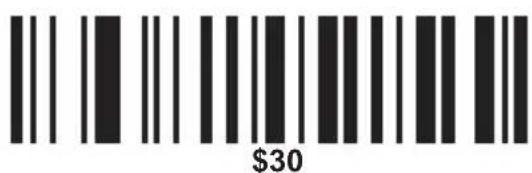
0
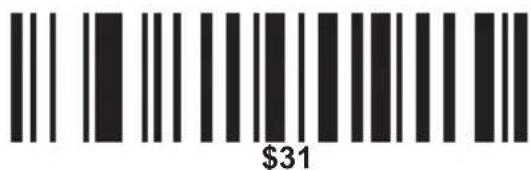
1
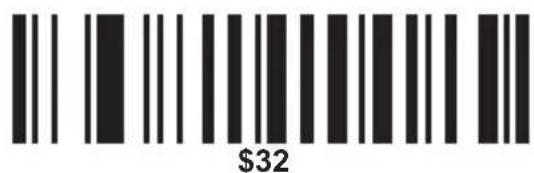
2
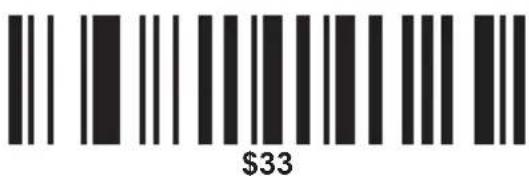
3
MSP
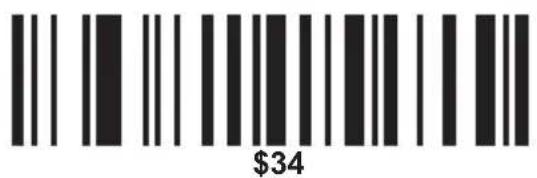
4
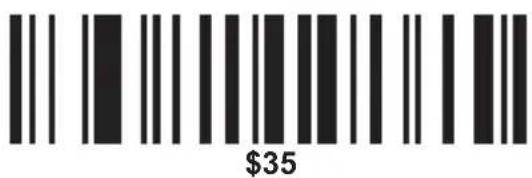
5
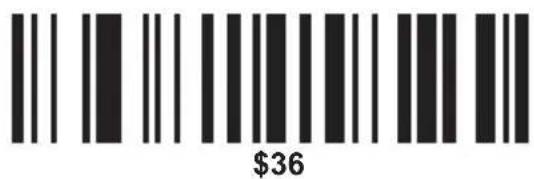
6
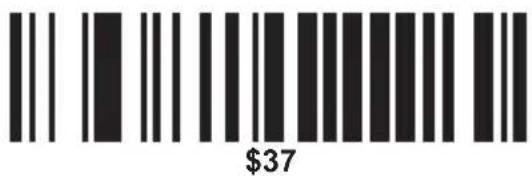
7
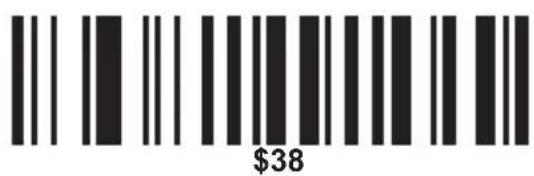
8
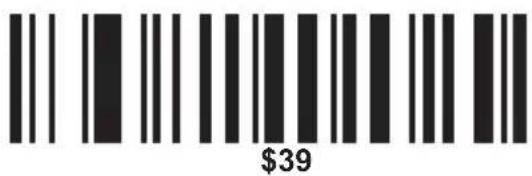
9
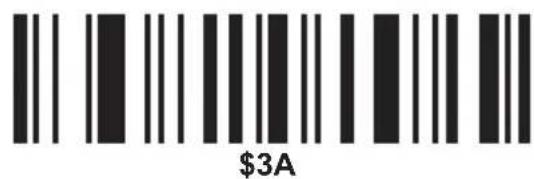
:
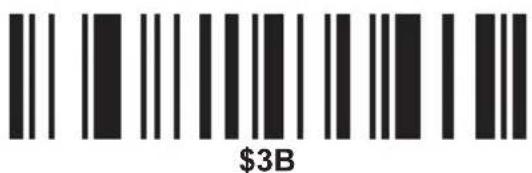
;
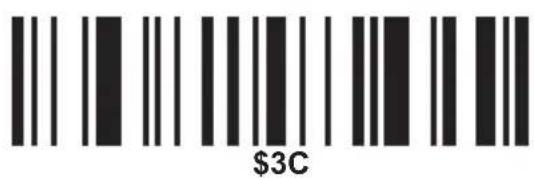
<
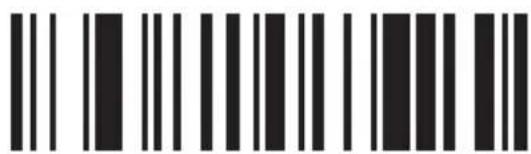
\$3D
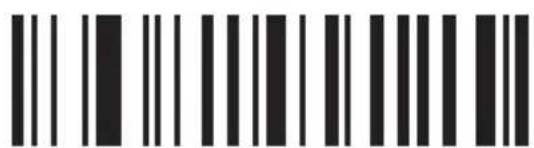
\$3E
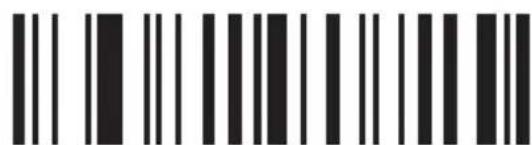
\$3F
?
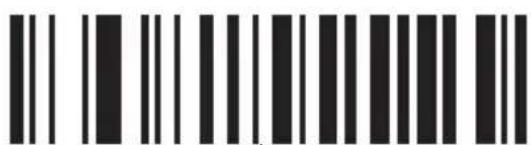
\$40
@
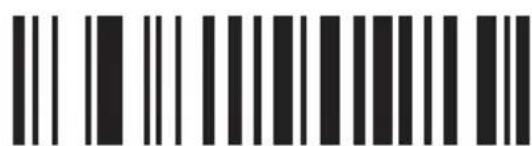
\$41
A
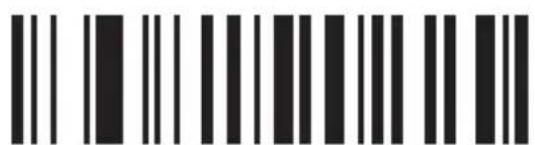
\$42
B
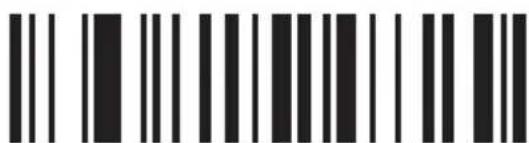
\$43
C
MSP
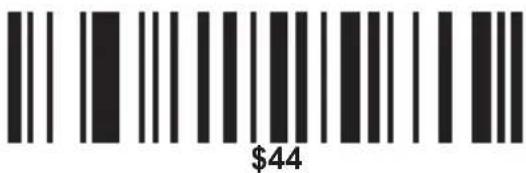
D
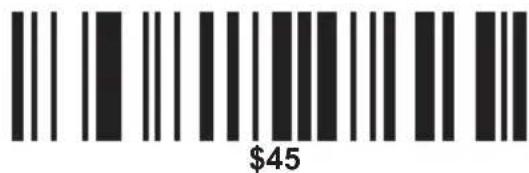
E
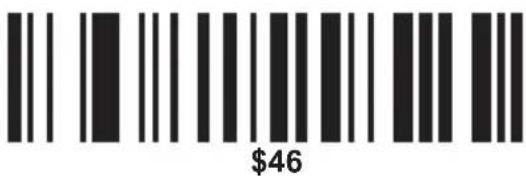
F
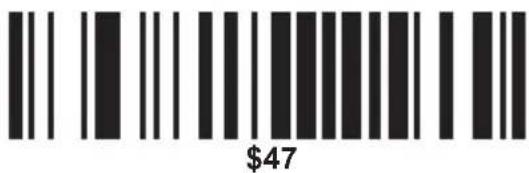
G
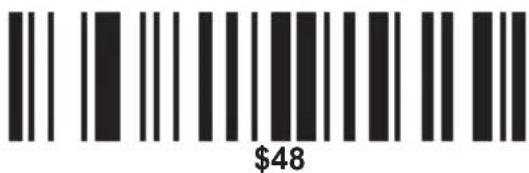
H
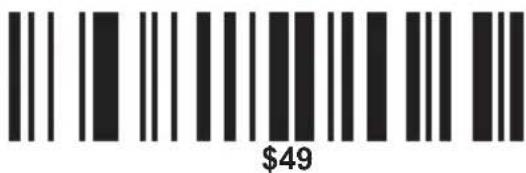
|
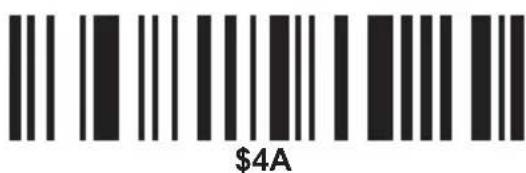
J
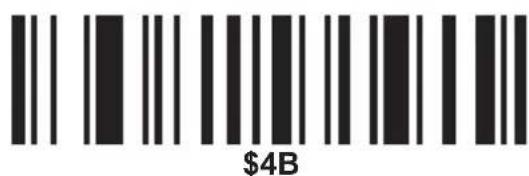
K
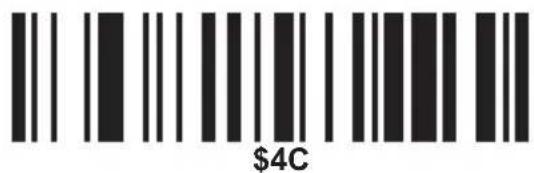
L
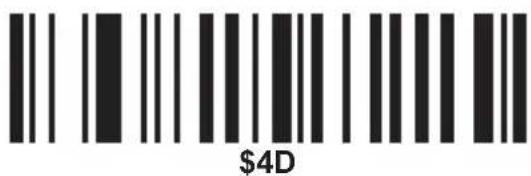
M
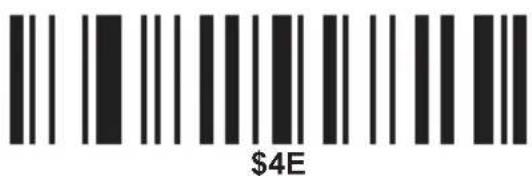
N
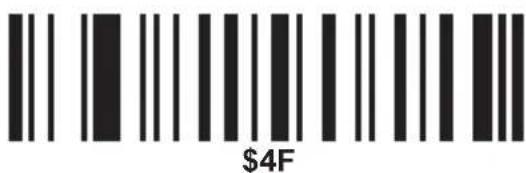
0
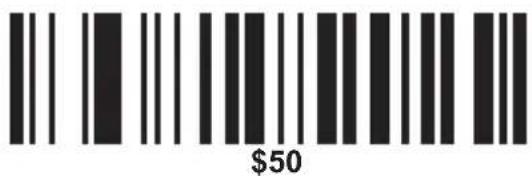
P
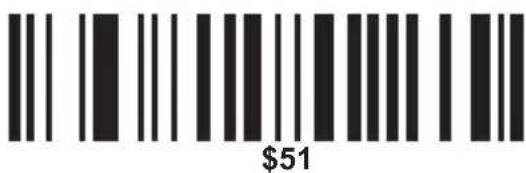
Q
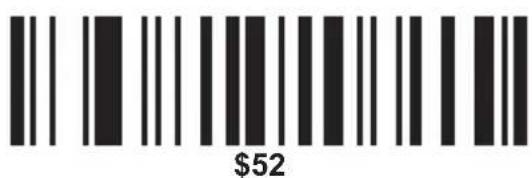
R
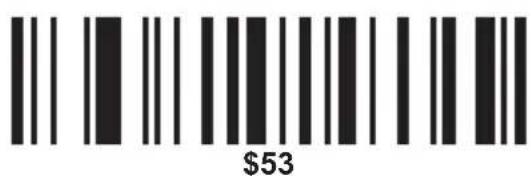
S
MSP
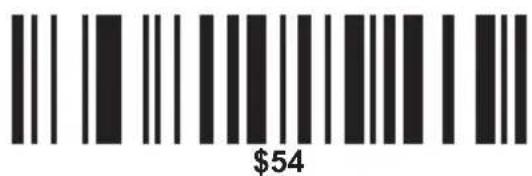
T
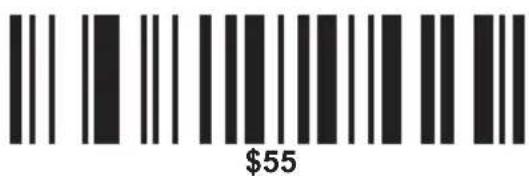
U
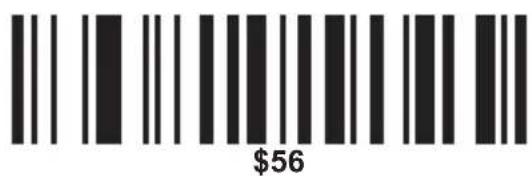
V
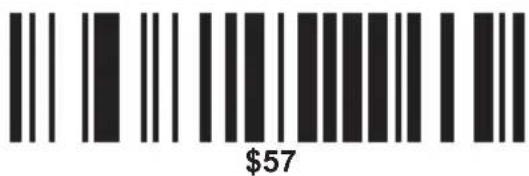
W
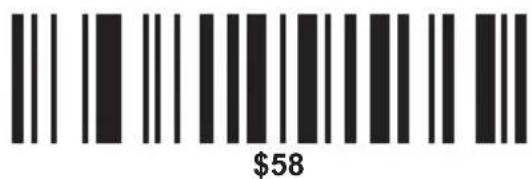
X
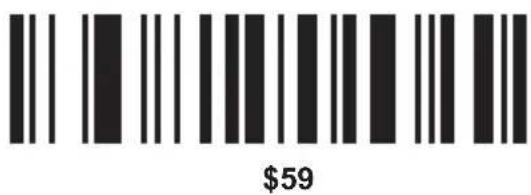
Y
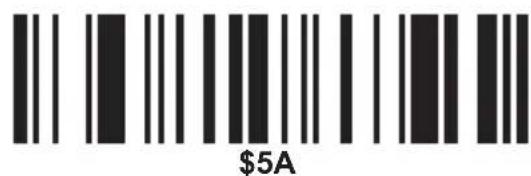
Z
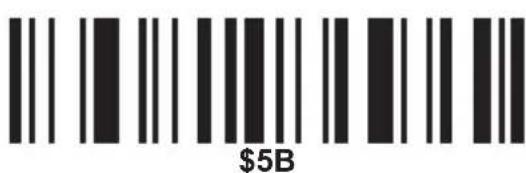
[
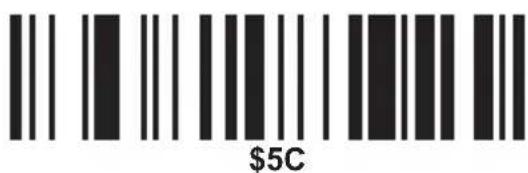
1
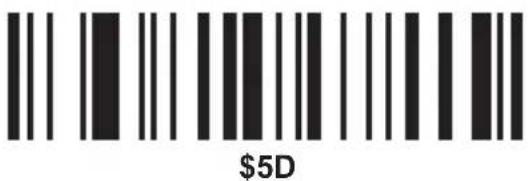
]
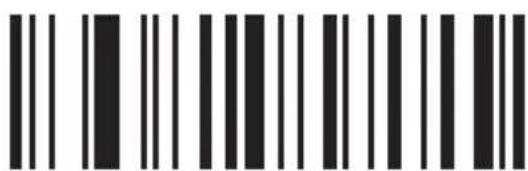
\$5E
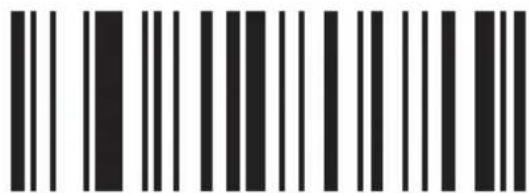
\$5F
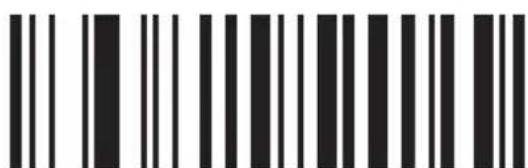
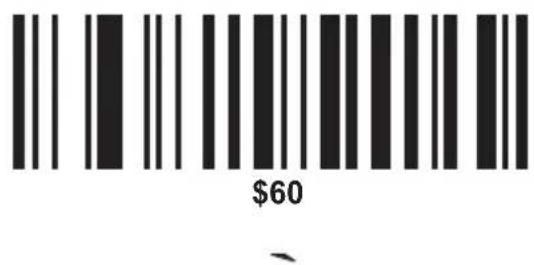
\$60
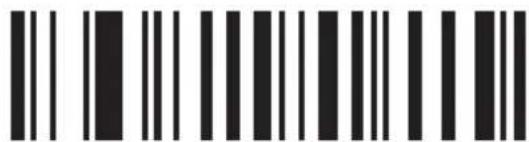
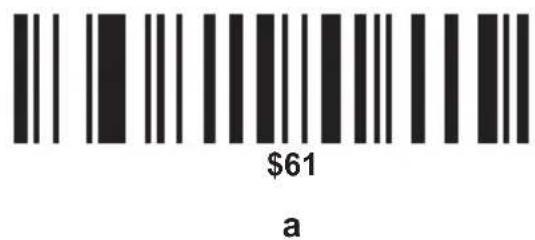
\$61
a
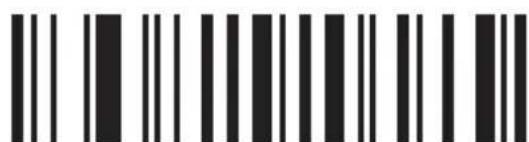
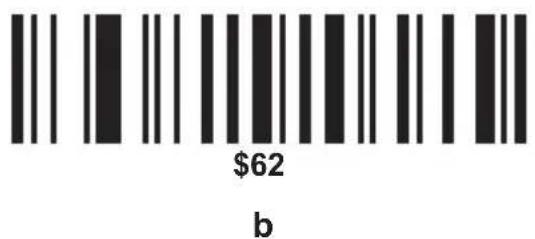
\$62
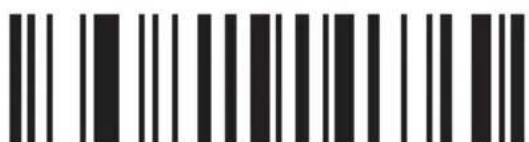
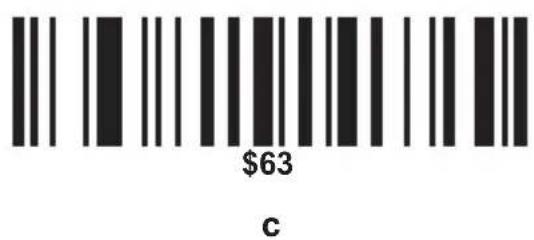
\$63
b
C
MSP
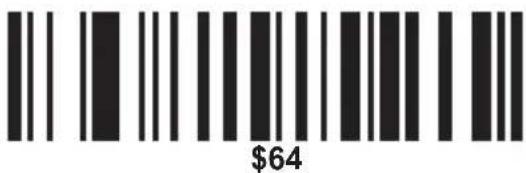
d
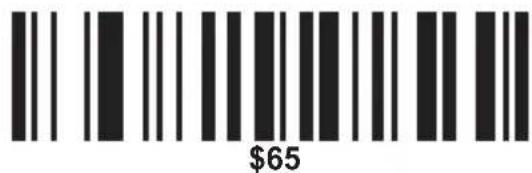
e
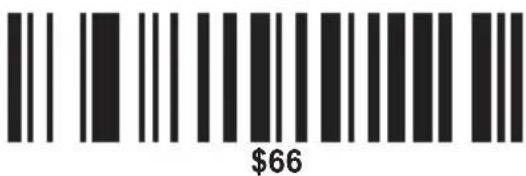
f
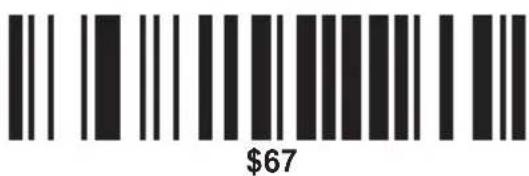
g
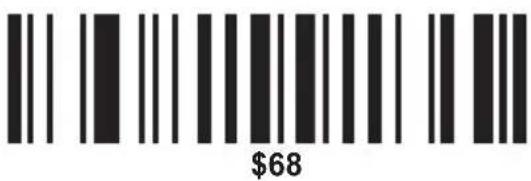
h
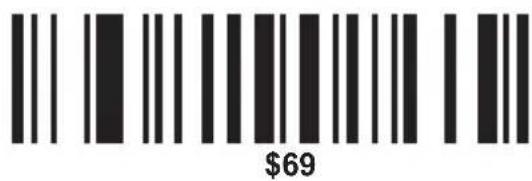
i
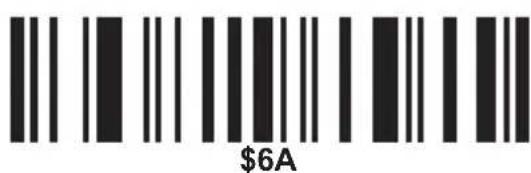
j
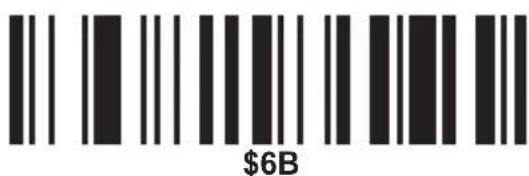
k
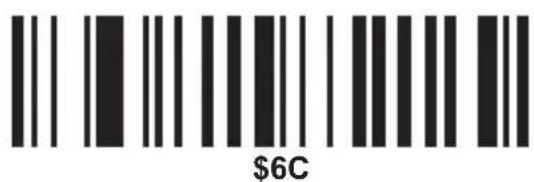
|
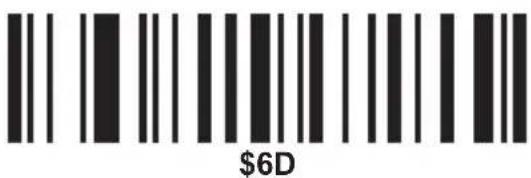
m
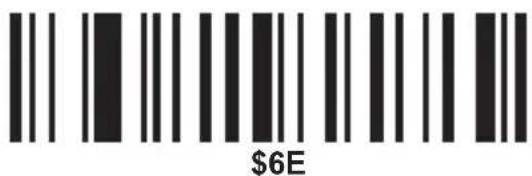
n
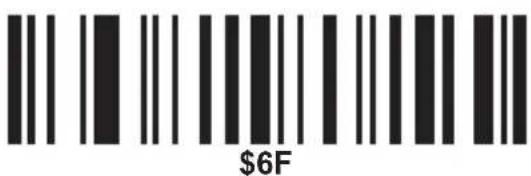
0
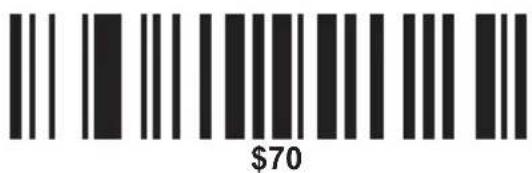
p
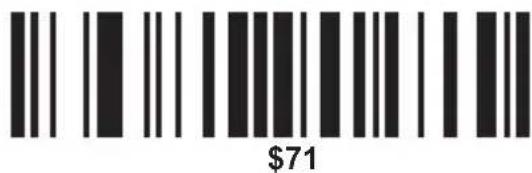
q
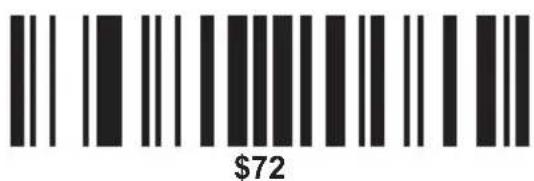
r
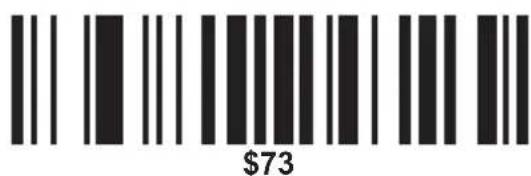
S
MSP
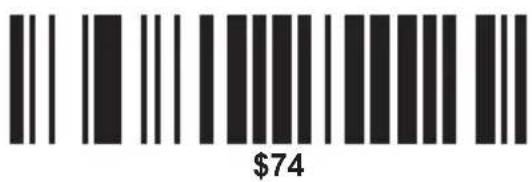
t
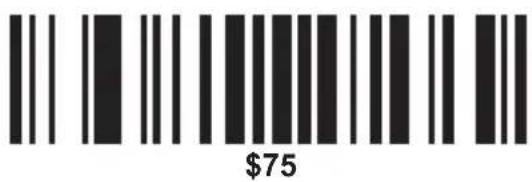
u
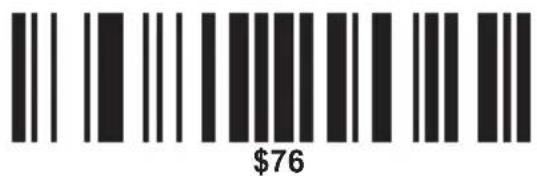
V
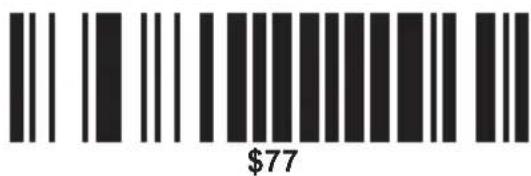
W
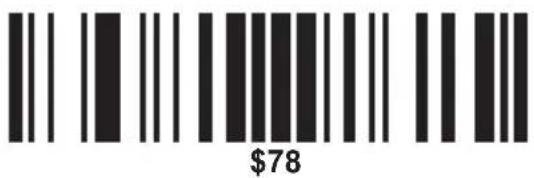
X
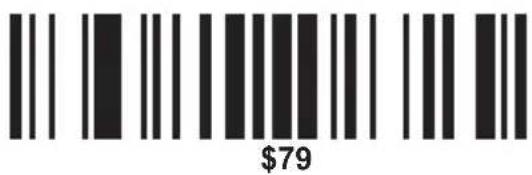
y
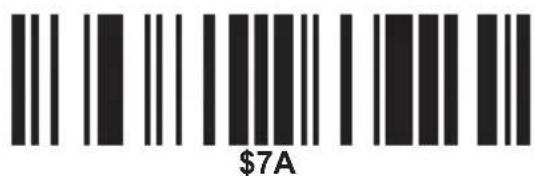
Z
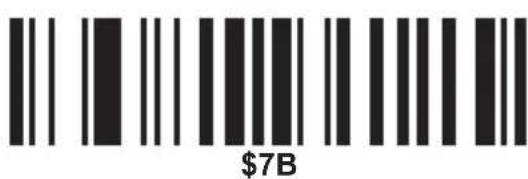
{
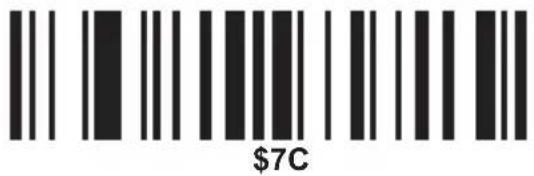
|
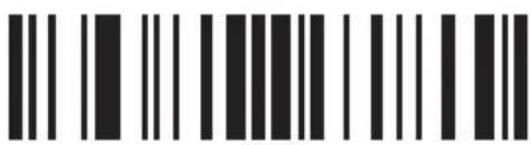
\$7D
}
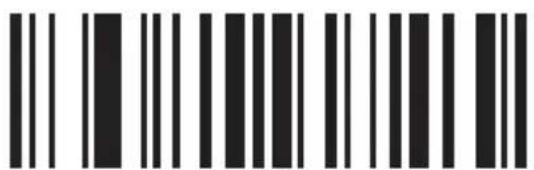
\$7E
\~
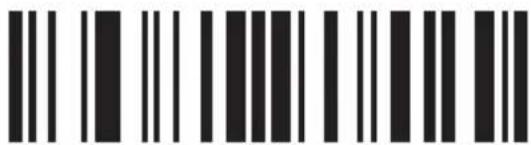
\$7F
DEL
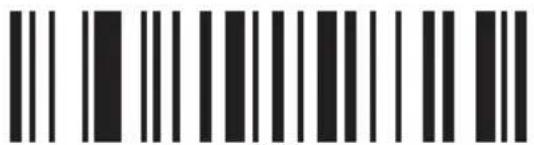
\$80
F1
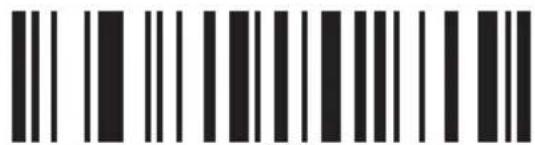
\$81
F2
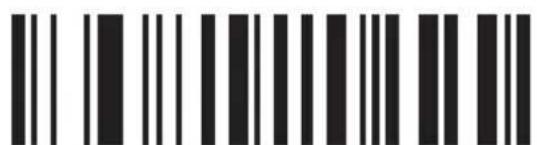
\$82
F3
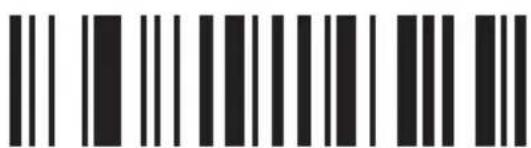
\$83
F4
MSP
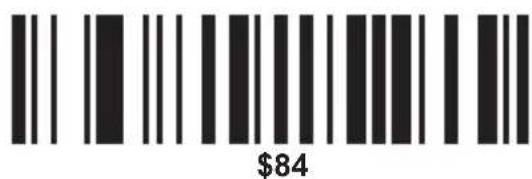
F5
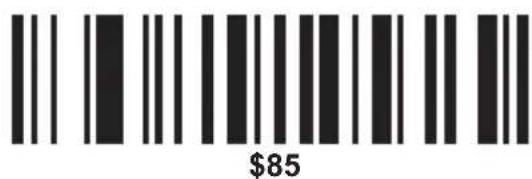
F6
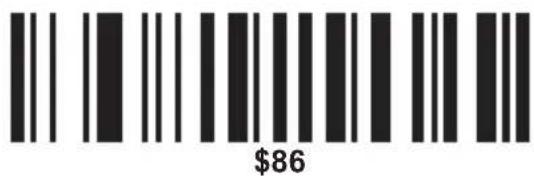
F7
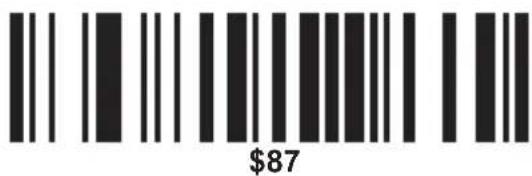
F8
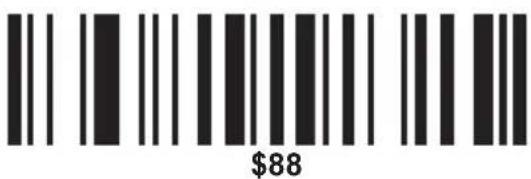
F9
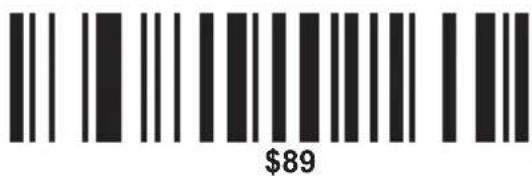
F10
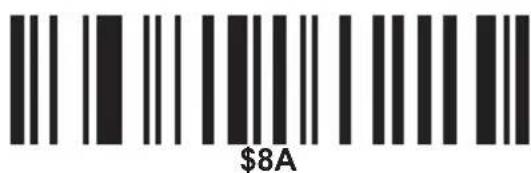
F11
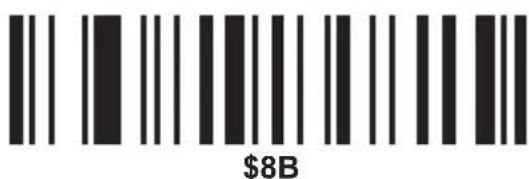
F12
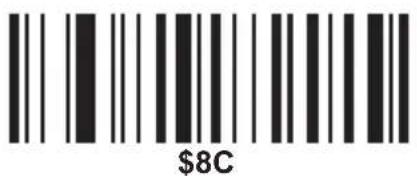
L SHIFT ON
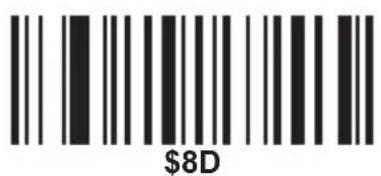
L SHIFT OFF
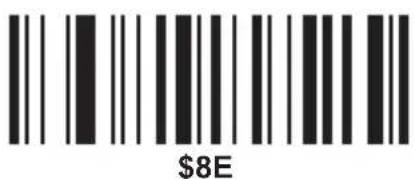
R SHIFT ON

R SHIFT OFF
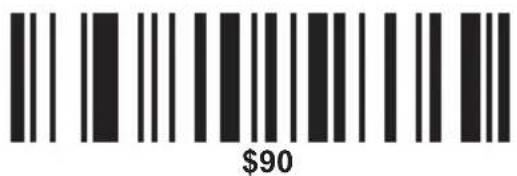
L ALT ON
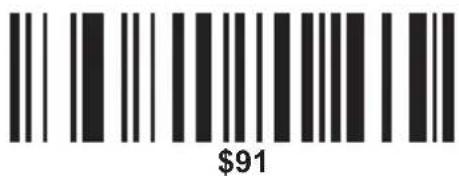
L ALT OFF
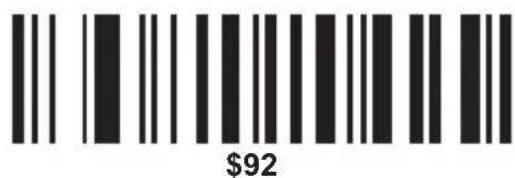
R ALT ON
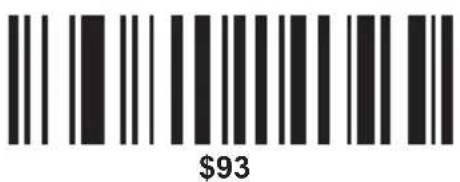
R ALT OFF
MSP
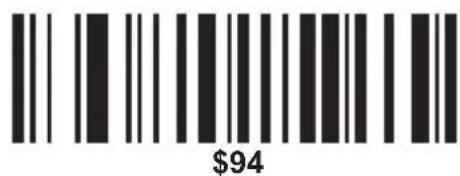
L CTRL ON
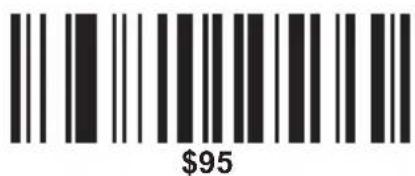
L CTRL OFF
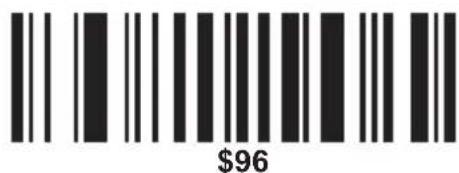
R CTRL ON
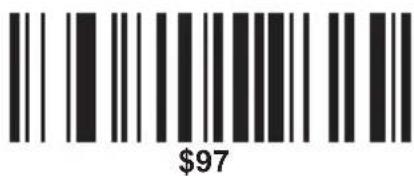
R CTRL OFF
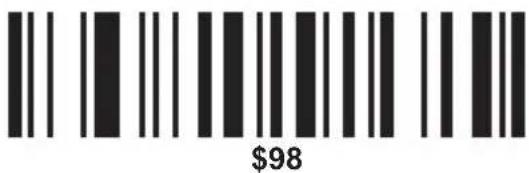
/ (KP)
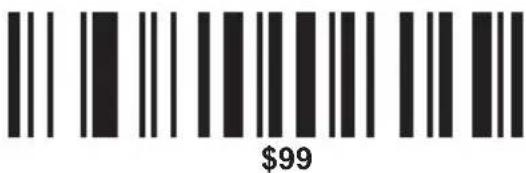
* (KP)
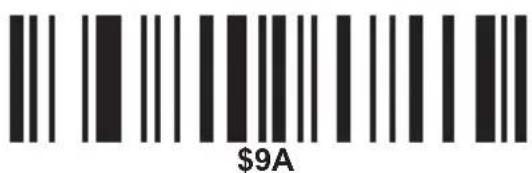
_(KP)
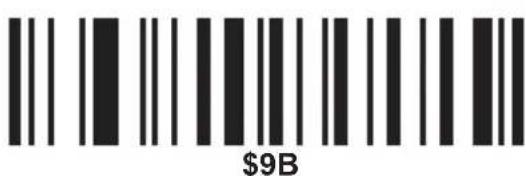
- (KP)
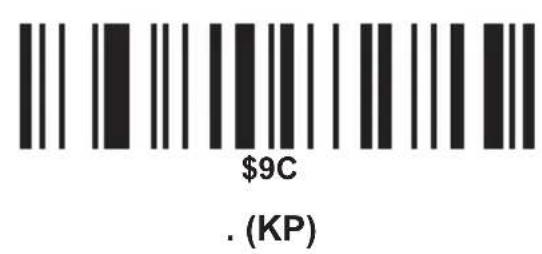
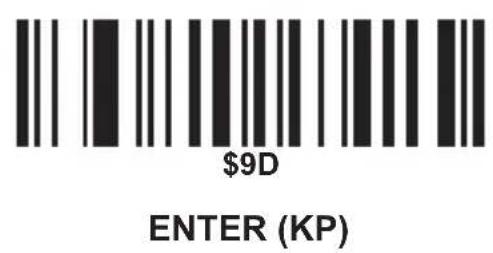
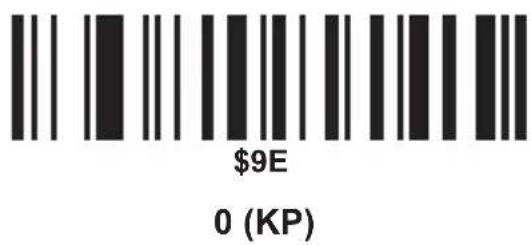
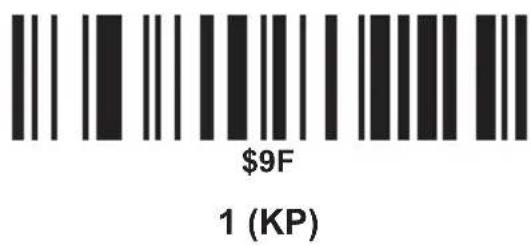
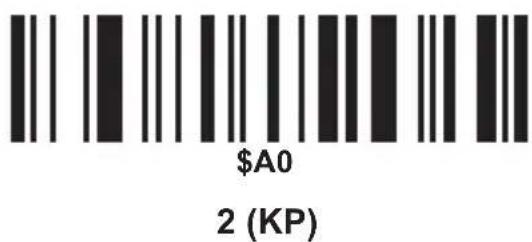
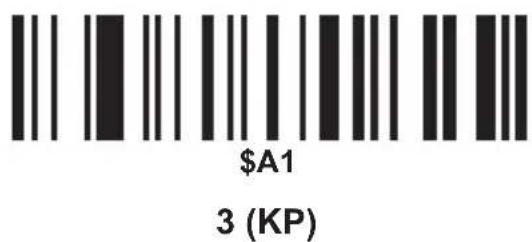
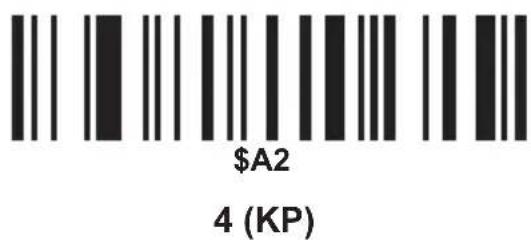
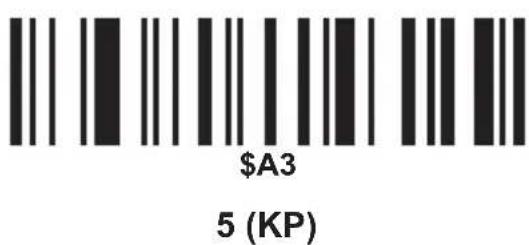
MSP
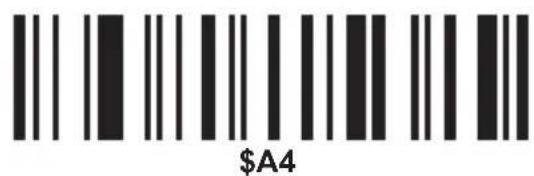
6 (KP)
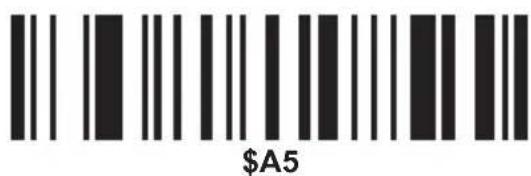
7 (KP)
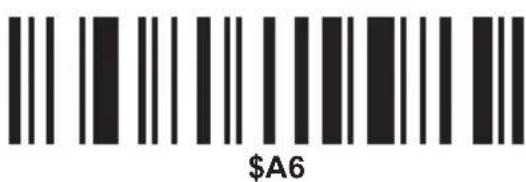
8 (KP)
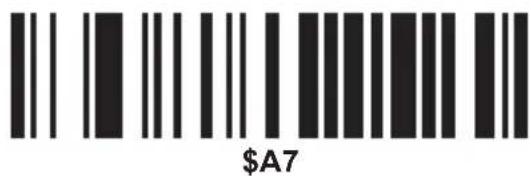
9 (KP)
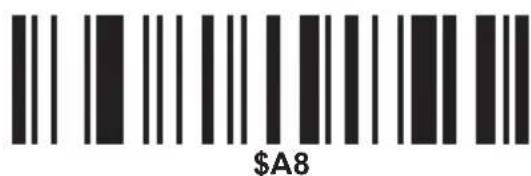
INSERTAR
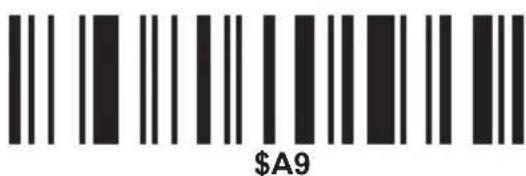
BORRAR
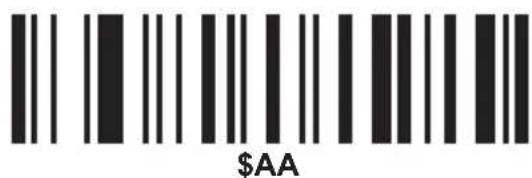
INICIO
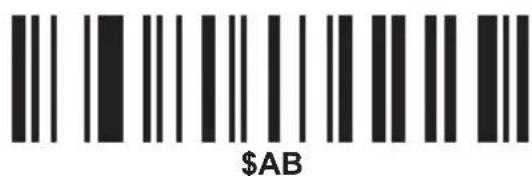
FIN
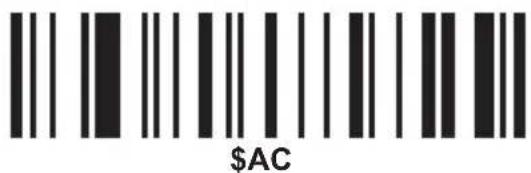
PÁGINA ARRIBA
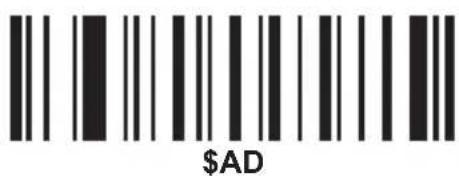
PÁGINA ABAJO
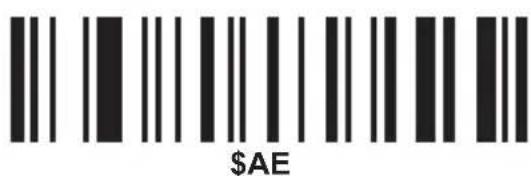
ARRIBA
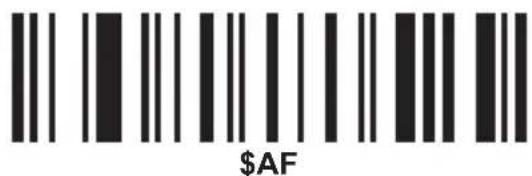
ABAJO
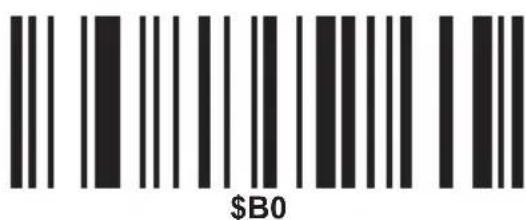
IZQUIERDA
DERECHA
INSERTAR
MSP
\$B4
BORRAR
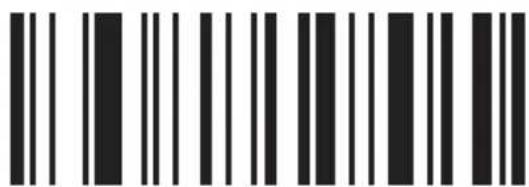
\$B5
INICIO
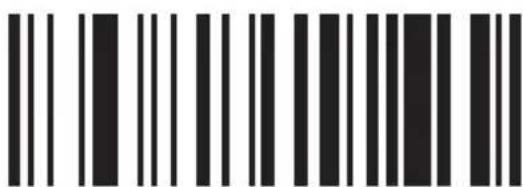
\$B6
FIN
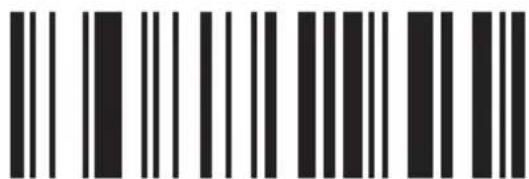
\$B7
PÁGINA ARRIBA
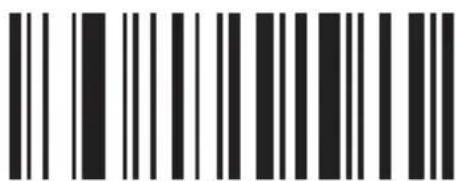
\$B8
PÁGINA ABAJO
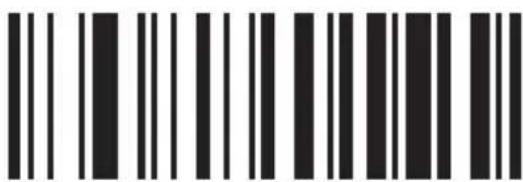
\$B9
ARRIBA
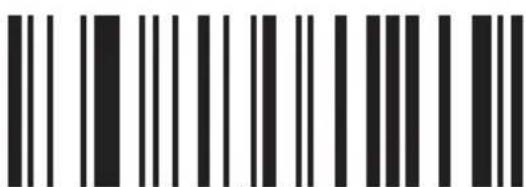
\$BA
ABAJO

\$BB
IZQUIERDA
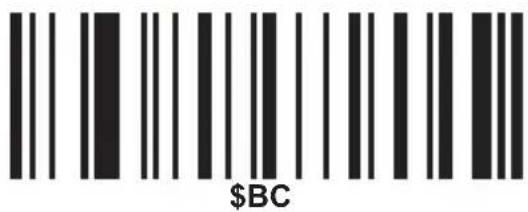
DERECHA
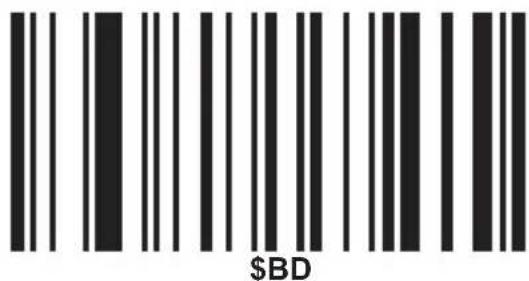
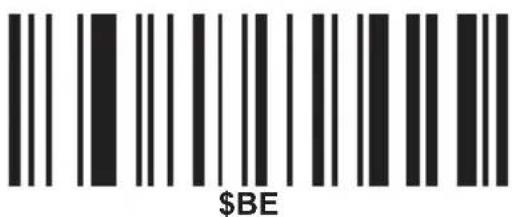
BLOQUEAR NÚMEROS
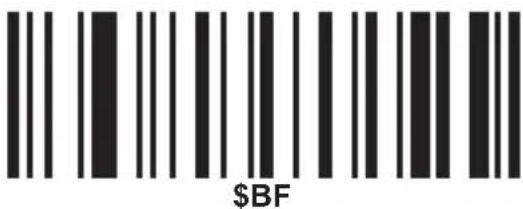
BLOQUEAR MAYÚSCULAS
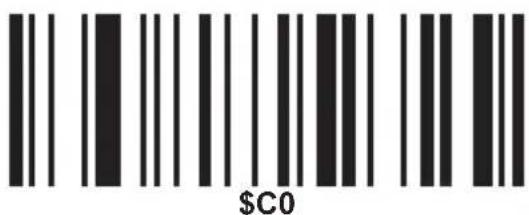
BLOQUEAR DESPLAZAMIENTO
MANTENIMIENTO Y LIMPIEZA
STEREN PRODUCTO EMPACADO S.A. DE C.V.
Biólogo Maximino Martínez No. 3408 Int. 2, 3 y 4, Sa Salvador Xochimanca, Del. Azcapotzalco, México, D.F. 02870,
RFC: SPE941215H43
ELECTRÓNICA STEREN DEL CENTRO, S.A. DE C.V.
Rep. del Salvador 20 A y B, Centro, 06000, Del. Cuauhtémoc, México. D.F. RFC: ESC9610259N4
ELECTRÓNICA STEREN DE GUADALAJARA, S.A.
López Cotilla No. 51, Centro, 44100, Guadalajara, Jal. RFC: ESG810511HT6
ELECTRÓNICA STEREN DE MONTERREY, S.A.
Colón 130 Pte., Centro, 64000, Monterrey, N.L. RI ESM830202MF8
ELECTRÓNICA STEREN DE TIJUANA, S.A. de C.V.
Calle 2a, Juárez 7636, Centro, 22000, Tijuana, B.1 RFC: EST980909NU5
USB bar code reader
natural_image
Illustration of a handheld electric shaver with black base and orange background (no text or symbols)COMPUTACIÓN
V2.0 0915mlnstruction manual
USB barcode reader
COM-595
Thank You on purchasing your new Steren product.
This manual includes all the feature operations and troubleshooting necessary to install and operate your new Steren's USB barcode reader.
Please review this manual thoroughly to ensure proper installation and operation of this product. For support, shopping, and everything new at Steren, visit our website:
www.steren.com
The instructions of this manual are for reference about the product. There may be differences due to updates.
Please check our website (www.steren.com) to obtain the latest version of the instruction manual.
IMPORTANT
- Do not expose the device to extreme temperatures.
• This product is not a toy. Keep out of reach of children. - Do not use or store in places where there are dripping or splashing.

To prevent eye damage and injuries, do not look directly into the laser. Do not point laser directly at persons or animals or indirectly from reflective surfaces.
HIGHLIGHTS
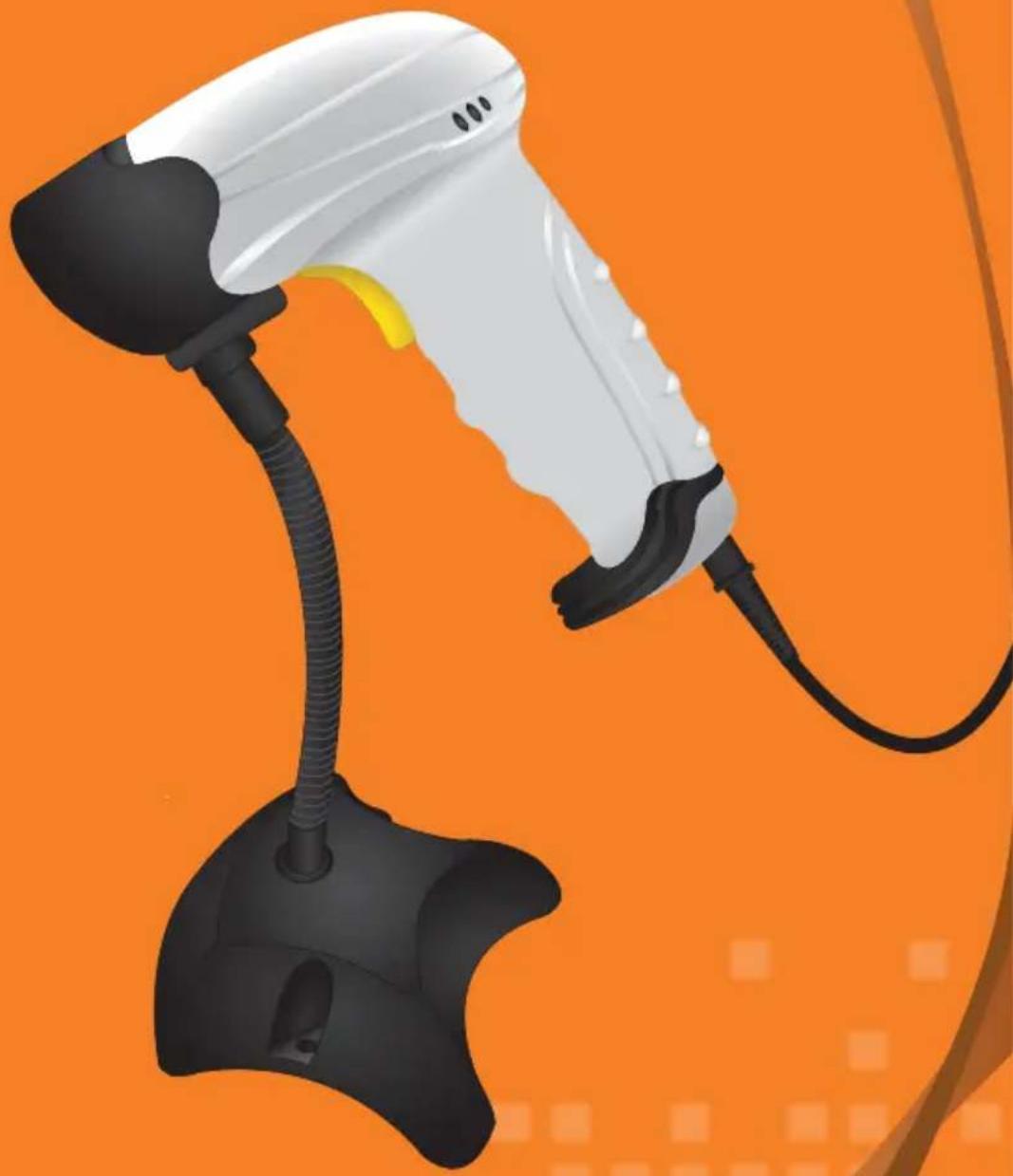
The barcode reader with USB connector type trigger switch has high performance (50 million operations) to display the laser and make reading the bar codes, the LED indicator lights when detecting or recognizing a code of bars, and together with the buzzer indicator reading data allow you to quickly identify if the codes are incorrect, or are unreadable. The cable with USB type A male has a length of 1.9 m and the base to rest the reader a height of 20 cm, with different angles of inclination.
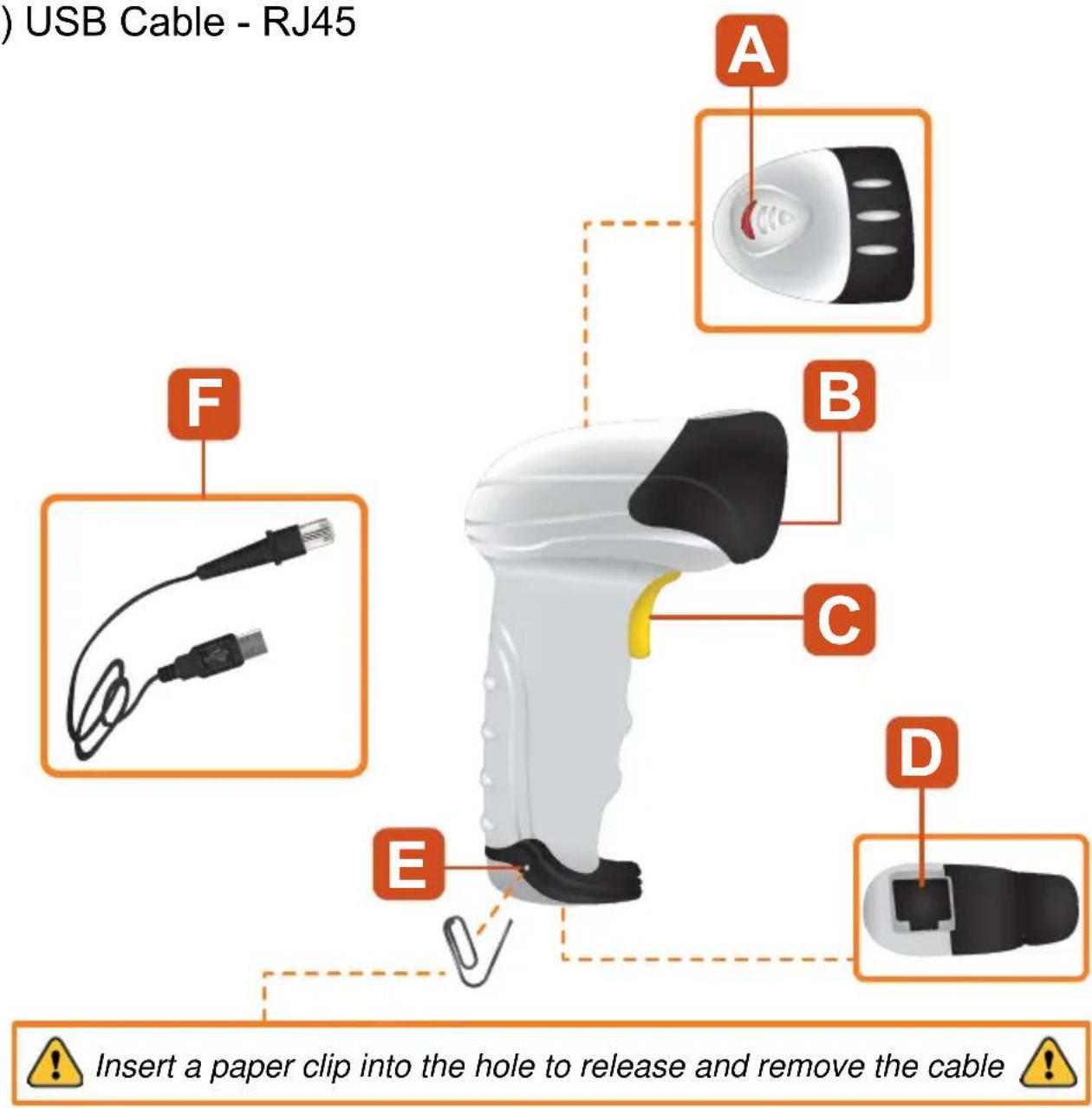
PARTS
A) Operating LED indicator
B) Laser Scanner
C) Trigger
D) Input RJ45
E) Hole to release cable
F) USB Cable - RJ45
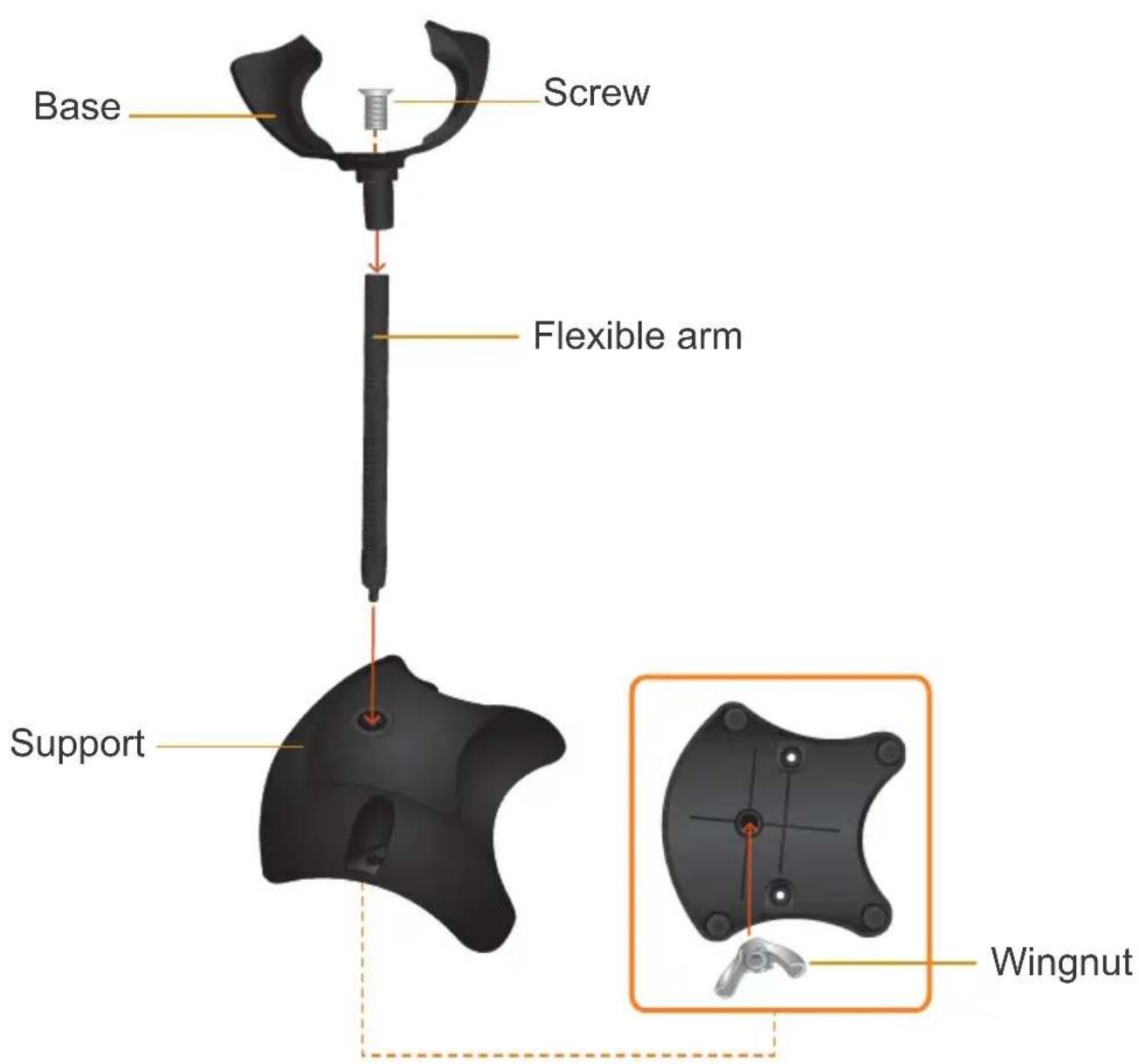
HOW TO ASSEMBLY THE BASE
- Assemble parts as shown in the diagram.
- Adjust the angle according to your needs.
CONNECTION
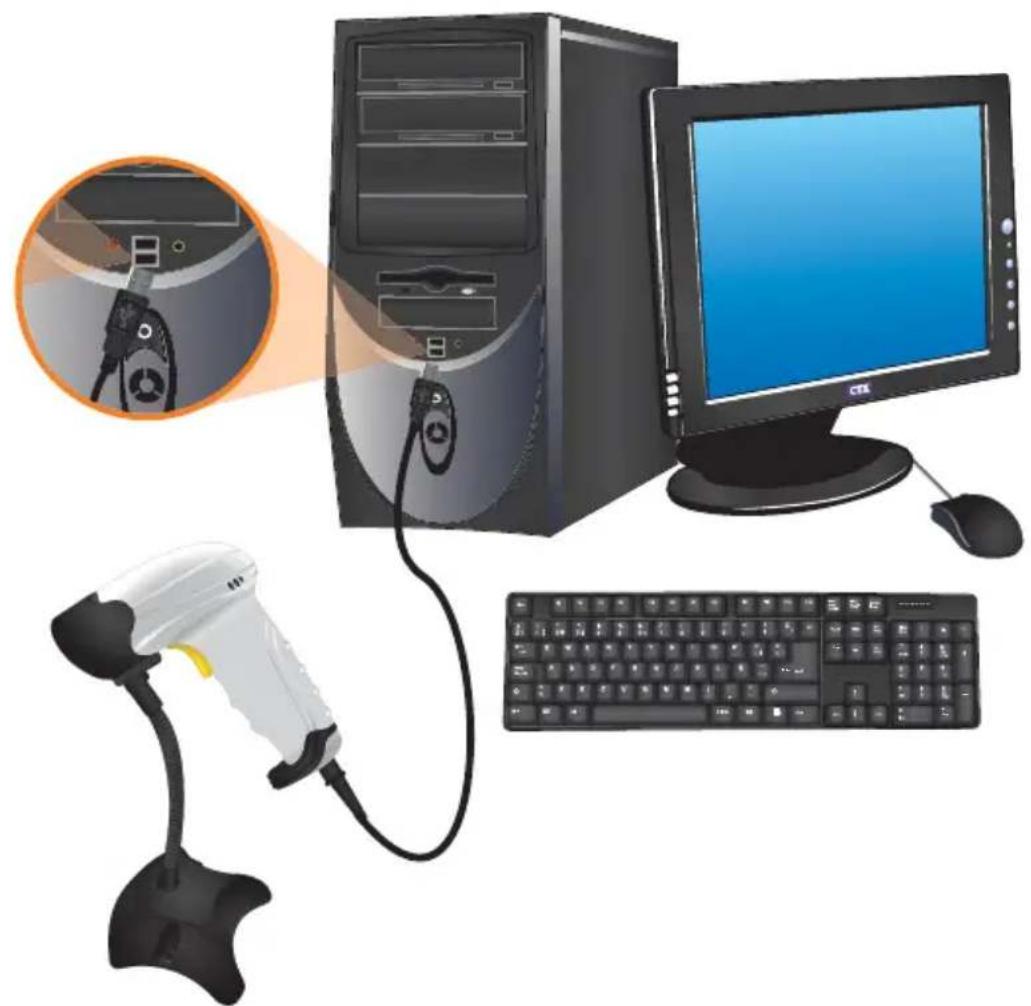
- Use the USB cable - RJ45 to connect the player to a PC. Drivers are updated automatically and you can start to use the reader.
ot s
programming codes.
- Put the reader in front of the barcode, press the trigger to activate the laser and perform the reading.
natural_image
Illustration of a desktop computer setup with monitor, tower, keyboard, and barcode scanner (no text or symbols)READING ANGLE
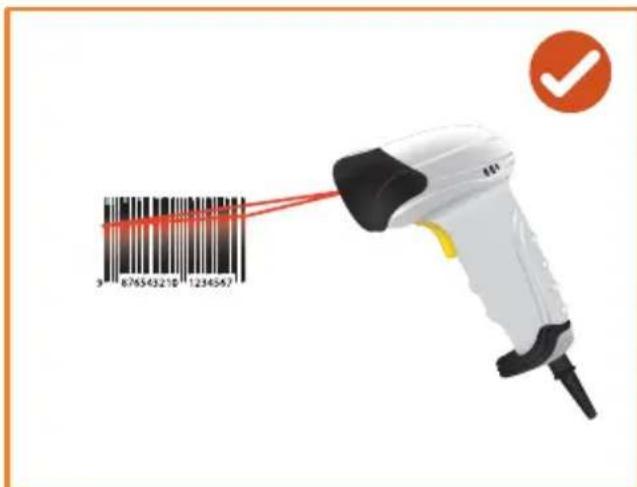
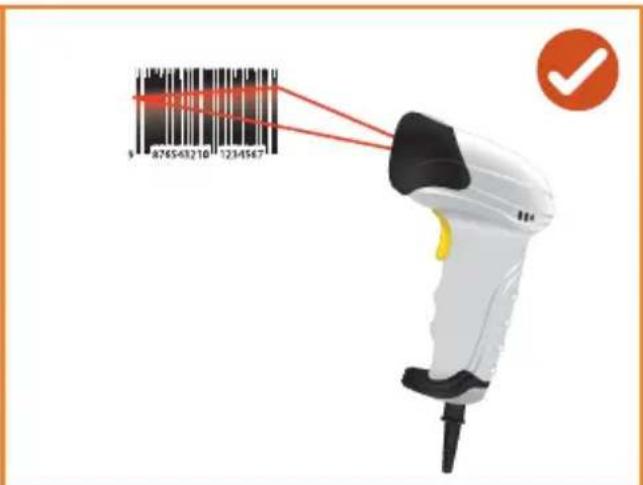
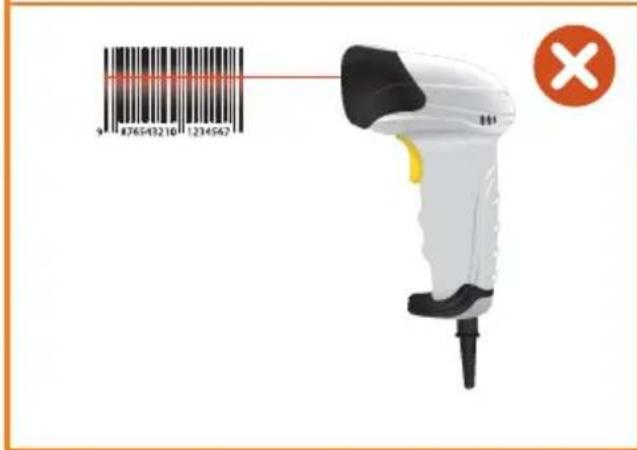
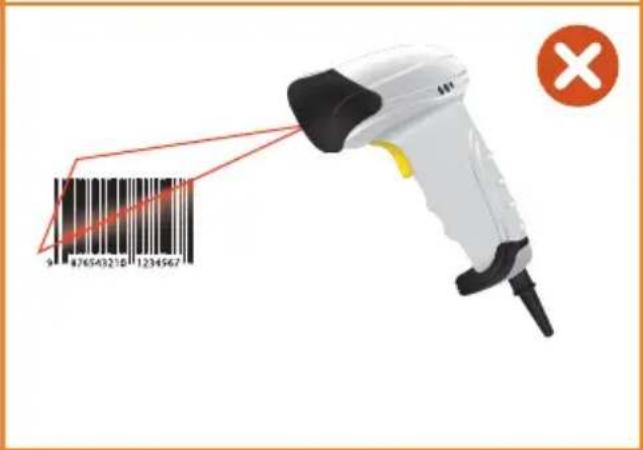
- Keep a distance between the reader and the barcode.
- Do not put the reader at an angle of 90^ ; could affect the reading.
- The laser must cover one barcode at a time, otherwise, could occur an error.
- If the surface is reflective, tilt the reader to make a correct reading.
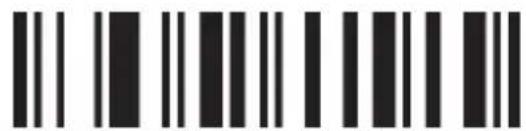
ADD A BAR CODE ID
Function setting

Output mode
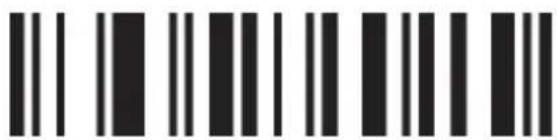
VERSION INFO
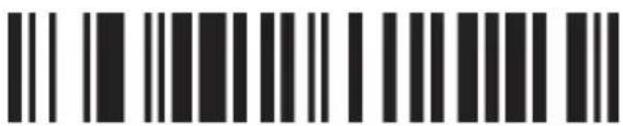
RESET FACTORY DEFAULTS

KEYBOARD WEDGE

SERIAL

Buzzer

GOOD READ BEEP SOUND-OFF

GOOD READ BEEP SOUND-ON

SINGLE SCAN
SINGLE SCAN
NO TRIGGER
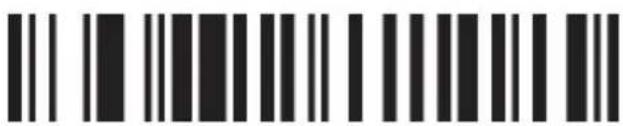
MULTISCAN
ONE

MULTISCAN NO TRIGGER

CONTINUOUS SCAN

PULSE
Image

ENABLE

DISABLE

Code ID
ENG

SEND CODE ID AS PREFIX

SEND CODE ID AS PREFIX DISABLE

SEND CODE ID AS SUFFIX

SEND CODE ID AS SUFFIX DISABLE

Language

ENGLISH


GERMAN

FRENCH

RESET

Character Capital/Lower
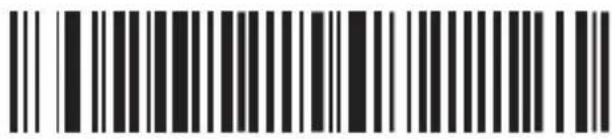
CAPITAL

LOWER CASE
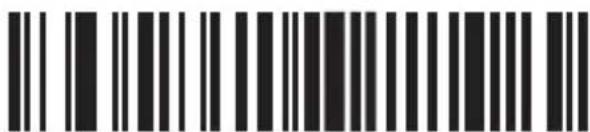
RESET

Serial mode parameter settings
Baud rate
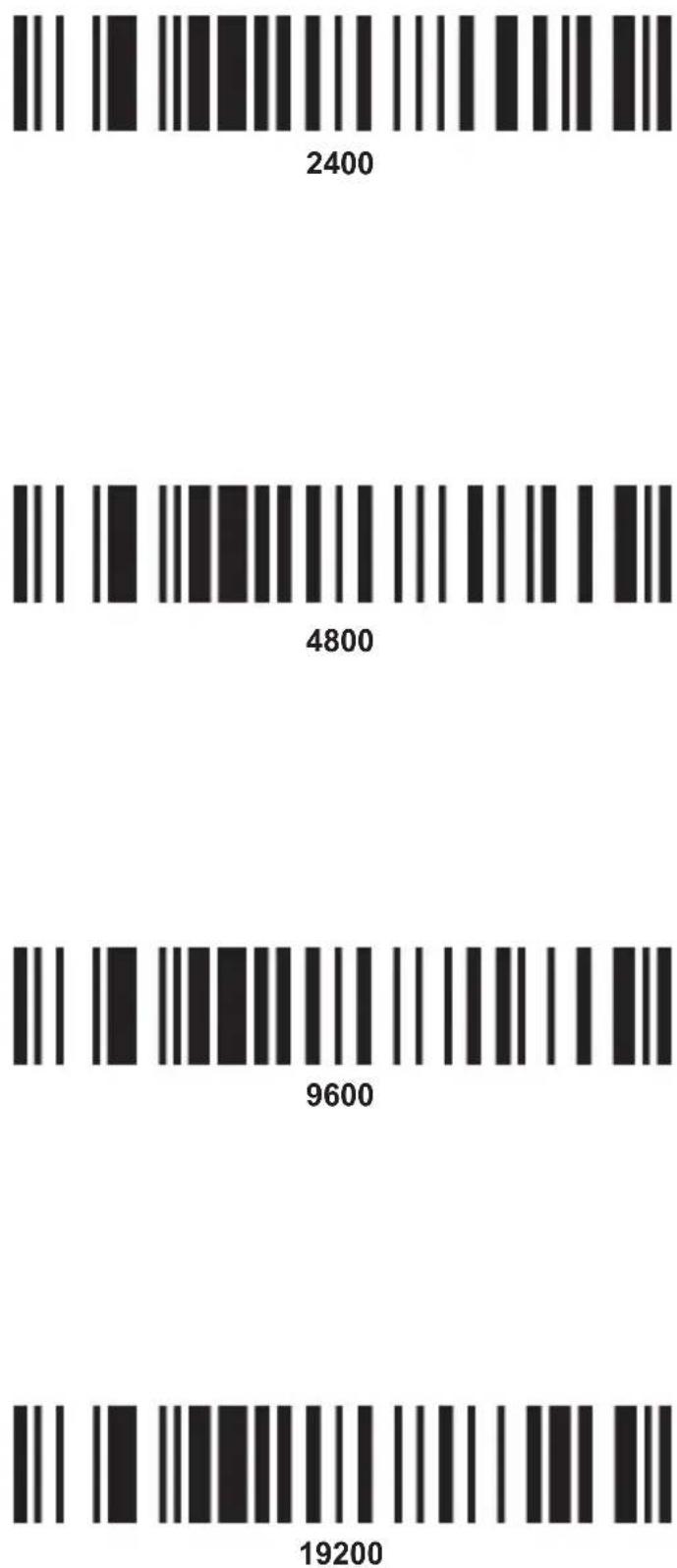

Hand shake
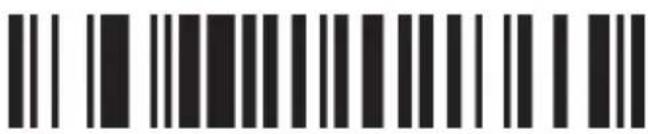
NONE

XON/OFF

RTS/CTS
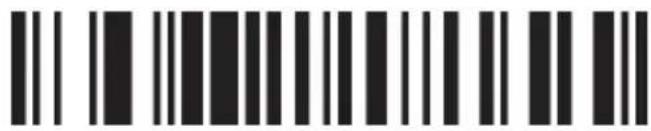
ACK/NAK

HAND SHAKE TIMEOUT - 2 SECONDS

HAND SHAKE TIMEOUT- 5 SECONDS

Data bits
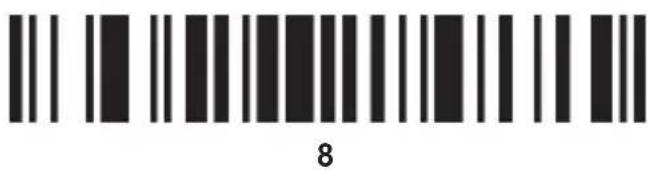
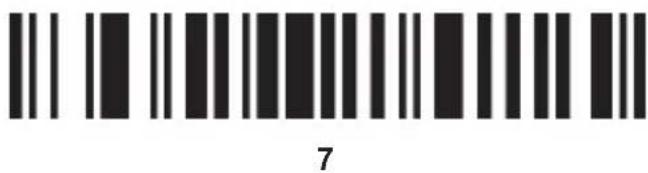

Stop bits
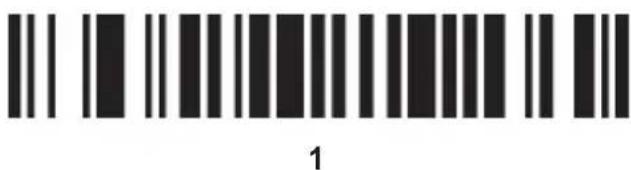
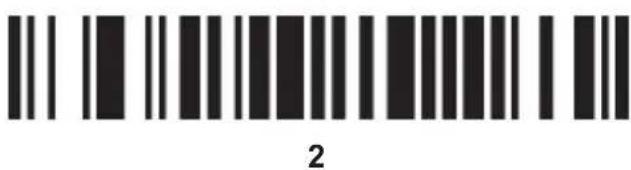

Check digits

NONE

ODD
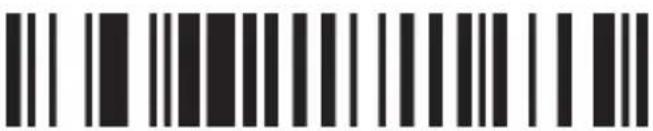
EVEN
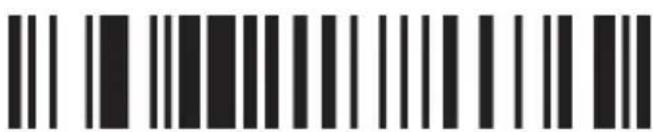
MARK CHECK DIGIT

SPACE

RESET

Termination string setup bar codes
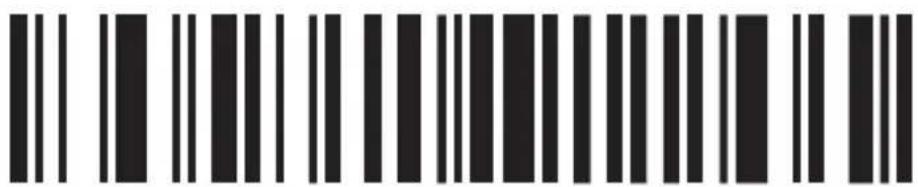
CANCEL SUFFIX

TERMINATION CHAR-CR
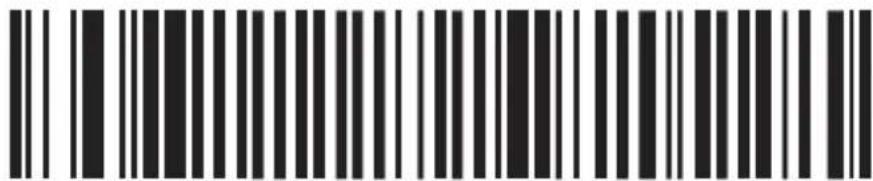
TERMINATION CHAR-SPACE
ONE

TERMINATION CHAR-TAB
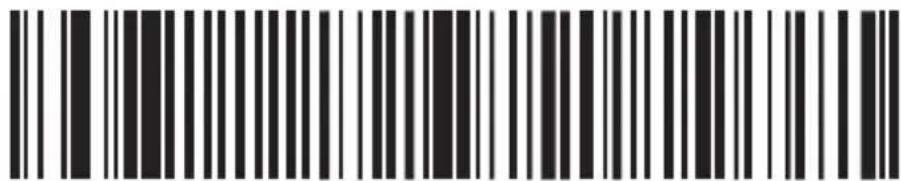
TERMINATION CHAR-TAB/CR

TERMINATION CHAR-CR+CR
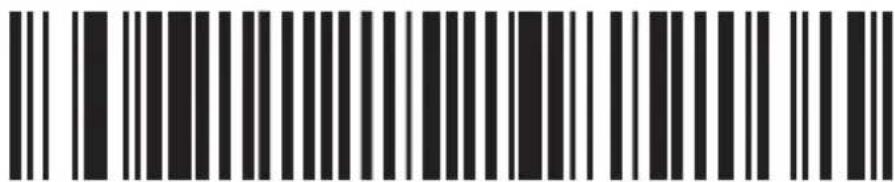
ALL CODES PREAMBLE-STX

ALL CODES PREAMBLE-ETX
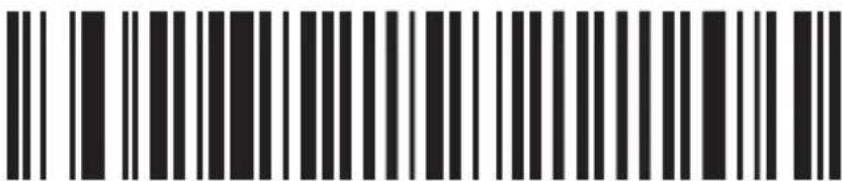
HIDE THE FIRST CHAR

HIDE THE LAST CHAR

Barcode setting
Code 11
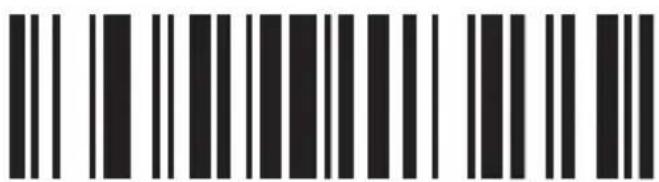
CODE 11/ON
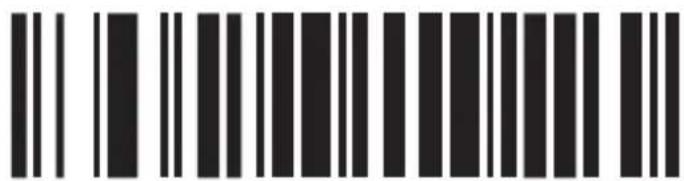
CODE 11/OFF
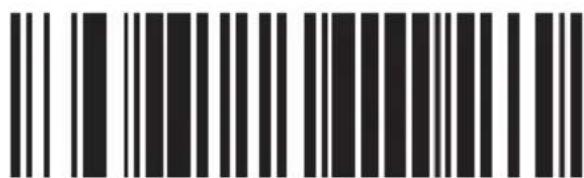
ID CHARACTER "m"
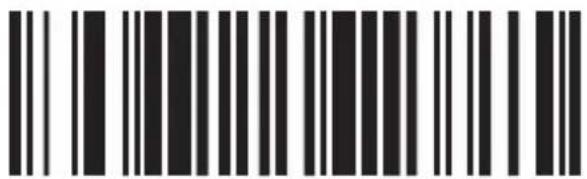
ID CHARACTER "z"
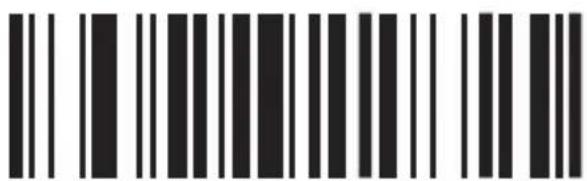
CODE 11 REDUNDANCY ENABLE
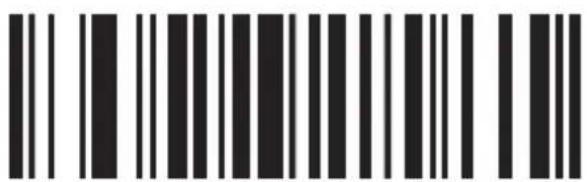
CODE 11 REDUNDANCY DISABLE
Code 93
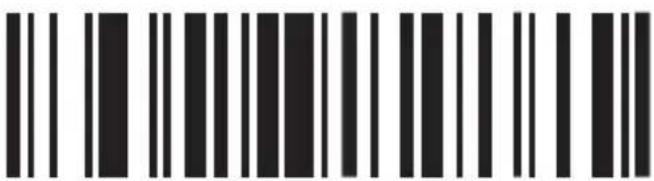
CODE 93/ON
ONE
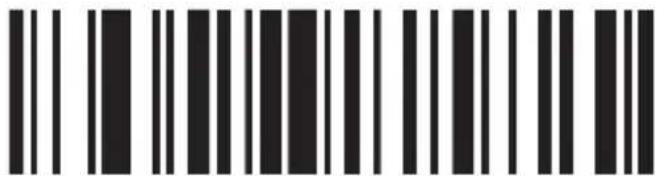
CODE 93/OFF
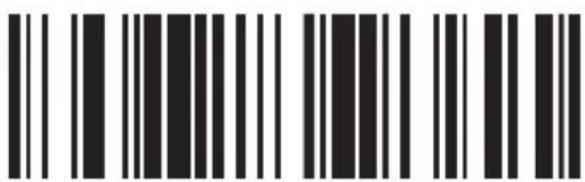
ID CHARACTER "h"
ONE
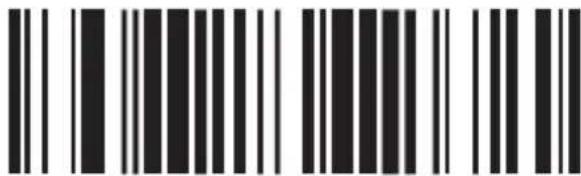
ID CHARACTER "z"
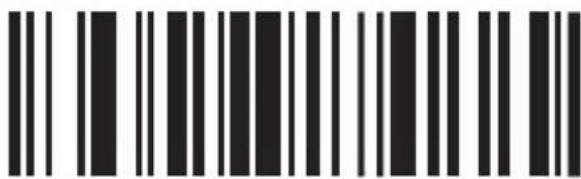
CODE 93 REDUNDANCY ENABLE
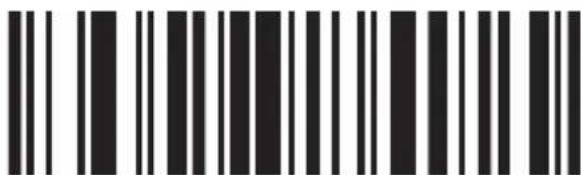
CODE 93 REDUNDANCY DISABLE
Code 39
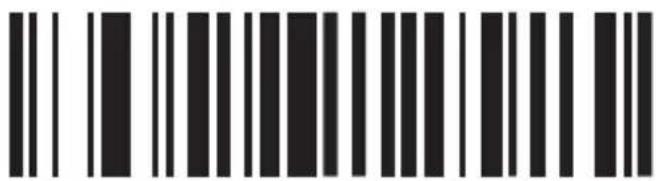
CODE 39/ON
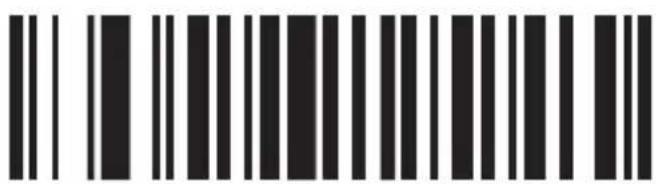
CODE 39/OFF
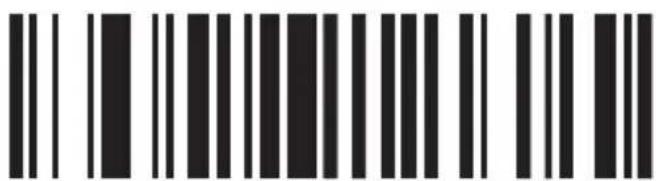
CODE 39 ALL ASCII - ON
ONE
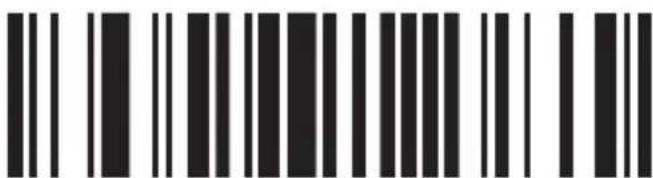
CODE 39 ALL ASCII - OFF

GUIDE CHARACTER - NONE
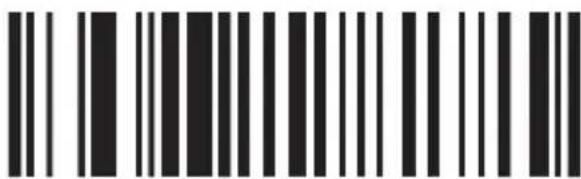
GUIDE CHARACTER “+”
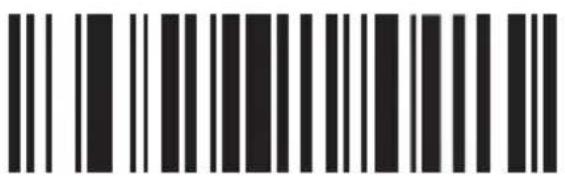
SEND START/STOP CHARS-ENABLE
ONE
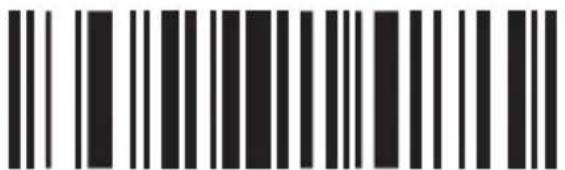
SEND START/STOP CHARS-DISABLE
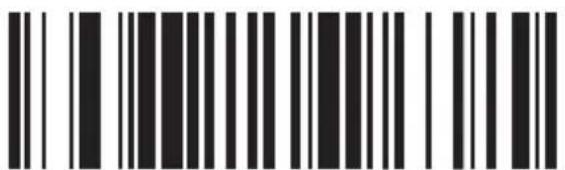
ID CHARACTER "a"
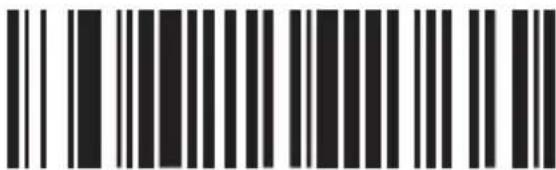
ID CHARACTER "z"
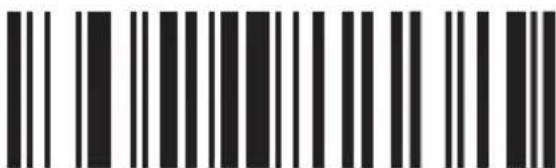
CODE 39
REDUNDANCY ENABLE
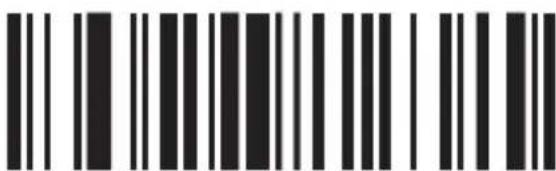
CODE 39
REDUNDANCY DISABLE
Code 128

CODE 128/ON

CODE 128/OFF
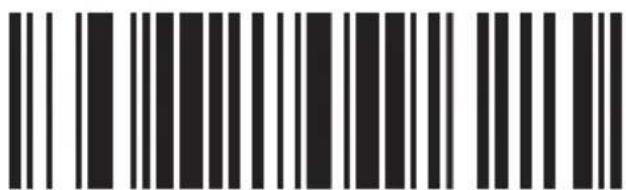
ID CHARACTER "g"
ONE
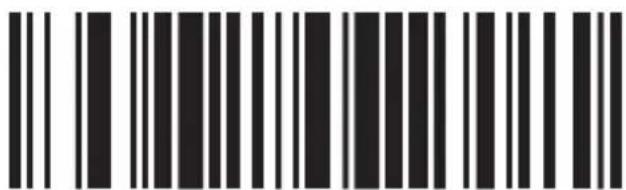
ID CHARACTER "z"
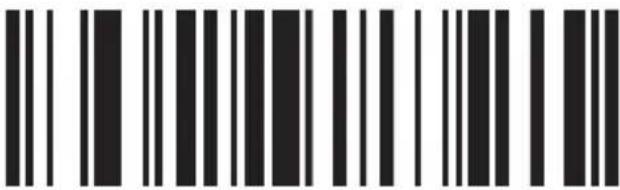
CODE 128 REDUNDANCY ENABLE
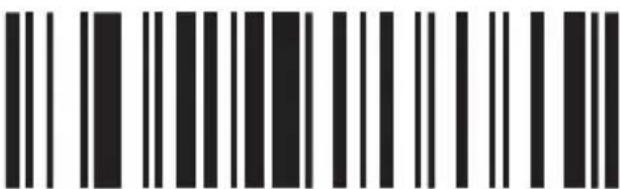
CODE 128 REDUNDANCY DISABLE
CODABAR
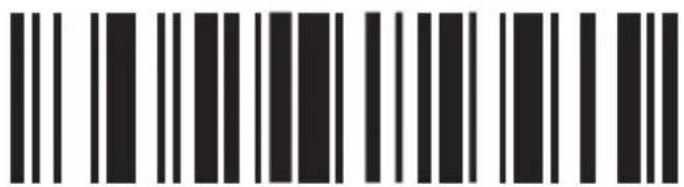
CODABAR/ON
ONE
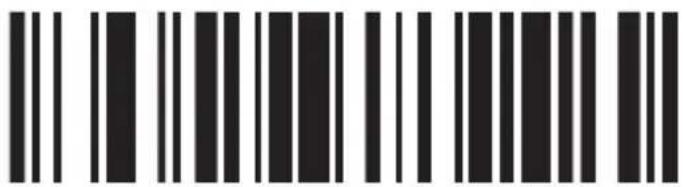
CODABAR/OFF
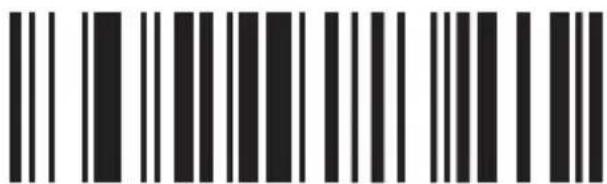
SEND START/STOP
CHARS-ENABLE
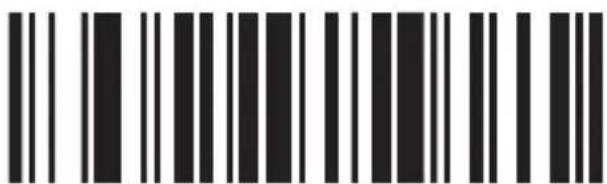
SEND START/STOP
CHARS-DISABLE
ONE
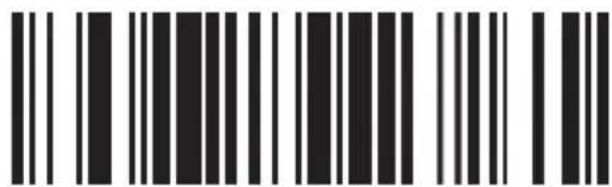
ID CHARACTER "k"
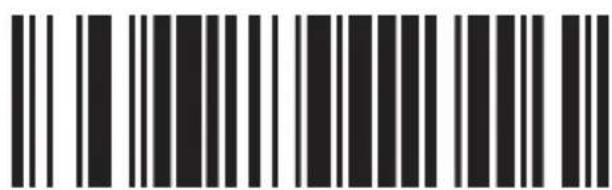
ID CHARACTER "z"
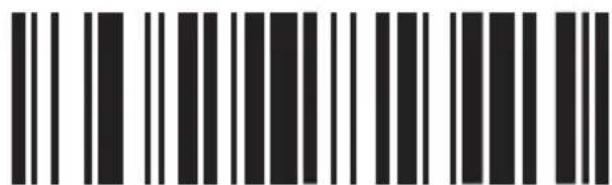
CODABAR REDUNDANCY ENABLE
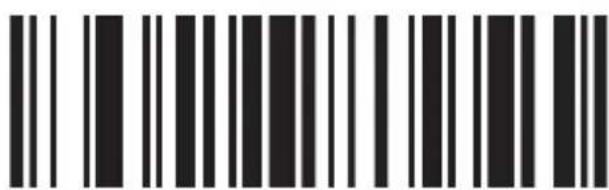
CODABAR REDUNDANCY DISABLE
ONE
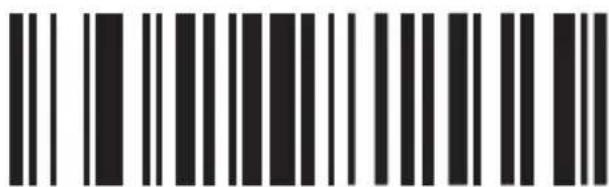
BAR WIDTH GAP ALLOWED-ENABLE
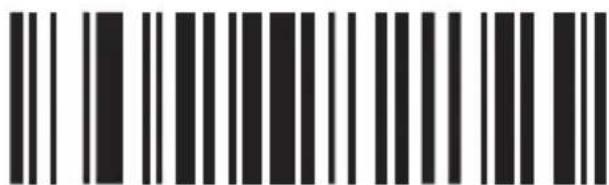
BAR WIDTH GAP ALLOWED-DISABLE
Interleaved/ITF25
ONE
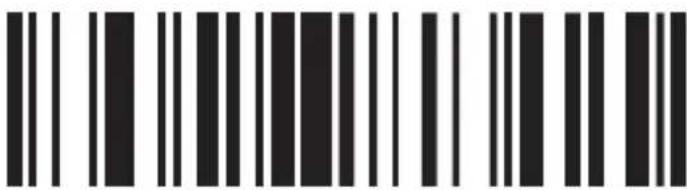
INTERLEAVED/ITF25-ON
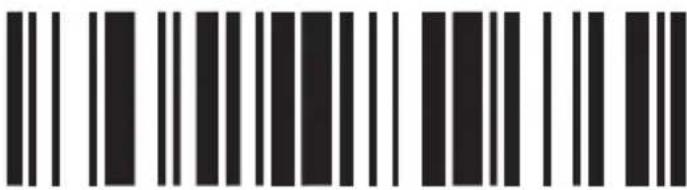
INTERLEAVED/ITF25-OFF
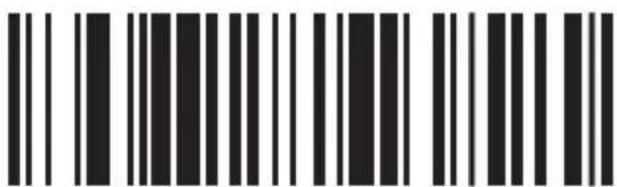
ID CHARACTER "I"
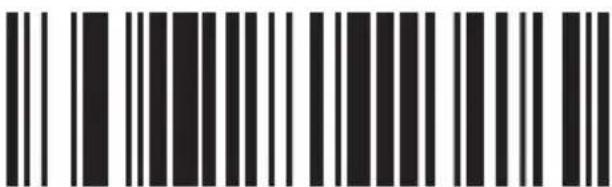
ID CHARACTER "z"
ONE
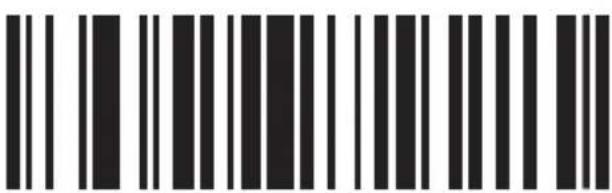
ITF25 REDUNDANCY ENABLE
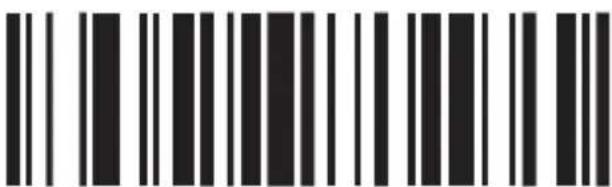
ITF25 REDUNDANCY DISABLE
Industrial 25
ONE
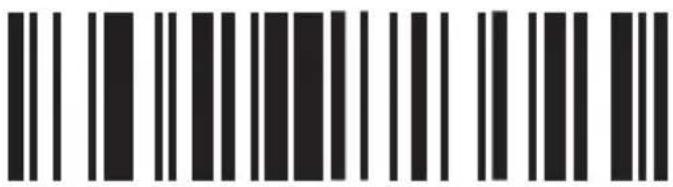
INDUSTRIAL 25/ON
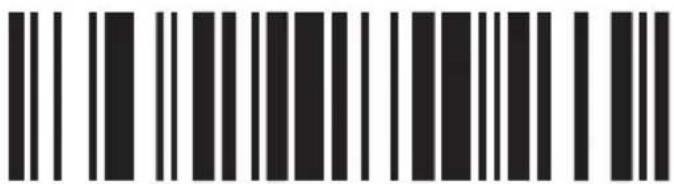
INDUSTRIAL 25/OFF
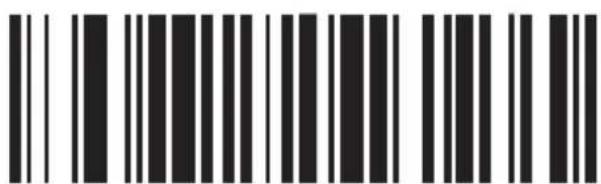
ID CHARACTER "k"
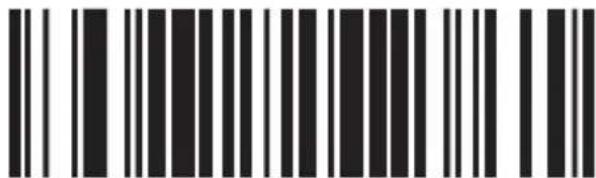
ID CHARACTER "z"
ONE
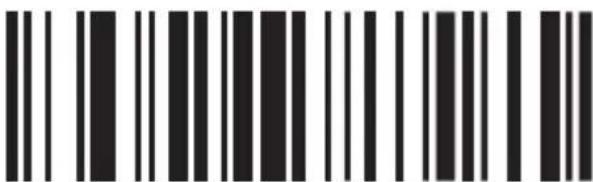
INDUSTRIAL 25 REDUNDANCY ENABLE

INDUSTRIAL 25 REDUNDANCY DISABLE
MSI/PLESSEY
ONE
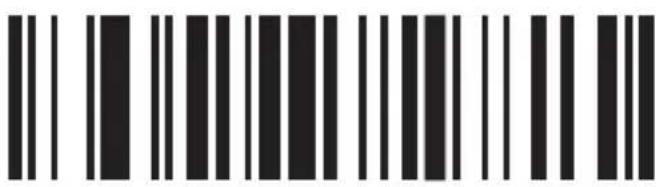
MSI - ON
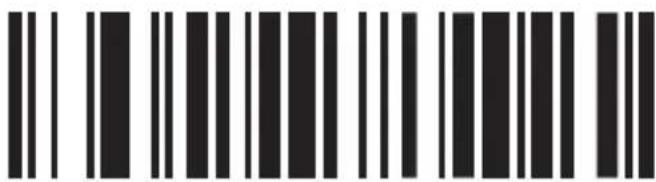
MSI - OFF
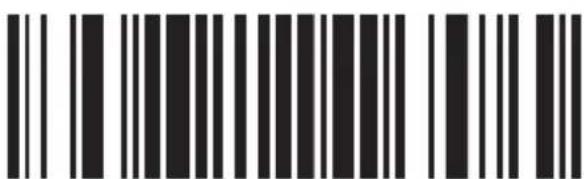
ID CHARACTER "f"
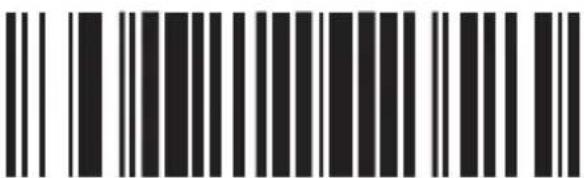
ID CHARACTER "z"
ONE

MSI REDUNDANCY ENABLE

MSI REDUNDANCY DISABLE
UPC-A
ONE
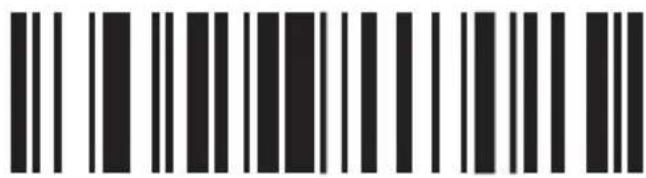
UPC-A/ON
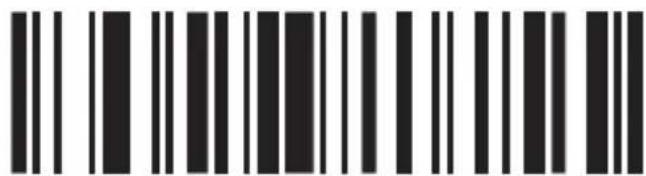
UPC-A/OFF
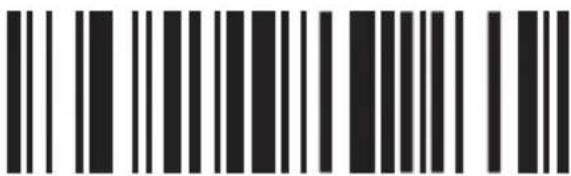
CONVERT UPC-A INTO EAN13 ENABLE
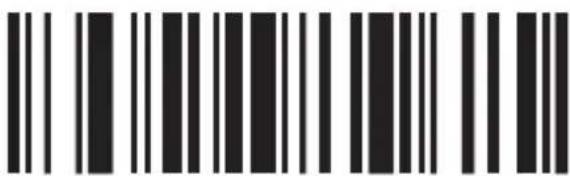
CONVERT UPC-A INTO EAN13 DISABLE
ONE
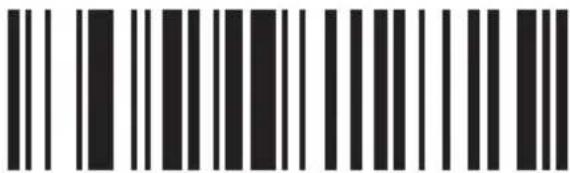
TRANSMIT SYSTEM BIT ENABLE
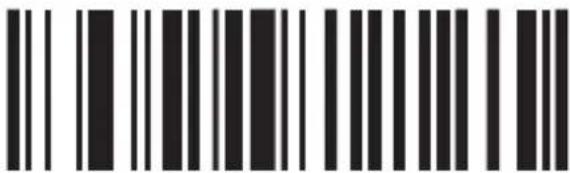
TRANSMIT SYSTEM BIT DISABLE
ONE
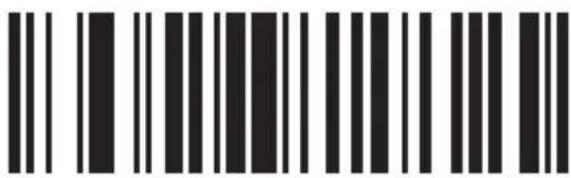
TRANSMIT CHECK DIGIT ENABLE
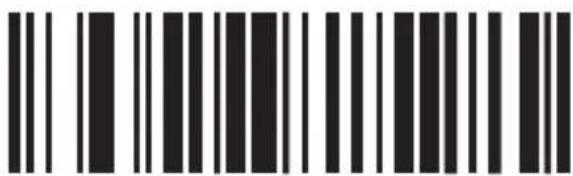
TRANSMIT CHECK DIGIT DISABLE
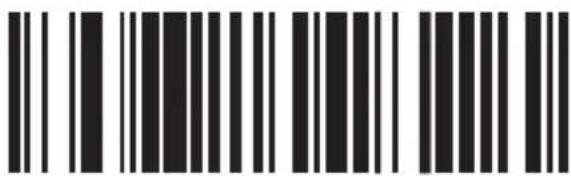
ID CHARACTER "b"
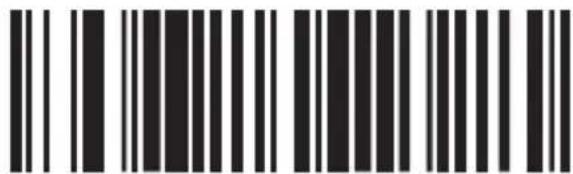
ID CHARACTER "z"
ONE
UPC-E
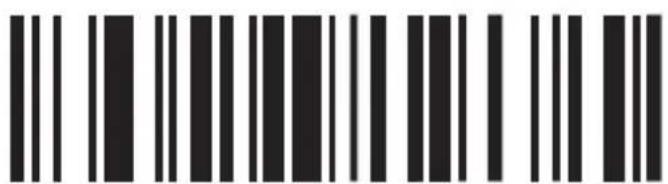
UPC-E/ON
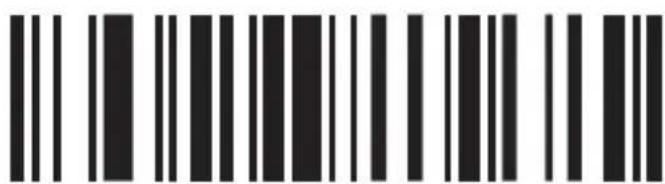
UPC-E/OFF
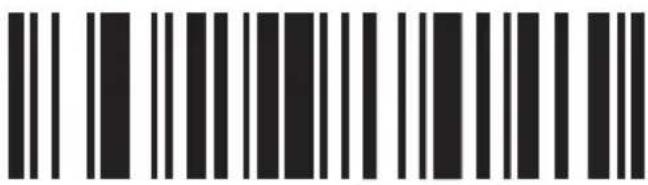
CONVERT UPC-E INTO UPC-A ENABLE
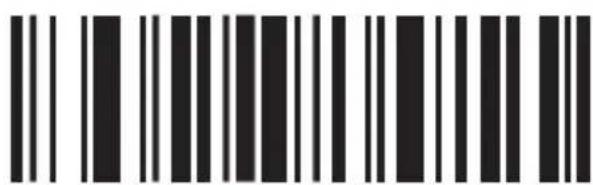
CONVERT UPC-E INTO UPC-A DISABLE
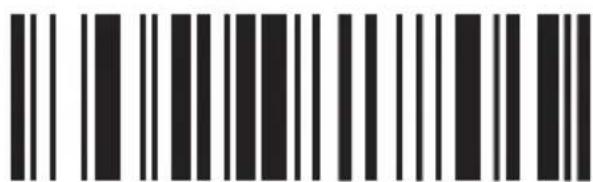
TRANSMIT SYSTEM BIT ENABLE
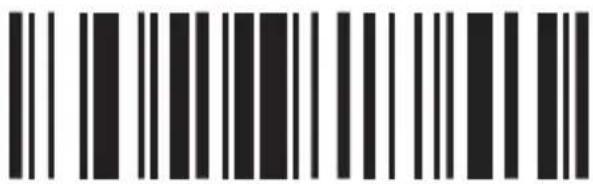
TRANSMIT SYSTEM BIT DISABLE
ONE
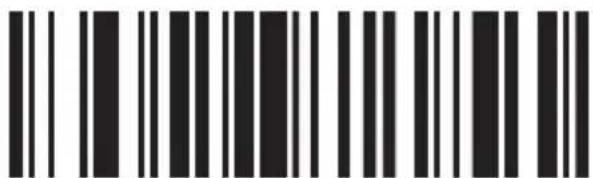
TRANSMIT CHECK DIGIT ENABLE
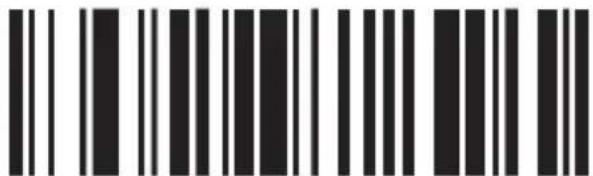
TRANSMIT CHECK DIGIT DISABLE
ONE
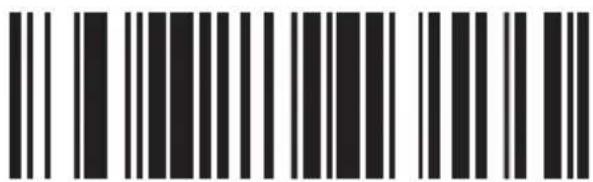
ID CHARACTER "C"
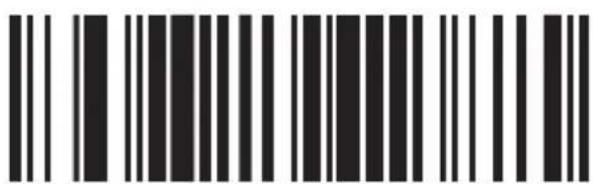
ID CHARACTER "z"
EAN-13
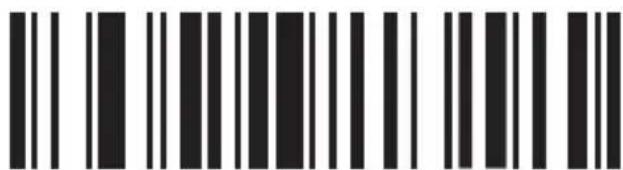
EAN-13/ON
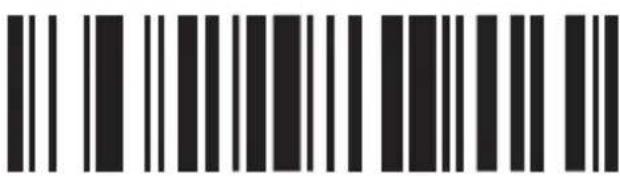
EAN-13/OFF
ONE
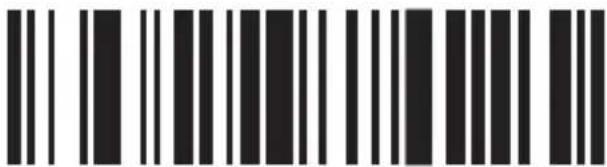
CONVERT EAN-13 INTO ISBN ENABLE
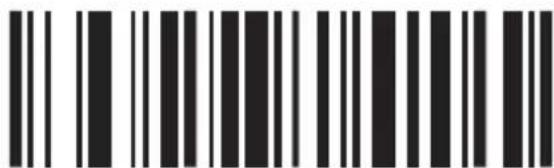
CONVERT EAN-13 INTO ISBN DISABLE
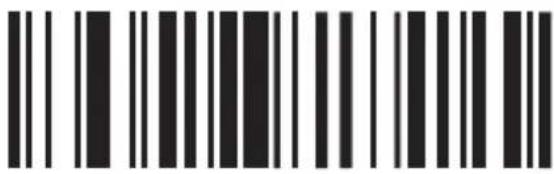
TRANSMIT SYSTEM BIT ENABLE
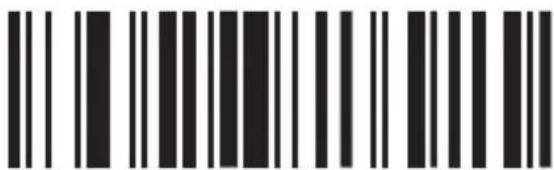
TRANSMIT SYSTEM BIT DISABLE
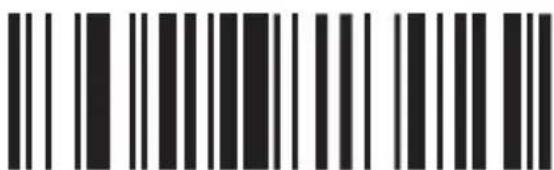
TRANSMIT CHECK DIGIT ENABLE
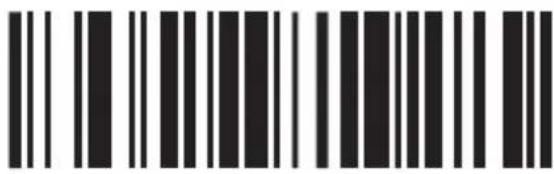
TRANSMIT CHECK DIGIT DISABLE
ONE
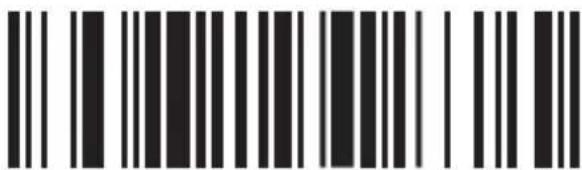
ID CHARACTER "e"
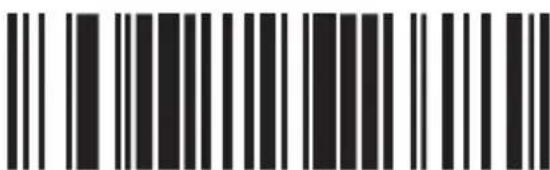
ID CHARACTER "z"
EAN-8
ONE
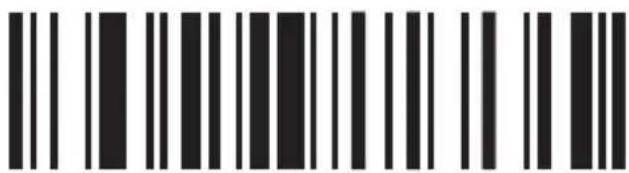
EAN-8/ON
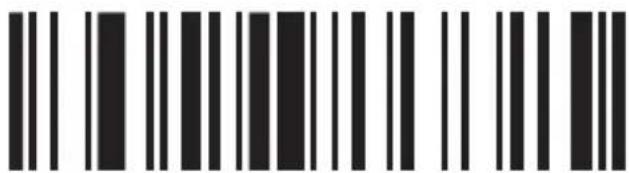
EAN-8/OFF
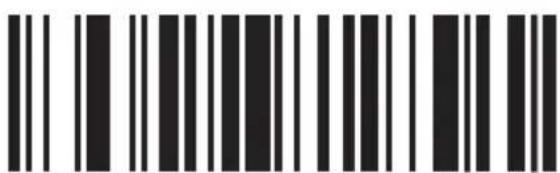
TRANSMIT SYSTEM BIT ENABLE
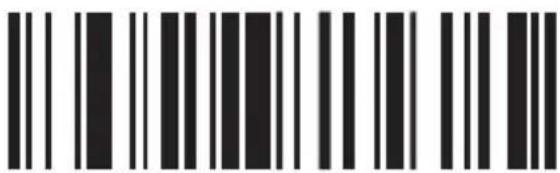
TRANSMIT SYSTEM BIT DISABLE
ONE
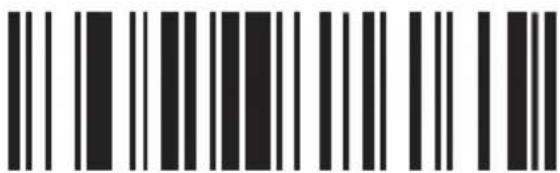
TRANSMIT CHECK DIGIT ENABLE
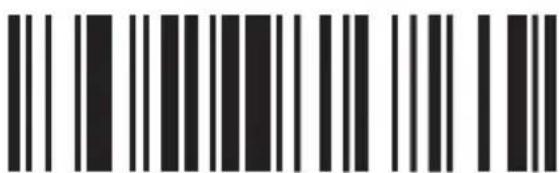
TRANSMIT CHECK DIGIT DISABLE
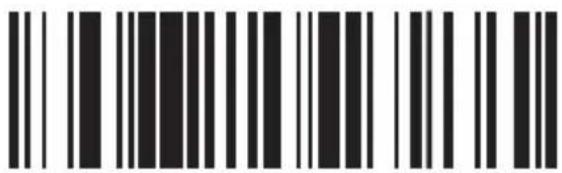
ID CHARACTER "d"
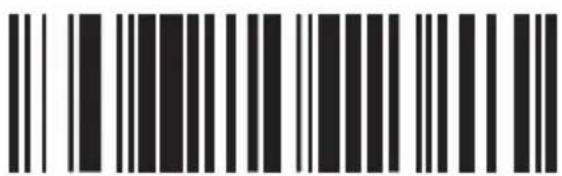
ID CHARACTER "z"
ISBN
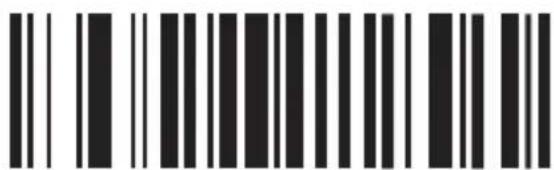
ISBN/ON
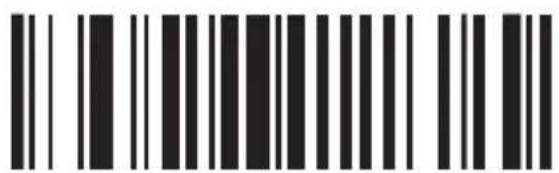
ISBN/OFF
ONE
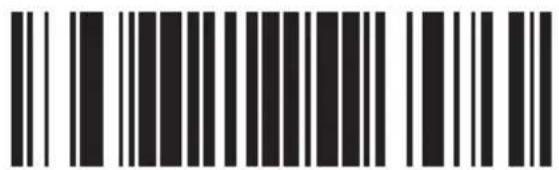
ID CHARACTER "f"
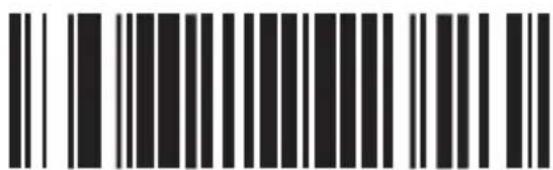
ID CHARACTER "z"
UPC/EAN
ONE
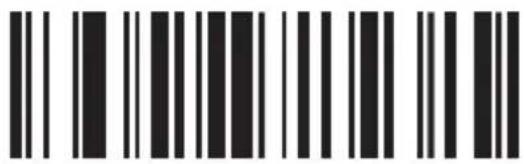
UPC/EAN SUPPLEMENTS DISABLE
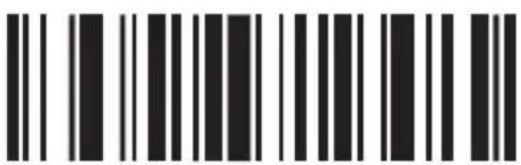
UPC/EAN SUPPLEMENTS - 2 DIGITS
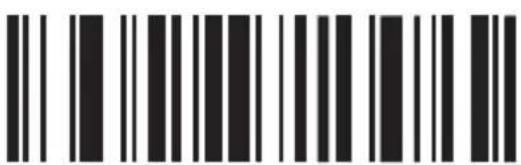
UPC/EAN SUPPLEMENTS - 5 DIGITS
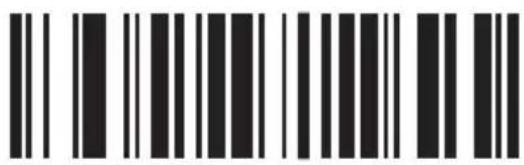
UPC/EAN SUPPLEMENTS - 2 & 5 DIGITS
ONE
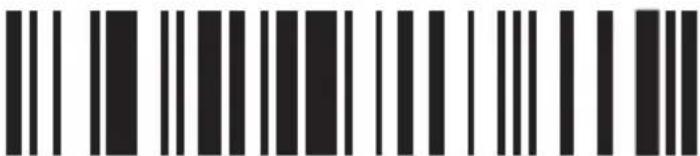
UPC/EAN REDUNDANCY ENABLE
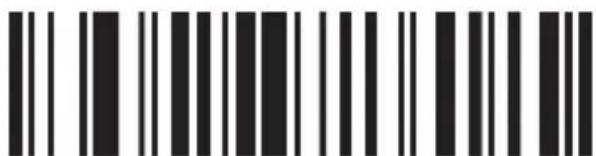
UPC/EAN REDUNDANCY DISABLE
Code 32
ENG
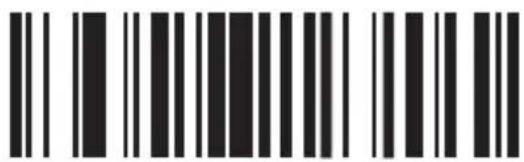
CODE 32/ON
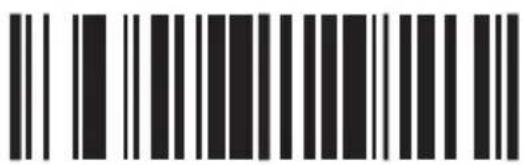
CODE 32/OFF

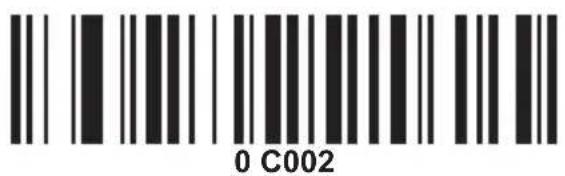
Add prefix
- Scan the set-up code below (this step will clear the pre-set prefix).
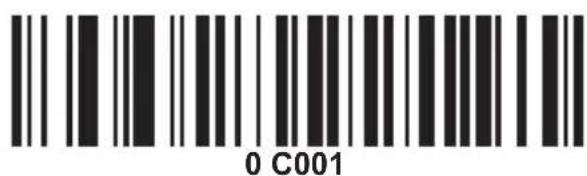
ADD PREFIX
- Scan the needed character codes (maximum add 10 characters)
Ex. To add prefix "MG", scan character M and G orderly.

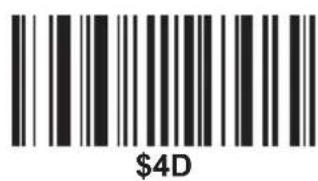
M
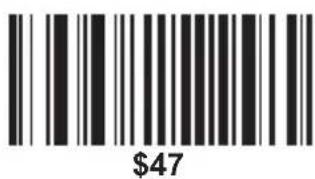
G
Now "MG" will be added when scanning the normal bar codes.

Scan the above testing bar code, "MGTEST" will show.
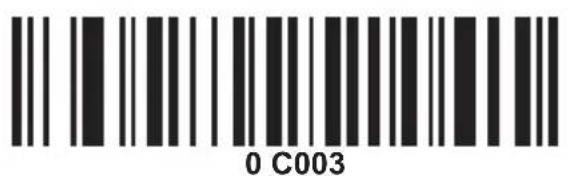
Add suffix
- Scan the set-up code below (this step will clear the pre-set suffix).
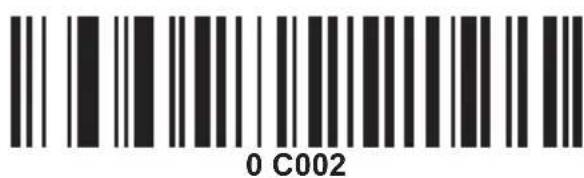
ADD SUFFIX
- Scan the needed character codes (maximum add 10 characters)
Ex. To add suffix "OK", scan character O and K orderly.
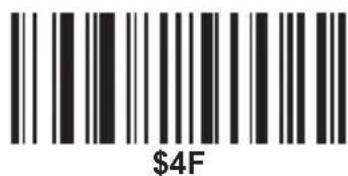
0
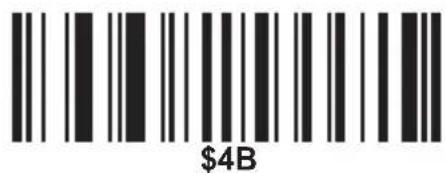
K
Now "ok" will be added when scanning the normal bar codes.
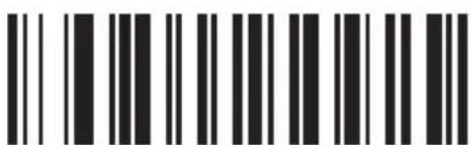
TEST
Scan the above testing bar code, "TESTOK" will show.

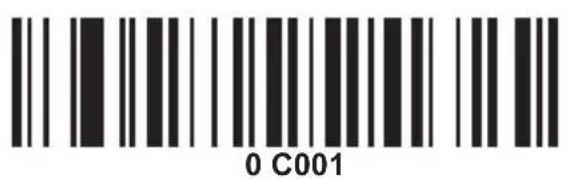
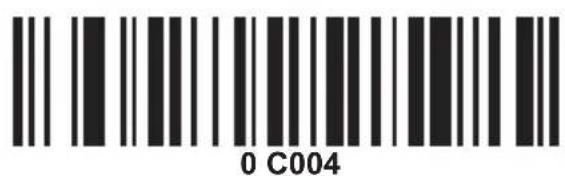
Hide the front characters
- Scan the set-up code below (this step will clear the previous settings).
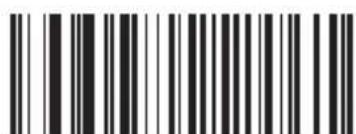
0 C003
HIDE THE FRONT
CHARACTERS
- Scan the number needs to be hidden (maximum de 10 characters).
Ex. To hide two front characters, scan the set-up code "02".

Now two front characters will be hidden when scanning the normal bar codes.
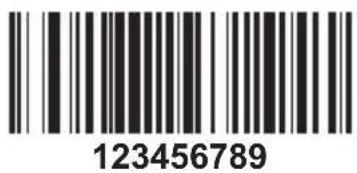
Scan the above testing bar code, "3456789" will be shown.
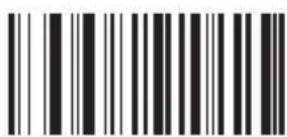
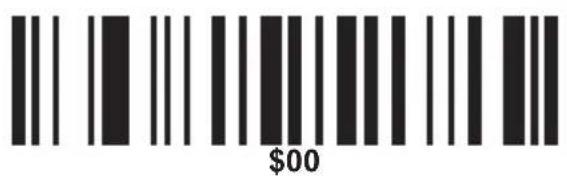
Hide the behind characters
- Scan the set-up code below (this step will clear the previous settings).

HIDE THE BEHIND CHARACTERS
- Scan the number needs to be hidden (maximum de 10 characters).
Ex. To hide three behind characters, scan the set-up code "03".
\$03
ETX
Now three behind characters will be hidden when scanning the normal bar codes.
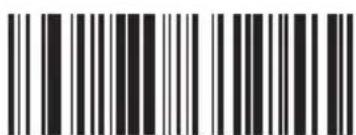
987654321
Scan the above testing bar code, "987654" will be shown.
ADD PREFIX
ADD SUFFIX
HIDE THE FRONT CHARACTERS
HIDE THE BEHIND CHARACTERS
NUL/SP
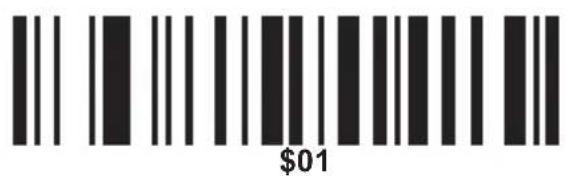
SOH
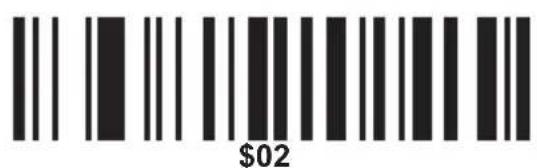
STX
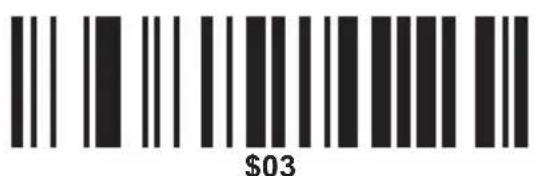
ETX
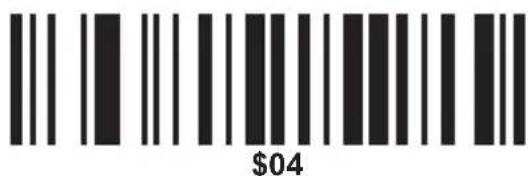
EOT
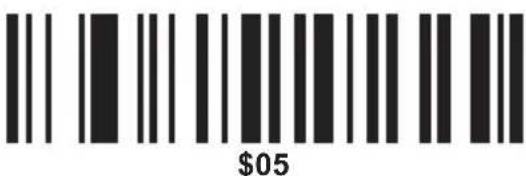
ENQ
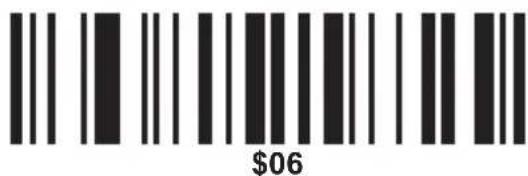
ACK
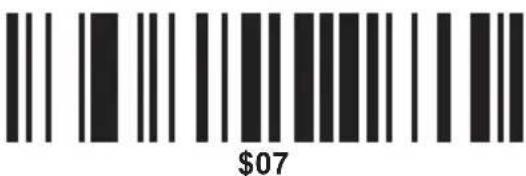
BEL
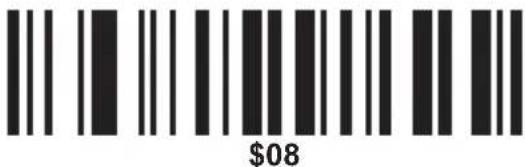
BS/BACK SPACE
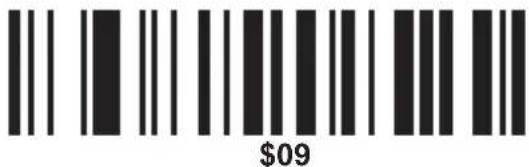
HT/TAB
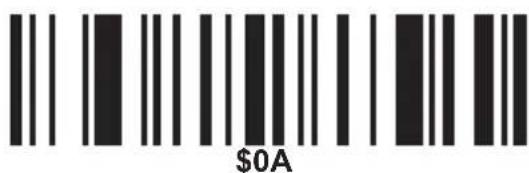
LF
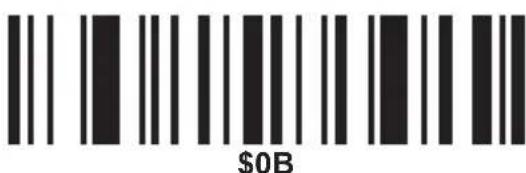
VT
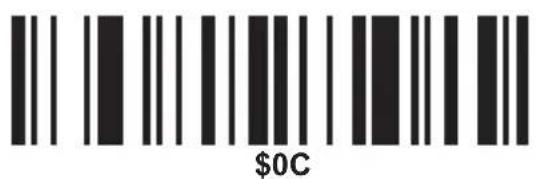
FF
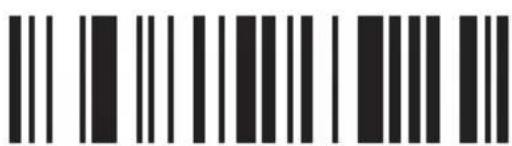
\$0D
CR/ENTER

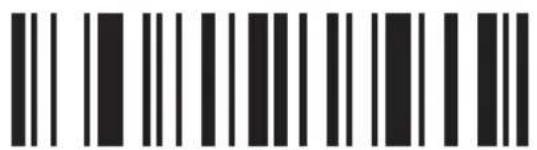
\$0E
so
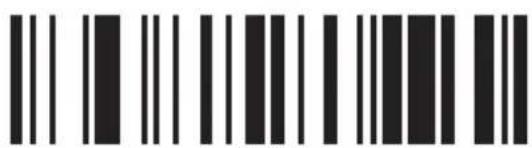
\$OF
SI
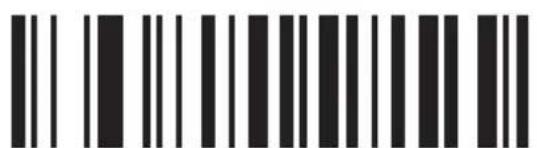
\$10
DLE
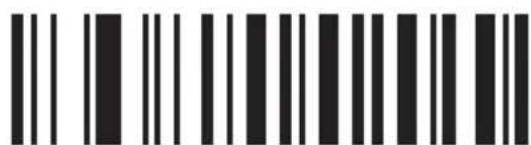
\$11
DC1
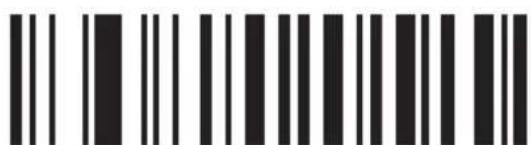
\$12
DC2
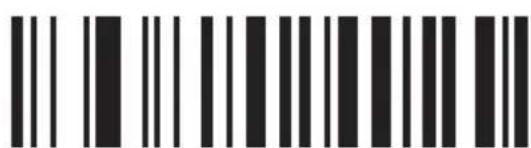
\$13
DC3
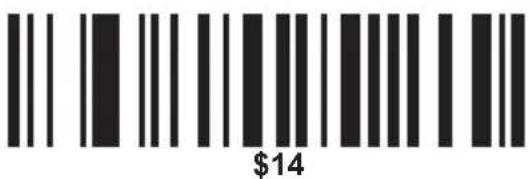
DC4
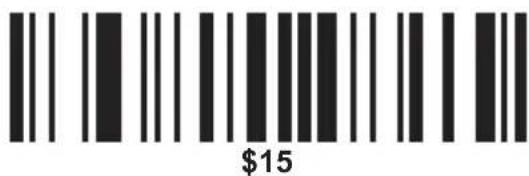
NAK
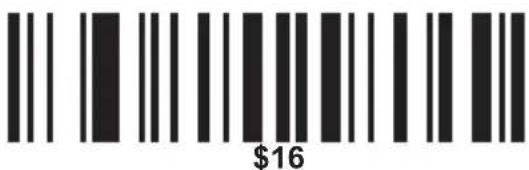
SYN
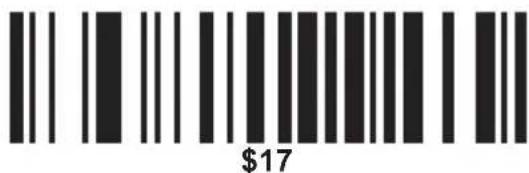
ETB
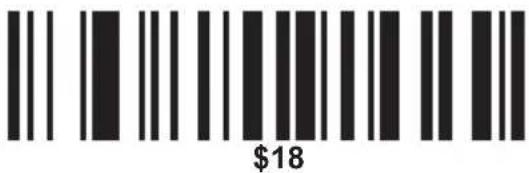
CAN
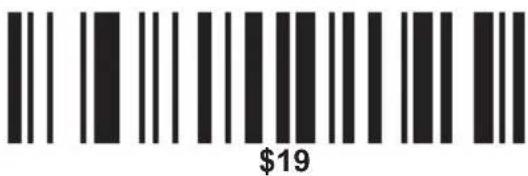
EM
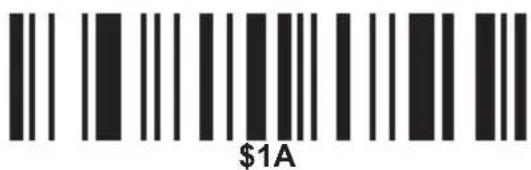
SUB
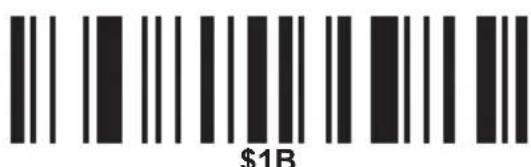
ESC/ESC
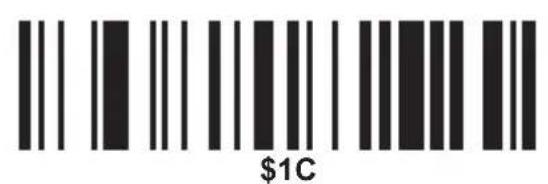
FS
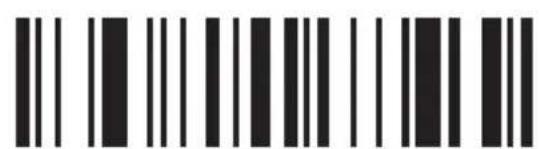
\$1D
GS
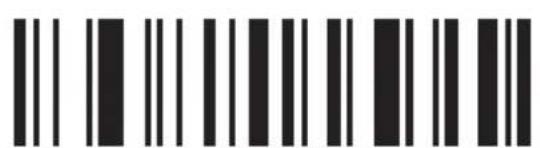
\$1E
RS
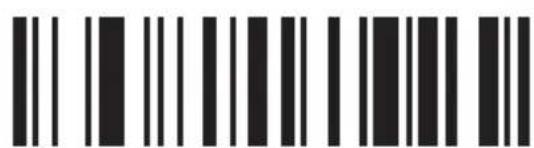
\$1F
US
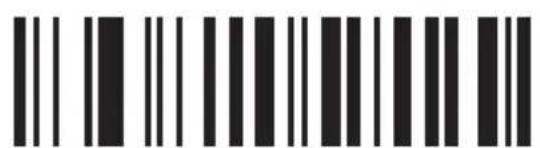
\$20
SP
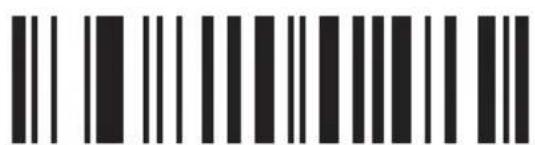
\$21
!

\$22
”

\$23
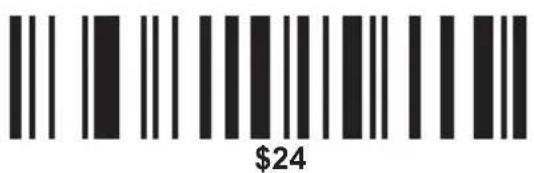
\$
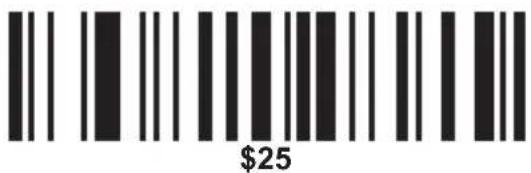
%
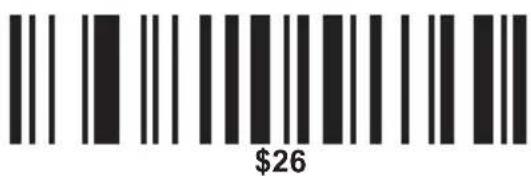
&
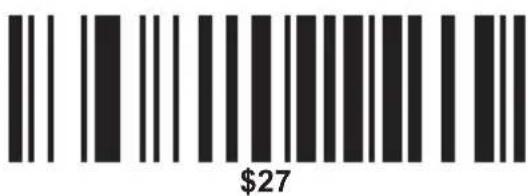
,
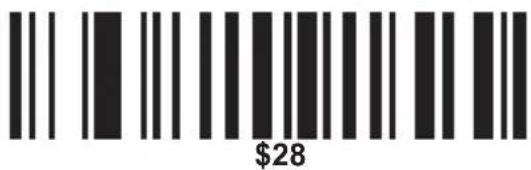
(
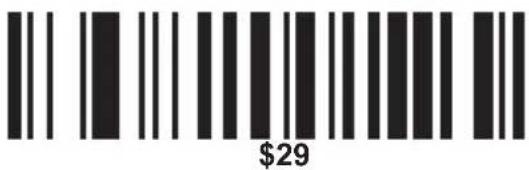
)
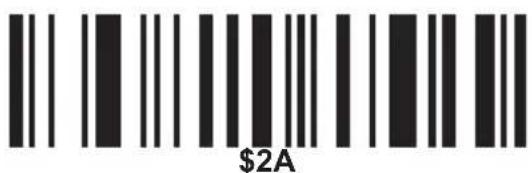
*
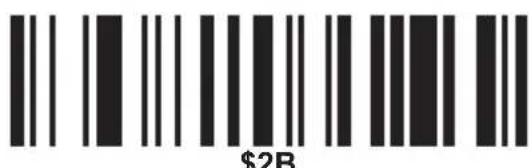
+
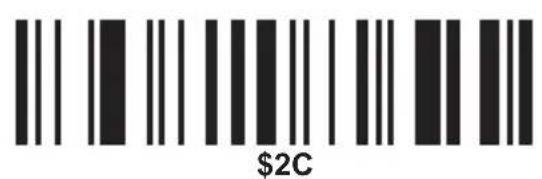
,
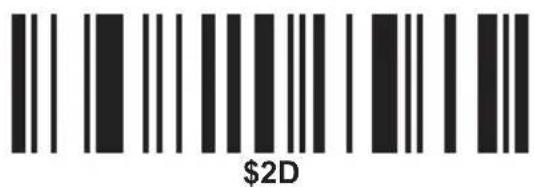
一
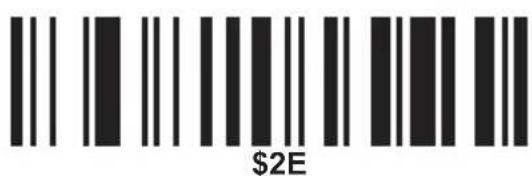
.
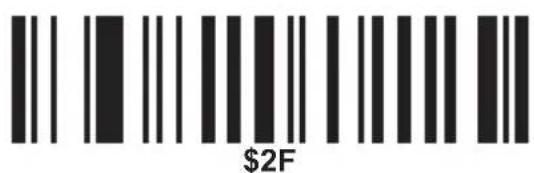
/
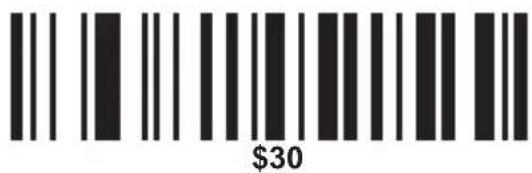
0
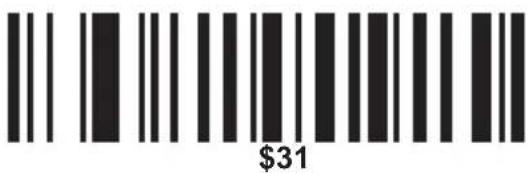
1
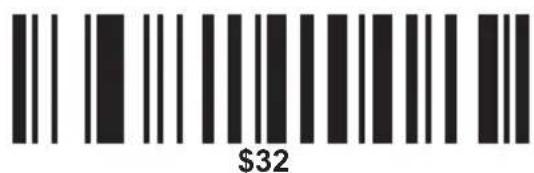
2
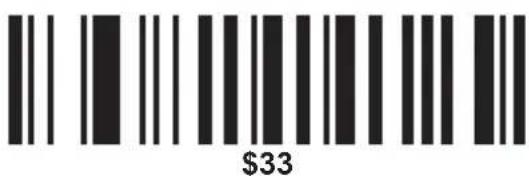
3
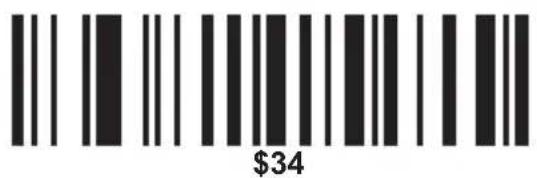
4
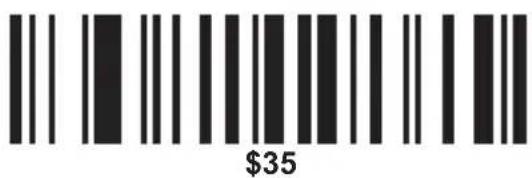
5
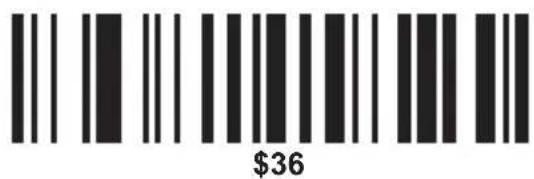
6
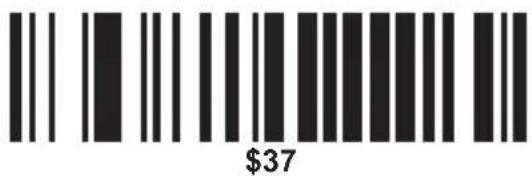
7
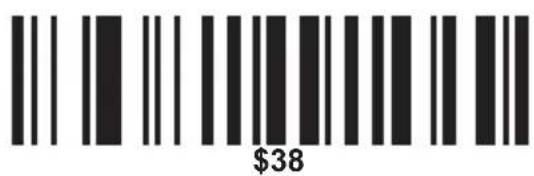
8
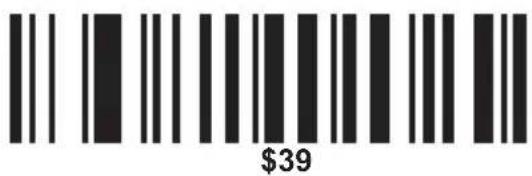
9
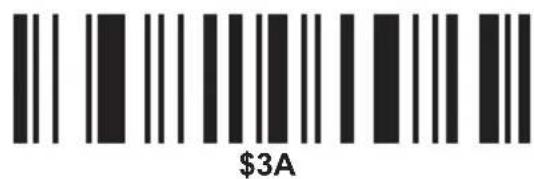
:
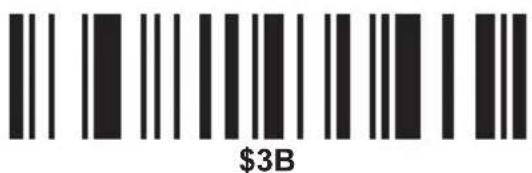
;
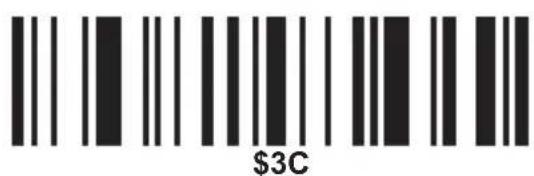
<
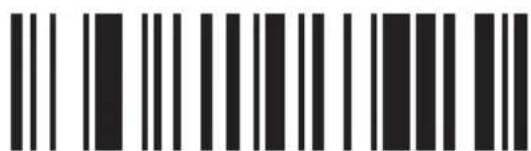
\$3D
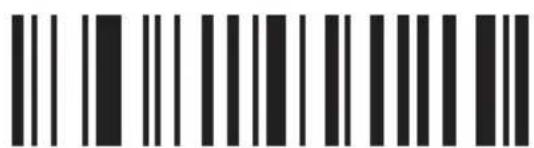
\$3E
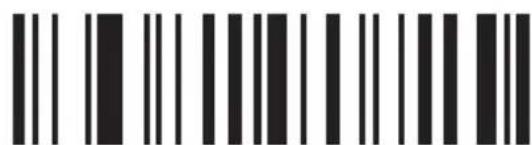
\$3F
?
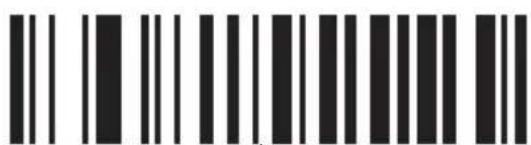
\$40
@
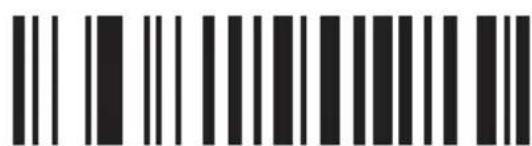
\$41
A
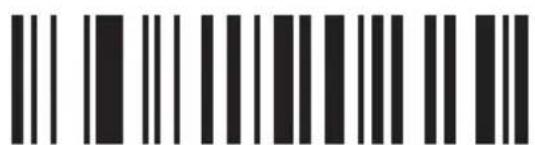
\$42
B
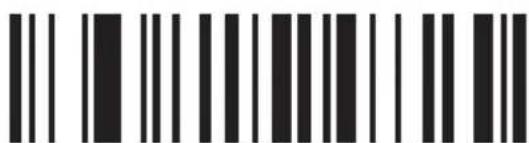
\$43
C
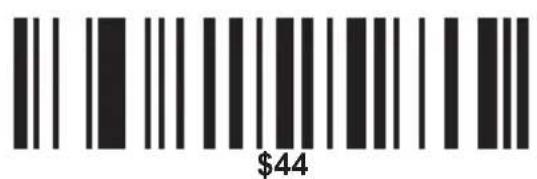
D
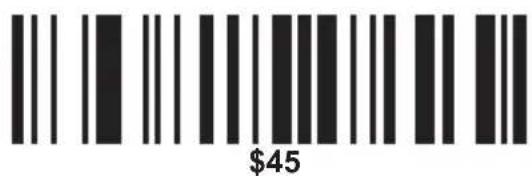
E
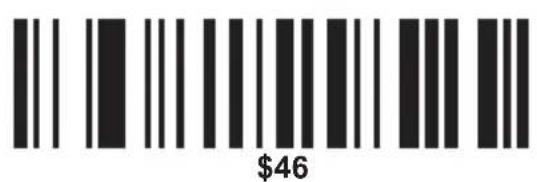
F
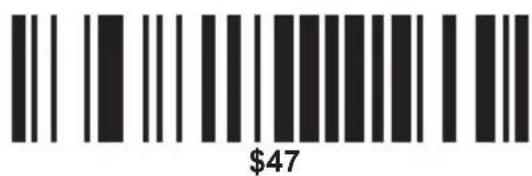
G
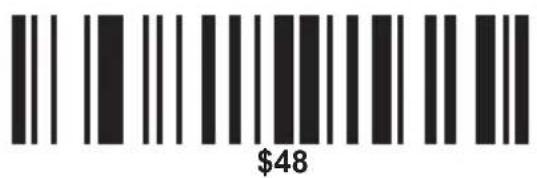
H
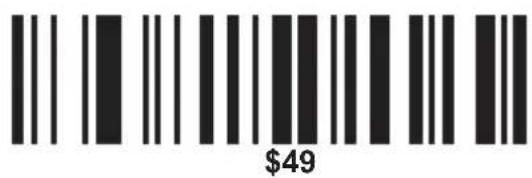
|
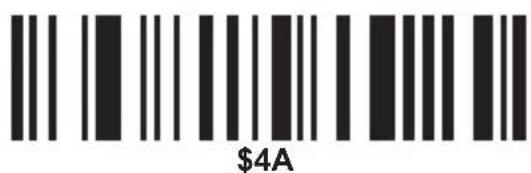
J
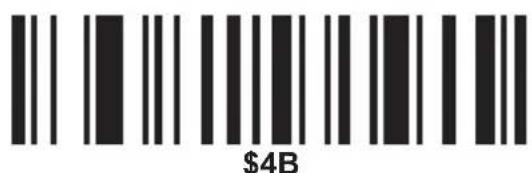
K
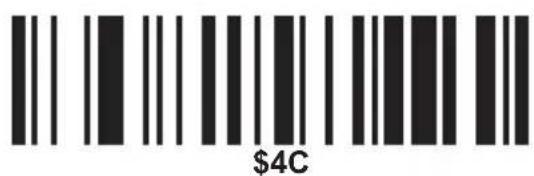
L
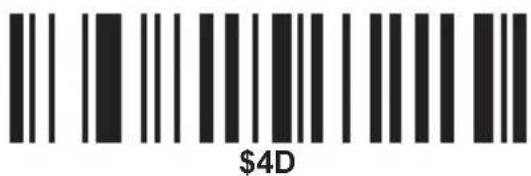
M
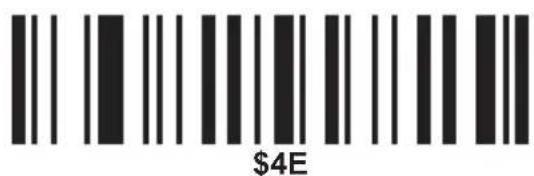
N
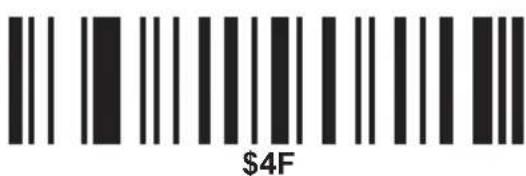
0
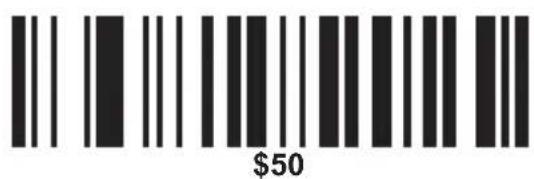
P
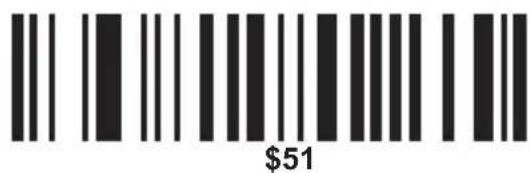
Q
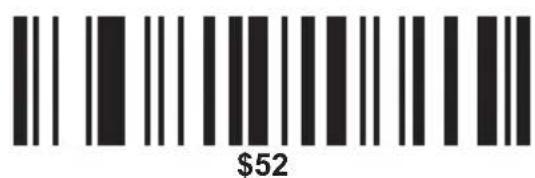
R
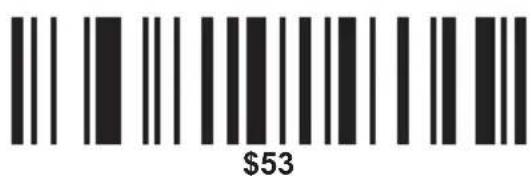
S
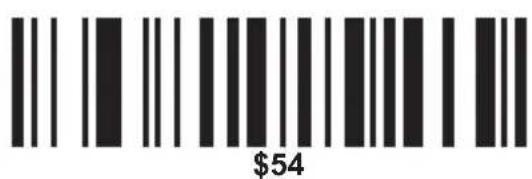
T
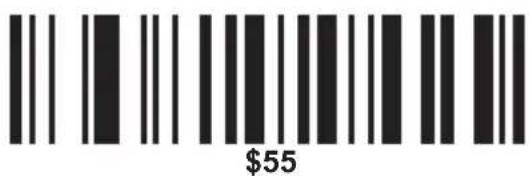
U
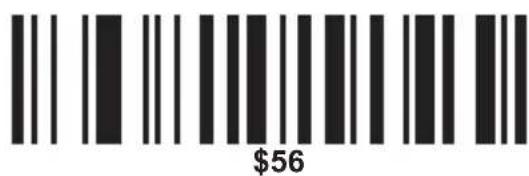
V
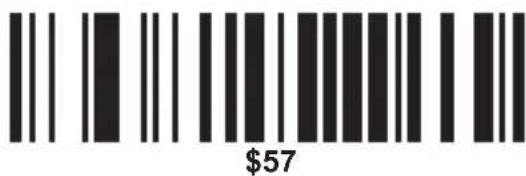
W
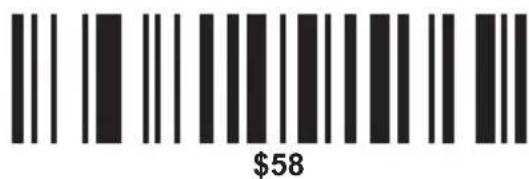
X
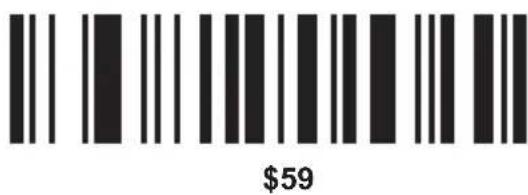
Y
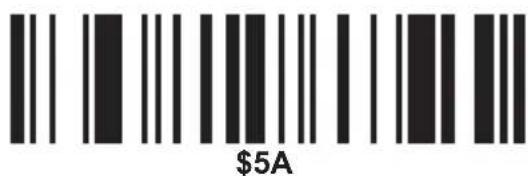
Z
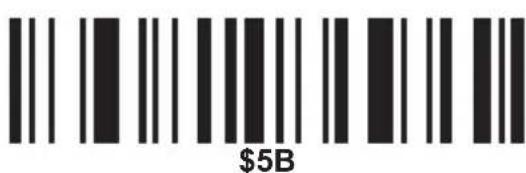
[
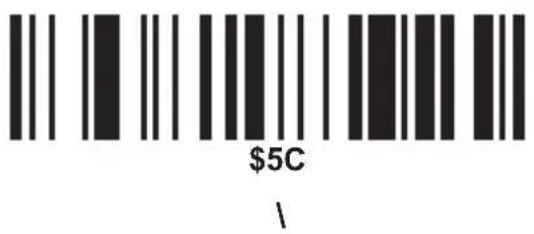
![$5D ]](/content/2026/05/972785/images/0c7febe023672477efcac3ba0a24e1d34775c452526c54d787d2d83ba75bbc8d.jpg)
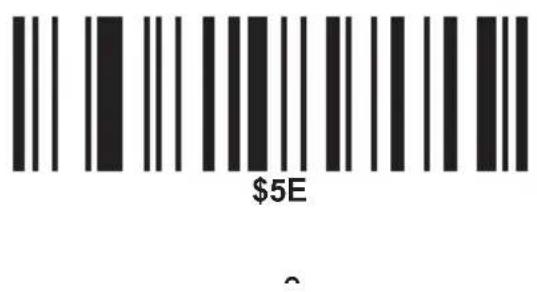
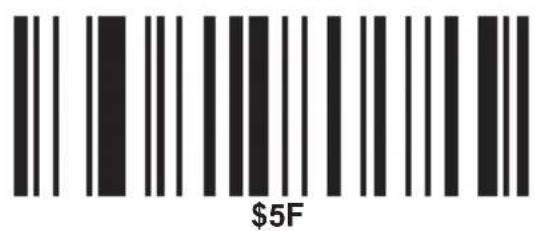
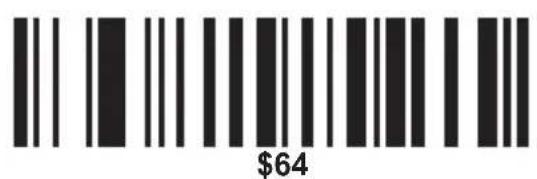
d
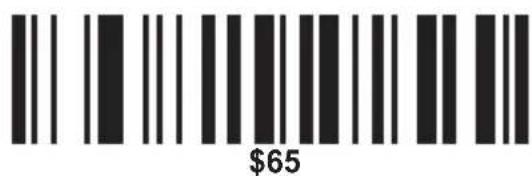
e
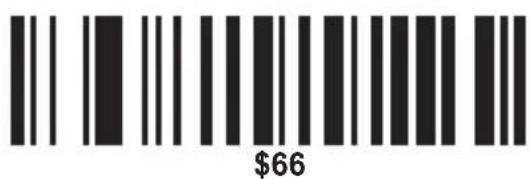
f
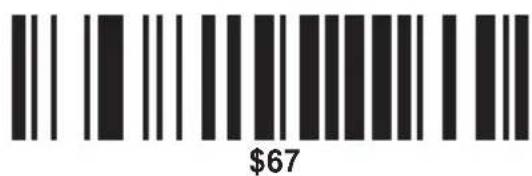
g
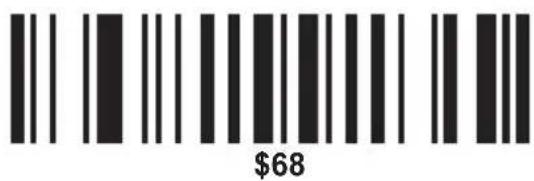
h
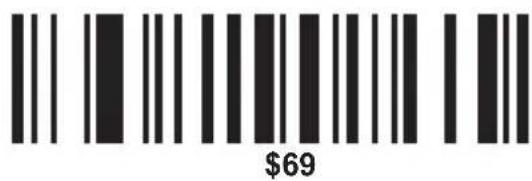
i
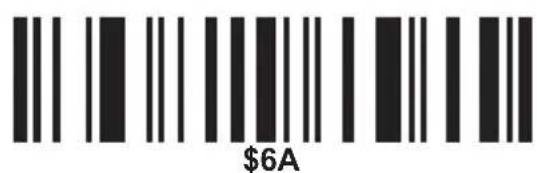
j
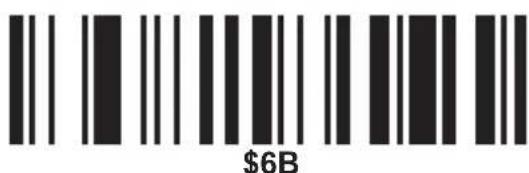
k
|
\$6D
m
\$6E
n
\$6F
0
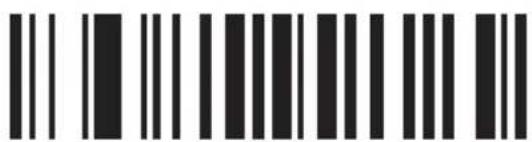
\$70
p
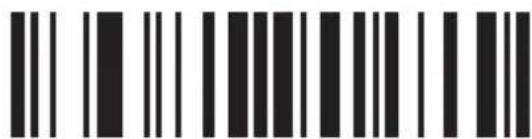
\$71
q
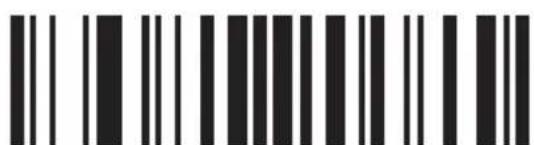
\$72
r
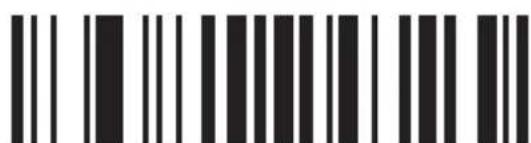
\$73
S
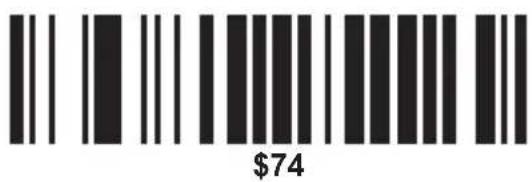
t
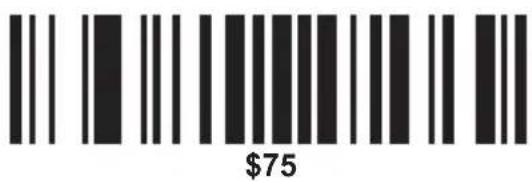
u
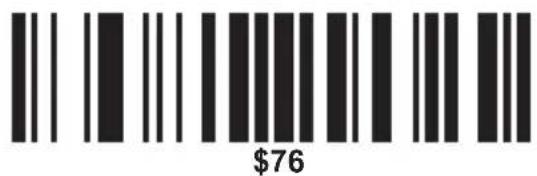
V
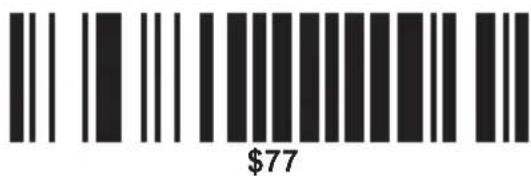
W
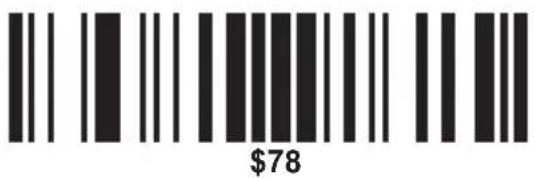
X
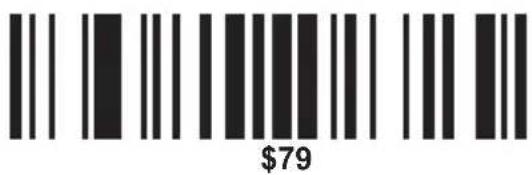
y
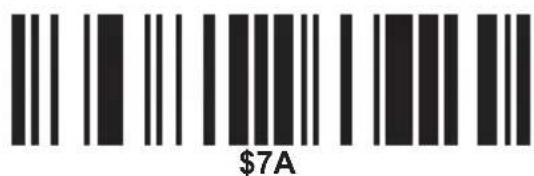
Z
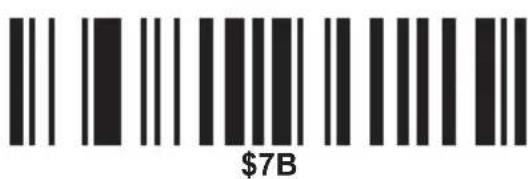
{
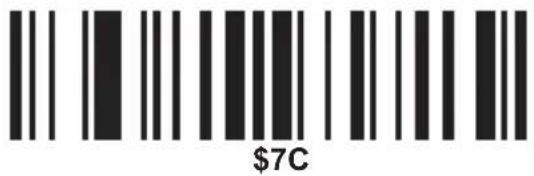
|
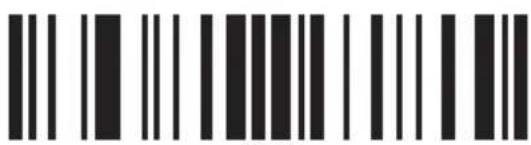
\$7D
}
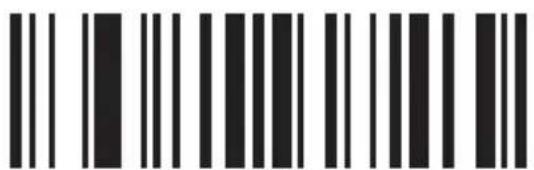
\$7E
\~
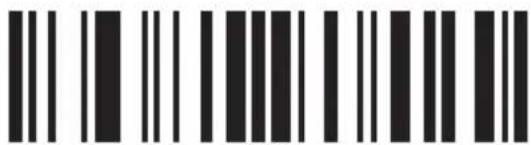
\$7F
DEL
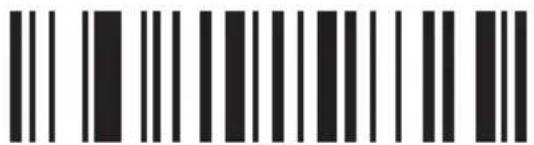
\$80
F1
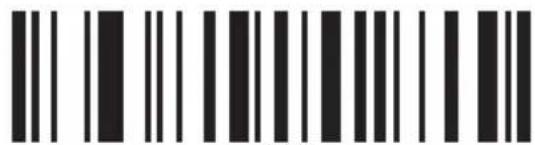
\$81
F2
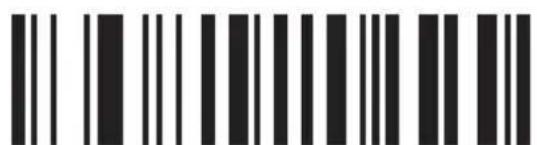
\$82
F3
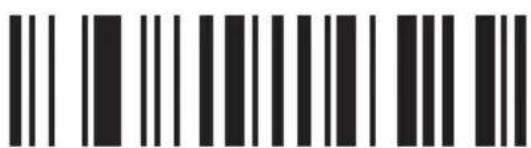
\$83
F4
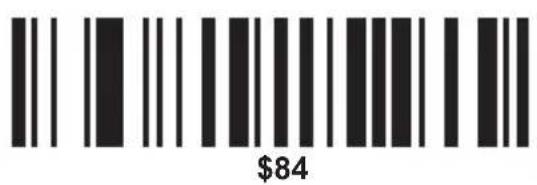
F5
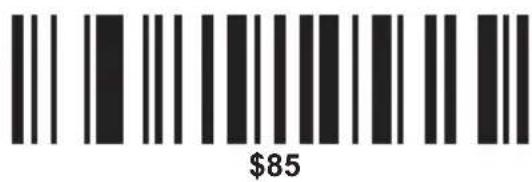
F6
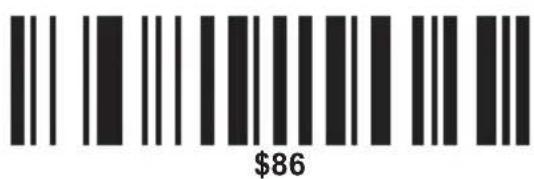
F7
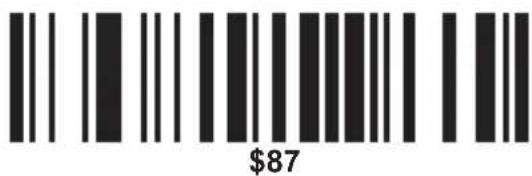
F8
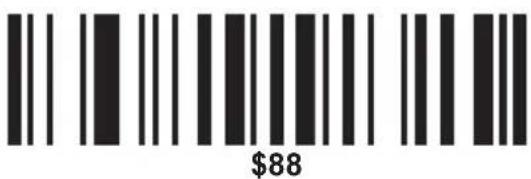
F9
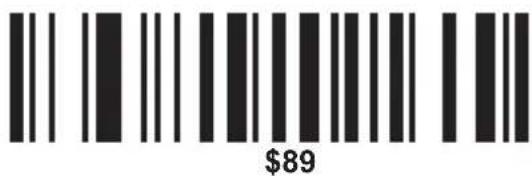
F10
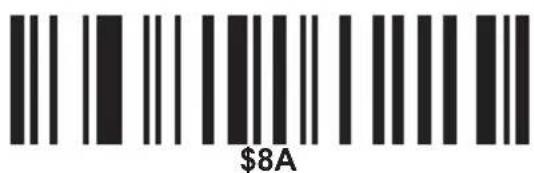
F11
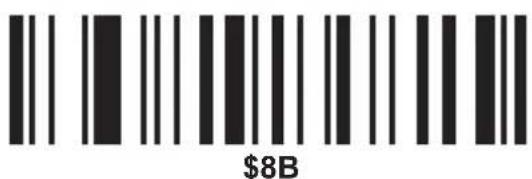
F12
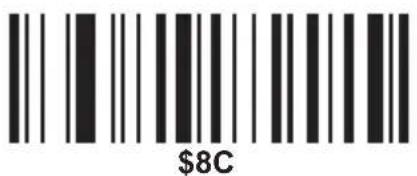
L SHIFT ON
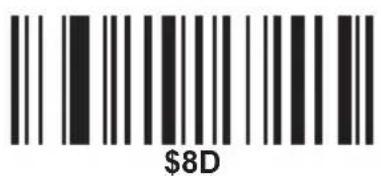
L SHIFT OFF
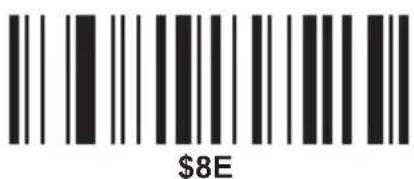
R SHIFT ON

R SHIFT OFF
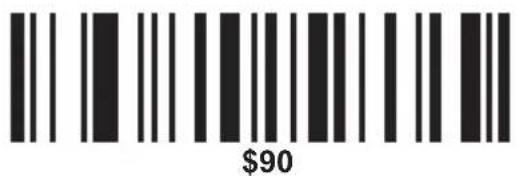
L ALT ON
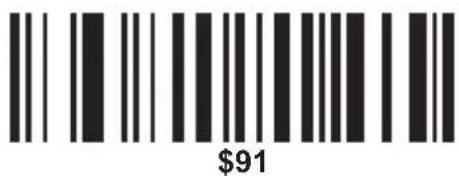
L ALT OFF
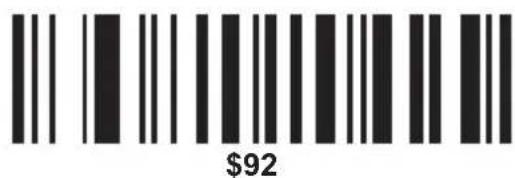
R ALT ON
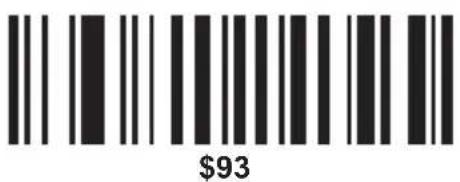
R ALT OFF
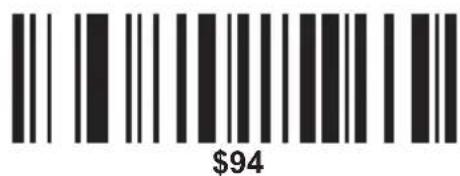
L CTRL ON
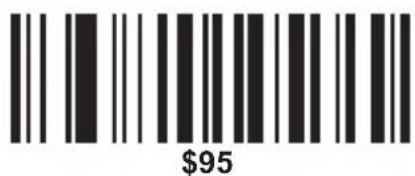
L CTRL OFF
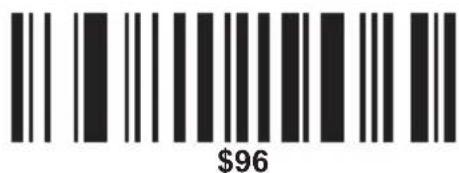
R CTRL ON
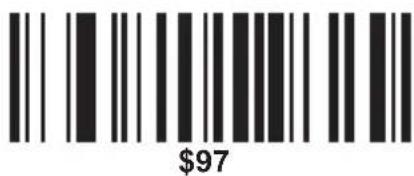
R CTRL OFF
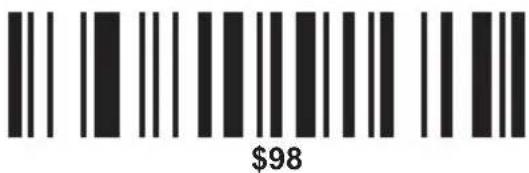
/ (KP)
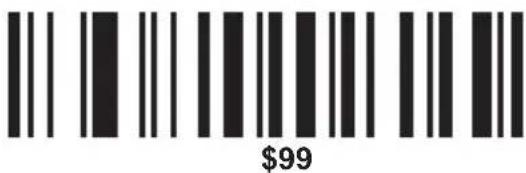
* (KP)
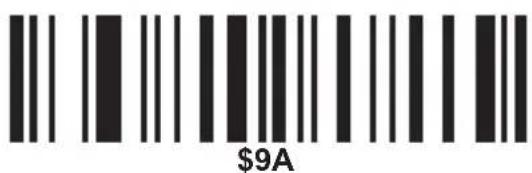
_(KP)
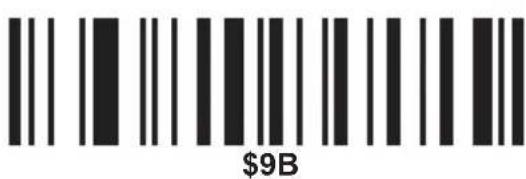
- (KP)
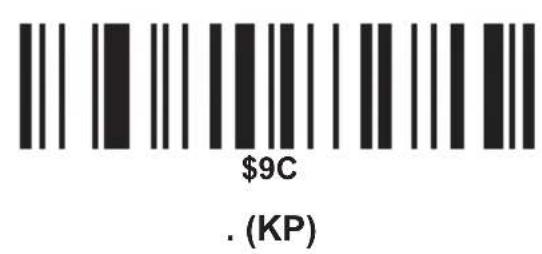
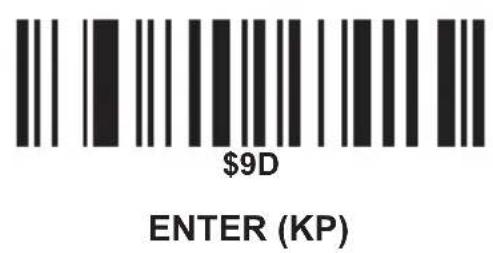
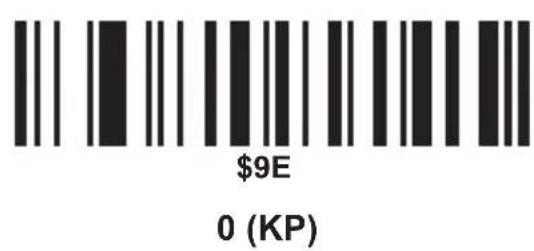
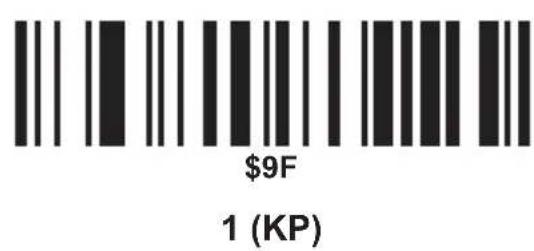
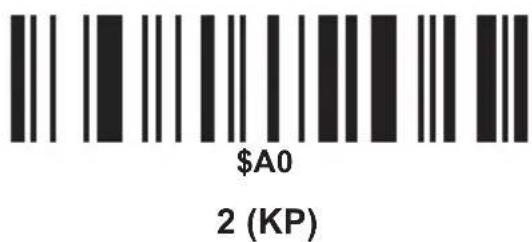
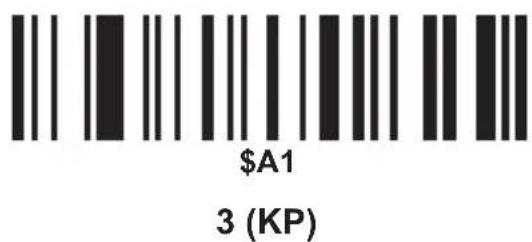
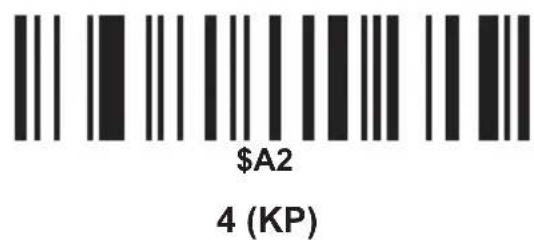
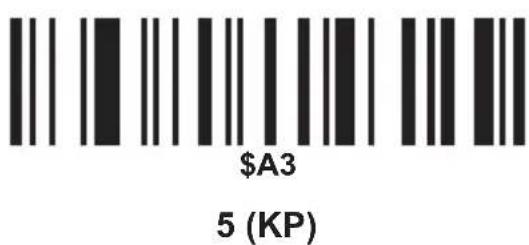
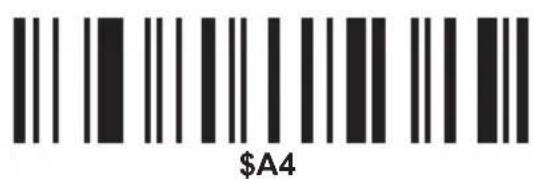
6 (KP)
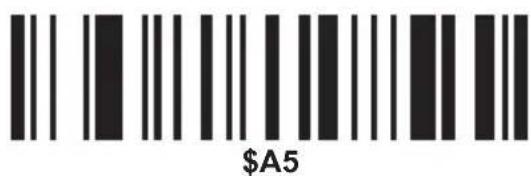
7 (KP)
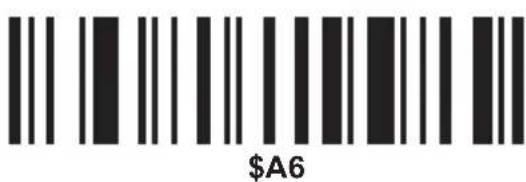
8 (KP)
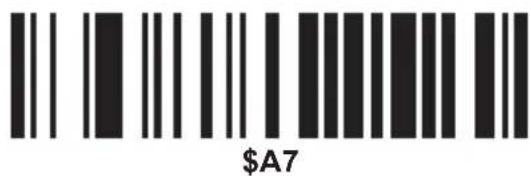
9 (KP)
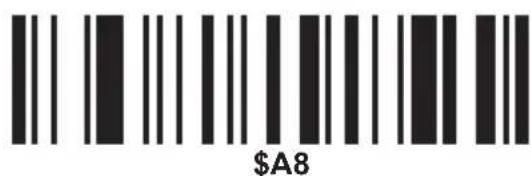
INSERT
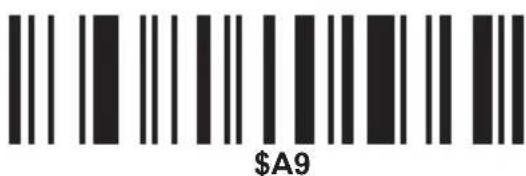
DELETE
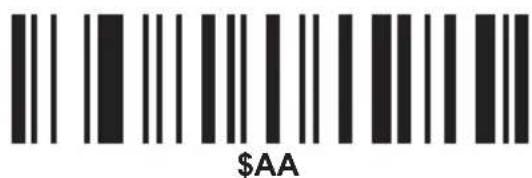
HOME
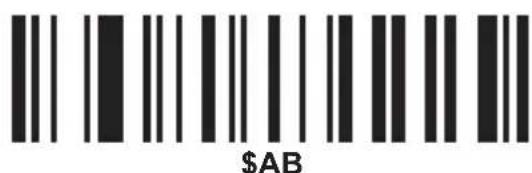
END
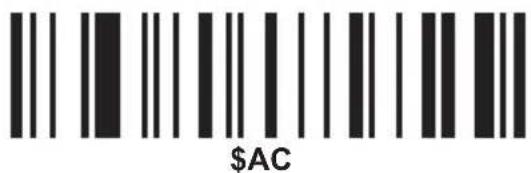
PAGE UP
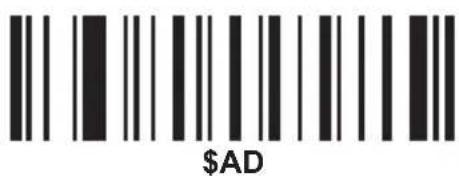
PAGE DOWN
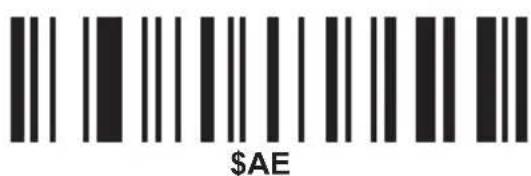
UP
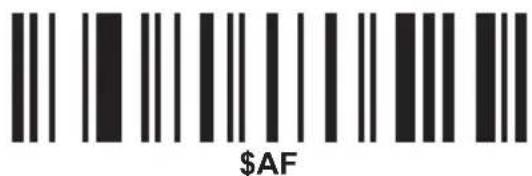
DOWN
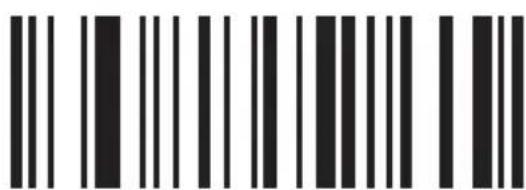
\$B0
LEFT
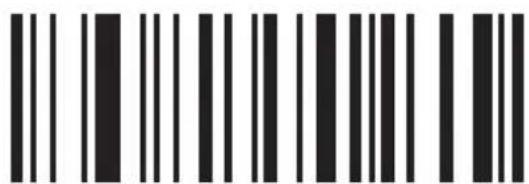
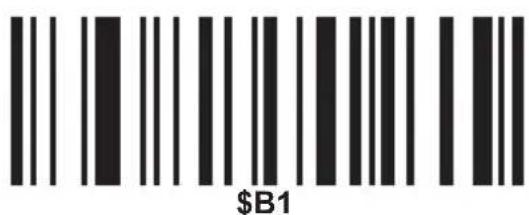
\$B1
RIGHT
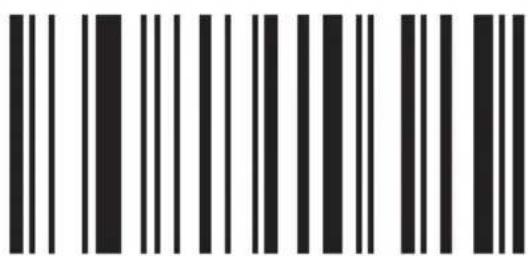
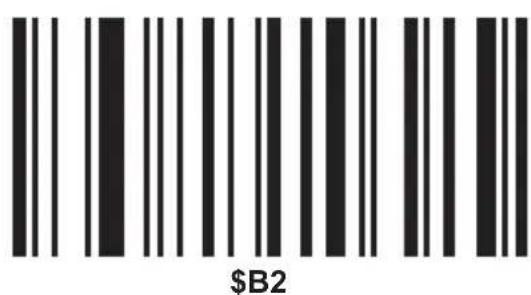
\$B2
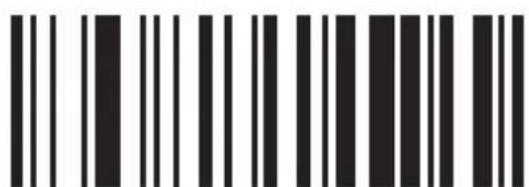
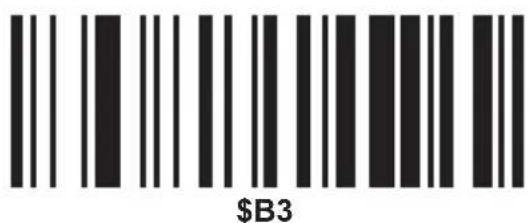
\$B3
INSERT
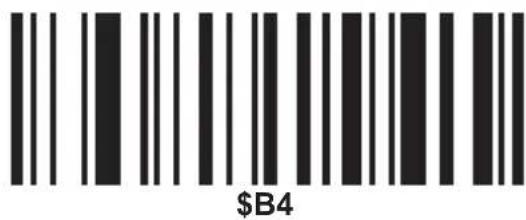
DELETE
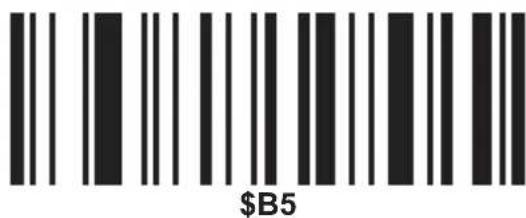
HOME
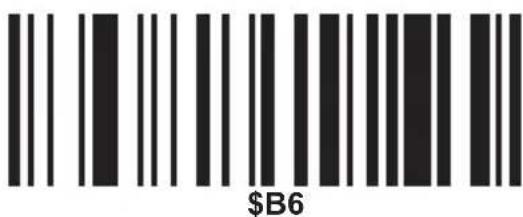
END
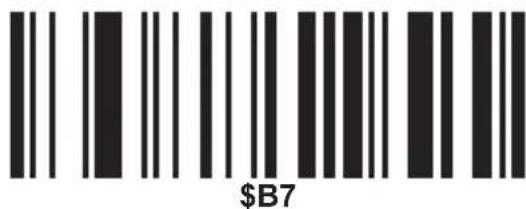
PAGE UP
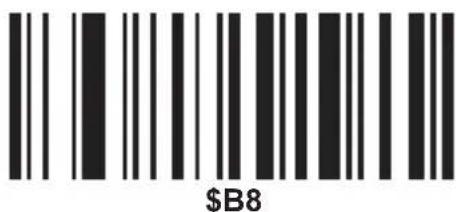
PAGE DOWN
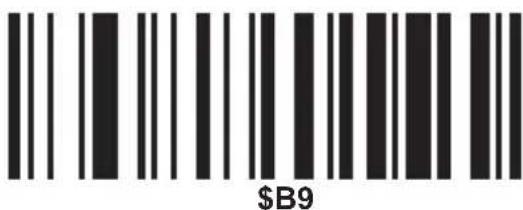
UP
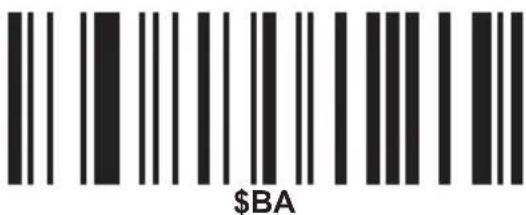
DOWN
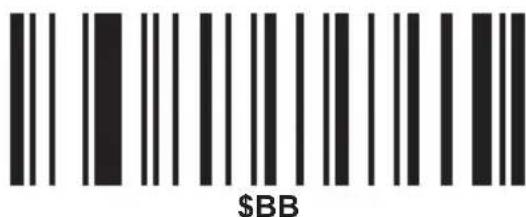
LEFT
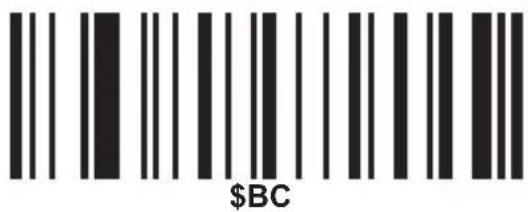
RIGHT
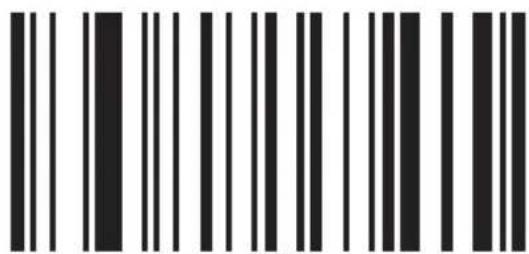
\$BD

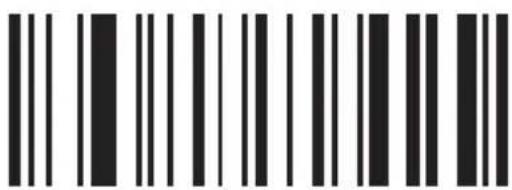
\$BE
NUM LOCK
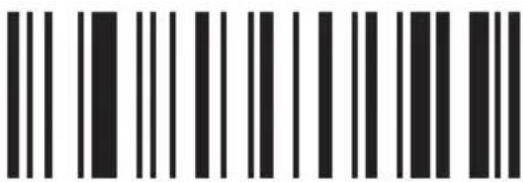
\$BF
CAPS LOCK
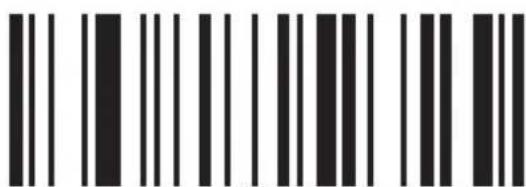
\$C0
SCROLL LOCK
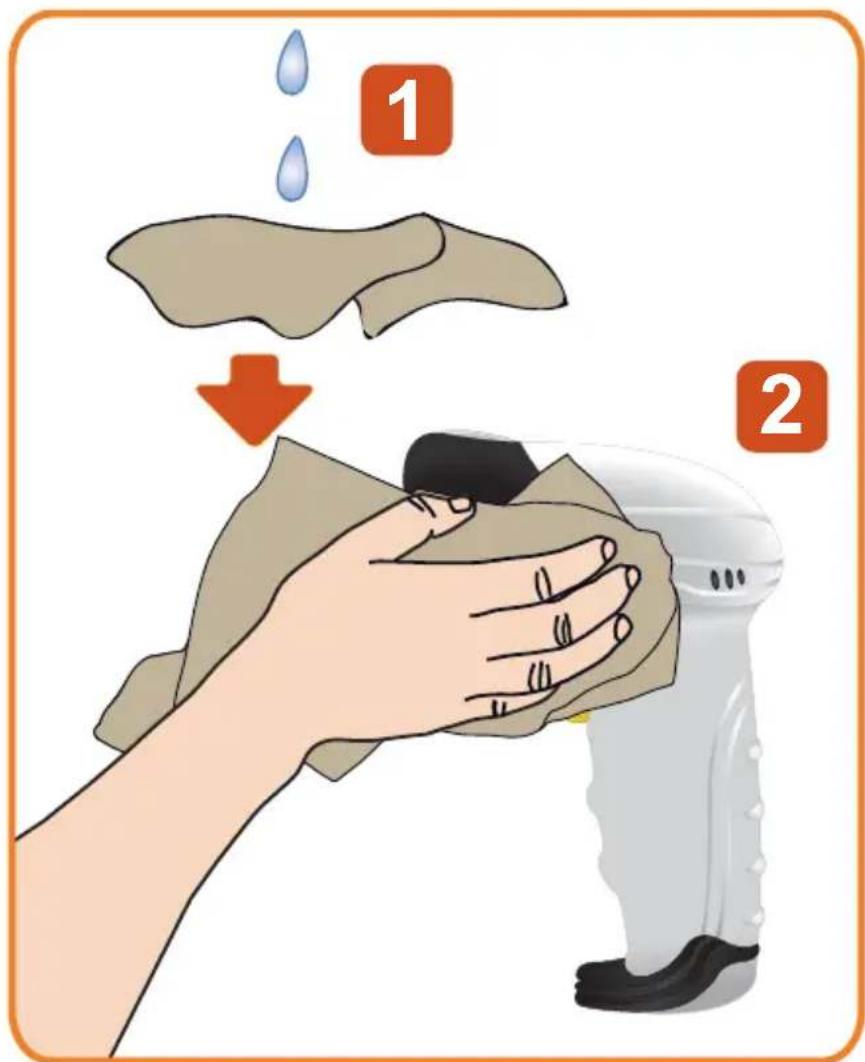
MAINTENANCE AND CLEANING
- Before performing any cleaning or maintenance, make sure the reader is disconnected and off.
eht naelc
equipment.
- Never use solvents or other chemicals for cleaning.
SPECIFICATIONS
Lighting source: 650 nm visible laser diode
Use type: handheld or bracket-held installation
Bit error rate (BER): 1/5 million
Safety performance: Complying with grade II national standards for Laser safety
Barcode types: EAN-8, EAN-13, UPC-A, UPC-E, Code 39, Code 93, Code 128, EAN128, Codabar, Industrial 2 of 5, Interleaved 2 of 5, Matrix 2 of 5, MSI, Chinese, etc.
Supported interfaces: USB
Scanning operation method: Manual
Transmission rate: RS232
Baud Rate: 1200-115200
Resolution: (pcs 0.9): 0.1 mm
Reading depth of field: 20-90 mm (0.1 mm) 30-500 (0.3 mm)
Reading Speed: 300 times / second
Reading angle of elevation: 75°
Read angle of dip: 30^
Operating Temperature: 0 °C - 40 °C
Storage temperature: -40 °C - 60 °C
Operating humidity: 5% - 95%
Storage humidity: 5% - 95%
Power voltage: 5 V ---
Working electricity: 100 mA
Static electricity: 50 mA
Fall tests: 100 times / 1.5 m
Light intensity: Daylight, 4000 Lux
Electromagnetic interference: Complying with EN50081, par1 criteria
External electromagnetic interference resistance: Complying with EN50082 par1 criteria
Test against dust and water: Complying with ICC529, IP54 criteria
Product: USB barcode reader
Part number: COM-595
Brand: Steren
WARRANTY
This Steren product is warranted under normal usage against defects in workmanship and materials to the original purchaser for one year from the date of purchase.
CONDITIONS
1.- This warranty card with all the required information, invoice, product box or package, and product, must be presented when warranty service is required.
2.- If the product stills on the warranty time, the company will repair it free of charge.
3.- The repairing time will not exceed 30 natural days, from the day the claim was received.
4.- Steren sell parts, components, consumables and accessories to customer, as well as warranty service, at any of the addresses mentioned later.
THIS WARRANTY IS VOID IN THE NEXT CASES:
If the product has been damaged by an accident, acts of God, mishandling, leaky batteries, failure to follow enclosed instructions, improper repair by unauthorized personnel, improper safe keeping, among others.
a) The consumer can also claim the warranty service in the purchase establishment.
b) If you lose the warranty card, we can reissue it, if you show the invoice or purchase ticket.
RETAILER INFORMATION
Name of the retailer
Address
Product
Brand
Part number
Serial number
Date of delivery
In case your product fails or have questions, please contact your nearest dealer. If you are in Mexico, please give a call to our Call Center.
01 800 500 9000

natural_image
Abstract geometric logo with blue wavy lines on orange background (no text or symbols)STEREN®
Help us to improve this instruction manual, call us to:
01 800 500 9000
Customer Service Center
- COMPUTACIÓN
- ÁNGULO DE LECTURA
- Mayúscula/Minúscula
- Código 93
- Código 39
- CODABAR
- Intercalado/ITF25
- Industrial 25
- MSI/PLESSEY
- UPC/EAN
- CÓDIGO 32
- Agregar prefijo
- \$3D
- MANTENIMIENTO Y LIMPIEZA
- STEREN PRODUCTO EMPACADO S.A. DE C.V.
- ELECTRÓNICA STEREN DEL CENTRO, S.A. DE C.V.
- ELECTRÓNICA STEREN DE GUADALAJARA, S.A.
- ELECTRÓNICA STEREN DE MONTERREY, S.A.
- ELECTRÓNICA STEREN DE TIJUANA, S.A. de C.V.
- USB bar code reader
- USB barcode reader
- COM-595
- IMPORTANT
- HIGHLIGHTS
- PARTS
- HOW TO ASSEMBLY THE BASE
- CONNECTION
- READING ANGLE
- ADD A BAR CODE ID
- Function setting
- Character Capital/Lower
- Serial mode parameter settings
- Hand shake
- Check digits
- Barcode setting
- Code 93
- Code 39
- Interleaved/ITF25
- UPC-A
- EAN-8
- Code 32
- Add prefix
- Add suffix
- Hide the front characters
- Hide the behind characters
- MAINTENANCE AND CLEANING
- SPECIFICATIONS
- WARRANTY
- CONDITIONS
- THIS WARRANTY IS VOID IN THE NEXT CASES:
- RETAILER INFORMATION
- STEREN®
Brand : Steren
Model : COM-595
Category : Barcode Reader