COM-597 - Barcode Reader Steren - Free user manual and instructions
Find the device manual for free COM-597 Steren in PDF.


| Product Type | Barcode Reader |
| Model | COM-597 |
| Brand | Steren |
| Dimensions (H x W x D) | Approx. 150 x 70 x 95 mm |
| Weight | Approx. 150 g |
| Cable Length | 1.5 m |
| Power Supply | 5 V DC via USB |
| Current Consumption | 100 mA (max) |
| Interface | USB (HID keyboard emulation) |
| Supported Barcodes | 1D: UPC/EAN, Code 39, Code 128, Interleaved 2 of 5, etc. |
| Scan Engine Type | Laser or CCD (linear imager) |
| Scan Rate | Up to 100 scans per second |
| Reading Distance | Up to 300 mm (depends on barcode density) |
| Decode Capability | Standard 1D barcodes |
| Indicators | LED (green/red) and beeper |
| Operating Temperature | 0°C to 40°C |
| Storage Temperature | -20°C to 60°C |
| Humidity | 5% – 95% non-condensing |
| Drop Resistance | 1.5 m to concrete |
| Cleaning | Wipe with soft dry cloth; do not use liquids |
| Safety | Laser class 2 (if laser); low power, eye safe |
| Certifications | CE, FCC, RoHS |
| Warranty | 1 year |
Frequently Asked Questions - COM-597 Steren
User questions about COM-597 Steren
0 question about this device. Answer the ones you know or ask your own.
Ask a new question about this device
Download the instructions for your Barcode Reader in PDF format for free! Find your manual COM-597 - Steren and take your electronic device back in hand. On this page are published all the documents necessary for the use of your device. COM-597 by Steren.
USER MANUAL COM-597 Steren
natural_image
Black handheld device with a circular lens and handle, shown in 3D rendering (no text or symbols visible)IMPORTANTE
CONEXIÓN
forma incorrecta de lectura

natural_image
Black handheld device with a circular lens and handle, shown in 3D rendering (no text or symbols visible)IMPORTANT
Read these manual to avoid any damage.
The instructions of these manual are for reference about the product.
There may be differences due to update.
Please check our web site www.steren.com to obtain the latest version of the instruction manual.
CAUTIONS
- This product is NOT a toy; keep it away from children.
- This device cannot be used by people with different abilities, unless they have preparation and supervision.
- Do not expose the product to extreme temperatures.
• Always use a soft and dry cloth to clean it.

To avoid damage and injury to the eyes, do not look directly at the laser.
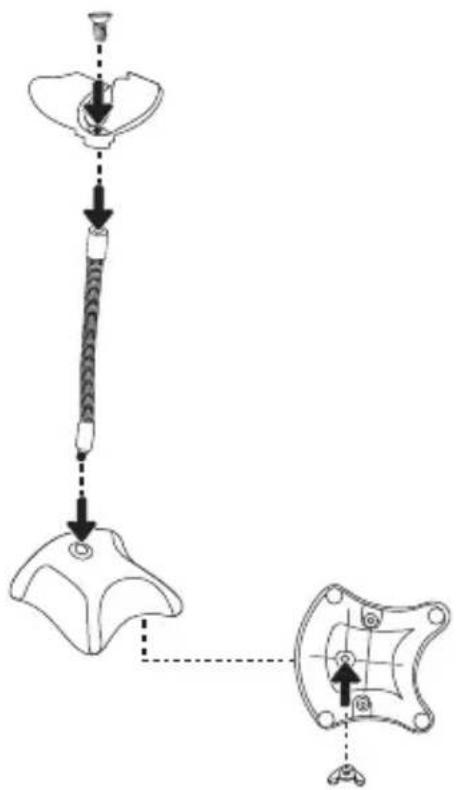
ASSEMBLE THE BASE
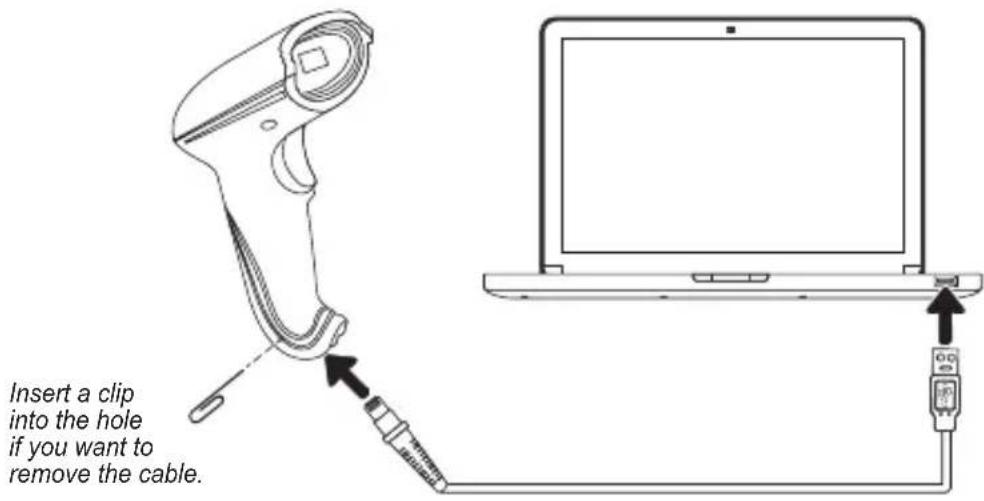
CONNECTION
Insert the cable into the RJ45 port of reader. Plug the other end into the USB port of a computer. The drivers will be installed automatically, and you can start using the reader
HOW TO USE
Point the reader toward the code and press the trigger to activate the laser. Keep a space between the reader and the code to make a better reading.
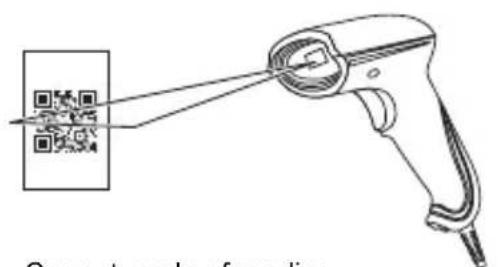
Correct mode of reading
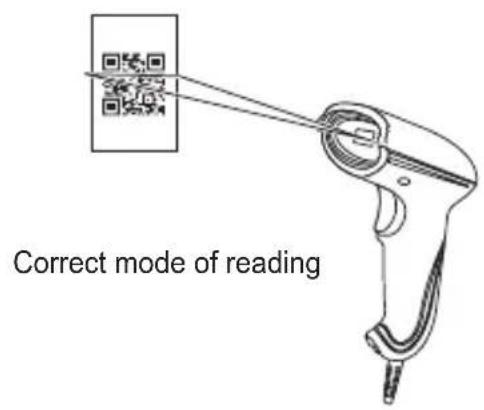
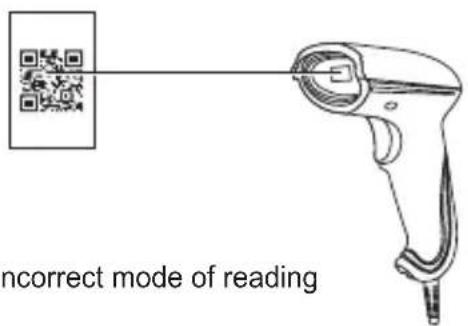
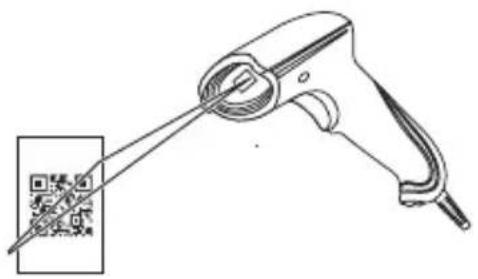
Incorrect mode of reading

The laser must completely cover one code at time, otherwise an error may occur.
CONFIGURATION CODES
ATTENTION ⚠️
DO NOT scan the codes of this manual just to test the reader. In case of an error, scan the following code to return the reader to the factory settings. Will be heard a tone
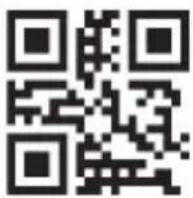
Factory Default
The codes marked with “*” are preconfigured at the factory.
Configuration code ON/OFF
When configuration code is set "ON", user can setup the scanner by scanning the setup bar codes.
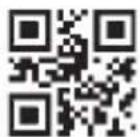
OFF
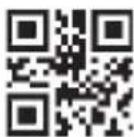
*ON
Aiming setting
The light beam of the scanner can help user to find the best reading distance. User can choose any of the modes below according to the operation environment.
Normal mode: Light beam appears when pressing the button.
Always on: Light beam always appear when the scanner is connected.
No alming: Light beam won't appear in any situation.
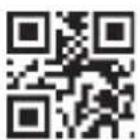
* Normal mode
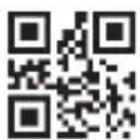
Always on
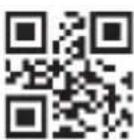
No aiming
LED light setting
The LED light will offer auxiliary lighting for reading. When the light beam shoots on the target object, it can improve the decoding performance and the adaptability of weak ambient light. User can set the scanner into any of the modes below according to the operation environment.
Normal mode: LED light is on when pressing the button and off at other time.
Always on: LED light is always on when the scanner is electrified.
No LED light: LED light won't be on in any situation.
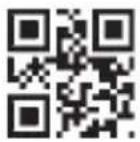
* Normal mode
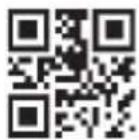
Always on
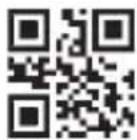
No LED light
Successful reading beep sound
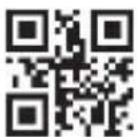
*Beep sound ON
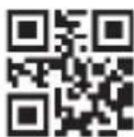
Beep sound OFF
Interface setting
USB interface
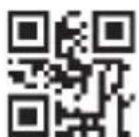
USB PC keyboard
RS232
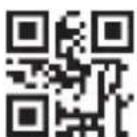
*RS232 output
RS-232 interface baud rate setting
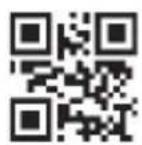
1200 bps
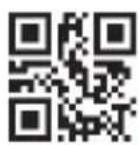
4800 bps
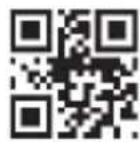
*9600 bps
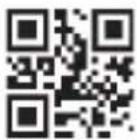
14400 bps
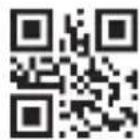
19200 bps
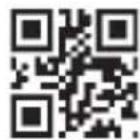
38400 bps
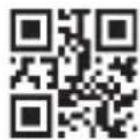
57600 bps
Suffix setting
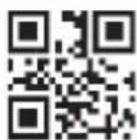
*No suffix
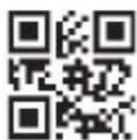
CR suffix TAB suffix CRLF suffix
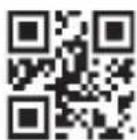
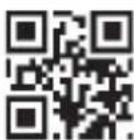
Scanning mode setting
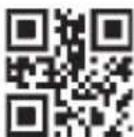
*Manual trigger
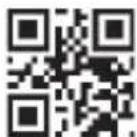
Continue scanning
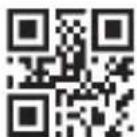
Auto
sensing
Reading interval time setting
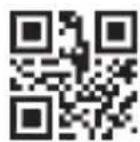
No interval
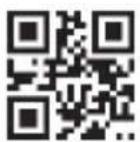
500 ms
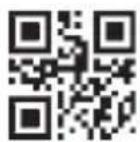
*1000 ms
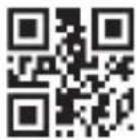
1500 ms
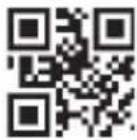
2000 ms
Single scan duration setting
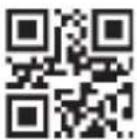
1000 ms
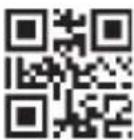
3000 ms
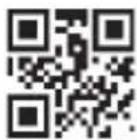
*5000 ms
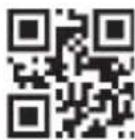
No duration
Image stable time setting
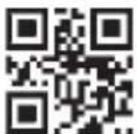
100 ms
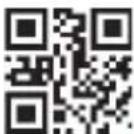
*400 ms
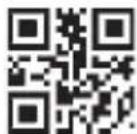
1000 ms
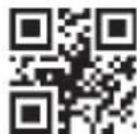
2000 ms
Language setting
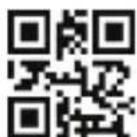
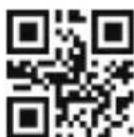
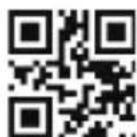
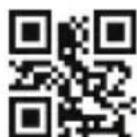
KB England KB Czech Republic KB France *KB Germany
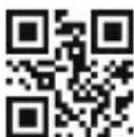
KB Hungary
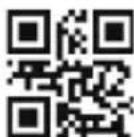
KB Italy *KB Japan KB Spain
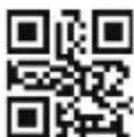
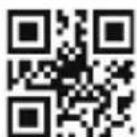
Version information
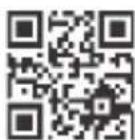
Version information
Available bar code type / Forbidden configuration
All decoding bar code
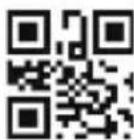
Allow reading all the bar code types
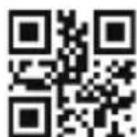
Forbid reading all the bar code types
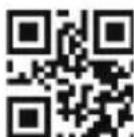
*Default type ON
Bar code rotating function
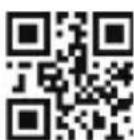
*Allow 360° rotate reading
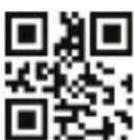
Forbid 360° rotate reading
EAN 13
EAN 13 codes
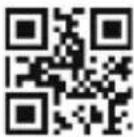
*Allow Forbidden
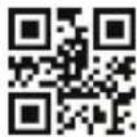
EAN 8
EAN 8 codes
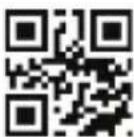
*Allow Forbidden
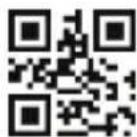
UPCA
UPCA codes
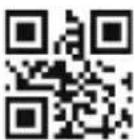
*Allow Forbidden
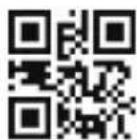
UPCEO
UPCE0 codes
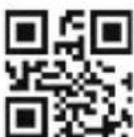
*Allow Forbidden
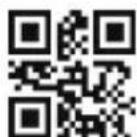
UPCE1
UPCE1 codes
*Allow Forbidden
Code 128
*Allow Forbidden
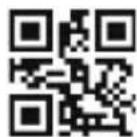
Code 128 info shortest length "0"
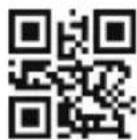
Code 128 info shortest length "4"
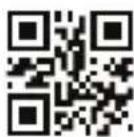
*Code 128 info longest length "32"
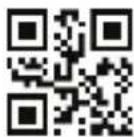
Code 128 info longest length "255"
Code 39
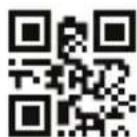
*Allow Forbidden
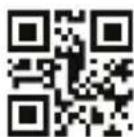
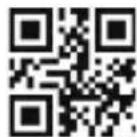
Code 39 info shortest length "0"
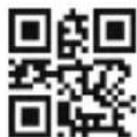
*Code 39 info shortest length "4"
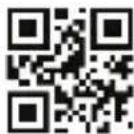
*Code 39 info
longest length "32"
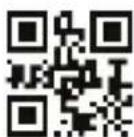
Code 39 info longest length "255"
Code 93
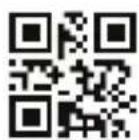
*Allow Forbidden
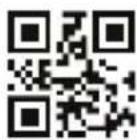
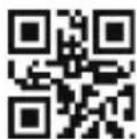
Code 93 info shortest length "0"
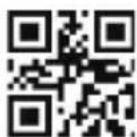
*Code 93 info shortest length "4"
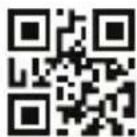
*Code 93 info longest length "32"
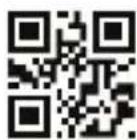
Code 93 info
longest length "255"
Code bar
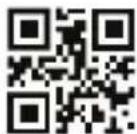
*Allow Forbidden
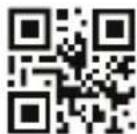
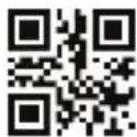
Allow prefix
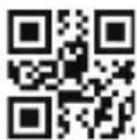
Code bar info shortest length "0"
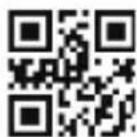
*Code bar info shortest length "4"
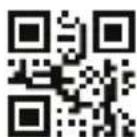
*Forbid prefix
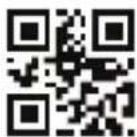
*Code bar info
longest length "32"
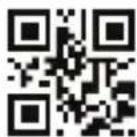
Code bar info
longest length "255"
QR
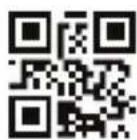
*Allow Forbidden
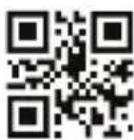
Interleaved 2 of 5
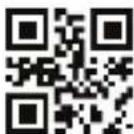
Allow *Forbidden
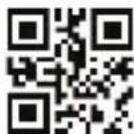
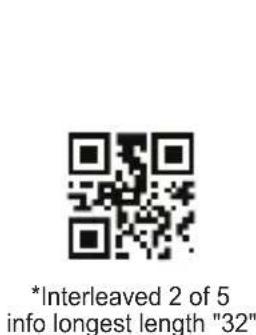
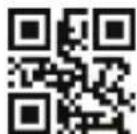
Interleaved 2 of 5 info shortest length "0"
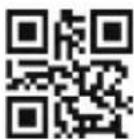
*Interleaved 2 of 5 info shortest length "4"
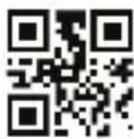
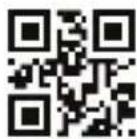
Interleaved 2 of 5 info longest length "255"
Industrial 25
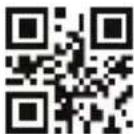
Allow *Forbidden
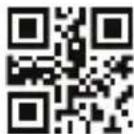
Industrial 25 info longest length "32"
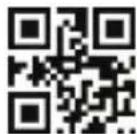
Industrial 25 info shortest length "0"
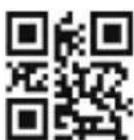
*Industrial 25 info shortest length "4"
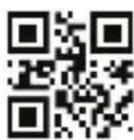
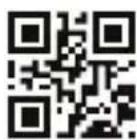
Industrial 25 info longest length "255"
Matrix 2 of 5
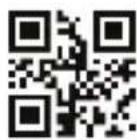
Allow *Forbidden
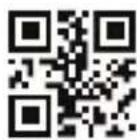
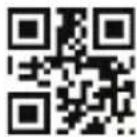
Matrix 2 of 5
info shortest length "0"
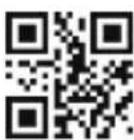
*Matrix 2 of 5 info shortest length "4"
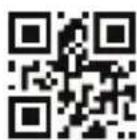
*Matrix 2 of 5 info longest length "32"
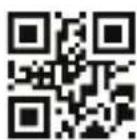
Matrix 2 of 5
info longest length "255"
Code 11
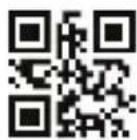
Allow *Forbidden
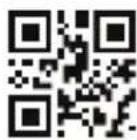
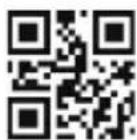
Code 11 info shortest length "0"
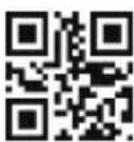
*Code 11 info shortest length "4"
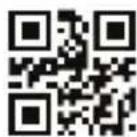
*Code 11 info longest length "32"
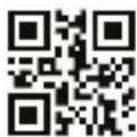
Code 11 info
longest length "255"
MSI (optional)
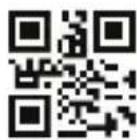
Allow *Forbidden
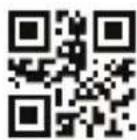
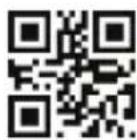
MSI info shortest length "0"
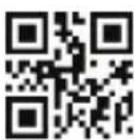
*MSI info shortest length "4"
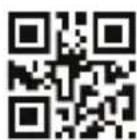
*MSI info longest length "32"
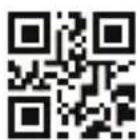
MSI info longest length "255"
RSS (optional)
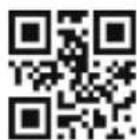
Allow RSS-14 *Forbid RSS-14
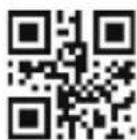
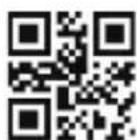
Allow expanding RSS *Forbid expanding RSS
RSS info shortest length "0"
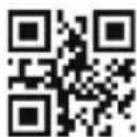
*RSS info
shortest length "4"
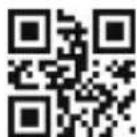
*RSS info
longest length "32"
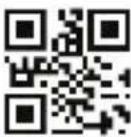
RSS info
longest length "255"
DM (optional)
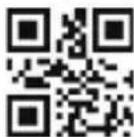
*Allow Forbidden
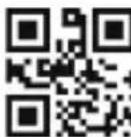
PDF417 (optional)
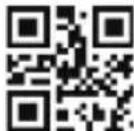
*Allow Forbidden
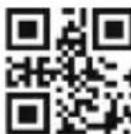
SPECIFICATIONS
Specifications may vary without previous notice
Input: 5 V — 300 mA (x USB)
Interface: USB
Sensor: Planar CMOS sensor
Lighting: Red LED (Aiming), white LED (lighting)
Processor: 32-bit MCU
Resolution: Code39 5mil, QR 8.7mil, PCS45%
Depth field: 5MIL CODE39 of 5-12cm, 15MIL CODE39 of 4-25 cm, 10MIL CODE93 4-21 cm, 15MIL UPC/EAN
4-25 cm, 20MIL QR 4-25 cm
Scan speed: 200 scans/s
Scan area: de 5x5 cm² to 30x30 cm²
Supported contrast: >35%
Scan angle: Roll 0-360°, Pitch ± 65°, Skew ± 60°
IP protection: 54
Operating temperature: 0 to 50 °C / 32 to 122 °F
Storage temperature: 0 to 50 °C / 32 to 122 °F
RH: 5 - 95% (no condensed)
Manufactured with: PVC + ABS + PC














































































- IMPORTANTE
- CONEXIÓN
- IMPORTANT
- CAUTIONS
- ASSEMBLE THE BASE
- CONNECTION
- HOW TO USE
- CONFIGURATION CODES
- ATTENTION ⚠️
- Configuration code ON/OFF
- Aiming setting
- LED light setting
- Successful reading beep sound
- Interface setting
- Available bar code type / Forbidden configuration
- Code 128
- Code 39
- SPECIFICATIONS
Brand : Steren
Model : COM-597
Category : Barcode Reader