
L-511 - Washing machine EDESA - Free user manual and instructions
Find the device manual for free L-511 EDESA in PDF.


| Product Type | Washing Machine |
| Brand | Edesa |
| Model | L-511 |
| Dimensions (W x D x H) | 60 cm x 55 cm x 85 cm |
| Weight | Approximately 70 kg |
| Power Supply | 220-240 V, 50 Hz |
| Energy Class | A (typical for age) |
| Maximum Load | 5 kg |
| Spin Speed | Up to 1000 rpm |
| Number of Programs | 15 |
| Main Functions | Cotton, Synthetics, Delicates, Wool, Quick Wash, Rinse & Spin, Drain |
| Control Type | Mechanical dial with push buttons |
| Display | LED indicators for cycle status |
| Water Consumption per Cycle | Approximately 50 L |
| Noise Level (Wash/Spin) | 58 dB / 76 dB |
| Safety Features | Child lock, overflow protection, unbalanced load detection |
| Maintenance and Cleaning | Clean lint filter regularly; descale every 3 months; clean detergent drawer |
| Spare Parts Availability | Common parts like belts, pumps, and gaskets available |
| Reparability Index | Moderate - DIY repairs possible with manual |
Frequently Asked Questions - L-511 EDESA
User questions about L-511 EDESA
0 question about this device. Answer the ones you know or ask your own.
Ask a new question about this device
Download the instructions for your Washing machine in PDF format for free! Find your manual L-511 - EDESA and take your electronic device back in hand. On this page are published all the documents necessary for the use of your device. L-511 by EDESA.
USER MANUAL L-511 EDESA
natural_image
Front view of a white washing machine with a circular vent and control panel (no visible text or symbols)CERTIFICADO DE GARANTIA / CERTIFICADO DE GARANTIA GARANTIEZERTIFIKAT / WARRANTY CERTIFICATE
COD.: kg.
N.:
Antes de instalar y usar el aparato lea cuidadosamente el manual de instrucciones Antes de instalar e utilizar o aparelho leia cuidadosamente o manual de instruções Vor Installation und Gebrauch des Gerates bitte die Gebrauchs- und Installationsanleitung sorgfaltig durchlesen Before installing and use of the appliance please read carefully the instruction book
ÍNDICE / ÍNDICE / INHALTSVERZEICHNIS / CONTENTS
ESPAÑOL 3
INSTALLATION AND ASSEMBLY 82 - 87
HOW TO USE THE MACHINE. PRACTICAL TIPS 88 - 98
MAINTAINING AND CLEANING THE MACHINE 99 - 101
SAFETY AND TROUBLESHOOTING 102 - 104
ENVIRONMENTAL ADVICE 105
CONDICIONES GENERALES DE LA GARANTÍA HASTA DOS AÑOS
natural_image
Exterior view of a white front-loading washing machine with a hand adjusting its lid (no text or symbols visible)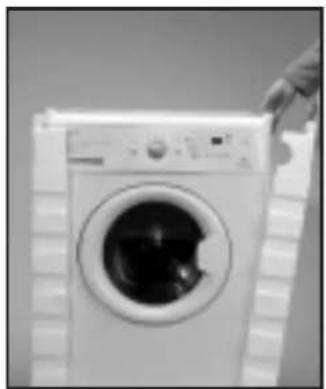
natural_image
Black-and-white photo of a hand holding a white front-loading washing machine (no visible text or symbols)DESBLOQUEO
natural_image
Front view of a white washing machine with three black circular annotations pointing to the side (no text or symbols on the device itself)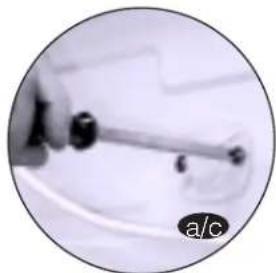
natural_image
Close-up of a hand holding a small mechanical tool, with no visible text or symbols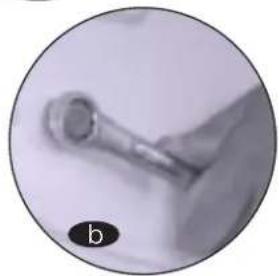
natural_image
Close-up of a metallic tool or probe with a circular label 'b' in the corner (no other text or symbols visible)IMPORTANTE
natural_image
Close-up of a washing machine with internal components, shown in two circular insets labeled a and b (no text or symbols on the main image)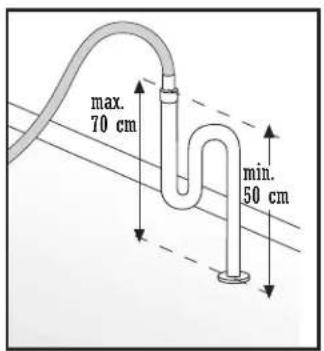
IMPORTANTE
natural_image
Close-up of a hand holding a small dark object, possibly a tool or component, against a black background (no visible text or symbols)natural_image
Close-up of a hand holding a small object, possibly a tool or device, with no visible text or symbols.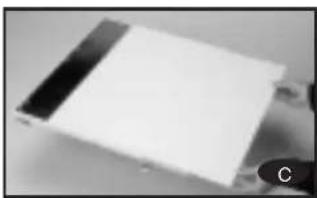
natural_image
Close-up of a white rectangular electronic component with black and white bands, possibly a battery or sensor module (no visible text or symbols)natural_image
Close-up of hands holding a small object, possibly a tool or device, with no visible text or symbols.natural_image
Close-up of a hand using a tool to clean or install a wall-mounted device (no visible text or symbols)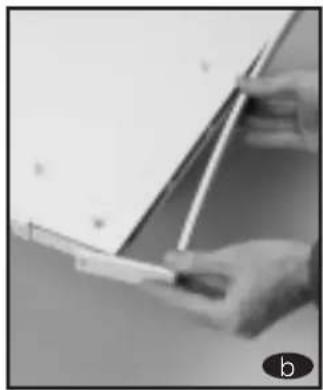
natural_image
Close-up of hands holding a pen and paper, no visible text or symbols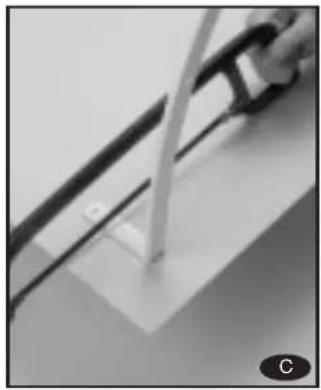
natural_image
Close-up of a hand pouring liquid into a white container on a surface, with no visible text or symbols.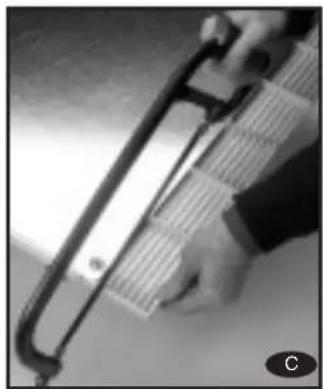
natural_image
Close-up of a hand holding a metallic tool or device with a grid-like structure, no visible text or symbols.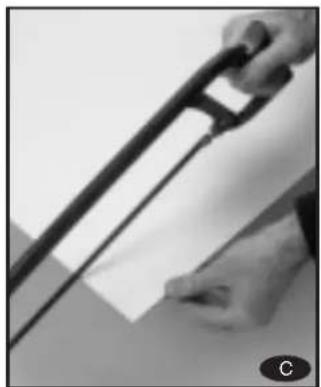
natural_image
Close-up of a hand holding a long black tool with a white sheet, no visible text or symbolsnatural_image
Close-up of a hand holding a small object near a wall, possibly part of a kitchen appliance (no visible text or symbols)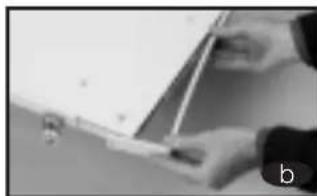
natural_image
Close-up of hands holding a small object near a white surface, possibly a device or tool (no visible text or symbols)
natural_image
Close-up of a metallic object with reflective surface, possibly a sample or component (no visible text or symbols)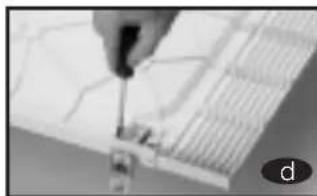
natural_image
Close-up of a hand using a screwdriver to adjust or install a grid-like structure (no visible text or symbols)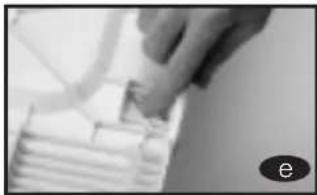
natural_image
Close-up of a hand holding a small object over stacked white objects (no visible text or symbols)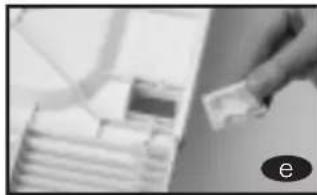
natural_image
Close-up of a hand holding a small object over stacked boxes (no visible text or symbols)
natural_image
Close-up of a black rectangular electronic component with mounting holes, possibly a battery or sensor array (no visible text or symbols)
natural_image
Hand holding a small electronic component on a wall (no visible text or symbols)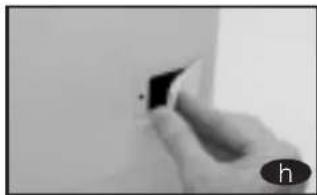
natural_image
Close-up of a hand holding a small black object against a plain white background (no text or symbols visible)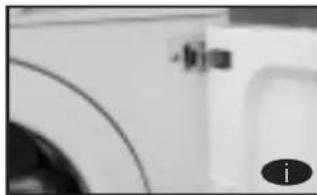
natural_image
Close-up of a white surface with curved lines and a small circular mark, possibly part of a device or container (no visible text or symbols)natural_image
Close-up of a white rectangular object with a small protrusion and a circular label 'a' in the corner (no readable text or symbols)natural_image
Close-up of a hand using a tool to adjust or install electronic components (no visible text or symbols)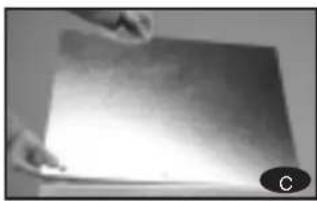
natural_image
Close-up of hands holding a flat surface with a small circular object in the corner (no visible text or symbols)7 LIMPIEZA PREVIA
natural_image
Close-up of a finger pressing a button on a white appliance panel (no visible text or symbols)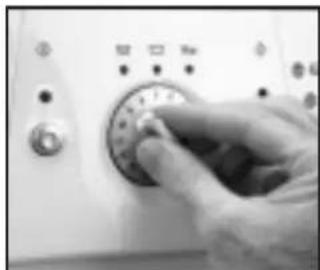
natural_image
Close-up of a hand pressing down on a washing machine control panel (no visible text or symbols)natural_image
Close-up of a hand pressing down on a control panel with buttons and dials (no visible text or symbols)natural_image
Black fabric garment with a close-up inset showing hand holding small objects (no text or symbols visible)IMPORTANTE

natural_image
Exterior view of a washing machine with two circular insets showing household items (no text or symbols)IMPORTANTE
natural_image
Close-up of a white plastic drawer with internal compartments, shown in close-up (no text or symbols visible)NOTAECOLÓGICA
natural_image
Close-up of a finger pressing a button on a white surface, with a dial visible (no text or symbols)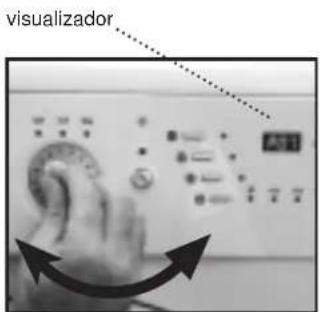
NOTAECOLÓGICA
natural_image
Close-up of a circular metallic dial with a central oval shape, no visible text or symbols.natural_image
Close-up of a hand interacting with electronic devices including battery, switch, and display (no readable text or symbols)Desaccionar bloqueo
natural_image
Front view of a white washing machine with an open door opening the side (no visible text or symbols)IMPORTANTE
natural_image
Close-up of a washing machine drawer with a hand inserting a bag (no visible text or symbols)natural_image
Close-up of a mechanical component with no visible text or symbols2
LIMPIEZA DEL FILTRO ACCESIBLE
natural_image
Person holding a metallic roller or roller against a plain wall (no text or symbols visible)
natural_image
Close-up of a pen tip holding a thin wire against a plain background (no text or symbols visible)
natural_image
Close-up of a hand holding a small object near a wall-mounted device (no visible text or symbols)
natural_image
Close-up of a white electronic device with a circular lens and a small connector (no visible text or symbols)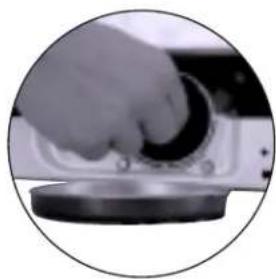
natural_image
Close-up of a hand pressing down on a circular device with a knob (no visible text or symbols)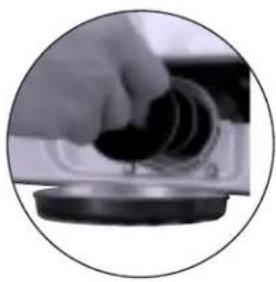
natural_image
Close-up of a hand holding a small dark object, possibly a mechanical component or tool, with no visible text or symbols.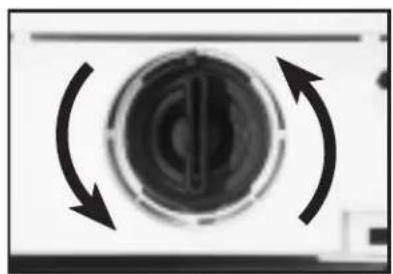
natural_image
Circular mechanical component with bidirectional arrows indicating rotational motion (no text or symbols)
natural_image
White front-loading washing machine with hand placing a button (no visible text or symbols)natural_image
Black and white photo of a front-loading washing machine with a hand extending its lid (no visible text or symbols)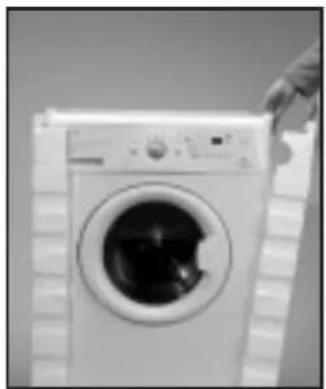
natural_image
Black and white photo of a hand holding a large washing machine (no visible text or symbols)DESBLOQUEIO
natural_image
Front view of a white washing machine casing with three black circular annotations pointing to the sides (no text or symbols on the casing itself)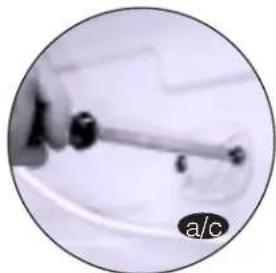
natural_image
Close-up of a hand holding a pen or tool, with no visible text or symbols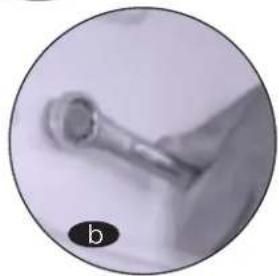
natural_image
Close-up of a metallic tool or probe with a pointed tip, labeled 'b' in the corner (no other text or symbols visible)IMPORTANTE
natural_image
Close-up of a washing machine with internal components, shown in two circular insets labeled a and b (no text or symbols on the main image)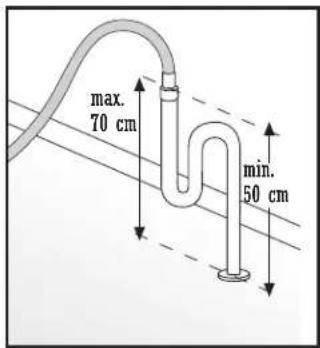
IMPORTANTE
natural_image
Close-up of hands holding a small object, possibly a tool or device, with no visible text or symbols.4 CONEXÃO ELÉCTRICA
natural_image
Close-up of a hand holding a small object near a wall, possibly a device or tool (no visible text or symbols)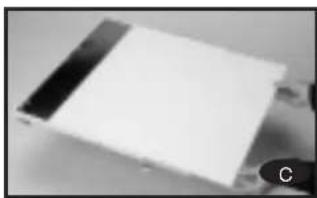
natural_image
Close-up of a white rectangular electronic component with black and white bands, possibly a battery or sensor (no visible text or symbols)natural_image
Close-up of hands holding a pen, no visible text or symbolsnatural_image
Close-up of a hand using a tool to adjust or install a wall-mounted device (no visible text or symbols)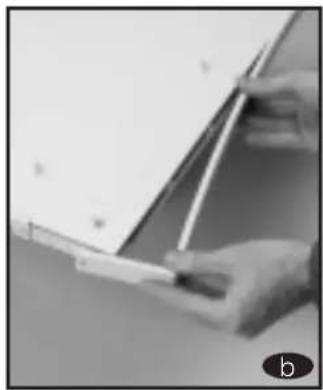
natural_image
Close-up of hands holding a whiteboard with a pen, no visible text or symbols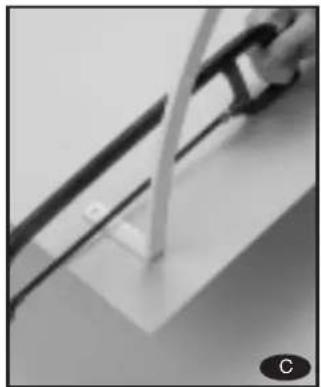
natural_image
Close-up of a mechanical component with a curved pipe or rod inserted into a rectangular block (no visible text or symbols)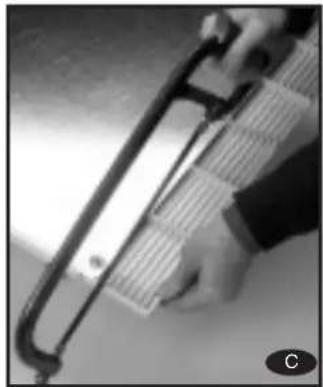
natural_image
Close-up of a hand holding a pen-like tool with a metallic handle (no visible text or symbols)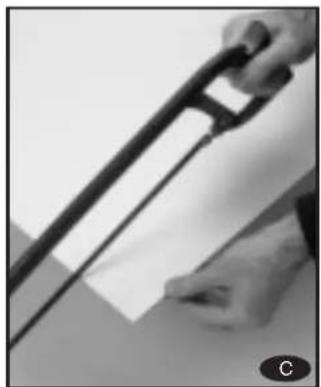
natural_image
Close-up of a hand holding a black tool with a handle, partially visible against a plain background (no text or symbols)natural_image
Close-up of a hand holding a small object near a wall, possibly a device or tool (no visible text or symbols)
natural_image
Close-up of a metallic sheet or paper with a reflective surface, no visible text or symbols
natural_image
Close-up of a hand holding a small object over stacked paper sheets (no visible text or symbols)
natural_image
Close-up of a black rectangular electronic component with no visible text or symbols
natural_image
Close-up of a hand holding a small black object against a plain white background (no text or symbols visible)natural_image
Close-up of a person's hand holding a small object near a window (no visible text or symbols)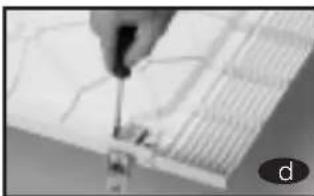
natural_image
Close-up of a hand using a tool to draw or inspect the grid pattern (no visible text or symbols)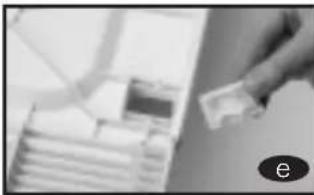
natural_image
Close-up of a hand holding a small object over stacked documents (no visible text or symbols)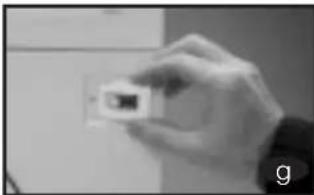
natural_image
Hand holding a small white object against a plain background (no visible text or symbols)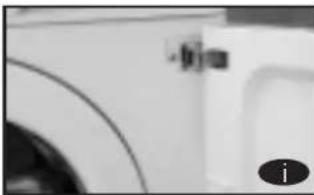
natural_image
Close-up of a white surface with curved lines and a small circular icon (no readable text or symbols)natural_image
Close-up of a white plastic or ceramic object with a small black mark, possibly part of a container or panel (no visible text or symbols)natural_image
Close-up of a hand using a tool to adjust or install a component, no visible text or symbols
natural_image
Close-up of hands holding a flat surface with a light reflection, no visible text or symbols7 LIMPEZA PRÉVIA
natural_image
Close-up of a finger pressing a button on a white appliance control panel (no visible text or symbols)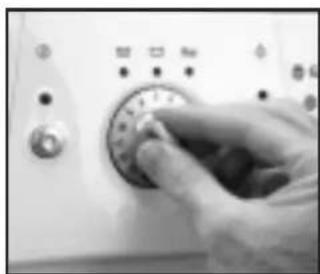
natural_image
Close-up of a hand pressing down on a rotary dial (no visible text or symbols)natural_image
Close-up of a hand pressing a button on a control panel (no visible text or symbols)Pulse a tecla de Ligar /Desligar
MÁQUINA DE LAVAR
natural_image
Close-up of a black fabric garment with a magnified inset showing hand holding small objects (no text or symbols visible)IMPORTA

Lave separadamente as roupas brancas e as roupas de cor.
natural_image
Exterior view of a washing machine with two circular insets showing household items (no text or symbols)IMPORTANTE
natural_image
Close-up of a white plastic drawer with internal compartments, alongside a magnified inset showing the interior structure (no visible text or symbols)NOTA ECOLÓGICA
natural_image
Close-up of a finger pressing a button on a white appliance panel (no visible text or symbols)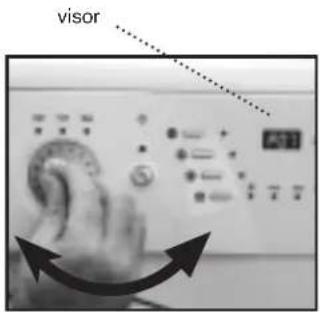
NOTA ECOLÓGICA
natural_image
Circular object with a central oval shape, resembling a stylized letter or symbol (no readable text or numbers)natural_image
Pure electrical circuit lines without any symbolsTecla: Flot/anti-vincos
natural_image
Close-up of a hand interacting with electronic control buttons and a digital display (no readable text or symbols)natural_image
Close-up of a finger pointing at a small circular object with a dotted line indicating alignment (no text or symbols visible)natural_image
Exterior view of a white front-loading washing machine with open door (no visible text or symbols)IMPORTANTE
natural_image
Close-up of a washing machine drawer with visible mechanical components (no text or symbols)
natural_image
Close-up of a mechanical component with no visible text or symbolsnatural_image
Person holding a metallic object near a wall (no visible text or symbols)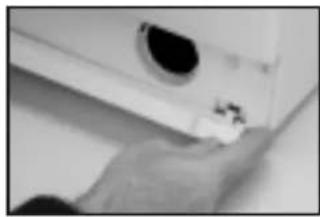
natural_image
Close-up of a hand holding a small object near a wall-mounted device (no visible text or symbols)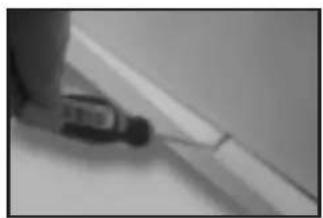
natural_image
Close-up of a tool applying adhesive to a white surface (no visible text or symbols)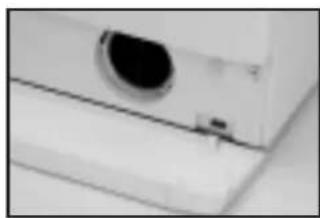
natural_image
Close-up of a white electronic device with a circular lens and a small port (no visible text or symbols)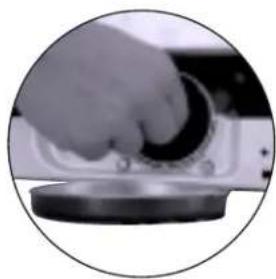
natural_image
Close-up of a hand pressing down on a mechanical component (no visible text or symbols)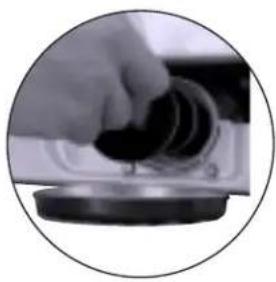
natural_image
Close-up of a hand holding a small black object, possibly a device or tool, with no visible text or symbols.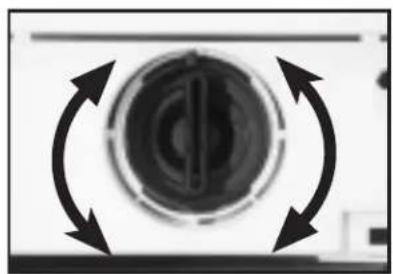
natural_image
Close-up of a circular mechanical component with bidirectional arrows indicating rotation or cycle (no text or symbols)natural_image
White front-loading washing machine with hand placing a button (no visible text or symbols)MÁQUINA DE LAVAR
SEGURANÇA E SOLUÇÃO DE PROBLEMAS
natural_image
Exterior view of a white front-loading washing machine with a circular vent (no visible text or symbols)
natural_image
Front view of a white washing machine with a circular vent, mounted on a grid-patterned surface (no visible text or symbols)natural_image
White rectangular container with a curved internal structure and three black circular annotations pointing to the sides (no text or symbols)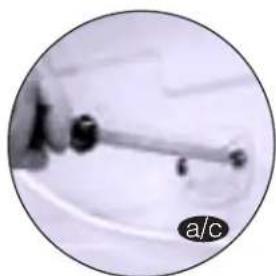
natural_image
Close-up of a mechanical lever or lever with a circular inset showing a magnified view (no text or symbols visible)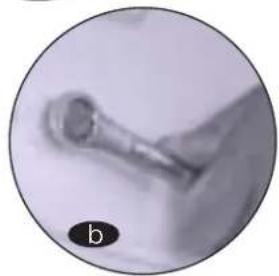
natural_image
Close-up of a metallic tool or component with a circular label 'b' in the corner (no readable text or symbols)WICHTIG
natural_image
Close-up of a washing machine with hands opening the door (no visible text or symbols)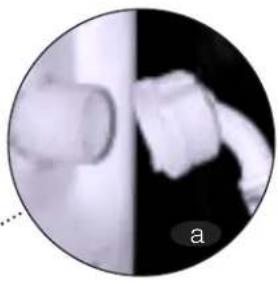
natural_image
Circular grayscale image showing a cylindrical object and a blurred abstract shape, labeled 'a' in the corner (no readable text or symbols)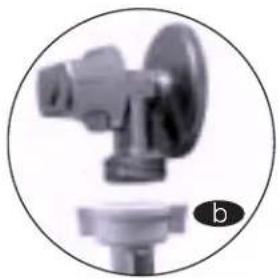
natural_image
Close-up of a mechanical valve component with a circular frame and a base, labeled 'b' in the corner (no text or symbols on the valve itself)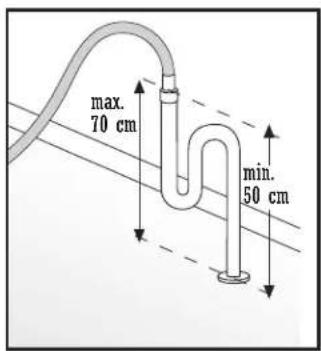
WICHTIG
natural_image
Close-up of a hand holding a small object, possibly a tool or component, against a dark background (no visible text or symbols)4
natural_image
Close-up of a person's hand holding an object, possibly a tool or device, with no visible text or symbols.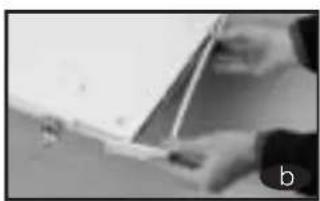
natural_image
Close-up of hands holding a pen or ruler, no visible text or symbols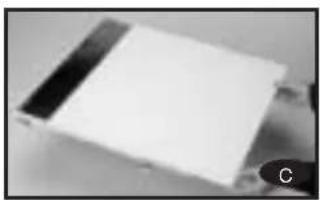
natural_image
Close-up of a white rectangular object with black horizontal bands, possibly a component or item (no visible text or symbols)
natural_image
Close-up of a hand using a tool to clean or install a wall-mounted device (no visible text or symbols)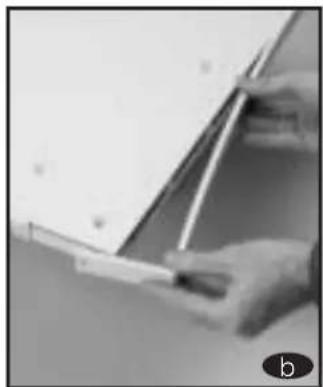
natural_image
Close-up of hands holding a small object near a whiteboard (no visible text or symbols)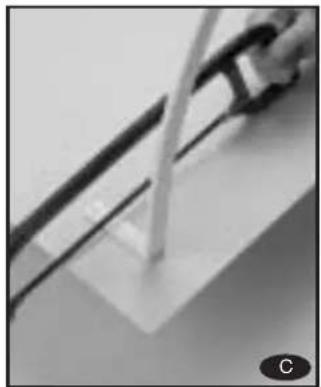
natural_image
Close-up of a mechanical component with a rod inserted into a rectangular block (no visible text or symbols)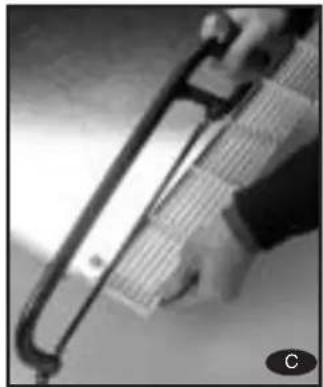
natural_image
Close-up of a hand holding a metal tool, possibly a cutting or measuring tool, with no visible text or symbols.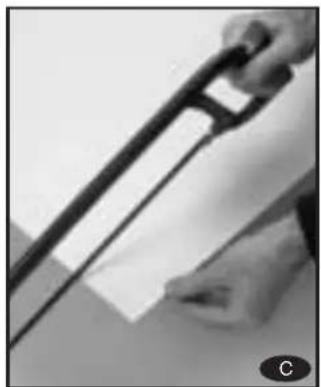
natural_image
Close-up of a hand holding a black tool with a white handle, partially visible against a plain background (no text or symbols)natural_image
Close-up of a person's hand holding an object, possibly a tool or device, in a dimly lit room (no visible text or symbols)
natural_image
Close-up of a metallic object with a dark handle, possibly part of a container or sample (no visible text or symbols)
natural_image
Close-up of a hand holding a small object over stacked blocks (no visible text or symbols)
natural_image
Close-up of a black rectangular electronic component with mounting holes, possibly a battery or sensor (no visible text or symbols)
natural_image
Close-up of a hand holding a small black square object against a plain white background (no text or symbols visible)natural_image
Close-up of hands writing on paper with a pen, no visible text or symbols
natural_image
Close-up of a hand using a tool to draw or mark a grid pattern (no visible text or symbols)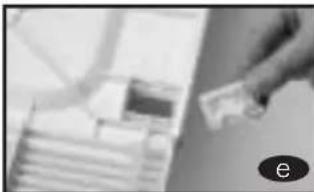
natural_image
Close-up of a hand holding a small object over a blurred background (no visible text or symbols)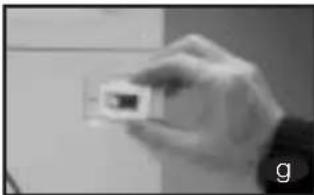
natural_image
Hand holding a small electronic component (no visible text or symbols)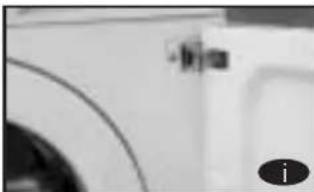
natural_image
Close-up of a white object with curved lines and a small inset showing a dark object, no visible text or symbols.natural_image
Close-up of a white plastic door or panel corner with a small black clip, no visible text or symbols.natural_image
Close-up of a hand using a tool to adjust or install a mechanical component (no visible text or symbols)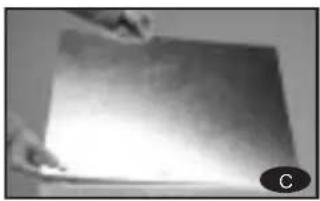
natural_image
Close-up of a metallic surface with a small circular object labeled 'C' in the corner (no readable text or symbols)7 VORREINIGUNG
natural_image
Close-up of a finger pressing a button on a white surface, with no visible text or symbols.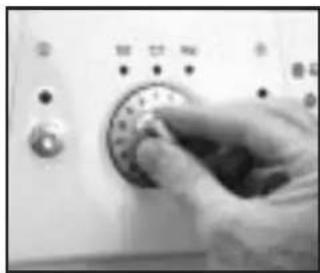
natural_image
Close-up of a hand pressing down on a rotary dial (no visible text or symbols)natural_image
Close-up of a finger pressing a button on a control panel (no visible text or symbols)natural_image
Close-up of a black fabric garment with a magnified inset showing hand holding a small object (no text or symbols visible)WICHTIG

natural_image
Exterior view of a washing machine with two circular insets showing different household items (no text or symbols)WICHTIG
natural_image
Close-up of a white plastic container with internal compartments, shown in two views: one close-up and one magnified inset (no text or symbols visible)
natural_image
Close-up of a finger pressing a button on a white surface, with no visible text or symbols.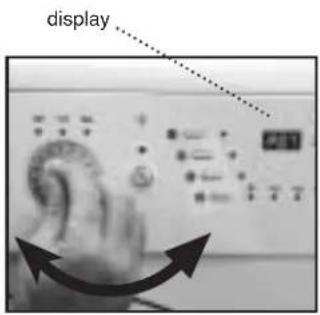
natural_image
Circular metallic dial with a central knob and radial arrows, no visible text or symbolsnatural_image
Close-up of a hand pressing down on a device with various function buttons and icons (no readable text or symbols)natural_image
Close-up of a finger pointing at small circular objects, enclosed in a circular frame (no text or symbols visible)Funktionsleuchte
natural_image
Exterior view of a white front-loading washing machine with open door (no visible text or symbols)WICHTIG
natural_image
Close-up of a white electronic device with buttons and a partially visible screen (no readable text or symbols)
natural_image
Close-up of a mechanical component with no visible text or symbolsnatural_image
Close-up of a metallic mechanical component with a black band, possibly a tool or bracket (no visible text or symbols)
natural_image
Close-up of a hand holding a small object near a wall-mounted device (no visible text or symbols)
natural_image
Close-up of a screwdriver tip touching a thin wire on a flat surface (no text or symbols visible)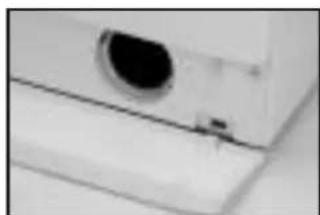
natural_image
Close-up of a white electronic device with a circular lens and a small button (no visible text or symbols)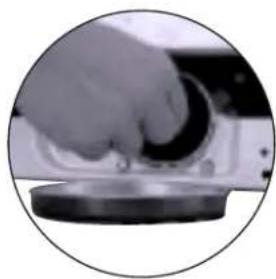
natural_image
Close-up of a hand pressing down on a circular mechanical component (no visible text or symbols)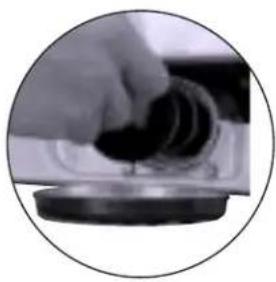
natural_image
Close-up of a hand holding a dark cylindrical object over a circular base (no visible text or symbols)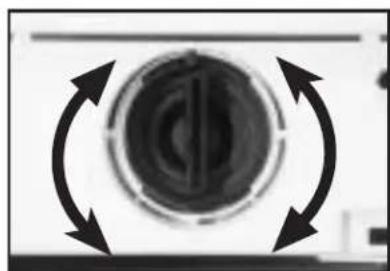
natural_image
Circular mechanical component with bidirectional arrows indicating rotational motion (no text or symbols)natural_image
White front-loading washing machine with hand placing lid (no visible text or symbols)WASCHMASCHINE
The Guarantee is a separate, additional guarantee which does not affect the consumer's legal rights and is specifically issued for the customer and appliance referred to in this document.
The Guarantee is valid for two years from the date of receipt of the appliance, and covers all repairs which may be carried out by Official Technical Assistance Service.
EXCLUSIONS FROM THIS GUARANTEE.
The following are excluded from this Guarantee. In these cases the total repair cost will correspond to the user:
a) Breakdown caused by negligence or improper use of the appliance by the consumer.
b) Breakdown caused by unforeseeable circumstances, force majeure (atmospheric or geological conditions) or natural disaster.
c) Breakdown or damage arising from improper or illegal installation, or from the use of unsuitable energy or fuel.
d) Periodical maintenance operations carried out on the product.
e) Appliances used in commercial or industrial establishments.
f) Damages caused to the user as a result of the appliance's failure to function due to breakdown.
CANCELLATION OF THIS GUARANTEE
This Guarantee shall be null and void and without effect if the appliance has been interfered with, modified or repaired by any unauthorised person or technical service other than the brand's official technical assistance service.
VERY IMPORTANT: TO BENEFIT FROM THIS GUARANTEE, IT IS ABSOLUTELY ESSENTIAL FOR THE USER TO PROVIDE THE AUTHORISED TECHNICAL SERVICE WITH AN OFFICIAL RECEIPT GIVING EVIDENCE OF THE DATE OF PURCHASE OF THE APPLIANCE. IN THE CASE OF APPLIANCES DELIVERED TO NEWLY CONSTRUCTED PREMISES, EVIDENCE MUST BE PROVIDED OF THE DISPOSAL DATE FOR USE OF THE APPLIANCE.
This Guarantee shall only be valid within the E.U. and shall refer exclusively to the appliance referred to and supplied by Fagor UK Lancastrian Office Center Ground Floor. Duck Worth House Talbot Road, Old Trafford M32 OEU Manchester. For other countries, please consult your distributor.
WASHING MACHINE
INSTALLATION AND ASSEMBLY
1 UNPACKING AND UNLOCKING THE WASHING MACHINE
UNPACKING
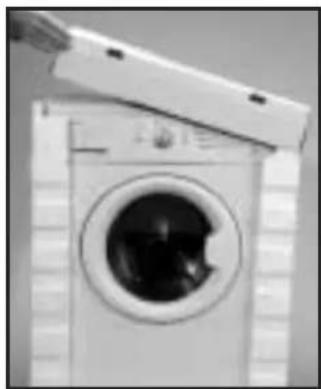
natural_image
Black and white photo of a washing machine with a hand extending its side (no visible text or symbols)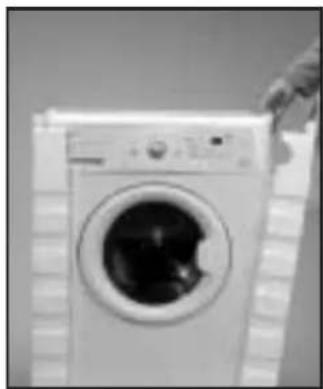
natural_image
Black and white photo of a front-loading washing machine with a hand partially visible (no text or symbols)UNLOCKING
a Loosen the screws that hold the plastic boards at the back of the machine.
b Loosen and remove the blocking screws.
c Cover the holes with the previously removed plastic boards.
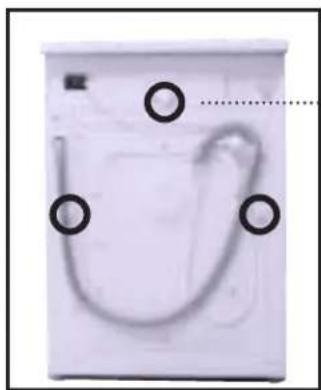
natural_image
Close-up of a white washing machine casing with three black circular markers and a curved handle (no visible text or symbols)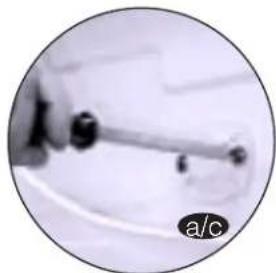
natural_image
Close-up of a mechanical component with a rod and circular label 'a/c' (no readable text or symbols)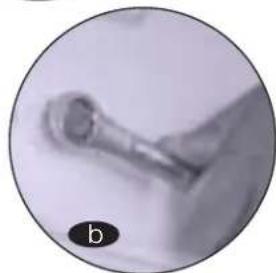
natural_image
Close-up of a small mechanical component with a circular label 'b' in the corner (no readable text or symbols)IMPORTANT
Keep the blocking screws safely for future use.
2 CONNECTION TO THE WATER MAINSLEVELATION
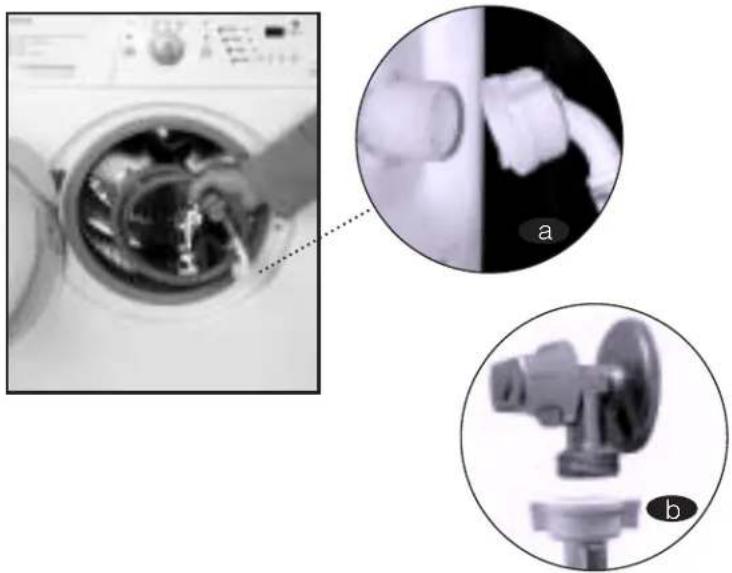
You will find the water-input pipe inside the drum:
a Connect the bent end of the pipe at the screw entrance of the electrically operated valve situated at the back of the machine.
b Connect the other end of the tube to the water supply. Tighten the connection nut well.
We recommend you have a fixed drainage exit at a distance of between 50 and 70 cm from the floor.
Ensure that the drainage pipe is not too tight and that there are no folds or bottlenecks.
natural_image
Close-up of a washing machine with internal components, shown in two circular insets labeled a and b (no text or symbols on the main image)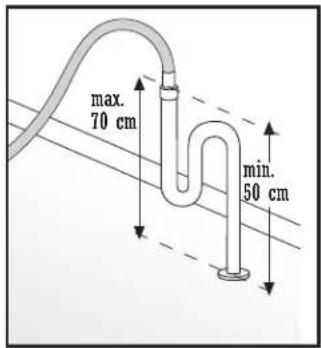
IMPORTANT
It is important that the elbow of the pipe is properly fixed at the exit so that it doesn't fall, with the consequent risk of flooding.
If your washing machine has an input for hot water, connect the tube with the red threading to the hot water tap and to the electrically operated valve with the red filter.
3 LEVELLING
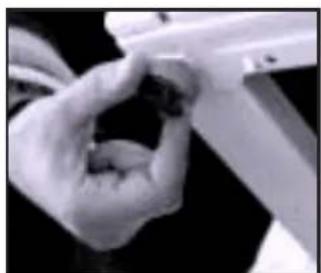
Level the washing machine by using the adjustable feet. This will reduce the noise level and ensure that the machine will not move when in operation.
natural_image
Close-up of hands holding a small object, possibly a tool or device (no visible text or symbols)4
ELECTRICAL CONNECTION
Consult the characteristics panel situated on the porthole door of the washing machine before making the electrical connections. Ensure that the voltage available at the base of the socket is the same as the voltage indicated on the panel.
Do not remove the characteristics panel. It contains important information.
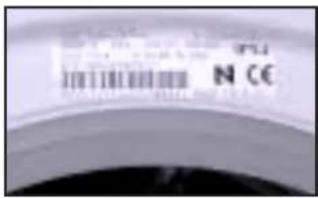
IMPORTANT
It is very important to earth the washing machine properly.
The electrical fittings, socket, plug, fuses or automatic switch and meter must be scaled for the maximum power indicated on the characteristics panel. If the power cord is damaged, it must be replaced by one with the same reference number, only available from an authorised service centre.
5
PANELLING
It is easy
to change the coating of the washing machine panels
to match your kitchen furniture. These coating panels may not be thicker than 5 mm.

Loosen the
screws of the hinges and dismantle the door of the washing machine.

Remove the lower protection frame, loosening the screws. Extract the panel that was supplied with the washing machine.
natural_image
Black and white photo of a person holding an object, possibly a device or tool, with no visible text or symbols.
natural_image
Close-up of a white rectangular electronic component with black and white bands, possibly a battery or sensor module (no visible text or symbols)
f the new panel is 3 mm. thick or more, you will not need to leave the original panel. If it is less than 3 mm. thick, place it over the panel originally supplied with the washing machine.
natural_image
Close-up of hands holding a pen or ruler, no visible text or symbolsIn order to assemble the door with the new decorative panel, repeat the steps given in points a, b, c.
It is also possible to adjust the height of the decorative
door in order to align it with the rest of the kitchen furniture and fittings.
a Loosen the screws of the hinges and dismantle the door of the washing machine.
b Remove the lower protection frame, loosening the screws and extract the panel that was supplied with the washing machine.
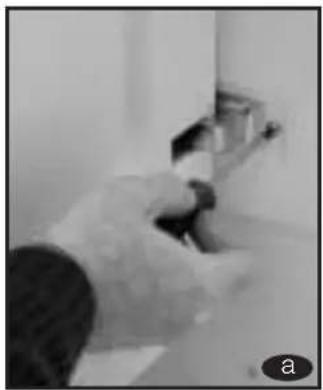
c The lower part of the door and the lower protection frame are divided into 7x10 mm. Sections. depending on your needs, divide and adapt the decorative panel to the new dimensions.
d Replace the decorative panel and the lower protection frame and assemble the door again.
natural_image
Person using a tool on a surface, no visible text or symbols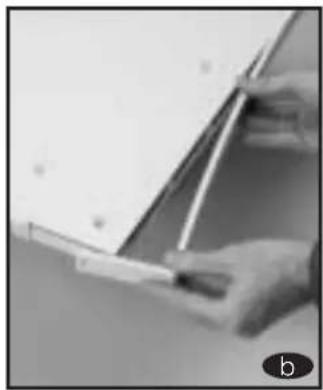
natural_image
Close-up of a hand holding a small object near a whiteboard (no visible text or symbols)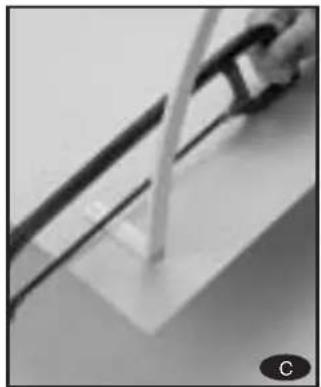
natural_image
Close-up of a mechanical component with a curved pipe or rod inserted into a rectangular block (no visible text or symbols)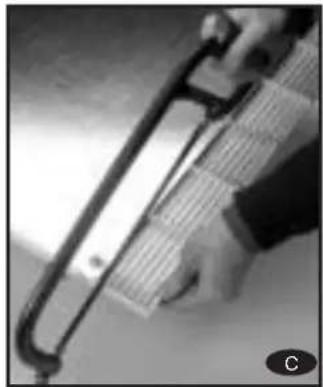
natural_image
Close-up of a hand holding a metal tool, possibly a tool or device, with no visible text or symbols.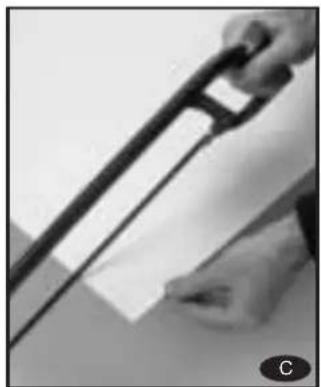
natural_image
Close-up of a hand holding a metal tool over a document (no visible text or symbols)Washing machines also allow you to change the direction in which the door opens.
a Loosen the screws of the hinges and dismantle the door of the washing machine.
b Remove the lower protection frame, loosening the screws.
C Extract the panel that was supplied with the washing machine and the internal panel, loosening the screws that hold it together.
d Extract the hinges and insert them on the other side of the door.
e Loosen the protective cover on the door and place it on the opposite side where the hinges were.
f Replace the plate again, the door panel and the lower protection frame. Then hang the door again.
g Extract the fastener situated at the front of the washing machine unit, by loosening the corresponding screw. Now place the fastener in the spot where the upper hinge used to be
h Remove the protective buffer and place it in the spot where the lower hinge used to be.
natural_image
Close-up of a hand holding an object, possibly a tool or device, with no visible text or symbols.
natural_image
Close-up of hands holding a pen, no visible text or symbols
natural_image
Close-up of a metallic object with reflective surface, possibly a sample or component (no visible text or symbols)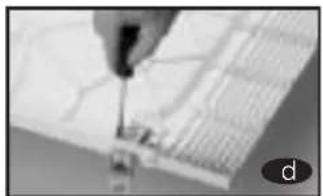
natural_image
Close-up of a hand using a tool to draw or mark a grid pattern (no visible text or symbols)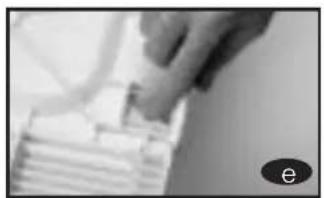
natural_image
Close-up of a hand holding a small object over stacked white blocks (no visible text or symbols)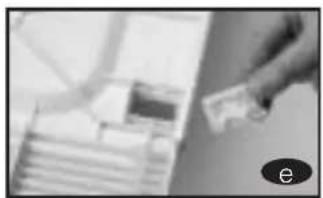
natural_image
Close-up of a hand holding a small object over stacked books (no visible text or symbols)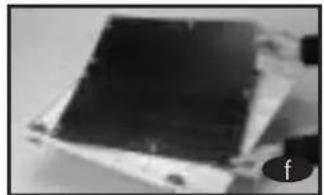
natural_image
Close-up of a dark, square electronic component with metallic edges and a small circular icon labeled 'f' in the corner (no readable text or symbols)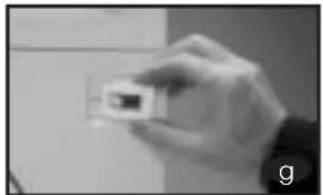
natural_image
Hand holding a small rectangular object against a plain background (no visible text or symbols)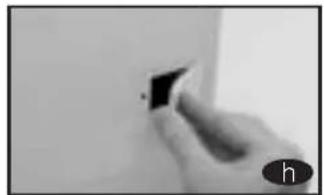
natural_image
Close-up of a hand holding a small black square object against a plain white background (no text or symbols visible)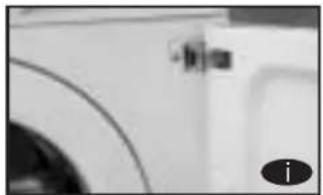
natural_image
Close-up of a white car interior with a curved roof and circular windows (no visible text or symbols)i Hang the door by lightly pushing and inserting the hinges in their new location. Adjust the screws.
6 INSTALATION OF THE WASHING MACHINE UNDER THE KITCHEN WORKTOP
It is possible to place the washing machine under the kitchen worktop.
If you need to change the worktop of the washing machine, please ask the Technical Support Service, for the guard plate and follow these steps:
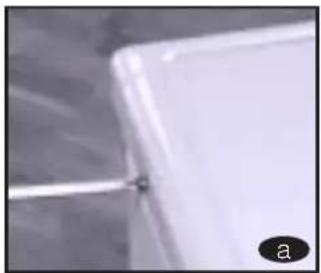
a Dismantle the work-top of your washing machine by loosening the side screws and lightly knocking the worktop backward in order to extract it.
natural_image
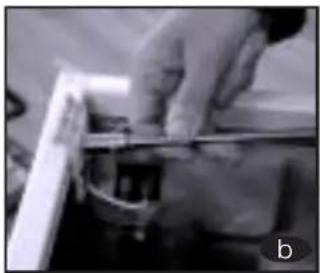
Close-up of a white rectangular object with a small black mark, possibly part of a container or panel (no visible text or symbols)b Remove the fasteners that hold the worktop in place by loosening the screws.
Place and screw in the guard plate on the washing machine in order that you may introduce it in the intended spot.
natural_image
Close-up of hands operating a mechanical device with a ruler (no visible text or symbols)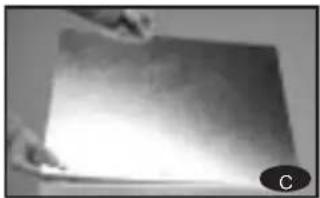
natural_image
Close-up of hands holding a flat, metallic object with a bright light reflection (no visible text or symbols)7 PRIOR CLEANING
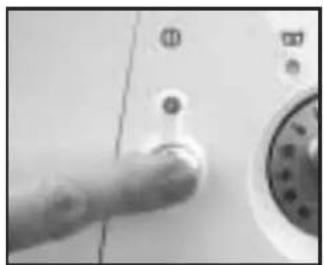
Now that you have satisfactorily installed your washing machine, we recommend that you run programme 5 at 60°C, without inserting any laundry or detergent. This is in order to check the installation, the connections and the drainage system, as well as to fully clean the inside before running a wash programme in the washing machine.
natural_image
Close-up of a hand pressing a button on a white surface, with no visible text or symbols.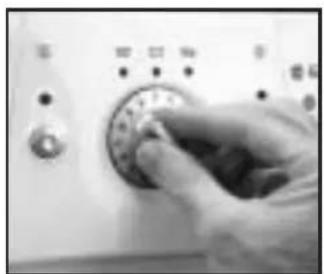
natural_image
Close-up of a hand pressing down on a circular control dial (no visible text or symbols)Select programme 5 at 60^
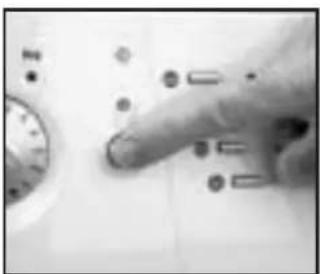
natural_image
Close-up of a hand pressing a button on a control panel (no visible text or symbols)Press the On/ Off button
WASHING MACHINE
HOW TO USE THE MACHINE. PRACTICAL TIPS
1 PREPARING THE LAUNDRY BEFORE A WASH
Before putting the laundry in the drum, ensure that all the pockets are empty. Small objects can obstruct the motor pump for water discharge.
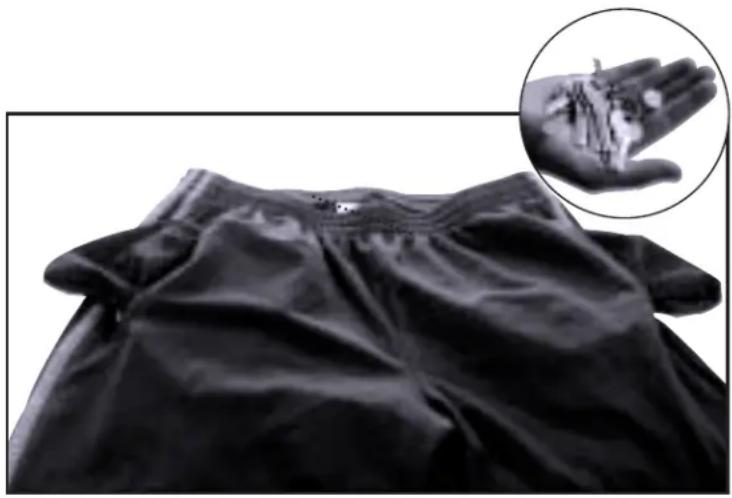
natural_image
Close-up of a black fabric garment with a magnified inset showing hand holding small objects (no text or symbols visible)Sort your laundry according to material or make-up. We
recommend you use delicate programmes for delicate garments. Woollens may be wa- hed in a special wool programme.
IMPORTA

Please ensure that your woollen garments are machine washable before running the wool programme.
Sort your laundry according to how soiled it is.
a Lightly soiled garments should preferably be washed in a short, cold programme.
b Normally soiled garments should be washed in a programme without pre-wash.
c Heavily soiled garments may be washed in a long programme with pre-wash.
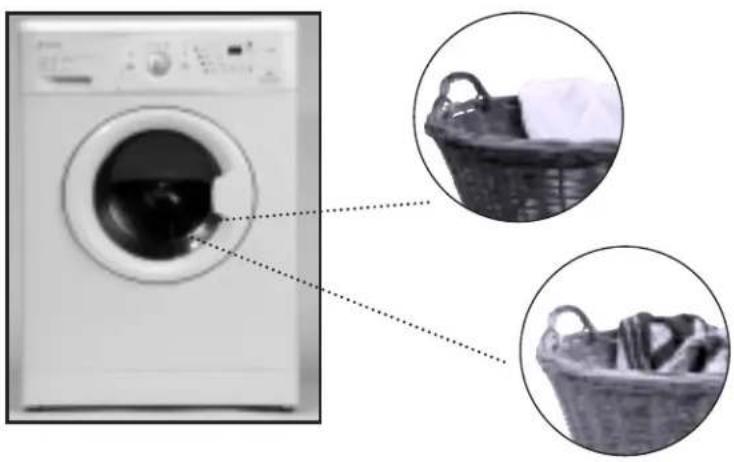
Sort your laundry according to the colours. Wash whites and coloureds separately.
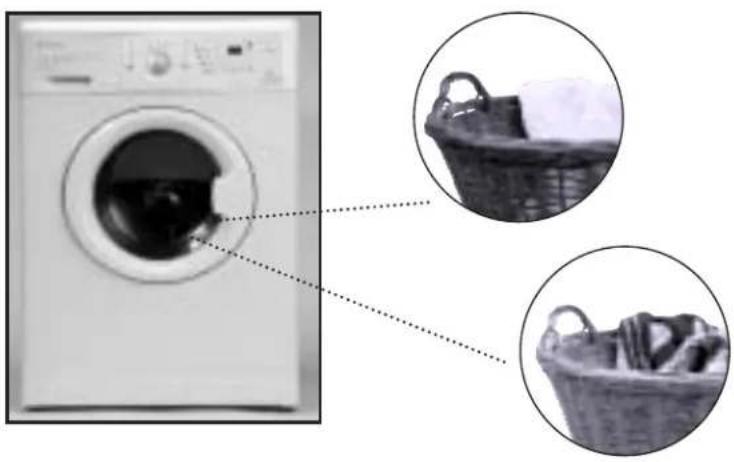
natural_image
Diagram showing a washing machine with two circular insets of a basket containing clothes, no text or symbols present.IMPORTANT
We remind you to load the washing machine at its maximum capacity. This will save water and energy.
IWe recommend that you wash garments of different sizes in the same wash programme, if possible, in order to reinforce the washing effects. This also favours the distribution of the laundry inside the drum at the spinning stage, which will mean the machine will work more silently.
2 USE OF DETERGENT AND ADDITIVES
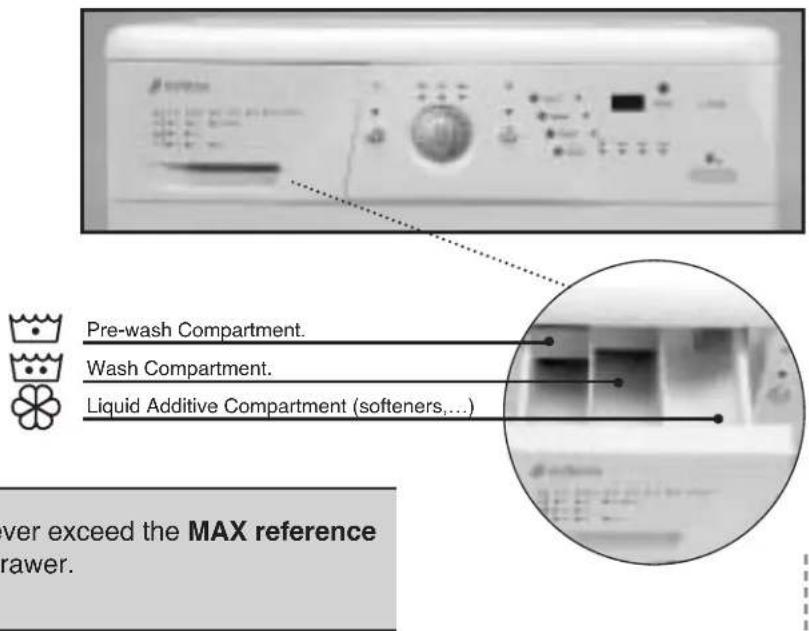
Before you start the wash programme, introduce the detergent or additive in the detergent drawer. The detergent drawer of your washing machine has three compartments.
IMPORTANT
The liquid level should never exceed the MAX reference mark on the side of the drawer.
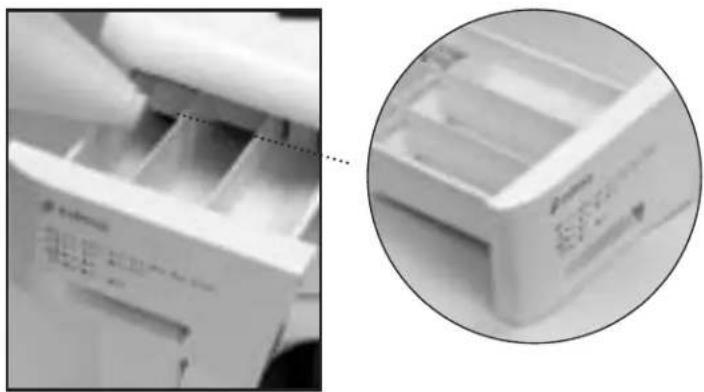
You may also use liquid detergents with this washing machine, using the optional drawer that may be acquired through the Technical Support Network.
The optional drawer should be placed in the wash compartment.
Remember that the dose of detergent to be used always depends on
● The amount of laundry to be washed.
● How soiled the laundry is.
● The hardness of the water (You can request information on the water hardness from the competent local entities).
natural_image
Close-up of a white plastic bag with internal compartments, shown in two views: one close-up and one magnified inset (no visible text or symbols)ECOLOGICAL NOTE
Remember that there are concentrated detergents that are more careful with nature and the environment.
Using more detergent than is needed does not improve the wash results and as well as being a waste of money, it has a negative effect on the preservation of the environment.
Therefore, please follow the instructions supplied by the manufacturer of the detergent.
3 SELECTING THE WASH PROGRAMME
There are four types of programme:
a Normal pro-
grammes
bDelicate pro-
grammes
©Wool programmes
dAuxiliary programmes
To select a wash programme, proceed as follow:
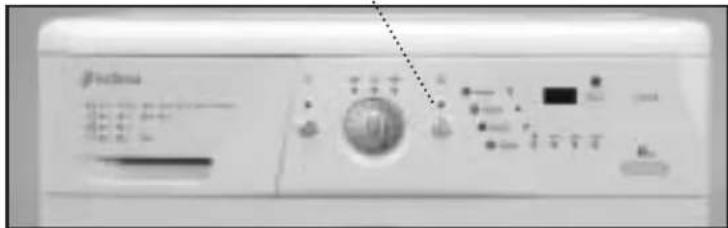
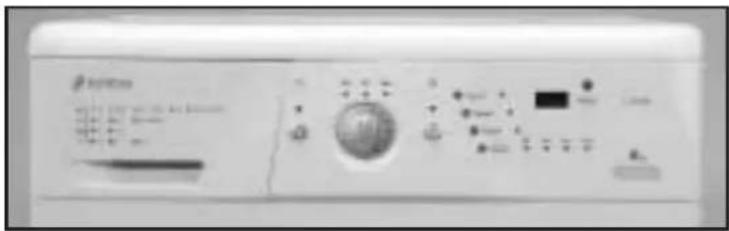
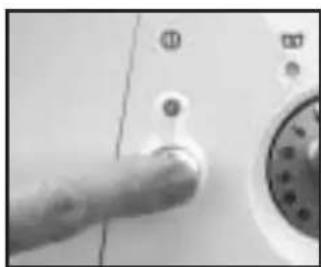
- Switch the washing machine ON by pressing the master switch (the pilot light above the master switch will come on).
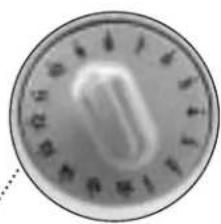
- Select the wash programme by turning the Programme Selector Dial.
When this is done the spin speed light for this programme will come on.
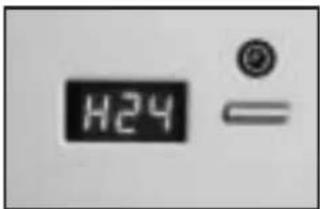
If your washing machine has a display, it will light up for a few seconds when the programme is selected, showing P + programme number (P01, P02, etc.). It will then show the approximate duration in minutes.
The time shown on the display will vary according to the stage the programme is at.
natural_image
Close-up of a hand pressing a button on a white surface, with no visible text or symbols.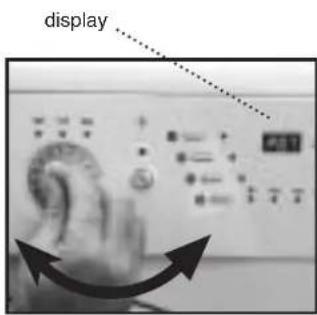
ECOLOGICAL NOTE
We recommend you choose a wash programme without pre-wash whenever possible. This will save you money and help protect the environment.
| PROGRAMME | RECOMEMENDED TEMPERATURE | TYPE DE MATERIAL | BUTTONS OF POSSIBLE OPTIONS | MAX. LAUNDRY LOAD (KG) | WASH PRODUCT COMPART-MENT | PROGRAMME DESCRIPTION | TOTAL CONSUMPTION KWh/litres | APPROXIMATE DURATION (min.) | ||||||||
| Extra Rinse | Reduced time | Easy iron | Spin selection | No spin | No creases | For 5 kg Washing machines* | For 6 kg Washing machines* | For 5 kg Washing machines* | For 6 kg Washing machines* | |||||||
| 1 | Normal Cold | Cold | Cotton/linen Normal wash, rinse, delicate cottons very lightly soiled desired and long final spin | 5/6" | additives automatically absorbed if | 0.15/46 | 0.15/49 | 90 | 90 | |||||||
| 2 | Fast 30°C | Cotton/linen SHORT wash, rinse, Whites/coloureds suciedad muy ligera | YES | NO | YES | 1.5 | additives automatically absorbed if desired and long final spin | 0.20/25 | 0.20/30 | 30 | 30 | |||||
| 3 | Normal 30°C | Cotton/linen delicate cottons lightly soiled | YES | 5/6" | Normal wash, rinse, additives automatically absorbed if desired and long final spin | 0.35/46 | 0.40/49 | 120 | 120 | |||||||
| 4 | Normal 40°C | Cotton/linen solid coloureds lightly soiled | YES | 5/6" | 0.60/46 | 0.65/49 | 125 | 125 | ||||||||
| 5 (*) | Normal 60°C | Cotton/linen solid coloureds normally soiled | YES | 5/6" | A: 0.95/46A+: 0.85/46 | 1.14/49 | 140 | 140 | ||||||||
| 6 | Normal 90°C | Cotton/linen whites heavily soiled | YES | 5/6" | 1.60/51 | 1.90/55 | 125 | 125 | ||||||||
| 7 | Pre-wash 60°C | Cotton/linen whites/solid coloureds heavily soiled | YES | 5/6" | Pre-wash, Normal wash, rinse, additives automatically absorbed if desired and long final spin | 1.40/55 | 1.45/60 | 135 | 135 | |||||||
| 8 | Delicate cold Cold cotton delicate cottons | Synthetic/mixYES 3 0.15/50 0.15/55 70 70very lightly soiled | absorbed if desired and soft final spin | |||||||||||||
| 9 | Delicate 30°C cotton delicate cottons | Synthetic/mixYES 3 Delicate wash, rinse, 0.35/50 0.35/55 75 75lightly soiled additives automatically | ||||||||||||||
| 10 | Delicate 40°C cotton delicate cottons | Synthetic/mixnormally soiledl | 0.55/50 0.60/55 80 80 | |||||||||||||
| 11 | Delicate 60°C | Synthetic/mixcotton whites/solid colourednormally soiled | YES 3 0.95/50 1.00/55 90 90 | |||||||||||||
| 12 | Wool cold | WOOL cold | Wool/mix woolwhites/colouredsvery lightly soiled | YES | NO | YES | 1 | Wool wash, rinse,additives automatically absorbed if desired and soft final spin | 0.05/60 0.05/60 30 30 | |||||||
| 13 | Wool 35°C | WOOL 35 | Wool/mixwool whites/colouredslightly soiled | YES | NO | YES | 1 | 0.45/60 0.50/60 40 40 | ||||||||
| 14 | Rinse | - | Cotton/mix cottonSynthetic/delicateWool/wool mix | YES | NO | YES | 5/6" | Rinse, additives automatically absorbed if desired and long final spin | 0.05/25 | 0.05/30 | 25 | 25 | ||||
| 15 | Spin | - | Cotton/mix cottonSynthetic/delicateWool/wool mix | NO | YES | NO | 5/6" | - | Drum emptied and long final spin | 0.05/0 | 0.05/0 | 10 | 10 | |||
| 16 | Empty/end | - | Cotton/mix cottonSynthetic/delicateWool/wool mix | NO | 5/6" | - | Drum emptied and end of programme.Takes programme to final position | 0.00/0 | 0.00/0 | 2 | 2 | |||||
| * Check if the machine maximum load capacity is 5 or 6 on the guarantee certificate that appears on the front page of this manual. (*) Energy label data based on this programme, in accordance with EN60456.NOTE: The kWh and litre consumption, as well as the programme duration given are for the maximum load case. They may vary depending on the type and amount of laundry, mains water pressure, etc. | ||||||||||||||||
The wash options should always be selected after the wash programme has been chosen. If the programme is changed during the selection, the options previously selected will be cancelled out.
natural_image
Close-up of a circular metallic dial with a central knob and surrounding markings (no readable text or symbols)After switching on the washing machine by pressing the master switch, select the desired options. When these are selected the corresponding light will go on next to each selection switch.
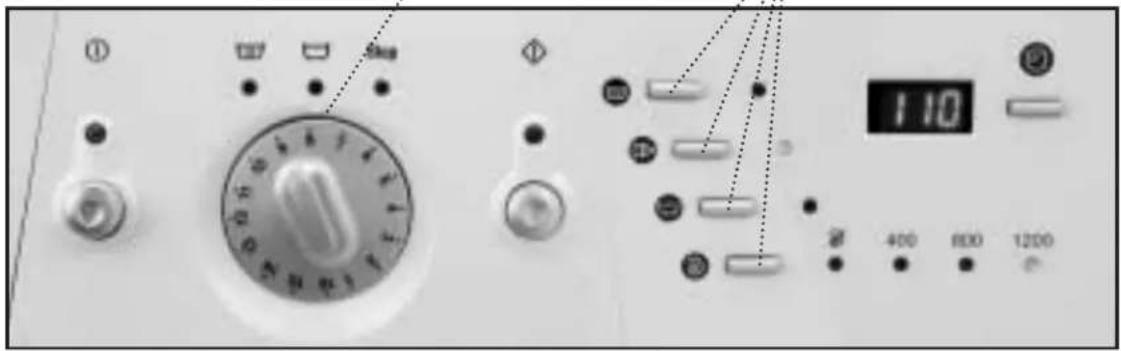
The following options are available:
Button: Extra rinse
This increases the final rinse given to the clothes. It is suitable for large loads and for washing clothes for people with sensitive skin. It increases water consumption!
Button: wash time reduction
When this option is selected the programme time is reduced by up to a third (see programme table). If your washing machine has a display, the new time will appear when it is pressed.
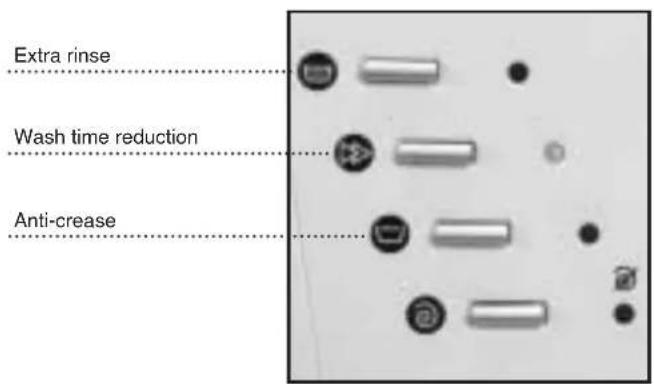
Button: anti crease
This stops the cycle after the last rinse and the clothes remain wet. When the function is deactivated the washing machine continues the programme, draining and spinning. You can use it for example when you are not at home and you want to delay the spin dry until you arrive, to prevent the clothes becoming creased after spinning and being left in the drum.
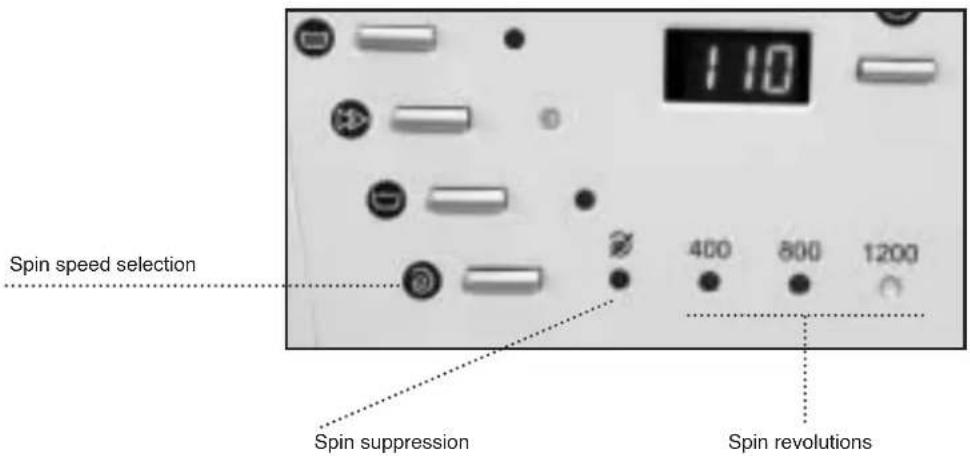
Button: Spin speed select
The programme selected goes together with a certain spin speed. This can be seen on the row of pilot lights at the bottom.
If necessary, the spin speed can be changed or the spin-dry can be skipped completely.
To do this, press the spin speed select button one or more times until the desired option lights up.
Option: spin suppression
With this option the programme will run leaving out the final spin dry. It is used to prevent creating when washing special fabrics.
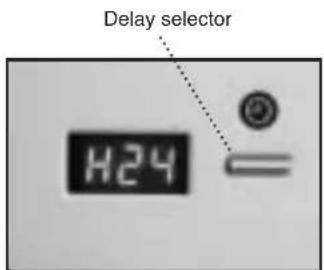
Button: delay selector
This option is only available if your washing machine has a display. It can be selected after choosing the wash programme.
To select the hours of delay time, press or hold down the button until the desired number of hours of delay time appear on the display.
Cancelling the delay
To cancel the delay, either press the delay button repeatedly or hold it down. When it reaches 24 hours delay, if it is pressed one more time it will cancel the delay and the approximate programme duration will appear on the display.
IMPORTANT
If the programme is changed or the master switch is switched off while the additional functions mentioned up to here are being selected, all the functions chosen up to this point will be cancelled.
Selecting the safety lock
Safety lock function
The safety lock ensures that the programme and wash options selected will not be affected if any of the buttons are accidentally pressed (by children, for example).
Activating the safety lock
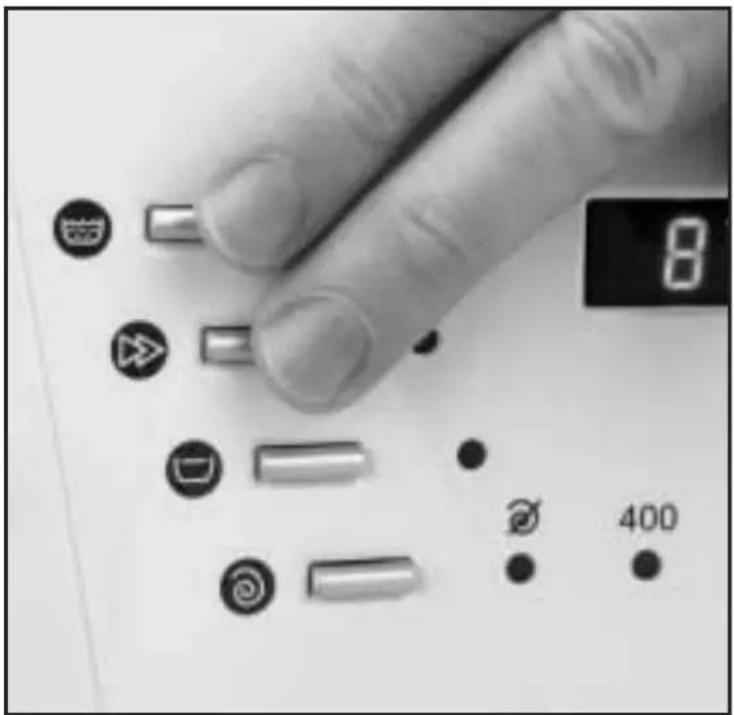
The safety lock is activated by pressing the Extra Rinse and Wash Time Reduction buttons at the same time and holding them down for at least 3 seconds.
The On button light will then start to flash, showing that the safety lock is on, and the washing machine will start up. The safety lock should be activated after selecting the wash programme and all its options plus the desired time delay.
natural_image
Close-up of a finger pressing a button on a device, showing various function icons (no readable text or symbols)Deactivating the safety lock
The safety lock is cancelled out when the wash programme ends and when the STOP light comes on.
If you wish to deactivate the safety lock before the programme has finished, press the Extra Rinse and Wash Time
Reduction buttons and hold them down for at least 3 seconds. The light will then go off and remain in pause status.
Turning off the master switch will not cancel the safety lock. When the washing machine is started up again the programme will continue to run from where it has left off.
5 COMMISSIONING
In order to switch on the washing machine, press the on/off button.
The display situated over the button will light up and the washing machine will start the selected programme with the options.
If your washing machine has a display, you will be able to see how many minutes are left until the end of the wash.
Switching on the delay
This consists of pressing the on/off button after selecting the programme, the wash options and the delay time.
When pressed, the display will flash in cycles of 2 seconds ON and 2 seconds OFF during the whole of the period selected as the delay,
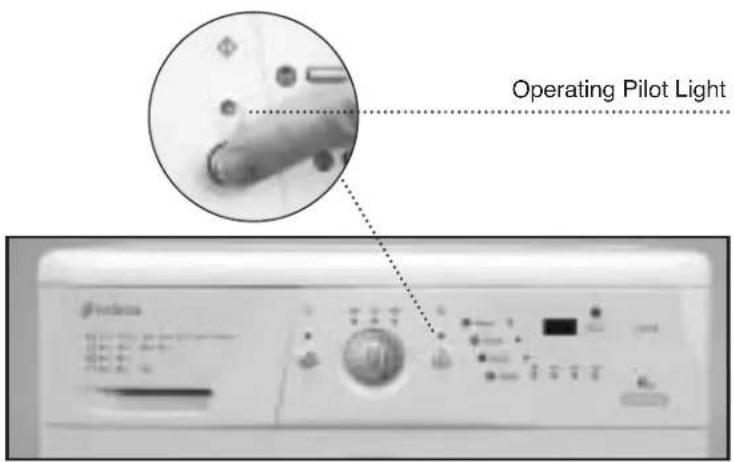
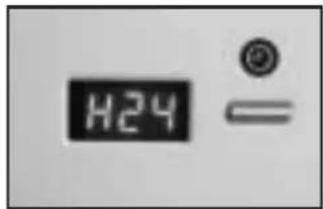
whereas the time shall be discounted by the hour, until the last hour, when it will show the minutes left until the programme begins.
IMPORTANT
If you need to add or remove a garment, select pause and ensure that the water level is not over the door and that the inside temperature is not high. If you press the ON button, the wash will recommence at the same stage of the cycle where it stopped.
6 STAGES IN WASH PROGRAMME
The active phases at each point of the programme shall appear as the programme progresses.
Any option button may be selected as long as the phase in the programme in which it takes effect has not ended and as long as the programme allows this option. Pressing the delay button during the wash has
no effect on the washing machine.
IMPORTANT
If you use the selector to change programmes while the machine is working, it will enter the PAUSE mode. The on/off light will go off and the programme will be annulled.
If you press the On/ Off button during the wash, the washing machine will enter the PAUSE mode and this button's light will turn off.
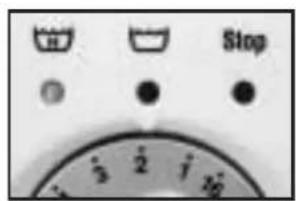
7 POWER CUTS
If there is a power cut, when the electricity comes back the washing machine will continue to run from where it left off
(it has a memory of several hours). The same happens if the master switch is switched on and off.
8 TIPS
● To reduce spin-drying noise: level the washing machine using its adjustable legs.
- Whenever possible, wash different-sized clothes together in the same wash programme, as this helps the distribution of the clothes in the drum when spinning.
● All models have a spin safety system which prevents spin-drying from taking place if the clothes are out of balance in the drum. This prevents excessive vibration or thumping. If the clothes should come out too wet, redistribute them uniformly in the drum and spin-dry again.
ECOLOGICAL NOTE
To protect the environment, your washing machine is provided with a system which enables it to adapt to the different conditions of use (load and fabric types). This means that during the wash process the amount of water you can see through the door will appear rather low, but this is nothing to worry about, as the degree of wash and rinse efficiency will be optimum.
WASHING MACHINE
MAINTAINING AND CLEANING THE MACHINE
After each wash, leave the porthole door open for a while to let the air circulate freely inside the machine.
Depending on the hardness of the water, we recommend running a complete wash cycle using a decalcifying product. This will prolong the life of your washing machine.
natural_image
Exterior view of a white front-loading washing machine with open door (no visible text or symbols)IMPORTANT
Before any cleaning or maintenance operations, we recommend you disconnect the washing machine from the electricity mains.
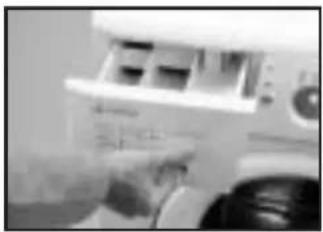
1 CLEANING THE DETERGENT DRAWER
You should clean the detergent drawer whenever you notice residues of any product inside it.
a Fully extract the detergent drawer by pulling out the flap.
b Clean the compartments in the drawer. Use warm water and a brush.
c Also, clean the sip-hons in the additive drawer.
natural_image
Close-up of a printer's front panel with a hand pointing to it (no visible text or symbols)
natural_image
Close-up of a mechanical component with no visible text or symbolsReplace the drawer in the washing machine.
2 CLEANING THE ACCESSIBLE FILTER
Clean the accessible filter whenever the drainage pump is blocked by foreign bodies.
a Loosen the base by gently pulling on the sides and turning downwards. Then undo the fasteners. If there is no side access, introduce a small screwdriver in the three slots on the upper part of the base, in order to lever it and loosen the hooks.
b Use a plate or other container under the filter to collect the water that will be released when it is loosened.
cTurn the filter a quarter- or halfway sideways towards the left. Water will start to come out.
When you are finished taking the water out of the washing machine, turn the filter around several times until you can take it out fully.
e Remove any objects or fluff that may be in the filter.
f Replace the filter and the base in their places.
natural_image
Close-up of a metallic tool or tool with a black handle, possibly part of a mechanical or industrial component (no visible text or symbols)
natural_image
Close-up of a hand holding a small object near a wall-mounted device (no visible text or symbols)
natural_image
Close-up of a screwdriver applying adhesive to a white surface (no text or symbols visible)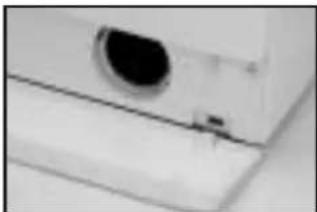
natural_image
Close-up of a white electronic device with a circular lens and a small button (no visible text or symbols)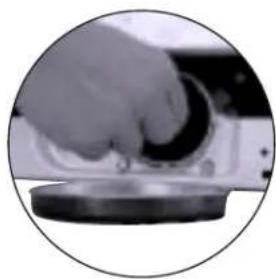
natural_image
Close-up of a hand pressing down on a circular device component (no visible text or symbols)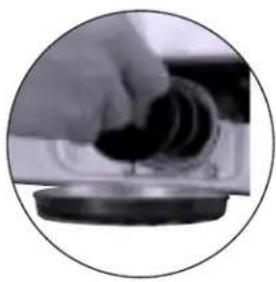
natural_image
Close-up of a hand pressing down on a circular mechanical component (no visible text or symbols)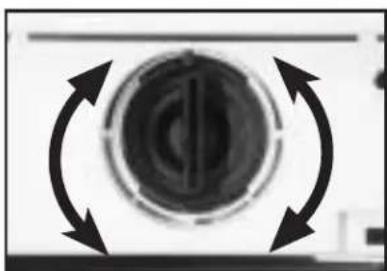
natural_image
Circular mechanical component with bidirectional arrows indicating rotational motion (no text or symbols)IMPORTANT
In order to avoid burns, this operation should not be carried out when the wash water temperature is over 30°C.
3 CLEANING THE OUTSIDE OF THE MACHINE
In order to clean the outside of the washing machine, use warm soapy water or a soft, non-abrasive cleaning agent that does not contain solvents.
Then dry it well with a soft cloth.
natural_image
White front-loading washing machine with hand placing a button (no visible text or symbols)WASHING MACHINE
SAFETY AND TROUBLESHOOTING
If you detect a problem when using your washing machine, you may be able to solve it after consulting the following troubleshooting tips. If you cannot find the solution, disconnect the machine and contact the TECHNICAL SUPPORT SERVICE
IMPORTANT
Please do not open the machine under any circumstances. There is no fuse or similar component inside that may be replaced by the user.
- Why doesn't the washing machine start working?
Perhaps
– There is no voltage in the electricity mains.
– The fuses of the electrical fittings are blown.
- The washing machine is not connected to the electricity mains.
- You didn't press the on/off button(this button's light should be on)
– The programme selector dial is not out.
- The door of the washing machine isn't closed properly. When this is detected, the displays that show "pre-wash" or "end" flash and F04 appears on the display of the washing machine. Then you should check if the door is open and close it properly.
- Why does the washing machine vibrate or make too much noise?
Perhaps:
– The internal fastening screws were not removed.
– The washing machine is not level.
- Why doesn't the washing machine fill with water?
- When this fault is detected, the Wash and Rinse displays will flash in turn. If your washing machine has a display, it will show F01.
- This water input fault could be due to an interruption in the water supply, water input tap or because the water input filter on the washing machine is blocked.
- Therefore, you should take the following steps: wait until the water supply starts again, open the water input tap or loosen the water input pipe and clean its filter.
- Why doesn't the washing machine drain or spin?
- When this fault is detected, the Rinse and End displays will flash in turn. If your washing machine has a display, it will show F02.
- Possible reasons for this fault may be: obstruction in the drain motor pump in the washing machine, obstruction in the drainage piping of the building or incorrect electrical connection of the motor pump.
– Action: if the reason for the fault is an obstruction in the motor-pump, follow the steps in section 2. Maintaining and cleaning the machine.
- Why doesn't the washing machine spin the clothes?
- When this fault is detected, the Pre-wash and Wash displays will flash in turn. If your washing machine has a display, it will show F03.
- This fault occurs because the laundry is not evenly distributed in the drum, which can cause too much vibration.
– Solution: return to the spin stage.
- Is it better to put the detergent in the drawer or directly in the drum?
The use of “detergent tablets” that go directly into the drum is increasingly common. These tablets wash well and do not damage the laundry. However, other powder and liquid detergents contain aggressive components that may damage clothes if applied directly to the garments. In this case, we recommend you use the drawer
- Why can't I see water in the drum?
This could be because the washing machine has a system that allows it to adapt to the laundry load and the type of material, adjusting the water level and the energy used with a view to preserving the environment. This means that during the wash process, although the amount of water you can see through the porthole door may seem low, there is no need to worry. The wash and rinse will be highly efficient.
• Why is water coming out of the drawer?
Perhaps the drawer or dispenser needs cleaning. This simple operation is described in Maintaining and cleaning the machine;
1- Cleaning the detergent drawer.
- Why can't I open the porthole door immediately after the wash ends?
Modern washing machines are equipped with safety systems to protect users. One of these is that it is not possible to open the washing machine until the drum has come to a complete halt. That is why it takes about 2 minutes before you can open the porthole door.
- Other faults
- The washing machine is able to detect other faults. When this happens, all the displays for the various wash stages will flash or different errors will appear on the display, F05, F06.....,F10.
– These faults may be due to very diverse causes.
– Solution: call the OFFICIAL TECHNICAL SUPPORT SERVICE
WASHING MACHINE
ENVIRONMENTAL ADVICE
ECOLOGICAL NOTE
With the aim of preserving the environment, deposit your used machine at an official centre for collecting or recovering recyclable materials.
Before throwing out your used machine, cut the plug cable so that it may no longer be used.
LJ6A020V3/102/04
- CERTIFICADO DE GARANTIA / CERTIFICADO DE GARANTIA GARANTIEZERTIFIKAT / WARRANTY CERTIFICATE
- ÍNDICE / ÍNDICE / INHALTSVERZEICHNIS / CONTENTS
- ESPAÑOL 3
- CONDICIONES GENERALES DE LA GARANTÍA HASTA DOS AÑOS
- DESBLOQUEO
- IMPORTANTE
- LIMPIEZA PREVIA
- NOTAECOLÓGICA
- Desaccionar bloqueo
- 2
- LIMPIEZA DEL FILTRO ACCESIBLE
- DESBLOQUEIO
- CONEXÃO ELÉCTRICA
- LIMPEZA PRÉVIA
- MÁQUINA DE LAVAR
- IMPORTA
- NOTA ECOLÓGICA
- Tecla: Flot/anti-vincos
- SEGURANÇA E SOLUÇÃO DE PROBLEMAS
- WICHTIG
- 4
- VORREINIGUNG
- WASCHMASCHINE
- EXCLUSIONS FROM THIS GUARANTEE.
- CANCELLATION OF THIS GUARANTEE
- WASHING MACHINE
- INSTALLATION AND ASSEMBLY
- UNPACKING AND UNLOCKING THE WASHING MACHINE
- UNPACKING
- UNLOCKING
- IMPORTANT
- CONNECTION TO THE WATER MAINSLEVELATION
- LEVELLING
- ELECTRICAL CONNECTION
- 5
- PANELLING
- It is also possible to adjust the height of the decorative
- INSTALATION OF THE WASHING MACHINE UNDER THE KITCHEN WORKTOP
- PRIOR CLEANING
- HOW TO USE THE MACHINE. PRACTICAL TIPS
- PREPARING THE LAUNDRY BEFORE A WASH
- Sort your laundry according to material or make-up. We
- Sort your laundry according to how soiled it is.
- USE OF DETERGENT AND ADDITIVES
- ECOLOGICAL NOTE
- SELECTING THE WASH PROGRAMME
- The following options are available:
- Button: Extra rinse
- Button: wash time reduction
- Button: anti crease
- Button: Spin speed select
- Button: delay selector
- Cancelling the delay
- Selecting the safety lock
- Safety lock function
- Activating the safety lock
- Deactivating the safety lock
- COMMISSIONING
- In order to switch on the washing machine, press the on/off button.
- Switching on the delay
- STAGES IN WASH PROGRAMME
- POWER CUTS
- TIPS
- MAINTAINING AND CLEANING THE MACHINE
- CLEANING THE DETERGENT DRAWER
- CLEANING THE ACCESSIBLE FILTER
- CLEANING THE OUTSIDE OF THE MACHINE
- SAFETY AND TROUBLESHOOTING
- - Why doesn't the washing machine start working?
- Perhaps
- - Why does the washing machine vibrate or make too much noise?
- Perhaps:
- ENVIRONMENTAL ADVICE
Brand : EDESA
Model : L-511
Category : Washing machine