
TFH 6830 X - Chime CATA - Free user manual and instructions
Find the device manual for free TFH 6830 X CATA in PDF.


User questions about TFH 6830 X CATA
0 question about this device. Answer the ones you know or ask your own.
Ask a new question about this device
Download the instructions for your Chime in PDF format for free! Find your manual TFH 6830 X - CATA and take your electronic device back in hand. On this page are published all the documents necessary for the use of your device. TFH 6830 X by CATA.
USER MANUAL TFH 6830 X CATA
flowchart
graph TD
    A["Start"] --> B["Node 1"]
    B --> C["Node 2"]
    C --> D["Node 3"]
    D --> E["Node 4"]
    E --> F["Node 5"]
    F --> G["Node 6"]
    G --> H["Node 7"]
    H --> I["Node 8"]
    I --> J["End"]
cata
new tech
natural_image
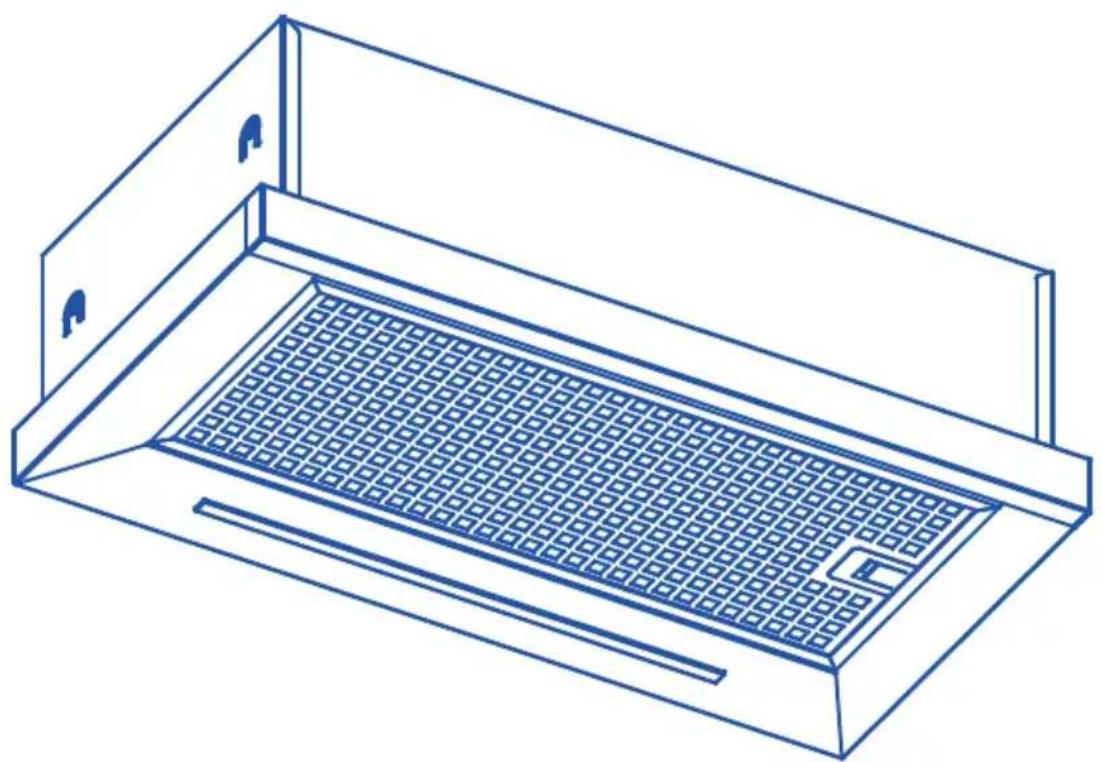
Line drawing of a technical enclosure or storage unit with a grid-patterned base and mounting brackets (no text or symbols)ES MANUAL DE INSTRUCCIONES
EN INSTRUCTIONS FOR USE
FR MANUEL D'UTILISATION
PT MANUAL DE INSTRUÇÕES
DE GEBRAUCHSANWEISUNG
NL HANDLEIDING
IT MANUALE DI INSTRUZIONI

flowchart
graph TD
    A["•"] --> B["•"]
    B --> C["•"]
    C --> D["•"]
    D --> E["•"]
    E --> F["•"]
    F --> G["•"]
    G --> H["•"]
    H --> I["•"]
    I --> J["•"]
    J --> K["•"]
    K --> L["•"]
    L --> M["•"]
    M --> N["•"]
    N --> O["•"]
    O --> P["•"]
    P --> Q["•"]
    Q --> R["•"]
    R --> S["•"]
    S --> T["•"]
    T --> U["•"]
    U --> V["•"]
    V --> W["•"]
    W --> X["•"]
    X --> Y["•"]
    Y --> Z["•"]
    Z --> A["•"]

natural_image
Icon showing two open boxes with warning symbols and a gear symbol, no text present
EN IMPORTANT - Please read carefully the separate safety guide before use.
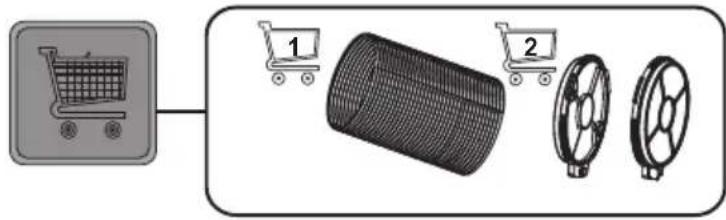
flowchart
graph LR
    A["Shopping Cart"] --> B["Recycle Bin"]
    B --> C["Wheel rim 1"]
    B --> D["Wheel rim 2"]
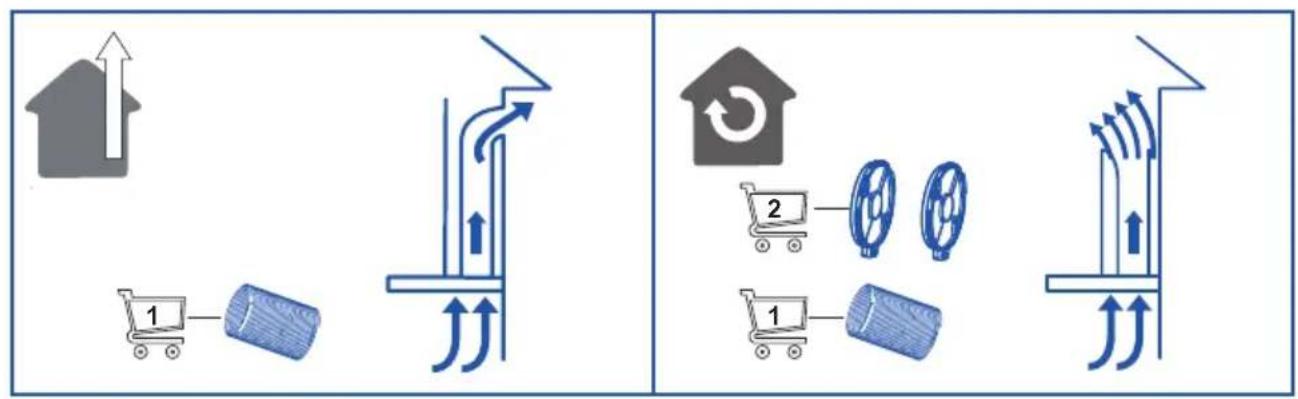
flowchart
graph TD
    A["House with upward arrow"] --> B["Shopping cart 1"]
    B --> C["Recycle with roller down"]
    C --> D["Upward arrow to next step"]
    D --> E["Home with recycling symbol"]
    E --> F["Shopping cart 2"]
    F --> G["Rolls down with rollers"]
    G --> H["Upward arrow to next step"]
    H --> I["Delivery with scroll icons"]
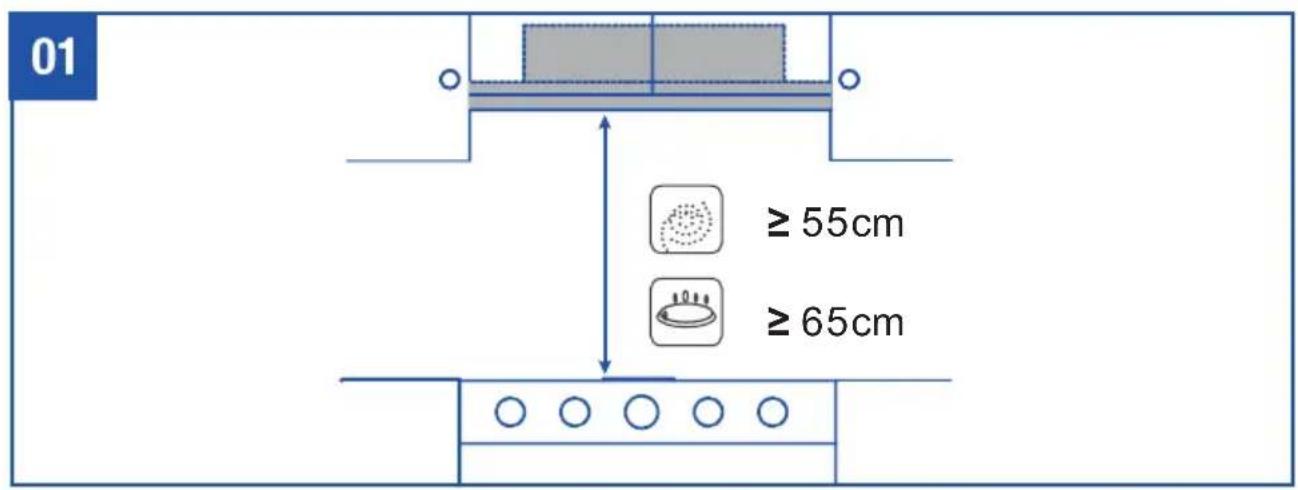
06


natural_image
Technical line drawing of a mechanical device with internal components and directional arrows indicating motion (no text or symbols)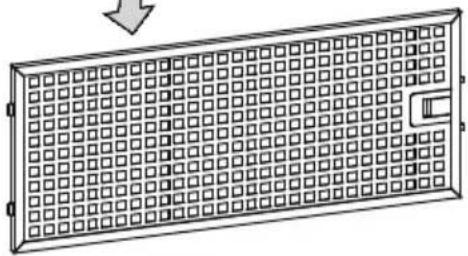
natural_image
Diagram of a rectangular panel with grid pattern and a handle, no text or symbols present3 MESES
3 MONTHS
3 MOIS
3 MESES
3 MONATE

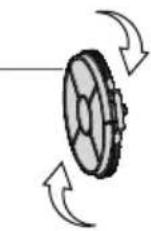
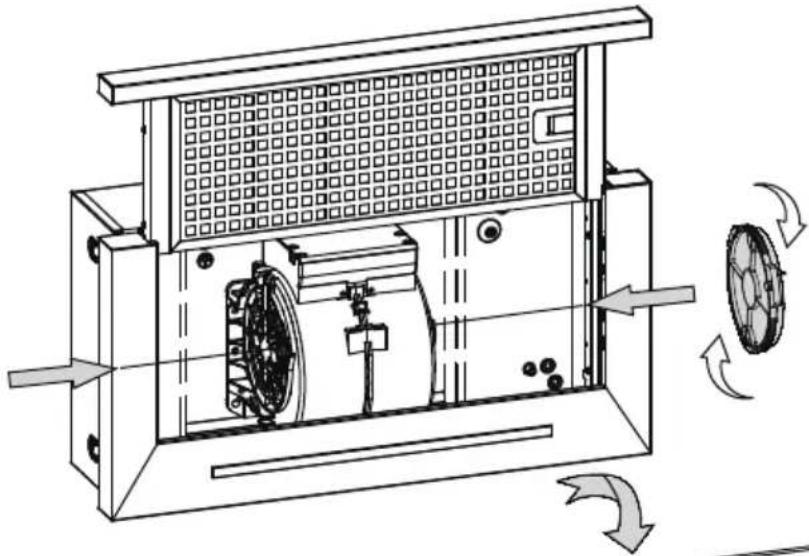
Warning: always switch off the electricity supply before carrying out maintenance work on the hood. In the event of a fault, contact an official distributor or authorised dealer.
Cleaning the outside: use liquid, non-corrosive detergent and avoid using abrasive cleaning products and solvents. Do not use high-pressure or steam cleaning devices.

Important: increase the filter cleaning/replacement frequency if the hood is used for more than 2 hours a day. Always use genuine filters from the manufacturer.
Grease cleaning
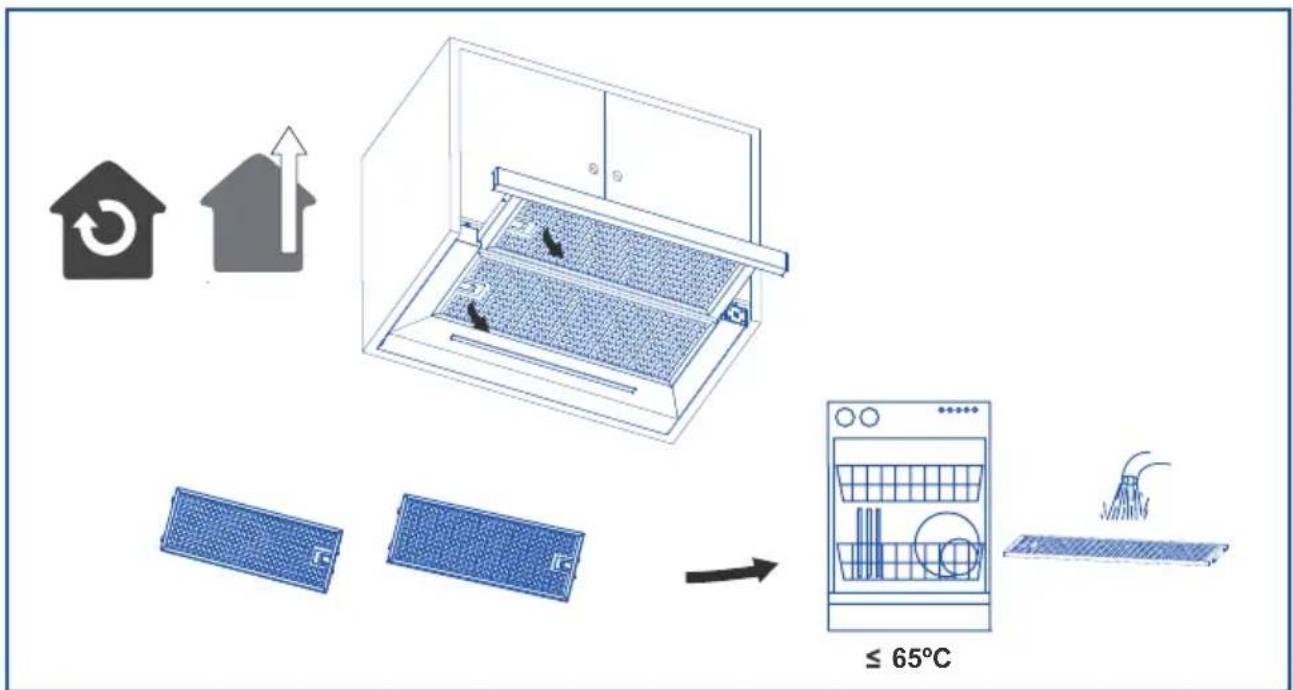
To avoid fires, clean thoroughly once a month or whenever the display pilot light indicates as such. To do so, remove the filters and wash with hot water and detergent. If using a dishwasher (metal parts may turn black without this affecting their functional capacity), load the filters vertically to avoid solid residue from being deposited.
1 MONTH
| Problem Possible cause | Use Solution | |
| Excessive vibration. The appliance is not installed properly on the brackets. | Take down the appliance and check it is properly fixed. | |
| The light is on, but the fan does not work. | The fan blade is damaged. | Switch off the appliance. Repair to be carried out by qualified service personnel only. |
| The fan motor is not fixed tightly. | ||
| Both the light and motor do not work. | The fan blade is jammed. | |
| The motor is damaged. | ||
| Suction performance reduced. | Light bulb blown. | Contact Customer Services on. |
| Power connection loose. Check power supply. | ||
| Speed may be too low. Select a higher speed. | ||
| Aluminium filters are dirty. | Clean the aluminium filters. (See Care and maintenance section). | |
| Top vent might be obstructed. | Clear any obstruction. | |
| Optional vent kit might be twisted. Ensure that the vent kit is fitted according to the manufacturer's instructions. | ||
| The installation may not comply with the manufacturers instructions. | The vent hose should be correct diameter throughout with no reductions or restriction.(See installation section). | |
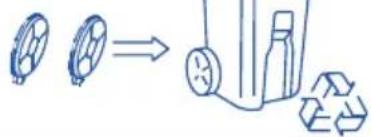
| Works normally but cooking smells linger. | Carbon filter is not fitted in recirculation mode or is full of grease. | Fit carbon filter or replace the carbon filter (See Care and maintenance section). |
| The hood does not work | Check that the hood is connected to power. Check that the fuses or automatic have not jumped. | |
| The hood still does not work | If, after having checked the points mentioned above, your problem has not yet been solved, contact the technical service or your distributor. | |
EN
OLD PROTOCOL
- Reset the Hood switching off the power for 60" and then switch on again; the Hood starts with "stand by".
- Press the 🔒 button between 5 or 10 seconds. The 🔒 button flashes red. Other buttons display white and are fixed. The display keep off.
- Operate ↑ or ↓ button to select the FW. Then press the timing button ⏻ for more than 2 seconds to confirm. The ⏻ button flashes red and is fixed for 5 seconds to return to the standby.
MODELS WITH OLD PROTOCOL SWITCH CONTROL
| CODE MODEL | FIRST PRODUCTION | FW | |
| ALL | TFH 6630 (FODA) | BEFORE 2022 | [ |
| ALL | TFH 6630 (ETECH) | ] | |
| 02010408 | TFH 6430 BK /A | P | |
| 02010608 | TFH 6430 X /A | P | |
| 02010008 | TFH 6430 WH /A | P | |
NEW PROTOCOL
- Reset the Hood switching off the power for 60" and then switch on again; the Hood starts with "stand by".
- Press ↑ and ↓ for more than 3 seconds at the same time. When all the buttons start to flash white, the display keep off. The hood is in setting mode.
- Press the ↑ button in the setting state, and will flashes red, the other buttons are fixed in white, and the display shows the FW number previously set.
- Select the FW through the ↓ button, and press the ↑ button again to confirm. At this time, the ↑ button is fixed in red for 5 seconds, and then it will return to the setting again (all buttons flash in white, and the display keep off).
- Let the Hood turn off and return to standby mode.
MODELS WITH NEW PROTOCOL SWITCH CONTROL
| CODE MODEL | FIRST PRODUCTION | FW |
| 02010300 | TFH 6630 X /A | 2 |
| 02010301 | TFH 6630 WH /A | 2 |
| 02010302 | TFH 6630 BK /A | 2 |
| 02010609 | TFH 6430 X /B | 8 |
| 02010009 | TFH 6430 GWH /B | 8 |
| 02010409 | TFH 6430 GBK /B | 8 |
| 02010101 | TFH 6830 GWH /A | 7 |
| 02010601 | TFH 6830 X /A | 7 |
Vet verwijderen
此页不印刷 This page will not be printed
版本号:20240307 V1.1
70g双胶纸 A5 黑白单面印刷
Brand : CATA
Model : TFH 6830 X
Category : Chime