
Cube Plus - PC Case Azza - Free user manual and instructions
Find the device manual for free Cube Plus Azza in PDF.


| Product Type | PC Case |
| Brand | Azza |
| Model | Cube Plus |
| Form Factor | Cube / Small Form Factor |
| Motherboard Support | Mini-ITX |
| Dimensions (L x W x H) | 250 x 220 x 260 mm |
| Weight | 3.5 kg (approx.) |
| Materials | Steel frame, ABS plastic panels |
| Side Panel | Tempered glass (left side) |
| Drive Bays | 1 x 3.5'' internal, 2 x 2.5'' internal |
| Expansion Slots | 2 |
| Pre-installed Fans | None |
| Fan Support | Front: 2 x 120mm; Rear: 1 x 80mm; Top: 2 x 120mm |
| Radiator Support | Front: 240mm; Top: 240mm |
| I/O Ports | 2 x USB 3.0, 1 x USB 3.1 Type-C, HD Audio |
| PSU Type | Standard ATX (not included) |
| GPU Clearance | Up to 300 mm |
| CPU Cooler Height | Up to 85 mm |
| Cable Management Space | 15 mm behind motherboard tray |
| Dust Filters | Removable front and top magnetic dust filters |
| Color | Black |
| Included Accessories | Screw kit, user manual |
| Warranty | 1 year limited |
Frequently Asked Questions - Cube Plus Azza
User questions about Cube Plus Azza
0 question about this device. Answer the ones you know or ask your own.
Ask a new question about this device
Download the instructions for your PC Case in PDF format for free! Find your manual Cube Plus - Azza and take your electronic device back in hand. On this page are published all the documents necessary for the use of your device. Cube Plus by Azza.
USER MANUAL Cube Plus Azza
natural_image
Modern digital camera case with colorful lens array and geometric screen (no text or symbols visible)| Model | |
| Model Name Cube Plus | |
| Model Number CSAZ-1002 | |
| Specifications | |
| Type NCT | |
| Side Panel Window: | Left side panel: Tempered glass |
| Max CPU Cooler Height UP to 200 mm | |
| Max Video Card Length Up to 400 mm long video card | |
| Power Supply Not included | |
| Motherboard Compatibility ATX(Back-connect supported)、Micro ATX、ITX | |
| Expansion | |
| External 5.25" Drive Bays 0 | |
| Internal 2.5" Drive Bays Up to 1 | |
| Internal 3.5" Drive Bays Up to 1 | |
| Expansion Slots 7 | |
| I/O Ports | Power button, LED button, HD Audio Combo, USB 3.0 x 2, Type C x1 |
| Physical Specifications | |
| Dimensions (HxWxD) | 689 x 626 x 723 mm / 27.1 x 24.6 x 28.4 inches |
| Weight | 12.7 Kg /28 lbs |
| Features | |
| Addressable RGB Light | Addressable RGB devices connected to the AZZA HUB can be controlled with the LED button or motherboard lighting software. |
| Available Fan Port | 3x120mm fan ports in the front (Included FNAZ-12DRGB3/HURRICANE III x 3)3x120mm fan ports on the mb side3x120mm fan port in the rear (Included FNAZ-12DRGB3/HURRICANE III x 3) |
| Water Cooling | Supports radiators up to 360mm in the rearSupports radiators up to 360mm in the mb side |
| Power Supply Support | Bottom mounted ATX Power Supply |
| Included Accessories | AZZA Hub(ARGB+PWM controller) |
Front I/O
Power button, LED button HD Audio Combo, USB 3.0 x 2, Type C x1

natural_image
3D cutaway view of a computer tower showing internal fan blades and ventilation (no text or symbols)
natural_image
Simple geometric shape with two diagonal lines inside a square frame (no text or symbols)Glass Panel Installation

natural_image
Black hard disk computer case with multiple fans and a hexagonal mesh grille (no visible text or symbols)
natural_image
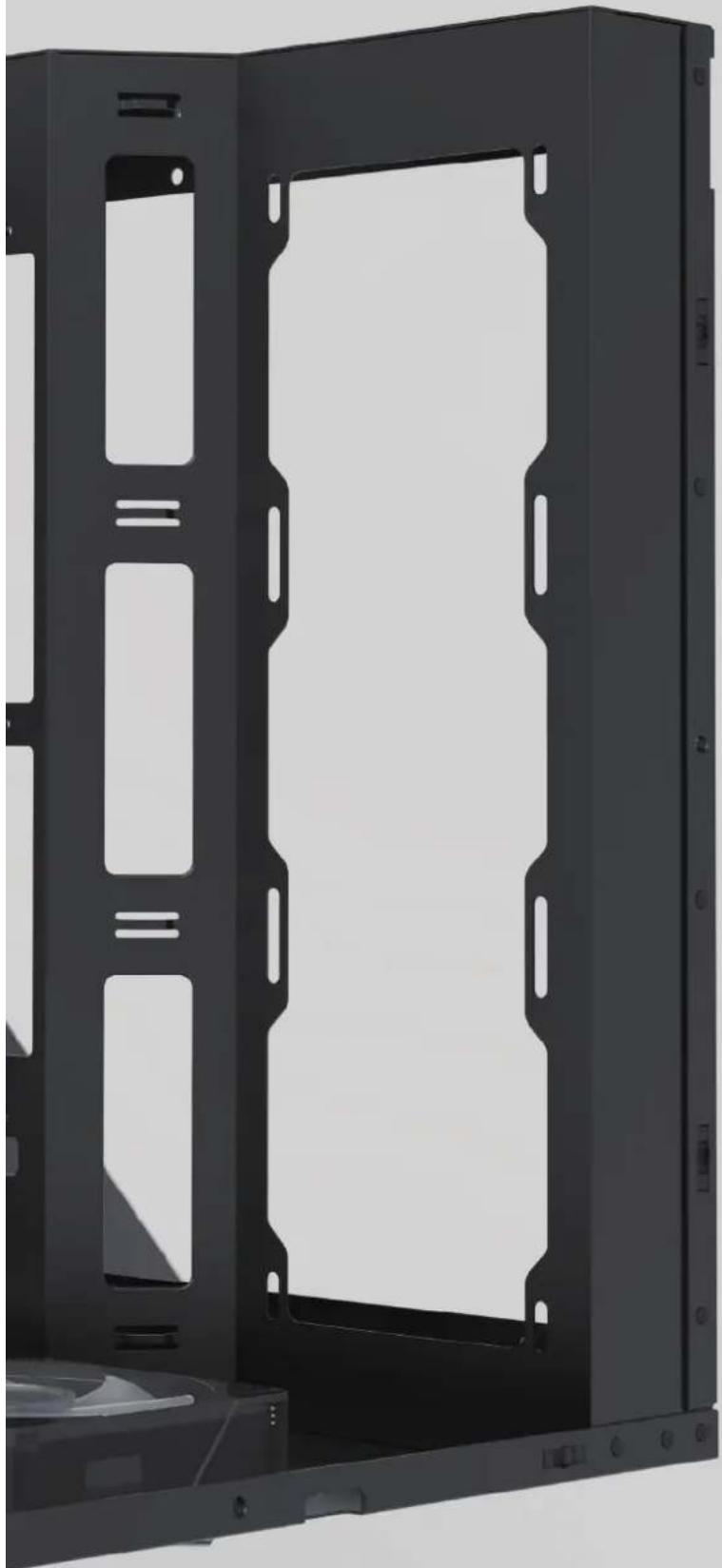
Simple geometric shape with two diagonal lines inside a square frame (no text or symbols)All Panels Removal View
natural_image
Exterior view of a black hard disk drive unit with mounting holes and ventilation slots (no text or symbols visible)Fans Installation
Supports up to
120 mm x 3

natural_image
Three identical circular fan icons with radial blades, arranged horizontally (no text or symbols)or
360 mm water cooling

natural_image
Three identical circular fan icons arranged horizontally on a rectangular base (no text or symbols)MB Support

GPU Support

GPU (up to 400mm)
Storage Drive Installation
Supports up to 1 x 3.5" HDD or 1x 2.5" SSD
x1 x1

Power Installation
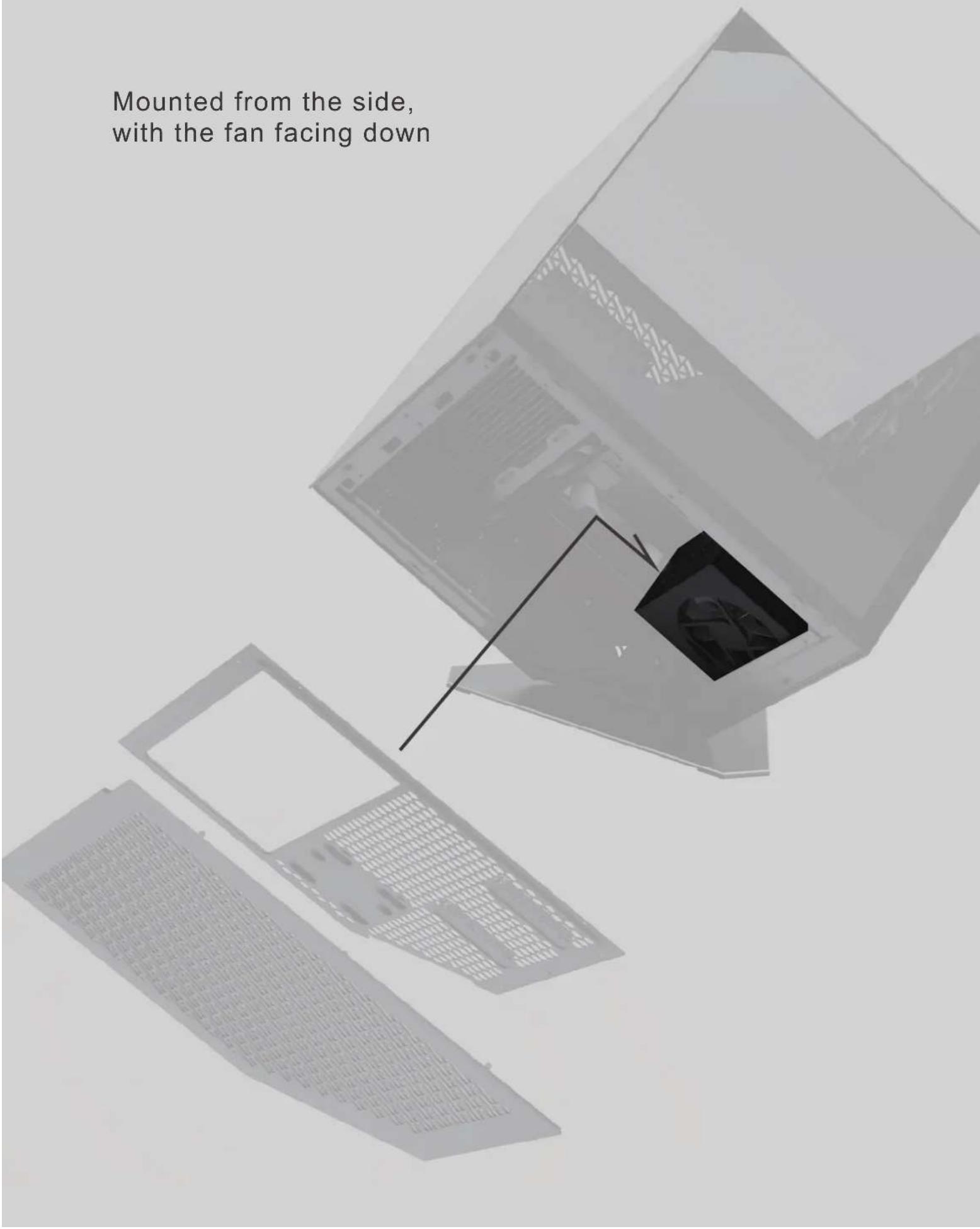
Mounted from the side, with the fan facing down

natural_image
Stacked black-and-white image of a computer tower case with visible fan blades and ventilation grilles (no text or symbols)Panel Installation

Ports and connectors
1.) 7x3 pin ARGB ports (supports ARGB devices: ARGB fan, ARGB strips...etc)
2.) 6x4 pin PWM fan ports
3.) 1x2 pin connector to Reset (or LED) switch
4.) 1xSATA power connector
5.) 1x3 pin ARGB connector to MB
6.) 1x4pin PWM fan connector to MB
Functions:
1.) Total of 17 lighting modes
2.) Lighting modes can be controlled by Reset (or LED) switch, or can be controlled by MB.
(Hold the LED button for 3 seconds to switch the RGB control function between motherboard RGB software and LED button)
A.) Magnet on the back of the hub box or using velcro on the back of the hub box, it can put in any place inside the metal part of the case.
B.) 6 sets of ARGB port next to PWM port to ease the connection on fans

natural_image
Abstract logo design featuring a stylized star and the letters 'AZZA' (no text or symbols beyond the logo design)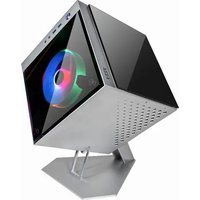

Brand : Azza
Model : Cube Plus
Category : PC Case