Legionaire - PC Case Azza - Free user manual and instructions
Find the device manual for free Legionaire Azza in PDF.


| Product Type | ATX Mid Tower |
| Model Number | CSAZ-470 |
| Color | Black / Black (interior) |
| Dimensions (HxWxD) | 483 x 220 x 440 mm (19 x 8.7 x 17.3 inches) |
| Weight | 6.1 kg (13.5 lbs) |
| Motherboard Compatibility | E-ATX, ATX, Micro ATX, ITX |
| Max CPU Cooler Height | Up to 170 mm |
| Max Video Card Length | Up to 400 mm |
| Power Supply Support | Bottom mounted ATX (not included) |
| External 5.25" Drive Bays | 0 |
| Internal 2.5" Drive Bays | Up to 4 |
| Internal 3.5" Drive Bays | Up to 2 |
| Expansion Slots | 7 |
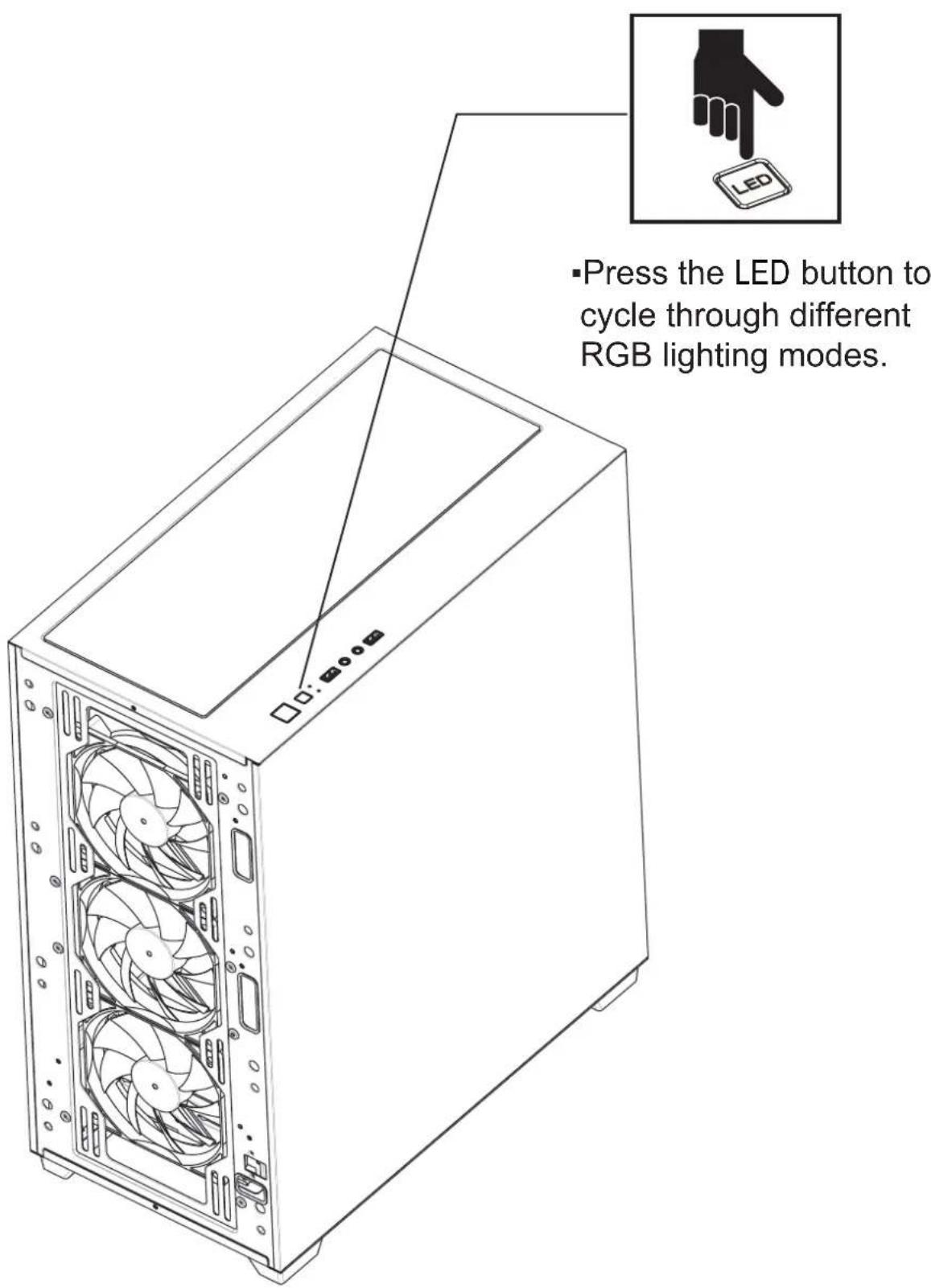
| Front Panel Ports | Power button, LED button, HD Audio, USB 3.0 x 2 |
| Side Panel Window | Left side: slidable iron mesh side panel |
| Included Fans | 3x 120mm ARGB front, 1x 120mm ARGB PWM rear |
| Fan Ports (Front) | 3x 120mm or 3x 140mm |
| Fan Ports (Top) | 3x 120mm or 2x 140mm |
| Fan Ports (Rear) | 1x 120mm |
| Fan Ports (PSU Shroud) | 2x 120mm |
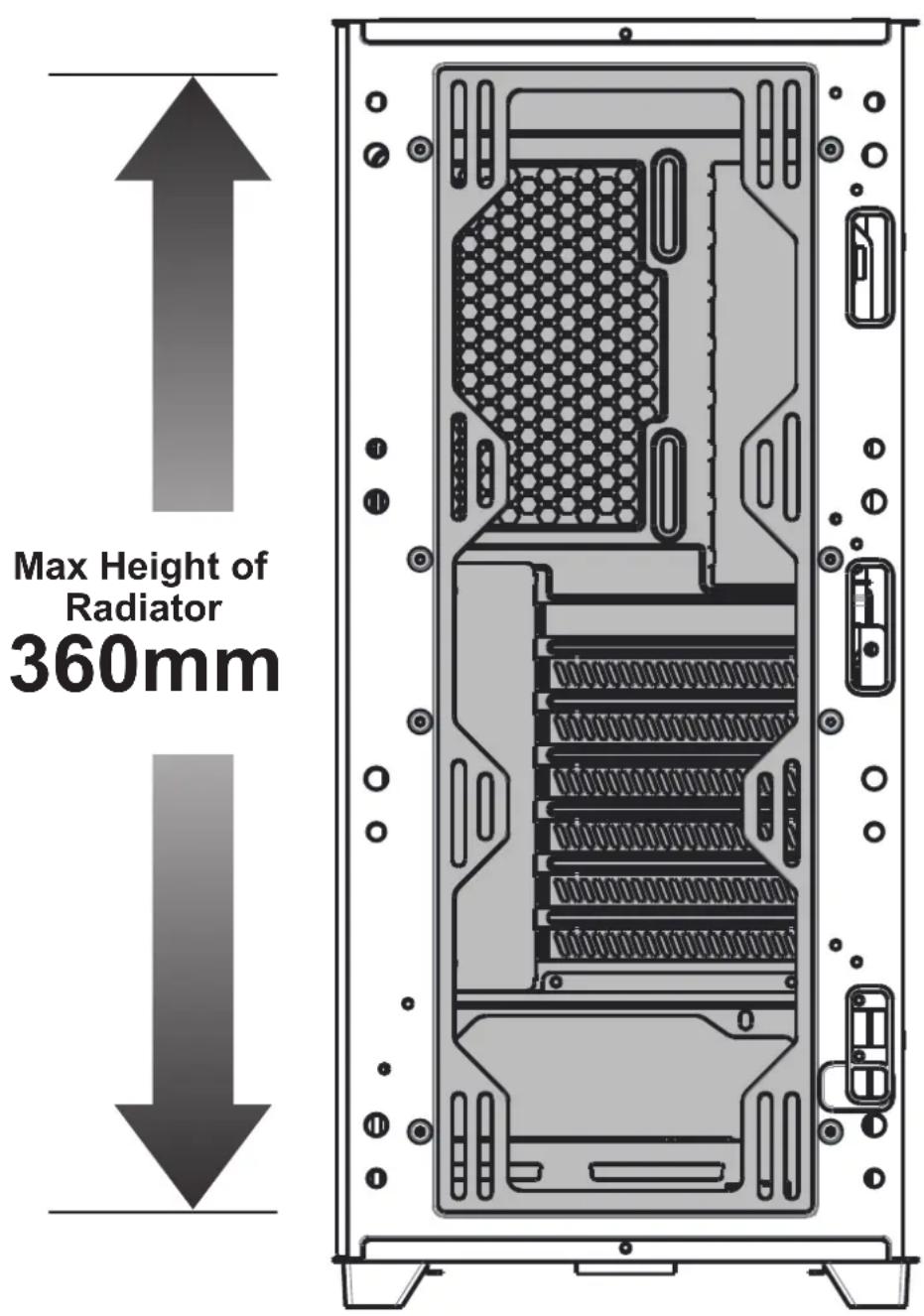
| Water Cooling Support (Front) | Up to 280/360mm radiator |
| Water Cooling Support (Top) | Up to 240/280mm radiator |
| Dust Filters | Removable magnetic top dustnet, bottom dust filter |
| Lighting Control | LED button for ARGB modes; long press 3s switches to motherboard control |
| Drive Mounting | Multifunctional brackets for 3.5" HDD or 2.5" SSD; cage for 3.5" HDD or 2.5" SSD |
Frequently Asked Questions - Legionaire Azza
User questions about Legionaire Azza
0 question about this device. Answer the ones you know or ask your own.
Ask a new question about this device
Download the instructions for your PC Case in PDF format for free! Find your manual Legionaire - Azza and take your electronic device back in hand. On this page are published all the documents necessary for the use of your device. Legionaire by Azza.
USER MANUAL Legionaire Azza
natural_image
Line drawing of a multi-tiered storage unit with perforated panels and vertical supports (no text or symbols)USER MANUAL
- Specifications
- Chassis Parts
- Control Panel Functions
- 3.5"/2.5" HDD/SSD Installation
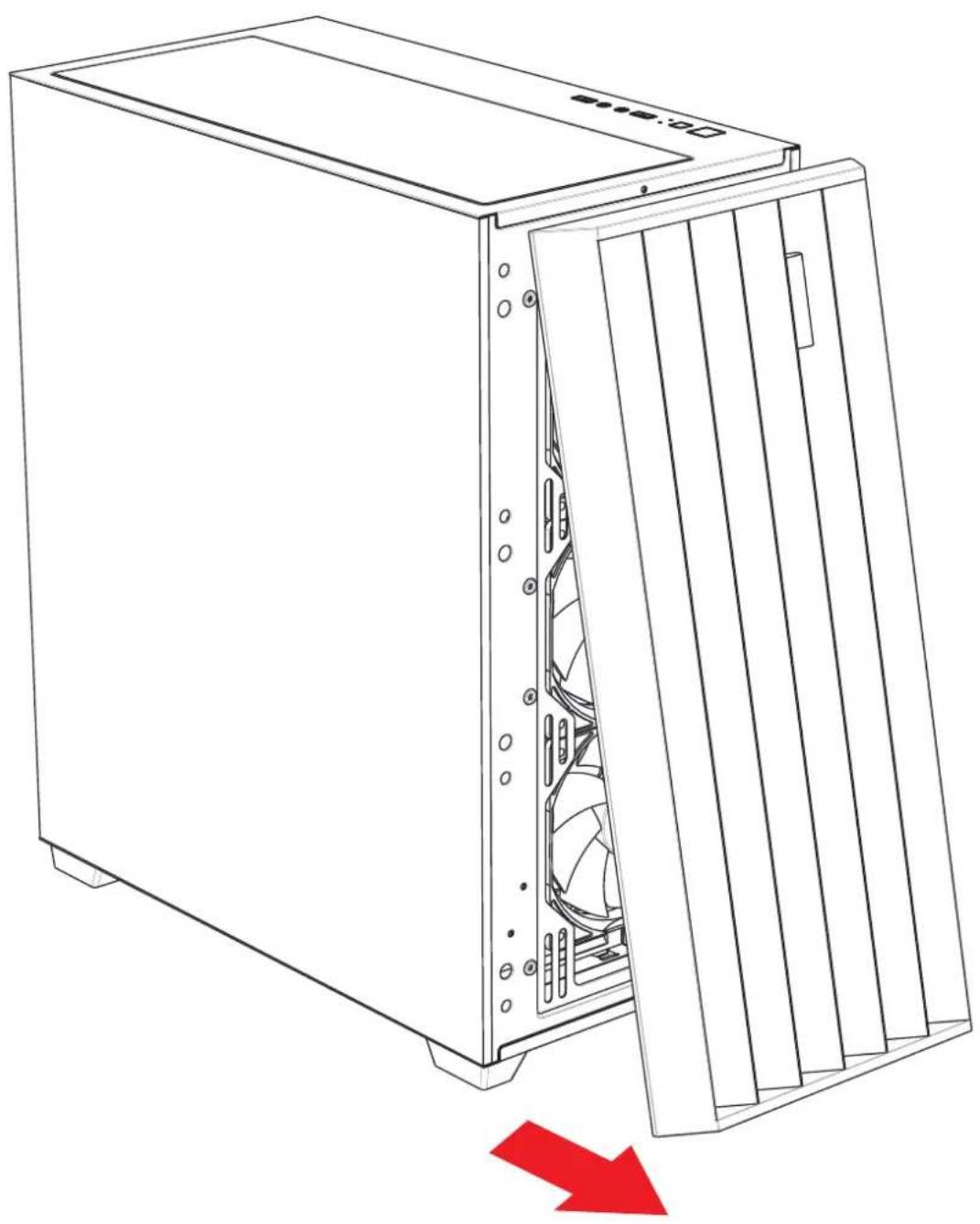
- Remove the Front Panel Instructions
- Cooling System Installation
- Master Fan & Sub-fan Installation
- PSU Fans Installation
- Fan Installation
- RGB Lighting Switching
| Model | |
| Model Name: Legionaire | |
| Model Number: CSAZ-470 | |
| Specifications | |
| Type: ATX Mid Tower | |
| Color: Black/Black(interior) | |
| Side Panel Window: Left side panel:slidable iron mesh side panel | |
| Max CPU Cooler Height: UP to 170 mm | |
| Max Video Card Length: Up to 400 mm long video card | |
| Power Supply: Not included | |
| Motherboard Compatibility: | E-ATX、ATX、Micro ATX、ITX |
| Expansion | |
| External 5.25" Drive Bays: 0 | |
| Internal 2.5" Drive Bays: Up to 4 | |
| Internal 3.5" Drive Bays: Up to 2 | |
| Expansion Slots: | 7 |
| Top Ports: | Power button, LED button, HD Audio, USB 3.0 x 2 |
| Physical Specifications | |
| Case Dimension (HxWxD) 483x220x440mm/19x8.7x17.3 inches | |
| Weight: | 6.1Kg /13.5lbs |
| Features | |
| Mesh side panel: | The full mesh side windows allow for clear visuals to inner components and increased air intake,having maximum airflow performance. |
| Addressable RGB Light Effects: | ARGB fans are controlled using the LED button. All addressable RGB devices can sync with themotherboard,allowing the motherboard software to control lighting directly. |
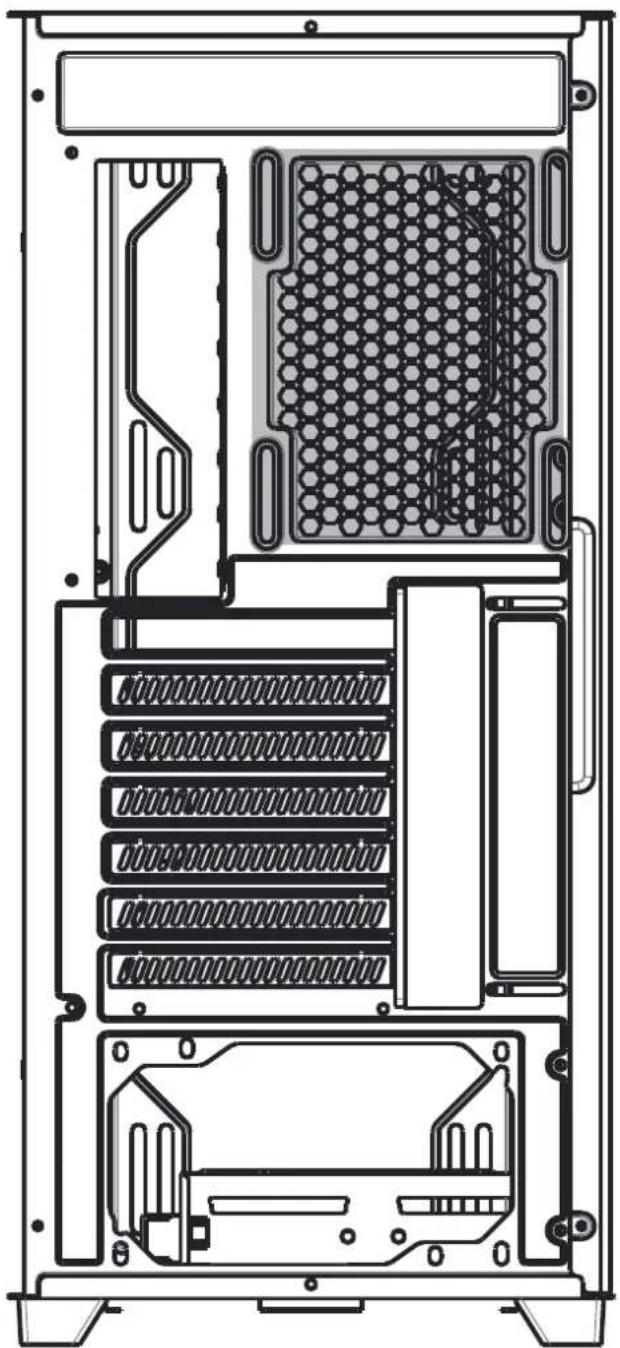
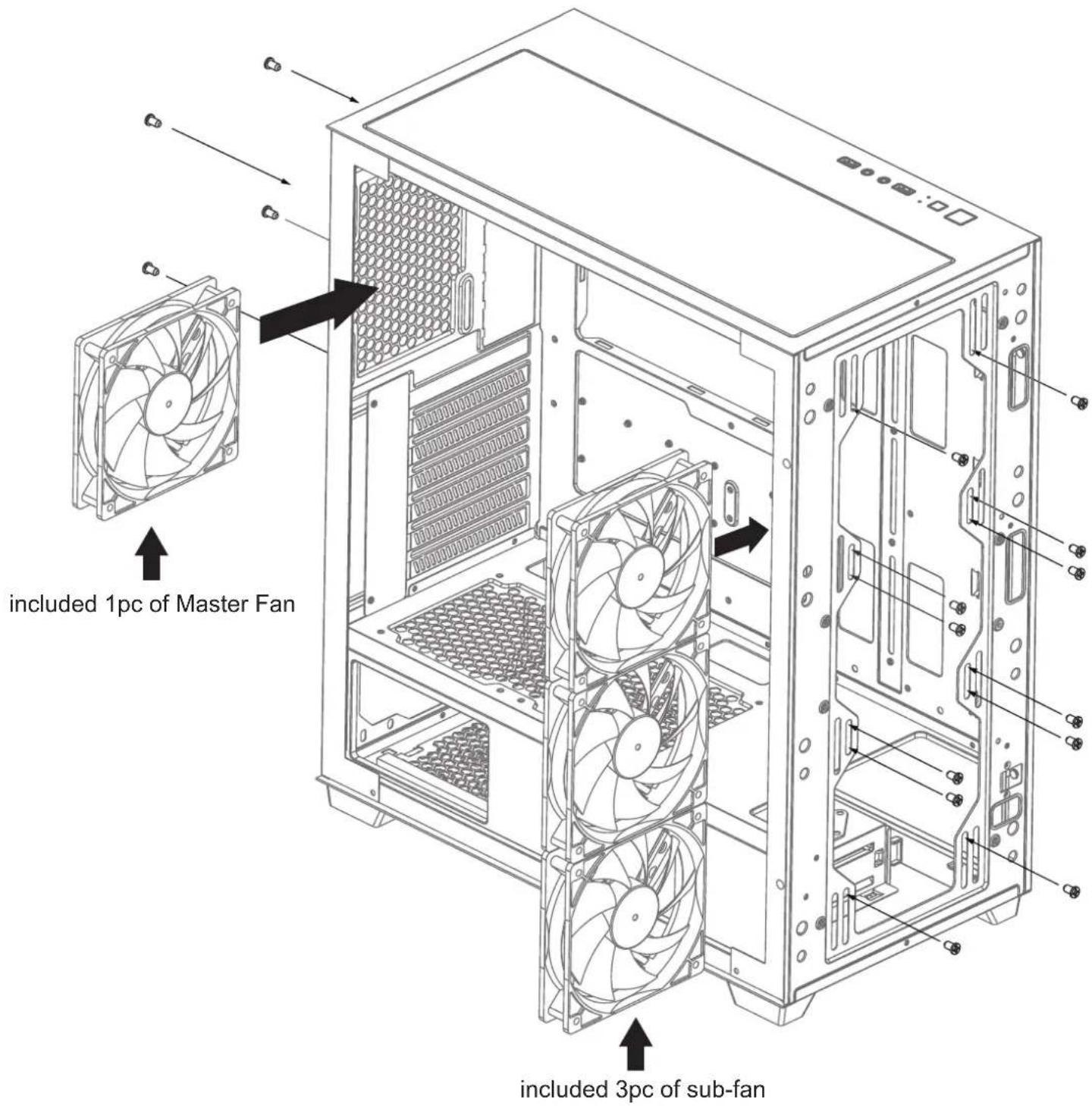
| Available Fan Ports: | 3x120mm or 3x140mm fan ports in the front (3x120mm LFO-3812D addressable ARGB fan included)3x120mm or 2x140mm fan ports on the top1x120mm fan port in the rear (1x120mm LFO-3812D addressable ARGB PWM fan included)2x120mm fan ports on the Power Supply Shroud |
| Water Cooling: | Supports radiators up to 280/360mm in the frontSupports radiators up to 240/280mm in the top |
| Dust Filters: | Removable (magnetic) dustproof net on the top, dust filter on bottom of chassis. |
| Power Supply Support: Bottom mounted | ATX Power Supply |

| 1 | Front panel |
| 2 | Metal side panel |
| 3 | Mesh side panel |
| 4 | Removable dust filter |
| 5 | Removable magnetic mesh |
| 6 | 2.5" SSD tray x 2 |
| 7 | Hard disk cage |
| 8 | 3.5" HDD/ 2.5" SSD brackets |

natural_image
Pure electrical circuit lines without any symbols| POWER | |
| LED | |
| Mic | |
| Audio |
| USB 3.0 | |
| USB 3.0 |

- Supports up to 400mm long video cards.
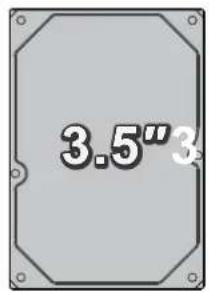
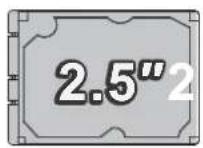
or
natural_image
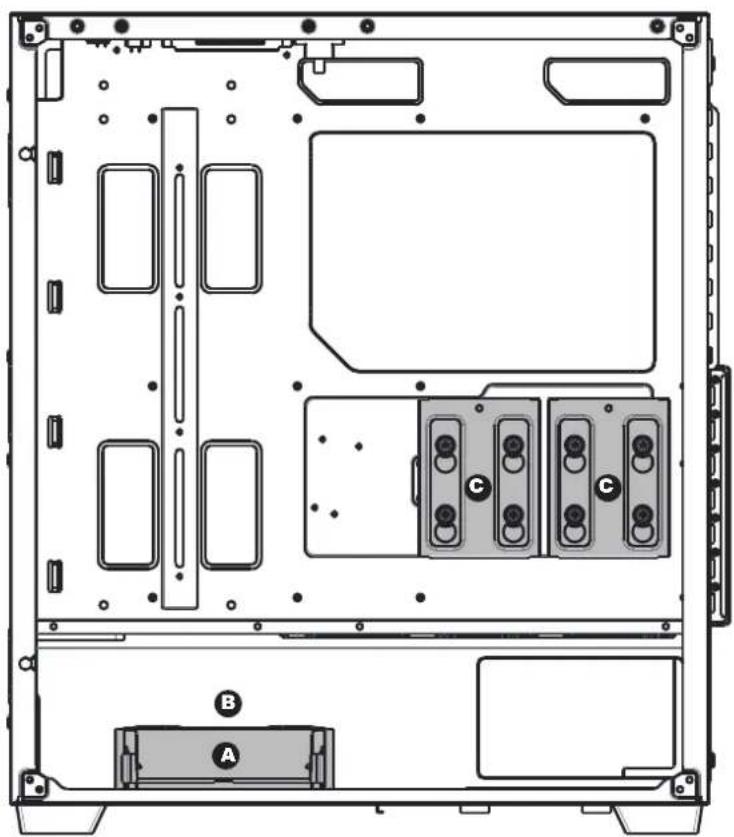
Technical diagram of an internal computer chassis showing drive bays and labeled components (A, B, C), no text or symbols present.- Multifunctional hard disk bracket support 3.5" HDD or 2.5" SSD x 1 ( A )
- Multifunctional hard disk bracket support 2.5" SSD x 2 ( © )
- Multifunctional hard disk cage support 3.5" HDD or 2.5" SSD x 1( B )
natural_image
Line drawing of a server rack with visible fan blades and internal components, no text or symbols presentFront

natural_image
Line drawing of a fan with six blades, no text or symbols present120mm x3
or

natural_image
Line drawing of a fan with six blades, enclosed in a square frame (no text or symbols)140mm x3
Top

natural_image
Line drawing of a fan with six blades, no text or symbols presentor
natural_image
Line drawing of a fan with six blades, no text or symbols present120mm x3 140mm x2

natural_image
Rectangular device with a grid of circular holes and a small icon below (no text or symbols on the main body)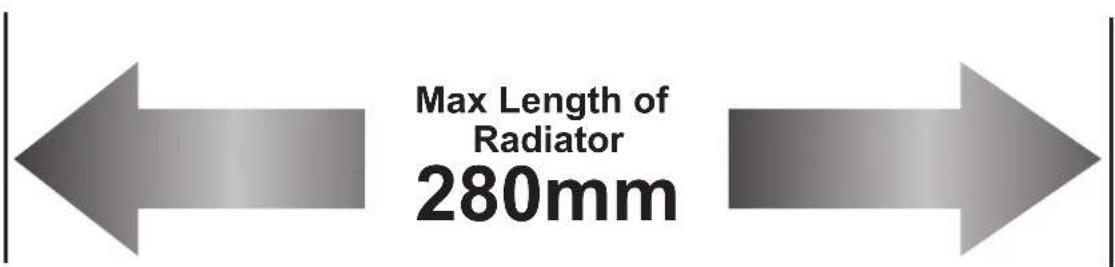
Rear
natural_image
Technical line drawing of a computer tower internal structure showing drive bays, RAM slots, and ventilation grilles (no text or labels)
natural_image
Line drawing of a fan with six blades, no text or symbols present120mm x1

natural_image
Technical line drawing of a computer tower case with visible fan and drive components (no text or labels)2x120mm fan ports on the Power Supply Shroud

| CONNECTOR CONNECTION | CONNECTION | |
| 1 | Reset (LED) S/W (2pin) | LED Button |
| 2 | ARGB LED 5V (3pin) female connector | The 5V/3pin ARGB socket of the motherboard |
| 3 | Fan Connector | The master Fan connect to the sub-fan |
| 4 | Fan Connector PWM (4pin) | CHA_FANx socket of the motherboard |
| 5 | SATA Power Supply | |
| 6 | ARGB LED 5V (3pin) male connector | Other 5V/3pin ARGB devices |
| 7 | Logo ARGB LED connector | The last sub-fan female connector |
※Before the fan starts, please make sure the PWM connector ④ and SATA connector ⑤ each are connected.
※Press the LED button to cycle through different RGB lighting modes, all ARGB devices are controlled by the LED button. (make sure the other 3pin ARGB devices are connected with ⑥)
※Ensure ② insert the motherboard, hold the LED button for 3 seconds to switch the RGB control function between motherboard RGB software and LED button.