
Touch 2.5 - Smartwatch Overmax - Free user manual and instructions
Find the device manual for free Touch 2.5 Overmax in PDF.


| Product Type | Smartwatch |
| Brand | Overmax |
| Model | Touch 2.5 |
| Compatible Operating Systems | Android 4.4 and up, iOS 7.0 and up |
| Required App (Android) | FunDo SmartDevice |
| Required App (iOS) | Fundo Wear |
| Connectivity | Bluetooth |
| Display | Touchscreen (specifics not provided) |
| Sensors | Accelerometer, Heart rate sensor |
| Pedometer | Counts steps, calculates calories; requires height/weight input |
| Heart Rate Monitor | Measures heart rate in real-time |
| Sleep Monitor | Tracks movement during sleep, calculates quality |
| Sedentary Reminder | Reminds to move after set inactivity period |
| Stopwatch | Accuracy 0.1 second, with lap counting |
| Find Device | Triggers audible alarm on paired phone |
| Gesture Control | Wake by waving, answer call by shaking, switch screens by moving |
| Bluetooth Music Control | Volume up/down, track change |
| Remote Camera Shutter | Takes photo from paired phone |
| Notifications | Read messages, email, call alerts (full text on Android, notification only on iOS) |
| Battery | Built-in rechargeable (specific capacity not provided) |
| Maintenance | Wipe with a soft, dry cloth; avoid water exposure |
| Spare Parts Availability | Contact manufacturer for service |
Frequently Asked Questions - Touch 2.5 Overmax
User questions about Touch 2.5 Overmax
0 question about this device. Answer the ones you know or ask your own.
Ask a new question about this device
Download the instructions for your Smartwatch in PDF format for free! Find your manual Touch 2.5 - Overmax and take your electronic device back in hand. On this page are published all the documents necessary for the use of your device. Touch 2.5 by Overmax.
USER MANUAL Touch 2.5 Overmax
1. Connecting with Android devices
Supported operating systems: Android 4.4 and up.
Please use the following application in order to operate your smartwatch via an Android mobile device:
FunDo SmartDevice
Connecting your smartwatch with an Android device:
-
Enable bluetooth in both devices.
-
Run the installed FunDo app and log in using your mail account (follow the instructions in order to create an account).
-
After you log in, enter the bluetooth menu of the smartwatch and search for available mobile devices. Then, select your mobile device and pair it with the smartwatch (follow the smartphone instructions).
-
Once the connection is established, the icon appears on the screen of your smartwatch, and - on your mobile device.
2. Connecting with iOS devices
Supported operating systems: iOS 7.0 and up.
Please use the following application in order to operate your smartwatch via an iOS mobile device:

Fundo Wear
Connecting your smartwatch with an iOS device:
-
Enable bluetooth in both devices.
-
Run the installed FunDo app and log in using your mail account (follow the instructions in order to create an account).
-
After you log in, search for available mobile devices and connect with the smartwatch.
-
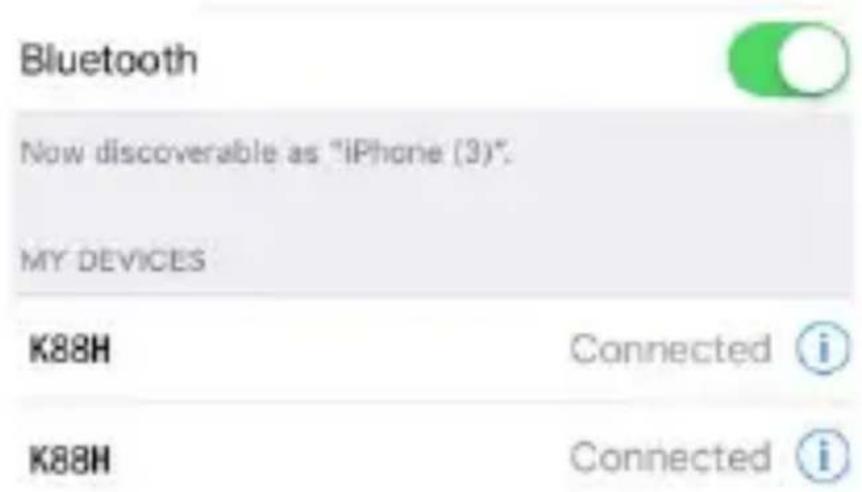
Once the connection is established, the icon appears on the screen of your smartwatch, and there is a following message in the Bluetooth menu of your mobile device:
In order to test the connection you can use “Find the device” feature of your smartwatch. Once you run it, the paired mobile device emits an audible alarm.
3. Main functions of the smartwatch
Pedometer:
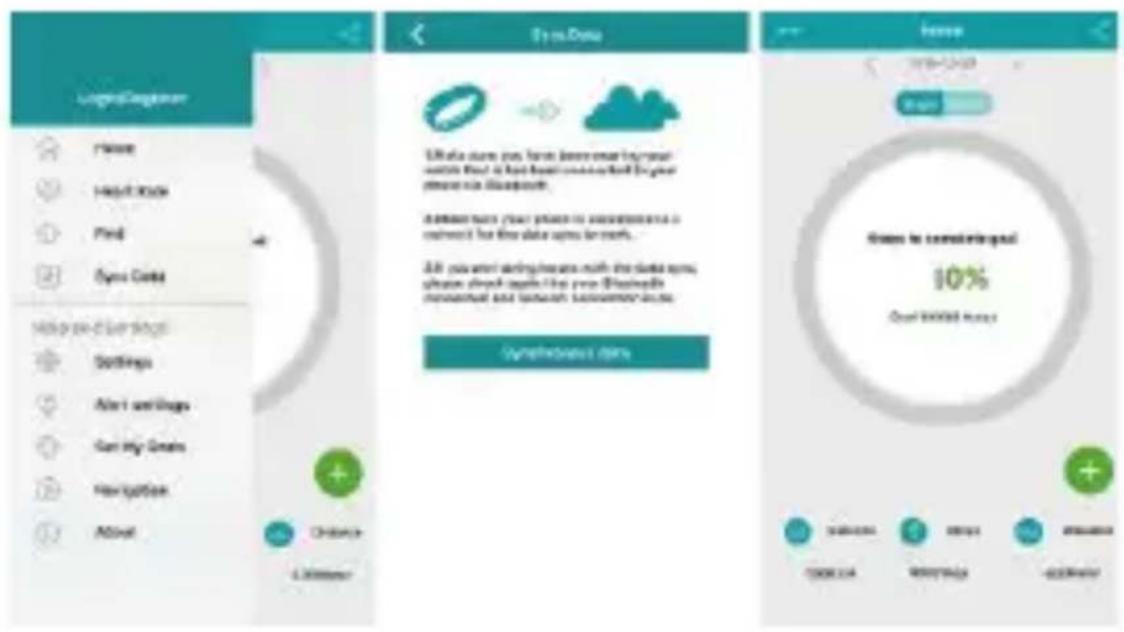
The application counts the steps we made while walking or running. Based on this data it also calculates the number of burned calories. In order to make the results reliable you must first provide such details as your height and weight. To start using this feature, run the app and click "Start".
All the data will also be displayed on your mobile phone via the "Fundo" app:
Sedentary reminder:
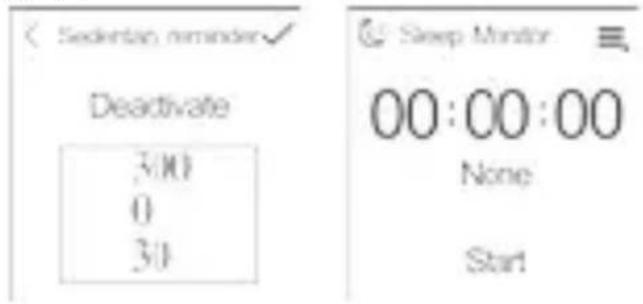
The feature reminds you to move during sedentary activities. Just run the app and select the time you want. Then, your smartwatch will remind you each time you stay inactive during that period.
Stopwatch:
The feature measures the amount of time with an accuracy of 0.1 second. It can also count laps.
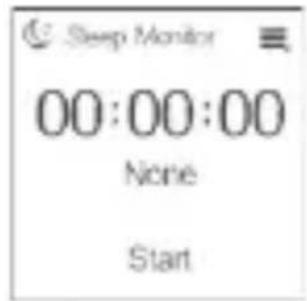
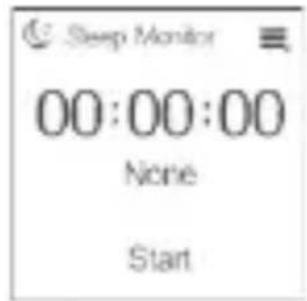
Sleep monitor:
The feature monitors your moves during sleep and calculates its quality.
Heart rate monitor:
The device allows you to measure your heart rate.
Heart rate monitors are often used by athletes.
Find the device:
When you activate this feature the mobile device paired with your smartwatch starts to emit beep sounds so that you can easily find it.
Gesture operations:
Wave your hand up to wake the screen of the smartwatch.
Shake your hand to receive an incoming call.
Move the screen to switch between menu screens.
Synchronization:
Date and time
When you pair the smartwatch with a mobile device, the date and time of the two devices will be synchronised.
Messages:
A message received on your mobile device is send to the notifications of the smartwatch. The notifications can be read.
Info: In case of Android devices, the whole messages are sent to smartwatch notifications. In case of iOS devices, the smartwatch receives only messages notifications.
Phone:
The feature allows you to receive phone calls.
Calls:
In In case of an incoming call a green and a red circle appear on the screen of the Smartwatch. Slide the green icon right to receive a phone call, and slide the red one left to end it.
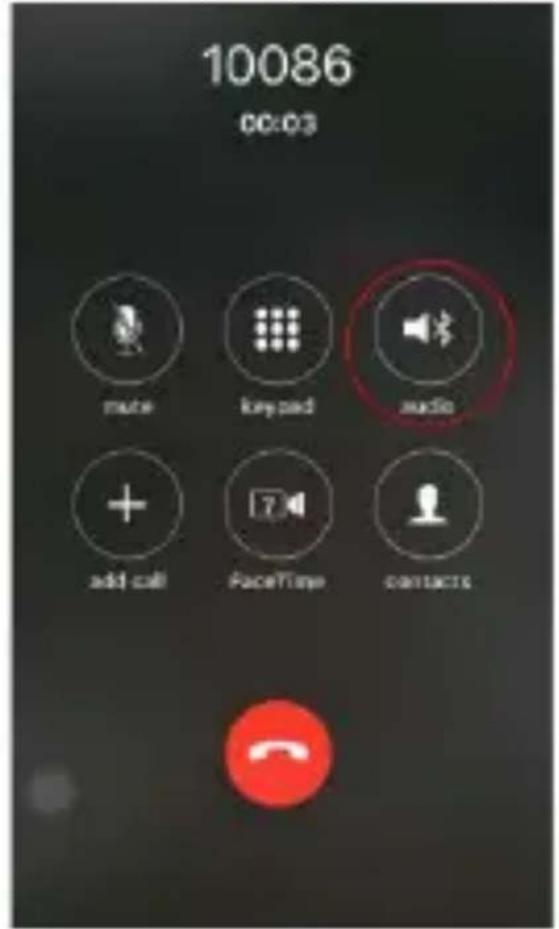
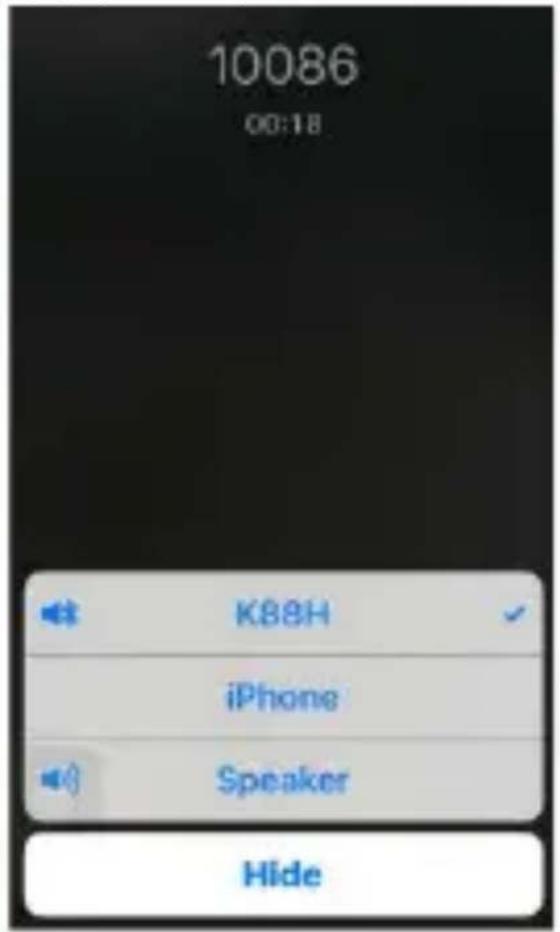
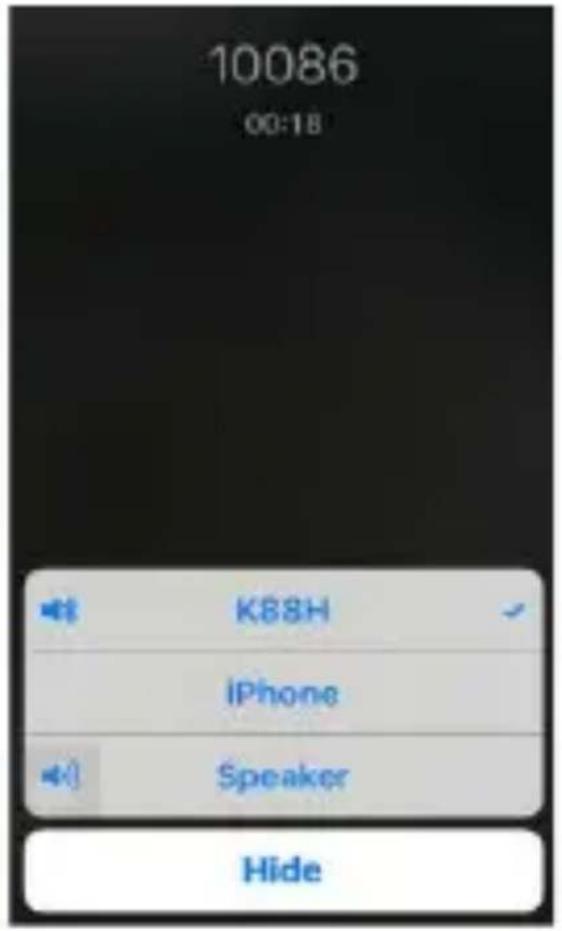
NOTE: In case of iOS devices, to be able to communicate via Smartwatch, go to iOS system settings
and change the source of communication to Touch 2.5.
Contact list
This feature allows you to browse the contact list of your mobile device.
Bluetooth music:
This feature allows you to use the smartwatch to operate the music player of a paired mobile device. Available operations: volume up, volume down and change track.
Remote shooting:
This feature allows you to use the smartwatch to take a photo with a paired mobile device.
Calendar:
The app displays a current day, month and year.
E-mail synchronization:
If there is an active E-mail account on your mobile device, after the synchronisation the messages are sent to the smartwatch and you can use it to read them.
Note: All the pictures in the manual have been submitted for illustrative purposes only and are subject to change without prior notice. All the information in the manual is also subject to change without prior notice.
Książka adresowa:
Memento sedentar:
Caracteristica va aminteste ca trebuie sa va deplasati in timpul activitatilor sedentare. Trebuie doar sa rulati aplicatia si sa selectati timpul dorit.
Apoi, smartwatch-ul va va aminti de fiecare data cand stati inactivi in acea perioada.
Cronometru:
Lista de contacte
Ülés emlékeztető:
Stopwatch:
Névjegyzék
Declaration of Conformity Product details
For the following
Product: Smartwatch
Model(s) : OV-Touch 2.5
Declaration & Applicable standards
We, BrandLine Group Sp. z o. o., hereby declare under our sole responsibility that the of the above referenced product complies the following directives:
R&TTE Directive
1999/5/EC
EMC Directive
2004/108/EC
Low Voltage Directive 2006/95/EC
RoHS Directive 2011/65/EU
The following harmonized standards have been applied:
Safety and Health:
EN 62479: 2010
EN 60950-1: 2006+A11: 2009+A1: 2010+A12: 2011+A2: 2013
EMC:
EN 301 489-1 V 1.9.2 (2011-09)
EN 301 489-17 V 2.2.1 (2012-09)
RF Spectrum Efficiency:
EN 300 328 V1.8.1 (2012-06)
Representative
BrandLine Group Sp. z o. o.
- Connecting with Android devices
- FunDo SmartDevice
- Connecting your smartwatch with an Android device:
- Connecting with iOS devices
- Fundo Wear
- Connecting your smartwatch with an iOS device:
- Main functions of the smartwatch
- Pedometer:
- Sedentary reminder:
- Stopwatch:
- Sleep monitor:
- Heart rate monitor:
- Find the device:
- Gesture operations:
- Synchronization:
- Date and time
- Messages:
- Phone:
- Calls:
- Contact list
- Bluetooth music:
- Remote shooting:
- Calendar:
- E-mail synchronization:
- Książka adresowa:
- Memento sedentar:
- Cronometru:
- Lista de contacte
- Ülés emlékeztető:
- Névjegyzék
- Declaration of Conformity Product details
- Declaration & Applicable standards
- Safety and Health:
- EMC:
- RF Spectrum Efficiency:
- Representative
Brand : Overmax
Model : Touch 2.5
Category : Smartwatch