
Mac mini Server 2.6GHz - Desktop computer APPLE - Free user manual and instructions
Find the device manual for free Mac mini Server 2.6GHz APPLE in PDF.
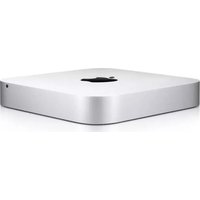


| Product Type | Desktop Computer (Server) |
| Brand | Apple |
| Model | Mac mini Server 2.6GHz |
| Processor | 2.6GHz quad-core Intel Core i7 (Turbo Boost up to 3.6GHz) |
| Memory (RAM) | 4GB (2x2GB) 1600MHz DDR3 SDRAM (user-upgradeable) |
| Storage | Two 1TB (5400-rpm) hard drives |
| Dimensions (H x W x D) | 1.4 x 7.7 x 7.7 inches (3.6 x 19.7 x 19.7 cm) |
| Weight | 2.7 lbs (1.22 kg) |
| Power Supply | 85W internal power supply |
| Operating System | macOS Server (pre-installed) |
| Connectivity | Gigabit Ethernet, Wi-Fi 802.11a/b/g/n, Bluetooth 4.0, 2x Thunderbolt ports, 4x USB 2.0, HDMI, SDXC card slot |
| Main Functions | File server, mail server, web server, caching server, VPN, and more |
| Maintenance & Cleaning | Disconnect power; use a soft, dry, lint-free cloth; avoid moisture and abrasives |
| Safety Information | Do not expose to liquids; ensure adequate ventilation; use only the supplied power cord; avoid extreme temperatures |
| Spare Parts & Repairability | RAM and storage drives user-replaceable; other components serviceable by Apple or authorized providers; parts available through Apple |
| General Information | Perfect for small business or home server, energy-efficient, compact design |
Frequently Asked Questions - Mac mini Server 2.6GHz APPLE
User questions about Mac mini Server 2.6GHz APPLE
0 question about this device. Answer the ones you know or ask your own.
Ask a new question about this device
Download the instructions for your Desktop computer in PDF format for free! Find your manual Mac mini Server 2.6GHz - APPLE and take your electronic device back in hand. On this page are published all the documents necessary for the use of your device. Mac mini Server 2.6GHz by APPLE.
USER MANUAL Mac mini Server 2.6GHz APPLE
Welcome to your new Mac mini.
Let us show you around.
This guide shows you what's on your Mac, helps you set it up, and gets you up and running with tips for the apps you'll use every day.
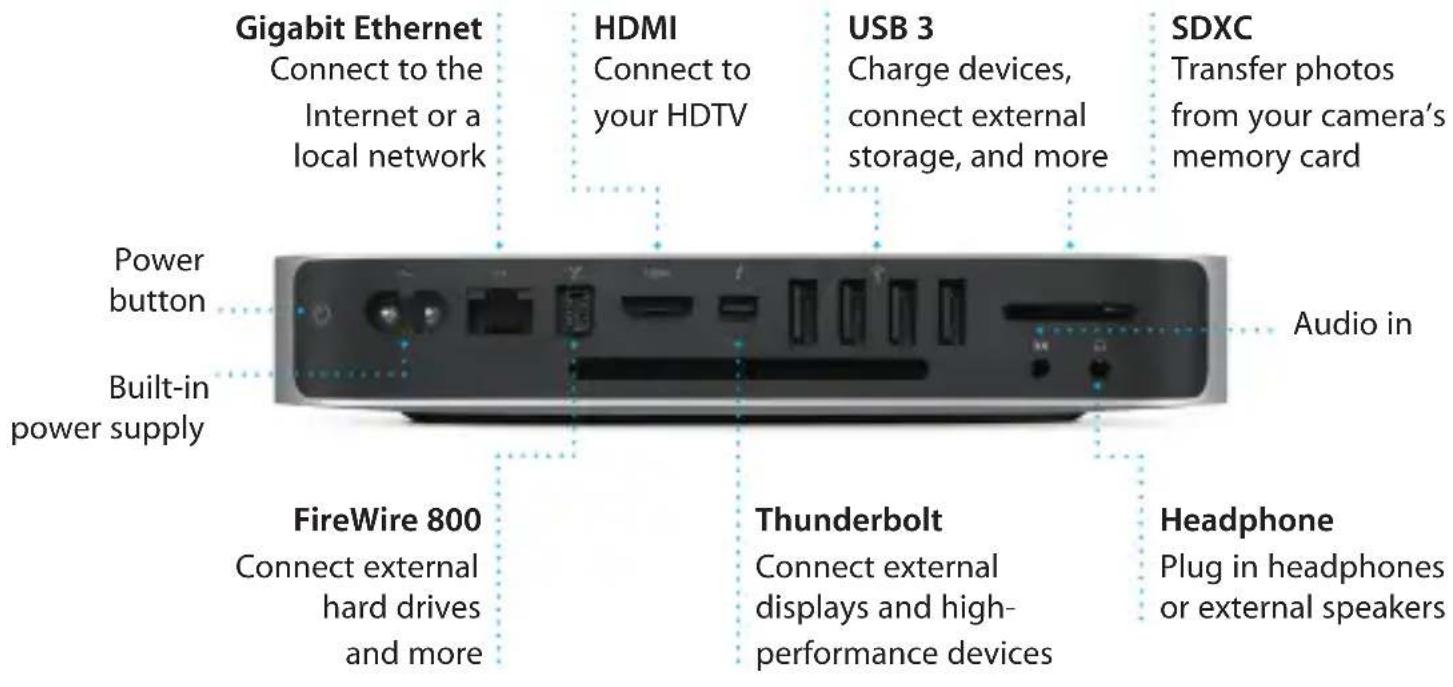
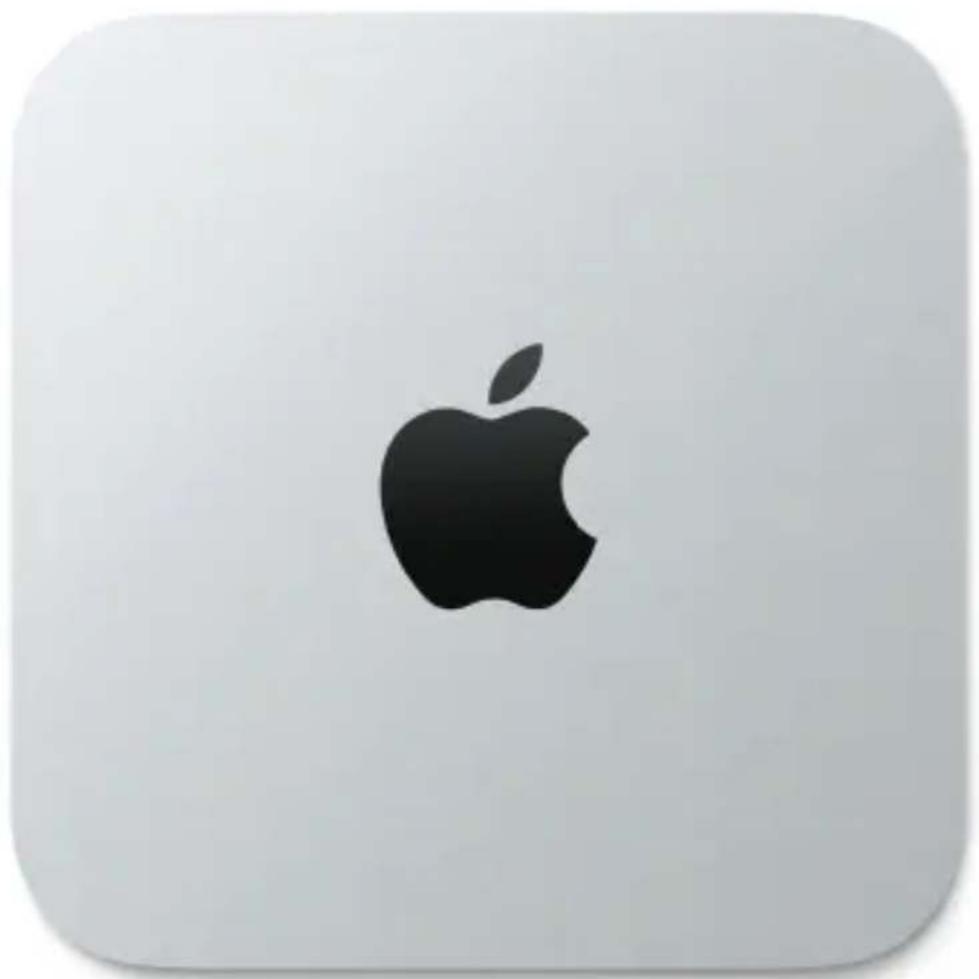
To learn more about ports and connectors, go to support.apple.com/kb/HT2494.
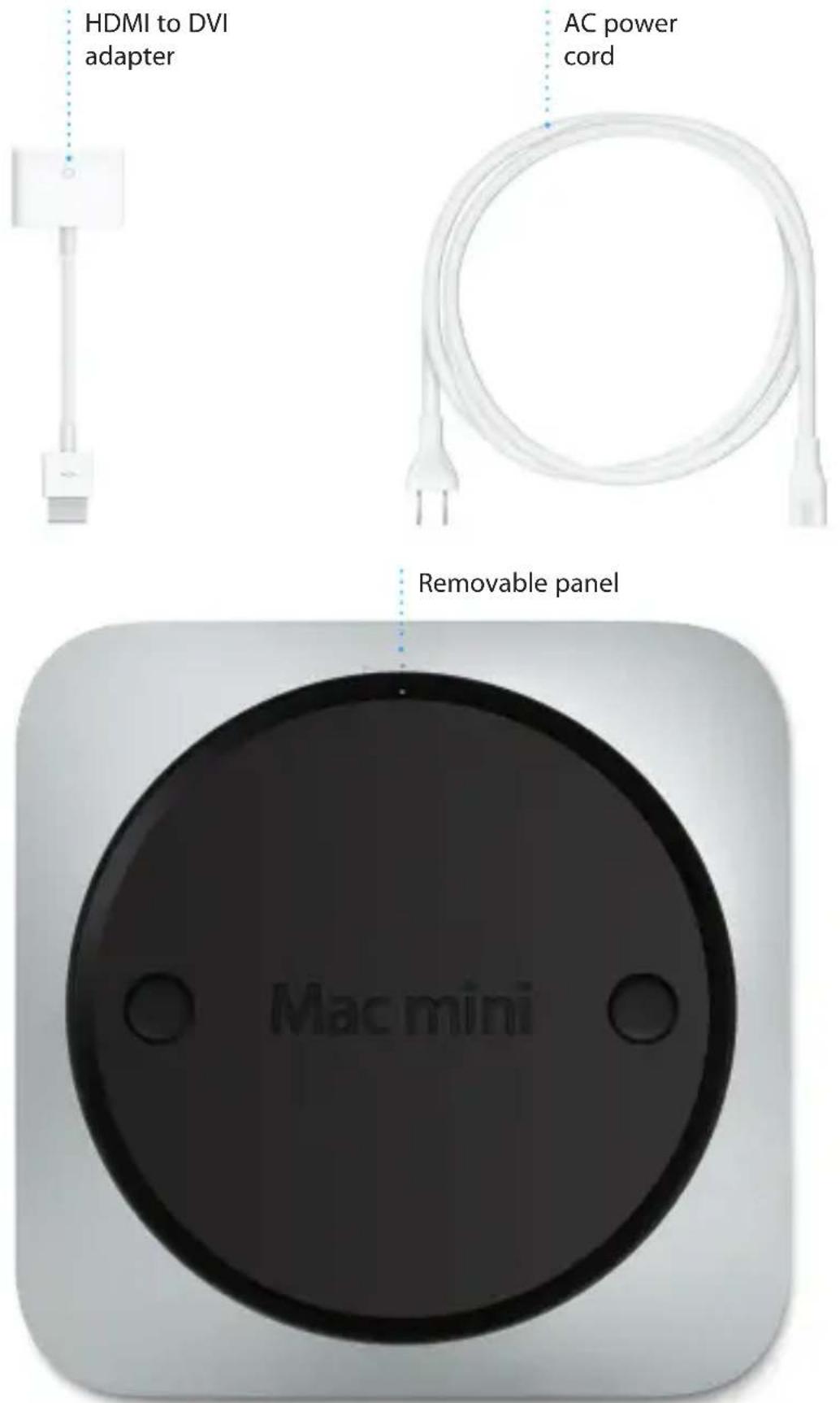
Let's get started
Press the power button to start up your Mac mini, and Setup Assistant guides you through a few simple steps to get you up and running quickly. It walks you through connecting to your Wi-Fi network and creating a user account for your Mac. And it can even transfer your documents, email, photos, music, and movies to your new Mac from another Mac or PC.
You can sign in with your Apple ID in Setup Assistant. This automatically sets up your account in the Mac App Store and the iTunes Store, and in apps like Messages and FaceTime, so they're ready the first time you open them. It also sets up iCloud, so apps such as Mail, Contacts, Calendar, and Safari have all your latest information waiting for you. If you don't have an Apple ID, you can create one in Setup Assistant.
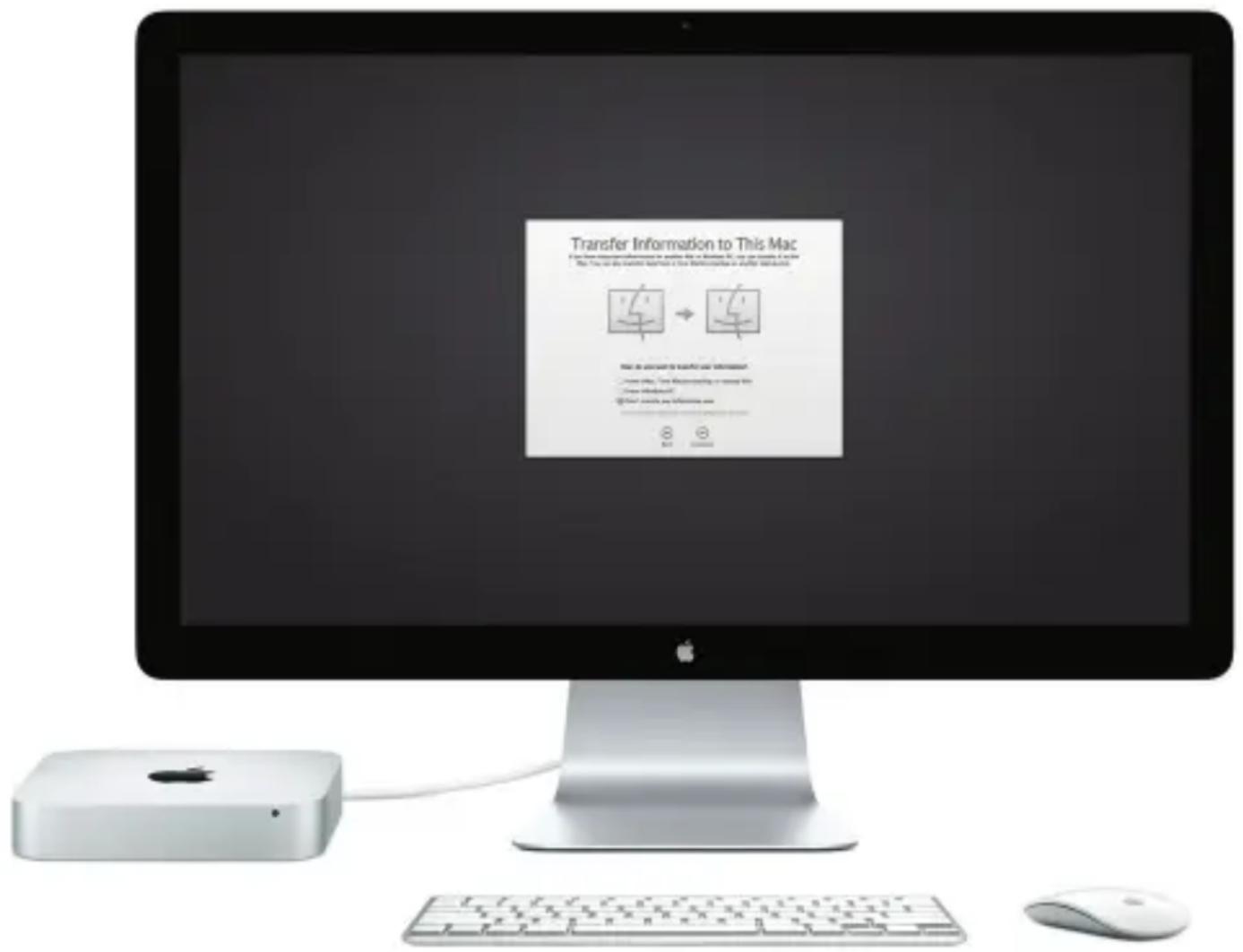
To learn more about transferring files to your new Mac, go to support.apple.com/kb/HT4889.
Get to know your desktop
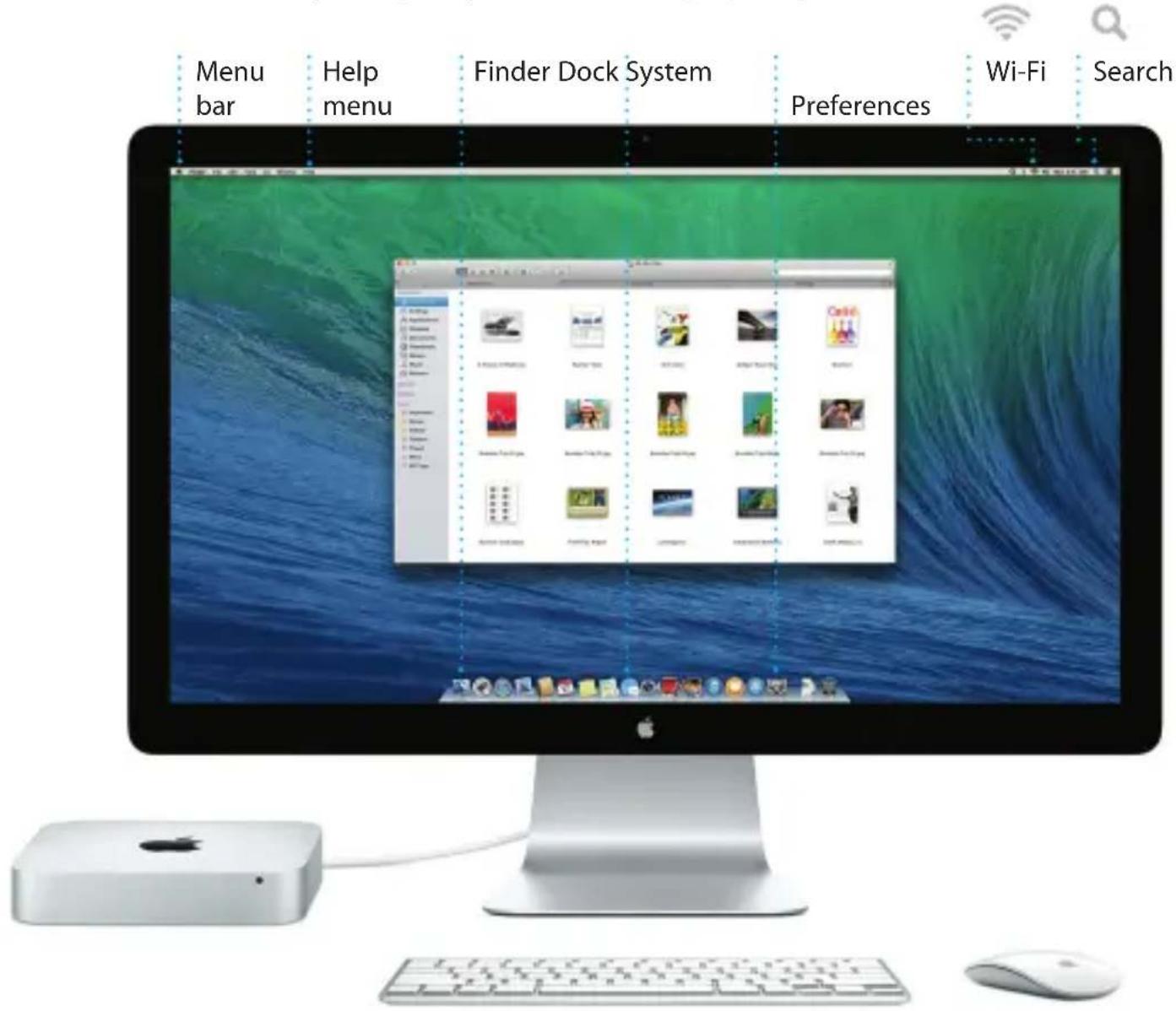
The desktop is where you can find everything and do anything on your Mac. The Dock at the bottom of the screen is a handy place to keep the apps you use most. It's also where you can open System Preferences, which lets you customize your desktop and other settings on your Mac. Click the Finder icon to quickly get to all your files and folders.
The menu bar at the top has lots of useful information about your Mac. To check the status of your wireless Internet connection, click the Wi-Fi icon. Your Mac automatically connects to the network you chose during setup. You can also find anything on your Mac using Spotlight Search.
Keep your devices working together with iCloud
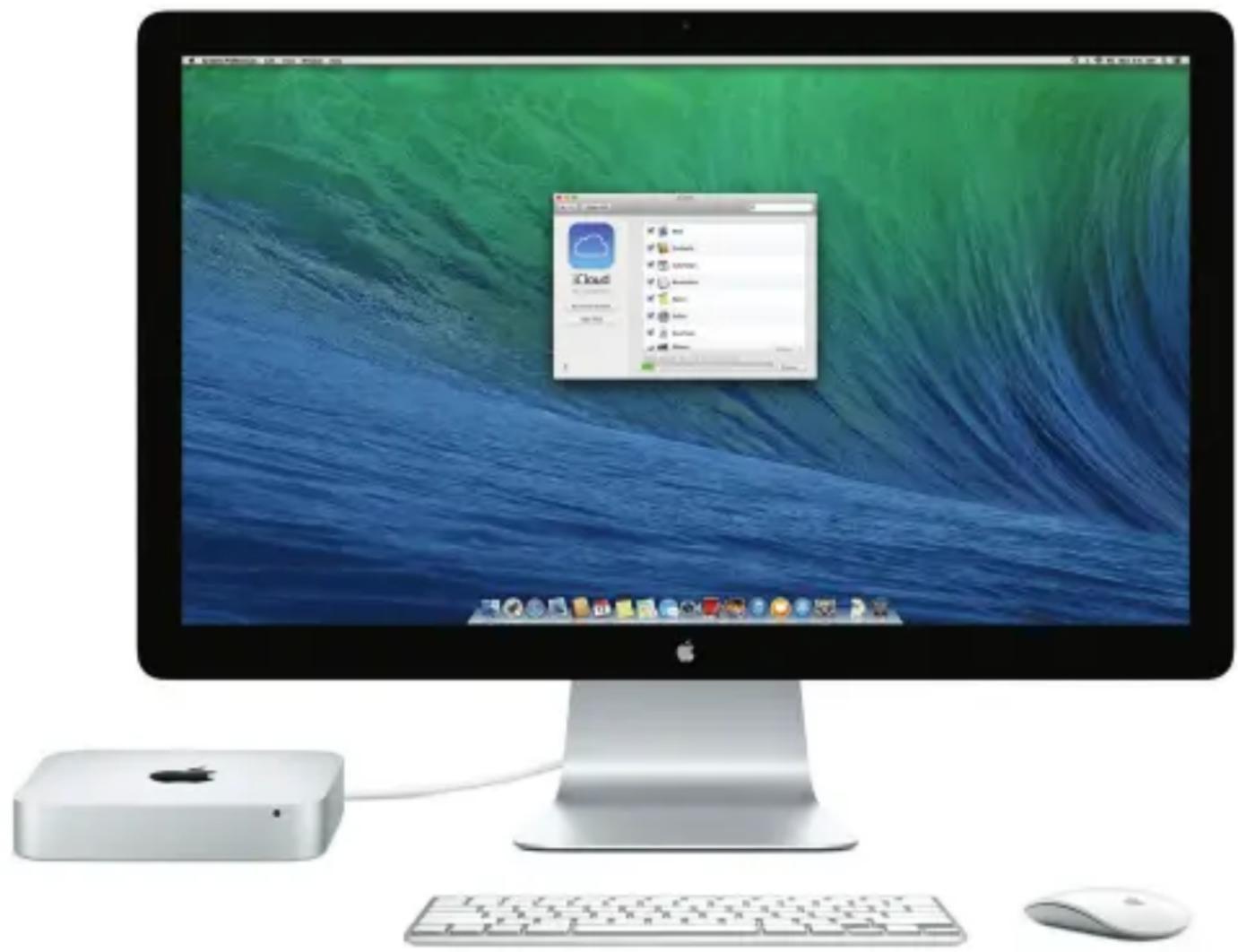
iCloud lets you access your music, photos, calendars, contacts, documents, and more from your Mac, iPhone, iPad, iPod touch, and even your PC. And it keeps everything up to date automatically. Buy a song on one device, and it's instantly available on all your other devices. Create a new Pages document on your Mac, and you can make edits with your iPad on the go. Take a photo with your iPhone, and it automatically appears in iPhoto on your Mac. iCloud can even help you locate and protect your Mac if you ever misplace it. To choose the iCloud features you want to enable, select System Preferences in the Dock and click iCloud.
Quickly find the app you want
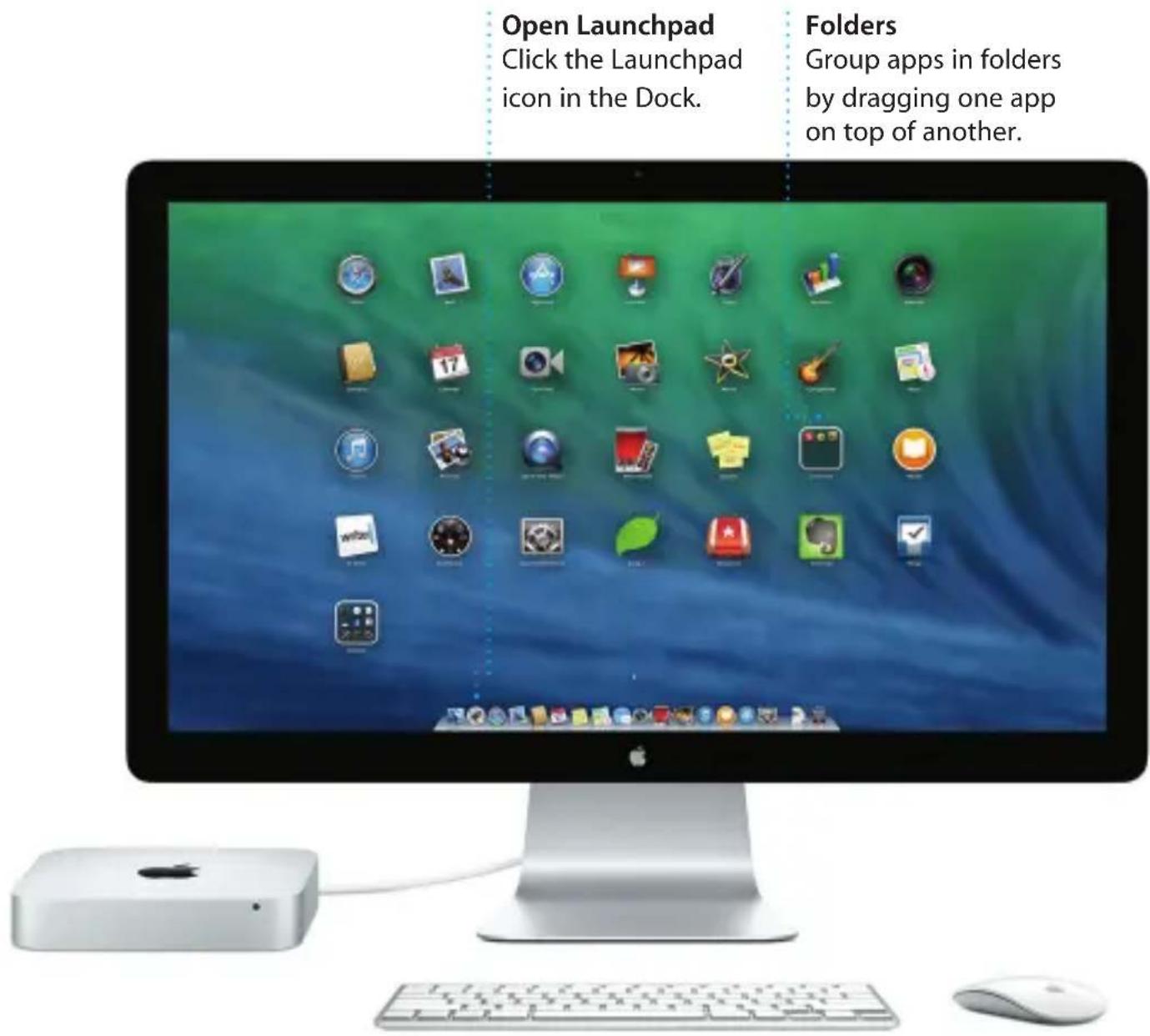
Your Mac comes with great apps you can use to make the most of your photos, create documents, browse the web, manage your schedule, and more. Launchpad is where you can easily find all the apps on your Mac. Click the Launchpad icon in the Dock to see a full-screen display of all your apps. Arrange apps any way you want, group them in folders, or delete them from your Mac. When you download an app from the Mac App Store, it automatically appears in Launchpad.
An important note
Please read this document and the safety information in the Important Product Information Guide carefully before you first use your computer.
Learn more
You can find more information, watch demos, and learn even more about Mac mini features at www.apple.com/mac-mini.
Help
You can often find answers to your questions, as well as instructions and troubleshooting information, in Help Center. Click the Finder icon, click Help in the menu bar, and choose Help Center. You can also use Safari to get online help.
OS X Utilities
If you have a problem with your Mac, OS X Utilities can help you restore your software and data from a Time Machine backup or reinstall OS X and Apple applications. If your Mac detects a problem, it opens OS X Utilities automatically. Or you can open it manually by restarting your computer while holding down the Command and R keys.
Support
Your Mac mini comes with 90 days of technical support and one year of hardware repair warranty coverage at an Apple Retail Store or an Apple Authorized Service Provider. Visit www.apple.com/support/macmini for Mac mini technical support. Or call 1-800-275-2273. In Canada, call 1-800-263-3394.

Safari
Safari is the best way to surf the web on your Mac. Start by typing a search term or web address in the Smart Search field—it knows the difference and will send you to the right place. You can save pages to your Reading List to read later, and
check out Shared Links for pages posted by people you follow on Twitter and LinkedIn. And Safari works with iCloud to keep your bookmarks, Reading List, and website passwords up to date across all your devices.

Top Sites
Click to see previews of the websites you visit most often.

Share
Easily send webpages or share them with your social networks.
Sidebar
Your bookmarks, Reading List, and Shared Links appear in the Sidebar.


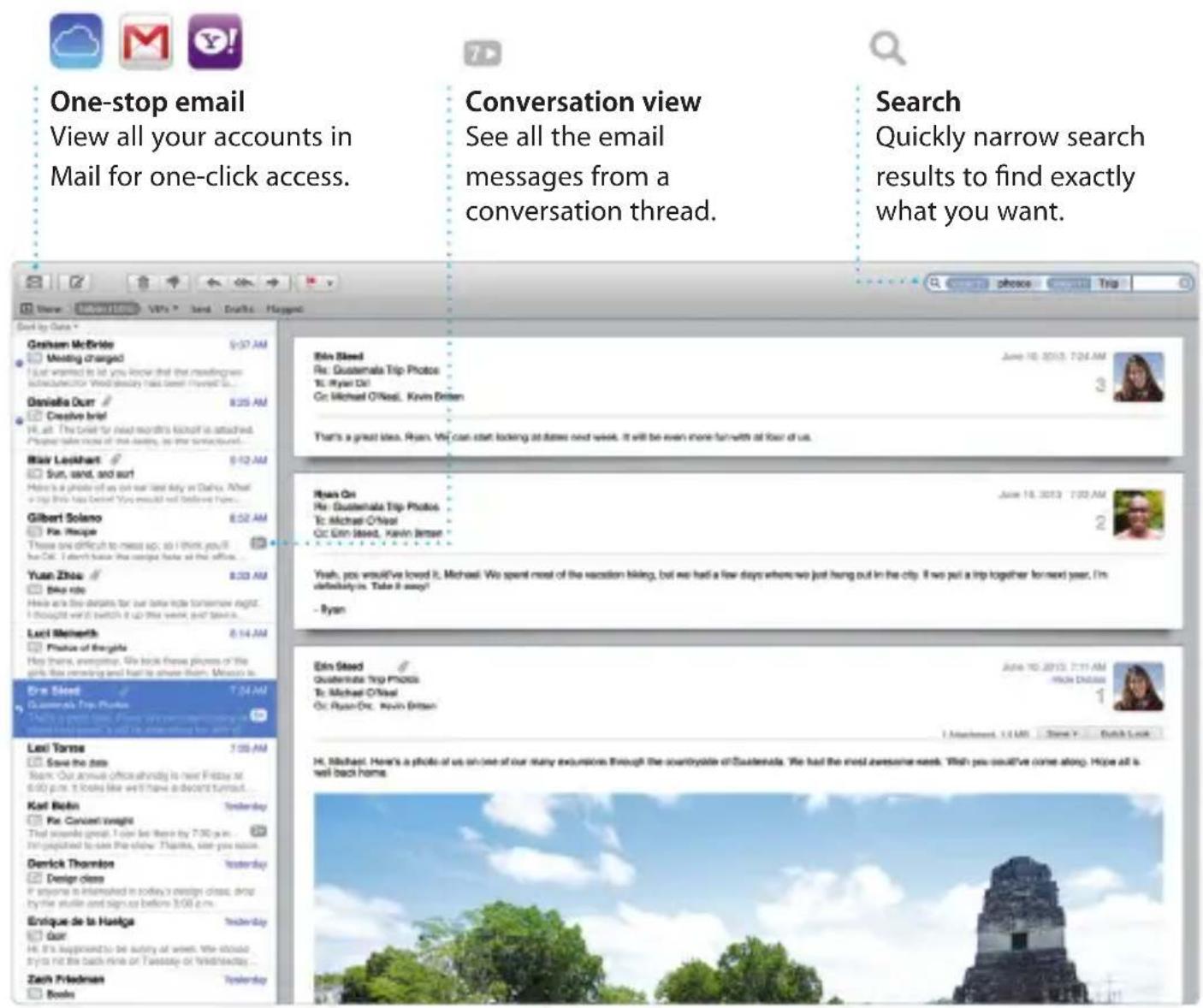
Mail lets you manage all your email accounts from a single, ad-free inbox, even when you're not connected to the Internet. It works with popular email services like Gmail, Yahoo! Mail, and AOL Mail. You can also use Mail for the free iCloud.com email account you get with iCloud. The first time you open Mail, Setup Assistant helps you get started.
Mail. You can also use Mail for the free iCloud.com email account you get with iCloud. The first time you open Mail, Setup Assistant helps you get started.

Calendar
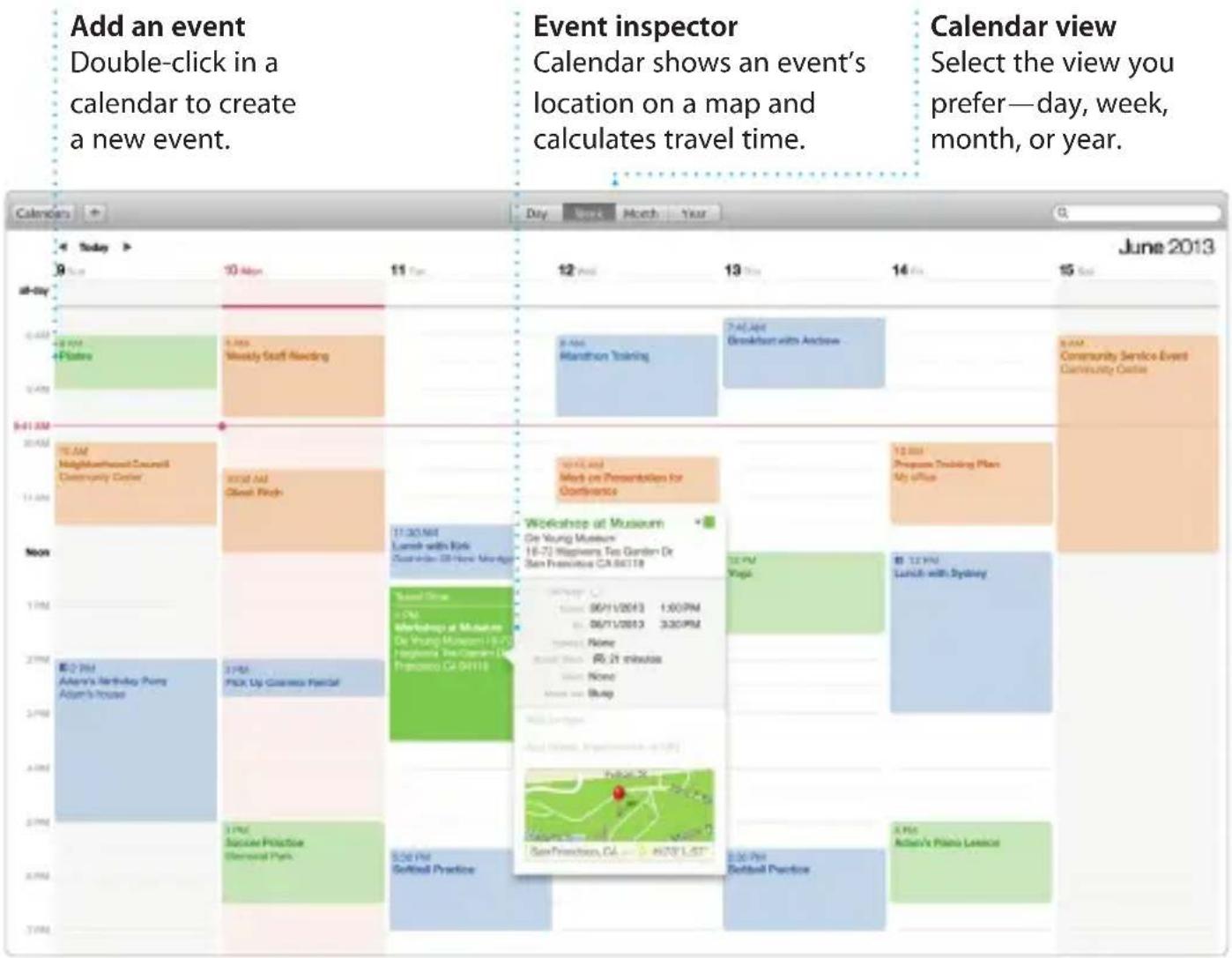
Keep track of your busy schedule with Calendar. You can create separate calendars—one for home, another for school, and a third for work. See all your calendars in a single window, or choose to see just the ones you want. Create and send invitations, then see who has responded. Add a location to an event, and Calendar will include a map, calculate travel time, and even display the weather forecast. Use iCloud to automatically update calendars on all your devices or share calendars with other iCloud users.

Maps
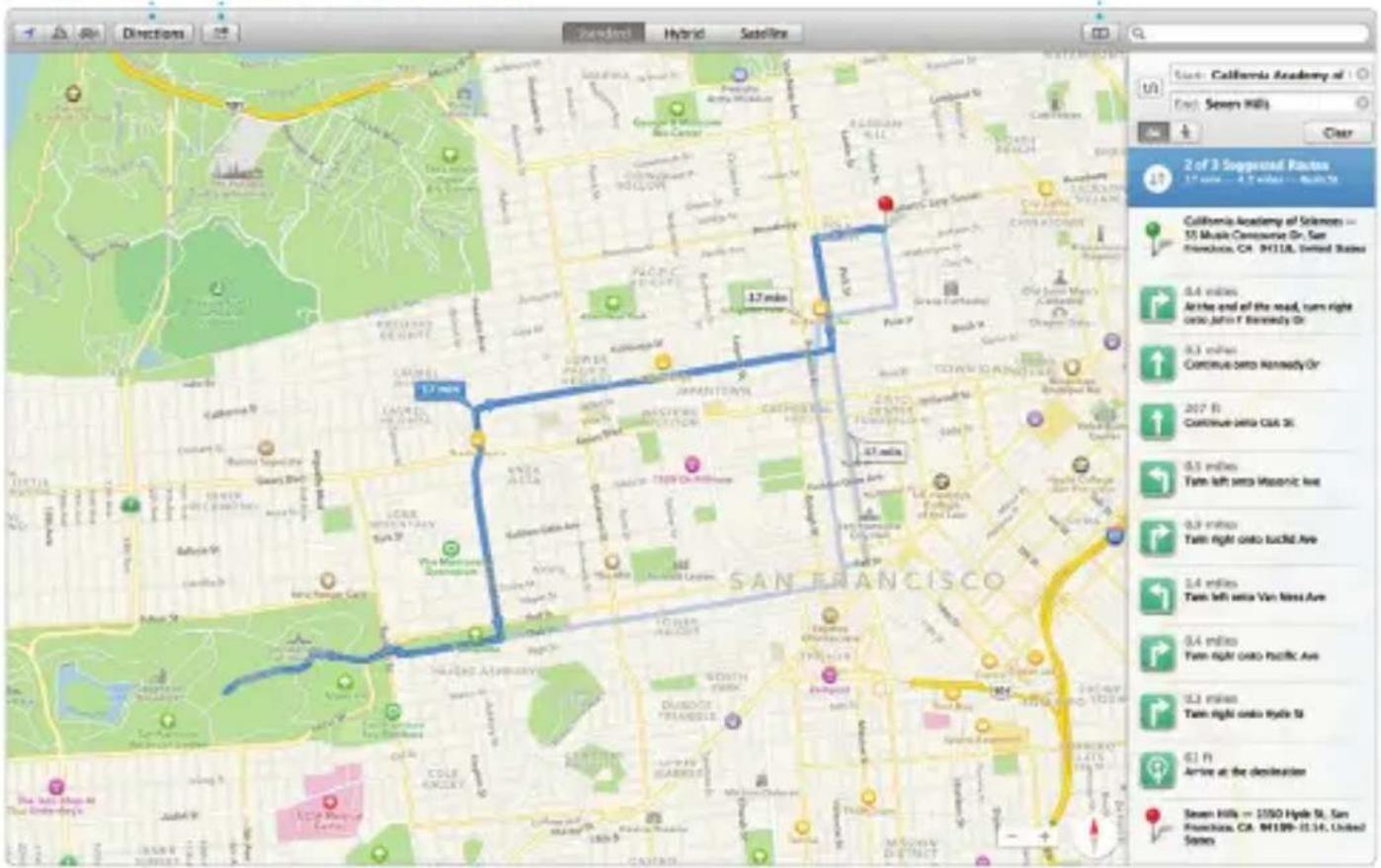
Explore new destinations and get directions on your Mac with Maps. View locations using standard or satellite imagery, or use Flyover to soar through select cities in photorealistic 3D. You can look up information for local points of interest like restaurants and hotels, and Maps shows you phone numbers, photos, and even Yelp reviews. Once you find your destination, Maps provides point-to-point directions that you can send to your iPhone for turn-by-turn voice navigation.
Directions
Maps provides detailed directions, including traffic information.
Send to iPhone
Send directions to your iPhone for voice navigation on the way there.
Bookmarks
Bookmarks are pushed to all your devices.

iBooks
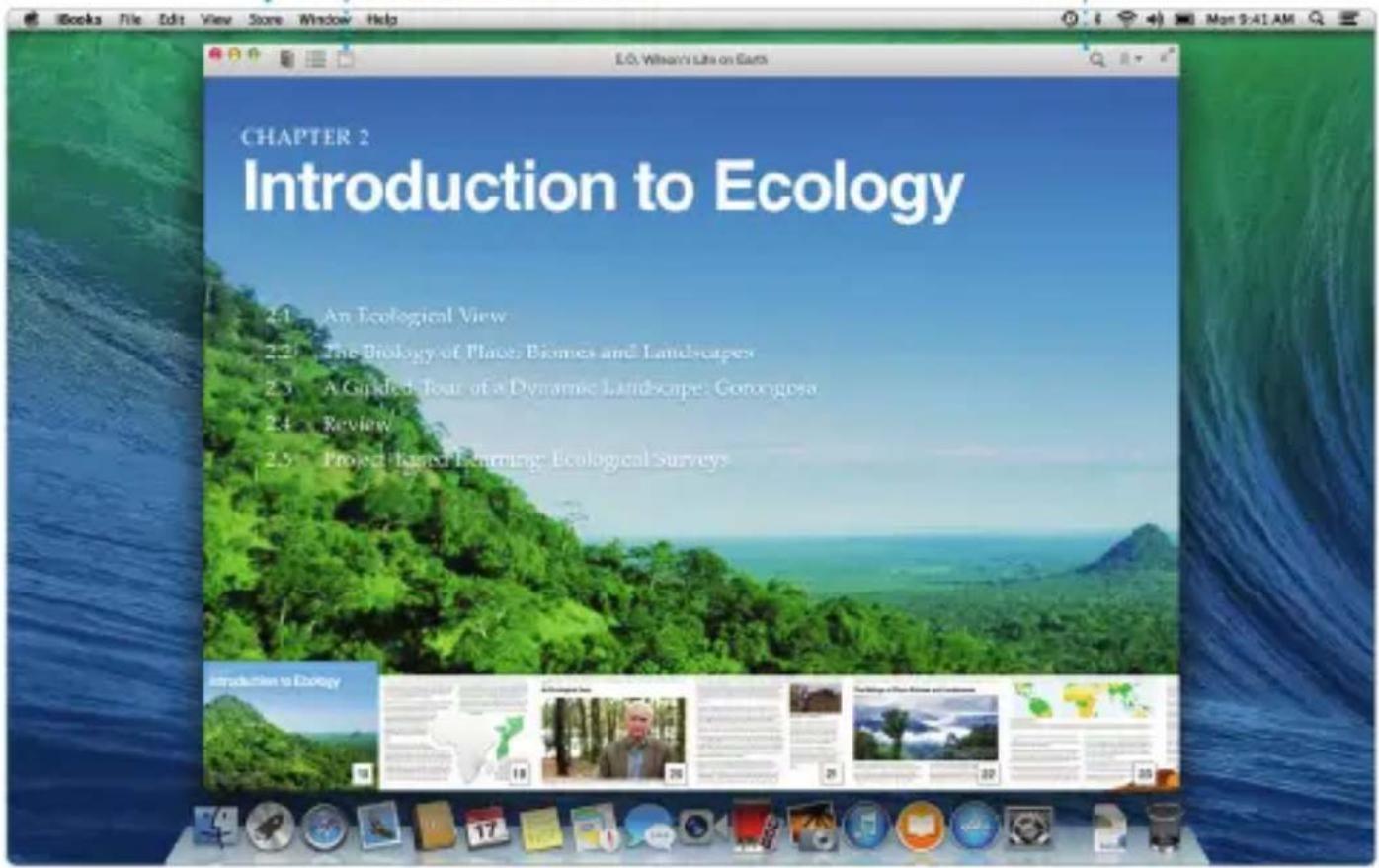
iBooks is a novel way to download and read books. It includes the iBooks Store, where you can download the latest best-selling books or your favorite classics. Click a book to open it. Flip through pages with a swipe or a click. It's easy to add notes and bookmarks, and even highlight passages. Books purchased from the iBooks Store are available on your Mac and iOS devices.
iBooks Store
Books downloaded from the iBooks Store are stored in iCloud.
Notes Panel
View and edit all your notes and highlights in one place.
Search
Quickly search through an entire book for a word or phrase.

iTunes
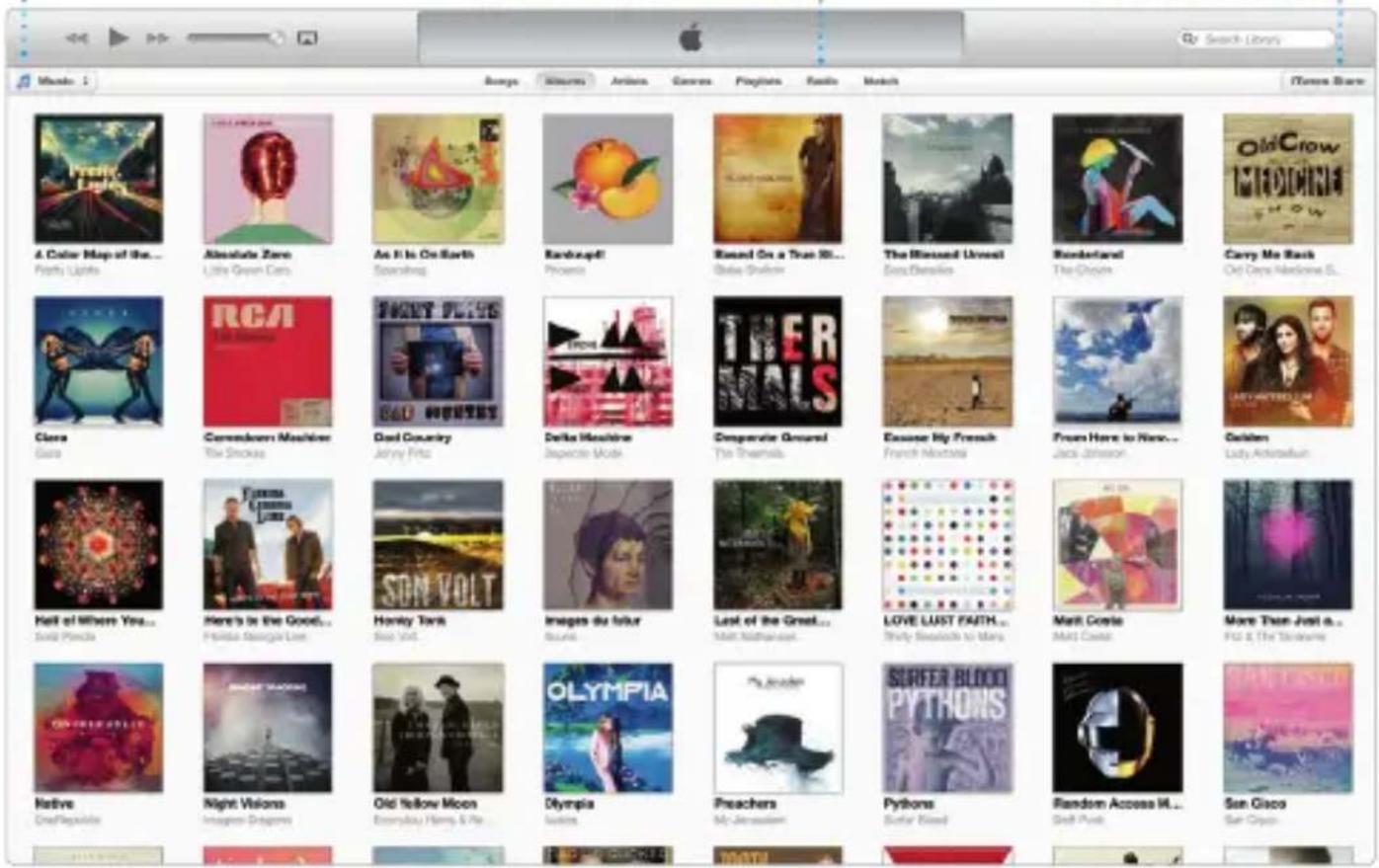
iTunes for Mac makes it easy to enjoy your favorite music, movies, TV shows, and more. iTunes includes the iTunes Store,
where you can find new favorites and download them with a click. In addition, iTunes includes iTunes Radio, a new way to discover music.

Your library
View your music, movies, TV shows, podcasts, and more.
iTunes Radio
Choose from hundreds of stations or start a new one from your favorite artist or song.
iTunes Store
Discover and buy new music, movies, and more.

iPhoto, iMovie, and GarageBand
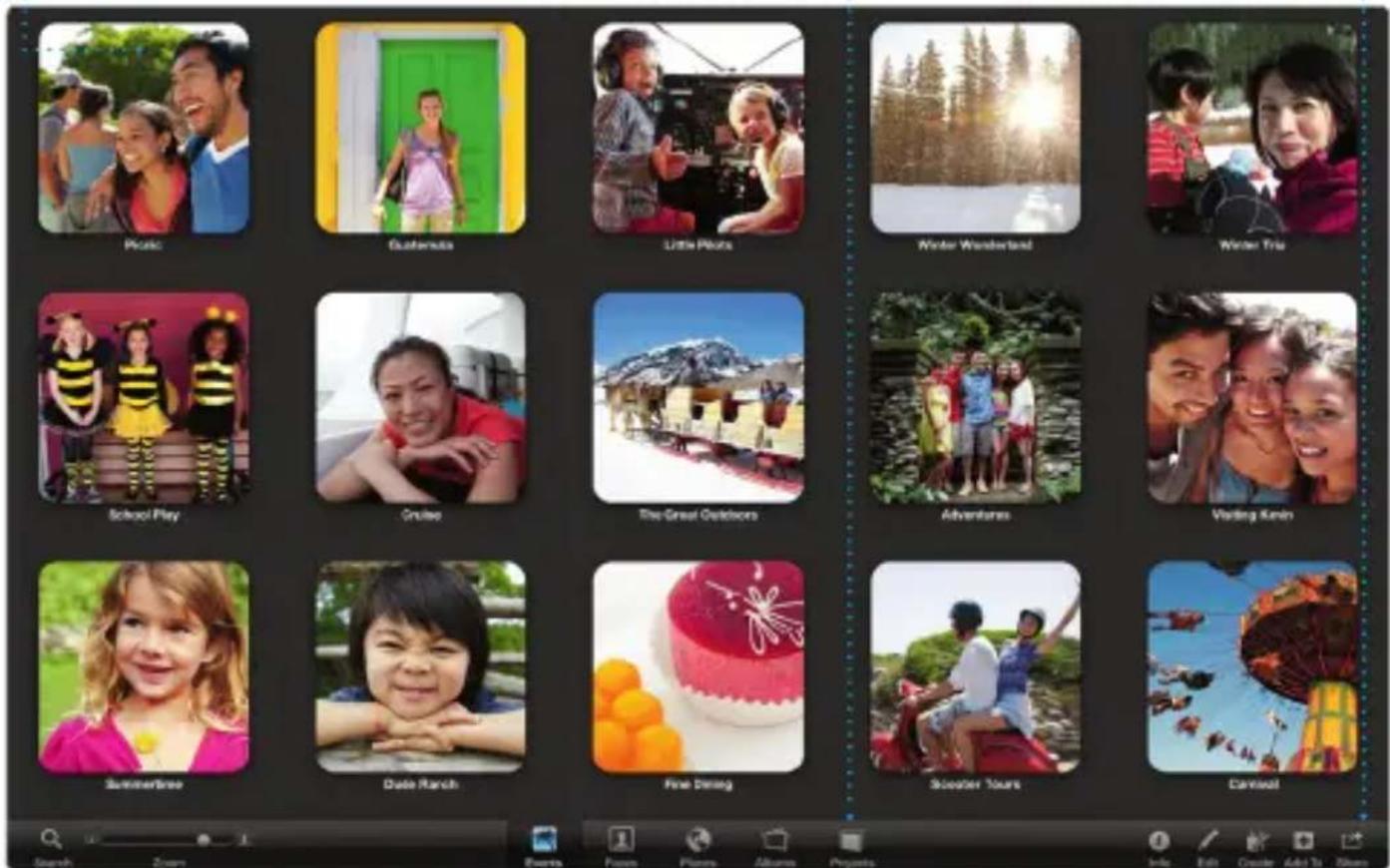
iPhoto, iMovie, and GarageBand give you amazing ways to create and share your photos, movies, and music. iPhoto helps you organize your library by Faces, Places, and Events, and create gorgeous photo books, cards, and calendars. iMovie lets you turn your home videos into epic movie trailers. And GarageBand has everything you need to learn to play an instrument, write music, or record a song.

Events
Simply move your cursor to quickly skim through the photos in any Event.

Projects
Easily create and order personalized books, cards, and calendars.

Share
Post your favorites to Facebook or share them with iCloud or Messages.
iPhoto

Pages, Numbers, and Keynote
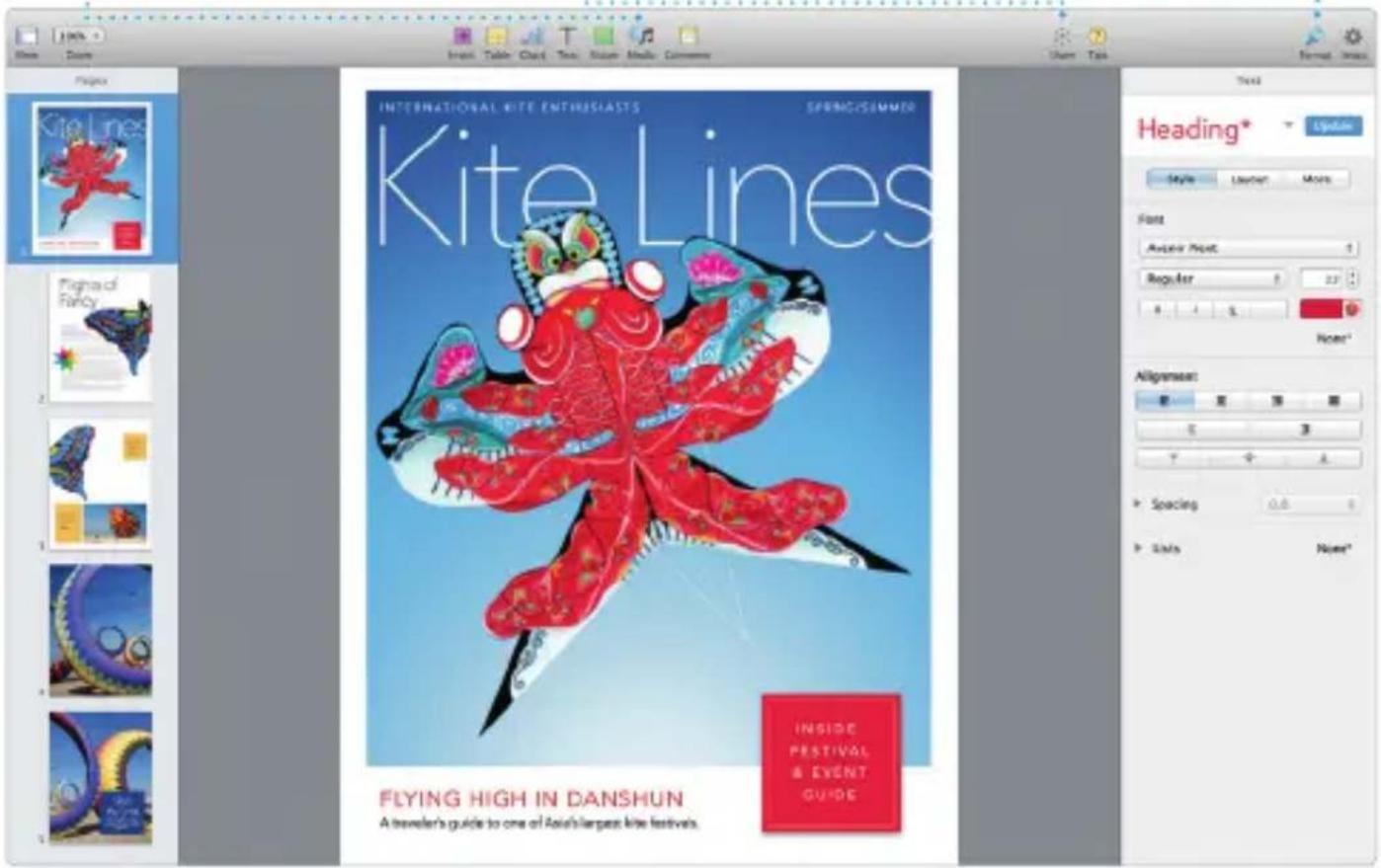
Create stunning documents, spreadsheets, and presentations on your Mac. Beautiful templates give you a great head start—simply add your own words and photos. And customizing everything is a snap
with the new context-sensitive Format Panel. You can even open and edit Microsoft Office files. And you can quickly and easily share a link to your work via Mail or Messages, right from your toolbar.

Add graphics and more
Create media-rich documents with images, movies, charts, and more.

Share
Easily share a link to your work with Mail or Messages.
Format Panel
Your tools are just a click away with the intelligent Format Panel.

Mac App Store
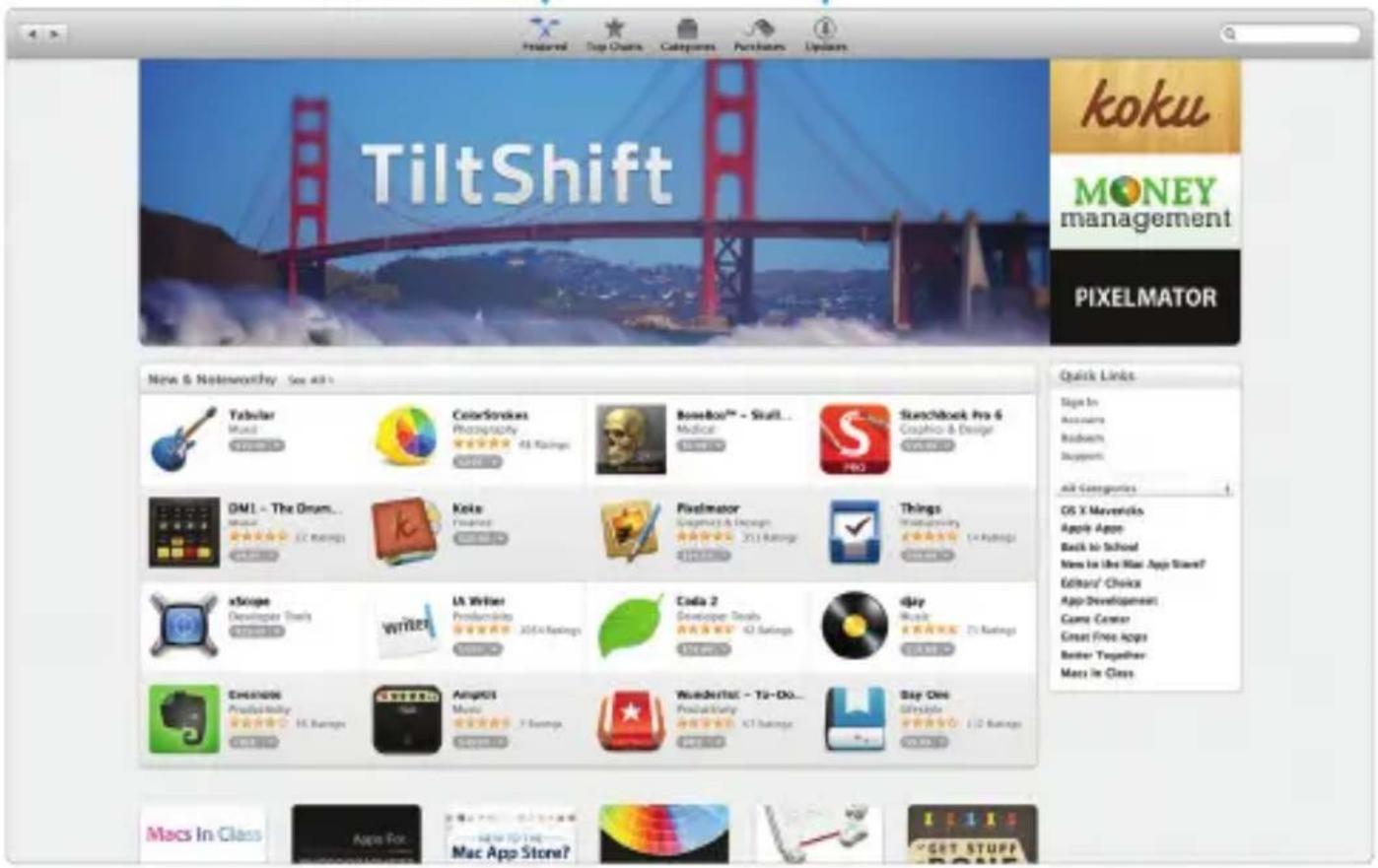
The Mac App Store is the best way to find and download apps for your Mac, from games and social networking to productivity apps and more. In one step, new apps install and appear in Launchpad. You can install apps on every Mac authorized for your personal use and even download them again. The Mac App Store lets you know when app and OS X updates are available, and can even update your apps automatically. Open the Mac App Store by clicking its icon in the Dock.

Discover new apps
Browse thousands of apps and download them straight to Launchpad.

Always up to date
Updates to your purchased apps and OS X appear automatically.



- WELCOME TO YOUR NEW MAC MINI
- LET US SHOW YOU AROUND
- LET'S GET STARTED
- GET TO KNOW YOUR DESKTOP
- KEEP YOUR DEVICES WORKING TOGETHER WITH ICLOUD
- QUICKLY FIND THE APP YOU WANT
- AN IMPORTANT NOTE
- LEARN MORE
- HELP
- OS X UTILITIES
- SUPPORT
- SAFARI
- TOP SITES
- SHARE
- SIDEBAR
- CALENDAR
- MAPS
- DIRECTIONS
- SEND TO IPHONE
- BOOKMARKS
- IBOOKS
- IBOOKS STORE
- NOTES PANEL
- SEARCH
- ITUNES
- YOUR LIBRARY
- ITUNES RADIO
- ITUNES STORE
- IPHOTO, IMOVIE, AND GARAGEBAND
- EVENTS
- PROJECTS
- PAGES, NUMBERS, AND KEYNOTE
- ADD GRAPHICS AND MORE
- FORMAT PANEL
- MAC APP STORE
- DISCOVER NEW APPS
- ALWAYS UP TO DATE
Brand : APPLE
Model : Mac mini Server 2.6GHz
Category : Desktop computer