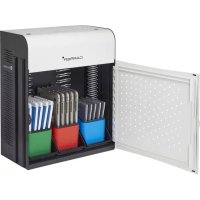
Sphero - Charger Lockncharge - Free user manual and instructions
Find the device manual for free Sphero Lockncharge in PDF.


User questions about Sphero Lockncharge
0 question about this device. Answer the ones you know or ask your own.
Ask a new question about this device
Download the instructions for your Charger in PDF format for free! Find your manual Sphero - Lockncharge and take your electronic device back in hand. On this page are published all the documents necessary for the use of your device. Sphero by Lockncharge.
USER MANUAL Sphero Lockncharge
Charge, store, secure and carry up to six Sphero Robots*
VIDEO INSTRUCTIONS:
https://vimeo.com/233422734
Visit www.lockncharge.com/spherostart for more information.
*Sphero robots, charging bases and micro USB cables not included.
Not compatible with Sphero 1, Sphero 2.0 and Sphero SPRK edition.
what's in the box?
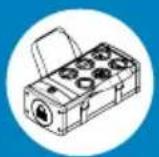
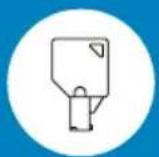

x2 x1x1 AU/US/
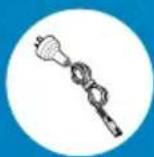
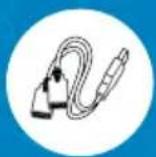
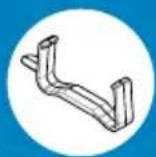
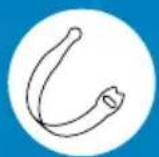
UK+EU

lockncharge

pclocs
text_image
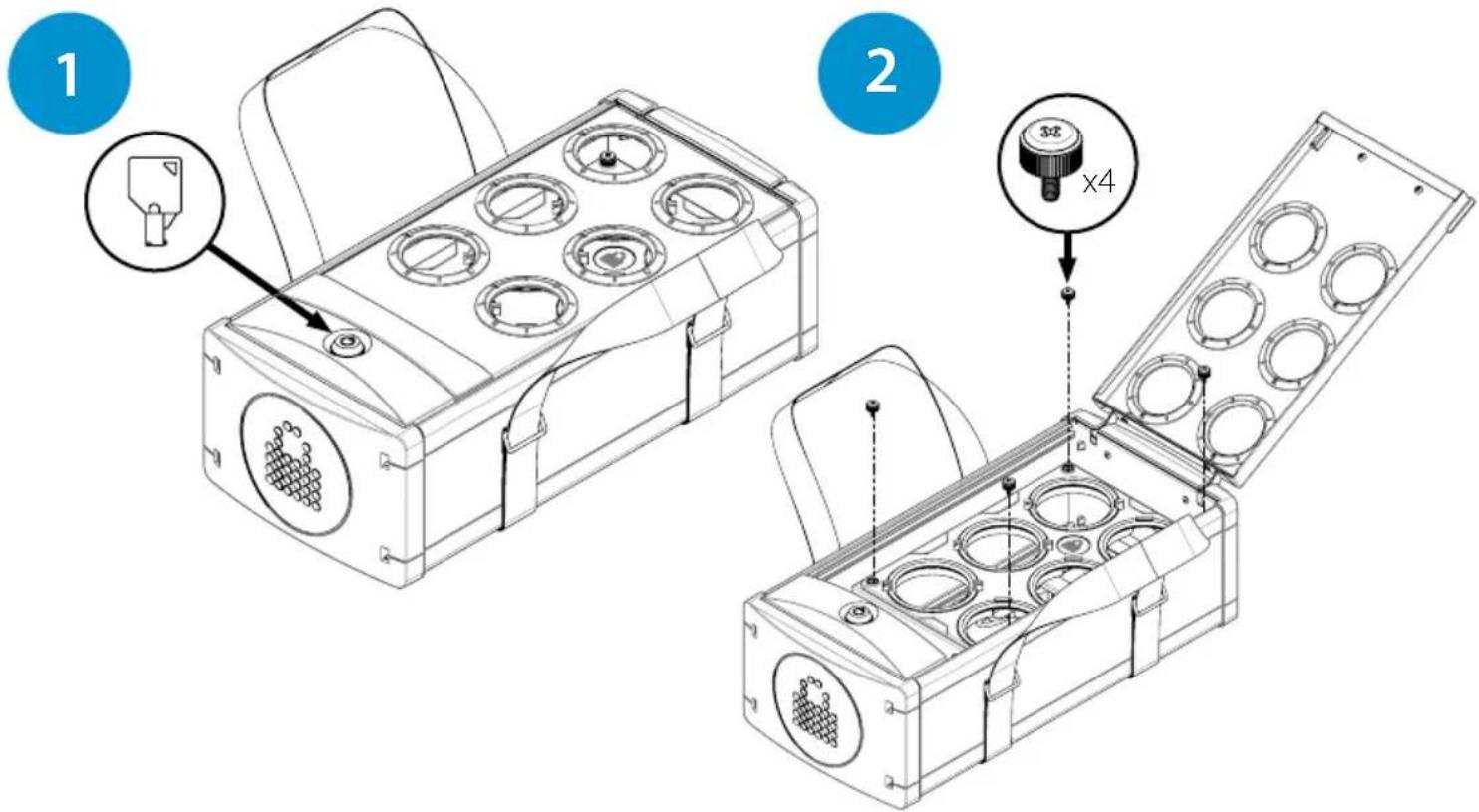
1 2 3x5 x4

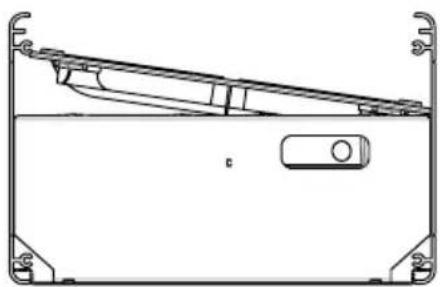
Carefully remove tray past interference
natural_image
Technical line drawing of a mechanical component with no visible text or symbols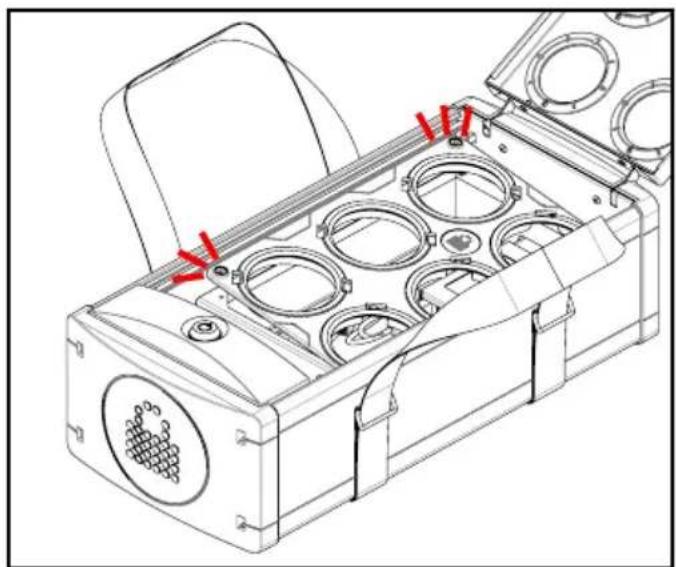
natural_image
Technical line drawing of a mechanical device with multiple circular components and red directional arrows indicating assembly or movement (no text or symbols present)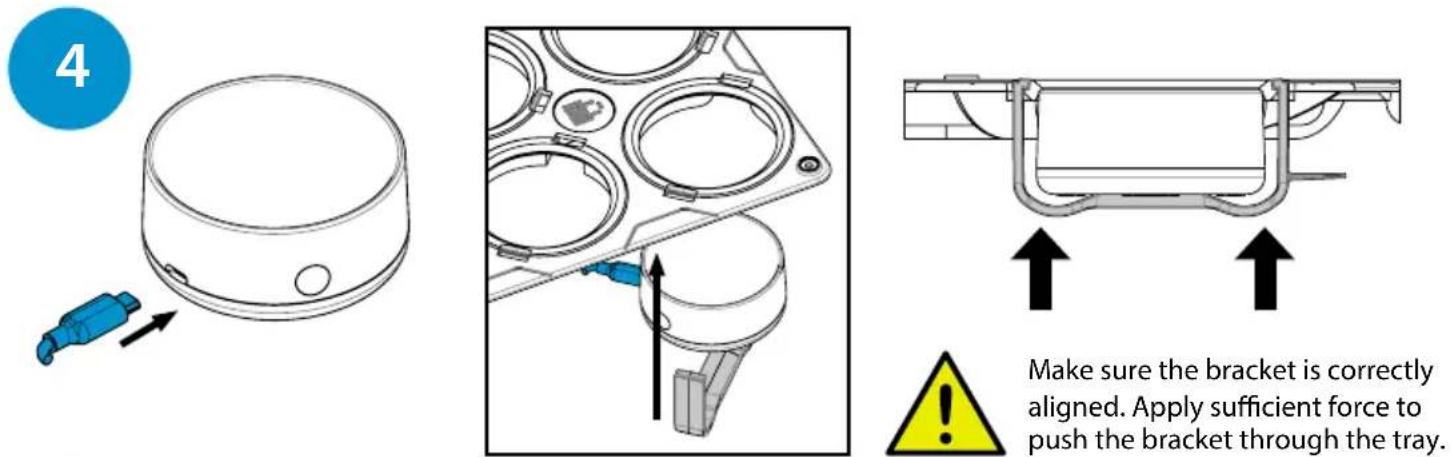
Make sure the bracket is correctly aligned. Apply sufficient force to push the bracket through the tray.
text_image
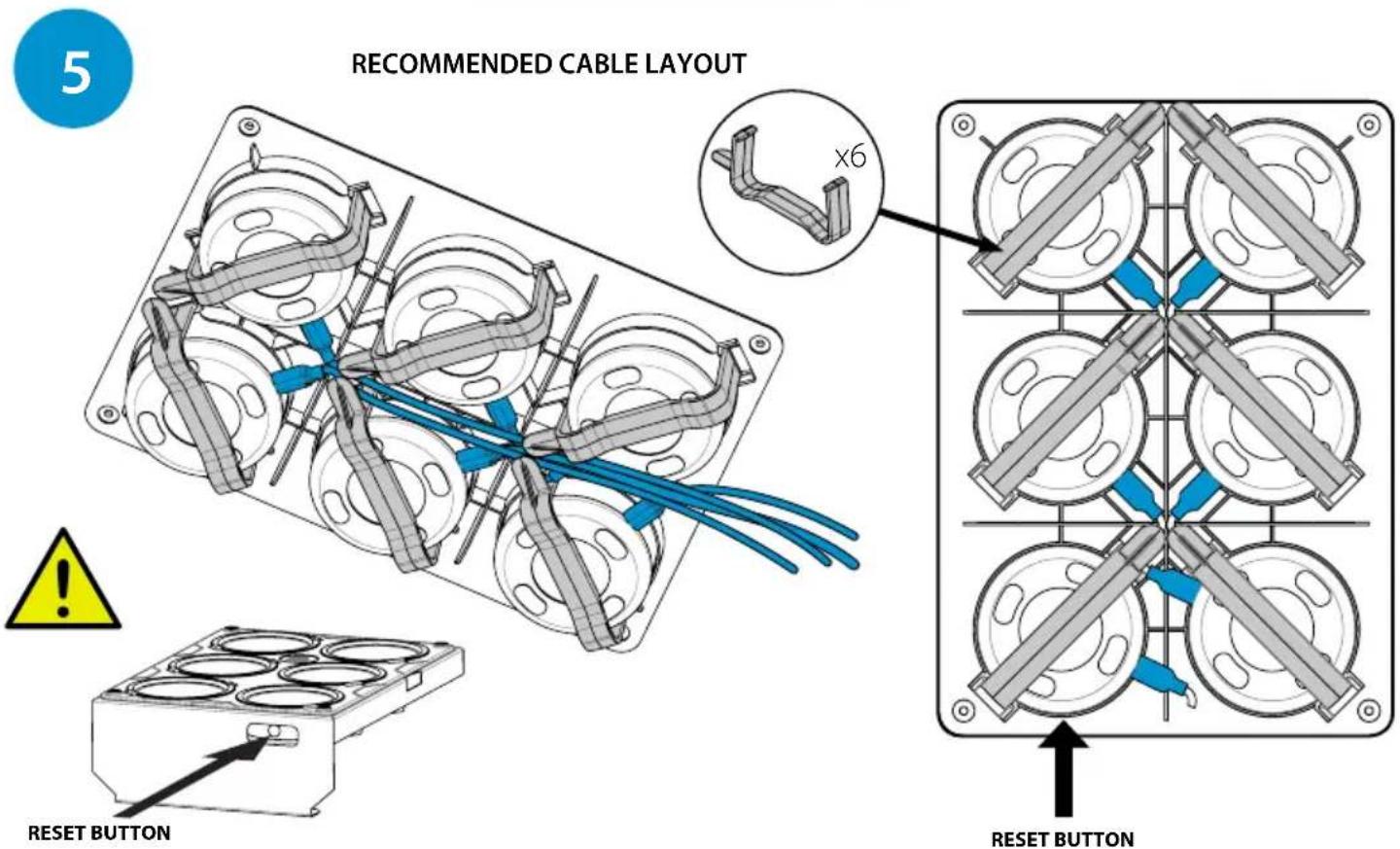
5 RECOMMENDED CABLE LAYOUT x6 RESET BUTTON RESET BUTTONAdjust the Sphero charging base to allow access for the reset button through the access hole.
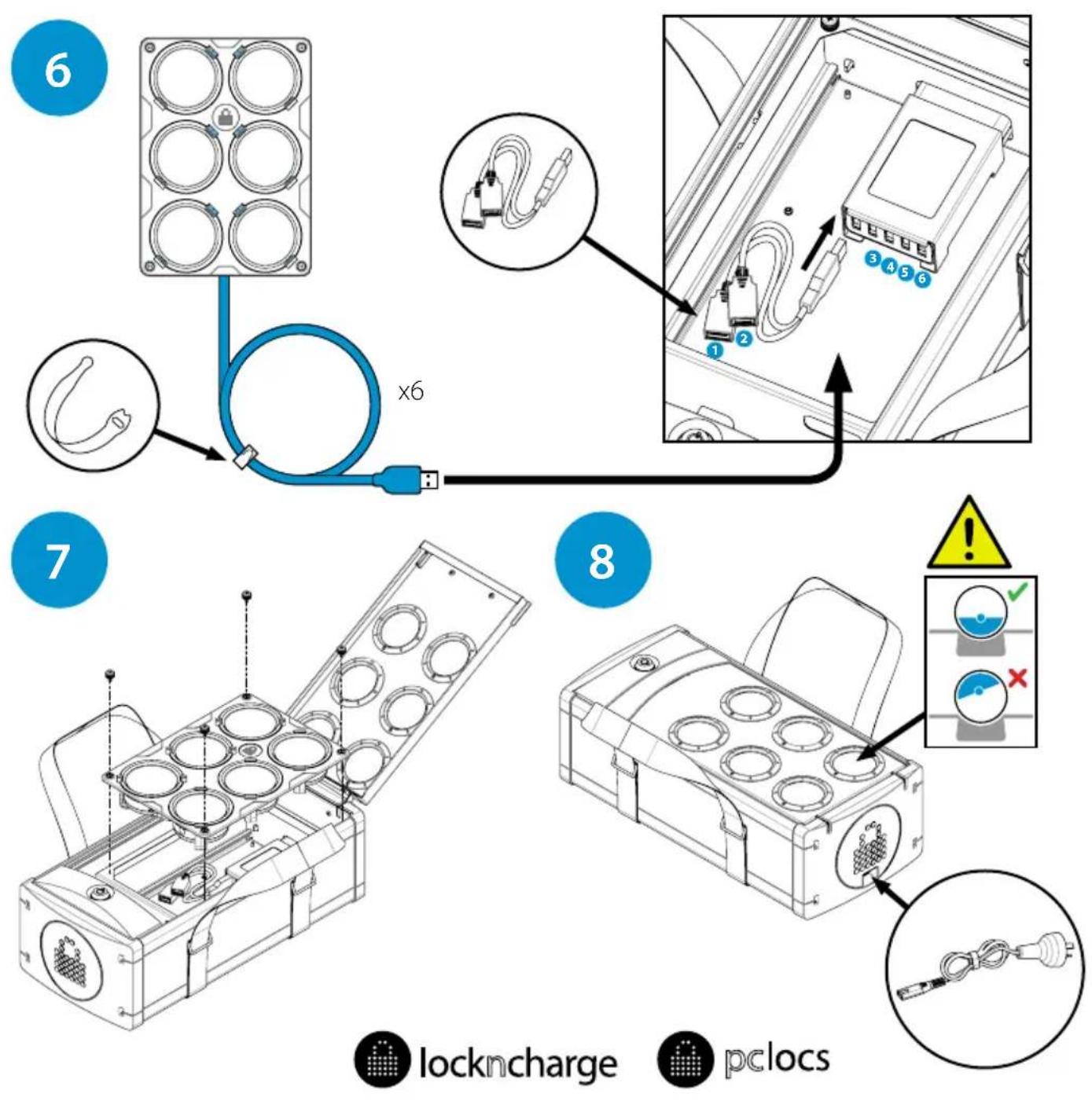
www.lockncharge.com (International)
www.pclocs.com.au (Australia and New Zealand)