C1 - Pregnant Bolse - Free user manual and instructions
Find the device manual for free C1 Bolse in PDF.


| Product Type | Portable Bluetooth Speaker |
| Brand | Bolse |
| Model | C1 |
| Dimensions | Approx. 7.0 x 7.0 x 3.5 inches |
| Weight | 1.2 lbs (550 g) |
| Power Supply | Rechargeable lithium-ion battery, USB-C charging |
| Battery Life | Up to 10 hours at medium volume |
| Bluetooth Version | 5.0 |
| Speaker Type | Full-range driver with passive radiator |
| Output Power | 10W RMS |
| Frequency Response | 80 Hz - 20 kHz |
| Water Resistance | IPX5 (splash-proof) |
| Controls | Power, Volume +/-, Play/Pause, Bluetooth pairing, TWS |
| Functions | Bluetooth streaming, TWS stereo pairing, AUX input, hands-free calling |
| Connections | Bluetooth 5.0, 3.5mm AUX input, USB-C charging port |
| Included Accessories | USB-C charging cable, 3.5mm audio cable, user manual |
| Compatible Devices | Smartphones, tablets, laptops, MP3 players |
| Maintenance and Cleaning | Wipe with soft dry cloth; do not use abrasive cleaners or immerse in water |
| Safety Instructions | Do not disassemble; avoid extreme temperatures; keep away from water if not rated |
| Spare Parts and Repairability | Contact Bolse support for spare parts; not user-serviceable |
| Country of Origin | China |
| Warranty | 1 year limited warranty |
Frequently Asked Questions - C1 Bolse
User questions about C1 Bolse
0 question about this device. Answer the ones you know or ask your own.
Ask a new question about this device
Download the instructions for your Pregnant in PDF format for free! Find your manual C1 - Bolse and take your electronic device back in hand. On this page are published all the documents necessary for the use of your device. C1 by Bolse.
USER MANUAL C1 Bolse
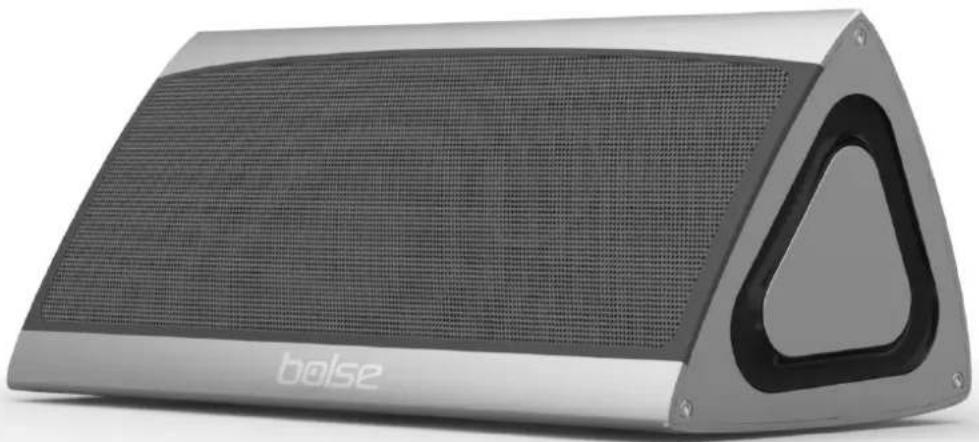
3D high-power sound to enjoy an unforgettable audio experience
natural_image
Exterior view of a Boise brand portable speaker with a triangular front panel (no signage or text on body)Table of Contents
Precautions 1
Tips ....1
Packing materials .... 1
Buttons and Interface 2
Settings 2
Communication 3
Audio Input 3
Charging 3
Fast Charging 3
Technical Specifications 3
Warranty 4
Thank you for purchasing the BOLSE C1 Bluetooth sound box. For the best performance of the C1, please read this manual carefully and completely before using the product. The C1 features a fashionable design, small size, multiple functions, and high acoustic quality. In addition, it adopts the latest electro-acoustic technology, and it is compatible with many Bluetooth devices, such as tablet computers, cell phones, and music players, which allows you to enjoy excellent sound effects both indoors and outdoors.
Precautions
- Please use or keep this device in places with normal temperature.
- Please protect this device from rainwater or humid environments; do not drop or throw this device, which might cause damage to it; do not disassemble, repair, or refit it on your own.
- This device has a lithium battery built in; please do not throw the battery in the garbage or in fire. This is dangerous!
Tips
- When listening to music, please adjust the volume properly to avoid high-pitched sound impairing your hearing and to maintain the service life of the C1.
- In the case of any malfunctions, please immediately turn off the C1 and pull out the USB cable to avoid any damage to the speaker and other components.
- Please charge this device before it has low battery, which might impair Bluetooth connection.
Packing materials
natural_image
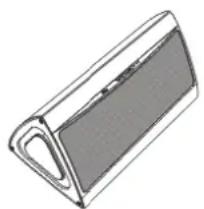
Simple line drawing of a rectangular object with a curved handle and shaded surface (no text or symbols)Bolse C1 Speaker
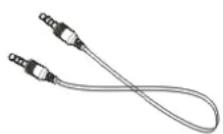
Audio Cable (3.3Ft)
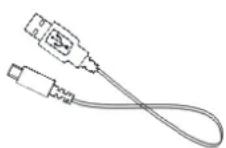
Charge Coil(3.3Ft)
Instruction Manual
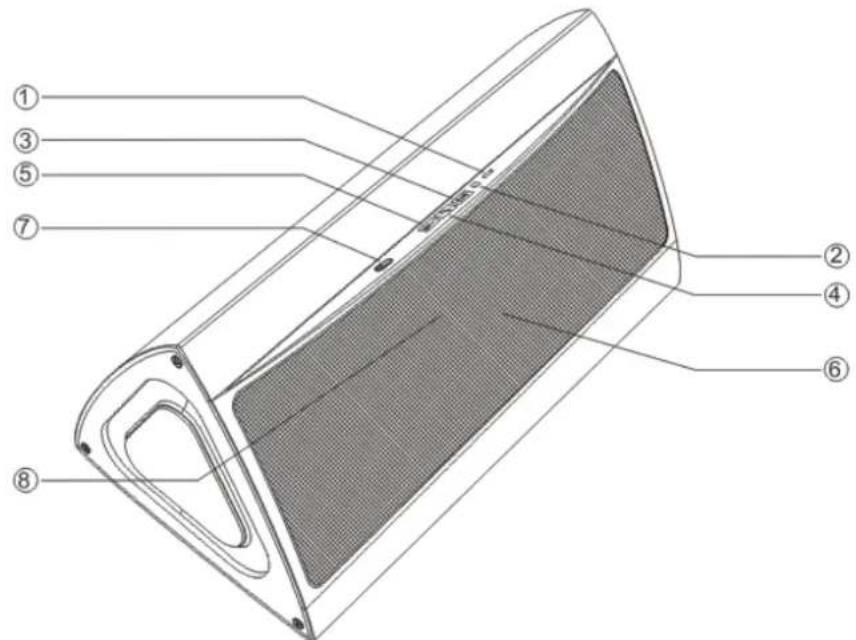
Buttons and Interface
text_image
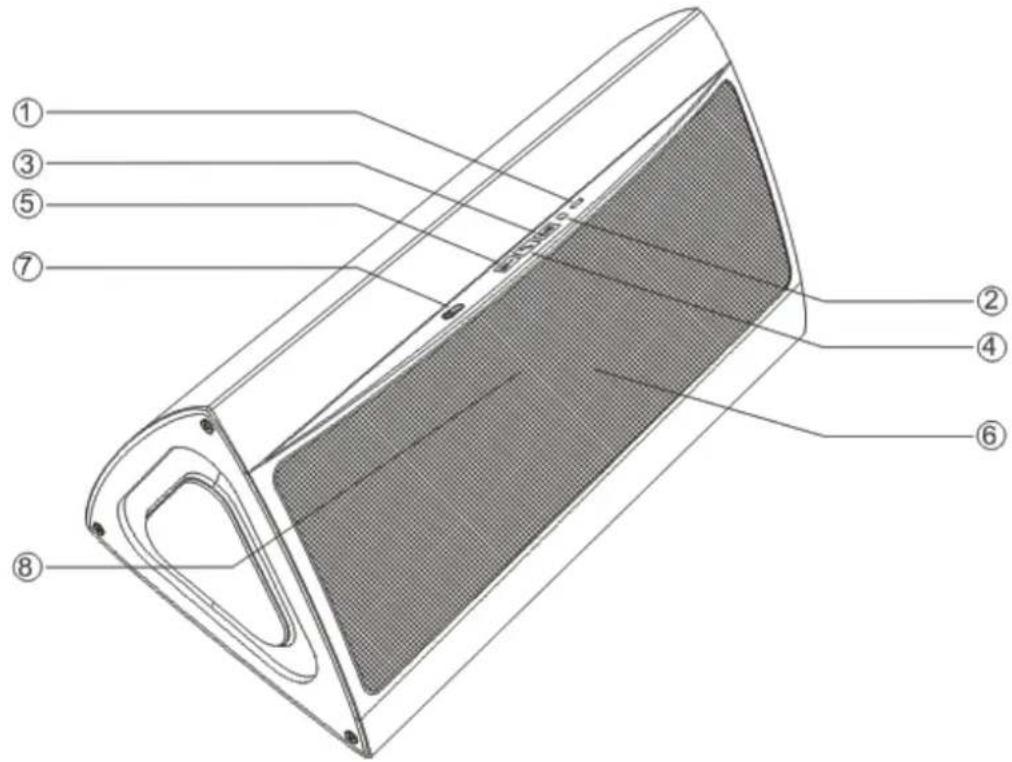
Technical diagram of a device with numbered parts labeled for identification1) 3.5 audio input interface
2) USB charge jack
3) Volume increase. MoveNext
4) Volume reduction. MovePrevious
5) Phone, Play, Pause
6) Microphone
7) On-off key, Bluetooth pairing key
8) Status light
Settings
- When turning on the C1 for the first time, you will hear a beeping sound while a blue light is blinking quickly. Search for Bolse C1 with your tablet computer, cell phone, or music player and enter PIN number "0000" for Bluetooth connection. Once connected, a blue light will blink slowly.
- You may play music via Bluetooth and press to pause.
- Press = for a few seconds to decrease the volume, until silence; press + for a few seconds to increase the volume. You will hear a beeping sound when the volume reaches maximum.
- Press - to play the previous track; press to play the next track. When playing the music, press to pause.
- When the battery is running low, a blue light and a green light will flash alternatively. The red light will be on while charging and off when fully charged (in 4 or 5 hours).
Communication
Once the C1 is connected with your cell phone via Bluetooth, you will hear a beeping sound when there is an incoming call. Press to answer the call or hold to reject the call. Press twice quickly to recall the last phone number you have dialed.
Audio Input
Play music via AUX: when playing music via AUX, you may use your tablet computer, cell phone, or music player to play/pause/play next track/play previous track/volume up/volume down.
Note: In this state, all keys on the C1 are unresponsive, and you have to use your Bluetooth device to play or pause music.
Charging
-
When the C1 is being charged, the red light turns on. Once it is fully charged, the red light turns off.
-
With low battery, the green light will blink slowly; please charge the C1 immediately.
Fast Charging
Please charge the C1 in standby or off status. Connect the C1 to a computer or charger via the USB cable to start charging. Once the C1 is fully charged, the red light will turn off.
Technical Specifications
| Input voltage | DC5V/1000mA |
| Battery type | Lithium battery |
| Frequency range | 60Hz-18kHz |
| Battery capacity | 7.4V 2200mAh |
| Snr | 80dB |
| Input sensitivity | 800mV |
| Outout power | RMS 5W * 2 |
| Audio Interface | A. Bluetooth wireless transmission B. Line in |
| Impedance | 4 ohms |
| Bluetooth band | 2.402GHz-2.480GHz |
| Bluetooth version | CSR 4.0 |
| Bluetooth protocol | A2DP, AVRCP |
Working distance
up to 20M
Warranty
■ 12 months from date of purchase.
■ Covers manufacturing defects.
- Requires original purchase receipt.
- Void if product has been misused, disassembled, or physically damaged.
For warranty service, contact Bolse: support@mybolse.com.
text_image
Technical diagram of a device with numbered parts labeled 1 through 8, showing internal structure and component layout.Buttons and Interface
text_image
Technical diagram of a device with numbered parts labeled 1 through 8, showing internal structure and component layout.support@mybolse.com.