
5 Series Sedan (2016) - Automotive BMW - Free user manual and instructions
Find the device manual for free 5 Series Sedan (2016) BMW in PDF.


User questions about 5 Series Sedan (2016) BMW
0 question about this device. Answer the ones you know or ask your own.
Ask a new question about this device
Download the instructions for your Automotive in PDF format for free! Find your manual 5 Series Sedan (2016) - BMW and take your electronic device back in hand. On this page are published all the documents necessary for the use of your device. 5 Series Sedan (2016) by BMW.
USER MANUAL 5 Series Sedan (2016) BMW
text_image
Contents A-Z Owner's Manual for Vehicle BMW The Ultimate Driving Machine® M ② YB 6466THE BMW 5 SERIES SEDAN. OWNER'S MANUAL.
BMW EfficientDynamics
Less emissions. More driving pleasure.
5 Series Owner's Manual for Vehicle
Thank you for choosing a BMW.
The more familiar you are with your vehicle, the better control you will have on the road. We therefore strongly suggest:
Read this Owner's Manual before starting off in your new BMW. Also use the Integrated Owner's Manual in your vehicle. It contains important information on vehicle operation that will help you make full use of the technical features available in your BMW. The manual also contains information designed to enhance operating reliability and road safety, and to contribute to maintaining the value of your BMW.
Any updates made after the editorial deadline for the printed or Integrated Owner's Manual are found in the appendix of the printed Quick Reference for the vehicle.
Supplementary information can be found in the additional brochures in the onboard literature.
We wish you a safe and enjoyable ride.
BMW AG
The Owner's Manual is available in many countries as an app.
Additional information on the Internet:
www.bmw.com/bmw_drivers_guide
Reprinting, including excerpts, only with the written
consent of BMW AG, Munich.
US English II/15, 03 15 490
Printed on environmentally friendly paper, bleached
without chlorine, suitable for recycling.
ADDENDUM TO OWNER'S MANUAL
We wanted to provide you with some updates and clarifications with respect to the printed BMW Owner's Manual. These updates and clarifications will supersede the materials contained in that document.
-
Where the terms “service center,” “the service center,” “your service center,” “service specialist,” or “service” are used in the Owner's Manual, we wanted to clarify that the terms refer to a BMW dealer's service center or another service center or repair shop that employs trained personnel that can perform maintenance and repair work on your vehicle in accordance with BMW specifications.
-
Where the text of the Owner's Manual contains an affirmative instruction to contact a "service center" or "your service center," we wanted to clarify that BMW recommends that, if you are faced with one of the situations addressed by that text, you contact or seek the assistance of a BMW dealer's service center or another service center or repair shop that employs trained personnel that can perform maintenance and repair work on your vehicle in accordance with BMW specifications.
While BMW of North America LLC, at no cost to you, will pay for repairs required by the limited warranties provided with respect to your vehicle and for maintenance under the Maintenance Program during the applicable warranty and maintenance coverage periods, you are free to elect, both during those periods and thereafter, to have maintenance and repair work provided by other service centers or repair shops.
- Where the Owner's Manual makes reference to parts and accessories having been approved by BMW, those references are intended to reflect that those parts and accessories are recommended by BMW of North America LLC. You may elect to use other parts and accessories, but, if you do,
we recommend that you make sure that any such parts and/or accessories are appropriate for use on your vehicle.
-
At page 7, under the warranty section's discussion of homologation, where it states that you “cannot lodge warranty claims for your vehicle there,” the text should read that you “may not be able to lodge warranty claims for your vehicle there.”
-
At page 7, under the “Parts and accessories” section, in the sixth sentence, the word “cannot” should read “does not.”
-
At page 58, in the “Check and replace safety belts” section, the text beginning, “This should only be done by your service center …” should be disregarded and the following text should be read in lieu thereof: “BMW recommends having this work performed by a service center as it is important that this safety feature functions properly.”
-
At page 59, under the heading: "Active head restraint," the paragraph beginning, "Only attach accessories ..." should be disregarded and the following text should be read in lieu thereof: "BMW recommends that you attach accessories approved by BMW to the seat or head restraint."
-
At page 102, under the heading: “Special windshield,” the paragraph beginning, “Therefore, have the special windshield …” should be disregarded and the following text should be read in lieu thereof: “BMW recommends that you have the special windshield replaced by the service center.”
-
At page 190 under the heading: "Objects within the range of movement of the pedals" and at page 254 under the heading: "Carpets and floor mats," the paragraph that begins: "Only use floor mats ..." should be disregarded and the following language should be read in lieu thereof: "The manufacturer of your vehicle recommends that you use floor mats that have been identified
by it as appropriate for use in your vehicle and that can be properly fixed in place."
-
At page 196, under the heading: “Have maintenance carried out,” the sentence beginning, “The maintenance should be carried out …” should be disregarded and the following text should be read in lieu thereof: “BMW recommends that you have the maintenance carried out by your service center.”
-
At page 211, under the heading “Tire inflation specifications,” the sentence beginning, “Tire inflation pressure specifications apply to approved tire sizes …” should be disregarded.
-
At page 223, under the heading: "Mounting," the paragraph beginning, "Have mounting and balancing ..." should be disregarded and the following text should be read in lieu thereof: "BMW recommends that you have mounting and balancing performed by your service center or a tire mounting specialist."
-
At page 223, under the heading: “Approved wheels and tires,” the term “Approved” should be disregarded and in lieu thereof, the term “Recommended” should be read in its place. In addition, the text of that section should be disregarded and the following text should be read in lieu thereof:
The manufacturer of your vehicle strongly suggests that you use wheels and tires that have been recommended by the vehicle manufacturer for your vehicle type; otherwise, for example, despite having the same official size ratings, variations can lead to body contact and with it, the risk of severe accidents.
The manufacturer of your vehicle does not evaluate non-recommended wheels and tires to determine if they are suitable for use on your vehicle.
- At page 228, under the heading: "Snow Chains," the text should be disregarded and
the following text should be read in lieu thereof:
Only certain types of fine-link snow chains have been tested by the manufacturer of your vehicle and are determined by the manufacturer of your vehicle to be road safe and are recommended by the manufacturer of your vehicle.
Information about recommended snow chains is available from a service center.
-
At page 229, under the heading "Hood," the sentence beginning, "If you are unfamiliar" should be disregarded.
-
At page 233, under the heading: “Engine oil change,” the text should be disregarded and in lieu thereof should be read as follows: BMW recommends that you have the oil changed at your BMW dealer's service center or at another service center that has trained personnel that can perform the work in accordance with BMW specifications.
-
At page 236, under the heading: "Service and Warranty Information Booklet for US models and Warranty and Service Guide Booklet for Canadian models," the second paragraph should be disregarded and the following text read in lieu thereof:
The manufacturer of your vehicle recommends that you have maintenance and repair performed by your BMW dealer's service center or another service center or repair shop that employs trained personnel that can perform maintenance and repair work on your vehicle in accordance with BMW specifications. The manufacturer of your vehicle recommends that you maintain records of all maintenance and repair work performed on your vehicle.
- At page 239 and page 240, where it reads: "Do not perform work/bulb replacement on xenon headlights," that text should be disregarded and in lieu thereof the following text should be read: "Xenon headlight work or replacement can cause serious and fatal
injuries." In the text that follows, where it reads: "[h]ave any work on the xenon lighting system ...," the following words should be read as preceding that passage: "It is strongly suggested that you ..."
- At page 243, under the “Battery replacement” section, the text should be disregarded and in lieu thereof the following text should be read:
Use of recommended vehicle batteries
The manufacturer of your vehicle recommends that you use vehicle batteries that it has tested and recommends for use in your vehicle; otherwise the vehicle could be damaged and systems or functions may not be fully available.
After a battery replacement, the manufacturer of your vehicle recommends that you have the battery registered on your vehicle by a service center to ensure that all comfort functions are fully available, and that any “check control” messages of these comfort functions are no longer displayed.
Contents
The fastest way to find information on a particular topic or item is by using the index, refer to page 262.
6 Notes
At a glance
14 Cockpit
18 iDrive
26 Voice activation system
29 Integrated Owner's Manual in the vehicle
Controls
34 Opening and closing
53 Adjusting
65 Transporting children safely
69 Driving
84 Displays
103 Lights
108 Safety
135 Driving stability control systems
143 Driving comfort
165 Climate control
172 Interior equipment
181 Storage compartments
Driving tips
188 Things to remember when driving
192 Loading
195 Saving fuel
Mobility
204 Refueling
206 Fuel
211 Wheels and tires
229 Engine compartment
231 Engine oil
234 Coolant
236 Maintenance
238 Replacing components
245 Breakdown assistance
251 Care
Reference
258 Technical data
262 Everything from A to Z
Notes
Using this Owner's Manual
Orientation
The fastest way to find information on a particular topic is by using the index.
An initial overview of the vehicle is provided in the first chapter.
Updates made after the editorial deadline
Any updates made after the editorial deadline for the Owner's Manuals are found in the appendix of the printed Quick Reference for the vehicle.
User's manual for Navigation, Entertainment, Communication
The topics of Navigation, Entertainment, Communication and the short commands of the voice activation system are described in a separate user's manual, which is also included with the onboard literature.
Additional sources of information
The service center will be happy to answer any other questions you may have.
Information on BMW, e.g., on technology, is available on the Internet: www.bmwusa.com.
BMW Driver's Guide App
The Owner's Manual is available in many countries as an app. Additional information on the Internet:
www.bmw.com/bmw_drivers_guide
Symbols
A Indicates precautions that must be followed precisely in order to avoid the possibility of personal injury and serious damage to the vehicle.
Marks the end of a specific item of information.
Refers to measures that can be taken to help protect the environment.
"..." Identifies display texts in vehicle used to select individual functions.
»...« Verbal instructions to use with the voice activation system.
»...« Identifies the answers generated by the voice activation system.
Symbols on vehicle components
i Indicates that you should consult the relevant section of this Owner's Manual for information on a particular part or assembly.
Vehicle features and options
This Owner's Manual describes all models and all standard, country-specific and optional equipment that is offered in the model series. Therefore, in this Owner's Manual, we also describe and illustrate features that are not available in your vehicle, e.g., because of the selected optional features or the country-specific version.
This also applies to safety-related functions and systems.
The respectively applicable country provisions must be observed when using the respective features and systems.
For any options and equipment not described in this Owner's Handbook, refer to the Supplementary Owner's Handbooks.
On right-hand drive vehicles, some controls are arranged differently from what is shown in the illustrations.
Status of the Owner's Manual
Basic information
The manufacturer of your vehicle pursues a policy of constant development that is conceived to ensure that our vehicles continue to embody the highest quality and safety standards. In rare cases, therefore, the features described in this Owner's Manual may differ from those in your vehicle.
Updates made after the editorial deadline
Any updates made after the editorial deadline for the Owner's Manuals are found in the appendix of the printed Quick Reference for the vehicle.
For your own safety
Warranty
Your vehicle is technically configured for the operating conditions and registration requirements applying in the country of first delivery - homologation. If your vehicle is to be operated in a different country it might be necessary to adapt your vehicle to potentially differing operating conditions and permit requirements. If your vehicle does not comply with the homologation requirements in a certain country you cannot lodge warranty claims for your vehicle there. Further information can be obtained from your Service Centre.
Maintenance and repairs
Advanced technology, e.g., the use of modern materials and high-performance electronics, requires suitable maintenance and repair work. Therefore, have this work performed only by a BMW center or a workshop that works according to BMW repair procedures with appropriately trained personnel.
If work is not carried out properly, there is a danger of subsequent damage and related safety hazards.
Parts and accessories
BMW recommends using parts and accessories approved by BMW for this purpose.
Your BMW center is the right contact for genuine BMW parts and accessories, other products approved by BMW and related qualified advice.
BMW has tested these products for safety and suitability in relation to BMW vehicles.
BMW can assume responsibility for them.
However, we cannot assume any responsibility whatsoever for parts and accessories that have not been specifically approved by BMW.
BMW cannot evaluate whether each individual product from another manufacturer can be used with BMW vehicles without presenting a safety hazard. This guarantee does not apply when country-specific government approval has been granted. Testing of this kind may fail to embrace the entire range of potential operating conditions to which components might be exposed on BMW vehicles. Such products could conceivably fail to comply with BMW's own stringent quality standards.
California Proposition 65 Warning
California laws require us to state the following warning:
Engine exhaust and a wide variety of automobile components and parts, including components found in the interior furnishings in a vehicle, contain or emit chemicals known to the State of California to cause cancer and birth defects and reproductive harm. In addition, certain fluids contained in vehicles and certain products of component wear contain or emit
chemicals known to the State of California to cause cancer and birth defects or other reproductive harm. Battery posts, terminals and related accessories contain lead and lead compounds. Wash your hands after handling. Used engine oil contains chemicals that have caused cancer in laboratory animals. Always protect your skin by washing thoroughly with soap and water.
Service and warranty
We recommend that you read this publication thoroughly. Your vehicle is covered by the following warranties:
▶ New Vehicle Limited Warranty.
▶ Rust Perforation Limited Warranty.
▶ Federal Emissions System Defect Warranty.
▶ Federal Emissions Performance Warranty.
▶ California Emission Control System Limited Warranty.
Detailed information about these warranties is listed in the Service and Warranty Information Booklet for US models or in the Warranty and Service Guide Booklet for Canadian models.
Your vehicle has been specifically adapted and designed to meet the particular operating conditions and homologation requirements in your country and continental region in order to deliver the full driving pleasure while the vehicle is operated under those conditions. If you wish to operate your vehicle in another country or region, you may be required to adapt your vehicle to meet different prevailing operating conditions and homologation requirements. You should also be aware of any applicable warranty limitations or exclusions for such country or region. In such case, please contact Customer Relations for further information.
Maintenance
Maintain the vehicle regularly to sustain the road safety, operational reliability and the New Vehicle Limited Warranty. Specifications for required maintenance measures:
▶ BMW Maintenance system
▶ Service and Warranty Information Booklet for US models
▶ Warranty and Service Guide Booklet for Canadian models
If the vehicle is not maintained according to these specifications, this could result in serious damage to the vehicle. Such damage is not covered by the BMW New Vehicle Limited Warranty.
Data memory
Many electronic components on your vehicle are equipped with data memories that temporarily or permanently store technical information about the condition of the vehicle, events and faults. This technical information generally records the state of a component, a module, a system or the environment:
▶ Operating mode of system components, fill levels for instance.
▶ Status messages for the vehicle and from its individual components, e.g., wheel rotation speed/vehicle speed, deceleration, transverse acceleration.
Malfunctions and faults in important system components, e.g., lights and brakes.
▶ Responses by the vehicle to special situations such as airbag deployment or engaging the stability control system.
▶ Ambient conditions, such as temperature.
This data is purely technical in nature and is used to detect and correct faults and to optimize vehicle functions. Motion profiles over routes traveled cannot be created from this data. When service offerings are used, e.g., repair services, service processes, warranty claims, quality assurance, this technical information can be read out from the event and fault memories by the service personnel, in-
cluding the manufacturer, using special diagnostic tools. You can obtain further information there if you need it. After an error is corrected, the information in the fault memory is deleted or overwritten on a continuous basis.
With the vehicle in use there are situations where you can associate these technical data with individuals if combined with other information, e.g., an accident report, damage to the vehicle, eye witness accounts — possibly with the assistance of an expert.
Additional functions that are contractually agreed with the customer - such as vehicle emergency locating - you can transmit certain vehicle data from the vehicle.
Event Data Recorder EDR
This vehicle is equipped with an event data recorder EDR. The main purpose of an EDR is to record, in certain crash or near crash-like situations, such as an air bag deployment or hitting a road obstacle, data that will assist in understanding how a vehicle's systems performed. The EDR is designed to record data related to vehicle dynamics and safety systems for a short period of time, typically 30 seconds or less.
The EDR in this vehicle is designed to record such data as:
▶ How various systems in your vehicle were operating.
▶ Whether or not the driver and passenger safety belts were fastened.
▶ How far, if at all, the driver was depressing the accelerator and/or brake pedal.
▶ How fast the vehicle was traveling.
These data can help provide a better understanding of the circumstances in which crashes and injuries occur.
EDR data are recorded by your vehicle only if a nontrivial crash situation occurs; no data are recorded by the EDR under normal driving
conditions and no personal data, e.g., name, gender, age, and crash location, are recorded.
However, other parties, such as law enforcement, could combine the EDR data with the type of personally identifying data routinely acquired during a crash investigation.
To read data recorded by an EDR, special equipment is required, and access to the vehicle or the EDR is needed. In addition to the vehicle manufacturer, other parties, such as law enforcement, that have the special equipment, can read the information if they have access to the vehicle or the EDR.
Vehicle identification number
natural_image
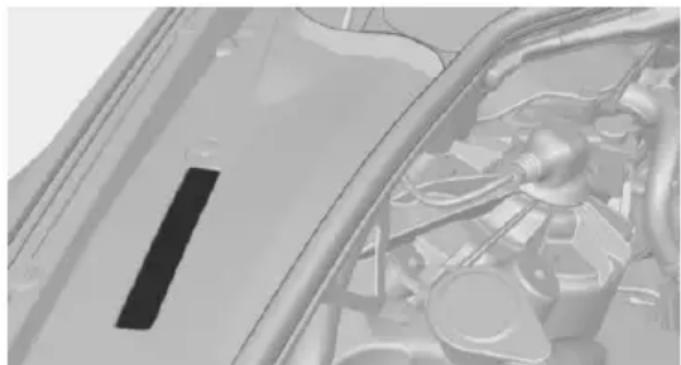
Close-up of a car's engine compartment showing internal components and structural lines (no visible text or symbols)The vehicle identification number can be found in the engine compartment.
The vehicle identification number can also be found behind the windshield.
Reporting safety defects
For US customers
The following only applies to vehicles owned and operated in the US.
If you believe that your vehicle has a defect which could cause a crash or could cause injury or death, you should immediately inform the National Highway Traffic Safety Administration NHTSA, in addition to notifying BMW of North America, LLC, P.O. Box 1227, West-
wood, New Jersey 07675-1227, Telephone 1-800-831-1117.
If NHTSA receives similar complaints, it may open an investigation, and if it finds that a safety defect exists in a group of vehicles, it may order a recall and remedy campaign.
However, NHTSA cannot become involved in individual problems between you, your dealer, or BMW of North America, LLC.
To contact NHTSA, you may call the Vehicle Safety Hotline toll-free at 1-888-327-4236 (TTY: 1-800-424-9153); go to http://www.safercar.gov; or write to: Administrator, NHTSA, 400 Seventh Street, SW., Washington, DC 20590. You can also obtain other information about motor vehicle safety from http://www.safercar.gov.
For Canadian customers
Canadian customers who wish to report a safety-related defect to Transport Canada, Defect Investigations and Recalls, may call the toll-free hotline 1-800-333-0510. You can also obtain other information about motor vehicle safety from http://www.tc.gc.ca/roadsafety.
At a glance
These overviews of buttons, switches and displays are intended to familiarize you with your vehicle. You will also become quickly acquainted with the available control concepts and options.
Cockpit
Vehicle features and options
This chapter describes all standard, country-specific and optional features offered with the series. It also describes features that are not necessarily available in your car, e. g., due to
the selected options or country versions. This also applies to safety-related functions and systems. The respectively applicable country provisions must be observed when using the respective features and systems.
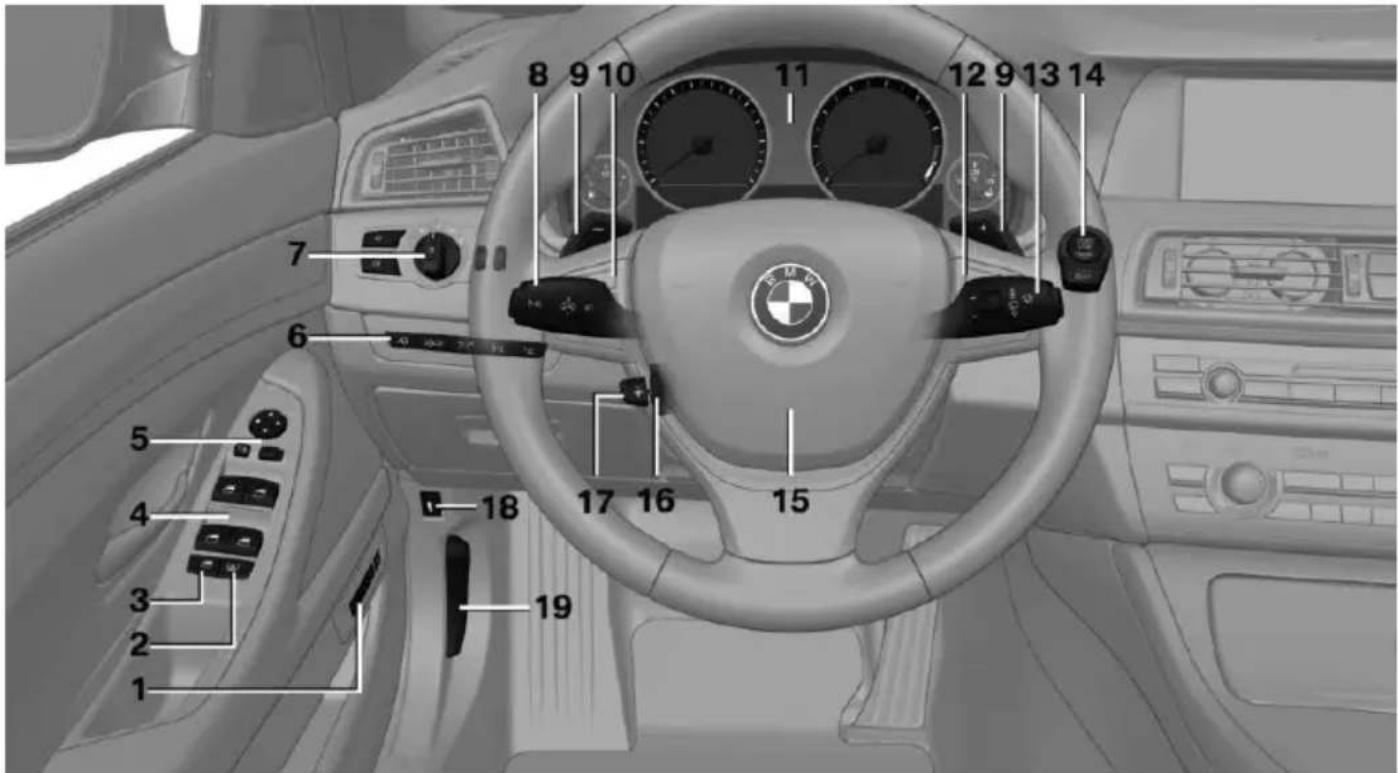
All around the steering wheel
text_image
1 2 3 4 5 6 7 8 9 10 11 12 9 13 14 15 16 17 18 191 Seating comfort features

Seat, mirror, steering wheel memory 61

Active seat 56
2 Roller sunblinds 49
3 Rear window safety switch 49
4 Power windows 48
5 Exterior mirror operation 62
6 Driver assistance systems

Active Blind Spot Detection 131

Intelligent Safety 117

Lane departure warning 129

Night Vision 126

Head-up Display 101
7 Lights

Front fog lights 106

Parking lights 103

Low beams 103

Automatic headlight control 104
Daytime running lights 104
Adaptive Light Control 104
High-beam Assistant 105
Instrument lighting 106

8 Steering column stalk, left

Turn signal 76

High beams, head-light flasher 76

High-beam Assistant 105

Roadside parking lights 104

On-board computer 97
9 Shift paddles 81
10 Steering wheel buttons, left

Store speed 150, 143

Resume speed 151, 146

Cruise control on/off, interrupting 143

Cruise control on/off, interrupting 150

Reduce distance 146

Increase distance 146
Cruise control rocker switch 151, 145
11 Instrument cluster 84
12 Steering wheel buttons, right

Entertainment source

Volume

Voice activation 26

Telephone, see user's manual for Navigation, Entertainment and Communication
Thumbwheel for selection lists 96
13 Steering column stalk, right

Wiper 77

Rain sensor 77

Clean the windshields and headlights 77
14 Start stop the engine and switch the ignition on/off 70

Auto Start/Stop function 71
15 Horn, total area
16 Steering wheel heating 64

17 Adjust the steering wheel 64

18 Open the trunk lid 40

19 Unlocking the hood
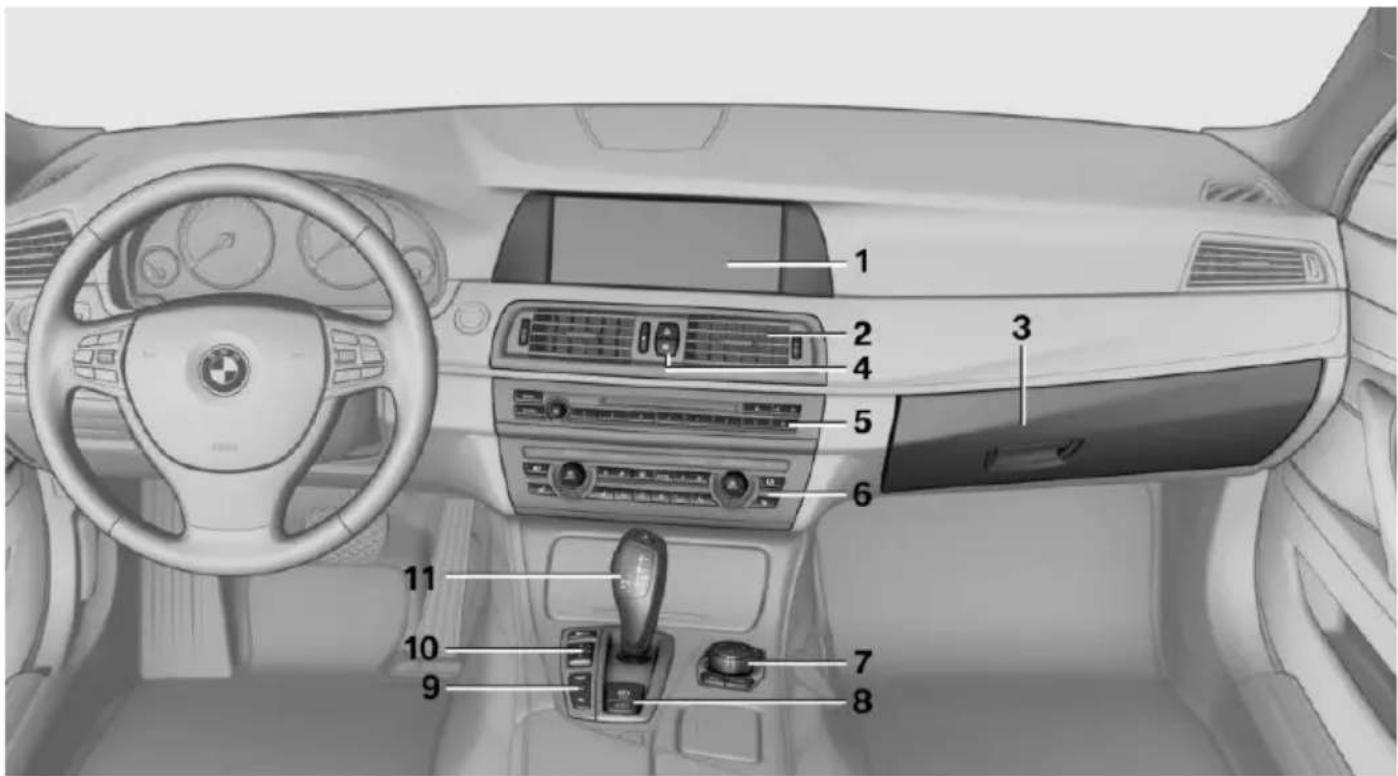
All around the center console
text_image
Diagram of a car interior with numbered components for identification and assembly reference.1 Control Display 18
2 Glove compartment 181
3 Ventilation 168
4 Hazard warning system 245


Central locking system 40
5 Radio/CD/Multimedia, see user's manual for Navigation, Entertainment and Communication
6 Automatic climate control 165
7 Controller with buttons 18
8 Parking brake 73


Auto Hold 74
9 PDC Park Distance Control 152
Top View 158
Rearview camera 154
Parking assistant 160
Side View 157


HDC Hill Descent Control 137
10 Driving Dynamics Control 139

Dynamics Control 139

DSC Dynamic Stability Control 135
11 Transmission selector lever
All around the roofliner
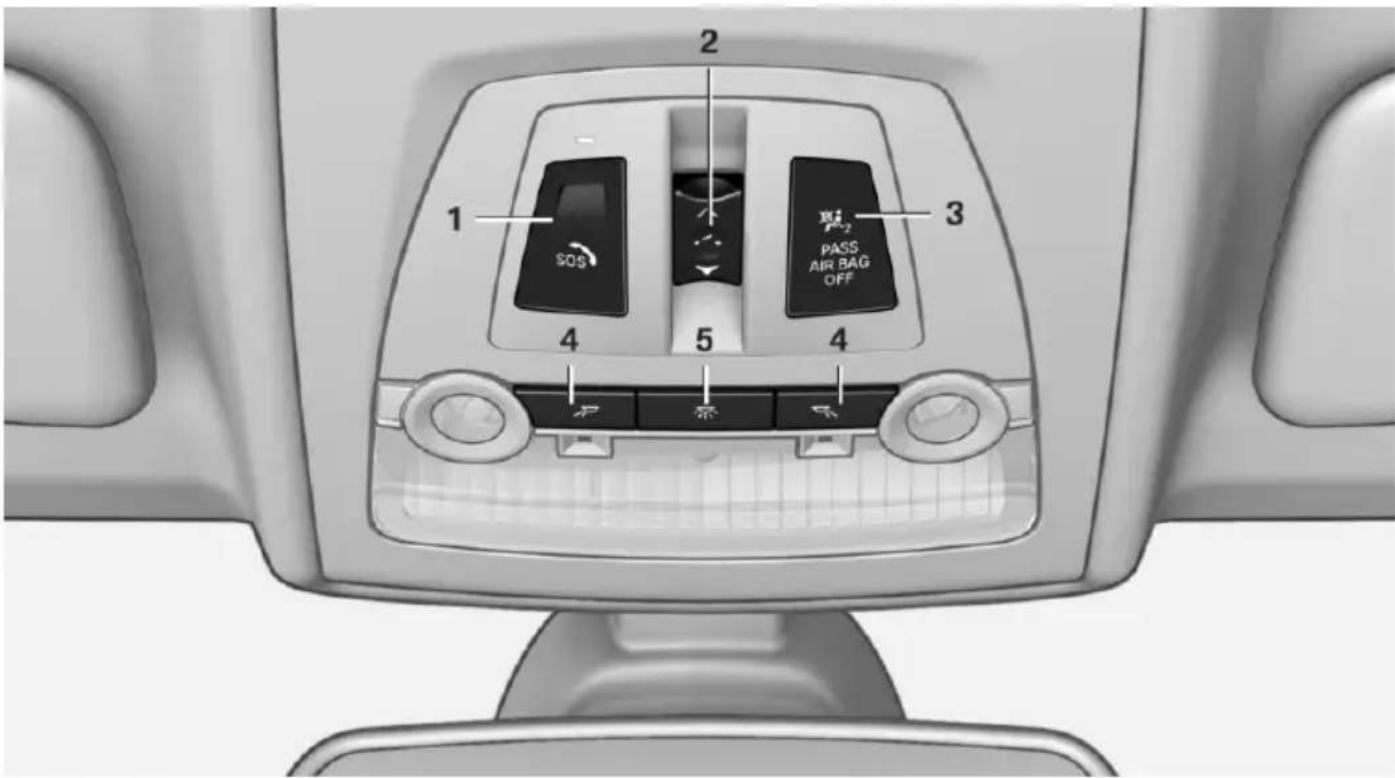
text_image
1 2 SOS 3 PASS AIR BAG OFF 4 5 41 Intelligent Emergency Request 245
2 Glass sunroof, powered 50
3 Indicator lamp, front-seat passenger airbag 110
4 Reading lights 107
5 Interior lights 106


iDrive
Vehicle features and options
This chapter describes all standard, country-specific and optional features offered with the series. It also describes features that are not necessarily available in your car, e.g., due to the selected options or country versions. This also applies to safety-related functions and systems. The respectively applicable country provisions must be observed when using the respective features and systems.
The concept
The iDrive combines the functions of many switches. Thus, these functions can be operated from a central location.

Using the iDrive during a trip
To avoid becoming distracted and posing an unnecessary hazard to your vehicle's occupants and to other traffic, never attempt to use the controls or enter information unless traffic and road conditions allow it.
Control elements at a glance
Control elements
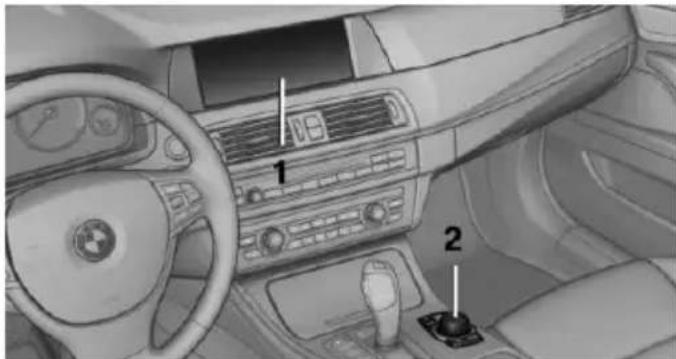
natural_image
Interior view of a car dashboard and steering wheel (no visible text or symbols)1 Control Display
2 Controller with buttons and, depending on the equipment version, with touchpad
Control Display
Hints
To clean the Control Display, follow the care instructions.
Do not place objects close to the Control Display; otherwise, the Control Display can be damaged.
In the case of very high temperatures on the Control Display, e.g. due to intense solar radiation, the brightness may be reduced down to complete deactivation. Once the temperature is reduced, e.g. through shadow or climate control system, the normal functions are re-established.
Switching on
- Switch on the ignition.
- Press the controller.
Switch off
- "Turn off control display"
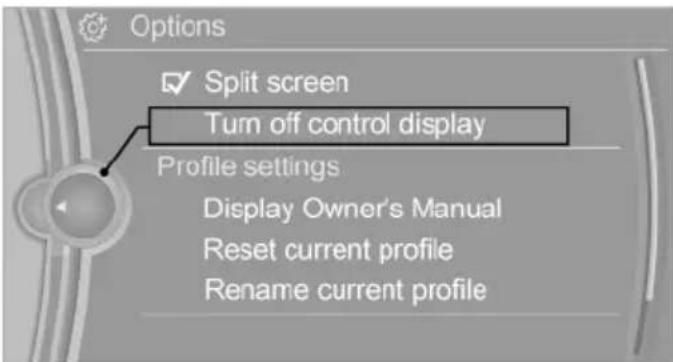
text_image
Options Split screen Turn off control display Profile settings Display Owner's Manual Reset current profile Rename current profileController
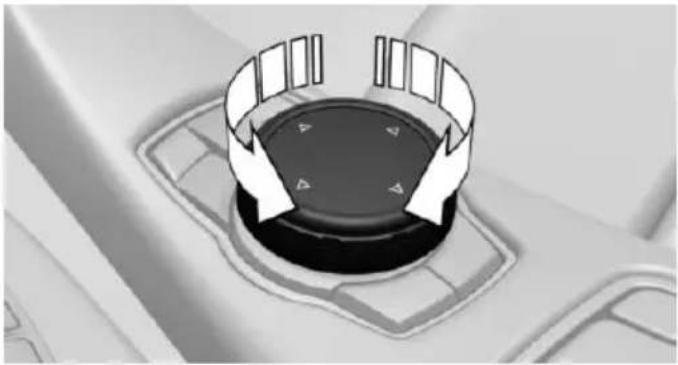
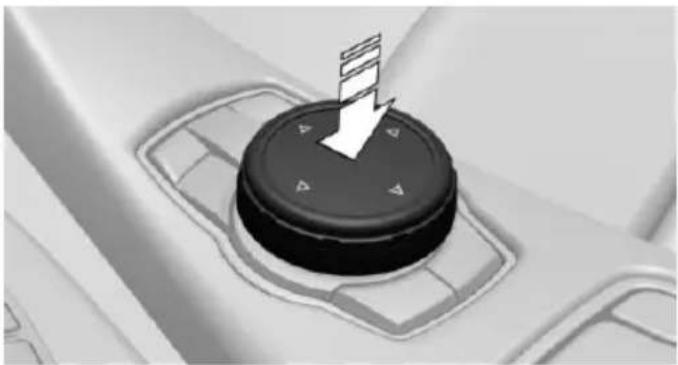
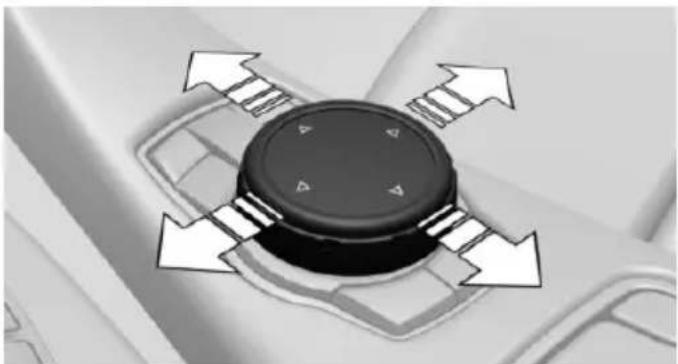
The buttons can be used to open the menus directly. The controller can be used to select menu items and enter the settings.
Some iDrive functions can be operated using the touchpad on the controller.
- Turn.
natural_image
Close-up of a car dashboard with directional arrows indicating rotation or movement (no text or symbols)- Press.
natural_image
Close-up of a black circular device with directional arrows and control buttons, no visible text or symbols.- Move in four directions.
natural_image
Close-up of a black circular device with four white directional arrows indicating rotation or movement (no text or symbols)Buttons on controller
Press button Function
MENU Open the main menu.
RADIO Opens the Radio menu.
MEDIA Opens the Multimedia menu.
NAV Opens the Navigation menu.
TEL Opens the phone menu.
Press button Function
BACK Displays the previous panel.
OPTION Opens the Options menu.
Operating concept
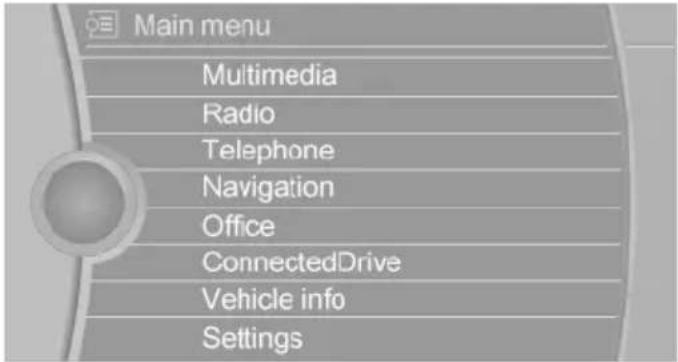
Opening the main menu

Press button.
text_image
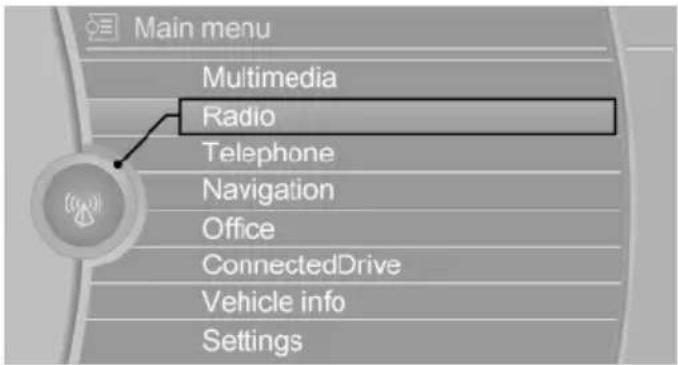
Main menu Multimedia Radio Telephone Navigation Office ConnectedDrive Vehicle info SettingsThe main menu is displayed.
All iDrive functions can be called up via the main menu.
Selecting menu items
Highlighted menu items can be selected.
- Turn the controller until the desired menu item is highlighted.
text_image
Main menu Multimedia Radio Telephone Navigation Office ConnectedDrive Vehicle info Settings- Press the controller.
Menu items in the Owner's Manual
In the Owner's Manual, menu items that can be selected are set in quotation marks, e.g., "Settings".
Changing between panels
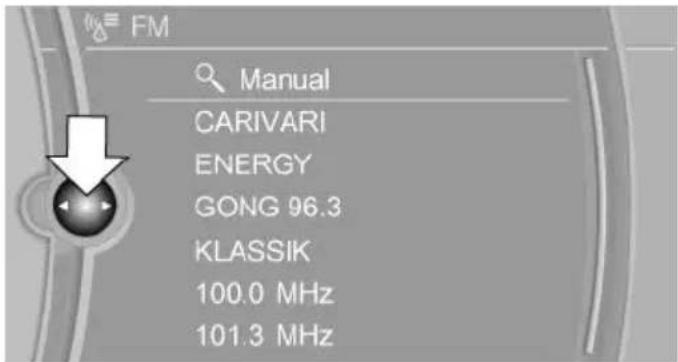
After a menu item is selected, e.g., "Radio", a new panel is displayed. Panels can overlap.
▶ Move the controller to the left.
Closes current display and shows previous display.
Reopens previous display by pressing BACK button. In this case, the current panel is not closed.
▶ Move the controller to the right.
Opens new display on top of previous screen.
text_image
FM Manual CARIVARI ENERGY GONG 96.3 KLASSIK 100.0 MHz 101.3 MHzWhite arrows pointing to the left or right indicate that additional panels can be opened.
Display of an opened menu
When selecting a menu, it generally opens with the panel that was last selected in that menu.
To display the first panel of a menu:
▶ Move the controller to the left repeatedly until the first panel is displayed.
▶ Press the menu button on the controller twice.
Opening the Options menu

Press button.
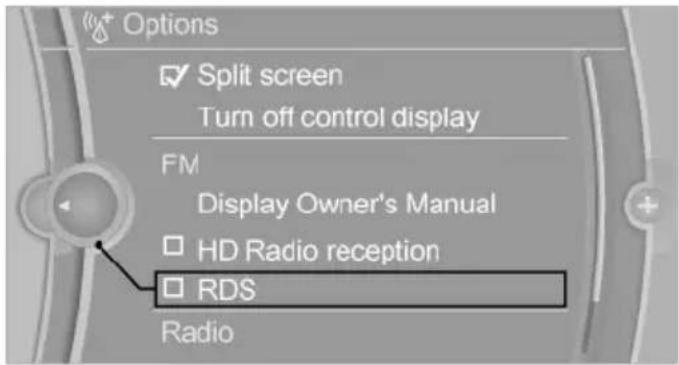
The "Options" menu is displayed.
text_image
Options ✓ Split screen Turn off control display FM Display Owner's Manual ☐ HD Radio reception ☐ RDS RadioAdditional options: move the controller to the right repeatedly until the "Options" menu is displayed.
Options menu
The "Options" menu consists of various areas:
▶ Screen settings, e.g., "Split screen".
This area remains unchanged.
▶ Control options for the selected main menu, e.g., for "Radio".
▶ If applicable, further operating options for the selected menu, e.g., "Store station".
Changing settings
-
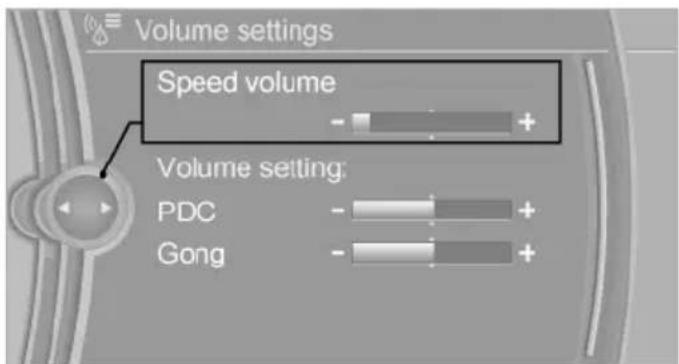
Select a field.
-
Turn the controller until the desired setting is displayed.
text_image
Volume settings Speed volume Volume setting: PDC Gong- Press the controller.
Activating/deactivating the functions
Several menu items are preceded by a checkbox. It indicates whether the function is activated or deactivated. Selecting the menu item activates or deactivates the function.
Function is activated.
☐ Function is deactivated.
Touchpad
Some iDrive functions can be operated using the touchpad on the controller:
Selecting functions
- "Settings"
- "Touchpad"
- Select the desired function.
▶ "Speller": enter letters and numbers.
▶ "Interactive map": viewing the interactive map.
▶ "Browser": enter Internet addresses.
▶ "Audio feedback": pronounces entered letters and numbers.
Entering letters and numbers
Entering letters requires some practice at the beginning. When entering, pay attention to the following:
For the input of upper/lower case letters and numbers, it may be necessary to reel via the controller to the corresponding Input mode, refer to page 24, e.g. when the spelling of upper and lower case letters is identical.
▶ Enter characters as they are displayed on the Control Display.
▶ Always enter associated characters, such as accents or periods so that the letter can be clearly recognized. Possible input depends on the set language. Where necessary, enter special characters via the controller.
To delete a character, slide to the left on the touchpad.
To enter a blank space, slide to the right in the center of the touchpad.
To enter a hyphen, slide to the right in the upper area of the touchpad.
To enter an underscore, swipe to the right in the lower area of the touchpad.
Using interactive map and Internet
Via touch-pad move the interactive map in the navigation system and Internet sites.
Function Controls
| Move interactive map or Internet sites. | Swipe into respective direc-tion. |
| Enlarge/shrink interactive map or Internet sites. | Drag in or out on the touchpad with fingers. |
Display the menu or open Tap once. a link in the Internet.
Changing settings
You may change control display settings via touchpad. Swipe left or right accordingly.
Example: setting the clock
Setting the clock
On the Control Display:

-
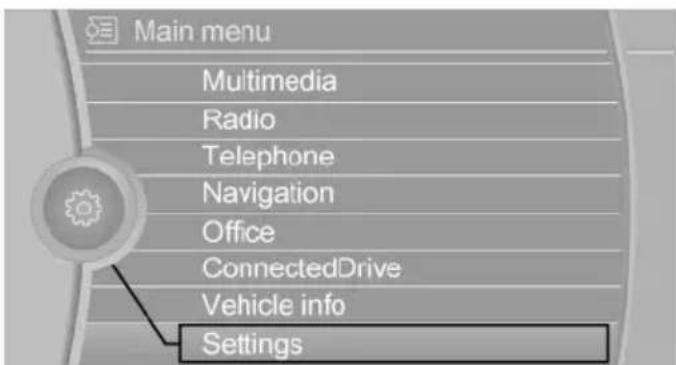
Press button. The main menu is displayed.
-
Turn the controller until "Settings" is highlighted, and then press the controller.
text_image
Main menu Multimedia Radio Telephone Navigation Office ConnectedDrive Vehicle info Settings-
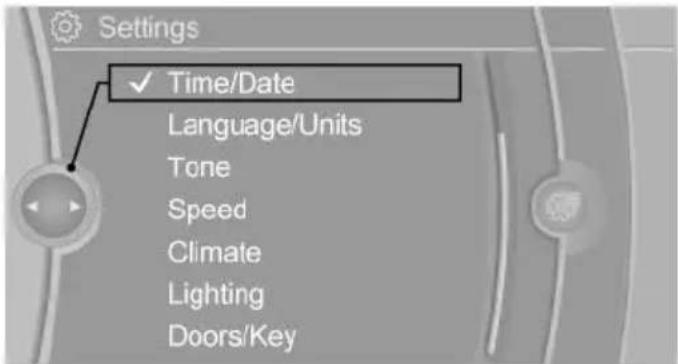
If necessary, move the controller to the left to display "Time/Date".
-
Turn the controller until "Time/Date" is highlighted, and then press the controller.
text_image
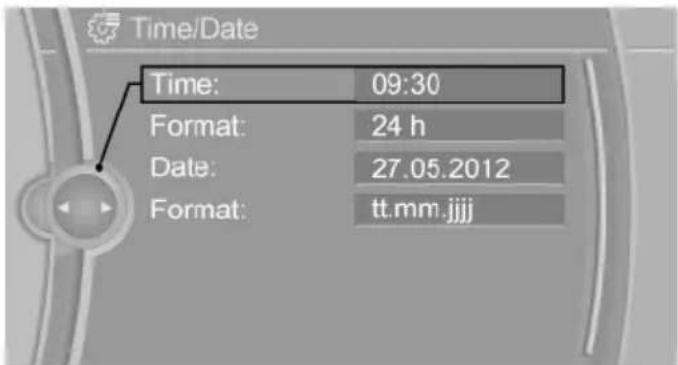
Settings ✓ Time/Date Language/Units Tone Speed Climate Lighting Doors/Key- Turn the controller until "Time:" is highlighted, and then press the controller.
text_image
Time/Date Time: 09:30 Format: 24 h Date: 27.05.2012 Format: tt.mm.jjjj-
Turn the controller to set the hours and press the controller.
-
Turn the controller to set the minutes and press the controller.
Status information
Status field
The following information is displayed in the status field at the top right:
Time.
▶ Current entertainment source.
▶ Sound output, on/off.
▶ Wireless network reception strength.
▶ Phone status.
▶ Traffic bulletin reception.
Status field symbols
The symbols are grouped as follows.
Radio symbols
Symbol Meaning
HD HD Radio station is being received.
Satellite radio is switched on.
Telephone symbols
Symbol Meaning
Incoming or outgoing call.
Missed call.
... Wireless network reception strength. Symbol flashes: network search.
Wireless network is not available.
Bluetooth is switched on.
▲ Roaming is active.
Text message was received.
Check the SIM card.
SIM card is blocked.
SIM card is missing.
Enter PIN.
Entertainment symbols
Symbol Meaning
CD/DVD player.
Music collection.
gracenote Gracenote® database.
AUX-IN port in the front or in the rear.
USB audio interface.
Mobile phone audio interface.
Additional symbols
Symbol Meaning
Spoken instructions are turned off.
Split screen
General information
Additional information can be displayed on the right side of the split screen, e.g., information from the on-board compter.
In the divided screen view, the so-called split screen, this information remains visible even when you change to another menu.
Switching the split screen on and off
On the Control Display:
- Press button.
- "Split screen"
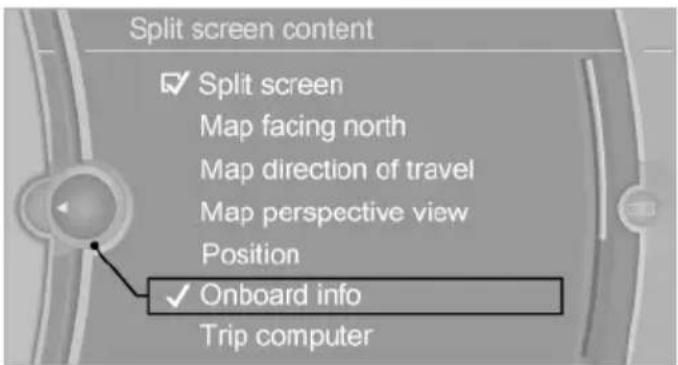
Selecting the display
On the Control Display:
-
Press button.
-
"Split screen"
-
Move the controller until the split screen is selected.
-
Press the controller or select "Split screen content".
-
Select the desired menu item.
text_image
Split screen content ✓ Split screen Map facing north Map direction of travel Map perspective view Position ✓ Onboard info Trip computerProgrammable memory buttons
General information
The iDrive functions can be stored on the programmable memory buttons and called up directly, e.g., radio stations, navigation destinations, phone numbers and menu entries.
Settings are stored for the profile currently in use.
Saving a function
-
Highlight the function via the iDrive.
-
1...8 Press and hold the desired button, until a signal sounds.
Running a function
1...8 Press button. The function will work immediately.
This means, e.g., that the number is dialed when a phone number is selected.
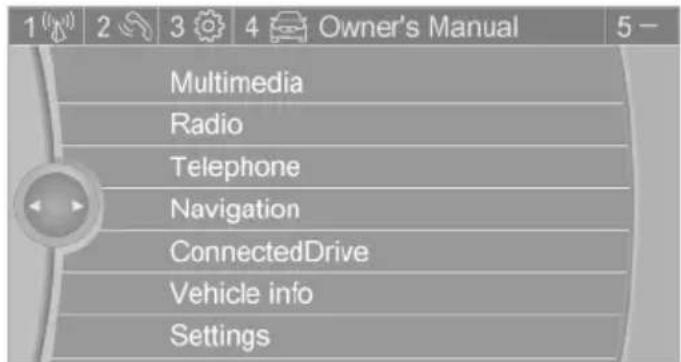
Displaying the button assignment
Touch buttons with bare fingers. Do not wear gloves or use objects.
The key assignment is displayed at top edge of screen.
text_image
1 2 3 4 Owner's Manual 5 - Multimedia Radio Telephone Navigation ConnectedDrive Vehicle info SettingsDeleting the button assignments
-
Press buttons 1 and 8 simultaneously for approx. five seconds.
-
"OK"
-
Press buttons 1 and 8 simultaneously for approx. five seconds.
- "OK"
Deleting personal in the vehicle
The concept
Depending on the usage, the vehicle saves personal data, such as stored radio stations. These personal data can be permanently deleted through iDrive.
General information
Depending on the equipment package, the following data can be deleted:
▶ Personal Profile settings.
▶ Stored radio stations.
▶ Stored Favorites buttons.
▶ Travel and computer information.
▶ Music collection.
▶ Navigation, e.g. stored destinations.
▷ Phone book.
▶ Online data, e.g. Favorites, cookies.
▶ Voice notes.
▶ Login accounts.
▶ RemoteApp smartphone tethering.
Altogether, the deletion of the data can take up to 30 minutes.
Functional requirement
Data can only be deleted while stationary.
Deleting data
Heed and follow the instructions on the Control Display.
- Switch on the ignition.
- "Settings"
- Open "Options".
- "Delete personal data"
- "Continue"
- "OK"
Entering letters and numbers
General information
On the Control Display:
- Turn the controller: select letters or numbers.
- Select additional letters or numbers if needed.
- "OK": confirm the entry.
Symbol Function
← Press the controller: delete the letter or number.
← Press the controller for an extended period: delete all letters or numbers.
Switching between cases, letters and numbers
Depending on the menu, you can reel between entering upper and lower case, letters and numbers:
Symbol Function
A^B_C Enter the letters.
1@+ Enter the numbers.
abc or ABC controller up.
Without navigation system
@A A ^a Select the symbol.
Entry comparison
Entering names and addresses: choice is narrowed down with every letter entered and letters may be added automatically.
Entries are continuously compared with data stored in the vehicle.
▶ Only those letters are offered during input for which data is available.
▶ Target search: names of locations may be entered in languages available through Control Display.
Voice activation system
Vehicle features and options
This chapter describes all standard, country-specific and optional features offered with the series. It also describes features that are not necessarily available in your car, e.g., due to the selected options or country versions. This also applies to safety-related functions and systems. The respectively applicable country provisions must be observed when using the respective features and systems.
The concept
▶ Most functions displayed on the Control Display can be operated by voice commands via the voice activation system. The system supports you with announcements during input.
▶ Functions that can only be used when the vehicle is stationary cannot be used via the voice activation system.
The system uses a special microphone on the driver's side.
▶ »...« Verbal instructions in the Owner's Manual to use with the voice activation system.
Requirements
Via the Control Display, set a language that is also supported by the voice activation system so that the spoken commands can be identified.
Set the language, refer to page 100.
Using voice activation
Activating the voice activation system
1.
Press button on the steering
wheel.
-
Wait for the signal.
-
Say the command.
A command that is recognized by the voice activation system is announced and displayed in the instrument cluster.
This symbol in the instrument cluster indicates that the voice activation system is active. If no other commands are available, use function via iDrive.
Terminating the voice activation system
Briefly press the button on the steering wheel or >Cancel.
Possible commands
Most menu items on the Control Display can be voiced as commands.
The available commands depend on the menu that is currently displayed on the Control Display.
There are short commands for many functions. You may select lists such as phone lists via voice activation. Read these lists out loud exactly as they show in the respective list.
Having possible commands read aloud
You can have available commands read out loud for you: »Voice commands«
E. g. if the "Settings" menu is displayed, the commands for the settings are read out loud.
Executing functions using short commands
Execute functions on the main menu via short commands. It almost doesn't matter which menu item is selected, e.g., >Vehicle status<.
List of short commands for the voice activation system, see Navigation, Entertainment, Communication Owner's Manual.
Help dialog for the voice activation system
Calling up help dialog: »Help«
Additional commands for the help dialog:
Help with examples: announces information about the current operating options and the most important commands for them.
▶ Help with voice activation: information about the principle of operation for the voice activation system is announced.
One example: open the tone settings
Via the main menu
The commands of the menu items are spoken just as they are selected via the controller.
- Turn on the Entertainment sound output if needed.
- Press button on the steering wheel.
-
Radio<
-
Tone<
Via short command
The desired tone settings can also be started via a short command.
-
Turn on the Entertainment sound output if needed.
-
Press button on the steering wheel.
-
Tone
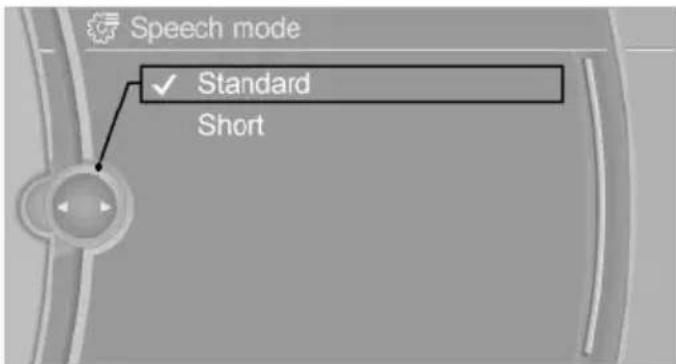
Setting the voice dialog
Set system to standard dialog or use a short version.
The short version of the voice dialog plays back short messages in abbreviated form.
- "Settings"
- "Language/Units"
- "Speech type:"
- Select setting.
text_image
Speech mode ✓ Standard ShortAdjusting the volume
Turn the volume button while giving an instruction until the desired volume is set.
The volume remains constant even if the volume of other audio sources is changed.
The volume is stored for the profile currently in use.
Hints on Emergency Requests
Do not use the voice activation system to initiate an Emergency Request. In stressful situations, the voice and vocal pitch can change.
This can unnecessarily delay the establishment of a phone connection.
Instead, use the SOS button, refer to page 245, close to the interior mirror.
Environmental conditions
▷ Say the commands, numbers, and letters smoothly and with normal volume, emphasis, and speed.
▶ Always say commands in the language of the voice activation system.
▶ Keep the doors, windows, and glass sun-roof closed to prevent noise interference.
▶ Avoid making other noise in the vehicle while speaking.
Integrated Owner's Manual in the vehicle
Vehicle features and options
This chapter describes all standard, country-specific and optional features offered with the series. It also describes features that are not necessarily available in your car, e.g., due to the selected options or country versions. This also applies to safety-related functions and systems. The respectively applicable country provisions must be observed when using the respective features and systems.
Integrated Owner's Manual in the vehicle
The Integrated Owner's Manual can be displayed on the Control Display. It specifically describes features and functions found in the vehicle.
Components of the Integrated Owner's Manual
The Integrated Owner's Manual consists of three parts, which offer various levels of information or possible access.
Quick Reference Guide
The Quick Reference Guide provides information how to operate the car, how to use basic vehicle functions or what to do in case of a breakdown. This information can also be displayed while driving.
Search by images
Image search provides information and descriptions. This is helpful when the terminology for a feature is not at hand.
Owner's Manual
Search for information and descriptions by entering terms selected from the index.
Select components
Press button.
-
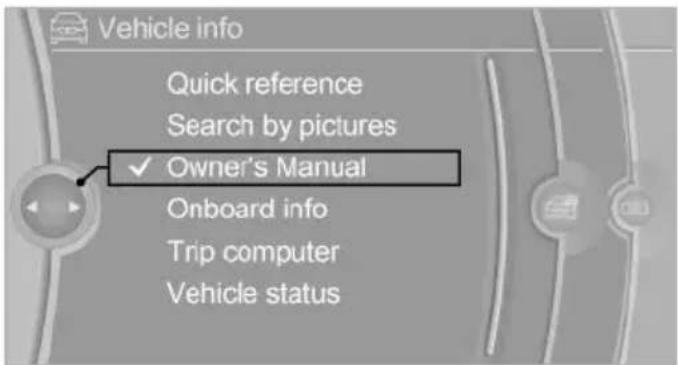
Turn the controller: open "Vehicle info".
-
Press the controller.
-
Selecting desired range:
▶ "Quick reference"
▶ "Search by pictures"
▶ "Owner's Manual"
text_image
Vehicle info Quick reference Search by pictures ✓ Owner's Manual Onboard info Trip computer Vehicle statusLeafing through the Owner's Manual
Page by page with link access
Turn the controller until the next or previous page is displayed.
Page by page without link access
Scroll through the pages directly while skipping the links.
Highlight the symbol once. Now simply press the controller to browse from page to page.

Scroll back.

Scroll forward.
Context help - Owner's Manual to the temporarily selected function
You may open the relevant information directly.
Opening via the iDrive
To move directly from the application on the Control Display to the Options menu:

- ☐ Press button or move the controller to the right repeatedly until the "Options" menu is displayed.
- "Display Owner's Manual"
Opening when a Check Control message is displayed
Directly from the Check Control message on the Control Display:
"Display Owner's Manual"
Changing between a function and the Owner's Manual
To reel from a function, e. g., radio, to the Owner's Manual on the Control Display and to alternate between the two displays:

-
Press button or move the controller to the right repeatedly until the "Options" menu is displayed.
-
"Display Owner's Manual"
-
Select the desired page in the Owner's Manual.

- ☐ Press button again to return to last displayed function.

- BACK Press button to return to the page of the Owner's Manual displayed last.
To alternate permanently between the last displayed function and the Owner's Manual repeat steps 4 & 5. Opens a new display every time.
Programmable memory buttons
General information
The Owner's Manual can be stored on the programmable memory buttons and called up directly.
Storing
- "Owner's Manual" Select via the iDrive.
- 1...8 Press selected button for more than 2 seconds.
Executing
1 0 Press button.
The Owner's Manual is displayed immediately.
text_image
START STOP ENGINE Online Edition for Part no. 01 40 2 954 312 - II/15Controls
This chapter is intended to provide you with information that will give you complete control of your vehicle. All features and accessories that are useful for driving and your safety, comfort and convenience are described here.
Opening and closing
Vehicle features and options
This chapter describes all standard, country-specific and optional features offered with the series. It also describes features that are not necessarily available in your car, e.g., due to the selected options or country versions. This also applies to safety-related functions and systems. The respectively applicable country provisions must be observed when using the respective features and systems.
Remote control/key
General information
The vehicle is supplied with two remote controls with integrated key.
Every remote control holds a replaceable battery.
You may set the key functions depending on the optional features and country-specific version. For Settings, refer to page 46.
The vehicle stores personal settings for every remote control. Personal Profile, refer to page 35.
The remote controls hold information on required maintenance. Service data in the remote control, refer to page 236
Overview
text_image
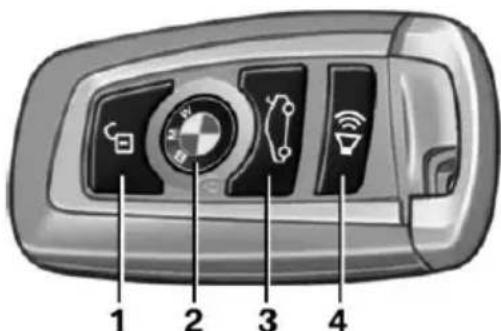
1 2 3 41 Unlocking
2 Locking
3 Opening the trunk lid
4 Press briefly: headlight courtesy delay feature
Press and hold: Panic mode
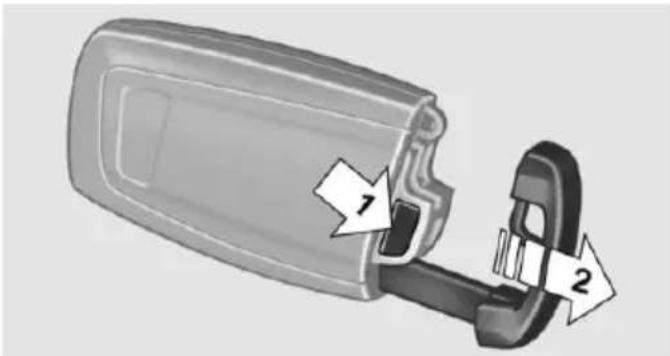
Integrated key
text_image
Diagram showing a device component with labeled parts 1 and 2, indicating parts of a device or connector.Press button, arrow 1, and remove the key, arrow 2.
The integrated key fits the following locks:
Driver's door.
Storage compartment in the front center armrest.
The storage compartment contains a switch for separately securing the trunk lid, refer to page 42.
Replacing the battery
text_image
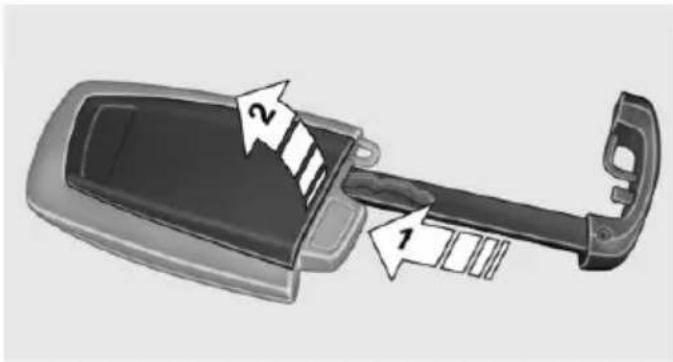
Diagram of a car door handle with labeled parts, showing two directional arrows labeled 1 and 2.- Remove integrated key from remote control.
- Push in the catch with the key, arrow 1.
- Remove the cover of the battery compartment, arrow 2.
- Insert a battery of the same type with the positive side facing up.
- Press the cover closed.

Take the used battery to a recycling center or to your service center.
New remote controls
New remote controls are available from the service center.
Loss of the remote controls
Lost remote controls can be disabled by your service center.
Emergency detection of remote control
It is possible to switch on the ignition or start the engine in situations such as the following:
▶ Interference of radio transmission to remote control by external sources e.g., by radio masts.
▶ Empty battery in remote control.
▶ Interference from radio transmissions through mobile devices in close proximity to remote control.
▶ Interference of radio transmission by charger while charging items such as mobile devices in the vehicle.
A Check Control message is displayed if an attempt is made to switch on the ignition or start the engine.
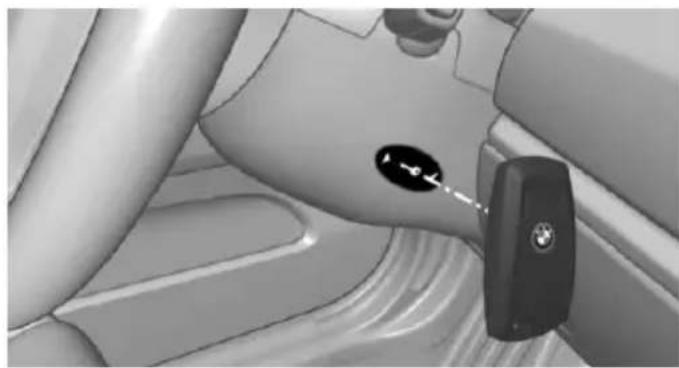
Starting the engine with emergency detection of the remote control
natural_image
Interior view of a car seatbelt with a car key inserted, showing no text or symbols on the main subject.Steptronic transmission: if a corresponding Check Control message appears, hold the remote control, as shown, against the marked area on the steering column and press the Start/Stop button within 10 seconds while pressing the brake.
Manual transmission: if a corresponding Check Control message appears, hold the remote control, as shown, against the marked area on the steering column and press the Start/Stop button within 10 seconds while pressing the clutch pedal.
If the remote control is not recognized: slightly change the height position of the remote control and repeat the procedure.
Personal Profile
The concept
Personal Profile provides three profiles, using which personal vehicle settings can be stored. Every remote control has one of these profiles assigned.
If the vehicle is unlocked using a remote control, the assigned personal profile will be acti-
vated. All settings stored in the profile are automatically applied.
If several drivers use their own remote control, the vehicle will adjust the personal settings during unlocking. These settings are also restored, if the vehicle has been used in the meantime by a person with a different remote control.
Changes to the settings are automatically saved in the personal profile.
Three personal profiles and a guest profile can be created.
Adjusting
The settings for the following systems and functions are saved in the active profile. The scope of storable settings is country- and equipment-dependable.
▶ Unlocking and locking.
▶ Lights.
▶ Climate control.
Radio.
▶ Instrument cluster.
▶ Programmable memory buttons.
▶ Volumes, tone.
▶ Control Display.
▶ Navigation.
▶ Park Distance Control PDC.
▶ Rearview camera
▶ Side View.
▶ Head-up Display.
▶ Driving Dynamics Control.
▶ Cruise control.
▶ Intelligent Safety.
▶ Active Blind Spot Detection.
Night vision.
▶ Driver's seat position, exterior mirror position, steering wheel position.
Profile management
Opening profiles
Regardless of the remote control in use a different profile may be activated.
- "Settings"
- "Profiles"
- Select a profile.
▶ All settings stored in the called-up profile are automatically applied.
The called-up profile is assigned to the remote control being used at the time.
If the profile is already assigned to a different remote control, this profile will apply to both remote controls. It cannot be differentiated anymore between the settings for the two remote controls.
Renaming profiles
A personal name can be assigned to every profile to avoid confusion between the profiles.
- "Settings"
- "Profiles"
- "Options"
- "Rename current profile"
Resetting profiles
The settings of the active profile are reset to their default values.
- "Settings"
- "Profiles"
- "Options"
- "Reset current profile"
Exporting profiles
Most settings of the active profile can be exported.
This can be helpful for securing and retrieving personal settings, before delivering the vehicle to a workshop, e.g. Profiles can be taken to an-
other vehicle equipped with the Personal Profile function.
The following export options are available:
▶ Via BMW Online.
▶ Via the USB port to a USB device.
Popular file systems for USB devices are supported. FAT32 and exFAT are the recommended formats for profile export. Other formats may not support the export.
-
"Export profile"
-
BMW Online: "BMW Online"
-
"Settings"
- "Profiles"
USB interface: "USB device"
Importing profiles
Profiles exported via BMW Online can also be imported via BMW Online.
Profiles stored on a USB device can be im- ported via the USB interface.
Existing settings are overwritten with the im- ported profile.
- "Settings"
- "Profiles"
- "Import profile"
- BMW Online: "BMW Online"
USB interface: "USB device"
Using the guest profile
The guest profile is for individual settings that are saved in none of the three personal profiles.
This can be useful for drivers who are using the vehicle temporarily and do not have their own profile.
- "Settings"
- "Profiles"
- "Guest"
The guest profile cannot be renamed. It is not assigned to the current remote control.
Display profile list during start
The profile list can be displayed during each start to select the desired profile.
- "Settings"
- "Profiles"
- "Options"
- "Display user list at startup"
Using the remote control
Note

Take the remote control with you
People or animals left unattended in a parked vehicle can lock the doors from the inside. Always take the remote control with you when leaving the vehicle so that the vehicle can then be opened from the outside.
Unlocking
Press button on the remote control.
All doors, the tailgate, and the fuel filler flap are being unlocked.
▶ Interior lamps and courtesy lamps are activated. This function is not available, if the interior lamps were switched off manually.
The welcome lamps are switched on, if this function was activated.
- Exterior mirrors folded through convenient closing are folded open.
You can set how the vehicle is to be unlocked. For Settings, refer to page 46.
Anti-theft protection is switched off.
The alarm system, refer to page 47, is disarmed.
Convenient opening

Press and hold this button on the remote control after unlocking.
The windows and the glass sunroof are opened, as long as the button on the remote control is pressed.
Locking

Locking from the outside
Do not lock the vehicle from the outside with people inside the car, as the vehicle cannot be unlocked from inside without special knowledge.
The driver's door must be closed.

Press button on the remote control.
All doors, the tailgate, and the fuel filler flap are being locked.
Anti-theft protection is switched on. It prevents the doors from being unlocked using the lock buttons or the door openers.
The alarm system, refer to page 47, is armed.
Switching on interior lights and courtesy lights

Press button on the remote control with the vehicle locked.
This function is not available, if the interior lamps were switched off manually.
If the button is pressed again within 10 seconds after vehicle was locked, the interior motion sensor and tilt alarm sensor of the anti-theft warning system, refer to page 48, are turned off. After locking, wait 10 seconds before pressing the button again.
Panic mode
You can trigger the alarm system if you find yourself in a dangerous situation.

Press button on the remote control for at least 3 seconds.
To reel off the alarm: press any button.
Opening the trunk lid
Press button on the remote control for approx. 1 second.
The trunk lid opens, regardless of whether the vehicle was previously locked or unlocked.
During opening, the trunk lid pivots back and up. Ensure that adequate clearance is available before opening.
Depending on the features and the country version, it is also possible to have door unlocked. Create the settings, refer to page 46.
If the doors were not unlocked, the trunk lid is locked again as soon as it closes.

Do not place the remote control in the cargo area
Take the remote control with you and do not leave it in the cargo area; otherwise, the remote control is locked inside the vehicle when the trunk lid is closed.
Switching on the headlight courtesy delay feature
Briefly press the button on the remote control.
The duration can be set in the Control Display.
Malfunction
Remote control detection by the vehicle can among others be malfunctioning under the following circumstances:
The battery of the remote control is discharged. Replace the battery, refer to page 35.
▶ Interference of the radio connection from transmission towers or other equipment with high transmit power.
▶ Shielding of the remote control due to metal objects.
▶ Interference of the radio connection from mobile phones or other electronic devices in direct proximity.
Do not transport the remote control together with metal objects or electronic devices.
In the case of interference, the vehicle can also be unlocked and locked from the outside without remote control, refer to page 39.
For US owners only
The transmitter and receiver units comply with part 15 of the FCC/Federal Communication Commission regulations. Operation is governed by the following:
FCC ID:
▷ LX8766S.
LX8766E.
▷ LX8CAS.
▷ LX8CAS2.
MYTCAS4.
Compliance statement:
This device complies with part 15 of the FCC Rules. Operation is subject to the following two conditions:
This device may not cause harmful interference, and
- this device must accept any interference received, including interference that may cause undesired operation.
Any unauthorized modifications or changes to these devices could void the user's authority to operate this equipment.
Without remote control
From the outside

Locking from the outside
Do not lock the vehicle from the outside with people inside the car, as the vehicle cannot be unlocked from inside without special knowledge.

Remove the key before pulling the door handle
Before pulling the outside door handle, remove the key to avoid damaging the paintwork and the key.
natural_image
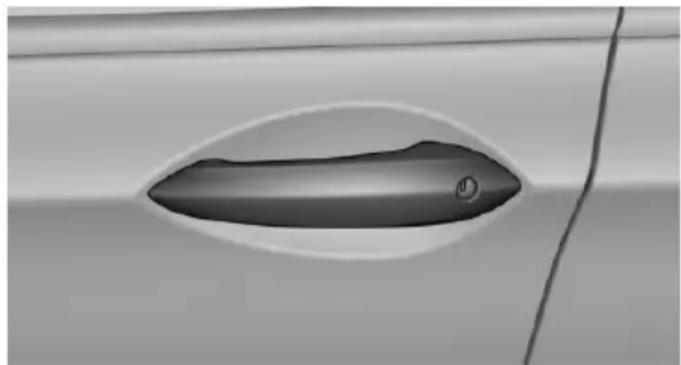
Close-up of a car door handle with a small circular button, no visible text or symbolsUnlock or lock the driver's door via the door lock using the integrated key, refer to page 34.
In some vehicle equipment versions, only the driver's door can be unlocked or locked via the door lock. In this case, the other doors must be unlocked or locked from the inside.
Alarm system
With some country versions, the alarm system is not armed if the vehicle is locked with the integrated key.
In some country-specific versions, the alarm system is triggered when the vehicle is unlocked via the door lock.
In order to terminate this alarm, unlock vehicle with the remote control or switch on the ignition, if needed, through emergency detection of the remote control, refer to page 35.
From the inside
Unlocking and locking
natural_image
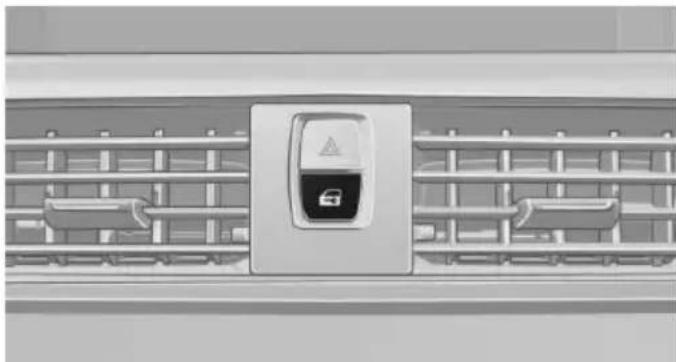
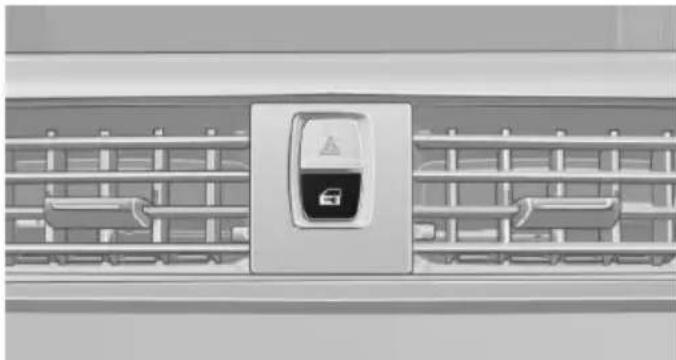
Front view of a car air conditioner grille with a central logo (no text or symbols visible)Pressing the central locking system button locks or unlocks the vehicle with the front doors closed.
The vehicle is not secured against theft when locking.
The fuel filler flap remains unlocked.
In the event of a severe accident, the vehicle is automatically unlocked. The hazard warning system and interior lights come on.
Unlocking and opening
natural_image
Front view of a car air conditioner unit with a central logo (no visible text or symbols)▶ Press the central locking system button to unlock the doors together, and then pull the door handle above the armrest.
On the door to be opened, pull the door handle twice: the first time unlocks the door, the second time opens it. The other doors remain locked.
Doors
Automatic Soft Closing
To close the doors, push lightly.
It is closed automatically.

Danger of jamming
Make sure that the closing path of the doors is clear; otherwise, injuries may result.
Trunk lid
Opening
During opening, the trunk lid pivots back and up.
Ensure that adequate clearance is available before opening.
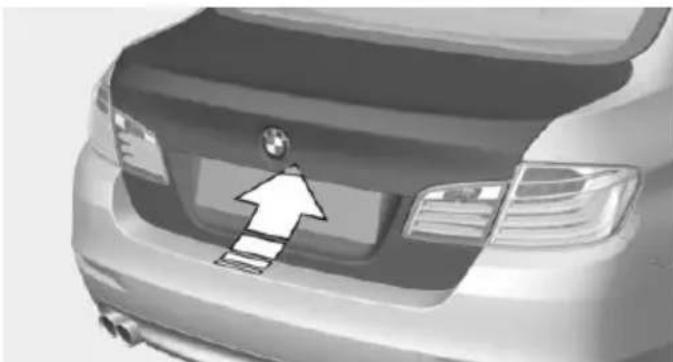
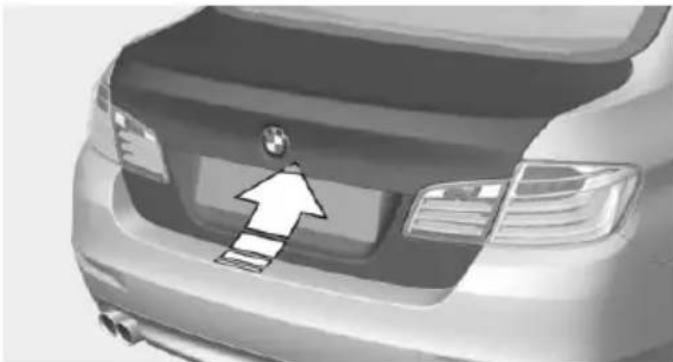
Opening from the outside
natural_image
Front view of a car's rear bumper with a white arrow pointing to the grille (no text or symbols visible)▶ Press button on the trunk lid.
▶ Press button on the remote control for approx. 1 second.
As the case may be, the doors are also unlocked. Unlocking with the remote control, refer to page 38.
The trunk lid opens.
Opening from the inside
With the vehicle is stationary, press the button in the driver's footwell.
The trunk lid opens.
Locking and closing
Hints

Keep the closing path clear
Make sure that the closing path of the trunk lid is clear; otherwise, injuries may result.

Do not place the remote control in the cargo area
Take the remote control with you and do not leave it in the cargo area; otherwise, the remote control is locked inside the vehicle when the trunk lid is closed.
Locking
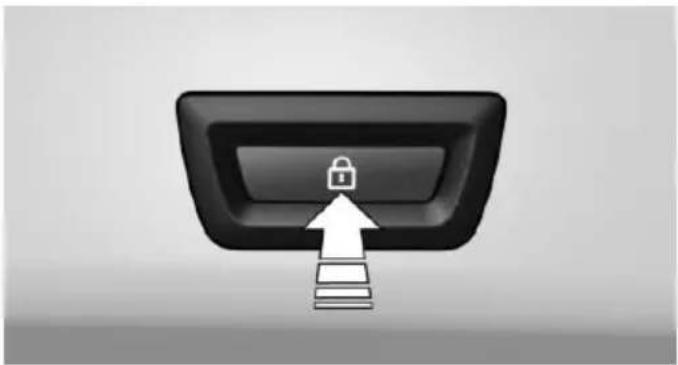
natural_image
Black rectangular button with a white lock icon and an upward arrow pointing to a stack of books (no text or symbols)Press the button on the inside of the trunk lid to lock the vehicle prior to closing.
The driver's door must be closed for this purpose.
Closing
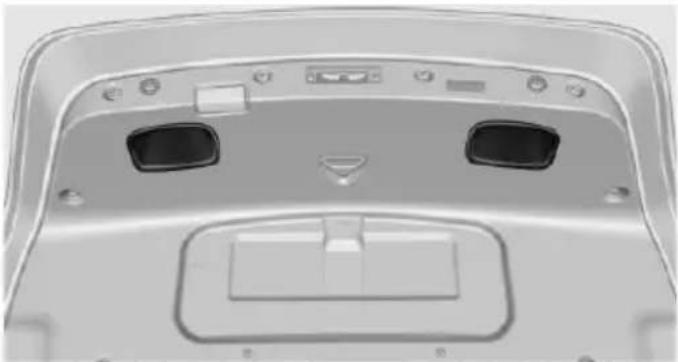
natural_image
Top-down view of a car front panel showing rear seats and display screens (no text or symbols visible)Recessed grips in the interior trim of the trunk lid make it easier to pull down the lid.
Automatic tailgate operation
Opening
During opening, the trunk lid pivots back and up. Ensure that adequate clearance is available before opening.
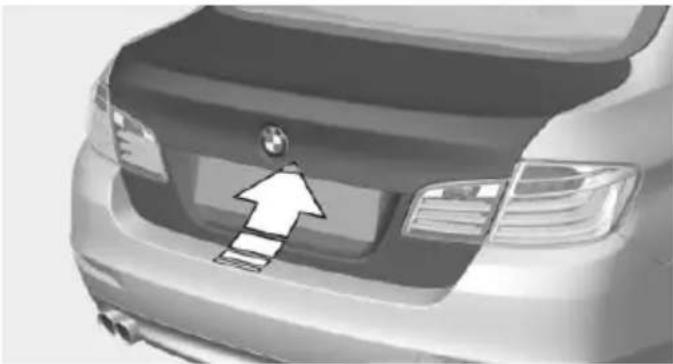
natural_image
Front view of a car's rear bumper with a white arrow pointing to the front grille (no text or symbols visible)▶ Press button on the exterior of the trunk lid.
▶ Press button on the remote control for approx. 1 second.
As the case may be, the doors are also unlocked. Opening with the remote control, refer to page 38.
▶ Push the button in the driver's footwell.
Pressing the button again stops the motion. The opening procedure is likewise interrupted:
When starting the engine.
When the vehicle starts moving.
By pressing the button in the driver's foot-well.
By pressing the button on the inside of the trunk lid.
Provide edge protection
Sharp objects or those with edges can hit the rear window while driving and damage the heat conductors of the rear window. Provide edge protection.
Closing
Without Comfort Access:
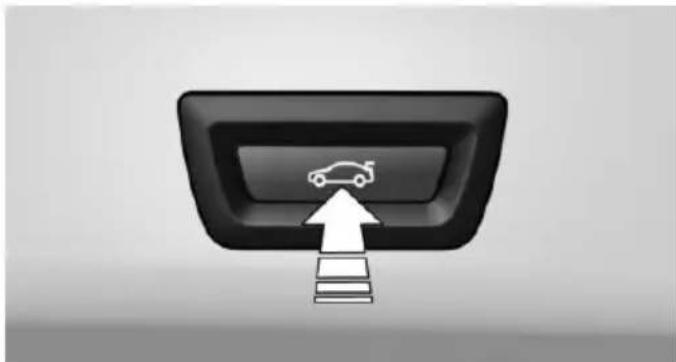
natural_image
Interior view of a car dashboard with an upward arrow and car icon (no text or symbols)▶ Press button on the inside of the trunk lid. The trunk lid closes automatically. Pressing the button again stops the motion.
With Comfort Access:
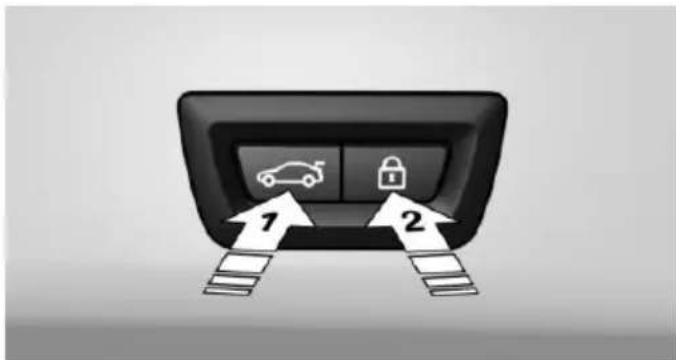
text_image
Diagram of a car dashboard with icons for driving and lock, labeled with numbers 1 and 2 pointing to the dashboard panel.▶ Press button, arrow 1, on the inside of the trunk lid. Pressing the button again stops the motion.
▶ Press button, arrow 2.
The vehicle will be locked after closing the tailgate. The driver's door must be closed for this purpose and the remote control must be outside of the vehicle in the area of the trunk lid.
Pressing the button again stops the motion.
natural_image
Front view of a car's rear bumper with a white arrow pointing to the front grille (no text or symbols visible)▶ Press button on the exterior of the trunk lid. Pressing the button again stops the motion.
The closing operation is interrupted:
- When starting the engine. - The vehicle starts off with jerks.
Keep the closing path clear Make sure that the closing path of the trunk lid is clear; otherwise, injuries may result.
Do not place the remote control in the cargo area
Take the remote control with you and do not leave it in the cargo area; otherwise, the remote control is locked inside the vehicle when the trunk lid is closed.
Manual operation
In the event of an electrical fault, manually operate the unlocked trunk lid slowly and smoothly.
To close it completely, push the trunk lid down lightly. It is closed automatically.
Keep the closing path clear Make sure that the closing path is clear; otherwise, injuries may result.
Locking separately
The trunk lid can be locked separately using the switch in the center armrest. If the center
arm rest is locked, the trunk lid cannot be opened.
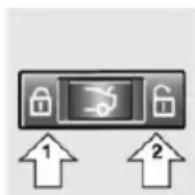
▶ Trunk lid secured, arrow 1.
▶ Trunk lid not secured, arrow 2.
Slide the switch into the arrow 1 position. This secures the trunk lid and disconnects it from the central locking system.
This is beneficial when the vehicle is parked using valet service. The infrared remote control can be handed out without the key.
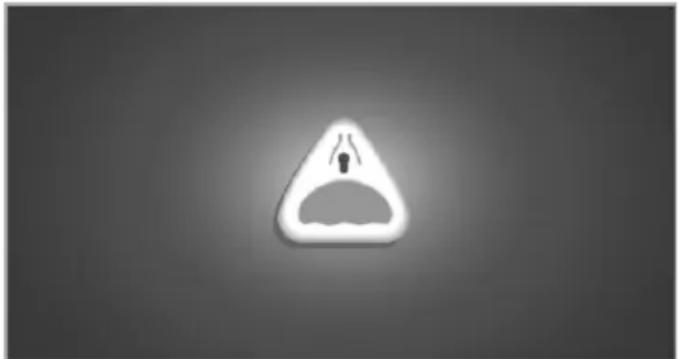
Emergency unlocking
natural_image
Warning symbol with a triangle and downward arrow inside, no text or numbers presentPull the handle inside the cargo area.
The trunk lid unlocks.
Comfort Access
The concept
The vehicle can be accessed without activating the remote control.
All you need to do is to have the remote control with you, such as in your pants pocket.
The vehicle automatically detects the remote control when it is in close proximity or in the car's interior.
Comfort Access supports the following functions:
▶ Unlocking/locking of the vehicle.
▶ Convenient closing.
▶ Open the trunk lid individually.
▶ Open trunk lid with no-touch activation.
▶ Open/close trunk lid with no-touch activation.
▷ Start the engine.
Functional requirements
There are no external sources of interference nearby.
To lock the vehicle, the remote control must be located outside of the vehicle.
The next unlocking and locking cycle is not possible until after approx. 2 seconds.
The engine can only be started if the remote control is in the vehicle.
Unlocking
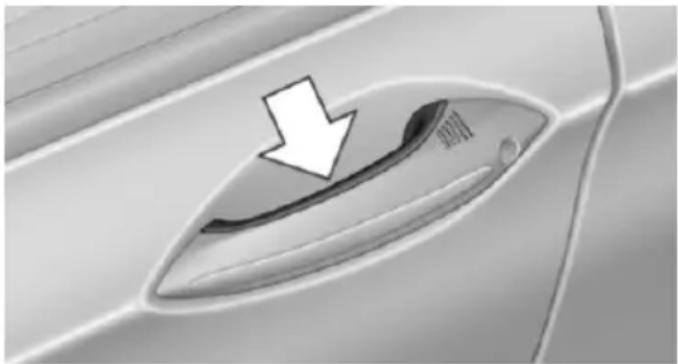
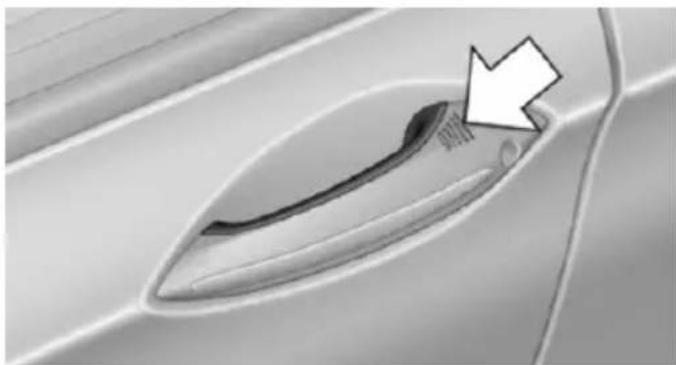
natural_image
Close-up of a car door handle with a white arrow pointing to the interior (no text or symbols visible)Grasp the handle of a vehicle door completely, arrow.
This corresponds with pressing the button on the remote control. 🔒
Locking
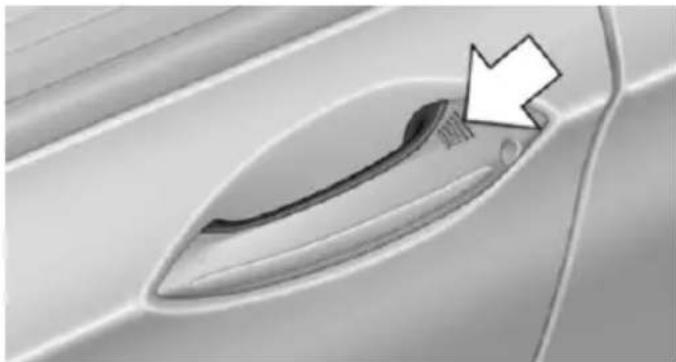
natural_image
Close-up of a car door handle with a white arrow pointing to a small object on the side (no text or symbols visible)Touch the surface on the handle of a vehicle door, arrow, with your finger for approx. 1 second without grasping the door handle.
This corresponds with pressing the button on the remote control.
To save battery power, ensure that the ignition and all electronic systems and/or power consumers are turned off before locking the vehicle.
Convenient closing

Monitor closing
Monitor closing to ensure that no one becomes trapped.
natural_image
Close-up of a car door handle with a white arrow pointing to the interior (no text or symbols visible)Touch the surface on the handle of a vehicle door, arrow, with your finger and hold it there without grasping the door handle.
This corresponds to pressing and holding the remote control button.
In addition to locking, the windows and the glass sunroof close and the exterior mirrors fold in.
Separately unlocking the trunk lid
Press button on the exterior of the trunk lid. This corresponds to pressing 📄 the remote control button.
The situation of the doors does not change.

Do not place the remote control in the cargo area
Take the remote control with you and do not leave it in the cargo area; otherwise, the remote control is locked inside the vehicle when the trunk lid is closed.
Opening and closing trunk lid with no-touch activation
The trunk lid can be opened with no-touch activation using the remote control you are carrying. With automatic tailgate operation, it can also be closed with no-touch activation. Two sensors detect a forward-directed foot motion in the center of the area at the rear of the car and the trunk lid opens and/or closes.
Foot movement to be carried out

Do not touch vehicle
With the foot motion, make sure there is steady stance and do not touch the vehicle; otherwise, there is a danger of injury, e. g. from hot exhaust system parts.
- Place in the center behind the vehicle, about an arm's length from the vehicle rear.
- Move a foot in the direction of travel as far under the vehicle as possible and immediately pull it back. With this movement, the
leg must pass through the ranges of both sensors.
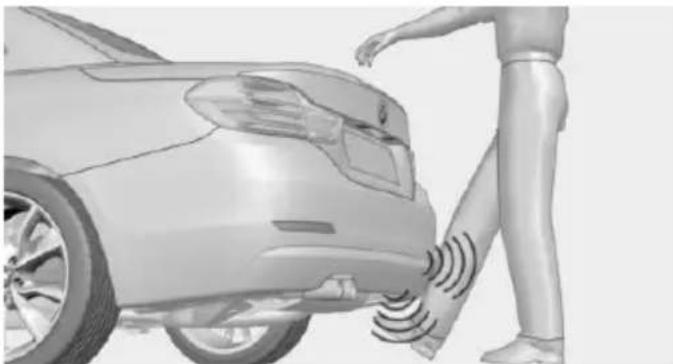
natural_image
3D rendering of a person standing beside a car with sound waves on the side (no text or symbols visible)Opening
Perform the foot movement described earlier.
Before the opening, the hazard warning system flashes.
The trunk lid opens, regardless of whether it was previously locked or unlocked.
During opening, the trunk lid pivots back and up. Ensure that adequate clearance is available before opening.

Preventing inadvertent opening
In situations where the trunk lid is not to be opened with no-touch activation, ensure that the remote control is located beyond the range of the sensor, at least 5 ft/1.50 m from the rear of the car.
Otherwise, the trunk lid may be opened inadvertently, for example by an unintentional or misinterpreted movement of the foot.
Closing
Tailgate closing with no-touch activation is only possible with automatic tailgate operation.
Perform the foot movement described earlier.
The hazard warning system flashes on and an acoustic signal sounds before the trunk lid closes.
When closing, the trunk lid pivots back and down.
The closing of the trunk lid has no effect on the locking of the vehicle.
Another foot movement can interrupt the closing operation.

Avoiding unintentional closing
In situations in which the opened trunk lid should not be closed with no-touch activation, ensure that the remote control is located beyond the range of the sensor, at least 5 ft/1.50 m from the rear of the car.
Otherwise, the trunk lid may be closed inadvertently, for example by an unintentional or misinterpreted movement of the foot.

Keep the closing path clear
Make sure that the closing path of the trunk lid is clear; otherwise, injuries may result.

Do not place the remote control in the cargo area
Take the remote control with you and do not leave it in the cargo area; otherwise, the remote control is locked inside the vehicle when the trunk lid is closed.
Malfunction
Remote control detection by the vehicle can among others be malfunctioning under the following circumstances:
The battery of the remote control is discharged. Replace the battery, refer to page 35.
▶ Interference of the radio connection from transmission towers or other equipment with high transmit power.
▶ Shielding of the remote control due to metal objects.
▶ Interference of the radio connection from mobile phones or other electronic devices in direct proximity.
Do not transport the remote control together with metal objects or electronic devices.
In the case of a malfunction, unlock and lock the vehicle using the buttons of the remote
Opening and closing
control or using the integrated key, refer to page 39.
Adjusting
Unlocking
The settings are saved in the active profile, refer to page 35.
Doors
- "Settings"
- "Doors/key"
- Select the symbol.
- Select the desired function:
▶ "Driver's door only"
Only the driver's door and the fuel filler flap are unlocked. Pressing again unlocks the entire vehicle.
▶ "All doors"
The entire vehicle is unlocked.
Trunk lid
Depending on optional features and country version, this setting is not offered in some cases.
- "Settings"
- "Doors/key"
- Select the symbol.
- Select the desired function:
▷ "Tailgate"
The trunk lid is opened.
▷ "Tailgate + door(s)"
The trunk lid is opened and the doors are unlocked.
Confirmation signals from the vehicle
The settings are saved in the active profile, refer to page 35.
-
"Settings"
-
"Doors/key"
- Deactivate or activate the desired confirmation signals.
▶ "Acoustic sig. lock/unlock"
▶ "Flash when lock/unlock"
Automatic locking
The settings are saved in the active profile, refer to page 35.
- "Settings"
- "Doors/key"
- Select the desired function:
▶ "Lock if no door is opened"
The vehicle locks automatically after a short period of time if no door is opened.
▶ "Lock after start driving"
The vehicle locks automatically after you drive off.
Retrieving the seat, mirror, and steering wheel settings
The driver's seat, exterior mirror, and steering wheel position adjusted last will be stored for the active profile.
When the vehicle is unlocked, these positions are automatically retrieved if this function was activated.
Pinch hazard when moving back the seat
If this function is used, first make sure that the footwell behind the driver's seat is empty. Otherwise, people might get injured or objects damaged when the seat is moved back.
The adjustment procedure is interrupted:
▶ When a seat position reel is pressed.
▷ When a button of the seat, mirror, and steering wheel memory is pressed briefly.
Activating the setting
- "Settings"
- "Doors/key"
- "Last seat position autom."
Alarm system
The concept
When the vehicle is locked, the vehicle alarm system responds to:
Opening a door, the hood or the trunk lid.
▶ Movements in the interior.
Changes in the vehicle tilt, e. g., during attempts at stealing a wheel or when towing the car.
▶ Disconnected battery voltage.
The alarm system briefly signals tampering:
By sounding an acoustic alarm.
▷ By switching on the hazard warning system.
By flashing the daytime running lights.
Arming and disarming the alarm system
When you unlock or lock the vehicle, either with the remote control, Comfort Access or at the door lock the alarm system is disarmed or armed at the same time.
Door lock and armed alarm system
Unlocking via the door lock will trigger the alarm on some country-specific versions.
Trunk lid and armed alarm system
The trunk lid can be opened even when the alarm system is armed.
After the trunk lid is closed, it is locked and monitored again when the doors are locked. The hazard warning system flashes once.
Panic mode
You can trigger the alarm system if you find yourself in a dangerous situation.

Press button on the remote control for at least 3 seconds.
To switch off the alarm: press any button.
Indicator lamp on the interior rearview mirror
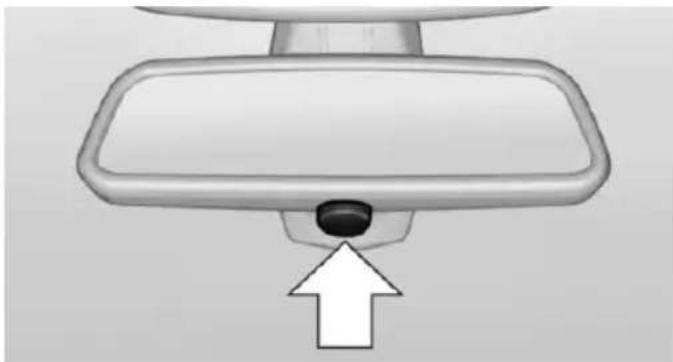
natural_image
Top-down view of a car rearview mirror with a black knob and white arrow pointing to the nose (no text or symbols)The indicator lamp flashes briefly every 2 seconds:
The system is armed.
The indicator lamp flashes after locking:
The doors, hood or trunk lid is not closed properly, but the rest of the vehicle is secured.
After 10 seconds, the indicator lamp flashes continuously. Interior motion sensor and tilt alarm sensor are not active.
When the still open access is closed, interior motion sensor and tilt alarm sensor will be switched on.
The indicator lamp goes out after unlocking:
The vehicle has not been tampered with.
The indicator lamp flashes after unlocking until the engine ignition is switched on, but no longer than approx. 5 minutes:
An alarm has been triggered.
Tilt alarm sensor
The tilt of the vehicle is monitored.
The alarm system responds in situations such as attempts to steal a wheel or when the car is towed.
Interior motion sensor
The windows and glass sunroof must be closed for the system to function properly.
Avoiding unintentional alarms
The tilt alarm sensor and interior motion sensor can be switched off together, such as in the following situations:
▶ In automatic car washes.
In duplex garages.
During transport on trains carrying vehicles, at sea or on a trailer.
▶ With animals in the vehicle.
Switching off the tilt alarm sensor and interior motion sensor

Press the remote control button again within 10 seconds as soon as the vehicle ked.
The indicator lamp lights up for approx. 2 seconds and then continues to flash.
The tilt alarm sensor and interior motion sensor are turned off, until the vehicle is locked again.
Switching off the alarm
▶ Unlock vehicle with the remote control or switch on the ignition, if needed through emergency detection of remote control, refer to page 35.
▶ With Comfort Access: if you are carrying the remote control on your person, grasp the driver side or front passenger side door handle completely.
Power windows
Hint

Take the remote control with you
Take the remote control with you when leaving the vehicle so that children, e.g., cannot operate the power windows and injure themselves.
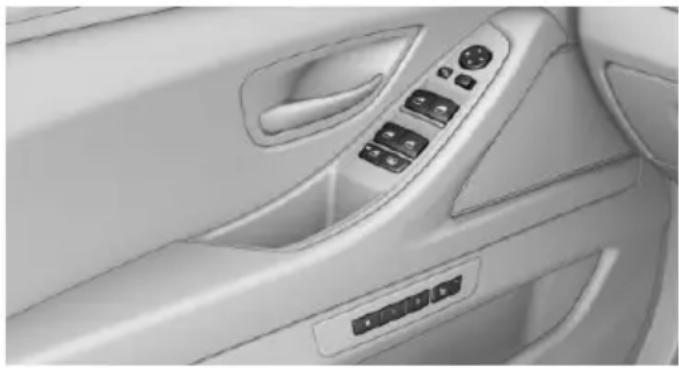
natural_image
Interior view of a car dashboard with control panel and buttons (no text or symbols visible)Opening
Press the button to the resistance point.
The window opens while the switch is held.
Press the switch beyond the resistance point.
The window opens automatically. Pressing the switch again stopse the motion.
See also: Convenient opening, refer to page 37, via remote control.
Closing

Keep the closing path clear
Monitor closing and make sure that the closing path of the window is clear; otherwise, injuries may result.
Pull the switch to the resistance point.
The window closes while the switch is held.


Pull the switch beyond the resistance
The window closes automatically. Pulling again stops the motion.
See also: closing by means of Comfort Access, refer to page 43.
Pinch protection system

Danger of jamming even with pinch protection
Even with the pinch protection system, check that the window's closing path is clear; otherwise, the closing action may not stop in certain situations, e.g., if thin objects are present.

No window accessories
Do not install any accessories in the window's range of movement; otherwise, the pinch protection system will be impaired.
If closing force exceeds a specific margin as a window closes, closing is interrupted.
The window reopens slightly.
Closing without the pinch protection system

Keep the closing path clear
Monitor closing and make sure that the closing path of the window is clear; otherwise, injuries may result.
E.g. danger from the outside or ice might prevent window from closing properly - proceed as follows:
- Pull the reel past the resistance point and hold it there.
The pinch protection is limited and the window reopens slightly if the closing force exceeds a certain margin.
- Pull the reel past the resistance point again within approx. 4 seconds and hold it there. The window closes without jam protection.
Safety switch
General information
The safety switch in the driver's door can be used to prevent children, e.g., from opening and closing the rear windows using the switches in the rear.
Switching on and off
Press button.
The LED lights up if the safety function is switched on.

Safety switch for rear operation
Press the safety switch when transporting children in the rear; otherwise, injury may result if the windows are closed without supervision.
Roller sunblinds
General information
If you are no longer able to move the roller sun-blind for the rear window after having activated it a number of times in a row, the system is blocked for a limited time to prevent overheating. Let the system cool.
The roller sunblind for the rear window cannot be moved at low interior temperatures.
Driver's door controls
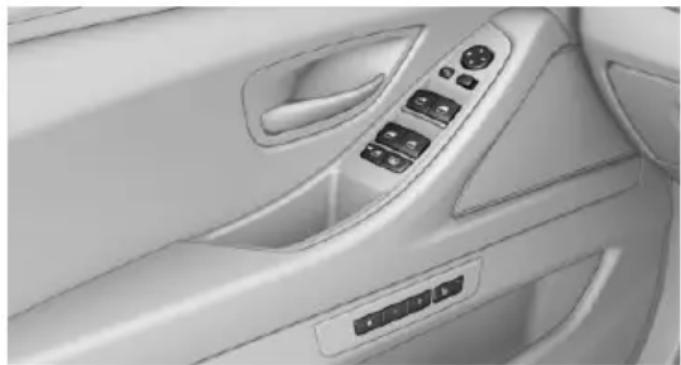
natural_image
Interior view of a car showing the dashboard and steering wheel (no text or symbols visible)Roller sunblind for rear window
Press button.
Roller sunblinds for the rear side windows
Pull out the roller sunblind at the loop and hook it onto the bracket.

Do not open the window while the roller sunblind is tilted
Do not open the window while the roller sun-blind is tilted; otherwise, there is a risk of damage at high speeds that may result in personal injury.
Glass sunroof, powered
General information
The glass sunroof and the sliding visor can be operated together or separately, using the same switch.
The glass sunroof is operational when the ignition is switched on.

Keep the closing path clear
Monitor closing and make sure that the closing path of the glass sunroof is clear; otherwise, injuries may result.

Take the remote control with you
Take the remote control with you when leaving the vehicle so that children, e.g., cannot operate the glass sunroof and injure themselves.
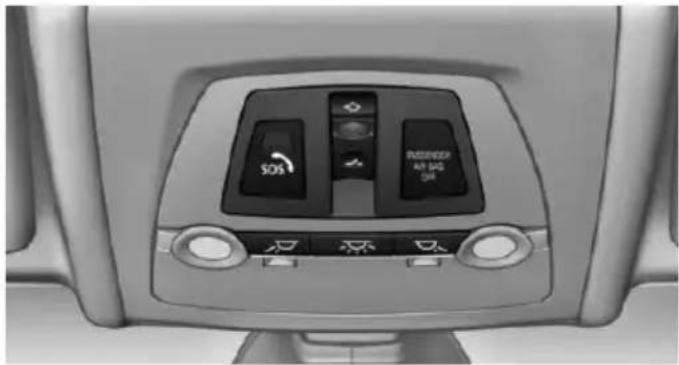
natural_image
Interior view of a car air conditioner unit with control buttons and indicator lights (no readable text or symbols)Tilting the glass sunroof
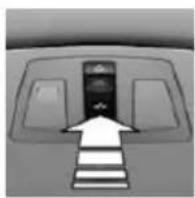
Push switch briefly upward.
The closed glass sunroof is tilted and the sliding visor opens slightly.
The opened glass sunroof closes until it is in its tilted position. The sliding visor does not move.
Opening/closing the glass sunroof and sliding visor separately
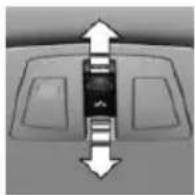
▶ Press the reel in the desired direction to the resistance point and hold it there.
The sliding visor opens, as long as the reel is held down. If the sliding visor is already fully open, the glass sunroof opens.
The glass sunroof closes as long as the reel is held down. If the glass sunroof is already closed or in the tilted position, the sliding visor closes.
▶ Press the reel in the desired direction past the resistance point.
The sliding visor opens automatically. If the sliding visor is already fully open, the glass sunroof opens automatically.
The glass sunroof closes automatically. If the glass sunroof is already closed or in the
tilted position, the sliding visor closes automatically.
Pressing the reel upward stops the motion.
Opening/closing the glass sunroof and sliding visor together
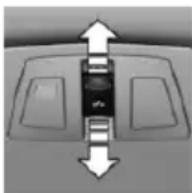
Briefly press the reel twice in succession in the desired direction past the resistance point.
The glass sunroof and sliding vis- sor move together. Pressing the
reel upward stops the motion.
▶ See also: Convenient opening, refer to page 37, via remote control.
▶ See also: closing by means of Comfort Access, refer to page 43.
Comfort position
If the glass sunroof is not automatically completely opened, the comfort position has been attained. In this position the wind noises in the interior are the least.
If desired, continue the movement by pressing the reel.
Pinch protection system
If the closing force when closing the glass sun-roof exceeds a certain value, the closing movement is stopped, beginning at approximately the middle of the opening in the roof, or from the tilted position during closing.
The glass sunroof reopens slightly.

Danger of jamming even with pinch protection
Despite the pinch protection system, check that the glass sunroof's closing path is clear; otherwise, the closing action may not be interrupted in certain extreme situations, such as when thin objects are present.
Closing from the open position without pinch protection
E. g. if there is an external danger, proceed as follows:
- Press the reel forward beyond the resistance point and hold.
The pinch protection is limited and the glass sunroof reopens slightly if the closing force exceeds a certain margin. - Press the reel forward again beyond the resistance point and hold until the glass sun-roof closes without jam protection. Make sure that the closing area is clear.
Closing from the raised position without pinch protection
If there is an external danger, push the reel forward past the resistance point and hold it.
The glass sunroof closes without jam protection.
Initializing after a power failure
After a power failure during the opening or closing process, the glass sunroof can only be operated to a limited extent.
Initializing the system
The system can be initialized when the vehicle is stationary and the engine is running.
During the initialization, the glass sunroof closes without jam protection.

Keep the closing path clear
Monitor closing and make sure that the closing path of the glass sunroof is clear; otherwise, injuries may result.
Press the reel up and hold it until the initialization is complete:
▶ Initialization begins within 15 seconds and is completed when the glass sun-roof and sliding visor are completely closed.
The glass sunroof closes without jam protection.
Adjusting
Vehicle features and options
This chapter describes all standard, country-specific and optional features offered with the series. It also describes features that are not necessarily available in your car, e.g., due to the selected options or country versions. This also applies to safety-related functions and systems. The respectively applicable country provisions must be observed when using the respective features and systems.
Sitting safely
The ideal seating position can make a vital contribution to relaxed, fatigue-free driving.
The seating position plays an important role in an accident in combination with:
▶ Safety belts, refer to page 57.
▶ Head restraints, refer to page 58.
Airbags, refer to page 108.
Seats
Hints

Do not adjust the seat while driving
Do not adjust the driver's seat while driving, or the seat could respond with unexpected movement and the ensuing loss of vehicle control could lead to an accident.

Do not incline the backrest too far to the rear
Do not incline the backrest too far to the rear while driving, or there is a risk of slipping under the safety belt in the event of an accident. This would eliminate the protection normally provided by the belt.

Keep the movement area unobstructed
When changing the seat position, keep the seat's area of movement unobstructed; otherwise, people might get injured or objects damaged.
Semi-electrically adjustable seats
At a glance
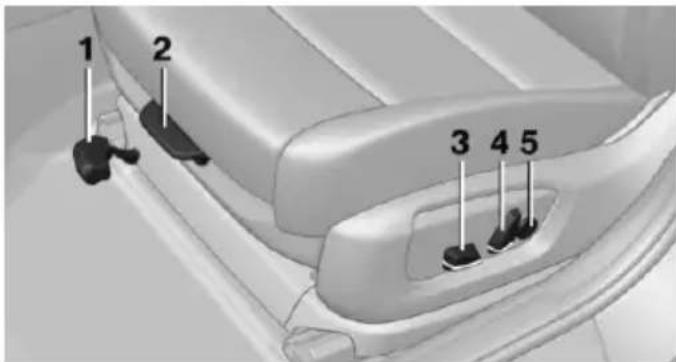
text_image
1 2 3 4 51 Forward/backward
2 Thigh support
3 Height, tilt
4 Backrest
5 Lumbar support
Tilt
natural_image
Close-up of a car's side panel showing a black object inside, with directional arrows indicating flow or movement (no text or symbols)Move the control in the desired direction until the desired tilt is set.
Forward/backward
natural_image
Interior view of a car seatbelt with a white arrow pointing to the seat area (no text or symbols visible)Pull the lever and slide the seat in the desired direction.
After releasing the control, move the seat forward or back slightly making sure it engages properly.
Height
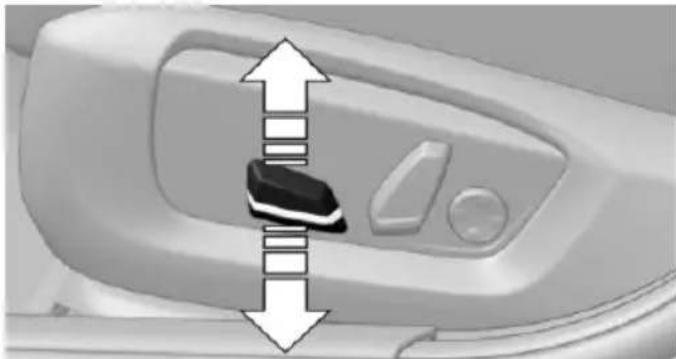
natural_image
Close-up of a car door handle with a black plastic clip and white directional arrows indicating movement or force (no text or symbols)Move the button in the required direction.
Backrest
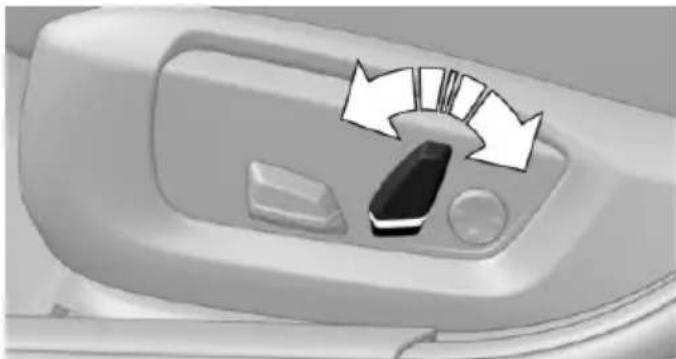
natural_image
Close-up of a car interior control panel with directional arrows indicating flow or movement (no text or symbols)Move the button in the required direction.
Electrically adjustable seats
Overview
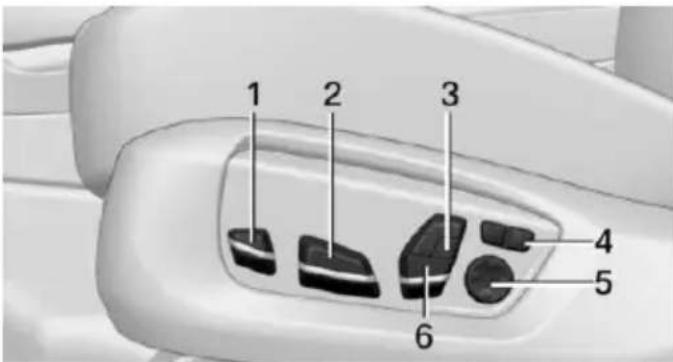
text_image
1 2 3 4 5 61 Thigh support
2 Forward/back, height, tilt
3 Shoulder support
4 Backrest width
5 Lumbar support
6 Backrest, head restraint
General information
The seat setting for the driver's seat is stored for the profile currently in use. When the vehicle is unlocked via the remote control, the position is automatically retrieved if the Function, refer to page 46, is activated for this purpose.
Adjustments in detail
1. Forward/back.
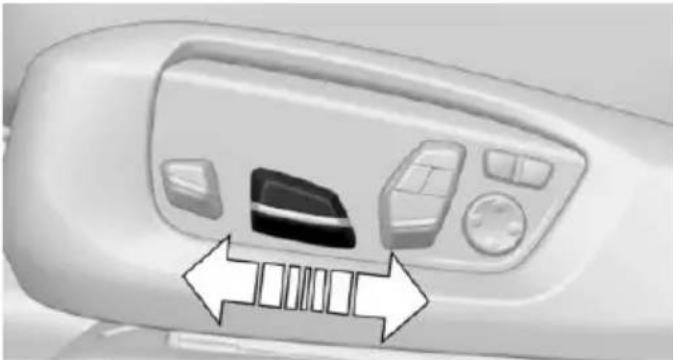
natural_image
Close-up of a car air conditioner panel with control buttons and a directional arrow indicating airflow or movement (no text or symbols)- Height.
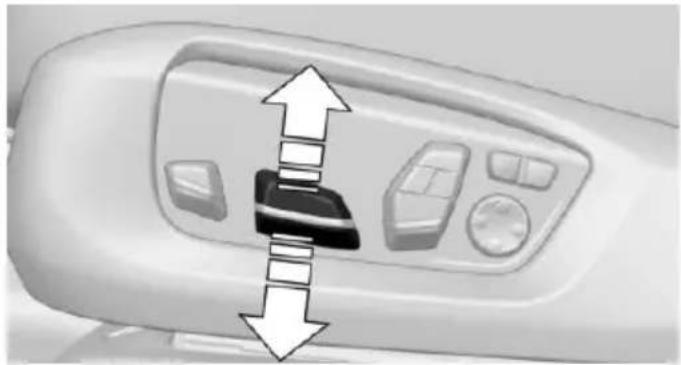
natural_image
Close-up of a white electronic device control panel with directional arrows indicating movement or force (no text or symbols visible)- Seat tilt.
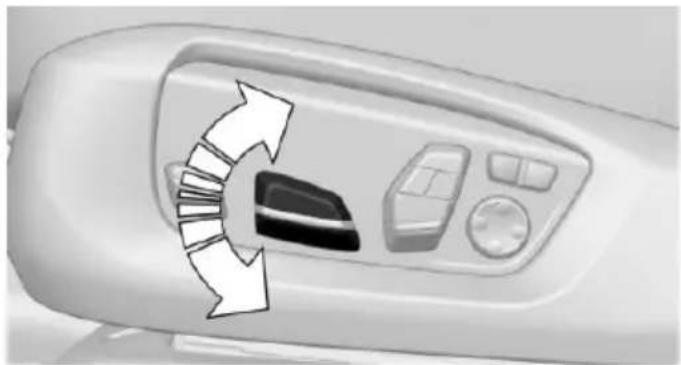
natural_image
Close-up of a car air conditioner control panel with directional arrows indicating airflow or movement (no text or symbols)- Backrest tilt.
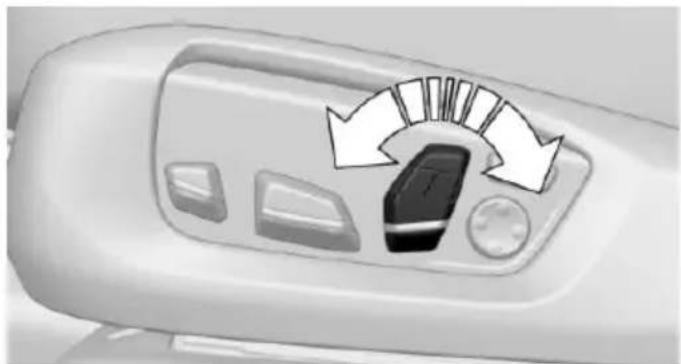
natural_image
Air conditioner control panel with directional arrows indicating airflow direction (no text or symbols)- Thigh support.
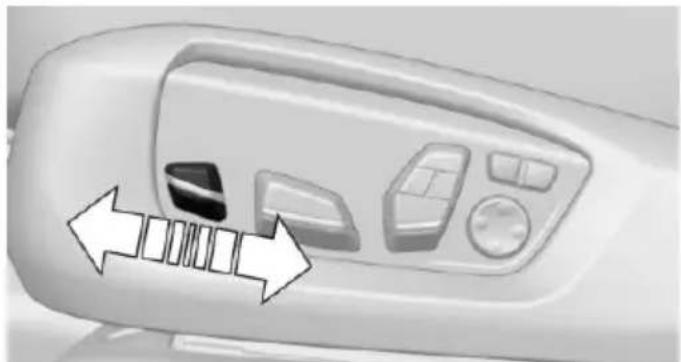
natural_image
Close-up of a car air conditioner control panel with directional arrows indicating airflow or movement (no text or symbols)Thigh support
Multifunctional seat
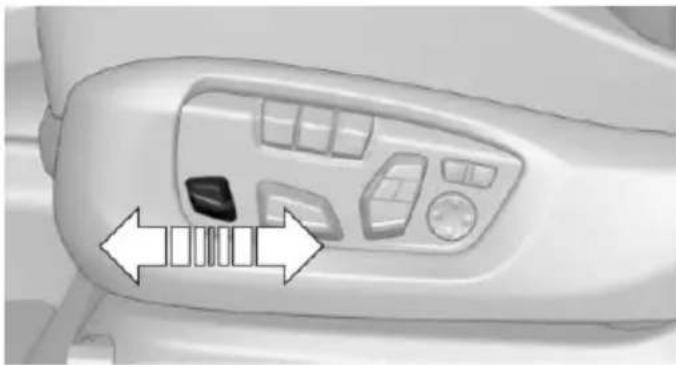
natural_image
Close-up of a car interior control panel with directional arrows indicating movement or movement (no text or symbols visible)Adjust the position using the lever.
Lumbar support
The curvature of the seat backrest can be adjusted in a way that it supports the lumbar region of the spine. The lower back and the spine are supported for upright posture.
▶ Press the front/rear section of the switch.
The curvature is increased/decreased.
▶ Press the upper/lower section of the switch.
The curvature is shifted up/down.
Backrest width
Change the width of the back-rest using the side wings to adjust the lateral support.
To make it easier to enter and exit the vehicle, the backrest width temporarily opens fully.
Shoulder support
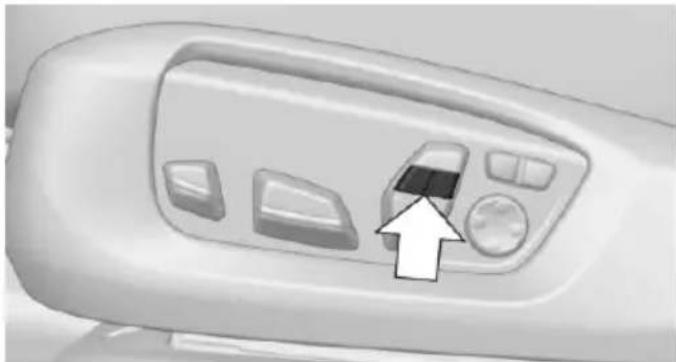
natural_image
Close-up of a white industrial machine control panel with buttons and a directional arrow pointing to the button (no text or symbols visible)Also supports the back in the shoulder area:
▶ Results in a relaxed seating position.
▶ Reduces strain on the shoulder muscles.
Active seat
Active adjustment of the seat cushion's contours reduces muscular tension and fatigue to help prevent lower back pain.
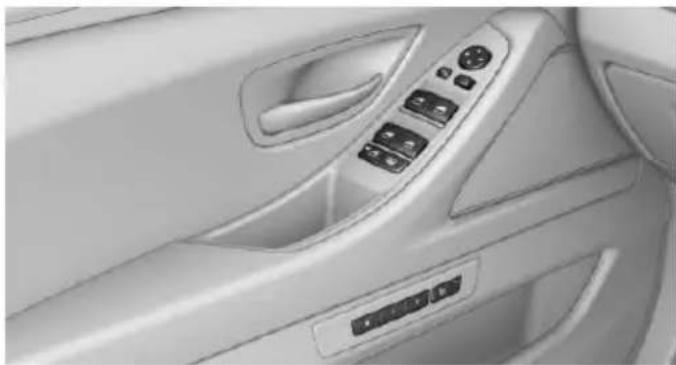
natural_image
Interior view of a car showing the dashboard and air vent (no text or symbols visible)
Press button. The LED lights up.
Front seat heating
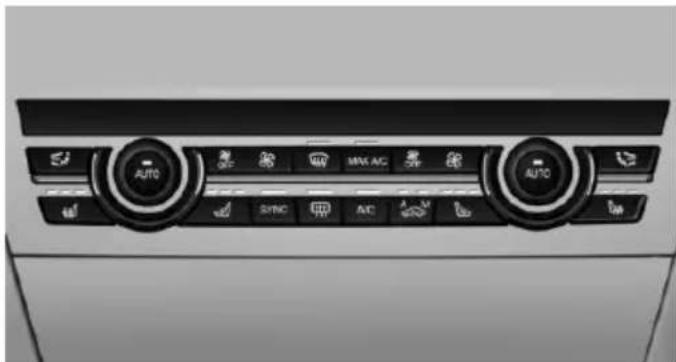
natural_image
Interior view of a car air conditioning unit with directional control buttons (no text or symbols visible)Switching on
Press button once for each temperature level.
The maximum temperature is reached when three LEDs are lit.
If the journey is continued within approx. 15 minutes, the seat heating is activated automatically with the temperature selected last.
When ECO PRO, refer to page 196, is activated, the heater output is reduced.
Switch off
Press button longer.
The LEDs go out.
Temperature distribution
The heating action in the seat cushion and backrest can be distributed in different ways.
On the Control Display:
- "Climate"
- "Front seat heating"
- Select the required seat.
- Turn the controller to set the temperature distribution.
Rear seat heating
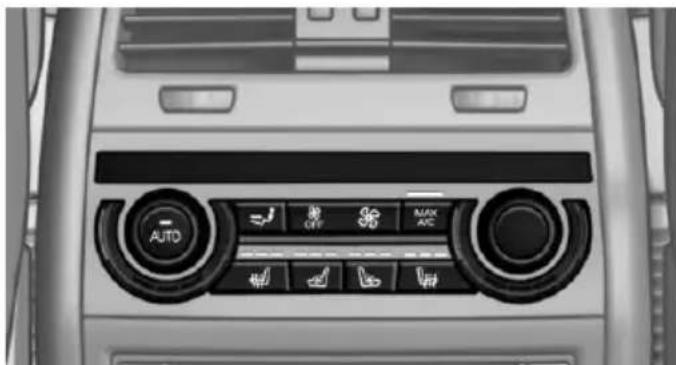
natural_image
Interior view of a car dashboard with directional control buttons (no text or symbols visible)Switching on
Press button once for each temperature level.
The maximum temperature is reached when three LEDs are lit.
If the journey is continued within approx. 15 minutes, the seat heating is activated automatically with the temperature selected last.
When ECO PRO, refer to page 196, is activated, the heater output is reduced.
Switch off
Press button longer.
The LEDs go out.
Active seat ventilation, front
The seat cushion and backrest surfaces are cooled by means of integrated fans.
The ventilation cools the seat, e. g., if the vehicle interior is overheated or for continuous cooling at high temperatures.
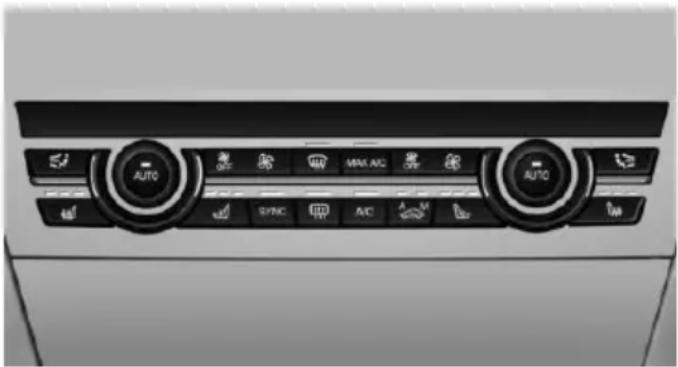
natural_image
Interior view of a car air conditioning unit with directional buttons and control knobs (no readable text or symbols)Switching on
Press button once for each ventilation level.
The highest level is active when three LEDs are lit.
After a short time, the system automatically moves down one level in order to prevent excessive cooling.
Switch off
Press button longer.
The LEDs go out.
Safety belts
Seats with safety belt
The vehicle has five seats, each of which is equipped with a safety belt.
General information
Always make sure that safety belts are being worn by all occupants before driving off.
For the occupants' safety the belt locking mechanism triggers early. Slowly guide the belt out of the holder when applying it.
Although airbags enhance safety by providing added protection, they are not a substitute for safety belts.
The upper shoulder strap's anchorage point will be correct for adult seat occupants of every build if the seat is correctly adjusted.
The two outer safety belt buckles, integrated into the rear seat, are for passengers sitting on the left and right.
The center rear safety belt buckle is solely intended for the center passenger.
Hints

One person per safety belt
Never allow more than one person to wear a single safety belt. Never allow infants or small children to ride on a passenger's lap.

Putting on the belt
Lay the belt, without twisting, snugly across the lap and shoulders, as close to the body as possible. Make sure that the belt lies low around the hips in the lap area and does not press on the abdomen. Otherwise, the belt can slip over the hips in a frontal impact and injure the abdomen.
The safety belt must not lie across the neck, rub on sharp edges, be routed over breakable objects, or be pinched.

What reduces the restraining effect
Avoid wearing bulky clothing, and pull the shoulder belt periodically to readjust the tension. Make sure that the belt is not jammed; otherwise, the belt can be damaged and the restraining effect is reduced.
Buckling the belt
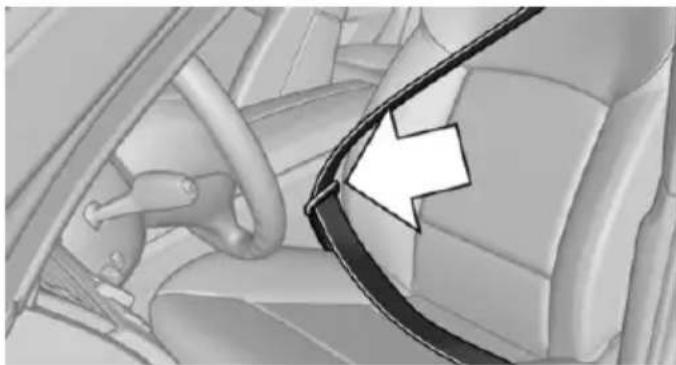
natural_image
Interior view of a car showing steering wheel and seatbelt (no text or symbols visible)Make sure you hear the latch plate engage in the belt buckle.
Tensioning the safety belt automatically
When the belt is closed, it is automatically tightened once after the release.
Unbuckling the belt
- Hold the belt firmly.
- Press the red button in the belt buckle.
- Guide the belt back into its roll-up mechanism.
Safety belt reminder for driver's and passenger's seat

The indicator lamp lights up and a signal sounds. Make sure that the safety belts are positioned correctly. The
safety belt reminder is active at speeds above approx. 6 mph/10 km/h. It can also be activated if objects are placed on the front passenger seat.
Safety mode
In critical situations, e.g., during full brake application, the front safety belts tighten automatically.
If the situation passes without an accident occurring, the belt tension relaxes.
If the belt tension does not loosen automatically, stop the vehicle and unbuckle the belt using the red button in the buckle. Fasten the belt before continuing on your trip.
Damage to safety belts
Wear and tear after accidents or when damaged otherwise:
Have the safety belts, including the safety belt tensioners, replaced and have the belt anchors checked.

Check and replace safety belts
This should only be done by your service center; otherwise, this safety feature might not work properly.
Front head restraints
Correctly adjusted head restraint
A correctly adjusted head restraint reduces the risk of injury to cervical vertebrae in the event of an accident.

Adjusting the head restraint
Adjust the head restraints of all occupied seats properly; otherwise, there is an increased risk of injury in an accident.
Height
Adjust the head restraint so that its center is approximately at ear level.
Distance
Adjust the distance so that the head restraint is as close as possible to the back of the head.
Active head restraint
In the event of a rear-end collision with a certain severity, the active head restraint automatically reduces the distance from the head.

Reduced protective function
Do not use seat or head restraint covers.
Do not hang objects, e.g., clothes hangers, on the head restraints.
▶ Only attach accessories approved by BMW to the seat or head restraint.
Otherwise, the protective function of the active head restraint will be impaired and the personal safety of the occupants will be endangered.
Wear and tear after accidents or when damaged otherwise:
Have the active headrest checked and if needed replaced.
Adjusting the height: manual head restraints
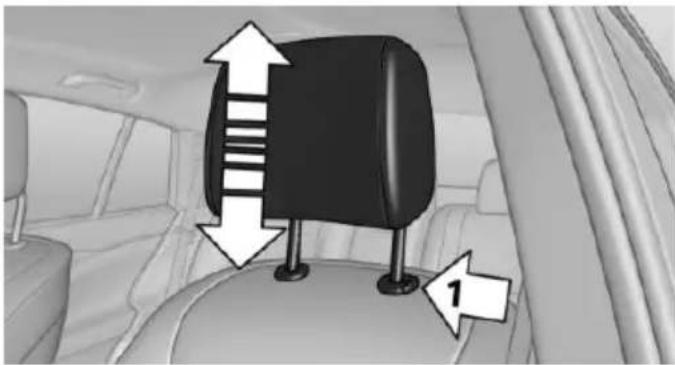
natural_image
Interior view of a car showing a black seat with directional arrows and numbered annotation (1), no readable text or symbols present.To raise: push.
To lower: press button, arrow 1, and push headrest down.
Adjusting the height: electrical head restraints
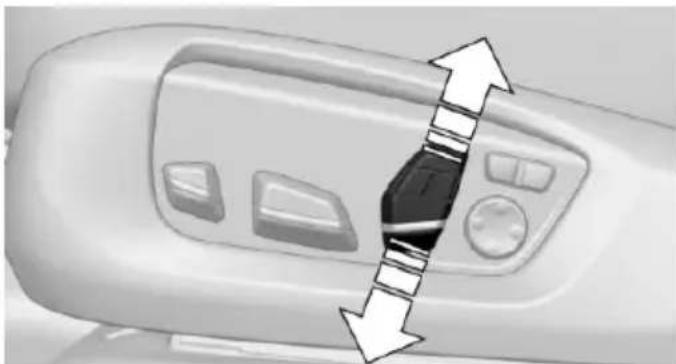
natural_image
Close-up of a white industrial machine control panel with directional arrows indicating movement or flow (no text or symbols visible)Adjusting electrically.
Distance to the back of the head: manual head restraints
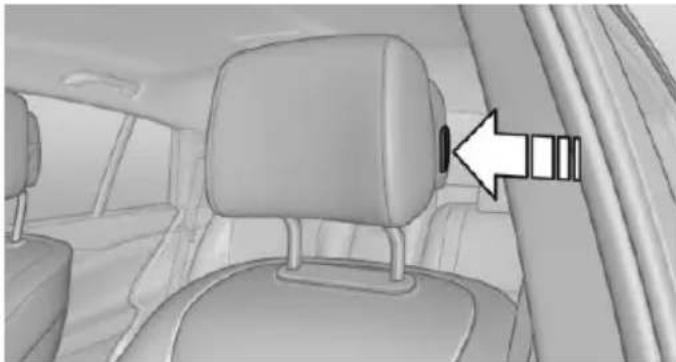
natural_image
Interior view of a car showing seatbelt and rear seats with a directional arrow pointing to the side (no text or symbols)Forward: by pulling.
▶ Back: press the button and push the head restraint toward the rear.
Distance to the back of the head: electrical head restraints
The head restraint is automatically repositioned when the shoulder support is adjusted.
Adjusting the side extensions
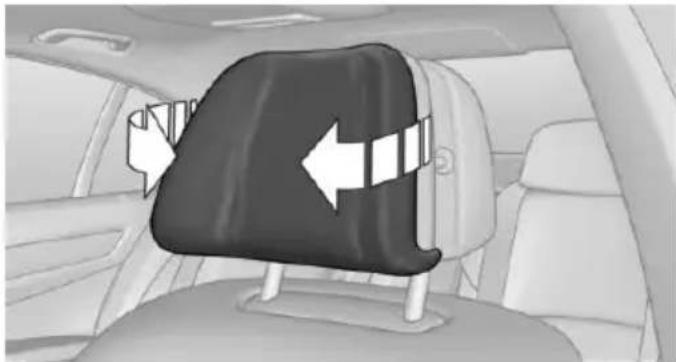
natural_image
Interior view of a car showing a black seatbelt with white directional arrows indicating left and right sides (no text or symbols)Fold forward for increased lateral support in the resting position.
Removing
The head restraints cannot be removed.
Rear head restraints
Correctly adjusted head restraint
A correctly adjusted head restraint reduces the risk of injury to cervical vertebrae in the event of an accident.

Adjusting the head restraint
Adjust the head restraints of all occupied seats properly; otherwise, there is an increased risk of injury in an accident.
Height
Adjust the head restraint so that its center is approximately at ear level.
Distance
Adjust the distance so that the head restraint is as close as possible to the back of the head.
Adjusting the height
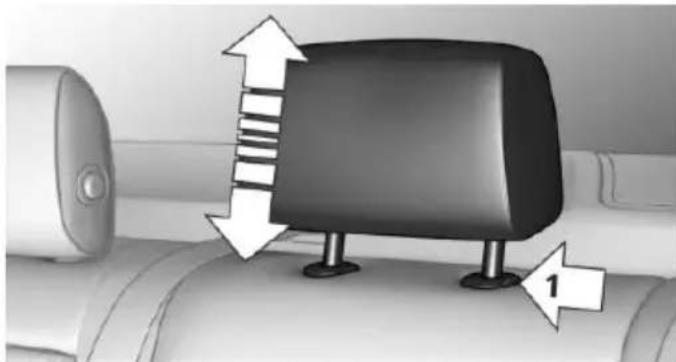
natural_image
Diagram of a car interior showing a black rectangular object with directional arrows and a numbered label (1), no readable text or symbols present.To raise: push.
To lower: press button, arrow 1, and push headrest down.
Folding forward
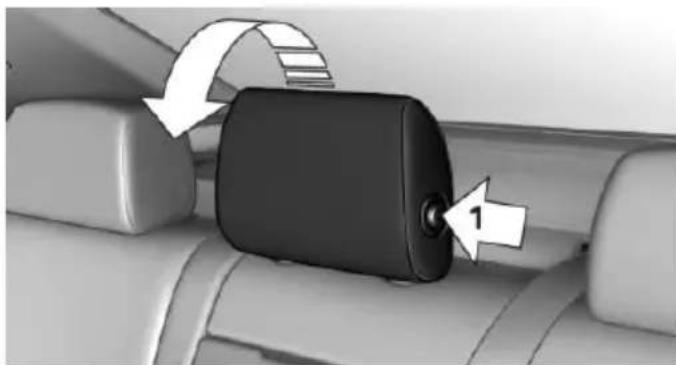
natural_image
Close-up of a car seatbelt buckle with directional arrows indicating rotation (no text or symbols)Press button, arrow 1, and fold the head restraint forward.
Removing
Only remove the head restraint if no one will be sitting in the seat in question.
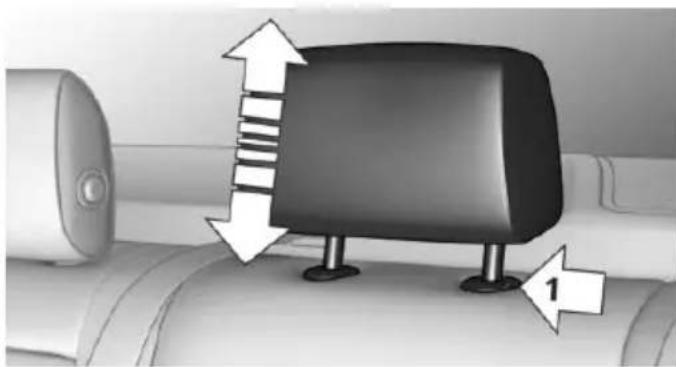
natural_image
Diagram of a car interior showing a car seat with directional arrows indicating movement or force (no text or symbols present)-
Raise the head restraint up against the resistance.
-
Press button, arrow 1, and pull the head restraint out completely.

Before transporting passengers
Reinstall the head restraint before transporting anyone in the seat; otherwise, the protective function of the head restraint is unavailable.
Seat, mirror, and steering wheel memory
The concept
Two driver's seat and exterior mirror positions can be stored per profile, refer to page 35, and called up. Settings for the backrest width and lumbar support are not stored in memory.
Hints

Do not retrieve the memory while driving
Do not retrieve the memory setting while driving, as an unexpected movement of the seat or steering wheel could result in an accident.

Keep the movement area unobstructed When changing the seat position, keep the seat's area of movement unobstructed; otherwise, people might get injured or objects damaged.
At a glance
Front
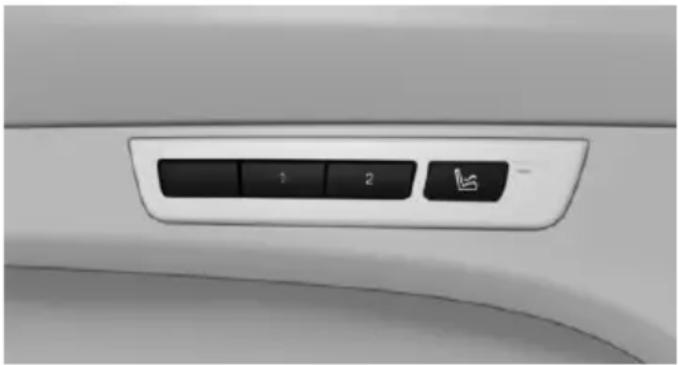
natural_image
Close-up of a car's front panel showing a control knob with three buttons (1, 2, and a small icon) on the side (no text or symbols visible)Storing
- Switch on the ignition.
- Set the desired position.
Press button. The LED in the but-
ts up.
3. SET Press button. The LED in the button lights up.
4. Press selected button 1 or 2 while the LED is lit. The LED goes out.
If the SET button is pressed accidentally:
Press button again.
The LED goes out.
Calling up settings
Comfort function
- Open the driver's door.
- Switch off the ignition.
- Briefly press the desired button 1 or 2.
The corresponding seat position is performed automatically.
The procedure stops when a reel for adjusting the seat or one of the buttons is pressed.
Safety mode
- Close the driver's door or reel on the ignition.
- Press and hold the desired button 1 or 2 until the adjustment procedure is completed.
Calling up of a seat position deactivated
After a brief period, calling up stored seat positions is deactivated to save battery power.
To reactivate calling up of a seat position:
▶ Open or close the door or trunk lid.
▶ Press a button on the remote control.
▶ Press the Start/Stop button.
Mirrors
Exterior mirrors
General information
The mirror on the passenger side is more curved than the driver's side mirror.
Depending on the vehicle equipment, the mirror setting is stored for the profile currently in use. When the vehicle is unlocked via the remote control, the position is automatically retrieved if this function is active.
Note

Estimating distances correctly
Objects reflected in the mirror are closer than they appear. Do not estimate the distance to the traffic behind you based on what you see in the mirror, as this will increase your risk of an accident.
At a glance
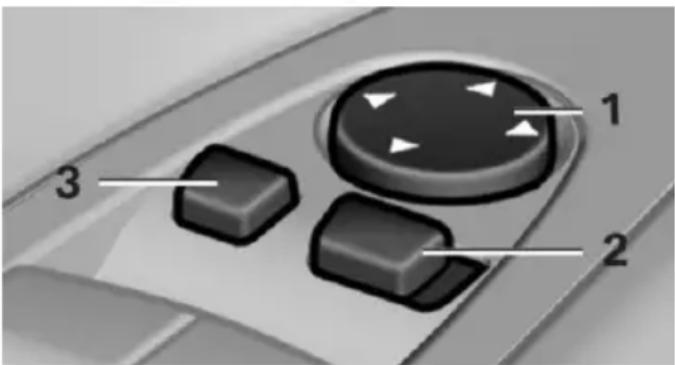
text_image
1 2 31 Adjusting 62
2 Left/right, Automatic Curb Monitor
3 Fold in and out 62
Selecting a mirror

To change over to the other mirror: Slide the switch.
Adjusting electrically

The setting corresponds to the direction in which the button is pressed.
Saving positions
Seat, mirror, and steering wheel memory, refer to page 61.
Adjusting manually
In case of electrical malfunction press edges of mirror.
Automatic Curb Monitor
The concept
If reverse gear is engaged, the mirror glass on the front passenger side is tilted downward. This improves your view of the curb and other low-lying obstacles when parking, e.g.
Activating

-
Slide the switch to the driver's side mirror position.
-
Engage selector lever position R.
Deactivating
Slide the switch to the passenger side mirror position.
Fold in and out

Press button.
Possible at speeds up to approx. 15 mph/20 km/h.
E. g. this is advantageous
In car washes.
In narrow streets.
For folding mirrors back out that were folded away manually.
Mirrors that were folded in are folded out automatically at a speed of approx. 25 mph/40 km/h.

Fold in the mirror in a car wash
Before washing the car in an automatic car wash, fold in the exterior mirrors by hand or with the button; otherwise, the mirrors could be damaged, depending on the width of the vehicle.
Automatic heating
Both exterior mirrors are automatically heated whenever the engine is running.
Automatic dimming feature
Both exterior mirrors are automatically dimmed. Photocells are used to control the Interior rearview mirror, refer to page 63.
Interior rearview mirror, manually dimmable
Turn knob
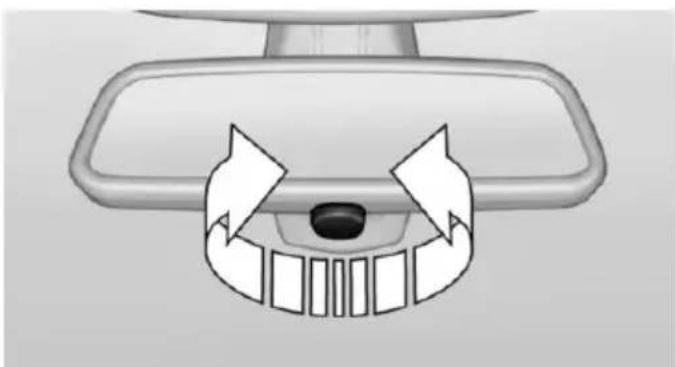
natural_image
Diagram of a car dashboard with directional arrows indicating movement or force (no text or symbols)Turn the knob to reduce the blinding effect by the interior mirror.
Interior rearview mirror, automatic dimming feature
The concept
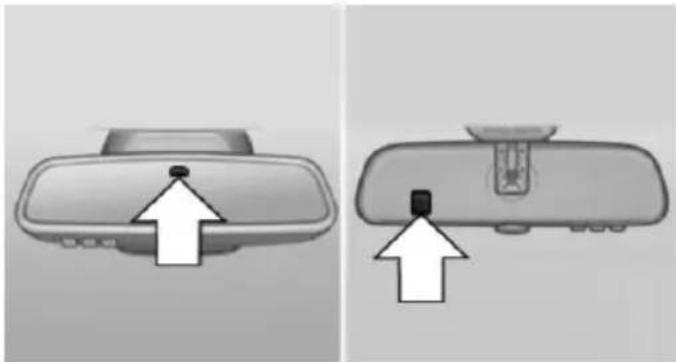
natural_image
Two grayscale images showing a car rearview mirror with an upward arrow indicator (no text or symbols)Photocells are used for control:
In the mirror glass.
On the back of the mirror.
Functional requirement
For proper operation:
▷ Keep the photocells clean.
Do not cover the area between the inside rearview mirror and the windshield.
Steering wheel
Note

Do not adjust while driving
Do not adjust the steering wheel while driving; otherwise, an unexpected movement could result in an accident.
Manual steering wheel adjustment
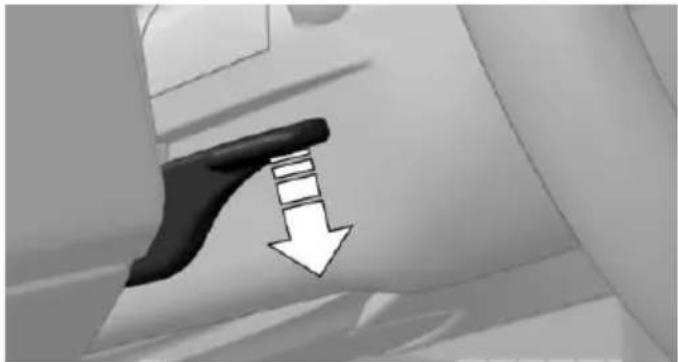
natural_image
Close-up of a black tool with a white downward arrow indicating compression or dislocation (no text or symbols)- Fold the lever down.
- Move the steering wheel to the preferred height and angle to suit your seating position.
- Fold the lever back.
Power steering wheel adjustment
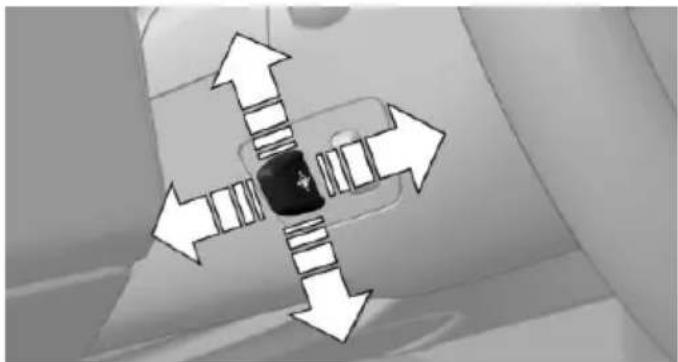
natural_image
Diagram showing directional arrows around a central object, no text or symbols presentThe steering wheel can be adjusted in four directions.
Storing the position
Seat, mirror, and steering wheel memory, refer to page 61.
Steering wheel heating
natural_image
Close-up of a mechanical component with a small square button (no visible text or symbols)
Press button.
On: the LED lights up.
▶ Off: the LED goes out.
If the trip is resumed within approx. 15 min, steering wheel heating is automatically activated again.
Transporting children safely
Vehicle features and options
This chapter describes all standard, country-specific and optional features offered with the series. It also describes features that are not necessarily available in your car, e. g., due to
The right place for children
Note

Children in the vehicle
Do not leave children unattended in the vehicle; otherwise, they could endanger themselves and other persons, e.g., by opening the doors.
Children should always be in the rear
Accident research shows that the safest place for children is in the back seat.

Transporting children in the rear
Only transport children younger than 13 years of age or shorter than 5 ft/150 cm in the rear in child restraint systems provided in accordance with the age, weight and size of the child; otherwise, there is an increased risk of injury in an accident.
Children 13 years of age or older must wear a safety belt as soon as a suitable child restraint system can no longer be used due to their age, weight and size.
Children on the front passenger seat
Should it ever be necessary to use a child restraint system in the front passenger seat, make sure that the front, knee and side airbags on the front passenger side are deactivated. Automatic deactivation of front-seat passenger airbags, refer to page 110.
the selected options or country versions. This also applies to safety-related functions and systems. The respectively applicable country provisions must be observed when using the respective features and systems.
Note

Deactivating the front-seat passenger airbags
If a child restraint system is used in the front passenger seat, deactivate the front-seat passenger airbags; otherwise, there is an increased risk of injury to the child when the airbags are activated, even with a child restraint system.
Installing child restraint systems
Hints

Manufacturer's information for child restraint systems
To select, mount and use child restraint systems, observe the information provided by the system manufacturer; otherwise, the protective effect can be lost.

Ensuring the stability of the child seat
When installing child restraint systems, make sure that the child seat is securely fastened to the backrest of the seat. Angle and headrest of the backrest might need to be adjusted or possibly be removed. Make sure that all backrests are securely locked. Otherwise the stability of the child seat can be affected, and there is an increased risk of injury because
of unexpected movement of the seat back-rest.
On the front passenger seat
Deactivating airbags

Deactivating the front-seat passenger airbags
If a child restraint system is used in the front passenger seat, deactivate the front-seat passenger airbags; otherwise, there is an increased risk of injury to the child when the airbags are activated, even with a child restraint system.
After installing a child restraint system in the front passenger seat, make sure that the front, knee and side airbags on the front passenger side are deactivated.
Deactivate the front-seat passenger airbags automatically, refer to page 110.
Seat position and height
Before installing a child restraint system, move the front passenger seat as far back as possible and bring it up to medium height to obtain the best possible position for the belt and to offer optimal protection in the event of an accident.
If the upper anchorage of the safety belt is located in front of the belt guide of the child seat, move the passenger seat carefully forward until the best possible belt guide position is reached.
LATCH child restraint system
LATCH: Lower Anchors and Tether for Children.
Child seat security
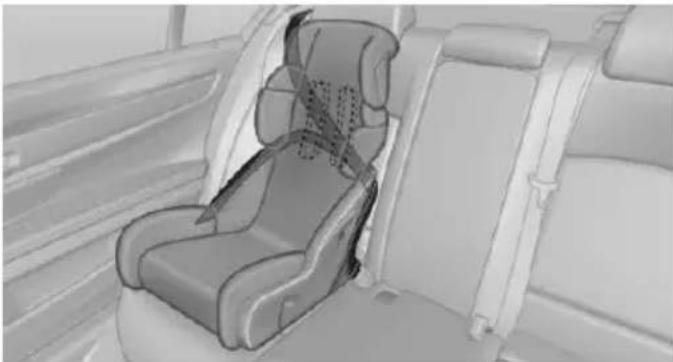
natural_image
Interior view of a car seatbelt seat assembly (no text or symbols visible)The rear safety belts and the front passenger safety belt can be permanently locked to fasten child restraint systems.
The front passenger safety belt can be permanently locked to fasten child restraint systems.
Locking the safety belt
- Pull out the strap completely.
- Secure the child restraint system with the belt.
- Allow the strap to be pulled in and pull it tight against the child restraint system. The safety belt is locked.
Unlocking the safety belt
- Unbuckle the belt buckle.
- Remove the child restraint system.
- Allow the strap to be pulled in completely.
Note

Follow manufacturer's information for LATCH child restraint systems
To mount and use the LATCH child restraint systems, observe the operating and safety information from the system manufacturer; oth-
erwise, the level of protection may be reduced.
Mounts for the lower LATCH anchors
The lower anchors may be used to attach the CRS to the vehicle seat up to a combined child and CRS weight of 65 lb/30 kg when the child is restrained by the internal harnesses.
Note

Properly engage the lower LATCH anchors
Make sure that the lower LATCH anchors have properly engaged and that the child restraint system is resting snugly against the backrest; otherwise, the degree of protection may be reduced.
Position

The corresponding symbol shows the mounts for the lower LATCH anchors. Seats equipped with lower anchors are marked with a pair (2) of LATCH symbols. Use of inner lower anchors from standard outboard LATCH positions to
install a child restraint system in the center is not recommended. For the center position, use the vehicle seat belt instead.
Before installing LATCH child restraint systems
Pull the belt away from the area of the child restraint system.
Assembly of LATCH child restraint systems
- Mount the child restraint system; refer to the user's manual of the system.
- Ensure that both LATCH anchors are properly connected.
Child restraint fixing system with a tether strap
Mounting points

The respective symbol shows the anchor for the upper retaining strap.
Seats with an upper Top Tether are marked with this symbol. It can be found on the rear seat backrest or the rear window shelf.
Note

Mounting eyelets
Use the mounting eyes only for the upper retaining strap to secure child restraint systems; otherwise, the mounting eyes could be damaged.
Retaining strap guide

Retaining strap
Make sure the upper retaining strap does not run over sharp edges and is not twisted as it passes to the top anchor. Otherwise, the strap will not properly secure the child restraint system in the event of an accident.
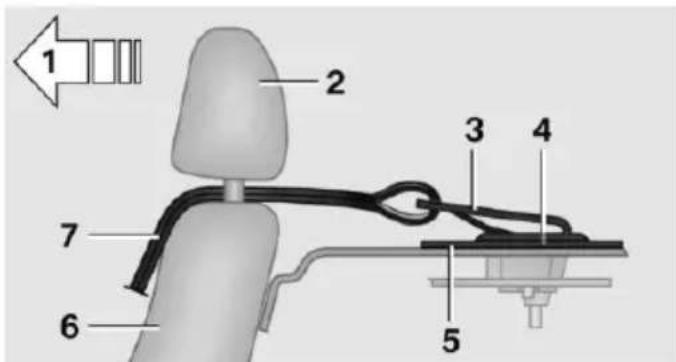
text_image
1 2 3 4 5 6 71 Direction of travel
2 Head restraint
3 Hook for upper retaining strap
4 Mounting point/eye
5 Rear window shelf
6 Seat backrest
7 Upper retaining strap
Attaching the upper retaining strap to the mounting point
- Remove the mounting point cover.
- Raise the head restraint. Do not change the middle head restraint.
- Guide the upper retaining strap between the supports of the head restraint.
Guide it over the head restraint of the middle seat. - Attach the hook of the retaining strap to the mounting eye.
- Tighten the retaining strap by pulling it down.
- Lower and lock head restraints as needed.
Locking the doors and windows
Rear doors
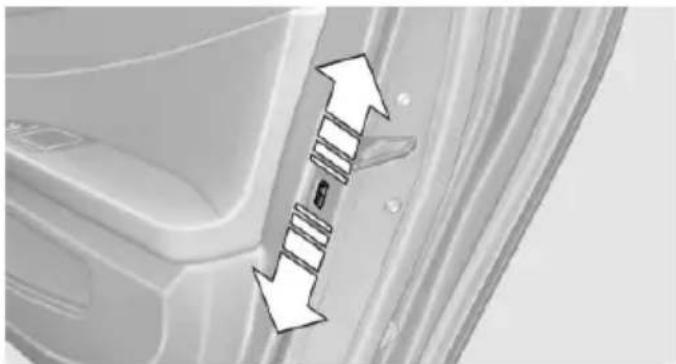
natural_image
Close-up of a car door panel with directional arrows indicating movement or force (no text or symbols)Push the locking lever on the rear doors down.
The door can now be opened from the outside only.
Safety switch for the rear
Press button on the driver's door if children are being transported in the
rear.
This locks various functions so that they cannot be operated from the rear: safety switch, refer to page 49.
Driving
Vehicle features and options
This chapter describes all standard, country-specific and optional features offered with the series. It also describes features that are not necessarily available in your car, e.g., due to the selected options or country versions. This also applies to safety-related functions and systems. The respectively applicable country provisions must be observed when using the respective features and systems.
Start/Stop button
The concept
Pressing the Start/Stop button switches the ignition on or off and starts the engine.
Steptronic transmission: The engine starts if the brakes are
stepped on while pressing the Start/Stop button.
Manual transmission: The engine starts with the clutch pedal pressed when the Start/Stop button is pressed.
Ignition on
Steptronic transmission: Press the Start/Stop button without stepping on the brake.
Manual transmission: Press the Start/Stop button without stepping on the clutch pedal.
All vehicle systems are ready for operation.
Most of the indicator and warning lights in the instrument cluster light up for a varied length of time.
To save battery power when the engine is off, switch off the ignition and any unnecessary electronic systems/power consumers.
Ignition off
Steptronic transmission: Press the Start/Stop button again without stepping on the brake.
Manual transmission: Press the Start/Stop button again without stepping on the clutch pedal.
All indicator lights in the instrument cluster go out.
To save battery power when the engine is off, switch off the ignition and any unnecessary electronic systems/power consumers.

P when the ignition is switched off
P is engaged automatically when the ignition is switched off. When in an automatic car wash, e.g., ensure that the ignition is not switched off accidentally.
The ignition automatically cuts off while the vehicle is stationary and the engine is stopped:
▶ When locking the vehicle, and when the low beams are activated.
▶ Shortly before the battery is discharged completely, so that the engine can still be started. This function is only available when the low beams are turned off.
When opening or closing the driver door, if the driver's safety belt is unbuckled and the low beams are turned off.
▶ While the driver's safety belt is unbuckled with driver's door open and low beams off.
The low beams switch to parking lights after approx. 15 minutes of no use.
Radio ready state
Activate radio-ready state:
▶ When the engine is running: press the Start/Stop button.
Some electronic systems/power consumers remain ready for operation.
The radio-ready state switches off automatically:
▶ After approx. 8 minutes.
▶ When the vehicle is locked using the central locking system.
▶ Shortly before the battery is discharged completely, so that the engine can still be started.
The radio-ready state remains active if, e.g., the ignition is automatically switched off for the following reasons:
▶ Opening or closing the driver's door.
▶ Unfastening of the driver's safety belt.
▶ When automatically switching from low beams to parking lights.
If the engine is switched off and the ignition is switched on, the system automatically switches to the radio-ready state if the lights are turned off or, if correspondingly equipped, the daytime running lights are activated.
Starting the engine
Hints

Enclosed areas
Do not let the engine run in enclosed areas, since breathing in exhaust fumes may lead to loss of consciousness and death. The exhaust gases contain carbon monoxide, an odorless and colorless but highly toxic gas.

Unattended vehicle
Do not leave the vehicle unattended with the engine running; doing so poses a risk of danger.
Before leaving the vehicle with the engine running, set the parking brake and place the transmission in selector lever position P or N to prevent the vehicle from moving.

Repeated starting in quick succession
Avoid trying to start the vehicle repeatedly and in quick succession. Otherwise, the fuel is not burned or is inadequately burned, posing a risk of overheating and damage to the catalytic converter.
Do not wait for the engine to warm-up while the vehicle remains stationary. Start driving at moderate engine speeds.
Diesel engine
If the engine is cold and temperatures are below approx. 32 °F/0 °C, the start process may be delayed somewhat due to automatic preheating.
A Check Control message is displayed.
Steptronic transmission
Starting the engine
- Depress the brake pedal.
- Press the Start/Stop button.
The ignition is activated automatically for a certain time and is stopped as soon as the engine starts.
Manual transmission
Starting the engine
- Depress the brake pedal.
- Press on the clutch pedal and shift to neutral.
- Press the Start/Stop button.
The ignition is activated automatically for a certain time and is stopped as soon as the engine starts.
Engine stop
Hints

Take the remote control with you
Take the remote control with you when leaving the vehicle so that children, e.g., cannot start the engine.

Apply parking brake and further secure the vehicle if needed.
Set the parking brake firmly when parking; otherwise, the vehicle could roll. On steep upward and downward inclines, further secure the vehicle, e.g., by turning the steering wheel in the direction of the curb.
Before driving into a car wash
So that the vehicle can roll into a car wash observe instructions for going into an automatic car wash, refer to page 251.
Steptronic transmission
Switching off the engine
- Engage selector lever position P with the vehicle stopped.
- Press the Start/Stop button.
The engine is switched off.
The radio-ready state is switched on. - Set the parking brake.
Manual transmission
Switching off the engine
- With the vehicle at a standstill, press the Start/Stop button.
- Shift into first gear or reverse.
- Set the parking brake.
Auto Start/Stop function
The concept
The Auto Start/Stop function helps save fuel. The system switches off the engine during a stop, e.g., in traffic congestion or at traffic lights. The ignition remains switched on. The engine starts again automatically for driving off.
Automatic mode
After every start of the engine using the Start/Stop button, the Auto Start/Stop function is in the last selected state, refer to page 73.
When the Auto Start/Stop function is active, it is available when the vehicle is traveling faster than about 3 mph, approx. 5 km/h.
Engine stop
The engine is switched off automatically during a stop under the following conditions:
Steptronic transmission:
The selector lever is in selector lever position D.
The brake pedal remains pressed while the vehicle is stationary or the vehicle is held by Automatic Hold.
The driver's safety belt is buckled or the driver's door is closed.
Manual transmission:
▶ Neutral is engaged and the clutch pedal is not pressed.
The driver's safety belt is buckled or the driver's door is closed.
The air flow from the air conditioner is reduced when the engine is switched off.
Displays in the instrument cluster
The display indicates that the Auto Start/Stop function is ready for an Automatic engine start.

The display indicates that the conditions for an automatic engine stop have not been met.
Functional limitations
The engine is not switched off automatically in the following situations:
▶ External temperature too low.
The external temperature is high and automatic climate control is running.
The car's interior has not yet been heated or cooled to the required level.
The engine is not yet at operating temperature.
The wheels are at a sharp angle or the steering wheel is being turned.
▶ After driving in reverse.
Fogging of the windows when the automatic climate control is switched on.
▶ Vehicle battery is heavily discharged.
▶ At higher elevations.
The engine compartment lid is unlocked.
▶ HDC Hill Descent Control is activated.
The parking assistant is activated.
▷ Stop-and-go traffic.
The selector lever is in position N, M/S or R.
▶ Use of fuel with high ethanol content.
Starting the engine
The engine starts automatically under the following conditions:
▶ Steptronic transmission: By releasing the brake pedal. When Automatic Hold is activated: press the accelerator pedal.
▶ Manual transmission: The clutch pedal is pressed.
After the engine starts, accelerate as usual.
Safety mode
After the engine switches off automatically, it will not start again automatically if any one of the following conditions are met.
The driver's safety belt is unbuckled and the driver's door is open.
The hood was unlocked.
Some indicator lights light up for a varied length of time.
The engine can only be started via the Start/Stop button.
Functional limitations
Even if driving off was not intended, the deactivated engine starts up automatically in the following situations:
Excessive warming of the car's interior when the cooling function is switched on.
The steering wheel is turned.
▶ Steptronic transmission: change from selector lever position D to R, N or M/S.
▶ Steptronic transmission: change from selector lever position P to N, D, R or M/S.
The vehicle begins rolling.
Fogging of the windows when the automatic climate control is switched on.
▶ Vehicle battery is heavily discharged.
Excessive cooling of the car's interior when the heating is switched on.
▶ Low brake vacuum pressure; this can occur, e.g., if the brake pedal is depressed a number of times in succession.
Activating/deactivating the system manually
Using the button
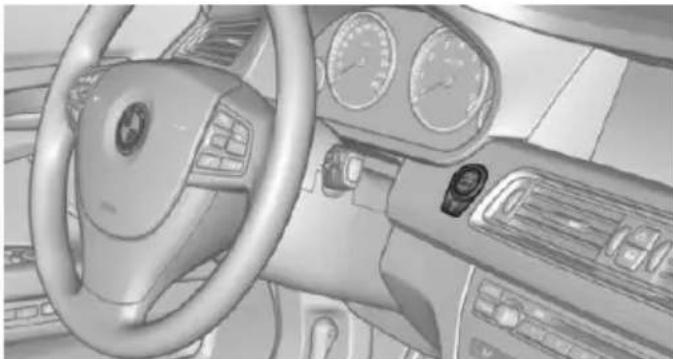
natural_image
Interior view of a car dashboard and steering wheel (no visible text or symbols)
Press button.
▶ LED comes on: Auto Start/Stop function is deactivated.
The engine is started during an automatic engine stop.
The engine can only be stopped or started via the Start/Stop button.
▶ LED goes out: Auto Start/Stop function is activated.
Switching off the vehicle during an automatic engine stop
During an automatic engine stop, the vehicle can be switched off permanently, e. g., when leaving it.
- Press the Start/Stop button. The ignition is switched off. The Auto Start/Stop function is deactivated.
Selector lever position P is engaged automatically.
- Set the parking brake.
Engine start as usual via Start/Stop button.
Automatic deactivation
In certain situations, Auto Start/Stop function is deactivated automatically for safety reasons as if the driver were absent.
Malfunction
The Auto Start/Stop function no longer switches off the engine automatically. A Check Control message is displayed. It is possible to continue driving. Have the system checked.
Parking brake
The concept
The parking brake is used to prevent the vehicle from rolling when it is parked.
Overview
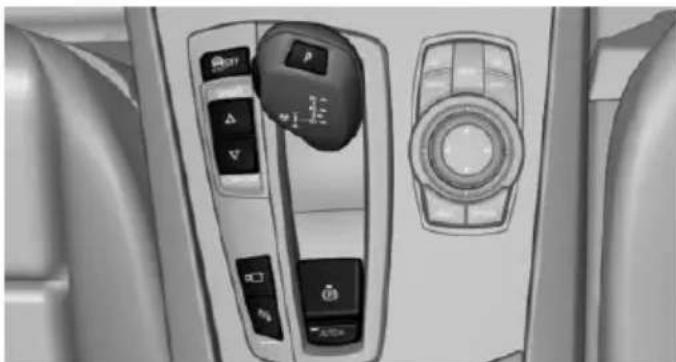
natural_image
Interior view of a car dashboard with control panels and buttons (no visible text or symbols)
Parking brake
Setting

Apply parking brake and further secure the vehicle if needed.
Set the parking brake firmly when parking; otherwise, the vehicle could roll. On steep upward and downward inclines, further secure the vehicle, e.g., by turning the steering wheel in the direction of the curb.

Take the remote control with you
Take the remote control with you when leaving the vehicle so that children, e.g., cannot release the parking brake.

Pull the reel.
The LED lights up.

The indicator lamp lights up red. The parking brake is set.
While driving
Use as emergency brake while driving:
Pull the reel and hold it. The vehicle brakes hard while the reel is being pulled.

The indicator lamp lights up red, a signal sounds and the brake lights light up.
A Check Control message is displayed.
If the vehicle is slowed down down to a speed of approx. 2 mph/3 km/h the parking brake is set.
Releasing
With the ignition switched on:

Manual transmission: Press the switch while the brake or clutch pedal is
pressed.
Steptronic transmission: Press the switch while the brake is pressed or selector lever position P is set.
The LED and indicator lamp go out.
The parking brake is released.
Automatic release in cars with Steptronic transmission

Inadvertent operation of the accelerator pedal
Make sure that the accelerator pedal is not operated unintentionally; otherwise, the vehicle is set in motion and there is a risk of an accident.
For automatic release, step on the accelerator pedal.
The LED and indicator lamp go out.
The parking brake is automatically released when you step on the accelerator:
▷ Engine on.
▶ Drive mode engaged.
▶ Driver buckled in and doors closed.
Automatic release in cars with manual transmission
Drive off as usual. The parking brake disengages when the clutch pedal is released.
The LED and indicator lamp go out.
Under the following conditions, the parking brake is automatically released:
▶ Engine on.
▷ Gear engaged.
▶ Driver buckled in and doors closed.
▶ Engine power is sufficient to drive off.
Inadvertent operation of the clutch pedal Make sure that the clutch pedal is not operated unintentionally; otherwise, the vehicle is set in motion when the clutch is released, and there is a risk of an accident.
Automatic Hold
The concept
This system assists the driver by automatically setting and releasing the brake, such as when moving in stop-and-go traffic.
The vehicle is automatically held in place when it is stationary.
On inclines, the system prevents the vehicle from rolling backward when driving off.
Overview
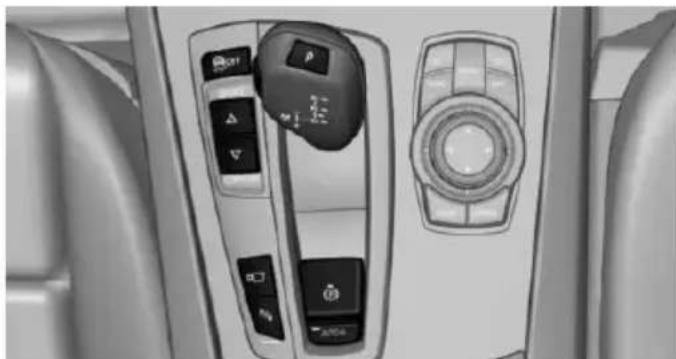
natural_image
Interior view of a car dashboard with control panels and buttons (no visible text or symbols)
Automatic Hold
Safety information

Secure the vehicle against rolling
Before leaving the vehicle with the engine running, engage position P of the Steptronic transmission and ensure that the parking brake is set. Otherwise, the vehicle may begin to move.
Under the following conditions, Automatic Hold is automatically deactivated and the parking brake is set:
The engine is switched off.
A door is opened and driver's safety belt is unbuckled while the vehicle is stationary.
The moving vehicle is brought to a standstill using the parking brake.

The indicator lamp switches from green to red and the letters AUTO H go out.
Activating
This function can be activated when the driver's door is closed, the safety belt is fastened and the engine is running.
Press button.
The LED and the letters AUTO H light
up.

The indicator lamp lights up.
Automatic Hold is activated.
Deactivating
Press button again.
The LED and the letters AUTO H go
out.
Automatic Hold is deactivated.
If the vehicle is being held by Automatic Hold, press on the brake pedal to deactivate it.
When the parking brake is set manually, Automatic Hold is deactivated automatically.
Driving
Automatic Hold is activated: the vehicle is automatically secured against rolling after braking to a standstill.

The indicator lamp lights up green.
Step on the accelerator pedal to drive off.
The brake is released automatically.
The indicator lamp goes out.

Before driving into a car wash
Before driving into the car wash, deactivate Automatic Hold; otherwise, the parking brake will be set when the vehicle is stationary and the vehicle will no longer be able to roll.
Parking
The parking brake is automatically set if the engine is switched off while the vehicle is being held by Automatic Hold.

The indicator lamp changes from green to red.
The parking brake is not set if the engine is switched off while the vehicle is coasting to a halt. Automatic Hold is deactivated.
Automatic Hold remains activated during the engine stop brought about by the Auto Start/Stop function.

Take the remote control with you
Take the remote control with you when leaving the vehicle so that children, e.g., cannot release the parking brake.
Malfunction
In the event of a failure or malfunction of the parking brake, secure the vehicle against rolling using a wheel chock, e.g., when leaving it.
After a power failure
Putting the parking brake into operation
-
Switch on the ignition.
-
Press the reel while stepping on the brake pedal or selector lever position P is set.
It may take several seconds for the brake to be put into operation. Any sounds associated with this are normal.

The indicator lamp in the instrument cluster goes out as soon as the parking brake is ready for operation.
Turn signal, high beams, headlight flasher
Turn signal
Hints

Do not adjust the exterior mirrors
Do not adjust the exterior mirror while
driving and when turn signals/hazard warning flashers are on, or else the additional turn signal lights in the exterior mirror are out of position and can't be seen.
Using turn signals
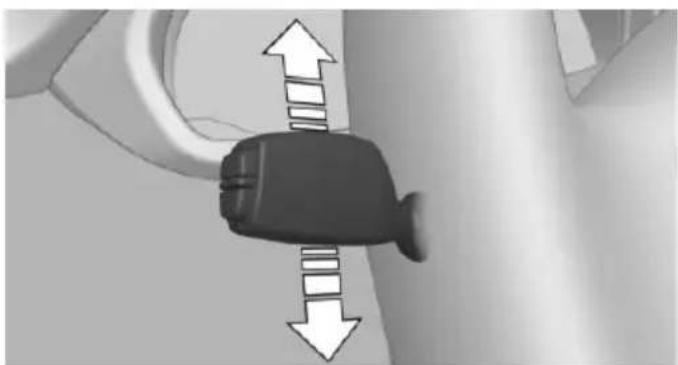
natural_image
Close-up of a car seatbelt with directional arrows indicating movement (no text or symbols)Press the lever beyond the resistance point.
To switch off manually, press the lever to the resistance point.
Unusually rapid flashing of the indicator lamp indicates that a turn signal bulb has failed.
Triple turn signal activation
Press the lever to the resistance point.
The turn signal flashes three times.
The function can be activated or deactivated.
On the Control Display:
-
"Settings"
-
"Lighting"
-
"Triple turn signal"
Settings are stored for the profile currently in use.
Signaling briefly
Press the lever to the resistance point and hold it there for as long as you want the turn signal to flash.
High beams, headlight flasher
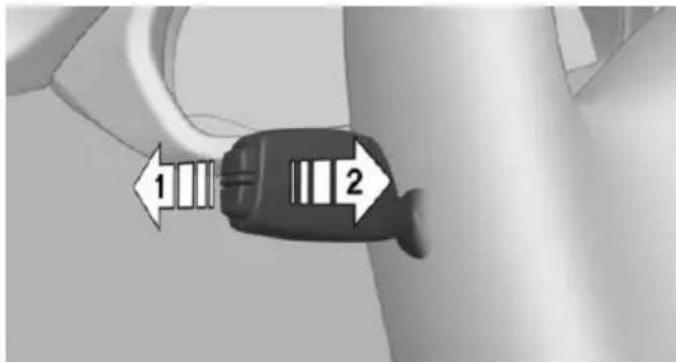
text_image
1 2▷ High beams, arrow 1.
▶ Headlight flasher, arrow 2.
Washer/wiper system
Switching the wipers on/off and brief wipe
Hints

Do not activate wipers if frozen to wind-shield
Do not switch on the wipers if they are frozen to the windshield; otherwise, the wiper blades and the wiper motor may be damaged.

Do not activate wipers on dry windshield
Do not use the wipers if the windshield is dry, as this may damage the wiper blades or cause them to become worn more quickly.
Switching on
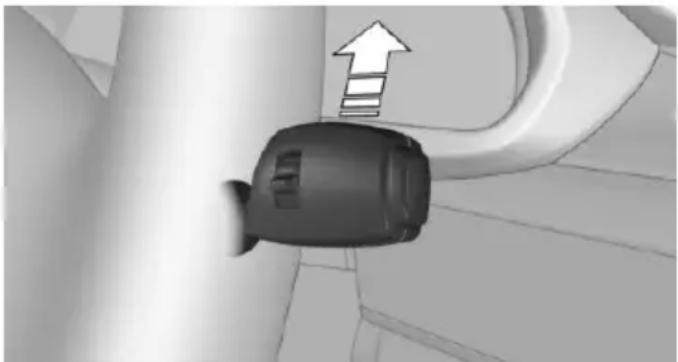
natural_image
Close-up of a black plastic plug inserted into a corner, with an upward arrow indicating direction (no text or symbols)Push wiper lever up.
The lever automatically returns to its initial position when released.
▶ Normal wiper speed: push up once.
The wipers switch to intermittent operation when the vehicle is stationary.
▶ Fast wiper speed: press up twice or press once beyond the resistance point.
Wipers change to normal speed when vehicle comes to standstill.
Switch off and brief wipe
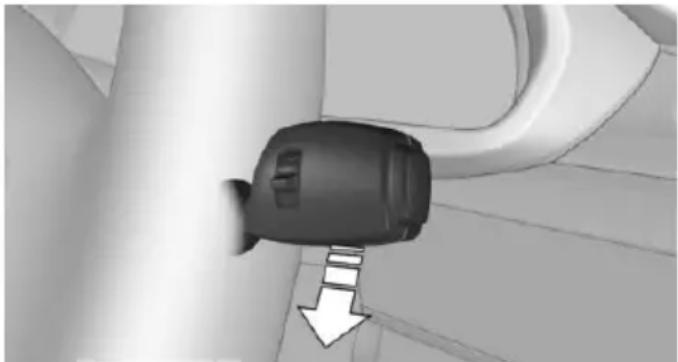
natural_image
Close-up of a black air vent component with a white arrow pointing downward, no visible text or symbolsPush wiper lever down.
The lever automatically returns to its initial position when released.
▶ Single wipe: press down once.
To switch off normal wipe: press down once.
To switch off fast wipe: press down twice.
Interval mode or rain sensor
The concept
The rain sensor automatically controls the time between wipes depending on the intensity of the rainfall. The sensor is located on the windshield, directly behind the interior rearview mirror.
Activating/deactivating
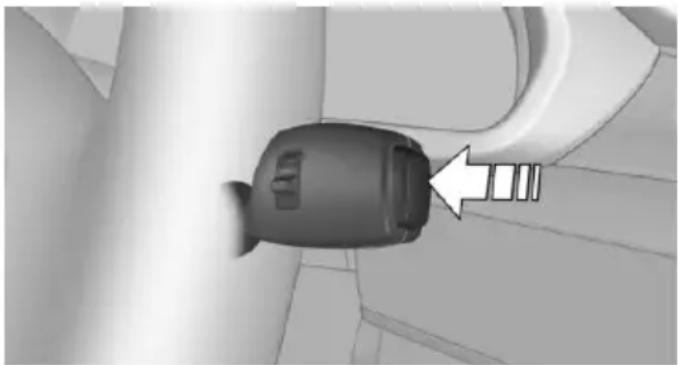
natural_image
Close-up of a black plastic connector with a white arrow pointing to a small component (no text or symbols visible)Press button on the wiper lever.
Wiping is started. If the vehicle is equipped with a rain sensor: LED in wiper lever lights up.
When wipers are frozen to windshield, wiper operation is deactivated.
During trip interruption with the rain sensor switched on: if the trip is resumed within approx. 15 minutes, the rain sensor is automatically activated again.

Deactivate the rain sensor in car washes
Deactivate the rain sensor when passing through an automatic car wash; otherwise, unintentional wiping can cause damages.
Setting the frequency or sensitivity of the rain sensor
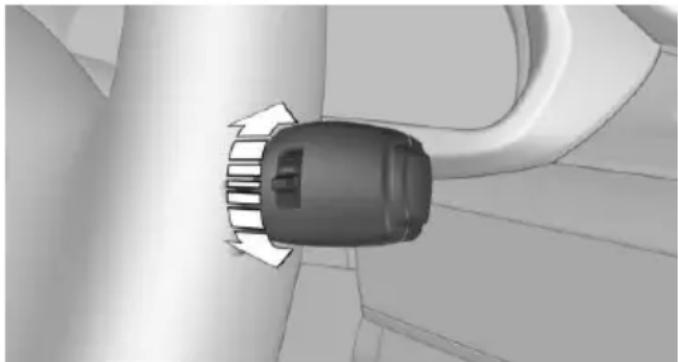
natural_image
Top-down view of a car's side profile showing airflow direction (no text or symbols)Turn the thumbwheel.
Clean the windshield, headlights
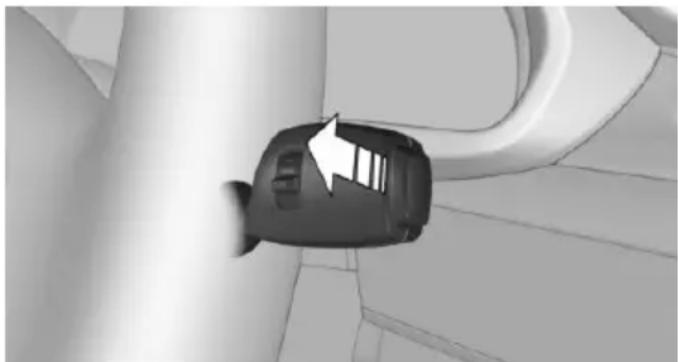
natural_image
3D rendered image of a car interior corner with a white arrow pointing to the side panel (no text or symbols)Pull the wiper lever towards you.
The system sprays washer fluid on the wind-shield and activates the wipers briefly.
In addition, the headlights are cleaned at regular intervals when the vehicle's lights are activated.

Do not use the washer system at freezing temperatures
Do not use the washers if fluid could freeze onto the windshield which might impede your viewing field. Therefore use antifreeze fluid.
Avoid using the washer when the reservoir is empty; operation might damage pump.
Windshield washer nozzles
The windshield washer nozzles are automatically heated while the ignition is switched on.
Fold-out position of the wipers
Fold wipers back when you want to change the blades or with pending low temperatures.
- Switch the ignition on and off again.
- With icy conditions make sure that blades are not frozen to the windshield.
- Press the wiper lever up beyond the point of resistance and hold it for approx. 3 seconds, until the wiper remains in a nearly vertical position.
After the wipers are folded back down, the wiper system must be reactivated.

Folding wipers back down
Before switching the ignition on, fold the wipers back down to the windshield; otherwise, the wipers may become damaged when they are activated.
- Switch on the ignition.
- Push wiper lever down. Wipers move to their resting position and are ready again for operation.
Washer fluid
Hints

Antifreeze for washer fluid
Antifreeze is flammable and can cause
injury if it is used incorrectly.
Therefore, keep it away from possible sources of ignition.
Only keep it in the closed original container and inaccessible to children.
Follow the notes and instructions on the container.
United States: The washer fluid mixture ratio is regulated by the U.S. EPA and many individual states; do not exceed the allowable washer fluid dilution ratios limits that apply. Follow the usage instructions on the washer fluid container. Use BMW's Windshield Washer Concentrate or the equivalent.

Adding washer fluid
Only add washer fluid when the engine is cool, and then close the cover completely to avoid contact between the washer fluid and hot engine parts.
Otherwise, there is a danger of fire and a risk to personal safety if the fluid is spilled.
Washer fluid reservoir
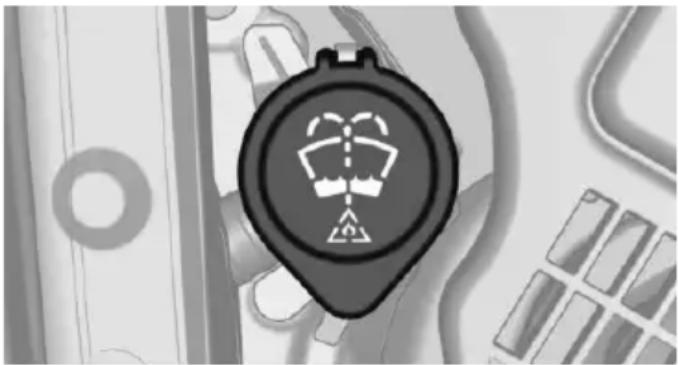
natural_image
Close-up of a black circular device with a white warning symbol on its face, surrounded by abstract geometric patterns (no readable text)All washer nozzles are supplied from one reservoir.
Fill with a mixture of windshield washer concentrate and tap water and – if required – with a washer antifreeze, according to the manufacturer's recommendations.
Mix the washer fluid before adding to find the right mixture.
Do not add windshield washer concentrate and antifreeze undiluted and do not fill with pure water; this could damage the wiper system.
Do not mix window washer concentrates of different manufacturers because they can clog the windshield washer nozzles.
Recommended minimum fill quantity: 0.2 US gal/1 liter.
Manual transmission
Shifting

Shifting into 5th or 6th gear
When shifting into 5th or 6th gear, push the gearshift lever to the right; otherwise, inadvertent shifting into 3rd or 4th gear could lead to engine damage.
Reverse gear
Select only when the vehicle is stationary.
To overcome the resistance push the selector lever dynamically to the left and engage the reverse gear.
Steptronic transmission
Selector lever positions
D Drive
Selector lever position for normal vehicle operation. All gears for forward travel are activated automatically.
R is Reverse
Select only when the vehicle is stationary.
N Neutral:
The vehicle may roll. Use in automatic car washes, e.g.
When the ignition is switched off, refer to page 69, selector lever position P is engaged automatically.
P Park
Select only when the vehicle is stationary. The drive wheels are blocked.
P is engaged automatically:
▶ After the engine is switched off when the vehicle is in radio-ready state, refer to page 69, or when the ignition is switched off, refer to page 69, and when selector lever position R or D is set.
▶ With the ignition off, if selector lever position N is set.
If the driver's safety belt is released, the driver's door is opened, and the brake pedal is not pressed while the vehicle is stationary and selector lever position D or R is set.
Before exiting the vehicle, make sure that selector lever position P is set. Otherwise, the vehicle may begin to move.
Kickdown
Kickdown is used to achieve maximum driving performance. Step on the accelerator pedal beyond the resistance point at the full throttle position.
Engaging selector lever positions

Press on the brake pedal until you start driving
To prevent the vehicle from creeping after you select a gear, maintain pressure on the brake pedal until you are ready to start.
It is not possible to shift out of selector lever position P until the engine is running and the brake is applied.
With the vehicle is stationary, press on the brake pedal before shifting out of P or N; otherwise, the shift command will not be executed: shift lock.
Engaging D, R and N
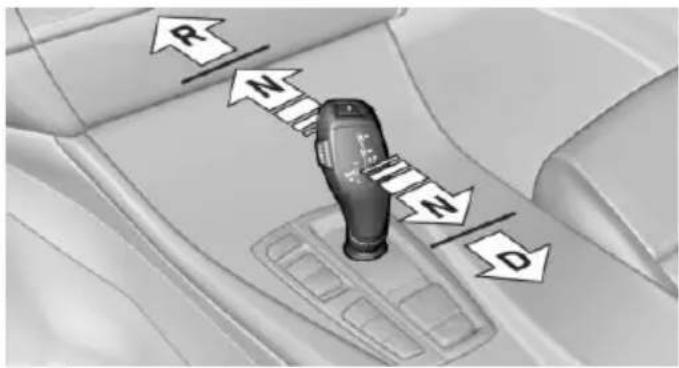
text_image
R N N DBriefly push the selector lever in the desired direction, beyond a resistance point if needed.
After releasing the selector lever, it returns to its center position.
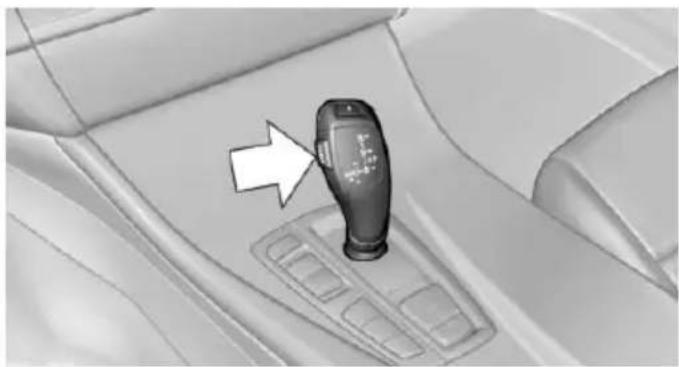
natural_image
Interior view of a car gear shift lever with a white arrow pointing to the mode (no text or symbols visible)Press unlock button, in order to:
Engage R.
▶ Shift out of P.
Engaging P
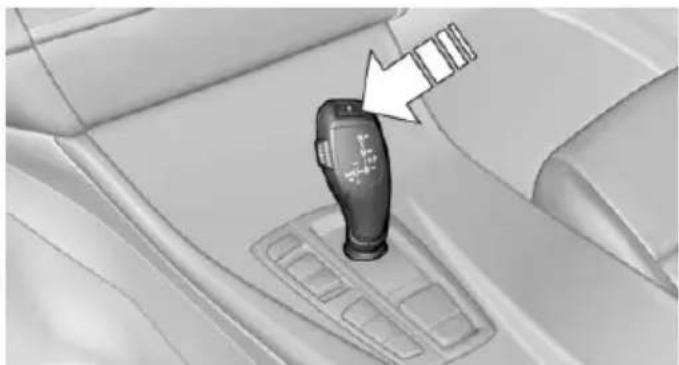
natural_image
Interior view of a car gear shift lever with a white arrow pointing to the handle (no text or symbols visible)Press button P.
Sport program and manual mode
Activating the sport program
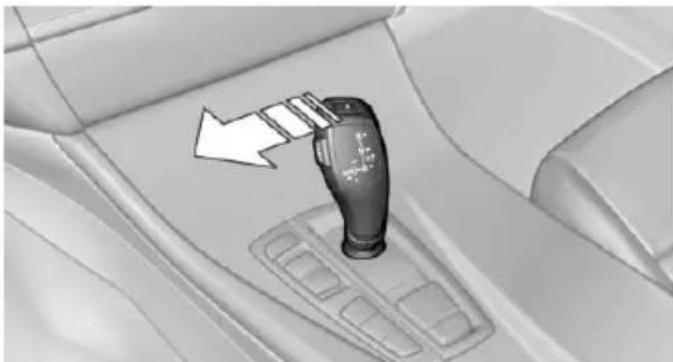
natural_image
Interior view of a car gear shift lever mechanism (no text or symbols visible)Press the selector lever to the left out of selector lever position D.
The engaged gear is displayed in the instrument cluster, e.g., S1.
The sport program of the transmission is activated.
Activating the M/S manual mode
-
Press the selector lever to the left out of selector lever position D.
-
Push the selector lever forward or pull it backward.
Manual mode becomes active and the gear is changed.
The engaged gear is displayed in the instrument cluster, e.g., M1.
Once maximum engine speed is attained, M/S manual mode is automatically upshifted as needed.
Switching to manual mode
To shift down: press the selector lever forward.
To shift up: pull the selector lever rearwards.
Gears will only be shifted at appropriate engine and road speeds, for example downshifting is not possible if the engine speed is too high.
The selected gear is briefly displayed in the instrument cluster, followed by the currently selected gear.
Not M550d xDrive: Steptronic Sport transmission: prevent automatic upshifting in M/S manual mode
The Steptronic Sport transmission does not automatically upshift in M/S manual mode once the maximum speed is reached, if one of the following conditions is met:
▷ DSC deactivated.
▶ TRACTION activated.
▶ SPORT+ activated.
In addition, the kickdown is deactivated.
With the respective transmission version, the lowest possible gear can be selected by simultaneously operating the kickdown and the left shift paddle. However, this effect is not produced via the shift paddles when switching briefly from D to manual mode.
Ending the sport program/manual mode
Push the selector lever to the right.
D is displayed in the instrument cluster.
Shift paddles
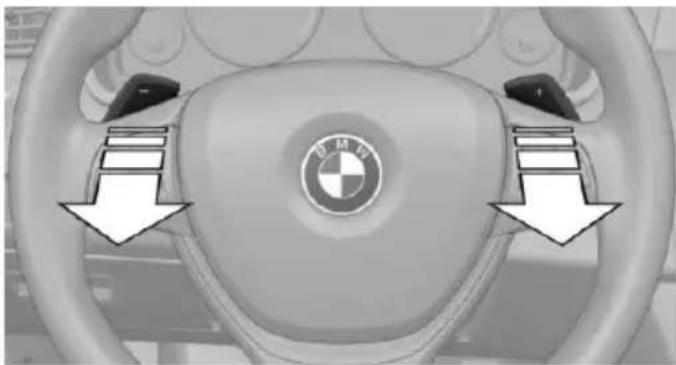
natural_image
Interior view of a BMW car dashboard showing the wheel, steering wheel, and logo (no text or symbols on the dashboard itself)The shift paddles on the steering wheel allow you to shift gears quickly while keeping both hands on the steering wheel.
▶ Shift up: briefly pull right shift paddle.
▶ Shift down: briefly pull left shift paddle.
▶ With the respective transmission version, the lowest possible gear can be selected by pulling and holding the left shift paddle.
Gears will only be shifted at appropriate engine and road speeds, for example downshifting is not possible if the engine speed is too high.
The selected gear is briefly displayed in the instrument cluster, followed by the current gear.
If the shift paddles on the steering wheel are used to shift gears in automatic mode, the transmission temporarily switches to manual mode.
If the selector lever is still in selector lever position D with the respective transmission version, it is possible to switch back into the automatic mode:
▶ Pull and hold right shift paddle.
Or
In addition to the briefly pulled right shift paddle, briefly pull the left shift paddle.
In the manual mode, after conservative driving for a certain amount of time or if there has been no acceleration or shifting of the shift paddles within a certain amount of time, the transmission switches back to automatic mode.
Displays in the instrument cluster

The selector lever position is displayed, e.g.: P.
Electronic unlocking of the transmission lock
General information
Electronically unlock the transmission lock to maneuver vehicle from the danger area.
Unlocking is possible, if the started can spin the engine.
Engaging selector lever position N
- Depress the brake pedal.
- Press the Start/Stop button. The starter must audibly start.
- Press and hold the selector lever into position N.
A corresponding Check Control message is displayed. - Press the selector lever again into position N within approx. 6 seconds.
Position N is displayed in the instrument cluster. - Release brake, as soon as the starter stops.
- Maneuver the vehicle from the danger area and secure it against moving on its own.
Steptronic Sport transmission: Launch Control
The concept
Launch Control enables optimum acceleration on surfaces with good traction.
Hints

Component wear
Do not use Launch Control too often; otherwise, this may result in premature wear of components due to the high stress placed on the vehicle.
Do not use Launch Control during the break-in, refer to page 188, period.
To increase vehicle stability, activate DSC again as soon as possible.
An experienced driver may be able to achieve better acceleration values in DSC OFF mode.
Requirements
Launch Control is available when the engine is warmed up, that is, after uninterrupted driving of at least 6 miles/10 km.
To start with Launch Control do not steer the steering wheel.
Start with launch control
While the engine is running:
Press button or select Sport+ with ing Dynamics Control.
TRACTION is displayed in the instrument cluster and the indicator lamp for DSC OFF lights up.
- Engage selector lever position S.
- With the left foot, forcefully press down on the brake.
- Press and hold down the accelerator pedal beyond the resistance point at the full throttle position.
A flag symbol is displayed in the instrument cluster.
- The starting engine speed adjusts. Within 3 seconds, release the brake.
Before using Launch Control, allow the transmission to cool down for approx. 5 minutes.
Launch Control adjusts to the surrounding conditions, e.g., wet pavement, when used again.
Displays
Vehicle features and options
This chapter describes all standard, country-specific and optional features offered with the series. It also describes features that are not necessarily available in your car, e. g., due to
the selected options or country versions. This also applies to safety-related functions and systems. The respectively applicable country provisions must be observed when using the respective features and systems.
Overview, instrument cluster
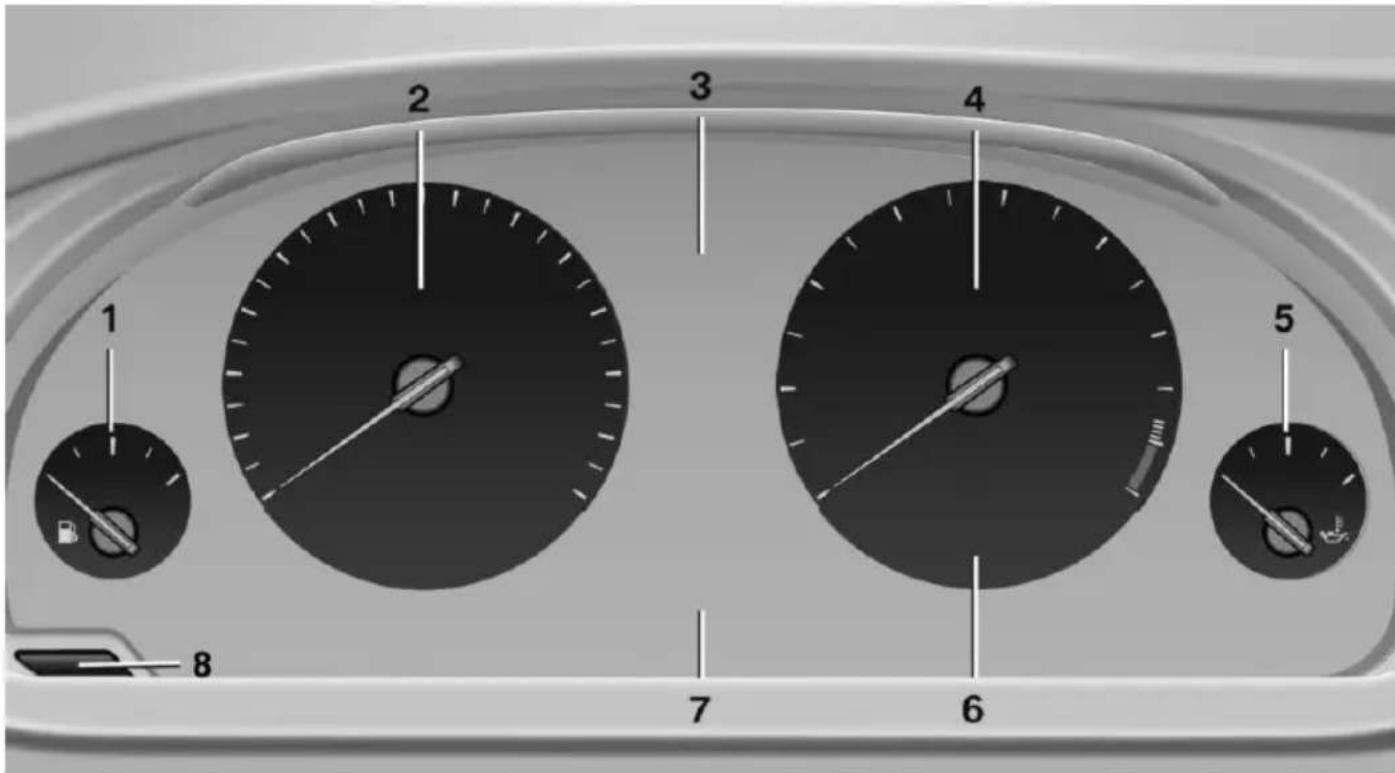
text_image
1 2 3 4 5 6 7 81 Fuel gauge 92
2 Speedometer
3 Messages, e.g. Check Control
4 Tachometer 92
5 Engine oil temperature 92
6 Current fuel consumption
7 Electronic displays 84
8 Reset miles 92
Electronic displays
Selection lists, refer to page 96.
▶ External temperature, refer to page 93.
▶ Auto Start/Stop function, refer to page 71.
On-board computer, refer to page 97.
Date, refer to page 93.
▶ Energy recovery, refer to page 94.
▶ Transmission display, refer to page 82.
▶ Miles/trip miles, refer to page 92.
▶ Messages, e.g. Check Control, refer to page 88.
▶ Current fuel consumption, refer to page 93.
▶ Navigation display, see User's manual for Navigation, Entertainment and Communication.
Range, refer to page 93.
▶ Status, Driving Dynamics Control, refer to page 139.
▶ Service requirements, refer to page 94.
▶ Speed limit detection, refer to page 95.
▶ Time, refer to page 93.
Multifunctional instrument display
The concept
The instrument display is a variable display. In the event of a program change, the display rendition adapts to the respective program through the Driving Dynamics Control. The change of appearance can be deactivated on the Control Display.
Some of the displays in the instrument display may differ from the way they are shown in this Owner's Manual.
At a glance
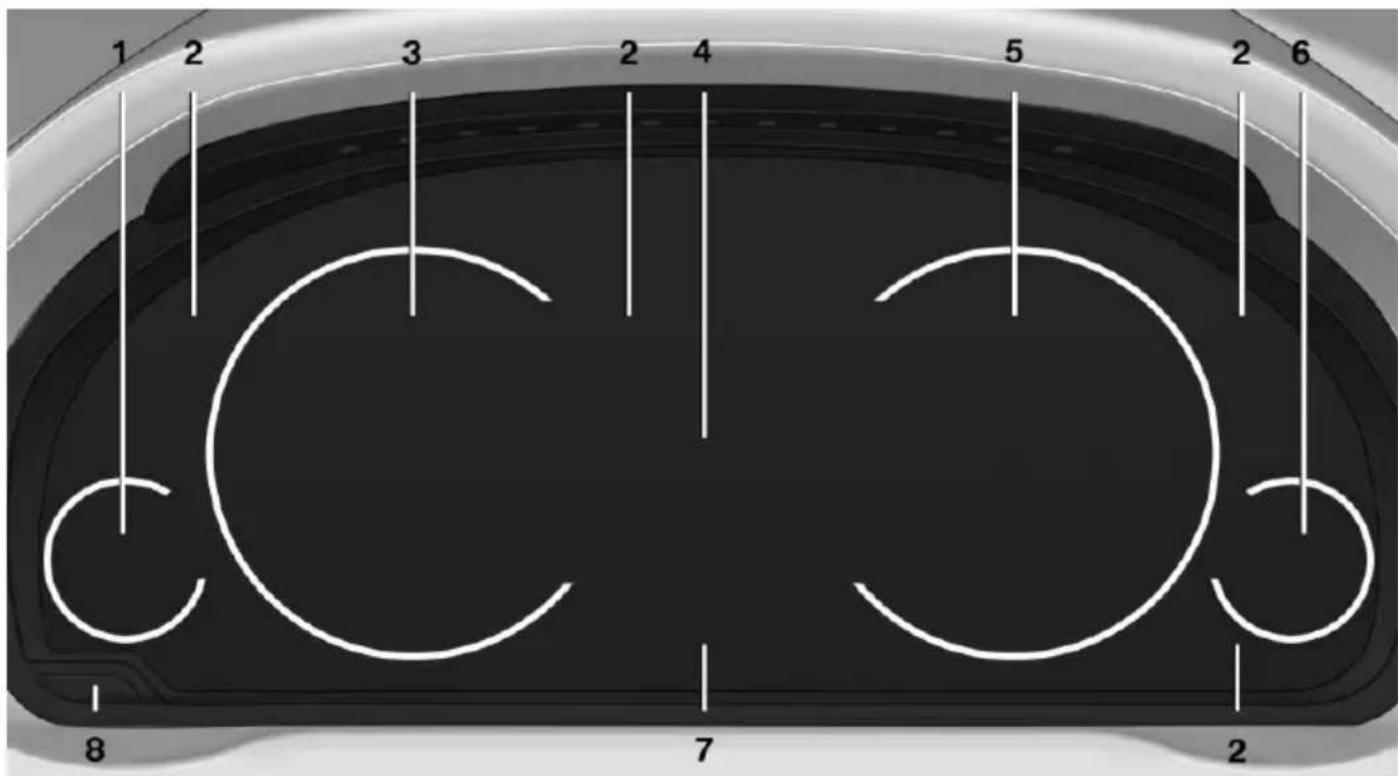
text_image
1 2 3 2 4 5 2 6 8 7 21 Fuel gauge 92
2 Indicator/warning lights 88
3 Speedometer
4 Variable displays
5 Tachometer 92
Selection lists 96
ECO PRO displays 196
6 Engine oil temperature 92
7 Computer 97
8 Reset miles 92
Switching the change of display on and off
You can set whether the instrument display automatically changes to the ECO PRO or SPORT in the display when you switch driving modes.
- "Settings"
- "Instrument cluster"
- "ECO PRO Info"
Or"Driving mode view"
With Professional Navigation System: switching zoom function on/off
You can program whether the current speed is to appear enlarged in the speedometer.
On the Control Display:
- "Settings"
- "Instrument cluster"
- "Magnifier function"
ECO PRO displays
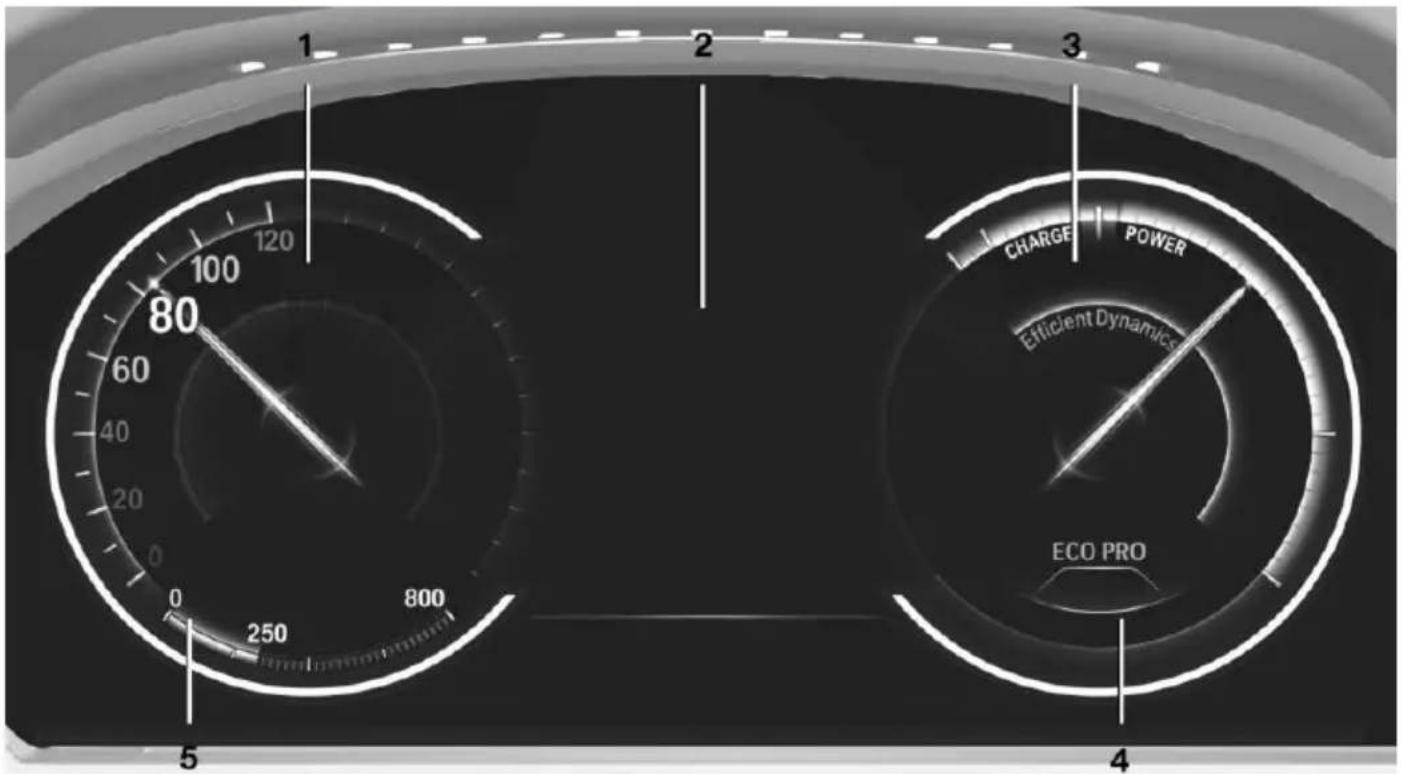
text_image
1 2 3 5 80 100 120 60 40 20 0 800 250 4 ECO PRO CHARGE POWER Efficient Dynamics1 Speedometer 2 Variable displays: ECO PRO Tips, Deceleration assistant instructions, Driver assist system displays
3 Efficiency display 196
4 Transmission display
5 ▷ Blue: bonus range
Gray: range
In the ECO PRO program the instrument display switches to the ECO PRO displays. These displays support a driving style that saves on
fuel consumption with more prominent representation of the efficiency display and various ECO PRO tips.
Sport displays
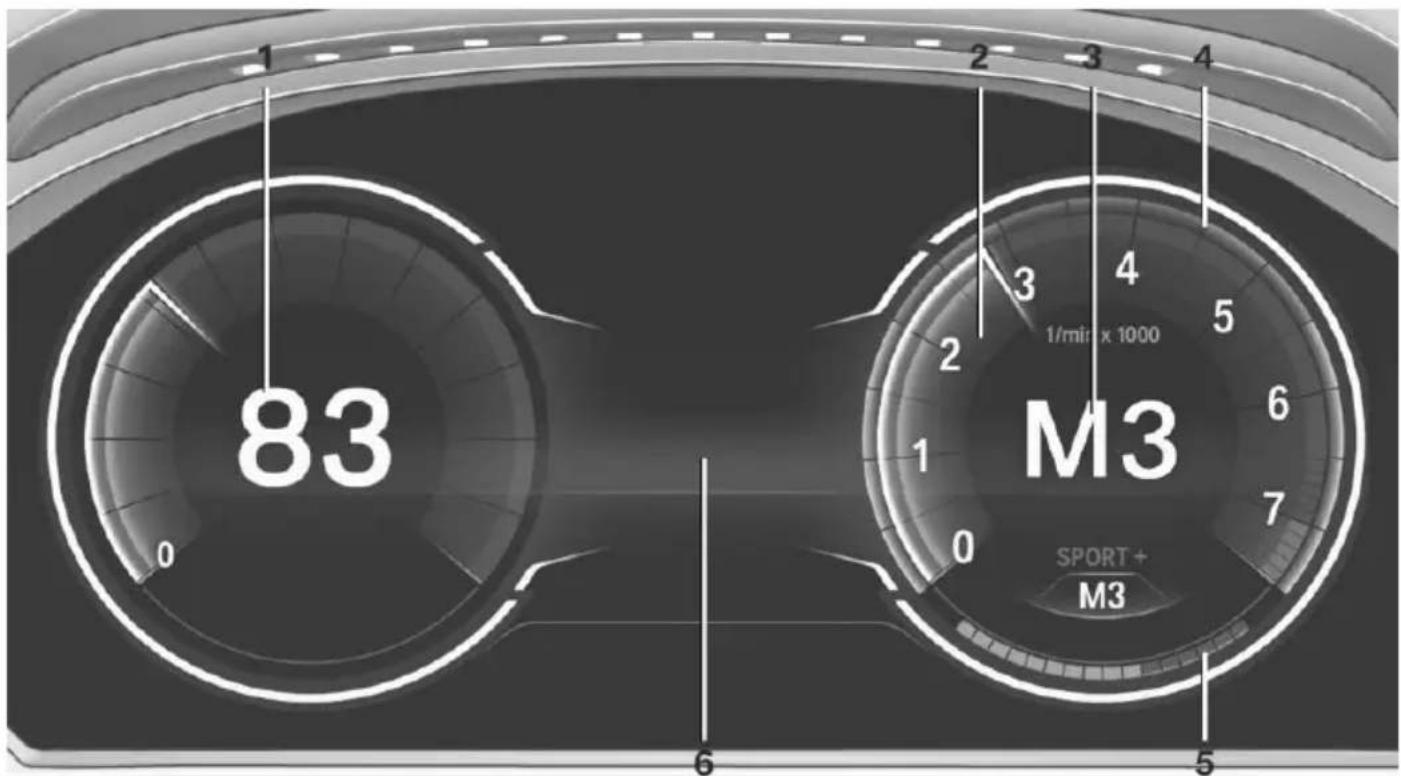
gauge
| Model | Value | |---|---| | M3 | 83 | | Sport+ | 5 | | | 4 | | | 3 | | | 2 | | | 1 | | | 0 | | | 6 | | | 5 |1 Speedometer
2 Tachometer 92
3 Transmission display 82
In the Sport and Sport+ programs the instrument display switches to the sport displays. These displays support a sporty driving style with more prominent representation of the tachometer, the transmission displays, and the vehicle speed.
4 Shift lights, when respectively equipped
5 Performance display
6 Variable displays
Shift lights in the instrument display
The concept
Shift lights indicate the optimum shift moment in the multifunction instrument display. Thus, with a sporty driving style, the best possible vehicle acceleration is achieved.
General information
Steptronic Sport transmission: shift lights are shown, when the SPORT+ driving program is activated.
Manual transmission: shift lights are shown, when the SPORT or SPORT+ driving program is activated.
Switching on shift lights
Steptronic Sport transmission:
- Select SPORT+ using the Driving Dynamics Control.
- Activate the M/S manual mode of the transmission.
Manual transmission:
- Select SPORT or SPORT+ using the Driving Dynamics Control.
- Deactivate DSC if needed.
Display in the instrument display
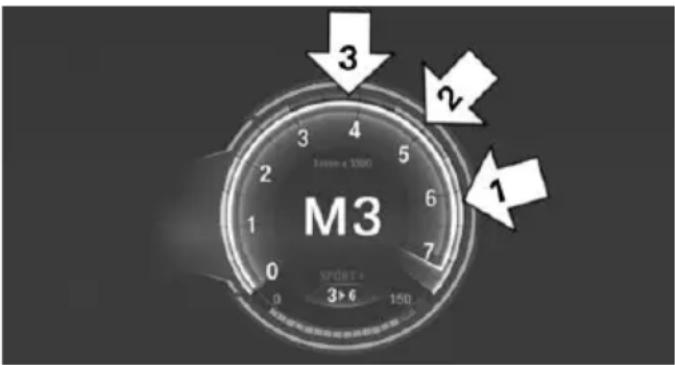
text_image
M3 3 2 1 SPÖRTE 3>6 150▶ Current engine speed is displayed in the tachometer.
▶ Arrow 1: successive yellow illuminated fields indicate an increase in the speed.
▶ Arrow 2: successive orange illuminated fields indicate the upcoming shift moment.
▶ Arrow 3: fields are illuminated in red. Do not wait any further to shift.
When the maximum possible speed is reached, the entire display flashes. When the maximum speed is exceeded, the supply of fuel is interrupted in order to protect the engine. Speeds in this range must be avoided.
Check Control
The concept
The Check Control system monitors functions in the vehicle and notifies you of malfunctions in the monitored systems.
A Check Control message is displayed as a combination of indicator or warning lights and text messages in the instrument cluster and in the Head-up Display.
In addition, an acoustic signal may sound and a text message may appear on the Control Display.
Indicator/warning lights
General information
The indicator and warning lights in the instrument cluster can light up in a variety of combinations and colors.
Several of the lights are checked for proper functioning and light up temporarily when the engine is started or the ignition is switched on.
Red lights
Safety belt reminder

Flashing or illuminated: safety belt on the driver or passenger side is not buckled. The safety belt reminder can
also be activated if objects are placed on the front passenger seat.
Make sure that the safety belts are positioned correctly.
Airbag system

Airbag system and belt tensioner are defective.
Have the vehicle checked by the service center immediately.
Parking brake

The parking brake is set.
For additional information, refer to Release parking brake, refer to page 74.
Brake system

Continue to drive moderately.
Have the vehicle checked by the service center immediately.

Front-end collision warning

Illuminated: advance warning is issued, e.g., when there is the impending danger of a collision or the distance to the
vehicle ahead is too small.
Increase distance.
Flashing: acute warning of the imminent danger of a collision when the vehicle approaches another vehicle at a relatively high differential speed.
Intervention by braking or make an evasive maneuver.
Pedestrian warning

Symbol in the instrument cluster.

Symbol in the instrument display.
If a collision with a person detected in this way is imminent, the symbol lights up and a signal sounds.
Orange lights
Active Cruise Control

The number bars shows the selected distance from the vehicle driving ahead.
For additional information, refer to Active Cruise Control with Stop & Go function, ACC, refer to page 143.
Vehicle detection, Active Cruise Control

Illuminated: vehicle driving ahead detected.
Flashing: the conditions are not adequate for operating the system.
The system was deactivated but applies the brakes until you actively resume control by pressing on the brake pedal or accelerator pedal.
Yellow lights
Anti-lock Braking System ABS

Avoid abrupt braking if possible. Braking force boost in some cases defective. Stop carefully. Take into account longer brake travel. Have this checked by the service center immediately.
DSC Dynamic Stability Control

Flashing: DSC controls the drive and braking forces. The vehicle is stabilized. Reduce speed and adapt driving
profile to the driving circumstances.
Illuminated: DSC failed. Have the system checked by the service center.
For additional information, refer to Dynamic Stability Control DSC, refer to page 135.
DSC Dynamic Stability Control is deactivated or DTC Dynamic Traction Control is activated

Dynamic Stability Control DSC is switched off or Dynamic Traction Control DTC is switched on.
For additional information, refer to Dynamic Stability Control, refer to page 135, and Dynamic Traction Control, refer to page 136.
Flat Tire Monitor FTM

The Flat Tire Monitor signals a loss of tire inflation pressure in a tire.
Reduce your speed and stop cau-
tiously. Avoid sudden braking and steering maneuvers.
For more information, see Flat Tire Monitor, refer to page 115.
Tire Pressure Monitor TPM

Illuminated: the Tire Pressure Monitor signals a loss of tire inflation pressure in a tire.
Reduce your speed and stop cautiously. Avoid sudden braking and steering maneuvers.
Flashing and then continuously illuminated: no flat tire or loss of tire inflation pressure can be detected.
▶ Interference through systems or devices with the same radio frequency: after leaving the area of the interference, the system automatically becomes active again.
▷ TPM could not conclude the reset: perform the reset of the system again.
▶ A wheel without TPM electronics is fitted: have the service center check it if needed.
▶ Malfunction: have the system checked by your service center.
For more information, see Tire Pressure Monitor, refer to page 111.
Steering system

Steering system in some cases defective.
Have the steering system checked by the service center.
Engine functions

Have the vehicle checked by the service center.
For additional information, refer to On-board Diagnostics socket, refer to page 237.
Lane departure warning

System is switched on and under certain circumstances warns if a detected lane is left without flashing beforehand.
For additional information, refer to Lane departure warning, refer to page 129.
Green lights
Turn signal

Turn signal on.
Unusually rapid flashing of the indicator lamp indicates that a turn signal bulb ed.
For additional information, refer to Turn signal, refer to page 76.
Parking lights, headlight control

Parking lights or headlights are activated.
For additional information, refer to Parking lights/low beams, headlight control, refer to page 103.
Front fog lights

Front fog lights are activated.
For additional information, refer to Front fog lights, refer to page 106.
High-beam Assistant

High-beam Assistant is switched on. High beams are activated and off automatically as a function of the traffic situation.
For additional information, refer to High-beam Assistant, refer to page 105.
Cruise control

The system is switched on. It maintains the speed that was set using the control elements on the steering wheel.
Automatic Hold

The vehicle is automatically held in place when it is stationary.
On inclines, the system prevents the vehicle from rolling backward when driving off. For more information, see Automatic Hold, refer to page 74.
Blue lights
High beams

High beams are activated. For additional information, refer to High beams, refer to page 76.
General lamps
Check Control

At least one Check Control message is displayed or is stored. The symbol is shown in the display of the instrument cluster.
Text messages
Text messages in combination with a symbol in the instrument cluster explain a Check Control message and the meaning of the indicator and warning lights.
Supplementary text messages
Additional information, such as on the cause of an error or the required action, can be called up via Check Control.
With urgent messages the added text will be automatically displayed on the Control Display.
Symbols
Depending on the Check Control message, the following functions can be selected.
"Owner's Manual"
Display additional information about the Check Control message in the Integrated Owner's Manual.
"Service request"
Contact your service center.
"Roadside Assistance"
Contact Roadside Assistance.
Hiding Check Control messages
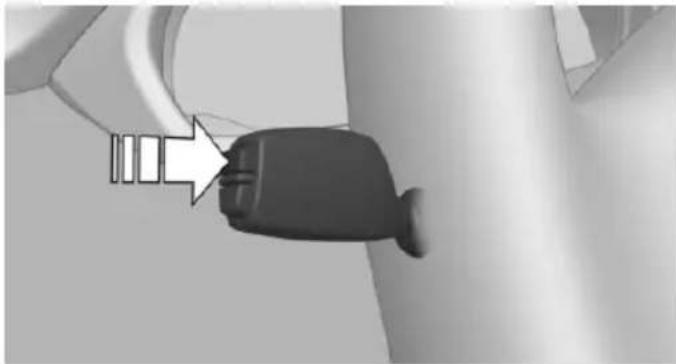
natural_image
Close-up of a black plastic plug inserted into a cable, with a white arrow pointing to the plug (no text or symbols visible)Press the onboard computer button on the turn signal lever.
Some Check Control messages are displayed continuously and are not cleared until the malfunction is eliminated. If several malfunctions occur at once, the messages are displayed consecutively.
These messages can be faded for approx. 8 seconds. After this time, they are displayed again automatically.
Other Check Control messages are faded automatically after approx. 20 seconds. They are stored and can be displayed again later.
Displaying stored Check Control messages
On the Control Display:
- "Vehicle info"
- "Vehicle status"
- "Check Control"
- Select the text message.
Messages after trip completion
Special messages displayed while driving are displayed again after the ignition is switched off.
Fuel gauge
Vehicle tilt position may cause the display to vary.
Depending on the equipment version, the arrow beside the fuel pump symbol shows which
side of the vehicle the fuel filler flap is on.
Hints on refueling, refer to page 204.
Tachometer
Always avoid engine speeds in the red warning field. In this range, the fuel supply is interrupted to protect the engine.
Engine oil temperature
▶ Cold engine: the pointer is at the low temperature end. Drive at moderate engine and vehicle speeds.
Normal operating temperature: the pointer is in the middle or in the left half of the temperature display.
Hot engine: the pointer is at the high end of the temperature range. A Check Control message is also displayed.
Coolant temperature
If the coolant along with the engine becomes too hot, a Check Control message is displayed. Check the coolant level, refer to page 234.
Odometer and trip odometer
Display
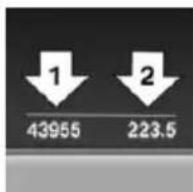
▷ Odometer, arrow 1.
▶ Trip odometer, arrow 2.
Show/reset kilometers
Press the knob.
When the ignition is switched off, the time, the external temperature and the odometer are displayed.
When the ignition is switched on, the trip odometer is reset.
External temperature
If the indicator drops to +37 °F/+3 °C or lower, a signal sounds.
A Check Control message is displayed.
There is an increased risk of ice on roads.

Ice on roads
Even at temperatures above
+37 °F/+3 °C, roads might be icy.
Therefore, drive carefully on bridges and shaded roads, e.g., to avoid the increased risk of an accident.
Time
The time is displayed at the bottom of the instrument cluster.
Setting the time and time format, refer to page 99.
Date
The date is displayed in the computer.
Setting the date and date format, refer to page 100.
Range
Display
With a low remaining range:
▶ A Check Control message is displayed briefly.
The remaining range is shown on the on-board co-mupter.
With a dynamic driving style - e.g., taking curves aggressively - engine operation might vary.
The Check Control message appears continuously below a range of approx. 30 miles/50 km.

Refuel promptly
Refuel no later than at a range of
30 miles/50 km or engine operation might fail and damage might occur.
Displaying the cruising range
Depending on your vehicle's optional features, the range can also be displayed as bar in the instrument cluster.
- "Settings"
- "Instrument cluster"
- "Additional indicators"
With navigation system: range with destination guidance active
If respective equipment is fitted and destination guidance is active, the remaining range is displayed when the destination is reached.
Current fuel consumption
Display
Depending on your vehicle's optional features, the current fuel consumption can be displayed in the instrument cluster. Check whether you are currently driv-
ing in an efficient and environmentally-friendly manner.
Displaying the current fuel consumption
-
"Settings"
-
"Instrument cluster"
- "Additional indicators"
The bar display for the current fuel consumption is displayed in the instrument cluster.
Energy recovery
Display
The kinetic energy of the vehicle is converted to electrical energy while coasting. The vehicle battery is partially charged and fuel consumption can be reduced.
Service requirements
The concept
After the ignition is turned on the instrument cluster briefly displays available driving distance or time to the next scheduled maintenance.
Your service specialist can read the current service requirements from your remote control.
Display
Data regarding the service status or legally mandated vehicle inspections are automatically transmitted to your service center before a service due date.
Detailed information on service requirements
More information on the scope of service required can be displayed on the Control Display.
On the Control Display:
- "Vehicle info"
- "Vehicle status"
- "Service required"
Required maintenance procedures and legally mandated inspections are displayed.
- Select an entry to call up detailed information.
Symbols
Symbols
Description

No service is currently required.

The deadline for scheduled maintenance or a legally mandated inspection is approaching.

The service deadline has already passed.
Entering appointment dates
Enter the dates for the required inspections.
Make sure that the vehicle's date and time are set correctly.
On the Control Display:
- "Vehicle info"
- "Vehicle status"
- "Service required"
- "§ Vehicle inspection"
- "Date:"
- Adjust the settings.
- Confirm.
The entered date is stored.
Automatic Service Request
Data regarding the service status or legally mandated vehicle inspections are automatically transmitted to your service center before a service due date.
You can check when your service center was notified.
On the Control Display:
- "Vehicle info"
- "Vehicle status"
- Open "Options".
- "Last Service Request"
Gear shift indicator
The concept
The system recommends the most fuel efficient gear for the current driving situation.
Depending on the vehicle's features and country version of the vehicle, the gear shift indicator is active in the manual mode of the Steptronic transmission and with manual transmission.
Suggestions to shift gear up or down are displayed in the instrument cluster.
On vehicles without a gear shift indicator, the engaged gear is displayed.
Manual transmission: displaying
Symbol Description

Fuel efficient gear is set.

Shift up to fuel efficient gear.

Shift down to fuel efficient gear.

Shift into neutral.
Steptronic transmission: displays
Example Description

Fuel efficient gear is set.

Shift into fuel efficient gear.
Speed limit detection
The concept
Speed limit detection
Speed limit detection uses a symbol in the shape of a traffic sign to display the currently detected speed limit. The camera in the area of the interior rearview mirror detects traffic signs at the edge of the road as well as variable overhead sign posts. Traffic signs with extra symbols for wet road conditions, etc. are also detected and compared with the vehicle's onboard data, such as for the rain sensor, and will be displayed depending on the situation. The system takes into account the information stored in the navigation system and also displays speed limits present on routes without signs.
Hints

Personal judgment
The system cannot serve as a substitute for the driver's personal judgment of the traffic situation.
The system assists the driver and does not replace the human eye.
At a glance
Camera
natural_image
Top-down view of a car's rearview showing the dashboard and steering wheel (no text or symbols visible)The camera is found near the interior rearview mirror.
Keep the windshield in the area behind the interior rearview mirror clean and clear.
Switching on/off
On the Control Display:
- "Settings"
- "Instrument cluster"
- "Speed limit information"
If speed limit detection is switched on, it can be displayed on the info display in the instrument cluster via the computer.
Display
The following is displayed in the instrument cluster:
Speed limit detection
Current speed limit.

Speed limit detection is not available.
Speed limit detection can also be displayed in the Head-up Display.
System limits
The system may not be fully functional and may provide incorrect information in the following situations:
In heavy fog, rain or snowfall.
When signs are concealed by objects.
When driving very close to the vehicle in front of you.
When driving toward bright lights.
When the windshield behind the interior rearview mirror is fogged over, dirty or covered by a sticker, etc.
In the event of incorrect detection by the camera.
▶ If the speed limits stored in the navigation system are incorrect.
In areas not covered by the navigation system.
When roads differ from the navigation, such as due to changes in road routing.
When passing buses or trucks with a speed sticker.
▶ If the traffic signs are non-conforming.
During calibration of the camera immediately after vehicle shipment.
Selection lists in the instrument cluster
The concept
Depending on your vehicle's optional features, the following can be displayed or operated using the buttons and the thumbwheel on the steering wheel as well as the displays in the instrument cluster and the Head-up Display:
▶ Current audio source.
▶ Redial phone feature.
▶ Turn on voice activation system.
Display
text_image
No One But You ✓ Rock'n Roll Boy Shine A LightDepending on your vehicle's optional features, the list in the instrument cluster can differ from the illustration shown.
Activating a list and adjusting the setting
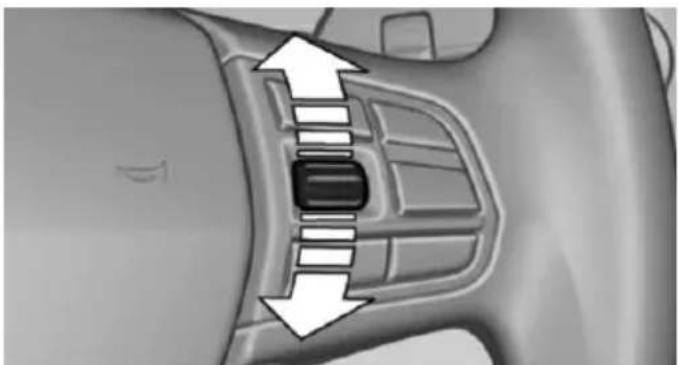
natural_image
Close-up of a car interior showing a black rectangular button and directional arrows indicating movement or force (no text or symbols)On the right side of the steering wheel, turn the thumbwheel to activate the corresponding list.
Using the thumbwheel, select the desired setting and confirm it by pushing the thumbwheel.
On-board computer
Indication in the info display
The information from the computer is shown in the info display in the instrument cluster.
Calling up information on the info display
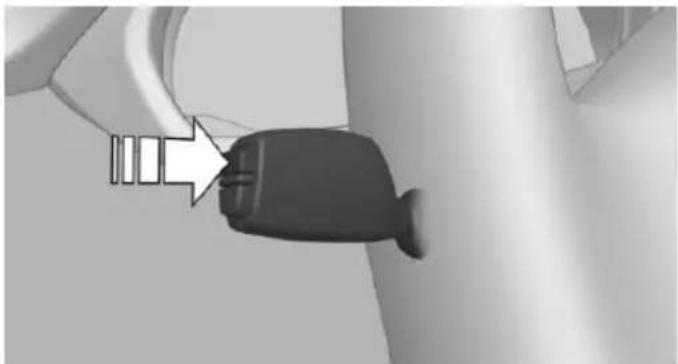
natural_image
Close-up of a black plastic plug with a white arrow pointing to it, against a plain background (no text or symbols)Press the onboard computer button on the turn signal lever.
Information is displayed in the info display of the instrument cluster.
Information at a glance
Repeatedly pressing the button on the turn signal lever calls up the following information in the info display:
Range.
▶ Average consumption, fuel.
▶ Average consumption, fuel.
▶ Miles and trip miles.
For a multi-functional instrument display.
▶ Average speed.
Date.
▶ Speed limit detection.
Not for a multi-functional instrument display.
Time of arrival.
When destination guidance is activated in the navigation system.
Distance to destination.
When destination guidance is activated in the navigation system.
▶ ECO PRO bonus range.
Adjusting the info display
Depending on the vehicle equipment version, you can select what information from the computer is to be displayed on the info display of the instrument cluster.
On the Control Display:
- "Settings"
- "Instrument cluster"
- Select the desired displays.
Information in detail
Range
Displays the estimated cruising range available with the remaining fuel.
It is calculated based on your driving style over the last 20 miles/30 km.
If there is only enough fuel left for less than 45 miles/80 km, the color of the display changes.
Average fuel consumption
The average fuel consumption is calculated for the period while the engine is running.
The average fuel consumption is calculated for the distance traveled since the last reset by the on-board computer.
Average speed
Periods in which the vehicle is parked with the engine manually stopped are not included in the calculation of the average speed.
Resetting average values
Press and hold the onboard computer button on the turn signal lever.
Distance to destination
The distance remaining to the destination is displayed if a destination is entered in the navigation system before the trip is started.
The distance to the destination is adopted automatically.
Time of arrival
The estimated time of arrival is displayed if a destination is entered in the navigation system before the trip is started.
The time must be correctly set.
Speed limit detection
Description of the speed limit detection, refer to page 95, function.
Trip computer
The vehicle features two types of board computers.
▶ "Onboard info": the values can be reset as often as necessary.
▶ "Trip computer": the values provide an overview of the current trip.
Resetting the trip computer
On the Control Display:
- "Vehicle info"
- "Trip computer"
- "Reset": all values are reset.
"Automatically reset": all values are reset approx. 4 hours after the vehicle came to a standstill.
Display on the Control Display
Display the computer or trip computer on the Control Display.
- "Vehicle info"
- "Onboard info" or "Trip computer"
Resetting the fuel consumption or speed
On the Control Display:
- "Vehicle info"
- "Onboard info"
- "Consumpt." or "Speed"
- "Yes"
Sport displays
The concept
On the Control Display, the current values for performance and torque can be displayed if the vehicle is appropriately equipped.
Displaying sport displays on the Control Display
- "Vehicle info"
- "Sport displays"
Speed warning
The concept
Displays a speed, when reached, should cause a warning to be issued.
The warning is repeated if the vehicle speed drops below the set speed once by at least 3 mph/5 km/h.
Displaying, setting or changing the speed warning
On the Control Display:
- "Settings"
- "Speed"
- "Warning at:"
- Turn the controller until the desired speed is displayed.
- Press the controller.
Speed warning is stored.
Activating/deactivating the speed warning
On the Control Display:
- "Settings"
- "Speed"
- "Warning"
- Press the controller.
Setting your current speed as the speed warning
On the Control Display:
- "Settings"
- "Speed"
- "Select current speed"
- Press the controller.
The current vehicle speed is stored as the speed warning.
Settings on the Control Display
Time
Setting the time zone
- "Settings"
- "Time/Date"
- "Time zone:"
- Select the desired time zone.
The time zone is stored.
Setting the time
- "Settings"
- "Time/Date"
- "Time:"
- Turn the controller until the desired hours are displayed.
-
Press the controller.
-
Turn the controller until the desired minutes are displayed.
- Press the controller.
The time is stored.
Setting the time format
- "Settings"
- "Time/Date"
- "Format:"
- Select the desired format.
The time format is stored.
Automatic time setting
Depending on your vehicle's optional features, the time, date and, if needed, the time zone are updated automatically.
- "Settings"
- "Time/Date"
- "Auto time set"
Date
Setting the date
- "Settings"
- "Time/Date"
- "Date:"
- Turn the controller until the desired day is displayed.
- Press the controller.
- Make the necessary settings for the month and year.
The date is stored.
Setting the date format
- "Settings"
- "Time/Date"
- "Format:"
- Select the desired format.
The date format is stored.
Language
Setting the language
To set the language on the Control Display:
- "Settings"
- "Language/Units"
- "Language:"
- Select the desired language.
Settings are stored for the profile currently in use.
Setting the voice dialog
Voice dialog for the voice activation system, refer to page 27.
Units of measure
Setting the units of measure
To set the units for fuel consumption, route/ distance and temperature:
- "Settings"
- "Language/Units"
- Select the desired menu item.
- Select the desired unit.
Settings are stored for the profile currently in use.
Brightness
Setting the brightness
To set the brightness of the Control Display:
- "Settings"
- "Control display"
- "Brightness"
- Turn the controller until the desired brightness is set.
- Press the controller.
Settings are stored for the profile currently in use.
Depending on the light conditions, the brightness settings may not be clearly visible.
Head-up Display
The concept
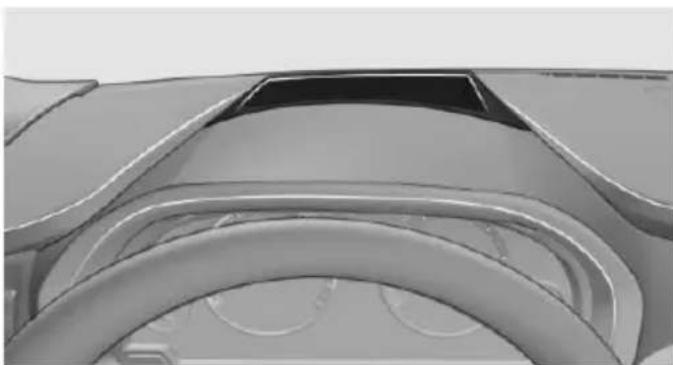
natural_image
Close-up of a car's dashboard and steering wheel (no visible text or symbols)This system projects important information into the driver's field of vision, e.g., the speed.
The driver can get information without averting his or her eyes from the road.
Display visibility
The visibility of the displays in the Head-up Display is influenced by the following factors:
▶ Certain sitting positions.
▶ Objects on the cover of the Head-up Display.
▶ Sunglasses with certain polarization filters.
▷ Wet roads.
▶ Unfavorable light conditions.
If the image is distorted, check the basic settings.
Switching on/off
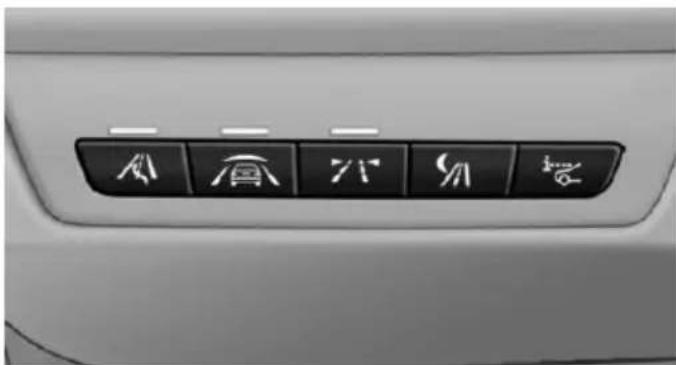
text_image
Car interior panel with six directional icons labeled in Chinese characters, including 'A', 'B', 'C', 'D', 'E', and 'F'.
Press button.
Display
Overview
▷ Speed.
▶ Navigation system.
▶ Check Control messages.
Selection list from the instrument cluster.
▶ Driver assistance systems.
Some of this information is only displayed briefly as needed.
Selecting displays in the Head-up Display
On the Control Display:
- "Settings"
- "Head-Up Display"
- "Displayed information"
- Select the desired displays in the Head-up Display.
Settings are stored for the profile currently in use.
Setting the brightness
The brightness is automatically adjusted to the ambient brightness.
The basic setting can be adjusted manually.
On the Control Display:
- "Settings"
- "Head-Up Display"
- "Brightness"
- Turn the controller.
When the low beams are activated, the brightness of the Head-up Display can be additionally influenced using the instrument lighting.
Settings are stored for the profile currently in use.
Adjusting the height
On the Control Display:
- "Settings"
- "Head-Up Display"
- "Height"
- Turn the controller.
Settings are stored for the profile currently in use.
Setting the rotation
On the Control Display:
- "Settings"
- "Head-Up Display"
- "Rotation"
- Turn the controller.
Settings are stored for the profile currently in use.
Special windshield
The windshield is part of the system.
The shape of the windshield makes it possible to display a precise image.
A film in the windshield prevents double images from being displayed.
Therefore, have the special windshield replaced by a service center only.
Lights
Vehicle features and options
This chapter describes all standard, country-specific and optional features offered with the series. It also describes features that are not necessarily available in your car, e.g., due to the selected options or country versions. This also applies to safety-related functions and systems. The respectively applicable country provisions must be observed when using the respective features and systems.
Overview
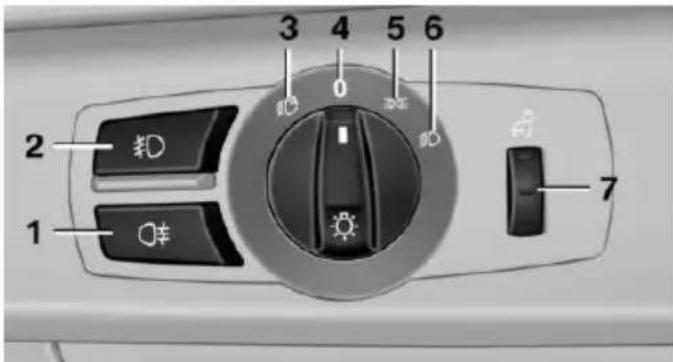
text_image
2 1 3 4 5 6 71 Rear fog lights
2 Front fog lights
3 Depending on the equipment: automatic headlight control, Adaptive Light Control, High-beam Assistant, Welcome lights, Daytime running lights
4 Lights off, daytime running lights
5 Parking lights, daytime running lights
6 Depending on the equipment: low beams, welcome lights, High-beam Assistant
7 Instrument lighting
Parking lights/low beams, headlight control
General information
Position of switch: 0, 3D
If the driver door is opened with the ignition switched off, the exterior lighting is automatically switched off at these switch settings.
Parking lights
Position of switch 30 the vehicle's lights light up on all sides, e.g., for parking.
Do not use the parking lights for extended periods; otherwise, they might drain the battery and it would then be impossible to start the engine.
When parking, it is preferable to switch on the one-sided roadside parking lights, refer to page 104.
Low beams
Position of switch 📋 with the ignition switched on: the low beams light up.
Welcome lights
When parking the vehicle, leave the switch in position ☐ or :the parking and interior lights light up briefly when the vehicle is unlocked.
Activating/deactivating
On the Control Display:
- "Settings"
- "Lighting"
- "Welcome lights"
Settings are stored for the profile currently in use.
Headlight courtesy delay feature
The low beams stay lit for a short while after the radio-ready state is switched off if the lights are turned off and the headlight flasher is switched on.
Setting the duration
On the Control Display:
- "Settings"
- "Lighting"
- "Pathway lighting:"
- Set length of time.
Settings are stored for the profile currently in use.
Automatic headlight control
Position of switch ☐ the low beams are activated and off automatically, e.g., in tunnels, in twilight or if there is precipitation. The indicator lamp in the instrument cluster lights up.
When emerging from a tunnel during the day, the low beams are not switched off immediately but instead only after approx. 2 minutes.
A blue sky with the sun low on the horizon can cause the lights to be switched on.
The low beams always stay on when the fog lights are activated.

Personal responsibility
The automatic headlight control cannot serve as a substitute for your personal judgment in determining when to turn the lights on in response to ambient lighting conditions.
E. g. the sensors are unable to detect fog or hazy weather. To avoid safety risks under these conditions, you should always switch on the lights manually.
Daytime running lights
With the ignition switched on, the daytime running lights light up in position 0, 300
. After the ignition is switched off, the parking lights light up in position
Activating/deactivating
In some countries, daytime running lights are mandatory, so it may not be possible to deactivate the daytime running lights.
On the Control Display:
- "Settings"
- "Lighting"
- "Daytime running lamps"
Settings are stored for the profile currently in use.
Roadside parking lights
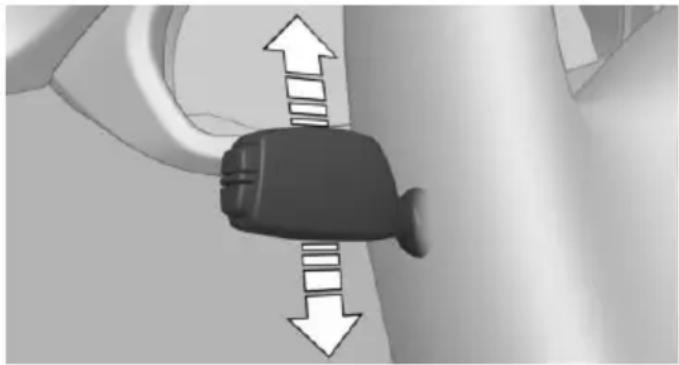
natural_image
Close-up of a car seatbelt buckle with directional arrows indicating movement (no text or symbols)The vehicle can be illuminated on one side.
Switching on
With the ignition switched off, press the lever either up or down past the resistance point for approx. 2 seconds.
Switch off
Briefly press the lever to the resistance point in the opposite direction.
Adaptive Light Control
The concept
Adaptive Light Control is a variable headlight control system that enables dynamic illumination of the road surface.
Depending on the steering angle and other parameters, the light from the headlight follows the course of the road.
In tight curves, e.g., on mountainous roads or when turning, an additional, corner-illuminating lamp is switched on that lights up the inside of the curve when the vehicle is moving below a certain speed.
Activating
Position of switch with the ignition switched on.
To avoid blinding oncoming traffic, the Adaptive Light Control does not swivel to the driver's side when the vehicle is at a standstill.
The turning lights are automatically switched on depending on the steering angle or the use of turn signals.
When driving in reverse, the turning lights may be automatically switched on regardless of the steering angle.
Self-leveling headlights
The self-leveling headlights compensate for acceleration and braking operations in order not to blind the oncoming traffic and to achieve optimum illumination of the roadway.
Malfunction
A Check Control message is displayed.
Adaptive Light Control is malfunctioning or has failed. Have the system checked as soon as possible.
High-beam Assistant
The concept
When the low beams are activated, this system automatically switches the high beams on and off or suppresses the light in the areas that blind oncoming traffic. The procedure is controlled by a camera on the front of the interior rearview mirror. The assistant ensures that the high beams are activated whenever the traffic situation allows. The driver can intervene at
any time and switch the high beams non and off as usual.
Note

Personal responsibility
The High-beam Assistant cannot serve as a substitute for the driver's personal judgment of when to use the high beams. Therefore, manually reel off the high beams in situations where required to avoid a safety risk.
Activating
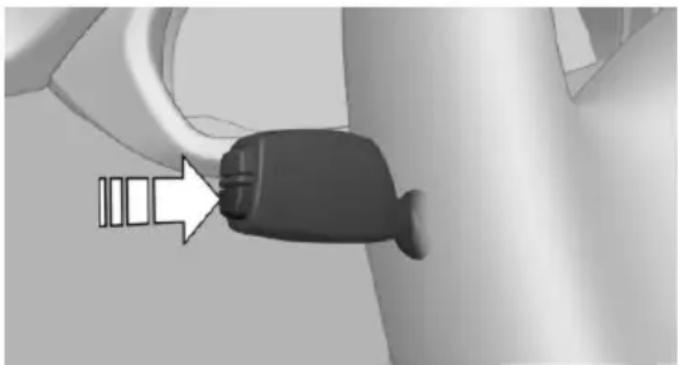
natural_image
Close-up of a black plastic connector with a white arrow pointing to it, against a plain background (no text or symbols)-
Depending on the equipment, turn the light switch into position Or .
-
Press button on the turn signal lever, arrow.

The indicator lamp in the instrument cluster lights up.
When the low beams are on, the lights are automatically brightened or dimmed.
The system responds to light from oncoming traffic and traffic driving ahead of you, and to adequate illumination, e.g., in towns and cities.

The blue indicator lamp in the instrument cluster lights up when the system switches on the high beams. Depend-
ing on the version of the system in the vehicle, the high beams may not switch off for oncoming vehicles, but may only be dimmed in the areas that blind oncoming traffic. In this case, the blue indicator light will stay on.
Switching the high beams on and off manually
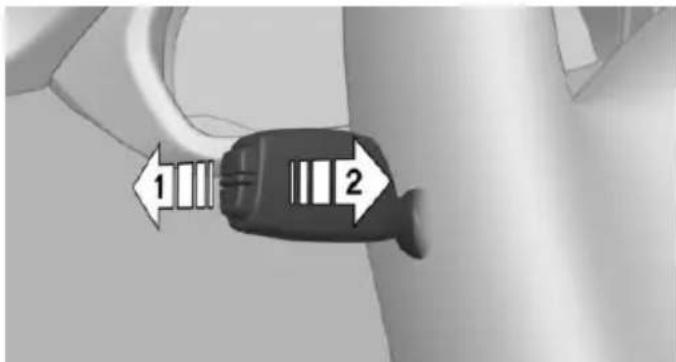
text_image
1 2▶ High beams on, arrow 1.
▶ High beams off/headlight flasher, arrow 2.
The High-beam Assistant can be switched off when manually adjusting the light. To reactivate the High-beam Assistant, press the button on the turn signal lever.
System limits
The system is not fully functional in situations such as the following, and driver intervention may be necessary:
In very unfavorable weather conditions, such as fog or heavy precipitation.
When detecting poorly-lit road users such as pedestrians, cyclists, horseback riders and wagons; when driving close to train or ship traffic; and at animal crossings.
In tight curves, on hilltops or in depressions, in cross traffic or half-obscured on-coming traffic on freeways.
In poorly-lit towns and cities and in the presence of highly reflective signs.
▶ At low speeds.
When the windshield behind the interior rearview mirror is fogged over, dirty or covered with stickers, etc.
Fog lights
Front fog lights
The parking lights or low beams must be switched on.
Press button. The green indicator lamp lights up.
If the automatic headlight control, refer to page 104, is activated, the low beams will come on automatically when you switch on the front fog lights.
When the high beams or headlight flasher are activated, the front fog lights are not switched on.
Instrument lighting
Adjusting
The parking lights or low beams must be switched on to adjust the brightness.
Adjust the brightness with the thumbwheel.
Interior lights
General information
The interior lights, footwell lights, access lights and courtesy lights are controlled automatically.
Thumb wheel for the instrument lighting controls brightness of some of these features.
Overview
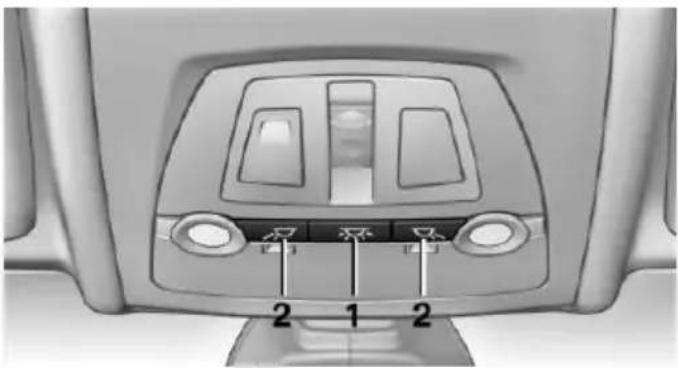
natural_image
Top-down view of a car air conditioner panel with labeled buttons (no text or symbols beyond basic labels)1 Interior lights
2 Reading lamp
Switching the interior lights on and off
Press button.
To reel off permanently: press the button for approx. 3 seconds.
Switch back on: press button.
Reading lights
Press button.
Reading lights are located at the front and rear next to the interior lights.
Bang & Olufsen High End Surround Sound System
Adjusting speaker lighting
Some speakers in the vehicle are illuminated. The lighting can be individually set.
- "Settings"
- "Lighting"
- "B&O"
- Select the desired lighting setting.
▶ "Off": no lighting.
▶ "Reduced": the speakers in the field of view are faded while driving.
▶ "On": the speakers are always illuminated.
Ambient light
Depending on the equipment, the lighting can be individually adjusted in the interior for some lights.
Selecting color scheme
- "Settings"
- "Lighting"
- "Ambient:"
- Select desired setting.
With a color scheme selected and welcome lights activated they illuminate in the line's color when vehicle is unlocked.
Setting the brightness
The brightness of the ambient light can be adjusted via the thumbwheel for the instrument lighting or on the Control Display.
- "Settings"
- "Lighting"
- "Brightness:"
- Adjust the brightness.
Safety
Vehicle features and options
This chapter describes all standard, country-specific and optional features offered with the series. It also describes features that are not necessarily available in your car, e. g., due to
the selected options or country versions. This also applies to safety-related functions and systems. The respectively applicable country provisions must be observed when using the respective features and systems.
Airbags
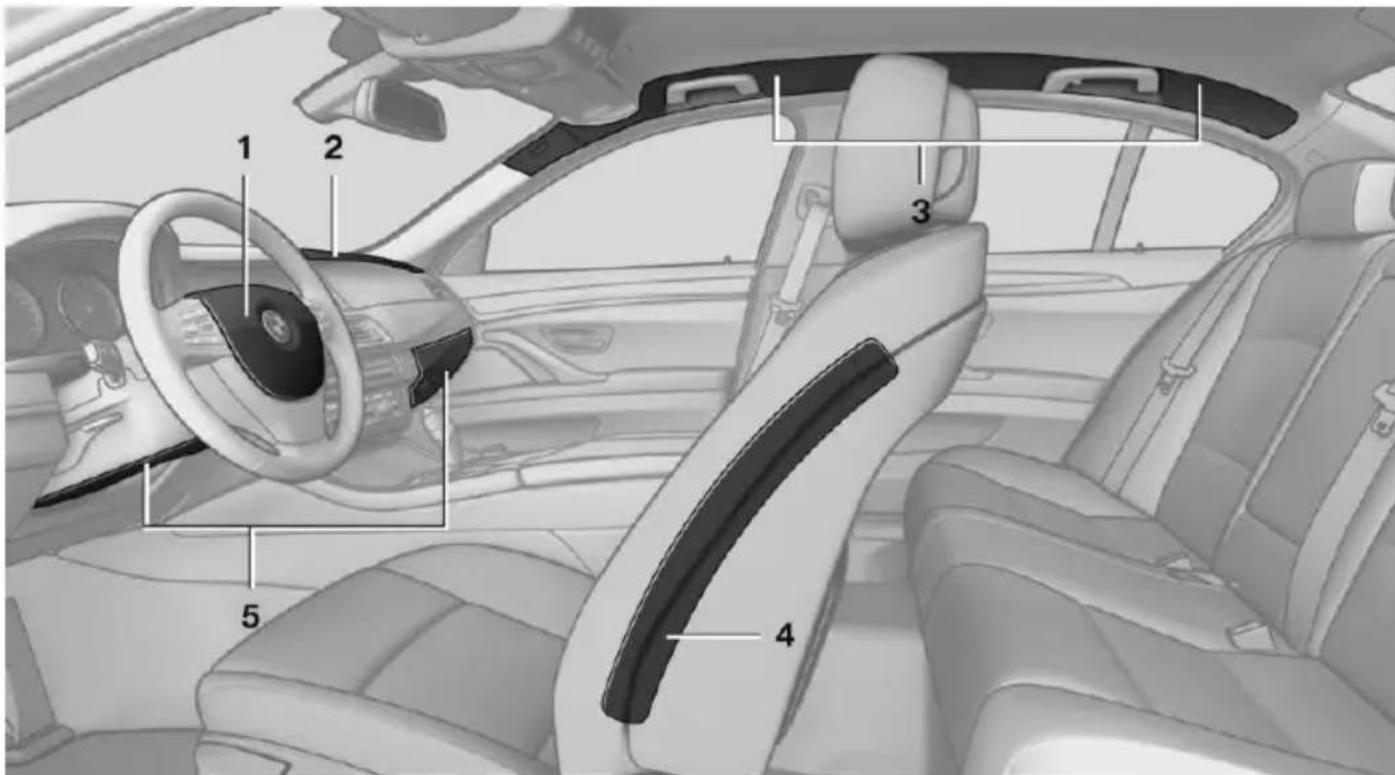
text_image
Interior view of a car with numbered anatomical labels pointing to the steering wheel and dashboard area.1 Front airbag, driver
2 Front airbag, front passenger
3 Head airbag
4 Side airbag
5 Knee airbags
Front airbags
Front airbags help protect the driver and front passenger by responding to frontal impacts in which safety belts alone would not provide adequate restraint.
Side airbags
In a lateral impact, the side airbag supports the side of the body in the chest and lap area.
Head airbags
In a lateral impact, the head airbag supports the head.
Knee airbag
The knee airbag supports the legs in a frontal impact.
Protective action
Airbags are not triggered in every impact situation, e.g., in less severe accidents or rear-end collisions.

Information on how to ensure the optimal protective effect of the airbags
▶ Keep at a distance from the airbags.
▶ Always grasp the steering wheel on the steering wheel rim, holding your hands at the 3 o'clock and 9 o'clock positions, to keep the risk of injury to your hands or arms as low as possible when the airbag is triggered.
There should be no person, animals, or objects between an airbag and a person.
Do not use the cover of the front airbag on the front passenger side as a storage area.
▶ Dashboard and windshield on the front passenger side must stay clear - do not attach adhesive labels or coverings and do not attach brackets or cables, e. g., for GPS devices or' mobile phones.
▶ Make sure that the front passenger is sitting correctly, i.e., keeps his or her feet and legs in the footwell; otherwise, leg injuries might occur when front airbag is activated.
Do not place slip covers, seat cushions or other objects on the front passenger seat that are not approved specifically for seats with integrated side airbags.
Do not hang pieces of clothing, such as jackets, over the backrests.
▶ Make sure that occupants keep their heads away from the side airbag and do not rest against the head airbag; otherwise, injuries might occur when airbag is activated.
Do not remove the airbag system.
Do not remove the steering wheel.
Do not apply adhesive materials to the air-bag cover panels, do not cover them or modify them in any way.
▶ Never modify either the individual components or the wiring in the airbag system. This also applies to steering wheel covers, the dashboard, the seats, the roof pillars and the sides of the roofliner.
Even when you follow all instructions very closely, injury from contact with the airbags cannot be ruled out in certain situations.
The ignition and inflation noise may lead to short-term and, in most cases, temporary hearing impairment in sensitive individuals.

Malfunction, deactivation and after deploying the airbags
Do not touch the individual components immediately after the system has been triggered; otherwise, you may risk burns.
Only have the airbags checked, repaired or dismantled and the airbag generator scrapped by the service center or an authorized repair shop for handling explosives.
Non-professional attempts to service the system could lead to failure in an emergency or unintentional activation of the airbag - both may lead to injury.
Warnings and information on the airbags are also found on the sun visors.
Functional readiness of the airbag system

When the ignition is reel on, the warning lamp in the instrument cluster lights up briefly and thereby indicates the operational readiness of the entire airbag system and the belt tensioner.
Airbag system malfunctioning
▶ Warning lamp does not come on when the ignition is turned on.
The warning lamp lights up continuously.

In case of a malfunction have airbag system checked immediately.
In case of a malfunction have airbag system checked immediately; otherwise, there is a risk that the system does not function as expected in case of a severe accident.
Automatic deactivation of the front-seat passenger airbags
The system reads if the front passenger seat is occupied by measuring the human body's resistance.
Front, knee and side airbag on the front passenger's side are either activated or deactivated.

Leave feet in the footwell
Make sure that the front passenger
keeps his or her feet in the footwell; otherwise, proper functioning of the front passenger air-bag might not be assured.

Child restraint fixing system in the front passenger seat
Before transporting a child on the front passenger seat, refer to the safety notes and instructions for children on the front passenger seat, see Children.
Malfunction of the automatic deactivation system
When transporting older children and adults, the front-seat passenger airbags may be deactivated in certain sitting positions. In this case, the indicator lamp for the front-seat passenger airbags lights up.
In this case, change the sitting position so that the front-seat passenger airbags are activated and the indicator lamp goes out.
If it is not possible to activate the airbags, have the person sit in the rear.
To enable correct recognition of the occupied seat cushion
Do not attach covers, cushions, ball mats or other items to the front passenger seat unless they are specifically recommended by your vehicle's manufacturer.
Do not place any electronic devices on the passenger seat if a child restraint system is to be installed on it.
Do not place objects under the seat that could press against the seat from below.
No moisture in or on the seat.
Indicator lamp for the front-seat passenger airbags
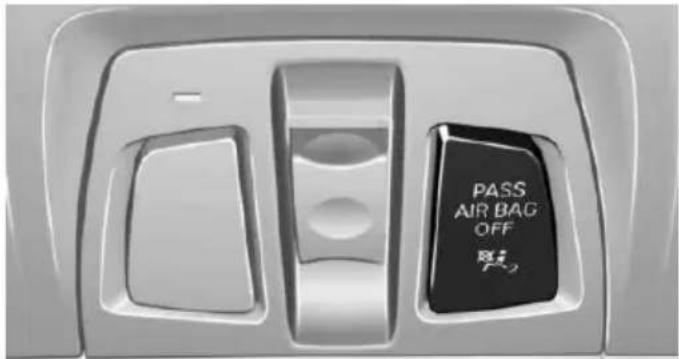
text_image
PASS AIR BAG OFFThe indicator lamp for the front-seat passenger airbags indicates the operating state of the front-seat passenger airbags.
The lamp indicates whether the airbags are either activated or deactivated.
The indicator lamp lights up when a child is properly seated in a child restraint fixing system or when the seat is empty. The airbags on the front passenger side are not activated.
The indicator lamp does not light up when, e.g., a correctly seated person of sufficient size is detected on the seat. The airbags on the front passenger side are activated.
Detected child seats
The system generally detects children seated in a child seat, particularly in child seats required by NHTSA when the vehicle was manu-
factured. After installing a child seat, make sure that the indicator lamp for the front-seat passenger airbags lights up. This indicates that the child seat has been detected and the front-seat passenger airbags are not activated.
Strength of the driver's and front-seat passenger airbag
The explosive power that activates driver's/front passenger's airbags very much depends on the positions of the driver's/front passenger's seat.
With a respective message appearing on Control Display calibrate the front seats to keep the accuracy of this function over the long-term.
Calibrating the front seats
A corresponding message appears on the Control Display.
- Press the reel and move the respective seat all the way forward.
- Press the reel forward again. The seat still moves forward slightly.
- Readjust the seat to the desired position.
The calibration procedure is completed when the message on the Control Display disappears.
If the message continues to be displayed, repeat the calibration.
If the message does not disappear after a repeat calibration, have the system checked as soon as possible.

Unobstructed area of movement
Ensure that the area of movement of the seats is unobstructed to avoid personal injury or damage to objects.
Tire Pressure Monitor TPM
The concept
The system monitors tire inflation pressure in the four mounted tires. The system warns you if there is a significant loss of pressure in one or more tires. For this purpose, sensors in the tire valves measure the tire inflation pressure and tire temperature.
Hints

Tire damage due to external factors
Sudden tire damage caused by external circumstances cannot be recognized in advance.
With use of the system observe further information found under Tire inflation pressure, refer to page 211.
Functional requirements
The system must have been reset with the correct tire inflation pressure; otherwise, reliable signaling of tire inflation pressure loss is not assured.
Reset the system after each adjustment of the tire inflation pressure and after every tire or wheel change.
Always use wheels with TPM electronics to ensure that the system will operate properly.
Status display
The current status of the Tire Pressure Monitor TPM can be displayed on the Control Display, e.g., whether or not the TPM is active.
On the Control Display:
- "Vehicle info"
- "Vehicle status"
- "Tire Pressure Monitor (TPM)"
The status is displayed.
Status control display
Tire and system status are indicated by the color of the wheels and a text message on the Control Display.
All wheels green
System is active and will issue a warning relative to the tire inflation pressures stored during the last reset.
One wheel is yellow
A flat tire or major drop in inflation pressure in the indicated tire.
All wheels are yellow
A flat tire or major drop in inflation pressure in several tires.
Wheels, gray
The system cannot detect a flat tire. Reasons for this may be:
The system is being reset.
Malfunction.
Status information
The status control display additionally shows the current tire inflation pressures and, depending on the model, tire temperatures. It shows the actual values read; they may vary depending on driving style or weather conditions.
Carry out reset
Reset the system after each adjustment of the tire inflation pressure and after every tire or wheel change.
On the Control Display and on the vehicle:
- "Vehicle info"
- "Vehicle status"
- "Perform reset"
-
Start the engine - do not drive off.
-
Reset tire inflation pressure:"Perform reset".
- Drive away.
The tires are shown in gray and the status is displayed.
After driving faster than 19 mph/30 km/h for a short period, the set tire inflation pressures are accepted as reference values. The reset is completed automatically while driving.
After a successfully completed Reset, the wheels on the Control Display are shown in green and "Tire Pressure Monitor (TPM) active" is displayed.
You may interrupt this trip at any time. When you continue the reset resumes automatically.
Low tire pressure message

The yellow warning lamp lights up. A Check Control message is displayed.
There is a flat tire or a major loss in tire inflation pressure.
No reset was performed for the system. The system therefore issues a warning based on the tire inflation pressures before the last reset.
- Reduce your speed and stop cautiously. Avoid sudden braking and steering maneuvers.
- Check whether the vehicle is fitted with regular tires or run-flat tires.
Run-flat tires, refer to page 224, are la-beled with a circular symbol containing the letters RSC marked on the tire's sidewall.

Do not continue driving without run-flat tires
Do not continue driving if the vehicle is not equipped with run-flat tires; continued driving may result in serious accidents.
A low tire inflation pressure might turn on DSC Dynamic Stability Control.
Actions in the event of a flat tire
Normal tires
- Identify the damaged tire.
Do this by checking the air pressure in all four tires.
The tire pressure gage of the Mobility System, refer to page 224, can possibly be used for this purpose.
If the tire inflation pressure in all four tires is shown to be correct, it is possible that the Tire Pressure Monitor did not perform a reset. Then perform the reset.
If an identification is not possible, please contact the service center.
- Fixing a flat tire, where applicable with the Mobility System.
Use of tire sealant, e.g., the Mobility System, may damage the TPM wheel electronics. In this case, have the electronics checked at the next opportunity and have them replaced if needed.
Run-flat tires
Maximum speed
You may continue driving with a damaged tire at speeds up to 50 mph/80 km/h.
Continued driving with a flat tire
If continuing to drive with a damaged tire:
- Avoid sudden braking and steering maneuvers.
- Do not exceed a speed of 50 mph/80 km/h.
- Check the air pressure in all four tires at the next opportunity.
If the tire inflation pressure in all four tires is shown to be correct, it is possible that the Tire Pressure Monitor did not perform a reset. In that case, carry out a reset.
Possible driving distance with complete loss of tire inflation pressure:
The possible driving distance after a loss of tire inflation pressure depends on cargo load, driving style and road conditions.
A vehicle with an average load has a possible driving range of approx. 50 miles/80 km.
A vehicle with a damaged tire reacts differently, e.g., it has reduced lane stability during braking, a longer braking distance and different self-steering properties. Adjust your driving style accordingly. Avoid abrupt steering maneuvers or driving over obstacles, e.g., curbs, potholes, etc.
Because the possible driving distance depends on how the vehicle is used during the trip, the actual distance may be shorter or longer depending on the driving speed, road conditions, external temperature, cargo load, etc.

Continued driving with a flat tire
Drive moderately and do not exceed a speed of 50 mph/80 km/h.
Your car handles differently when you lose tire inflation pressure, e.g., your lane stability is reduced when braking, braking distances are longer and the self-steering properties will change.

Final tire failure
Vibrations or loud noises while driving can indicate the final failure of a tire. Reduce speed and stop; otherwise, pieces of the tire could come loose and cause an accident. Do not continue driving and contact your service center.
Required tire inflation pressure check message
A Check Control message is displayed in the following situations
The system has detected a wheel change, but no reset was done.
▶ Inflation was not carried out according to specifications.
The tire inflation pressure has fallen below the level of the last confirmation.
In this case:
▶ Check the tire pressure and correct as needed.
- Carry out a reset of the system after a tire change.
System limits
The system does not function properly if a reset has not been carried out, e.g., a flat tire is reported though tire inflation pressures are correct.
The tire inflation pressure depends on the tire's temperature. Driving or exposure to the sun will increase the tire's temperature, thus increasing the tire inflation pressure. The tire inflation pressure is reduced when the tire temperature falls again. These circumstances may cause a warning when temperatures fall very sharply.
Malfunction

The yellow warning lamp flashes and then lights up continuously. A Check Control message is displayed. No flat tire or loss of tire inflation pressure can be detected.
Display in the following situations:
▶ A wheel without TPM electronics is fitted: have the service center check it if needed.
▶ Malfunction: have the system checked by your service center.
▷ TPM was unable to complete the reset. Reset the system again.
▶ Interference through systems or devices with the same radio frequency: after leaving the area of the interference, the system automatically becomes active again.
Declaration according to NHTSA/FMVSS 138 Tire Pressure Monitoring System
Each tire, including the spare (if provided) should be checked monthly when cold and inflated to the inflation pressure recommended by the vehicle manufacturer on the vehicle placard or tire inflation pressure label. (If your vehicle has tires of a different size than the size indicated on the vehicle placard or tire inflation pressure label, you should determine the proper tire inflation pressure for those tires.) As an added safety feature, your vehicle has been equipped with a tire pressure monitoring system (TPMS) that illuminates a low tire pressure telltale when one or more of your tires is significantly under-inflated. Accordingly, when the low tire pressure telltale illuminates, you should stop and check your tires as soon as possible, and inflate them to the proper pressure. Driving on a significantly under-inflated tire causes the tire to overheat and can lead to tire failure. Under-inflation also reduces fuel efficiency and tire tread life, and may affect the vehicle's handling and stopping ability. Please note that the TPMS is not a substitute for proper tire maintenance, and it is the driver's responsibility to maintain correct tire pressure, even if under-inflation has not reached the level to trigger illumination of the TPMS low tire pressure telltale. Your vehicle has also been equipped with a TPMS malfunction indicator to indicate when the system is not operating properly. The TPMS malfunction indicator is combined with the low tire pressure telltale. When the system detects a malfunction, the telltale will flash for approximately one minute and then remain continuously illuminated. This sequence will continue upon subsequent vehicle start-ups as long as the malfunction exists. When the malfunction indicator is illuminated, the system may not be able to detect or signal low tire pressure as intended. TPMS malfunctions may occur for a variety of reasons, including the installation of replacement or alternate tires or wheels on the vehicle
that prevent the TPMS from functioning properly. Always check the TPMS malfunction tell-tale after replacing one or more tires or wheels on your vehicle to ensure that the replacement or alternate tires and wheels allow the TPMS to continue to function properly.
FTM Flat Tire Monitor
The concept
The system detects tire inflation pressure loss on the basis of rotation speed differences between the individual wheels while driving.
In the event of a tire inflation pressure loss, the diameter and therefore the rotational speed of the corresponding wheel changes. This will be detected and reported as a flat tire.
The system does not measure the actual inflation pressure in the tires.
Functional requirements
The system must have been initialized when the tire inflation pressure was correct; otherwise, reliable flagging of a flat tire is not assured. Initialize the system after each correction of the tire inflation pressure and after every tire or wheel change.
Status display
The current status of the Flat Tire Monitor can be displayed on the Control Display, e.g., whether or not the FTM is active.
On the Control Display:
- "Vehicle info"
- "Vehicle status"
- "Flat Tire Monitor (FTM)"
The status is displayed.
Initialization
When initializing the once set inflation tire pressures serve as reference values in order to detect a flat tire. Initialization is started by confirming the tire inflation pressures.
Do not initialize the system when driving with snow chains.
On the Control Display:
- "Vehicle info"
- "Vehicle status"
- "Perform reset"
- Start the engine - do not drive off.
- Start the initialization with "Perform reset".
- Drive away.
The initialization is completed while driving, which can be interrupted at any time.
The initialization automatically continues when driving resumes.
Indication of a flat tire

The yellow warning lamp lights up. A Check Control message is displayed.
There is a flat tire or a major loss in tire inflation pressure.
- Reduce your speed and stop cautiously. Avoid sudden braking and steering maneuvers.
- Check whether the vehicle is fitted with regular tires or run-flat tires.
Run-flat tires, refer to page 224, are labeled with a circular symbol containing the letters RSC marked on the tire's sidewall.

Do not continue driving without run-flat tires
Do not continue driving if the vehicle is not equipped with run-flat tires; continued driving may result in serious accidents.
When a flat tire is indicated, DSC Dynamic Stability Control is switched on if needed.
System limits

Sudden tire damage
Sudden serious tire damage caused by external circumstances cannot be recognized in advance.
A natural, even tire inflation pressure loss in all four tires will not be recognized. Therefore, check the tire inflation pressure regularly.
The system could be delayed or malfunction in the following situations:
▶ When the system has not been initialized.
▶ When driving on a snowy or slippery road surface.
▶ Sporty driving style: spinning traction wheels, high lateral acceleration (drifting).
▶ When driving with snow chains.
Actions in the event of a flat tire
Normal tires
- Identify the damaged tire.
Do this by checking the air pressure in all four tires.
The tire pressure gage of the Mobility System, refer to page 224, can possibly be used for this purpose.
If the tire inflation pressure in all four tires is correct, the Flat Tire Monitor may not have been initialized. In this case, initialize the system.
If an identification is not possible, please contact the service center.
- Fix the flat tire where applicable using the Mobility System, refer to page 224.
Run-flat tires
Maximum speed
You may continue driving with a damaged tire at speeds up to 50 mph/80 km/h.
Continued driving with a flat tire
If continuing to drive with a damaged tire:
- Avoid sudden braking and steering maneuvers.
- Do not exceed a speed of 50 mph/80 km/h.
- Check the air pressure in all four tires at the next opportunity.
If the tire inflation pressure in all four tires is correct, the Flat Tire Monitor may not have been initialized. In this case, initialize the system.
Possible driving distance with complete loss of tire inflation pressure:
The possible driving distance after a loss of tire inflation pressure depends on cargo load, driving style and road conditions.
A vehicle with an average load has a possible driving range of approx. 50 miles/80 km.
A vehicle with a damaged tire reacts differently, e.g., it has reduced lane stability during braking, a longer braking distance and different self-steering properties. Adjust your driving style accordingly. Avoid abrupt steering maneuvers or driving over obstacles, e.g., curbs, potholes, etc.
Because the possible driving distance depends on how the vehicle is used during the trip, the actual distance may be shorter or longer depending on the driving speed, road conditions, external temperature, cargo load, etc.

Continued driving with a flat tire
Drive moderately and do not exceed a speed of 50 mph/80 km/h.
Your car handles differently when you lose tire inflation pressure, e.g., your lane stability is reduced when braking, braking distances are longer and the self-steering properties will change.

Final tire failure
Vibrations or loud noises while driving can indicate the final failure of a tire. Reduce speed and stop; otherwise, pieces of the tire could come loose and cause an accident. Do not continue driving and contact your service center.
Intelligent Safety
The concept
Intelligent Safety enables central operation of the driver assistance system.
Depending on how the vehicle is equipped, Intelligent Safety consists of one or more systems that can help prevent a imminent collision. These systems are active automatically every time the engine is started using the Start/Stop button:
▶ Front-end collision warning, refer to page 118.
▶ Pedestrian warning, refer to page 123.
Hints

Personal responsibility
The system does not serve as a substitute for the driver's personal judgment of the traffic situation.
Be aware of the traffic situation and the vehicle's surroundings at all times, otherwise accidents are still possible despite all warnings.

Adapting your speed and driving style
The displays and warnings of the system do not relieve the driver of the responsibility to adapt his or her driving speed and style to the traffic conditions.

Be alert
Due to system limitations, warnings may be not issued at all, or may be issued late or improperly. Therefore, always be alert and
ready to intervene; otherwise, there is the risk of an accident.

Tow-starting and towing
For tow-starting or towing, switch off the Intelligent Safety systems; otherwise malfunctions of the individual braking systems might lead to accidents.
At a glance
Button in the vehicle
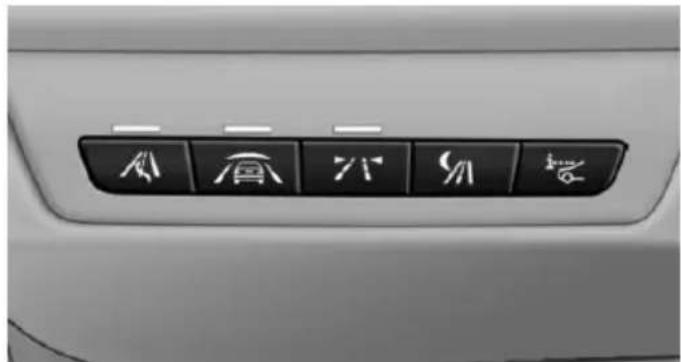
text_image
Car interior panel with six directional icons labeled in Chinese characters, including 'A', 'B', 'C', 'D', 'E', and 'F'.
Intelligent Safety button
Camera
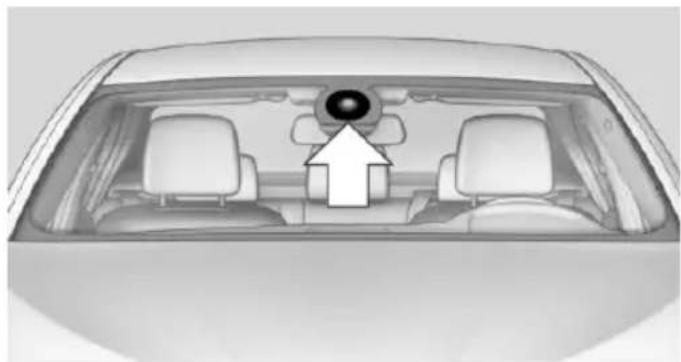
natural_image
Top-down view of a car's rearview mirror and dashboard (no text or symbols visible)The camera is found near the interior rearview mirror.
Keep the windshield in the area behind the interior rearview mirror clean and clear.
Switching on/off
The Intelligent Safety systems are automatically active after every departure.
Press button: the systems are turned off. The LED goes out.
Press button: the systems are turned on. The LED lights up.
Settings can be made on the Control Display.
Front-end collision warning
Depending on the equipment, the collision warning system consists of one of the two systems:
▶ Front-end collision warning with City Braking function, refer to page 118.
▶ Front-end collision warning with braking function, refer to page 120
Front-end collision warning with City Braking function
The concept
The system can help prevent accidents. If an accident cannot be prevented, the system will help reduce the collision speed.
The system sounds a warning before an imminent collision and actuates brakes independently if needed.
The automatic braking intervention is done with limited force and duration.
A camera in the area of the rearview mirror controls the system.
The front-end collision warning is available even if cruise control has been deactivated.
With the vehicle approaching another vehicle intentionally the collision warning is delayed avoiding false alarm.
General information
The system warns at two levels of an imminent danger of collision at speeds from approx.
3 mph/5 km/h. Time of warnings may vary with the current driving situation.
Appropriate braking kicks in at speeds of up to 35 mph/60 km/h.
Detection range
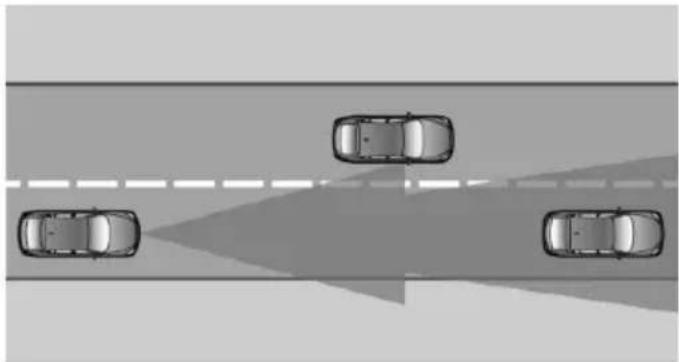
natural_image
Top-down view of four cars driving on a road with a shaded lane (no text or symbols visible)It responds to objects if they are detected by the system.
Hints

Personal responsibility
The system does not serve as a substitute for the driver's personal judgment of the traffic situation.
Be aware of the traffic situation and the vehicle's surroundings at all times, otherwise accidents are still possible despite all warnings.

Adapting your speed and driving style
The displays and warnings of the system do not relieve the driver of the responsibility to adapt his or her driving speed and style to the traffic conditions.

Be alert
Due to system limitations, warnings may be not issued at all, or may be issued late or improperly. Therefore, always be alert and ready to intervene; otherwise, there is the risk of an accident.

Tow-starting and towing
For tow-starting or towing, switch off the Intelligent Safety systems; otherwise malfunctions of the individual braking systems might lead to accidents.
At a glance
Button in the vehicle
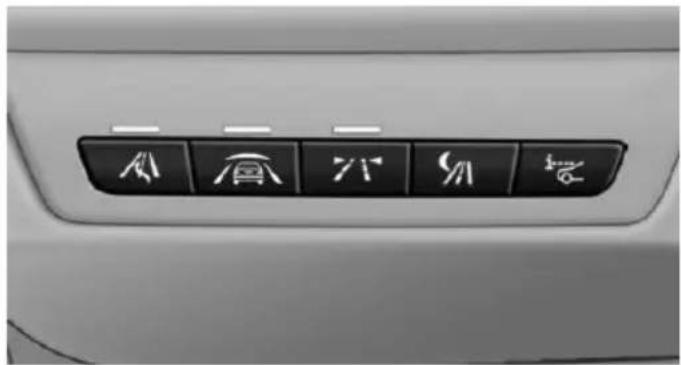
natural_image
Close-up of a car's front panel with six directional icons (arrow, up, down, down, down, and up) on black buttons (no text or symbols beyond icons)
Intelligent Safety button
Camera
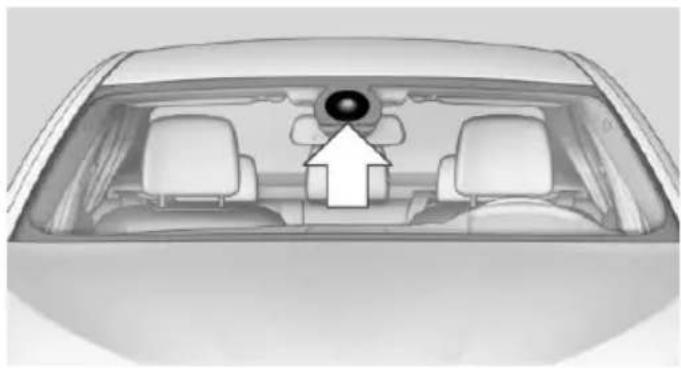
natural_image
Top-down view of a car's rearview mirror and dashboard (no text or symbols visible)The camera is found near the interior rearview mirror.
Keep the windshield in the area behind the interior rearview mirror clean and clear.
Switching on/off
Switching on automatically
The system is automatically active after every driving-off.
Switch off
Press button: the system is switched off. The LED goes out.
Re-press button: the system is switched on. The LED lights up.
Setting the warning time
The warning time can be set via iDrive.
- "Settings"
- "Frontal Coll. Warning"
- Activate the desired time on the Control Display.
The selected time is stored for the profile currently in use.
Warning with braking function
Display
If a collision with a recognized vehicle is imminent a warning symbol appears in the instrument cluster and in the Head-Up Display.
Symbol Measure

The vehicle lights up red: prewarning.
Brake and increase distance.

The vehicle flashes red and an acoustic signal sounds: acute warning.
You are requested to intervene by braking or make an evasive maneuver.
Prewarning
This warning is issued, e.g., when there is the impending danger of a collision or the distance to the vehicle ahead is too small.
The driver must intervene actively when there is a prewarning.
Acute warning with braking function
Warning of the imminent danger of a collision when the vehicle approaches another object at a relatively high differential speed.
The driver must intervene actively when there is an acute warning. If necessary, the driver is assisted by a minor automatic braking intervention in a possible risk of collision.
Acute warnings can also be triggered without previous prewarning.
Braking intervention
The warning prompts the driver himself/herself to react. During a warning, the maximum braking force is used. Premise for the brake booster is sufficiently quick and hard stepping on the brake pedal. The system can assist with some braking intervention if there is risk of a collision. At low speeds vehicles may thus come to a complete stop.
Manual transmission: During a braking intervention up to a complete stop, the engine may be shut down.
The braking intervention is executed only if DSC Dynamic Stability Control is switched on and Dynamic Traction Control DTC is activated.
The braking intervention can be interrupted by stepping on the accelerator pedal or by actively moving the steering wheel.
Object detection can be restricted. Limitations of the detection range and functional restrictions are to be considered.
System limits
Detection range
The system's detection potential is limited.
Thus a warning might not be issued or be issued late.
E. g. the following situations may not be detected:
▶ Slow moving vehicles when you approach them at high speed.
▶ Vehicles that suddenly swerve in front of you, or sharply decelerating vehicles.
▶ Vehicles with an unusual rear appearance.
▶ Two-wheeled vehicles ahead of you.
Functional limitations
The system may not be fully functional in the following situations:
In heavy fog, rain, sprayed water or snowfall.
In tight curves.
▶ If the driving stability control systems are limited or deactivated, e.g., DSC OFF.
▶ If, depending on the vehicle equipment version, the field of view of the camera in the mirror or the radar sensor is dirty or obscured.
▶ Up to 10 seconds after the start of the engine, via the Start/Stop knob.
During calibration of the camera immediately after vehicle shipment.
▶ If there is constant blinding effects because of oncoming light, e. g., from the sun low in the sky.
Warning sensitivity
The more sensitive the warning settings are, e.g. the warning time, the more warnings are displayed. However, there may also be an excess of false warnings.
Front-end collision warning with braking function
The concept
The system can help prevent accidents. If an accident cannot be prevented, the system will help reduce the collision speed.
The system sounds a warning before an imminent collision and actuates brakes independently if needed.
The automatic braking intervention may be executed with maximum braking force and for a brief period only as necessary.
If the vehicle is equipped with Active Cruise Control with Stop & Go, the front-end collision
warning is controlled via the cruise control radar sensor in conjunction with a camera.
The front-end collision warning is available even if cruise control has been deactivated.
With the vehicle approaching another vehicle intentionally the collision warning is delayed avoiding false alarm.
General information
The system issues a two-phase warning of a possible danger of collision with vehicles at speeds above approx. 3 mph/5 km/h. Time of warnings may vary with the current driving situation.
Detection range
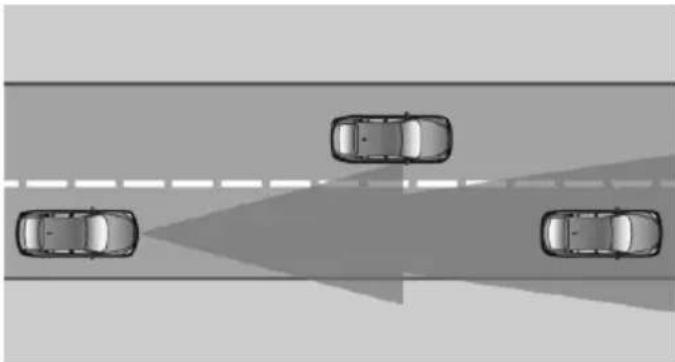
natural_image
Top-down view of four cars driving on a road with a shaded triangular area (no text or symbols)It responds to objects if they are detected by the system.
Hints

Personal responsibility
The system does not serve as a substitute for the driver's personal judgment of the traffic situation.
Be aware of the traffic situation and the vehicle's surroundings at all times, otherwise accidents are still possible despite all warnings.

Adapting your speed and driving style
The displays and warnings of the system do not relieve the driver of the responsibility to adapt his or her driving speed and style to the traffic conditions.

Be alert
Due to system limitations, warnings may be not issued at all, or may be issued late or improperly. Therefore, always be alert and ready to intervene; otherwise, there is the risk of an accident.

Tow-starting and towing
For tow-starting or towing, switch off the Intelligent Safety systems; otherwise malfunctions of the individual braking systems might lead to accidents.
At a glance
Button in the vehicle
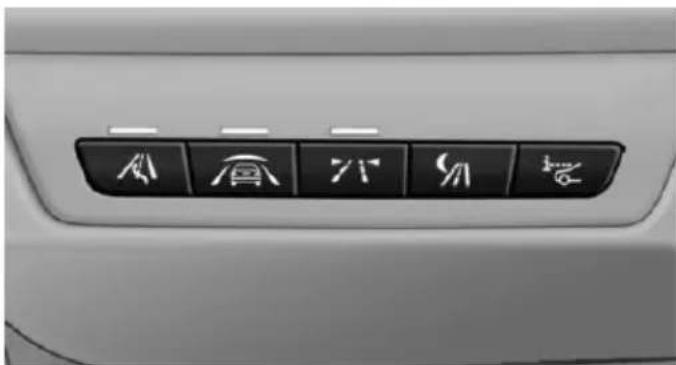
natural_image
Close-up of a car's front panel with six directional icons (arrow, up, down, down, up, down) on the right side (no text or symbols beyond icons)
Intelligent Safety button
Radar sensor
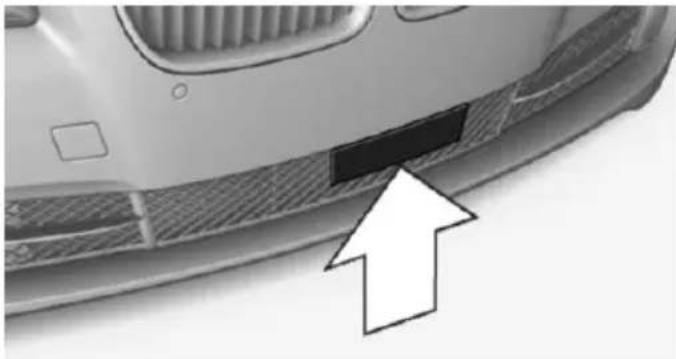
natural_image
Close-up of a car's front bumper with a black rectangular patch and an arrow pointing to it (no text or symbols visible)The radar sensor is located in the lower area of the front bumper.
Always keep radar sensor clean and unobstructed.
Camera
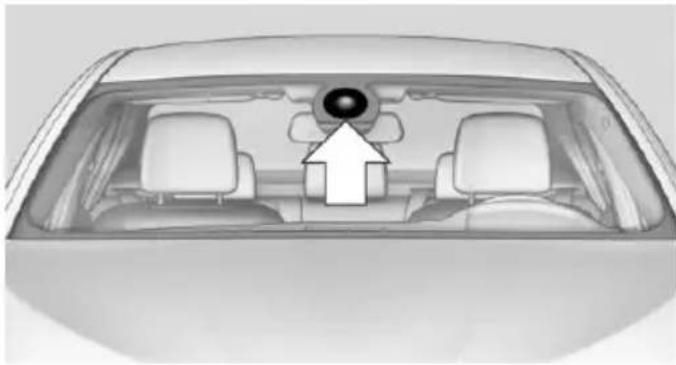
natural_image
Top-down view of a car showing the rearview mirror and dashboard (no text or symbols visible)The camera is found near the interior rearview mirror.
Keep the windshield in the area behind the interior rearview mirror clean and clear.
Switching on/off
Switching on automatically
The system is automatically active after every driving-off.
Switch off
Press button: the system is switched off. The LED goes out.
Re-press button: the system is switched on. The LED lights up.
Setting the warning time
The warning time can be set via iDrive.
-
"Settings"
-
"Frontal Coll. Warning"
-
Activate the desired time on the Control Display.
The selected time is stored for the profile currently in use.
Warning with braking function
Display
If a collision with a recognized vehicle is imminent a warning symbol appears in the instrument cluster and in the Head-Up Display.
Symbol Measure

The vehicle lights up red: prewarning.
Brake and increase distance.

The vehicle flashes red and an acoustic signal sounds: acute warning.
You are requested to intervene by braking or make an evasive maneuver.
Prewarning
This warning is issued, e.g., when there is the impending danger of a collision or the distance to the vehicle ahead is too small.
The driver must intervene actively when there is a prewarning.
Acute warning with braking function
Warning of the imminent danger of a collision when the vehicle approaches another object at a relatively high differential speed.
The driver must intervene actively when there is an acute warning. If necessary, the driver is assisted by an automatic braking intervention in a possible risk of collision.
Acute warnings can also be triggered without previous prewarning.
Braking intervention
The warning prompts the driver himself/herself to react. During a warning, the maximum braking force is used. Premise for the brake booster is sufficiently quick and hard stepping on the brake pedal. The system can assist with automatic braking intervention if there is risk of
a collision. The intervention can bring the vehicle to a complete stop.
Manual transmission: During a braking intervention up to a complete stop, the engine may be shut down.
The braking intervention is executed only if DSC Dynamic Stability Control is switched on and Dynamic Traction Control DTC is activated.
Above approx. 130 mph/210 km/h the braking intervention occurs as a brief braking pressure. No automatic delay occurs.
The braking intervention can be interrupted by stepping on the accelerator pedal or by actively moving the steering wheel.
Object detection can be restricted. Limitations of the detection range and functional restrictions are to be considered.
System limits
Detection range
The system's detection potential is limited.
Thus a warning might not be issued or be issued late.
E. g. the following situations may not be detected:
▶ Slow moving vehicles when you approach them at high speed.
▶ Vehicles that suddenly swerve in front of you, or sharply decelerating vehicles.
▶ Vehicles with an unusual rear appearance.
▶ Two-wheeled vehicles ahead of you.
Functional limitations
The system may not be fully functional in the following situations:
In heavy fog, rain, sprayed water or snowfall.
In tight curves.
▶ If the driving stability control systems are limited or deactivated, e.g., DSC OFF.
▶ If, depending on the vehicle equipment version, the field of view of the camera in the mirror or the radar sensor is dirty or obscured.
▶ Up to 10 seconds after the start of the engine, via the Start/Stop knob.
During calibration of the camera immediately after vehicle shipment.
▶ If there is constant blinding effects because of oncoming light, e. g., from the sun low in the sky.
Warning sensitivity
The more sensitive the warning settings are, e.g. the warning time, the more warnings are displayed. However, there may also be an excess of false warnings.
Pedestrian warning
Depending on how the vehicle is equipped, the function warns of an imminent collision with pedestrians during daytime or nighttime.
The function is subdivided into the following systems:
During daytime: Pedestrian warning with city braking function, refer to page 123
▶ At night: Night vision, refer to page 126
Pedestrian warning with city braking function
The concept
The ystem can help prevent accidents with pedestrians.
The system issues a warning in the city driving speed area if there is imminent danger of a collision with pedestrians and includes a braking function.
The camera in the area of the rearview mirror controls the system.
General information
In daylight the system warns of possible collisions with pedestrians at speeds from about 6 mph/10 km/h to about 35 mph/60 km/h shortly before a collision the system supports you with a braking intervention.
Under those circumstances it reacts to people who are within the detection range of the system.
Detection range
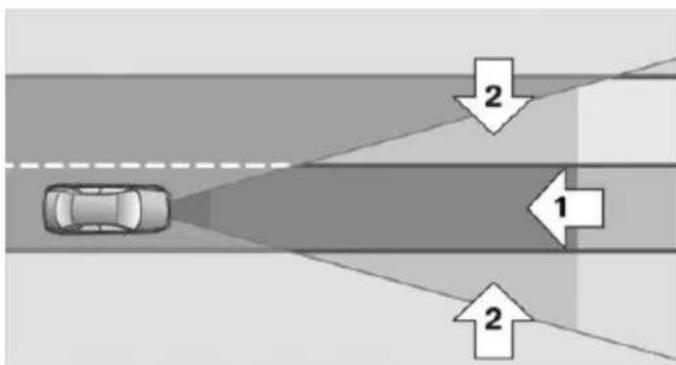
text_image
Diagram showing a car driving on a road with two directional arrows labeled 1 and 2 indicating flow or movement directions.The detection area in front of the vehicle is divided into two areas.
▶ Central area, arrow 1, directly in front of the vehicle.
▶ Expanded area, arrow 2, to the right and left.
A collision is imminent if pedestrians are located within the central area. A warning is issued about pedestrians who are located within the extended area only if they are moving in the direction of the central area.
Hints

Personal responsibility
The system does not serve as a substitute for the driver's personal judgment of the traffic situation.
Be aware of the traffic situation and the vehicle's surroundings at all times, otherwise accidents are still possible despite all warnings.
Adapting your speed and driving style
The displays and warnings of the system do not relieve the driver of the responsibility to adapt his or her driving speed and style to the traffic conditions.
Be alert Due to a
Due to system limitations, warnings may be not issued at all, or may be issued late or improperly. Therefore, always be alert and ready to intervene; otherwise, there is the risk of an accident.
Tow-starting and towing
For tow-starting or towing, switch off the Intelligent Safety systems; otherwise malfunctions of the individual braking systems might lead to accidents.
At a glance
Button in the vehicle
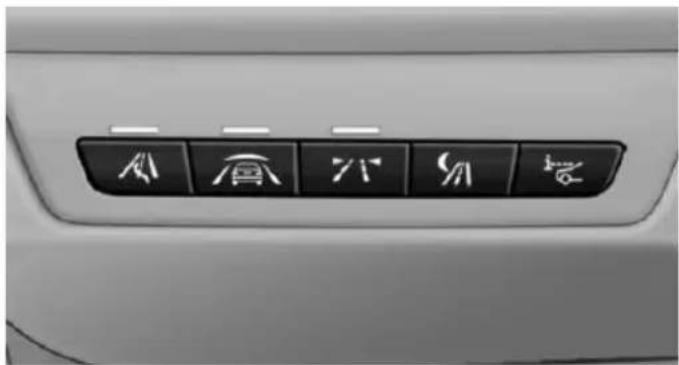
text_image
Car interior panel with Chinese character buttons for roof, roof, door, and seat symbols
Intelligent Safety button
Camera
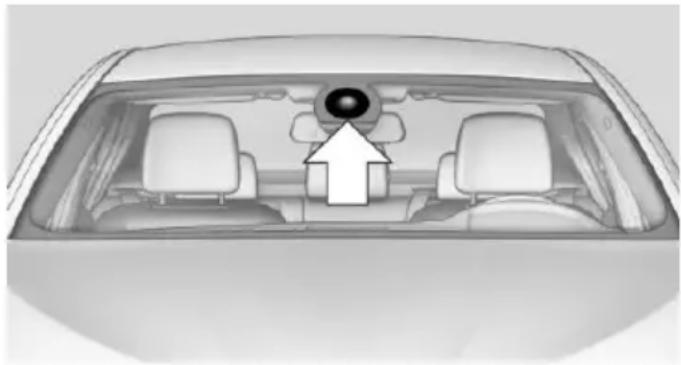
natural_image
Top-down view of a car's rearview showing the dashboard and steering wheel (no text or symbols visible)The camera is found near the interior rearview mirror.
Keep the windshield in the area behind the interior rearview mirror clean and clear.
Switching on/off
Switching on automatically
The system is automatically active after every driving-off.
Switch off
Press button: the systems are turned off. The LED goes out.
Press button: the systems are turned on. The LED lights up.
Warning with braking function
Display
If a collision with a person detected in this way is imminent, a warning symbol appears on the instrument cluster and in the Head-up Display.

The red symbol is displayed and a signal sounds.

With instrument display: The red symbol is displayed and a signal sounds.
Intervene immediately by braking or make an evasive maneuver.
Braking intervention
The warning prompts the driver himself/herself to react. During a warning, the maximum braking force is used. Premise for the brake booster is sufficiently quick and hard stepping on the brake pedal. The system can assist with some braking intervention if there is risk of a collision. At low speeds vehicles may thus come to a complete stop.
Manual transmission: During a braking intervention up to a complete stop, the engine may be shut down.
The braking intervention is executed only if DSC Dynamic Stability Control is switched on and Dynamic Traction Control DTC is activated.
The braking intervention can be interrupted by stepping on the accelerator pedal or by actively moving the steering wheel.
Object detection can be restricted. Limitations of the detection range and functional restrictions are to be considered.
System limits
Detection range
The detection potential of the camera is limited.
Thus a warning might not be issued or be issued late.
E. g. the following situations may not be detected:
▶ Partially covered pedestrians.
▶ Pedestrians that are not detected as such because of the viewing angle or contour.
▶ Pedestrians outside of the detection range.
▶ Pedestrians having a body size less than 32 in/80 cm.
Functional limitations
The system may not be fully functional or may not be available in the following situations:
In heavy fog, rain, sprayed water or snowfall.
In tight curves.
▶ If the driving stability control systems are deactivated, e.g. DSC OFF.
▶ If the camera viewing field or the front windshield are dirty or covered.
▶ Up to 10 seconds after the start of the engine, via the Start/Stop knob.
During calibration of the camera immediately after vehicle shipment.
▶ If there is constant blinding effects because of oncoming light, e. g., from the sun low in the sky.
▶ When it is dark outside.
Night Vision with Pedestrian and Animal Detection
The concept
Night Vision with pedestrian and animal detection is a night vision system.
An infrared camera scans the area in front of the vehicle and issues a warning if it detects pedestrians and animals on the street. Warm objects that are similar in shape to human beings or animals are detected by the system. If necessary, the heat image can be displayed on the Control Display.
Heat image
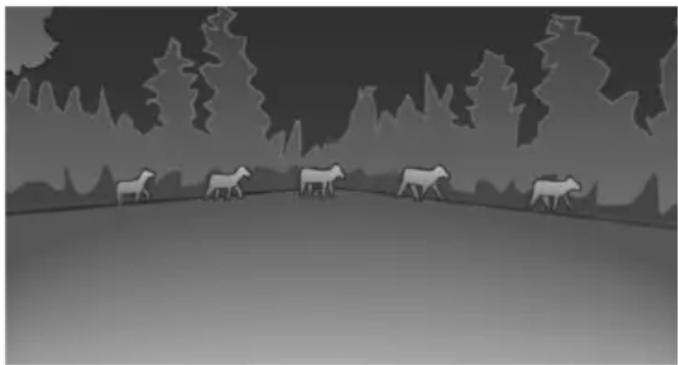
natural_image
Silhouette of a herd of sheep walking across a grassy field with trees in the background (no text or symbols)The image shows the heat radiated by objects in the field of view of the camera.
Warm objects have a light appearance and cold objects, a dark appearance.
The ability to detect an object depends on the temperature difference between the object and the background and on the level of heat radiation emitted by the object. Objects that are similar in temperature to the environment or that radiate very little heat are difficult to detect.
For safety reasons, when driving at speeds above approx. 3 mph/5 km/h and in low ambient light, the image is only displayed when the low beams are activated.
A still image is displayed at regular intervals for a fraction of a second.
Pedestrian and animal detection
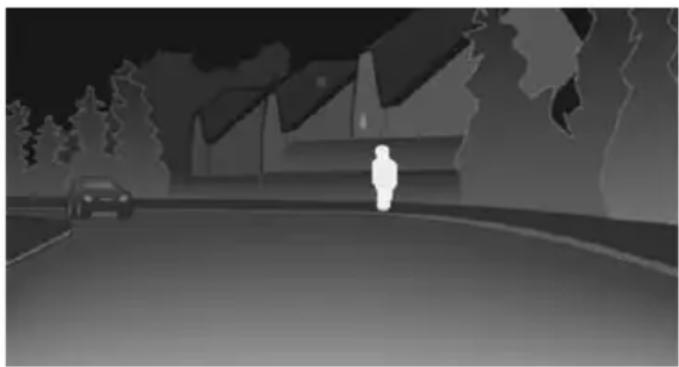
natural_image
Silhouette of a person standing on a road with a car and trees in the background (no text or symbols)Object detection and warning only functions in darkness.
Warm objects that are similar in shape to human beings are detected by the system.
In addition, the system also detects animals above a certain minimum size, e.g., deer.
With heat image activated on the Control Display:
People detected by the system are displayed with a slight yellow hue.
Animals detected by the system are displayed in a darker yellow.
Under good ambient conditions, the object detection operates within the following distance ranges:
▶ Pedestrian detection: up to approx. 330 ft/100 m
▶ Detection of large animals: up to approx. 490 ft/150 m
▶ Detection of medium animals: up to approx. 230 ft/70 m
Environmental influences can limit the availability of object detection.
If the vehicle systems detect that the vehicle is located in a residential area, the animal detection is temporarily switched off.
Hints

Personal responsibility
Night Vision cannot replace the driver's personal judgment of the visibility conditions and the traffic situation. The view ahead and the actual visibility conditions must always be the basis on which the vehicle speed is adjusted; otherwise, there is a risk to road safety.
Overview
Buttons in the vehicle
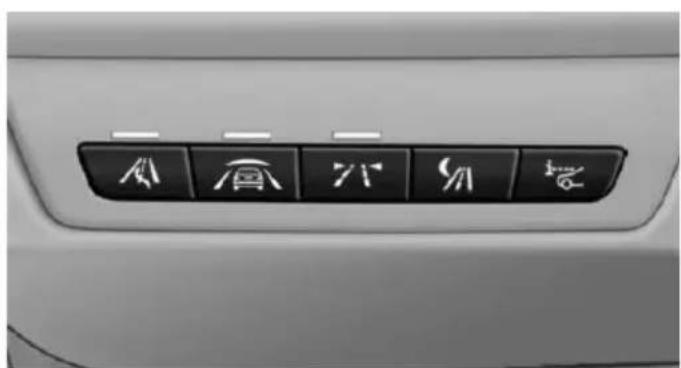
natural_image
Close-up of a car's front panel with six directional icons (arrow, up, down, down, down, and up) on the right side (no text or symbols beyond icons)
Intelligent Safety button

Switch on/switch off heat image
Camera
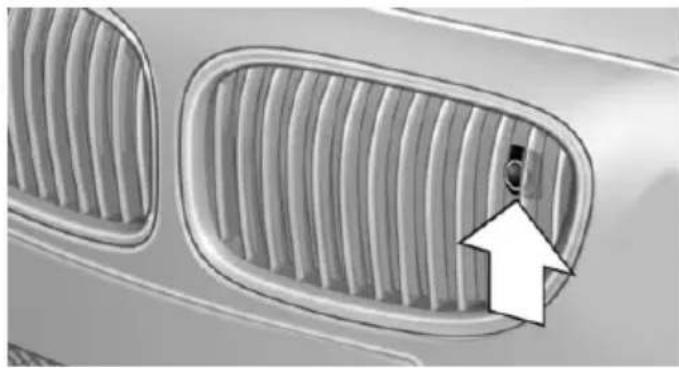
natural_image
Close-up of a car's front grille with a white arrow pointing to a small circular detail (no text or symbols)The camera is automatically heated when the external temperatures are low.
The camera lens is automatically cleaned together with the headlights.
Switching on/off
Switching on automatically
When it is dark outside, the system is automatically active after every driving-off.
Switch off
The system is only switched off until the next time the engine is started with the Start/Stop button.
Press button.
The LED goes out.
Switching on heat image additionally
The heat image from the Night Vision camera can also be displayed on the Control Display. This function has no effect on object detection.

Press button.
The image from the camera is displayed on the Control Display.
Adjustments via the iDrive
With heat image switched on:
- Press the controller.
- Select brightness or contrast.
▶ Select the symbol.
▶ Select the symbol.
- Turn the controller until the desired setting is selected.
- Press the controller.
Display
Warning of people or animals in danger
If a collision with a person or an animal detected in this way is imminent, a warning symbol appears on the instrument cluster and in the Head-up Display.
Although both the shape and the heat radiation are analyzed, false warnings cannot be ruled out.
Warning area in front of the vehicle
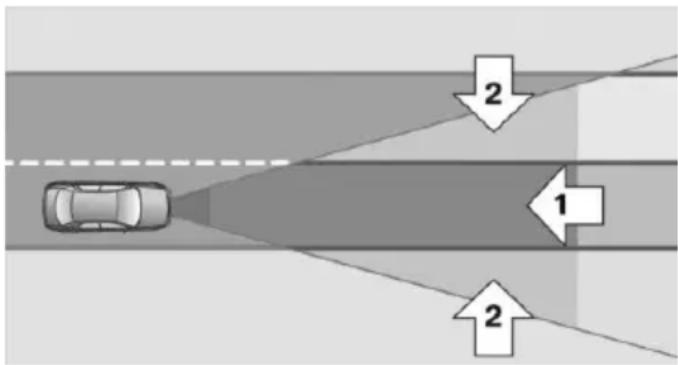
flowchart
graph TD
    A["Car"] --> B{Flow Direction}
    B -->|1| C["Downward Arrow"]
    B -->|2| D["Rightward Arrow"]
The warning area for the pedestrian warning consists of two parts:
▶ Central area, arrow 1, directly in front of the vehicle.
▶ Expanded area, arrow 2, to the right and left.
With animal warnings, no distinction is made between the central or expanded area.
The entire area moves along with the vehicle in the direction of the steering angle and changes with the vehicle speed. As the vehicle speed increases, the area becomes longer and wider, e.g.
Prewarning

The yellow symbol is displayed when a person is detected in the central area immediately in front of the vehicle.
The yellow symbol is displayed when a person in the extended area is moving from the right or left towards the central area.
The displayed symbol can vary with the people detected.
Intervene actively by braking or make an evasive maneuver.

When animals are detected, an animal symbol is displayed. The symbol also shows the side of the road on which
the animal was detected. Intervene actively by braking or make an evasive maneuver.
Acute warning

The red symbol is displayed and a signal sounds.

With instrument display: The red symbol is displayed and a signal sounds.
When animals are detected, an red animal symbol is displayed with the signal tone.

Red symbol in the instrument cluster.

Red symbol in the instrument display.
Intervene immediately by braking or make an evasive maneuver.
Display in the Head-up Display

The warning is displayed simultaneously in the Head-up Display and on the instrument cluster. The displayed
symbol can vary with the people detected.
When animals are detected, an animal symbol is displayed.
System limits
Basic limits
System operation is limited in situations such as the following:
On steep hills, in steep depressions or in tight curves.
▶ When the camera is dirty or the protective glass is damaged.
▶ In heavy fog, rain or snowfall.
▶ At very high external temperatures.
Limits of pedestrian and animal detection
In some situations, it may occur that pedestrians are detected as animals or animals as pedestrians.
Small animals are not detected by the object detection function, even if they are clearly visible in the image.
Limited detection:
▶ People or animals who are fully or partially covered, especially when their heads are covered.
▶ People who are not in an upright position, e.g., lying down.
▶ Cyclists on unconventional bicycles (e.g., recumbent bicycles).
▶ After physical damage to the system, e.g., after an accident.
No display on the rear screen
The image from Night Vision cannot be displayed on the rear screen.
Lane departure warning
The concept
Starting at a specific speed, this system alerts you when the vehicle on streets with lane markings is about to leave the lane. This speed, depending on the country version, is between 35 mph/55 km/h and 45 mph/70 km/h.
When switching on the system below this speed, a message is displayed in the instrument cluster.
The steering wheel begins vibrating gently in the event of warnings. The time of the warning may vary depending on the current driving situation.
The system does not provide a warning if the turn signal is set before leaving the lane.
Hints

Personal responsibility
The system cannot serve as a substitute for the driver's personal judgment of the course of the road and the traffic situation.
In the event of a warning, do not jerk the steering wheel, as you may lose control of the vehicle.
At a glance
Button in the vehicle
natural_image
Interior view of a car's back panel with six directional icons (arrow, roof, down, down, up, down) on the right side (no text or symbols beyond icons)
Lane departure warning
Camera
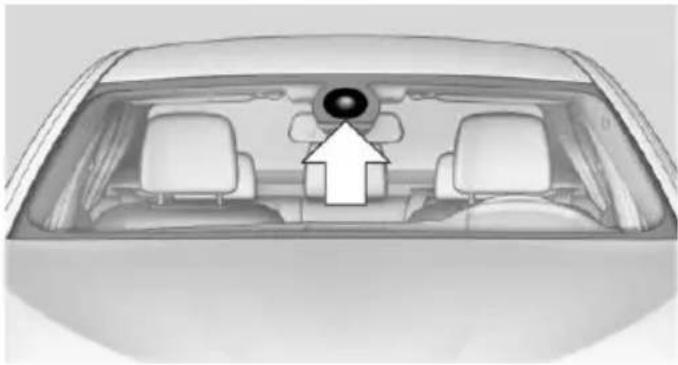
natural_image
Top-down view of a car's rearview mirror and dashboard (no text or symbols visible)The camera is found near the interior rearview mirror.
Keep the windshield in the area behind the interior rearview mirror clean and clear.
Switching on/off
Press button.
On: the LED lights up.
▶ Off: the LED goes out.
Settings are stored for the profile currently in use.
Display in the instrument cluster

▶ Lines: system is activated.
▶ Arrows: at least one lane marking was detected and warnings can be issued.
Display in the instrument display

▶ Symbol orange: system is activated.
▶ Symbol green: at least one lane marking was detected and warnings can be issued.
Issued warning
If you leave the lane and if a lane marking has been detected, the steering wheel begins vibrating.
If the turn signal is set before changing the lane, a warning is not issued.
End of warning
The warning ends:
▶ Automatically after approx. 3 seconds.
▶ When returning to your own lane.
When braking hard.
When using the turn signal.
System limits
The system may not be fully functional in the following situations:
In heavy fog, rain or snowfall.
In the event of missing, worn, poorly visible, merging, diverging, or multiple lane markings such as in construction areas.
When lane markings are covered in snow, ice, dirt or water.
In tight curves or on narrow lanes.
When the lane markings are covered by objects.
When driving very close to the vehicle in front of you.
▶ When driving toward bright lights.
When the windshield in front of the interior rearview mirror is fogged over, dirty or covered with stickers, etc.
During calibration of the camera immediately after vehicle shipment.
Active Blind Spot Detection
The concept
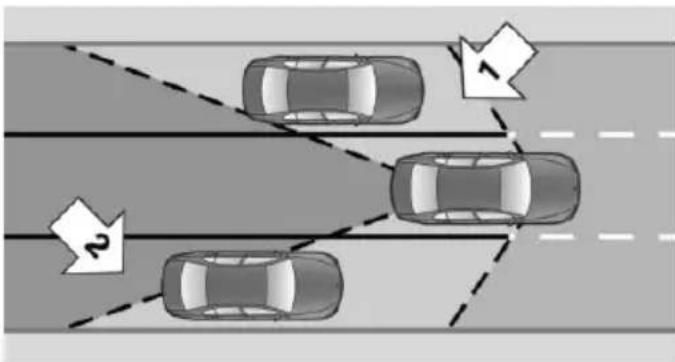
flowchart
graph TD
    A["Car 1"] --> B["Car 2"]
    C["Car 3"] --> D["Car 4"]
    style A fill:#f9f,stroke:#333
    style B fill:#f9f,stroke:#333
    style C fill:#f9f,stroke:#333
    style D fill:#f9f,stroke:#333
    note1["1"] --> A
    note2["2"] --> C
Two radar sensors below the rear bumper monitor the area behind and next to the vehicle at speeds above approx. 30 mph/50 km/h.
The system indicates whether there are vehicles in the blind spot, arrow 1, or approaching from behind on the adjacent lane, arrow 2.
The lamp in the exterior mirror housing is dimmed.
Before you change lanes after setting the turn signal, the system issues a warning in the situations described above.
The lamp in the exterior mirror housing flashes and the steering wheel vibrates.
Hints

Personal responsibility
The system does not serve as a substitute for the driver's personal judgment of the traffic situation.
Be aware of the traffic situation and the vehicle's surroundings at all times, otherwise accidents are still possible despite all warnings.
At a glance
Button in the vehicle
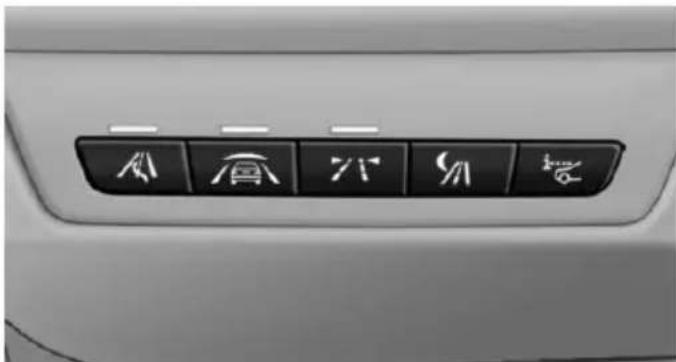
natural_image
Close-up of a car's front panel with six directional icons (arrow, up, down, down, right, and plus) on the door (no text or symbols beyond icons)
Active Blind Spot Detection
Radar sensors
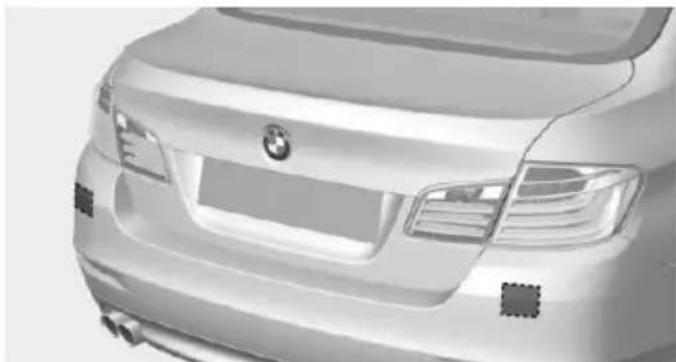
natural_image
Front view of a silver BMW sedan (no visible text or symbols)The radar sensors are located under the rear bumper.
Switching on/off
Press button.
On: the LED lights up.
▶ Off: the LED goes out.
Settings are stored for the profile currently in use.
Display
Lamp in the exterior mirror housing
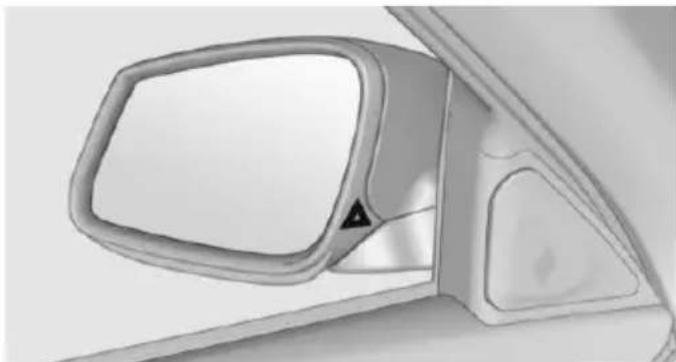
natural_image
Side view of a car's front mirror and side panel, showing no text or symbolsInformation stage
The dimmed lamp in the exterior mirror housing indicates when there are vehicles in the blind spot or approaching from behind.
Warning
If the turn signal is set while a vehicle is in the critical zone, the steering wheel vibrates briefly and the lamp in the exterior mirror housing flashes brightly.
The warning stops when the turn signal is switched off, or the other vehicle leaves the critical zone.
System limits
The system may not be fully functional in the following situations:
When a vehicle is approaching at a speed much faster than your own.
In heavy fog, rain or snowfall.
In tight curves or on narrow lanes.
▶ If the bumper is dirty or iced up, or covered with stickers.
A Check Control message is displayed when the system is not fully functional.
For US owners only
The transmitter and receiver units comply with part 15 of the FCC/Federal Communication Commission regulations. Operation is governed by the following:
FCC ID:
NBG009014A.
Compliance statement:
This device complies with part 15 of the FCC Rules. Operation is subject to the following two conditions:
This device may not cause harmful interference, and
this device must accept any interference received, including interference that may cause undesired operation.
Any unauthorized modifications or changes to these devices could void the user's authority to operate this equipment.
Brake force display
The concept
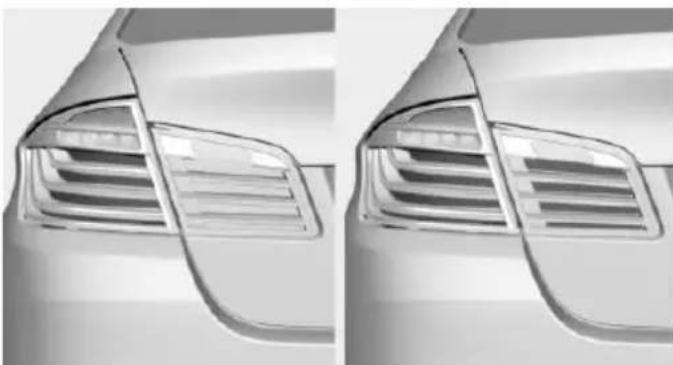
natural_image
Side-by-side comparison of a car's rear window and grille (no text or symbols visible)During normal brake application, the outer brake lights light up.
During heavy brake application, the inner brake lights light up in addition.
Active Protection
General information
The Active Protection safety package consists of systems that are independent of each other:
Attentiveness assistant.
PreCrash
▷ PostCrash
Attentiveness assistant
The concept
The system can detect increasing lack of alertness or fatigue of the driver during long, monotonous journeys, e.g., on highways. In this situation, it is recommended that the driver takes a break.
Note

Personal responsibility
The system cannot act as a substitute for the personal assessment of one's physical state and may not detect an increasing lack of alertness or fatigue or may not detect it correctly. Therefore, make sure that the driver is rested and alert; otherwise, risks may be detected too late and an accident be caused as a result.
Function
The system is activated each time the engine is started and cannot be switched off.
After travel has begun, the system is trained about the driver, so that increasing lack of alertness or fatigue can be detected.
This procedure takes the following criteria into account:
▶ Personal driving style, e.g., steering behavior.
▶ Driving conditions, e.g., length of trip.
Starting at approximately 43 mph/70 km/h, the system is active and can display a recommendation to take a break.
Break recommendation
If the driver becomes increasingly less alert or fatigued, a message is displayed in the Control Display with the recommendation to take a break.
A recommendation to take a break is displayed only once during an uninterrupted trip.
After a break, another recommendation to take a break cannot be displayed until after approximately 45 minutes.
System limits
The function may be limited in the following situations, for instance, and will either output an incorrect warning or no warning at all:
▷ When the clock is set incorrectly.
When the vehicle speed is mainly below about 43 mph/70 km/h.
▶ With a sporty driving style, such as during rapid acceleration or when cornering fast.
In active driving situations, such as when changing lanes frequently.
▷ When the road surface is poor.
In the event of strong side winds.
PreCrash
The concept
With this system critical driving situations that might result in an accident can be detected above a speed of approx. 20 mph/30 km/h. In these situations, preventive measures are automatically taken to minimize the risk of an accident as much as possible.
Critical driving situations may include:
Emergency stop.
▶ Severe understeering.
▶ Severe oversteering.
If the vehicle includes the front-end collision warning or front-end collision warning with braking feature, impending collisions with vehicles driving ahead or stopped in front of you can also be detected within the system's range.
Note

Personal responsibility
The system cannot possibly serve as a substitute for the driver's personal judgment of the traffic situation. The system may not always detect critical situations reliably and in a timely manner. Adapt speed to traffic situation and drive alertly; otherwise, a risk to safety may result.
Function
After the safety belt is buckled, the front belts are automatically pretensioned once after the vehicle is driven is away.
In critical driving situations, the following individual functions become active as needed:
The front belts are automatically preten-sioned.
▶ Automatic closing of the windows.
▶ Automatic closing of the glass sunroof.
For vehicles equipped with Comfort Seats: automatic positioning of the backrest for the front passenger seat.
After a critical driving situation without an accident, the front belts are loosened again. All other systems can be restored to the desired setting.
If the belt tension does not loosen automatically, stop the vehicle and unbuckle the belt using the red button in the buckle. Fasten the belt before continuing on your trip.
PostCrash
In the event of an accident, the system can bring the car to a halt automatically without intervention by the driver in certain situations. This can reduce the risk of a further collision and the consequences thereof.
Depressing the brake pedal can cause the vehicle to brake harder. This interrupts automatic braking. Destepping on the gas pedal also interrupts automatic braking.
After coming to a halt, the brake is released automatically. Secure the vehicle against rolling.
Driving stability control systems
Vehicle features and options
This chapter describes all standard, country-specific and optional features offered with the series. It also describes features that are not necessarily available in your car, e.g., due to the selected options or country versions. This also applies to safety-related functions and systems. The respectively applicable country provisions must be observed when using the respective features and systems.
Antilock Brake System ABS
ABS prevents locking of the wheels during braking.
The vehicle contains its steering power even during full brake applications, thus increasing active safety.
ABS is operational every time you start the engine.
Brake assistant
When you apply the brakes rapidly, this system automatically produces the greatest possible braking force boost. It reduces the braking distance to a minimum during emergency stop. This system utilizes all of the benefits provided by ABS.
Do not reduce the pressure on the brake pedal for the duration of the emergency stop.
Adaptive brake assistant
In combination with the Active Cruise Control, this system ensures that the brakes respond even more rapidly when braking in critical situations.
Drive-off assistant
This system supports driving off on inclines. The parking brake is not required.
- Hold the vehicle in place with the foot brake.
- Release the foot brake and drive off without delay.
After the foot brake is released, the vehicle is held in place for approx. 2 seconds.
Depending on the vehicle load or when a trailer is used, the vehicle may roll back slightly.

Driving off without delay
After releasing the foot brake, start driving without delay, since the drive-off assistant will not hold the vehicle in place for more than approx. 2 seconds and the vehicle will begin to roll back.
DSC Dynamic Stability Control
The concept
DSC prevents traction loss in the power wheels when driving off and accelerating.
DSC also recognizes unstable vehicle conditions such as fishtailing or nose-diving. Within the physical limits DSC helps to keep the vehicle on a steady course by reducing engine speed and by applying brakes to the individual wheels.
Note

Adjust your driving style to the situation. An appropriate driving style is always the responsibility of the driver.
The laws of physics cannot be repealed, not even with DSC.
Therefore, do not reduce the additional safety margin by driving in a risky manner.

Do not deactivate DSC when driving with roof load
Do not deactivate Dynamic Stability Control DSC when driving with roof load, e.g. roof-mounted luggage rack.
Otherwise, driving safety is not given in driving-critical situation due to the elevated center of gravity.
Overview
Button in the vehicle
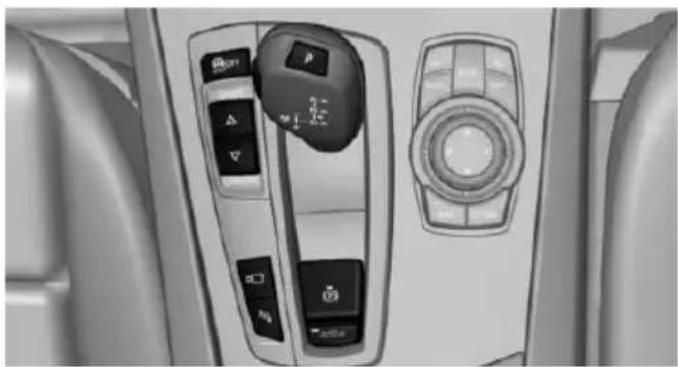
natural_image
Interior view of a car dashboard with control switches and a rotary knob (no visible text or symbols)
DSC OFF button
Indicator/warning lights

The indicator lamp flashes: DSC controls the drive and braking forces.
The indicator lamp lights up: DSC has
failed.
Deactivating DSC: DSC OFF
When DSC is deactivated, driving stability is reduced during acceleration and when driving in curves.
Stabilizing interventions by the Integral Active Steering system are only performed by the rear axle steering.
To increase vehicle stability, activate DSC again as soon as possible.
Deactivating DSC
Press and hold this button but not longer than approx. 10 seconds, until the indicator lamp for DSC OFF lights up in the instrument cluster and displays DSC OFF.
The DSC system is switched off.
The steering and, depending on the equipment, suspension are tuned for sporty driving.
Activating DSC
Press button.
DSC OFF and the DSC OFF indicator
lamp go out.
Indicator/warning lights
When DSC is deactivated, DSC OFF is displayed in the instrument cluster.

The indicator lamp lights up: DSC is deactivated.
DTC Dynamic Traction Control
The concept
The DTC system is a version of the DSC where forward momentum is optimized.
The system ensures maximum headway on special road conditions or loose road surfaces, e.g., unplowed snowy roads, but with somewhat limited driving stability.
Activating the Dynamic Traction Control DTC provides maximum traction. Driving stability is limited during acceleration and when driving in curves.
Therefore drive with appropriate caution.
You may find it useful to briefly activate DTC under the following special circumstances:
When driving in slush or on uncleared, snow-covered roads.
▶ When freeing vehicle from deep snow or driving off from loose grounds.
▶ When driving with snow chains.
Deactivating/activating DTC Dynamic Traction Control
Activating DTC
Press button.
TRACTION is displayed in the instrument cluster and the indicator lamp for DSC OFF lights up.
Deactivating DTC
Press button again.
TRACTION and the DSC OFF indicator lamp go out.
Indicator/warning lights
If DTC is activated, TRACTION is displayed in the instrument cluster.

The indicator lamp lights up: DTC Dynamic Traction Control is activated.
xDrive
xDrive is the all-wheel-drive system of your vehicle. Concerted action by the xDrive and DSC further optimize traction and driving dynamics. The xDrive all-wheel-drive system variably distributes the drive forces to the front and rear axles as demanded by the driving situation and road surface.
HDC Hill Descent Control
The concept
HDC is a downhill driving assistant that automatically controls vehicle speed on steep downhill gradients. Without applying the
brakes, the vehicle moves at slightly more than walking speed.
Hill Descent Control can be activated at speeds below approx. 22 mph/35 km/h. When driving downhill, the vehicle reduces its speed to approx. walking speed and then keeps its speed constant.
As long as there is active braking, the system is on standby. The system does not brake the vehicle during this time.
Only use HDC in low gears or in selector lever position D or R.
Increasing or decreasing vehicle speed
Specify desired speed in the range from approx. 4 mph/6 km/h to approx. 15 mph/25 km/h using the rocker switch of the cruise control on the steering wheel. Vehicle speed can be changed by lightly accelerating.
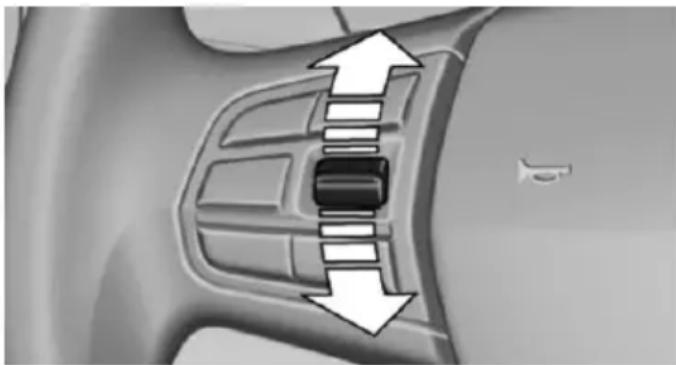
natural_image
Mechanical component diagram showing internal slots and directional arrows (no text or symbols)▶ Press the rocker switch up to the point of resistance: the speed increases gradually.
▶ Press up the rocker switch past the point of resistance: the speed increases while the rocker switch is pressed.
▶ Press the rocker switch down to the point of resistance: the speed decreases gradually.
▶ Press the rocker switch down past the point of resistance: when driving forward, the speed decreases to approx. 6 mph/10 km/h; when reversing, the speed decreases to approx. 4 mph/6 km/h.
Activating HDC
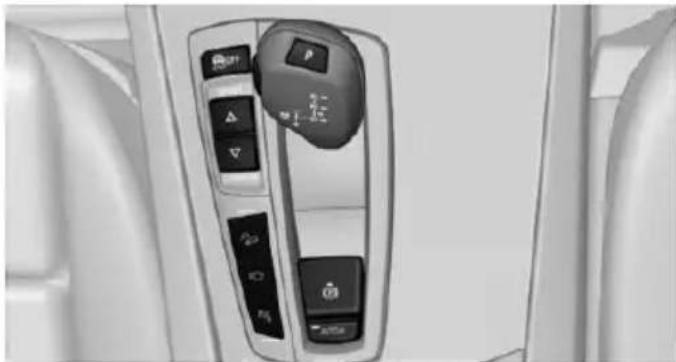
natural_image
Interior view of a vehicle's dashboard with control buttons and navigation icons (no readable text or symbols)
Press button; the LED above the button lights up.
Deactivating HDC

Press button again and the LED goes out. HDC is automatically deactivated the approx. 37 mph/60 km/h.
Display in the instrument cluster
The selected speed is displayed in the speedometer.
▷ Green: the system is actively braking the vehicle.
Orange: the system is on standby.
Malfunction
A message is displayed in the instrument cluster. HDC is not available, e.g., due to elevated brake temperatures.
Adaptive Drive
The concept
Adaptive Drive includes the following systems:
▶ Dynamic Drive, refer to page 138.
▶ Dynamic Damping Control, refer to page 138.
The system increases driving stability and driving comfort.
Dynamic Drive
The concept
The system reduces the lateral inclination of the vehicle that occurs during rapid driving in curves or during quick evasive maneuvers.
Driving stability and driving comfort are increased under all driving conditions. The system utilizes active stabilizer bars on the front and rear axles that react immediately to all driving situations.
Programs
The system offers two different programs.
Select the programs via the Driving Dynamics Control, refer to page 139.
SPORT
Sporty tuning for greater driving agility.
COMFORT
Comfort-oriented tuning for optimal comfort.
Dynamic Damping Control
The concept
This system reduces undesirable vehicle motion when using a dynamic driving style or traveling on uneven road surfaces.
The system enhances driving dynamics and comfort fitting road surface and driving style.
Programs
The system offers several different programs.
Select the programs via the Driving Dynamics Control, refer to page 139.
SPORT/SPORT+
Consistently sporty control of the shock absorbers for greater driving agility.
COMFORT/ECO PRO
Balanced tuning.
COMFORT+
Comfort-oriented tuning of the shock absorbers for optimal traveling comfort.
Integral Active Steering
The concept
Integral Active Steering is a combination of Active Steering and rear axle steering.
Active Steering varies the steering angle of the wheels in relation to the steering wheel movement as a function of the speed.
At speeds up to approx. 37 mph/60 km/h, e.g., in curves, the steering angle is increased, i.e., steering becomes more direct.
The rear axle steering acts to increase maneuverability by turning the rear wheels slightly in a direction opposite to the front wheels.
At higher speeds, the steering angle is increasingly reduced.
The rear wheels are turned to the same angle as the front wheels.
In critical situations, Integral Active Steering can specifically steer the front and rear wheels to stabilize the vehicle before the driver intervenes, e.g., when braking where road conditions differ on the left and right sides of the vehicle.
Initializing
In rare cases, it may become necessary to initialize the Integral Active Steering.

The warning lamp lights up. A Check Control message is displayed.
-
With the engine running, turn the steering wheel all the way to the left and right several times in a uniform manner until the warning lamp disappears.
-
Have the system checked if the warning lamp does not go out after moving the steering wheel approx. 6 times or if the steering wheel is at an angle.
Using snow chains
Note
When snow chains are in use, refer to page 228, rear wheel steering is deactivated.
Programs
The system offers several different programs. Select the programs via the Driving Dynamics Control, refer to page 139.
SPORT
Consistently sporty tuning of the Integral Active Steering for greater driving agility.
Malfunction
In the event of a malfunction, the steering wheel must be turned further, while the vehicle responds more sensitively to steering wheel movements in the higher speed range.
The stability-enhancing intervention may be deactivated.
Proceed cautiously and drive defensively. Have the system checked.
Driving Dynamics Control
The concept
The Driving Dynamics Control can be used to adjust the driving dynamics of the vehicle. For this purpose various programs are available for selection that are activated via the two buttons of the Driving Dynamics Control and the DSC OFF-button.
Overview
Button in the vehicle
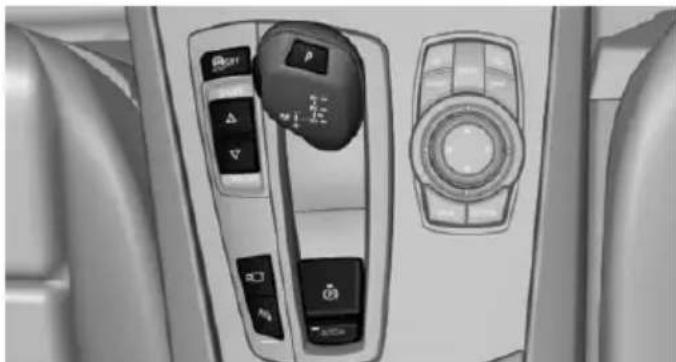
natural_image
Interior view of a vehicle's air conditioning panel with control buttons and dials (no visible text or symbols)Operating the programs
Press button Program
| OFF | DSC OFF |
| TRACTION | |
 | SPORT+ |
| SPORT | |
| COMFORT | |
| COMFORT+ | |
| ECO PRO |
Automatic program change
The system may automatically switch to COM-FORT in the following situations:
▶ Failure of Integral Active Steering.
▶ Failure of Dynamic Damping Control.
▶ Failure of DSC Dynamic Stability Control.
The vehicle has a flat tire.
▶ When activating cruise control in TRACTION or DSC OFF mode.
DSC OFF
When DSC OFF, refer to page 136, is active, driving stability is limited during acceleration and when driving in curves.
TRACTION
When TRACTION is active, the vehicle has maximum traction on loose road surfaces. DTC Dynamic Traction Control, refer to page 137, is activated. Driving stability is limited during acceleration and when driving in curves.
SPORT+
Sporty driving with optimized suspension and adapted engine control with limited driving stabilization.
Dynamic Traction Control is switched on.
The driver handles several of the stabilization tasks.
Activating SPORT+
Press button repeatedly until SPORT+ appears in the instrument cluster and
the DSC OFF indicator lamp lights up.
Automatic program change
When switching on the adjustable speed limit or activating cruise control, the program automatically switches to SPORT mode.
Indicator/warning lights
SPORT+ is displayed in the instrument cluster.

The DSC OFF indicator lamp lights up: Dynamic Traction Control is activated.
SPORT
Consistently sporty tuning of the suspension and engine control for greater driving agility with maximum driving stabilization.
The program can be configured to individual specifications.
The configuration is stored for the profile currently in use.
Activating SPORT
Press button repeatedly until SPORT is displayed in the instrument cluster.
Configuring SPORT
When the display is activated on the Control Display, refer to page 142, the SPORT driving mode can be set.
After the SPORT driving mode is activated, select "Configure SPORT" on the displayed panel and configure the program.
SPORT can also be configured before it is activated:
- "Settings"
- "SPORT mode" or: "Driving mode"
- Configure driving mode.
This configuration is retrieved when the SPORT driving mode is activated.
COMFORT
For a balanced tuning with maximum driving stabilization.
Activating COMFORT
Press button repeatedly until COM-FORT is displayed in the instrument
cluster.
In certain situations, the system automatically changes to the NORMAL program, automatic program change, refer to page 140.
COMFORT+
Comfort-oriented tuning of the shock absorbers and adapted engine control for optimal traveling comfort with maximum driving stabilization.
COMFORT+ activation
Press button repeatedly until COM-FORT+ is displayed in the instrument
cluster.
ECO PRO
ECO PRO, refer to page 196, provides consistent tuning to minimize fuel consumption for maximum range with maximum driving stabilization.
Comfort functions and the engine controller are adjusted.
The program can be configured to individual specifications.
Activating ECO PRO
Press button repeatedly until ECO PRO is displayed in the instrument
cluster.
Configuring ECO PRO
- Activate ECO PRO.
- "Configure ECO PRO"
Make the desired settings.
Configure driving mode
Settings can be made for the following driving modes in Driving mode:
▶ SPORT mode, refer to page 141.
▶ ECO PRO mode, refer to page 197.
Displays in the instrument cluster
Selected program

The instrument cluster displays the selected program.
Program selection

Pressing the button displays a list of the selectable programs. Depending on your vehicle's optional features, the list in the instrument cluster can differ from
the illustration shown.
Display on the Control Display
Program changes can be displayed briefly on the Control Display.
To do so, make the following settings:
- "Settings"
- "Driving mode"
- "Driving mode info"
Driving comfort
Vehicle features and options
This chapter describes all standard, country-specific and optional features offered with the series. It also describes features that are not necessarily available in your car, e.g., due to the selected options or country versions. This also applies to safety-related functions and systems. The respectively applicable country provisions must be observed when using the respective features and systems.
Active Cruise Control with Stop & Go function, ACC
The concept
Use this system to select a desired speed that the vehicle will maintain automatically on clear roads.
To the extent possible, the system automatically adjusts the speed to a slower vehicle ahead of you.
The distance that the vehicle maintains to the vehicle ahead of you can be varied.
For safety reasons, it depends on the speed.
To maintain a certain distance, the system automatically reduces the speed, applies the brakes lightly, or accelerates again if the vehicle ahead begins moving faster.
If the vehicle ahead of you brakes to a halt, and then proceeds to drive again within a brief period, the system is able to detect this within the given system limits. Your own vehicle will brake automatically and then accelerate again.
If the vehicle ahead of you drives away again after a prolonged period, briefly press the accelerator pedal or press the appropriate button to reactivate the system. The vehicle will automatically accelerate.
As soon as the road is clear, the vehicle accelerates to the desired speed.
The speed is also maintained downhill, but may not be maintained uphill if engine power is insufficient.
General information
Depending on the driving settings, the features of the cruise control can change in certain areas.
Hints

Personal responsibility
Even an active system holds the driver responsible for his or her driving, particularly paying in your lane, adjusting your speed, using your distance and for your driving all in relation to traffic.
Technically the system has its limits, it cannot independently react to all traffic situations.
Monitor your driving, be on the alert, observe the vehicle surroundings and other traffic and react when needed, e.g. through braking, steering or make evasive maneuvers - risk of accident.

Unfavorable weather conditions
In the event of unfavorable weather and light conditions, e. g. if there is rain, snowfall, slush, fog or glare, this may result in poorer recognition of vehicles as well as short-term interruptions for vehicles that are already detected. Drive attentively, and react to the current traffic situation. Intervene actively when necessary, e.g., by braking, steering or making an evasive maneuver, otherwise, there is the risk of an accident.

Before leaving the vehicle, secure it against moving on its own.
Before leaving the vehicle with the engine running: set the parking brake and ensure that the Steptronic transmission is in position P. Otherwise, the vehicle may begin to move.
At a glance
Buttons on the steering wheel
| Press button | Function |
 | Cruise control on/off, interrupt, refer to page 144 |
 | Store/maintain speed, refer to page 145 |
 | Resume speed, refer to page 146 |
 | Reduce distance, refer to page 146 |
 | Increase distance, refer to page 146 |
 | rocker switch: Maintain, store, change speed, refer to page 145 |
Buttons are arranged according to vehicle's series, optional features and country specifications.
Radar sensor
A radar sensor is located in the front bumper for detecting vehicles on the road ahead of the vehicle.
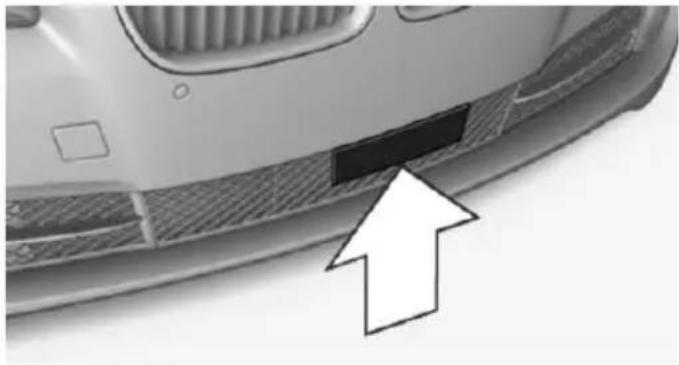
natural_image
Close-up of a car's side profile with a black rectangular patch and an arrow pointing to it (no text or symbols visible)A dirty or covered sensor may prevent the detection of vehicles.
▶ If necessary, clean the radar sensor. Remove layers of snow and ice carefully.
Do not cover the view field of the radar sensor.
Camera
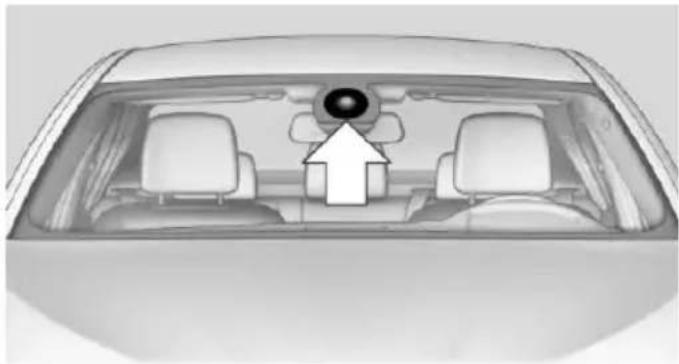
natural_image
Top-down view of a car's rearview mirror and dashboard (no text or symbols visible)The camera is found near the interior rearview mirror.
Keep the windshield in the area behind the interior rearview mirror clean and clear.
A dirty or covered area in front of the interior mirror may hinder the detection of vehicles.
If necessary, clean the area in front of the interior mirror, e.g., carefully remove salt residue in the winter.
Switching on/off and interrupting cruise control
Switching on

Press button on the steering wheel.
The indicator lights in the instrument cluster light up and the mark in the speedometer is set to the current speed.
Cruise control can be used.
Switch off

Deactivated or interrupted system
With deactivated or interrupted system use your brakes, steering and moves as usual to avoid the chance of an accident.
To switch off the system while standing, step on brake pedal at the same time.
Press button on the steering wheel.
▶ If active: press twice.
▶ If interrupted: press once.
The displays go out. The stored desired speed is deleted.
Interrupting
Press button on the steering wheel.
If interrupting the system while stationary, press on the brake pedal at the same time.
The system is automatically interrupted in the following situations:
▶ When the brakes are applied.
When the clutch pedal is depressed.
▶ When selector lever position D is disengaged.
When DTC Dynamic Traction Control is activated or DSC is deactivated.
When DSC is actively controlling stability.
When SPORT+ is activated with Driving Dynamics Control.
If the safety belt and the driver's door are opened while the vehicle is standing still.
▶ If the system has not detected objects for an extended period, e.g., on a road with
very little traffic without curb or shoulder markings.
▶ If the detection range of the radar is disrupted, e.g., by dirt or heavy fog.
Maintaining, storing, and changing the speed
Hints

Adjusting the desired speed
Modify desired speed to road conditions and be ready to brake at all times; otherwise, there is the risk of an accident.

Differences in speed
Large differences in speed relative to other vehicles cannot be compensated by the system such as in the following situations:
When fast approaching a slowly moving vehicle.
When another vehicle suddenly swerves into the wrong lane.
When stationary objects are approached at high speed.
Maintaining/storing the speed
Press button.
Or:
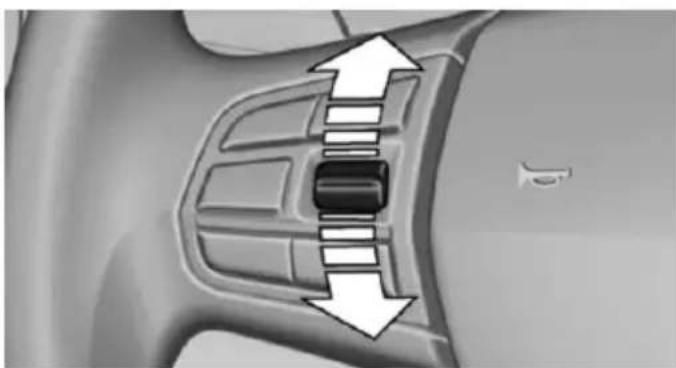
natural_image
Close-up of a car's side panel with directional arrows indicating movement or force (no text or symbols)Press the rocker switch while the system is interrupted.
When the system is switched on, the current speed is maintained and stored as the desired speed.
This is displayed in the speedometer and briefly in the instrument cluster. Displays in the instrument cluster, refer to page 147.
When cruise control is maintained or stored, DSC Dynamic Stability Control will be turned on if needed.
Changing the speed
Press the rocker switch up or down repeatedly until the desired speed is set.
If active, the displayed speed is stored and the vehicle reaches the stored speed when the road is clear.
▶ Each time the rocker switch is pressed to the point of resistance, the desired speed increases or decreases by approx. 1 mph/1 km/h.
▶ Each time the rocker switch is pressed past the point of resistance, the desired speed increases or decreases by a maximum of 5 mph/10 km/h.
Hold the rocker switch in position to repeat the action.
Distance

Select a distance
Adjust the distance according to the traffic and weather conditions; otherwise, there is the risk of an accident. Maintain the prescribed safety distance.
Reduce distance
Press button repeatedly until the desired distance is set.
Instrument cluster will display selected distance, refer to page 147.
Increase distance
Press button repeatedly until the desired distance is set.
Instrument cluster will display selected distance, refer to page 147.
Calling up the desired speed and distance
While driving
Press button with the system switched on.
In the following cases, the stored speed value is deleted and cannot be called up again:
▶ When the system is switched off.
▶ When the ignition is switched off.
While standing
The system brought the vehicle to a complete standstill:
▷ Green marking in the speedometer:
Your vehicle accelerates automatically as soon as the vehicle in the range of the radar sensor moves off.
▶ Speedometer markings turn orange: no automatic driving off.
To accelerate to the desired speed automatically, press the accelerator or press the RES or SET button.
Rolling bars in the distance display indicate that the vehicle detected by the radar sensor has driven off.
Your vehicle was brought down to a halt through stepping on the brake pedal and it is standing behind another vehicle:
button to call up a stored speed.
- Release the brake pedal.
- Step on the accelerator briefly, or press the RES rocker switch when the vehicle ahead of you drives away.
Displays in the instrument cluster
Desired speed
The marking lights up green: the system is active.
The marking lights up orange: the system has been interrupted.
The marking does not light up: the system is switched off.

With instrument display: the symbol is displayed in the speedometer similarly to the mark for the desired speed.
Brief status display

Selected desired speed.
If --- appears briefly on the display for Check Control messages, it is possible that the system requirements are currently not ready for operations.
Distance to vehicle ahead of you
Shown is selected distance to the vehicle driving ahead of you.
Distance display

Distance 1

Distance 2

Distance 3

Distance 4
This value is set after the system is switched on.
Distance display

The system has been interrupted or distance control is temporarily suppressed because the accelerator pedal is being pressed; a vehicle was not detected.

Distance control is temporarily suppressed because the accelerator pedal is being pressed; a vehicle was detected.
Rolling bars: the detected vehicle has driven away.
ACC is no longer accelerating. To accelerate further, activate ACC by briefly stepping on the accelerator pedal, pressing the RES button or rocker switch.
Indicator/warning lights

Personal responsibility
The indicator and warning lights do not relieve the driver of the responsibility to adapt his or her desired driving speed and style to the traffic conditions.

The vehicle symbol lights up orange: A vehicle has been detected ahead of you.

The vehicle symbol flashes orange: The conditions are not adequate for the system to work.
The system was deactivated but applies the brakes until you actively resume control by pressing on the brake pedal or accelerator pedal.

The vehicle symbol flashes red and an acoustic signal sounds:
You are requested to intervene by braking or make an evasive maneuver.
Displays in the Head-up Display
Some system information can also be displayed in the Head-up Display.
Distance information

The symbol is displayed when the distance from the vehicle traveling ahead is too short.
▶ Active Cruise Control switched off.
▶ Display in the Head-up Display selected, refer to page 101.
Distance too short.
▶ Speed greater than approx.
40 mph/70 km/h.
System limits
Speed range
The system is best used on well-constructed roads.
The minimum speed that can be set is 20 mph/30 km/h. The maximum speed that can be set depends on the vehicle.
The system can also be activated when stationary.
Comply with the legal speed limit in every situation when using the system.
Detection range
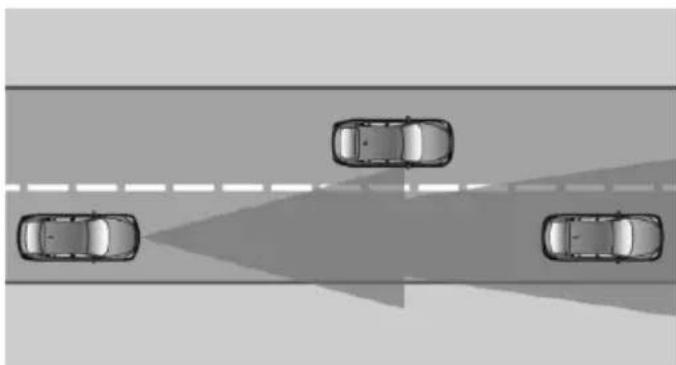
natural_image
Top-down view of four cars driving on a road with a shaded lane (no text or symbols visible)The detection lidacity of the system and the automatic braking lidacity are limited.
Two-wheeled vehicles for instance might not be detected.
Limited detection potential
Because of the limited possible detection, you should be alert at all times so that you can intervene if needed; otherwise, there is the risk of an accident.
Deceleration
The system does not decelerate for:
▶ Pedestrians or similar slow-moving road users.
▶ Red traffic lights.
▷ Cross traffic.
Oncoming traffic.
Swerving vehicles
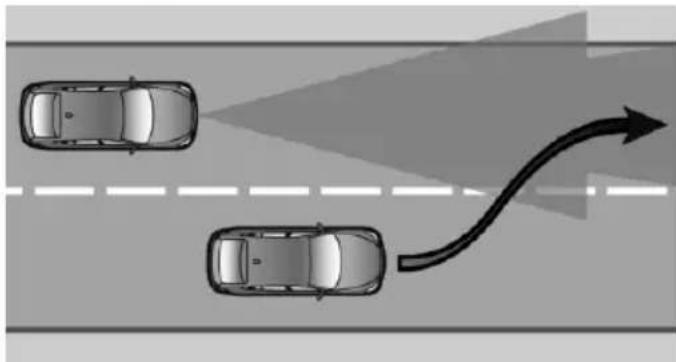
natural_image
Top-down diagram of two cars driving on a road with an arrow indicating direction (no text or symbols)A vehicle driving in front of you is not detected until it is completely within the same lane as your vehicle.
Swerving vehicles If a vehicle driving
If a vehicle driving ahead of you suddenly swerves into your lane, the system may not be able to automatically restore the selected distance. This also applies to major speed differences to vehicles driving ahead of you, e.g., when rapidly approaching a truck. When a vehicle driving ahead of you is reliably detected, the system requests that the driver intervene by braking and carrying out evasive maneuvers, if needed. You must react yourself; otherwise, there is the risk of an accident.
Cornering
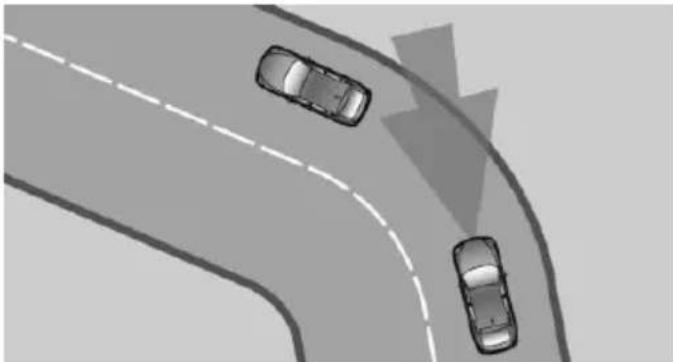
natural_image
Top-down view of three cars driving on a curved road with dashed lane markings (no text or symbols)If the desired speed is too high for a curve, the speed is reduced slightly, although curves cannot be anticipated in advance. Therefore, drive into a curve at an appropriate speed.
In tight curves the system offers only restricted detection where a vehicle ahead of you might be detected late or not at all.
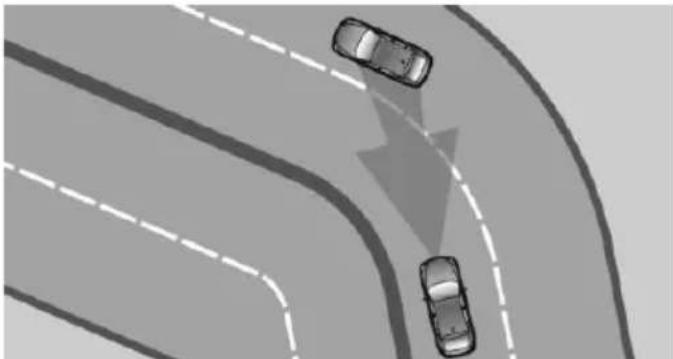
natural_image
Top-down view of a multi-lane road with two cars driving, one moving downward (no text or symbols)When you approach a curve the system may briefly report vehicles in the next lane due to the bend of the curve. If the system decelerates you may compensate it by briefly accelerating.
After releasing the gas pedal the system is re-activated and controls speed independently.
Driving away
In some situations, the vehicle cannot drive off automatically; for example:
On steep inclines.
▶ From behind bumps in the road.
In these cases, step on the accelerator pedal.
Radar sensor
For US owners only
The transmitter and receiver units comply with part 15 of the FCC/Federal Communication Commission regulations. Operation is governed by the following:
FCC ID:
OAYARS3-A
Compliance statement:
This device complies with part 15 of the FCC Rules. Operation is subject to the following two conditions:
This device may not cause harmful interference, and
- this device must accept any interference received, including interference that may cause undesired operation.
Any unauthorized modifications or changes to these devices could void the user's authority to operate this equipment.
Malfunction
The system cannot be activated if the radar sensor is not aligned correctly. This may be caused by damage incurred during parking, e.g.
A Check Control message is displayed if the system fails.
The function for detecting and responding when approaching stationary vehicles may be limited in the following situations:
During calibration of the camera immediately after vehicle shipment.
▶ If the camera is malfunctioning or dirty. A Check Control message is displayed.
Cruise control
The concept
The system maintains a preset speed via the buttons on the steering wheel. The system brakes on downhill gradients if engine braking is insufficient.
General information
Depending on the driving settings, the features of the cruise control can change in certain areas.
Hints

Unfavorable conditions
Do not use the system if unfavorable
conditions make it impossible to drive at a constant speed, e.g.:
On winding roads.
In heavy traffic.
On slippery roads, in fog, snow or rain, or on a loose road surface.
Otherwise, you could lose control of the vehicle and cause an accident.
Controls
Overview
| Press button | Function |
| Cruise control on/off, interrupt, refer to page 150 | |
| SET | Store/maintain speed, refer to page 151 |
| RES | Resume speed, refer to page 151 |
| rocker switch: Maintain, store, change speed, refer to page 151 |
Buttons are arranged according to vehicle's series, optional features and country specifications.
Switching on
Press button on the steering wheel.
The marking in the speedometer is set to the current speed.
The cruise control can be used.
Switch off

Deactivated or interrupted system
With deactivated or interrupted system use your brakes, steering and moves as usual to avoid the chance of an accident.
Press button on the steering wheel.
▶ If active: press twice.
▶ If interrupted: press once.
The displays go out. The stored desired speed is deleted.
Interrupting

When active, press the button.
The system is automatically interrupted if:
The brakes are applied.
The clutch pedal is depressed for a few seconds or released while a gear is not engaged.
▶ Selector lever position D is disengaged.
▷ DTC Dynamic Traction Control is activated or DSC is deactivated.
▷ DSC is actively controlling stability.
▷ HDC is activated.
When SPORT+ is activated with Driving Dynamics Control.
Maintaining, storing, and changing the speed
Hints

Adjusting the desired speed
Modify desired speed to road conditions and be ready to brake at all times; otherwise, there is the risk of an accident.
Maintaining/storing the speed
Press button.
Or:
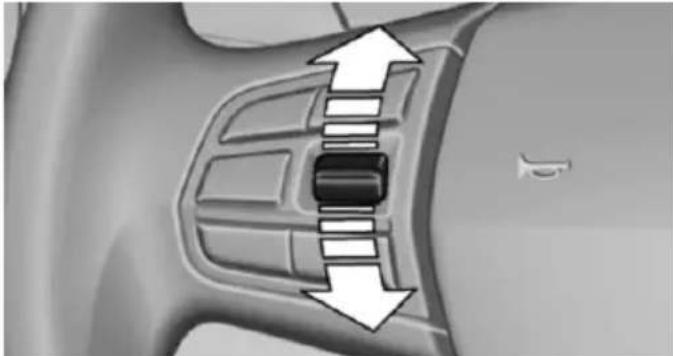
natural_image
Diagram of a car interior with directional arrows indicating movement or flow (no text or symbols)Press the rocker switch while the system is interrupted.
When the system is switched on, the current speed is maintained and stored as the desired speed.
This is displayed, refer to page 151, in the speedometer and briefly in the instrument cluster.
When cruise control is maintained or stored, DSC Dynamic Stability Control will be turned on if needed.
Changing the speed
Press the rocker switch up or down repeatedly until the desired speed is set.
If active, the displayed speed is stored and the vehicle reaches the stored speed when the road is clear.
▶ Each time the rocker switch is pressed to the point of resistance, the desired speed
increases or decreases by approx. 1 mph/km/
▶ Each time the rocker switch is pressed past the point of resistance, the desired speed increases or decreases by a maximum of 5 mph/10 km/h.
The maximum speed that can be set depends on the vehicle.
▶ Pressing the rocker switch to the resistance point and holding it accelerates or decelerates the vehicle without requiring pressure on the accelerator pedal.
After the rocker switch is released, the vehicle maintains its final speed. Pressing the switch beyond the resistance point causes the vehicle to accelerate more rapidly.
Resuming the desired speed
Press button.
The stored speed is reached and maintained.
Displays in the instrument cluster
Indicator lamp

Depending on how the vehicle is equipped, the indicator lamp in the instrument cluster indicates whether the sys-
tem is switched on.
Desired speed
The marking lights up green: the system is active.
The marking lights up or- ange: the system has been interrupted.
The marking does not light up: the system is switched off.

With instrument display: the symbol is displayed in the speedometer similarly to the mark for the desired speed.
Brief status display

Selected desired speed.
If --- appears briefly on the display for Check Control messages, it is possible that the system requirements are currently not ready for operations.
Displays in the Head-up Display
Some system information can also be displayed in the Head-up Display.
PDC Park Distance Control
The concept
PDC is a support when parking. When you slowly approach an object in the rear - or also in the front of the vehicle if the feature is available - then the object is reported through:
▷ Signal tones.
▶ Visual display.
General information
Ultrasound sensors in the bumpers measure the distances from objects.
The maneuvering range, depending on the obstacle and environmental conditions, is approx. 6 ft/2 m.
An acoustic warning is first given:
By the front sensors and the two rear corner sensors at approx. 24 in/60 cm.
By the rear middle sensors at approx. 5 ft/1.50 m.
To ensure full functionality:
Do not cover sensors, e.g., with stickers, bicycle racks.
Keep the sensors clean and free of ice.
When using high-pressure washers, do not spray the sensors for long periods and maintain a distance of at least 12 in/30 cm.
Hints

Personal responsibility
Even an active system does not relieve the driver from personal responsibility while driving.
Technically the system has its limits, it cannot independently react to all traffic situations.
Monitor your driving, be on the alert, observe the vehicle surroundings and other traffic and react when needed - risk of accident.

Avoid driving fast with PDC
Avoid approaching an object too fast.
Avoid driving off fast while PDC is not yet active.
For technical reasons, the system may otherwise be too late in issuing a warning.
Overview
With front PDC: button in vehicle
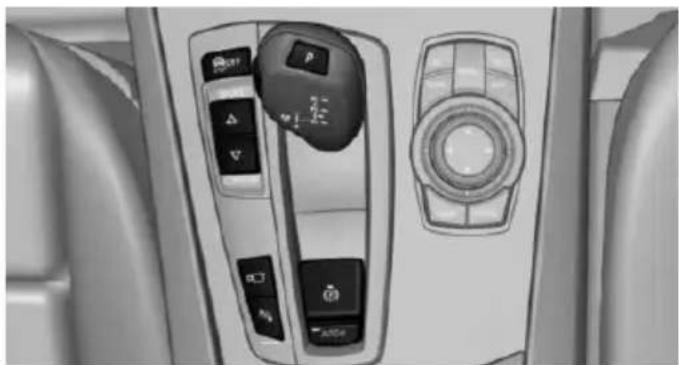
natural_image
Interior view of a car dashboard with control panels and buttons (no visible text or symbols)
PDC Park Distance Control
Switching on/off
Switching on automatically
With the engine running, engage lever in position P R.
The rearview camera also switches on.
Automatic deactivation during forward travel
The system switches off when a certain driving distance or speed is exceeded.
Switch the system back on if needed.
With front PDC: switching on/off manually

Press button.
On: the LED lights up.
▶ Off: the LED goes out.
The rearview camera image is displayed when the reverse gear is engaged by pressing the button.
Display
Signal tones
When approaching an object, an intermittent sound indicates the position of the object. E. g. if an object is detected to the left rear of the vehicle, a signal tone sounds from the left rear speaker.
The shorter the distance to the object, the shorter the intervals.
If the distance to a detected object is less than approx. 10 in/25 cm, a continuous tone is sounded.
With front PDC: if objects are located both in front of and behind the vehicle, an alternating continuous signal is sounded.
An interval tone is interrupted with the appropriate equipment after about 3 seconds:
▶ If the vehicle stops in front of an object that is detected by only one of the corner sensors.
▶ If moving parallel to a wall.
The signal tone is switched off, when selector lever position P is engaged on vehicles with Steptronic transmission.
Volume
The volume of the PDC signal tone can be adjusted similar to the sound and volume settings of the radio.
Settings are stored for the profile currently in use.
Visual warning
The approach of the vehicle to an object can be shown on the Control Display. Objects that are farther away are already displayed on the Control Display before a signal sounds.
A display appears as soon as Park Distance Control (PDC) is activated.
The range of the sensors is represented in the colors green, yellow and red.
When the image of the rearview camera is displayed, the reel can be made to PDC:
"Rear view camera"
System limits
Limits of ultrasonic measurement
Ultrasonic measuring might not function under the following circumstances:
▶ For small children and animals.
For persons with certain clothing, e.g. coats.
▶ With external interference of the ultrasound, e.g. from passing vehicles or loud machines.
▶ When sensors are dirty, iced over, damaged or out of position.
▶ Under certain weather conditions such as high relative humidity, rain, snowfall, extreme heat or strong wind.
▶ With tow bars and trailer couplings of other vehicles.
▶ With thin or wedge-shaped objects.
▶ With moving objects.
▶ With elevated, protruding objects such as ledges or cargo.
▶ With objects with corners and sharp edges.
▶ With objects with a fine surface structure such as fences.
▶ For objects with porous surfaces.
Low objects already displayed, e.g., curbs, can move into the blind area of the sensors before or after a continuous tone sounds.
False warnings
PDC may issue a warning under the following conditions even though there is no obstacle within the detection range:
In heavy rain.
▶ When sensors are very dirty or covered with ice.
▶ When sensors are covered in snow.
On rough road surfaces.
On uneven surfaces, such as speed bumps.
In large buildings with right angles and smooth walls, e.g., in underground garages.
▶ In automatic car washes.
▶ Through heavy pollution.
▶ Due to other ultrasound sources, e.g., sweeping machines, high pressure steam cleaners or neon lights.
Malfunction
A Check Control message is displayed.
The range of the sensors is shown as a shaded area on the Control Display.
PDC has failed. Have the system checked.
To ensure full functionality:
Keep the sensors clean and free of ice.
▶ dimmedDo not put any stickers on sensors.
When using high-pressure washers, do not spray the sensors for long periods and maintain a distance of at least 12 in/30 cm.
Surround View
The concept
Surround View comprises various camera assistance systems that help the driver when parking, maneuvering, and at complex exits and intersections.
▶ Rearview camera, refer to page 154
▶ Side View, refer to page 157.
▶ Top View, refer to page 158.
Rearview camera
The concept
The rearview camera provides assistance in parking and maneuvering backwards. The area behind the vehicle is shown on the Control Display.
Hints
Check the traffic situation as well Check the traffic situation around the vehicle with your own eyes. Otherwise, an accident could result from road users or objects that are not lidtured by the camera.
At a glance
Button in the vehicle
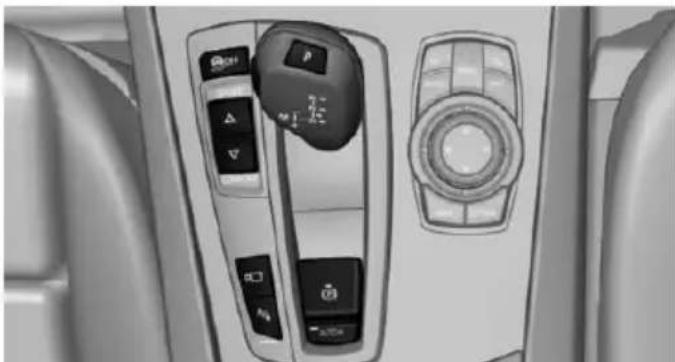
natural_image
Interior view of a car dashboard with control panels and buttons (no visible text or symbols)
Rearview camera
Camera
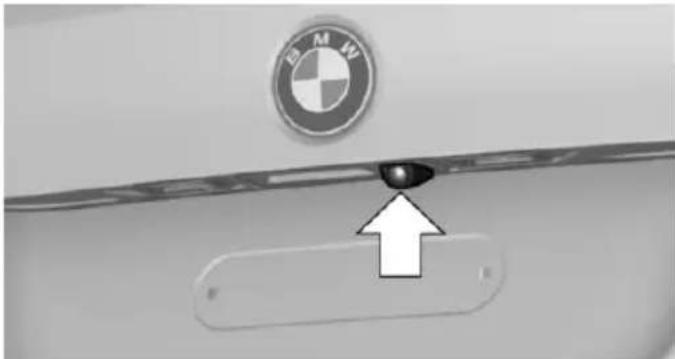
natural_image
Close-up of a BMW logo on a door panel, with an arrow pointing to a button (no text or symbols visible)The camera lens is located in the handle of the tail gate. The image quality may be impaired by dirt.
Clean the camera lens, refer to page 254.
Switching on/off
Switching on automatically
With the engine running, engage lever in position P R.
Automatic deactivation during forward travel
The system switches off when a certain driving distance or speed is exceeded.
Switch the system back on if needed.
Switching on/off manually

Press button.
On: the LED lights up.
▶ Off: the LED goes out.
The PDC is shown on the Control Display.
The rearview camera image is displayed when the reverse gear is engaged by pressing the button.
Switching the view via iDrive
With PDC activated or Top View switched on:

"Rear view camera"
The rearview camera image is displayed.
Display on the Control Display
Functional requirement
The rearview camera is switched on.
The trunk lid is fully closed.
Activating assistance functions
More than one assistance function can be active at the same time.
Parking aid lines

"Parking aid lines"
Lanes and turning radius are indicated.
Obstacle marking

"Obstacle marking"
Spatially-shaped markings are displayed.
Pathway lines
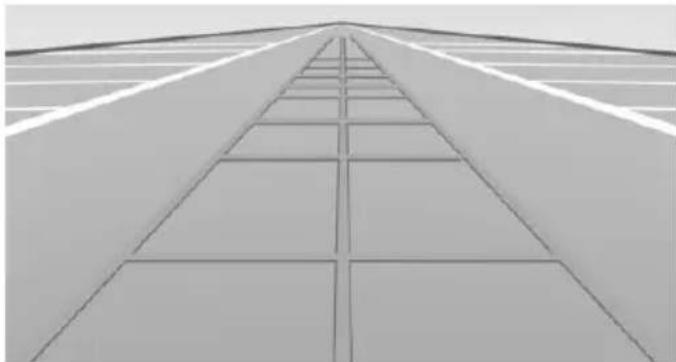
natural_image
Exterior view of a modern building facade with diagonal grid pattern (no text or symbols)▶ Pathway lines can be superimposed on the image of the rearview camera.
They help you to estimate how much space is needed when parking and maneuvering on level pavement.
They are dependent on the current steering angle and are continuously adjusted to the steering wheel movements.
Turning circle lines
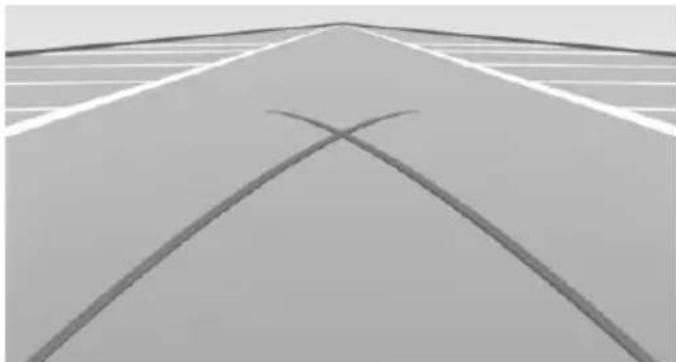
natural_image
Exterior view of a road with two intersecting diagonal lines forming an X shape (no text or symbols)▶ Turning circle lines can only be superimposed on the rearview camera image together with pathway lines.
They show the course of the smallest possible turning radius on a level road.
▶ Only one turning radius line is displayed after the steering wheel is turned past a certain angle.
Obstacle marking
natural_image
Close-up of a curved metallic structure with grid pattern and two rectangular components, no visible text or symbolsObstacle markings can be faded into the image of the rearview camera.
Their colored margins match the markings of the PDC. This simplifies estimation of the distance to the object shown.
Parking using pathway and turning radius lines
- Position the vehicle so that the turning radius lines lead to within the limits of the parking space.
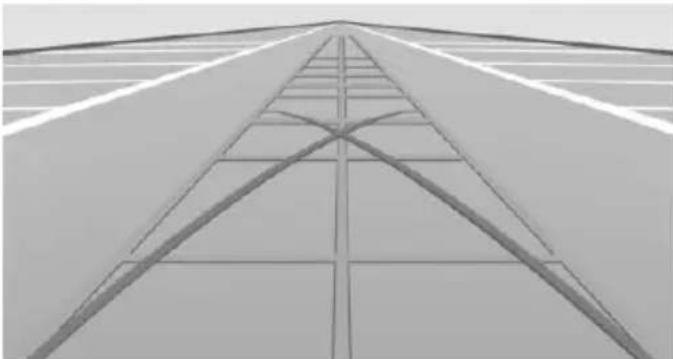
natural_image
Architectural perspective view of a modern building facade with diagonal grid lines and horizontal beams (no text or symbols)- Turn the steering wheel to the point where the pathway line covers the corresponding turning radius line.
natural_image
Abstract geometric pattern with curved and straight lines forming a grid-like structure (no text or symbols)Display settings
Brightness
With the rearview camera switched on:
-
Select the symbol.
-
Turn the controller until the desired setting is reached, and press the controller.
Contrast
With the rearview camera switched on:
-
Select the symbol.
-
Turn the controller until the desired setting is reached, and press the controller.
System limits
Detection of objects
Very low obstacles as well as high, protruding objects such as ledges may not be detected by the system.
Assistance functions also take into account data of the PDC.
Follow instructions in the PDC chapter, refer to page 152.
The objects displayed on the Control Display under certain circumstances are closer than they appear. Do not estimate the distance from the objects on the display.
Side View
The concept
Side View provides an early look at cross traffic at blind driveways and intersections. Road users concealed by obstacles to the left and right of the vehicle can only be detected relatively late from the driver's seat. To improve visibility, two cameras in the front of the vehicle record the traffic situation on each side.
Hints
The images from both cameras are shown simultaneously on the Control Display.

Check the traffic situation as well
Check the traffic situation around the vehicle on blind driveways and intersections with your own eyes. Otherwise, an accident could result from road users or objects located outside the picture area of the Side View cameras.
At a glance
Button in the vehicle
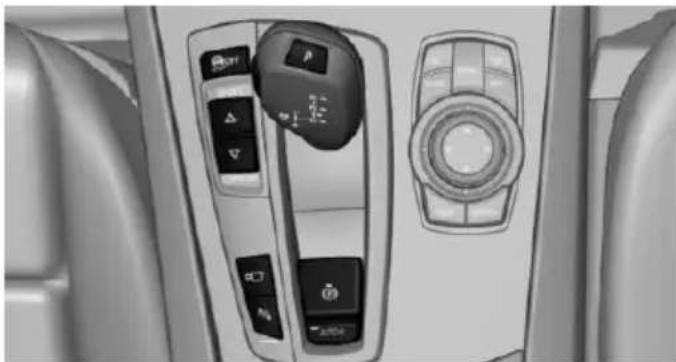
natural_image
Interior view of a car dashboard with control panels and a rotary knob (no visible text or symbols)
Side View
Cameras
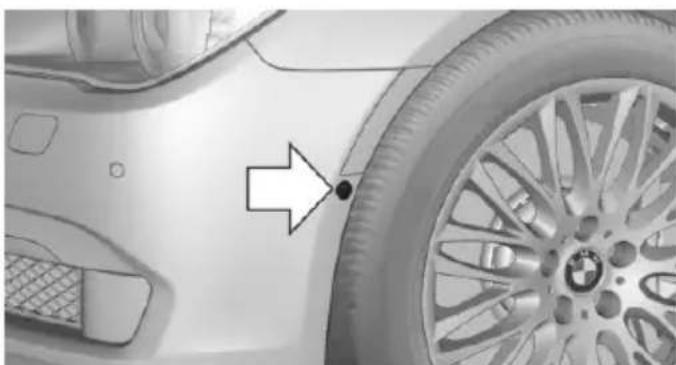
natural_image
Close-up of a car's front wheel and side panel, showing a white arrow pointing to a black dot on the wheel (no text or symbols visible)Two cameras integrated in the bumpers capture the image.
The two camera lenses are located on the sides of the bumper.
The image quality may be impaired by dirt.
Clean the camera lenses, refer to page 254.
Switching on/off
Switching on/off manually

Press button.
Automatic deactivation during forward travel
The system switches off when a certain driving distance or speed is exceeded.
Switch the system back on if needed.
Display
The traffic area to the left and right is displayed on the Control Display.
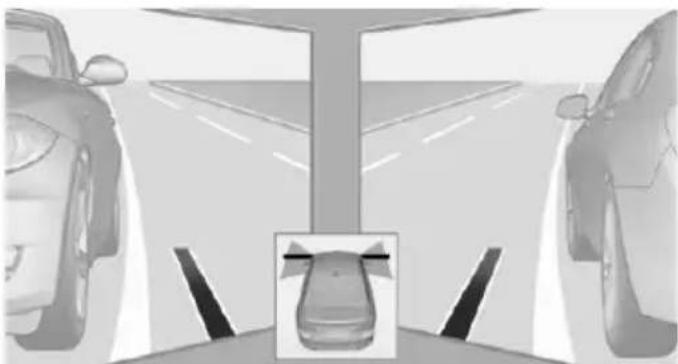
natural_image
Two cars standing on a road with a central parking structure and a small inset image of a car (no text or symbols visible)Guidelines at the bottom of the image show the position of the front of the vehicle.
Brightness
With the Side View switched on:
-
"Brightness"
-
Turn the controller until the desired setting is reached, and press the controller.
Contrast
With the Side View switched on:
-
● "Contrast"
-
Turn the controller until the desired setting is reached, and press the controller.
System limits
The cameras lidture a maximum range of 330 ft/100 m.
Top View
The concept
Top View provides assistance in parking and maneuvering. The area around the doors and the road area around the vehicle are shown on the Control Display for this purpose.
General information
The image is lidtured by two cameras integrated in the exterior mirrors and by the rearview camera.
The range is at least 7 ft/2 m to the side and rear.
In this way, obstacles up to the height of the exterior mirrors are detected early.
Hints
Check the traffic situation as well Check the traffic situation around the vehicle with your own eyes. Otherwise, an accident could result from road users or objects that are not lidtured by the camera.
Overview
Button in the vehicle
natural_image
Interior view of a car dashboard with control panels and buttons (no visible text or symbols)
Top View
Cameras
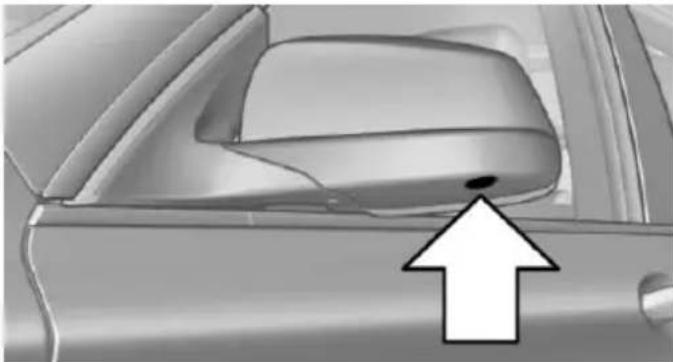
natural_image
Close-up of a car's side panel showing the wheel rim and dashboard area, with an arrow pointing to a small dot (no text or symbols visible)The lenses of the Top View camera are located at the bottom in the mirror housings. The image quality may be impaired by dirt.
Clean the camera lenses, refer to page 254.
Switching on/off
Switching on automatically
With the engine running, engage lever in position P R.
The rearview camera image is displayed. To switch to the Top View:
"Rear view camera"
Automatic deactivation during forward travel
The system switches off when a certain driving distance or speed is exceeded.
Switch the system back on if needed.
Switching on/off manually

Press button.
On: the LED lights up.
▶ Off: the LED goes out.
Top View is displayed.
The rearview camera image is displayed when the reverse gear is engaged by pressing the button.
Display
Visual warning
The approach of the vehicle to an object can be shown on the Control Display.
When the distance to an object is small, a red bar is shown in front of the vehicle, as it is in the PDC display.
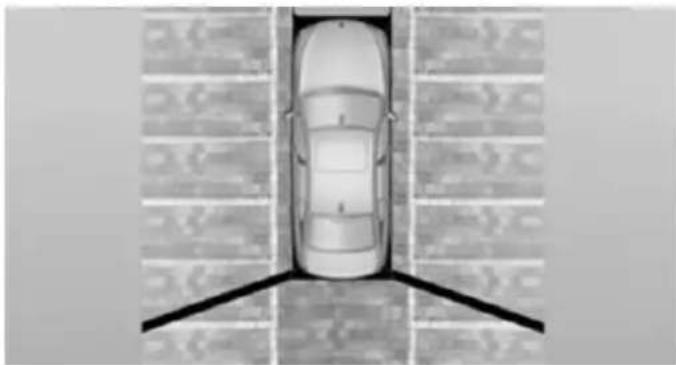
natural_image
Top-down view of a car parked in a parking lot with lane markings (no text or symbols visible)The display appears as soon as Top View is activated.
When the image of the rearview camera is displayed, it is possible to reel to top view:
"Rear view camera"
Brightness
With Top View switched on:
- Select the symbol.
- Turn the controller until the desired setting is reached, and press the controller.
Contrast
With Top View switched on:
- Select the symbol.
- Turn the controller until the desired setting is reached, and press the controller.
Displaying the turning radius and pathway lines
The static, red turning radius line shows the space needed to the side of the vehicle when the steering wheel is turned all the way.
The variable, green pathway line assists you in assessing the amount of space actually needed to the side of the vehicle. The lane line depends on the engaged gear and the current steering angle. The track line is continuously adjusted for the steering wheel movement.
"Parking aid lines"
Turning circle and pathway lines are displayed.
System limits
Top View cannot be used in the following situations:
▶ With a door open.
▶ With the trunk lid open.
▶ With an exterior mirror folded in.
In poor light.
A Check Control message is displayed in some of these situations.
Parking assistant
The concept
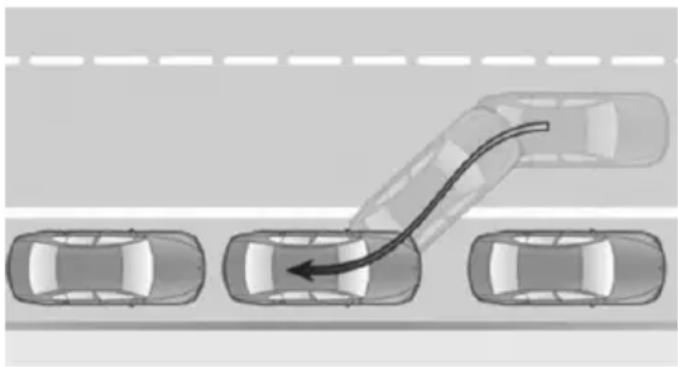
natural_image
Top-down diagram of a multi-lane road with cars and a curved arrow indicating direction (no text or symbols)This system assists the driver in parking parallel to the road.
Ultrasound sensors measure parking spaces on both sides of the vehicle.
Manual transmission:
The parking assistant calculates the best possible parking line and takes control of steering during the parking procedure.
Steptronic transmission:
The parking assistant calculates the best possible parking line and during the parking procedure takes control of steering, the acceleration and braking and if needed changes the gears. Hold down the parking assistant button for the duration of the parking procedure. At the end of the parking procedure, the P selector lever position is set.
When parking, also take note of the visual and acoustic information and instructions issued by the PDC, the parking assistant and the rear-view camera and react accordingly.
A component of the parking assistant is the PDC Park Distance Control, refer to page 152.
Hints
Personal responsibility
Even an active system does not relieve the driver from personal responsibility while driving.
Technically the system has its limits, it cannot independently react to all traffic situations.
Monitor your driving, be on the alert, observe the vehicle surroundings and other traffic and react when needed - risk of accident.
Changes to the parking space
Changes to the parking space after it was measured are not taken into account by the system.
Therefore, always be alert and ready to intervene; otherwise, there is the risk of an accident.
Transporting cargo
Cargo that extends beyond the perimeter of the vehicle is not taken into account by the system during the parking procedure.
Therefore, always be alert and ready to intervene; otherwise, there is the risk of an accident.

Curbs
The parking assistant may steer the vehicle over or onto curb if need be.
Therefore, always be alert and ready to intervene; otherwise, the wheels, tires, or the vehicle may become damaged.
An engine that has been switched off by the Auto Start Stop function is restarted automatically when the parking assistant is activated.
Requirements
For measuring parking spaces
▶ Maximum speed while driving forward approx. 22 mph/35 km/h.
▶ Maximum distance to row of parked vehicles: 5 ft/1.5 m.
Suitable parking space
▶ Gap between two objects with a minimum length of approx. 5 ft/1.5 m.
Min. length of gap between two objects: your vehicle's length plus approx. 4 ft/1.2 m.
▶ Minimum depth: approx. 5 ft/1.5 m.
Regarding the parking procedure
▶ Doors and trunk lid closed.
Parking brake released.
When parking in parking spaces on the driver's side, the corresponding turn signal must be set where applicable.
Steptronic transmission:
▶ Driver's safety belt fastened.
Overview
Button in the vehicle
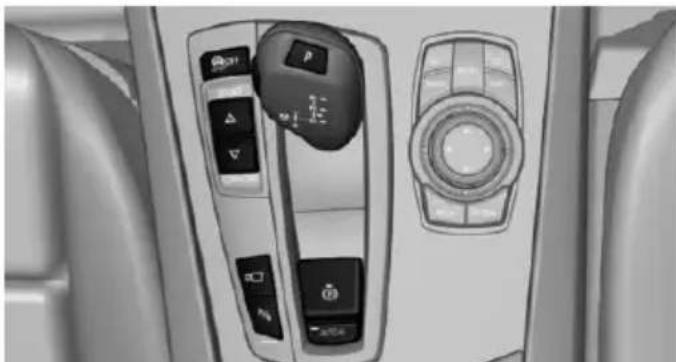
natural_image
Interior view of a car dashboard with control switches and a rotary knob (no visible text or symbols)
Parking assistant
Ultrasound sensors
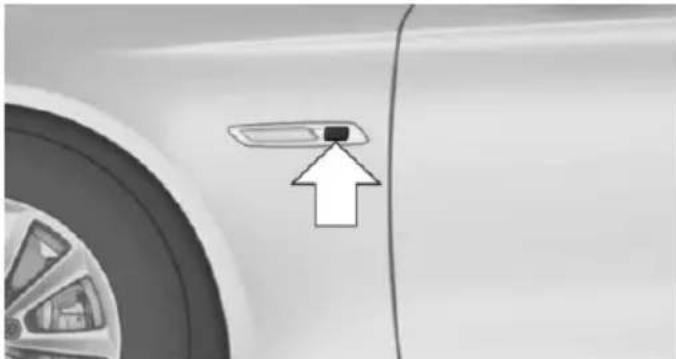
natural_image
Close-up of a car's side panel with an arrow pointing to a small component (no text or symbols visible)The ultrasound sensors for measuring parking spaces are located on the side of the vehicle.
To ensure full functionality:
Keep the sensors clean and free of ice.
When using high-pressure washers, do not spray the sensors for long periods and maintain a distance of at least 12 in/30 cm.
Do not put stickers over sensors.
Switching on/off
Switching on with the button

Press button.
The LED lights up.
The current status of the parking space search is indicated on the Control Display.

Parking assistant is activated automatically.
Switching on with the reverse gear
Shift into reverse.
The current status of the parking space search is indicated on the Control Display.
To activate: "Parking Assistant"
Switch off
The system can be deactivated as follows:
▶ Press button.

▶ Switch off the ignition.
Display on the Control Display
System activated/deactivated
Symbol Meaning

Gray: the system is not available.
White: the system is available but not activated.

The system is activated.
System status
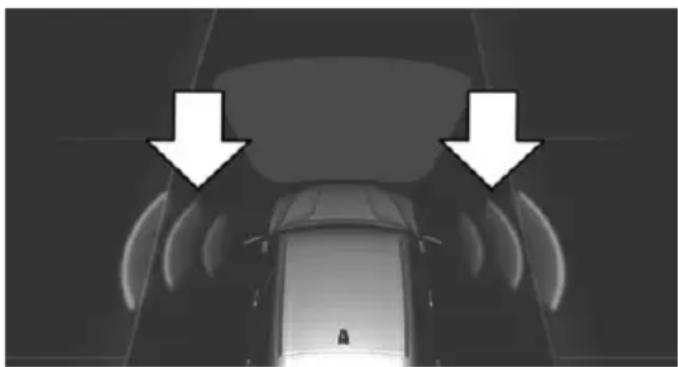
natural_image
Top-down view of a car with two white arrows pointing downward to the roof area (no text or symbols visible)Colored symbols, see arrows, on the side of the vehicle illustrated. Parking assistant is activated and search for parking space active.
▶ Control Display shows suitable parking spaces at the edge of the road next to the vehicle symbol. When the parking assistant
is active, suitable parking spaces are highlighted.
The parking procedure is ac-
tive. Steering control has been taken over by system.
Parking space search is always active whenever the vehicle is moving forward slow and straight, even if the system is deactivated. When the system is deactivated, the displays on the Control Display are shown in gray.
Parking using the parking assistant

Check the traffic situation as well
Louds noises outside and inside the vehicle can drown out the parking assistant's and PDC's signals.
Check the traffic situation around the vehicle with your own eyes; otherwise, there is a danger of an accident.
- Switch on the parking assistant and activate it if needed.
The status of the parking space search is indicated on the Control Display.
- Follow the instructions on the Control Display.
The best possible parking position will come after gear change on the stationary vehicle - wait for the automatic steering wheel move.
The end of the parking procedure is indicated on the Control Display.
- Adjust the parking position yourself if needed.
Interrupting manually
The parking assistant can be interrupted at any time:
▶ "Parking Assistant" Select the symbol on the Control Display.
▶ Press button.
Interrupting automatically
The system is interrupted automatically in the following situations:
▶ If the driver grasps the steering wheel or if he takes over steering.
▶ If a gear is selected that does not match the instruction on the Control Display.
▶ If the vehicle speed exceeds approx. 6 mph/10 km/h.
▶ Possible on snow-covered or slippery road surfaces.
When there are obstacles that are hard to overcome, such as curbs.
▶ When there are obstacles that suddenly arise.
▶ If the Park Distance Control PDC displays clearances that are too small.
▶ If a maximum number of parking attempts or the time taken for parking is exceeded.
▶ If a turn signal has been actuated contrary to the desired side for parking.
▶ When switching to another function on the Control Display.
Steptronic transmission:
▶ When the button is released.
▶ If the trunk lid is open.
▶ If doors are open.
▶ When setting the parking brake.
During acceleration.
▶ When braking.
When unfastening the driver's safety belt.
A Check Control message is displayed.
Resume
An interrupted parking procedure can be continued if needed.
Follow the instructions on the Control Display to do this.
System limits
No parking assistance
The parking assistant does not offer assistance in the following situations:
In tight curves.
Functional limitations
The system may not be fully functional in the following situations:
On bumpy road surfaces such as gravel roads.
On slippery ground.
On steep uphill or downhill grades.
▶ With accumulations of leaves/snow in the parking space.
Limits of ultrasonic measurement
Ultrasonic measuring might not function under the following circumstances:
▶ For small children and animals.
▶ For persons with certain clothing, e.g. coats.
▶ With external interference of the ultrasound, e.g. from passing vehicles or loud machines.
▶ When sensors are dirty, iced over, damaged or out of position.
▶ Under certain weather conditions such as high relative humidity, rain, snowfall, extreme heat or strong wind.
- With tow bars and trailer couplings of other vehicles.
▶ With thin or wedge-shaped objects.
▶ With moving objects.
▶ With elevated, protruding objects such as ledges or cargo.
▶ With objects with corners and sharp edges.
▶ With objects with a fine surface structure such as fences.
▶ For objects with porous surfaces.
Low objects already displayed, e.g., curbs, can move into the blind area of the sensors before or after a continuous tone sounds.
The parking assistant may identify parking spaces that are not suitable for parking.
Malfunction
A Check Control message is displayed.
The parking assistant failed. Have the system checked.
Climate control
Vehicle features and options
This chapter describes all standard, country-specific and optional features offered with the series. It also describes features that are not necessarily available in your car, e. g., due to
the selected options or country versions. This also applies to safety-related functions and systems. The respectively applicable country provisions must be observed when using the respective features and systems.
Automatic climate control
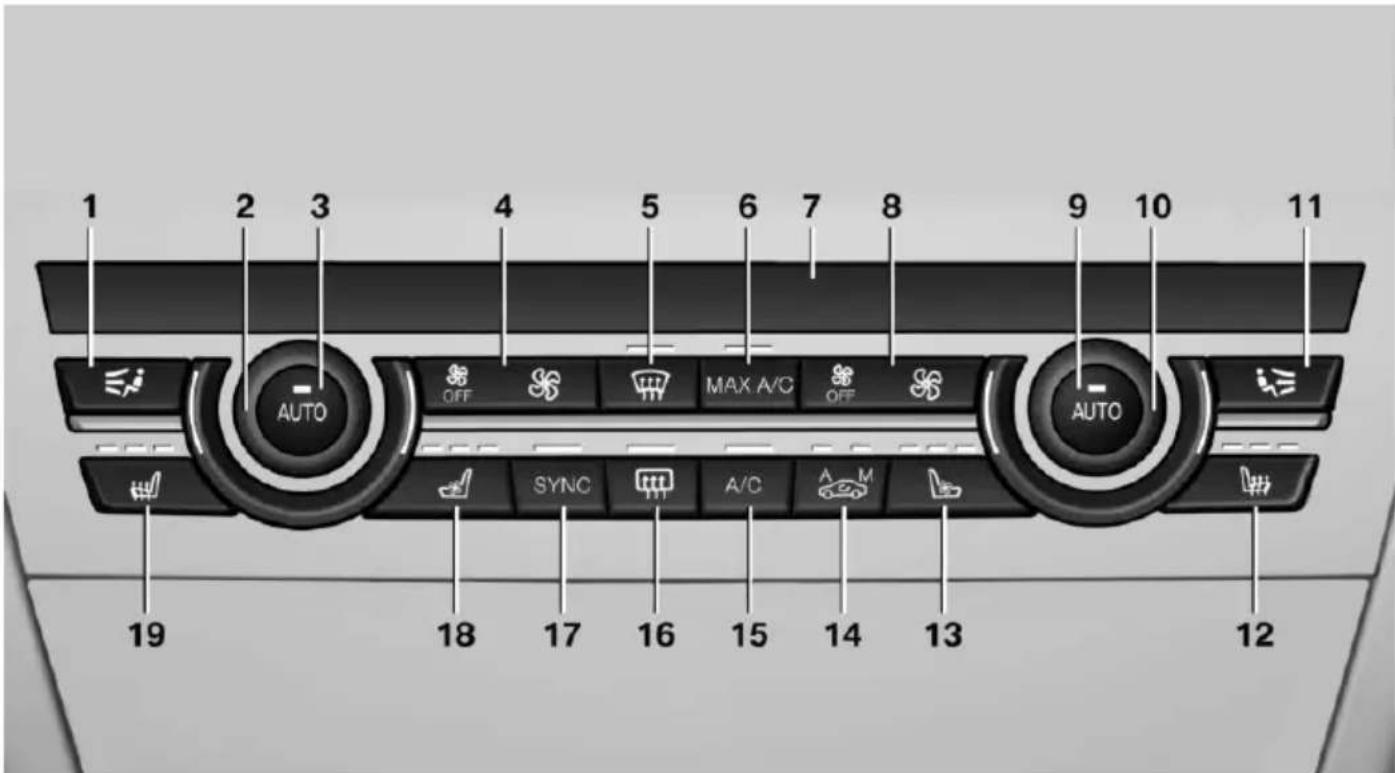
text_image
1 2 3 4 5 6 7 8 9 10 11 AUTO OFF MAX A/C OFF AUTO SYNC A/C M 19 18 17 16 15 14 13 121 Air distribution, left
2 Temperature, left
3 AUTO program, left
4 Air flow, AUTO intensity, left, residual heat
5 Remove ice and condensation
6 Maximum cooling
7 Display
8 Air flow, AUTO intensity, right
9 AUTO program, right
10 Temperature, right
11 Air distribution, right
12 Seat heating, right 56
13 Active seat ventilation, right 57
14 Automatic recirculated-air control/recirculated-air mode
15 Cooling function
16 Rear window defroster
17 SYNC program
18 Active seat ventilation, left 57
19 Seat heating, left 56
Hints

Sufficient ventilation
When remaining in the vehicle for an extended period of time, ensure sufficient external ventilation. Do not continuously use recirculated-air mode; otherwise the air quality in the interior continuously deteriorates and window condensation increases.
Climate control functions in detail
Manual air distribution
Press button repeatedly to select a program:
▶ Upper body region.
▶ Upper body region and footwell.
▶ Footwell.
▶ Windows and footwell.
▶ Windows, upper body region, and footwell.
▶ Windows: driver's side only.
▶ Windows and upper body region.
If the windows are fogged over, press the AUTO button on the driver's side to utilize the condensation sensor.
Temperature
Turn the ring to set the desired temperature.
The automatic climate control achieves this temperature as quickly as possible, if needed by using the maximum cooling or heating lidacity, and then keeps it constant.
Do not rapidly switch between different temperature settings. Otherwise, the automatic climate control will not have sufficient time to adjust the set temperature.
AUTO program
Press button.
Air flow, air distribution and temperature are controlled automatically.
Depending on the selected temperature, AUTO intensity program and outside influences, the air is directed to the windshield, side windows, upper body, and into the footwell.
The cooling function, refer to page 167, is switched on automatically with the AUTO program.
At the same time, a condensation sensor controls the program so as to prevent window condensation as much as possible.
Intensity of the AUTO program
With the AUTO program activated, the automatic intensity control can be changed.
Press the left or right side of the button: decrease or increase the inten-
sity.
The selected intensity is shown on the display of the automatic climate control.
Air flow, manual
To manually adjust air flow turn off AUTO program first.
Press the left or right side of the button: decrease or increase air flow.
The selected air flow is shown on the display of the automatic climate control.
The air flow of the automatic climate control may be reduced automatically to save battery power.
Defrosts windows and removes condensation
Press button.
Ice and condensation are quickly removed from the windshield and the front side windows.
For this purpose, point the side vents onto the side windows as needed.
Adjust air flow with the program active.
If the windows are fogged over, you can also switch on the cooling function or press the AUTO button to utilize the condensation sensor.
Maximum cooling
Press button.
The system is set to the lowest temperature, optimum air flow and air circulation mode.
Air flows out of the vents to the upper body region. The vents need to be open for this.
The function is available above an external temperature of approx. 32 ^/0 ^ and with the engine running is indicated.
Adjust air flow with the program active.
Automatic recirculated-air control/recirculated-air mode
You may respond to unpleasant odors or pollutants in the immediate environment by temporarily suspending the supply of outside air. The system then recirculates the air currently within the vehicle.
Press button repeatedly to select an operating mode:
▶ LEDs off: outside air flows in continuously.
▶ Left LED on, automatic recirculated-air control: a sensor detects pollutants in the outside air and shuts off automatically.
Right LED on, recirculated-air mode: the supply of outside air into the vehicle is permanently blocked.
If the windows are fogged over, switch off the recirculated-air mode and press the AUTO
button on the driver's side to utilize the condensation sensor. Make sure that air can flow to the windshield.

Sufficient ventilation
When remaining in the vehicle for an extended period of time, ensure sufficient external ventilation. Do not continuously use recirculated-air mode; otherwise the air quality in the interior continuously deteriorates and window condensation increases.
Cooling function
The car's interior can only be cooled with the engine running.
Press button.
The air will be cooled and dehumidified and, depending on the temperature setting, warmed again.
Depending on the weather, the windshield and side windows may fog up briefly when the engine is started.
The cooling function is switched on automatically with the AUTO program.
When using the automatic climate control, condensation water, refer to page 191, develops that exits underneath the vehicle.
Rear window defroster
Press button.
The rear window defroster switches off automatically after a certain period of time.
SYNC program
The current settings on the driver's side for temperature, air flow, air distri-
bution, and AUTO program are transferred to the front passenger side and to the left and right rear.
The program is switched off if the settings on the front passenger side or in the rear are changed.
Residual heat
The heat stored in the engine is used to heat the interior.
Functional requirement
▶ Up to 15 minutes after switching off the engine.
▷ Warm engine.
The battery is sufficiently charged.
▶ External temperature below 77 °F/25 °C.
The availability of the function is shown on the display of the automatic climate control.
Switching on
- Switch off the ignition.
- Press the right side of the button on the driver's side.
The symbol appears on the automatic climate Control Display.
The interior temperature, air volume and air distribution can be adjusted with the ignition switched on.
Switch off
At the lowest fan speed, press the left side of the button on the driver's side.
The symbol on the display of the automatic climate control flashes.
Switching the system on/off
Switch off
▶ Complete system:
Press and hold the left button on the driver's side until the control f.
clicks off.
On the front passenger side:
Press and hold the left button on the front passenger side.
Switching on
Press any button except:
▶ Rear window defroster.
▶ Left side of Air volume button.
▶ Seat heating.
▶ Seat ventilation.
▶ If necessary, SYNC program.
Microfilter/activated-charcoal filter
The microfilter removes dust and pollen from the incoming air.
The activated-charcoal filter removes gaseous pollutants from the outside air that enters the vehicle.
This combined filter should be replaced during scheduled maintenance, refer to page 236, of your vehicle.
Ventilation
Front ventilation
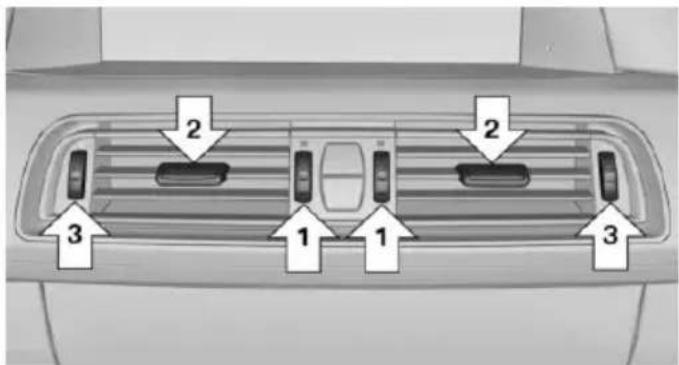
text_image
2 2 3 1 1 3▶ Thumbwheels to vary the temperature in the upper body region, arrow 1.
Toward blue: colder.
Toward red: warmer.
The set interior temperature for the driver and passenger are not changed.
▶ Lever for changing the air flow direction, arrow 2.
▶ Thumbwheels for opening and closing the vents continuously, arrows 3.
Ventilation levels
Draft-free ventilation:
Thumbwheel, arrow 3, in level ≈ the air current is fanned out.
▶ Maximum air flow:
Thumbwheel, arrow 3, in level the air is partially fanned out and partially bundled. This maximizes the air supply.
▶ Direct ventilation:
Thumbwheel, arrow 3, in level → the air is bundled and can be directed to a specific point.
Adjusting the ventilation
▶ Ventilation for cooling:
Direct vent in your direction when vehicle's interior is too hot.
Draft-free ventilation:
Adjust the vent to let the air flow past you.
Ventilation in rear, center
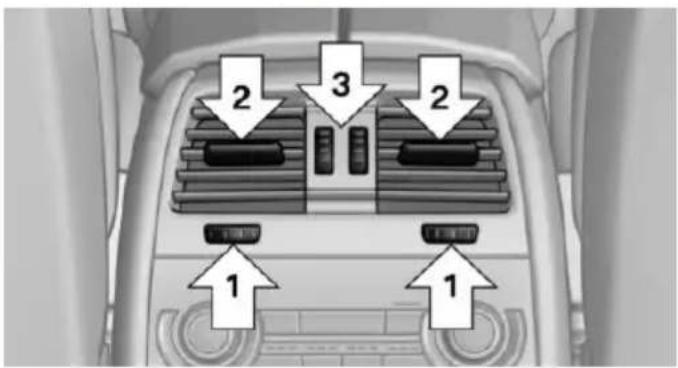
text_image
2 3 2 1 1▶ Thumbwheels to vary the temperature, arrow 1.
Toward blue: colder.
Toward red: warmer.
▶ Lever for changing the air flow direction, arrow 2.
▶ Thumbwheels for continuous opening and closing of the vents, arrow 3.
Ventilation, side
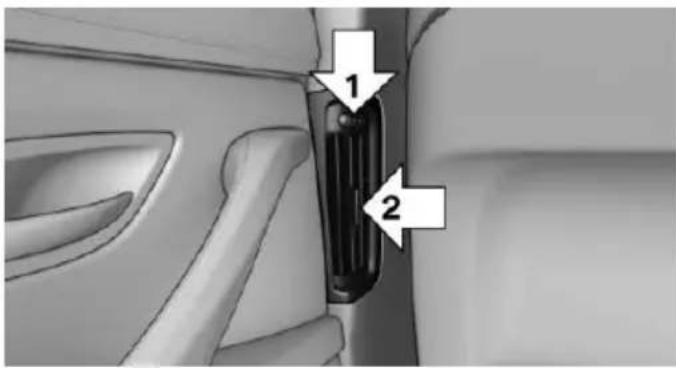
text_image
Diagram of car interior showing seatbelt and side door with numbered arrows indicating parts of the seat.▶ Thumbwheel for continuous opening and closing of the vents, arrow 1.
▶ Lever for changing the air flow direction, arrow 2.
Rear automatic climate control
At a glance
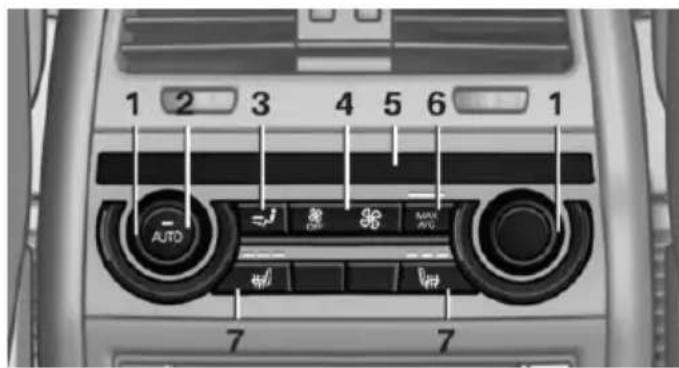
text_image
1 2 3 4 5 6 1 AUTO AIR AVG 7 71 Temperature
2 AUTO program
3 Vent settings
4 Air flow, AUTO intensity
5 Display
6 Maximum cooling
7 Seat heating 56
Switching the rear automatic climate control on/off
- "Settings"
- "Climate"
3. "Rear climate"
The rear automatic climate control is not operational if the automatic climate control is switched off or if the function for defrosting or defogging the windows is active.
AUTO program
Press button.
Air flow, air distribution, and temperature are controlled automatically:
Depending on the selected temperature, the AUTO intensity, and outside influences, the air is directed to the upper body and into the footwell.
The cooling function is switched on automatically with the AUTO program.
Intensity of the AUTO program
With the AUTO program activated, the automatic intensity control can be changed:
Press the left or right side of the button: decrease or increase the intensity.
The selected intensity is shown on the display of the automatic climate control.
Temperature
Turn the ring to set the desired temperature.
The automatic climate control achieves this temperature as quickly as possible, if needed by using the maximum cooling or heating capacity, and then keeps it constant.
Do not rapidly switch between different temperature settings. The automatic climate control will not have sufficient time to adjust the set temperature.
Manual air distribution
The air distribution can be adjusted to individual needs.
Press button repeatedly to select a program:
▶ Upper body region.
▶ Upper body region and footwell.
▶ Footwell.
Air flow, manual
To manually adjust air flow turn off AUTO program first.
Press the left or right side of the button: decrease or increase air flow.
The selected air flow is shown on the display of the automatic climate control.
Switching the system on/off
Switch off
Press and hold the left button.
Switching on
Press any button except:
▶ Left side of Air volume button.
▶ Seat heating.
Maximum cooling
Press button.
The system is set to the lowest temperature, maximum air flow and air circulation mode.
Air flows out of the vents to the upper body region. The vents need to be open for this.
Air is cooled as quickly as possible:
At an external temperature of approx. 32 °F/0 °C.
▶ When the engine is running.
Parked-car ventilation
The concept
The parked-car ventilation ventilates the vehicle interior and lowers its temperature, if needed.
Operation can be performed via iDrive.
Functional requirements
Parked-car ventilation
▶ Using the preset reel-on time or when operated directly: any external temperature.
Open the vents to allow air to flow out.
Switching on/off directly
On the Control Display:
- "Settings"
- "Climate"
- "Activate comf. ventilation"
The symbol on the automatic climate control flashes if the system is switched on.
The system continues to run for some time after being switched off.
Preselecting the reel-on time
On the Control Display:
- "Settings"
- "Climate"
- "Timer 1:" or "Timer 2:"
- Set the desired time.
Activating the reel-on time
On the Control Display:
- "Settings"
- "Climate"
- "Activate timer 1" or "Activate timer 2"
The symbol on the automatic climate control lights up when the reel-on time is activated.
The symbol on the automatic climate control flashes when the system has been switched on.
The system will only be switched on within the next 24 hours. After that, it needs to be reactivated.
Interior equipment
Vehicle features and options
This chapter describes all standard, country-specific and optional features offered with the series. It also describes features that are not necessarily available in your car, e.g., due to the selected options or country versions. This also applies to safety-related functions and systems. The respectively applicable country provisions must be observed when using the respective features and systems.
Universal Integrated Remote Control
The concept
The universal garage door opener can operate up to 3 functions of remote-controlled systems such as garage door drives or lighting systems. The universal garage door opener replaces up to 3 different hand-held transmitters. To operate the remote control, the buttons on the interior rearview mirror must be programmed with the desired functions. The hand-held transmitter for the particular system is required in order to program the remote control.

During programming
During programming and before activating a device using the universal garage door opener, ensure that there are no people, animals or objects in the area of the remote-controlled device; otherwise, there is a risk of injury or damage.
Also follow the safety instructions of the handheld transmitter.
Before selling the vehicle, delete the stored functions for the sake of security.
Compatibility

If this symbol is printed on the packaging or in the instructions of the system to be controlled, the system is generally compatible with the universal garage door opener.
If you have any questions, please contact:
▶ Your service center.
▷ www.homelink.com on the Internet.
HomeLink is a registered trademark of Gentex Corporation.
Control elements on the interior rearview mirror
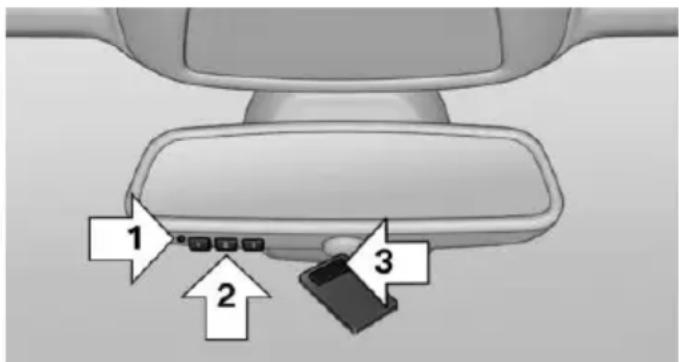
text_image
1 2 3▷ LED, arrow 1.
▶ Buttons, arrow 2.
The hand-held transmitter, arrow 3, is required for programming.
Programming
General information
- Switch on the ignition.
- Initial setup:
Press and hold the left and right button on the interior rearview mirror simultaneously for approximately 20 seconds until the LED on the interior rearview mirror flashes. This
erases all programming of the buttons on the interior rearview mirror.
-
Hold the hand-held transmitter for the system to be controlled approx. 1 to 3 in/2.5 to 8 cm away from the buttons of the interior rearview mirror. The required distance depends on the manual transmitter.
-
Simultaneously press and hold the button of the desired function on the hand-held transmitter and the button to be programmed on the interior rearview mirror. The LED on the interior rearview mirror will begin flashing slowly.
-
Release both buttons as soon as the LED flashes more rapidly. The LED flashing faster indicates that the button on the interior rearview mirror has been programmed. If the LED does not flash faster after at least 60 seconds, change the distance between the interior rearview mirror and the hand-held transmitter and repeat the step. Several more attempts at different distances may be necessary. Wait at least 15 seconds between attempts.
Canada: if programming with the hand-held transmitter was interrupted, hold down the interior rearview mirror button and repeatedly press and release the hand-held transmitter button for 2 seconds.
- To program other functions on other buttons, repeat steps 3 to 5.
The systems can be controlled using the interior rearview mirror buttons.
Special feature of the alternating-code wireless system
If you are unable to operate the system after repeated programming, please check if the system to be controlled features an alternating-code system.
Read the system's operating manual, or press the programmed button on the interior rear-view mirror longer. If the LED on the interior
rearview mirror starts flashing rapidly and then stays lit constantly for 2 seconds, the system features an alternating-code system. Flashing and continuous illumination of the LED will repeat for approximately 20 seconds.
For systems with an alternating-code system, the universal garage door opener and the system also have to be synchronized.
Please read the operating manual to find out how to synchronize the system.
Synchronizing is easier with the aid of a second person.
To synchronize:
- Park the vehicle within range of the remote-controlled system.
- Program the relevant button on the interior rearview mirror as described.
- Locate and press the synchronizing button on the system being programmed. You have approx. 30 seconds for the next step.
- Hold down the programmed button on the interior rearview mirror for approximately 3 seconds and then release it. If necessary, repeat this step up to three times in order to finish synchronization. Once synchronization is complete, the programmed function will be carried out.
Reprogramming individual buttons
- Switch on the ignition.
- Press and hold the interior rearview mirror button to be programmed.
-
As soon as the interior rearview mirror LED starts flashing slowly, hold the hand-held transmitter for the system to be controlled approx. 1 to 3 in/2.5 to 8 cm away from the buttons of the interior rearview mirror. The required distance depends on the manual transmitter.
-
Likewise, press and hold the button of the desired function on the hand-held transmitter.
-
Release both buttons as soon as the interior rearview mirror LED flashes more rapidly. The LED flashing faster indicates that the button on the interior rearview mirror has been programmed. The system can then be controlled by the button on the interior rearview mirror.
If the LED does not flash faster after at least 60 seconds, change the distance and repeat the step. Several more attempts at different distances may be necessary. Wait at least 15 seconds between attempts.
Canada: if programming with the hand-held transmitter was interrupted, hold down the interior rearview mirror button and repeatedly press and release the hand-held transmitter button for 2 seconds.
Controls

Before operation
Before operating a system using the universal garage door opener, ensure that there are no people, animals, or objects within the range of movement of the remote-controlled system; otherwise, there is a risk of injury or damage.
Also follow the safety instructions of the hand-held transmitter.
The system, such as the garage door, can be operated using the button on the interior rear-view mirror while the engine is running or when the ignition is started. To do this, hold down the button within receiving range of the system until the function is activated. The interior rear-view mirror LED stays lit while the wireless signal is being transmitted.
Deleting stored functions
Press and hold the left and right button on the interior rearview mirror simultaneously for approximately 20 seconds until the LED flashes rapidly. All stored functions are deleted. The functions cannot be deleted individually.
Sun visor
Glare shield
Fold the sun visor down or up.
Vanity mirror
A vanity mirror is located in the sun visor behind a cover. When the cover is opened, the mirror lighting switches on.
Ashtray/cigarette lighter
Manual transmission: Front
Opening
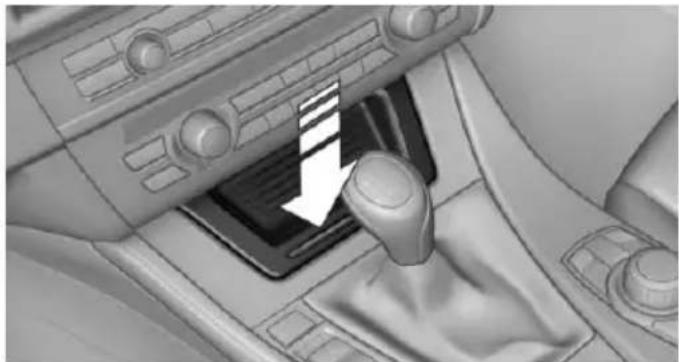
natural_image
Interior view of a car gear shift lever with a white arrow indicating the direction (no text or symbols present)Press on the cover.
Emptying
Take out the insert.
Lighter
Push in the lighter.
The lighter can be removed as soon as it pops back out.

Danger of burns
Only hold the hot lighter by its knob; otherwise, there is a danger of getting burned.
Switch off the ignition and take the remote control with you when leaving the vehicle so that children cannot use the lighter and burn themselves.

Replace the cover after use
Reinsert the lighter or socket cover after use, otherwise objects may get into the lighter socket or fixture and cause a short circuit.
Steptronic transmission: Front
Opening
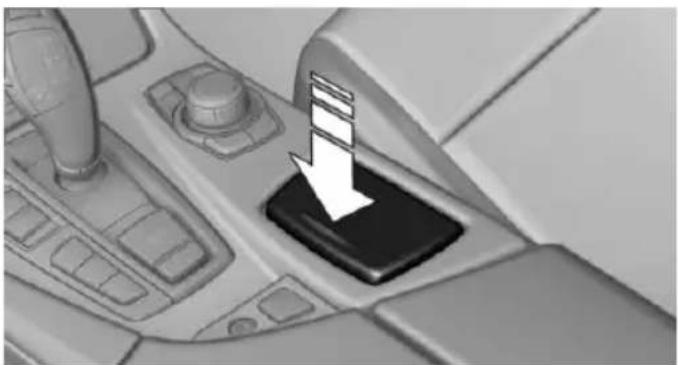
natural_image
Close-up of a car gear shift lever with a white downward arrow indicating motion (no text or symbols)Press on the cover.
Emptying
Take out the insert.
Lighter
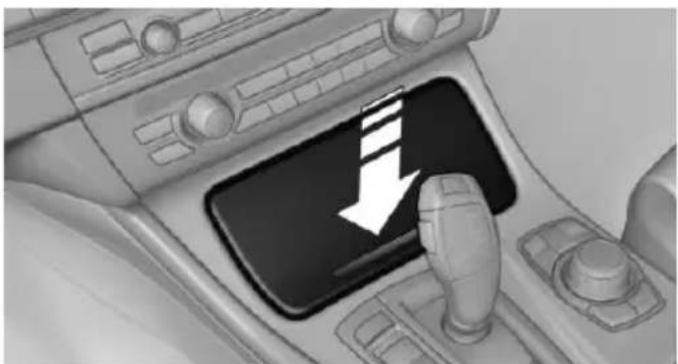
natural_image
Interior view of a car dashboard with a black tray and white directional arrow (no text or symbols)Press on the cover.
Push in the lighter.
The lighter can be removed as soon as it pops back out.

Danger of burns
Only hold the hot lighter by its knob; otherwise, there is a danger of getting burned.
Switch off the ignition and take the remote control with you when leaving the vehicle so that children cannot use the lighter and burn themselves.

Replace the cover after use
Reinsert the lighter or socket cover after use, otherwise objects may get into the lighter socket or fixture and cause a short circuit.
Rear
Opening
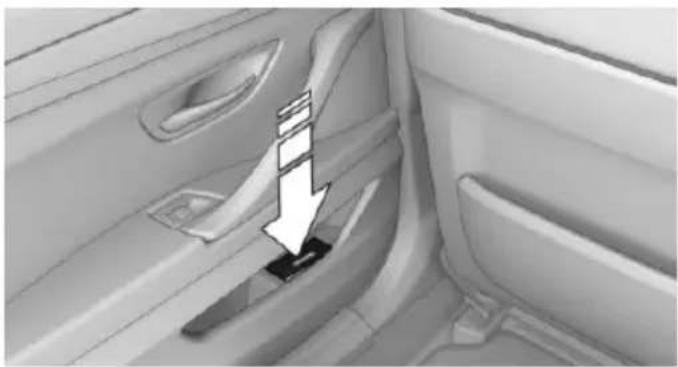
natural_image
Interior view of a car showing the side panel and seatbelt mechanism (no text or symbols visible)Press on the cover.
Emptying
Take out the insert.
Lighter
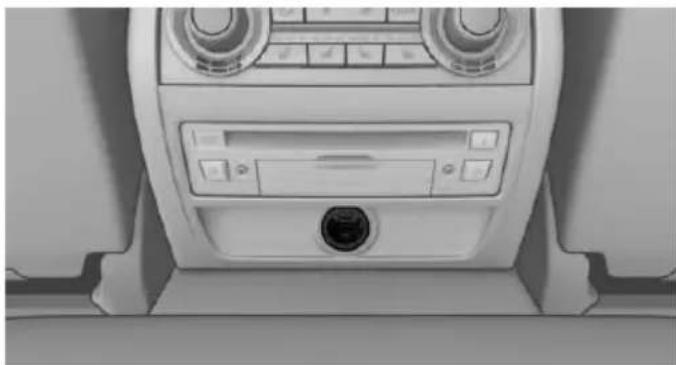
natural_image
Interior view of a car air conditioning unit with control panel and fan (no visible text or symbols)Push in the lighter.
The lighter can be removed as soon as it pops back out.

Danger of burns
Only hold the hot lighter by its knob; otherwise, there is a danger of getting burned.
Take the remote control with you when leaving the vehicle so that children cannot use the lighter and burn themselves.

Replace the cover after use
Reinsert the lighter or socket cover after use, otherwise objects may get into the lighter socket or fixture and cause a short circuit.
Connecting electrical devices
Hints

Do not connect charging devices to the 12 volt socket in the vehicle
Do not connect battery chargers to the factory-installed 12 volt sockets in the vehicle as this may damage the vehicle battery due to an increased power consumption.

Replace the cover after use
Reinsert the lighter or socket cover after use, otherwise objects may get into the lighter socket or fixture and cause a short circuit.
Sockets
General information
The lighter socket can be used as a socket for electrical equipment while the engine is running or when the ignition is switched on.
Note
The total load of all sockets must not exceed 140 watts at 12 volts.
Do not damage the socket by using unsuitable connectors.
Front center console: manual transmission
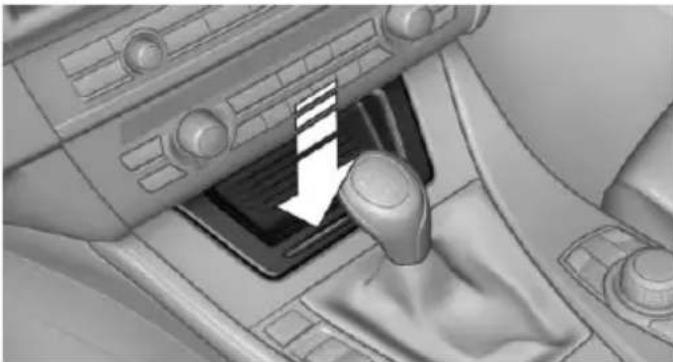
natural_image
Interior view of a car gear shift lever with a white arrow indicating the direction (no text or symbols present)Press on the cover.
Remove the cover or cigarette lighter.
Front center console: Steptronic transmission
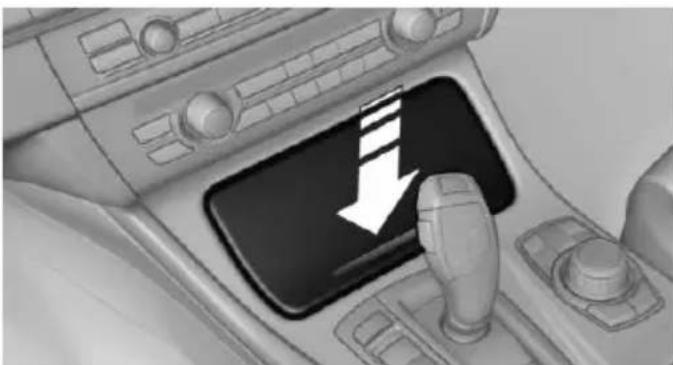
natural_image
Interior view of a car dashboard with a black control panel and a white downward arrow icon (no text or symbols)Press on the cover.
Remove the cover or cigarette lighter.
Center armrest
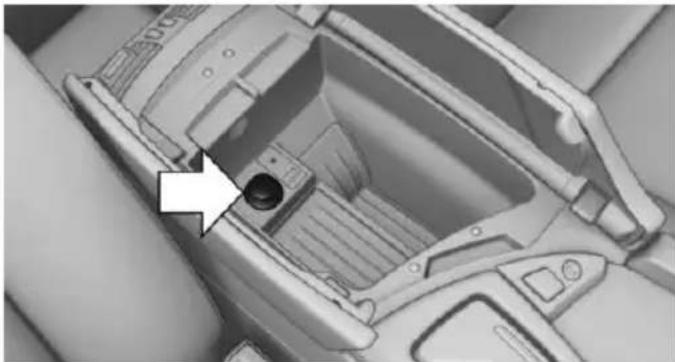
natural_image
Interior view of a car dashboard with a highlighted component (no text or symbols visible)Remove the cover.
Rear center console
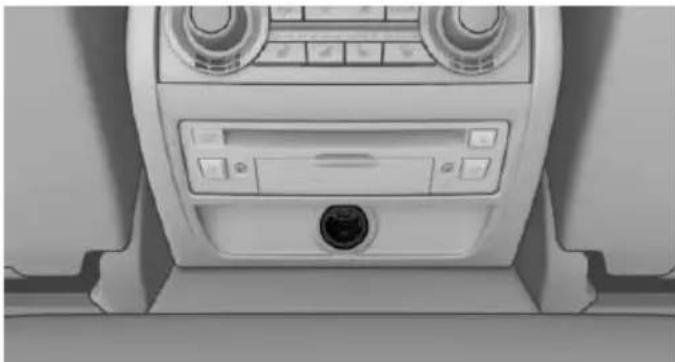
natural_image
Interior view of a car dashboard with air filters and a central control panel (no visible text or symbols)Remove the cover or cigarette lighter.
In the front passenger footwell
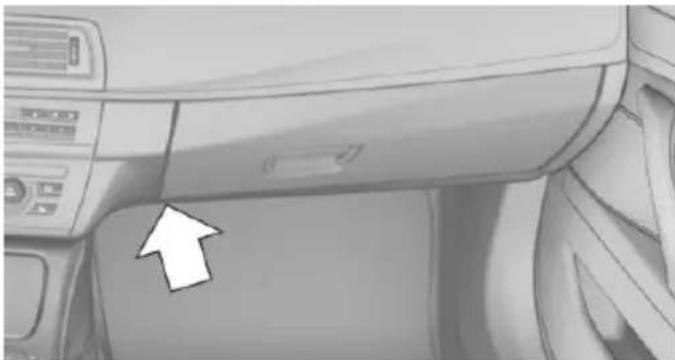
natural_image
Interior view of a car dashboard with directional arrows indicating left and right sides (no text or symbols)Socket is located below the glove compartment.
To access the socket: fold open the cover.
In the cargo area
The socket is located in the cover of the loading lip.
To access the socket: fold open the cover.
USB interface for data transfer
The concept
Connection for importing and exporting data on USB devices, e.g.:
▶ Personal Profile settings, refer to page 35.
▶ Music collection, see user's manual for Navigation, Entertainment and Communication.
Hints
Observe the following when connecting:
Do not use force when plugging the connector into the USB interface.
Do not connect devices such as fans or lights to the USB interface.
Do not connect USB hard drives.
Do not use the USB interface for recharging external devices.
With navigation system Professional or TV: at a glance
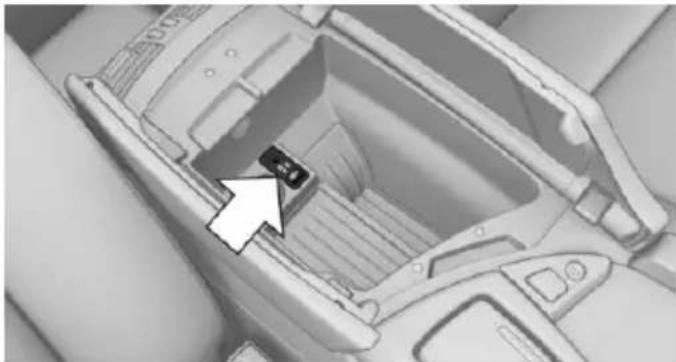
natural_image
Interior view of a car airfoil with a small component highlighted by an arrow (no text or symbols visible)The USB interface is located in the center arm-rest.
Through-loading system
The concept
The cargo area can be enlarged by folding down the rear seat backrest.
The rear seat backrest is divided into two parts at a ratio of 60 to 40.
The sides can be folded down separately or together.
Hints

Danger of jamming
Before folding down the rear seat backrests, ensure that the area of movement of the backrests is clear. In particular, ensure that no one is located in or reaches into the area of movement of the rear seat backrests when the middle section is folded down. Otherwise, injury or damage may result.

Ensuring the stability of the child seat
When installing child restraint systems, make sure that the child seat is securely fastened to the backrest of the seat. Angle and headrest of the backrest might need to be adjusted or possibly be removed. Make sure that all backrests are securely locked. Otherwise the stability of the child seat can be affected, and there is an increased risk of injury because of unexpected movement of the seat back-rest.
Opening

Move the front seats to an upright position
Before folding down the rear backrests, ensure that the front seats are moved forward slightly
and are in an upright position. Otherwise, the head restraint and screen could be damaged.
-
Unlock the belt lock of the center safety belt in the rear using the latch plate of another safety belt.
-
Insert the latch plate at the end of the belt into the specially designated fixture on the rear window shelf.
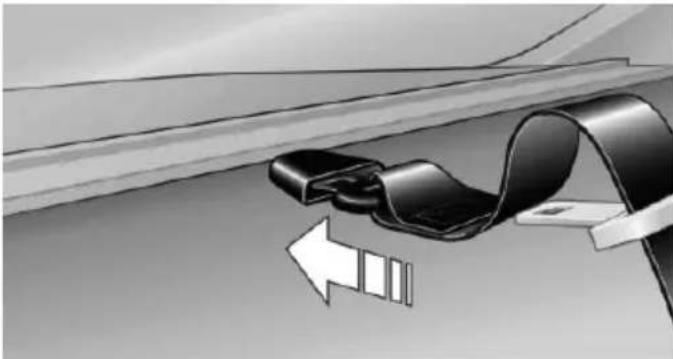
natural_image
Diagram of a car seatbelt buckle being lifted by an arrow, showing mechanical components (no text or symbols)-
Push the corresponding head restraint down as far as it will go.
-
Pull the corresponding lever in the cargo area to release the rear seat backrest.
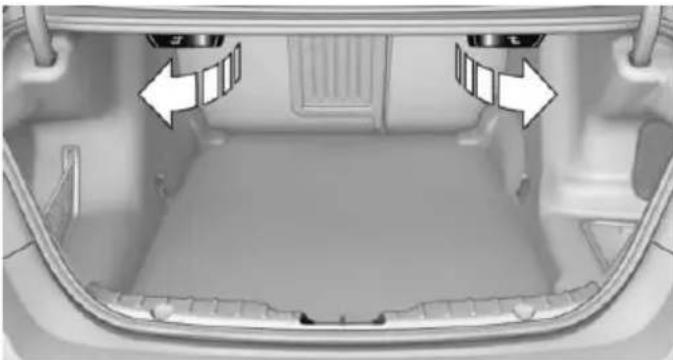
natural_image
Interior view of a car trunk with ventilation grilles and directional arrows indicating airflow or movement (no text or symbols)- The unlocked rear seat backrest moves forward slightly.
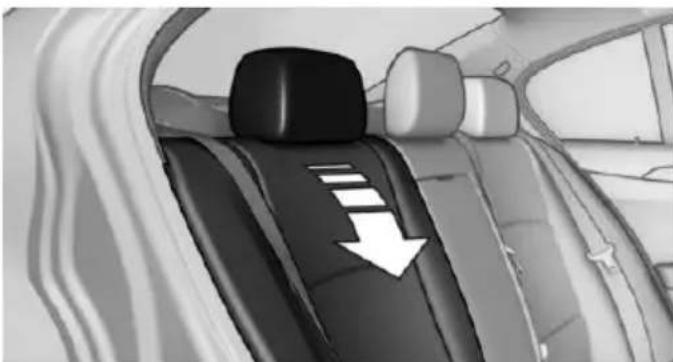
natural_image
Interior view of a car showing a black seat with white stripes and a white downward arrow indicating direction (no text or symbols)- Fold backrest forward.
Closing
- Return the rear seat backrest to the upright seating position and engage it.

Ensure that the lock is securely engaged
Make sure that the lock engages properly when folding back, otherwise transported cargo could enter the car's interior during braking or evasive maneuvers and endanger the vehicle's occupants.
- Release the belt tongue from the fixture on the rear window shelf.
- Insert the belt tongue in the belt lock of the center safety belt. Make sure you hear the latch plate engage.
To secure cargo, refer to page 193, with nets or draw straps, the cargo area is fitted with lashing eyes.
Ski bag
Capacity
The ski bag can be used to transport up to four pairs of skis with a length of up to 6 ft/2.10 m or, depending on the binding, up to two snowboards with a length of up to 5 ft/1.60 m.
Preparing and loading the ski bag
- Fold open the center armrest on the inside.
- Open the inside cover and cargo area by pressing the button.
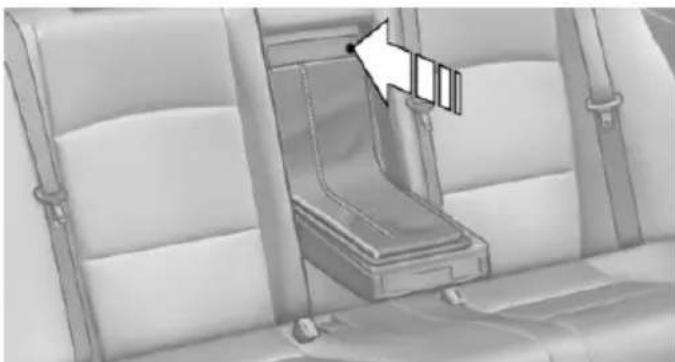
natural_image
Interior view of a vehicle seatbelt with a highlighted seatbelt (no text or symbols visible)-
Lay out the ski bag.
-
Load the ski bag. If necessary, wrap the sharp edges of the skis.
- Insert the tongue plate into the belt buckle.
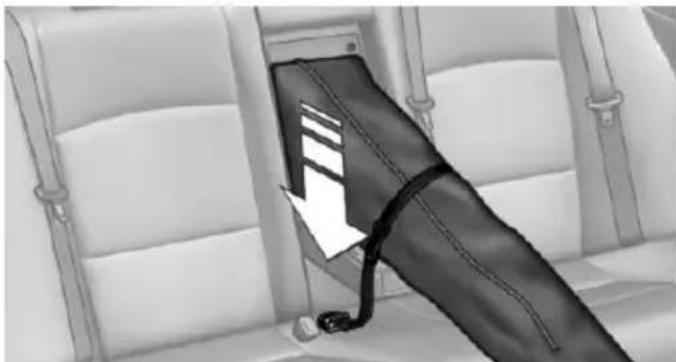
natural_image
Interior view of a vehicle seatbelt with a black belt and cable inserted, showing no text or symbols- Tighten the retaining strap.
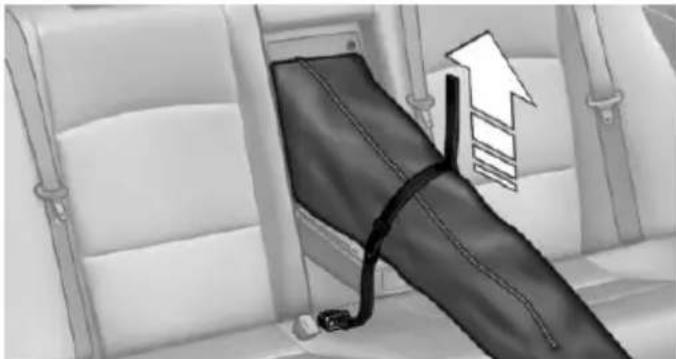
natural_image
Interior view of a vehicle seatbelt with a black bandage and upward arrow indicating direction (no text or symbols)
Securing the ski bag
Secure the ski bag by tightening the retaining strap; otherwise, the contents could present a source of danger to the passengers, for example during braking or evasive maneuvers.
Removing the ski bag
The ski bag can be removed entirely, e.g., to dry quickly or to use other inserts.
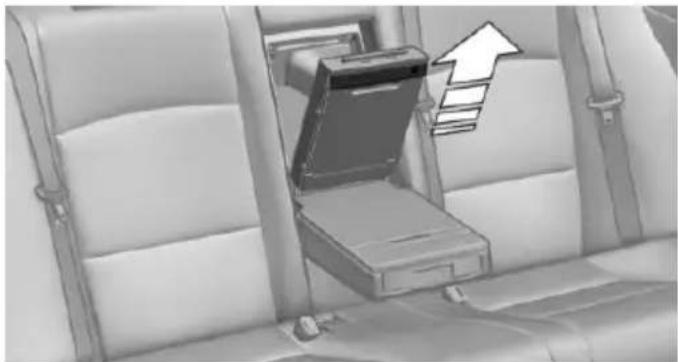
natural_image
Interior view of a car seat with a laptop and upward arrow symbol (no text or labels)- Pull the handle forward and lift the ski bag out.
- Close the cover in the cargo area.
More information on the various inserts available can be obtained from your service center.
Storage compartments
Vehicle features and options
This chapter describes all standard, country-specific and optional features offered with the series. It also describes features that are not necessarily available in your car, e.g., due to the selected options or country versions. This also applies to safety-related functions and systems. The respectively applicable country provisions must be observed when using the respective features and systems.
Hints

No loose objects in the car's interior
Do not stow any objects in the car's interior without securing them; otherwise, they may present a danger to occupants e.g., during braking and evasive maneuvers.

Do not place anti-slip mats on the dashboard
Do not place anti-slip mats on the dashboard. The mat materials could damage the dashboard.
Storage compartments
The following storage compartments are available in the vehicle interior:
▶ Glove compartment on the driver's and front passenger side, refer to page 181.
Storage compartment on the center console: manual transmission.
Storage compartment, refer to page 184, in the center console for remote control: Steptronic transmission.
Storage compartment in the center arm-rest, refer to page 182, in the front and rear.
▶ Compartments in the doors.
▷ Pockets on the backrests of the front seats.
Net in the front passenger footwell.
Glove compartment
Front passenger side
Note

Close the glove compartment again immediately
Close the glove compartment immediately after use while driving; otherwise, injury may occur during accidents.
Opening
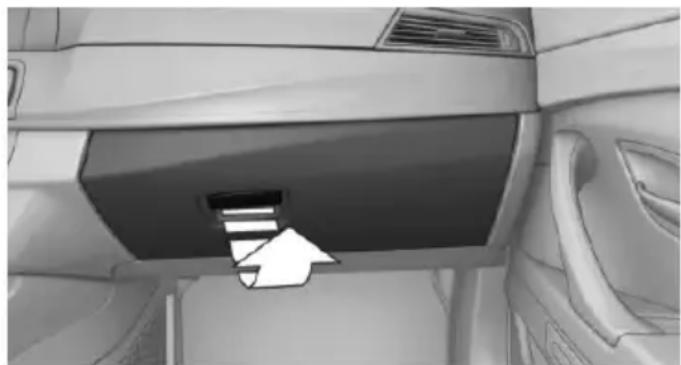
natural_image
Interior view of a car showing the dashboard and side panel with an arrow pointing to a component (no text or symbols visible)Pull the handle.
The light in the glove compartment switches on.
Closing
Fold cover closed.
Driver's side
Note

Close the glove compartment again immediately
Close the glove compartment immediately after use while driving; otherwise, injury may occur during accidents.
Opening
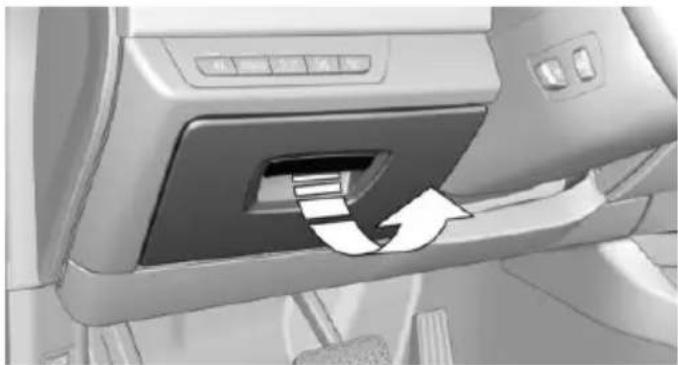
natural_image
Interior view of a car showing the door panel with a white arrow indicating clockwise motion (no text or symbols visible)Pull the handle.
Closing
Fold cover closed.
Center armrest
Front
A storage compartment is located in the center armrest between the front seats.
Opening
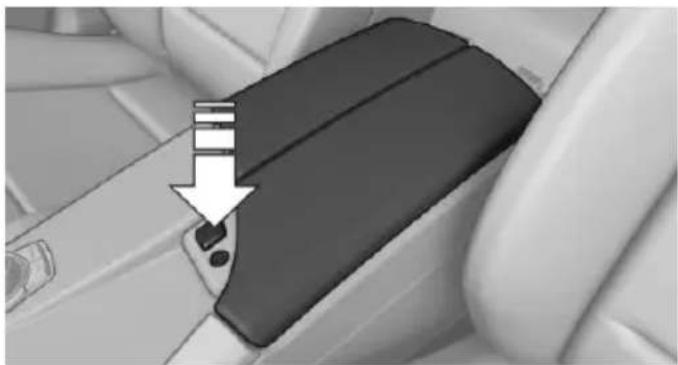
natural_image
Close-up of a car seatbelt mechanism with a white arrow pointing to a specific component (no text or symbols visible)Press button.
Locking the storage compartment
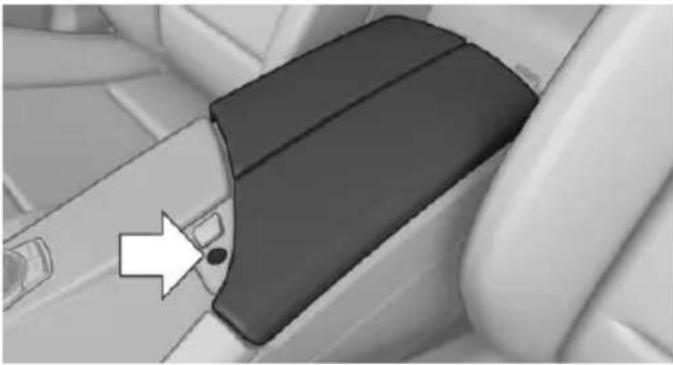
natural_image
Close-up of a car seatbelt buckle with a white arrow pointing to the side panel (no text or symbols visible)The storage compartment in the armrest can be locked with an integrated key to separately secure the trunk lid, refer to page 42, e.g.
After the storage compartment is locked, the remote control can be handed out without the integrated key, refer to page 34, for instance at a hotel.
This prevents access to the storage compartment and to the cargo area.
Connection for an external audio device
An external audio device, e.g., an MP3 player, can be connected via the AUX-IN port or the USB audio interface in the center armrest.
Rear
The center armrest contains a storage compartment.
Folding down
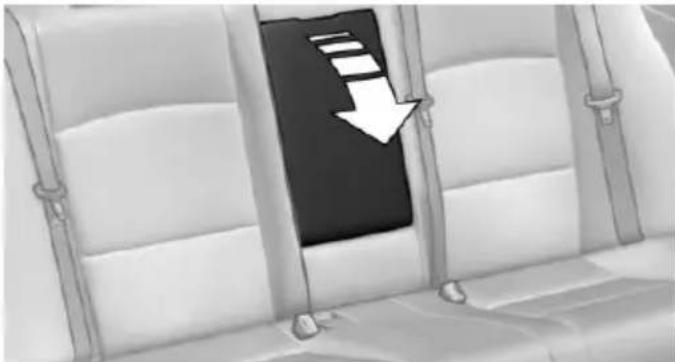
natural_image
Interior view of a vehicle cabin with a black seat and white seats, featuring a white downward arrow pointing to the seat (no text or symbols)Pull on the opener and fold the armrest forward.
Opening
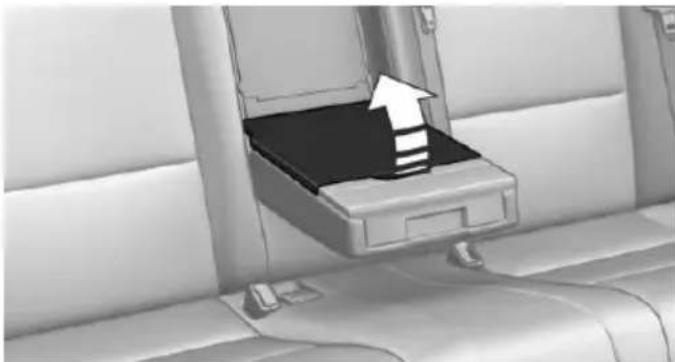
natural_image
Interior view of a car seat with an open drawer containing a black tray and a white upward arrow indicating direction (no text or symbols)Pull on the handle and fold open the cover.
Cupholders
Hints

Shatter-proof containers and no hot drinks
Use light and shatter-proof containers and do not transport hot drinks. Otherwise, there is the increased danger of injury in an accident.

Unsuitable containers
Do not forcefully push unsuitable containers into the cupholders. This may result in damage.
Manual transmission: Front
On the center console
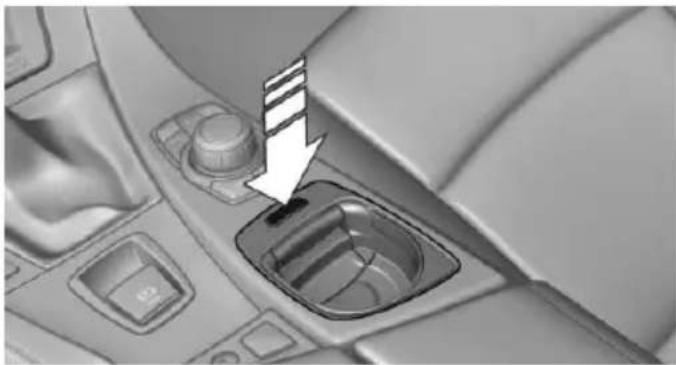
natural_image
Interior view of a car dashboard with a highlighted intake component (no text or symbols visible)To open: press the button.
The insert folds out.
To use as a storage compartment, fold the insert back in.
Steptronic transmission: Front
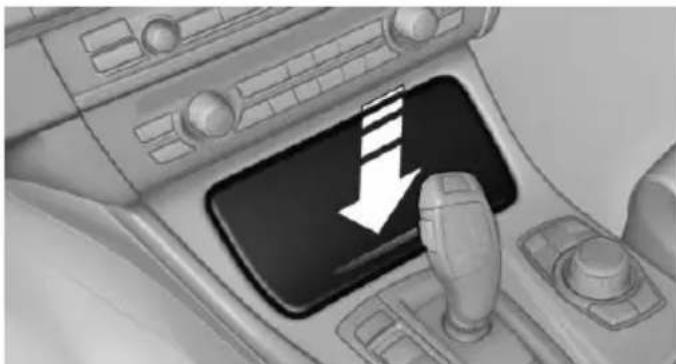
natural_image
Interior view of a car dashboard with a black control panel and a white downward arrow (no text or symbols)To open: press on the cover.
Rear
In the front center armrest.
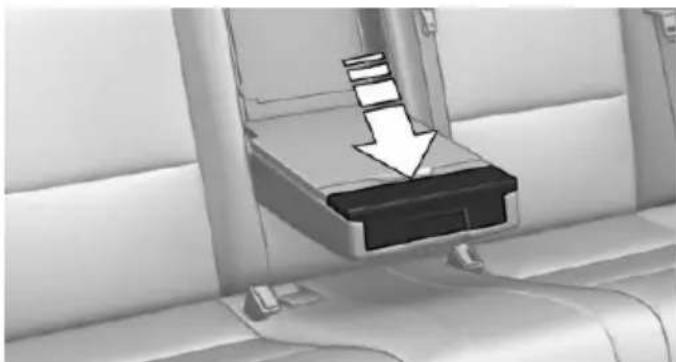
natural_image
Interior view of a car seatbelt with a downward arrow indicating load or compression (no text or symbols)The cupholder can be adjusted for three different container sizes.
To open: press the button.
To reduce in size: fold closed to the desired position.
To close: fold all the way closed. The cupholder must be closed before it can be opened fully.
Remote control storage compartment
Opening
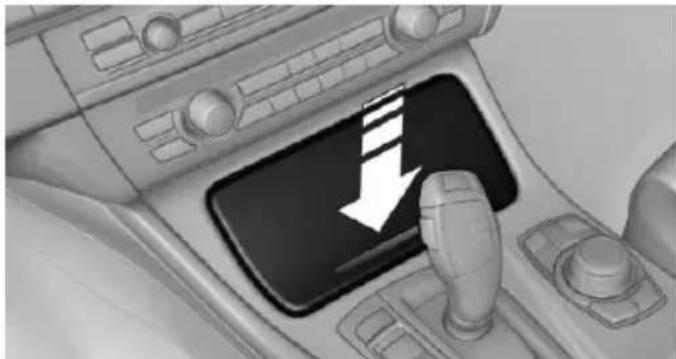
natural_image
Interior view of a car gear shift control panel with a white downward arrow indicating left motion (no text or symbols present)Press on the cover.
Remote control storage compartment
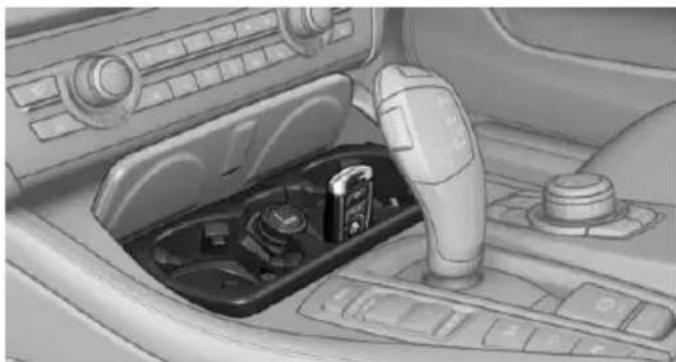
natural_image
Interior view of a car showing the dashboard and gear shift (no text or symbols visible)Storage is possible in a vertical position in the center armrest.
Clothes hooks
The clothes hooks are located next to the grab handles in the rear and on the door pillar in the rear.
Do not obstruct view
When suspending clothing from the hooks, ensure that it will not obstruct the driver's view.
No heavy objects
Do not hang heavy objects from the hooks; otherwise, they may present a danger to passengers during braking and evasive maneuvers.
Storage compartments in the trunk
Net
Smaller objects can be stored in the net on the side of the trunk.
To transport larger objects, it can be pushed down.
Multi-function hook
A multi-function hook is available on the left trunk wall.
Lightweight objects only
Only hang lightweight objects, e.g. shopping bags, from the multifunction hooks. Otherwise, there is a danger of objects flying about during braking and evasive maneuvers.
Only transport heavy luggage in the trunk if it has been appropriately secured.
Storage under the cargo floor panel
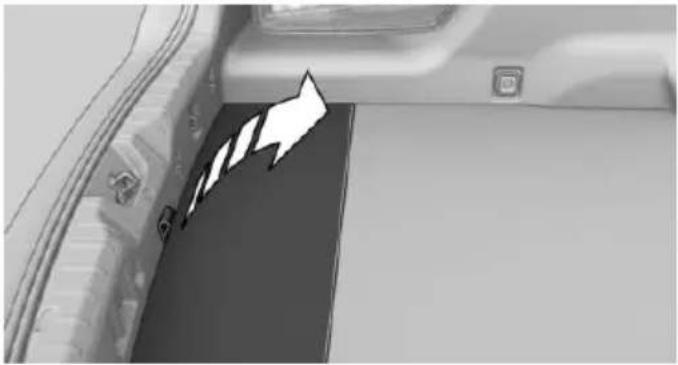
natural_image
Interior view of a vehicle showing a black panel with white arrows pointing to the side panel (no text or symbols visible)Fold up the cargo floor panel.
Storage compartment on the side
A storage compartment is located at the side of the trunk.
Lashing eyes
To secure the cargo, refer to page 193, there are lashing eyes in the trunk.
text_image
Online Edition for Part no. 01 40 2 954 312 - II/15Driving tips
This chapter provides you with information useful in dealing with specific driving and operating modes.
Things to remember when driving
Vehicle features and options
This chapter describes all standard, country-specific and optional features offered with the series. It also describes features that are not necessarily available in your car, e.g., due to the selected options or country versions. This also applies to safety-related functions and systems. The respectively applicable country provisions must be observed when using the respective features and systems.
Breaking-in period
General information
Moving parts need time to adjust to one another (break-in time).
The following instructions will help accomplish a long vehicle life and good efficiency.
During break-in, do not use the Launch Control, refer to page 82.
Engine, transmission, and axle drive
Up to 1,200 miles/2,000 km
Do not exceed the maximum engine and road speed:
▶ For gasoline engine 4,500 rpm and 100 mph/160 km/h.
For diesel engine 3,500 rpm and 93 mph/150 km/h.
Avoid full load or kickdown under all circumstances.
From 1,200 miles/2,000 km
The engine and vehicle speed can gradually be increased.
Tires
Tire traction is not optimal due to manufacturing circumstances when tires are brand-new; they achieve their full traction potential after a break-in time.
Drive conservatively for the first 200 miles/300 km.
Brake system
Brakes require an initial break-in period of approx. 300 miles/500 km to achieve optimal performance between brake discs and brake pads. Drive moderately during this break-in period.
Clutch
The function of the clutch reaches its optimal level only after a distance driven of approx. 300 miles/500 km. During this break-in period, engage the clutch gently.
Following part replacement
The same break-in procedures should be observed if any of the components above-mentioned have to be renewed in the course of the vehicle's operating life.
General driving notes
Closing the trunk lid
Drive with the trunk lid closed
Only drive with the tailgate closed; otherwise, in the event of an accident or braking and evasive maneuvers, passengers and other traffic may be injured, and the vehicle may be damaged. In addition, exhaust fumes may enter the vehicle interior.
If driving with the tailgate open cannot be avoided:
▶ Close all windows and the glass sunroof.
▶ Greatly increase the air flow from the vents.
▶ Drive moderately.
Hot exhaust system

Hot exhaust system
High temperatures are generated in the exhaust system.
Do not remove the heat shields installed and never apply undercoating to them. Make sure that flammable materials, e. g. hay, leaves, grass, etc. do not come in contact with the hot exhaust system while driving, while in idle position mode, or when parked. Such contact could lead to a fire, resulting in an increased risk of serious personal injury as well as property damage.
Do not touch hot exhaust pipes; otherwise, there is a danger of getting burned.
Diesel particulate filter
The diesel particulate filter collects soot particles and burns them periodically at high temperatures.
During several minutes of cleaning the following may occur:
▶ Temporarily, the engine may run less smoothly.
▶ Noises and a slight amount of smoke coming from the exhaust until shortly after the engine is shut down.
▶ A somewhat higher engine speed is necessary to reach usual performance.
Climate control windshield
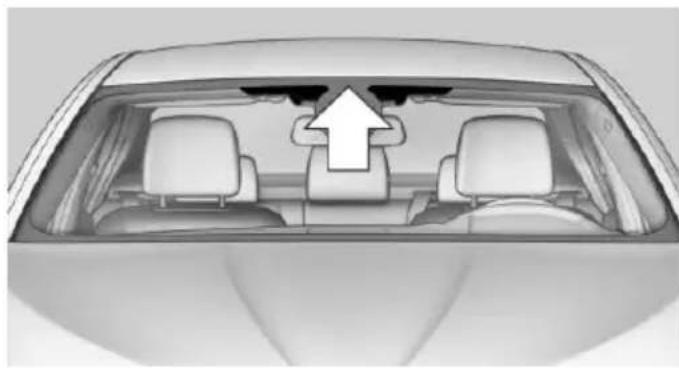
natural_image
Top-down view of a car showing the rearview and front seats with an upward arrow indicating airflow or motion (no text or symbols)The marked area is not covered with heat reflective coating.
Use this area for garage door openers, devices for electronic toll collection, etc.
Climate control laminated tinted safety glass
The vehicle glass provides full protection against the harmful effects of UV radiation on the skin.
Mobile communication devices in the vehicle

Mobile communication devices in the vehicle
It is not recommended to use mobile phones, such as mobile phones, in the vehicle interior without a direct connection to an external aerial. Otherwise, the vehicle's electronics and mobile communication devices can interfere with each other. In addition, there is no assurance that the radiation generated during transmission will be conducted away from the vehicle interior.
Hydroplaning

Hydroplaning
When driving on wet or slushy roads, reduce your speed to prevent hydroplaning.
On wet or slushy roads, a wedge of water can form between the tires and road surface.
This phenomenon is referred to as hydroplaning. It is characterized by a partial or complete loss of contact between the tires and the road surface, ultimately undermining your ability to steer and brake the vehicle.
Driving through water

Observe water level and speed
Do not exceed the maximum water level and maximum speed; otherwise, the vehicle's engine, the electrical systems and the transmission may be damaged.
Drive though calm water only and only if it is not deeper than 9.8 inches/25 cm and at this height, no faster than walking speed, up to 3 mph/5 km/h.
Braking safely
Your vehicle is equipped with ABS as a standard feature.
Applying the brakes fully is the most effective way of braking in situations needed.
Steering is still responsive. You can still avoid any obstacles with a minimum of steering effort.
Pulsation of the brake pedal and sounds from the hydraulic circuits indicate that ABS is in its active mode.
In certain braking situations, the perforated brake discs can cause functional problems.
However, this has no effect on the performance and operational reliability of the brake.
Objects within the range of movement of the pedals

No objects in the area around the pedals
Keep floor mats, carpets, and any other objects out of the pedal area; otherwise, the function of the pedals could be impeded while driving and create the risk of an accident.
Do not place additional floor mats over existing mats or other objects.
Only use floor mats that have been approved for the vehicle and can be properly attached to floor.
Ensure that the floor mats are securely fastened again after they were removed for cleaning, e.g.
Driving in wet conditions
When roads are wet, salted, or in heavy rain, press brake pedal ever so gently every few miles.
Ensure that this action does not endanger other traffic.
The heat generated in this process helps dry the brake discs and pads.
In this way braking efficiency will be available when you need it.
Hills

Avoid stressing the brakes
Avoid placing excessive stress on the brake system. Light but consistent brake pressure can lead to high temperatures, brakes wearing out and possibly even brake failure.

Do not drive in neutral
Do not drive in neutral or with the engine stopped, as doing so disables engine braking. In addition, steering and brake assist are unavailable with the engine stopped.
Drive long or steep downhill gradients in the gear that requires least braking efforts. Otherwise the brakes may overheat and reduce brake efficiency.
You can increase the engine's braking effect by shifting down, going all the way to first gear, if needed.
Brake disc corrosion
Brake disc corrosion and contamination of the brake pads are favored by:
▶ Low mileage.
▶ Extended periods when the vehicle is not used at all.
▶ Infrequent use of the brakes.
Corrosion will built up when the maximum pressure applied to the brake pads during braking is not reached - thus discs don't get cleaned.
Corrosion buildup on the brake discs will cause a pulsating effect on the brakes in their response - generally that cannot be corrected.
Condensation under the parked vehicle
When using the automatic climate control, condensation water develops collecting underneath the vehicle.
These traces of water under the vehicle are normal.
Loading
Vehicle features and options
This chapter describes all standard, country-specific and optional features offered with the series. It also describes features that are not necessarily available in your car, e.g., due to the selected options or country versions. This also applies to safety-related functions and systems. The respectively applicable country provisions must be observed when using the respective features and systems.
Hints

Overloading the vehicle
To avoid exceeding the approved capacity of the tires, never overload the vehicle. Overloading can lead to overheating and increases the rate at which damage develops inside the tires. This could result in a sudden loss of tire inflation pressure.

No fluids in the cargo area
Make sure that fluids do not leak into the cargo area; otherwise, the vehicle may be damaged.

Heavy and hard objects
Do not stow any heavy and hard objects in the car's interior without securing them; otherwise, they may present a danger to occupants, e.g., during braking and evasive maneuvers.
Determining the load limit
- Locate the following statement on your vehicle's placard:
The combined weight of occupants and cargo should never exceed XXX kg or YYY lbs. Otherwise, damage to the
vehicle and unstable driving situations may result.
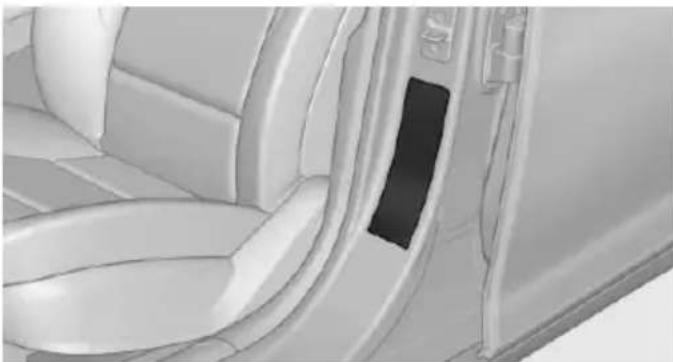
natural_image
Interior view of a car showing the door, seatbelt, and dashboard (no text or symbols visible)-
Determine the combined weight of the driver and passengers that will be riding in your vehicle.
-
Subtract the combined weight of the driver and passengers from XXX kilograms or YYY pounds.
-
The resulting figure equals the available amount of cargo and luggage load capacity.
For example, if the YYY amount equals 1,000 lbs and there will be four 150 lbs passengers in your vehicle, the amount of available cargo and luggage load capacity is 400 lbs: 1,000 lbs minus 600 lbs = 400 lbs.
- Determine the combined weight of luggage and cargo being loaded on the vehicle. That weight may not safely exceed the available cargo and luggage load capacity calculated in Step 4.
Load

text_image
+ ≦ Max. Load
text_image
+ ≤ Max. Load
text_image
+ ≤ Max. LoadThe maximum load is the sum of the weight of the occupants and the cargo.
The greater the weight of the occupants, the less cargo that can be transported.
Stowing cargo
▶ Cover sharp edges and corners on the cargo.
▶ Heavy cargo: stow as far forward as possible, directly behind and at the bottom of the rear passenger seat backrests.
▶ Very heavy cargo: when the rear seat is not occupied, secure each of the outer safety belts in the opposite buckle.
▶ If necessary, fold down the rear backrests to stow cargo.
Do not stack cargo above the top edge of the backrests.
Securing cargo
Lashing eyes in the trunk
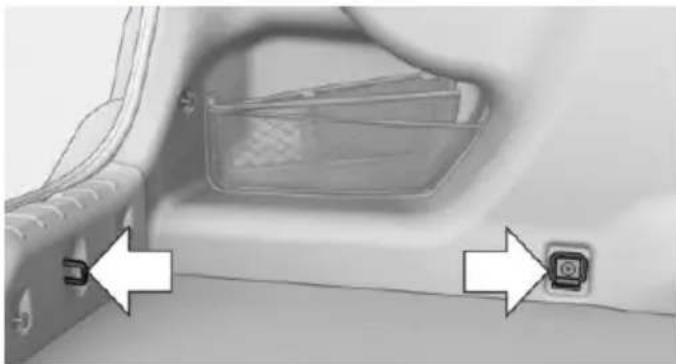
natural_image
Interior view of a car showing a seatbelt buckle and a small button labeled '按钮' (button), with no visible text or symbols beyond the button.To secure the cargo there are four lashing eyes in the cargo area.
Securing cargo

Securing cargo
Stow and secure the cargo as described; otherwise it may present a danger to the occupants, e.g., during braking and evasive maneuvers.
▶ Smaller and lighter items: secure with retaining straps or with a cargo net or draw straps.
▶ Larger and heavy objects: secure with cargo straps.
Cargo straps, cargo netting, retaining straps or draw straps on the lashing eyes in the trunk.
Roof-mounted luggage rack
Note
Roof racks are available as special accessories.
Securing
Follow the installation instructions of the roof rack.
Roof drip rail with flaps
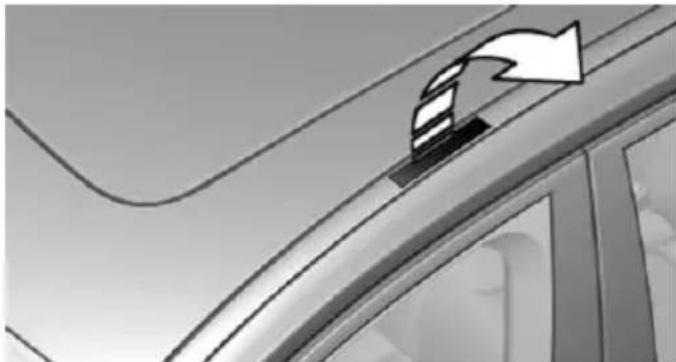
natural_image
Close-up of a car's side profile with a curved arrow indicating direction (no text or symbols)The anchorage points are located in the roof drip rail above the doors.
Fold the cover outward.
Loading
Be sure that adequate clearance is maintained for tilting and opening the glass sunroof.
Because roof racks raise the vehicle's center of gravity when loaded, they have a major effect on vehicle handling and steering response.
Therefore, note the following when loading and driving:
Do not exceed the approved roof/axle loads and the approved gross vehicle weight.
▶ Distribute the roof load uniformly.
The roof load should not extend past the loading area.
▶ Always place the heaviest pieces on the bottom.
▶ Secure the roof luggage firmly, e.g., tie with ratchet straps.
Do not let objects project into the opening path of the trunk lid.
▶ Drive cautiously and avoid sudden acceleration and braking maneuvers. Take corners gently.
Saving fuel
Vehicle features and options
This chapter describes all standard, country-specific and optional features offered with the series. It also describes features that are not necessarily available in your car, e.g., due to the selected options or country versions. This also applies to safety-related functions and systems. The respectively applicable country provisions must be observed when using the respective features and systems.
General information
Your vehicle contains advanced technology for the reduction of fuel consumption and emissions.
Fuel consumption depends on a number of different factors.
Carrying out certain measures, such as a moderate driving style and regular maintenance, can influence fuel consumption and the environmental impact.
Remove unnecessary cargo
Additional weight increases fuel consumption.
Remove attached parts following use
Remove auxiliary mirrors, roof or rear luggage racks which are no longer required following use.
Attached parts on the vehicle impair the aerodynamics and increase the fuel consumption.
Close the windows and glass sunroof
Driving with the glass sunroof and windows open results in increased air resistance and thereby reduces the range.
Tires
General information
Tires can affect fuel consumption in various ways, e.g., tire size may influence fuel consumption.
Check the tire inflation pressure regularly
Check and, if needed, correct the tire inflation pressure at least twice a month and before starting on a long trip.
Low tire inflation pressure increases rolling resistance and thus raises fuel consumption and tire wear.
Drive away immediately
Do not wait for the engine to warm-up while the vehicle remains stationary. Start driving right away, but at moderate engine speeds.
This is the quickest way of warming the cold engine up to operating temperature.
Look well ahead when driving
Avoid unnecessary acceleration and braking.
By maintaining a suitable distance to the vehicle driving ahead of you.
Driving smoothly and proactively reduces fuel consumption.
Avoid high engine speeds
As a rule: driving at low engine speeds lowers fuel consumption and reduces wear.
Use 1st gear to get the vehicle moving. Starting with the 2nd gear, accelerate rapidly. When accelerating, shift up before reaching high engine speeds.
When you reach the desired speed, shift into the highest applicable gear and drive with the engine speed as low as possible and at a constant speed.
If necessary, observe the gear shift indicator of the vehicle, refer to page 95.
Use coasting
When approaching a red light, take your foot off the accelerator and let the vehicle coast to a halt.
For going downhill take your foot off the accelerator and let the vehicle roll.
The flow of fuel is interrupted while coasting.
Switch off the engine during longer stops
Switch off the engine during longer stops, e.g., at traffic lights, railroad crossings or in traffic congestion.
Auto Start/Stop function
The Auto Start/Stop function of your vehicle automatically switches off the engine during a stop.
If the engine is switched off and then restarted rather than leaving the engine running constantly, fuel consumption and emissions are reduced. Savings can begin within a few seconds of switching off the engine.
In addition, fuel consumption is also determined by other factors, such as driving style, road conditions, maintenance or environmental factors.
Switch off any functions that are not currently needed
Functions such as seat heating and the rear window defroster require a lot of energy and reduce the range, especially in city and stop-and-go traffic.
Reel off these functions if they are not needed.
The ECO PRO driving program supports the energy conserving use of comfort features.
These functions are automatically deactivated partially or completely.
Have maintenance carried out
Have vehicles maintained regularly to achieve optimal vehicle efficiency and operating life.
The maintenance should be carried out by your service center.
Also note the BMW Maintenance System, refer to page 236.
ECO PRO
The concept
ECO PRO supports a driving style that saves on fuel consumption. For this purpose, the engine control and comfort features, e. g. the climate control output, are adjusted.
Under certain conditions the engine is automatically decoupled from the transmission in the D selector lever position. The vehicle continues traveling with the engine idling to reduce fuel consumption. Selector lever position D remains engaged.
In addition, context-sensitive instructions are displayed to assist with an optimized fuel consumption driving style.
The achieved extended range is displayed in the instrument cluster as bonus range.
Overview
The system includes the following EfficientDynamics functions and displays:
▶ ECO PRO bonus range, refer to page 197.
▷ ECO PRO tips driving instruction, refer to page 198
▶ ECO PRO climate control, refer to page 197.
▶ ECO PRO coasting driving status, refer to page 199.
Activate ECO PRO
Press button repeatedly until ECO PRO is displayed in the instrument cluster.
Configuring ECO PRO
Via the Driving Dynamics Control
- Activate ECO PRO.
- "Configure ECO PRO"
- Configure the program.
Via the iDrive
- "Settings"
- "ECO PRO mode"
Or - "Settings"
- "Driving mode"
- "Configure ECO PRO"
Configure the program.
ECO PRO Tip
▷ "Tip at:",
Adjust the ECO PRO speed.
▶ "ECO PRO speed warning":
The output is reduced once the set ECO PRO speed is reached.
Coasting
Fuel-efficiency can be optimized by disengaging the engine and Coasting, refer to page 199, with the engine idling.
This function is only available in ECO PRO mode.
ECO PRO climate control
"ECO PRO climate control"
Climate control is set to be fuel-efficient.
By making a slight change to the set temperature, or slowly adjusting the rate of heating or cooling of the car's interior, fuel consumption can be economized.
The mirror heating is made available when outside temperatures are very cold.
ECO PRO potential
Shows potential savings with the current settings in percentages.
Display in the instrument cluster
Display in the instrument display
When ECO PRO mode is activated, the display switches to a special configuration.
Some of the displays may differ from the display in the instrument cluster.
Blue bar segments symbolize the gained bonus range in stages.
In addition, the bonus range is highlighted in blue in the total range display.
ECO PRO bonus range
An adjusted driving style helps you extend your driving range. This may be displayed as the bonus range in the instrument cluster.
The bonus range is shown in the range display.
The bonus range is automatically reset every time the vehicle is refueled.
Efficiency display
Display in the instrument cluster
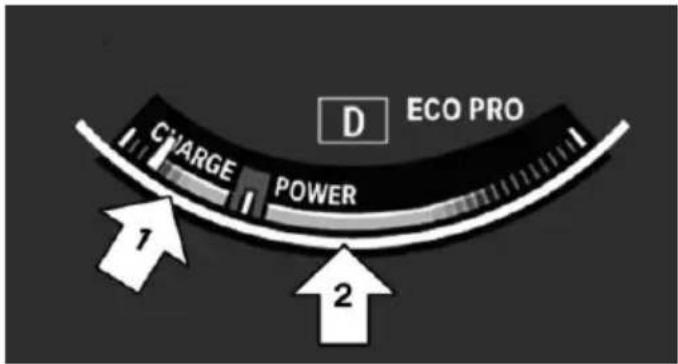
text_image
D ECO PRO CHARGE POWER 1 2Display in the instrument display
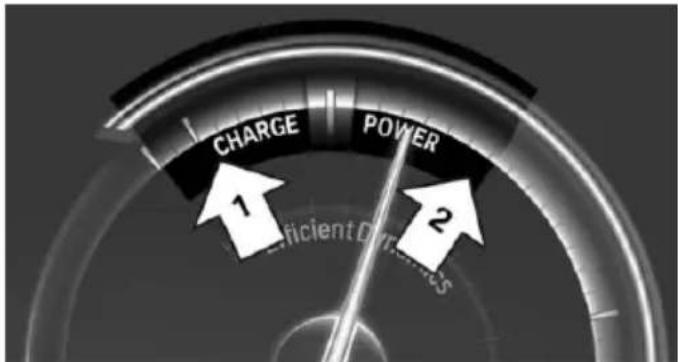
text_image
CHARGE POWER 1 2 Efficient DiversitiesA mark in the efficiency display informs about the current driving style.
Mark in the area of arrow 1: display of the energy recovered by coasting or when braking.
Mark in the area of arrow 2: display when accelerating.
Your driving style's efficiency is shown by the bar's color:
▶ Blue display: efficient driving style as long as the mark moves within the blue range.
▶ Gray display: adjust driving style, e. g. by backing off the accelerator pedal.
The display switches to blue as soon as all conditions for fuel-efficiency-optimized driving are met.
ECO PRO tip, driving tip

The arrow indicates that the driving style can be adjusted to be more fuel efficient by backing off the accelerator
for instance.
Note
The efficiency display and ECO PRO tips in the instrument cluster appear when the ECO PRO display is activated.
Activating driving style and ECO PRO tips:
- "Settings"
- "Instrument cluster"
- "ECO PRO Info"
In the instrument display:
- "Settings"
- "Instrument cluster"
- "Driving mode view"
ECO PRO tip, symbols
An additional symbol and text instructions are displayed.
Symbol Measure

For efficient driving back off the accelerator or delay accelerating to allow time to assess road conditions.

Reduce speed to the selected ECO PRO speed.

Steptronic transmission: shift from M/S to D.

Steptronic transmission/manual transmission: follow shifting instructions.

Manual transmission: engage neutral for engine stop.
Indications on the Control Display
EfficientDynamics
Information on fuel consumption and technology can be displayed while driving.
- "Vehicle info"
- "EfficientDynamics"
Displaying fuel consumption history
The average fuel consumption can be displayed within an adjustable time frame.
Vertical bars show consumption for the selected time frame.
Trip interruptions are represented below the bar on the time axis.
"Consumption history"
Adjusting fuel consumption history time frame
Select the symbol.
Resetting fuel consumption history
- Open "Options".
- "Reset consumption history"
Displaying EfficientDynamics info
The current efficiency can be displayed.
工 "EfficientDynamics info"
The following systems are displayed:
▶ Auto Start/Stop function.
▶ Energy recovery.
▶ Climate control output.
▶ Coasting.
Display ECO PRO tips
i "ECO PRO Tips"
Settings are stored for the profile currently in use.
Coasting
The concept
The system helps to conserve fuel.
To do this, under certain conditions the engine is automatically decoupled from the transmission when selector lever position D is set. The vehicle continues traveling with the engine idling to reduce fuel consumption. Selector lever position D remains engaged.
This driving condition is referred to as coasting.
As soon as you step on the brake or accelerator pedal, the engine is automatically coupled again.
Hints
Coasting is a component of the ECO PRO, refer to page 196, driving mode.
Coasting is automatically activated when ECO PRO mode is called via the Driving Dynamics Control.
The function is available in a certain speed range.
A proactively driving style helps the driver to use the function as often as possible and supports the fuel-conserving effect of coasting.
Safety mode
The function is not available under one of the following conditions.
▷ DSC OFF or TRACTION activated.
- Driving in the dynamic limit range and on steep uphill or downhill grades.
▶ Battery charge status temporarily too low or vehicle electrical system drawing excessive current.
▶ Cruise control activated.
Functional requirements
In ECO PRO mode, this function is available in a speed range from approximately 30 mph, ap-
prox. 50 km/h to 100 mph, approx. 160 km/h, if the following conditions are met:
▶ Accelerator pedal and brake pedal are not operated.
The selector lever is in selector lever position D.
▶ Engine and transmission are at operating temperature.
The driving status Coast can be influenced with the shift paddles.
Display
Display in the instrument cluster
The mark in the efficiency display below the tachometer is backlit in blue and is located at the zero point. The tachometer approximately indicates idle
speed.
The coasting point indicator is illuminated at the zero point during coasting.
Display in the instrument display
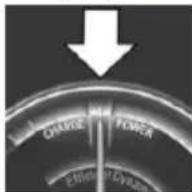
The mark in the efficiency display is backlit in blue and is located at the zero point.
The coasting point indicator is illuminated at the zero point dur-
ing coasting.
Indications on the Control Display
The Coasting driving condition is displayed in EfficientDynamics Info while this driving mode is active.
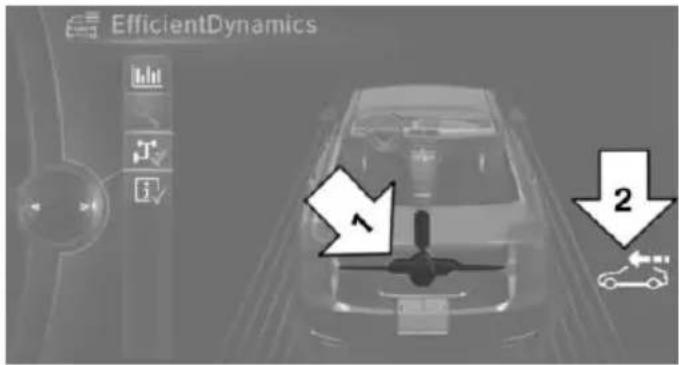
text_image
EfficientDynamics 2Color code blue, arrow 1, and symbol, arrow 2: driving condition Coasting.
Displaying EfficientDynamics info
- "Vehicle info"
- "EfficientDynamics"
- "EfficientDynamics info"
Deactivating the system manually
The function can be deactivated in the Configure ECO PRO, refer to page 197, menu, e.g., to use the braking effect of the engine when traveling downhill.
Settings are stored for the profile currently in use.
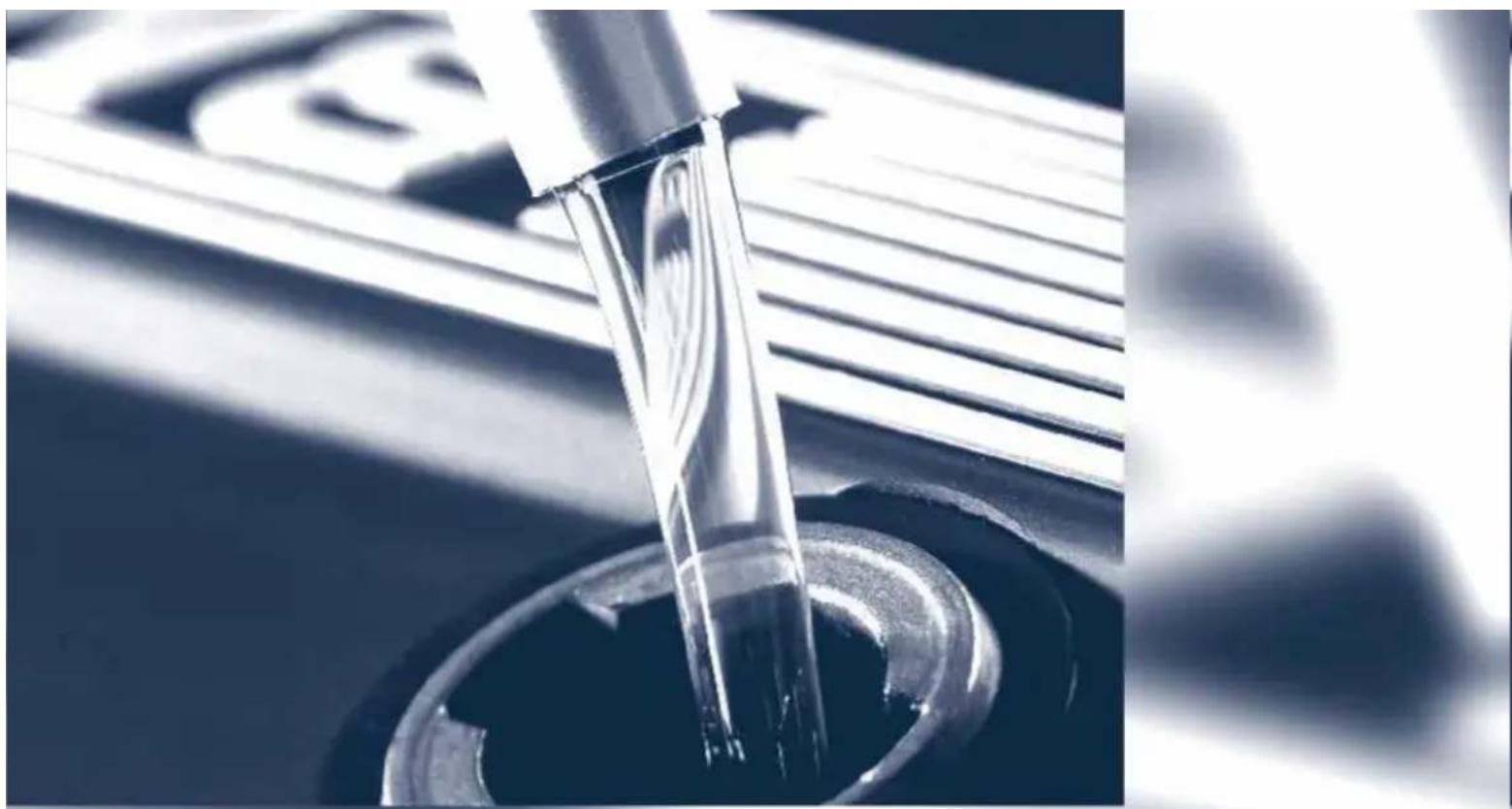
natural_image
Close-up of a metallic tool tip dispensing liquid into a circular opening, with blurred background elements (no text or symbols visible)Mobility
In order to always ensure your mobility, you will find important information on operating fluids, wheels and tires, maintenance and Roadside Assistance in the following.
Refueling
Vehicle features and options
This chapter describes all standard, country-specific and optional features offered with the series. It also describes features that are not necessarily available in your car, e.g., due to the selected options or country versions. This also applies to safety-related functions and systems. The respectively applicable country provisions must be observed when using the respective features and systems.
Hints
Observe the fuel recommendation, refer to page 206, prior to refueling.

Refuel promptly
Refuel no later than at a range of
30 miles/50 km or engine operation might fail and damage might occur.
Diesel engines
The filler neck is designed for refueling at diesel fuel pumps.
Fuel lid
Opening
- Briefly press the rear edge of the fuel filler flap.
natural_image
Black square button with white arrow symbol pointing left, no text or numbers present- Turn the tank lid counterclockwise.
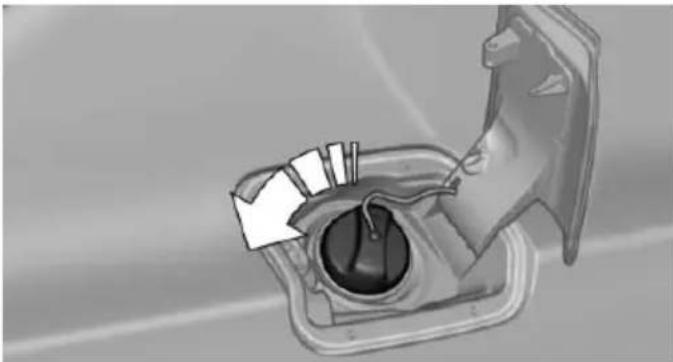
natural_image
Diagram of a mechanical component with internal parts and directional arrows (no text or symbols)- Place the tank lid in the bracket attached to the fuel filler flap.
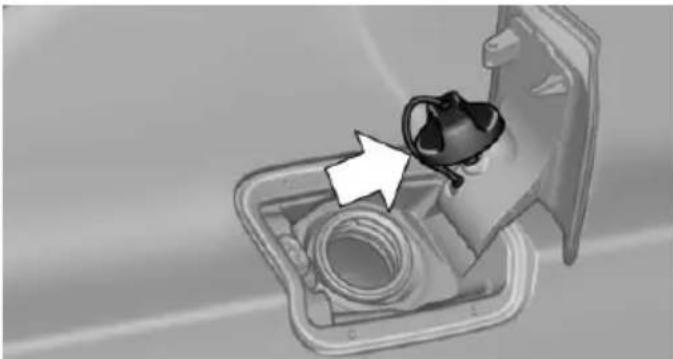
natural_image
Interior view of a car intake manifold with a hand pointing to the intake area (no text or symbols visible)Closing
-
Fit the lid and turn it clockwise until you clearly hear a click.
-
Close the fuel filler flap.

Do not pinch the retaining strap
Do not pinch the retaining strap attached to the lid; otherwise, the lid cannot be closed properly and fuel vapors can escape.
Manually unlocking fuel filler flap
In the event of an electrical malfunction, e.g.
The release is located in the trunk.
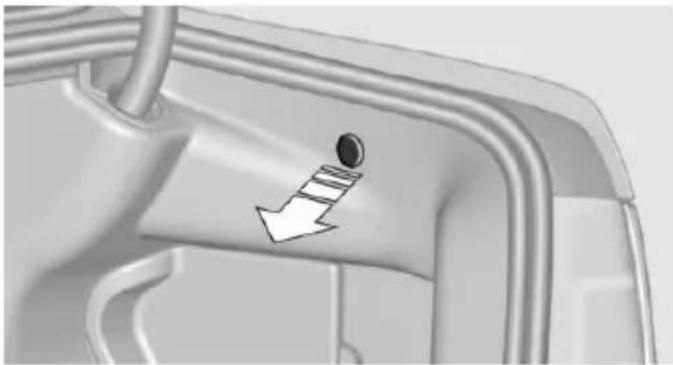
natural_image
Mechanical component with a downward arrow indicating a force or motion direction (no text or symbols present)Pull the green knob with the fuel pump symbol. This releases the fuel filler flap.
Observe the following when refueling
The fuel tank is full when the filler nozzle clicks off the first time.

Do not overfill the fuel tank
Do not overfill the fuel tank; otherwise fuel may eslide, causing harm to the environment and damaging the vehicle.

Handling fuels
Observe safety regulations posted at the gas station.
Fuel
Vehicle features and options
This chapter describes all standard, country-specific and optional features offered with the series. It also describes features that are not necessarily available in your car, e.g., due to the selected options or country versions. This also applies to safety-related functions and systems. The respectively applicable country provisions must be observed when using the respective features and systems.
Fuel recommendation
Note

General fuel quality
Even fuels that conform to the specifications can be of low quality. This may cause engine problems, for instance poor engine start-up behavior, poor handling and/or poor performance. Switch gas stations or use a brand name fuel with a higher octane rating.
Gasoline
For the best fuel efficiency, the gasoline should be sulfur-free or very low in sulfur content.
Fuels that are marked on the gas pump as containing metal must not be used.

Refuel only with unleaded gasoline without metallic additives.
Do not refuel with any leaded gasoline or gasoline with metallic additives, e. g. manganese or iron, as this can cause permanent damage to the catalytic converter and other components.
Fuels with a maximum ethanol content of 10 %, i. e., E10, may be used for refueling.
Ethanol should satisfy the following quality standards:
US: ASTM 4806-xx
CAN: CGSB-3.511-xx
xx: comply with the current standard in each case.

Do not use a fuel with a higher percentage of ethanol
Do not use a fuel with a higher ethanol percentage than recommended or one with other types of alcohol, e.g. M5 to M100; otherwise this could damage the engine and fuel supply system.
Recommended fuel grade
BMW recommends AKI 91.
Minimum fuel grade
BMW recommends AKI 89.

Minimum fuel grade
Do not use any gasoline below the minimum fuel grade as this may impair engine performance.
If you use gasoline with this minimum AKI Rating, the engine may produce knocking sounds when starting at high outside temperatures. This has no effect on the engine life.

Fuel quality
The use of poor-quality fuels may result in harmful engine deposits or damage. Additionally, problems relating to drivability, starting and stalling, especially under certain environmental conditions such as high ambient temperature and high altitude, may occur.
If drivability problems are encountered, we recommend switching to a high quality gasoline brand and a higher octane grade — AKI number — for a few tank fills. To avoid harmful en-
gine deposits, it is highly recommended to purchase gasoline from Top Tier retailers.
Failure to comply with these recommendations may result in the need for unscheduled maintenance.
Diesel
Low-Sulfur Diesel
The engine of your BMW is designed for diesel with low sulfur content:
Ultra-Low Sulfur Diesel ASTM D 975-xx.
xx: comply with the current standard in each case.

Use only Ultra-Low Sulfur Diesel.
The fraction of biodiesel in the fuel must not exceed 5 %, referred to as B5. Do not use gasoline. If you do fill the tank with the wrong fuel, e.g., gasoline, do not start the engine as this may damage the engine.
After adding the wrong fuel, contact your service center or Roadside Assistance.
If the fuel pump nozzle does not fit in the filler pipe of your BMW, please check to ensure that you are refueling at a diesel fuel pump that is equipped with a diesel fuel pump nozzle.
In the event the Ultra-Low Sulfur Diesel fuel cannot be fully inserted into the fuel filler neck, please contact BMW Roadside Assistance for instructions on how to add fuel.
For additional information regarding Roadside Assistance, refer to Owner's Manual for Navigation, Entertainment and Communication.
Winter diesel
To ensure that the diesel engine remains operational in the winter, use winter diesel.
It is available at gas stations during winter months.
The fuel filter heating system, included as a standard feature, prevents disruption of the fuel supply while driving.

Do not add any diesel additives
Do not add additives, including gasoline;
otherwise, engine damage may occur.
BMW Advanced Diesel
The concept
BMW Advanced Diesel reduces nitrogen oxides in the diesel emissions by injecting diesel exhaust fluid reducing agent into the exhaust system. A chemical reaction takes place inside the catalytic converter that minimizes nitrogen oxides.
The vehicle has a tank that can be refilled.
To be able to start the engine as usual, there must be an adequate reducing agent.
Reducing agent is added by the service center.
Warming up the system
In order to warm the engine up to its operating temperature after a cold start, the Steptronic transmission may subsequently shift up to the next higher gear.
Displays in the instrument cluster
Reserve indication
This display in the instrument cluster provides information about the distance that can still be driven with the current reserve level.

▶ Lamp white: refill with reduction agent at the next opportunity.
Lamp yellow: not enough reduction agent present. The remaining range is displayed in the instrument cluster. Immediately refill with reduction agent, refer to page 208.
Diesel exhaust fluid on minimum

The remaining range is displayed in the instrument cluster: refill with reduction agent. The engine will continue to run as long as it is not switched off and all other operating conditions are satisfied; sufficient fuel, e.g.

Engine does not start
Do not continue driving to the limit of the remaining travel distance. Otherwise, you will not be able to restart the engine after switching it off. In certain cases, this could cause safety to be impaired.
Filling with an incorrect fluid
A Check Control message is displayed when an incorrect fluid is added.
After adding the incorrect fluid, contact your service center.
System defect
A Check Control message is displayed when there is a system defect.
Have the diesel exhaust fluid replenished
The reducing agent is added by the service center within the context of regular maintenance.
It may be necessary to have the fluid replenished several times under particular circumstances, e.g., if the vehicle is driven in a particularly sporty style or if it is driven at high altitudes.
The reducing agent must be replenished as soon as the reserve display appears in the instrument cluster to avoid not being able to restart the engine.
Diesel exhaust fluid at low temperatures
Due to its physical properties, it is possible that the reducing agent may also need to be replenished between regular maintenance appointments if it is exposed to temperatures under +23 °F/- 5 °C. In this case, add reducing agent only immediately before driving off.
The need to replenish it is indicated by the Reserve display in the instrument cluster.
At temperatures below + 12 °F/- 11 °C, the filling level cannot be measured in some cases.
After adding reducing agent, the Reserve Display is displayed only until the fill level can be measured again.
Replenishing Diesel exhaust fluid yourself in exceptional cases
You can replenish reducing agent yourself in exceptional cases, e.g., to get to the service center.

Avoid contact with Diesel exhaust fluid
Do not come into contact with the reducing agent. Otherwise, skin or eye irritations may result.

Handling Diesel exhaust fluid
When working with reducing agent in closed spaces, ensure good ventilation. When the bottle or container is opened, acrid smelling fumes may eslide.

Keeping Diesel exhaust fluid out of reach of children
Keep reducing agent out of reach of children.

Avoid contact with surfaces
Avoid contact of reduction agent with surfaces of the vehicle; otherwise, damage could occur.
Suitable Diesel exhaust fluid
▶ Preferred: BMW Diesel Exhaust Fluid. With this bottle and its special adapter, Diesel
exhaust fluid can be replenished simply and safely.
Alternative: NOx reduction agent AUS 32
Diesel exhaust fluid can be purchased at your service center.
Refill quantity
When the Reserve display starts, add at least 3 bottles of reducing agent.
This corresponds to approx. 1.5 US gal/6 liters.
Tank for reducing agent
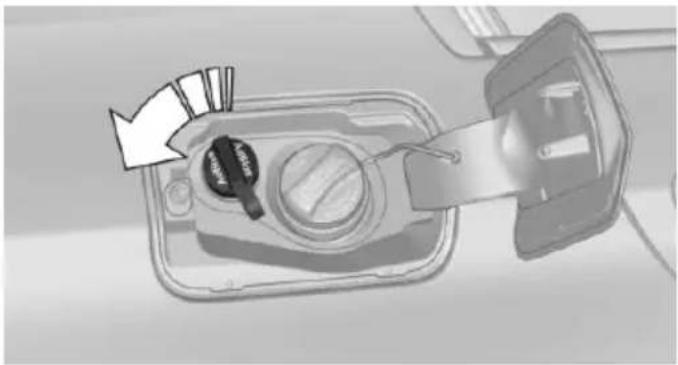
natural_image
Diagram of a device with a key inserted into a tray, showing a magnified view of the lid and handle (no text or symbols present)The tank for the reducing agent is located next to the fuel tank.
Adding the reducing agent
Add the reducing agent when the ignition is switched on.
- Open the fuel filler flap, refer to page 204.
- Turn the tank lid counterclockwise and remove.
- Place the bottle on it and turn it as far as it will go, see arrow.
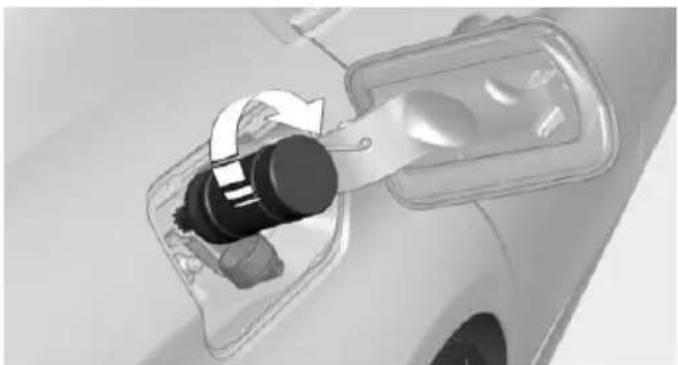
natural_image
Close-up of a car's electrical plug socket with a rotary switch (no text or symbols visible)- Press the bottle down, see arrow.
The vehicle tank will be filled.
The tank is full when the fill level in the bottle no longer changes. It is not possible to overfill.
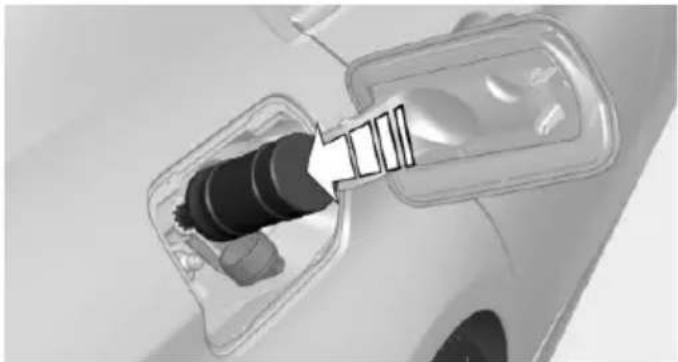
natural_image
Close-up of a car charging plug with a cable inserted, showing internal components and no visible text or symbols.- Pull back the bottle, see arrow, and un-screw it.
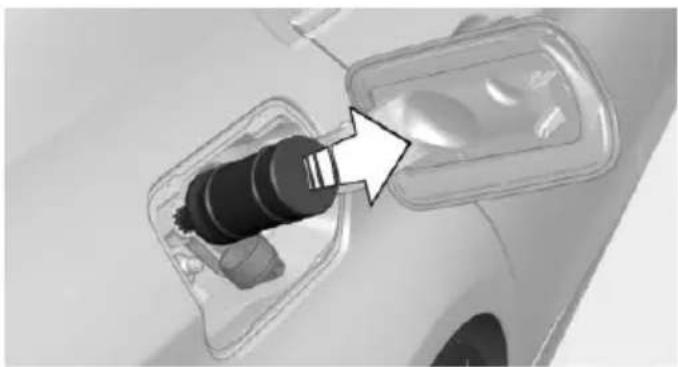
natural_image
Close-up of a car charging plug with a black connector inserted, showing internal components and a white arrow pointing to the plug (no text or symbols visible)- Replace the tank lid and turn it clockwise.
- Close the fuel filler flap.
After adding Diesel exhaust fluid
Note

Incorrect fluids
After filling with incorrect fluids, such as antifreeze for washer fluid, do not start the engine, otherwise there is risk of fire.
Contact your service center.
Disposing of bottles

You take your empty Diesel exhaust fluid bottles to your service center for disposal.
Do not dispose of empty bottles with household waste unless this is permitted by local regulations.
Reserve indication

The Reserve display will still appear along with the remaining range after refilling.
Engine can be started.
After several minutes of driving,
the Reserve indication goes out.
Diesel exhaust fluid on minimum

After filling, the indication -- is still displayed.
Only after the display goes out can the engine -- be started.
- Switch on the ignition.
Display -- goes out after approx. 1 minute.
- Engine can be started.
Wheels and tires
Vehicle features and options
This chapter describes all standard, country-specific and optional features offered with the series. It also describes features that are not necessarily available in your car, e. g., due to the selected options or country versions. This also applies to safety-related functions and systems. The respectively applicable country provisions must be observed when using the respective features and systems.
Tire inflation pressure
Safety information
The tire characteristics and tire inflation pressure influence the following:
The service life of the tires.
Road safety.
▶ Driving comfort.
Checking the tire inflation pressure

Check the tire inflation pressure regularly Regularly check the tire inflation pressure, and correct it as needed: at least twice a month and before a long trip. If you fail to observe this precaution, you may be driving on tires with incorrect tire pressures, a condition that may not only compromise your vehicle's driving stability, but also lead to tire damage and the risk of an accident.
Tires have a natural, consistent loss of tire inflation pressure.
Tires heat up while driving, and the tire inflation pressure increases along with the tire's temperature. The tire inflation pressure specifications relate to cold tires or tires with the ambient temperature.
Only check the tire inflation pressure when the tires are cold. This means after driving no more than 1.25 miles/2 km or when the vehicle has been parked for at least 2 hours.
The displays of inflation devices may under-read by up to 1.45 psi/0.1 bar.
For Flat Tire Monitor: after correcting the tire inflation pressure, reinitialize the Flat Tire Monitor.
For Tire Pressure Monitor: after correcting the tire inflation pressure, reset the Tire Pressure Monitor.
Tire inflation pressure specifications
The tire inflation pressure table, refer to page 212, contains all tire inflation pressure specifications for the specified tire sizes at the ambient temperature. Tire inflation pressure specifications apply to approved tire sizes and recommended tire brands. This information can be obtained from your service center.
To identify the correct tire inflation pressure, please note the following:
▶ Tire sizes of your vehicle.
▶ Maximum permitted driving speed.
Tire inflation pressures up to 100 mph/160 km/h
For speeds of up to 100 mph/160 km/h and for optimum driving comfort, note the pressure values in the tire inflation pressure table, refer to page 212, and adjust as necessary.
natural_image
Interior view of a car showing the seat, dashboard, and door panel (no text or symbols visible)These pressure values can also be found on the tire inflation pressure label on the driver's door pillar.

Maximum permissible speed
Do not exceed 100 mph/160 km/h; otherwise, tire damage and accidents may result.
Tire inflation pressure values up to 100 mph/160 km/h
528i
Tire size Pressure specifica-
tions in bar/PSI
Specifications in bar/PSI with cold tires

225/55 R 17 97 V M
2.2/32 2.4/35
+S A/S RSC
225/55 R 17 97 H M
+S RSC
245/45 R 18 100 V
2.4/35 2.6/38
M+S XL A/S RSC
245/40 R 19 98 V M
+S XL A/S RSC
245/45 R 18 96 Y
RSC
245/45 R 18 100 V
M+S XL RSC
Tire size Pressure specifications in bar/PSI
| Front: 245/45 R 18 | 2.4 / 35 | - |
| 96 Y RSC | - | 2.4 / 35 |
| Rear: | ||
| 275/40 R 18 99 Y | ||
| RSC |
| Front: 245/40 R 19 | 2.4 / 35 | - |
| 94 Y RSC | - | 2.6 / 38 |
| Rear: 275/35 R 19 |
| 96 Y RSC |
| Front: 245/35 R 20 | 2.4 / 35 | - |
| 95 Y XL RSC | - | 2.9 /42 |
| Rear: 275/30 R 20 |
| 97 Y XL RSC |
| Emergency wheel: | Speed up to a max. of |
| T 135/90 R 17 104 | 50 mph / 80 km/h |
| M | 4.2 / 60 |
535i, 535d
Tire size Pressure specifications in bar/PSI
Specifications in bar/PSI with cold tires
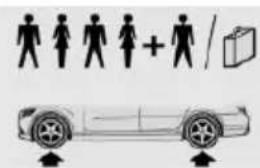
text_image
Diagram showing human silhouette icons and a car with directional arrows indicating movement or orientation.245/45 R 18 100 V 2.4 / 35 2.7 / 39
M+S XL A/S RSC
245/40 R 19 98 V
M+S XL A/S RSC
245/45 R 18 96 Y RSC
225/55 R 17 97 H
M+S RSC
245/45 R 18 100 V
M+S XL RSC
| Tire size Pressure specifications in bar/PSI | ||
| Front: 245/45 R 1896 Y RSCRear: 275/40 R 1899 Y RSC | 2.4 / 35- | -2.4 / 35 |
| Front: 245/40 R 1994 Y RSCRear: 275/35 R 1996 Y RSC | 2.4 / 35- | -2.6 / 38 |
| Front: 245/35 R 2095 Y XL RSCRear: 275/30 R 2097 Y XL RSC | 2.4 / 35- | -2.9 /42 |
| Emergency wheel:T 135/90 R 17 104M | Speed up to a max. of 50 mph / 80 km/h4.2 / 60 | |
550i
| Tire size Pressure specificationsin bar/PSI | |
| Specifications inbar/PSI with coldtires | |
| 245/45 R 18 100 VM+S XL A/S RSC | 2.5 / 36 2.7 / 39 |
| 245/40 R 19 98 VM+S XL A/S RSC | |
| 245/45 R 18 96 YRSC | |
| 245/45 R 18 100 VM+S XL RSC | |
| Front: 245/45 R 1896 Y RSC | 2.5 / 36 -2.5 / 36 |
| Rear: 275/40 R 1899 Y RSC | |
| Tire size Pressure specifications in bar/PSI | ||
| Front: 245/40 R 19 | 2.5 / 36 | - |
| 94 Y RSC | - | 2.6 / 38 |
| Rear: 275/35 R 19 | ||
| 96 Y RSC | ||
| Front: 245/35 R 20 | 2.6 / 38 | - |
| 95 Y XL RSC | - | 2.9 /42 |
| Rear: 275/30 R 20 | ||
| 97 Y XL RSC | ||
528i xDrive
| Tire size Pressure specifications in bar/PSI | |
| Specifications in bar/PSI with cold tires | 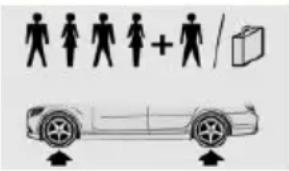 |
| 225/55 R 17 97 V M +S A/S RSC | 2.4 / 35 2.6 / 38 |
| 225/55 R 17 97 H M +S RSC | |
| 245/45 R 18 100 V M+S XL A/S RSC | |
| 245/40 R 19 98 V M +S XL A/S RSC | |
| 245/45 R 18 96 Y RSC | |
| 245/45 R 18 100 V M+S XL RSC | |
| Front: 245/45 R 18 96 Y RSC | 2.4 / 35 - 2.4 / 35 |
| Rear: 275/40 R 18 99 Y RSC | |
| Front: 245/40 R 19 94 Y RSC | 2.4 / 35 - 2.6 / 38 |
| Rear: 275/35 R 19 96 Y RSC | |
Tire size Pressure specifications in bar/PSI
| Front: 245/35 R 2095 Y XL RSCRear: 275/30 R 2097 Y XL RSC | 2.5 / 36- | -3.0 / 44 |
| Emergency wheel:T 135/90 R 17 104M | Speed up to a max. of50 mph / 80 km/h4.2 / 60 | |
535i xDrive, 535d xDrive
Tire size Pressure specifications in bar/PSI
| Specifications in bar/PSI with cold tires |
| 245/45 R 18 100 V | 2.4 / 35 2.7 / 39 | |
| M+S XL A/S RSC | ||
| 245/40 R 19 98 V | ||
| M+S XL A/S RSC | ||
| 245/45 R 18 96 Y | ||
| RSC | ||
| 225/55 R 17 97 H | ||
| M+S RSC | ||
| 245/45 R 18 100 V | ||
| M+S XL RSC | ||
| Front: 245/45 R 18 | 2.4 / 35 | - |
| 96 Y RSC | - | 2. |
| Rear: 275/40 R 18 | ||
| 99 Y RSC | ||
| Front: 245/40 R 19 | 2.4 / 35 | - |
| 94 Y RSC | - | 2. |
| Rear: 275/35 R 19 | ||
| 96 Y RSC |
Tire size Pressure specifications in bar/PSI
| Front: 245/35 R 2095 Y XL RSCRear: 275/30 R 2097 Y XL RSC | 2.5 / 36--- | --3.0 / 44 |
| Emergency wheel:T 135/90 R 17 104M | Speed up to a max. of50 mph / 80 km/h4.2 / 60 | |
550i xDrive
Tire size Pressure specifications in bar/PSI
| Specifications in bar/PSI with cold tires |
| 245/45 R 18 100 V M+S XL A/S RSC | 2.6 / 38 2.7 / 39 | |
| 245/40 R 19 98 V M +S XL A/S RSC | ||
| 245/45 R 18 96 Y RSC | ||
| 245/45 R 18 100 V M+S XL RSC | ||
| Front: 245/45 R 18 96 Y RSC | 2.6 / 38 | - |
| - | 2. | |
| Rear: 275/40 R 18 99 Y RSC | ||
| Front: 245/40 R 19 94 Y RSC | 2.6 / 38 | - |
| - | 2. | |
| Rear: 275/35 R 19 96 Y RSC | ||
| Front: 245/35 R 20 95 Y XL RSC | 2.7 / 39 | - |
| - | 3. | |
| Rear: 275/30 R 20 97 Y XL RSC |
Tire inflation pressures at max. speeds above 100 mph/160 km/h

Speeds above 100 mph/160 km/h
In order to drive at maximum speeds in
excess of 100 mph/160 km/h, please observe, and, if necessary, adjust tire pressures for speeds exceeding 100 mph/160 km/h from the relevant table on the following pages. Otherwise tire damage and accidents could occur.
Tire inflation pressure values over 100 mph/160 km/h
528i
Without high-speed tuning feature
Tire size Pressure specifications in bar/PSI
Specifications in bar/PSI with cold tires
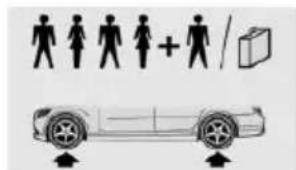
text_image
Diagram showing human silhouette icons and a car with plus sign, likely illustrating vehicle composition or labeling.225/55 R 17 97 V M 2.2 / 32 2.6 / 38
+S A/S RSC
225/55 R 17 97 H
M+S RSC
245/45 R 18 100 V 2.4 / 35 2.9 / 42
M+S XL A/S RSC
245/40 R 19 98 V M
+S XL A/S RSC
245/45 R 18 96 Y
RSC
245/45 R 18 100 V
M+S XL RSC
| Front: 245/45 R 18 | 2.4 / 35 | - |
| 96 Y RSC | - | 2.4 / 35 |
| Rear: 275/40 R 18 | ||
| 99 Y RSC |
Tire size Pressure specifications in bar/PSI
| Front: 245/40 R 1994 Y RSCRear: 275/35 R 1996 Y RSC | 2.4 / 35- | -2.6 / 38 |
| Front: 245/35 R 2095 Y XL RSCRear: 275/30 R 2097 Y XL RSC | 2.4 / 35- | -2.9 /42 |
| Emergency wheel:T 135/90 R 17 104M | Speed up to a max. of50 mph / 80 km/h4.2 / 60 | |
With high-speed tuning feature
Tire size Pressure specifications in bar/PSI
Specifications in bar/PSI with cold tires
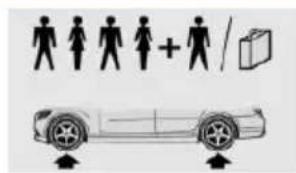
text_image
Diagram showing human silhouette icons and a car with directional arrows, likely illustrating vehicle or transportation concept.225/55 R 17 97 V M 2.5 / 36 3.0 / 44
+S A/S RSC
225/55 R 17 97 H
M+S RSC
245/45 R 18 100 V 2.7 / 39 3.2 / 46
M+S XL A/S RSC
245/40 R 19 98 V M
+S XL A/S RSC
245/45 R 18 96 Y
RSC
245/45 R 18 100 V
M+S XL RSC
| Front: 245/45 R 18 | 2.7 / 39 | - |
| 96 Y RSC | - | 2.7 / 39 |
| Rear: 275/40 R 18 | ||
| 99 Y RSC | ||
| Tire size Pressure specifications in bar/PSI | ||
| Front: 245/40 R 19 | 2.7 / 39 | - |
| 94 Y RSC | - | 3.0 / 44 |
| Rear: 275/35 R 19 | ||
| 96 Y RSC | ||
| Front: 245/35 R 20 | 2.7 / 39 | - |
| 95 Y XL RSC | - | 3.2 / 46 |
| Rear: 275/30 R 20 | ||
| 97 Y XL RSC | ||
| Emergency wheel: | Speed up to a max. of | |
| T 135/90 R 17 104 | 50 mph / 80 km/h | |
| M | 4.2 / 60 | |
535i, 535d
Without high-speed tuning feature
Tire size Pressure specifications in bar/PSI
Specifications in bar/PSI with cold tires
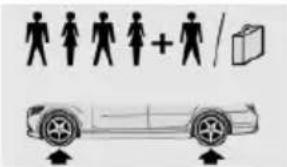
text_image
Diagram showing human silhouette icons and a car with directional arrows, likely illustrating vehicle or transportation concept.245/45 R 18 100 V
M+S XL A/S RSC
245/40 R 19 98 V
M+S XL A/S RSC
245/45 R 18 96 Y
RSC
225/55 R 17 97 H
M+S RSC
245/45 R 18 100 V
M+S XL RSC
Front: 245/45 R 18
96 Y RSC
Rear: 275/40 R 18
99 Y RSC
2.4 / 35 2.9 / 42
- 2.4/35
Tire size Pressure specifications in bar/PSI
| Front: 245/40 R 1994 Y RSCRear: 275/35 R 1996 Y RSC | 2.4 / 35- | -2.6 / 38 |
| Front: 245/35 R 2095 Y XL RSCRear: 275/30 R 2097 Y XL RSC | 2.4 / 35- | -2.9 /42 |
| Emergency wheel:T 135/90 R 17 104M | Speed up to a max. of50 mph / 80 km/h4.2 / 60 | |
With high-speed tuning feature
Tire size Pressure specifications in bar/PSI
Specifications in bar/PSI with cold tires
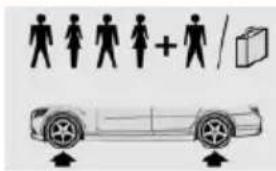
text_image
Diagram showing human silhouette icons and a car with directional arrows, likely illustrating vehicle or transportation concept.245/45 R 18 100 V 2.7 / 39 3.2 / 46
M+S XL A/S RSC
245/45 R 18 96 Y
RSC
225/55 R 17 97 H
M+S RSC
245/45 R 18 100 V
M+S XL RSC
245/40 R 19 98 V 2.8 / 41 3.3 / 48
M+S XL A/S RSC
Front: 245/45 R 18 2.7 / 39 - 96 Y RSC - 2.7 / 39
Rear: 275/40 R 18
99 Y RSC
| Tire size Pressure specifications in bar/PSI | ||
| Front: 245/40 R 19 | 2.7 / 39 | - |
| 94 Y RSC | - | 3.0 / 44 |
| Rear: 275/35 R 19 | ||
| 96 Y RSC | ||
| Front: 245/35 R 20 | 2.7 / 39 | - |
| 95 Y XL RSC | - | 3.2 / 46 |
| Rear: 275/30 R 20 | ||
| 97 Y XL RSC | ||
| Emergency wheel: T 135/90 R 17 104 | Speed up to a max. of 50 mph / 80 km/h | |
| M | 4.2 / 60 | |
550i
Without high-speed tuning feature
Tire size Pressure specifications in bar/PSI
Specifications in bar/PSI with cold tires
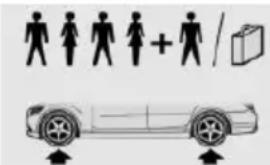
text_image
Diagram showing human silhouette icons and a car with directional arrows, likely illustrating vehicle or transportation concept.| 245/45 R 18 100 V | 2.5 / 36 3.0 / 44 |
| M+S XL A/S RSC | |
| 245/40 R 19 98 V M | |
| +S XL A/S RSC | |
| 245/45 R 18 96 Y | |
| RSC | |
| 245/45 R 18 100 V | |
| M+S XL RSC |
| Front: 245/45 R 18 | 2.5 / 36 | - |
| 96 Y RSC | - | 2.5 / 36 |
| Rear: 275/40 R 18 | ||
| 99 Y RSC |
Tire size Pressure specifications in bar/PSI
| Front: 245/40 R 19 | 2.5 / 36 | - |
| 94 Y RSC | - | 2.6 / 38 |
| Rear: 275/35 R 19 | ||
| 96 Y RSC | ||
| Front: 245/35 R 20 | 2.6 / 38 | - |
| 95 Y XL RSC | - | 2.9 /42 |
| Rear: 275/30 R 20 | ||
| 97 Y XL RSC |
With high-speed tuning feature
Tire size Pressure specifications in bar/PSI
Specifications in bar/PSI with cold tires
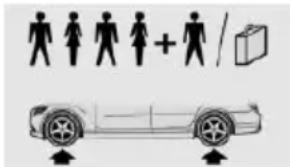
text_image
Diagram showing human silhouette icons and a car with directional arrows, likely illustrating vehicle or transportation concept.| 245/45 R 18 100 V | 2.9 /42 3.3 / 48 |
| M+S XL A/S RSC | |
| 245/40 R 19 98 V M | |
| +S XL A/S RSC | |
| 245/45 R 18 96 Y | |
| RSC | |
| 245/45 R 18 100 V | |
| M+S XL RSC |
| Front: 245/45 R 18 | 2.9 /42 | - |
| 96 Y RSC | - | 2.9 /42 |
| Rear: 275/40 R 18 | ||
| 99 Y RSC |
| Front: 245/40 R 19 | 2.9 /42 | - |
| 94 Y RSC | - | 3.3 / 48 |
| Rear: 275/35 R 19 | ||
| 96 Y RSC |
| Front: 245/35 R 20 | 2.9 /42 | - |
| 95 Y XL RSC | - | 3.3 / 48 |
| Rear: 275/30 R 20 | ||
| 97 Y XL RSC |
528i xDrive
Without high-speed tuning feature
Tire size Pressure specifications in bar/PSI
Specifications in bar/PSI with cold tires
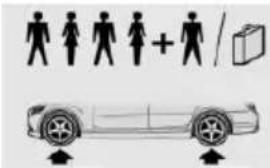
text_image
Diagram showing human silhouette icons and a car with directional arrows, likely illustrating vehicle or transportation concept.| 225/55 R 17 97 V M | 2.4 / 35 2.9 /42 |
| +S A/S RSC | |
| 225/55 R 17 97 H M | |
| +S RSC | |
| 245/45 R 18 100 V | |
| M+S XL A/S RSC | |
| 245/40 R 19 98 V M | |
| +S XL A/S RSC | |
| 245/45 R 18 96 Y | |
| RSC | |
| 245/45 R 18 100 V | |
| M+S XL RSC |
| Front: 245/45 R 18 | 2.4 / 35 | - |
| 96 Y RSC | - | 2.4 / 35 |
| Rear: 275/40 R 18 |
| 99 Y RSC |
| Front: 245/40 R 19 | 2.4 / 35 | - |
| 94 Y RSC | - | 2.6 / 38 |
| Rear: 275/35 R 19 |
| 96 Y RSC |
| Front: 245/35 R 20 | 2.5 / 36 | - |
| 95 Y XL RSC | - | 3.0 / 44 |
| Rear: 275/30 R 20 |
| 97 Y XL RSC |
| Emergency wheel: | Speed up to a max. of |
| T 135/90 R 17 104 | 50 mph / 80 km/h |
| M | 4.2 / 60 |
With high-speed tuning feature
Tire size Pressure specifications in bar/PSI
Specifications in bar/PSI with cold tires
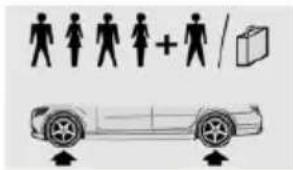
text_image
Diagram showing human silhouette icons and a car with directional arrows, likely illustrating vehicle or transportation concept.225/55 R 17 97 V M 2.8 / 41 3.3 / 48 +S A/S RSC
245/45 R 18 100 V M+S XL A/S RSC
245/40 R 19 98 V M +S XL A/S RSC
225/55 R 17 97 H M +S RSC
245/45 R 18 96 Y RSC
245/45 R 18 100 V M+S XL RSC
Front: 245/45 R 18 2.8 / 41 - 96 Y RSC - 2.8 / 41
Rear: 275/40 R 18 99 Y RSC
Front: 245/40 R 19 2.8 / 41 - 94 Y RSC - 3.0 / 44
Rear: 275/35 R 19 96 Y RSC
Front: 245/35 R 20 2.9 /42 - 95 Y XL RSC - 3.3 / 48
Rear: 275/30 R 20 97 Y XL RSC
Emergency wheel: Speed up to a max. of T 135/90 R 17 104 50 mph / 80 km/h M 4.2 / 60
535i xDrive, 535d xDrive
Without high-speed tuning feature
| Tire size Pressure specifications in bar/PSI | |
| Specifications in bar/PSI with cold tires | |
| 245/45 R 18 100 V M+S XL A/S RSC | 2.5 / 36 2.9 /42 |
| 245/40 R 19 98 V M +S XL A/S RSC | |
| 245/45 R 18 96 Y RSC | |
| 225/55 R 17 97 H M +S RSC | |
| 245/45 R 18 100 V M+S XL RSC | |
| Front: 245/45 R 18 96 Y RSC | 2.5 / 36 - 2.5 / 36 |
| Rear: 275/40 R 18 99 Y RSC | |
| Front: 245/40 R 19 94 Y RSC | 2.4 / 35 - 2.6 / 38 |
| Rear: 275/35 R 19 96 Y RSC | |
| Front: 245/35 R 20 95 Y XL | 2.5 / 36 - 3.0 / 44 |
| Rear: 275/30 R 20 97 Y XL | |
| Emergency wheel: T 135/90 R 17 104 M | Speed up to a max. of 50 mph / 80 km/h 4.2 / 60 |
With high-speed tuning feature
| Tire size Pressure specifications in bar/PSI | |
| Specifications in bar/PSI with cold tires | |
| 245/45 R 18 100 V M+S XL A/S RSC | 2.8 / 41 3.3 / 48 |
| 245/40 R 19 98 V M +S XL A/S RSC | |
| 245/45 R 18 96 Y RSC | |
| 225/55 R 17 97 H M +S RSC | |
| 245/45 R 18 100 V M+S XL RSC | |
| Front: 245/45 R 18 96 Y RSC | 2.8 / 41 - 2.8 / 41 |
| Rear: 275/40 R 18 99 Y RSC | |
| Front: 245/40 R 19 94 Y RSC | 2.8 / 41 - 3.0 / 44 |
| Rear: 275/35 R 19 96 Y RSC | |
| Front: 245/35 R 20 95 Y XL RSC | 2.9 / 42 - 3.3 / 48 |
| Rear: 275/30 R 20 97 Y XL RSC | |
| Emergency wheel: T 135/90 R 17 104 M | Speed up to a max. of 50 mph / 80 km/h 4.2 / 60 |
550i xDrive
Without high-speed tuning feature
Tire size Pressure specifications in bar/PSI
| Specifications in bar/PSI with cold tires | ||
| 245/45 R 18 100 V M+S XL A/S RSC | 2.6 / 38 | 3.0 / 44 |
| 245/40 R 19 98 V M +S XL A/S RSC | ||
| 245/45 R 18 96 Y RSC | ||
| 245/45 R 18 100 V M+S XL RSC | ||
| Front: 245/45 R 18 96 Y RSC | 2.6 / 38 | - |
| - | 2.6 / 38 | |
| Rear: 275/40 R 18 99 Y RSC | ||
| Front: 245/40 R 19 94 Y RSC | 2.6 / 38 | - |
| - | 2.7 / 39 | |
| Rear: 275/35 R 19 96 Y RSC | ||
| Front: 245/35 R 20 95 Y XL RSC | 2.7 / 39 | - |
| - | 3.1 / 45 | |
| Rear: 275/30 R 20 97 Y XL RSC |
With high-speed tuning feature
Tire size Pressure specifications in bar/PSI
| Specifications in bar/PSI with cold tires | ||
| 245/45 R 18 100 V M+S XL A/S RSC | 3.0 / 44 | 3.4 / 49 |
| 245/40 R 19 98 V M +S XL A/S RSC | ||
| 245/45 R 18 96 Y RSC | ||
| 245/45 R 18 100 V M+S XL RSC | ||
| Front: 245/45 R 18 96 Y RSC | 3.0 / 44 | - |
| - | 3.0 / 44 | |
| Rear: 275/40 R 18 99 Y RSC | ||
| Front: 245/40 R 19 94 Y RSC | 3.0 / 44 | - |
| - | 3.2 / 46 | |
| Rear: 275/35 R 19 96 Y RSC | ||
| Front: 245/35 R 20 95 Y XL RSC | 3.1 / 45 | - |
| - | 3.4 / 49 | |
| Rear: 275/30 R 20 97 Y XL RSC |
Tire identification marks
Tire size
245/45 R 18 96 Y
245: nominal width in mm
45: aspect ratio in %
R: radial tire code
18: rim diameter in inches
96: load rating, not for ZR tires
Y: speed rating, before the R on ZR tires
Speed letter
Q = up to 100 mph, 160 km/h
R = up to 106 mph, 170 km/h
S = up to 112 mph, 180 km/h
T = up to 118 mph, 190 km/h
H = up to 131 mph, 210 km/h
V = up to 150 mph, 240 km/h
W = up to 167 mph, 270 km/h
Y = up to 186 mph, 300 km/h
Tire Identification Number
DOT code: DOT xxxx xxx 0115
xxxx: manufacturer code for the tire brand
xxx: tire size and tire design
0115: tire age
Tires with DOT codes meet the guidelines of the U.S. Department of Transportation.
Tire age
DOT ... 0115: the tire was manufactured in the 1st week of 2015.
Recommendation
Regardless of wear and tear, replace tires at least every 6 years.
Uniform Tire Quality Grading
Quality grades can be found where applicable on the tire sidewall between tread shoulder and maximum section width.
For example: Treadwear 200; Traction AA; Temperature A
DOT Quality Grades
Treadwear
Traction AA A B C
Temperature A B C
All passenger car tires must conform to Federal Safety Requirements in addition to these grades.
Treadwear
The treadwear grade is a comparative rating based on the wear rate of the tire when tested under controlled conditions on a specified government test course. For example, a tire graded 150 would wear one and one-half, 1 g, times as well on the government course as a tire graded 100. The relative performance of tires depends upon the actual conditions of their use, however, and may depart significantly from the norm due to variations in driving habits, service practices and differences in road characteristics and climate.
Traction
The traction grades, from highest to lowest, are AA, A, B, and C.
Those grades represent the tire's ability to stop on wet pavement as measured under controlled conditions on specified government test surfaces of asphalt and concrete. A tire marked C may have poor traction performance.
The traction grade assigned to this tire is based on straight-ahead braking traction tests, and does not include acceleration, cornering, hydroplaning, or peak traction characteristics.
Temperature
The temperature grades are A, the highest, B, and C, representing the tire's resistance to the generation of heat and its ability to dissipate heat when tested under controlled conditions on a specified indoor laboratory test wheel. Sustained high temperature can cause the material of the tire to degenerate and reduce tire life, and excessive temperature can lead to sudden tire failure. The grade C corresponds to a level of performance which all passenger car tires must meet under the Federal Motor Vehicle Safety Standard No. 109. Grades Band A represent higher levels of performance on the laboratory test wheel than the minimum required by law.

Temperature grade for this tire
The temperature grade for this tire is established for a tire that is properly inflated and not overloaded. Excessive speed, underinflation, or excessive loading, either separately or in combination, can cause heat buildup and possible tire failure.
If necessary, have the vehicle towed.
RSC - Run-flat tires
Run-flat tires, refer to page 224, are labeled with a circular symbol containing the letters RSC marked on the sidewall.
M+S
Winter and all-season tires with better cold weather performance than summer tires.
Tire tread
Summer tires
Do not drive with a tire tread depth of less than 0.12 in/3 mm.
There is an increased danger of hydroplaning if the tire tread depth is less than 0.12 in/3 mm.
Winter tires
Do not drive with a tire tread depth of less than 0.16 in/4 mm.
Below a tread depth of 0.16 in/4 mm, tires are less suitable for winter operation.
Minimum tread depth
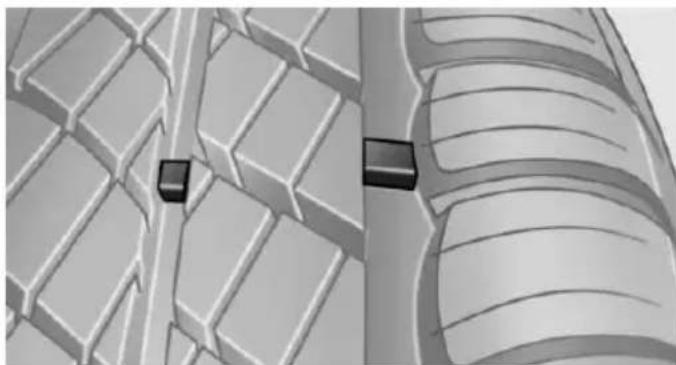
natural_image
3D illustration of a vehicle's suspension system showing two blocks on a grid-patterned surface (no text or symbols)Wear indicators are distributed around the tire's circumference and have the legally required minimum height of 0.063 in/1.6 mm.
They are marked on the side of the tire with TWI, Tread Wear Indicator.
Tire damage
General information
Inspect your tires often for damage, foreign objects lodged in the tread, and tread wear.
Hints
Driving over rough or damaged road surfaces, as well as debris, curbs and other obstacles can cause serious damage to wheels, tires and suspension parts. This is more likely to occur with low-profile tires, which provide less cushioning between the wheel and the road. Be careful to avoid road hazards and reduce your speed, especially if your vehicle is equipped with low-profile tires.
Indications of tire damage or other vehicle defects:
▶ Unusual vibrations while driving.
▶ Unusual handling such as a strong tendency to pull to the left or right.
Damage can, e. g., be caused by driving over curbs, road damage, or similar things.

In case of tire damage
If there are indications of tire damage, reduce your speed immediately and have the rims and tires checked right away; otherwise, there is the increased risk of an accident.
Drive carefully to the nearest service center. If necessary, have the vehicle towed or transported there. Otherwise, tire damage can become life threatening for vehicle occupants and also other traffic.

Repair of tire damage
For safety reasons, the manufacturer of your vehicle recommends that you do not have damaged tires repaired; they should be replaced. Otherwise, damage can occur as a result.
Changing wheels and tires
Mounting

Information on mounting tires
Have mounting and balancing performed only by a service center.
If work is not carried out properly, there is a danger of subsequent damage and related safety hazards.
Wheel and tire combination
You can ask the service center about the right wheel/tire combination and wheel rim versions for the vehicle.
Incorrect wheel and tire combinations impair the function of a variety of systems such as ABS or DSC.
To maintain good handling and vehicle re-sponse, use only tires with a single tread configuration from a single manufacturer.
Following tire damage, have the original wheel and tire combination remounted on the vehicle as soon as possible.

Approved wheels and tires
You should only use wheels and tires that have been approved by the vehicle manufacturer for your vehicle type; otherwise, e.g., despite having the same official size ratings, variations can lead to chassis contact and with it, the risk of severe accidents
The manufacturer of your vehicle cannot evaluate non-approved wheels and tires to determine if they are suited for use, and therefore cannot guarantee the operating safety of the vehicle.
Recommended tire brands
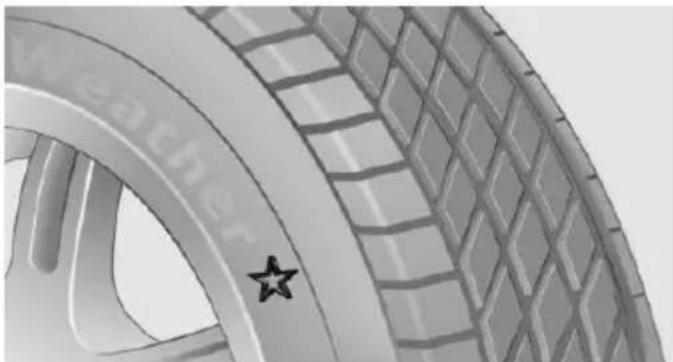
natural_image
Close-up of a car tire with a star marking on the side (no text or symbols visible)For each tire size, the manufacturer of your vehicle recommends certain tire brands. These can be identified by a star on the tire sidewall.
With proper use, these tires meet the highest standards for safety and handling.
New tires
Tire traction is not optimal due to manufacturing circumstances when tires are brand-new; they achieve their full traction potential after a break-in time.
Drive conservatively for the first 200 miles/300 km.
Retreaded tires
The manufacturer of your vehicle does not recommend the use of retreaded tires.

Retreaded tires
Possibly substantial variations in the design and age of the tire casing structures can limit service life and have a negative impact on road safety.
Winter tires
Winter tires are recommended for operating on winter roads.
Although so-called all-season M+S tires provide better winter traction than summer tires, they do not provide the same level of performance as winter tires.
Maximum speed of winter tires
If the maximum speed of the vehicle is higher than the permissible speed for the winter tires, then a respective symbol is displayed in your field of vision. You can obtain this sign from the tire specialist or from your service center.

Maximum speed for winter tires
Do not exceed the maximum speed for the respective winter tires; otherwise, tire damage and accidents can occur.
Run-flat tires
If you are already using run-flat tires, for your own safety you should replace them only with the same kind. No spare tire is available in the case of a flat tire. Your service center will be glad to advise you.
Rotating wheels between axles
Different wear patterns can occur on the front and rear axles depending on individual driving conditions. The tires can be rotated between the axles to achieve even wear. Your service center will be glad to advise you. After rotating, check the tire pressure and correct if needed.
Rotating the tires is not permissible on vehicles with different tire sizes or rim sizes on the front and rear axles.
Storage
Store wheels and tires in a cool, dry place with as little exposure to light as possible.
Always protect tires against all contact with oil, grease and fuels.
Do not exceed the maximum tire inflation pressure indicated on the side wall of the tire.
Run-flat tires
Label
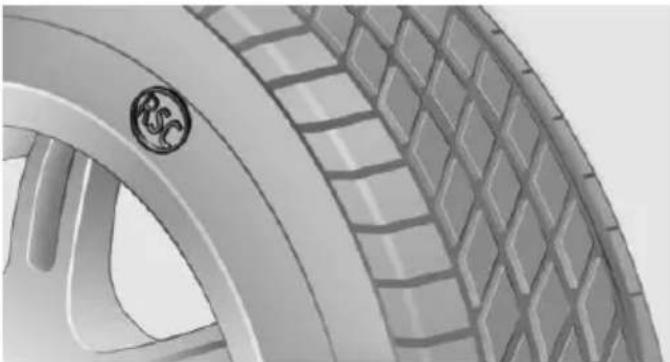
natural_image
Close-up of a car tire with a logo on the rim (no visible text or symbols)RSC label on the tire sidewall.
The wheels consist of tires that are self-supporting, to a limited degree, and possibly special rims.
The support of the sidewall allows the tire to remain drivable to a restricted degree in the event of a tire inflation pressure loss.
Follow the instructions for continued driving with a flat tire.
Changing run-flat tires
For your own safety, only use run-flat tires. No spare tire is available in the case of a flat tire. Your service center will be glad to advise you.
Mobility System
The concept
With the Mobility System, minor tire damage can be sealed quickly to enable continued travel. To accomplish this, sealant is pumped
into the tires, which seals the damage from the inside.
The compressor can be used to check the tire inflation pressure.
Hints
▶ Follow the instructions on using the Mobility System found on the compressor and sealant container.
▶ Use of the Mobility System may be ineffective if the tire puncture measures approx. 1/8 in/4 mm or more.
▶ Contact the nearest service center if the tire cannot be made drivable.
▶ If possible, do not remove foreign bodies that have penetrated the tire.
▶ Pull the speed limit sticker off the sealant container and apply it to the steering wheel.
The use of a sealant can damage the TPM wheel electronics. In this case, have the electronics checked at the next opportunity and have them replaced if needed.

Enclosed areas
Do not let the engine run in enclosed areas, since breathing in exhaust fumes may lead to loss of consciousness and death. The exhaust gases contain carbon monoxide, an odorless and colorless but highly toxic gas.
Storage
The Mobility System is located under the cargo floor panel.
Sealing container
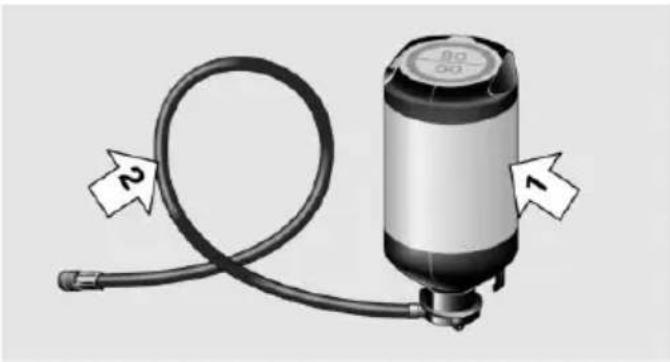
natural_image
Illustration of a cylindrical mechanical device with hoses and a labeled component (no text or symbols on the device itself)Sealing container, arrow 1.
▶ Filling hose, arrow 2.
Observe use-by date on the sealant container.
Compressor
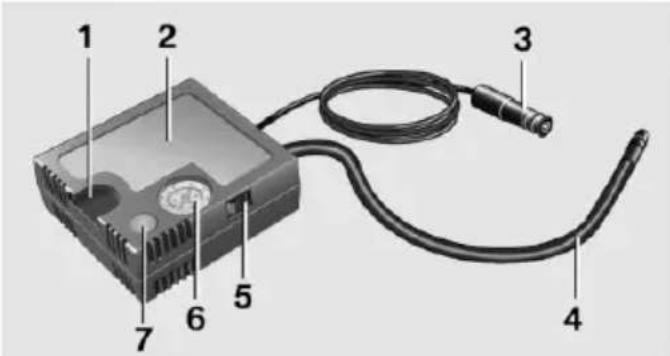
text_image
Diagram of a computer drive with labeled components including cable, connector, and power cord1 Holder for bottle
2 Compressor
3 Connector/cable for socket
4 Connection hose
5 On/off reel
6 Inflation pressure dial
7 Reduce inflation pressure
Filling the tire with sealant
- Shake the sealing container.
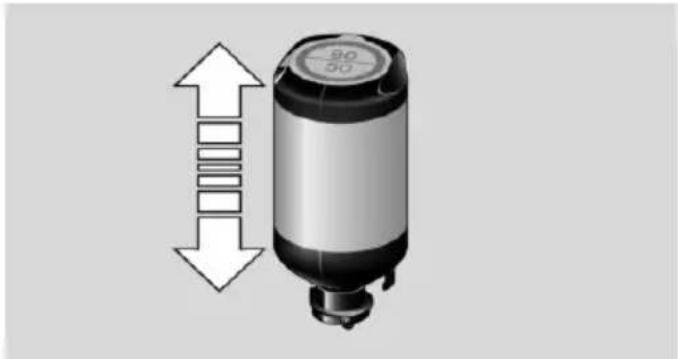
natural_image
Diagram of a cylindrical device with a top cap and side arrows indicating vertical alignment (no text or symbols)- Pull the connection hose fully out of the compressor housing. Do not kink the hose.
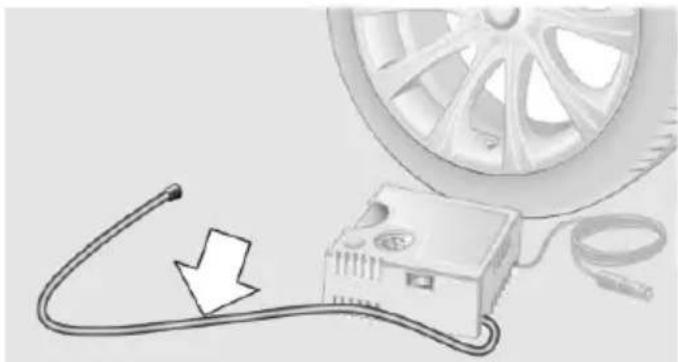
natural_image
Illustration of a car tire connected to an electrical device with a cable, showing a downward arrow (no text or symbols)- Screw the connection hose onto the connector of the sealant container.
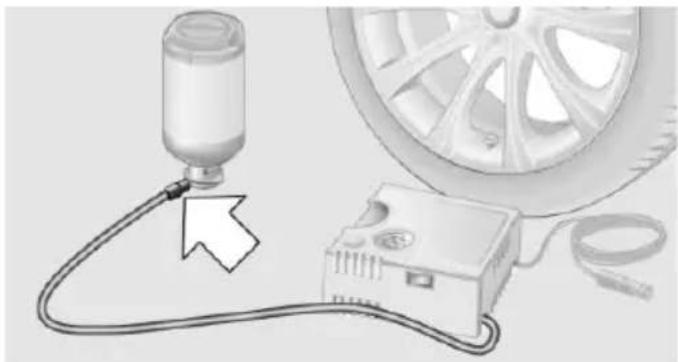
natural_image
Diagram showing a car tire connected to an electrical device with cable, next to a car wheel (no text or symbols present)- Insert the sealant container on the compressor housing in an upright position.
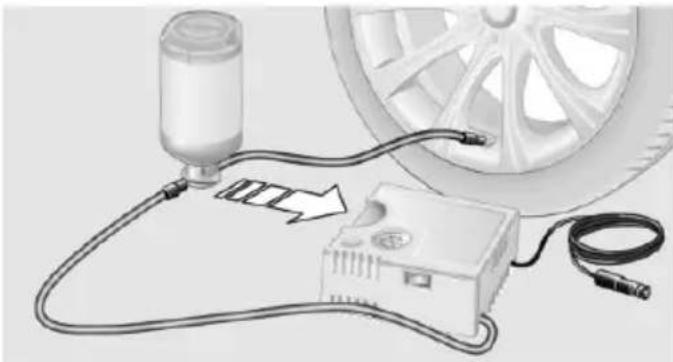
natural_image
Diagram of a car tire connected to a battery, showing wiring and components (no text or symbols)- Screw the filling hose of the sealant container onto the tire valve of the defective wheel.
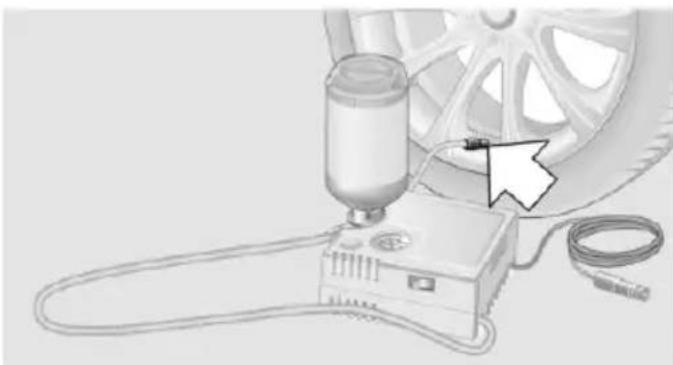
natural_image
Illustration of a car wheel testing setup with a sensor and connected device (no text or symbols visible)- With the compressor switched off, insert the plug into the power socket inside the vehicle.
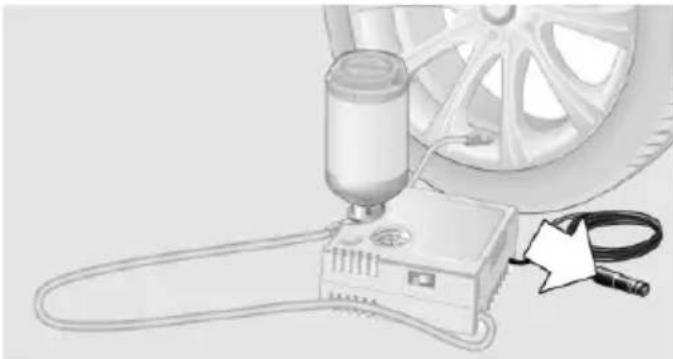
natural_image
Illustration of a car tire testing setup with a sensor and cable (no text or symbols)- With the ignition turned on or the engine running, reel on the compressor.

natural_image
Illustration of a car tire testing setup with a sensor and cable (no text or symbols)
Switch off the compressor after 10 minutes
Do not allow the compressor to run longer than 10 minutes; otherwise, the device will overheat and may be damaged.
Let the compressor run for approx. 3 to 8 minutes to fill the tire with sealant and achieve a tire inflation pressure of approx. 2.5 bar.
While the tire is being filled with sealant, the tire inflation pressure may sporadically reach approx. 5 bar. Do not reel off the compressor at this point.
If a tire inflation pressure of 2 bar is not reached:
- Switch off the compressor.
- Unscrew the filling hose from the wheel.
- Drive 33 ft/10 m forward and back to distribute the sealant in the tire.
- Inflate the tire again using the compressor. If a tire inflation pressure of 2 bar cannot be reached, contact your service center.
Stowing the Mobility System
- Unscrew the filling hose of the sealant container from the wheel.
- Unscrew the connection hose of the compressor from the sealant container.
- Connect the filling hose of the sealant container previously connected to the tire valve with the available connector on the sealant container.
This prevents leftover sealant from escaping from the container.
- Wrap the empty sealant container in suitable material to avoid dirtying the cargo area.
- Stow the Mobility System back in the vehicle.
Distributing the sealant
Immediately drive approx. 5 miles/10 km to ensure that the sealant is evenly distributed in the tire.
Do not exceed a speed of 50 mph/80 km/h.
If possible, do not drive at speeds less than 12 mph/20 km/h.
To correct the tire inflation pressure
- Stop at a suitable location.
- Screw the connection hose of the compressor directly onto the tire valve stem.
- Insert the connector into the power socket inside the vehicle.
- Correct the tire inflation pressure to 2.5 bar.
▶ Increase pressure: with the ignition turned on or the engine running, reel on the compressor.
To reduce the pressure: press the button on the compressor.
Continuing the trip
Do not exceed the maximum permissible speed of 50 mph/80 km/h.
Reinitialize the Flat Tire Monitor.
Reinitialize the Tire Pressure Monitor.
Replace the defective tire and the sealant container of the Mobility System as soon as possible.
Snow chains
Fine-link snow chains
Only certain types of fine-link snow chains have been tested by the manufacturer of the vehicle, classified as road-safe and approved.
Information about the approved snow chains are available from the service center.
Use
Use only in pairs on the rear wheels, equipped with the tires of the following size:
225/55 R 17.
245/45 R 18.
245/40 R 19.
Follow the snow chain manufacturer's instructions.
Make sure that the snow chains are always sufficiently tight. Retighten as needed according to the chain manufacturer's instructions.
Do not initialize the Flat Tire Monitor after mounting snow chains, as doing so may result in incorrect readings.
Do not initialize the Tire Pressure Monitor after mounting snow chains, as doing so may result in incorrect readings.
When driving with snow chains, briefly activate Dynamic Traction Control if needed.
Maximum speed with snow chains
Do not exceed a speed of 30 mph/50 km/h when using snow chains.
Snow chain detection
The concept
When using snow chains, settings should be made via the iDrive for the snow chains being applied.
The snow chain detection system supports you by automatically showing the detected state on the Control Display.
When snow chains are in use, the rear axle steering of the Integral Active Steering is deactivated automatically.
At speeds above the maximum permitted speed with snow chains of 30 mph/50 km/h, the rear axle steering is activated again automatically.
Activating the status
- "Settings"
- "Tire chains"
- "Tire chains installed"
Automatic detection
If functioning properly:
▶ Snow chains are mounted. Settings are not activated ☐
After you drive a short distance, a Check Control message is shown and the state is activated automatically.
Confirm the automatic activation.
▶ Snow chains are not mounted. Settings are activated
At speeds above 30 mph/50 km/h, a Check Control message is displayed. Deactivate the status manually.
If not functioning properly:
▶ Snow chains are mounted. Settings are not activated ☐
A Check Control message is not displayed.
The automatic detection system is malfunctioning. Activate the status manually.
Activating/deactivating rear axle steering
If the status indicating that snow chains are in use is activated, the rear axle steering is deactivated automatically.
At speeds above 30 mph/50 km/h, the rear axle steering is activated again, even though snow chains are in use.
Engine compartment
Vehicle features and options
This chapter describes all standard, country-specific and optional features offered with the series. It also describes features that are not necessarily available in your car, e. g., due to
the selected options or country versions. This also applies to safety-related functions and systems. The respectively applicable country provisions must be observed when using the respective features and systems.
Important features in the engine compartment
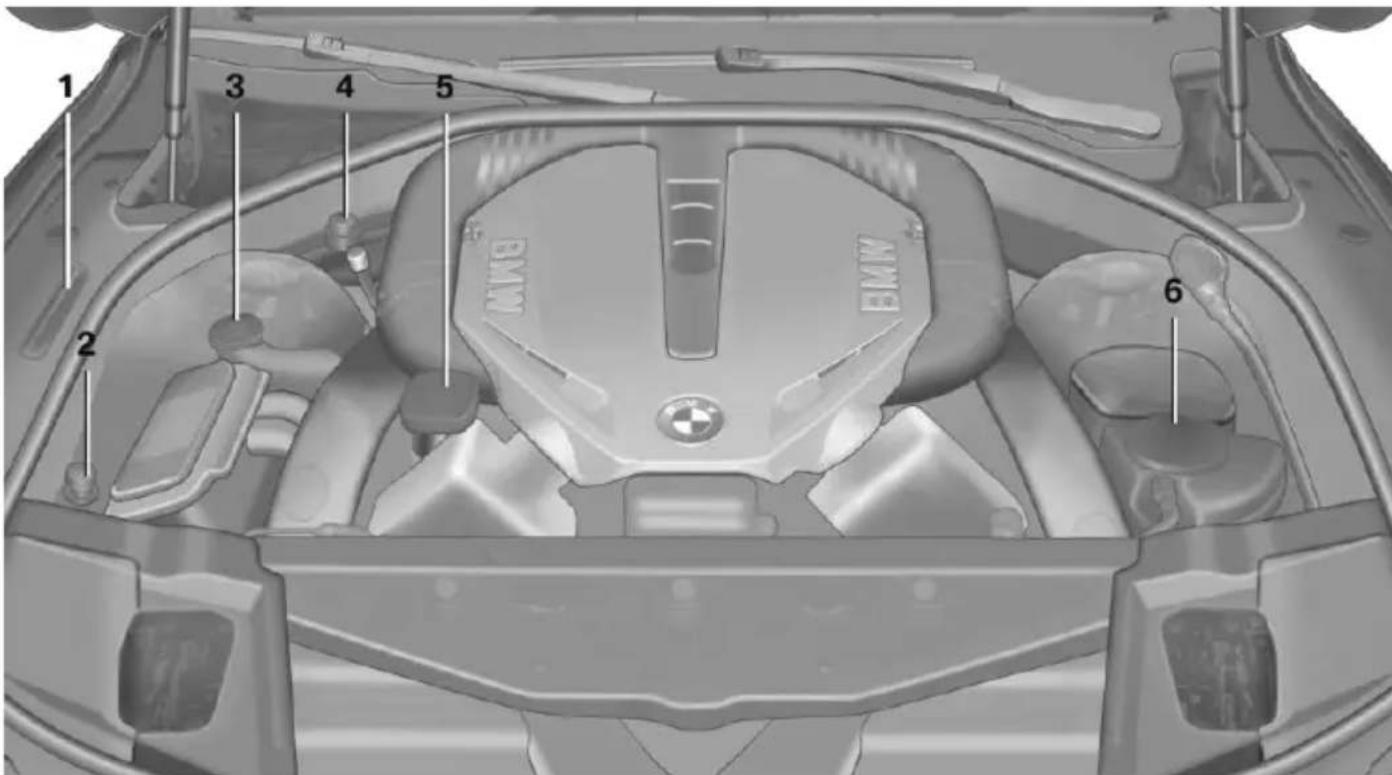
text_image
1 2 3 4 5 BMW BMW BMW 61 Vehicle identification number
2 Jump-starting, negative battery terminal
3 Washer fluid reservoir
4 Jump-starting, positive battery terminal
5 Oil filler neck
6 Coolant reservoir
Hood
Opening the hood

Working in the engine compartment
Never attempt to perform any service or repair operations on your vehicle without the necessary professional technical training.
If you are unfamiliar with the statutory guidelines, have any work on the vehicle performed only by a service center.
If work is not carried out properly, there is a danger of subsequent damage and related safety hazards.

Never reach into the engine compartment
Never reach into spaces or gaps in the engine compartment; otherwise, there is a risk of injury, e.g., from rotating or hot parts.

Danger of injury when the hood is open
There is a danger of injury from protruding parts when the hood is open.
- Pull the lever.
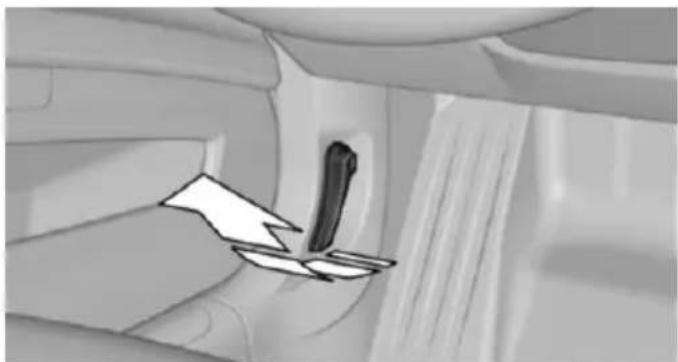
natural_image
Interior view of a car showing a seatbelt switch and directional arrow (no text or symbols)- Press the release handle and open the hood.
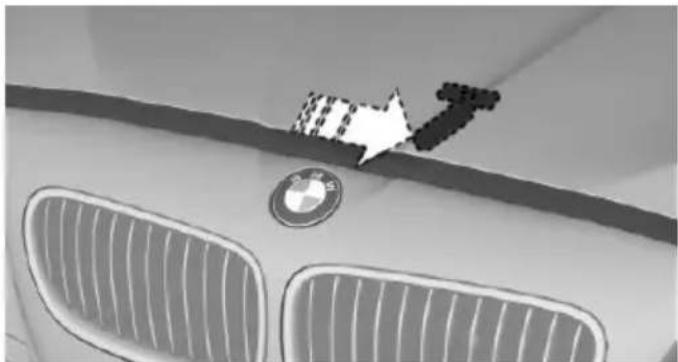
natural_image
Close-up of a car's front grille and logo, featuring BMW and Audi (no visible text or symbols)- Be careful of protruding parts on the hood.
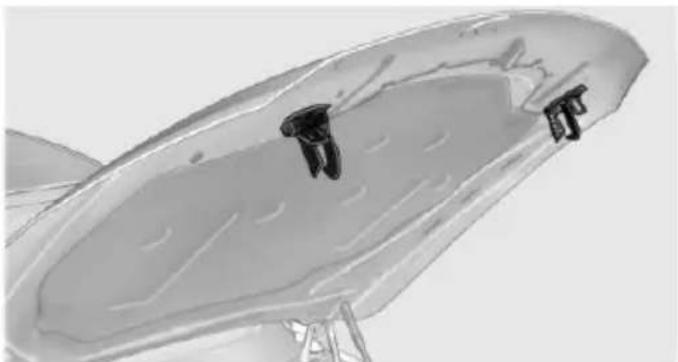
natural_image
Close-up of a metallic fan or blade component with mounting holes, mounted on a stand (no visible text or symbols)Closing the hood

Hood open when driving
If you see any signs that the hood is not completely closed while driving, pull over immediately and close it securely.

Danger of jamming
Make sure that the closing path of the hood is clear; otherwise, injuries may result.
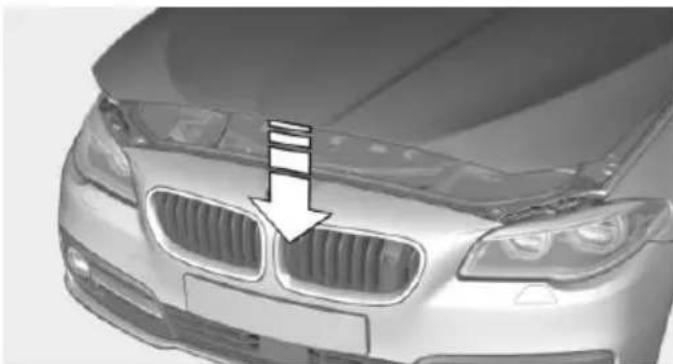
natural_image
Front view of a silver BMW sedan with grille grilles and a white arrow pointing to the grille (no text or symbols visible)Let the hood drop from a height of approx. 16 in/40 cm and push down on it to lock it fully. The hood must audibly engage on both sides.
Engine oil
Vehicle features and options
This chapter describes all standard, country-specific and optional features offered with the series. It also describes features that are not necessarily available in your car, e.g., due to the selected options or country versions. This also applies to safety-related functions and systems. The respectively applicable country provisions must be observed when using the respective features and systems.
General information
The engine oil consumption is dependent on the driving style and driving conditions.
The engine oil consumption can increase in case of, for example:
▶ Sporty driving.
▶ Break-in the engine.
▶ Idling of the engine.
▶ Usage of non-approved engine oil grades.
Therefore, regularly check the engine oil level after refueling.
Depending on its engine, the vehicle is equipped with electronic oil measurement or oil measuring is done with a dipstick.
The electronic oil measurement has two measuring principles:
▶ Status display
▶ Detailed measurement
Electronic oil measurement
Status display
The concept
The engine oil level is monitored electronically while driving and shown on the Control Display.
If the engine oil level reaches the minimum level, a check control message is displayed.
Requirements
A current measured value is available after approx. 30 minutes of driving. During a shorter trip, the status of the last, sufficiently long trip is displayed.
With frequent short-distance trips, regularly perform a detailed measurement.
Displaying the engine oil level
On the Control Display:
- "Vehicle info"
- "Vehicle status"
- "Engine oil level"
Engine oil level display messages
Different messages appear on the display depending on the engine oil level. Pay attention to these messages.
If the engine oil level is too low, within the next 125 miles/200 km Add engine oil, refer to page 232.

Engine oil level too low
Add engine oil immediately; otherwise, an insufficient amount of engine oil could result in engine damage.
Take care not to add too much engine oil.

Too much engine oil
Have the vehicle checked immediately; otherwise, surplus engine oil can lead to engine damage.
Detailed measurement
The concept
In the detailed measurement the engine oil level is checked and displayed via a scale.
Gasoline engine:
If the engine oil level reaches the minimum level, a check control message is displayed.
Diesel engine:
If the engine oil level reaches the minimum level or an overfilling is detected, a check control message is displayed.
During the measurement, the idle speed is increased somewhat.
General information
A detailed measurement is only possible with certain engines.
Requirements
▶ Vehicle is on level road.
▶ Manual transmission: shift lever in neutral position, clutch and accelerator pedals not depressed.
▶ Steptronic transmission: selector lever in selector lever position N or P and accelerator pedal not depressed.
▶ Engine is running and is at operating temperature.
Performing a detailed measurement
In order to perform a detailed measurement of the engine oil level:
- "Vehicle info"
-
"Vehicle status"
-
"Measure engine oil level"
- "Start measurement"
The engine oil level is checked and displayed via a scale.
Time: approx. 1 minute.
Adding engine oil
General information
Switch off the ignition and safely park the vehicle before engine oil is added.
Oil filler neck
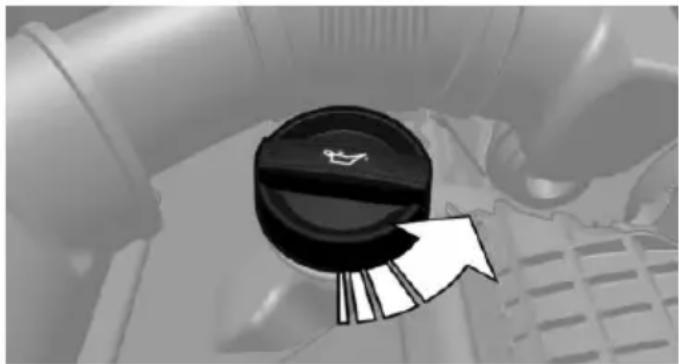
natural_image
Close-up of a car's key dial with a white arrow pointing to the right side (no text or symbols visible)Only add engine oil when the message is displayed in the instrument cluster or when the engine oil level has almost dropped to the lower mark of the dipstick.
Add 1 US quart/liter.

Adding engine oil
Add oil within the next 125 miles/200 km; otherwise, this may cause engine damage.

Do not add too much engine oil
When too much engine oil is added, immediately have the vehicle checked, otherwise, this may cause engine damage.

Protect children
Keep oil, grease, etc., out of reach of children and observe the warnings on the containers to prevent health risks.
Engine oil types to add
Hints

No oil additives
Oil additives may lead to engine damage.

Viscosity grades for engine oils
When selecting an engine oil, ensure that the engine oil belongs to one of the viscosity grades SAE 0W-40, SAE 0W-30, SAE 5W-40, and SAE 5W-30 or malfunctions or engine damage may occur.
The engine oil quality is critical for the life of the engine.
Suitable engine oil types
You can add engine oils that meet the following oil rating standards:
Gasoline engine
BMW Longlife-01.
BMW Longlife-01 FE.
Diesel engine
BMW Longlife-04.
Further information regarding the oil specifications and viscosities of engine oils can be inquired with the service center.
Alternative engine oil types
If an engine oil suitable for continuous use is not available, up to 1 US quart/liter of an engine oil with the following oil rating can be added:
Gasoline engine
API SM or superior oil rating.
Diesel engine
API CJ-4.
Engine oil change:
The vehicle manufacturer recommends that you let the service center change the motor oil.
BMW recommends
Original BMW Engine Oil.
Coolant
Vehicle features and options
This chapter describes all standard, country-specific and optional features offered with the series. It also describes features that are not necessarily available in your car, e.g., due to the selected options or country versions. This also applies to safety-related functions and systems. The respectively applicable country provisions must be observed when using the respective features and systems.
Hints

Danger of burns from hot engine
Do not open the cooling system while
the engine is hot; otherwise, esliding coolant may cause burns.

Suitable additives
Only use suitable additives; otherwise, engine damage may occur. The additives are harmful to your health.
Coolant consists of water and additives.
Not all commercially available additives are suitable for the vehicle. Information about the suitable additives are available from the service center.
Coolant level
General information
If there is no Min. and Max. mark in the filler neck of the coolant reservoir, have the coolant level checked if needed by your service center and add coolant as needed.
Depending on the engine installation, the coolant reservoir is located on the right side or the left side of the engine compartment.
Checking
-
Let the engine cool.
-
Turn the lid of the coolant reservoir slightly counterclockwise to allow any excess pressure to dissipate, then open it.
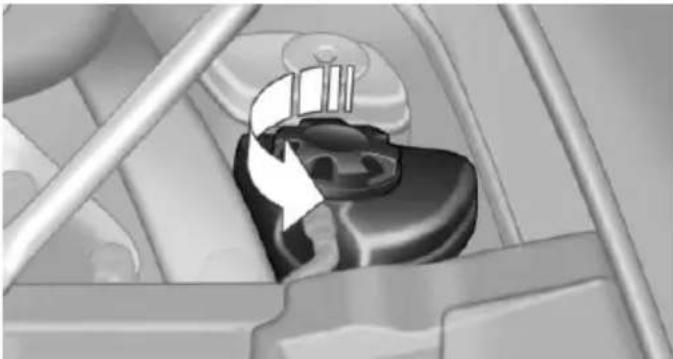
natural_image
Mechanical component diagram showing a piston-like structure with a rotating arrow (no text or symbols)-
Open the coolant reservoir lid.
-
The coolant level is correct if it lies between the minimum and maximum marks in the filler neck.
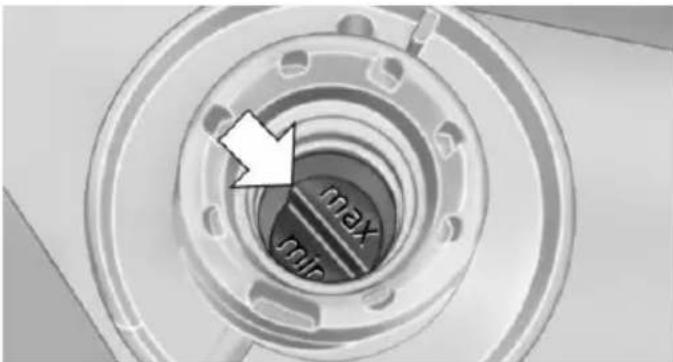
text_image
max minAdding
- Let the engine cool.
- Turn the lid of the coolant reservoir slightly counterclockwise to allow any excess pressure to dissipate, then open it.
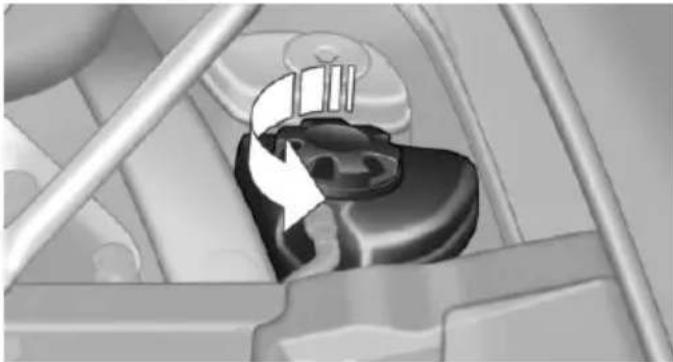
natural_image
Mechanical component with directional arrow indicating rotation or movement (no text or symbols)- If the coolant is low, slowly add coolant up to the specified level; do not overfill.
- Turn the lid until there is an audible click. The arrows on the coolant reservoir and the lid must point towards one another.
- Have the cause of the coolant loss eliminated as soon as possible.
Disposal

Comply with the relevant environmental protection regulations when disposing of coolant and coolant additives.
Maintenance
Vehicle features and options
This chapter describes all standard, country-specific and optional features offered with the series. It also describes features that are not necessarily available in your car, e.g., due to the selected options or country versions. This also applies to safety-related functions and systems. The respectively applicable country provisions must be observed when using the respective features and systems.
BMW maintenance system
The maintenance system indicates required maintenance measures, and thereby provides support in maintaining road safety and the operational reliability of the vehicle.
In some cases scopes and intervals may vary according to the country-specific version. Replacement work, spare parts, fuels and lubricants and wear materials are calculated separately. Additional information is available from the service center.
Condition Based Service CBS
Sensors and special algorithms take into account the driving conditions of your vehicle. Based on this, Condition Based Service recognizes the maintenance requirements.
The system makes it possible to adapt the amount of maintenance corresponding to your user profile.
Detailed information on service requirements, refer to page 94, can be displayed on the Control Display.
Service data in the remote control
Information on the required maintenance is continuously stored in the remote control. Your service center will read out this data and suggest the right array of service procedures for your vehicle.
Therefore, hand your service specialist the remote control with which the vehicle was driven most recently.
Storage periods
Storage periods during which the vehicle battery was disconnected are not taken into account.
If this occurs, have a service center update the time-dependent maintenance procedures, such as checking brake fluid and, if needed, changing the engine oil and the microfilter/activated-charcoal filter.
Service and Warranty Information Booklet for US models and Warranty and Service Guide Booklet for Canadian models
Please consult your Service and Warranty Information Booklet for US models and Warranty and Service Guide Booklet for Canadian models for additional information on service requirements.
Maintenance and repair should be performed by your service center. Make sure to have regular maintenance procedures recorded in the vehicle's Service and Warranty Information Booklet for US models, and in the Warranty and Service Guide Booklet for Canadian models. These entries are proof of regular maintenance.
Socket for OBD Onboard Diagnosis
Note

Socket for Onboard Diagnosis
The socket for onboard diagnostics may only be used by the service center or a workshop that operates in accordance with the specifications of the vehicle manufacturer with correspondingly trained personnel and other authorized persons. Otherwise, use may result in operating problems for the vehicle.
Position
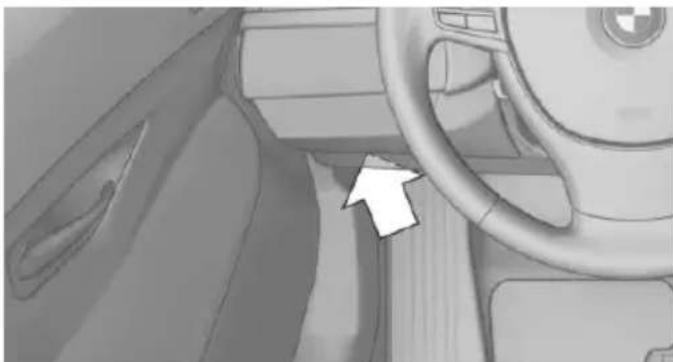
natural_image
Interior view of a car dashboard and steering wheel (no visible text or symbols)There is an OBD socket on the driver's side for checking the primary components in the vehicle's emissions.
Emissions

The warning lamp lights up:
Emissions are deteriorating. Have the vehicle checked as soon as possible.
The warning lamp flashes under certain circumstances:
This indicates that there is excessive mis-firing in the engine.
Reduce the vehicle speed and have the system checked immediately; otherwise, serious engine misfiring within a brief period can seriously damage emission control components, in particular the catalytic converter.
Replacing components
Vehicle features and options
This chapter describes all standard, country-specific and optional features offered with the series. It also describes features that are not necessarily available in your car, e.g., due to the selected options or country versions. This also applies to safety-related functions and systems. The respectively applicable country provisions must be observed when using the respective features and systems.
Onboard vehicle tool kit
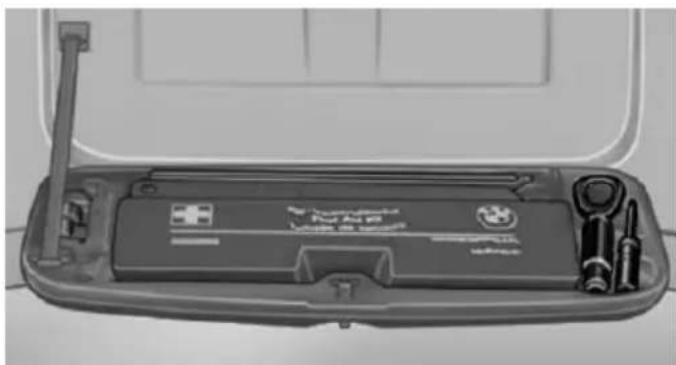
natural_image
Interior view of a car trunk case with visible tools and a door open (no text or symbols)The onboard vehicle tool kit is located in a fold-down cover in the trunk lid.
Unscrew the wing nut to open.
Wiper blade replacement
Hints

Do not fold down the wipers without wiper blades
Do not fold down the wipers if wiper blades have not been installed; this may damage the windshield.
Replacing the wiper blades
- To change the wiper blades, fold up, refer to page 78, the wiper arms.
- Fold up the wipers.
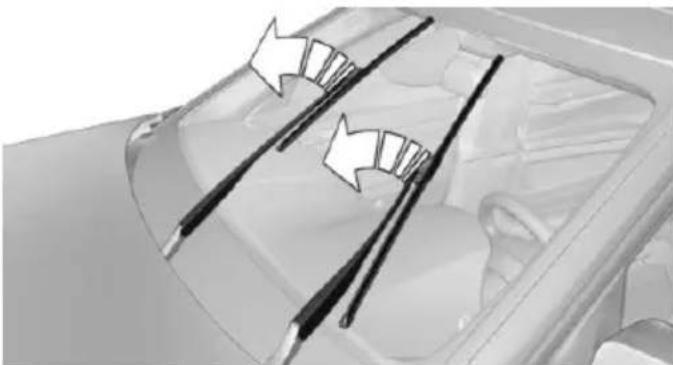
natural_image
Diagram of a car interior showing two curved arrows pointing to the dashboard and side blades (no text or symbols present)- Position the wiper blade in a horizontal position.
- Remove the wiper blade toward one side.
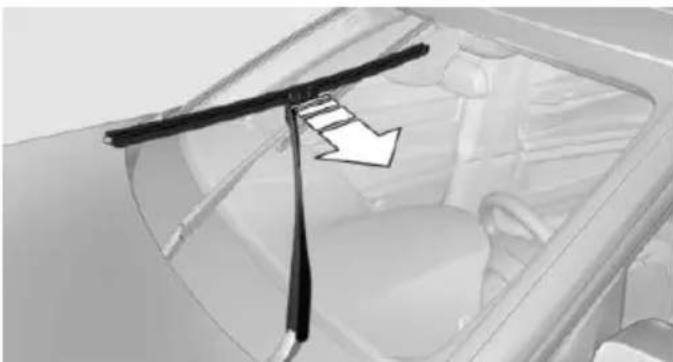
natural_image
Interior view of a car showing the side panel and dashboard with a black arrow pointing to a component (no text or symbols visible)- Insert the new wiper blade in reverse order of removal until it locks in place.
- Fold down the wipers.
Lamp and bulb replacement
Hints
Lights and bulbs
Lights and bulbs make an essential contribution to vehicle safety.
The manufacturer of the vehicle recommends that you entrust corresponding procedures to
the service center if you are unfamiliar those or if they have not been described here.
You can obtain a selection of replacement bulbs at the service center.

Danger of burns
Only change bulbs when they are cool; otherwise, there is a danger of getting burned.

Working on the lighting system
When working on the lighting system, you should always reel off the lights affected to prevent short circuits.
To avoid possible injury or equipment damage when replacing bulbs, observe any instructions provided by the bulb manufacturer.

Do not perform work/bulb replacement on xenon headlights
Have any work on the xenon lighting system, including bulb replacement, performed only by a service center. Due to the high voltage present in the system, there is a danger of fatal injuries if work is carried out improperly.

Do not touch the bulbs
Do not touch the glass of new bulbs with your bare hands, as even minute amounts of contamination will burn into the bulb's surface and reduce its service life.
Use a clean tissue, cloth or something similar, or hold the bulb by its base.
Light-emitting diodes (LEDs)
Some items of equipment use light-emitting diodes installed behind a cover as a light source.
These light-emitting diodes, which are related to conventional lasers, are officially designated as Class 1 light-emitting diodes.

Do not remove the covers
Do not remove the covers, and never stare into the unfiltered light for several hours; otherwise, irritation of the retina could result.
Headlight glass
Condensation can form on the inside of the external lights in cool or humid weather. When driving with the light switched on, the condensation evaporates after a short time. The headlight glass does not need to be changed.
If the headlights do not dim despite driving with the light switched on, increasing humidity forms, e. g. water droplets in the light, have the service center check this.
Headlight setting
The headlight adjustments can be affected by changing lights and bulbs. Have the headlights' settings checked and corrected by service after a replacement.
Front lights, bulb replacement
Xenon headlights
At a glance
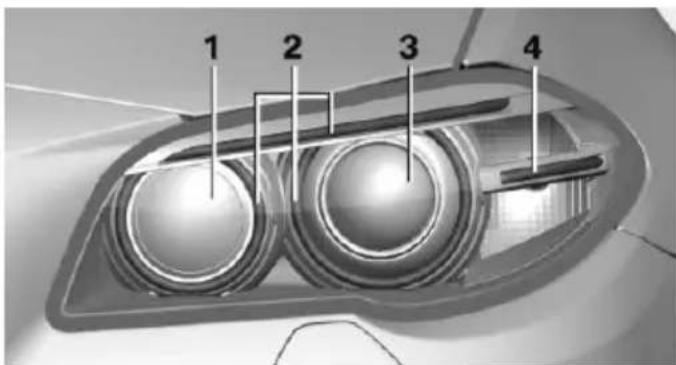
text_image
1 2 3 41 Corner-illuminating lights
2 Parking lamp, daytime running lights
3 Low beams/high beams
4 Turn signal
Hints
Because of the long life of these bulbs, the likelihood of failure is very low. Switching the lights on and off frequently shortens their life. If a bulb fails, reel on the front fog lights and continue the trip with great care. Comply with local regulations.

Do not perform work/bulb replacement on xenon headlights
Have any work on the xenon lighting system, including bulb replacement, performed only by a service center. Due to the high voltage present in the system, there is a danger of fatal injuries if work is carried out improperly.
For checking and adjusting headlamp aim, please contact your BMW center.
Parking lights and roadside parking lamp
Follow general instructions, refer to page 238.
These lights feature LED technology.
Contact your service center in the event of a malfunction.
Accessing the bulbs
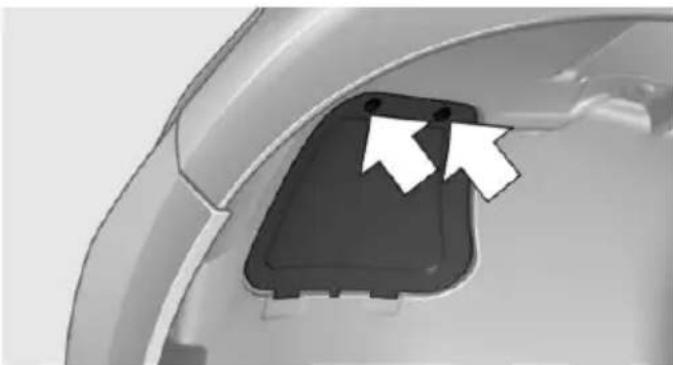
natural_image
Close-up of a car's front bumper with two white arrows pointing to a black plastic component (no text or symbols visible)Remove the screws and fold down the lid.
Turn signal
Follow general instructions, refer to page 238.
The illustration shows the left side of the engine compartment.
24-watt bulb, PY.
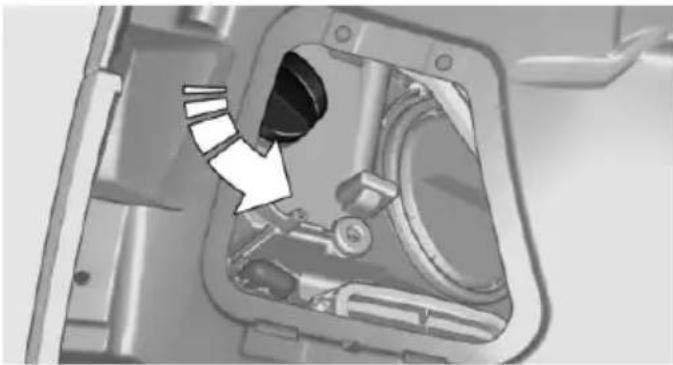
natural_image
Mechanical component diagram showing a highlighted part inside a housing (no text or symbols visible)Unscrew the lid, remove it, and change the bulb.
Corner-illuminating lights
Follow general instructions, refer to page 238.
The illustration shows the left side of the engine compartment.
55-watt bulb, H7.
- Fold open the cover in the engine compartment.
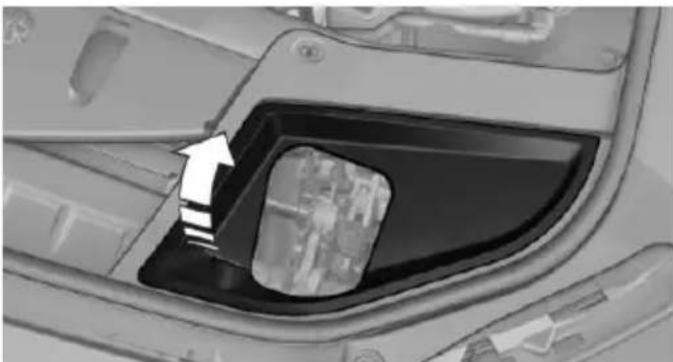
natural_image
Close-up of a car's front compartment showing the door and window, with an arrow pointing to a specific area (no text or symbols visible)- Unscrew the lid and remove it.
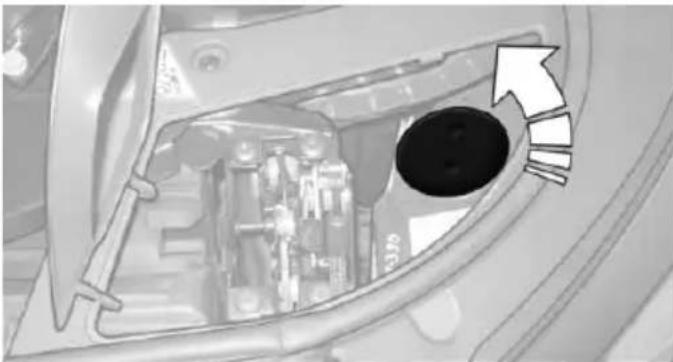
natural_image
Interior view of a vehicle showing the dashboard and engine compartment with an arrow pointing to a circular component (no text or symbols visible)- Unscrew the bulb holder counterclockwise.
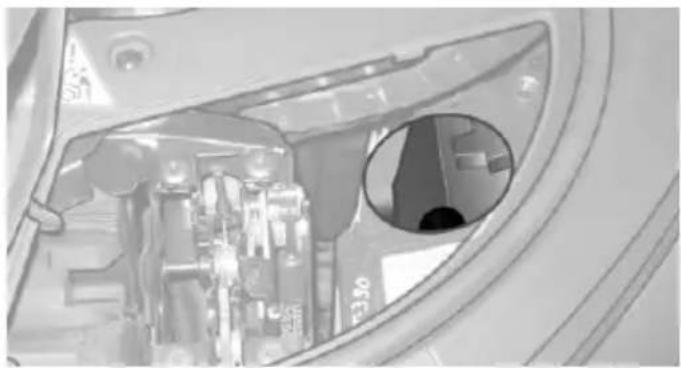
natural_image
Interior view of a vehicle showing a mechanical component and a circular opening (no visible text or symbols)-
Remove the bulb and replace it.
-
Insert the new bulb and attach the cover in the reverse order.
LED headlights
At a glance
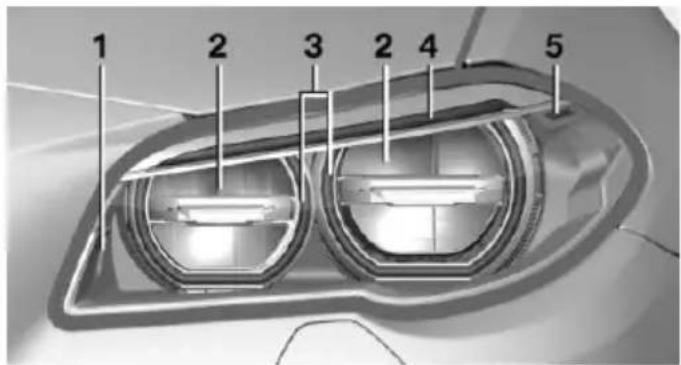
text_image
1 2 3 2 4 51 Corner-illuminating lights
2 Low beams/high beams
3 Parking lamp, daytime running lights
4 Turn signal
5 Side marker lights
Light-emitting diodes (LEDs)
With LED headlights, all front lights and side indicators are designed with LED technology.
If an LED fails, switch on the front fog lights and continue the trip with great care. Comply with local regulations.
Contact your service center in the event of a malfunction.
LED front fog lights
These front fog lights are made using LED technology. Contact your service center in the event of a malfunction.
Turn signal in exterior mirror
The turn signals in the exterior mirrors feature LED technology. Contact your service center in the event of a malfunction.
Tail lights, bulb replacement
At a glance
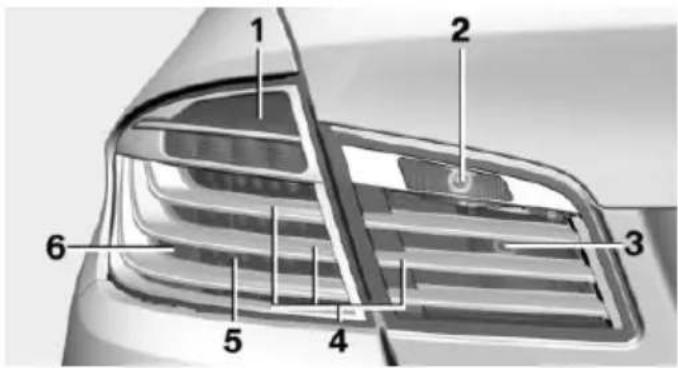
text_image
Technical diagram of a car's front grille with numbered components labeled 1 through 61 Turn signal
2 Reversing lamp
3 Inside brake lamp
4 Rear lamp
5 Outside brake lamp
6 Rear reflector
Turn signal, outer brake, tail, and license plate lights
Follow general instructions, refer to page 238.
These lights feature LED technology.
Contact your service center in the event of a malfunction.
Lights in the trunk lid
Access to the lights
- Remove the three screws using the screw driver from the onboard vehicle tool kit.
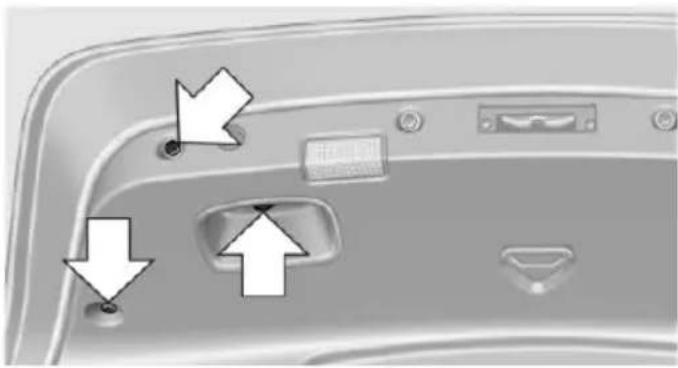
natural_image
Close-up of a smartphone rear panel showing buttons, dials, and a button with arrows pointing to the interface (no text or symbols visible)- Fold away the cover.

natural_image
Close-up of a smartphone rear panel showing a button, logo, and control buttons (no text or symbols visible)Inside brake lamp
Follow general instructions, refer to page 238. 21-watt bulb, H21W.
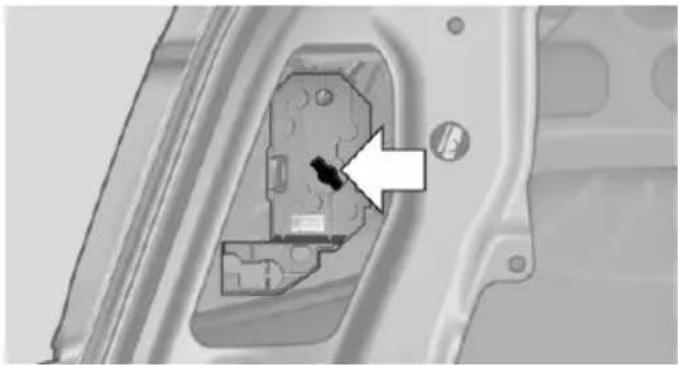
natural_image
Close-up of a mechanical component with an arrow pointing to a small hole (no text or symbols visible)The illustration shows the position of the bulb in the installed bulb holder.
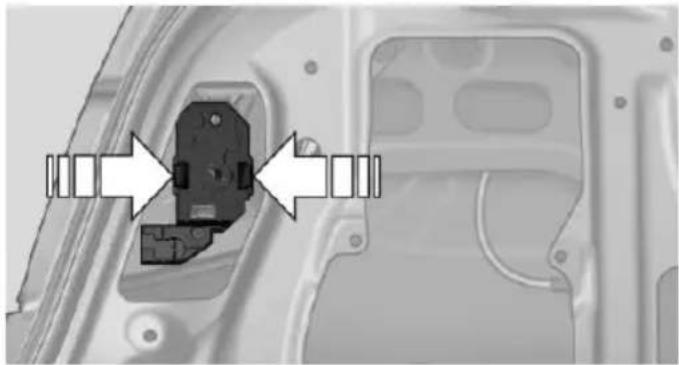
natural_image
Mechanical component with directional arrows indicating assembly or movement (no text or symbols visible)Squeeze the clips together and remove the bulb holder.
Press the bulb into the bulb holder, turn counterclockwise and remove.
Reversing lamp
Follow general instructions, refer to page 238. 16-watt bulb, W16W.
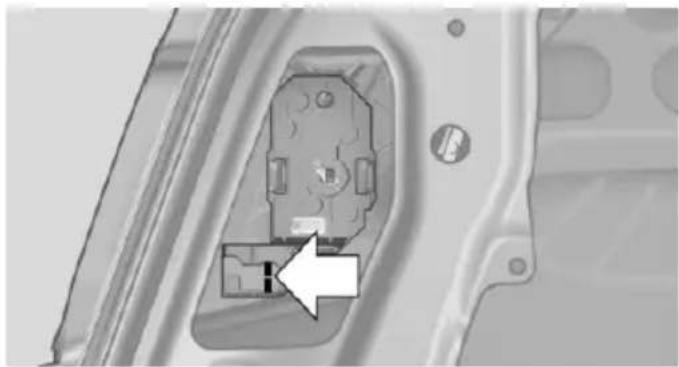
natural_image
Close-up of a mechanical component with an arrow pointing to a small inset detail (no visible text or symbols)The illustration shows the position of the bulb in the installed bulb holder.
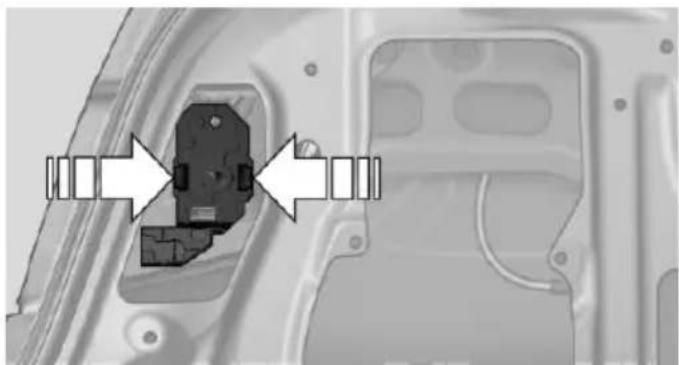
natural_image
Mechanical component with directional arrows indicating assembly or alignment (no text or symbols visible)Squeeze the clips together and remove the bulb holder.
Pull out the bulb and replace it.
Changing wheels
Hints
When using run-flat tires or sealants, a tire does not need to be changed immediately in the event of pressure loss due to a flat tire.
Which is why no spare tire is available.
The tools for changing wheels are available as accessories from your service center.
Jacking points for the vehicle jack
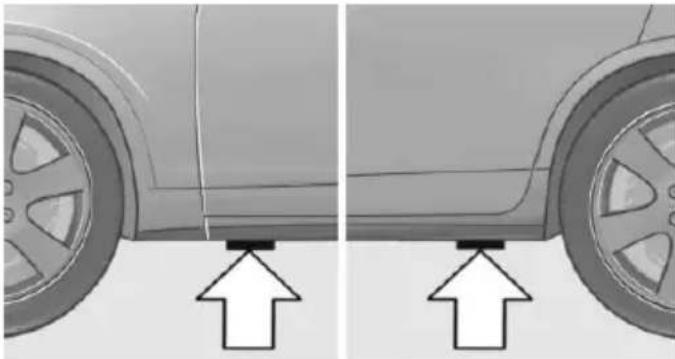
natural_image
Side-by-side comparison of a car's side profile showing front and rear views with upward arrows indicating motion (no text or symbols)The jacking points for the vehicle jack are located at the positions shown.
Vehicle battery
Maintenance
The battery is maintenance-free.
The added amount of acid is sufficient for the service life of the battery.
Further information about the battery can be obtained from your service center.
Battery replacement

Use approved vehicle batteries only
Only use vehicle batteries that have been approved for your vehicle by the manufacturer; otherwise, the vehicle could be damaged and systems or functions may not be fully available.
After a battery replacement, have the battery registered on the vehicle by the service center
to ensure that all comfort features are fully available and that any Check Control messages of these comfort features are no longer displayed.
Charging the battery
General information
Make sure that the battery is always sufficiently charged to guarantee that the battery remains usable for its full service life.
The battery may need to be charged in the following cases:
When making frequent short-distance drives.
▶ If the vehicle is not used for prolonged periods, longer than a month.
Hints

Do not connect charging devices to the 12 volt socket in the vehicle
Do not connect battery chargers to the factory-installed 12 volt sockets in the vehicle as this may damage the vehicle battery due to an increased power consumption.
Starting aid terminals
In the vehicle, only charge the battery via the starting aid terminals, refer to page 247, in the engine compartment with the engine off.
Power failure
After a temporary power loss, some equipment needs to be newly initialized or individual settings updated, e. g.:
▶ Seat, mirror, and steering wheel memory: store the positions again.
Time: update.
Date: update.
▷ Glass sunroof: initialize the system, refer to page 51.
Disposing of old batteries

Have old batteries disposed of by your service center or bring them to a recycling center.
Maintain the battery in an upright position for transport and storage. Secure the battery so that it does not tip over during transport.
Fuses
Hints

Replacing fuses
Never attempt to repair a blown fuse and do not replace a defective fuse with a substitute of another color or amperage rating; this could lead to a circuit overload, ultimately resulting in a fire in the vehicle.
Plastic tweezers and information on the fuse types and locations are stored in the fuse box in the trunk.
In the glove compartment
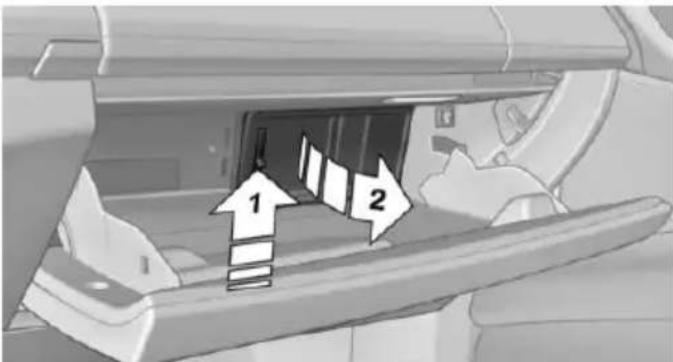
text_image
Diagram showing a vehicle interior with directional arrows labeled 1 and 2 indicating movement or flow.Push the handle up, arrow 1, and open the lid, arrow 2.
In the trunk
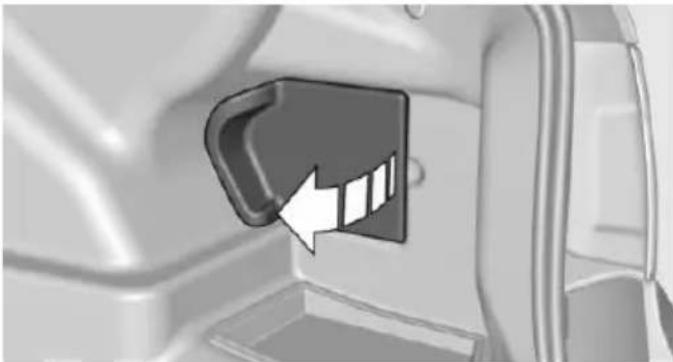
natural_image
Close-up of a car door panel with a black handle and white arrow pointing to a slot (no text or symbols visible)Open the cover on the right side trim, arrow.
Information on the fuse types and locations is found on a separate sheet.
Breakdown assistance
Vehicle features and options
This chapter describes all standard, country-specific and optional features offered with the series. It also describes features that are not necessarily available in your car, e.g., due to the selected options or country versions. This also applies to safety-related functions and systems. The respectively applicable country provisions must be observed when using the respective features and systems.
Hazard warning flashers
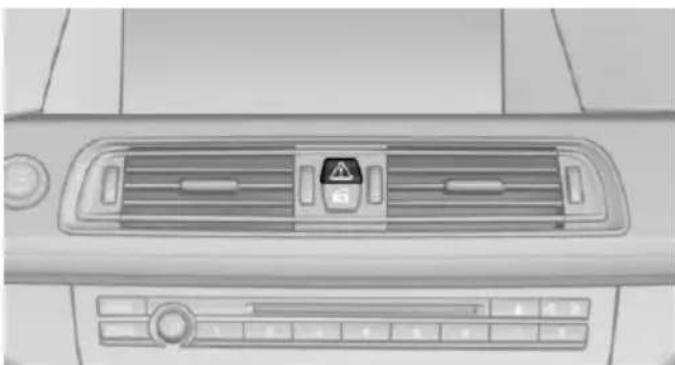
natural_image
Top-down view of a car air intake console with warning symbol and control buttons (no text or labels visible)The button is located in the center console.
Intelligent Emergency Request
The concept
In case of an emergency, an Emergency Request can be made through this system.
General information
Only press the SOS button in an emergency.
Hints

Emergency Request not guaranteed For technical reasons, the Emergency Request cannot be guaranteed under unfavorable conditions.
Overview
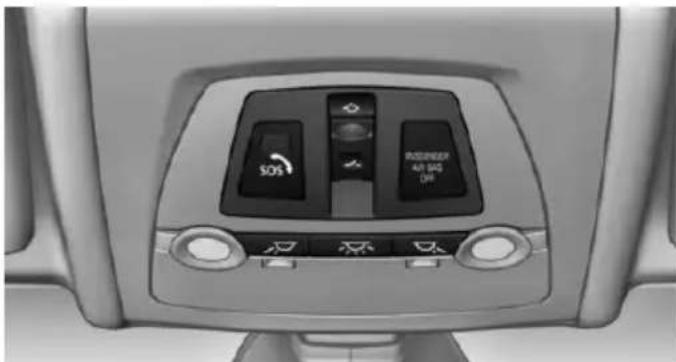
natural_image
Interior view of a car air conditioner unit with control panel and indicator lights (no readable text or symbols)SOS button in the roofliner
Requirements
The SIM card integrated in the vehicle has been activated.
The radio-ready state is switched on.
The Assist system is functional.
Initiating an Emergency Request
- Press the cover briefly to open it.
- Press the SOS button until the LED at the button lights up green.
The LED lights up green: an Emergency Request was initiated. If a cancel prompt appears on the display, the Emergency Request can be aborted. If the situation allows, wait in your vehicle until the voice connection has been established.
The LED flashes green when a connection to the BMW Response Center has been established.
When the emergency request is received at the BMW Response Center, the BMW Response Center contacts you and takes further steps to help you.
Even if you are unable to respond, the BMW Response Center can take further steps to help you under certain circumstances.
For this, data are transmitted to the BMW Response Center which serve to determine the necessary rescue measures. E. g. the current position of the vehicle, if it can be established.
If the LED is flashing green, but the BMW Response Center can no longer be heard via the speaker, you can nevertheless still be heard at the BMW Response Center.
Initiating an Emergency Request automatically
Under certain conditions, an Emergency Request is automatically initiated immediately after a severe accident. Automatic Collision Notification is not affected by pressing the SOS button.
Warning triangle
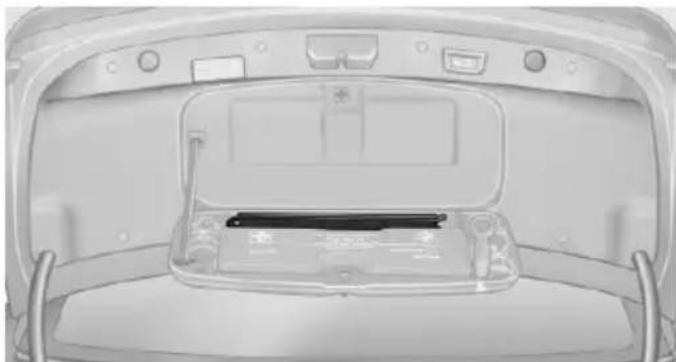
natural_image
Top-down view of a car backrest showing the rear compartment with battery pack and control panel (no text or symbols visible)The warning triangle is located in the container on the inside of the trunk lid.
Unscrew the wing nut to open.
First aid kit
Note
Some of the articles have a limited service life.
Check the expiration dates of the contents regularly and replace any expired items promptly.
Storage
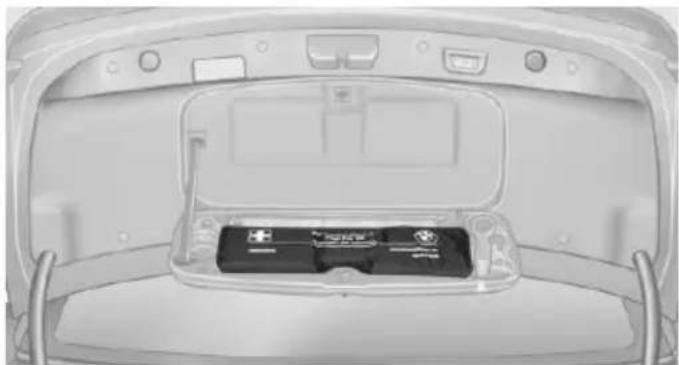
natural_image
Top-down view of a car rear bumper showing battery pack and ventilation slots (no text or symbols visible)The first aid kit is located in the container on the inside of the trunk lid.
Unscrew the wing nut to open.
Jump-starting
General information
If the battery is discharged, the engine can be started using the battery of another vehicle and two jumper cables. Only use jumper cables with fully insulated clamp handles.
Hints

Do not touch live parts
To avoid the risk of potentially fatal injury, always avoid all contact with electrical components while the engine is running.
To prevent personal injury or damage to both vehicles, adhere strictly to the following procedure.
Preparation

Bodywork contact between vehicles
Make sure that there is no contact between the bodywork of the two vehicles; otherwise, there is a danger of short circuits.
- Check whether the battery of the other vehicle has a voltage of 12 volts. This information can be found on the battery.
- Switch off the engine of the assisting vehicle.
- Switch off any electronic systems/power consumers in both vehicles.
Starting aid terminals

Connecting order
Connect the jumper cables in the correct order to prevent risk of injury from arcing.
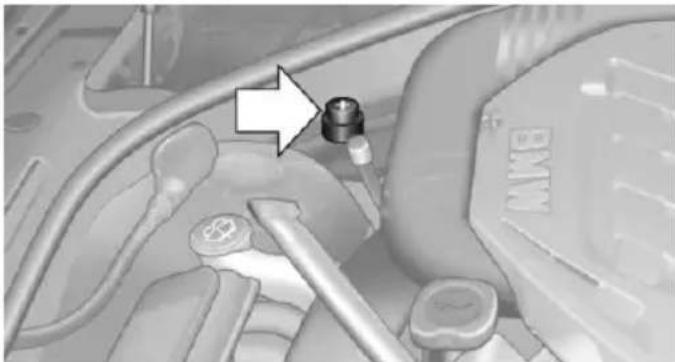
natural_image
Close-up of a car engine bay with a valve and connector (no visible text or symbols)The so-called starting aid terminal in the engine compartment acts as the battery's positive terminal.
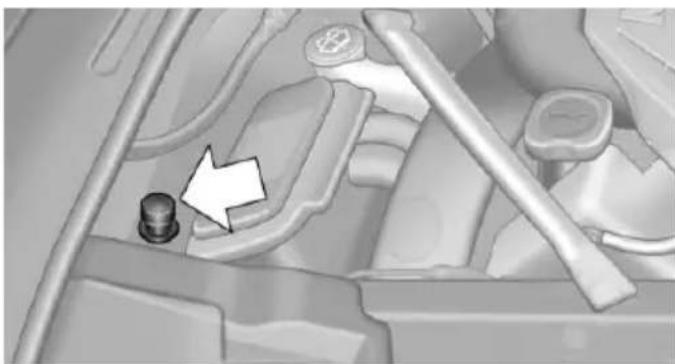
natural_image
Mechanical component diagram showing a bolt and shaft assembly (no text or symbols visible)The body ground or a special nut acts as the battery negative terminal.
Connecting the cables
- Pull off the lid of the BMW starting aid terminal.
- Attach one terminal clamp of the positive jumper cable to the positive terminal of the battery, or to the corresponding starting aid terminal of the vehicle providing assistance.
- Attach the terminal clamp on the other end of the cable to the positive terminal of the battery, or to the corresponding starting aid terminal of the vehicle to be started.
- Attach one terminal clamp of the negative jumper cable to the negative terminal of the battery, or to the corresponding engine or body ground of assisting vehicle.
- Attach the second terminal clamp to the negative terminal of the battery, or to the corresponding engine or body ground of the vehicle to be started.
Starting the engine
Never use spray fluids to start the engine.
-
Start the engine of the assisting vehicle and let it run for several minutes at an increased idle speed.
If the vehicle to be started has a diesel engine: let the engine of the assisting vehicle run for approx. 10 minutes. -
Start the engine of the vehicle that is to be started in the usual way.
If the first starting attempt is not successful, wait a few minutes before making another attempt in order to allow the discharged battery to recharge.
-
Let both engines run for several minutes.
-
Disconnect the jumper cables in the reverse order.
Check the battery and recharge if needed.
Tow-starting and towing
Note

Tow-starting and towing
For tow-starting or towing, switch off the Intelligent Safety systems; otherwise malfunctions of the individual braking systems might lead to accidents.
Steptronic transmission: transporting your vehicle
Note
Your vehicle is not permitted to be towed. Therefore, contact a service center in the event of a breakdown.

Do not have the vehicle towed
Have your vehicle transported on a loading platform only; otherwise, damage may occur.
Tow truck
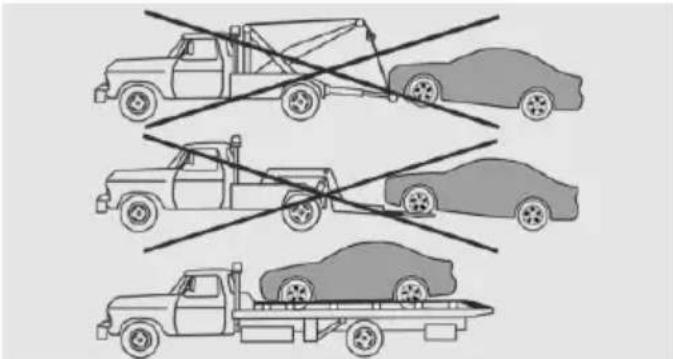
natural_image
Illustration of three car loading scenarios with no visible text or symbolsThe vehicle should only be transported on a loading platform.

Do not lift the vehicle
Do not lift the vehicle by the tow fitting or body and chassis parts; otherwise, damage may result.
Use tow fitting located in the front only for positioning the vehicle.
Manual transmission
Observe before towing your vehicle
Gearshift lever in neutral position.
Towing

When the parking brake is blocked
The parking brake cannot be released ally.
Do not tow the vehicle with the parking brake blocked, or the vehicle can be damaged.
Contact your service center.

Follow the towing instructions
Follow all towing instructions; otherwise, vehicle damage or accidents may occur.
▶ Make sure that the ignition is switched on; otherwise, the low beams, tail lights, turn signals, and wipers may be unavailable.
Do not tow the vehicle with the rear axle tilted, as the front wheels could turn.
When the engine is stopped, there is no power assist. Consequently, more force needs to be applied when braking and steering.
▶ Larger steering wheel movements are required.
The towing vehicle must not be lighter than the vehicle being towed; otherwise, it will not be possible to control the vehicle's response.
Tow truck
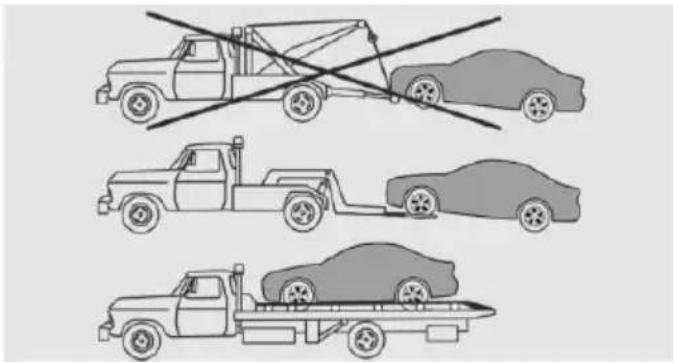
text_image
Diagram showing three types of car loading methods: a flatbed truck, a forklift with no load, and a car on a flatbed trailer.Have your vehicle transported with a tow truck with a so-called lift bar or on a flat bed.

Do not lift the vehicle
Do not lift the vehicle by the tow fitting or body and chassis parts; otherwise, damage may result.
Towing other vehicles
Hints

Light towing vehicle
The towing vehicle must not be lighter than the vehicle being towed; otherwise, it will not be possible to control the vehicle's response.

Attaching the tow bar/tow rope correctly
Attach the tow bar or tow rope to the tow fitting; connecting it to other vehicle parts may cause damage.
▶ Switch on the hazard warning system, depending on local regulations.
If the electrical system has failed, clearly identify the vehicle being towed by placing a sign or a warning triangle in the rear window.
Tow bar
The tow fittings used should be on the same side on both vehicles.
Should it prove impossible to avoid mounting the tow bar at an offset angle, please observe the following:
▶ Maneuvering capability is limited going around corners.
The tow bar will generate lateral forces if it is secured with an offset.
Tow rope
When starting to tow the vehicle, make sure that the tow rope is taut.
To avoid jerking and the associated stresses on the vehicle components when towing, always use nylon ropes or nylon straps.
Tow fitting
The screw-in tow fitting should always be carried in the vehicle.
The tow fitting can be screwed in at the front or rear of the BMW.
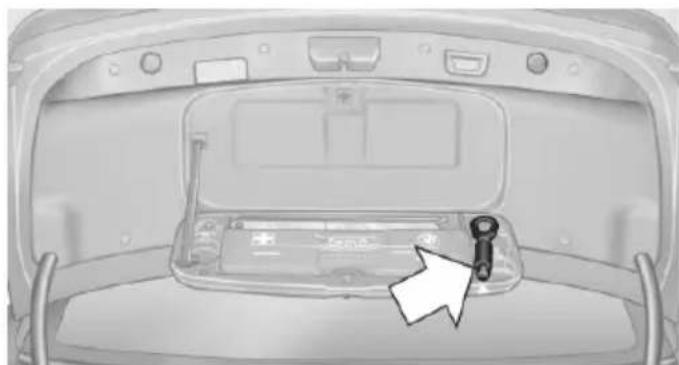
natural_image
Top-down view of a car trunk with a battery compartment and a key inserted into the rear window (no text or symbols visible)The tow fitting is located in the container on the inside of the trunk lid.

Tow fitting, information on use
▶ Use only the tow fitting provided with the vehicle and screw it all the way in.
▶ Use the tow fitting for towing on paved roads only.
▶ Avoid lateral loading of the tow fitting, e.g., do not lift the vehicle by the tow fitting.
Otherwise, damage to the tow fitting and the vehicle can occur.
Screw thread for tow fitting
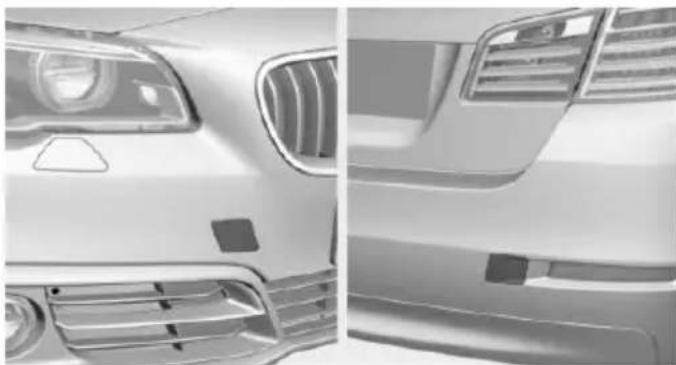
natural_image
Side-by-side comparison of a white car's front and rear dashboard, showing grille grilles and headlights (no text or symbols visible)Push out the cover by pressing on the top edge.
Tow-starting
Steptronic transmission
Do not tow-start the vehicle.
Tow-starting the engine is not possible due to the transmission.
Have the cause of the starting problems fixed.
Manual transmission
If possible, do not tow-start the vehicle but start the engine by jump-starting, refer to page 246. If the vehicle is equipped with a catalytic converter, only tow-start while the engine is cold.
-
Switch on the hazard warning system and comply with local regulations.
-
Ignition, refer to page 69, on.
-
Engage third gear.
-
Have the vehicle tow-started with the clutch pedal pressed and slowly release the pedal. After the engine starts, immediately press on the clutch pedal again.
-
Stop at a suitable location, remove the tow bar or rope, and switch off the hazard warning system.
-
Have the vehicle checked.
Care
Vehicle features and options
This chapter describes all standard, country-specific and optional features offered with the series. It also describes features that are not necessarily available in your car, e.g., due to the selected options or country versions. This also applies to safety-related functions and systems. The respectively applicable country provisions must be observed when using the respective features and systems.
Car washes
General information
Regularly remove foreign objects such as leaves in the area below the windshield when the hood is raised.
Wash your vehicle frequently, particularly in winter. Intense soiling and road salt can damage the vehicle.
Hints

Steam jets or high-pressure washers
When using steam jets or high-pressure washers, hold them a sufficient distance away and use a maximum temperature of 140^ F/60 ^ C.
If the vehicle has a glass sunroof, ensure that a distance of at least 31.5 inches/80 cm is maintained. Holding them too close or using excessively high pressures or temperatures can cause damage or preliminary damage that may then lead to long-term damage.
Follow the user's manual for the high-pressure washer.

Cleaning sensors/camera lenses with high-pressure washers
When using high-pressure washers, do not spray the sensors and camera lenses on the outside of the vehicle for long periods and maintain a distance of at least 12 in/30 cm.
Automatic car washes
Hints
Note the following:
▶ Give preference to cloth car washes or those that use soft brushes in order to avoid paint damage.
▶ Make sure that the wheels and tires are not damaged by the transport mechanisms.
▶ Fold in the exterior mirrors; otherwise, they may be damaged, depending on the width of the vehicle.
▶ Deactivate the rain sensor, refer to page 77, to avoid unintentional wiper activation.
In some cases, an unintentional alarm can be triggered by the interior motion sensor of the alarm system. Follow the instructions on avoiding an unintentional alarm, refer to page 48.

Guide rails in car washes
Avoid car washes with guide rails higher than 4 in/10 cm; otherwise, the vehicle body could be damaged.
Before driving into a car wash
In order to ensure that the vehicle can roll in a car wash, take the following steps:
Manual transmission:
- Drive into the car wash.
-
Shift to neutral.
-
Switch the engine off.
- Switch on the ignition.
Steptronic transmission:
- Drive into the car wash.
- Engage selector lever position N.
- Deactivating Automatic Hold, refer to page 75.
- Release the parking brake.
- Switch the engine off.
In this way, the ignition remains switched on, and a Check-Control message is displayed.

Do not turn off the ignition in the car wash
Do not turn off the ignition in the car wash; otherwise, selector lever position P is engaged and damages can result.
The vehicle cannot be locked from the outside when in selector lever position N. A signal sounds when an attempt is made to lock the vehicle.
To start the engine with manual transmission:
- Press on the clutch pedal.
- Press the Start/Stop button.
To start the engine with Steptronic transmission:
- Depress the brake pedal.
- Press the Start/Stop button.
Pressing the Start/Stop button without stepping on the brake turns the ignition off.
Selector lever position
Selector lever position P is engaged automatically:
▶ When the ignition is switched off.
▶ After approx. 15 minutes.
Headlights
Do not rub dry and do not use abrasive or acidic cleansers.
Soak areas that have been dirtied e. g., from insects, with shampoo and wash off with water.
- Thaw ice with de-icing spray; do not use an ice scraper.
After washing the vehicle
After washing the vehicle, apply the brakes briefly to dry them; otherwise, braking action can be reduced and corrosion of the brake discs can occur.
Completely remove all residues on the windows, to minimize loss of visibility due to smearing and to reduce wiper noises and wiper blade wear.
Vehicle care
Car care products
BMW recommends using care and cleaning products from BMW, since these have been tested and approved.

Car care and cleaning products Follow the instructions on the container.
When cleaning the interior, open the doors or windows.
Only use products intended for cleaning vehicles.
Cleansers can contain substances that are dangerous and harmful to your health.
Vehicle paint
Regular care contributes to driving safety and value retention. Environmental influences in areas with elevated air pollution or natural contaminants, such as tree resin or pollen can affect the vehicle's paintwork. Tailor the frequency and extent of your car care to these influences.
Aggressive substances such as spilled fuel, oil, grease or bird droppings, must be removed immediately to prevent the finish from being altered or discolored.
Only use respectively approved cleaning and care products for vehicles with matte finish. Suitable care products for matte finishes are available from the service center.
Leather care
Remove dust from the leather often, using a cloth or vacuum cleaner.
Otherwise, particles of dust and road grime chafe in pores and folds, and lead to increased wear and premature degradation of the leather surface.
To guard against discoloration, such as from clothing, provide leather care roughly every two months.
Clean light-colored leather more frequently because soiling on such surfaces is substantially more visible.
Use leather care products; otherwise, dirt and grease will gradually break down the protective layer of the leather surface.
Suitable care products are available from the service center.
Upholstery material care
Vacuum regularly with a vacuum cleaner.
If upholstery is very dirty, e.g., with beverage stains, use a soft sponge or microfiber cloth with a suitable interior cleaner.
Clean the upholstery down to the seams using large sweeping motions. Avoid rubbing the material vigorously.

Damage from Velcro® fasteners
Open Velcro® fasteners on pants or other articles of clothing can damage the seat covers. Ensure that any Velcro® fasteners are closed.
Caring for special components
Light-alloy wheels
When cleaning the vehicle, use only neutral wheel cleaners having a pH value from 5 to 9. Do not use abrasive cleaning agents or steam jets above 140 °F/60 °C. Follow the manufacturer's instructions.
Aggressive, acidic or alkaline cleaning agents can destroy the protective layer of adjacent components, such as the brake disk.
Chrome surfaces
Carefully clean components such as the radiator grille or door handles with an ample supply of water, possibly with shampoo added, particularly when they have been exposed to road salt.
Rubber components
Aside from water, treat only with rubber cleansers.
When cleaning rubber seals, do not use any silicon-containing car care products in order to avoid damage or noises.
Fine wood parts
Clean fine wood facing and fine wood components only with a moist rag. Then dry with a soft cloth.
Plastic components
These include:
▶ Imitation leather surfaces.
▶ Roofliner.
▷ Lamp lenses.
▶ Instrument cluster cover.
▶ Matt black spray-coated components.
▶ Painted parts in the interior.
Clean with a microfiber cloth.
Dampen cloth lightly with water.
Do not soak the roofliner.

No cleansers that contain alcohol or solvents
Do not use cleansers that contain alcohol or solvents, such as lacquer thinners, heavy-duty grease removers, fuel, or such; this could lead to surface damage.
Safety belts
Dirty belt straps impede the reeling action and thus have a negative impact on safety.

Chemical cleaning
Do not clean chemically; this can destroy the webbing.
Use only a mild soapy solution, with the safety belts clipped into their buckles.
Do not allow the reels to retract the safety belts until they are dry.
Carpets and floor mats

No objects in the area around the pedals
Keep floor mats, carpets, and any other objects out of the pedal area; otherwise, the function of the pedals could be impeded while driving and create the risk of an accident.
Do not place additional floor mats over existing mats or other objects.
Only use floor mats that have been approved for the vehicle and can be properly attached to floor.
Ensure that the floor mats are securely fastened again after they were removed for cleaning, e.g.
Floor mats can be removed from the car's interior for cleaning.
If the floor carpets are very dirty, clean with a microfiber cloth and water or a textile cleaner.
To prevent matting of the carpet, rub back and forth in the direction of travel only.
Sensor/camera lenses
To clean sensors and camera lenses, use a cloth moistened with a small amount of glass detergent.
Displays/monitors

Cleaning displays and screens
Do not use any chemical or household cleaning agents; otherwise, surfaces can be affected.

Keeping out moisture
Keep all fluids and moisture away from the unit; otherwise, electrical components can be damaged.

Avoid pressure
Avoid pressing too hard when cleaning and do not use abrasive materials; otherwise, damage can result.
Clean with a clean, antistatic microfiber cloth.
Long-term
When the vehicle is shut down for longer than three months, special measures must be taken. Additional information is available from the service center.
text_image
TUESKY PDUK HEDER Online Edition for Part no. 01 40 2 954 312 - II/15Reference
This chapter contains the technical data and an index that will quickly take you to the information you need.
Technical data
Vehicle features and options
This chapter describes all standard, country-specific and optional features offered with the series. It also describes features that are not necessarily available in your car, e. g., due to
Note
The technical data and specifications in this Owner's Manual are used as guidance values. The vehicle-specific data can deviate from this, for example, due to the selected special equipment, country version or country-specific measurement method. Detailed values can be
Dimensions
The dimensions can vary depending on the model version, equipment or country-specific measurement method.
The specified heights do not take into account attached parts, for example, a roof antenna,
BMW 5 Series Sedan
| Width with mirrors inches/mm 82.8/2,102 |
| Width without mirrors inches/mm 73.2/1,860 |
| Height inches/mm 57.6/1,464 |
| Length inches/mm 193.4/4,913 |
| Wheelbase inches/mm 116.9/2,968 |
| Smallest turning radius diam. ft/m 39.4/12-39 |
the selected options or country versions. This also applies to safety-related functions and systems. The respectively applicable country provisions must be observed when using the respective features and systems.
found in the approval documents, on information signs on the vehicle or can be obtained from the service center.
The information in the vehicle documents always has priority.
roof racks or spoiler. The heights can deviate, for example, due to the selected special equipment, tires, load and chassis version.
Weights
| 528i |
| Approved gross vehicle weight lbs/kg 4,971/2,255 |
| Load lbs/kg 948/430 |
| Approved front axle load lbs/kg 2,359/1,070 |
| Approved rear axle load lbs/kg 2,844/1,290 |
| Approved roof load capacity lbs/kg 220/100 |
| Trunk capacity cu ft/liters 18.4/520 |
| 535i |
| Approved gross vehicle weight lbs/kg 5,181/2,350 |
| Load lbs/kg 992/450 |
| Approved front axle load lbs/kg 2,491/1,130 |
| Approved rear axle load lbs/kg 2,910/1,320 |
| Approved roof load capacity lbs/kg 220/100 |
| Cargo area capacity cu ft/liters 18.4/520 |
| 550i |
| Approved gross vehicle weight lbs/kg 5,401/2,450 |
| Load lbs/kg 948/430 |
| Approved front axle load lbs/kg 2,712/1,230 |
| Approved rear axle load lbs/kg 2,932/1,330 |
| Approved roof load capacity lbs/kg 220/100 |
| Cargo area capacity cu ft/liters 18.4/520 |
| 535d |
| Approved gross vehicle weight lbs/kg 5,300/2,404 |
| Load lbs/kg 950/431 |
535d
Approved front axle load lbs/kg 2,550/1,157
Approved rear axle load lbs/kg 2,910/1,320
Approved roof load capacity lbs/kg 220/100
Cargo area capacity cu ft/liters 18.4/520
528i xDrive
Approved gross vehicle weight lbs/kg 5,170/2,345
Load lbs/kg 948/430
Approved front axle load lbs/kg 2,447/1,110
Approved rear axle load lbs/kg 2,888/1,310
Approved roof load capacity lbs/kg 220/100
Cargo area capacity cu ft/liters 18.4/520
535i xDrive
Approved gross vehicle weight lbs/kg 5,379/2,440
Load lbs/kg 992/450
Approved front axle load lbs/kg 2,701/1,225
Approved rear axle load lbs/kg 2,910/1,320
Approved roof load capacity lbs/kg 220/100
Cargo area capacity cu ft/liters 18.4/520
550i xDrive
Approved gross vehicle weight lbs/kg 5,600/2,540
Load lbs/kg 948/430
Approved front axle load lbs/kg 2,800/1,270
Approved rear axle load lbs/kg 2,954/1,340
Approved roof load capacity lbs/kg 220/100
Cargo area capacity cu ft/liters 18.4/520
535d xDrive
Approved gross vehicle weight lbs/kg 5,390/2,445
Load lbs/kg 950/431
Approved front axle load lbs/kg 2,700/1,225
Approved rear axle load lbs/kg 2,910/1,320
Approved roof load capacity lbs/kg 220/100
Cargo area capacity cu ft/liters 18.4/520
Capacities
US gal/liters Notes
Fuel tank, approx. 18.5/70 Fuel quality, refer to
page 206
Everything from A to Z
Index
A
ABS, Antilock Brake System 135
ACC, Active Cruise Control with Stop & Go 143
Acceleration Assistant, refer to Launch Control 82
Accessories and parts 7
Activated-charcoal filter 168
Active Blind Spot Detection 131
Active Cruise Control with Stop & Go, ACC 143
Active Protection 132
Active seat, front 56
Active seat ventilation, front 57
Active Steering, integral 139
Adaptive brake assistant 135
Adaptive brake lights, refer to Brake force display 132
Adaptive drive 138
Adaptive Light Control 104
Additives, oil 233
Adjustments, seats/head re- straints 53
After washing vehicle 252
Airbags 108
Airbags, indicator/warning light 109
Air circulation, refer to Recirculated-air mode 167
Air, dehumidifying, refer to Cooling function 167
Air distribution, manual 166
Air flow, automatic climate control 166
Air outlets, see ventilation 168
Air pressure, tires 211
Alarm system 47
Alarm, unintentional 48
All around the center console 16
All around the roofliner 17
All around the steering wheel 14
All-season tires, refer to Winter tires 224
All-wheel-drive 137
Alternating-code hand-held transmitter 173
Alternative oil types 233
Ambient light 107
Animal detection, see Night Vision 126
Antifreeze, washer fluid 78
Antilock Brake System, ABS 135
Anti-slip control, refer to DSC 135
Approved axle load 259
Approved engine oils, see Suitable engine oil types 233
Armrest, refer to Center arm-rest 182
Arrival time 98
Ashtray 174
Ashtray, front 174, 175
Ashtray, rear 175
Assistance when driving off 135
Attentiveness assistant 133
AUTO H button 74
AUTO H button, refer to Automatic Hold 74
AUTO intensity 166
Automatic car wash 251
Automatic climate control 165
Automatic Cruise Control with Stop & Go 143
Automatic Curb Monitor 62
Automatic deactivation, front-seat passenger airbags 110
Automatic headlight control 104
Automatic Hold 74
Automatic locking 46
Automatic recirculated-air control 167
Automatic Soft Closing, doors 40
Automatic transmission, see Steptronic transmission 79
Automatic trunk lid 41
AUTO program, automatic climate control 166
AUTO program, intensity 166
Auto Start/Stop function 71
Average fuel consumption 98
Average speed 98
Axle loads, weights 259
B
Backrest curvature, refer to Lumbar support 55
Backrest, width 55
Band-aids, refer to First aid kit 246
Bar for tow-starting/towing 249
Battery replacement, vehicle battery 243
Battery replacement, vehicle remote control 35
Battery, vehicle 243
Belts, safety belts 57
Beverage holder, cupholder 183
Blinds, sun protection 49
BMW Advanced Diesel 207
BMW Assist, see user's manual for Navigation, Entertainment and Communication
BMW Driver's Guide App 6
BMW Homepage 6
BMW Internet page 6
BMW maintenance sys- tem 236
Bottle holder, refer to Cupholder 183
Brake assistant 135
Brake assistant, adaptive 135
Brake discs, break-in 188
Brake force display 132
Brake lights, adaptive 132
Brake lights, brake force display 132
Brake lights, bulb replacement 241
Brake pads, break-in 188
Braking, hints 190
Breakdown assistance 245
Break-in 188
Brightness of Control Dis- play 100
Bulb replacement 238
Bulb replacement, front 239
Bulb replacement, rear 241
Bulbs and lights 238
Button, RES 146
Button, Start/Stop 69
Bypassing, refer to Jump-starting 246
C
California Proposition 65 Warning 7
Calling up mirror adjustment 46
Calling up seat adjustment 46
Calling up steering wheel adjustment 46
Camera lenses, care 254
Camera, rearview cam- era 155
Camera, Side View 157
Camera, Top View 159
Can holder, refer to Cu- pholder 183
Car battery 243
Car care products 252
Care, displays 254
Care, vehicle 252
Cargo 192
Cargo area, enlarging 177
Cargo area, storage compartments 184
Cargo, securing 193
Cargo straps, securing cargo 193
Car key, refer to Remote control 34
Carpet, care 254
Car wash 251
Catalytic converter, refer to Hot exhaust system 189
CBS Condition Based Service 236
CD/Multimedia, see user's manual for Navigation, Entertainment and Communication
Center armrest 182
Center console 16
Central locking system 40
Central screen, refer to Control Display 18
Changes, technical, refer to Safety 7
Changing parts 238
Changing wheels 243
Changing wheels/tires 223
Chassis number, see vehicle identification number 9
Check Control 88
Checking the engine oil level electronically 231
Checking the oil level electronically 231
Children, seating position 65
Children, transporting safely 65
Child restraint fixing sys- tem 65
Child restraint fixing system LATCH 66
Child restraint fixing systems, mounting 65
Child safety locks 68
Child seat, mounting 65
Child seats 65
Chrome parts, care 253
Cigarette lighter 174
Cleaning displays 254
Climate control 165
Climate control laminated tinted safety glass 189
Climate control wind- shield 189
Clock 93
Closing/opening via door lock 39
Closing/opening with remote control 37
Closing the trunk lid with no-touch activation 44
Clothes hooks 184
Coasting 199
Coasting with engine decoupled, coasting 199
Coasting with idling engine 199
Cold starting, refer to Starting the engine 70
Combination reel, refer to Turn signals 76
Combination switch, refer to Wiper system 77
COMFORT+ program, Driving Dynamics Control 141
Comfort Access 43
COMFORT program, Driving Dynamics Control 141
Compressor 224
Computer, refer to On-board computer 97
Condensation on windows 166
Condensation under the vehicle 191
Condition Based Service CBS 236
Configure driving mode 141
Confirmation signal 46
ConnectedDrive, see user's manual for Navigation, Entertainment and Communication
ConnectedDrive Services
Continued driving with a flat tire 113, 116
Control Display 18
Control Display, settings 99
Controller 18
Control systems, driving stability 135
Convenient opening with the remote control 37
Coolant 234
Coolant level 234
Coolant temperature 92
Cooling function 167
Cooling, maximum 167
Cooling system 234
Cornering light 104
Corrosion on brake discs 190
Cosmetic mirror 174
Courtesy lamps during un-locking 37
Courtesy lamps with the vehicle locked 38
Cruise control 150
Cruise control, active with Stop & Go 143
Cruise Control, refer to Active Cruise Control 143
Cruising range 93
Cupholder 183
Current fuel consumption 93
D
Damage, tires 222
Damping control, dynamic 138
Data, technical 258
Date 93
Daytime running lights 104
Defrosting, refer to Windows, defrosting 166
Dehumidifying, air 167
Deleting personal data 24
Deletion of personal data 24
Destination distance 98
Diesel exhaust fluid, at low temperatures 208
Diesel exhaust fluid, having refilled 208
Diesel exhaust fluid, on minimum 208
Diesel exhaust fluid, replenishing yourself 208
Diesel particulate filter 189
Digital clock 93
Dimensions 258
Dimmable exterior mirrors 63
Dimmable interior rearview mirror 63
Direction indicator, refer to Turn signals 76
Display, electronic, instrument cluster 84
Display in windshield 101
Display lighting, refer to In-strument lighting 106
Displays 85
Displays, cleaning 254
Disposal, coolant 235
Disposal, vehicle battery 244
Distance control, refer to PDC 152
Distance to destination 98
Divided screen view, split screen 23
Door lock 39
Door lock, refer to Remote control 34
Doors, Automatic Soft Closing 40
Downhill control 137
Drive-off assistant 135
Drive-off assistant, refer to DSC 135
Driver assistance, refer to Intelligent Safety 117
Driving Assistant, refer to Intelligent Safety 117
Driving Dynamics Control 139
Driving instructions, break-in 188
Driving mode 139
Driving notes, general 188
Driving stability control systems 135
Driving tips 188
DSC Dynamic Stability Control 135
DTC Dynamic Traction Control 136
Dynamic Damping Control 138
Dynamic Drive 138
Dynamic Stability Control DSC 135
Dynamic Traction Control DTC 136
E
ECO PRO 196
ECO PRO, bonus range 197
ECO PRO display 196
ECO PRO displays 86
ECO PRO driving mode 196
ECO PRO mode 196
ECO PRO Tip - driving instruction 198
EfficientDynamics 199
Electronic displays, instrument cluster 84
Electronic oil measurement 231
Electronic Stability Program ESP, refer to DSC 135
Emergency detection, remote control 35
Emergency release, fuel filler flap 204
Emergency Request 245
Emergency start function, engine start 35
Emergency unlocking, transmission lock 82
Emergency unlocking, trunk lid 43
Energy Control 93
Energy recovery 94
Engine, automatic Start/Stop function 71
Engine, automatic switch-off 71
Engine compartment 229
Engine compartment, working in 229
Engine coolant 234
Engine idling when driving, coasting 199
Engine oil 231
Engine oil, adding 232
Engine oil additives 233
Engine oil change 233
Engine oil filler neck 232
Engine oil temperature 92
Engine oil types, alternative 233
Engine oil types, approved 233
Engine start during malfunction 35
Engine start, jump-starting 246
Engine start, refer to Starting the engine 70
Engine stop 71
Engine temperature 92
Entering a car wash 251
Equipment, interior 172
Error displays, see Check Control 88
ESP Electronic Stability Program, refer to DSC 135
Exchanging wheels/tires 223
Exhaust system 189
Exterior mirror, automatic dimming feature 63
Exterior mirrors 62
External start 246
External temperature display 93
External temperature warning 93
Eyes for securing cargo 193
F
Failure message, see Check Control 88
False alarm, refer to Unintentional alarm 48
Fan, refer to Air flow 166
Filler neck for engine oil 232
Fine wood, care 253
First aid kit 246
Fitting for towing, see Tow fitting 249
Flat tire, changing wheels 243
Flat Tire Monitor FTM 115
Flat tire, Tire Pressure Monitor TPM 111
Flat tire, warning lamp 112, 115
Flooding 190
Floor carpet, care 254
Floor mats, care 254
Fold down the rear seat back-rest, see Though-loading system 177
Fold-out position, wiper 78
Foot brake 190
Front airbags 108
Front-end collision warning with braking function 120
Front-end collision warning with City Braking function 118
Front fog lights 106
Front fog lights, bulb replacement 241
Front lights 239
front-seat passenger airbags, automatic deactivation 110
Front-seat passenger airbags, indicator lamp 110
FTM Flat Tire Monitor 115
Fuel 206
Fuel consumption, refer to Average fuel consumption 98
Fuel filler flap 204
Fuel gauge 92
Fuel lid 204
Fuel quality 206
Fuel recommendation 206
Fuel, tank capacity 261
Fuse 244
G
Garage door opener, refer to Universal Integrated Remote Control 172
Gasoline 206
Gear change, Steptronic transmission 80
Gear shift indicator 95
General driving notes 188
Glare shield 174
Glass sunroof, powered 50
Glove compartment 181
Gross vehicle weight, approved 259
H
Handbrake, refer to Parking brake 73
Hand-held transmitter, alternating code 173
Hazard warning flashers 245
HDC Hill Descent Control 137
Head airbags 108
Headlight control, automatic 104
Headlight courtesy delay fea- ture 104
Headlight courtesy delay fea-ture via remote control 38
Headlight flasher 76
Headlight glass 239
Headlights 239
Headlights, care 252
Headlight washer system 77
Head restraints 53
Head restraints, front 58
Head restraints, rear 60
Head-up Display 101
Head-up Display, care 254
Heavy cargo, stowing 193
Height, vehicle 258
High-beam Assistant 105
High beams 76
High beams/low beams, refer to High-beam Assistant 105
Hill Descent Control HDC 137
Hills 190
Hill start assistant, refer to Drive-off assistant 135
Hints 6
Holder for beverages 183
Homepage 6
Hood 229
Horn 14
Hotel function, trunk lid 42
Hot exhaust system 189
HUD Head-up Display 101
Hydroplaning 189
I
Ice warning, see External temperature warning 93
Icy roads, see External temperature warning 93
Identification marks, tires 220
Identification number, see vehicle identification number 9
iDrive 18
Ignition key, refer to Remote control 34
Ignition off 69
Ignition on 69
Indication of a flat tire 112, 115
Indicator and alarm lamps, see Check Control 88
Indicator lamp, see Check Control 88
Individual air distribution 166
Individual settings, refer to Personal Profile 35
Inflation pressure, tires 211
Inflation pressure warning FTM, tires 115
Info display, refer to On-Board computer 97
Initialization, Integral Active Steering 139
Initialize, Tire Pressure Monitor TPM 112
Initializing, Flat Tire Monitor FTM 115
Instrument cluster 84
Instrument cluster, electronic displays 84
Instrument display, multifunctional 85
Instrument lighting 106
Integral Active Steering 139
Integrated key 34
Integrated Owner's Manual in the vehicle 29
Intelligent Emergency Request 245
Intelligent Safety 117
Intensity, AUTO pro- gram 166
Interior equipment 172
Interior lights 106
Interior lights during unlocking 37
Interior lights with the vehicle locked 38
Interior motion sensor 48
Interior rearview mirror, automatic dimming feature 63
Interior rearview mirror, manually dimmable 63
Internet page 6
Interval display, service requirements 94
Interval mode 77
J
Jacking points for the vehicle jack 243
Joystick, Steptronic transmission 80
Jump-starting 246
K
Key/remote control 34
Keyless Go, refer to Comfort Access 43
Key Memory, refer to Personal Profile 35
Kickdown, Steptronic transmission 80
Knee airbag 109
L
Lamp replacement 238
Lamp replacement, front 239
Lamp replacement, rear 241
Lane departure warning 129
Lane margin, warning 129
Language on Control Dis- play 100
Lashing eyes, securing cargo 193
LATCH child restraint sys- tem 66
Launch Control 82
Leather, care 253
LED front fog lights, bulb replacement 241
LED headlights, bulb replacement 241
LED light 241
LEDs, light-emitting diodes 239
Length, vehicle 258
Letters and numbers, entering 24
License plate lamp, bulb replacement 241
Light alloy wheels, care 253
Light control 104
Light-emitting diodes, LEDs 239
Lighter, front 174, 175
Lighter, rear 176
Lighting 103
Lighting, speaker 107
Lights 103
Lights and bulbs 238
Light switch 103
Load 193
Loading 192
Lock, door 39
Locking/unlocking via door lock 39
Locking/unlocking with remote control 37
Locking, automatic 46
Locking, settings 46
Locking via trunk lid 41
Lock, power window 49
Locks, doors, and windows 68
Low beams 103
Low beams, automatic, refer to High-beam Assistant 105
Lower back support 55
Low-Sulfur Diesel 207
Luggage rack, see Roof-mounted luggage rack 193
Lumbar support 55
M
Maintenance 236
Maintenance requirements 236
Maintenance, service requirements 94
Maintenance system, BMW 236
Make-up mirror 174
Malfunction displays, see Check Control 88
Manual air distribution 166
Manual air flow 166
Manual brake, refer to Parking brake 73
Manual mode, Steptronic transmission 81
Manual operation, door lock 39
Manual operation, exterior mirrors 62
Manual operation, fuel filler flap 204
Manual operation, Park Distance Control PDC 153
Manual operation, rearview camera 155
Manual operation, Side View 158
Manual operation, Top View 159
Manual transmission 79
Marking on approved tires 223
Marking, run-flat tires 224
Massage seat, front 56
Master key, refer to Remote control 34
Maximum cooling 167
Maximum speed, display 95
Maximum speed, winter tires 224
Measure, units of 100
Medical kit 246
Memory for seat, mirrors, steering wheel 61
Menu, EfficientDynamics 199
Menu in instrument cluster 96
Menus, operating, iDrive 18
Menus, refer to iDrive operating concept 19
Messages, see Check Control 88
Microfilter 168
Minimum tread, tires 222
Mirror 62
Mirror memory 61
Mobile communication devices in the vehicle 189
Mobility System 224
Modifications, technical, refer to Safety 7
Moisture in headlight 239
Monitor, refer to Control Display 18
Mounting of child restraint systems 65
Multifunctional instrument display 85
Multifunction steering wheel, buttons 14
N
Navigation, see user's manual for Navigation, Entertainment and Communication
Neck restraints, front, refer to Head restraints 58
Neck restraints, rear, refer to Head restraints 60
Neutral cleaner, see wheel cleaner 253
New wheels and tires 223
Night Vision 126
Night Vision device, see Night Vision 126
Nylon rope for tow-starting/towing 249
0
OBD Onboard Diagnosis 237
OBD, see OBD Onboard Diagnosis 237
Object detection, see Night Vision 126
Obstacle marking, rearview camera 156
Octane rating, refer to Recommended fuel grade 206
Odometer 92
Office, see user's manual for Navigation, Entertainment and Communication
Oil 231
Oil, adding 232
Oil additives 233
Oil change 233
Oil change interval, service requirements 94
Oil filler neck 232
Oil types, alternative 233
Oil types, approved 233
Old batteries, disposal 244
On-board computer 97
Onboard monitor, refer to Control Display 18
Onboard vehicle tool kit 238
Opening/closing via door lock 39
Opening and closing 34
Opening and closing, without remote control 39
Opening and closing, with remote control 37
Opening the trunk lid with no-touch activation 44
Operating concept, iDrive 18
Optional equipment, standard equipment 6
Outside air, refer to Automatic recirculated-air control 167
Overheating of engine, refer to Coolant temperature 92
P
Paint, vehicle 252
Parallel parking assistant 160
Park Distance Control PDC 152
Parked-car ventilation 171
Parked vehicle, condensation 191
Parking aid, refer to PDC 152
Parking assistant 160
Parking brake 73
Parking lights 103
Parking with Automatic Hold 74
Particulate filter 189
Parts and accessories 7
Passenger side mirror, tilting downward 62
Pathway lines, rearview camera 156
PDC Park Distance Control 152
Pedestrian detection, see Night Vision 126
Pedestrian warning with city braking function 123
Personal Profile 35
Personal Profile, exporting profiles 36
Pinch protection system, glass sunroof 51
Pinch protection system, windows 49
Plastic, care 253
Power failure 243
Power sunroof, glass 50
Power windows 48
Pressure, tire air pressure 211
Pressure warning FTM, tires 115
Profile, refer to Personal Profile 35
Programmable memory buttons, iDrive 23
Protective function, glass sunroof 51
Protective function, windows 49
Push-and-turn switch, refer to Controller 18
R
Radiator fluid 234
Radio-operated key, refer to Remote control 34
Radio ready state 69
Radio, see user's manual for Navigation, Entertainment and Communication
Rain sensor 77
Rear automatic climate control 169
Rear axle steering 139
Rear lights 241
Rear socket 177
Rearview camera 154
Rearview mirror 62
Rear window defroster 167
Recirculated-air mode 167
Recommended fuel grade 206
Recommended tire brands 223
Refueling 204
Remaining range 93
Remote control/key 34
Remote control, malfunction 38
Remote control, universal 172
Replacement fuse 244
Replacing parts 238
Replacing wheels/tires 223
Reporting safety defects 9
RES button 146
RES button, see Active Cruise Control, ACC 143
RES button, see Cruise control 150
Reserve warning, refer to Range 93
Reset, Tire Pressure Monitor TPM 112
Residual heat, automatic climate control 168
Retaining straps, securing cargo 193
Retreaded tires 223
Reversing lamp, bulb replacement 242
Roadside parking lights 104
Roller sunblinds 49
Roll stabilization, refer to Adaptive Drive 138
Roll stabilization, refer to Dynamic Drive 138
RON recommended fuel grade 206
Roofliner 17
Roof load capacity 259
Roof-mounted luggage rack 193
Rope for tow-starting/towing 249
RSC Run Flat System Component, refer to Run-flat tires 224
Rubber components, care 253
Run-flat tires 224
S
Safe braking 190
Safety 7
Safety belt reminder for driver's seat and front passenger seat 58
Safety belts 57
Safety belts, care 254
Safety Package, refer to Active Protection 132
Safety switch, windows 49
Safety systems, airbags 108
Saving fuel 195
Screen, refer to Control Display 18
Screwdriver, see Onboard vehicle tool kit 238
Screw thread, refer to Screw thread for tow fitting, screw thread for tow fitting 250
Sealant 224
Seat belts, refer to Safety belts 57
Seat heating, front 56
Seat heating, rear 56
Seating position for children 65
Seat, mirror, and steering wheel memory 61
Seats 53
Seat ventilation, front 57
Selection list in instrument cluster 96
Selector lever, Steptronic transmission 80
Sensors, care 254
Service and warranty 8
Service requirements, Condition Based Service CBS 236
Service requirements, display 94
Services, ConnectedDrive
SET button, see Active Cruise Control, ACC 143
SET button, see Cruise control 150
Settings, locking/unlocking 46
Settings on Control Display 99
Settings, storing for seat, mirrors, steering wheel 61
Shift paddles on the steering wheel 81
Shift point indicator 87
Shoulder support 56
Side airbags 108
Side View 157
Signaling, horn 14
Signals when unlocking 46
Sitting safely 53
Size 258
Ski bag 179
Slide/tilt glass roof 50
Smallest turning radius 258
Smoker's package 174
Snow chains 228
Socket 176
Socket, OBD Onboard Diagnostics 237
Soot particulate filter 189
SOS button 245
Spare fuse 244
Speaker lighting 107
Specified engine oil types 233
Speed, average 98
Speed limit detection, on-board computer 98
Speed limiter, display 95
Speed Limit Information 95
Speed warning 99
Split screen 23
SPORT+ - program, Dynamic Driving Control 140
Sport displays, torque display, performance display 99
SPORT program, driving dynamics 140
Sport program, transmission 81
Stability control systems 135
Start/stop, automatic function 71
Start/Stop button 69
Start function during malfunction 35
Starting the engine 70
Status control display, tires 112
Status information, iDrive 22
Status of Owner's Manual 7
Steering, Integral Active Steering 139
Steering wheel, adjusting 63
Steering wheel heating 64
Steering wheel memory 61
Steptronic Sport transmission, refer to Steptronic transmission 79
Steptronic transmission 79
Stopping the engine 71
Storage compartment, remote control 184
Storage compartments 181
Storage compartments, locations 181
Storage, tires 224
Storing the vehicle 254
Suitable engine oils 233
Summer tires, tread 222
Sun visor 174
Supplementary text mes- sage 91
Surround View 154
Suspension settings 139
Switch for Dynamic Driving Control 139
Switch-on times, parked-car ventilation 171
Switch, refer to Cockpit 14
Symbols 6
Symbols in the status field 22
SYNC program, automatic climate control 167
T
Tachometer 92
Tail and brake lights 241
Tail lights 241
Tail lights, bulb replacement 241
Technical changes, refer to Safety 7
Technical data 258
Telephone, see user's manual for Navigation, Entertainment and Communication
Temperature, automatic climate control 166
Temperature display for external temperature 93
Temperature, engine oil 92
Terminal, starting aid 247
Text message, supplementary 91
Theft alarm system, refer to Alarm system 47
Thermal camera, see Night Vision 126
Thigh support 55
Through-loading system 177
Tilt alarm sensor 47
Time of arrival 98
Tire damage 222
Tire identification marks 220
Tire inflation pressure 211
Tire inflation pressure monitor, refer to FTM 115
Tire Pressure Monitor TPM 111
Tires, changing 223
Tire sealant 224
Tires, everything on wheels and tires 211
Tires, run-flat tires 224
Tire tread 222
Tone, see user's manual for Navigation, Entertainment and Communication
Tool 238
Top View 158
Total vehicle weight 259
Touchpad 21
Tow fitting 249
Towing 248
Tow lug, see Tow fitting 249
Tow-starting 248
Tow truck 249
TPM Tire Pressure Monitor 111
Traction control 136
TRACTION, driving dynamics 136
Transmission lock, electronic unlocking 82
Transmission, manual transmission 79
Transmission, see Steptronic transmission 79
Transporting children safely 65
Tread, tires 222
Trip computer 98
Triple turn signal activation 76
Trip odometer 92
Truck for tow-starting/towing 249
Trunk lid, automatic 41
Trunk lid closing 41
Trunk lid, closing with no-touch activation 44
Trunk lid, emergency unlocking 43
Trunk lid, hotel function 42
Trunk lid opening 40
Trunk lid, opening with no-touch activation 44
Trunk lid via remote control 38
Turning circle 258
Turning circle lines, rearview camera 156
Turn signals, operation 76
Turn signals, rear, bulb replacement 241
U
Unintentional alarm 48
Units of measure 100
Universal remote control 172
Unlock button, Steptronic transmission 80
Unlocking/locking via door lock 39
Unlocking/locking with re- mote control 37
Unlocking, settings 46
Updates made after the editorial deadline 7
Upholstery care 253
USB interface 177
V
Vanity mirror 174
Variable steering, Integral Active Steering 139
Vehicle battery 243
Vehicle battery, replacing 243
Vehicle, break-in 188
Vehicle care 252
Vehicle features and options 6
Vehicle identification number 9
Vehicle jack 243
Vehicle paint 252
Vehicle storage 254
Vehicle wash 251
Ventilation 168
Ventilation, refer to Parked-car ventilation 171
Venting, see ventilation 168
Vent, see ventilation 168
VIN, see vehicle identification number 9
Voice activation system 26
W
Warning and indicator lamps, see Check Control 88
Warning displays, see Check Control 88
Warning messages, see Check Control 88
Warning triangle 246
Warranty 7
Washer fluid 78
Washer nozzles, wind- shield 78
Washer system 77
Washing, vehicle 251
Water on roads 190
Weights 259
Welcome lamps during un- locking 37
Welcome lights 103
Wheel base, vehicle 258
Wheel cleaner 253
Wheels, changing 223
Wheels, everything on wheels and tires 211
Wheels, Flat Tire Monitor FTM 115
Wheels, Tire Pressure Monitor TPM 111
Width, vehicle 258
Window defroster, rear 167
Windows, powered 48
Windshield, climate control 189
Windshield washer fluid 78
Windshield washer nozzles 78
Windshield washer sys- tem 77
Windshield wiper 77
Winter diesel 207
Winter storage, care 254
Winter tires, suitable tires 224
Winter tires, tread 222
Wiper 77
Wiper blades, replacing 238
Wiper fluid 78
Wiper, fold-out position 78
Wiper system 77
Wood, care 253
Word match concept, navigation 24
Wrench, see Onboard vehicle tool kit 238
X
xDrive 137
Xenon headlights, bulb replacement 239
More about BMW
bmwusa.com

The Ultimate Driving Machine®