
S890 - Mobile Phone LENOVO - Free user manual and instructions
Find the device manual for free S890 LENOVO in PDF.


| Product Type | Mobile Phone |
| Brand | Lenovo |
| Model | S890 |
| Operating System | Android 4.1.1 Jelly Bean |
| Dimensions | 143.6 x 74.5 x 9.3 mm |
| Weight | 175 g (including battery) |
| Battery Capacity | 2250 mAh Li-ion |
| Standby Time | Up to 710 hours |
| SAR (Head) | 0.438 W/kg @ 1g |
| SAR (Body) | 0.378 W/kg @ 1g |
| Body-Worn Separation Distance | 1.0 cm |
| Charger Model | C-P24 (5V, 1A) |
| Charger Input | 100-240V, 50/60 Hz, 0.15A |
| SIM Card Slot | Single SIM (Standard SIM) |
| Memory Card Slot | microSD (up to 32 GB supported) |
| Display | Multi-touch capacitive touchscreen |
| Sensors | Gravity sensor (accelerometer) |
| Connectivity | WCDMA, Wi-Fi |
| Operating Temperature | -10°C to 50°C |
| Cleaning Method | Damp, soft, lint-free cloth |
| Compliance | CE, WEEE, RoHS (India) |
| USB Interface | USB 2.0 or higher |
Frequently Asked Questions - S890 LENOVO
User questions about S890 LENOVO
0 question about this device. Answer the ones you know or ask your own.
Ask a new question about this device
Download the instructions for your Mobile Phone in PDF format for free! Find your manual S890 - LENOVO and take your electronic device back in hand. On this page are published all the documents necessary for the use of your device. S890 by LENOVO.
USER MANUAL S890 LENOVO
Read this manual carefully
before operating the handset
Technical Parameters
Product: WCDMA digital mobile phone
Model: Lenovo S890
System: Android 4.1.1
Size: Approximately 143.6*74.5*9.3mm
Weight: Approximately175g (including battery)
Standby time: Max 710 hours *
Battery capacity: 2250 mAh
*may vary depending on local signal strength
SAR Information
0.438W/Kg@1g (HEAD) 0.378 W/Kg@1g (BODY)
Body-worn Operation
This device was tested for typical body-worn operations. To comply with RF exposure requirements, a minimum separation distance of 1.0 cm must be maintained between the user's body and the handset, including the antenna. Third-party belt-clips, holsters, and similar accessories used by this device should not contain any metallic components. Body-worn accessories that do not meet these requirements may not comply with RF exposure requirements and should be avoided.
Use only the supplied or an approved antenna.
Unauthorized antennas, modifications, or attachments could impair call quality, damage the phone, or result in violation of regulations. Do not
use the phone with a damaged antenna. If a damaged antenna comes into contact with the skin, a minor burn may result. Please contact your local dealer for replacement antenna.
Procedure Initial Setup Procedure
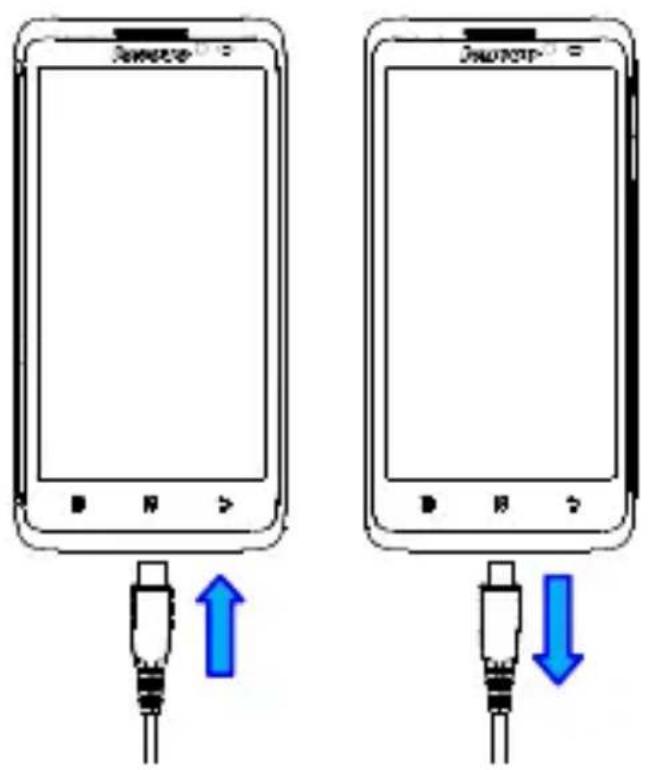
Charging the phone
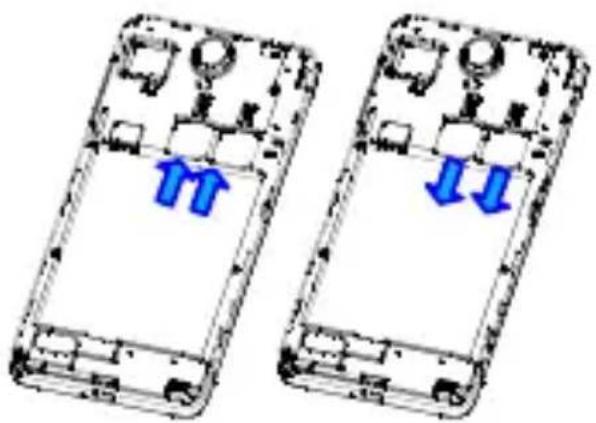
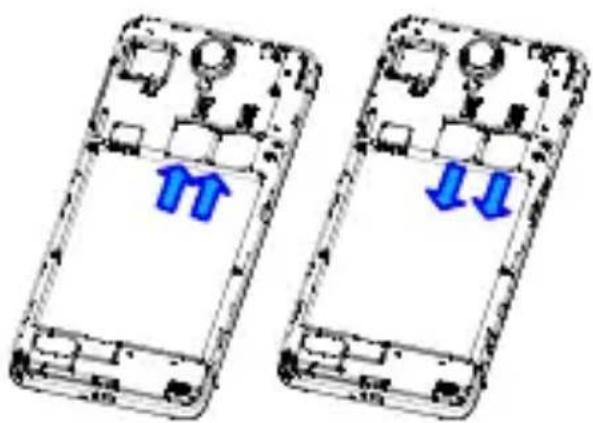
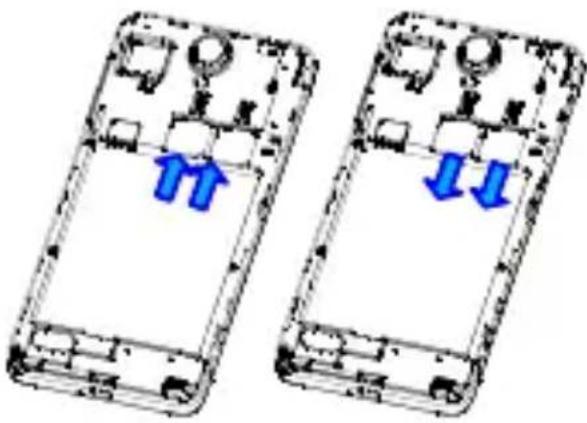
Inserting the SIM card
natural_image
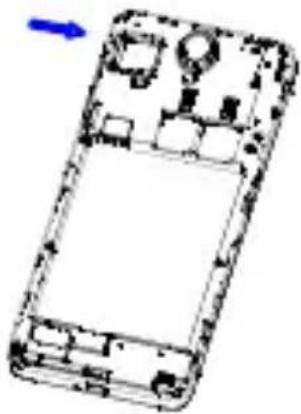
Two smartphone casing diagrams showing internal components with blue arrows indicating movement or force (no text or symbols)Inserting the memory card
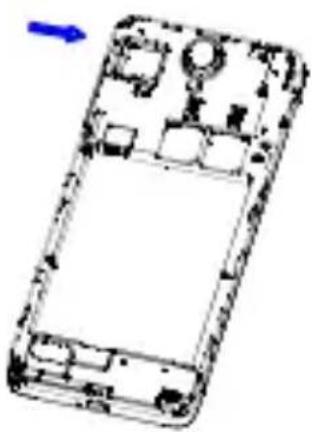
natural_image
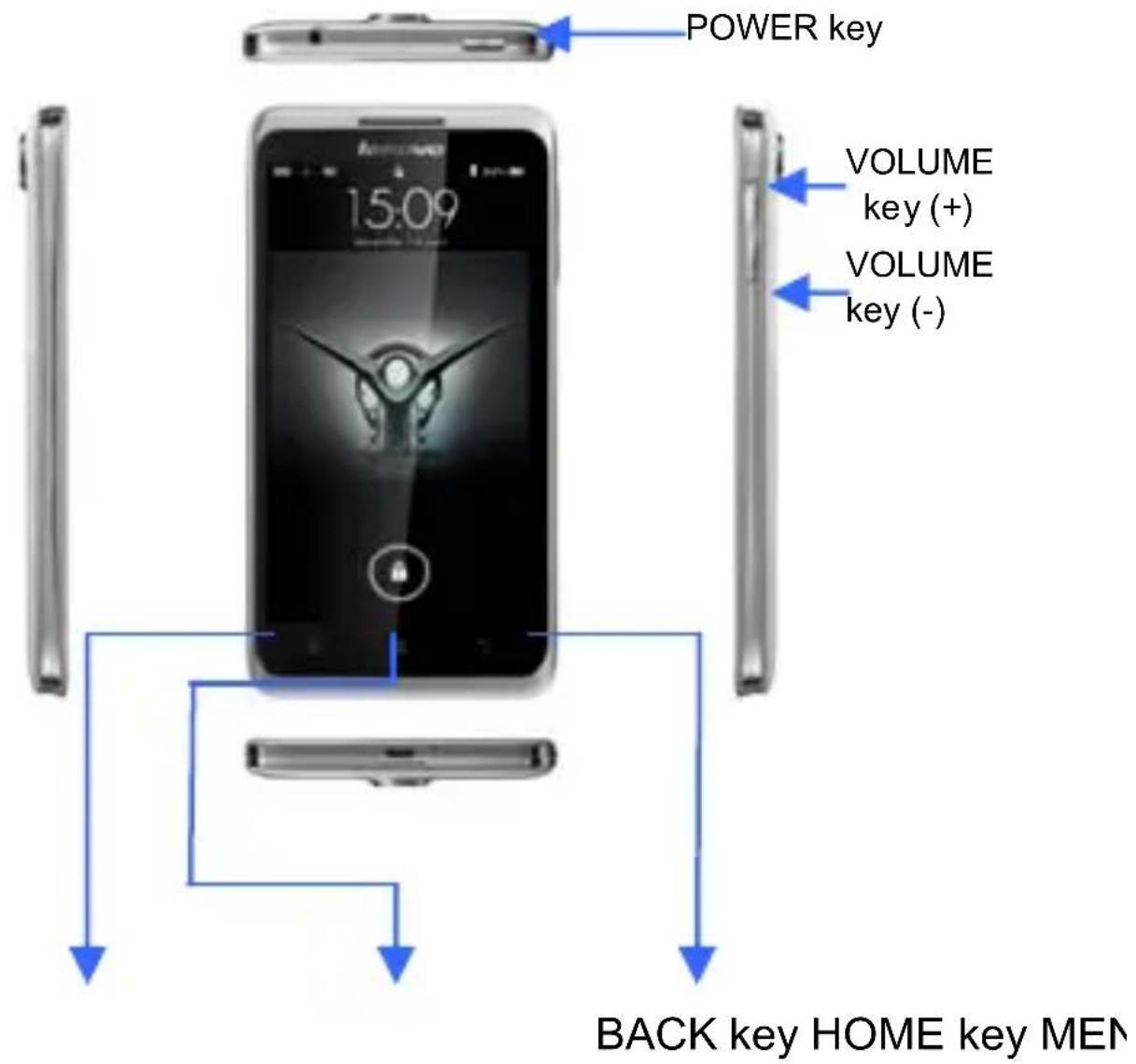
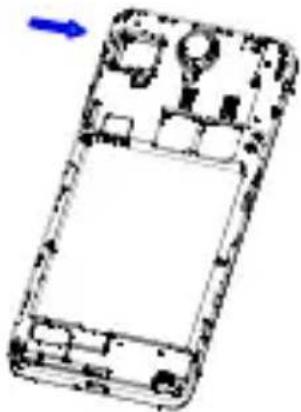
Diagram of a smartphone casing with internal circuitry and a blue arrow indicating direction (no text or symbols)Port Assignment and Button Layout
Applications Overview
 | Browser | Browses websites. The web browser in this unit can access the Internet via the WIFI network for business and personal use. |
 | Receives/Sends and views mails by linking directly to your mailbox. | |
 | Gallery | Browses and edits images. In an image full-screen page it supports slideshow functions and such operations as, Share, Set as, and Details. |
 | Contacts | Allows you to add or delete contacts and edit or delete particulars of a contact. |
 | LeCalendar | Creates new events, toggles the day view, the week view and the month view, and enables the event reminder function. |
Gravity sensor and multi-touch
Auto rotate screen according to the rotation of the device. You can lock the S890 screen in the current direction screen rotation lock downward. To unlock the screen direction: Menu - System settings - Display - Auto-rotate screen.
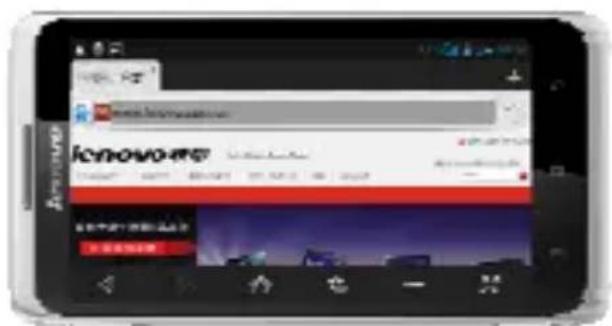
Use the S890 in the landscape or portrait mode
After launching one application, you can rotate the screen to your preferred direction.
Use the multi-touch function
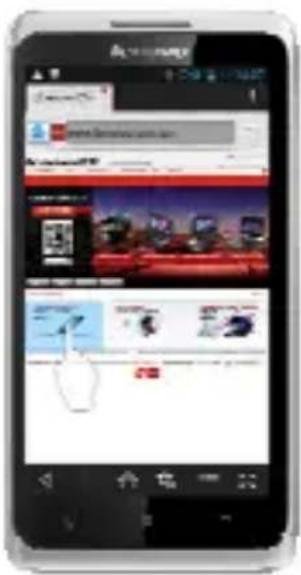
The multi-touch function enables you to perform various operations on the screen.
Open an application
Open an application: Tap the icon of this application on the screen. By clicking home key, you can return to the home screen.
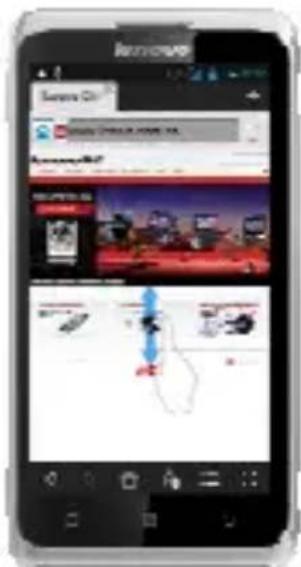
Scroll
Scroll the screen by dragging up or down on the content.
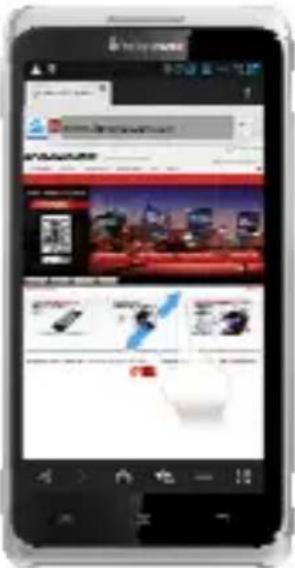
Zoom in or out
You can zoom in or out a map or web page while viewing it. To do so, just move your two fingers apart or together.
Precautions and Tips for S890
Never drop, strike, scratch, twist, knock, vibrate or push the S890 or place any heavy objects on it.
Gently touch the S890.
Keep the S890 away from any magnetic substances, mobile phones in conversation, electrical appliances or speakers.
Avoid exposing the S890 to extreme temperatures (lower than -10^ or higher than 50^ ).
Do not place the S890 in a damp environment.
Do not use corrosive detergents or solvents to clean your S890. Just wipe the S890 screen with a damp, soft, lint-free cloth to clear fingerprints off it.
Recycling and environmental information General recycling statement
Lenovo encourages owners of information technology (IT) equipment to responsibly recycle their equipment when it is no longer needed. Lenovo offers a variety of programs and services to assist equipment owners in recycling their IT products. For information on recycling Lenovo products, go to:
http://www.lenovo.com/recycling
Important WEEE information
natural_image
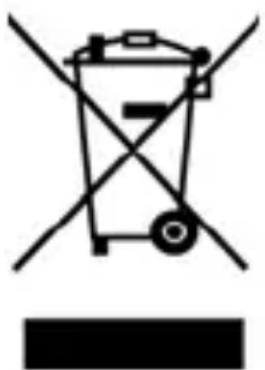
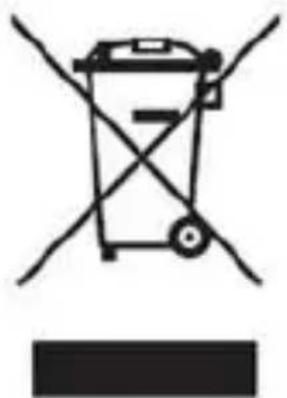
Symbol of a trash bin crossed with diagonal lines and a horizontal bar below (no text or labels)The WEEE marking on Lenovo products applies to countries with WEEE and e-waste regulations (for example, European Directive 2002/96/EC, India E-Waste Management & Handling Rules, 2011). Appliances are labeled in accordance with local regulations concerning waste electrical and electronic equipment (WEEE).
These regulations determine the framework for the return and recycling of used appliances as applicable within each geography. This label is applied to various products to indicate that the product is not to be thrown away, but rather put in the established collective systems for reclaiming
these end of life products.
Users of electrical and electronic equipment (EEE) with the WEEE marking must not dispose of end of life EEE as unsorted municipal waste, but use the collection framework available to them for the return, recycle, and recovery of WEEE and to minimize any potential effects of EEE on the environment and human health due to the presence of hazardous substances. For additional WEEE information go to: http://www.lenovo.com/recycling
Recycling information for India
Recycling and disposal information for India is available at:
http://www.lenovo.com/social_responsibility/us/en/sustainability/ptb_india.html
Battery recycling marks
natural_image
Symbolic illustration of a trash bin with crossed lines indicating no waste or discharge (no text or labels)Restriction of Hazardous Substances
Directive (RoHS)
India RoHS
RoHS compliant as per E-Waste (Management & Handling) Rules, 2011.
This device have been tested to comply with the Sound Pressure Level requirement laid down in the applicable EN 50332-1 and/or EN 50332-2 standards. Permanent hearing loss may occur if earphones or headphones are used at high volume for prolonged periods of time.
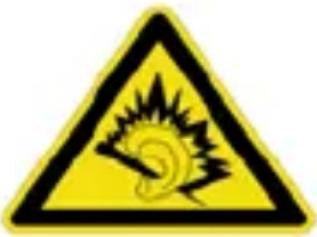
Warning statement:
Users have to use the connection to USB interfaces with USB 2.0 version or higher.
Caution
Risk of explosion if battery replaced aced by an incorrect type.
Dispose of used batteries according to the instructions.
The adapter shall be installed near the equipment and shall be easily accessible.
Only can use adapter as below: Adapter mfg: Lenovo
Adapter model: C-P24
I/P:100-240V,50/60Hz,0.15A,
O/P: 5V,1000mA
The plug considered as disconnect device of adapter
Assessment of compliance of the product with the requirements relating to the Radio and Telecommunication Terminal Equipment Directive (EC Directive 1999/5/EC) was performed by PHOENIX TESTLAB (Notified Body No.0700), based on the following standards:
- Health (Article 3.1(a) of the R&TTE Directive)
Applied Standard(s):
■ EN 50360:2001/EN 62209-1:2006/EN62311:2008
/ EN 62209-2:2010/ EN 62479:2010
- Safety (Article 3.1(a) of the R&TTE Directive)
Applied Standard(s):
■ EN 60950-1:2006/A11:2009
■ EN 50332-1:2000
■ EN 50332-2:2003
- Electromagnetic compatibility (Article 3.1 (b) of the R&TTE Directive)
Applied Standard(s):
■ EN 301 489-1 V1.9.2/-3 V1.4.1/-7 V1.3.1/-17 V2.1.1/-24 V1.5.1
- Radio frequency spectrum usage (Article 3.2 of the R&TTE Directive)
Applied Standard(s):
■ EN 301 511 V9.0.2
■ EN 301 908-1/-2 V5.2.1
■ EN 300 328 V1.7.1
■ EN 300 440-1V1.6.1/-2 V1.4.1
CE 0700
natural_image
Simple line drawing of a trash bin with crossed lines indicating no waste or discharge (no text or symbols)Ponsel Lenovo
Panduan Penggunaan
Model: Lenovo S890
Memasukkan kartu SIM
natural_image
Two smartphone casing diagrams showing internal components and blue directional arrows indicating movement or change (no text or symbols present)Memasukkan kartu memori
natural_image
Diagram of a smartphone casing with internal components and a blue arrow indicating direction (no text or symbols)Membuka aplikasi
Menggulir
Peringatan:
Model adaptor: C-P24
I/P: 100-240 V,50/60 Hz,0,15 A,
O/P: 5 V,1000 mA
natural_image
Simple line drawing of a trash bin with crossed lines indicating no waste or discharge (no text or symbols)Установка SIM-карты
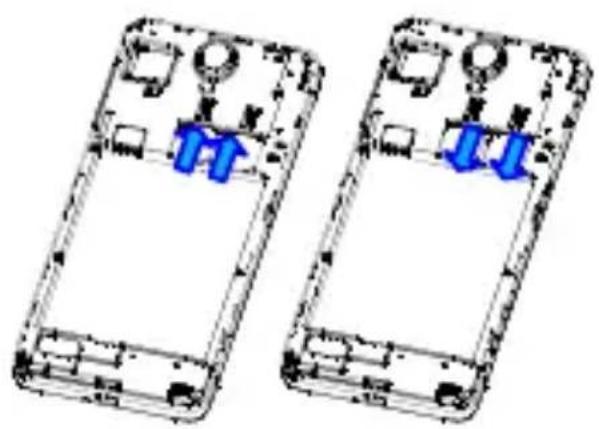
natural_image
Two smartphone casing diagrams showing internal components with blue arrows indicating movement or change (no text or symbols present)natural_image
Diagram of a smartphone casing with internal circuitry and mounting holes (no text or symbols)
Открытие приложения
Прокрутка
Предупреждения:
natural_image
Simple line drawing of a trash bin with crossed lines indicating no waste or discharge (no text or symbols)Lắp thể SIM
natural_image
Two smartphone casing diagrams with blue arrows indicating internal components (no text or symbols)Lắp thể nhớ
natural_image
Diagram of a smartphone front panel with internal circuitry and a blue arrow indicating direction (no text or symbols)Mở ứng dụng
Cuôn
Tuyên bố cảnh báo:
natural_image
Simple line drawing of a trash bin with crossed lines indicating no waste or discharge (no text or symbols)
- Technical Parameters
- Procedure Initial Setup Procedure
- Inserting the memory card
- Port Assignment and Button Layout
- Applications Overview
- Gravity sensor and multi-touch
- Use the multi-touch function
- Open an application
- Scroll
- Zoom in or out
- Precautions and Tips for S890
- Recycling and environmental information General recycling statement
- Important WEEE information
- Recycling information for India
- Restriction of Hazardous Substances
- Directive (RoHS)
- India RoHS
- Ponsel Lenovo
- Memasukkan kartu memori
- Membuka aplikasi
- Menggulir
- Peringatan:
- Установка SIM-карты
- Открытие приложения
- Прокрутка
- Lắp thể nhớ
- Mở ứng dụng
- Cuôn
Brand : LENOVO
Model : S890
Category : Mobile Phone