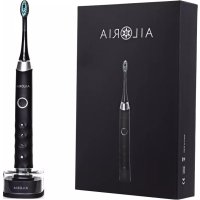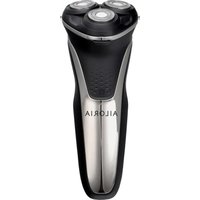
Masculin - Shaver Ailoria - Free user manual and instructions
Find the device manual for free Masculin Ailoria in PDF.


User questions about Masculin Ailoria
0 question about this device. Answer the ones you know or ask your own.
Ask a new question about this device
Download the instructions for your Shaver in PDF format for free! Find your manual Masculin - Ailoria and take your electronic device back in hand. On this page are published all the documents necessary for the use of your device. Masculin by Ailoria.
USER MANUAL Masculin Ailoria
text_image
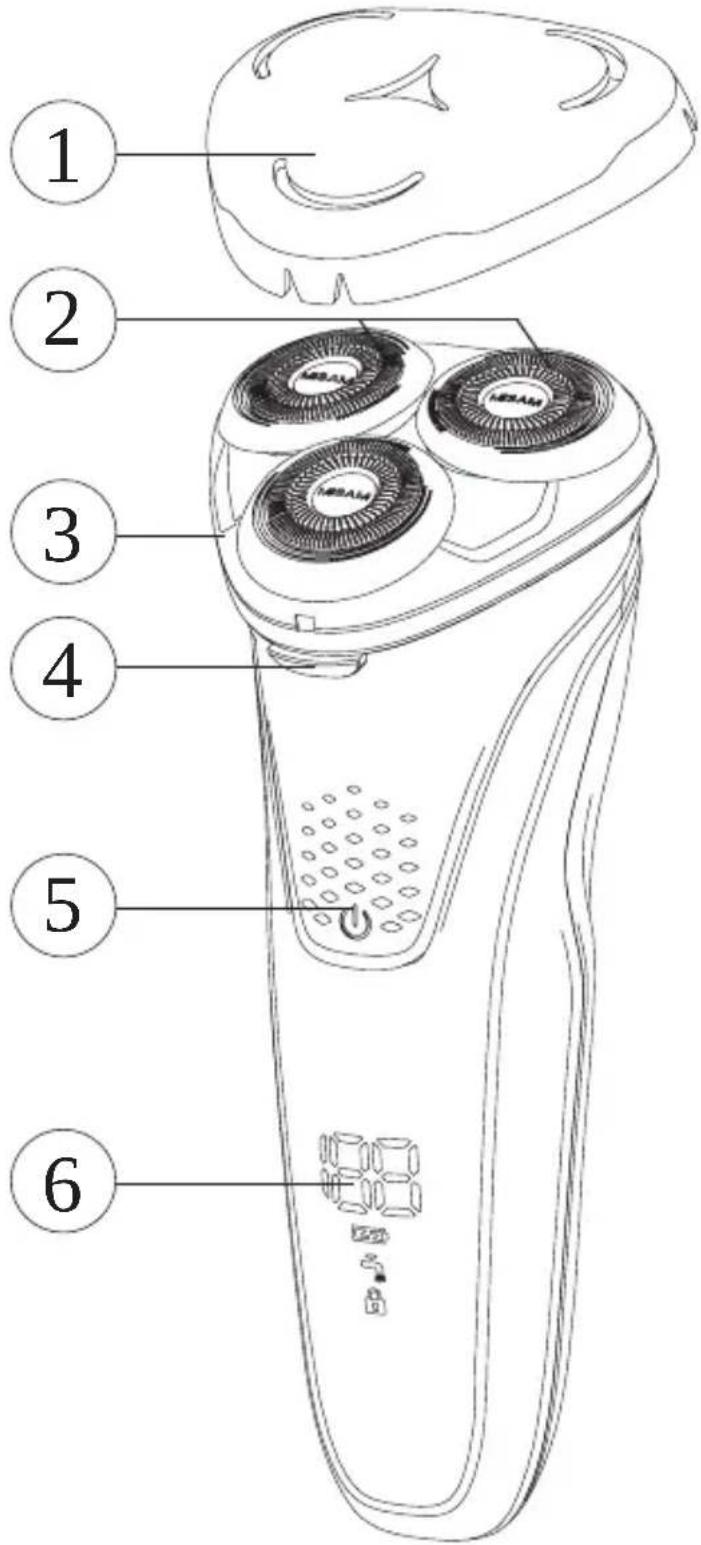
Diagram of a hand-operated electric shaver with numbered parts labeled 1 through 6Please read the following instructions before using the device:
- Charge the unit with the supplied USB charging cable and USB charging adapter or alternatively connect the charging cable to a USB interface (PC, notebook). Do not disconnect the charging cable from the power supply during the charging process.
- You can clean the shaver under running water. To do this, disconnect the device from the power supply! Do not immerse the device under water.
- The shaver is not suitable for use under water.
- Store the product in a dry place and do not expose it to temperatures below 5°C and above 35°C.
- Do not use the razor if it is damaged.
- This appliance may be used by children over 8 years of age and persons with reduced physical, sensory or mental abilities or lack of experience and knowledge if they are supervised during use or have received instructions for the safe use of the appliance and have understood the risks
Functions
text_image
Diagram of a hand-operated electric shaver with numbered parts labeled 1 through 6- Protective cover
- Shaving heads
- Razor head plate
- Release button
- On/O button
- Display
text_image
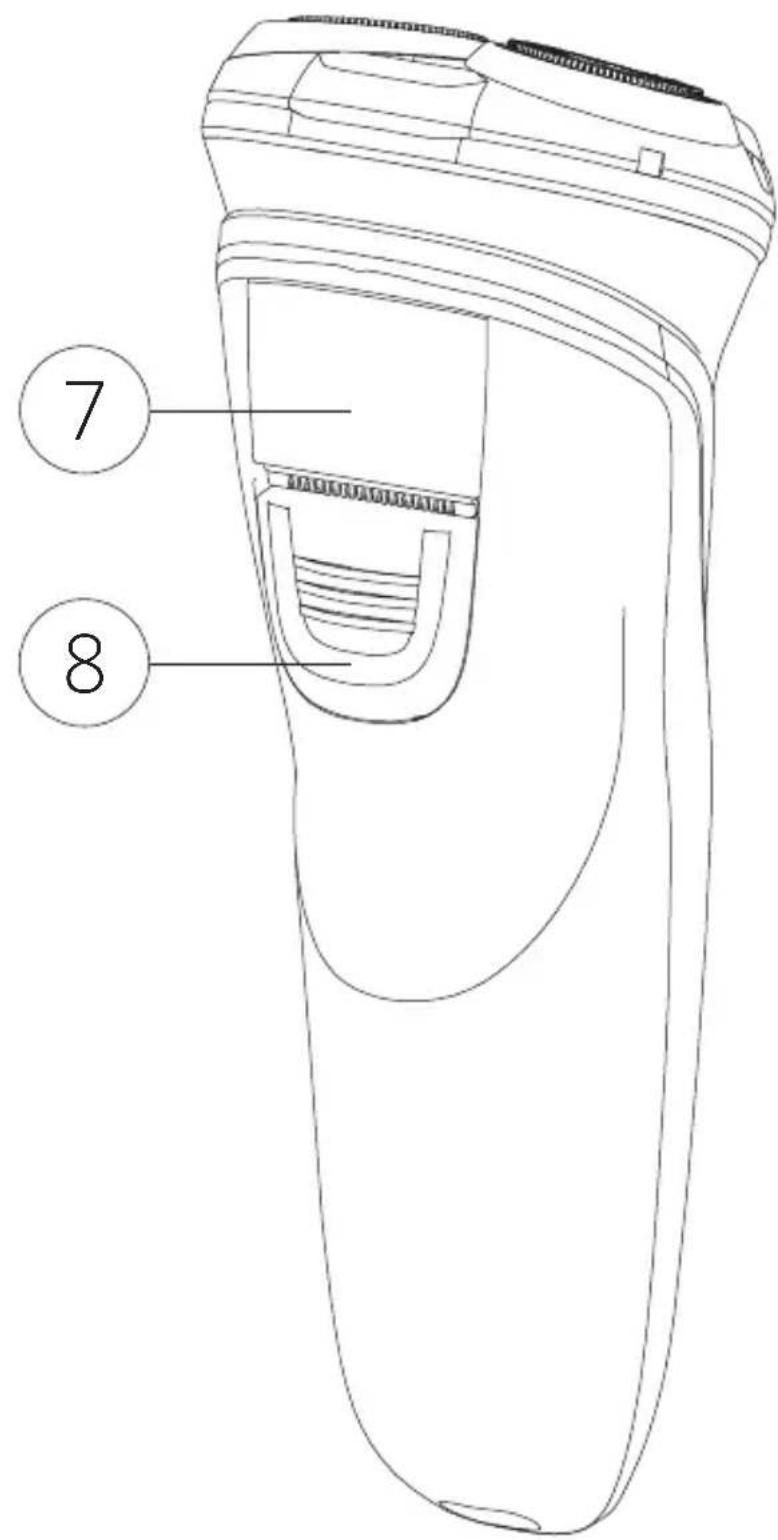
7 8- Trimmer
- Trimmer release
text_image
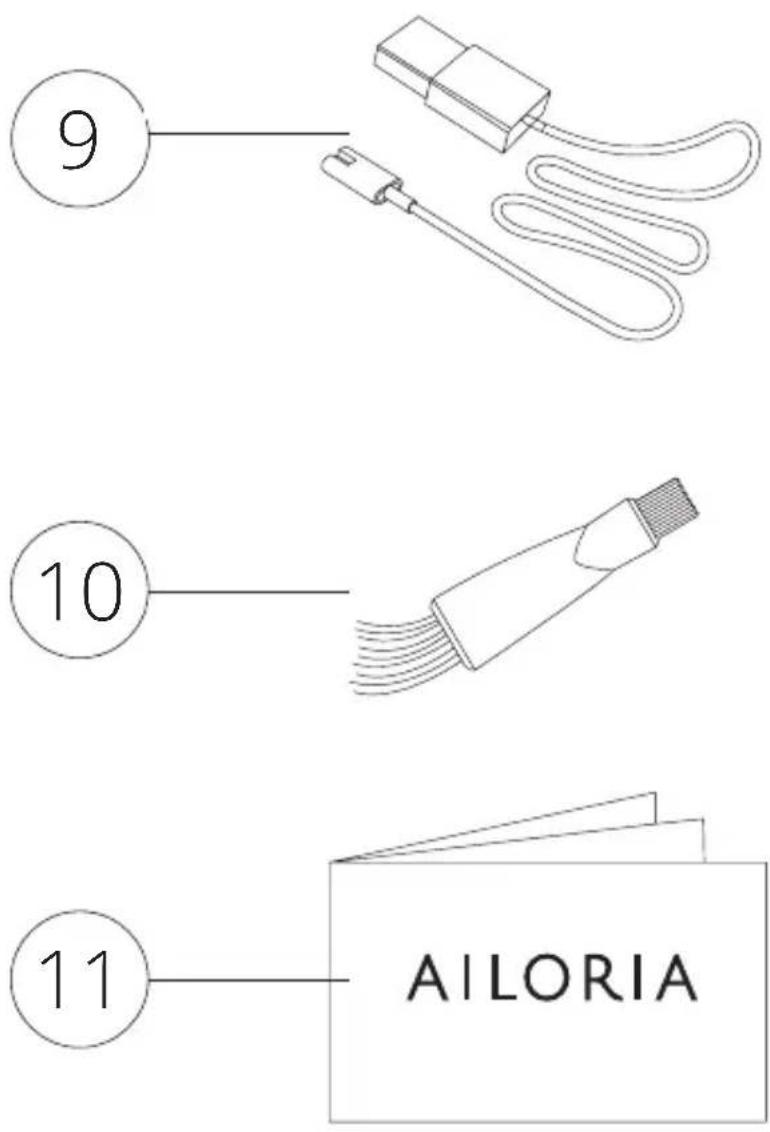
9 10 11 AILORIA-
USB charging cable
-
Cleaning brush
-
Instructions
Charging
The shaver must be charged before first use. The display (6) shows the charging status of the battery. If the battery is almost empty, this is signalled by a tone. To recharge the battery, connect the machine to the mains supply. Use the USB charging cable supplied and connect it to the USB charging adapter. Alternatively, any USB slot connected to the power supply can be used.
Shaving
To start shaving, press the power button (5) located on the front of the shaver. Pull the razor slowly and smoothly over the areas to be shaved. To trim longer hair you can activate the trimmer (7) by briefly pressing the trimmer release (8).
Travel lock
Press and hold the on/off button (5) for 3 seconds to activate the travel lock. An acoustic signal confirms that the lock has been successfully activated. The lock symbol appears on the display (6). Repeat the procedure to unlock the travel lock.
Display
The number in the display shows how much time remains for shaving before the unit needs charging. A small plug symbol appears when charging is soon required. The tap symbol serves as a reminder to wash the device regularly. When the symbol is displayed, a short tone is heard.
Cleaning & Maintenance
Switch off the shaver and disconnect it from the power supply before cleaning! Unlock the razor head plate (3) with the release button (4) and flip it up. Now you can clean the inside of the razor heads with water.
To remove hair and dirt from the blades, slowly turn the razor heads clockwise while gently pulling them out. The blades can now be cleaned with the brush (10). After cleaning, check that all razor heads are firmly seated in the housing again.
Frequently asked questions/problem solutions
Problem Cause Solution
| Insufficient Shaving | Blades have been damaged or worn | Replace the blades with new razor heads |
| Dirty shaving heads | Clean the razor heads thoroughly | |
| Low battery electricity level | Charge the battery with the charging cable | |
| No function after switching on | The battery is empty | Charge the battery |
| Defective switch | Contact our customer service | |
| LED display does not work | Display or circuit board broken | Contact our customer service |
| Shaver does not charge | The shaver or adapter is broken | Contact our customer service |
Disposal
The product must not be disposed of with normal household waste. Follow the local regulations for the separate disposal of electrical and electronic products. Proper disposal will help prevent negative effects on the environment and health.
Manufacturer
VEHNS GROUP GmbH
Changes and errors excepted.
The manufacturer accepts no liability for damage resulting from incorrect, improper or incompatible use of the product.
© VEHNS GROUP GmbH
Version 1.0 - 10/2020
MANUEL D'UTILISATION
Rasoir électrique