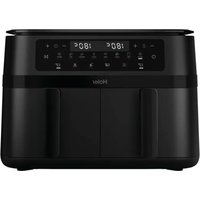
HAF3AD 011 - Deep fryer HAIER - Free user manual and instructions
Find the device manual for free HAF3AD 011 HAIER in PDF.


| Product Type | Air Fryer |
| Brand | Haier |
| Model | HAF3AD 011 |
| Power | 3000 W |
| Voltage | 220-240 V ~ 50-60 Hz |
| Number of baskets | 2 |
| Temperature range | 80°C - 200°C |
| Timer | 1 to 60 minutes |
| Functions | Cook, keep warm, match, sync |
| Connectivity | hOn app (Wi-Fi) |
| Interior coating | Non-stick |
| Cleaning | Dishwasher-safe baskets and trays |
| Safety | Auto shut-off, carry handle |
| Estimated weight | Approximately 6 kg |
| Estimated dimensions (L x W x H) | Approximately 40 x 35 x 30 cm |
| Consumables | Original spare parts available |
| Warranty | According to dealer's terms |
| Compliance | European directives (CE) |
Frequently Asked Questions - HAF3AD 011 HAIER
User questions about HAF3AD 011 HAIER
0 question about this device. Answer the ones you know or ask your own.
Ask a new question about this device
Download the instructions for your Deep fryer in PDF format for free! Find your manual HAF3AD 011 - HAIER and take your electronic device back in hand. On this page are published all the documents necessary for the use of your device. HAF3AD 011 by HAIER.
USER MANUAL HAF3AD 011 HAIER
natural_image
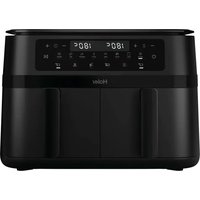
Black Haier air fryer with digital display and control buttons (no visible text or symbols on device body)User manual (GB) ...... P11
natural_image
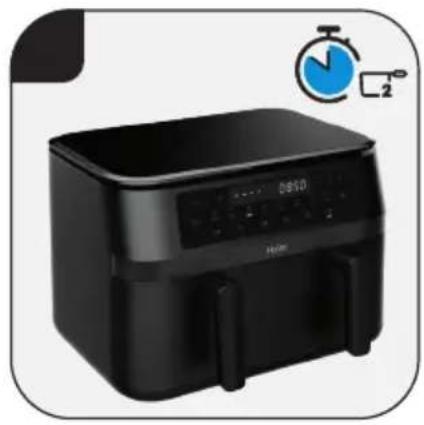
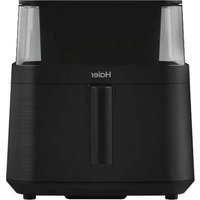
Black air fryer with digital display and stopwatch, no visible text or symbols on device body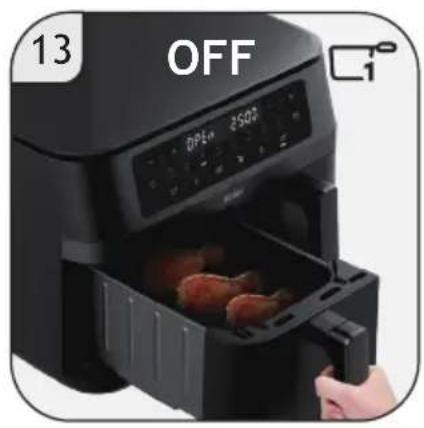
natural_image
Black air fryer with digital display and two chicken wings being opened, no visible text or symbols on the device itself.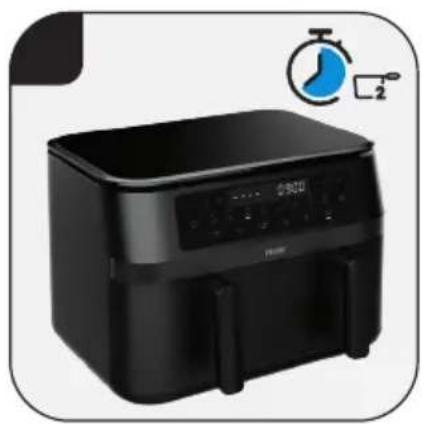
natural_image
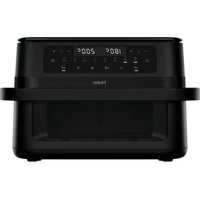
Black air fryer with digital display and control panel, no visible text or symbols on device body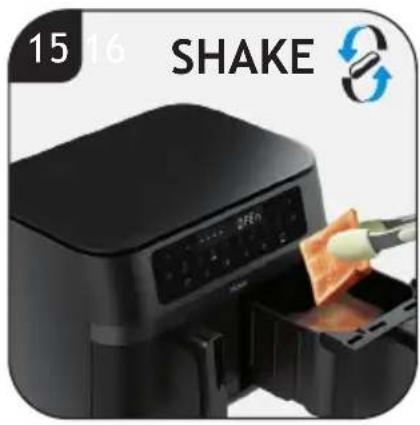
natural_image
Black electric air fryer with digital display and control buttons, no visible text or symbols on the device itself.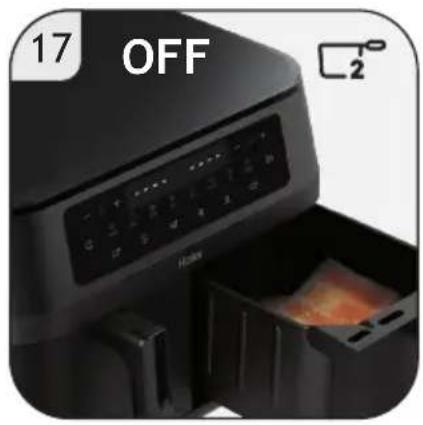
natural_image
Close-up of an air fryer with a digital control panel and food item, no visible text or symbols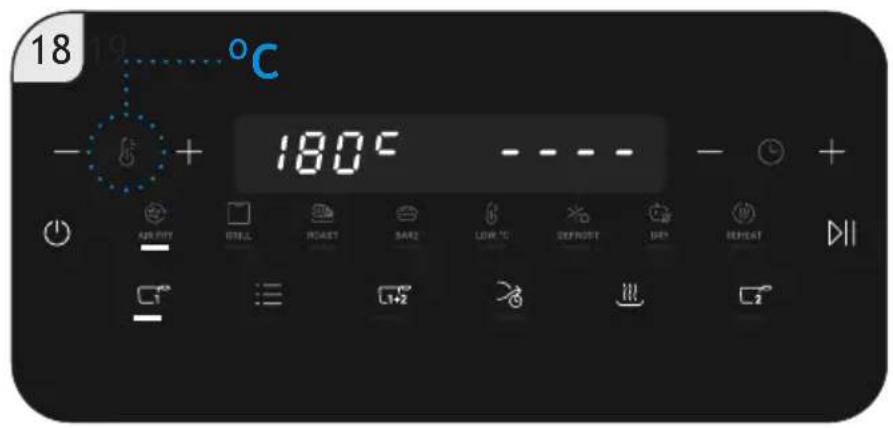

| METHODCOMPONENTS |  |  |  |
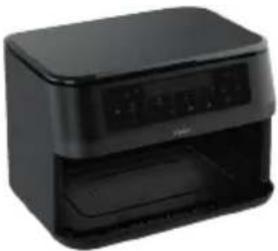 | × | × | √ |
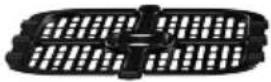 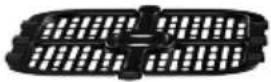 | √ | √ | √ |
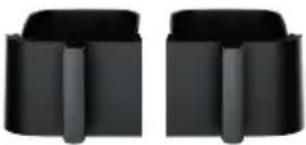 | √ | √ | √ |
This appliance is intended for domestic and indoor use only as described in this user guide. Please ensure that this guide is fully understood before operating the appliance.
WARNING To eliminate suffocation hazard for young children, discard all packaging materials immediately after removing the product.
Paper package for accessories may be present inside the appliance depending on the models you purchased, remove all package before using the appliance to avoid fire hazard.
This appliance can be used by children aged from 8 years and above and persons with reduced physical, sensory or mental capabilities or lack of experience and knowledge if they have been given supervision or instruction concerning use of the appliance in a safe way and understand the hazards involved. Children shall not play with the appliance. Cleaning and user maintenance shall not be made by children unless they are older than 8 years and supervised.
Keep the appliance and its cord out of reach of children less than 8 years.
If the power cord is damaged stop using the appliance immediately. To avoid a safety hazard, an authorised Haier service engineer must replace the power cord.
Use only attachments, consumables or spares recommended or supplied by Haier. The use of accessories or attachments not recommended by Haier may cause injuries.
Only use the appliance in accordance with the power specification on the rating plate.
WARNING Risk of scalding! Never touch the inside of the appliance while in use and after operation. The heating element is subject to residual heat after use. Please always use the handle to carry the baskets.
Do not block any ventilation openings. Hot steam is released through air outlets. Keep your hands and face away from the hot steam and openings. Also be careful of hot steam and air when you remove the baskets from the appliance.
Do not operate the appliance by means of an external timer or separate remote-control system.
Do not let any water or other liquid enter the appliance to prevent electric shock.
Do not pull or carry the appliance by the power cord. Always unplug the appliance from the socket by pulling the plug instead of the cord. Do not place the power cord over sharp edges or near hot surfaces. Do not use an extension cord.
Do not plug in the appliance or operate it with wet hands.
Never immerse the appliance, cord, plug or main unit in water or other liquid.
Risk of fire! The food may burn, therefore do not use the appliance near or below combustible material, such as curtains.
Do not place the appliance against the wall or other appliances. Keep a free space of at least 10cm on the back and sides of the appliance. Do not place anything on top of the appliance while in use.
WARNING Risk of injury! A misuse of the appliance can potentially lead to injury.
Pay attention to clean surfaces which are intended to come into contact with food! Please note the information on cleaning in the instructions.
Do not use the appliance for any other purpose than described in this User Guide.
The pan, the baskets and accessories inside the appliance become hot during use. Be careful when you handle them.
Do not overfill above the maximum line indicated in the baskets. Prevent food from touch with heating elements. Excessive or oversized food, paper, carboard, plastic or metal foil packages must not be cooked which may cause risk of fire.
Use the recommended cooking time for food, excessive cooking time could lead the food to burn.
Only connect the appliance to an earthed wall socket. Always make sure that the plug is inserted into the wall socket properly.
Use on worktop only. Do not place the appliance near the edge of a worktop.
Do not operate the appliance on an inclined surface and do not move it when working.
Do not operate the appliance without baskets installed.
Do not leave the appliance unattended while in use. Keep extreme caution when using an appliance which contains
hot oil or other hot liquid.
Allow the appliance to cool down before cleaning or any maintenance.
Regularly clean the baskets, otherwise the residue stuck to it may smoke or burn.
Unplug from the socket after use and before cleaning the appliance or any maintenance task.
Do not continue to use your appliance if it appears faulty.
Haier SERVICE: To ensure the continued safe and efficient operation of this appliance we recommend that any servicing or repairs are only carried out by an authorised Haier service engineer.

The surfaces are liable to get hot during use. Do not touch.
The Environment
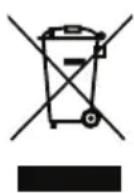
The symbol on this appliance indicates that this appliance may not be treated as household waste. Instead it must be handed over to the applicable collection point for the recycling of electrical and electronic equipment. Disposal must be carried out in accordance with local environmental regulations for waste disposal. For more detailed information about treatment, recovery and recycling of this appliance, please contact your local city office, your household and waste disposal service or the shop where you purchased the appliance.

This appliance complies with the European Directives 2014/35/EU, 2014/30/EU and 2011/65/EU.
CANDY HOOVER GROUP S.r.l.
Via Comolli,16 - 20861 Brugherio (MB) Italy
2. GETTING TO KNOW YOUR AIR FRYER
COMPONENTS & FEATURES:
A. Control Panel
a. ON/OFF Button
b. Basket No.1 Button
c. Menu Button
d. Match Function Button
e. Sync Function Button
f. Keep Warm Button
g. Basket No.2 Button
h. Start/Pause Button
i. Temperature Decrease Button
j. Temperature increase Button
k. Time Decrease Button
l. Time Increase Button
B. Main Body
C. Frying Basket
D. Frying Plate
E. Frying Basket Handle
3. BEFORE FIRST USE
- Remove all packing materials and any stickers or labels (if available) from the appliance.
- Thoroughly clean the baskets and buckets with warm water. Clean the inside and outside of the air fryer with a moist cloth. Dry with a towel.
- Place the appliance on a stable, horizontal, level and heat-resistant Surface.
NOTE:
- During the first times of using your new Air Fryer, there may be a “hot
plastic" smell. It's quite normal for the new Air Fryer, because the material is heated first time. It will go away after several uses.
- This is an Air Fryer that works on hot air. Do not fill the frying bucket with oil, frying fat or any other liquid.
- This appliance may produce some smoke when you use it for the first time. This is normal.
- Preheating of the appliance is not necessary.
4. USING YOUR AIR FRYER
Extract the power cord and plug into the power supply.
Before placing the ingredients in the frying baskets, place the frying plates into the frying baskets first [1]. Arrange food in
a single layer in the frying baskets [2]. Press ON/OFF Button “ ⏻” to switch the product on [3], all LEDs will light [4].
Select the desired basket based on your cooking needs by pressing Frying Basket
Button “☐1” or “☐2” [5,7].
Press the Menu Button “≡” to select your function [6,8]. Once the program is selected, press Start/Pause Button “DII” to start the cooking process [10]. Please refer to Menu for different automatic programs (Page 3).
SHAKE ALERT
When reaching 2/3 of the cooking time the Display and the Start/Pause Button “ ▷■ ” blinks, with 5 audible beeps, and this is an alert for you to shake the food for even cooking. You can open the frying baskets to turn the food [11,15] and, after the shake, you can put them inside again to restart and complete the cooking [12,16]. You can also ignore it and after 10 seconds, the machine will continue to work automatically.
When the cooking process is completed, the buzzer sounds three times, display
shows "OFF" and the appliance switches off automatically [13, 17].
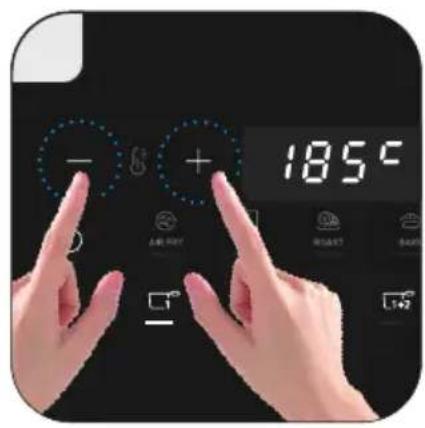
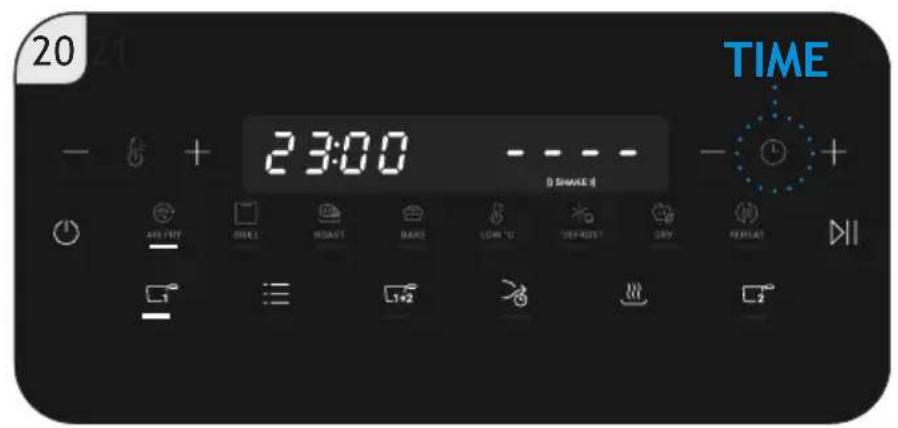
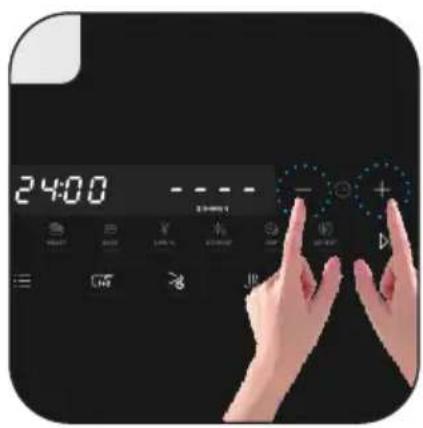
Before and during the cooking, you can press Temperature/Time Button (“ 📁 ” / “ 📋”) to adjust temperature or time. You can hold press “ + ” and “ — ” to speed up the adjustment temperature or time. The temperature adjustment index is 5°C, time adjustment index is 1min [18,19,20,21].
At any time during the cooking, you could press Start/Pause Button “▷||” to pause the cooking process.
At any time during the cooking, you can also press ON/OFF Button “ ⏻” to cancel or stop the current process.
At any time during the cooking, you can pull out the frying baskets to check the ingredients state and put them back to resume work.
5. KEEP WARM FUNCTION
- Select the desired basket [22].
- Press the Keep Warm Button“ [23].
-
If needed, adjust the temperature [24].
-
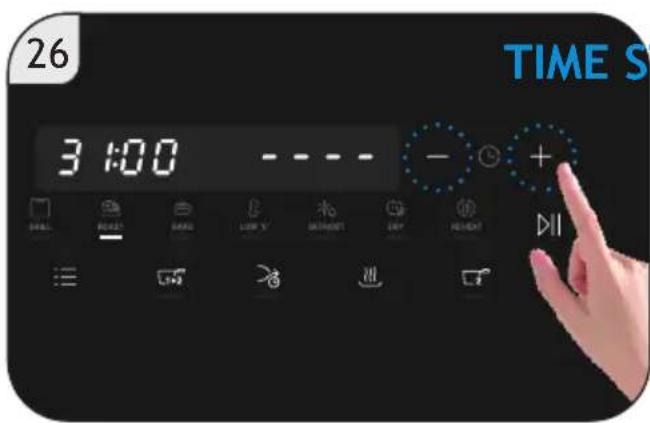
If needed, adjust the timing [25,26].
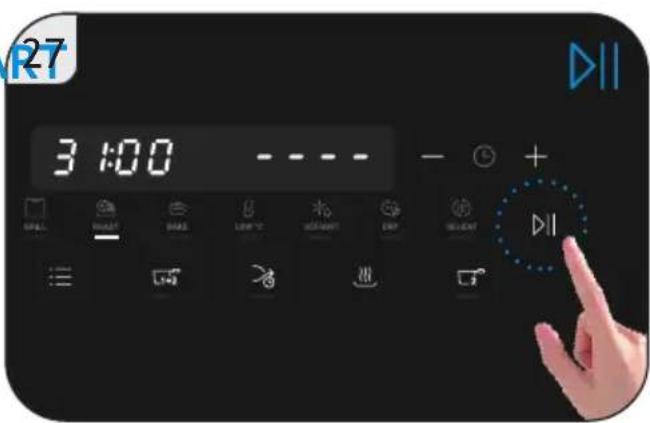
- Press Start Button “▷||” to activate keep-warm mode [27,28].
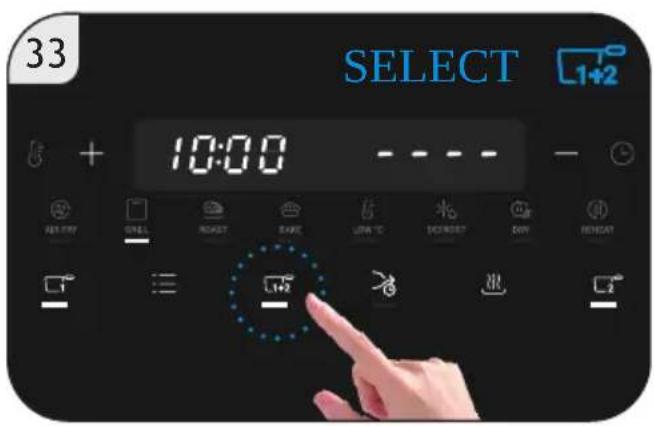
6. MATCH FUNCTION INSTRUCTIONS
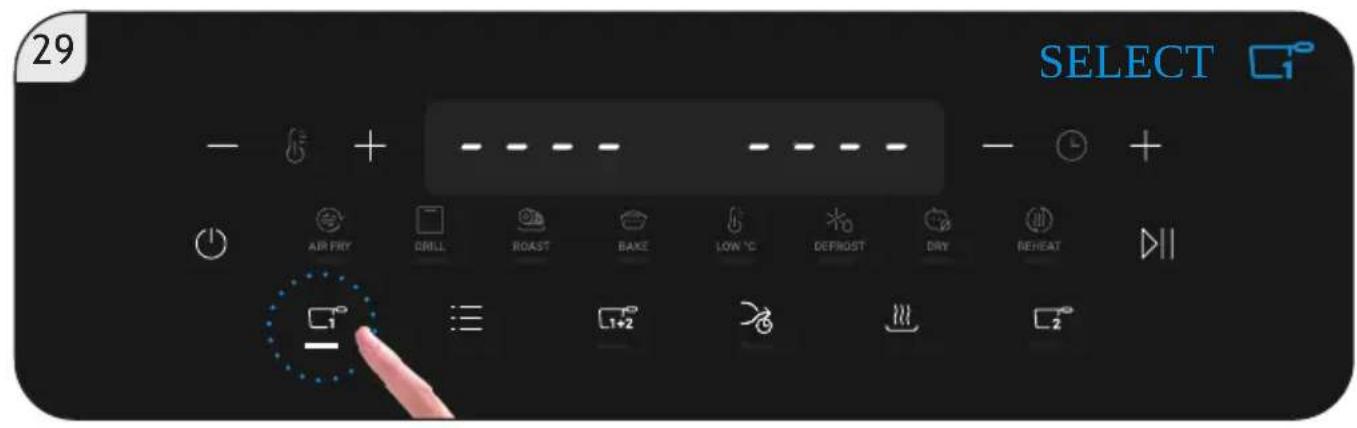
- Select a basket on the control panel [29].
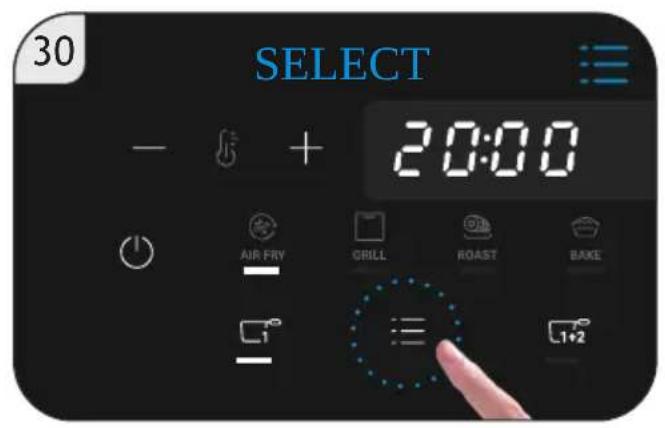
- Press the Menu Button “≡” [30].
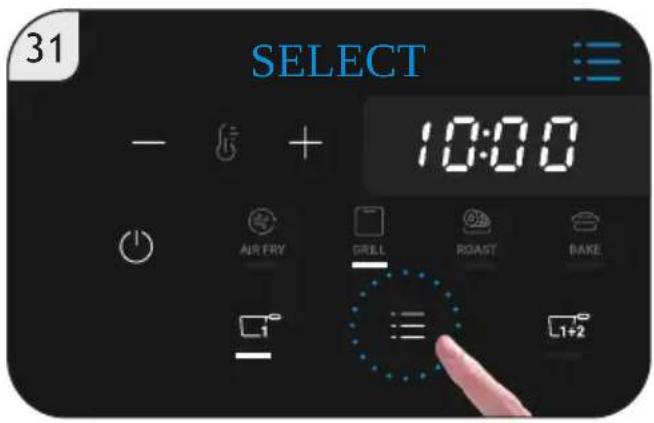
- Choose the desired cooking program [31].
-
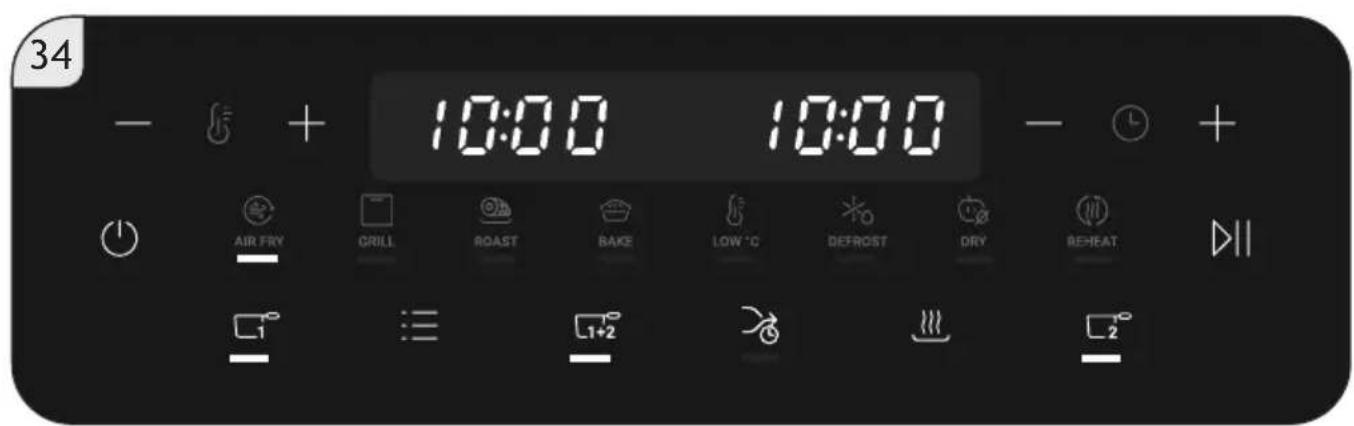
Activate Match Function “ 1+2 ” [33].
-
Both baskets will automatically synchronize time and temperature settings [34].
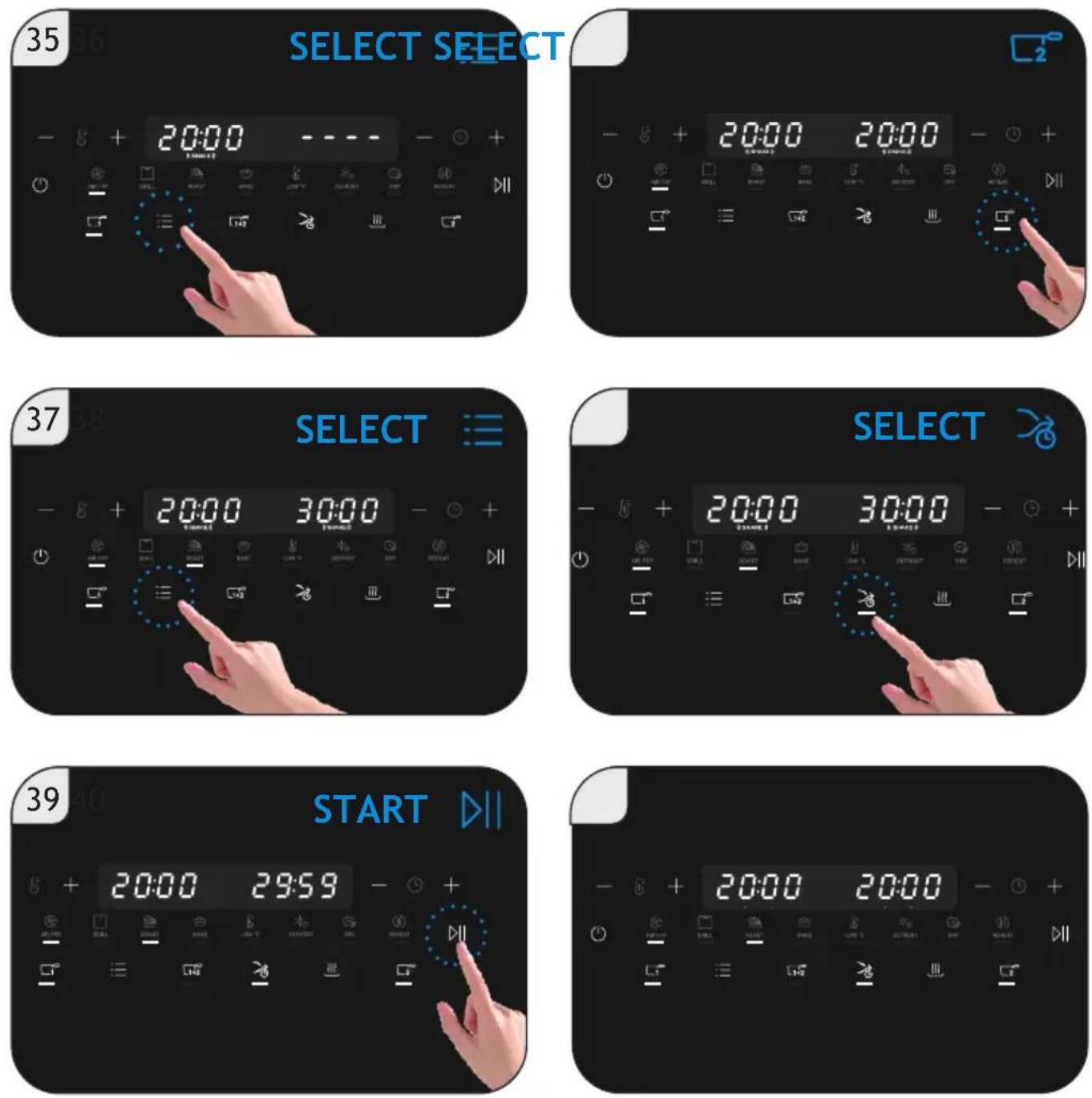
7. SNYC FUNCTION INSTRUCTIONS
- Set the first basket's program [35].
- Set the second basket's program [36,37].
- Activate Sync Function “ ⚡ ” [38] so that both baskets finish cooking at the same time.
- Press Start Button “▷”, the basket with longer duration starts automatically
first [39], then it will be followed by the second [40].
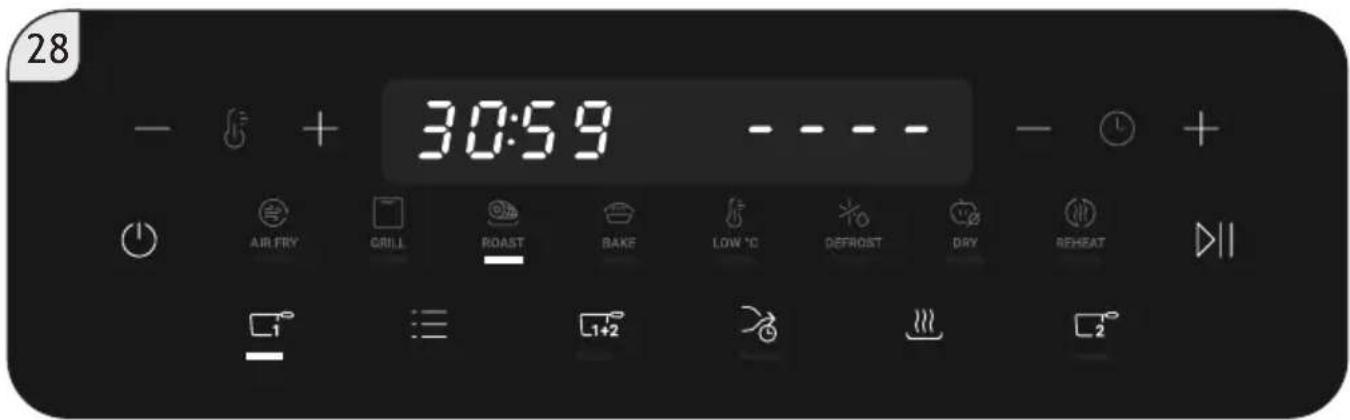
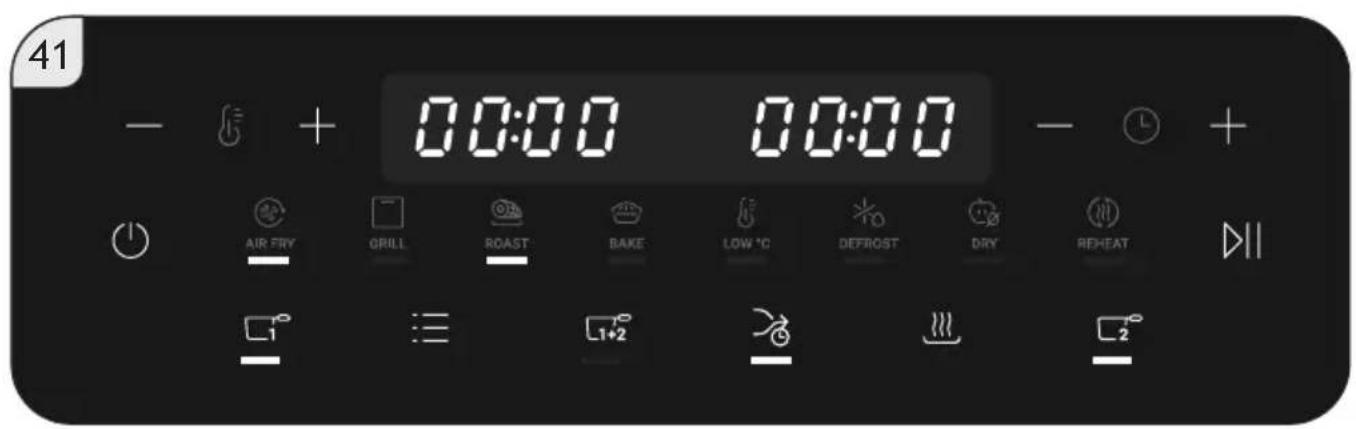
- Both baskets complete cooking simultaneously [41].
8. CLEANING & MAINTENANCE
WARNING:
Always unplug the appliance from the power source and let it cool down before cleaning.
The frying basket and the frying plate have a non-stick coating. Do not use metal kitchen utensils or abrasive cleaning materials, as this may damage the non-stick coating.
Dry before the next use and always clean the appliance after each usage.
-
Frying baskets can be cleaned in the dishwasher or with hot water, dishwasher liquid soap and a non-abrasive sponge (Page 10).
-
Frying plates can be cleaned in the dishwasher or with hot water with dishwasher liquid soap and a non-abrasive sponge (Page 10).
NOTE: To prevent water marks, dry all parts thoroughly with a soft cloth after washing.
- For the main body, you can use a non-abrasive sponge or soft cloth to clean (Page 10).
NOTE: The main body cannot be washed under water or in the dishwasher, but only with a cloth. - Clean the inside of the appliance with hot water and a non-abrasive sponge.
- Clean the heating element with a cleaning brush to remove any food residues. Wipe the outside of the appliance with a moist cloth, if necessary.
- Dry before next use.
9. CONNECT TO "hOn" APP
- You can connect this product with other products using the hOn app.
- Scan the QR code, download and install hOn app. Users who have already installed hOn app will directly enter the device connection page.
- If you don't have the hOn app, you can find it on your app store. Then you can download it and use. You can continue with the following "Open the home page of hOn app, click "+" in the upper right corner of the page and add devices as prompted by the app."
Tips:
Due to the upgrade of hOn app, the actual operation may be slightly different from the above description.
Please follow the instructions in the current hOn app.

Scan the QR code, download and install hOn app
10. TECHNICAL DATA
| Model No. Electrical Connection Power | ||
| HAF3AD 001 220-240V~ | 50-60Hz 3000W | |
| HAF3AD 011 220-240V~ | 50-60Hz 3000W | |
| HAF3AD 021 220-240V~ | 50-60Hz 2200W | |
11. TROUBLESHOOTING
This list summarizes the most common problems you could encounter with the appliance. If you are unable to solve the problem with the information below, you could contact the Haier's Customer Support.
| Problem Possible Cause Solution | ||
| The Air fryer does not work. | The appliance is not plugged in. | Check if the plug is inserted in the wall socket. |
| The frying basket is not put into the appliance properly. | Push the basket securely into the appliance's body. | |
| White smoke comes out of the appliance. | You are cooking fatty ingredients. | Carefully pour off any excess oil or fat from the pan and then continue cooking. |
| The basket still contains greasy residues from previous use. | Always clean the basket thoroughly after every use. | |
| Food is not completely cooked. | The set temperature is too low or cooking time is too short. | Increase the cooking temperature and the cooking time. |
| Too much ingredients in the basket. | Decrease or place less batches of ingredients into the basket for even cooking. | |
| The Display shows error code “E-1” | The temperature sensor is disconnected. | Unplug it from the power source and contact the customer support. |
| The Display shows error code “E-2” | The temperature sensor short circuit. | Unplug it from the power source and contact the customer support. |
12. IMPORTANT INFORMATION
SPARES AND CONSUMABLES
Always replace parts with genuine spares. These are available from your local dealer. When ordering parts always quote your model number.
QUALITY
Factories have been independently assessed for quality. Our products are made using a quality system which meets the requirements of ISO 9001.
YOUR GUARANTEE
The guarantee conditions for this appliance are as defined by our representative in the country in which it is sold. Details regarding these conditions can be obtained from the dealer from whom the appliance was purchased. The bill of sale or receipt must be produced when making any claim under the terms of this guarantee.
| EU 2023/826 | |
| Power Consumption Off Mode N.A. | |
| Power Consumption StandBy Mode 0.5W | |
| Power Consumption StandBy Mode with info display | N.A. |
| Power Consumption Networked StandBy | N.A. |
| Time to reach Off Mode/ StandBy/StandBy with display/ Networked StandBy | 3min |
9. CONNESSIONE ALL'APP "hOn"
9. CONECTE-SE À APP "hOn"
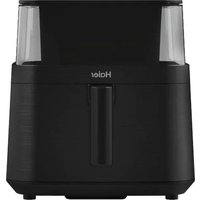
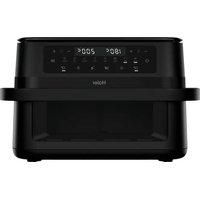
- The Environment
- GETTING TO KNOW YOUR AIR FRYER
- COMPONENTS & FEATURES:
- BEFORE FIRST USE
- NOTE:
- USING YOUR AIR FRYER
- SHAKE ALERT
- KEEP WARM FUNCTION
- MATCH FUNCTION INSTRUCTIONS
- SNYC FUNCTION INSTRUCTIONS
- CLEANING & MAINTENANCE
- WARNING:
- CONNECT TO "hOn" APP
- Tips:
- TECHNICAL DATA
- TROUBLESHOOTING
- IMPORTANT INFORMATION
- SPARES AND CONSUMABLES
- QUALITY
- YOUR GUARANTEE
- CONNESSIONE ALL'APP "hOn"
- CONECTE-SE À APP "hOn"
Brand : HAIER
Model : HAF3AD 011
Category : Deep fryer