
LB440TA - Ice machine Vevor - Free user manual and instructions
Find the device manual for free LB440TA Vevor in PDF.
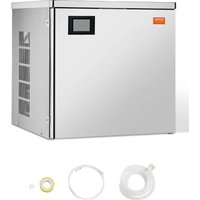


| Product type | Ice Machine |
| Brand | Vevor |
| Model | LB440TA |
| Recommended ambient temperature | 10 °C to 38 °C |
| Inlet water temperature | 0.6 °C to 32 °C |
| Recommended water pressure | 0.1 to 0.63 MPa |
| Refrigerant | R290 / R600a (flammable) |
| Power supply | 220-240 V ~ 50 Hz (see rating label) |
| Included accessories | Water inlet hose, drain hose, PTFE tape, ice scoop, water filter, drain plug, adjustable feet |
| Main function | Automatic ice cube production with auto shut-off when full |
| Ice thickness adjustment | Yes, via "reservation/addition" and "lighting/reduction" buttons |
| Built-in cleaning mode | Yes, activated after shut-off, duration approximately 40 minutes |
| Reservation | Delayed programming function available |
| Storage capacity | Ice storage bin (bucket not supplied, sold separately) |
| Minimum distance from obstacles | 30 cm from walls for ventilation |
| Recommended maintenance | Clean water circuit every 10 to 14 days |
| Recommended cleaning agent | Descaling agent based on citric acid |
| Safety | Grounding mandatory, do not use extension cord, dedicated circuit recommended |
| Warranty and support | www.vevor.com/support |
| Environmental standards | Compliant with WEEE directive (2012/19/EC) |
Frequently Asked Questions - LB440TA Vevor
User questions about LB440TA Vevor
0 question about this device. Answer the ones you know or ask your own.
Ask a new question about this device
Download the instructions for your Ice machine in PDF format for free! Find your manual LB440TA - Vevor and take your electronic device back in hand. On this page are published all the documents necessary for the use of your device. LB440TA by Vevor.
USER MANUAL LB440TA Vevor
Technical Support and E-Warranty Certificate www.vevor.com/support
ICE MACHINE
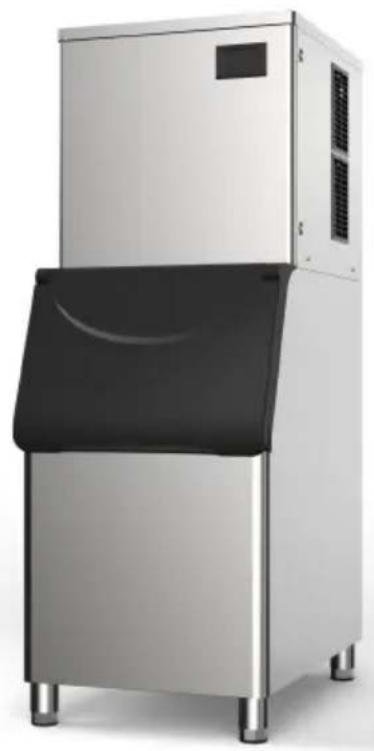
MODEL: LB360TA/LB400TA/LB440TA/LB550TA
LB360TB/LB400TB/LB440TB/LB550TB
We continue to be committed to providing you with tools at competitive prices. "Save Half", "Half Price", or any other similar expressions used by us only represent an estimate of savings you might benefit from buying certain tools with us compared to the major top brands and do not necessarily mean to cover all categories of tools offered by us. You are kindly reminded to verify carefully when placing an order with us if you are actually saving half in comparison with the top major brands.
MODEL: LB360TA/LB400TA/LB440TA/LB550TA
LB360TB/LB400TB/LB440TB/LB550TB
NEED HELP? CONTACT US!
Have product questions? Need technical support? Please feel free to contact us:
Technical Support and E-Warranty Certificate www.vevor.com/support
This is the original instruction. Please read all manual instructions carefully before operating. VEVOR reserves a clear interpretation of the user manual. The appearance of the product shall be subject to the product you received. Please forgive us that we won't inform you again if there are any technology or software updates on our product.
 | Warning-To reduce the risk of injury, user must re instructions manual carefully. |
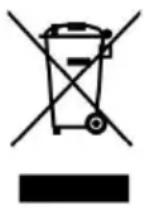 | This product is subject to the provision of European D 2012/19/EC. The symbol showing a wheelie bin cros through indicates that the product requires separate re collection in the European Union. This applies to the and all accessories marked with this symbol. Products as such may not be discarded with normal domestic w must be taken to a collection point for recycling electr electronic devices |
Installation requirements:
- The surface of the machine is covered with a metal protective film, which must be removed before use.
- In order to extend the service life of the ice maker, it must be placed upright for at least 6 hours before being powered on.
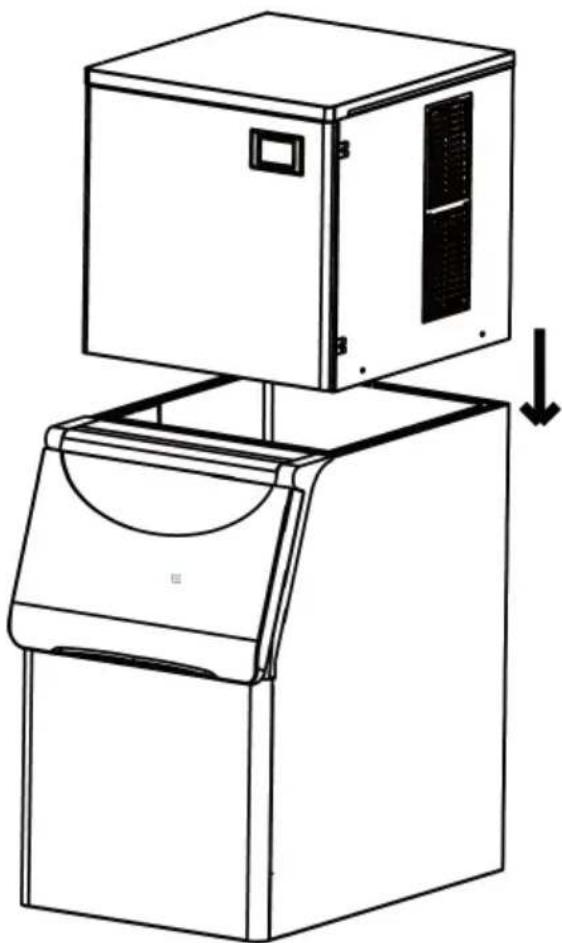
- The host of this product should be placed directly above the ice storage bin. The left, right, and back of the ice maker host should be aligned with the ice bin.
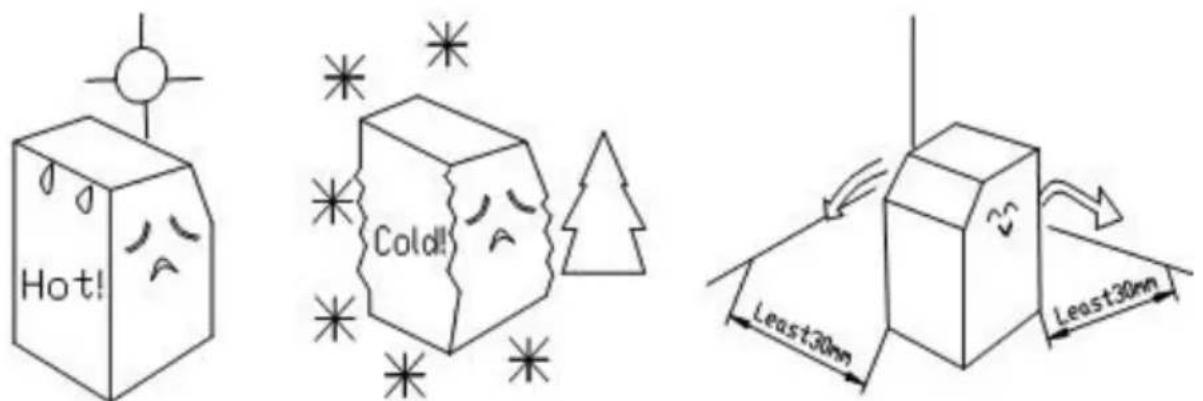
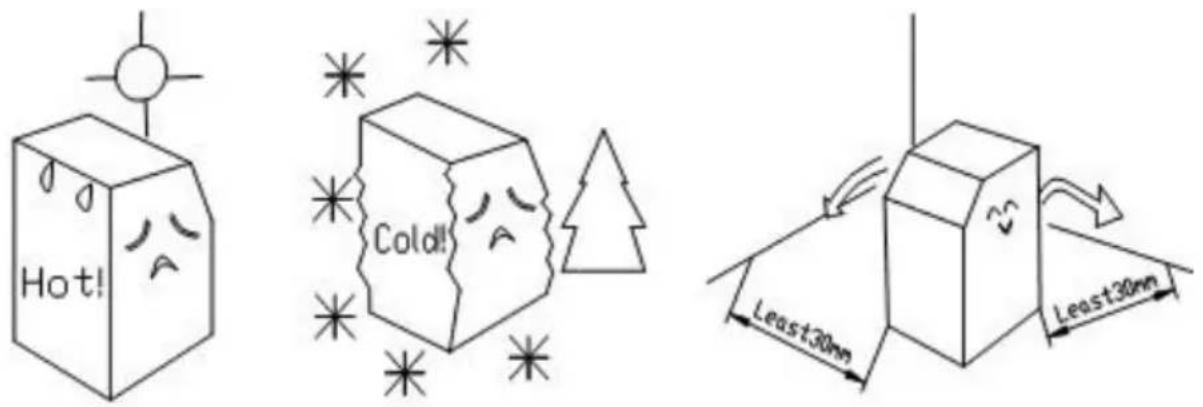
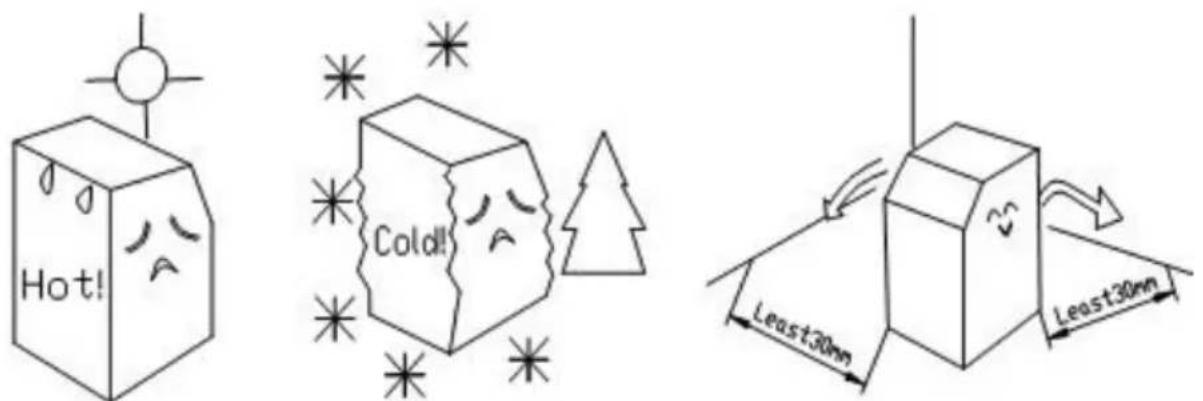
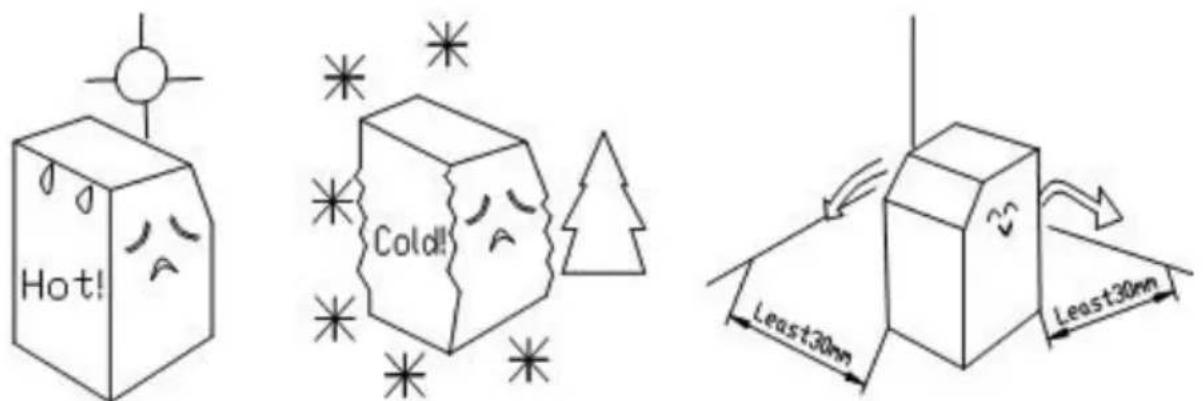
- Pay attention to personal safety when placing the main unit of the ice maker. The main unit should not tilt more than 15° and should be at least 30cm away from obstacles.
- Please install the water inlet and outlet pipes of the ice maker host according to the installation diagram on the back of the host.
- The ambient temperature of this product should not exceed 38°C, and the water temperature should not exceed 32°C.
- If there is an E04 alarm, please check the ambient temperature and water temperature in a timely manner and make corresponding adjustments.
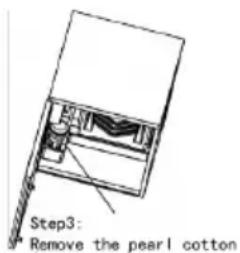
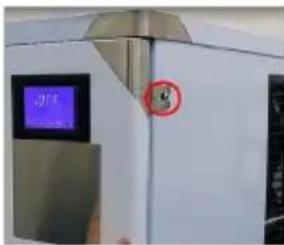
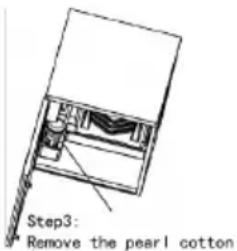
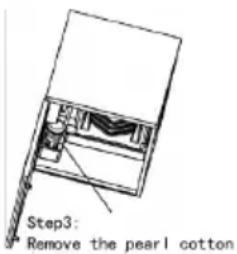
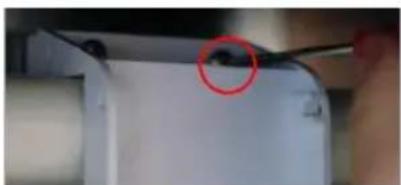
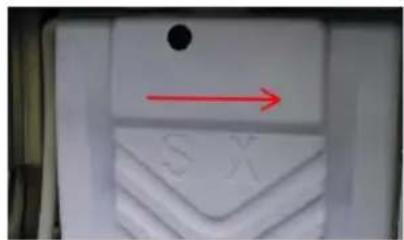
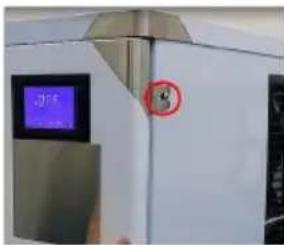
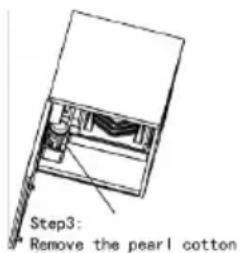
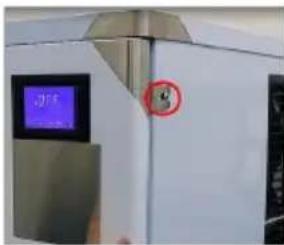
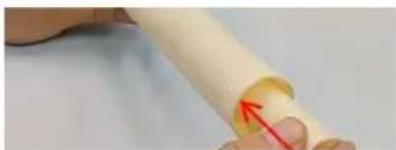
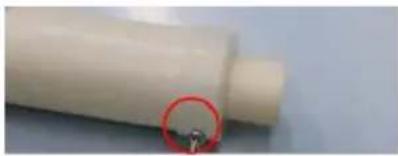
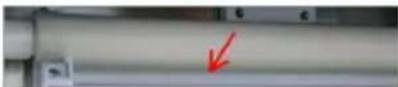
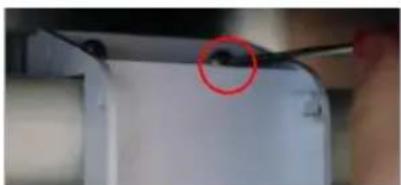
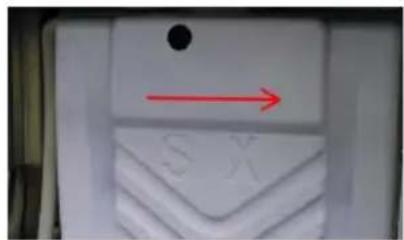
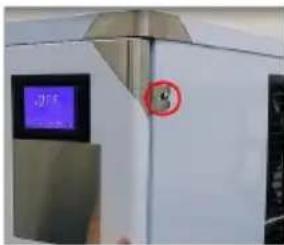
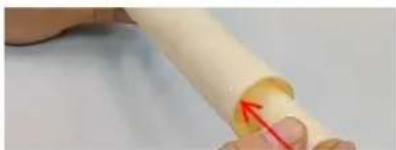
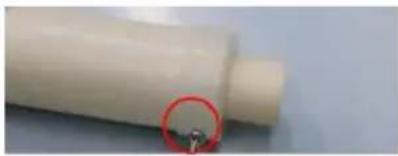
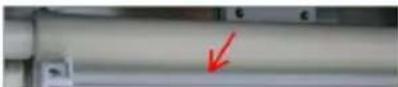
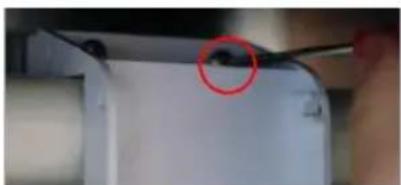
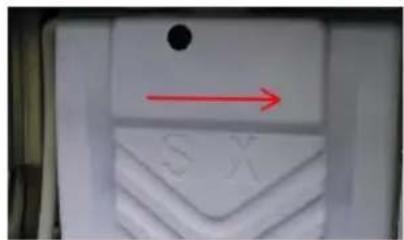
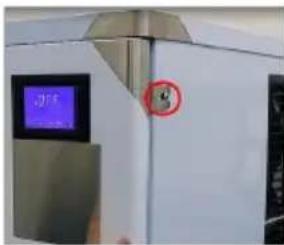
- Before use, the protective tape needs to be removed. The specific steps are as follows:
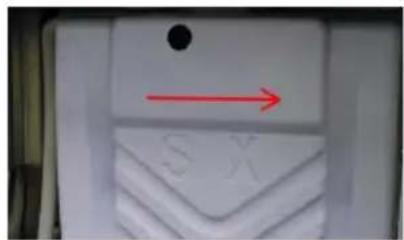
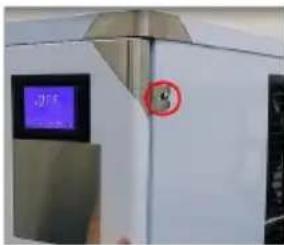
Step 1: Loosen the screws.
Step 2: Remove the tape.
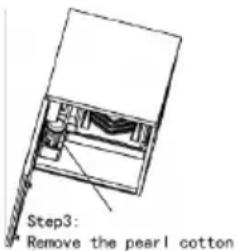
Step 3: Remove the pearl cotton.
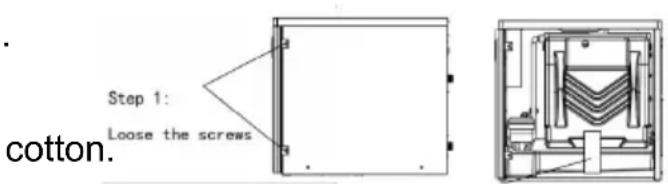
Step 2: Remove the tape.
Cleaning requirements:
- Due to significant differences in water quality among different regions, it is recommended to connect the inlet to prevent impurities from depositing and blocking pipelines and water pumps.
- Adding a water purification device to the water pipe may cause impurities to deposit and block the water path, which is not a product quality issue. Please clean the machine regularly.
- It is recommended to clean the main water system (sink, water pump, water
every 10-14 days.
- Before manual cleaning mode, add the prepared cleaning agent (such as acid descaling agent) to the water tank. Clean for about 40 minutes.
Function Description:
- Ice thickness setting function: Press "reservation/addition" twice in the startup state to enter the ice thickness gear state. At this time, you can adjust the thickness according to the actual ice thickness by pressing "reservation/addition" and "lighting/reduction". It is recommended that the ice thickness gear is not less than 0.
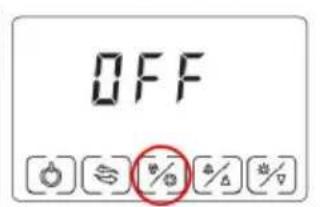
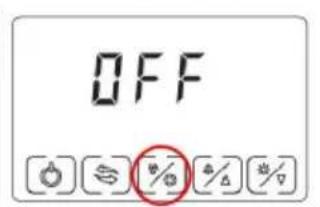
- Cleaning function: Press the "switch" to display OFF, then press "clean/set" to enter the cleaning mode. The cleaning time in the cleaning mode is about 4 minutes.
SAFETY PRECAUTIONS

Before using the appliance, please read the manual carefully. To reduce the risk of fire, electrical shock, or injury when using the appliance, follow basic precautions, including the following:
DANGER:
◆ Read all instructions before using the ice-making machine. ◆ Plug into a grounded 3-prong outlet, do not remove the grounding prong, do not use an adapter, and do not use an extension cord. It is recommended that a separate circuit, serving only your appliance, be provided. Use an outlet that cannot be turned off by a switch. ◆ Never clean appliance parts with flammable fluids. These fumes can create a fire hazard or explosion. And do not store or use gasoline or other flammable vapors and liquids in the vicinity of this or any other appliance. The fumes can create a fire hazard or explosion.
◆ Before proceeding with cleaning and maintenance operations, make sure the power line of the unit is disconnected.
◆ Do not connect or disconnect the electric plug when your hands are wet.
◆ Unplug the appliance or disconnect power before cleaning or servicing. Failure to do so can result in electrical shock or death.
Do not attempt to repair or replace any part of your appliance unless it is specifically recommended in this material. All other servicing should be referred to a qualified technician.
◆ To prevent a child from being entrapped, keep out of reach of children and
not in the vicinity of the ice-making machine.
◆ Before you throw away your old ice-making machine, take off the door but leave the shelves in place so that children may not easily climb inside. ◆ Never allow children to operate, play with, or crawl inside the appliance.
Warning:
◆ This machine should be operated by professionals or trained personnel. Make sure the machine is reliably connected to the ground to keep safe. ◆ Use the power consistent with the one on the nameplate, and the bias voltage is less than ±10% of the rated voltage. The professionals must do the installation. ◆ If the supply cord is damaged, it must be replaced by the manufacturer, service agent, or similarly qualified persons in order to avoid a hazard. ◆ Before maintaining the machine, make sure you have cut off the power. - Don't wet or sprinkle liquid onto the plugs, motors, or other electrical parts to avoid electric shock. This appliance can be used by children aged from 8 years and above and persons with reduced physical, sensory, or mental capabilities or lack of experience and knowledge if they have been given supervision or instruction concerning use of the appliance in a safe way and understand the hazards involved. Children shall not play with the appliance. Cleaning and user maintenance shall not be made by children without supervision.
FLAMMABLE REFRIGERANT
For your safety, observe the following recommendations.
This appliance contains a small quantity of R290/R600a ice-making machine, which is environmentally friendly but flammable. It does not damage the ozone layer, nor does it increase the greenhouse effect. ◆ During transportation and installation, ensure that the tubing of the refrigerant circuit is not damaged. - When handling, moving, and using the refrigerator or freezer, avoid either damaging the refrigerant tubing or increasing the risk of a leak. ◆ Avoid using or manipulating sharp objects near the appliance. ◆ Leaking refrigerant can ignite and may damage the eyes. ◆ In the event any damage does occur, avoid exposure to open flames and devices that create sparks. Disconnect the appliance from the mains power. ◆ Thoroughly ventilate the room in which the appliance is located for several minutes. ◆ Notify Customer Service for necessary action and advice. ◆ The ice-making machine quantity contained in this appliance is listed above in grams; it is also noted on the Rating Plate of the appliance.
R290/R600a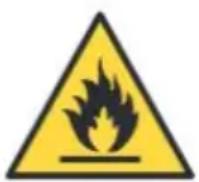
◆ WARNING: During use, service, and disposal of the appliance, please pay attention to the symbol similar to the one on the left, which is located on the rear of the appliance (rear
panel or compressor) and is yellow or orange in color. It is a risk of fire warning symbol. There are flammable materials in the refrigerant pipes and
compressor. Please stay away from fire sources during use, service, and disposal.

Note:
◆ Please keep water or other conductive liquids away from the machine; ◆ Do not stick clubs into the machine; ◆ During movement of the machine, it should be carefully carried at an angle of less than 45 degrees.
Prohibit bending the water discharge pipe or water supply pipe so that pipes are damaged and water leaks out from the pipes.

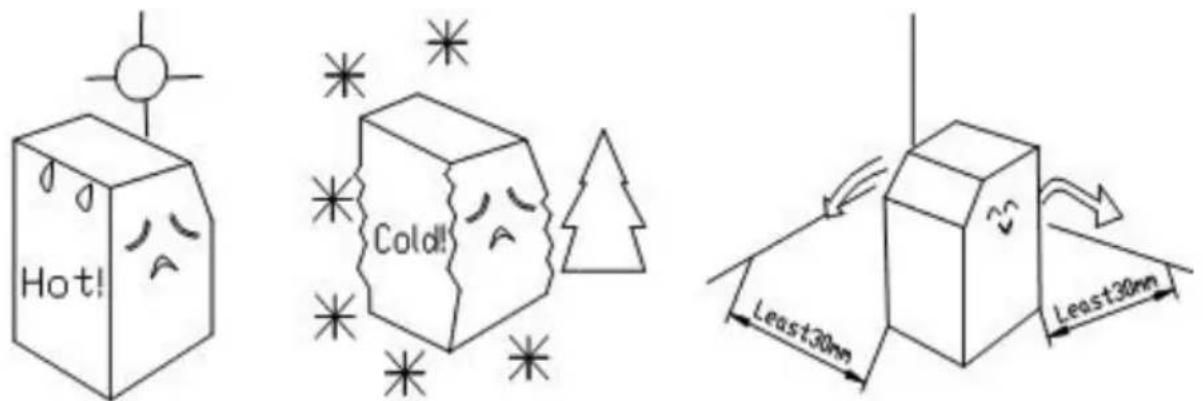
The distance between the air outlets and the wall should be over 30 cm.
Besides, keep good ventilation and ensure the machine is dry and clean.
SAVE THESE INSTRUCTIONS
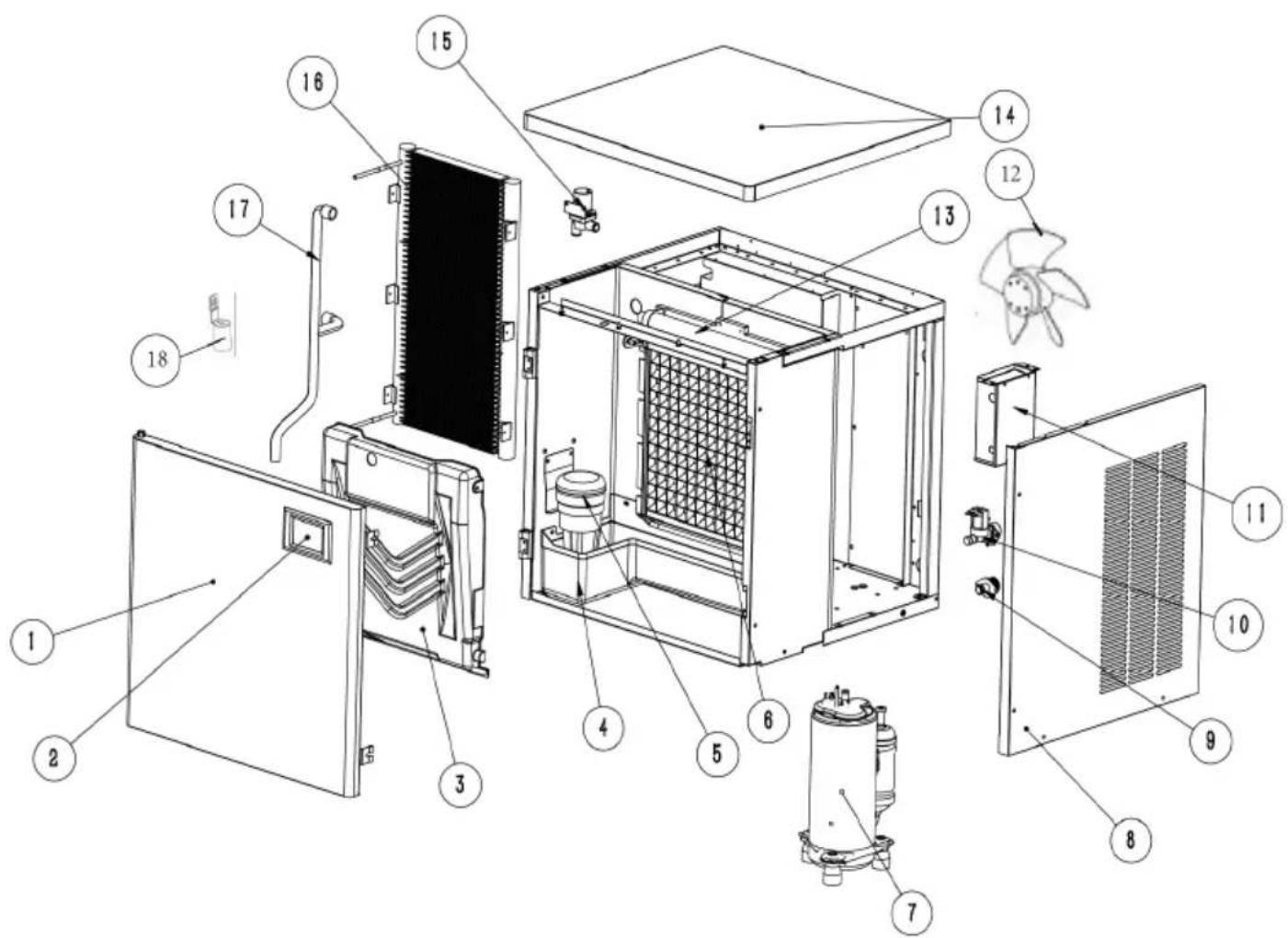
BASIC STRUCTURE
Split type
| No. | Name | No. | Name |
| 1 | Front panel | 10 | water supply valve |
| 2 | Control panel | 11 | electric control panel |
| 3 | Evaporator cover | 12 | Fan motor |
| 4 | Water storage tank | 13 | spray pipe |
| 5 | Water pump | 14 | Top panel |
| 6 | Evaporator | 15 | drain valve |
| 7 | Compressor | 16 | condenser |
| 8 | Right panel | 17 | water pump outlet pipe |
| 9 | outfall | 18 | Water leVel sensor |
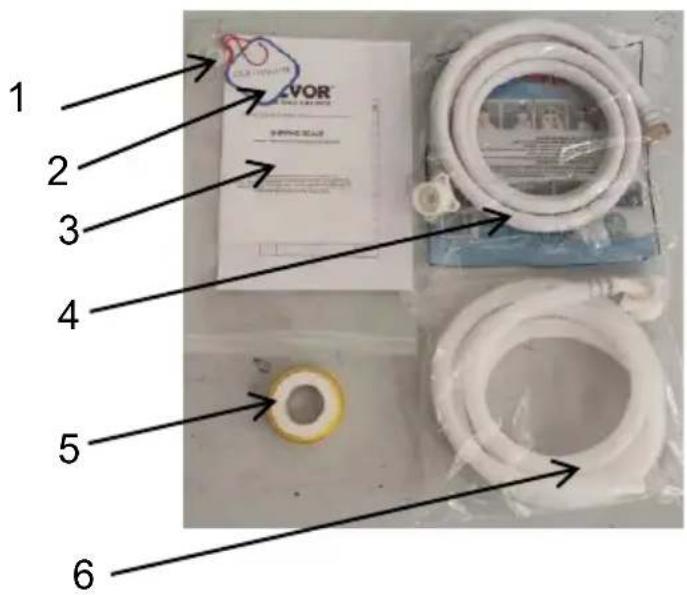
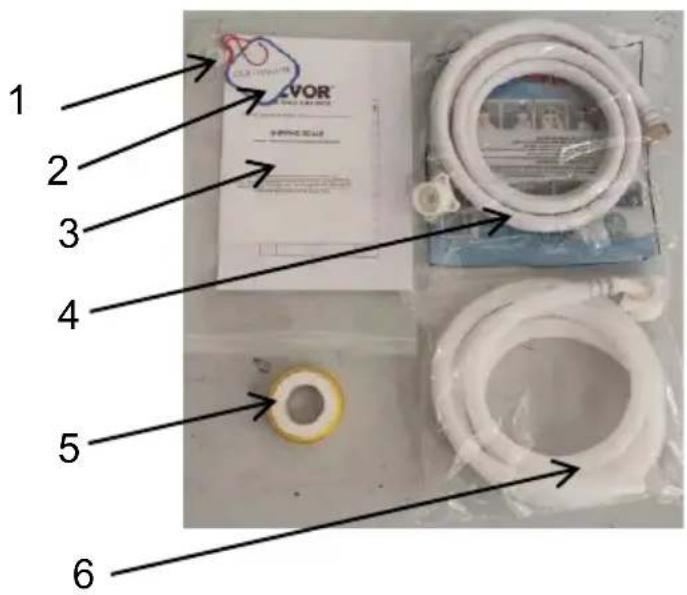
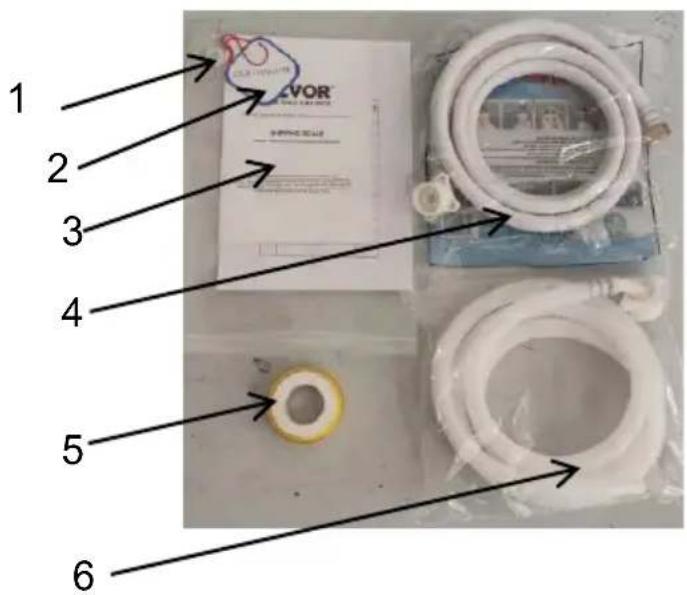
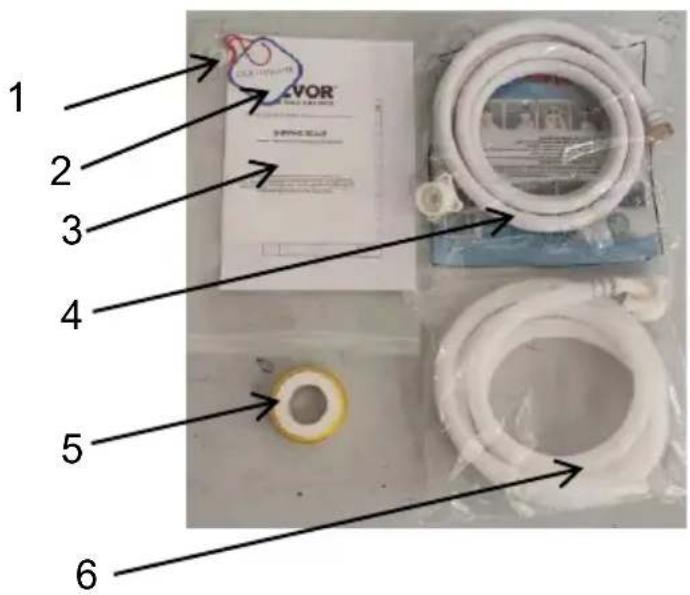
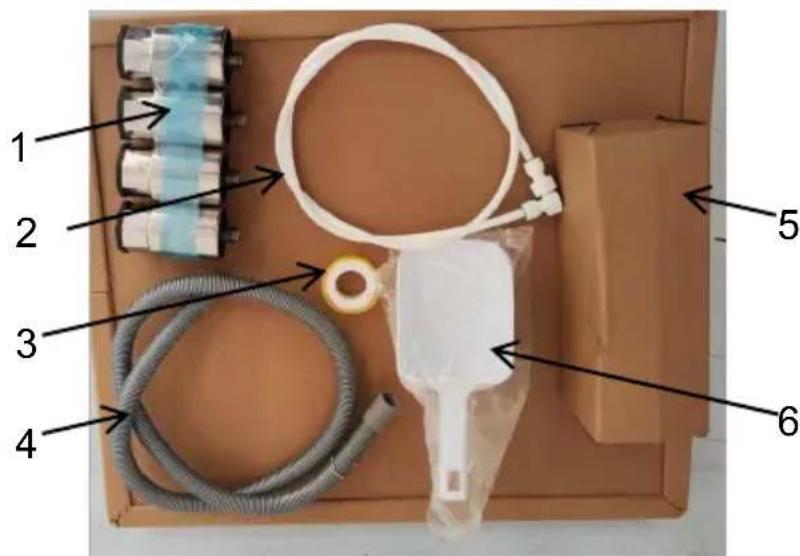
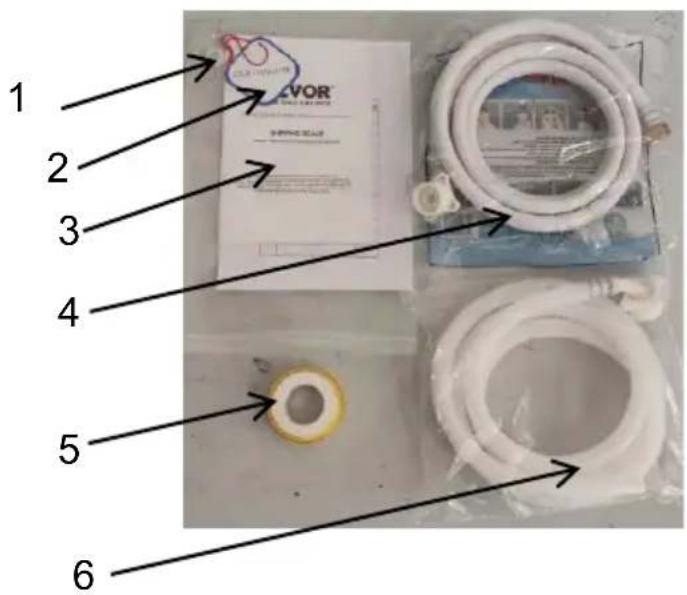
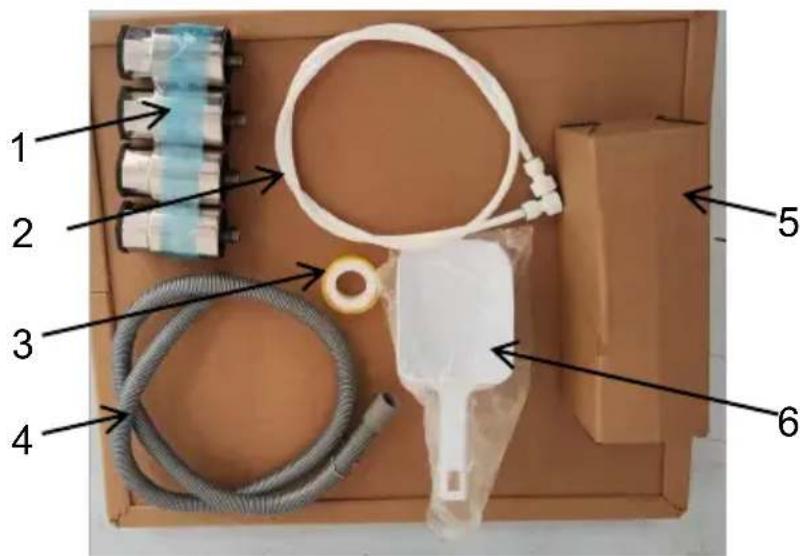
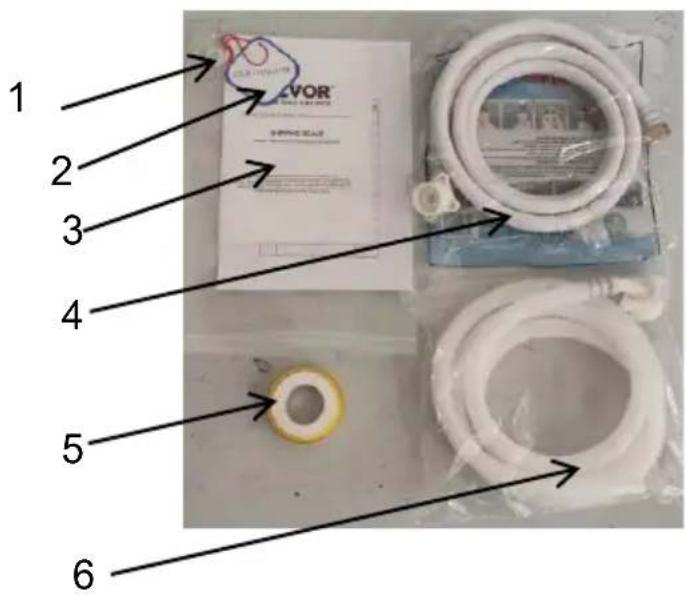
ICE MACHINE ACCESSORIES
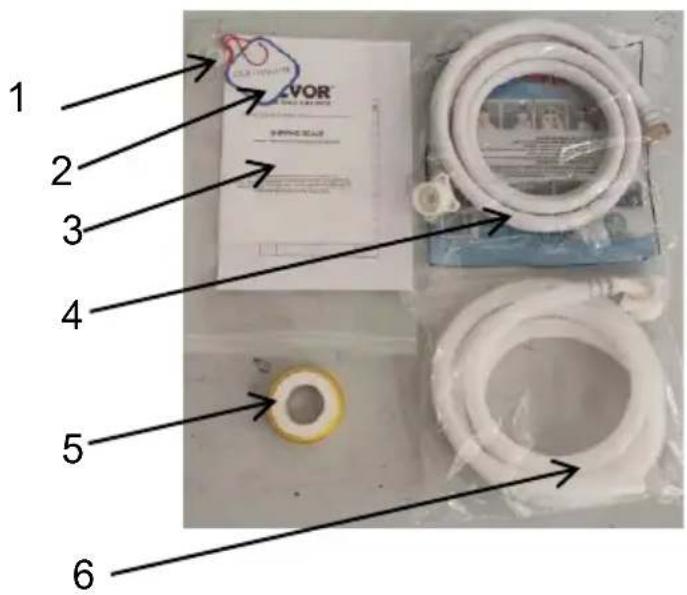
| No. | Name |
| 1 | Sink plug |
| 2 | Quality certificate |
| 3 | Instructions |
| 4 | Water inlet pipe |
| 5 | PTFE tape |
| 6 | Water drainage pipe |
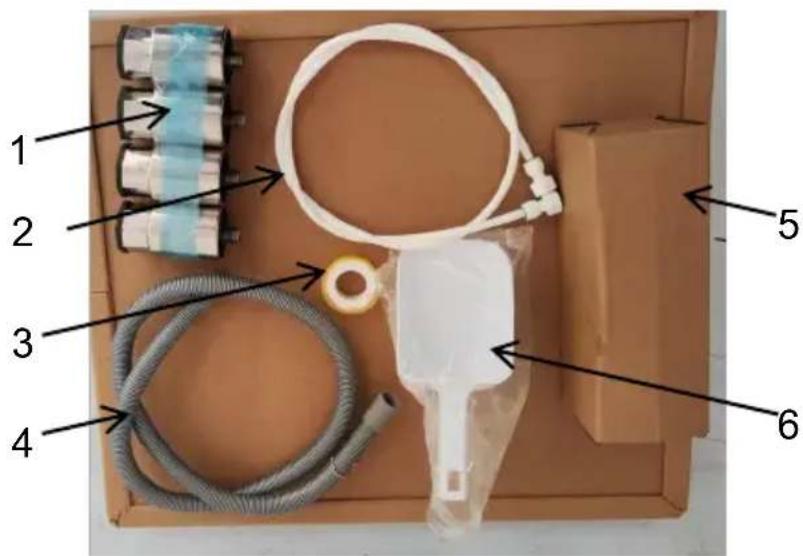
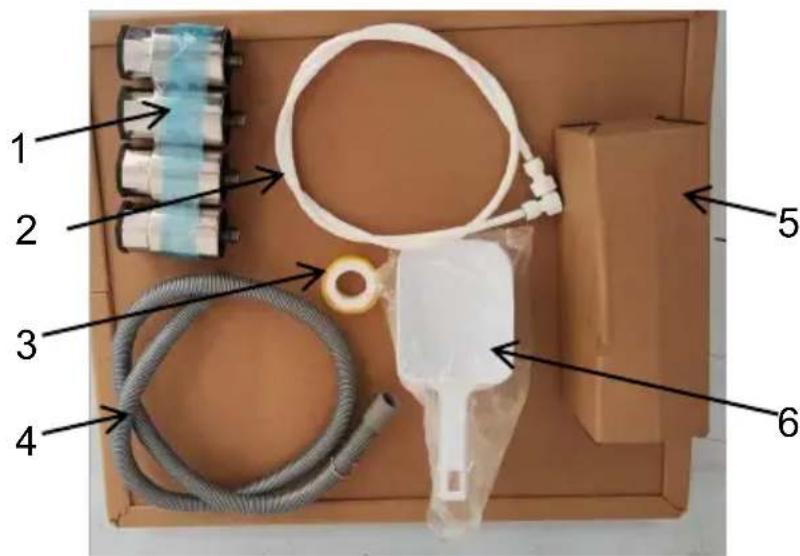
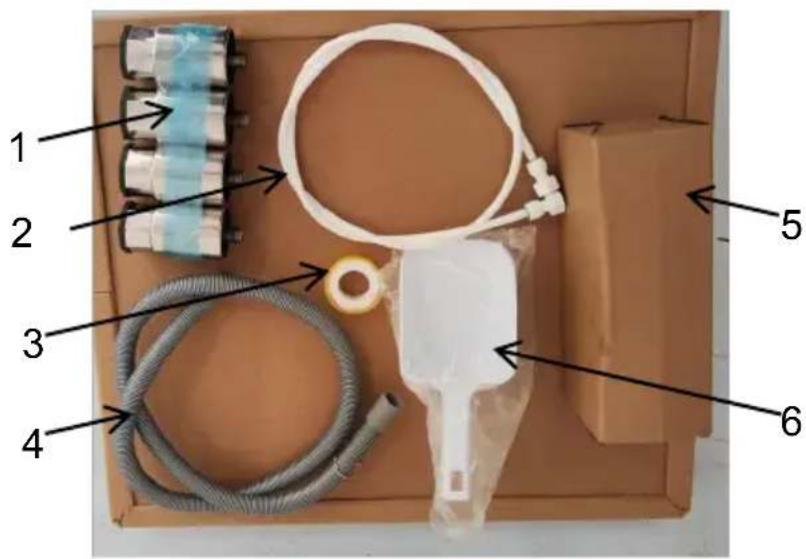
ICE STORAGE BUCKET ACCESSORIES
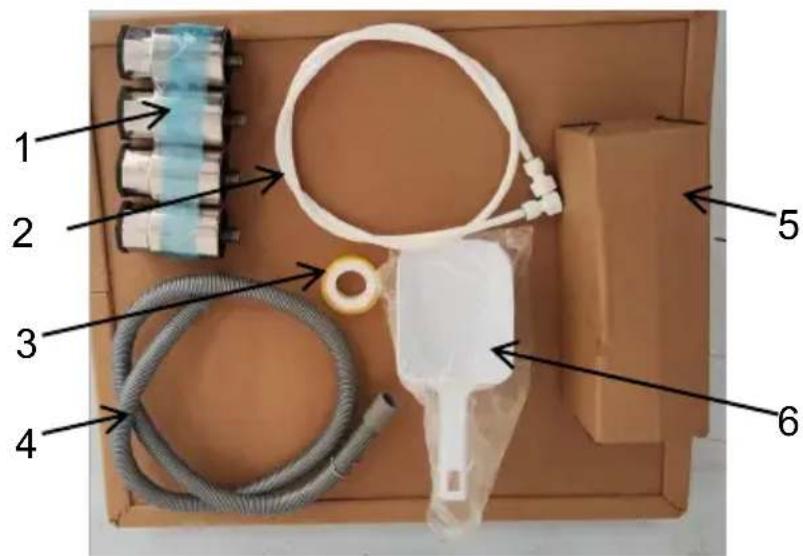
| No. | Name |
| 1 | Adjustable feet |
| 2 | Filter connection pip |
| 3 | PTFE tape |
| 4 | Ice storage bucket drain pipe |
| 5 | Water filter |
| 6 | Ice shovel |
※This batch of attachments
need to buy ice storage buckets
INSTALLATION
Open the case, move the machine to an appropriate location. Check the pack and the contents; if they are different, please inquire your dealer.
2. Operating environment
A. Environment temperature: SN·N·ST: 10°C \~ 38°C
Environment humidity: relative humidity ≤90%
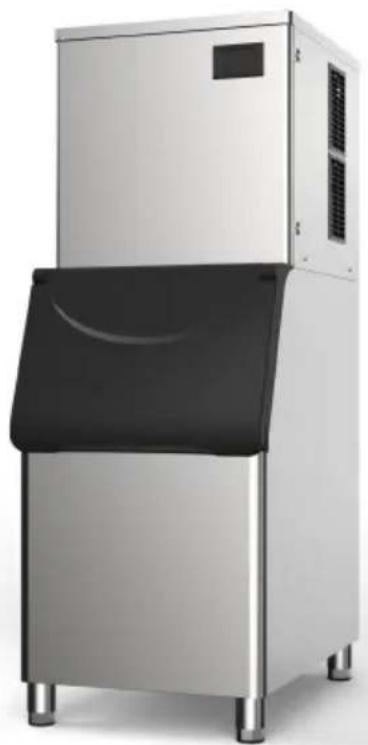
- Take out the feet of the ice storage bucket and install them at the bottom of the ice storage bucket.
- Two people carry the ice machine host and place it on the ice storage bucket, and it is flush with the ice storage bucket.
- Maintain the level of the main engine by adjusting the feet of the ice bucket machine.
The ice maker is to be installed in accordance with the Safety Standard for Refrigeration Systems, ASHRAE 15. In addition, the ice maker shall not be installed in corridors or hallways of public buildings.
Please use it with the ice storage bucket provided by the manufacturer. Do not replace it at will.
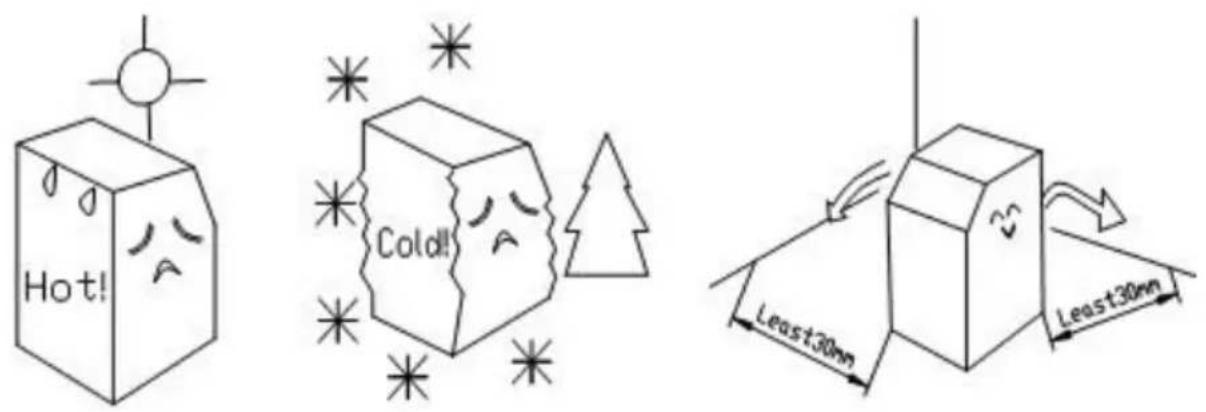
The distance between the air outlets and the wall should be over 30 cm. Keep good ventilation and ensure the machine is dry and clean. The position to place the ice maker must be far away from heat sources, such as a bath, electric cooker, etc.
B. Water source is suitable for the sanitary standards, the water temperature and pressure is suitable. For getting the biggest efficiency, the inlet water temperature value should be 0.6\~32°C, and the pressure should be 0.1 \~ 0.63MPa.
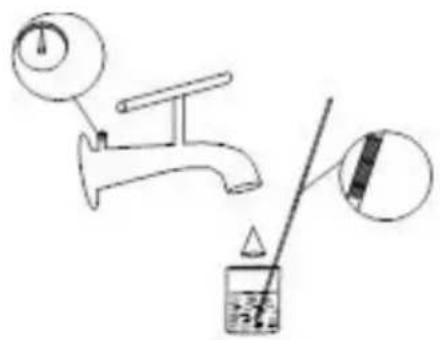
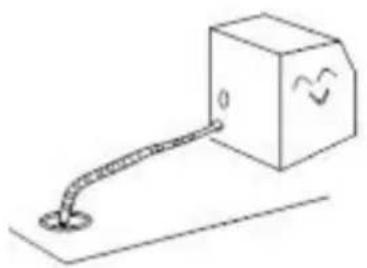
C. There should be a sewer. While working, some of the water will be discharged, so the sewer is necessary. Furthermore, the sewer must be unblocked.
POWER SUPPLY
a. Select the proper power supply according to the voltage and power on the nameplate.
b. Connect the power wire and supply, ensuring the yellow and green wires are connected with the ground wire firmly.
Caution:
a. For safety, ensure the ground connection is in good condition. b. All the exterior wires and other appliances must conform to national standards.
c. If the voltage fluctuation range is extensive (±10% over the rated voltage), it will
cause many faults, such as the machine can't be started, the electronic control board is damaged, or the compressor being damaged. Therefore, you must use a suitable automatic voltage regulator.
4. Connect the water supply pipe
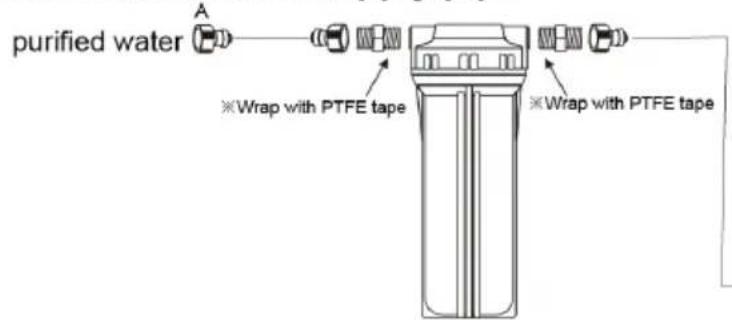
- The ice maker must use sanitary drinking water at room temperature. The water supply pressure should be controlled between 0.1-0.63MPa.
- The ice maker relies on gravity to drain, so it is necessary to ensure that the drain pipe has a sufficient slope and drop.
- The supplied water filter is only suitable for machine testing. The filter is disposable and should be replaced regularly according to local water quality.
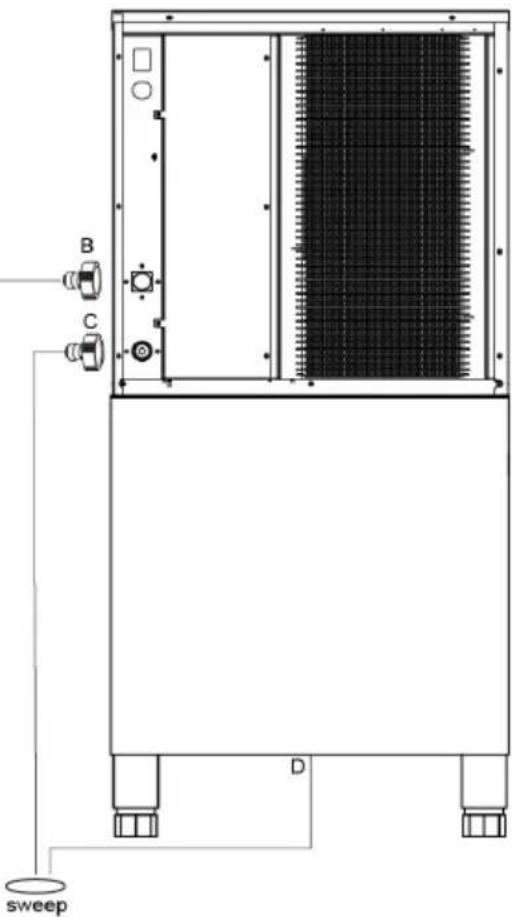
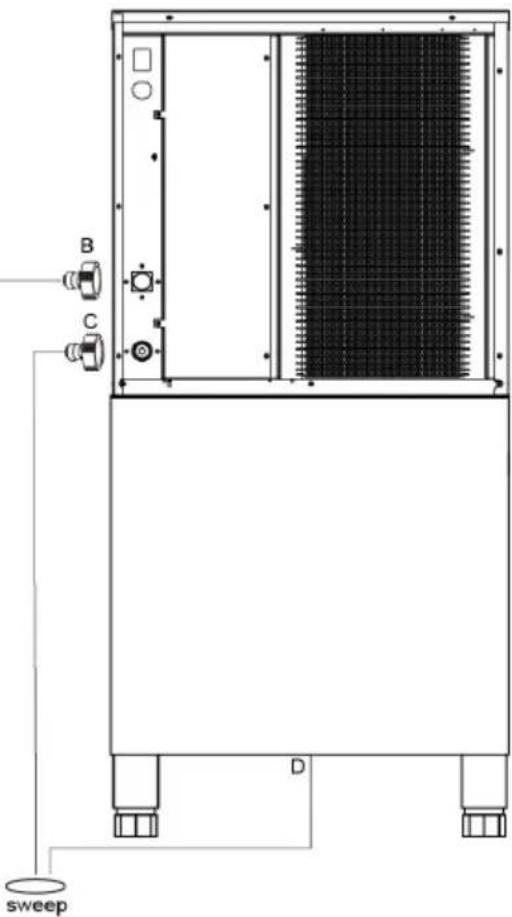
- The connector on the filter needs to be removed with a special tool. This picture is used for water connection of air-cooled machines.
A. Drinking water: 1/2" male connector. B. Ice machine water inlet: 3/4" external thread nylon connector (white).
C. Ice machine water drain: 3/4" external thread nylon connector (white).
D. Ice bucket drain
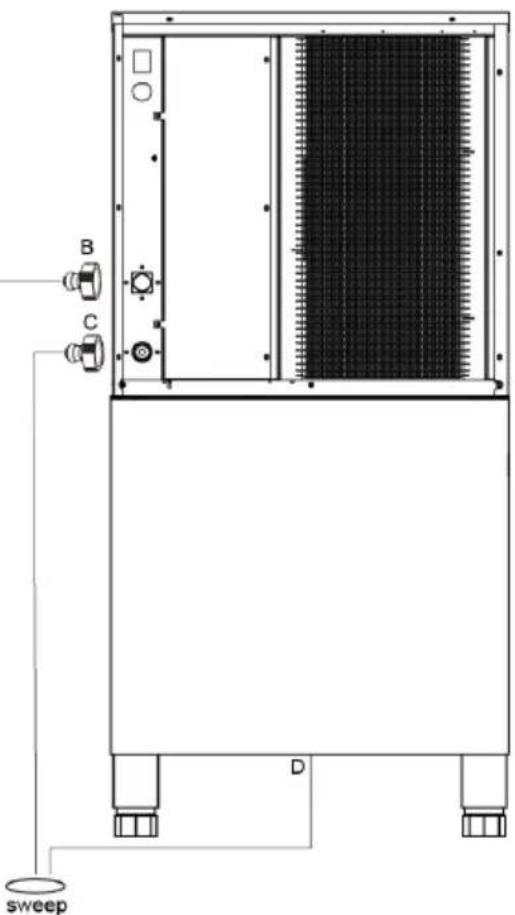
Remove the water pipe from the accessory bag and connect the water pipe to the ice maker as shown above.
Once installation is finished, check the connection for leaks.
You should connect the water pipes according to the diagram on the rear panel. The flow rate of condensate water is adjustable according to the customer's needs (condensate flow relates to the speed of making ice).
5. Connect the water discharge pipe
The water discharge pipe is situated at the back of the machine; extend the pipe end to the sewer.
SERVICE INSTRUCTION
1. Operation process
First, turn on the water faucet, power, and water supply valve, then fill the water, and turn off the faucet when the sink is filled with appropriate water.
2. Ice-making process
After several minutes, the water pump starts working, and the water will be pure and flow through the ice mold evenly. At last, the ice is formed in the ice mold. When the ice machine has been working for the specified time, the ice starts to drop.
3. Ice-drop process
The water pump stops working, the water supply valve will be opened, and water goes into the sink. The heating valve will be turned on, and the refrigerant gas goes into the ice mold; the ice roots will be melted, and after about 2 minutes, ice blocks drop into the ice cabinet. The falling ice blocks hit the retaining board inductive switch, which is fixed on the right side of the retaining board, until the cycle is over, and the new ice-making cycle will start.
4. Auto-stop
When the ice cabinet is filled with ice blocks, the continuing falling ice blocks get locked between the retaining board and evaporator; the retaining board would be opened continually and couldn't return to the original position. After several seconds, the ice maker will stop working automatically. Once the ice blocks locked between the retaining board and evaporator are taken away, the retaining board returns to its original position, and the ice maker will restart to make ice.
5. Running check
A When the ice maker is in the working process, a sudden interruption of water supply can lead to the sink not being filled with appropriate water. The ice will turn into standby condition and not make ice as usual. After the water becomes normal and restart the machine, it can work normally.
B The fan motor for condenser is controlled by temperature, when condenser's surface temperature is lower, the fan motor will stop, so as to save power; surface temperature rises up, the fan motor will work again, so fan motor would intermittently during the ice-make process.
C When a commercial ice maker works at a lower ambient temperature, the ice-drop process will be later than usual. If it occurs three times continuously machine will stop automatically, and the red light in the electrical box alternat flickers with the other four lights. After restarting the machine, it will become normal. Therefore, we suggest the user not use the machine at a low ambient temperature.
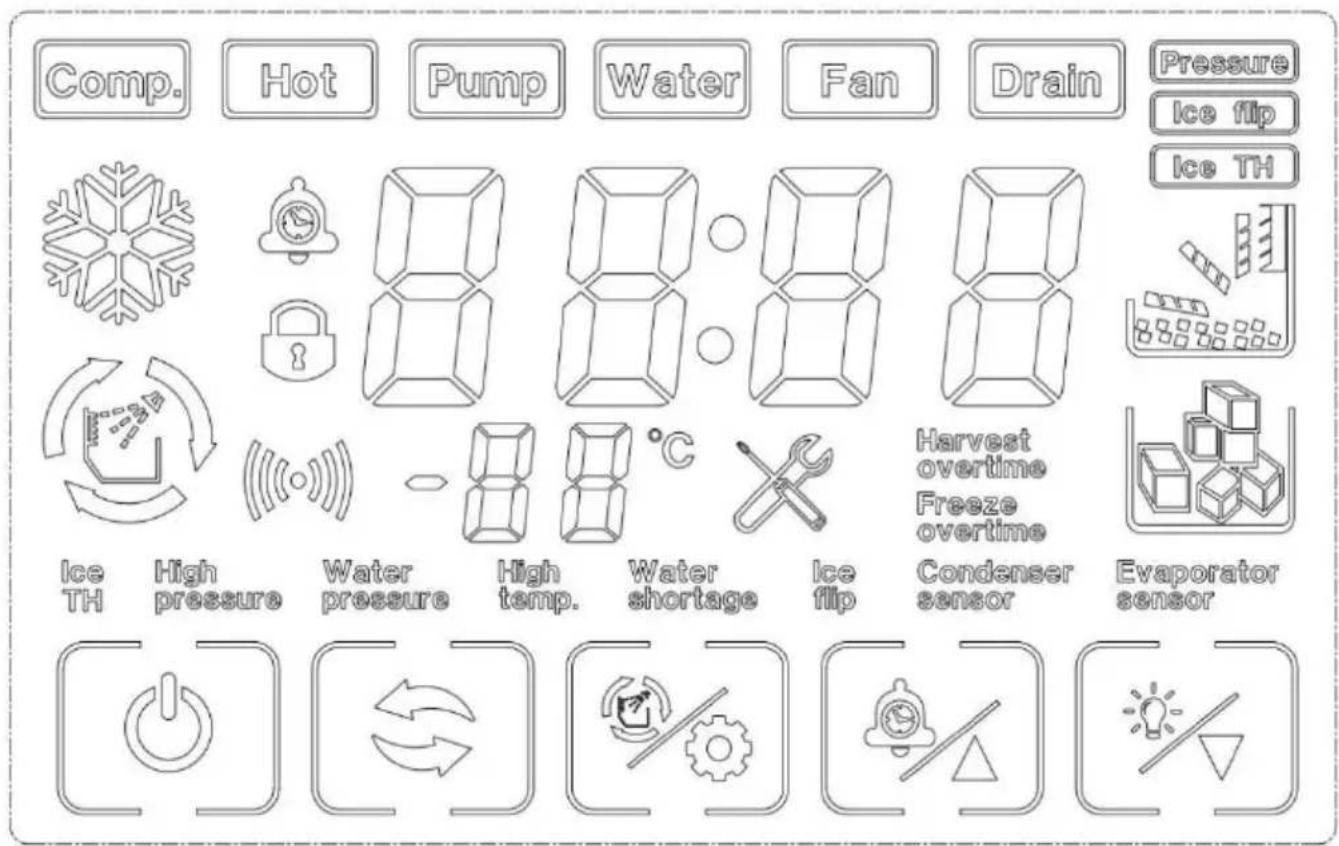
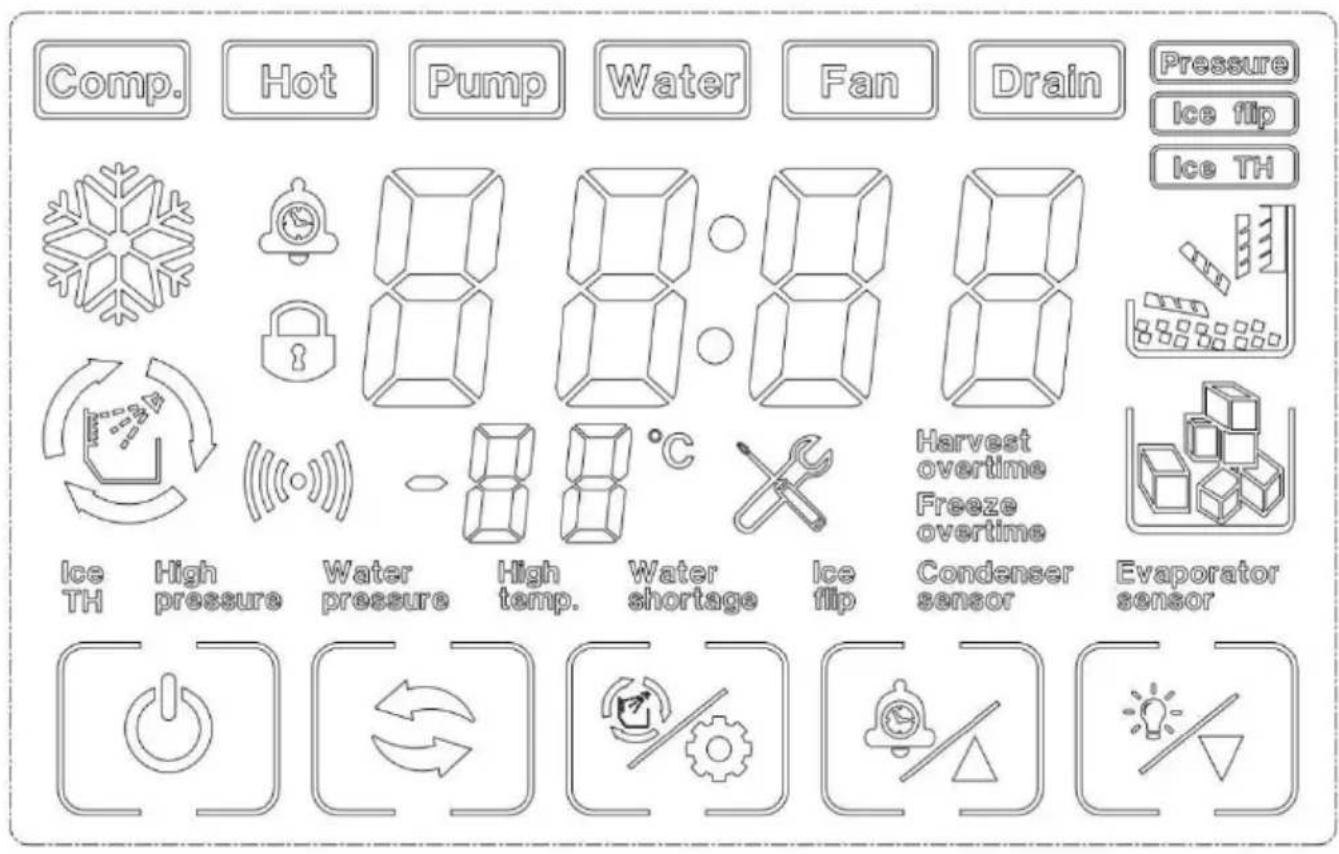
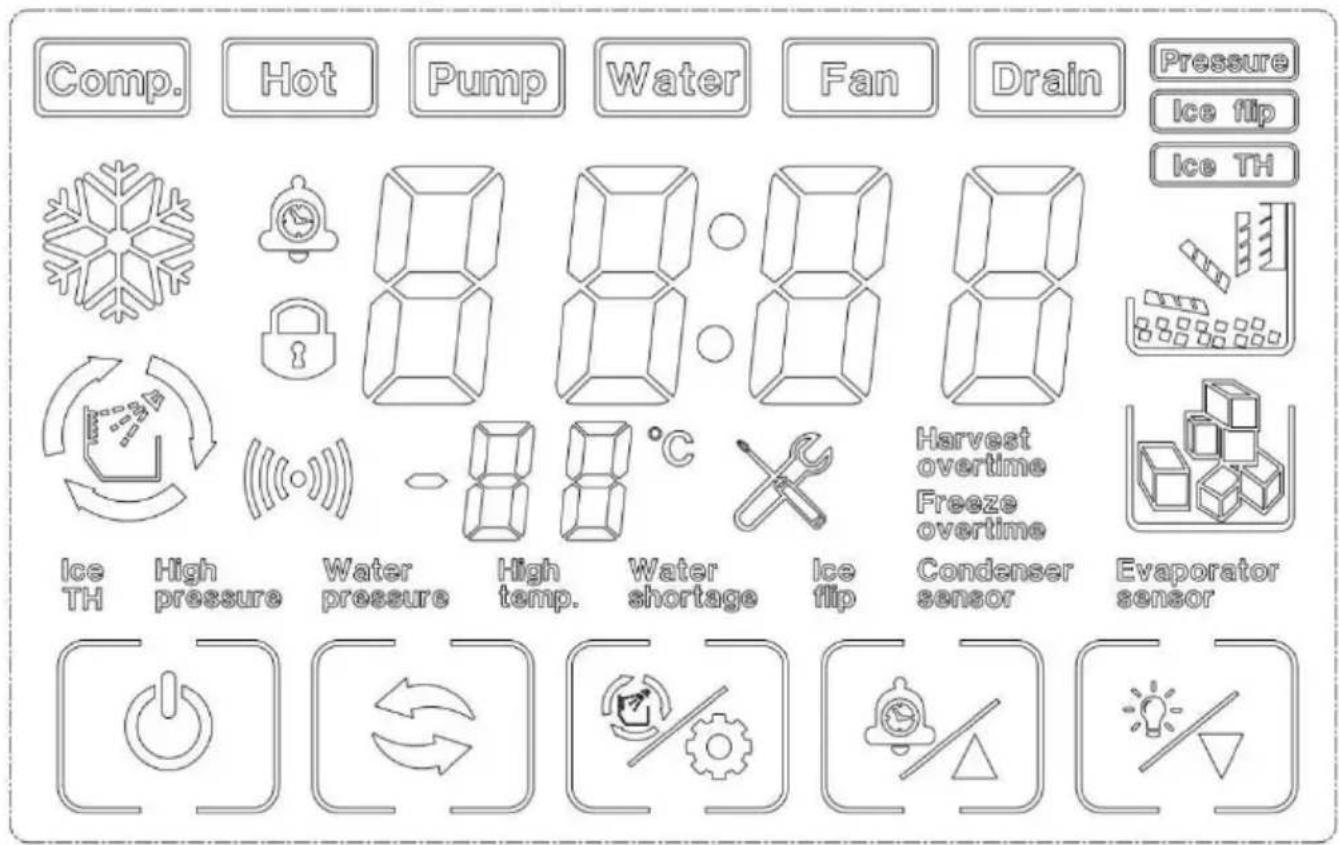
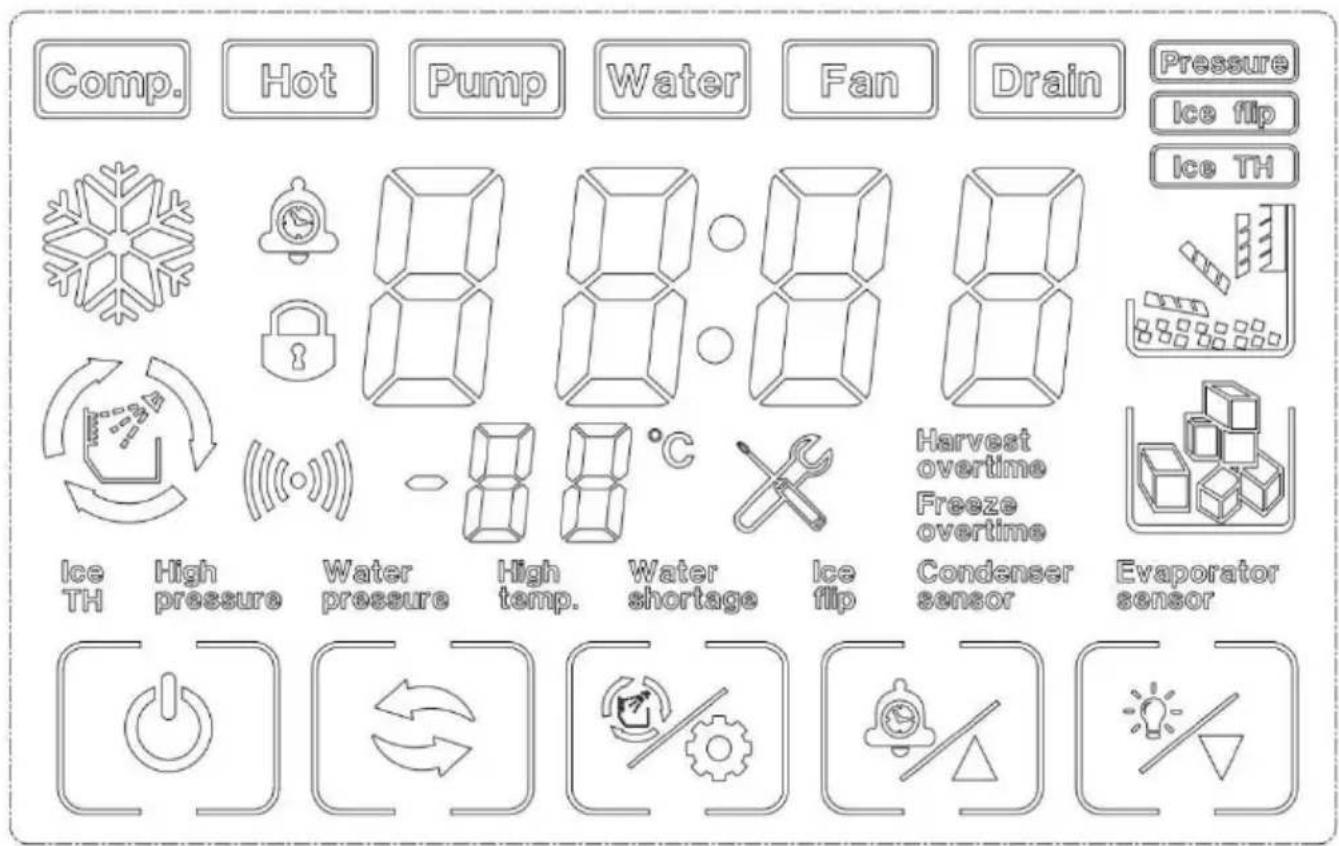
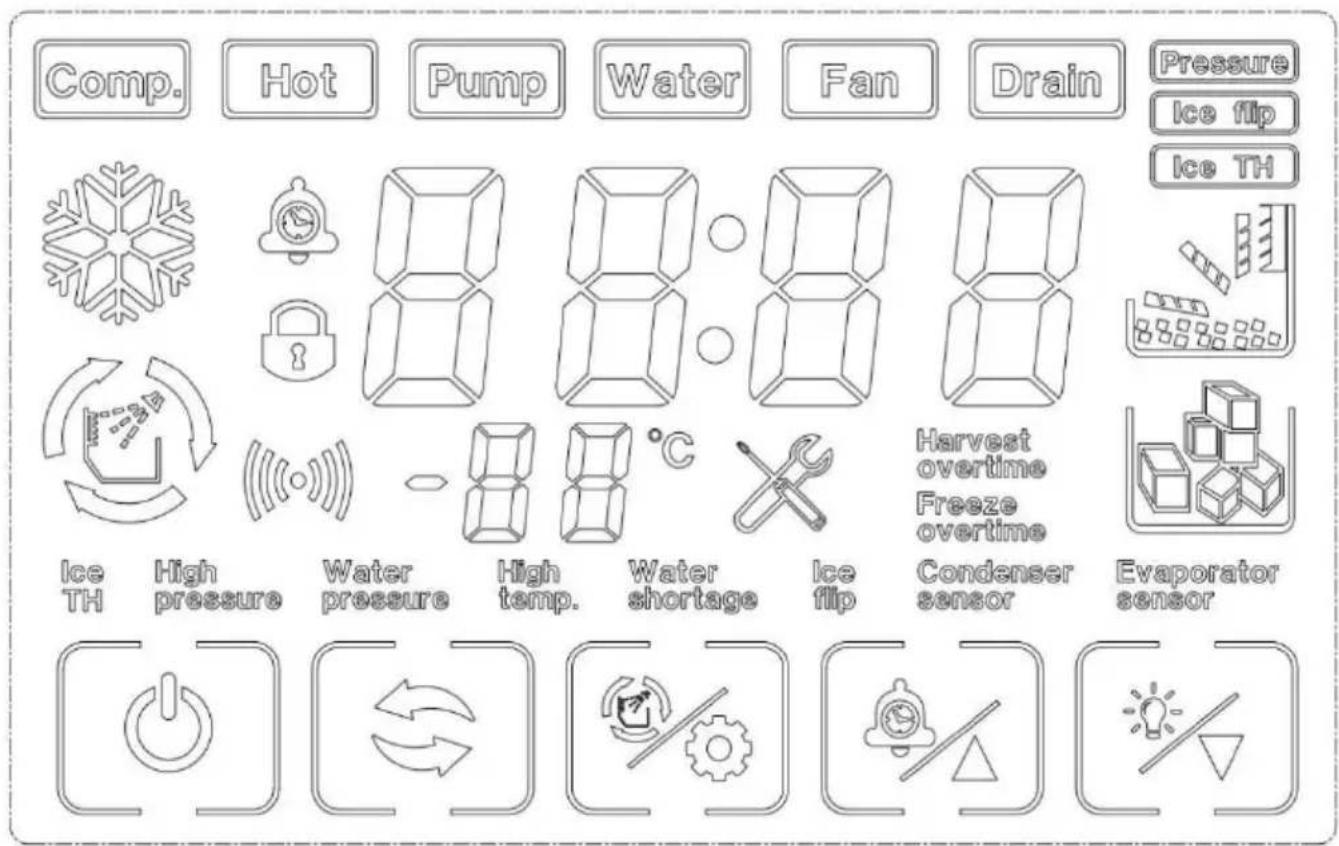
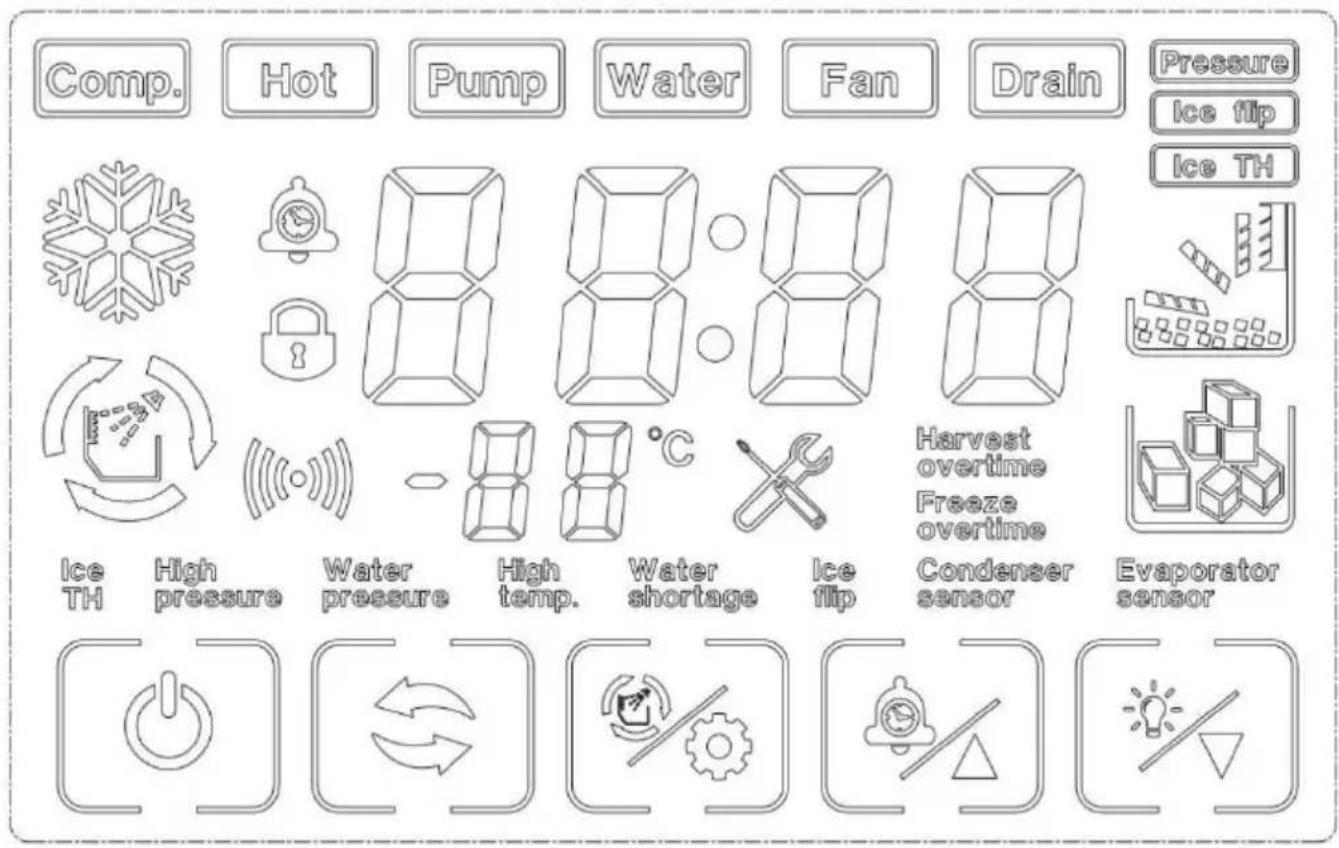
LCD FULL PAGE DISPLAY
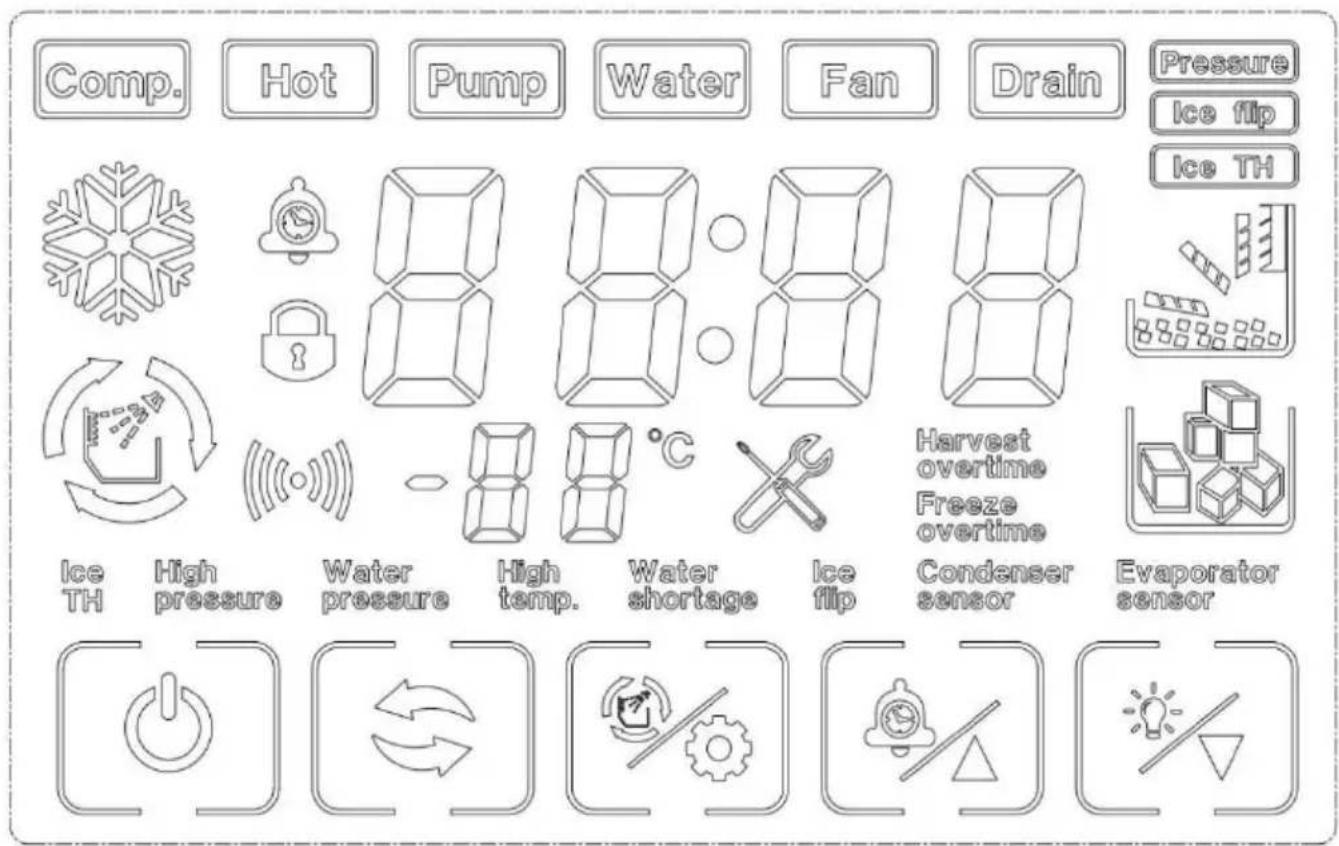
7. Buttons on display board
Boot / shutdown:
press 3 seconds to turn off the machine under turn on status
press on/off button to turn on the machine under turn off status press the c
button to exit setting under ice thickness setting and filling water adjust status
Mode button:

Switch the ice making program
Clean / Set Button:

Press to clean status under machine turn off status
+/reservation button:

Press to adjust ice thickness under pressure equilibrium, making ice unload.
Ice full status.
Click to increase by 1; long press the button to increase continuously under ice thickness adjust status.
Click to set reservation time under turn off status.
-/light button:

Click to decrease by 1; long press the button to decrease continuously under ice thickness adjust status.
Instruction: When the machine is in the “lack-water protection” condition, it can restart automatically after the sink is filled with appropriate water. If other fault causes the machine to stop, press the start button or supply power again after forty-five minutes, and the machine will start again.
Clean
| Warning |
| Before cleaning or maintaining the ice maker, unplug the ice maker from the power supply network. |
| It is strictly prohibited to flush the ice maker directly with water sprayer. |
Warning
Attention
When using neutral or sodium hypochlorite solutions, be sure to read and understand the accompanying instructions to avoid potential health problems.
[a] Ice maker and refrigerator housing
Wipe the ice maker's shell with a clean, soft cloth at least once a week, and wipe grease and dirt with a damp cloth containing a neutral cleaner.
Attention
| Do not use a hard brush, wire brush, do not use detergent powder, gasoline, banana water, acetone and other organic solutions, do not use boiling water or containing strong acids, alkali cleaning agents to clean the ice machine. |
| Please do not wash directly with water when cleaning, so as not to affect the insulation of electrical appliances. |
[b] Ice machine cleaning and disinfection (recommended more than 2 times per month)
Note: Some areas may need to be cleaned and disinfected more frequently due to different water quality.
Attention
| Before cleaning, at the end of the ice machine cycle, all the ice cubes slide behind, shut down, open the front panel, and remove all the ice cubes in the ice machine and ice storage bucket. |
| Do not use tools to peel the ice from the ice mold, otherwise it may cause damage to the ice mold. |
| Do not use any liquid containing alcohol to clean or disinfect the ice machine, or it may cause cracks in the plastic parts. |
Attention
| During the cleaning and disinfection process, please pay attention to protection, wear goggles and gloves, if the cleaning agent or disinfectant on the skin or eyes may cause inflammation. In case of accidental contamination, please follow the precautions of the medicine. |
| During cleaning, attention should be paid to ventilation. Chlorine gas produced by disinfectants is a health hazard. Please handle it in a ventilated place. |
Cleaning and disinfection sequence
Please clean and disinfect in the following order.
| order of use | Pharmaceutical species | use |
| 1 | Citric acid detergent (dilution ratio refer to detergent instructions) | rinse |
| 2 | Disinfectant (dilution ratio refer to disinfectant instructions ) | sterilie |
Cleaning and disinfection procedures
Daily cleaning and maintenance methods (10-15 days)
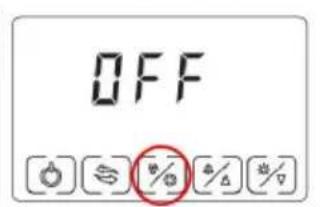
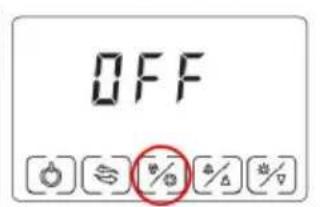
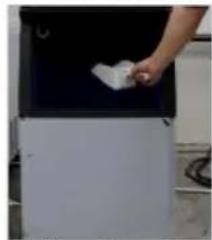
- Click the "[播放]" button on the display screen after the ice maker finishes all the ice sliding. The display screen displays "off". Open the ice bucket door and remove all the ice.
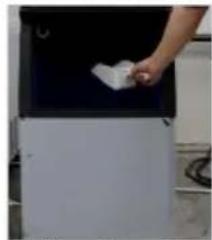
- Open the front panel, put the dissolved detergent (or disinfectant) into the water storage tank, and then close the front panel.
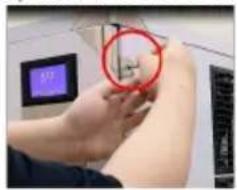
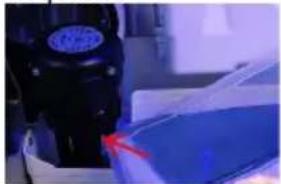

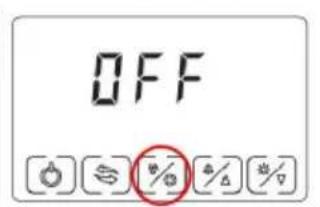
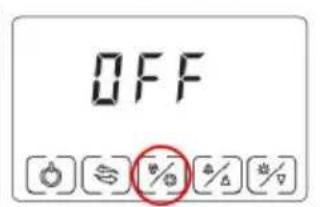
- In the "off" state, press the "(%)" key. When you see that the key flashes, release it and enter the cleaning mode.
- After entering the cleaning procedure, the equipment will follow the instructions: (1) Water inlet → (2) cleaning for 15 minutes → (3) drainage for 1 minute → (4) Water inlet → (5) rinsing for 3 minutes → (6) drainage → Repeat steps (4) to (6) for 5 times → End. After completing the above steps, the cleaning procedure is over.
Note: Detergent (or disinfectant) should be adjusted according to its own use instructions.
After entering the cleaning program, it will run automatically without operation. Do not add disinfectant and cleaning agent to the sink at the same time.
Note: If cleaning and disinfecting steps are performed at the same time, please follow the above steps twice.
Deep cleaning and maintenance methods (2 months)
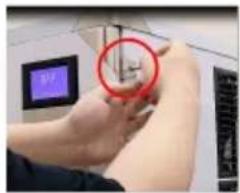
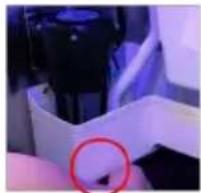
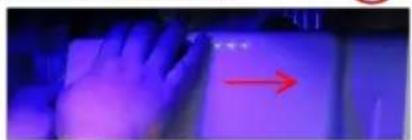
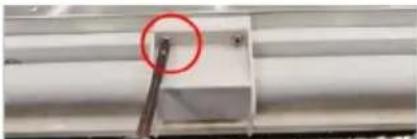
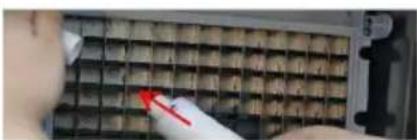
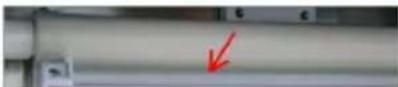
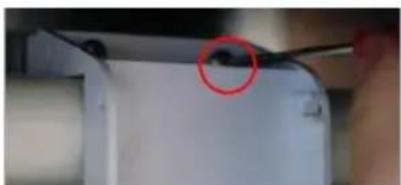
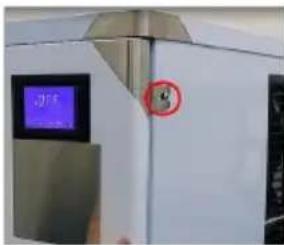
Step 1: Turn off the switch and unplug the power cord. Step 2: Use a cross driver to remove the two screws on the right panel of the ice maker. Step 3: Open the front panel. Note: The opening angle of the door panel should not exceed 180 degrees. Step 4: Remove the plug under the water storage tank and drain the water from the water storage tank. Step 5: Remove evaporator cover. (Pry open the evaporator cover slightly to the right.) Step 6: Remove water pipe retaining cover and water pipe.
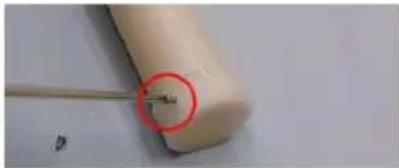
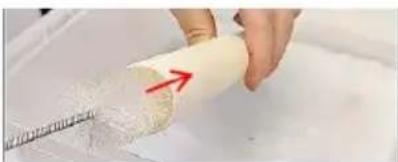
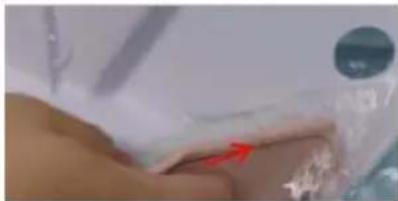
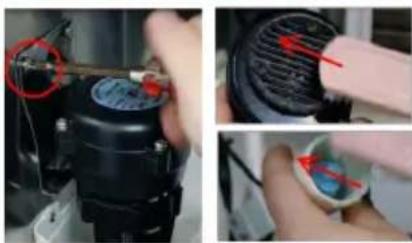
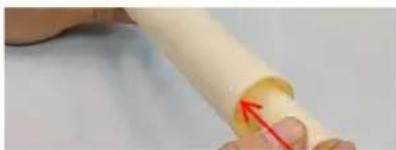

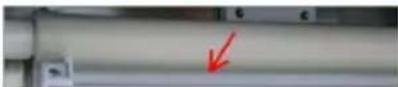
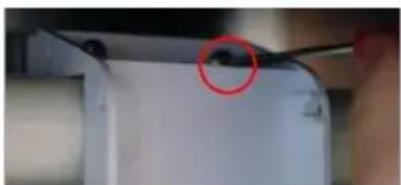
Step 7: Remove the screw top of the water pipe and take out the inner and outer water pipes.
Step 8: Use a small brush to clean the inside and outside walls of the pipe.
Step 9: Use a small brush to clean the inside and outside of the evaporator cover.
Step 10: Remove the screws that secure the water pump, and remove the pump water pipe.
Step 11: Remove the two screws from the water level sensor.
Step 12: Use a small brush to clean the bottom of the pump.
Step 13: Use a small brush to clean under the water level sensor.
Step 14: Use a clean, soft cloth to clean the inside surface of the ice maker, the surface of the evaporator, the surface of the sink, and the inside of the ice bucket.
Install
Step 1: Install the water pipe and tighten the screws at both ends of the water pipe (note: the direction of the water outlet hole of the inner water pipe is opposite to that of the outer water pipe).
Step 3: Install water pipe retaining cover, water pump, water level sensor.
Step 4: Close the front panel, tighten the two side screws.
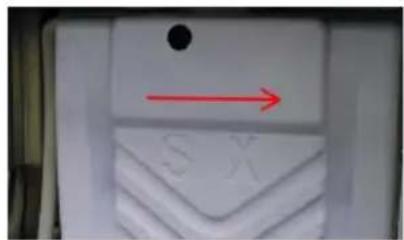
Note: After the ice machine is cleaned, the pre-made 5 sheets of ice should not be eaten. Cleaning and maintenance cycle please adjust according to the local water quality. Recommended: Daily cleaning and maintenance methods (10-15 days), Deep cleaning and maintenance methods (2 months). If there is serious scale, please first follow the deep maintenance cleaning, and check the filter condition.
TROUBLE SHOOTING
| LED Panel | LCD Panel | Possible Cause | Solution |
| E01 |  Ice flip Ice flip | 1. De-icing plate is missing or misplaced;2. The polarity of the magnetic induction element is reversed;3. Abnormal ice full switch; | 1. Reset the ice removal plate;2. Replace the ice removal plate/full ice sensor;3. Contact after-sales service/visual trouble guidance/confirm the fault point; |
| E03 |  Harvest overtime Harvest overtime | 1. The ice cube setting is too thin;2. The water tank is insufficient;3. The ambient temperature is too low;4. De-icing solenoid valve failure; | 1. Check and set the water thickness parameters(Recommended gears 0-2)2. Check the water inlet system, or if the water sufficient;3. Use membrane materials to block the ventilation inlet area proportionally;4. Check if the ice is stuck;5. Check if the machine is placed horizontally;6. Contact after-sales/video guidance/confirm the point of failure; |
| E04 |  High Temp. High Temp. | 1. The ambient temperature is too high;2. The cooling effect of the condensing system is poor;3. The cooling fan is damaged; | 1. Improve environmental ventilation or displacement, or turn on air conditioning;2. Clean the condenser;3. The distance between the machine and the obstruction should be at least 30cm;4. Check if the fan is working;5. Contact after-sales/confirm the point of failure; |
| E05 |  Water Pressure Water Pressure | 1. No water supply;2. The water supply pressure is too low;3. Water tank leaks;4. The water level sensor fails;5. Malfunction of the inlet valve; | 1. Check the water source or whether the water filter is blocked;2. Check the water supply pressure or whether the water filter is blocked;3. Check whether the bottle cap at the bottom of the water tank is tightened and sealed;4. Check for scale on the water level switch;5. Contact after-sales/video guidance/confirm the point of failure; |
| E06 |  High Pressure High Pressure | 1. The condenser temperature is too high;2. The refrigeration system is blocked;3. Pressure switch failure;4. The main control board is abnormal; | 1. Improve environmental ventilation or displacement, or turn on air conditioning;2. Check the condensation heat dissipation system;3. Contact after-sales/video guidance/confirm the point of failure; |
| E11 |  | 1. The ring temperature is too high;2. Poor dissipation effect of the condensing system;3. Leakage of refrigeration system; | 1. Check if the water pump is started and running2. Clean the condenser;3. The distance between the machine and the obstruction should be at least 30cm;4. Contact after-sales/video guidance/confirm the point of failure; |
TECHNICAL PARAMETER AND WIRING DIAGRAM
A. Technology parameters are on the nameplate.
B. The electrical schematic diagram is on the inner side of the board.
VEVOR®
TOUGH TOOLS, HALF PRICE
Technical Support and E-Warranty Certificate www.vevor.com/support
VEVOR®
TOUGH TOOLS, HALF PRICE
NEED HELP? CONTACT US!
Step 2: Remove the tape.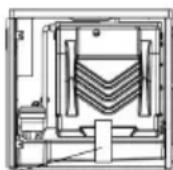
ICE MACHINE ACCESSORIES
ICE STORAGE BUCKET
POWER SUPPLY
LCD FULL PAGE DISPLAY
| Warning |
| Before cleaning or maintaining the ice maker, unplug the ice maker from the power supply network. |
| It is strictly prohibited to flush the ice maker directly with water sprayer. |
Warning
Attention
When using neutral or sodium hypochlorite solutions, be sure to read and understand the accompanying instructions to avoid potential health problems.
[a] Ice maker and refrigerator housing
Wipe the ice maker's shell with a clean, soft cloth at least once a week, and wipe grease and dirt with a damp cloth containing a neutral cleaner.
Attention
| Do not use a hard brush, wire brush, do not use detergent powder, gasoline, banana water, acetone and other organic solutions, do not use boiling water or containing strong acids, alkali cleaning agents to clean the ice machine. |
| Please do not wash directly with water when cleaning, so as not to affect the insulation of electrical appliances. |
[b] Ice machine cleaning and disinfection (recommended more than 2 times per month)
Note: Some areas may need to be cleaned and disinfected more frequently due to different water quality.
Attention
| Before cleaning, at the end of the ice machine cycle, all the ice cubes slide behind, shut down, open the front panel, and remove all the ice cubes in the ice machine and ice storage bucket. |
| Do not use tools to peel the ice from the ice mold, otherwise it may cause damage to the ice mold. |
| Do not use any liquid containing alcohol to clean or disinfect the ice machine, or it may cause cracks in the plastic parts. |
Attention
During the cleaning and disinfection process, please pay attention to protection, wear goggles and gloves, if the cleaning agent or disinfectant on the skin or eyes may cause inflammation. In case of accidental contamination, please follow the precautions of the medicine.
During cleaning, attention should be paid to ventilation. Chlorine gas produced by disinfectants is a health hazard. Please handle it in a ventilated place.
Cleaning and disinfection sequence
Please clean and disinfect in the following order.
| order of use | Pharmaceutical species | use |
| 1 | Citric acid detergent (dilution ratio refer to detergent instructions) | rinse |
| 2 | Disinfectant (dilution ratio refer to disinfectant instructions ) | sterilie |
Cleaning and disinfection procedures
Daily cleaning and maintenance methods (10-15 days)
- Click the "[播放]" button on the display screen after the ice maker finishes all the ice sliding. The display screen shows "off". Open the ice bucket door and remove all the ice.
- Open the front panel, put the dissolved detergent (or disinfectant) into the water storage tank, and then close the front panel.
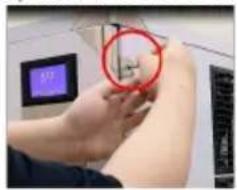
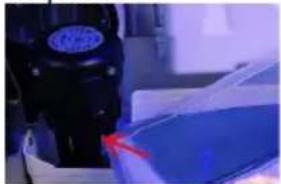
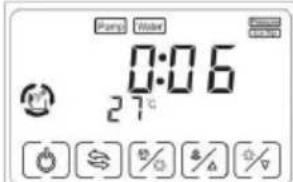
- In the "off" state, press the "(%)" key. When you see that the key flashes, release it and enter the cleaning mode.
- After entering the cleaning procedure, the equipment will follow the instructions: (1) Water inlet → (2) cleaning for 15 minutes → (3) drainage for 1 minute → (4) Water inlet → (5) rinsing for 3 minutes → (6) drainage → Repeat steps (4) to (6) for 5 times → End. After completing the above steps, the cleaning procedure is over.
Note: Detergent (or disinfectant) should be adjusted according to its own use instructions.
After entering the cleaning program, it will run automatically without operation. Do not add disinfectant and cleaning agent to the sink at the same time.
Note: If cleaning and disinfecting steps are performed at the same time, please follow the above steps twice.
Deep cleaning and maintenance methods (2 months)
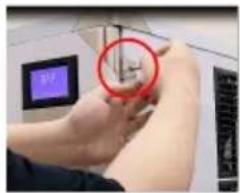
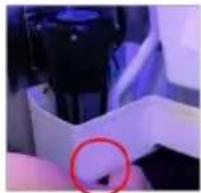
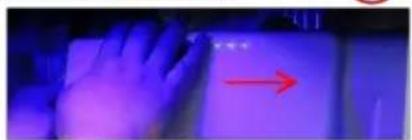
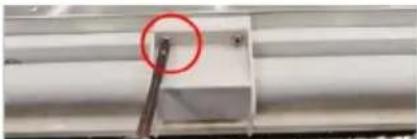
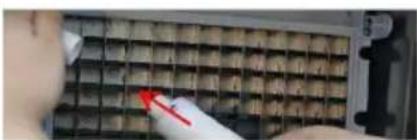
Step 1: Turn off the switch and unplug the power cord. Step 2: Use a cross driver to remove the two screws on the right panel of the ice maker. Step 3: Open the front panel. Note: The opening angle of the door panel should not exceed 180°. Step 4: Remove the plug under the water storage tank and drain the water from the water storage tank. Step 5: Remove evaporator cover. (Pry open the evaporator cover slightly to the right.) Step 6: Remove water pipe retaining cover and water pipe
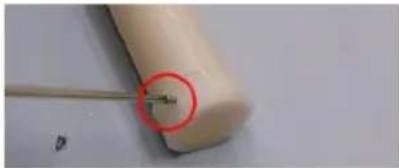

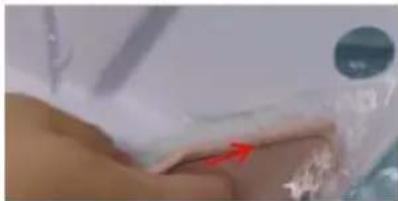
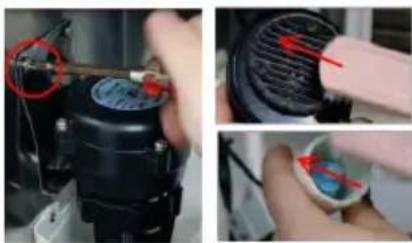
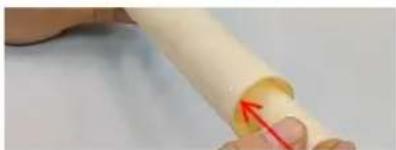
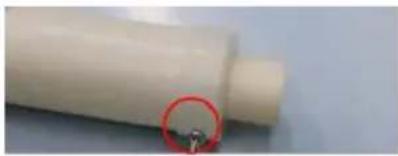
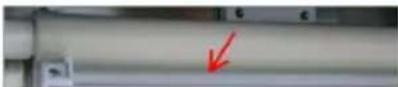
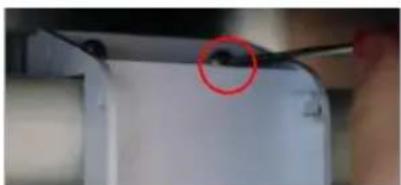
Step 7: Remove the screw top of the water pipe and take out the inner and outer water pipes.
Step 8: Use a small brush to clean the inside and outside walls of the pipe.
Step 9: Use a small brush to clean the inside and outside of the evaporator cover.
Step 10: Remove the screws that secure the water pump, and remove the pump water pipe.
Step 11: Remove the two screws from the water level sensor.
Step 12: Use a small brush to clean the bottom of the pump.
Step 13: Use a small brush to clean under the water level sensor.
Step 14: Use a clean, soft cloth to clean the inside surface of the ice maker, the surface of the evaporator, the surface of the sink, and the inside of the ice bucket.
Install
Step 1: Install the water pipe and tighten the screws at both ends of the water pipe (note: the direction of the water outlet hole of the inner water pipe is opposite to that of the outer water pipe).
Step 3: Install water pipe retaining cover, water pump, water level sensor.
Step 4: Close the front pane, tighten the two side screws.
Note: After the ice machine is cleaned, the pre-made 5 sheets of ice should not be eaten. Cleaning and maintenance cycle please adjust according to the local water quality, recommended Daily cleaning and maintenance methods (10-15 days), Deep cleaning and maintenance methods (2 months), if there is serious scale, please first follow the deep maintenance cleaning, and check the filter condition.
TROUBLE SHOOTING
| LED Panel | LCD Panel | Possible Cause | Solution |
| E01 | Ice flip | 1. De-icing plate is missing or misplaced;2. The polarity of the magnetic induction element is reversed;3. Abnormal ice full switch; | 1. Reset the ice removal plate;2. Replace the ice removal plate/full ice sensor;3. Contact after-sales service/visual trouble guidance/confirm the fault point; |
| E03 | [T2Y7]Harvest overtime | 1. The ice cube setting is too thin;2. The water tank is insufficient;3. The ambient temperature is too low;4. De-icing solenoid valve failure; | 1. Check and set the water thickness parameters(Recommended gears 0-2)2. Check the water inlet system, or if the water sufficient;3. Use membrane materials to block the ventilation inlet area proportionally;4. Check if the ice is stuck;5. Check if the machine is placed horizontally;6. Contact after-sales/video guidance/confirm the point of failure; |
| E04 | High Temp. | 1. The ambient temperature is too high;2. The cooling effect of the condensing system is poor;3. The cooling fan is damaged; | 1. Improve environmental ventilation or displacement, or turn on air conditioning;2. Clean the condenser;3. The distance between the machine and the obstruction should be at least 30cm;4. Check if the fan is working;5. Contact after-sales/confirm the point of failure; |
| E05 | Water Pressure | 1. No water supply;2. The water supply pressure is too low;3. Water tank leaks;4. The water level sensor fails;5. Malfunction of the inlet valve; | 1. Check the water source or whether the water filter is blocked;2. Check the water supply pressure or whether the water filter is blocked;3. Check whether the bottle cap at the bottom of the water tank is tightened and sealed;4. Check for scale on the water level switch;5. Contact after-sales/video guidance/confirm the point of failure; |
| E06 | High Pressure | 1. The condenser temperature is too high;2. The refrigeration system is blocked;3. Pressure switch failure;4. The main control board is abnormal; | 1. Improve environmental ventilation or displacement, or turn on air conditioning;2. Check the condensation heat dissipation system;3. Contact after-sales/video guidance/confirm the point of failure; |
| E11 | | 1. The ring temperature is too high;2. Poor dissipation effect of the condensing system;3. Leakage of refrigeration system; | 1. Check if the water pump is started and running2. Clean the condenser;3. The distance between the machine and the obstruction should be at least 30cm;4. Contact after-sales/video guidance/confirm the point of failure; |
TECHNICAL PARAMETER AND WIRING DIAGRAM
www.vevor.com/support
VEVOR®
TOUGH TOOLS, HALF PRICE
Step 2: Remove the tape.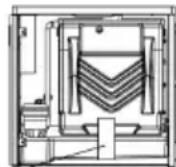
ICE MACHINE ACCESSORIES
ICE STORAGE BUCKET ACCESSORIES
not arbitrary.
POWER SUPPLY
LCD FULL PAGE DISPLAY
 | |
| Before cleaning or maintaining the ice maker, unplug the ice maker from the power supply network. | |
| It is strictly prohibited to flush the ice maker directly with water sprayer. | |
[a]Ice maker and refrigerator housing
Wipe the ice maker's shell with a clean, soft cloth at least once a week, and wipe grease and dirt with a damp cloth containing a neutral cleaner.
![Vevor LB440TA - [a]Ice maker and refrigerator housing - 1](/content/2026/04/735815/images/4a9061151d688ed7fa55ecdaf0f354a0a95026af9ef18797a51809e06f3e8e78.jpg)
| Do not use a hard brush, wire brush, do not use detergent powder, gasoline, banana water, acetone and other organic solutions, do not use boiling water or containing strong acids, alkali cleaning agents to clean the ice machine. |
| Please do not wash directly with water when cleaning, so as not to affect the insulation of electrical appliances. |
[b]Ice machine cleaning and disinfection (recommended more than 2 times per month)
Note: Some areas may need to be cleaned and disinfected more frequently due to different water quality.
![Vevor LB440TA - [b]Ice machine cleaning and disinfection (recommended more than 2 times per month) - 1](/content/2026/04/735815/images/7ea88180a375746eec57704732f521073b3291379901d5b8ae458031f6ae3f78.jpg)
| Before cleaning, at the end of the ice machine cycle, all the ice cubes slide behind, shut down, open the front panel, and remove all the ice cubes in the ice machine and ice storage bucket. |
| Do not use tools to peel the ice from the ice mold, otherwise it may cause damage to the ice mold. |
| Do not use any liquid containing alcohol to clean or disinfect the ice machine, or it may cause cracks in the plastic parts. |
![Vevor LB440TA - [b]Ice machine cleaning and disinfection (recommended more than 2 times per month) - 2](/content/2026/04/735815/images/ab25c17daf6ba997c45d58530832fcad9809d19fb967a36d885c52dd4e500749.jpg)
| During the cleaning and disinfection process, please pay attention to protection, wear goggles and gloves, if the cleaning agent or disinfectant on the skin or eyes may cause inflammation. In case of accidental contamination, please follow the precautions of the medicine. |
| During cleaning, attention should be paid to ventilation. Chlorine gas produced by disinfectants is a health hazard. Please handle it in a ventilated place. |
Cleaning and disinfection sequence
Please clean and disinfect in the following order.
| order of use | Pharmaceutical species | use |
| 1 | Citric acid detergent (dilution ratio refer to detergent instructions) | rinse |
| 2 | Disinfectant (dilution ratio refer to disinfectant instructions ) | sterilie |
Cleaning and disinfection procedures
Daily cleaning and maintenance methods (10-15 days)
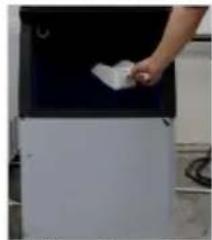
- Click the "☐" button on the display screen after the ice maker finishes all the ice sliding. The display screen displays "off". Open the ice bucket door and remove all the ice.
- Open the front panel, put the dissolved detergent (or disinfectant) into the water storage tank, and then close the front panel.
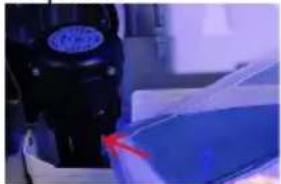
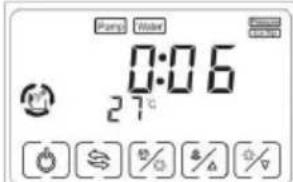
- In the "off" state, press the "[%]" . When you see that the key flashes, release it and enter the cleaning mode.
- After entering the cleaning procedure, the equipment will follow the instructions: (1) Water inlet → (2) cleaning for 15 minutes → (3) drainage for 1 minute → (4) Water inlet → (5) rinsing for 3 minutes → (6) drainage → Repeat steps (4) to (6) for 5 times → End. After completing the above steps, the cleaning procedure is over.
Note: Detergent (or disinfectant) should be adjusted according to its own use instructions.
After entering the cleaning program, it will run automatically without operation. Do not add disinfectant and cleaning agent to the sink at the same time.
Note: If cleaning and disinfecting steps are performed at the same time, please follow the above steps twice.
Deep cleaning and maintenance methods (2 months)
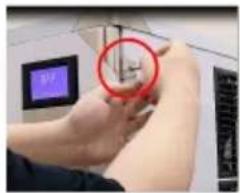
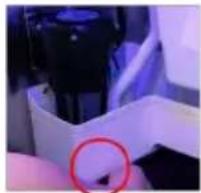
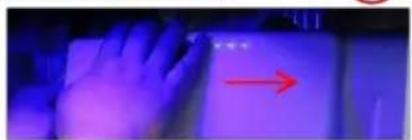
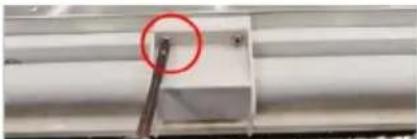
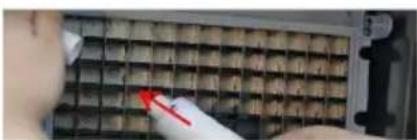
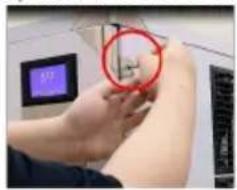
Step 1: Turn off the switch and unplug the power cord. Step 2: Use a cross driver to remove the two screws on the right panel of the ice maker. Step 3: Open the front panel. Note: The opening angle of the door panel should not exceed 180 degrees. Step 4: Remove the plug under the water storage tank and drain the water from the water storage tank. Step 5: Remove evaporator cover. (Pry open the evaporator cover slightly to the right.) Step 6: Remove water pipe retaining cover and water pipe.
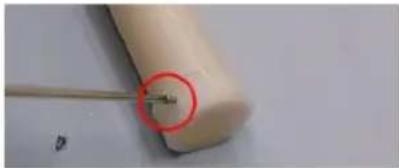
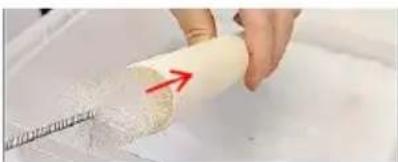
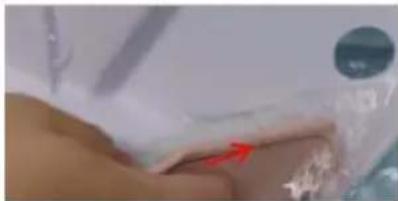
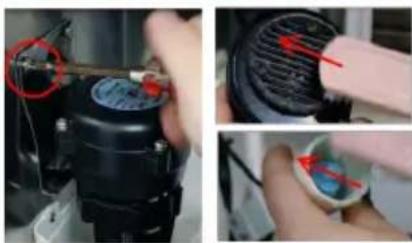
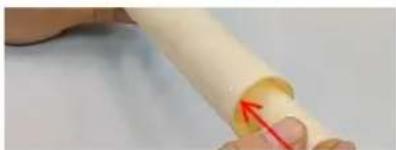
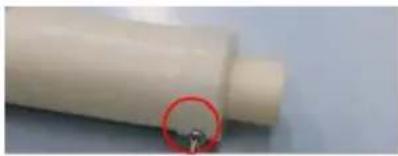
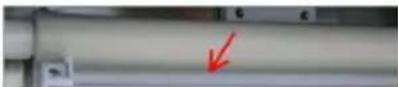
Step 7: Remove the screw top of the water pipe and take out the inner and outer water pipes.
Step 8: Use a small brush to clean the inside and outside walls of the pipe.
Step 9: Use a small brush to clean the inside and outside of the evaporator cover.
Step 10: Remove the screws that secure the water pump, and remove the pump water pipe.
Step 11: Remove the two screws from the water level sensor.
Step 12: Use a small brush to clean the bottom of the pump.
Step 13: Use a small brush to clean under the water level sensor.
Step 14: Use a clean, soft cloth to clean the inside surface of the ice maker, the surface of the evaporator, the surface of the sink, and the inside of the ice bucket.
Install
Step 1: Install the water pipe and tighten the screws at both ends of the water pipe (note: that the direction of the water outlet hole of the inner water pipe is opposite to that of the outer water pipe).
Step 3: Install water pipe retaining cover, water pump, water level sensor.
Step 4: Close the front pane, tighten the two side screws.
Note: After the ice machine is cleaned, the pre-made 5 sheets of ice should not be eaten. Cleaning and maintenance cycle should be adjusted according to local water quality. Recommended daily cleaning and maintenance methods (10-15 days), deep cleaning and maintenance methods (2 months). If there is serious scale, first follow the deep maintenance cleaning, and check the filter condition.
TROUBLESHOOTING
| LED Panel | LCD Panel | Possible Cause | Solution |
| E01 | Ice flip | 1. De-icing plate is missing or misplaced;2. The polarity of the magnetic induction element is reversed;3. Abnormal ice full switch; | 1. Reset the ice removal plate;2. Replace the ice removal plate/full ice sensor;3. Contact after-sales service/visual trouble guidance/confirm the fault point; |
| E03 | Harvest overtime | 1. The ice cube setting is too thin;2. The water tank is insufficient;3. The ambient temperature is too low;4. De-icing solenoid valve failure; | 1. Check and set the water thickness parameters(Recommended gears 0-2)2. Check the water inlet system, or if the water sufficient;3. Use membrane materials to block the ventilation inlet area proportionally;4. Check if the ice is stuck;5. Check if the machine is placed horizontally;6. Contact after-sales/video guidance/confirm the point of failure; |
| E04 | -High Temp. | 1. The ambient temperature is too high;2. The cooling effect of the condensing system is poor;3. The cooling fan is damaged; | 1. Improve environmental ventilation or displacement, or turn on air conditioning;2. Clean the condenser;3. The distance between the machine and the obstruction should be at least 30cm;4. Check if the fan is working;5. Contact after-sales/confirm the point of failure; |
| E05 | [4250]Water Pressure | 1. No water supply;2. The water supply pressure is too low;3. Water tank leaks;4. The water level sensor fails;5. Malfunction of the inlet valve; | 1. Check the water source or whether the water filter is blocked;2. Check the water supply pressure or whether the water filter is blocked;3. Check whether the bottle cap at the bottom of the water tank is tightened and sealed;4. Check for scale on the water level switch;5. Contact after-sales/video guidance/confirm the point of failure; |
| E06 | -High Pressure | 1. The condenser temperature is too high;2. The refrigeration system is blocked;3. Pressure switch failure;4. The main control board is abnormal; | 1. Improve environmental ventilation or displacement, or turn on air conditioning;2. Check the condensation heat dissipation system;3. Contact after-sales/video guidance/confirm the point of failure; |
| E11 | [62X2] | 1. The ring temperature is too high;2. Poor dissipation effect of the condensing system;3. Leakage of refrigeration system; | 1. Check if the water pump is started and running2. Clean the condenser;3. The distance between the machine and the obstruction should be at least 30cm;4. Contact after-sales/video guidance/confirm the point of failure; |
TECHNICAL PARAMETERS AND WIRING DIAGRAM
NEED HELP? CONTACT US!
Step 2: Remove the tape.
ICE MACHINE ACCESSORIES
ICE STORAGE BUCKET ACCESSORIES
POWER SUPPLY
- The ice maker must use sanitary drinking water at room temperature. The water supply pressure should be controlled between 0.1-0.63 MPa.
- The ice maker relies on gravity to drain, so it is necessary to ensure that the drain pipe has a sufficient slope and drop.
- The supplied water filter is only suitable for machine testing. The filter is disposable and should be replaced regularly according to local water quality.
- The connector on the filter needs to be removed with a special tool. This picture is used for water connection of air-cooled machines. A. Drinking water: 1/2" male connector. B. Ice machine water inlet: 3/4" external thread nylon connector (white). C. Ice machine water drain: 3/4" external thread nylon connector (white). D. Ice bucket drain.
LCD FULL PAGE DISPLAY
DAILY CLEANING AND MAINTENANCE
Clean
| Warning |
| Before cleaning or maintaining the ice maker, unplug the ice maker from the power supply network. |
| It is strictly prohibited to flush the ice maker directly with water sprayer. |
Attention
When using neutral or sodium hypochlorite solutions, be sure to read and understand the accompanying instructions to avoid potential health problems.
[a] Ice maker and refrigerator housing
Wipe the ice maker's shell with a clean, soft cloth at least once a week, and wipe grease and dirt with a damp cloth containing a neutral cleaner.
Attention
Do not use a hard brush, wire brush, detergent powder, gasoline, banana water, acetone and other organic solutions, boiling water, or cleaning agents containing strong acids or alkalis to clean the ice machine. Please do not wash directly with water when cleaning, so as not to affect the insulation of electrical appliances.
[b] Ice machine cleaning and disinfection (recommended more than 2 times per month)
Note: Some areas may need to be cleaned and disinfected more frequently due to different water quality.
Attention
Before cleaning, at the end of the ice machine cycle, all the ice cubes slide behind, shut down, open the front panel, and remove all the ice cubes in the ice machine and ice storage bucket. Do not use tools to peel the ice from the ice mold, otherwise it may cause damage to the ice mold. Do not use any liquid containing alcohol to clean or disinfect the ice machine, or it may cause cracks in the plastic parts.
Attention
During the cleaning and disinfection process, please pay attention to protection, wear goggles and gloves, if the cleaning agent or disinfectant on the skin or eyes may cause inflammation. In case of accidental contamination, please follow the precautions of the medicine. During cleaning, attention should be paid to ventilation. Chlorine gas produced by disinfectants is a health hazard. Please handle it in a ventilated place.
Cleaning and disinfection sequence
Please clean and disinfect in the following order.
| order of use | Pharmaceutical species | use |
| 1 | Citric acid detergent (dilution ratio refer to detergent instructions) | rinse |
| 2 | Disinfectant (dilution ratio refer to disinfectant instructions ) | sterilie |
Cleaning and disinfection procedures
Daily cleaning and maintenance methods (10-15 days)
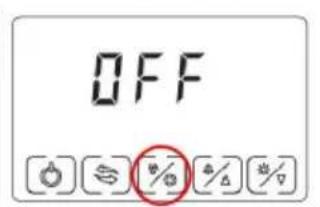
- Click the button on the display screen after the ice maker finishes all the ice sliding. The display screen displays "off". Open the ice bucket door and remove all the ice.
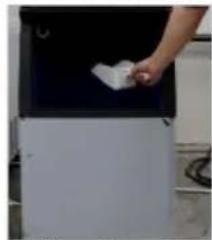
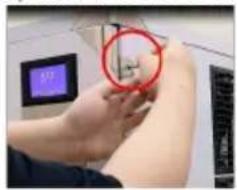
- Open the front panel, put the dissolved detergent (or disinfectant) into the water storage tank, and then close the front panel.
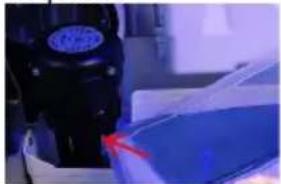
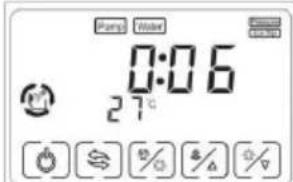
- In the "off" state, press the "(%)" button. When you see that the key flashes, release it and enter the cleaning mode.
- After entering the cleaning procedure, the equipment will follow the instructions: (1) Water inlet → (2) cleaning for 15 minutes → (3) drainage for 1 minute → (4) Water inlet → (5) rinsing for 3 minutes → (6) drainage → Repeat steps (4) to (6) for 5 times → End. After completing the above steps, the cleaning procedure is over.
Note: Detergent (or disinfectant) should be adjusted according to its own use instructions.
After entering the cleaning program, it will run automatically without operation. Do not add disinfectant and cleaning agent to the sink at the same time.
Note: If cleaning and disinfecting steps are performed at the same time, please follow the above steps twice.
Deep cleaning and maintenance methods (2 months)
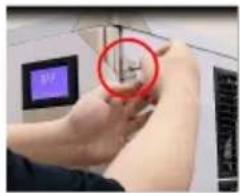
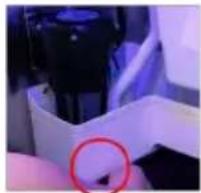
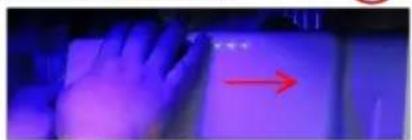
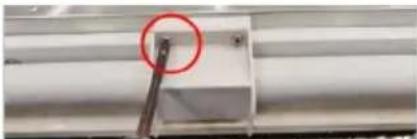
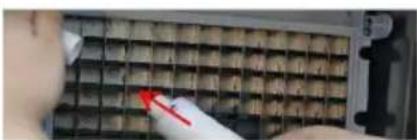
Step 1: Turn off the switch and unplug the power cord. Step 2: Use a cross driver to remove the two screws on the right panel of the ice maker. Step 3: Open the front panel. Note: The opening angle of the door panel should not exceed 180 degrees. Step 4: Remove the plug under the water storage tank and drain the water from the water storage tank. Step 5: Remove evaporator cover. (Pry open the evaporator cover slightly to the right.) Step 6: Remove water pipe retaining cover and water pipe
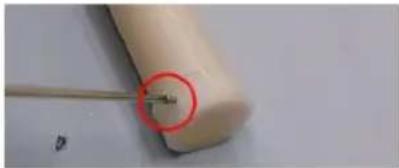

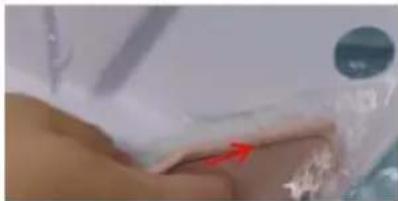
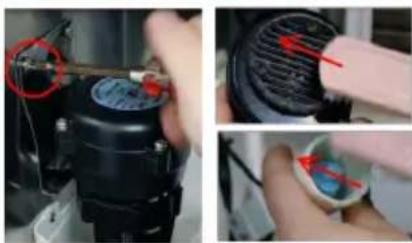
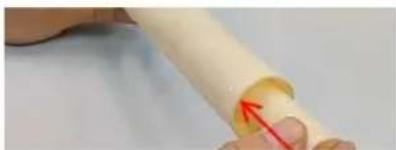
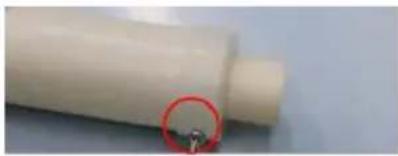
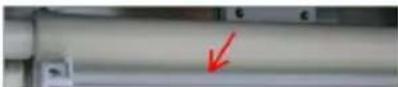
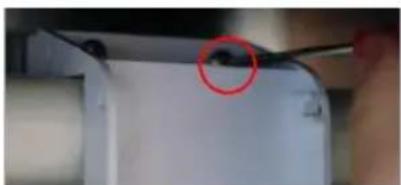
Step 7: Remove the screw top of the water pipe and take out the inner and outer water pipes.
Step 8: Use a small brush to clean the inside and outside walls of the pipe.
Step 9: Use a small brush to clean the inside and outside of the evaporator cover.
Step 10: Remove the screws that secure the water pump, and remove the pump water pipe.
Step 11: Remove the two screws from the water level sensor.
Step 12: Use a small brush to clean the bottom of the pump.
Step 13: Use a small brush to clean under the water level sensor.
Step 14: Use a clean, soft cloth to clean the inside surface of the ice maker, the surface of the evaporator, the surface of the sink, and the inside of the ice bucket.
Install
Step 1: Install the water pipe and tighten the screws at both ends of the water pipe (note: that the direction of the water outlet hole of the inner water pipe is opposite to that of the outer water pipe).
Step 3: Install water pipe retaining cover, water pump, water level sensor.
Step 4: Close the front pane, Tighten the two side screws.
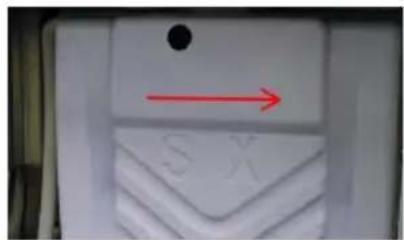
Note: After the ice machine is cleaned, the pre-made 5 sheets of ice should not be eaten. Cleaning and maintenance cycle please adjust according to the local water quality, recommended Daily cleaning and maintenance methods(10-15 days), Deep cleaning and maintenance methods(2 months), if there is serious scale, please first follow the deep maintenance cleaning, and check the filter condition.
TROUBLE SHOOTING
| LED Panel | LCD Panel | Possible Cause | Solution |
| E01 | (ZTW6)Ice flip | 1. De-icing plate is missing or misplaced;2. The polarity of the magnetic induction element is reversed;3. Abnormal ice full switch; | 1. Reset the ice removal plate;2. Replace the ice removal plate/full ice sensor;3. Contact after-sales service/visual trouble guidance/confirm the fault point; |
| E03 | (HCCS)Harvest overtime | 1. The ice cube setting is too thin;2. The water tank is insufficient;3. The ambient temperature is too low;4. De-icing solenoid valve failure; | 1. Check and set the water thickness parameters(Recommended gears 0-2)2. Check the water inlet system, or if the water sufficient;3. Use membrane materials to block the ventilation inlet area proportionally;4. Check if the ice is stuck;5. Check if the machine is placed horizontally;6. Contact after-sales/video guidance/confirm the point of failure; |
| E04 | (YW6H)High Temp. | 1. The ambient temperature is too high;2. The cooling effect of the condensing system is poor;3. The cooling fan is damaged; | 1. Improve environmental ventilation or displacement, or turn on air conditioning;2. Clean the condenser;3. The distance between the machine and the obstruction should be at least 30cm;4. Check if the fan is working;5. Contact after-sales/confirm the point of failure; |
| E05 | (Y636)Water Pressure | 1. No water supply;2. The water supply pressure is too low;3. Water tank leaks;4. The water level sensor fails;5. Malfunction of the inlet valve; | 1. Check the water source or whether the water filter is blocked;2. Check the water supply pressure or whether the water filter is blocked;3. Check whether the bottle cap at the bottom of the water tank is tightened and sealed;4. Check for scale on the water level switch;5. Contact after-sales/video guidance/confirm the point of failure; |
| E06 | (AYZX)High Pressure | 1. The condenser temperature is too high;2. The refrigeration system is blocked;3. Pressure switch failure;4. The main control board is abnormal; | 1. Improve environmental ventilation or displacement, or turn on air conditioning;2. Check the condensation heat dissipation system;3. Contact after-sales/video guidance/confirm the point of failure; |
| E11 | (922T) | 1. The ring temperature is too high;2. Poor dissipation effect of the condensing system;3. Leakage of refrigeration system; | 1. Check if the water pump is started and running2. Clean the condenser;3. The distance between the machine and the obstruction should be at least 30cm;4. Contact after-sales/video guidance/confirm the point of failure; |
TECHNICAL PARAMETER AND WIRING DIAGRAM
Step 2: Remove the tape.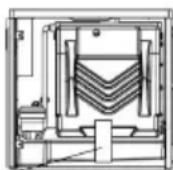
ICE MACHINE ACCESSORIES
ICE STORAGE BUCKET ACCESSORIES
POWER SUPPLY
LCD FULL PAGE DISPLAY
7. Buttons on the display board
DAILY CLEANING AND MAINTENANCE
Clean
| Warning |
| Before cleaning or maintaining the ice maker, unplug the ice maker from the power supply network. |
| It is strictly prohibited to flush the ice maker directly with water sprayer. |
Attention
When using neutral or sodium hypochlorite solutions, be sure to read and understand the accompanying instructions to avoid potential health problems.
[a] Ice maker and refrigerator housing
Wipe the ice maker's shell with a clean, soft cloth at least once a week, and wipe grease and dirt with a damp cloth containing a neutral cleaner.
Attention
Do not use a hard brush, wire brush, do not use detergent powder, gasoline, banana water, acetone and other organic solutions, do not use boiling water or containing strong acids, alkali cleaning agents to clean the ice machine. Please do not wash directly with water when cleaning, so as not to affect the insulation of electrical appliances.
[b] Ice machine cleaning and disinfection (recommended more than 2 times per month)
Note: Some areas may need to be cleaned and disinfected more frequently due to different water quality.
Attention
Before cleaning, at the end of the ice machine cycle, all the ice cubes slide behind, shut down, open the front panel, and remove all the ice cubes in the ice machine and ice storage bucket. Do not use tools to peel the ice from the ice mold, otherwise it may cause damage to the ice mold. Do not use any liquid containing alcohol to clean or disinfect the ice machine, or it may cause cracks in the plastic parts.
Attention
During the cleaning and disinfection process, please pay attention to protection, wear goggles and gloves, if the cleaning agent or disinfectant on the skin or eyes may cause inflammation. In case of accidental contamination, please follow the precautions of the medicine. During cleaning, attention should be paid to ventilation. Chlorine gas produced by disinfectants is a health hazard. Please handle it in a ventilated place.
Cleaning and disinfection sequence
Please clean and disinfect in the following order.
| order of use | Pharmaceutical species | use |
| 1 | Citric acid detergent (dilution ratio refer to detergent instructions) | rinse |
| 2 | Disinfectant (dilution ratio refer to disinfectant instructions ) | sterilie |
Cleaning and disinfection procedures
Daily cleaning and maintenance methods (10-15 days)
- Click the "☐" button on the display screen after the ice maker finishes all the ice sliding. The display screen displays "off". Open the ice bucket door and remove all the ice.
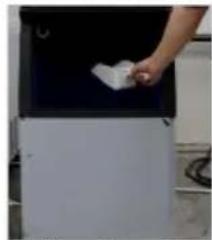
- Open the front panel, put the dissolved detergent (or disinfectant) into the water storage tank, and then close the front panel.
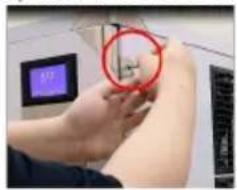
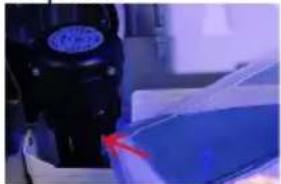

- In the "off" state, press the "[%]" . When you see that the key flashes, release it and enter the cleaning mode.
- After entering the cleaning procedure, the equipment will follow the instructions: (1) Water inlet → (2) cleaning for 15 minutes → (3) drainage for 1 minute → (4) Water inlet → (5) rinsing for 3 minutes → (6) drainage → Repeat steps (4) to (6) for 5 times → End. After completing the above steps, the cleaning procedure is over.
Note: Detergent (or disinfectant) should be adjusted according to its own use instructions.
After entering the cleaning program, it will run automatically without operation. Do not add disinfectant and cleaning agent to the sink at the same time.
Note: If cleaning and disinfecting steps are performed at the same time, please follow the above steps twice.
Deep cleaning and maintenance methods (2 months)
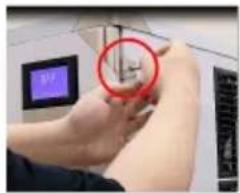
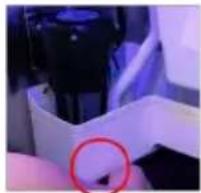
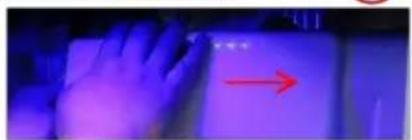
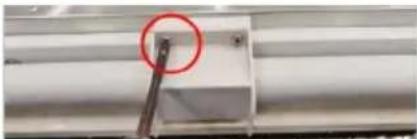
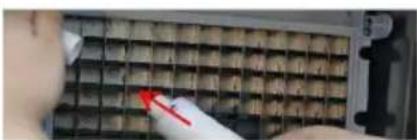
Step 1: Turn off the switch and unplug the power cord. Step 2: Use a cross driver to remove the two screws on the right panel of the ice maker. Step 3: Open the front panel. Note: The opening angle of the door panel should not exceed 180 degrees. Step 4: Remove the plug under the water storage tank and drain the water from the water storage tank. Step 5: Remove evaporator cover. (Pry open the evaporator cover slightly to the right.) Step 6: Remove water pipe retaining cover and water pipe.
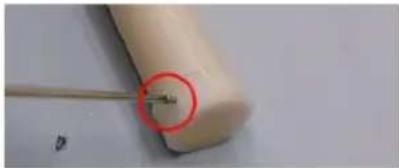
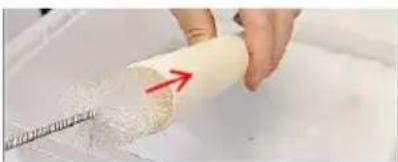
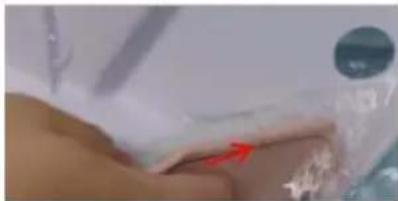
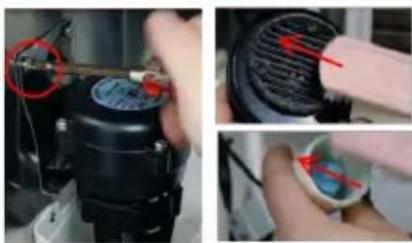
Step 7: Remove the screw top of the water pipe and take out the inner and outer water pipes.
Step 8: Use a small brush to clean the inside and outside walls of the pipe.
Step 9: Use a small brush to clean the inside and outside of the evaporator cover.
Step 10: Remove the screws that secure the water pump, and remove the pump water pipe.
Step 11: Remove the two screws from the water level sensor.
Step 12: Use a small brush to clean the bottom of the pump.
Step 13: Use a small brush to clean under the water level sensor.
Step 14: Use a clean, soft cloth to clean the inside surface of the ice maker, the surface of the evaporator, the surface of the sink, and the inside of the ice bucket.
Install
Step 1: Install the water pipe and tighten the screws at both ends of the water pipe (note: that the direction of the water outlet hole of the inner water pipe is opposite to that of the outer water pipe).
Step 3: Install water pipe retaining cover, water pump, water level sensor.
Step 4: Close the front panel, tighten the two side screws.
Note: After the ice machine is cleaned, the pre-made 5 sheets of ice should not be eaten. Cleaning and maintenance cycle please adjust according to the local water quality, recommended daily cleaning and maintenance methods (10-15 days), deep cleaning and maintenance methods (2 months), if there is serious scale, please first follow the deep maintenance cleaning, and check the filter condition.
TROUBLESHOOTING
| LED Panel | LCD Panel | Possible Cause | Solution |
| E01 | Ice flip | 1. De-icing plate is missing or misplaced;2. The polarity of the magnetic induction element is reversed;3. Abnormal ice full switch; | 1. Reset the ice removal plate;2. Replace the ice removal plate/full ice sensor;3. Contact after-sales service/visual trouble guidance/confirm the fault point; |
| E03 | Harvest overtime | 1. The ice cube setting is too thin;2. The water tank is insufficient;3. The ambient temperature is too low;4. De-icing solenoid valve failure; | 1. Check and set the water thickness parameters(Recommended gears 0-2)2. Check the water inlet system, or if the water sufficient;3. Use membrane materials to block the ventilation inlet area proportionally;4. Check if the ice is stuck;5. Check if the machine is placed horizontally;6. Contact after-sales/video guidance/confirm the point of failure; |
| E04 | High Temp. | 1. The ambient temperature is too high;2. The cooling effect of the condensing system is poor;3. The cooling fan is damaged; | 1. Improve environmental ventilation or displacement, or turn on air conditioning;2. Clean the condenser;3. The distance between the machine and the obstruction should be at least 30cm;4. Check if the fan is working;5. Contact after-sales/confirm the point of failure; |
| E05 | Water Pressure | 1. No water supply;2. The water supply pressure is too low;3. Water tank leaks;4. The water level sensor fails;5. Malfunction of the inlet valve; | 1. Check the water source or whether the water filter is blocked;2. Check the water supply pressure or whether the water filter is blocked;3. Check whether the bottle cap at the bottom of the water tank is tightened and sealed;4. Check for scale on the water level switch;5. Contact after-sales/video guidance/confirm the point of failure; |
| E06 | High Pressure | 1. The condenser temperature is too high;2. The refrigeration system is blocked;3. Pressure switch failure;4. The main control board is abnormal; | 1. Improve environmental ventilation or displacement, or turn on air conditioning;2. Check the condensation heat dissipation system;3. Contact after-sales/video guidance/confirm the point of failure; |
| E11 | | 1. The ring temperature is too high;2. Poor dissipation effect of the condensing system;3. Leakage of refrigeration system; | 1. Check if the water pump is started and running2. Clean the condenser;3. The distance between the machine and the obstruction should be at least 30cm;4. Contact after-sales/video guidance/confirm the point of failure; |
TECHNICAL PARAMETERS AND WIRING DIAGRAM
Step 2: Remove the tape.

Cleaning requirements:
ICE MACHINE ACCESSORIES
ICE STORAGE BUCKET ACCESSORIES
POWER SUPPLY
LCD FULL PAGE DISPLAY
7. Buttons on the display board
Start / Stop:

| Warning |
| Before cleaning or maintaining the ice maker, unplug the ice maker from the power supply network. |
| It is strictly prohibited to flush the ice maker directly with water sprayer. |
Warning
Attention
When using neutral or sodium hypochlorite solutions, be sure to read and understand the accompanying instructions to avoid potential health problems.
[a] Ice maker and refrigerator housing
Wipe the ice maker's shell with a clean, soft cloth at least once a week, and wipe grease and dirt with a damp cloth containing a neutral cleaner.
Attention
| Do not use a hard brush, wire brush, do not use detergent powder, gasoline, banana water, acetone and other organic solutions, do not use boiling water or containing strong acids, alkali cleaning agents to clean the ice machine. |
| Please do not wash directly with water when cleaning, so as not to affect the insulation of electrical appliances. |
Ice machine cleaning and disinfection (recommended more than 2 times per month)
Note: Some areas may need to be cleaned and disinfected more frequently due to different water quality.
Attention
| Before cleaning, at the end of the ice machine cycle, all the ice cubes slide behind, shut down, open the front panel, and remove all the ice cubes in the ice machine and ice storage bucket. |
| Do not use tools to peel the ice from the ice mold, otherwise it may cause damage to the ice mold. |
| Do not use any liquid containing alcohol to clean or disinfect the ice machine, or it may cause cracks in the plastic parts. |
Attention
| During the cleaning and disinfection process, please pay attention to protection, wear goggles and gloves, if the cleaning agent or disinfectant on the skin or eyes may cause inflammation. In case of accidental contamination, please follow the precautions of the medicine. |
| During cleaning, attention should be paid to ventilation. Chlorine gas produced by disinfectants is a health hazard. Please handle it in a ventilated place. |
Cleaning and disinfection sequence
Please clean and disinfect in the following order.
| order of use | Pharmaceutical species | use |
| 1 | Citric acid detergent (dilution ratio refer to detergent instructions) | rinse |
| 2 | Disinfectant (dilution ratio refer to disinfectant instructions ) | sterilie |
Cleaning and disinfection procedures
Daily cleaning and maintenance methods (10-15 days)
- Click the button on the display screen after the ice maker finishes all the ice sliding. The display screen displays "off". Open the ice bucket door and remove all the ice.
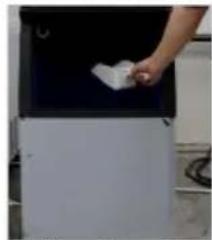
- Open the front panel, put the dissolved detergent (or disinfectant) into the water storage tank, and then close the front panel.
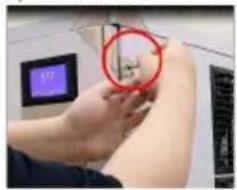
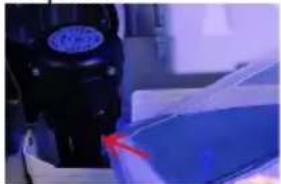
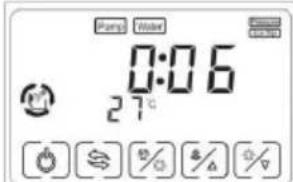
- In the "off" state, press the "(%)" key. When you see that the key flashes, release it and enter the cleaning mode.
- After entering the cleaning procedure, the equipment will follow the instructions: (1) Water inlet → (2) cleaning for 15 minutes → (3) drainage for 1 minute → (4) Water inlet → (5) rinsing for 3 minutes → (6) drainage → Repeat steps (4) to (6) for 5 times → End. After completing the above steps, the cleaning procedure is over.
Note: Detergent (or disinfectant) should be adjusted according to its own use instructions.
After entering the cleaning program, it will run automatically without operation. Do not add disinfectant and cleaning agent to the sink at the same time.
Note: If cleaning and disinfecting steps are performed at the same time, please follow the above steps twice.
Deep cleaning and maintenance methods (2 months)

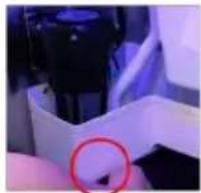
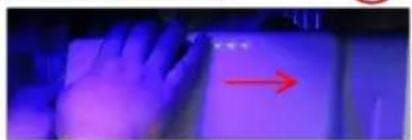
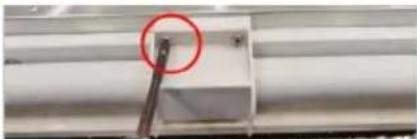
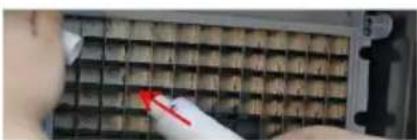
Step 1: Turn off the switch and unplug the power cord. Step 2: Use a cross driver to remove the two screws on the right panel of the ice maker. Step 3: Open the front panel. Note: The opening angle of the door panel should not exceed 180 degrees. Step 4: Remove the plug under the water storage tank and drain the water from the water storage tank. Step 5: Remove evaporator cover. (Pry open the evaporator cover slightly to the right.) Step 6: Remove water pipe retaining cover and water pipe.
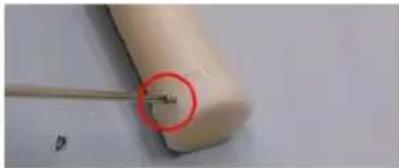
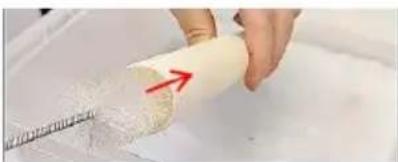
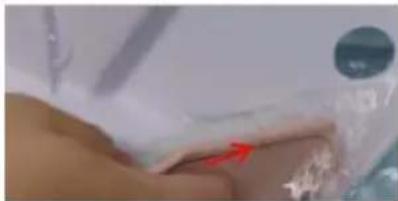
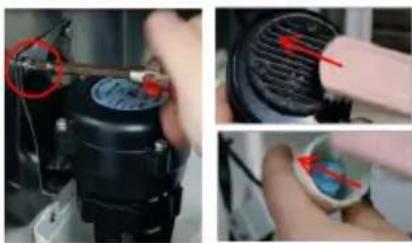
Step 7: Remove the screw top of the water pipe and take out the inner and outer water pipes.
Step 8: Use a small brush to clean the inside and outside walls of the pipe.
Step 9: Use a small brush to clean the inside and outside of the evaporator cover.
Step 10: Remove the screws that secure the water pump, and remove the pump water pipe.
Step 11: Remove the two screws from the water level sensor.
Step 12: Use a small brush to clean the bottom of the pump.
Step 13: Use a small brush to clean under the water level sensor.
Step 14: Use a clean, soft cloth to clean the inside surface of the ice maker, the surface of the evaporator, the surface of the sink, and the inside of the ice bucket.
Install
Step 1: Install the water pipe and tighten the screws at both ends of the water pipe (note: that the direction of the water outlet hole of the inner water pipe is opposite to that of the outer water pipe).
Step 3: Install water pipe retaining cover, water pump, water level sensor.
Step 4: Close the front panel, tighten the two side screws.
Note: After the ice machine is cleaned, the pre-made 5 sheets of ice should not be eaten. Cleaning and maintenance cycle please adjust according to the local water quality, recommended Daily cleaning and maintenance methods(10-15 days), Deep cleaning and maintenance methods(2 months), if there is serious scale, please first follow the deep maintenance cleaning, and check the filter condition.
TROUBLE SHOOTING
| LED Panel | LCD Panel | Possible Cause | Solution |
| E01 | Ice flip | 1. De-icing plate is missing or misplaced;2. The polarity of the magnetic induction element is reversed;3. Abnormal ice full switch; | 1. Reset the ice removal plate;2. Replace the ice removal plate/full ice sensor;3. Contact after-sales service/visual trouble guidance/confirm the fault point; |
| E03 | Harvest overtime | 1. The ice cube setting is too thin;2. The water tank is insufficient;3. The ambient temperature is too low;4. De-icing solenoid valve failure; | 1. Check and set the water thickness parameters(Recommended gears 0-2)2. Check the water inlet system, or if the water sufficient;3. Use membrane materials to block the ventilation inlet area proportionally;4. Check if the ice is stuck;5. Check if the machine is placed horizontally;6. Contact after-sales/video guidance/confirm the point of failure; |
| E04 | High Temp. | 1. The ambient temperature is too high;2. The cooling effect of the condensing system is poor;3. The cooling fan is damaged; | 1. Improve environmental ventilation or displacement, or turn on air conditioning;2. Clean the condenser;3. The distance between the machine and the obstruction should be at least 30cm;4. Check if the fan is working;5. Contact after-sales/confirm the point of failure; |
| E05 | Water Pressure | 1. No water supply;2. The water supply pressure is too low;3. Water tank leaks;4. The water level sensor fails;5. Malfunction of the inlet valve; | 1. Check the water source or whether the water filter is blocked;2. Check the water supply pressure or whether the water filter is blocked;3. Check whether the bottle cap at the bottom of the water tank is tightened and sealed;4. Check for scale on the water level switch;5. Contact after-sales/video guidance/confirm the point of failure; |
| E06 | [T2HG]High Pressure | 1. The condenser temperature is too high;2. The refrigeration system is blocked;3. Pressure switch failure;4. The main control board is abnormal; | 1. Improve environmental ventilation or displacement, or turn on air conditioning;2. Check the condensation heat dissipation system;3. Contact after-sales/video guidance/confirm the point of failure; |
| E11 | | 1. The ring temperature is too high;2. Poor dissipation effect of the condensing system;3. Leakage of refrigeration system; | 1. Check if the water pump is started and running2. Clean the condenser;3. The distance between the machine and the obstruction should be at least 30cm;4. Contact after-sales/video guidance/confirm the point of failure; |
TECHNICAL PARAMETER AND WIRING DIAGRAM
LB360TB / LB400TB / LB440TB / LB550TB
MODELO: LB360TA/LB400TA/LB440TA/LB 55 0TA LB360TB / LB400TB / LB440TB / LB550TB
ICE MACHINE ACCESSORIES
ICE STORAGE BUCKET ACCESSORIES
POWER SUPPLY
- The ice maker must use sanitary drinking water at room temperature. The water supplypressure should be controlled between 0.1-0.63MPa.
- The ice maker relies on gravity to drain, so it is necessary to ensure that the drain pipe has a sufficient slope and drop.
- The supplied water filter is only suitable for machine testing. The filter is disposable and is replaced regularly according to local water quality.
- The connector on the filter needs to be removed with a special tool. This picture is used for water connection of air-cooled machines A. Drinking water: 1/2" male connector B. Ice machine water inlet: 3/4" external thread nylonconnector (white) C. Ice machine water drain: 3/4" external thread nylonconnector (white) D. Ice bucket drain
LCD FULL PAGE DISPLAY
DAILY CLEANING AND MAINTENANCE
Clean
| Warning |
| Before cleaning or maintaining the ice maker, unplug the ice maker from the power supply network. |
| It is strictly prohibited to flush the ice maker directly with water sprayer. |
Attention
When using neutral or sodium hypochlorite solutions, be sure to read and understand the accompanying instructions to avoid potential health problems.
[a] Ice maker and refrigerator housing
Wipe the ice maker's shell with a clean, soft cloth at least once a week, and wipe grease and dirt with a damp cloth containing a neutral cleaner.
Attention
Do not use a hard brush, wire brush, do not use detergent powder, gasoline, banana water, acetone and other organic solutions, do not use boiling water or containing strong acids, alkali cleaning agents to clean the ice machine. Please do not wash directly with water when cleaning, so as not to affect the insulation of electrical appliances.
[b] Ice machine cleaning and disinfection (recommended more than 2 times per month)
Note: Some areas may need to be cleaned and disinfected more frequently due to different water quality.
Attention
Before cleaning, at the end of the ice machine cycle, all the ice cubes slide behind, shut down, open the front panel, and remove all the ice cubes in the ice machine and ice storage bucket. Do not use tools to peel the ice from the ice mold, otherwise it may cause damage to the ice mold. Do not use any liquid containing alcohol to clean or disinfect the ice machine, or it may cause cracks in the plastic parts.
Attention
During the cleaning and disinfection process, please pay attention to protection, wear goggles and gloves, if the cleaning agent or disinfectant on the skin or eyes may cause inflammation. In case of accidental contamination, please follow the precautions of the medicine. During cleaning, attention should be paid to ventilation. Chlorine gas produced by disinfectants is a health hazard. Please handle it in a ventilated place.
Cleaning and disinfection sequence
Please clean and disinfect in the following order.
| order of use | Pharmaceutical species | use |
| 1 | Citric acid detergent (dilution ratio refer to detergent instructions) | rinse |
| 2 | Disinfectant (dilution ratio refer to disinfectant instructions ) | sterilie |
Cleaning and disinfection procedures
Daily cleaning and maintenance methods (10-15 days)
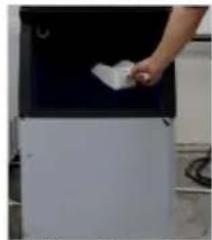
- Click the button on the display screen after the ice maker finishes all the ice sliding. The display screen displays "off". Open the ice bucket door and remove all the ice.
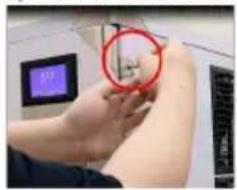
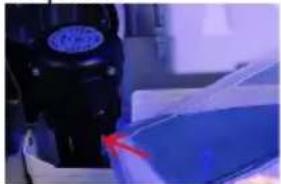
- Open the front panel, put the dissolved detergent (or disinfectant) into the water storage tank, and then close the front panel.
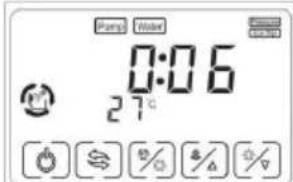
- In the "off" state, press the "("%)" . When you see that the key flashes, release it and enter the cleaning mode.
- After entering the cleaning procedure, the equipment will follow the instructions: (1) Water inlet →(2) cleaning for 15 minutes →(3) drainage for 1 minute →(4) Water inlet →(5) rinsing for 3 minutes →(6) drainage → Repeat steps (4) to (6) for 5 times → End. After completing the above steps, the cleaning procedure is over.
Note: Detergent (or disinfectant) should be adjusted according to its own use instructions.
After entering the cleaning program, it will run automatically without operation. Do not add disinfectant and cleaning agent to the sink at the same time.
Note: If cleaning and disinfecting steps are performed at the same time, please follow the above steps twice.
Deep cleaning and maintenance methods (2 months)
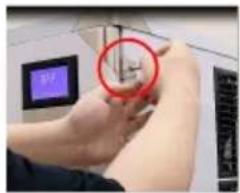
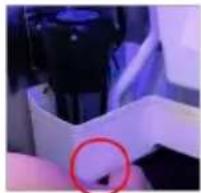
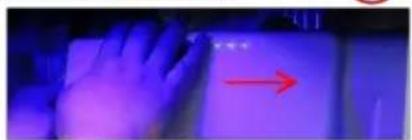
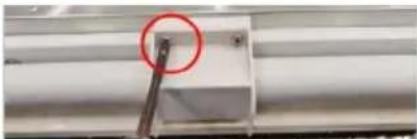

Step 1: Turn off the switch and unplug the power cord. Step 2: Use a cross driver to remove the two screws on the right panel of the ice maker. Step 3: Open the front panel. Note: The opening angle of the door panel should not exceed 180 degrees. Step 4: Remove the plug under the water storage tank and drain the water from the water storage tank. Step 5: Remove evaporator cover. (Pry open the evaporator cover slightly to the right.) Step 6: Remove water pipe retaining cover and water pipe
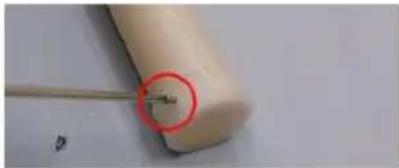
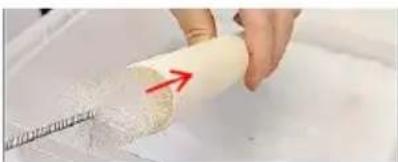
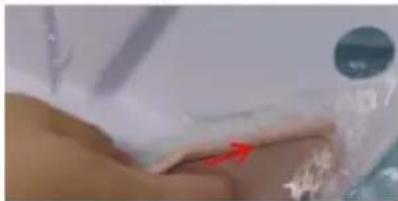
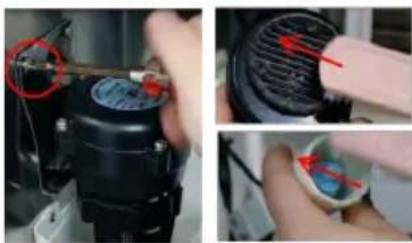
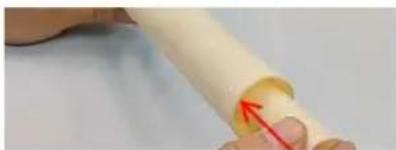
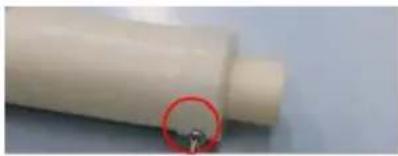
Step 7: Remove the screw top of the water pipe and take out the inner and outer water pipes.
Step 8: Use a small brush to clean the inside and outside walls of the pipe.
Step 9: Use a small brush to clean the inside and outside of the evaporator cover.
Step 10: Remove the screws that secure the water pump, and remove the pump water pipe.
Step 11: Remove the two screws from the water level sensor.
Step 12: Use a small brush to clean the bottom of the pump.
Step 13: Use a small brush to clean under the water level sensor.
Step 14: Use a clean, soft cloth to clean the inside surface of the ice maker, the surface of the evaporator, the surface of the sink, and the inside of the ice bucket.
Install
Step 1: Install the water pipe and tighten the screws at both ends of the water pipe (note: the direction of the water outlet hole of the inner water pipe is opposite to that of the outer water pipe).
Step 3: Install water pipe retaining cover, water pump, water level sensor.
Step 4: Close the front pane, tighten the two side screws.

Note: After the ice machine is cleaned, the pre-made 5 sheets of ice should not be eaten. Cleaning and maintenance cycle please adjust according to the local water quality, recommended Daily cleaning and maintenance methods (10-15 days), Deep cleaning and maintenance methods (2 months), if there is serious scale, please first follow the deep maintenance cleaning, and check the filter condition.
TROUBLE SHOOTING
| LED Panel | LCD Panel | Possible Cause | Solution |
| E01 | Ice flip | 1. De-icing plate is missing or misplaced;2. The polarity of the magnetic induction element is reversed;3. Abnormal ice full switch; | 1. Reset the ice removal plate;2. Replace the ice removal plate/full ice sensor;3. Contact after-sales service/visual trouble guidance/confirm the fault point; |
| E03 | Harvest overtime | 1. The ice cube setting is too thin;2. The water tank is insufficient;3. The ambient temperature is too low;4. De-icing solenoid valve failure; | 1. Check and set the water thickness parameters(Recommended gears 0-2)2. Check the water inlet system, or if the water sufficient;3. Use membrane materials to block the ventilation inlet area proportionally;4. Check if the ice is stuck;5. Check if the machine is placed horizontally;6. Contact after-sales/video guidance/confirm the point of failure; |
| E04 | -High Temp. | 1. The ambient temperature is too high;2. The cooling effect of the condensing system is poor;3. The cooling fan is damaged; | 1. Improve environmental ventilation or displacement, or turn on air conditioning;2. Clean the condenser;3. The distance between the machine and the obstruction should be at least 30cm;4. Check if the fan is working;5. Contact after-sales/confirm the point of failure; |
| E05 | Water Pressure | 1. No water supply;2. The water supply pressure is too low;3. Water tank leaks;4. The water level sensor fails;5. Malfunction of the inlet valve; | 1. Check the water source or whether the water filter is blocked;2. Check the water supply pressure or whether the water filter is blocked;3. Check whether the bottle cap at the bottom of the water tank is tightened and sealed;4. Check for scale on the water level switch;5. Contact after-sales/video guidance/confirm the point of failure; |
| E06 | -High Pressure | 1. The condenser temperature is too high;2. The refrigeration system is blocked;3. Pressure switch failure;4. The main control board is abnormal; | 1. Improve environmental ventilation or displacement, or turn on air conditioning;2. Check the condensation heat dissipation system;3. Contact after-sales/video guidance/confirm the point of failure; |
| E11 | | 1. The ring temperature is too high;2. Poor dissipation effect of the condensing system;3. Leakage of refrigeration system; | 1. Check if the water pump is started and running2. Clean the condenser;3. The distance between the machine and the obstruction should be at least 30cm;4. Contact after-sales/video guidance/confirm the point of failure; |
TECHNICAL PARAMETER AND WIRING DIAGRAM
Step 2: Remove the tape.
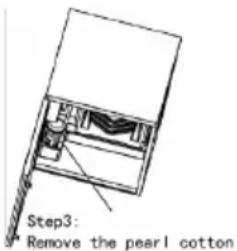
ICE MACHINE ACCESSORIES
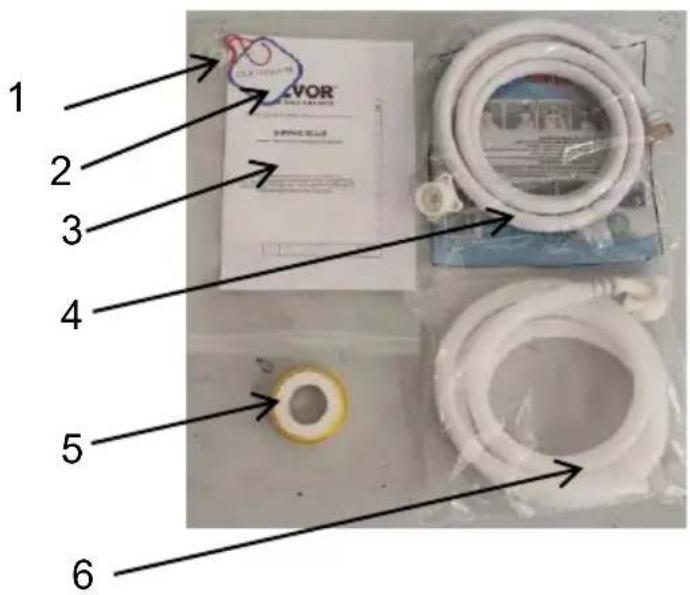
ICE STORAGE BUCKET ACCESSORIES
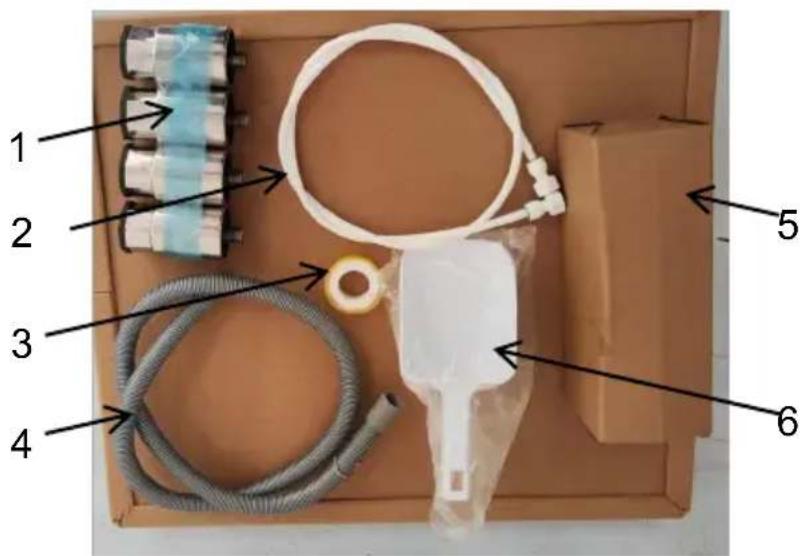
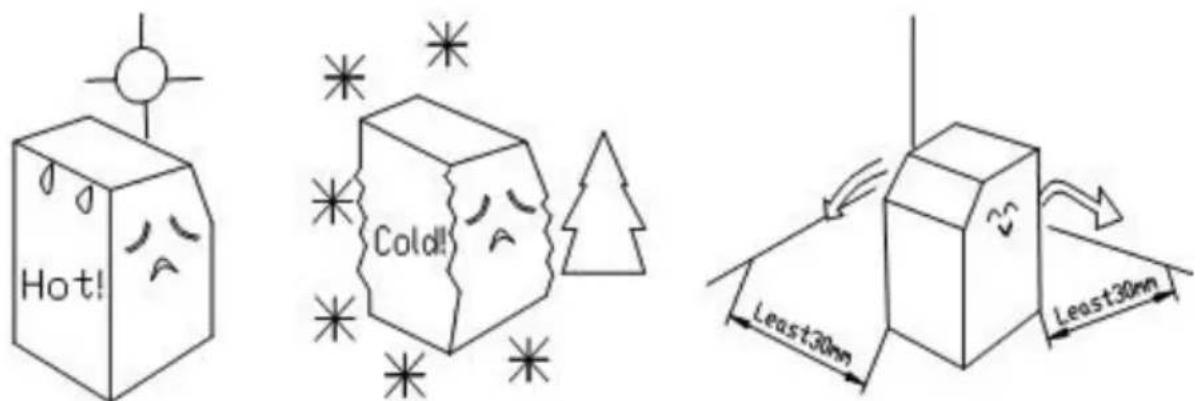
POWER SUPPLY
- The ice maker must use sanitary drinking water at room temperature. The water supply pressure should be controlled between 0.1-0.63MPa.
- The ice maker relies on gravity to drain, so it is necessary to ensure that the drain pipe has a sufficient slope and drop.
- The supplied water filter is only suitable for machine testing. The filter is disposable and is replaced regularly according to local water quality.
- The connector on the filter needs to be removed with a special tool. This picture is used for water connection of air-cooled machines.
A. Drinking water: 1/2" male connector. B. Ice machine water inlet: 3/4" external thread nylon connector (white).
C. Ice machine water drain: 3/4" external thread nylon connector (white).
D. Ice bucket drain.
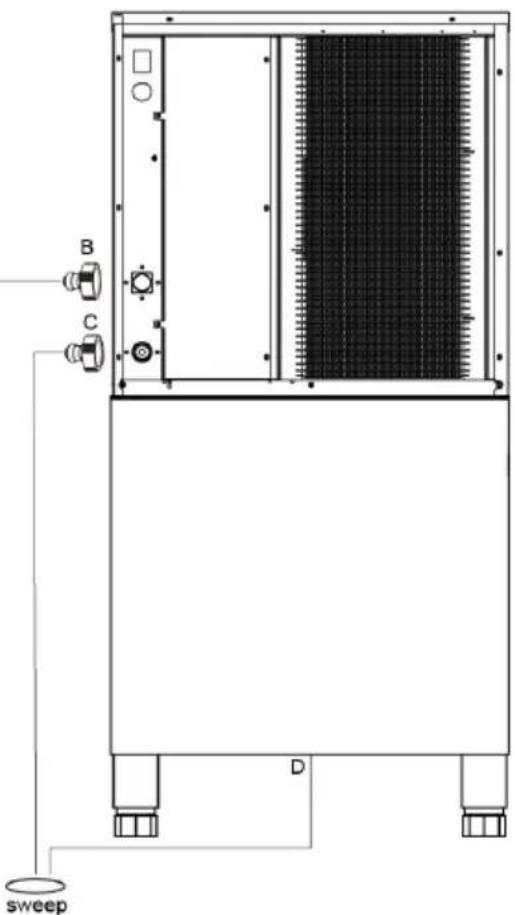
LCD FULL PAGE DISPLAY
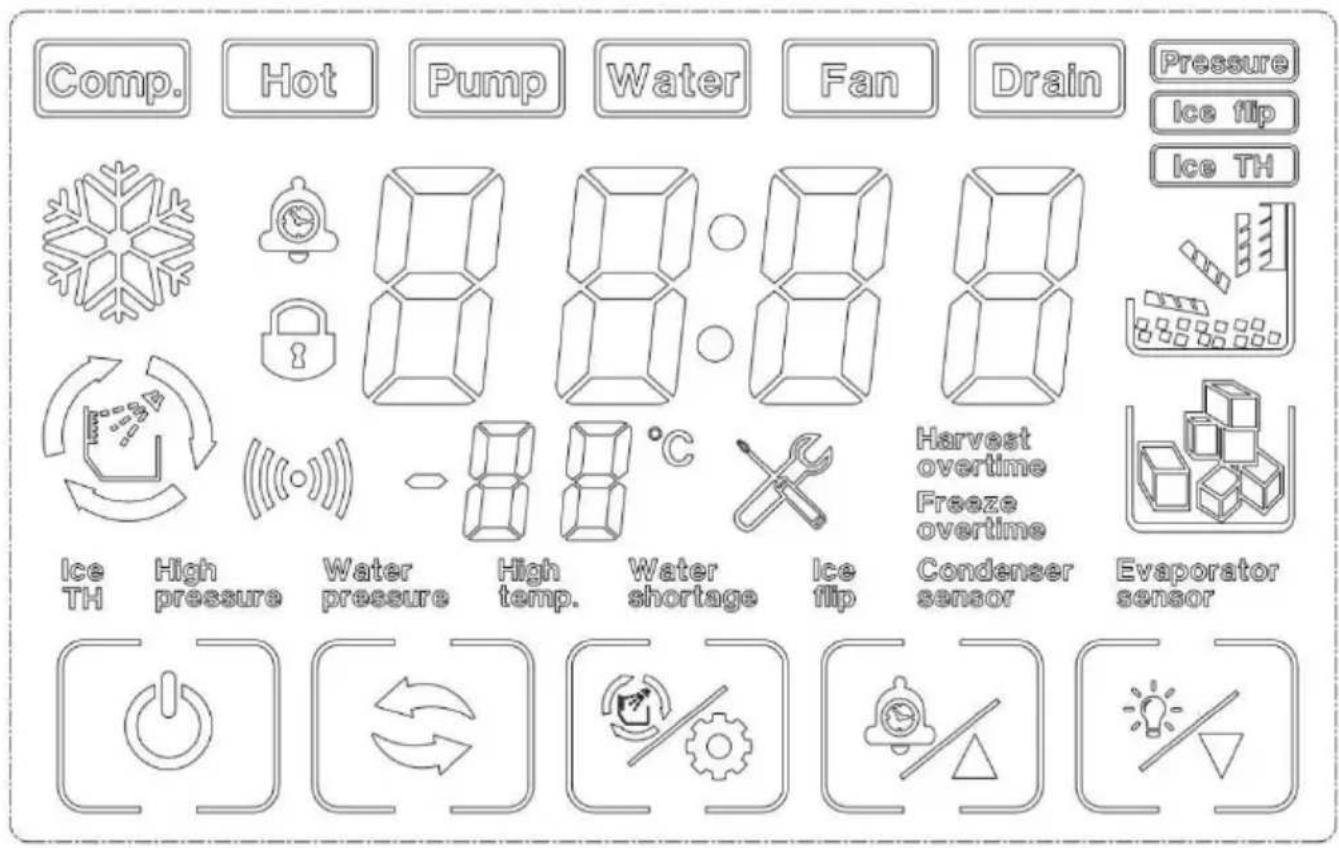
DAILY CLEANING AND MAINTENANCE
Clean
| Warning |
| Before cleaning or maintaining the ice maker, unplug the ice maker from the power supply network. |
| It is strictly prohibited to flush the ice maker directly with water sprayer. |
Attention
When using neutral or sodium hypochlorite solutions, be sure to read and understand the accompanying instructions to avoid potential health problems.
[a] Ice maker and refrigerator housing
Wipe the ice maker's shell with a clean, soft cloth at least once a week, and wipe grease and dirt with a damp cloth containing a neutral cleaner.
Attention
Do not use a hard brush, wire brush, do not use detergent powder, gasoline, banana water, acetone and other organic solutions, do not use boiling water or containing strong acids, alkali cleaning agents to clean the ice machine. Please do not wash directly with water when cleaning, so as not to affect the insulation of electrical appliances.
[b]Ice machine cleaning and disinfection (recommended more than 2 times per month)
Note: Some areas may need to be cleaned and disinfected more frequently due to different water quality.
Attention
Before cleaning, at the end of the ice machine cycle, all the ice cubes slide behind, shut down, open the front panel, and remove all the ice cubes in the ice machine and ice storage bucket. Do not use tools to peel the ice from the ice mold, otherwise it may cause damage to the ice mold. Do not use any liquid containing alcohol to clean or disinfect the ice machine, or it may cause cracks in the plastic parts.
Attention
During the cleaning and disinfection process, please pay attention to protection, wear goggles and gloves, if the cleaning agent or disinfectant on the skin or eyes may cause inflammation. In case of accidental contamination, please follow the precautions of the medicine. During cleaning, attention should be paid to ventilation. Chlorine gas produced by disinfectants is a health hazard. Please handle it in a ventilated place.
Cleaning and disinfection sequence
Please clean and disinfect in the following order.
| order of use | Pharmaceutical species | use |
| 1 | Citric acid detergent (dilution ratio refer to detergent instructions) | rinse |
| 2 | Disinfectant (dilution ratio refer to disinfectant instructions ) | sterilie |
Cleaning and disinfection procedures
Daily cleaning and maintenance methods (10-15 days)
- Click the "button on the display screen after the ice maker finishes all the ice sliding. The display screen displays "off". Open the ice bucket door and remove all the ice.
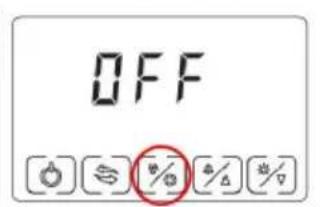
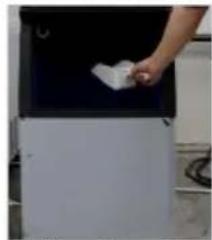
- Open the front panel, put the dissolved detergent (or disinfectant) into the water storage tank, and then close the front panel.
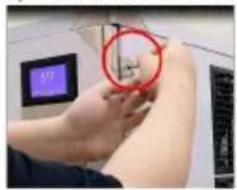
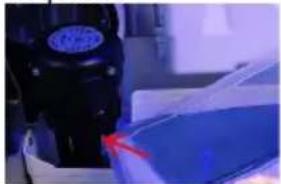
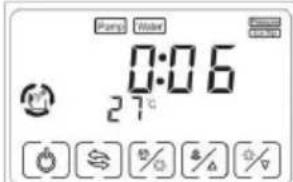
- In the "off" state, press the "("%)" . When you see that the key flashes, release it and enter the cleaning mode.
- After entering the cleaning procedure, the equipment will follow the instructions: (1) Water inlet → (2) cleaning for 15 minutes → (3) drainage for 1 minute → (4) Water inlet → (5) rinsing for 3 minutes → (6) drainage → Repeat steps (4) to (6) for 5 times → End. After completing the above steps, the cleaning procedure is over.
Note: Detergent (or disinfectant) should be adjusted according to its own use instructions.
After entering the cleaning program, it will run automatically without operation. Do not add disinfectant and cleaning agent to the sink at the same time.
Note: If cleaning and disinfecting steps are performed at the same time, please follow the above steps twice.
Deep cleaning and maintenance methods (2 months)
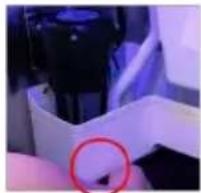
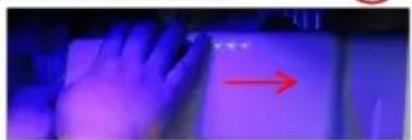
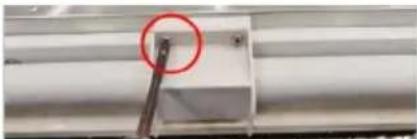
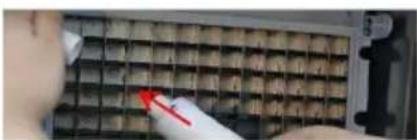
Step 1: Turn off the switch and unplug the power cord. Step 2: Use a cross driver to remove the two screws on the right panel of the ice maker. Step 3: Open the front panel. Note: The opening angle of the door panel should not exceed 180 degrees. Step 4: Remove the plug under the water storage tank and drain the water from the water storage tank. Step 5: Remove evaporator cover. (Pry open the evaporator cover slightly to the right.) Step 6: Remove water pipe retaining cover and water pipe.
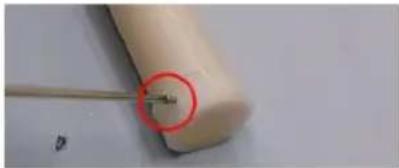
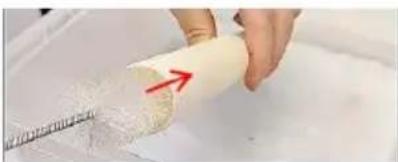
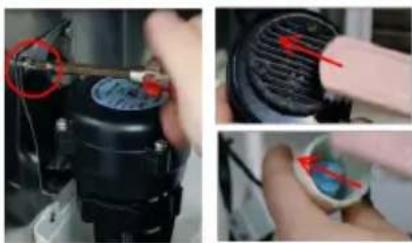

Step 7: Remove the screw top of the water pipe and take out the inner and outer water pipes.
Step 8: Use a small brush to clean the inside and outside walls of the pipe.
Step 9: Use a small brush to clean the inside and outside of the evaporator cover.
Step 10: Remove the screws that secure the water pump, and remove the pump water pipe.
Step 11: Remove the two screws from the water level sensor.
Step 12: Use a small brush to clean the bottom of the pump.
Step 13: Use a small brush to clean under the water level sensor.
Step 14: Use a clean, soft cloth to clean the inside surface of the ice maker, the surface of the evaporator, the surface of the sink, and the inside of the ice bucket.
Install
Step 1: Install the water pipe and tighten the screws at both ends of the water pipe (note: that the direction of the water outlet hole of the inner water pipe is opposite to that of the outer water pipe).
Step 3: Install water pipe retaining cover, water pump, water level sensor.
Step 4: Close the front pane, tighten the two side screws.
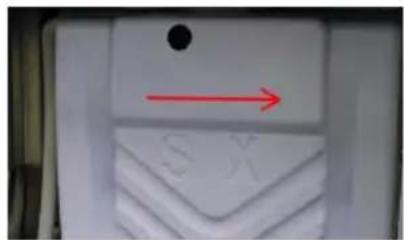
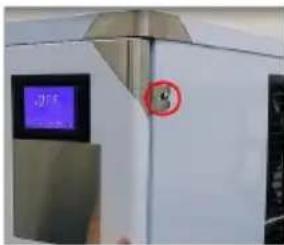
Note: After the ice machine is cleaned, the pre-made 5 sheets of ice should not be eaten. Cleaning and maintenance cycle please adjust according to the local water quality, recommended Daily cleaning and maintenance methods(10-15 days), Deep cleaning and maintenance methods(2 months), if there is serious scale, please first follow the deep maintenance cleaning, and check the filter condition.
TROUBLESHOOTING
| LED Panel | LCD Panel | Possible Cause | Solution |
| E01 | [V7HA]Ice flip | 1. De-icing plate is missing or misplaced;2. The polarity of the magnetic induction element is reversed;3. Abnormal ice full switch; | 1. Reset the ice removal plate;2. Replace the ice removal plate/full ice sensor;3. Contact after-sales service/visual trouble guidance/confirm the fault point; |
| E03 | [78DS]Harvest overtime | 1. The ice cube setting is too thin;2. The water tank is insufficient;3. The ambient temperature is too low;4. De-icing solenoid valve failure; | 1. Check and set the water thickness parameters(Recommended gears 0-2)2. Check the water inlet system, or if the water sufficient;3. Use membrane materials to block the ventilation inlet area proportionally;4. Check if the ice is stuck;5. Check if the machine is placed horizontally;6. Contact after-sales/video guidance/confirm the point of failure; |
| E04 | [A0YC]High Temp. | 1. The ambient temperature is too high;2. The cooling effect of the condensing system is poor;3. The cooling fan is damaged; | 1. Improve environmental ventilation or displacement, or turn on air conditioning;2. Clean the condenser;3. The distance between the machine and the obstruction should be at least 30cm;4. Check if the fan is working;5. Contact after-sales/confirm the point of failure; |
| E05 | [0WH3]Water Pressure | 1. No water supply;2. The water supply pressure is too low;3. Water tank leaks;4. The water level sensor fails;5. Malfunction of the inlet valve; | 1. Check the water source or whether the water filter is blocked;2. Check the water supply pressure or whether the water filter is blocked;3. Check whether the bottle cap at the bottom of the water tank is tightened and sealed;4. Check for scale on the water level switch;5. Contact after-sales/video guidance/confirm the point of failure; |
| E06 | High Pressure | 1. The condenser temperature is too high;2. The refrigeration system is blocked;3. Pressure switch failure;4. The main control board is abnormal; | 1. Improve environmental ventilation or displacement, or turn on air conditioning;2. Check the condensation heat dissipation system;3. Contact after-sales/video guidance/confirm the point of failure; |
| E11 | | 1. The ring temperature is too high;2. Poor dissipation effect of the condensing system;3. Leakage of refrigeration system; | 1. Check if the water pump is started and running2. Clean the condenser;3. The distance between the machine and the obstruction should be at least 30cm;4. Contact after-sales/video guidance/confirm the point of failure; |
TECHNICAL PARAMETERS AND WIRING DIAGRAM

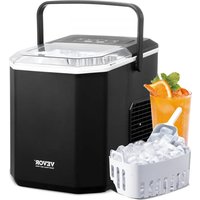


- ICE MACHINE
- MODEL: LB360TA/LB400TA/LB440TA/LB550TA
- LB360TB/LB400TB/LB440TB/LB550TB
- NEED HELP? CONTACT US
- TECHNICAL SUPPORT AND E-WARRANTY CERTIFICATE WWW.VEVOR.COM/SUPPORT
- INSTALLATION REQUIREMENTS
- CLEANING REQUIREMENTS
- SAFETY PRECAUTIONS
- DANGER
- WARNING
- FLAMMABLE REFRIGERANT
- NOTE
- SAVE THESE INSTRUCTIONS
- BASIC STRUCTURE
- ICE MACHINE ACCESSORIES
- ICE STORAGE BUCKET ACCESSORIES
- ※THIS BATCH OF ATTACHMENTS
- INSTALLATION
- OPERATING ENVIRONMENT
- ENVIRONMENT HUMIDITY: RELATIVE HUMIDITY ≤
- POWER SUPPLY
- CAUTION
- CONNECT THE WATER SUPPLY PIPE
- CONNECT THE WATER DISCHARGE PIPE
- SERVICE INSTRUCTION
- OPERATION PROCESS
- ICE-MAKING PROCESS
- ICE-DROP PROCESS
- AUTO-STOP
- RUNNING CHECK
- LCD FULL PAGE DISPLAY
- BUTTONS ON DISPLAY BOARD
- ATTENTION
- [A] ICE MAKER AND REFRIGERATOR HOUSING
- [B] ICE MACHINE CLEANING AND DISINFECTION (RECOMMENDED MORE THAN 2 TIMES PER MONTH)
- CLEANING AND DISINFECTION SEQUENCE
- CLEANING AND DISINFECTION PROCEDURES
- DAILY CLEANING AND MAINTENANCE METHODS (10-15 DAYS)
- DEEP CLEANING AND MAINTENANCE METHODS (2 MONTHS)
- INSTALL
- TROUBLE SHOOTING
- TECHNICAL PARAMETER AND WIRING DIAGRAM
- VEVOR®
- TOUGH TOOLS, HALF PRICE
- [A]ICE MAKER AND REFRIGERATOR HOUSING
- [B]ICE MACHINE CLEANING AND DISINFECTION (RECOMMENDED MORE THAN 2 TIMES PER MONTH)
- TROUBLESHOOTING
- TECHNICAL PARAMETERS AND WIRING DIAGRAM
- DAILY CLEANING AND MAINTENANCE
- BUTTONS ON THE DISPLAY BOARD
- ICE MACHINE CLEANING AND DISINFECTION (RECOMMENDED MORE THAN 2 TIMES PER MONTH)
- LB360TB / LB400TB / LB440TB / LB550TB
Brand : Vevor
Model : LB440TA
Category : Ice machine