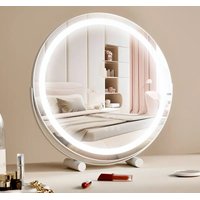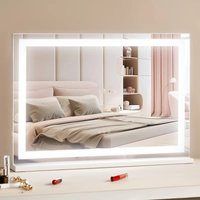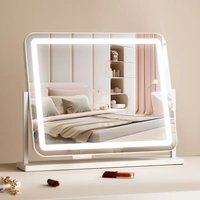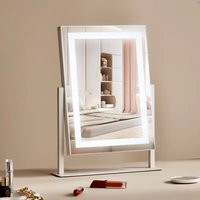
CQ3041-DD - Mirror Vevor - Free user manual and instructions
Find the device manual for free CQ3041-DD Vevor in PDF.


| Product Type | Vanity Mirror |
| Brand | Vevor |
| Model | CQ3041-DD |
| Shape | Square |
| Mirror Size | 30 × 41 cm |
| Power | 19 W |
| Lighting Type | LED Light Strip |
| Supply Voltage | 12 V |
| Control | Touch |
| Lighting Functions | On/Off, Color Change, Brightness Adjustment |
| Rotation | Vertical Tilt (Up/Down) |
| Included Accessories | Mirror ×1, Cloth ×1, Power Adapter ×1, Magnifying Mirror ×1 |
| Intended Use | Indoor Only |
| Safety Instructions | Do not use outdoors, do not use with damaged cord, unplug before cleaning |
| Maintenance | Clean with the supplied soft cloth |
| Spare Parts | Available upon request from customer service |
| Repairability | Professional repair recommended; contact technical support |
| Warranty | Electronic warranty certificate available at www.vevor.com/support |
Frequently Asked Questions - CQ3041-DD Vevor
User questions about CQ3041-DD Vevor
0 question about this device. Answer the ones you know or ask your own.
Ask a new question about this device
Download the instructions for your Mirror in PDF format for free! Find your manual CQ3041-DD - Vevor and take your electronic device back in hand. On this page are published all the documents necessary for the use of your device. CQ3041-DD by Vevor.
USER MANUAL CQ3041-DD Vevor
Technical Support and E-Warranty Certificate www.vevor.com/support
Dresser Vanity Mirror
Model:CQ3041/CQ3041-DD/CQ5545
We continue to be committed to provide you tools with competitive price. "Save Half", "Half Price" or any other similar expressions used by us only represent estimate of savings you might benefit from buying certain tools with us compared top brands and does not necessarily mean to cover all categories of tools offered are kindly reminded to verify carefully when you are placing an order with us actually saving half in comparison with the top major brands.
VEVOR®
TOUGH TOOLS, HALF PRICE
DRESSER VANITY MIRROR
CQ3041
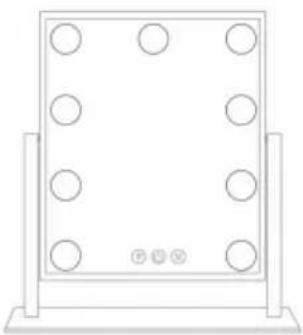
natural_image
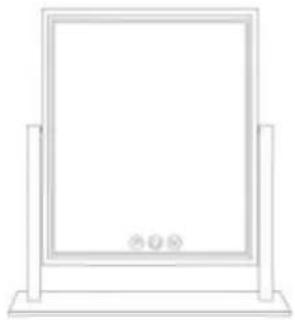
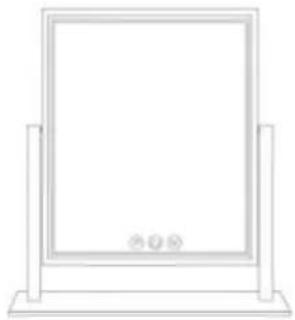
Simple line drawing of a rectangular frame with six circular holes, mounted on two vertical supports (no text or symbols)CQ3041-DD
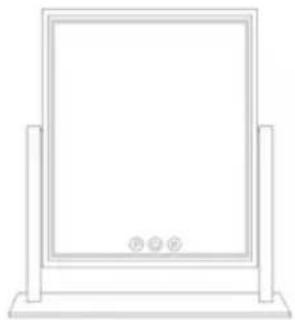
natural_image
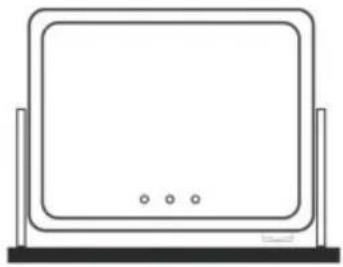
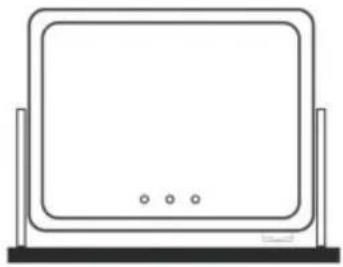
Simple line drawing of a rectangular frame mounted on a base, with no text or symbols present.CQ5545
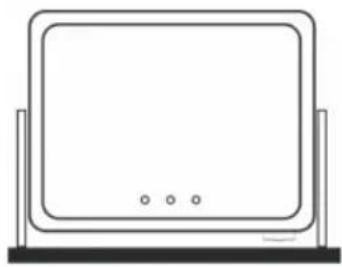
natural_image
Line drawing of a flat-screen monitor with three buttons at the front (no text or symbols)NEED HELP? CONTACT US!
Have product questions? Need technical support? Please feel fr contact us:
Technical Support and E-Warranty Certificate www.vevor.com/support
This is the original instruction, please read all manual instruction carefully before operating. VEVOR reserves a clear interpretation user manual. The appearance of the product shall be subject to product you received. Please forgive us that we won't inform your there are any technology or software updates on our product.
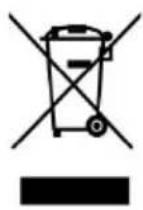
CORRECT DISPOSAL
This product is subject to the provision of European D 2012/19/EC. The symbol showing a wheelie bin cross through indicates that the product requires separate re collection in the European Union. This applies to the and all accessories marked with this symbol. Products as such may not be discarded with normal domestic w must be taken to a collection point for recycling electr electronic devices
SECURITY & WARNINGS
WARNING
To reduce the risk of fire, electric shock, or injury:
Do not use outdoors.
Use only as this manual described. Use only manufacturer's recommendation attachments.
Do not use with damaged power cord or plug.
Do not use extension cords or outlets with inadequate current carrying capacity. Turn off all controls before unplugging.
Do not unplug by pulling on cord. To unplug, grasp the plug, not the co Do not handle plug or vacuum cleaner with wet hands or operate wi shoes.
Do not put any object into openings.Do not use with the opening blocked.Keep the hose free of dust,lint,hair,and anything that may reduce airflow.
Protect your eyes and do not use for a long time.
SAVE THESE INSTRUCTIONS
PARAMETER LIST
| Model | CQ3041 | CQ3041-DD | CQ5545 |
| Power | 13W | 19W | 24W |
| Shape | Square | Square | Square |
| Mirror Size | 30×41cm | 30×41cm | 55×45cm |
| Type | Bulbs | Light Strip | Light Strip |
| Ports | 12V Power | 12V Power | 12V Power/USB |
PART LIST
When unpacking this product, ensure the parts listed below are includ and carefully inspect for any damage that may have occurred during Do not attempt to assemble or use the product if any part is missin damaged.
| CQ3041 | CQ3041-DD | CQ5545 | ||||
| Mirror |  | ×1 | 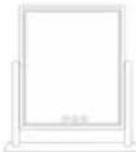 | ×1 | 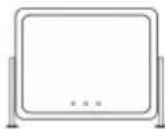 | ×1 |
| Cloth | 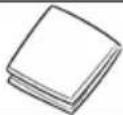 | ×1 | 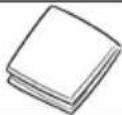 | ×1 | 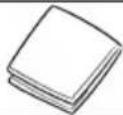 | ×1 |
| Plug | 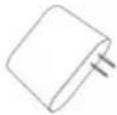 | ×1 | 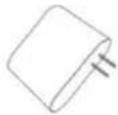 | ×1 | 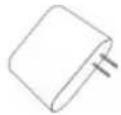 | ×1 |
| Magnification |  | ×1 |  | ×1 | 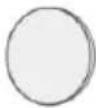 | ×1 |
| Screwdriver | / | / | / | / |  | ×1 |
| Base | / | / | / | / | 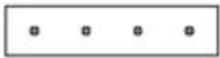 | ×1 |
| Phone Holder | / | / | / | / | 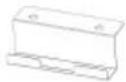 | ×1 |
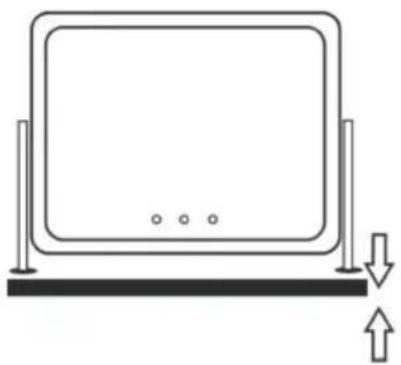
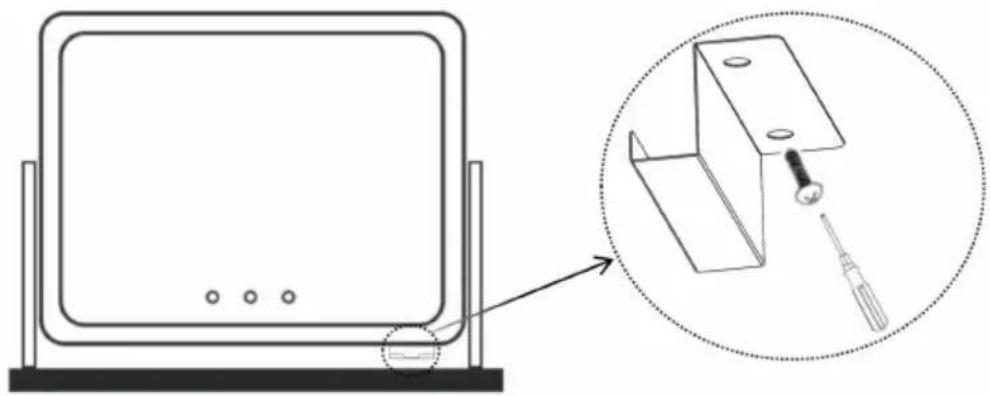
INSTALLATION METHOD (only CQ5545)
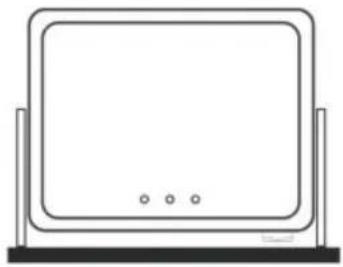
- Connect the base screws to the bottom of the mirror and the base
natural_image
Simple line drawing of a monitor mounted on a base with an arrow indicating upward motion (no text or symbols)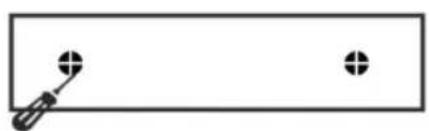
natural_image
Simple line drawing of a screwdriver and two circular holes on a rectangular background (no text or symbols)- Connect the phone holder screws to the bottom of the mirror and phone holder.
natural_image
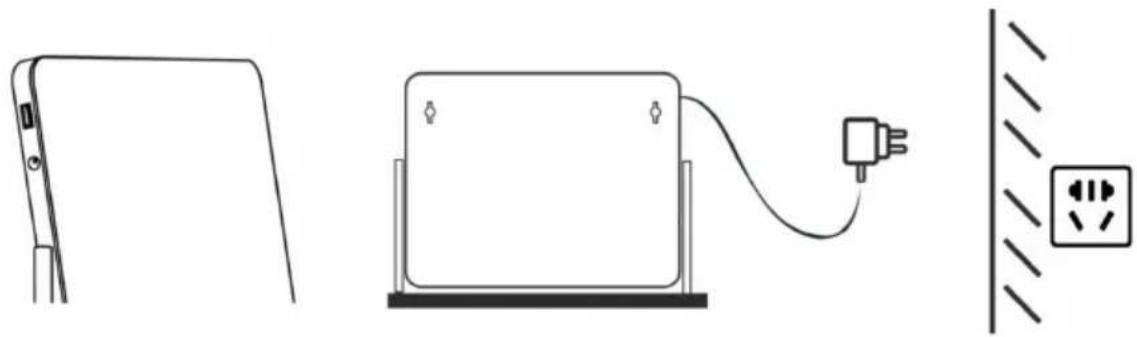
Diagram showing a computer monitor with a screwdriver inserted into a bracket, and an inset close-up of the device (no text or symbols present)3.Link the power plug of the mirror.
natural_image
Line drawing showing a device connected to a power plug and a wall socket (no text or symbols)OPERATION METHOD
Turn on the light, switch the color and brightness.



One tap on power sensor to turn on One tap on M button to change light Hold the P button to ajust the bright



Turn On/Off
Touch to change color
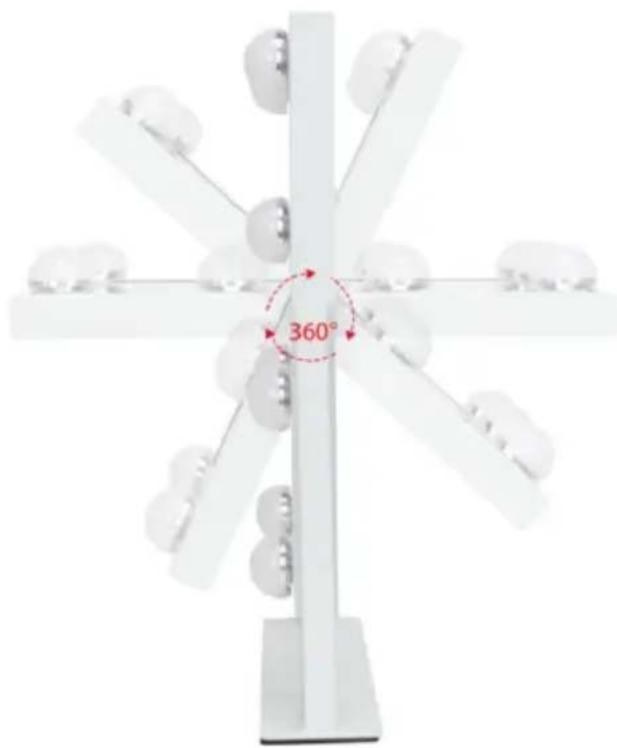
The Hollywood Mirror can pivot up and down.
natural_image
Diagram of a radial mechanical or optical device with 360-degree angular annotation and multiple circular components (no readable text or symbols)FCC Information:
CAUTION: Changes or modifications not expressly approved by the pa responsible for compliance could void the user's authority to operate t equipment!
This device complies with Part 15 of the FCC Rules. Operation is such the following two conditions:
1) This product may cause harmful interference.
2) This product must accept any interference received, including interference that may cause undesired operation.
WARNING: Changes or modifications to this product not expressly approved by the party.responsible for compliance could void the user's authority to operate the product.
Note: This product has been tested and found to comply with the line a Class B digital device pursuant to Part 15 of the FCC Rules, The
are designed to provide reasonable protection against harmful interferer in a residential installation.
This product generates, uses and can radiate radio frequency energy, if not installed and used in accordance with the instructions, may cause harmful interference to radio communications. However, there is no guarantee that interference will not occur in a particular installation. If product does cause harmful interference to radio or television reception, which can be determined by turning the product off and on, user is encouraged to try to correct the interference by one or more following measures.
- Reorient or relocate the receiving antenna.
- Increase the distance between the product and receiver.
- Connect the product to an outlet on a circuit different from that to the receiver is connected.
- Consult the dealer or an experienced radio/TV technician for assista
VEVOR®
TOUGH TOOLS, HALF PRICE
Technical Support and E-Warranty Certificate
www.vevor.com/support
VEVOR®
TOUGH TOOLS, HALF PRICE
natural_image
Simple line drawing of a monitor with two legs and an arrow indicating upward motion (no text or symbols)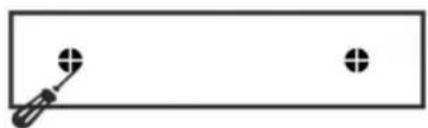
natural_image
Simple line drawing of a screwdriver and two circular holes on a rectangular background (no text or symbols)natural_image
Diagram showing a monitor mounted on a base with an inset view of a mechanical bracket and screwdriver (no text or symbols)natural_image
Line drawing showing a device connected to a power outlet, with no text or symbols present.FUNKTION
natural_image
Radial diagram with central 360° angle and eight circular components, no text or symbols presentFCC-Informationen:
www.vevor.com/support
VEVOR®
TOUGH TOOLS, HALF PRICE
natural_image
Simple line drawing of a rectangular frame with six circular holes, mounted on two vertical supports (no text or symbols)
natural_image
Simple line drawing of a rectangular frame mounted on a base, with no text or symbols present.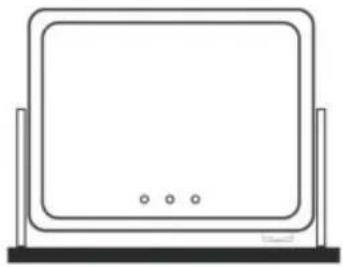
natural_image
Line drawing of a flat-screen monitor mounted on a stand (no text or symbols)BESOIN D'AIDE? CONTACTEZ-NOUS!
natural_image
Simple line drawing of a monitor mounted on a base with an arrow indicating upward motion (no text or symbols)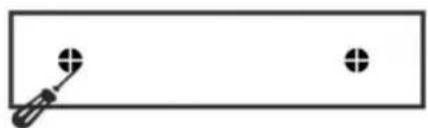
natural_image
Simple line drawing of a screwdriver and two circular holes on a rectangular background (no text or symbols)natural_image
Diagram showing a monitor mounted on a base with an inset view of a mechanical component (no text or symbols present)natural_image
Line drawing showing a device connected to a power outlet, with no text or symbols present.MÉTHODE D'OPÉRATION
natural_image
Diagram of a radial mechanical or optical device with multiple arms and central 360° angle标注 (no readable text or symbols)Informations FCC :
elettronica www.vevor.com/support
natural_image
Simple line drawing of a rectangular frame with six circular holes, mounted on two vertical posts (no text or symbols)CQ3041-DDCQ3041
natural_image
Simple line drawing of a rectangular frame mounted on a base, with no text or symbols present.CQ5545
natural_image
Line drawing of a flat-screen monitor mounted on a stand (no text or symbols)HO BISOGNO DI AIUTO? CONTATTACI!
natural_image
Simple line drawing of a monitor with two legs and an arrow indicating upward motion (no text or symbols)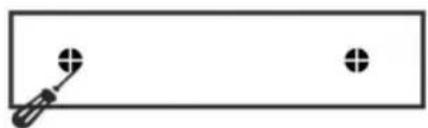
natural_image
Simple line drawing of a screwdriver and two circular holes on a rectangular background (no text or symbols)natural_image
Diagram showing a computer monitor with three dots and a magnified view of a mechanical bracket with a screwdriver inserted (no text or symbols)natural_image
Line drawing showing a device connected to a power plug and a wall socket (no text or symbols)METODO OPERATIVO
natural_image
Diagram of a radial mechanical or optical device with eight spherical components and a central 360° angle标注 (no readable text or symbols)Informazioni FCC:
elettronica www.vevor.com/support
VEVOR®
TOUGH TOOLS, HALF PRICE
natural_image
Simple line drawing of a rectangular frame with six circular holes, mounted on two vertical supports (no text or symbols)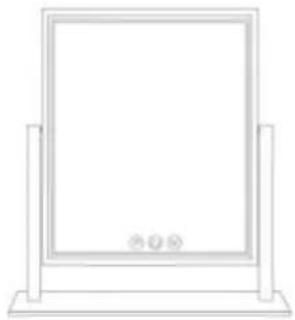
natural_image
Simple line drawing of a rectangular frame mounted on a stand (no text or symbols)
natural_image
Line drawing of a flat-screen monitor mounted on a stand (no text or symbols)natural_image
Simple line drawing of a monitor mounted on a base with an arrow indicating upward motion (no text or symbols)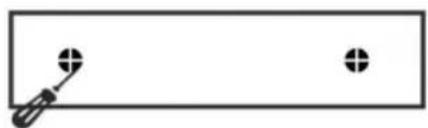
natural_image
Simple line drawing of a screwdriver and two circular holes on a rectangular background (no text or symbols)natural_image
Diagram showing a computer monitor with three dots and a magnified view of a mechanical bracket with a screwdriver inserted (no text or symbols)natural_image
Line drawing showing a device connected to a power plug and a wall socket (no text or symbols)MÉTODO DE OPERACIÓN
natural_image
Radial mechanical component with 360° angular annotation and multiple circular features (no text or symbols on the component itself)natural_image
Simple line drawing of a rectangular frame with six circular holes, mounted on two vertical supports (no text or symbols)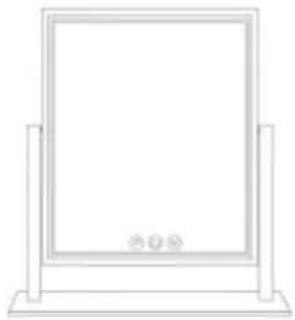
natural_image
Simple line drawing of a rectangular frame mounted on a stand (no text or symbols)CQ5545
natural_image
Line drawing of a flat-screen monitor mounted on a stand (no text or symbols)POTRZEBUJE POMOCY? SKONTAKTUJ SIĘ Z NAMI!
natural_image
Simple line drawing of a monitor with two legs and an arrow indicating upward motion (no text or symbols)
natural_image
Simple line drawing of a screwdriver and two circular holes on a rectangular background (no text or symbols)natural_image
Diagram showing a computer monitor with three dots and a magnified view of a mechanical bracket with a screwdriver inserted (no text or symbols)natural_image
Line drawing showing a device connected to a power outlet, with no text or symbols present.METODA OPERACJI
natural_image
Diagram of a radial mechanical or optical device with eight spherical components and a central 360° angle标注 (no readable text or symbols)Informacje FCC:
www.vevor.com/support
VEVOR®
TOUGH TOOLS, HALF PRICE
Technische ondersteuning en e-garantiecertificaat www.vevor.com/support
Dressoir make-upspiegel
Model:CQ3041/CQ3041-DD/CQ5545
natural_image
Simple line drawing of a rectangular frame with six circular holes, mounted on two vertical supports (no text or symbols)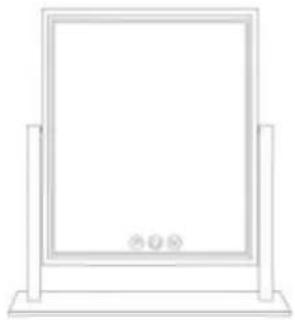
natural_image
Simple line drawing of a rectangular frame mounted on a stand (no text or symbols)CQ5545
natural_image
Line drawing of a flat-screen monitor mounted on a stand (no text or symbols)HULP NODIG? NEEM CONTACT MET ONS OP!
natural_image
Simple line drawing of a monitor with two legs and an arrow indicating upward motion (no text or symbols)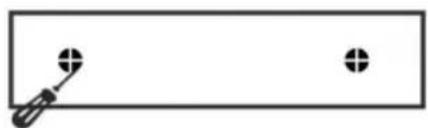
natural_image
Simple line drawing of a screwdriver and two circular holes on a rectangular background (no text or symbols)natural_image
Diagram showing a computer monitor with three dots and a magnified view of a mechanical bracket with a screwdriver inserted (no text or symbols)natural_image
Line drawing showing a device connected to a power outlet, with no text or symbols present.MANIER VAN HANDELEN
natural_image
Radial diagram with central 360° angle and eight circular components, no text or symbols presentgarantiecertificaat www.vevor.com/support
VEVOR®
TOUGH TOOLS, HALF PRICE
www.vevor.com/support
Kommod sminkspegel
natural_image
Simple line drawing of a rectangular frame with six circular holes, mounted on two vertical supports (no text or symbols)CQ3041-DDCQ3041
natural_image
Simple line drawing of a rectangular frame mounted on a base, with no text or symbols present.CQ5545
natural_image
Line drawing of a flat-screen monitor mounted on a stand (no text or symbols)BEHÖVS HJÄLP? KONTAKTA OSS!
natural_image
Simple line drawing of a monitor with two legs and an arrow indicating upward motion (no text or symbols)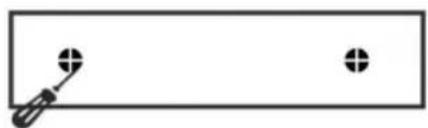
natural_image
Simple line drawing of a screwdriver and two circular holes on a rectangular background (no text or symbols)natural_image
Diagram showing a computer monitor with three dots and a magnified view of a mechanical bracket with a screwdriver inserted (no text or symbols)natural_image
Line drawing of a device with a plug connected to a power outlet, alongside a separate flat panel (no text or symbols)DRIFTSMETOD
natural_image
Diagram of a radial mechanical or optical device with multiple arms and central 360° angle标注 (no readable text or symbols)FCC-information:
www.vevor.com/support