
CQ3041 - Mirror Vevor - Free user manual and instructions
Find the device manual for free CQ3041 Vevor in PDF.
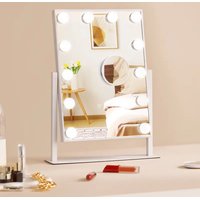


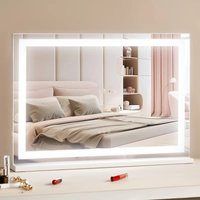
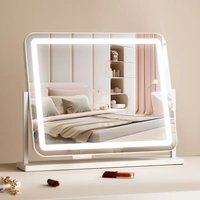
| Product Type | Lighted Hair Mirror |
| Compatible Models | CQ3041, CQ3041-DD, CQ5545 |
| Mirror Shape | Square |
| Mirror Dimensions (CQ3041 / CQ3041-DD) | 30 × 41 cm |
| Mirror Dimensions (CQ5545) | 55 × 45 cm |
| Nominal Power (CQ3041) | 13 W |
| Nominal Power (CQ3041-DD) | 19 W |
| Nominal Power (CQ5545) | 24 W |
| Lighting Type (CQ3041) | Bulbs |
| Lighting Type (CQ3041-DD / CQ5545) | Light Strip |
| Power Supply | 12 V (power adapter included) |
| Ports (CQ3041 / CQ3041-DD) | 12 V power input |
| Ports (CQ5545) | 12 V power input / USB |
| Control Functions | Touch sensor on/off, color change (M button), brightness adjustment (P button) |
| Tilt | Yes – vertical pivot (Hollywood model) |
| Included Accessories (CQ3041 / CQ3041-DD) | Mirror, cloth, plug, magnifying lens |
| Included Accessories (CQ5545) | Mirror, cloth, plug, magnifying lens, base, phone holder |
| Maintenance and Cleaning | Wipe with a soft, dry cloth; do not use abrasive products |
| Safety | Do not use outdoors; do not handle with wet hands; unplug before cleaning |
| Spare Parts and Repairability | Contact Vevor support via www.vevor.com/support |
| Warranty | Electronic warranty certificate available online |
Frequently Asked Questions - CQ3041 Vevor
User questions about CQ3041 Vevor
0 question about this device. Answer the ones you know or ask your own.
Ask a new question about this device
Download the instructions for your Mirror in PDF format for free! Find your manual CQ3041 - Vevor and take your electronic device back in hand. On this page are published all the documents necessary for the use of your device. CQ3041 by Vevor.
USER MANUAL CQ3041 Vevor
Technical Support and E-Warranty Certificate
www.vevor.com/support
Dresser Vanity Mirror
Model: CQ3041/CQ3041-DD/CQ5545
We continue to be committed to providing you with tools at competitive prices. "Save Half", "Half Price", or any other similar expressions used by us only represent the savings you might benefit from buying certain tools with us compared to top brands, and do not necessarily mean to cover all categories of tools offered. We kindly remind you to verify carefully when placing an order with us to ensure you are actually saving half in comparison with the top major brands.
VEVOR®
TOUGH TOOLS, HALF PRICE
DRESSER VANITY MIRROR
CQ3041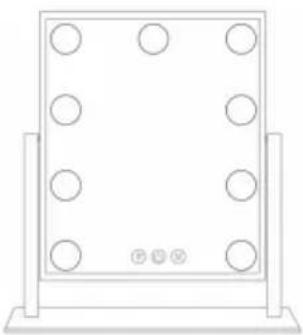
CQ3041-DD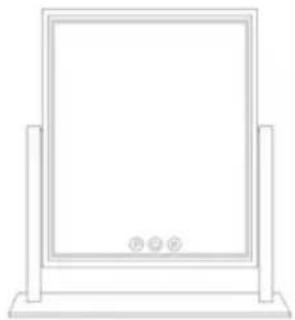
CQ5545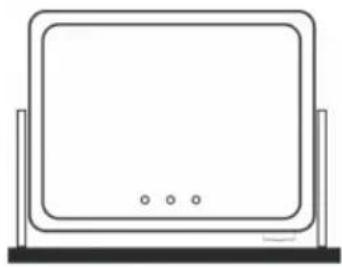
NEED HELP? CONTACT US!
Have product questions? Need technical support? Please feel free to contact us:
Technical Support and E-Warranty Certificate www.vevor.com/support
This is the original instruction. Please read all manual instructions carefully before operating. VEVOR reserves the right to interpret the user manual. The appearance of the product shall be subject to the product you received. Please forgive us that we won't inform you of any technology or software updates on our product.

CORRECT DISPOSAL
This product is subject to the provisions of European Directive 2012/19/EC. The symbol showing a wheelie bin with a cross through it indicates that the product requires separate collection in the European Union. This applies to the product and all accessories marked with this symbol. Such products may not be discarded with normal domestic waste and must be taken to a collection point for recycling of electrical and electronic devices.
SECURITY & WARNINGS
WARNING
To reduce the risk of fire, electric shock, or injury:
Do not use outdoors.
Use only as described in this manual. Use only manufacturer's recommended attachments.
Do not use with a damaged power cord or plug.
Do not use extension cords or outlets with inadequate current carrying capacity. Turn off all controls before unplugging.
Do not unplug by pulling on the cord. To unplug, grasp the plug, not the cord. Do not handle the plug or vacuum cleaner with wet hands or operate without shoes.
Do not put any object into openings. Do not use with the opening blocked. Keep the hose free of dust, lint, hair, and anything that may reduce airflow.
Protect your eyes and do not use for a long time.
SAVE THESE INSTRUCTIONS
PARAMETER LIST
| Model | CQ3041 | CQ3041-DD | CQ5545 |
| Power | 13W | 19W | 24W |
| Shape | Square | Square | Square |
| Mirror Size | 30×41cm | 30×41cm | 55×45cm |
| Type | Bulbs | Light Strip | Light Strip |
| Ports | 12V Power | 12V Power | 12V Power/USB |
PART LIST
When unpacking this product, ensure the parts listed below are included and carefully inspect for any damage that may have occurred during shipping. Do not attempt to assemble or use the product if any part is missing or damaged.
| CQ3041 | CQ3041-DD | CQ5545 | ||||
| Mirror | 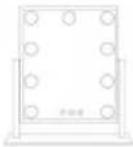 | ×1 | 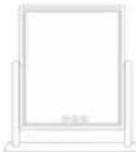 | ×1 |  | ×1 |
| Cloth |  | ×1 | 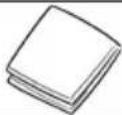 | ×1 | 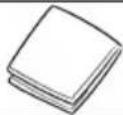 | ×1 |
| Plug | 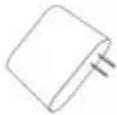 | ×1 | 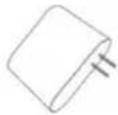 | ×1 | 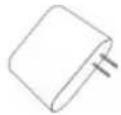 | ×1 |
| Magnification |  | ×1 |  | ×1 |  | ×1 |
| Screwdriver | / | / | / | / |  | ×1 |
| Base | / | / | / | / |  | ×1 |
| Phone Holder | / | / | / | / | 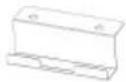 | ×1 |
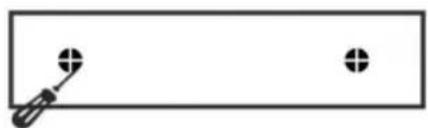
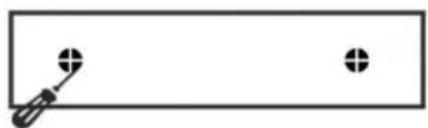
INSTALLATION METHOD (only CQ5545)
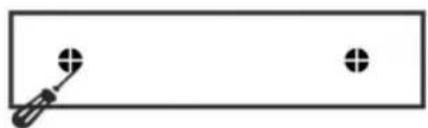
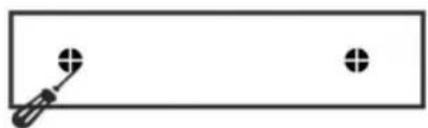
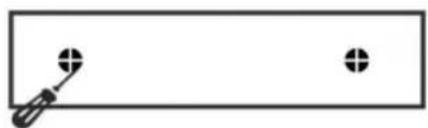
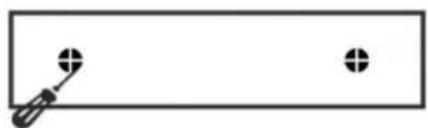
- Connect the base screws to the bottom of the mirror and the base.
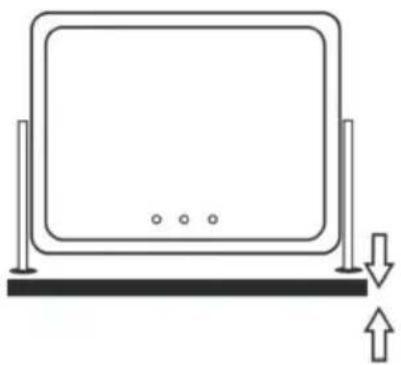
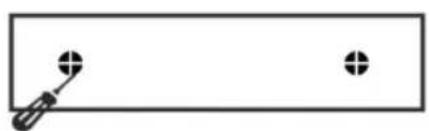
- Connect the phone holder screws to the bottom of the mirror and phone holder.
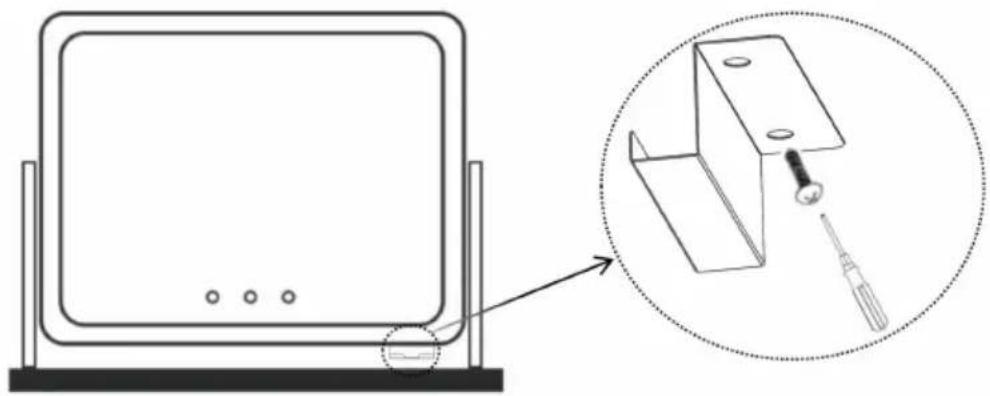
3. Link the power plug of the mirror.
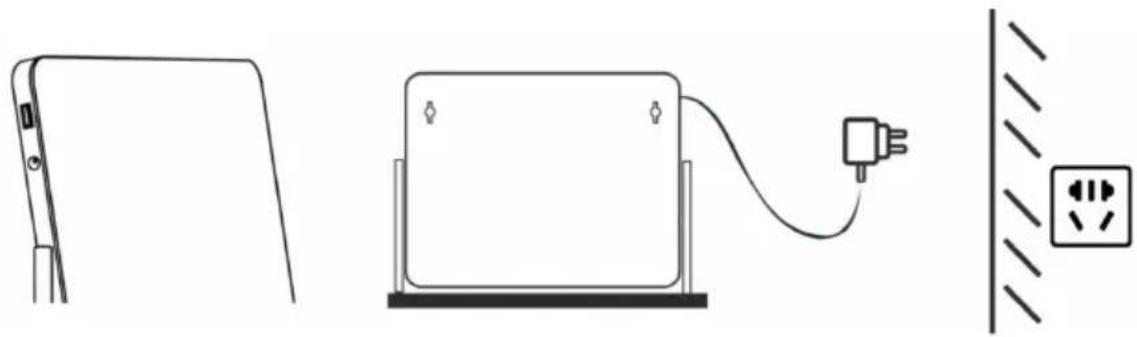
OPERATION METHOD
Turn on the light, switch the color and brightness.



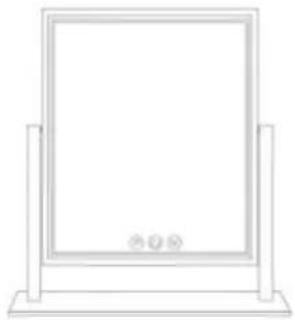
One tap on power sensor to turn on One tap on M button to change light Hold the P button to adjust the brightness.



Turn On/Off
Touch to change color
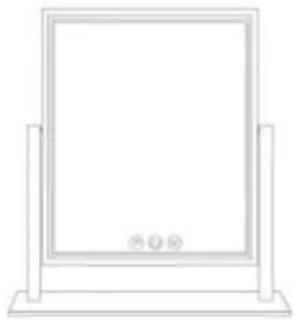
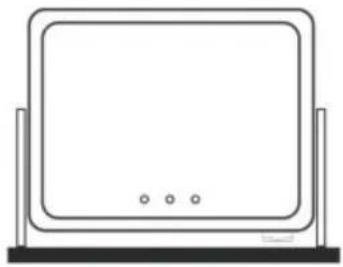
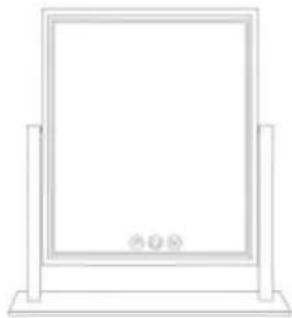
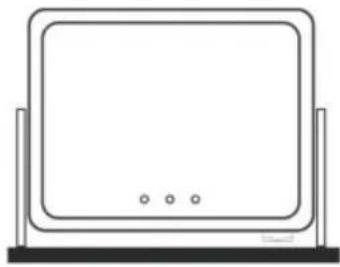
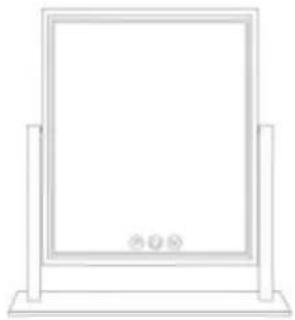
The Hollywood Mirror can pivot up and down.
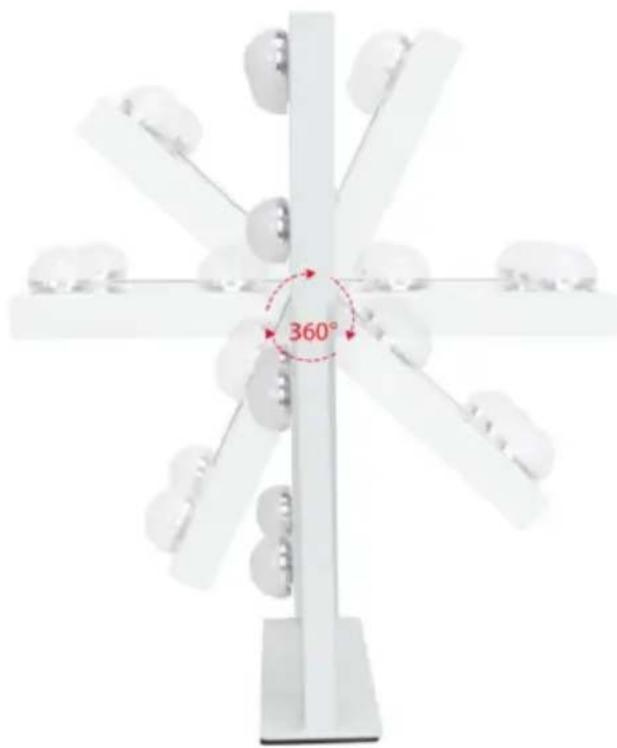
FCC Information:
CAUTION: Changes or modifications not expressly approved by the party responsible for compliance could void the user's authority to operate the equipment!
This device complies with Part 15 of the FCC Rules. Operation is subject to the following two conditions:
1) This product may cause harmful interference. 2) This product must accept any interference received, including interference that may cause undesired operation.
WARNING: Changes or modifications to this product not expressly approved by the party responsible for compliance could void the user's authority to operate the product.
Note: This product has been tested and found to comply with the limits for a Class B digital device, pursuant to Part 15 of the FCC Rules. These limits
are designed to provide reasonable protection against harmful interference in a residential installation.
This product generates, uses and can radiate radio frequency energy and, if not installed and used in accordance with the instructions, may cause harmful interference to radio communications. However, there is no guarantee that interference will not occur in a particular installation. If this product does cause harmful interference to radio or television reception, which can be determined by turning the product off and on, the user is encouraged to try to correct the interference by one or more of the following measures:
- Reorient or relocate the receiving antenna.
- Increase the distance between the product and receiver.
- Connect the product to an outlet on a circuit different from that to which the receiver is connected.
- Consult the dealer or an experienced radio/TV technician for assistance.
VEVOR®
TOUGH TOOLS, HALF PRICE
Technical Support and E-Warranty Certificate
www.vevor.com/support
VEVOR®
TOUGH TOOLS, HALF PRICE
CQ3041-DD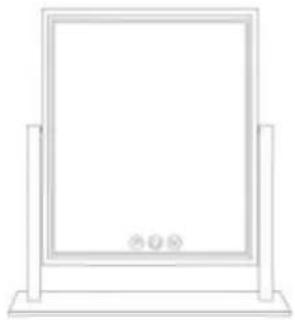
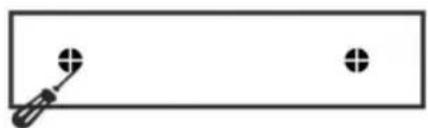
FUNCTION
FCC Information:
www.vevor.com/support
VEVOR®
TOUGH TOOLS, HALF PRICE
NEED HELP? CONTACT US!
OPERATION METHOD
FCC Information:
electronics www.vevor.com/support
CQ3041-DDCQ3041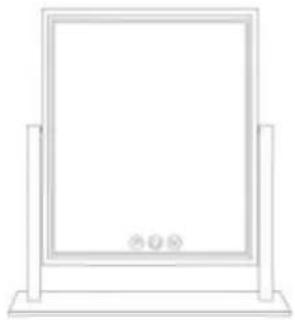
CQ5545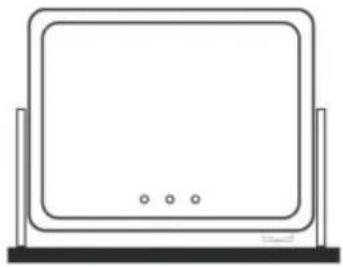
NEED HELP? CONTACT US!
OPERATING METHOD
FCC Information:
electronics www.vevor.com/support
VEVOR®
TOUGH TOOLS, HALF PRICE
OPERATING METHOD
CQ5545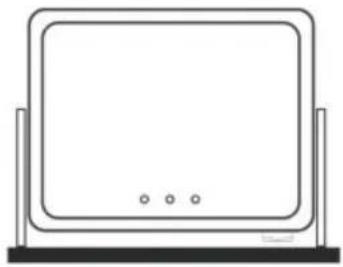
NEED HELP? CONTACT US!
OPERATING METHOD
FCC Information:
www.vevor.com/support
VEVOR®
TOUGH TOOLS, HALF PRICE
Technical support and e-warranty certificate www.vevor.com/support
Dresser makeup mirror
Model: CQ3041/CQ3041-DD/CQ5545
CQ5545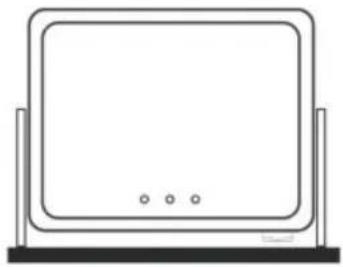
NEED HELP? CONTACT US!
OPERATING METHOD
warranty certificate www.vevor.com/support
VEVOR®
TOUGH TOOLS, HALF PRICE
www.vevor.com/support
Dresser mirror
CQ3041-DDCQ3041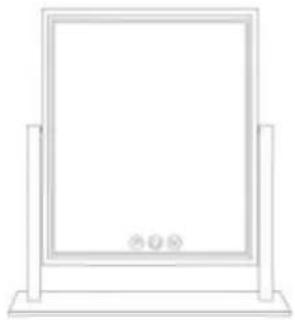
CQ5545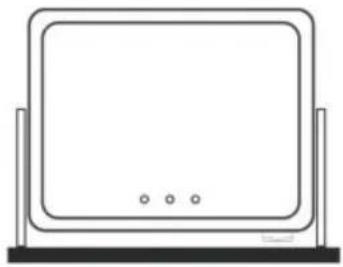
NEED HELP? CONTACT US!
OPERATING METHOD
FCC information:
www.vevor.com/support

- DRESSER VANITY MIRROR
- MODEL: CQ3041/CQ3041-DD/CQ
- VEVOR®
- NEED HELP? CONTACT US
- CORRECT DISPOSAL
- SECURITY & WARNINGS
- WARNING
- SAVE THESE INSTRUCTIONS
- PART LIST
- INSTALLATION METHOD (ONLY CQ5545)
- OPERATION METHOD
- FCC INFORMATION
- TOUGH TOOLS, HALF PRICE
- FUNCTION
- OPERATING METHOD
- DRESSER MAKEUP MIRROR
- DRESSER MIRROR
Brand : Vevor
Model : CQ3041
Category : Mirror