
CSF-D24102 - Console table Vevor - Free user manual and instructions
Find the device manual for free CSF-D24102 Vevor in PDF.
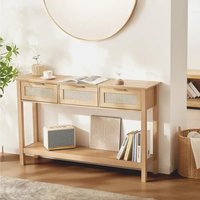


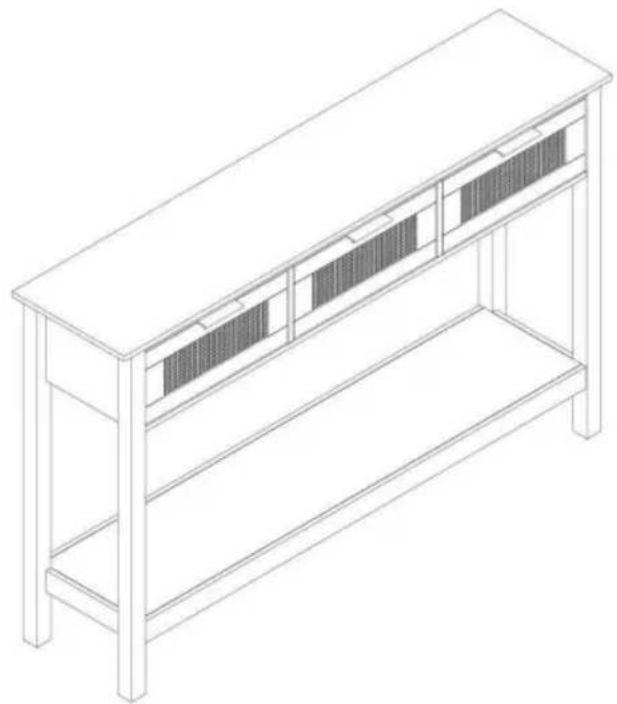
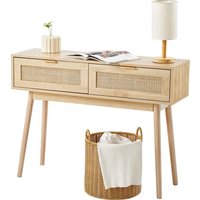
| Product Type | Rattan Console Table |
| Brand | Vevor |
| Model | CSF-D24102 |
| Main Material | Rattan (natural or synthetic rattan) |
| Dimensions (L x W x H) | 1305 x 300 x 815 mm |
| Package Dimensions (L x W x H) | 1405 x 385 x 145 mm |
| Net Weight | Approximately 21.54 kg |
| Gross Weight | Approximately 23.36 kg |
| Maximum Load Capacity | Approximately 50 kg (estimated) |
| Number of Legs | 4 legs |
| Assembly Difficulty Level | Medium |
| Assembly Type | Self-assembly |
| Tools Required for Assembly | Hex key (included), screwdriver (not included) |
| Safety Precautions | Do not exceed weight capacity; use on flat surface; keep children away |
| Intended Use | Indoor use only |
| Maintenance | Wipe with a damp cloth; avoid harsh chemicals |
| Repairability | Spare parts available on request (contact support) |
| Warranty | Electronic warranty via www.vevor.com/support |
| Certifications | Compliant with CE standards (CE representative: E-CrossStu GmbH) |
| Country of Design | China (imported by Sanven Technology Ltd.) |
Frequently Asked Questions - CSF-D24102 Vevor
User questions about CSF-D24102 Vevor
0 question about this device. Answer the ones you know or ask your own.
Ask a new question about this device
Download the instructions for your Console table in PDF format for free! Find your manual CSF-D24102 - Vevor and take your electronic device back in hand. On this page are published all the documents necessary for the use of your device. CSF-D24102 by Vevor.
USER MANUAL CSF-D24102 Vevor
Technical Support and E-Warranty Certificate www.vevor.com/support
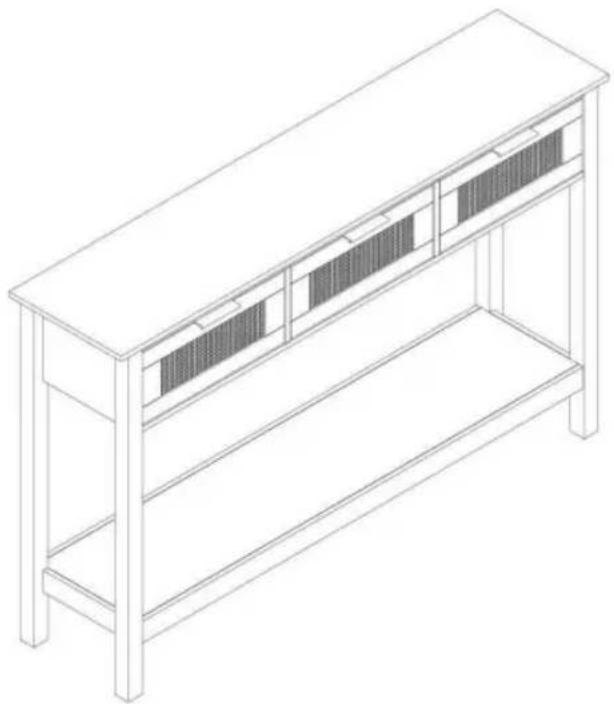
RATTAN CONSOLE TABLE USER MANUAL
MODEL NO.: CSF-D24102
We continue to be committed to provide you tools with competitive price. "Save Half", "Half Price" or any other similar expressions used by us only represent estimate of savings you might benefit from buying certain tools with us compared top brands and does not necessarily mean to cover all categories of tools offered are kindly reminded to verify carefully when you are placing an order with us actually saving half in comparison with the top major brands.
VEVOR®
TOUGH TOOLS, HALF PRICE
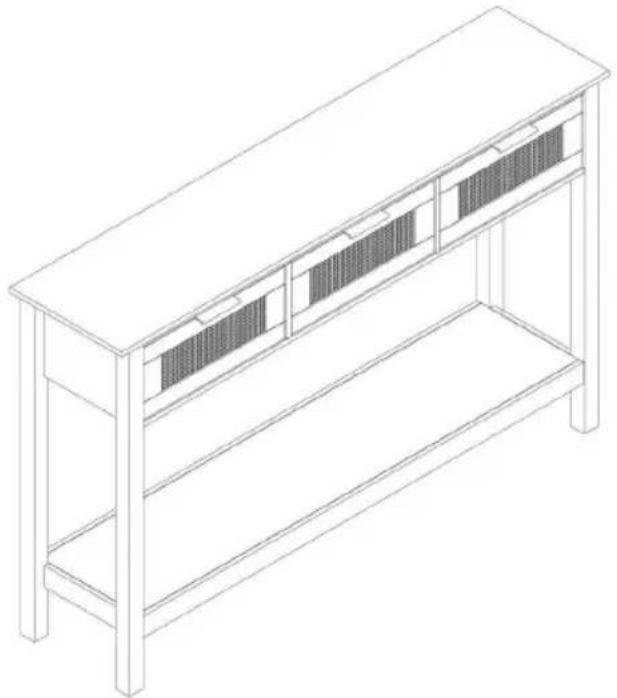
Rattan Console Table
MODEL NO.: CSF-D24102
NEED HELP? CONTACT US!
Have product questions? Need technical support? Please feel from contact us:
Technical Support and E-Warranty Certificate www.vevor.com/support
This is the original instruction, please read all manual instruction carefully before operating. VEVOR reserves a clear interpretation user manual. The appearance of the product shall be subject to product you received. Please forgive us that we won't inform you there are any technology or software updates on our product.

WARNING:
Please read this manual carefully before using the product. Failure do so may result in serious injury.
ASSEMBLY PRECAUTIONS
- Assemble only according to these instructions. Improper assembly can create hazards.
- Wear ANSI-approved safety goggles and heavy-duty work gloves during assembly.
- Keep the assembly area clean and well-lit.
- Keep bystanders out of the area during assembly.
- Do not assemble when tired or when under the influence of alcohol, drugs, or medication.
- The product capabilities apply to properly and completely assembled products only.
- Assemble on a flat, level, hard, and smooth surface capable of safely supporting the Rattan Console Table.
- For additional information regarding the parts listed in the following pages, please refer to the Assembly Diagram of this manual. Unwrap and separate all parts in a clean work area.
SAVE THESE INSTRUCTIONS
USE PRECAUTIONS
TO PREVENT SERIOUS INJURY AND DEATH FROM TIPPING:
- This product is not a toy. Do not allow children to play with or near this item.
- Do not exceed weight capacities, before moving.
- Use only on a flat, level, hard, and smooth surface capable of safely supporting a fully loaded Rattan Console Table.
- Use as intended only. Inspect before every use; do not use if parts are loose or damaged.
TECHNICAL SPECIFICATIONS
| Model | CSF-D24102 |
| Product Dimensions (LxWxH)(mm) | 1305*300*815 |
| Packing Size(LxWxH)(mm) | 1405*385*145 |
| Net Weight(kg) | About 21.54 |
| Gross Weight(kg) | About 23.36 |
*Products such as specifications, appearance, and design are subject to modification without prior notice.
PACKAGE CONTENTS
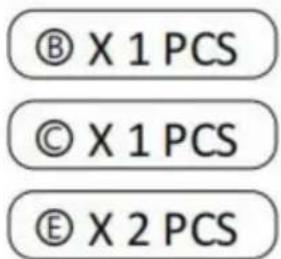
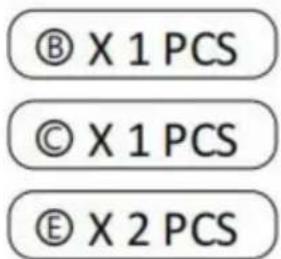
A X1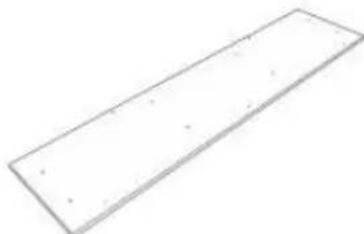 | B X1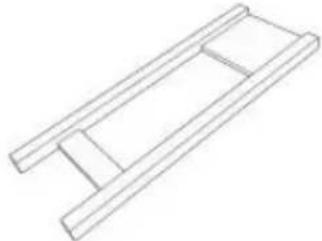 | C X1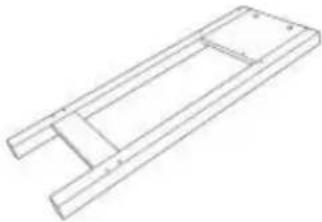 |
D X1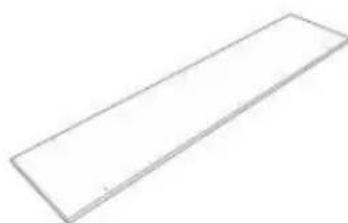 | E X2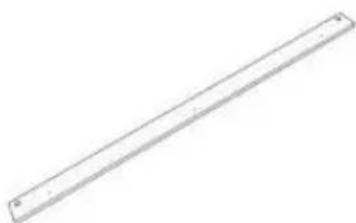 | F X1 |
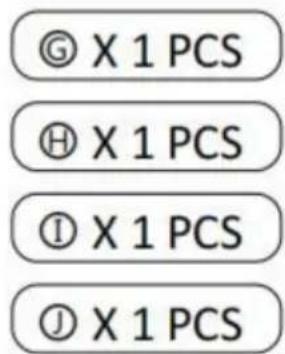
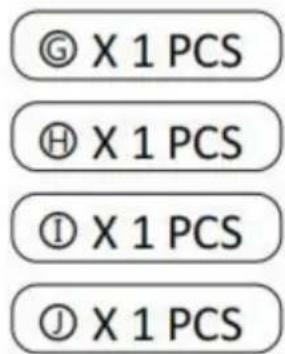
G X1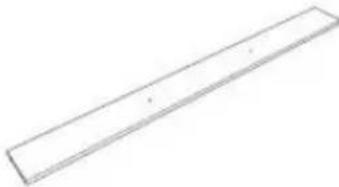 | H X1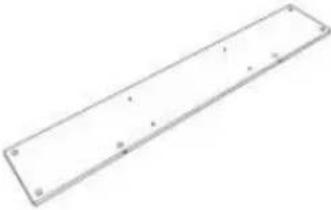 | I X1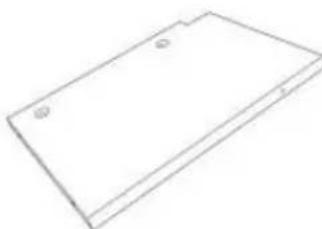 |
J X1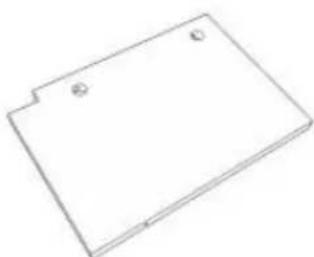 | K X3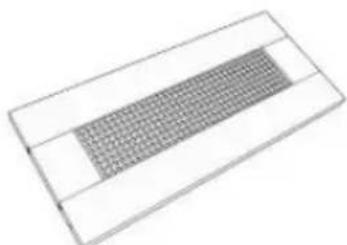 | L X3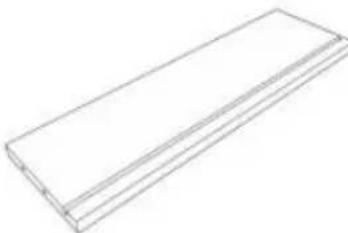 |
M X3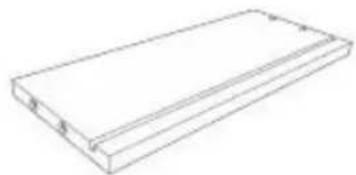 | N X3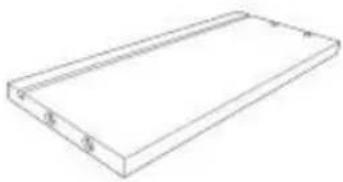 | ◎ X3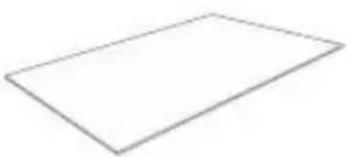 |
1 X3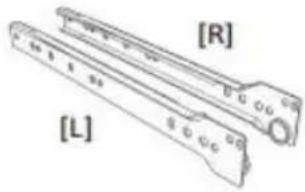 | 2 X3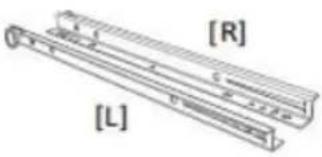 | 3 X3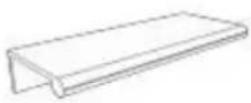 |
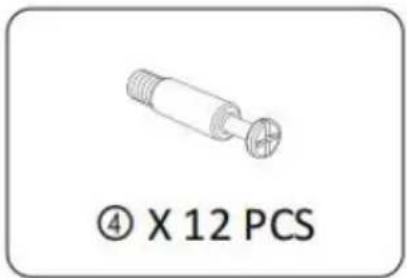
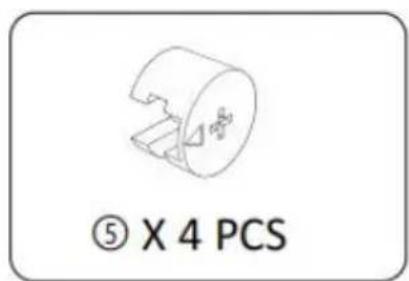
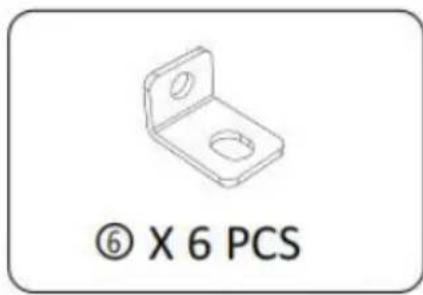
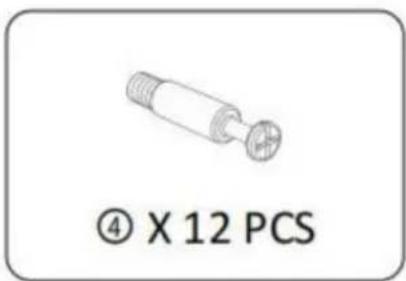
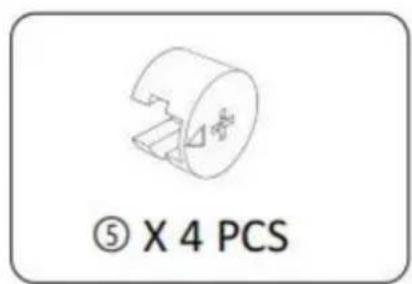
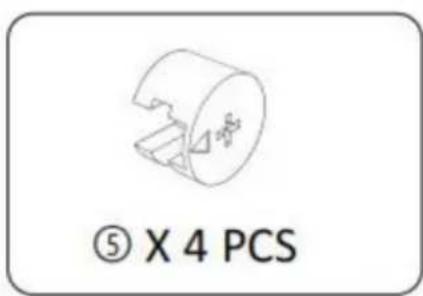
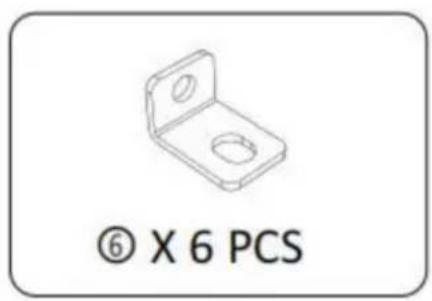
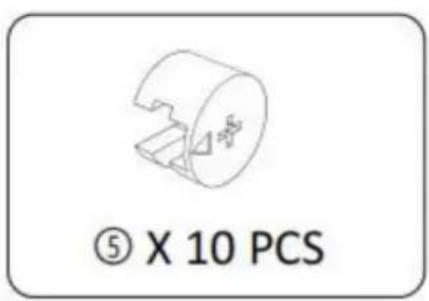
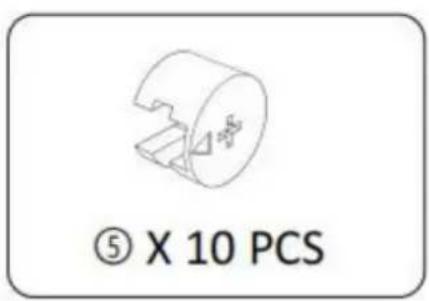
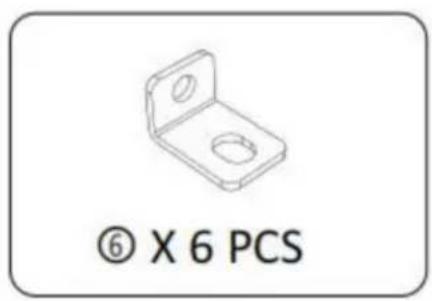
4 X34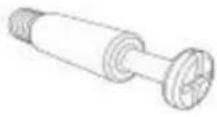 | 5 X34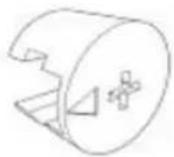 | 6 X6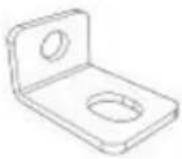 |
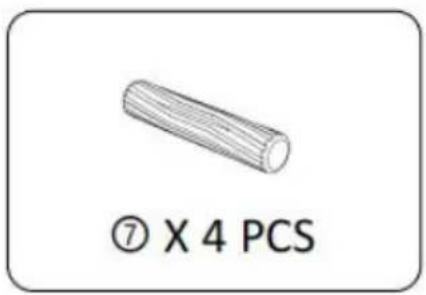
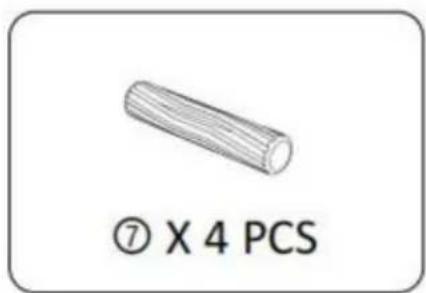
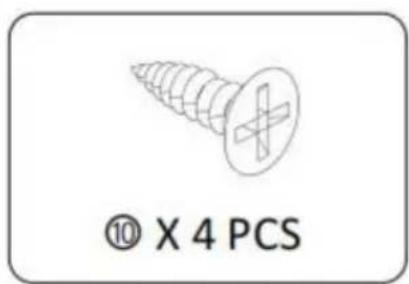
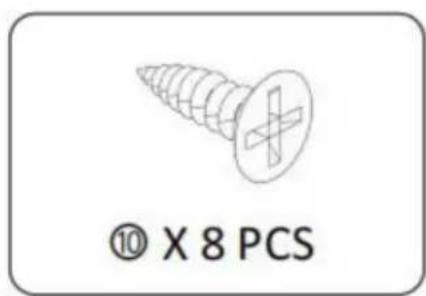
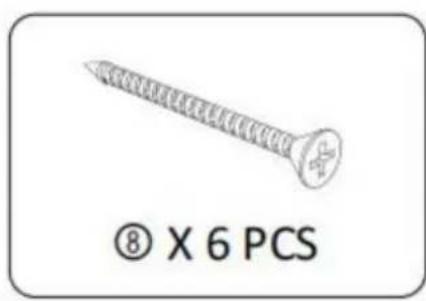
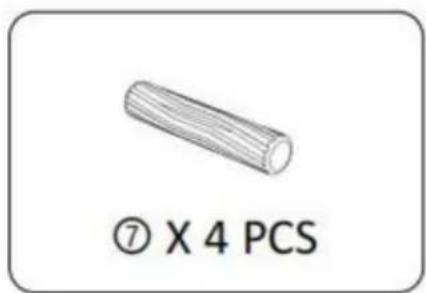
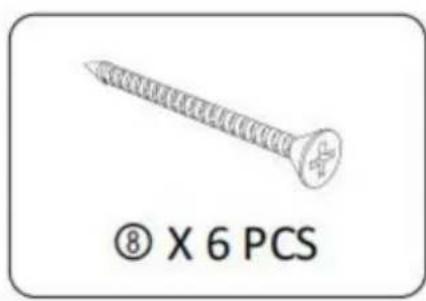
7 X4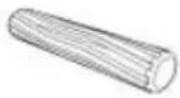 | 8 X18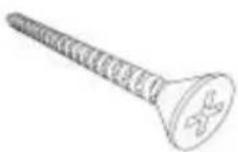 | 9 X3 |
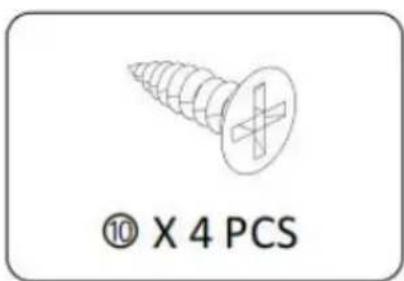
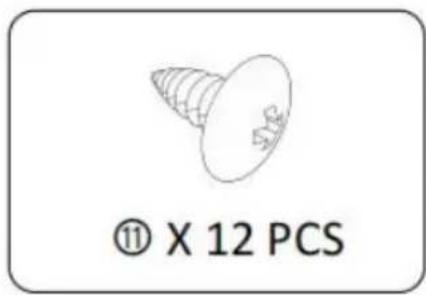
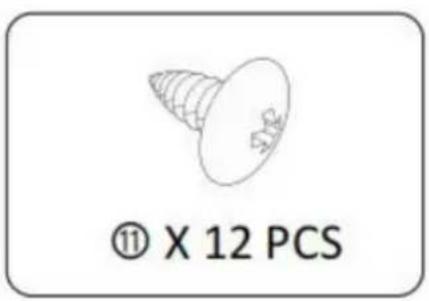
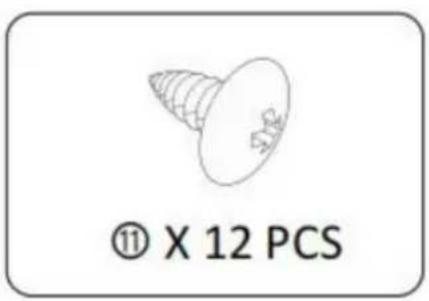
10 X30 | 11 X12 | 12 X1 |
STEP 1 :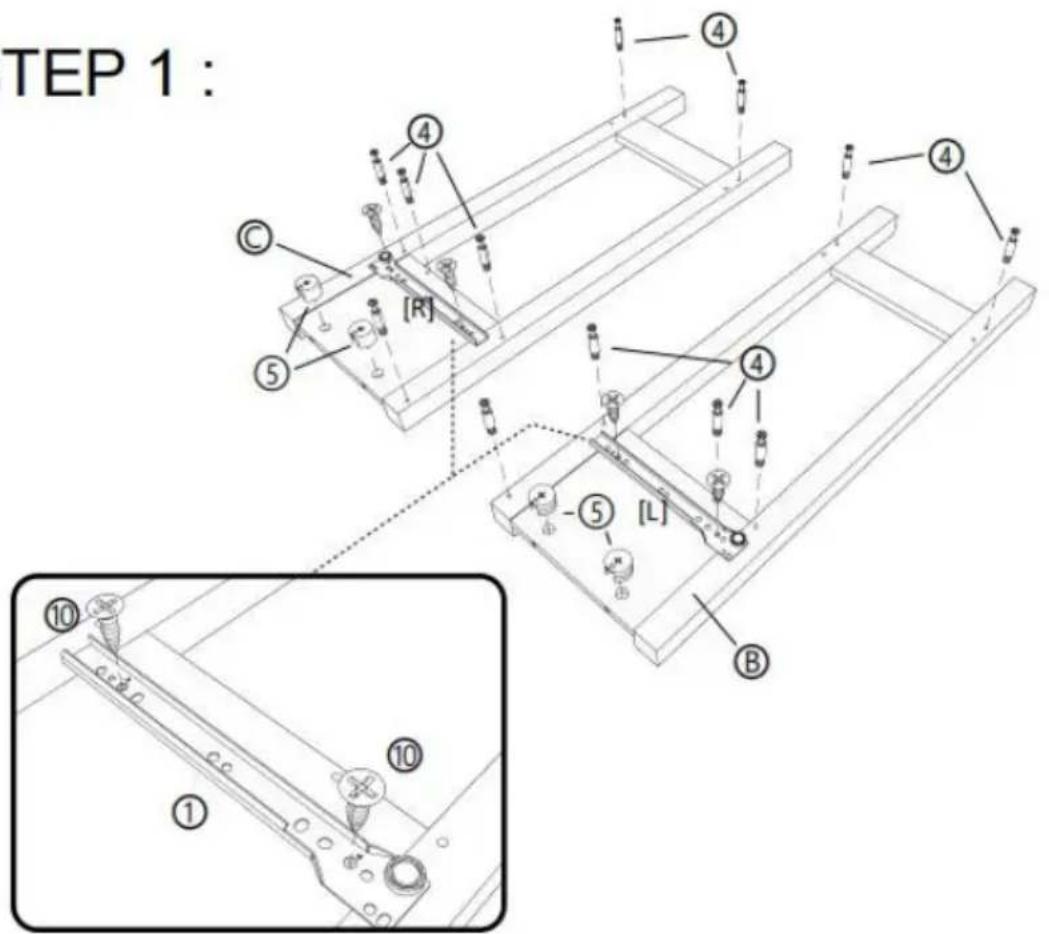
![[R] [L] ① x 1 PCS](/content/2026/04/735012/images/adcd2be9004e87a86932e54a69dc33a0abe55e4471ede0400f2dbc2c3f892673.jpg)
STEP 2 :![P 2: ① ② ③ ④ ⑤ ⑥ ⑦ ⑧ ⑨ ⑩ 180° [L] [R] [I] [J] [L]](/content/2026/04/735012/images/905d31aca60f1d01df093697686118093c784d65bf22c5696131aec06debc46c.jpg)
![[R] [L]](/content/2026/04/735012/images/4271a60a54ae3357fd11c46e6961495d83ee7197d4e5d874e7de8c550d2d038b.jpg)
① X 2 PCS
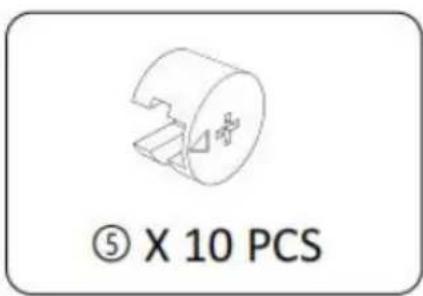
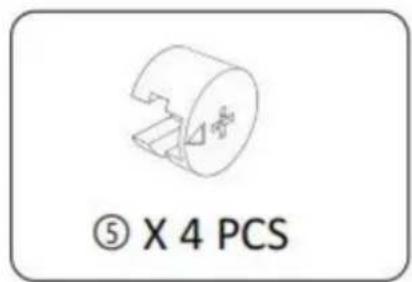
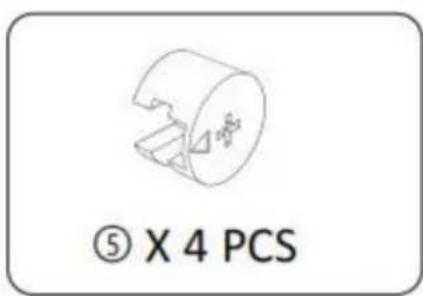
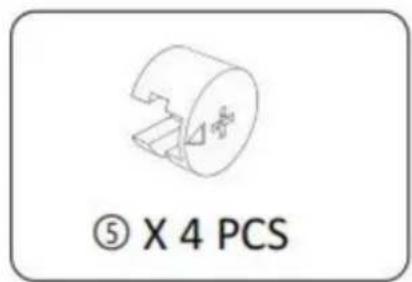
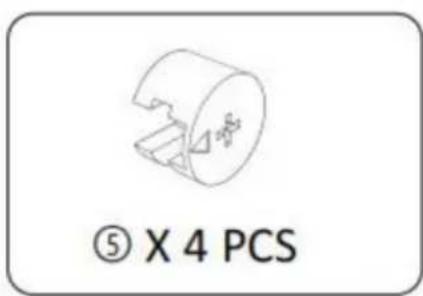
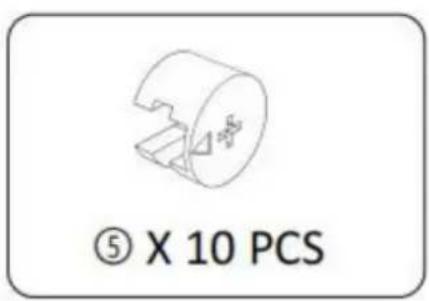
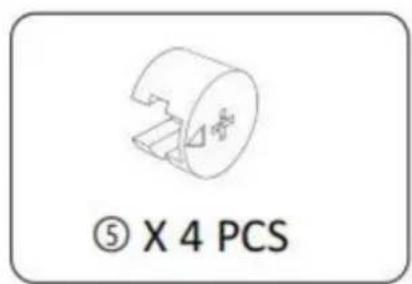
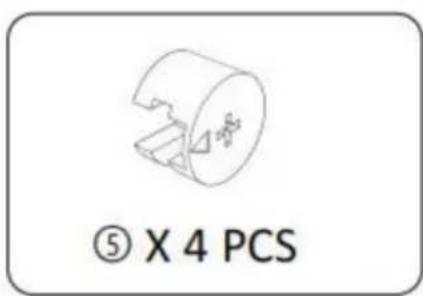
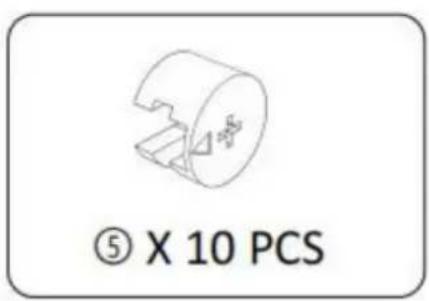
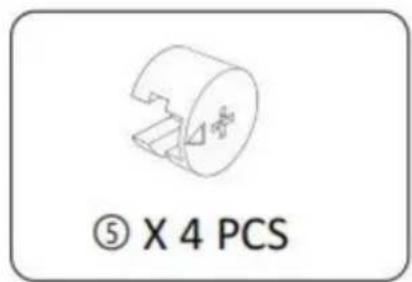
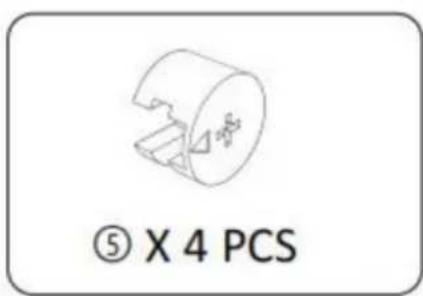
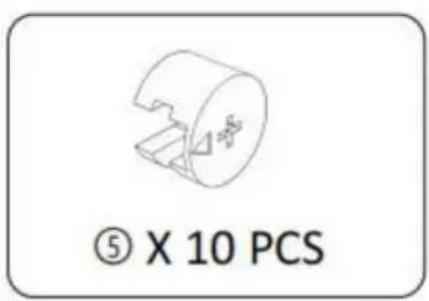
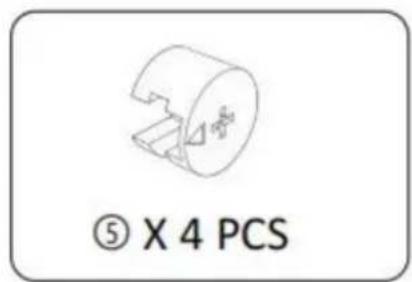
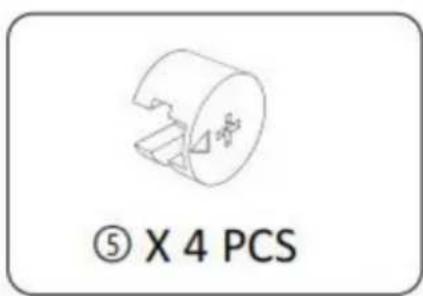
⑤ X 4 PCS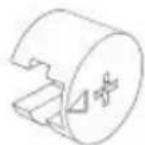
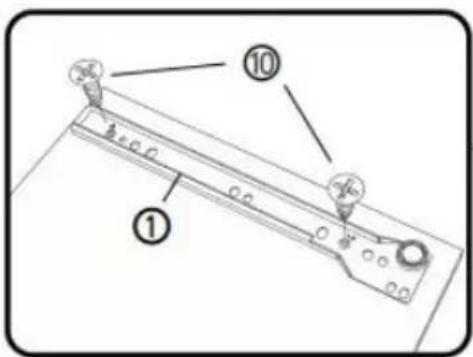
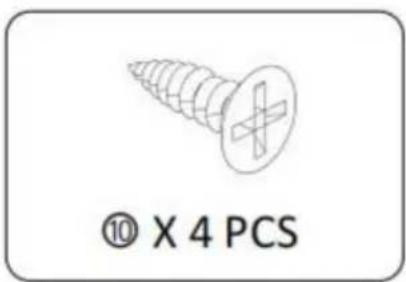
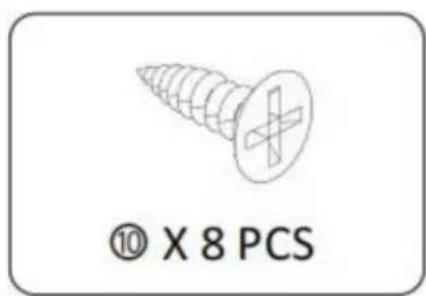
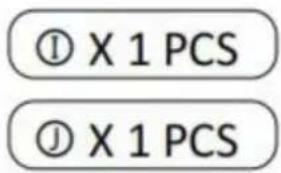
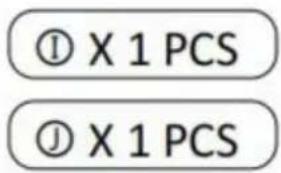
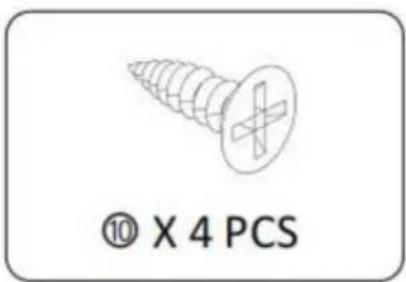
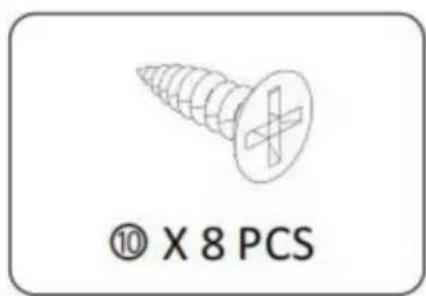
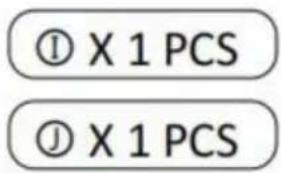
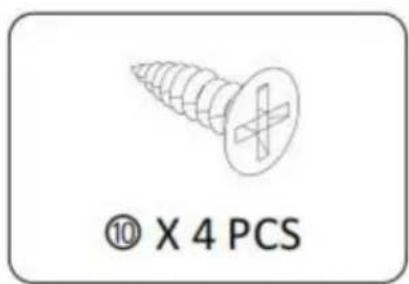
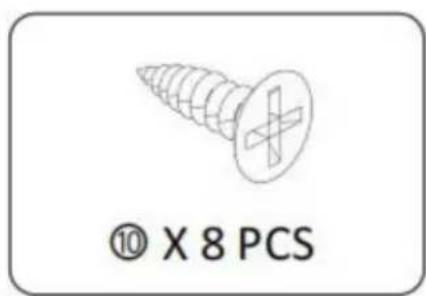
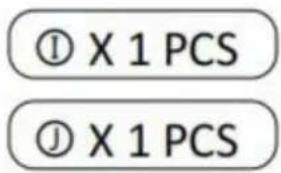
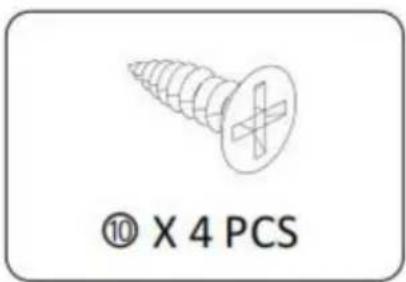
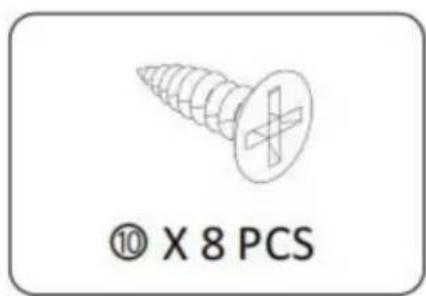
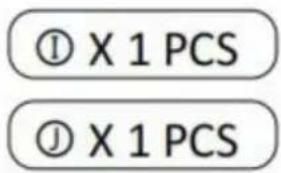
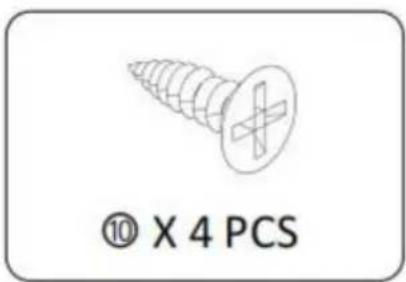
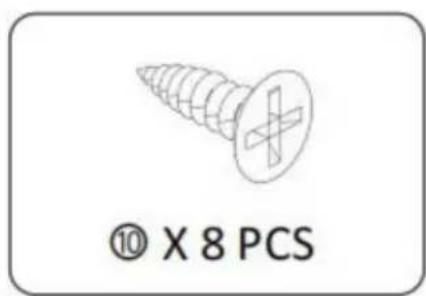
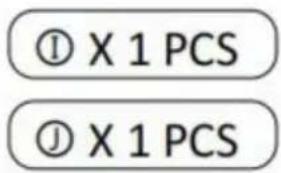
⑩ X 8 PCS ① X 1 PCS ① X 1 PCS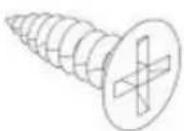
STEP 3 :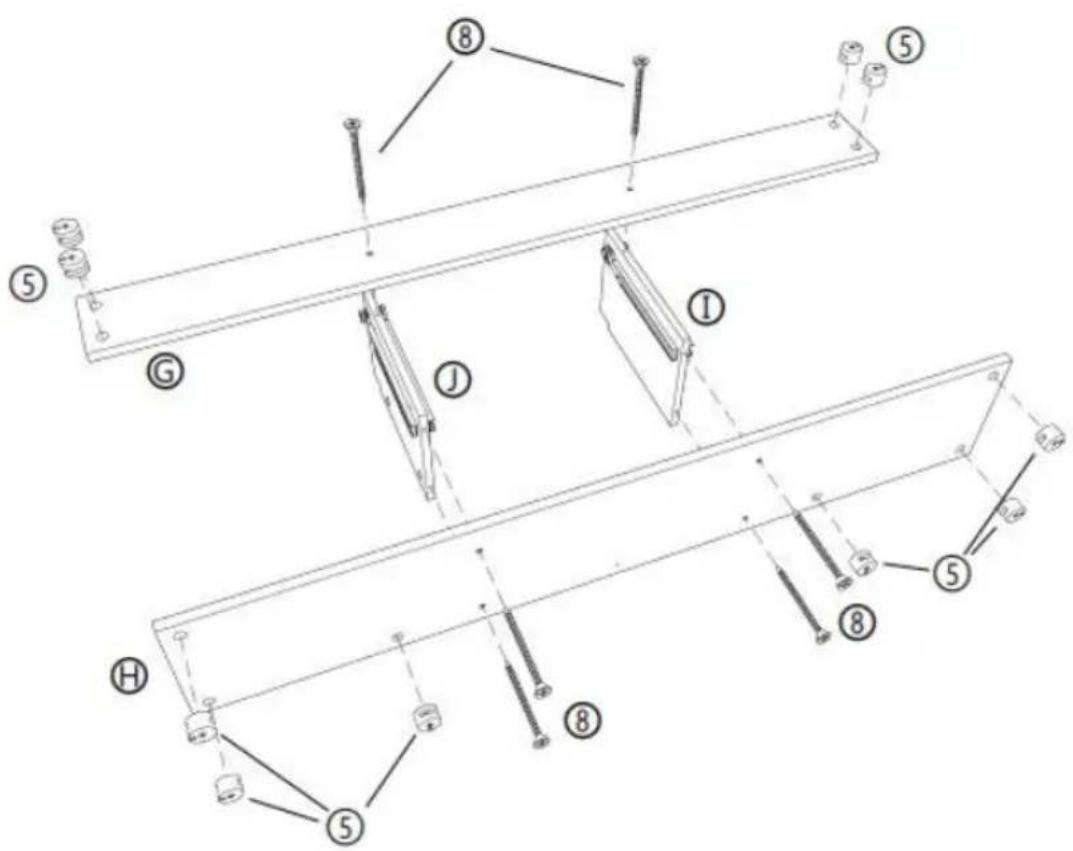
STEP 4 :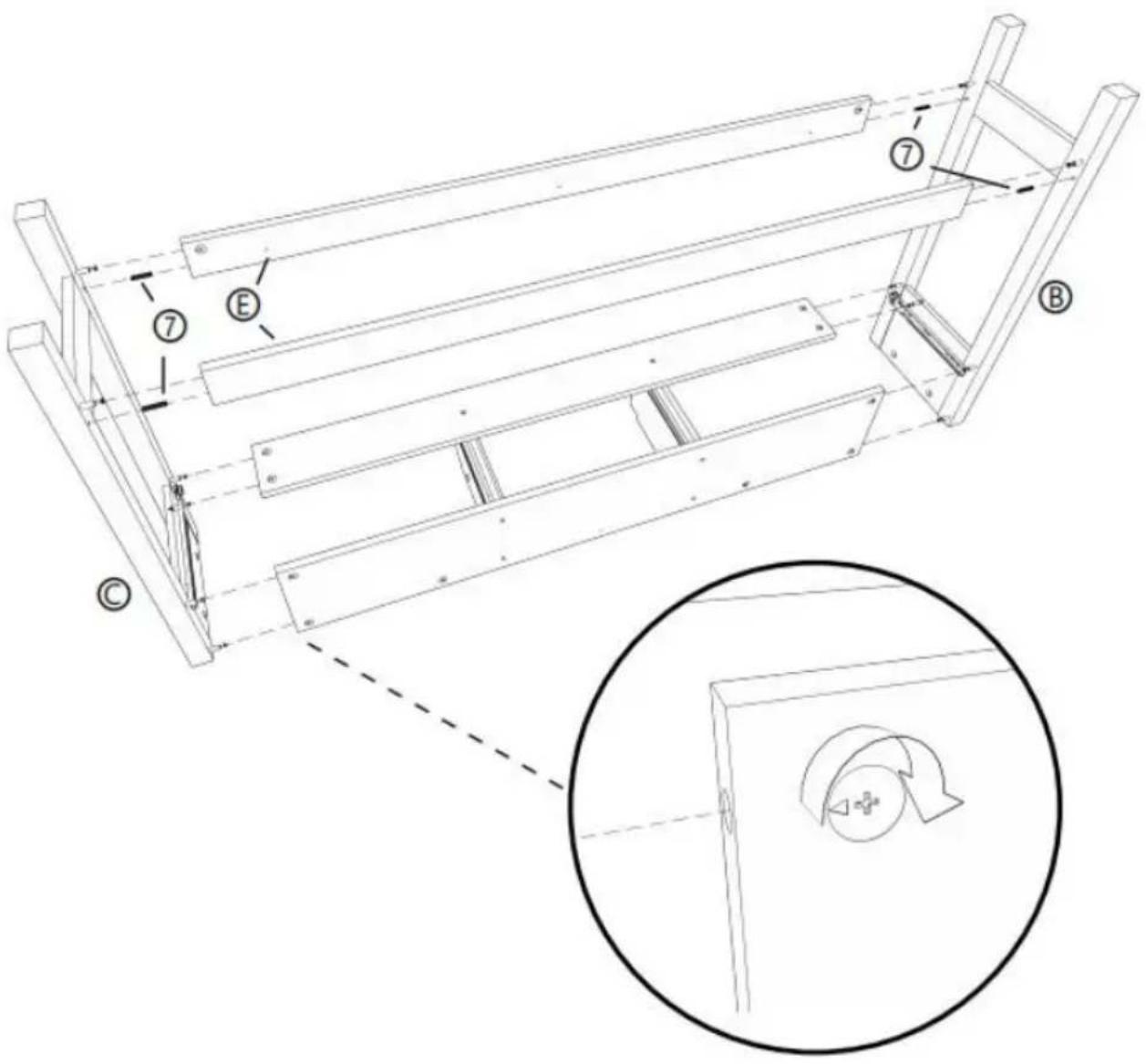
STEP 5 :

STEP 6 :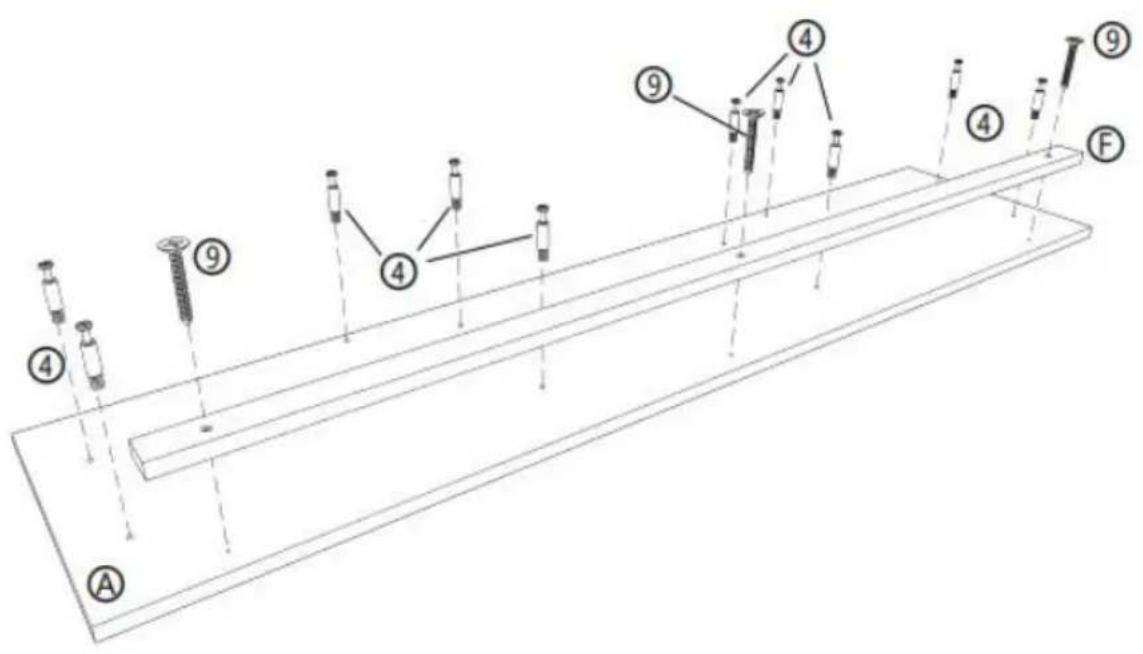
④ X 10 PCS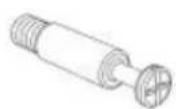
⑨ X 3 PCS Ⓐ X 1 PCS ⑤ X 1 PCS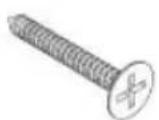
STEP 7 :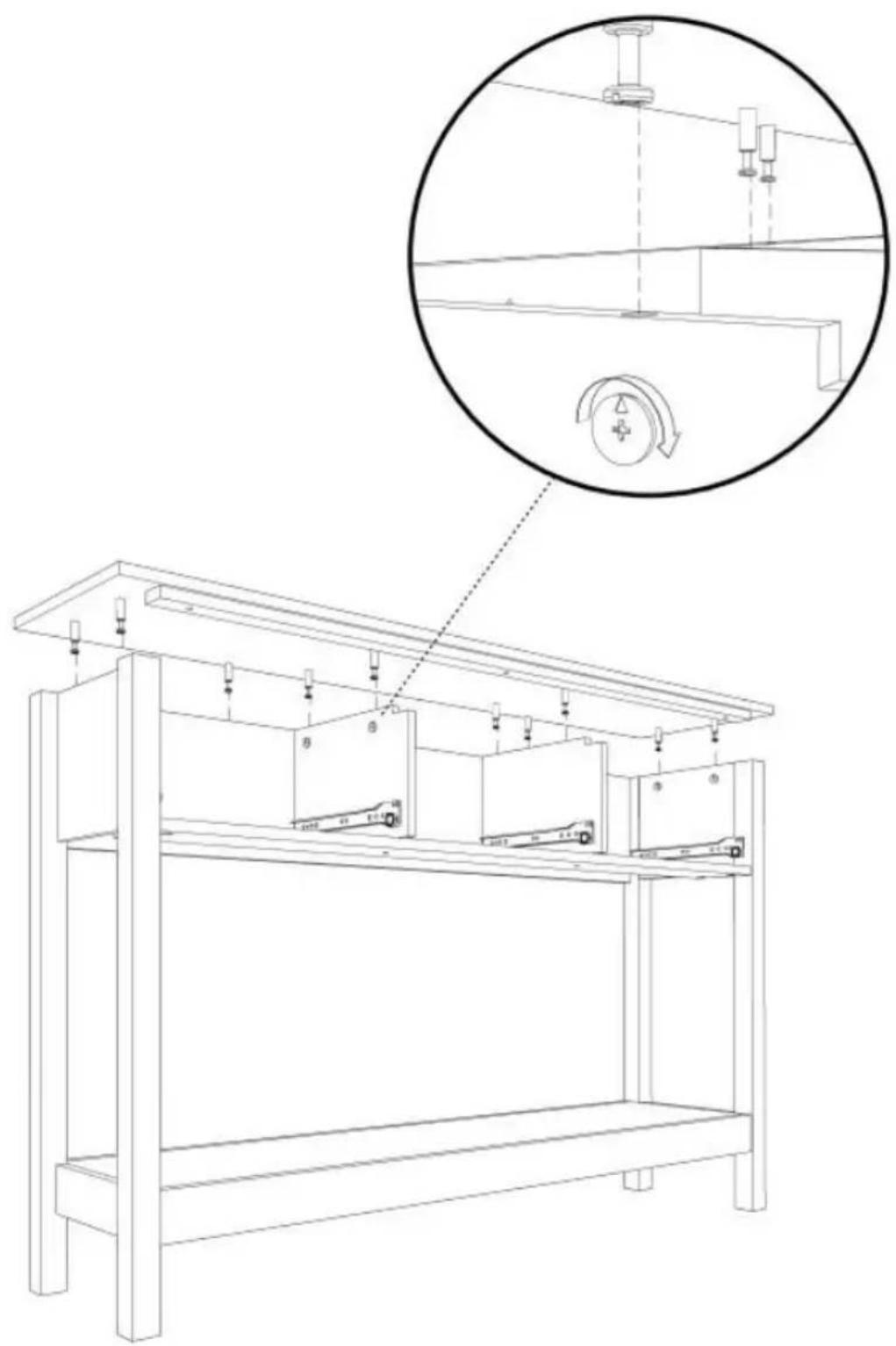
STEP 8: X3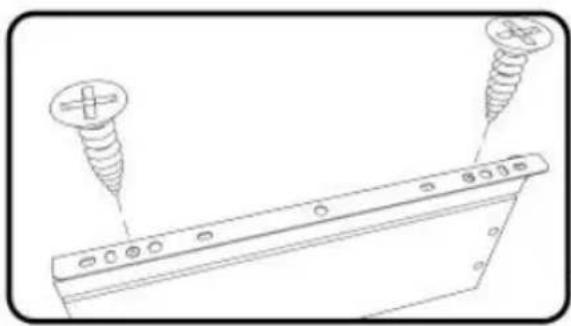
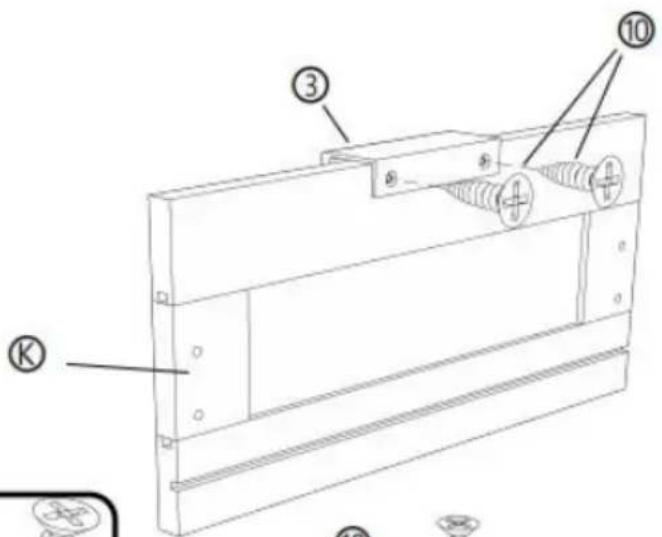
![[R] [M] [L] ① ② ⑩ ⑩ ② ⑨](/content/2026/04/735012/images/9ba91b76ffee31e80c6a52cb4da15b88c79ecefe0bb0a7bb8e45815ba7a97000.jpg)
![[R] [L]](/content/2026/04/735012/images/74434d0274f31fffdc3c704a4a0c8096b4bba2285927c407870a6b4d57412af7.jpg)
② X 3 PCS
③ X 3 PCS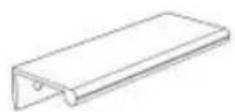
⑩ X 18 PCS
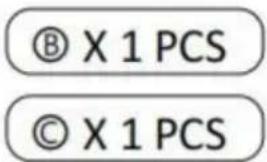
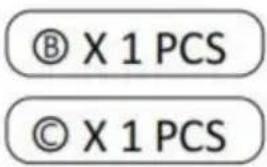
© X 3 PCS
⑧ X 3 PCS
⑨ X 3 PCS
STEP 9: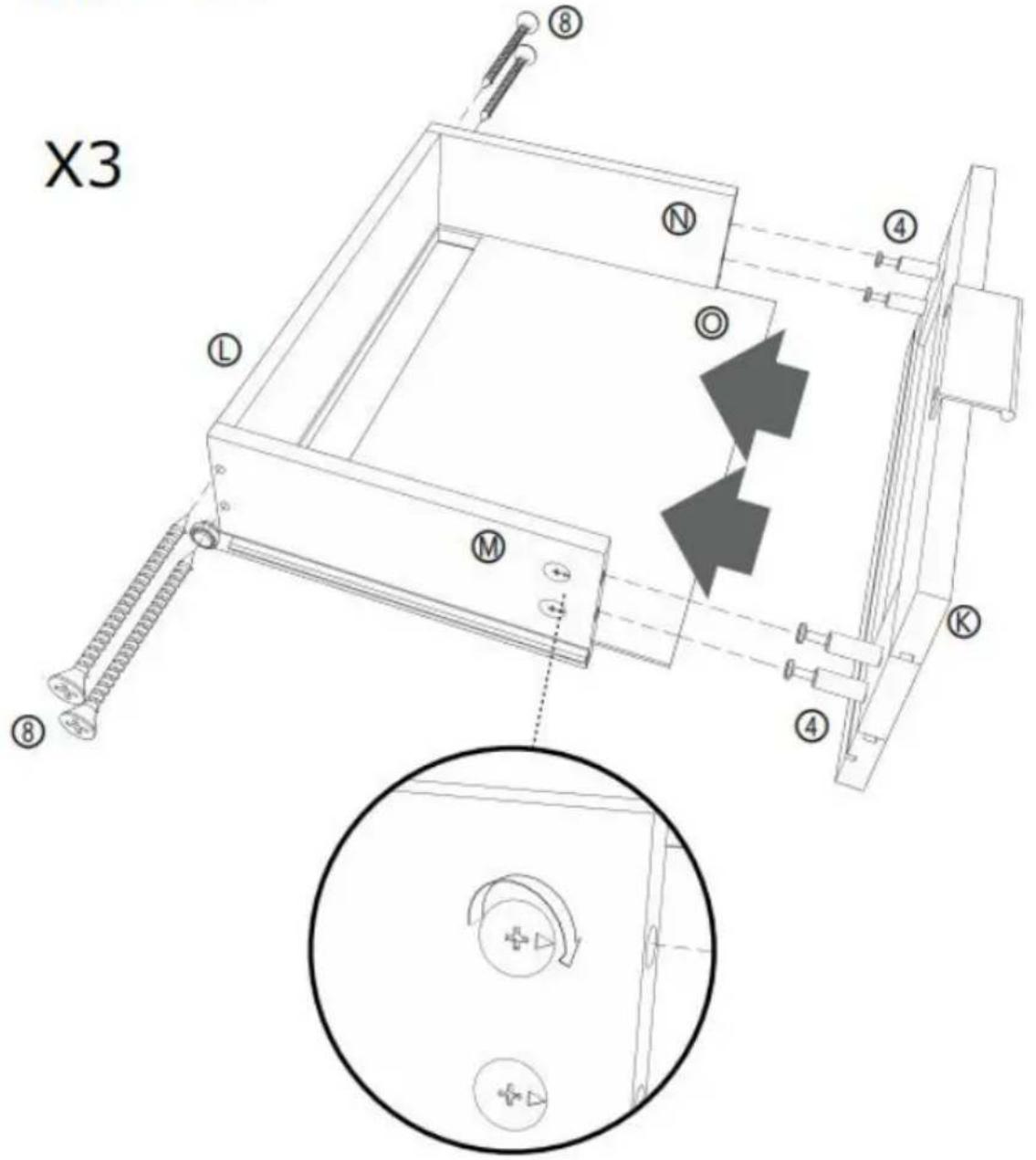
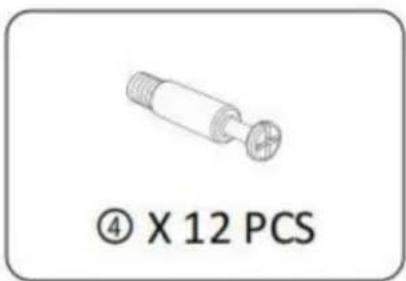
⑧ X 12 PCS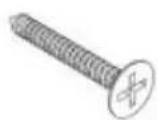
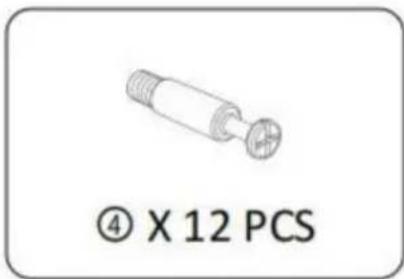
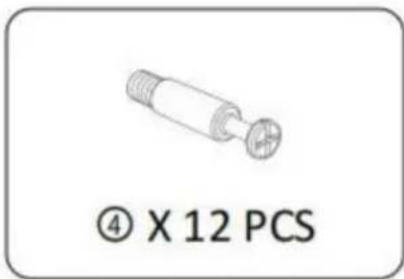
④ X 12 PCS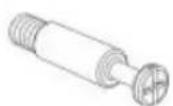
© X 3 PCS
① X 3 PCS
⑧ X 3 PCS
⑨ X 3 PCS
⑨ X 3 PCS
STEP 10:
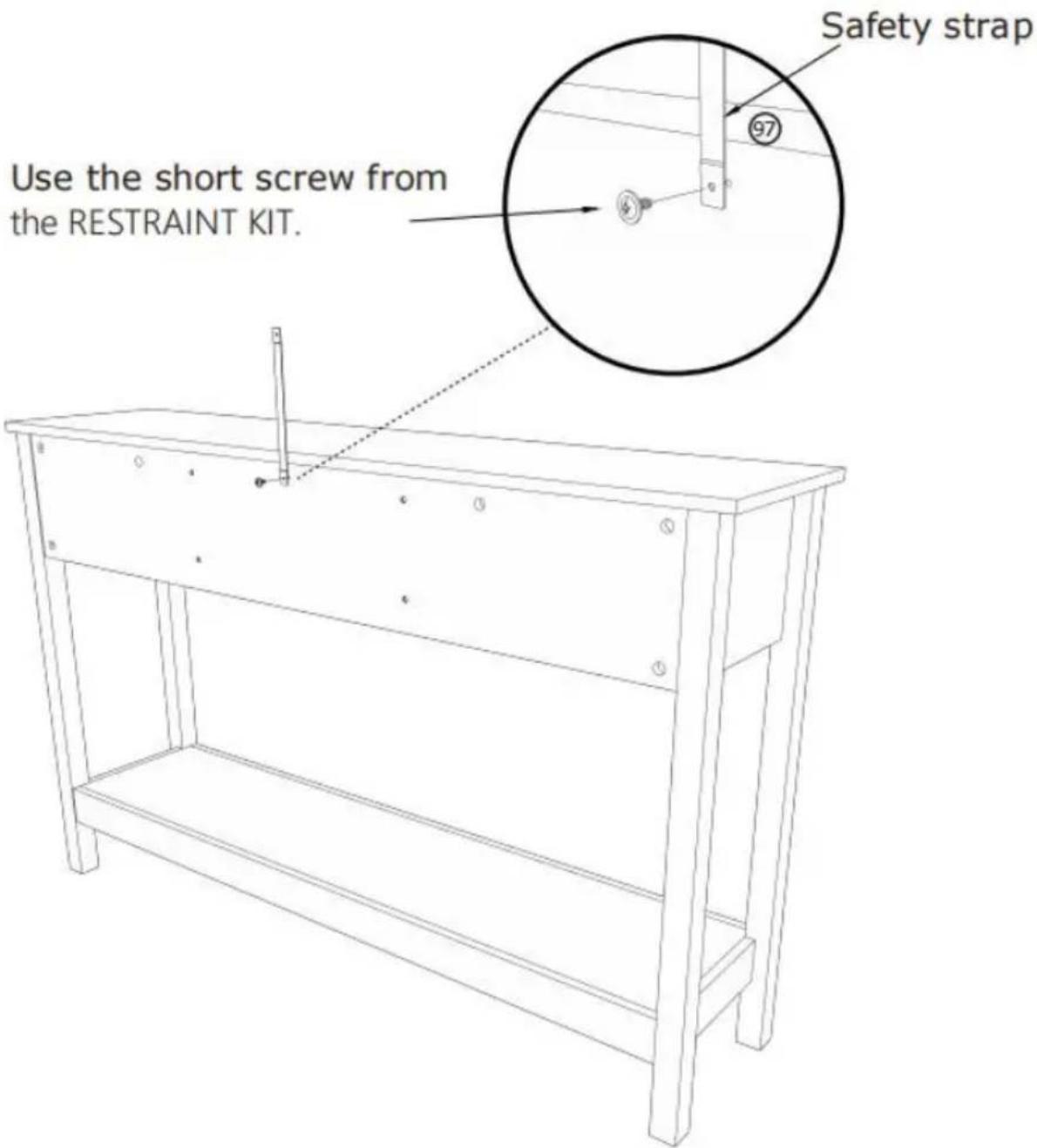
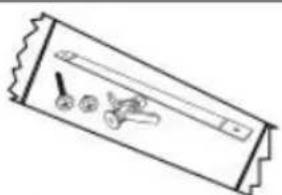
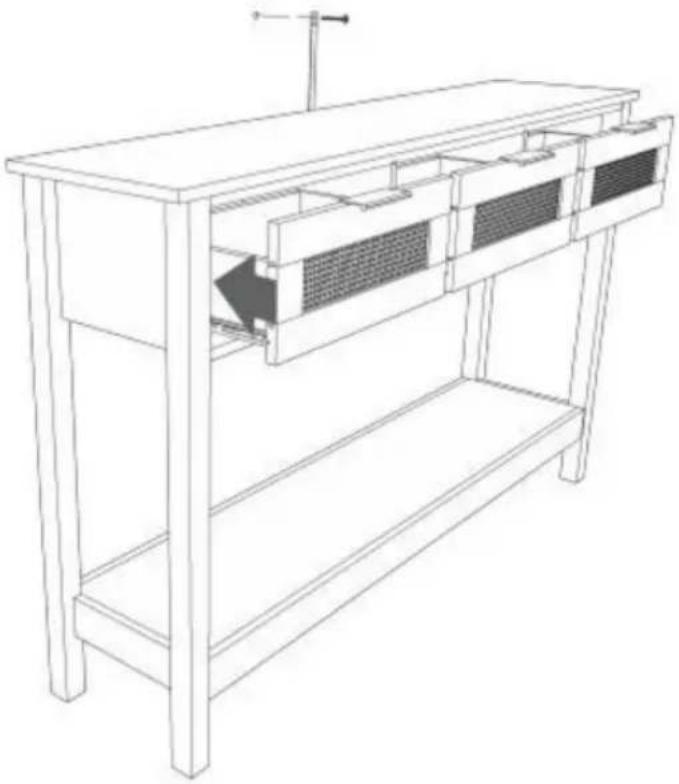
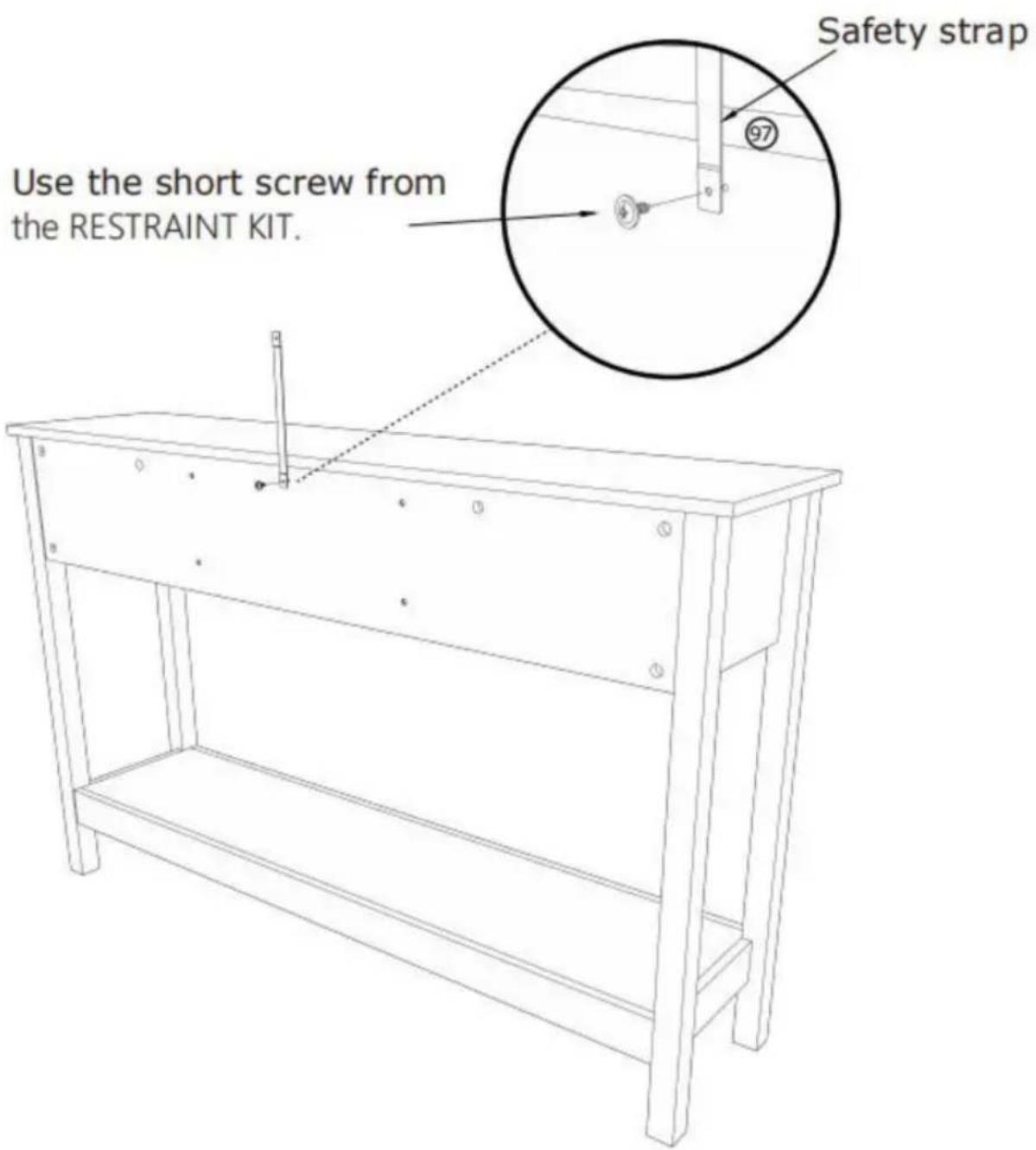
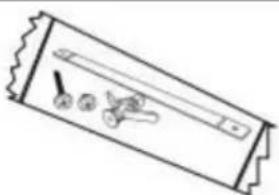
⑨7 X 1 PCS
STEP 11:
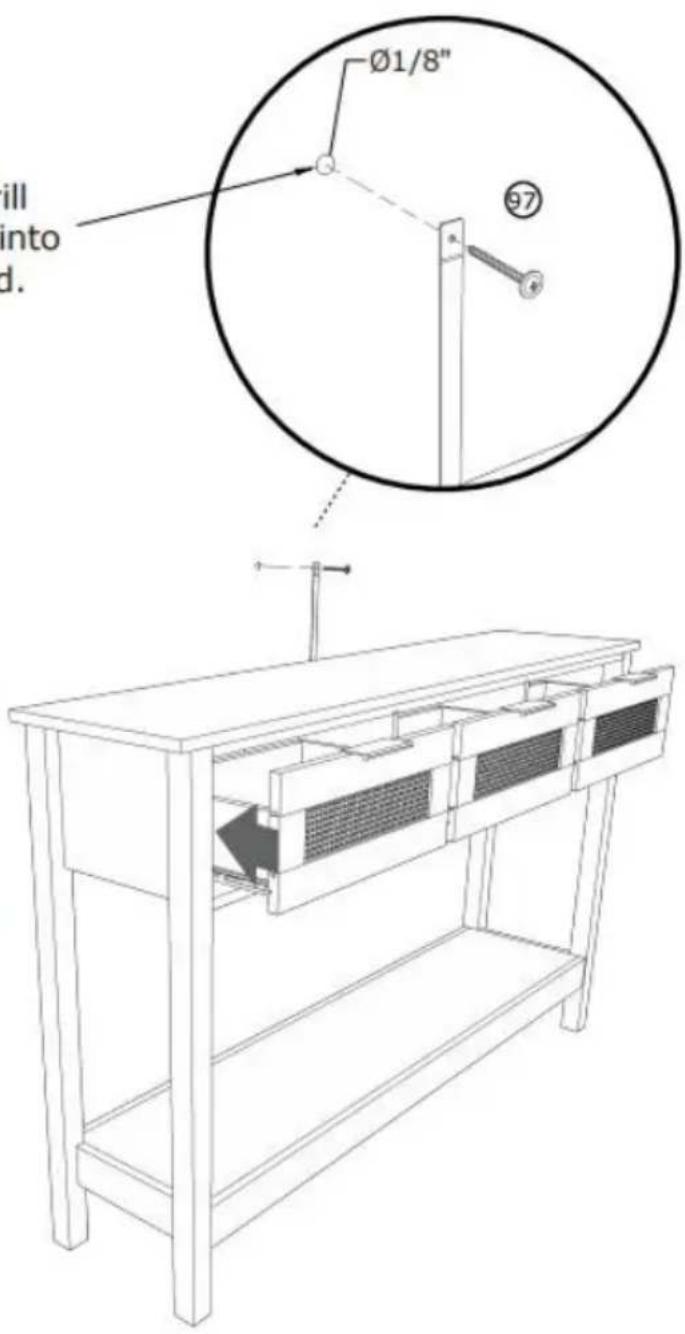
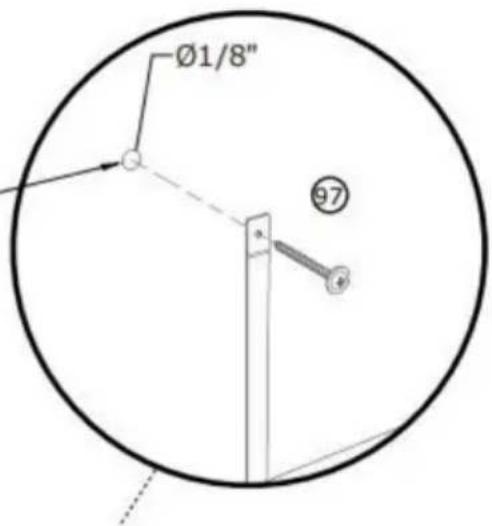
Mark and drill a 1/8" hole into the wall stud.
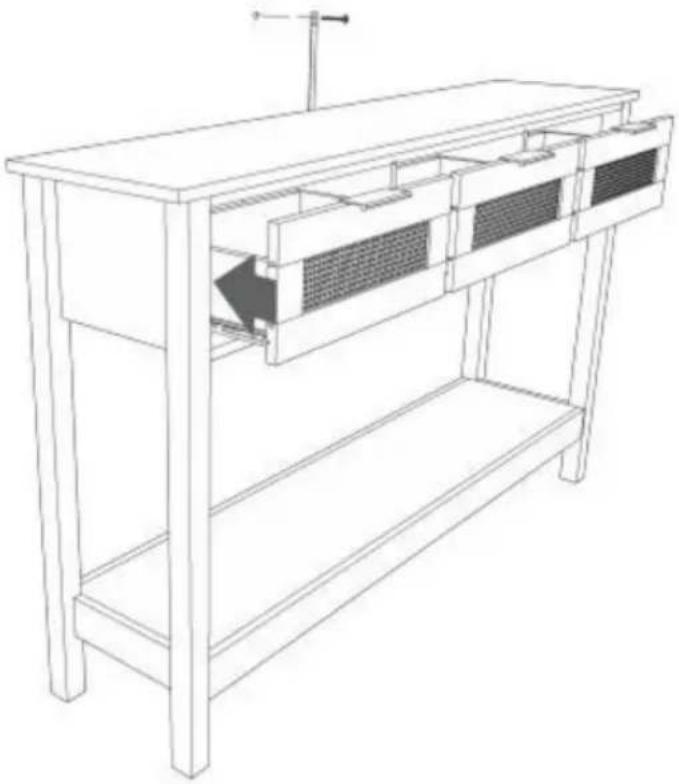
Carefully stand your unit upright against the wall in its final location.
1st- Locate the center of a stud in your wall near your unit and mark it with a pencil.
2nd- Drill a 1/8" hole on the mark and into the stud in your wall.
3rd- Fasten the unit to the wall. Use the long screw through the other end of the strap and into the 1/8" hole.
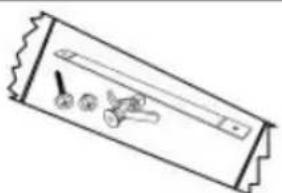
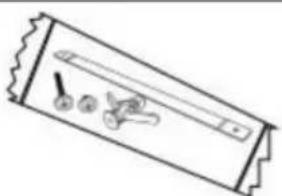
⑨7 X 1 PCS
STEP 12:
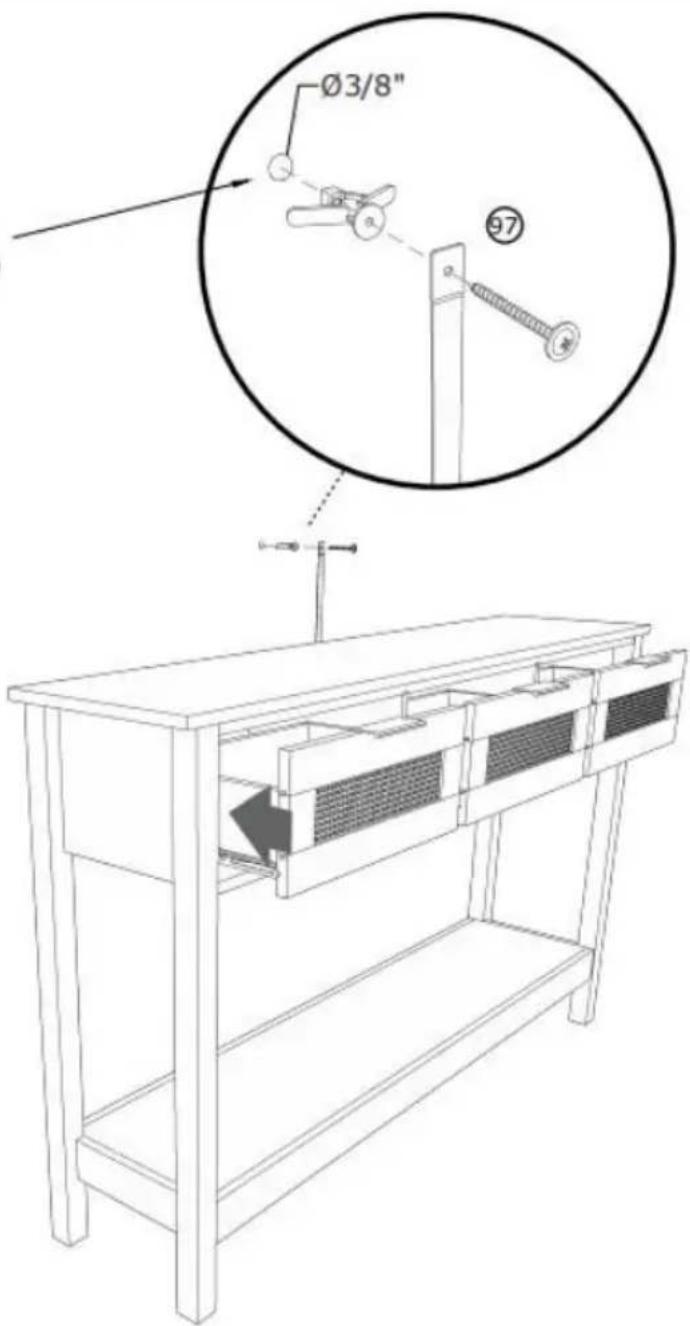
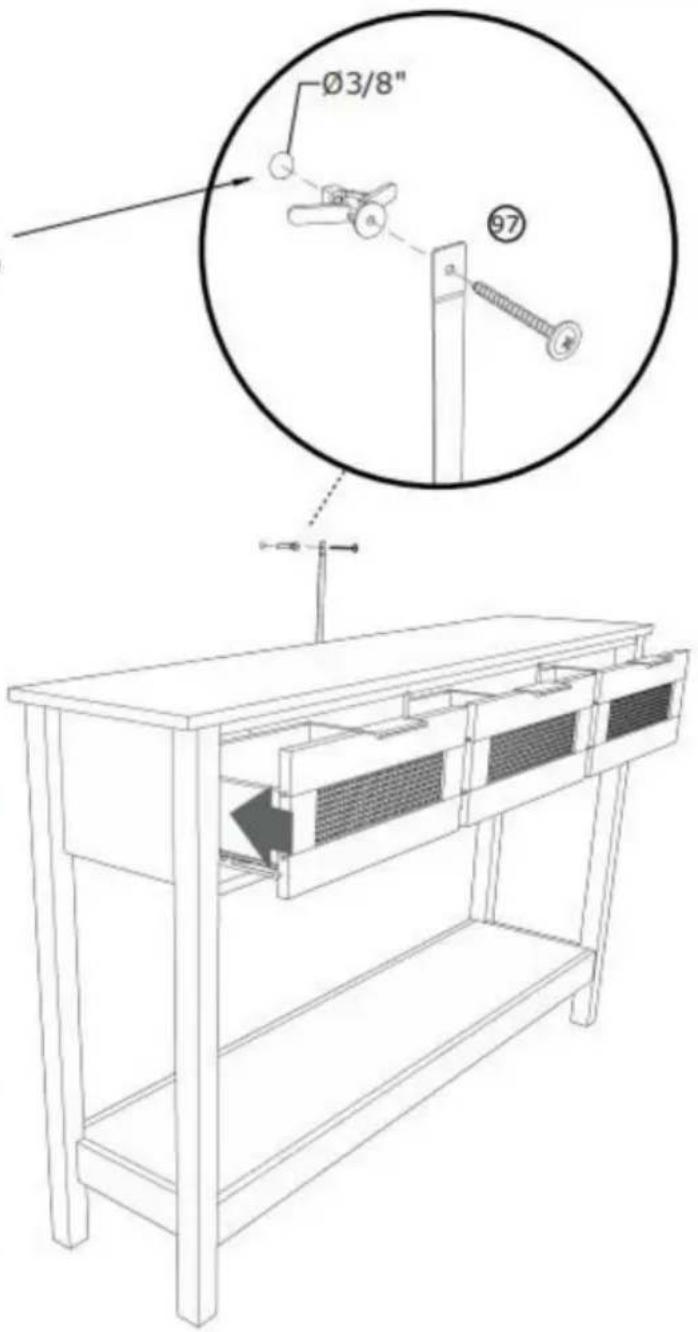
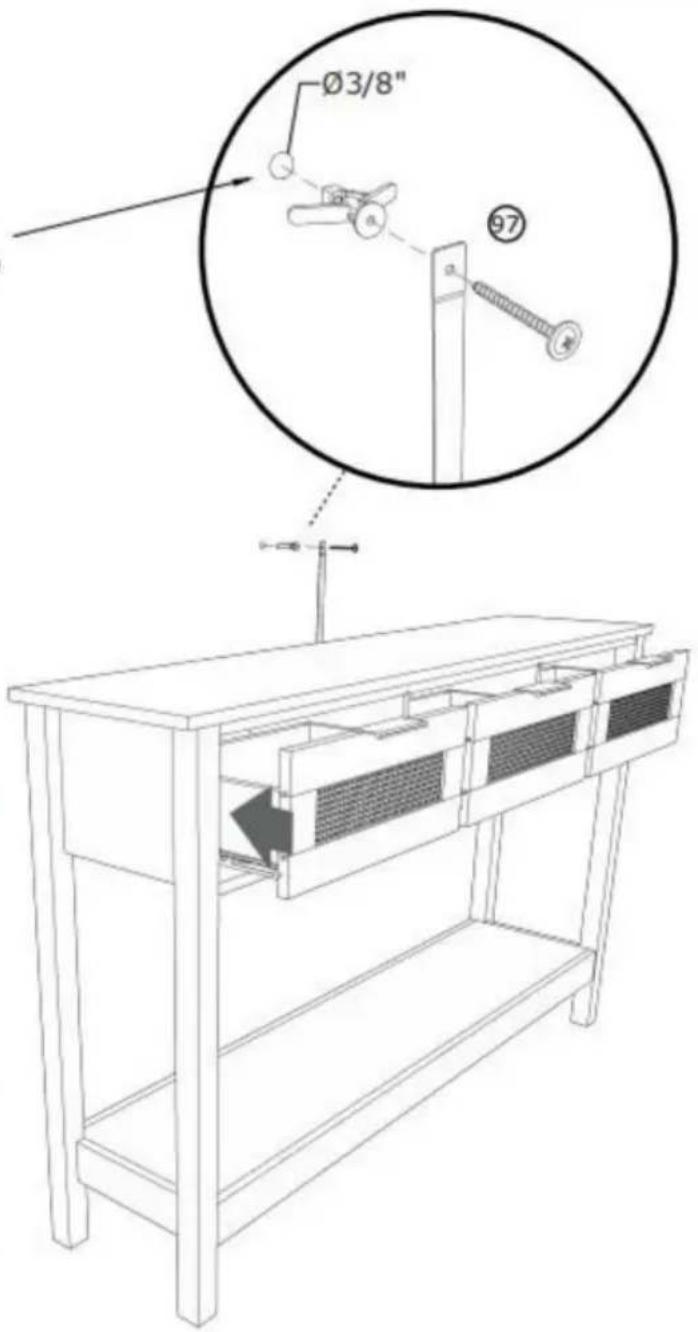
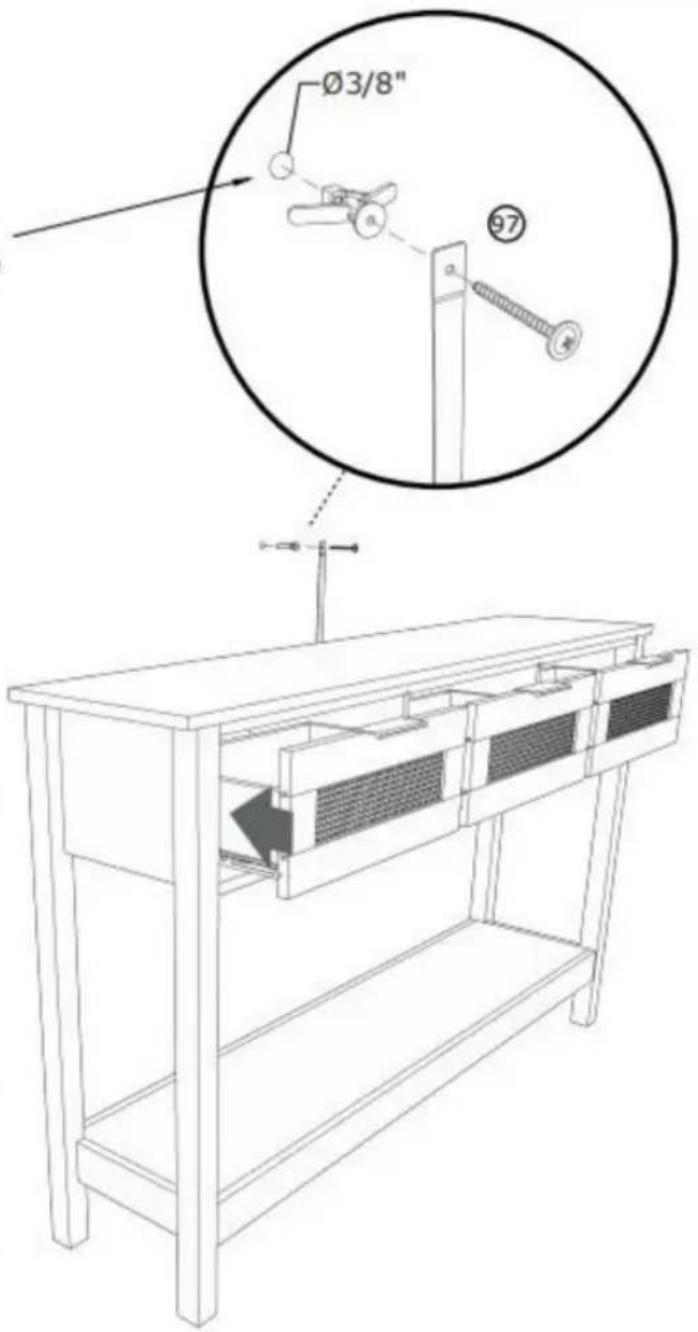
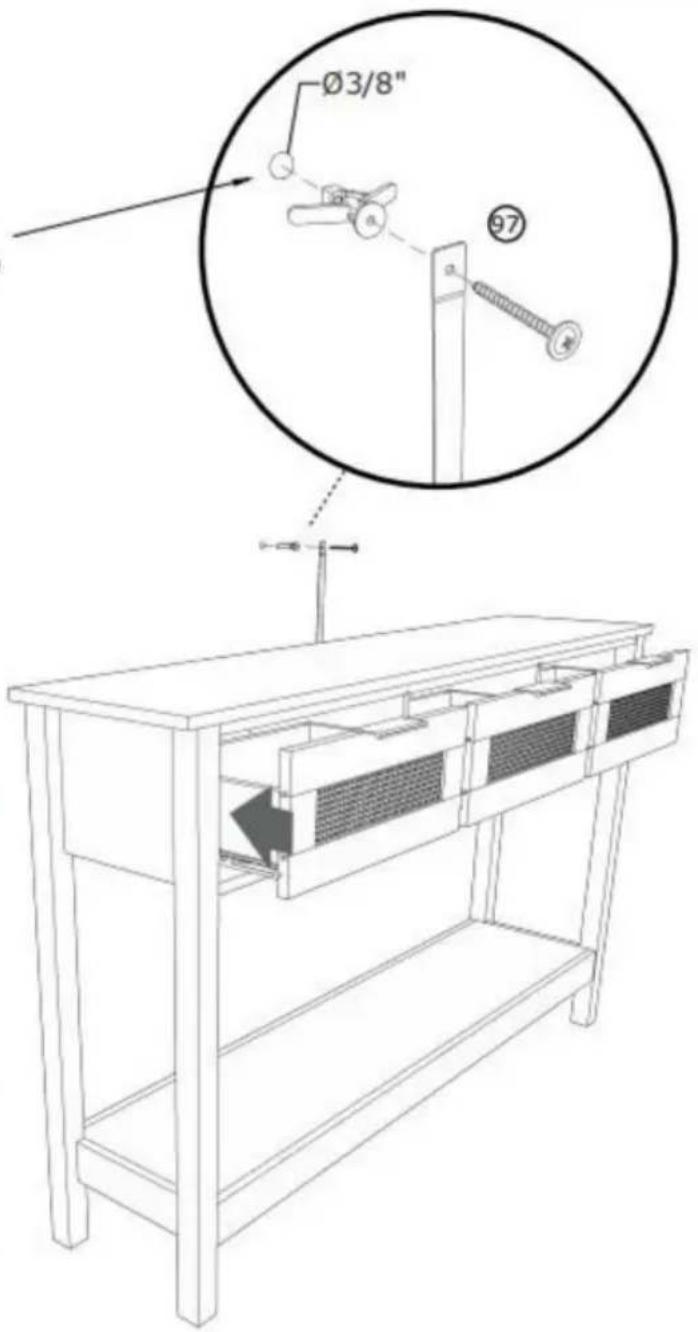
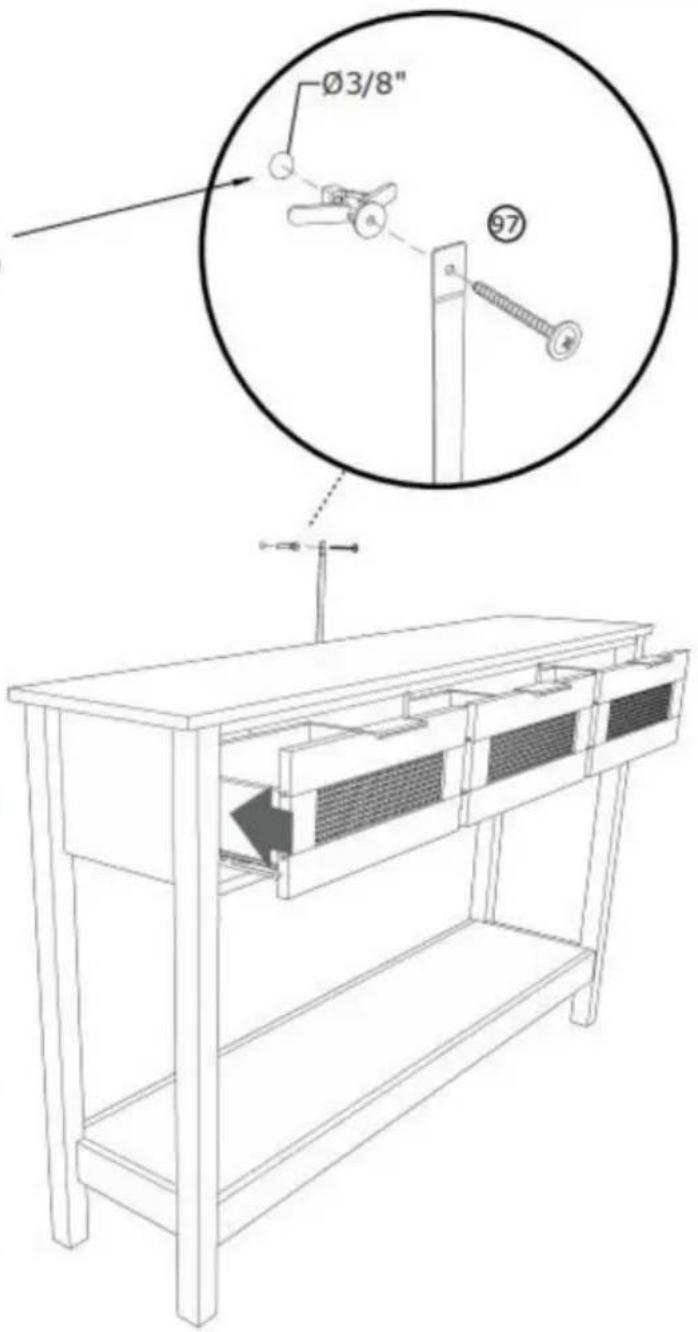
Mark and drill a 3/8" hole into the wall stud.
Carefully stand your unit upright against the wall in its final location.
1st- With your pencil, strike a mark through the center of the hole in the SAFETY STRAP.
2nd- Drill a 3/8" hole on the mark.
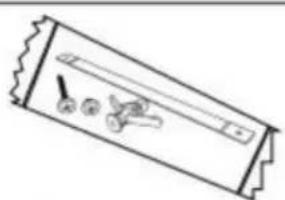
3rd- While you squeeze the wings together, gently tap the WALL ANCHOR from the FURNITURE TIPPING RESTRAINT KIT (97) into the hole until it is even with the surface of the wall.
4th- Turn the long screw through the hole in the SAFETY STRAP and into the WALL ANCHOR.
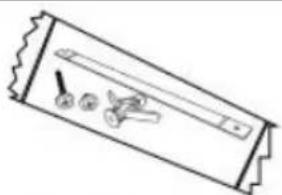
⑨7 X 1 PCS
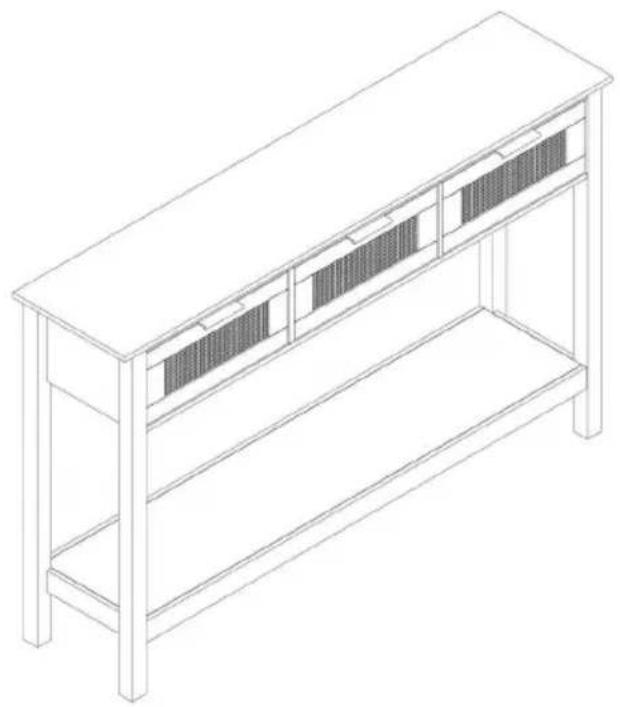
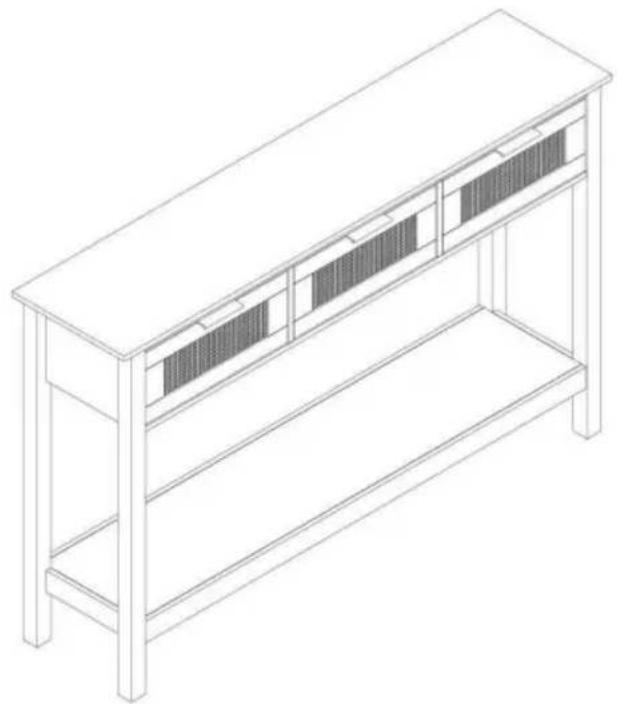
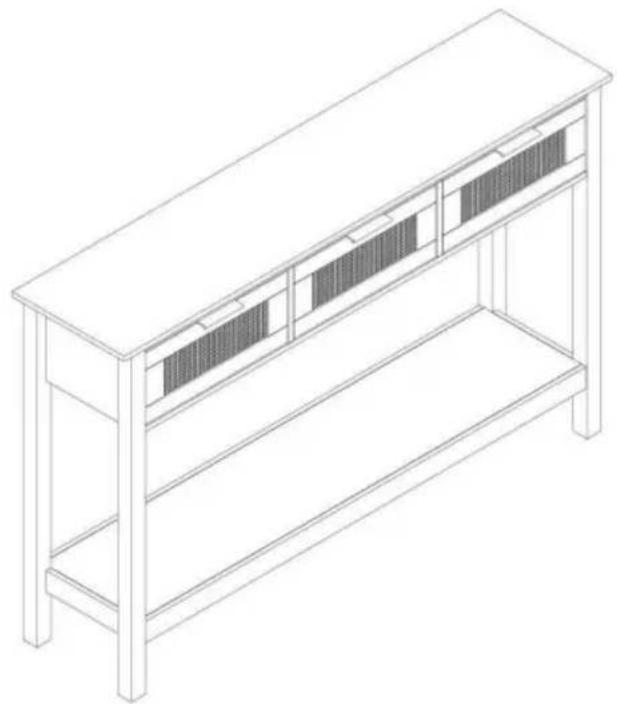
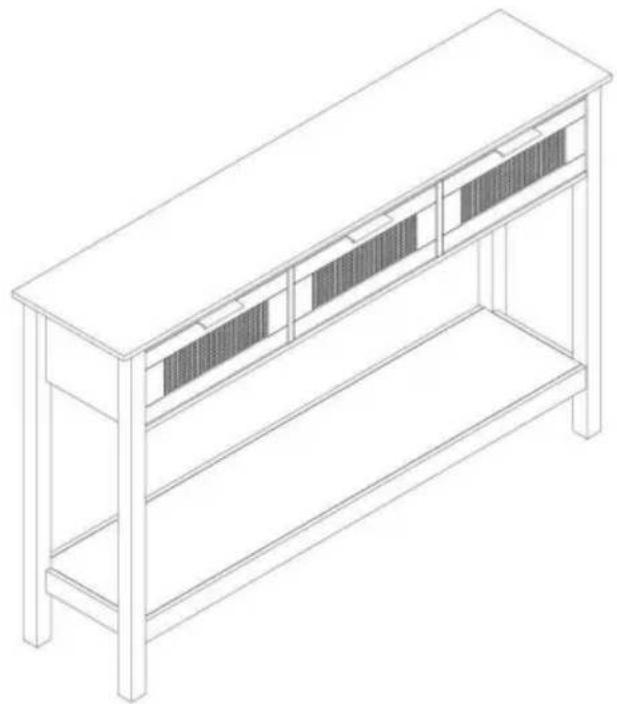
COMPLETION
Manufacturer: Shanghaimuxinmuyeyouxiangongsi
Address: Shuangchenglu 803nong11hao1602A-1609shi, baoshanqu, shanghai 200000 CN.
Imported to AUS: SIHAO PTY LTD. 1 ROKEVA STREETEASTWOOD NSW 2122 Australia
Imported to USA: Sanven Technology Ltd. Suite 250, 9166 Anaheim Place, Rancho Cucamonga, CA 91730
| EC | REP |
E-CrossStu GmbH
Mainzer Landstr.69, 60329 Frankfurt am Main
| UK | REP |
YH CONSULTING LIMITED.
C/O YH Consulting Limited Office 147, Centurion House, London Road, Staines-upon-Thames, Surrey TW18 4AX
VEVOR®
TOUGH TOOLS, HALF PRICE
Technical Support and E-Warranty Certificate
www.vevor.com/support
VEVOR®
TOUGH TOOLS, HALF PRICE
NEED HELP? CONTACT US!
STEP 2:![P 2: ① ② ③ ④ ⑤ ⑥ [1] [2] [3] [4] [5] [6] [7] [8] [9] [10] 180° ① ② ③ ④ ⑤ ⑥ [1] [2] [3] [4] [5] [6] [7] [8] [9] [10]](/content/2026/04/735012/images/8ff4cb3609ffb0f47348c38adc8a189eac21cc4e3fd4bd54dbe2df1005b3745e.jpg)
![[R] [L] ① X 2 PCS](/content/2026/04/735012/images/1965ab9a974934eedf04a6f3302c6368c796a68a0ed34d54d87a648503caa430.jpg)
STEP 3: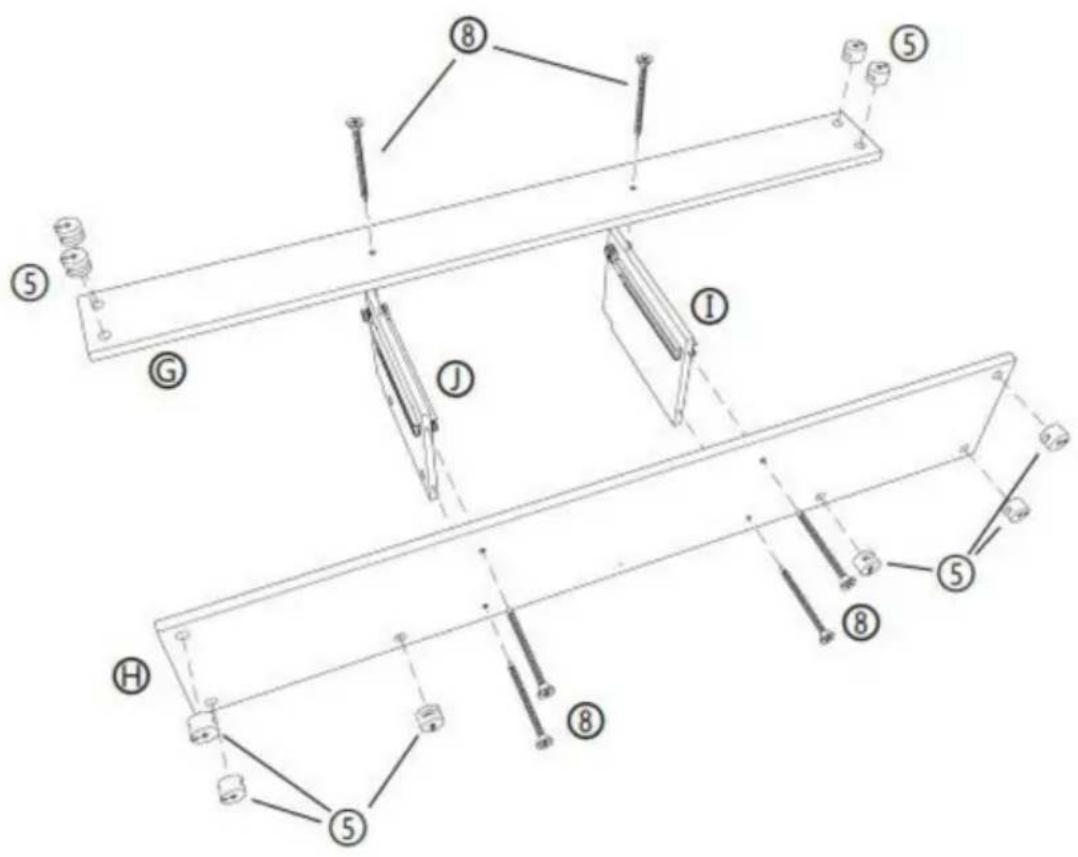
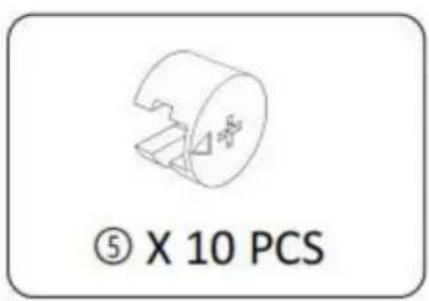
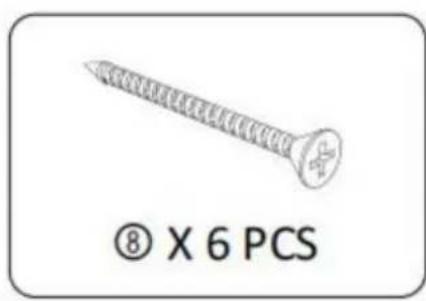
STEP 4: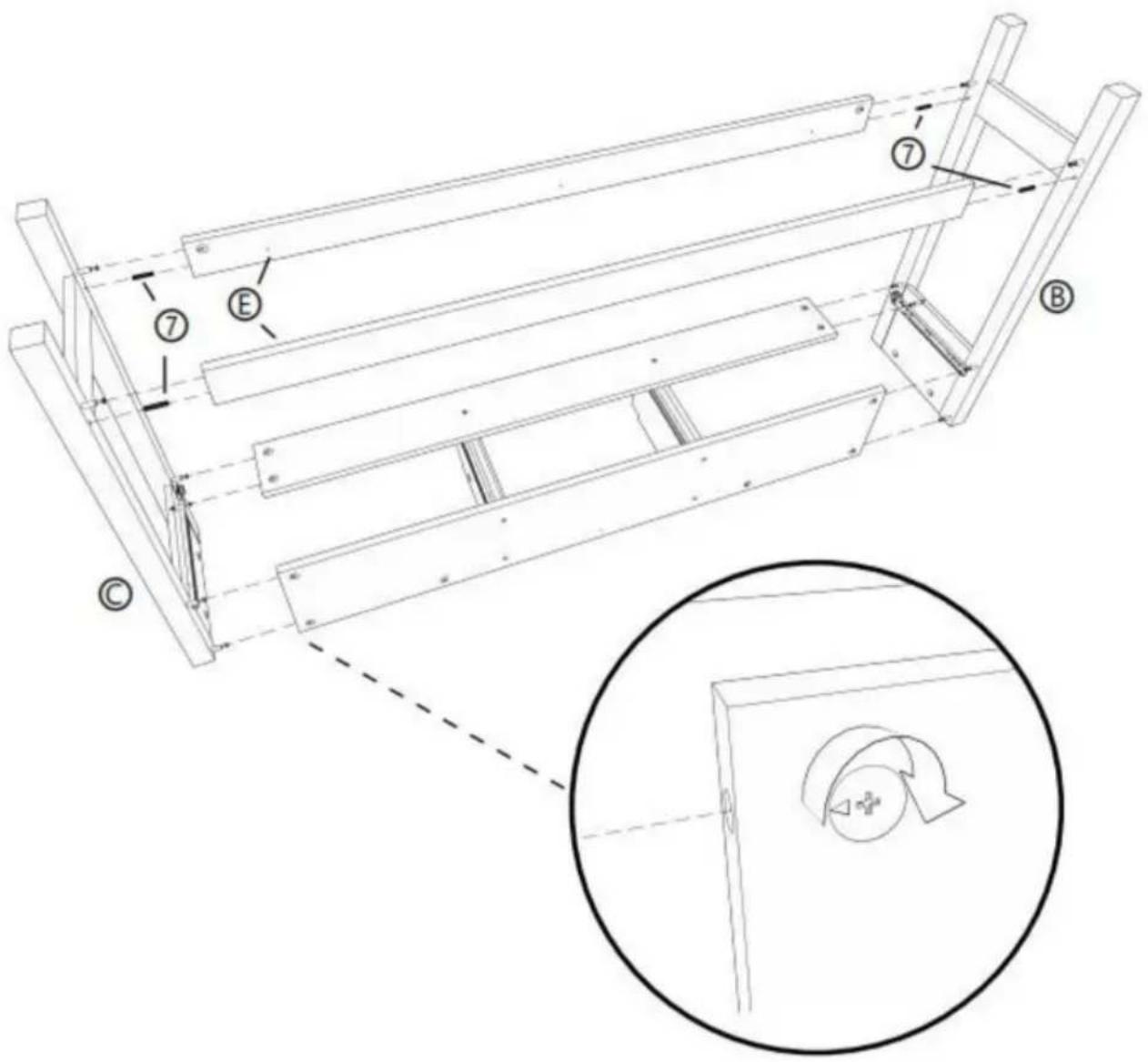
STEP 5: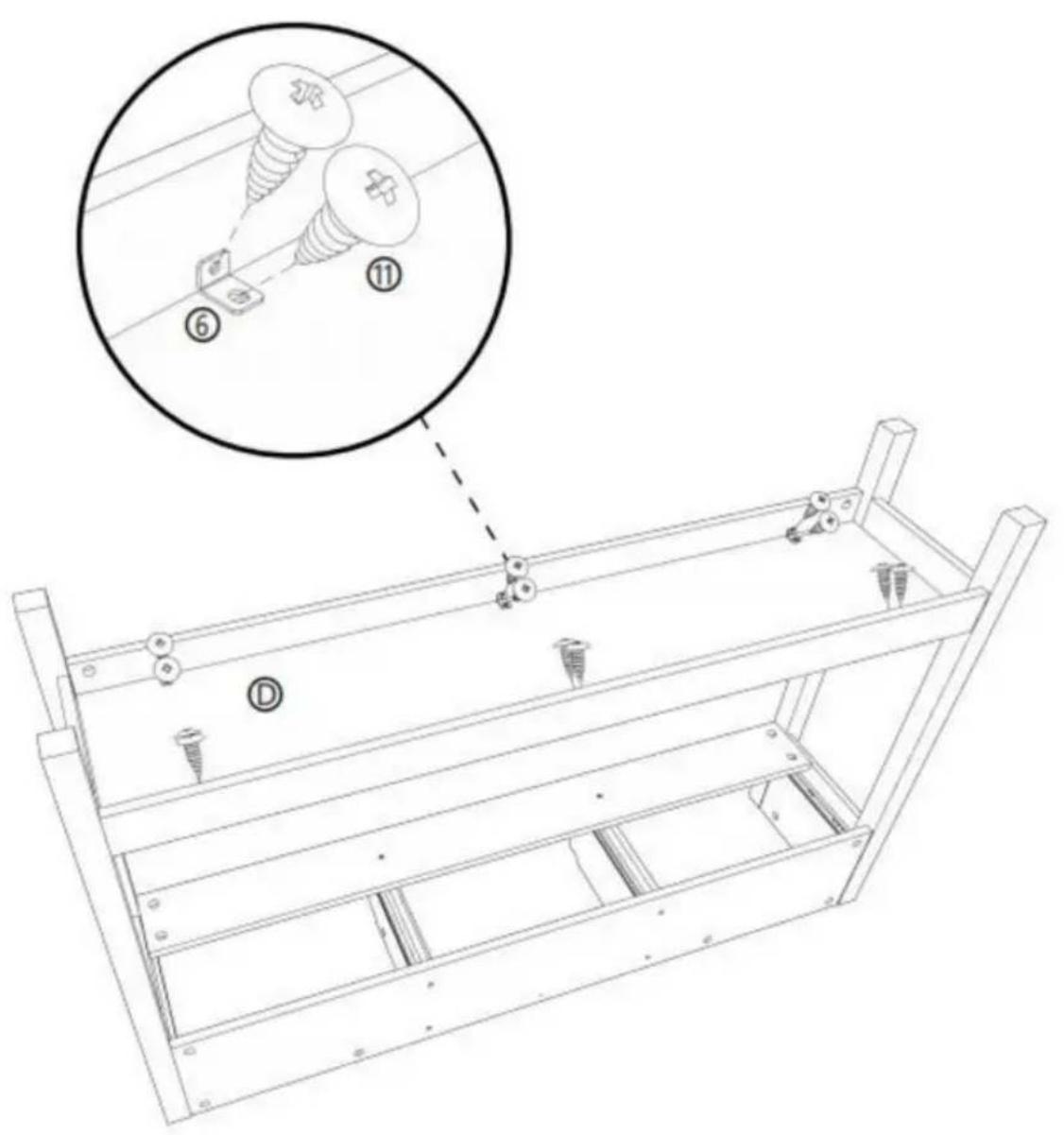
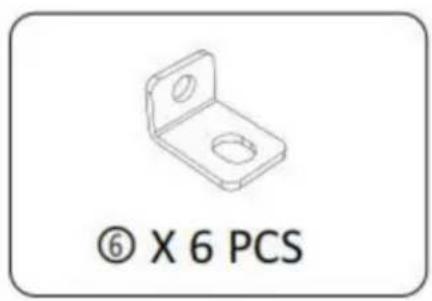
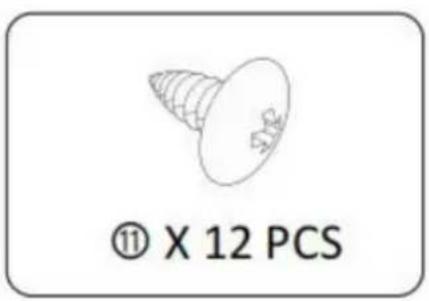

STEP 6:
④ X 10 PCS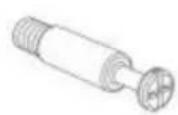
⑨ X 3 PCS Ⓐ X 1 PCS ⑤ X 1 PCS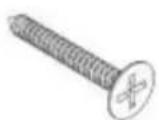
STEP 7: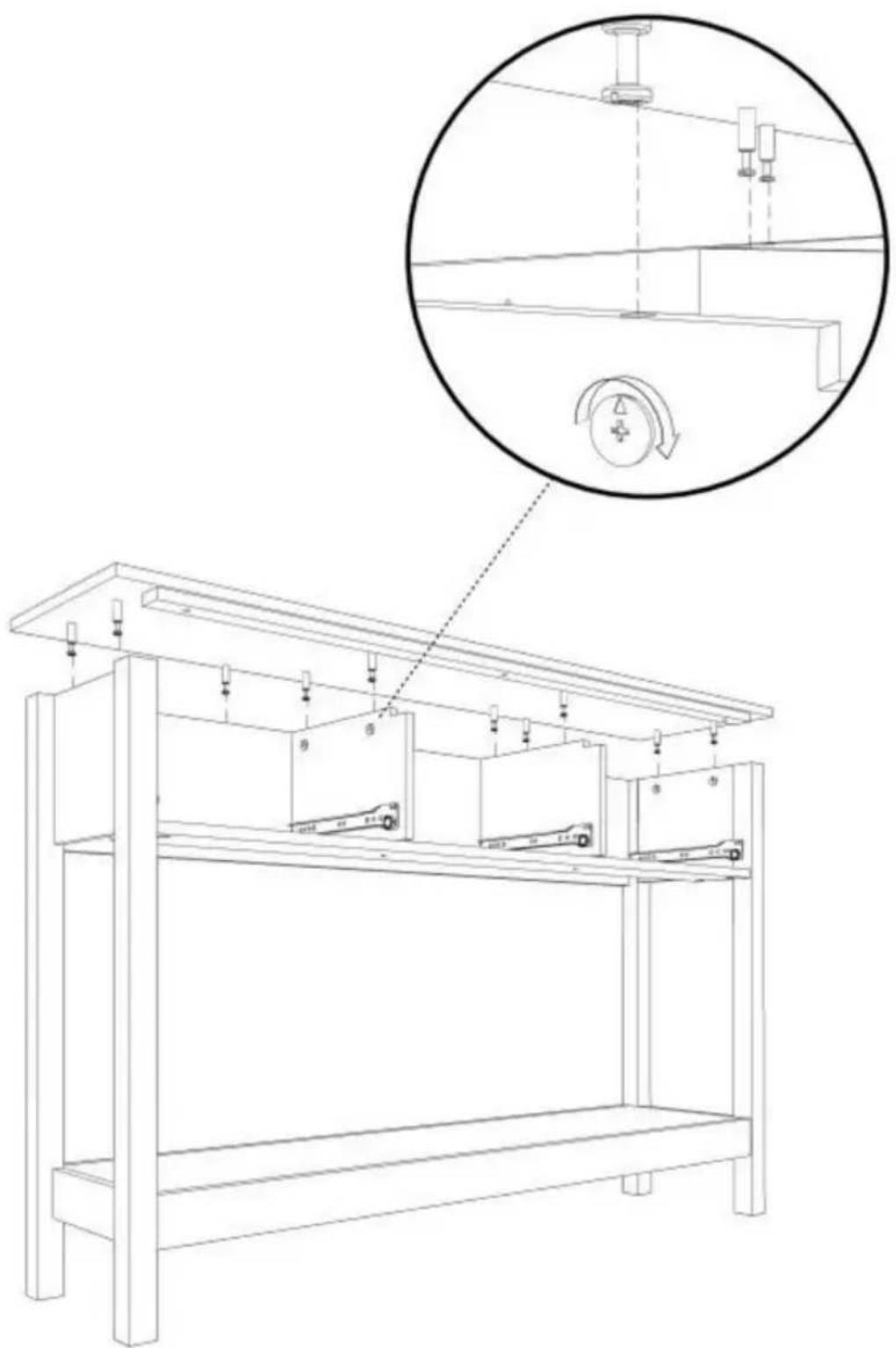
STEP 8: X3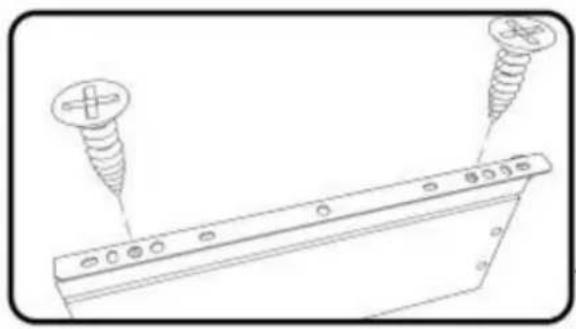
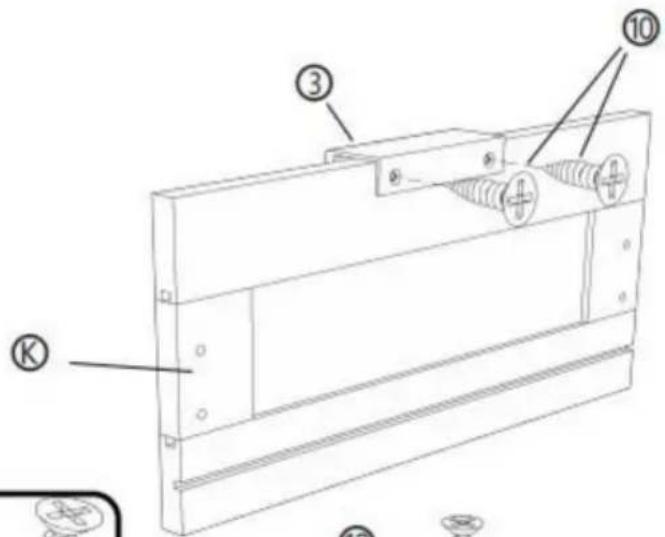
![[R] [M] [L] ① ② ⑩ ⑩ ② ④](/content/2026/04/735012/images/de46b741f806d3d9f2f28340f730b1b4a0bce2ed9d465d43fe28862e88522c23.jpg)
![Technical line drawing of a mechanical component with labeled parts [R] and [L], showing no text or symbols beyond labels.](/content/2026/04/735012/images/05fd57c39187edc75a1ae9f5c536a04fd8f495bf1ba839ef2804a5d8d54e775e.jpg)
② X 3 PCS
③ X 3 PCS
⑩ X 18 PCS © X 3 PCS ⑧ X 3 PCS ⑨ X 3 PCS
STEP 9: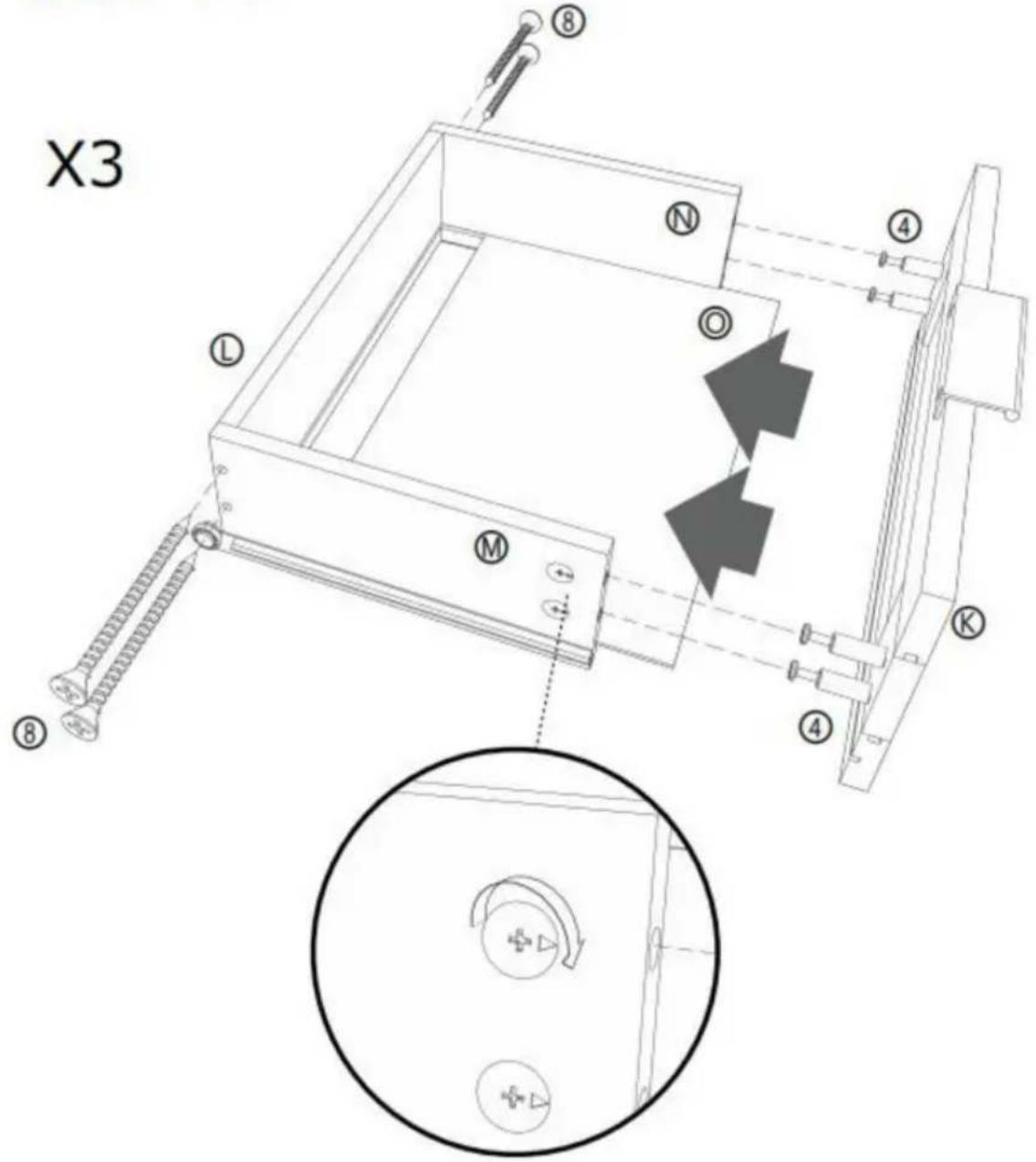
⑧ X 12 PCS
④ X 12 PCS, © X 3 PCS, ⑤ X 3 PCS, ⑧ X 3 PCS, ⑨ X 3 PCS, ⑨ X 3 PCS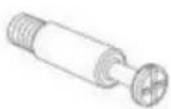
STEP 10:
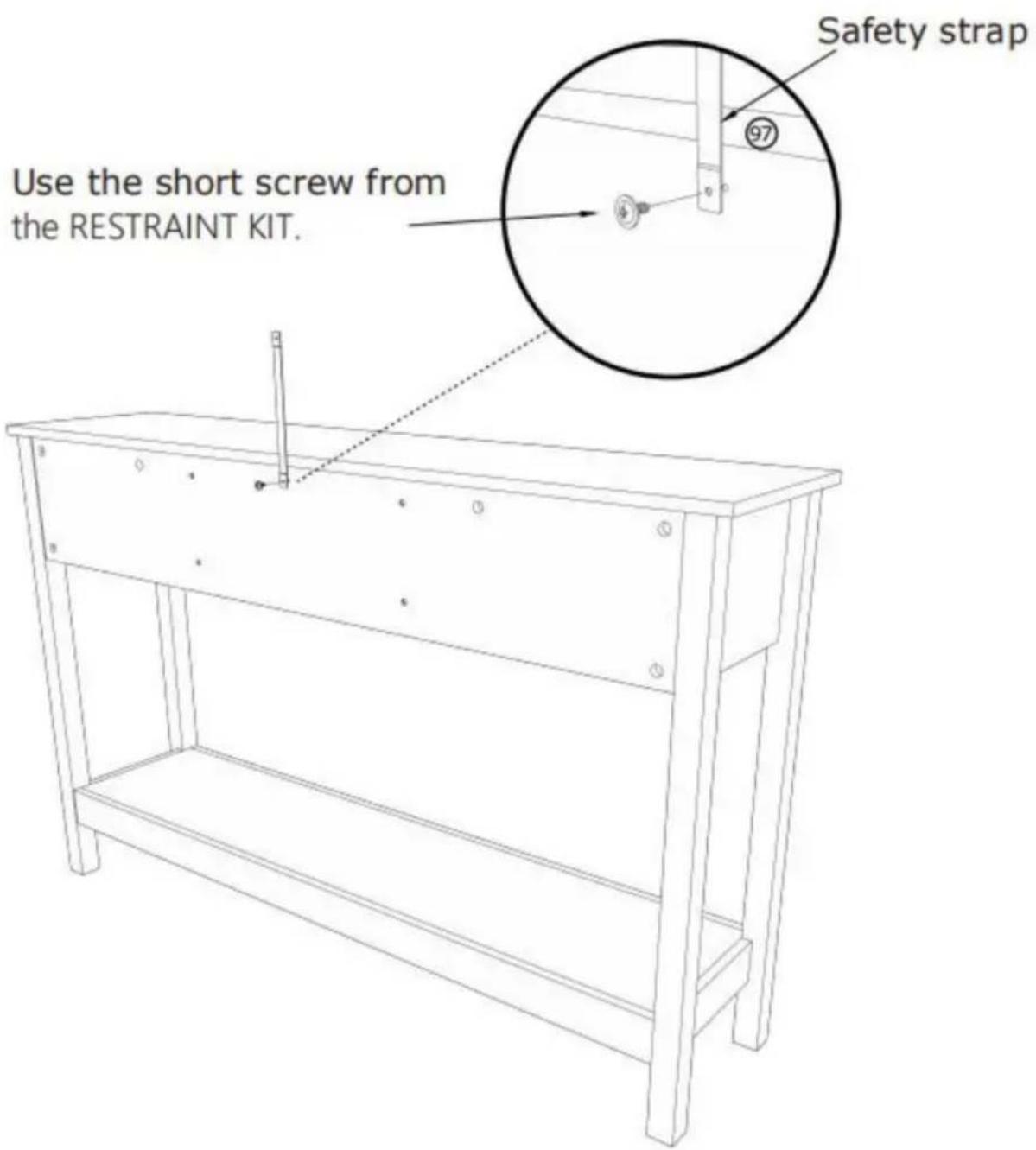
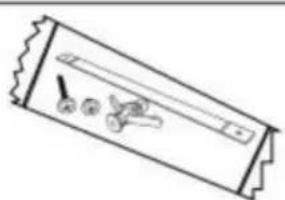
⑨7 X 1 PCS
STEP 11:
Mark and drill a 1/8" hole into the wall stud.
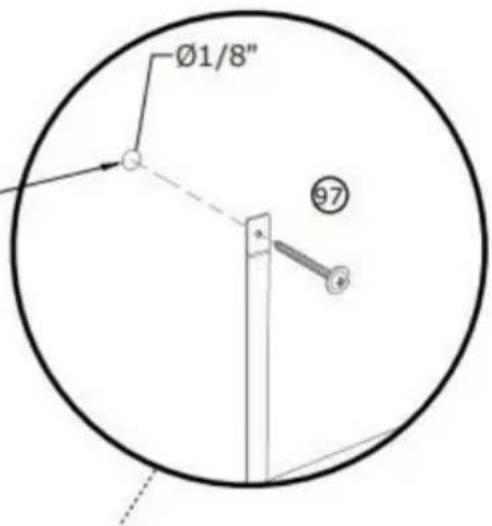
Carefully stand your unit upright against the wall in its final location.
1st - Locate the center of a stud in your wall near your unit and mark it with a pencil.
2nd - Drill a 1/8" hole on the mark and into the stud in your wall.
3rd - Fasten the unit to the wall. Use the long screw through the other end of the strap and into the 1/8" hole.
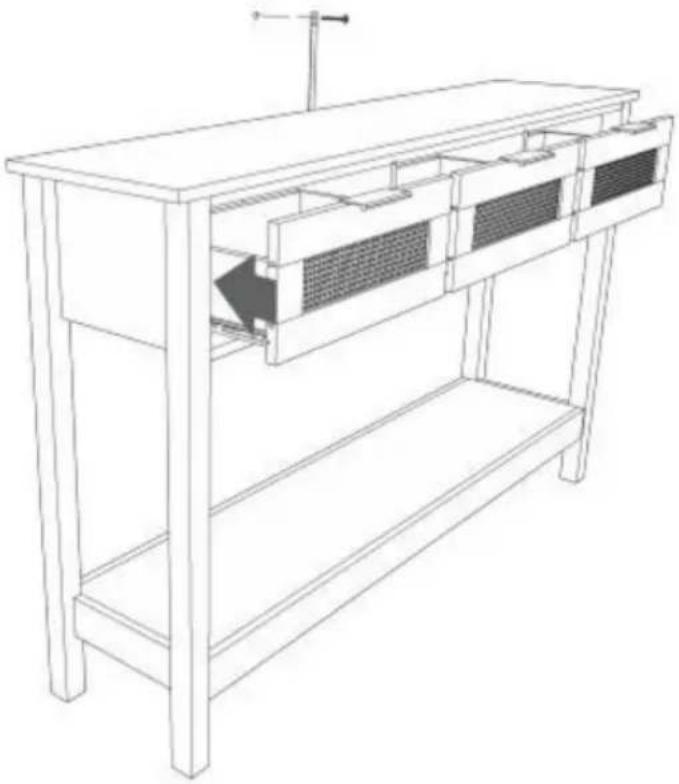
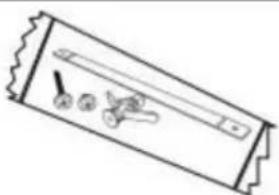
⑨7 X 1 PCS
STEP 12:
Mark and drill a 3/8" hole into the wall stud.
Carefully stand your unit upright against the wall in its final location.
1st- With your pencil, strike a mark through the center of the hole in the SAFETY STRAP.
2nd- Drill a 3/8" hole on the mark.
3rd- While you squeeze the wings together, gently tap the WALL ANCHOR from the FURNITURE TIPPING RESTRAINT KIT (97) into the hole until it is even with the surface of the wall.
4th- Turn the long screw through the hole in the SAFETY STRAP and into the WALL ANCHOR.
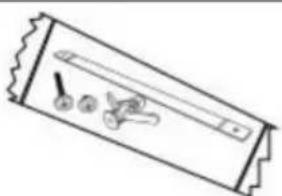
⑨7 X 1 PCS
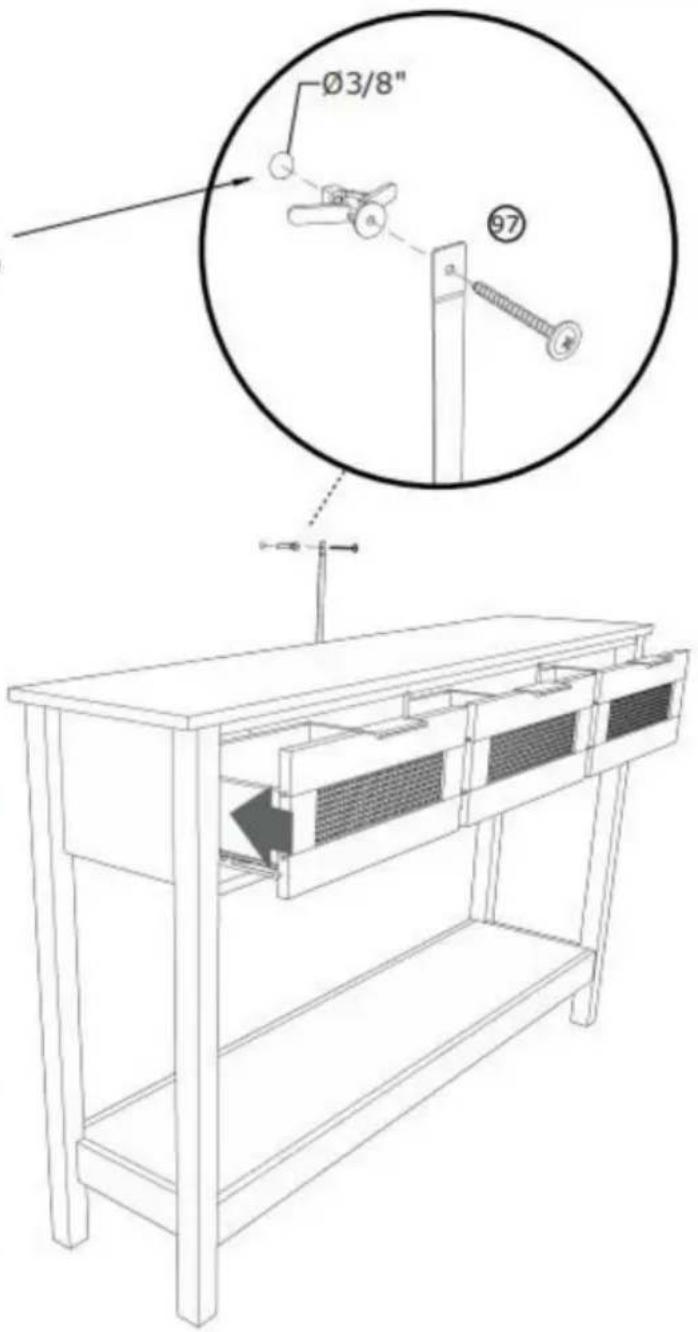
COMPLETION
Manufacturer: Shanghaimuxinmuyeyouxiangongsi
Address: Shuangchenglu 803nong11hao1602A-1609shi, baoshanqu, Shanghai 200000 CN.
Imported into Australia: SIHAO PTY LTD. 1 ROKEVA STREETEASTWOOD NSW 2122 Australia
A/S YH Consulting Limited Office 147, Centurion
House, London Road, Staines-upon-Thames, Surrey, TW18 4AX
VEVOR®
TOUGH TOOLS, HALF PRICE
STEP 2 :![P 2: ① ② ③ ④ ⑤ ⑥ [1] [2] [3] [4] [5] [6] [7] [8] [9] [10] 180° ① ② ③ ④ ⑤ ⑥ [1] [2] [3] [4] [5] [6] [7] [8] [9] [10]](/content/2026/04/735012/images/82ee4ef1fe9f124c9aea7b1c37f0ba7fdf592f7ee2bd539ecb4c455e497960bf.jpg)
![[R] [L] ① X 2 PCS](/content/2026/04/735012/images/cd6c8f320364646181c9a82e4fa0a2d2f3459024b3a9eabb5c9c635523b17e73.jpg)
STEP 3 :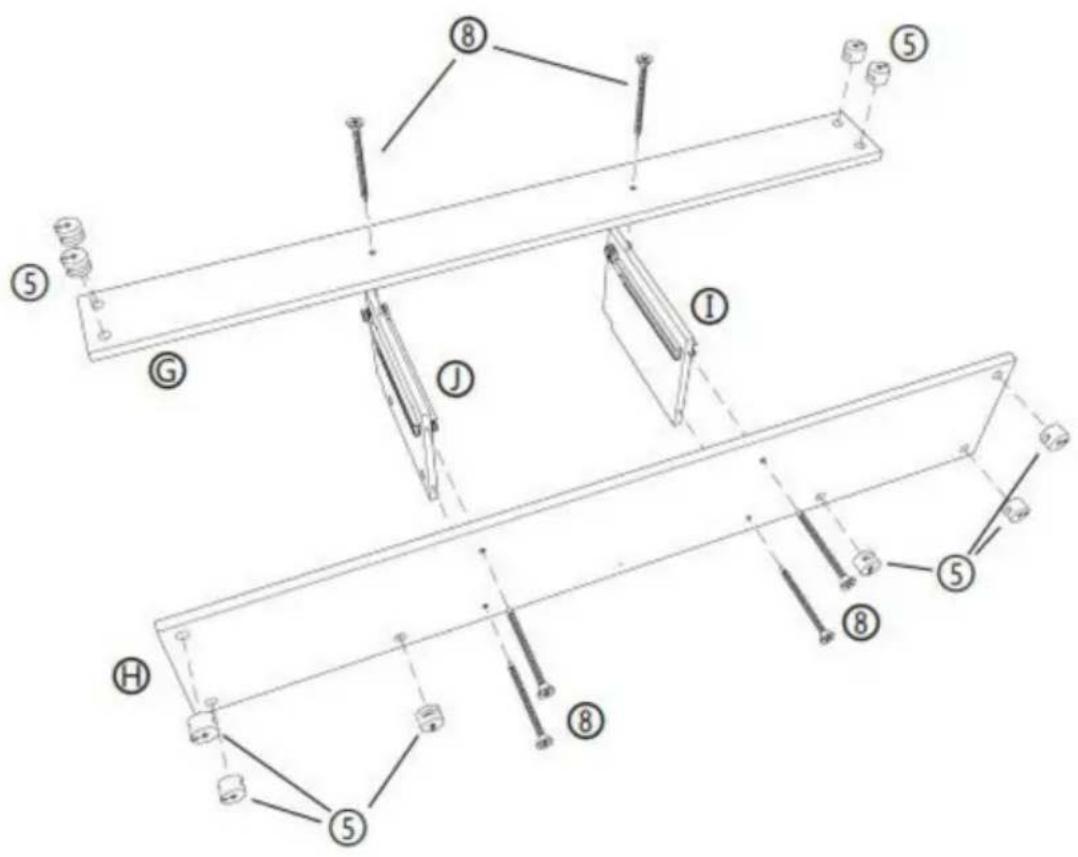
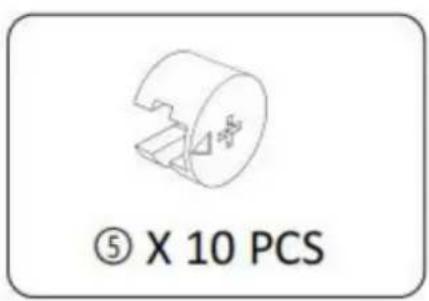
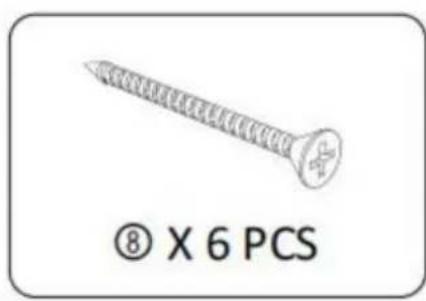
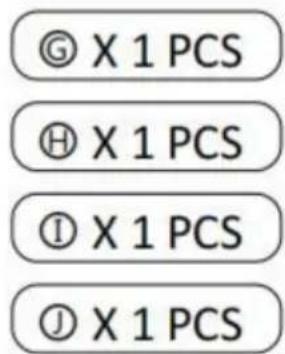
STEP 4: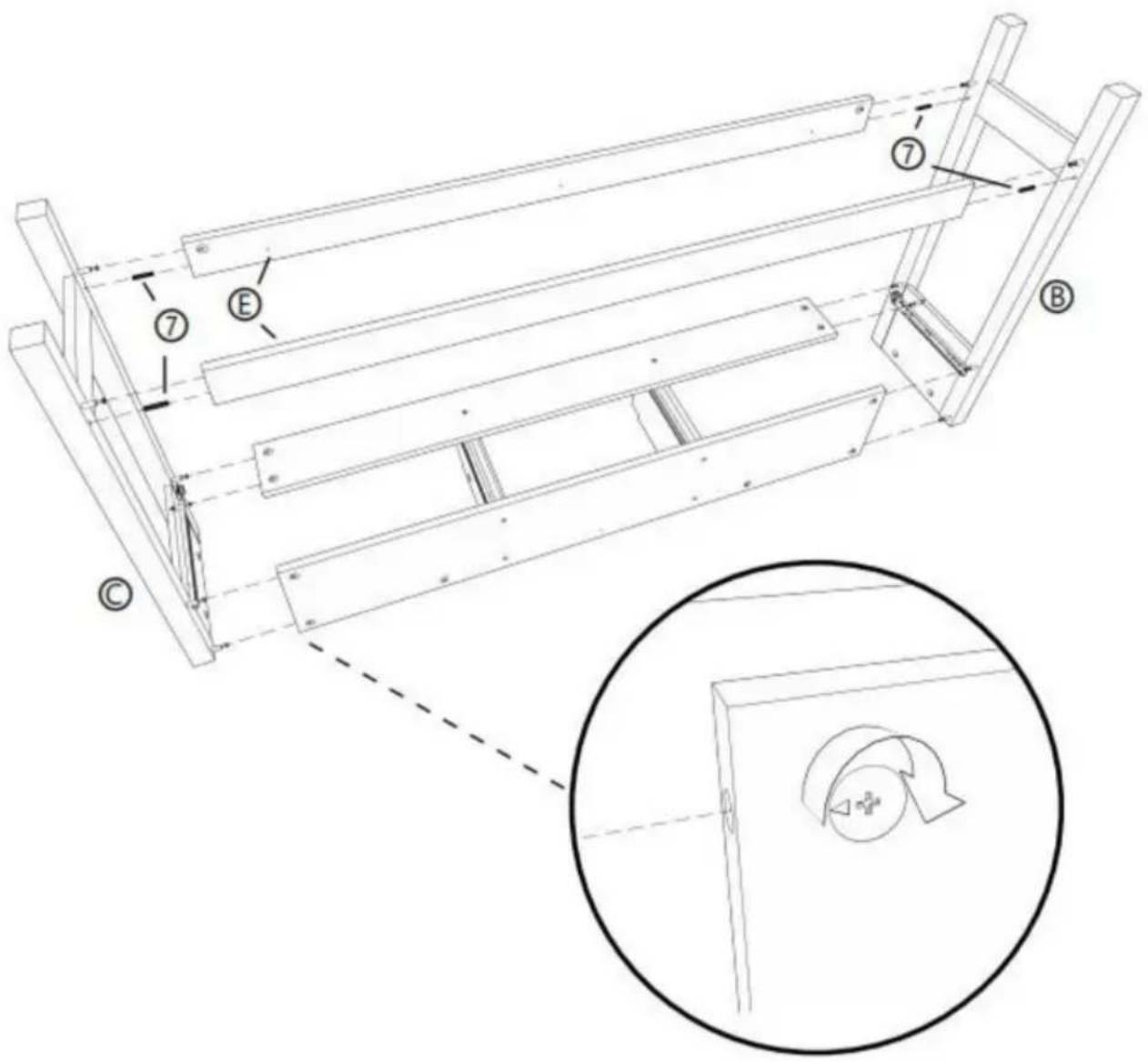
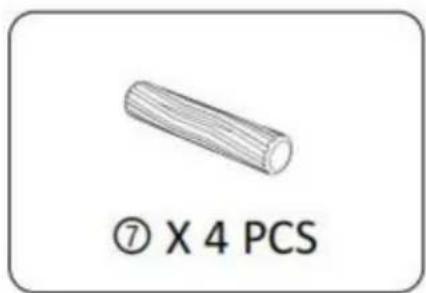
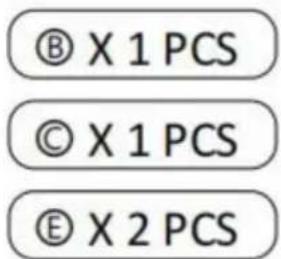
STEP 5: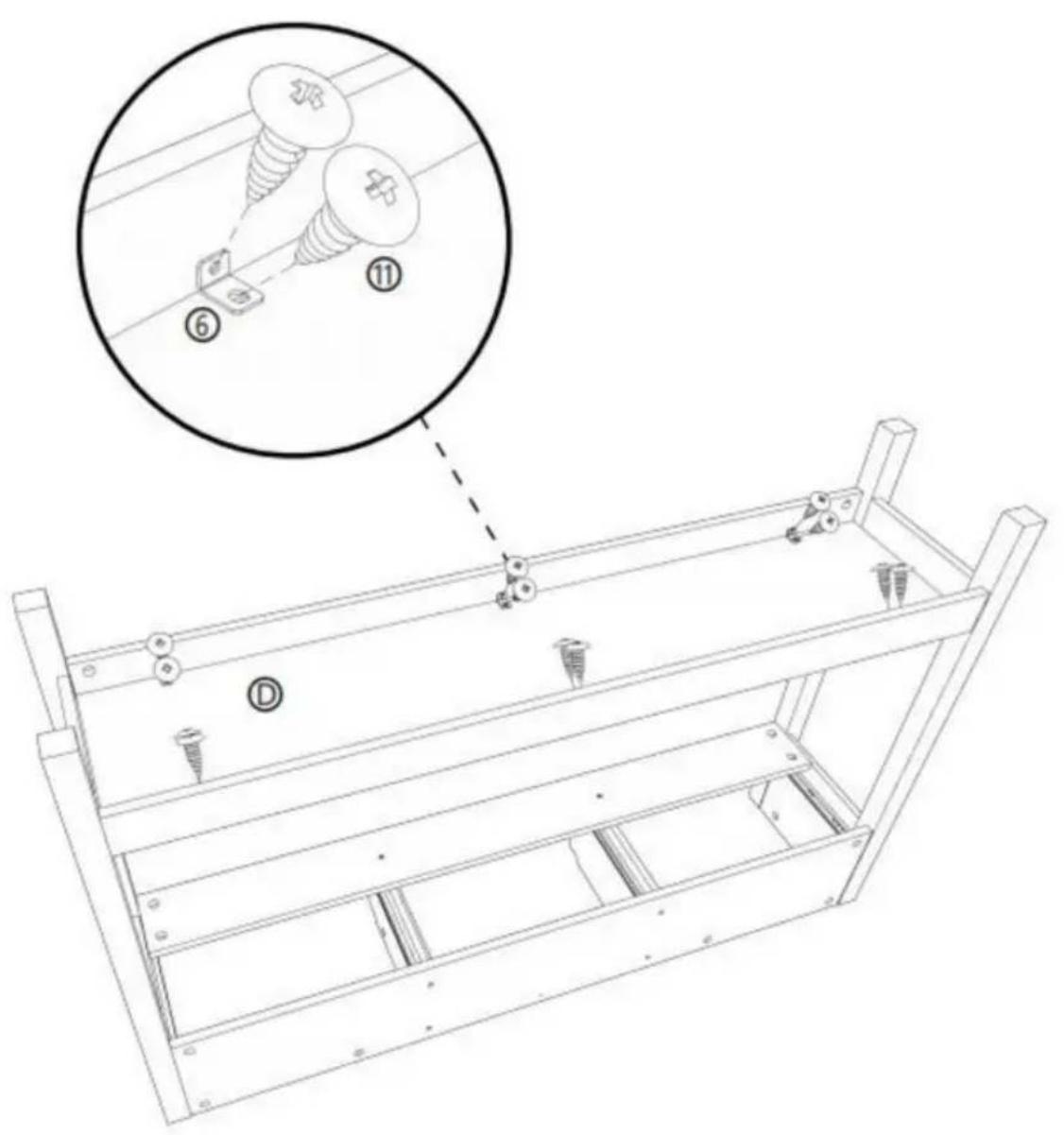

STEP 6: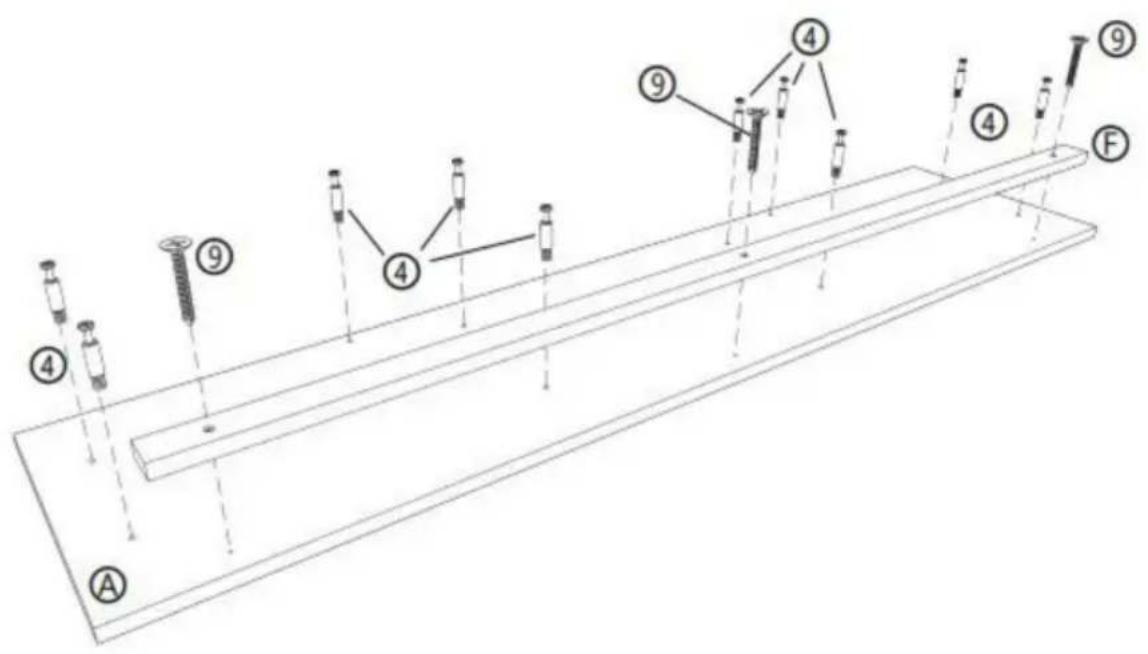
④ X 10 PCS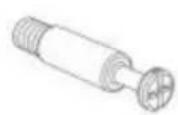
⑨ X 3 PCS Ⓐ X 1 PCS ⑤ X 1 PCS
STEP 7: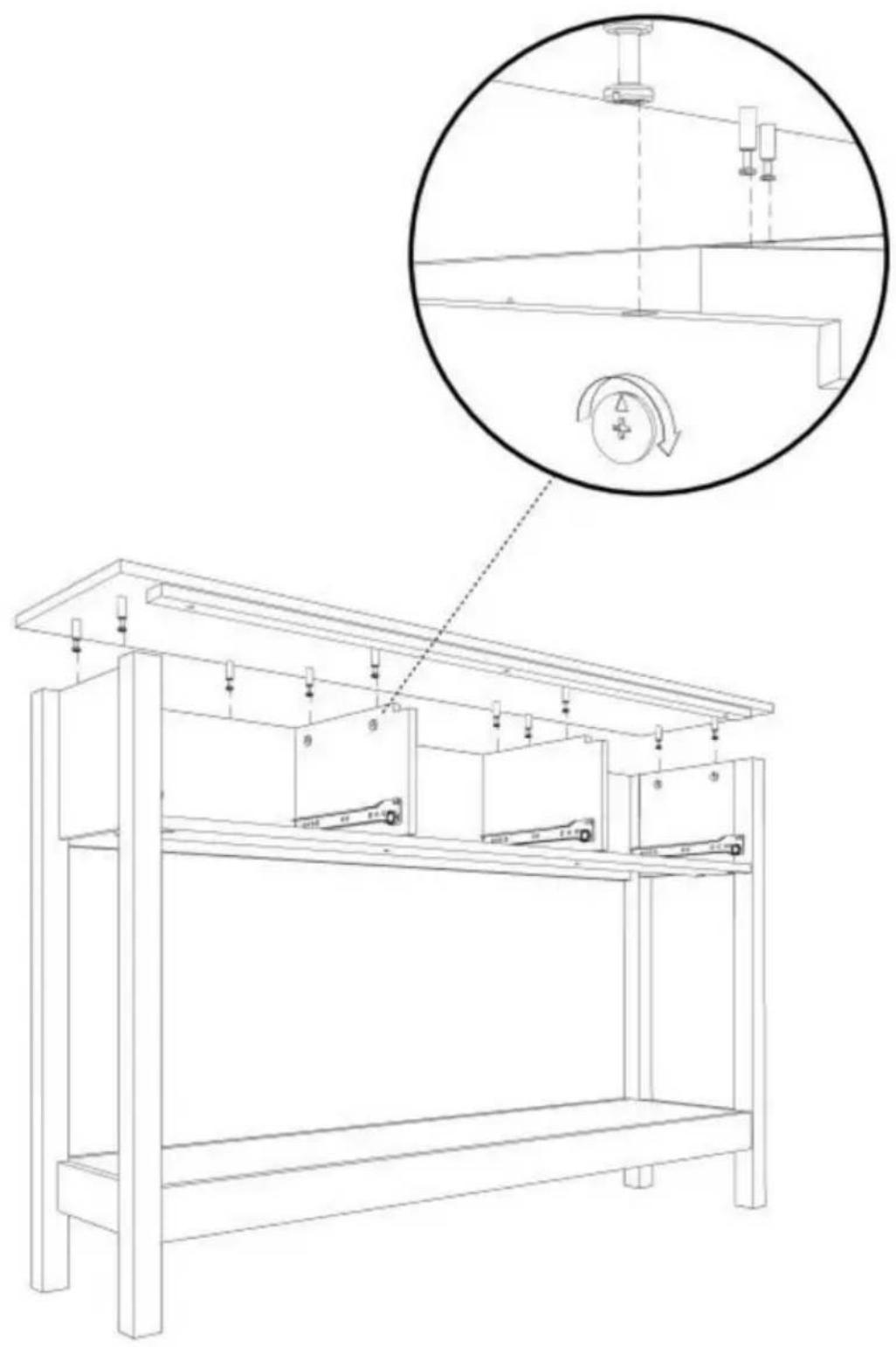
STEP 8: X3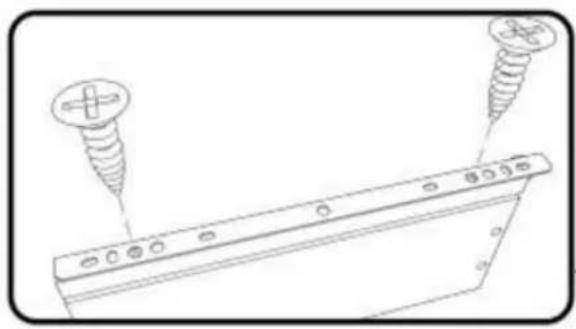
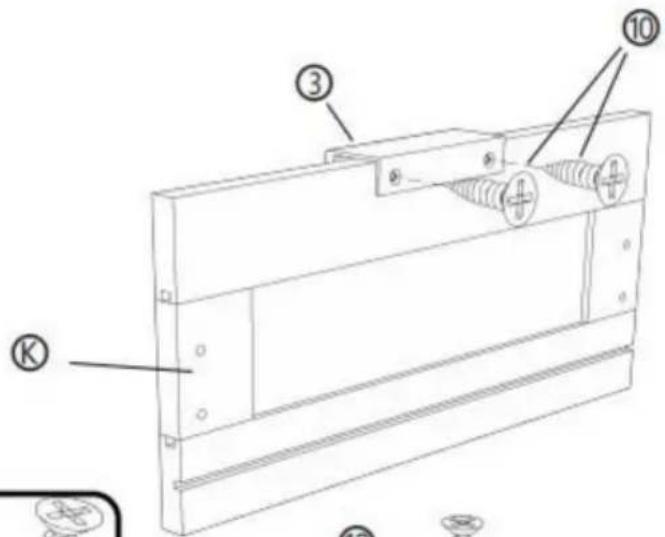
![[R] [M] [L] ① ② ⑩ ⑩ ② ④](/content/2026/04/735012/images/c5bd4961ff84f065b25b9455c6bdfce1c4ca028f5bd664e3dc37d50c1c2eafff.jpg)
![Technical line drawing of a mechanical component with labeled parts [R] and [L], showing no text or symbols beyond labels.](/content/2026/04/735012/images/77aba29dbce52f96f0fdb4fb77b995d7cda906c682a09a09fc5945ca87f0a48c.jpg)
② X 3 PCS
③ X 3 PCS
⑩ X 18 PCS © X 3 PCS ⑧ X 3 PCS ⑨ X 3 PCS
STEP 9: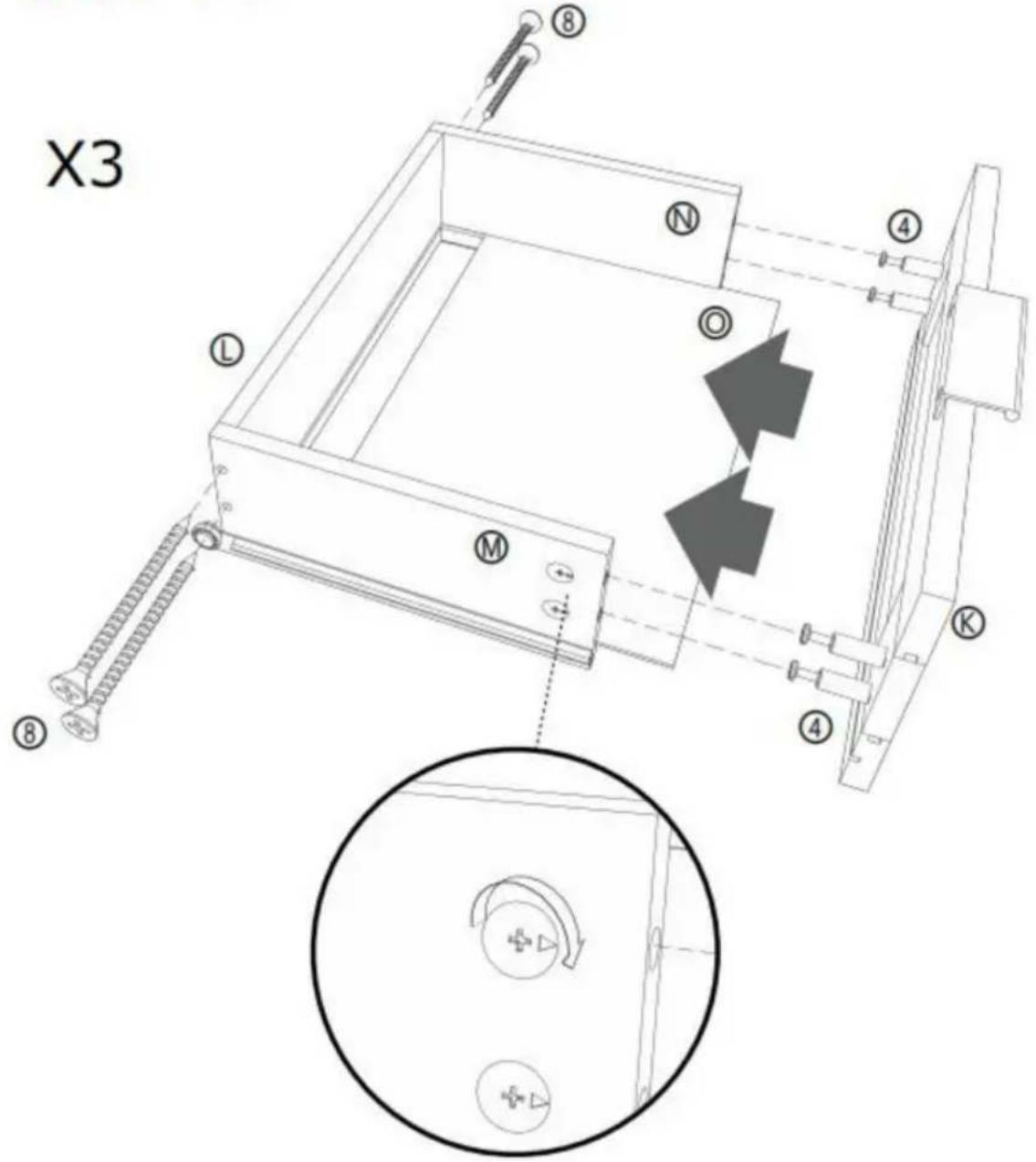
⑧ X 12 PCS
④ X 12 PCS © X 3 PCS ① X 3 PCS ⑧ X 3 PCS ⑨ X 3 PCS ⑨ X 3 PCS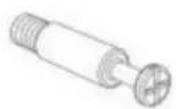
STEP 10:
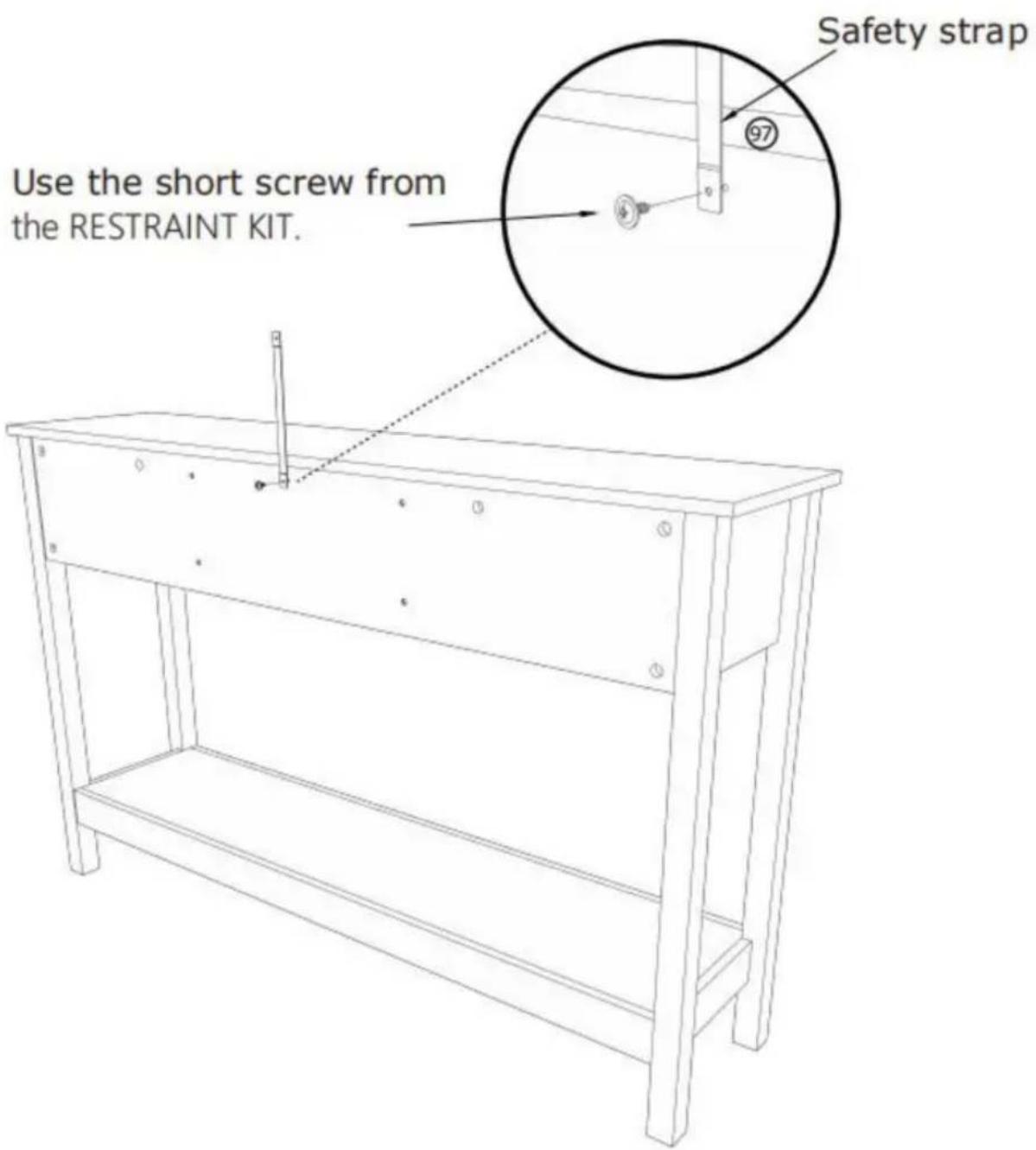
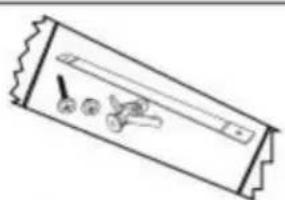
⑨7 X 1 PCS
STEP 11:
Mark and drill a 1/8" hole into the wall stud.
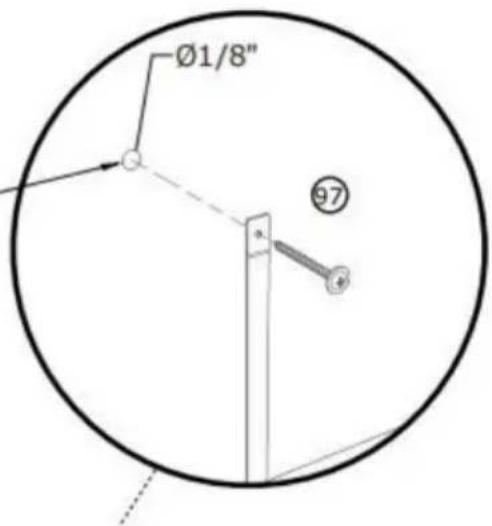
Carefully stand your unit upright against the wall in its final location.
1st- Locate the center of a stud in your wall near your unit and mark it with a pencil.
2nd- Drill a 1/8" hole on the mark and into the stud in your wall.
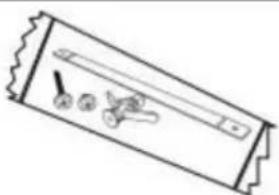
3rd- Fasten the unit to the wall. Use the long screw through the other end of the strap and into the 1/8" hole.
⑨7 X 1 PCS
STEP 12:
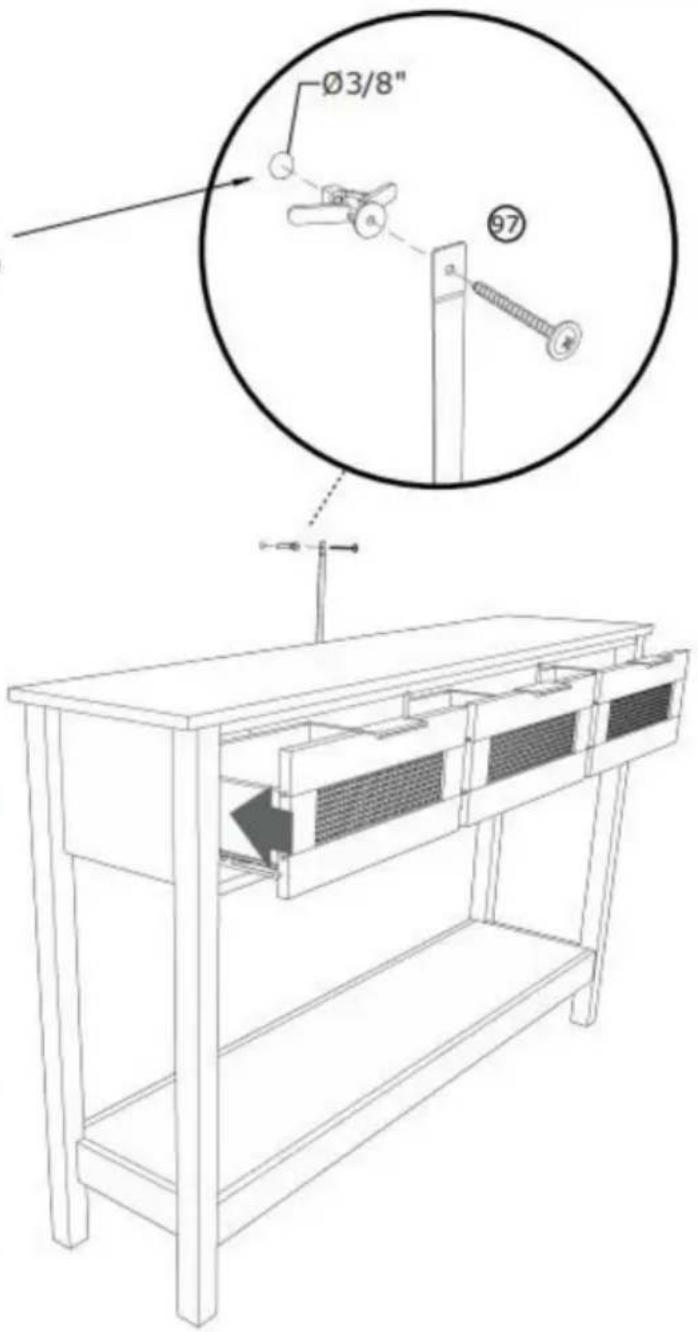
Mark and drill a 3/8" hole into the wall stud.
Carefully stand your unit upright against the wall in its final location.
1st- With your pencil, strike a mark through the center of the hole in the SAFETY STRAP.
2nd- Drill a 3/8" hole on the mark.
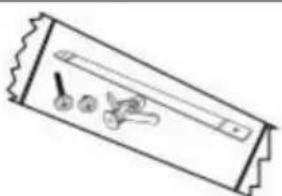
3rd- While you squeeze the wings together, gently tap the WALL ANCHOR from the FURNITURE TIPPING RESTRAINT KIT (97) into the hole until it is even with the surface of the wall.
4th- Turn the long screw through the hole in the SAFETY STRAP and into the WALL ANCHOR.
⑨7 X 1 PCS
COMPLETION
Manufacturer: Shanghaimuxinmuyeyouxiangongsi
Address: Shuangchenglu 803nong11hao1602A-1609shi, baoshanqu, Shanghai 200000 CN.
Imported into Australia by: SIHAO PTY LTD. 1 ROKEVA STREETEASTWOOD NSW 2122 Australia
Imported into the USA: Sanven Technology Ltd. Suite 250, 9166 Anaheim Place, Rancho Cucamonga, CA 91730
C/O YH Consulting Limited Office 147, Centurion
House, London Road, Staines-upon-Thames, Surrey, TW18 4AX
VEVOR®
TOUGH TOOLS, HALF PRICE
www.vevor.com/support
VEVOR®
TOUGH TOOLS, HALF PRICE
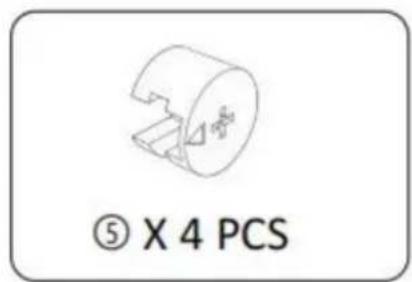
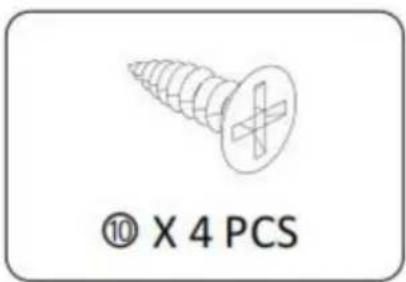
STEP 2:![P 2 : ① ② ③ ④ ⑤ ⑥ [1] [2] [3] [4] [5] [6] [7] [8] [9] [10] 180° ① ② ③ ④ ⑤ ⑥ [1] [2] [3] [4] [5] [6] [7] [8] [9] [10]](/content/2026/04/735012/images/1776c5df5bae411c6292db2871b8caab9bf2d298ed20db3a8feb8c6ecbc33053.jpg)
![[R] [L] ① X 2 PCS](/content/2026/04/735012/images/2410a7240c78629fc86bf57678cdae218f170367d4f9175d05dc1a6d10087464.jpg)
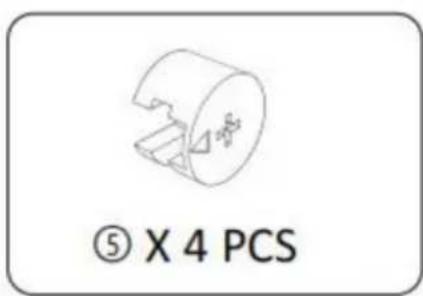
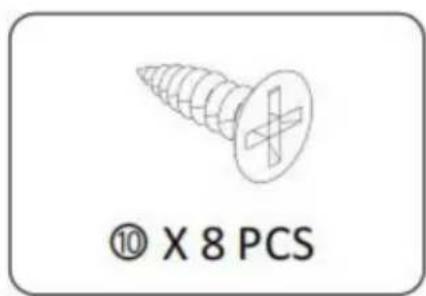
STEP 3:
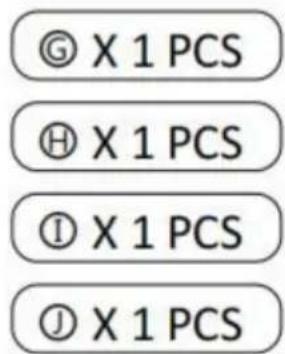
STEP 4: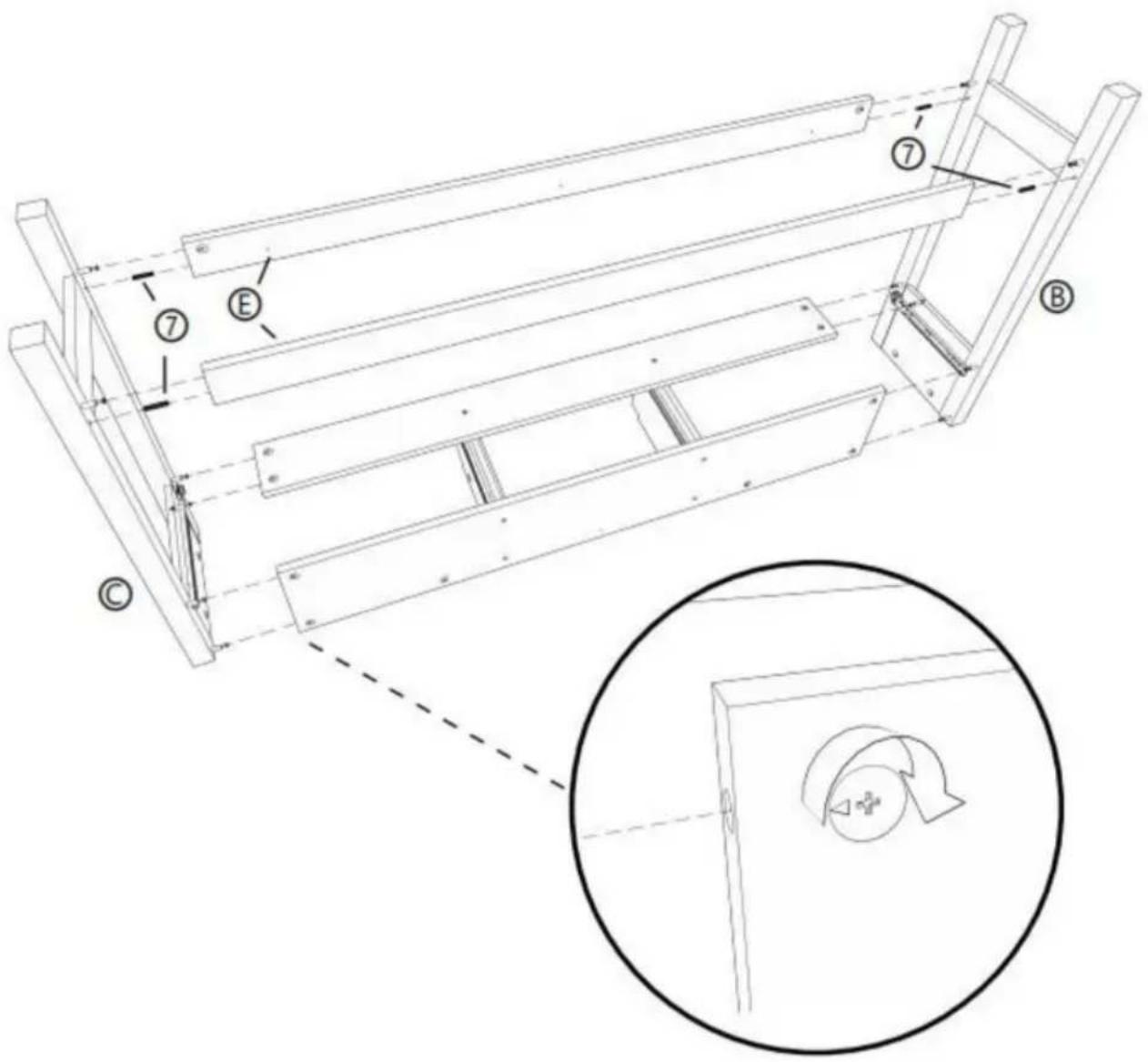
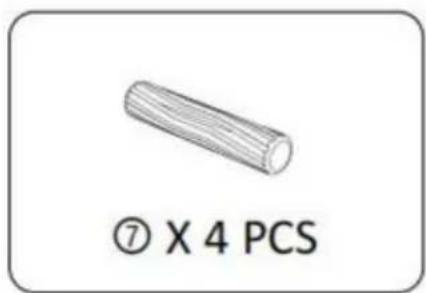
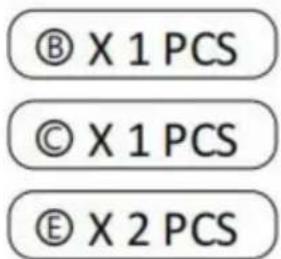
STEP 5: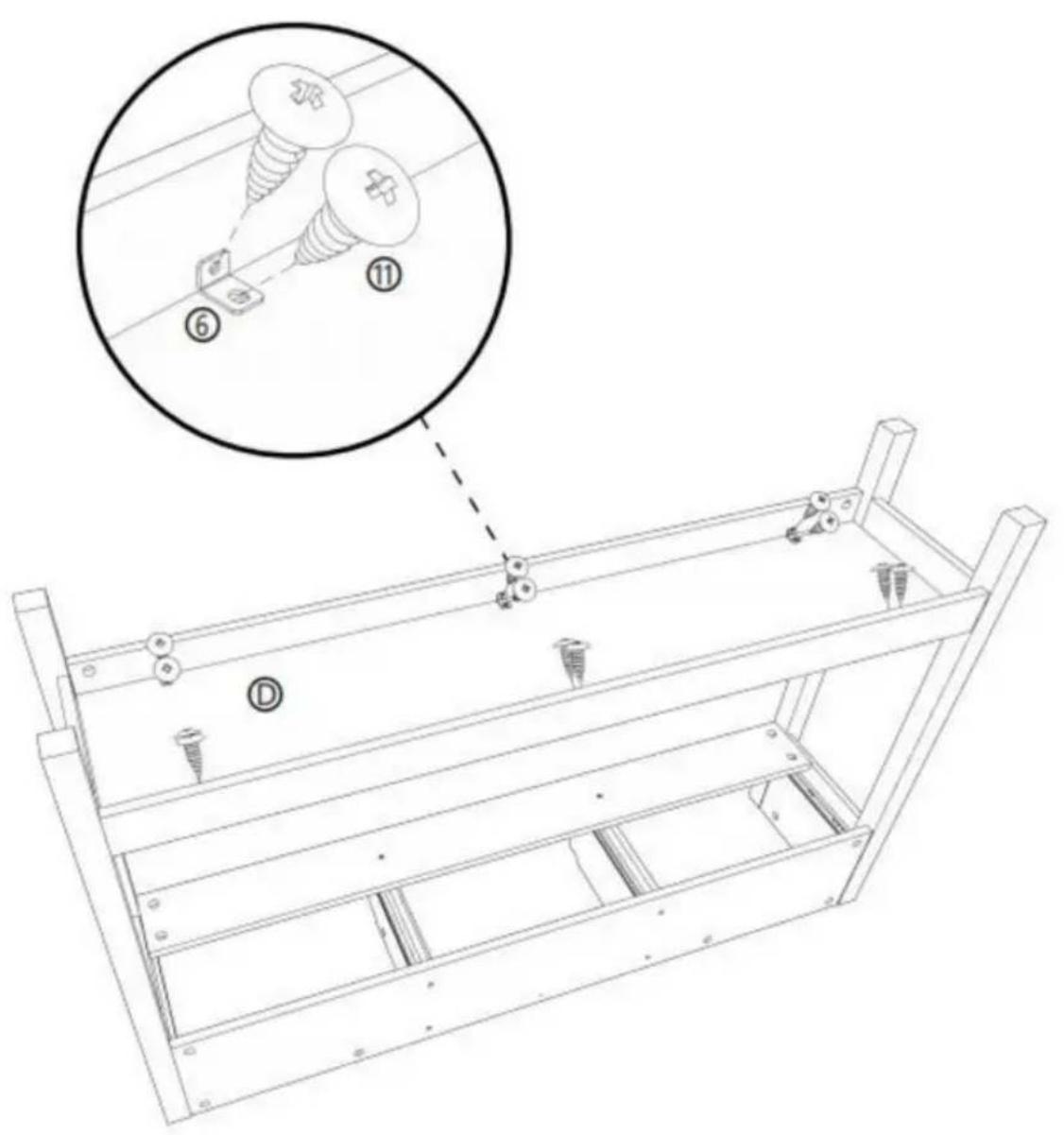
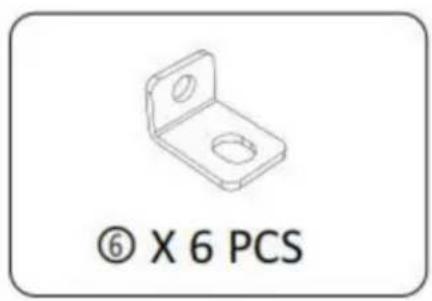
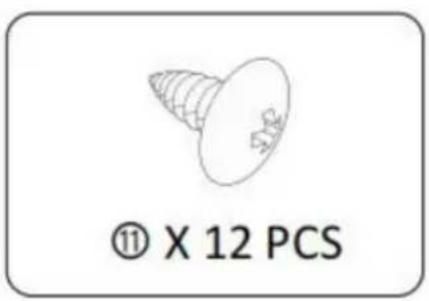

STEP 6: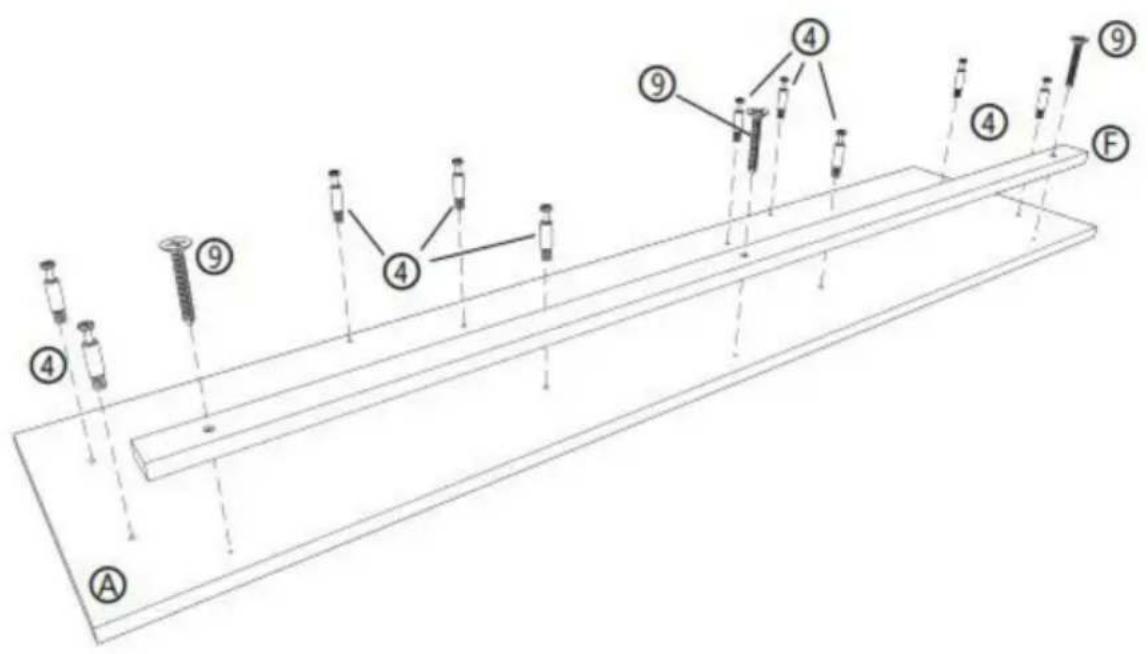
④ X 10 PCS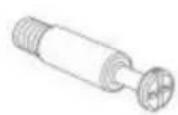
⑨ X 3 PCS Ⓐ X 1 PCS ⑤ X 1 PCS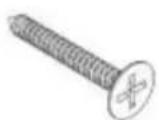
STEP 7: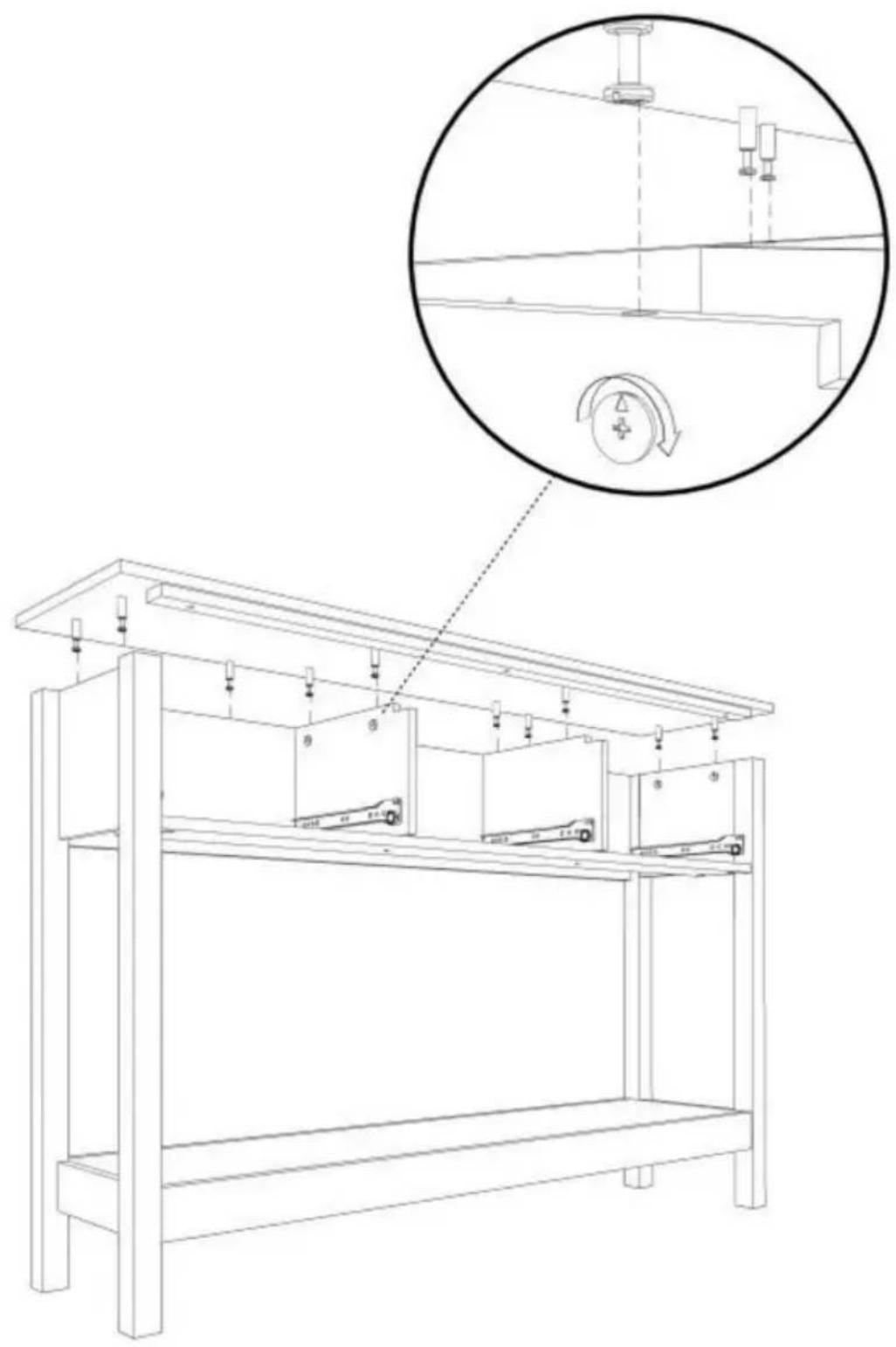
STEP 8: X3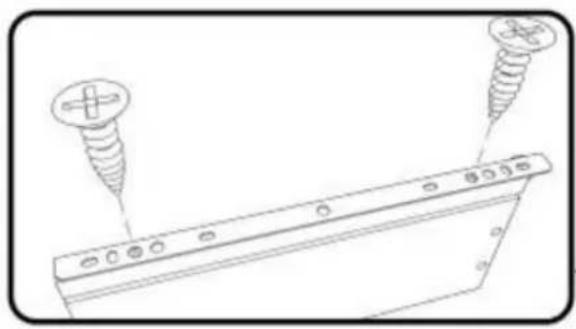
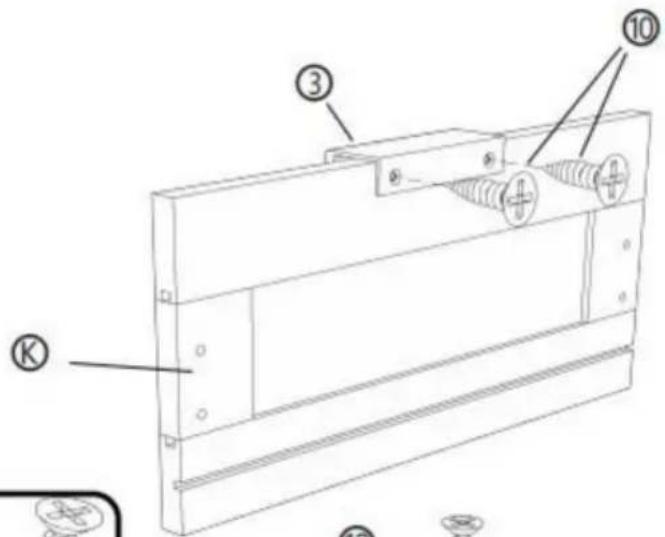
![[R] [M] [L] ① ② ⑩ ⑩ ② ④](/content/2026/04/735012/images/3a782a8e67ea896eaf41d804d376a18a9c8272452c3ba22603ab435d06fae018.jpg)
![Technical line drawing of a mechanical component with labeled parts [R] and [L], showing no text or symbols beyond labels.](/content/2026/04/735012/images/2abcd4aad841ae4a8489cb081e1732ca24aa9e24972fc8cf931dfdf8e9e04916.jpg)
② X 3 PCS
③ X 3 PCS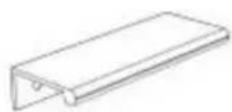
⑩ X 18 PCS © X 3 PCS ⑧ X 3 PCS ⑨ X 3 PCS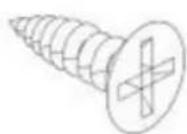
STEP 9: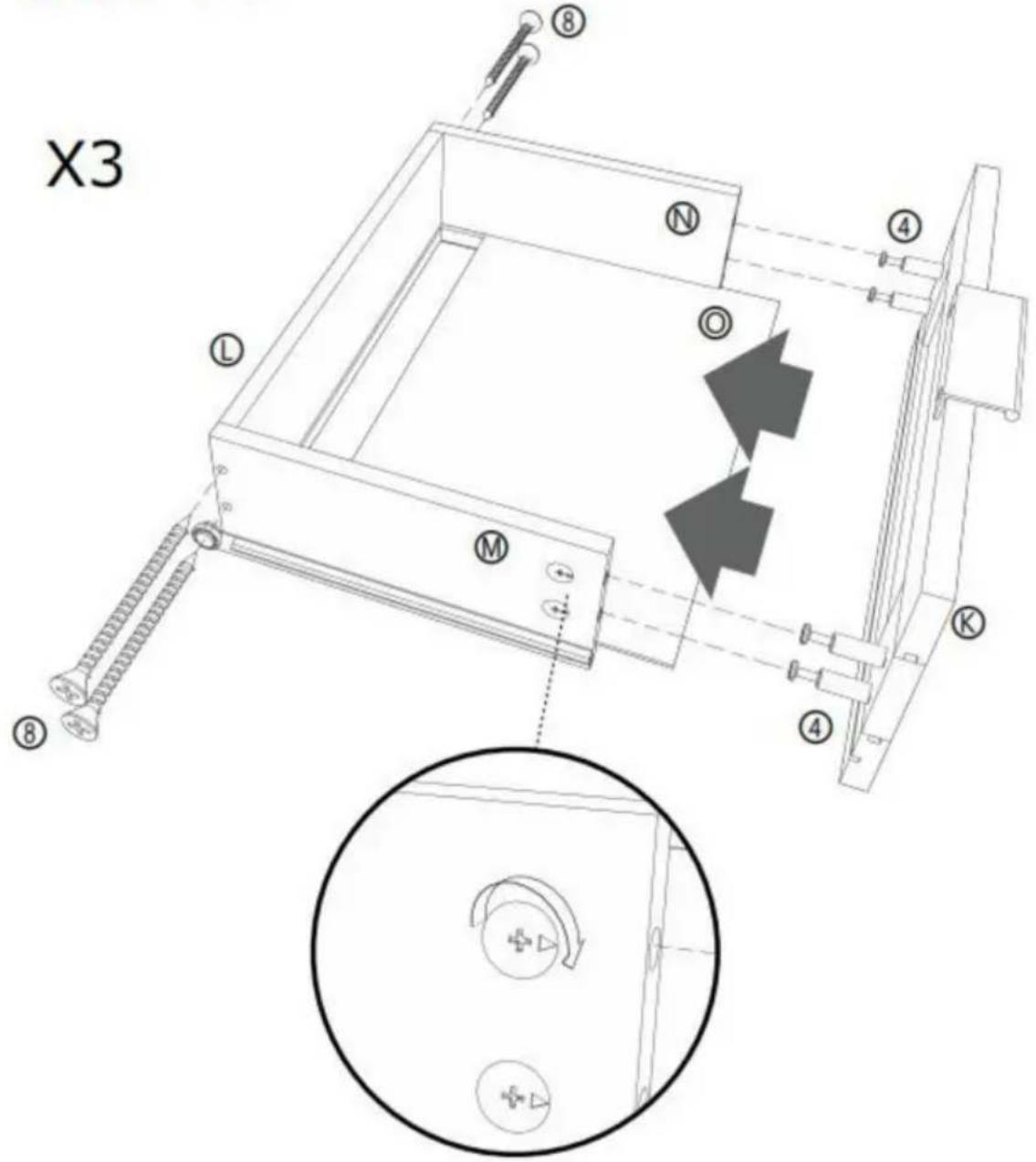
⑧ X 12 PCS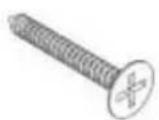
④ X 12 PCS © X 3 PCS ⑤ X 3 PCS ⑧ X 3 PCS ⑨ X 3 PCS ⑨ X 3 PCS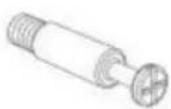
STEP 10:
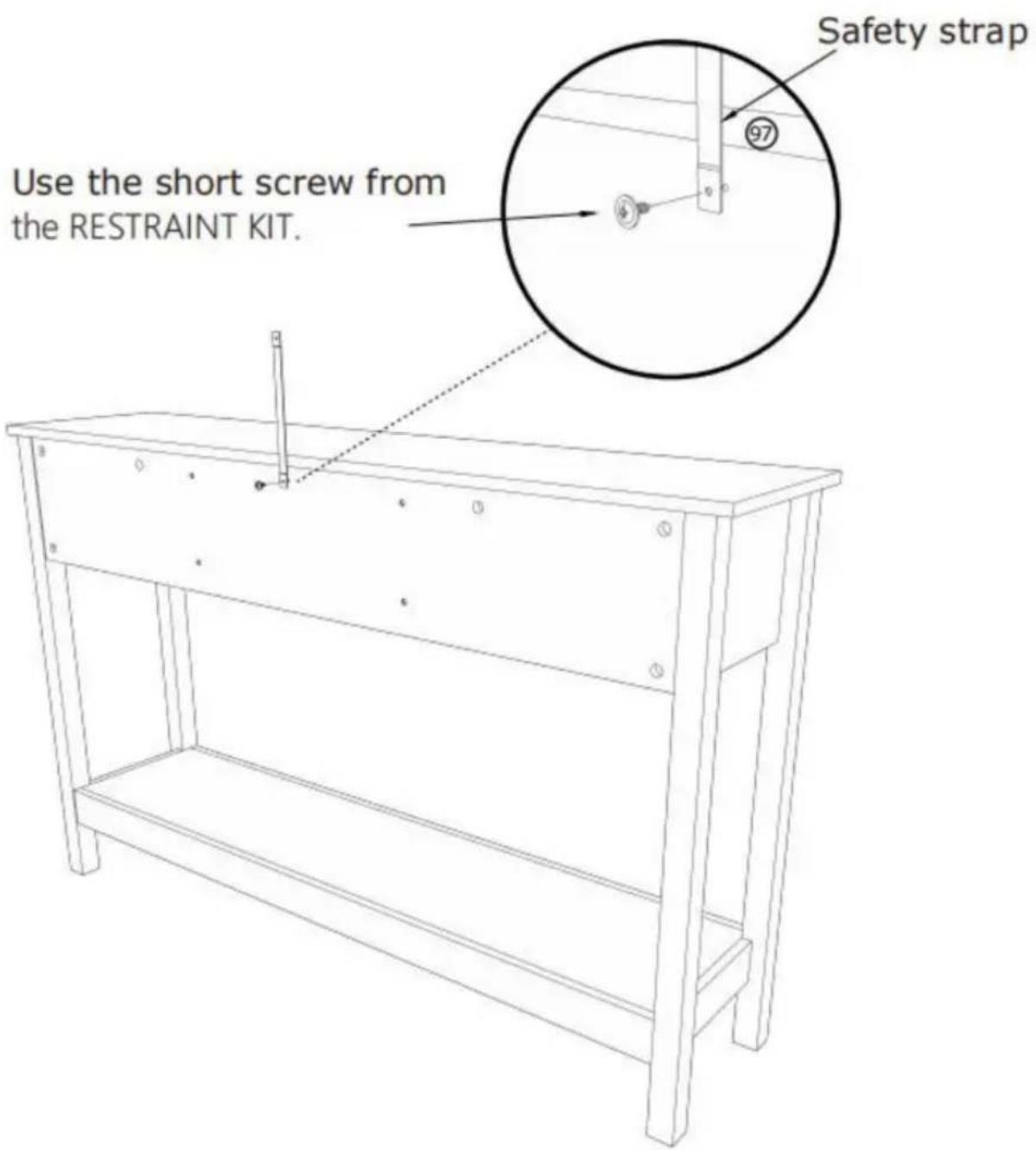
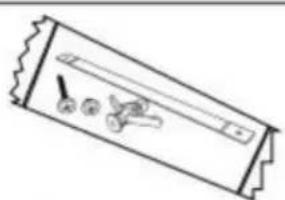
⑨7 X 1 PCS
STEP 11:
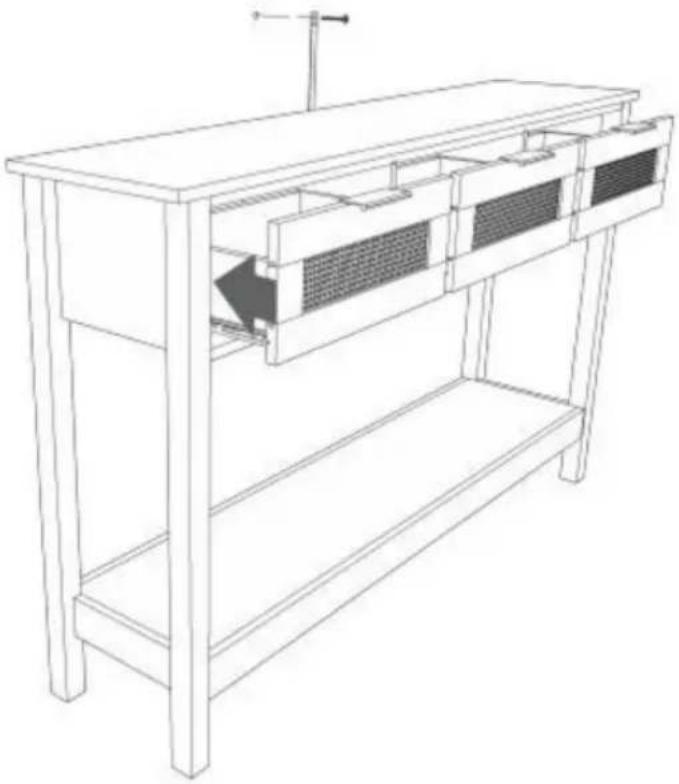
Mark and drill a 1/8" hole into the wall stud.
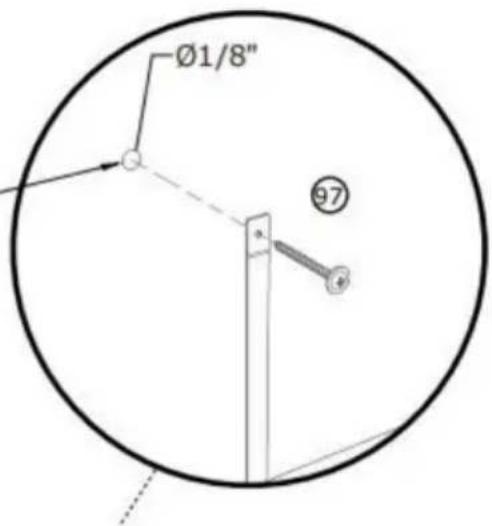
Carefully stand your unit upright against the wall in its final location.
1st- Locate the center of a stud in your wall near your unit and mark it with a pencil.
2nd- Drill a 1/8" hole on the mark and into the stud in your wall.
3rd- Fasten the unit to the wall. Use the long screw through the other end of the strap and into the 1/8" hole.
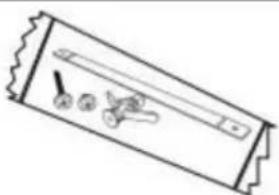
⑨7 X 1 PCS
STEP 12 :
Mark and drill a 3/8" hole into the wall stud.
Carefully stand your unit upright against the wall in its final location.
1st- With your pencil, strike a mark through the center of the hole in the SAFETY STRAP.
2nd- Drill a 3/8" hole on the mark.
3rd- While you squeeze the wings together, gently tap the WALL ANCHOR from the FURNITURE TIPPING RESTRAINT KIT (97) into the hole until it is even with the surface of the wall.
4th- Turn the long screw through the hole in the SAFETY STRAP and into the WALL ANCHOR.
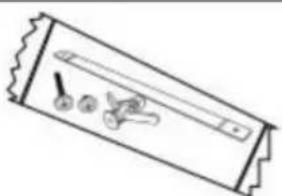
⑨7 X 1 PCS
COMPLETAMENTO
Imported into AUS: SIHAO PTY LTD. 1 ROKEVA STREET EASTWOOD
New South Wales 2122 Australia
C/O YH Consulting Limited Office 147, Centurion
House, London Road, Staines-upon-Thames, Surrey, TW184AX
VEVOR®
TOUGH TOOLS, HALF PRICE
STEP 2:![P 2 : ① ② ③ ④ ⑤ ⑥ [1] [2] [3] [4] [5] [6] [7] [8] [9] [10] 180° ① ② ③ ④ ⑤ ⑥ [1] [2] [3] [4] [5] [6] [7] [8] [9] [10]](/content/2026/04/735012/images/7d46afad7ef1320d0a11167f3e2552a4f74839139b8b65e221dc3e54106bb2b3.jpg)
![[R] [L] ① X 2 PCS](/content/2026/04/735012/images/688d640fa9e1955ddf105a4894034a36953828a047d666daf8e748f4c79c1b7a.jpg)
STEP 3:
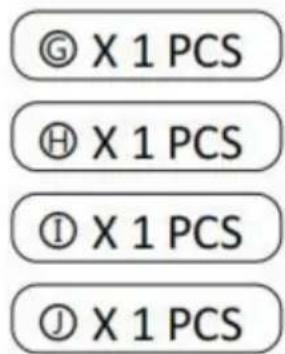
STEP 4: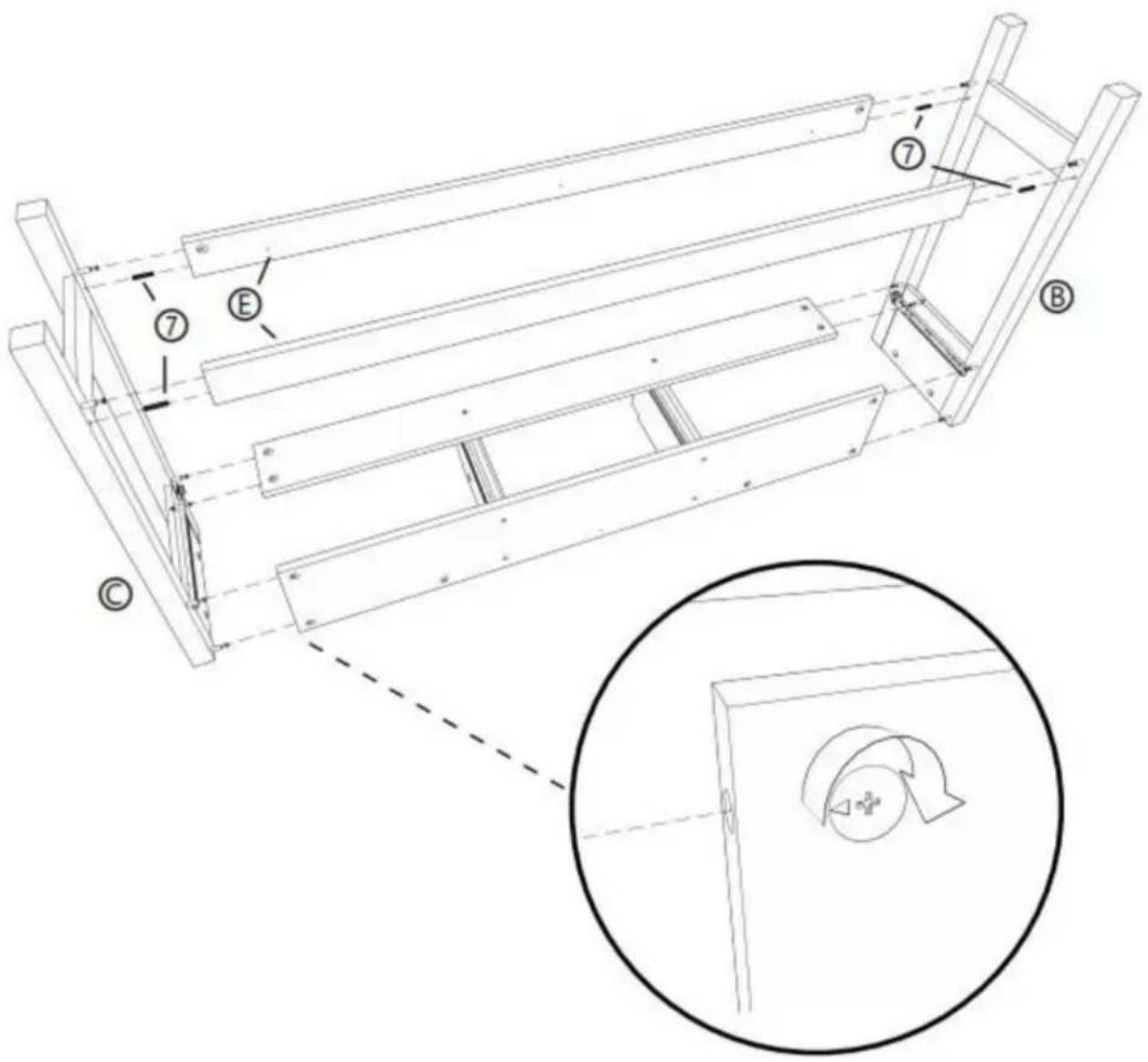
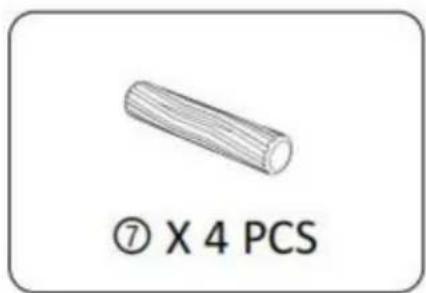
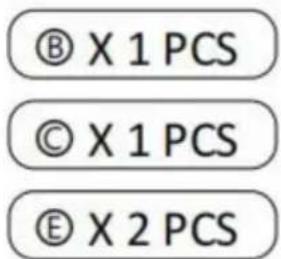
STEP 5: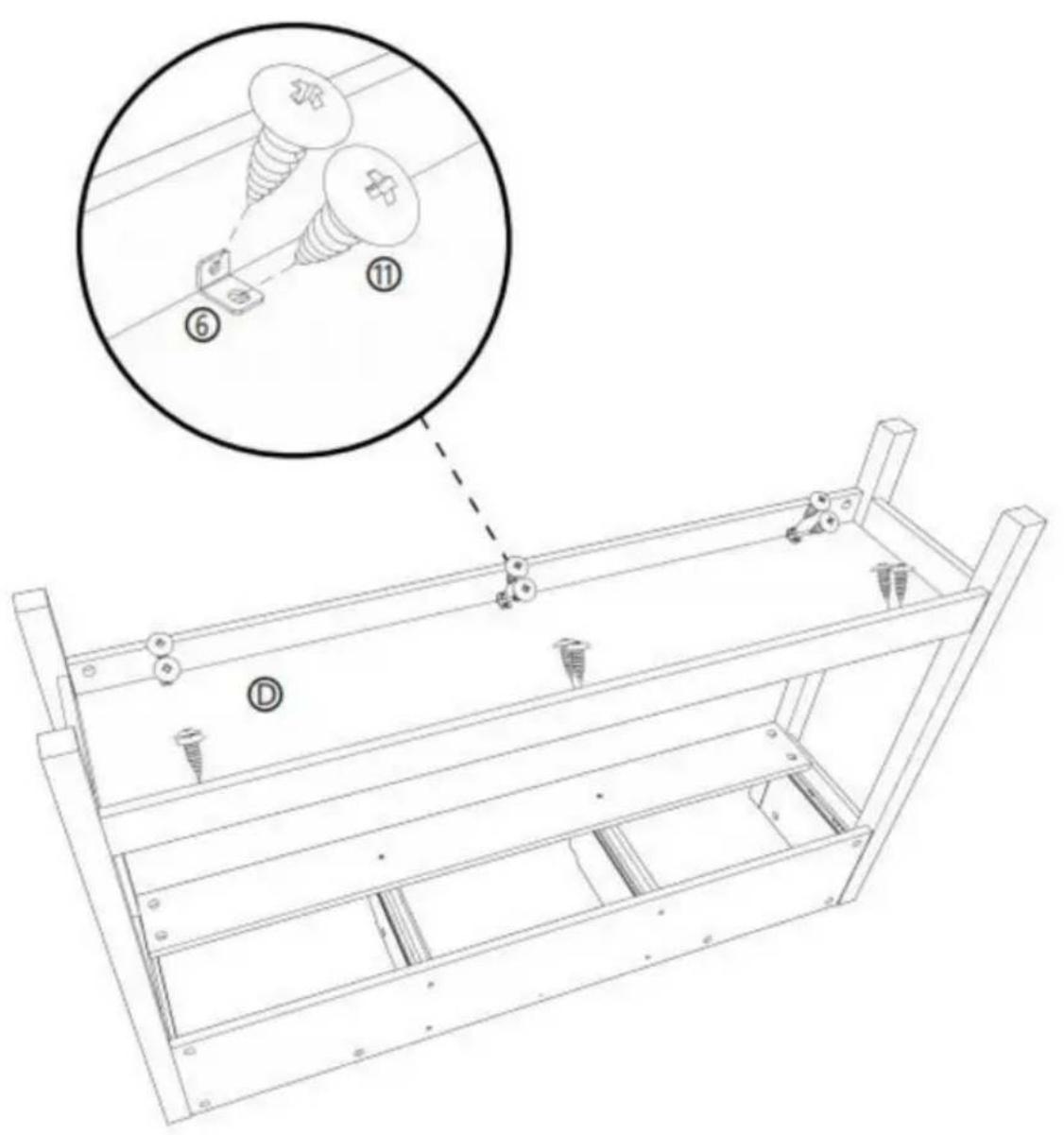
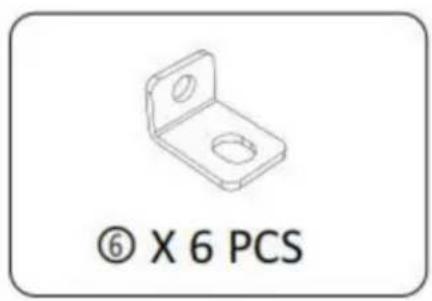
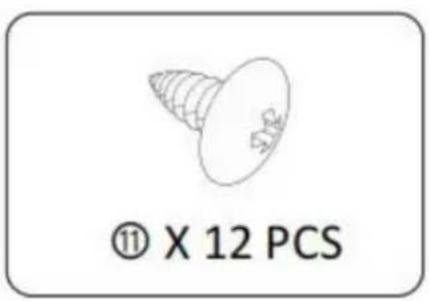

STEP 6: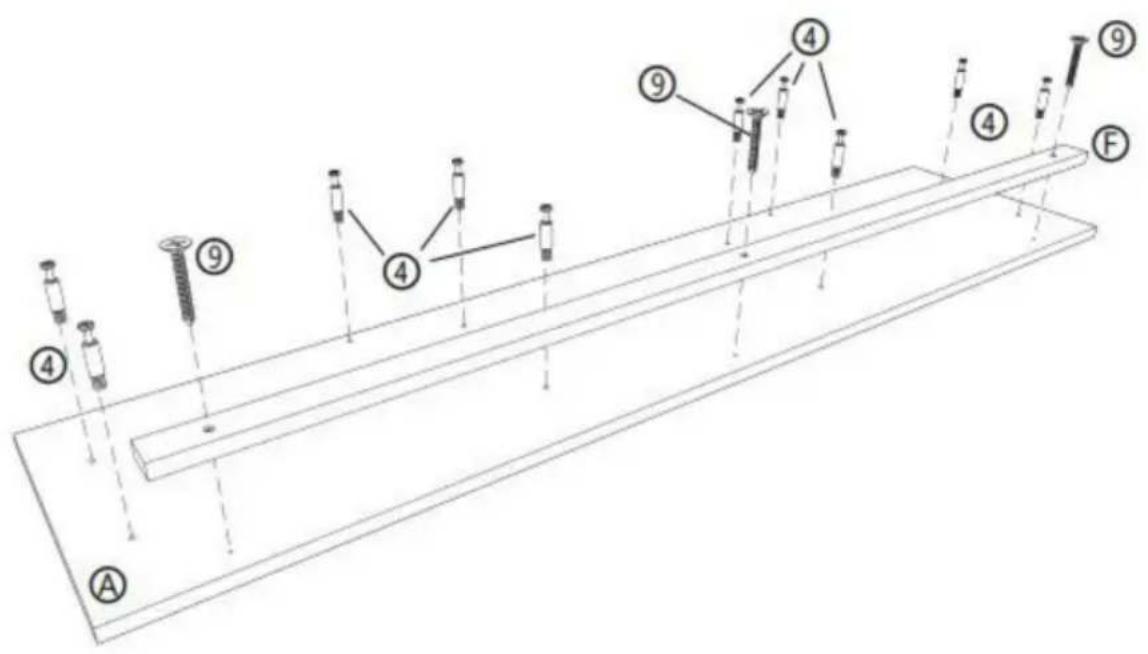
④ X 10 PCS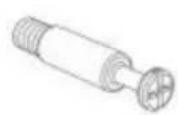
⑨ X 3 PCS Ⓐ X 1 PCS ⑤ X 1 PCS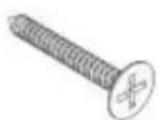
STEP 7: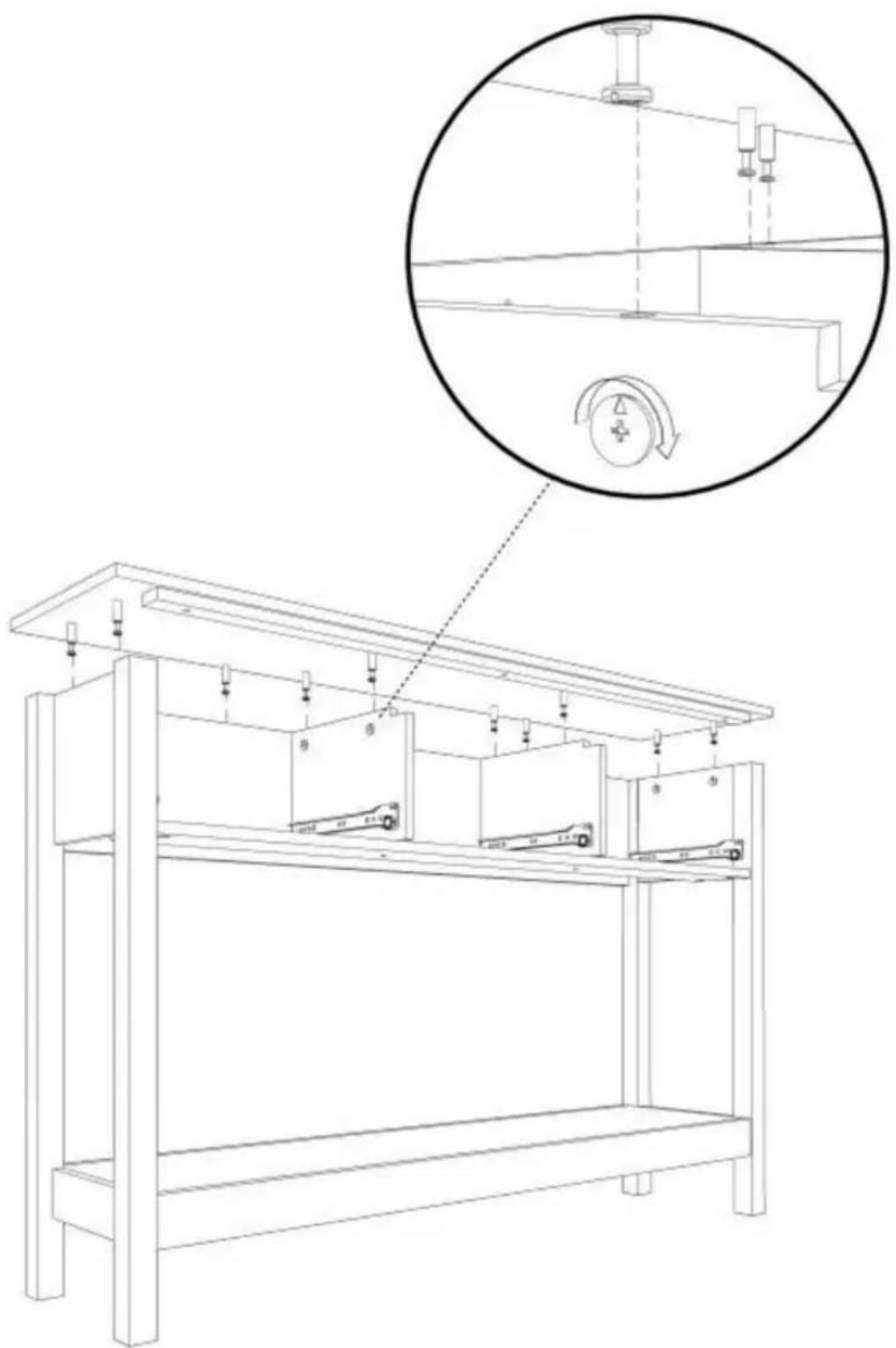
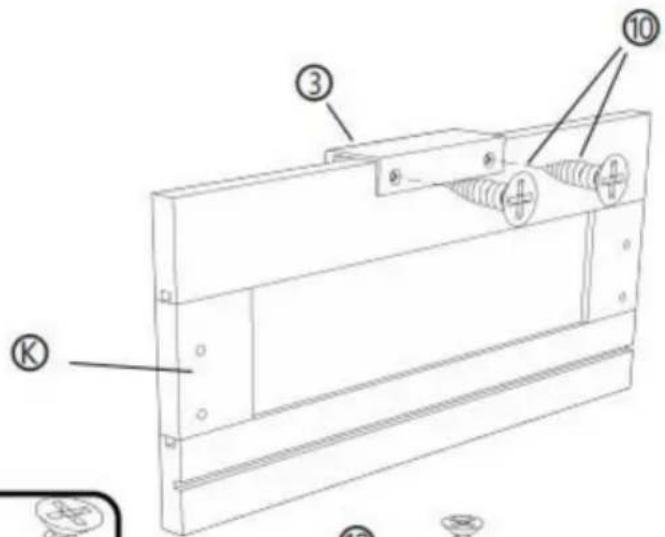
STEP 8: X3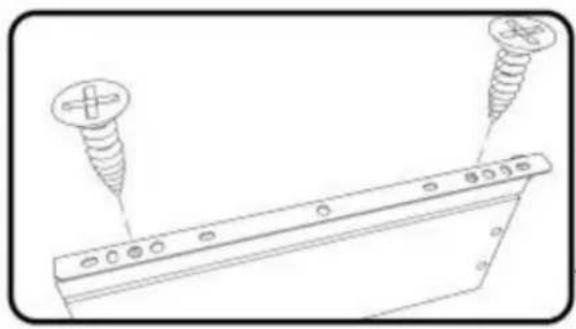
![[R] [M] [L] ① ② ⑩ ⑩ ② ④](/content/2026/04/735012/images/308c6a5f8ce5cdd1b48c306ed62e067d14968345fb4541f1f6aa55f450992f48.jpg)
![Technical line drawing of a mechanical component with labeled parts [R] and [L], showing no text or symbols beyond labels.](/content/2026/04/735012/images/64237d89687fc01ae5b1c553b740002220cf74790e07574b47dcd7b62a57820a.jpg)
② X 3 PCS
③ X 3 PCS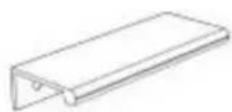
⑩ X 18 PCS, ⑤ X 3 PCS, ⑧ X 3 PCS, ⑨ X 3 PCS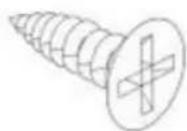
STEP 9: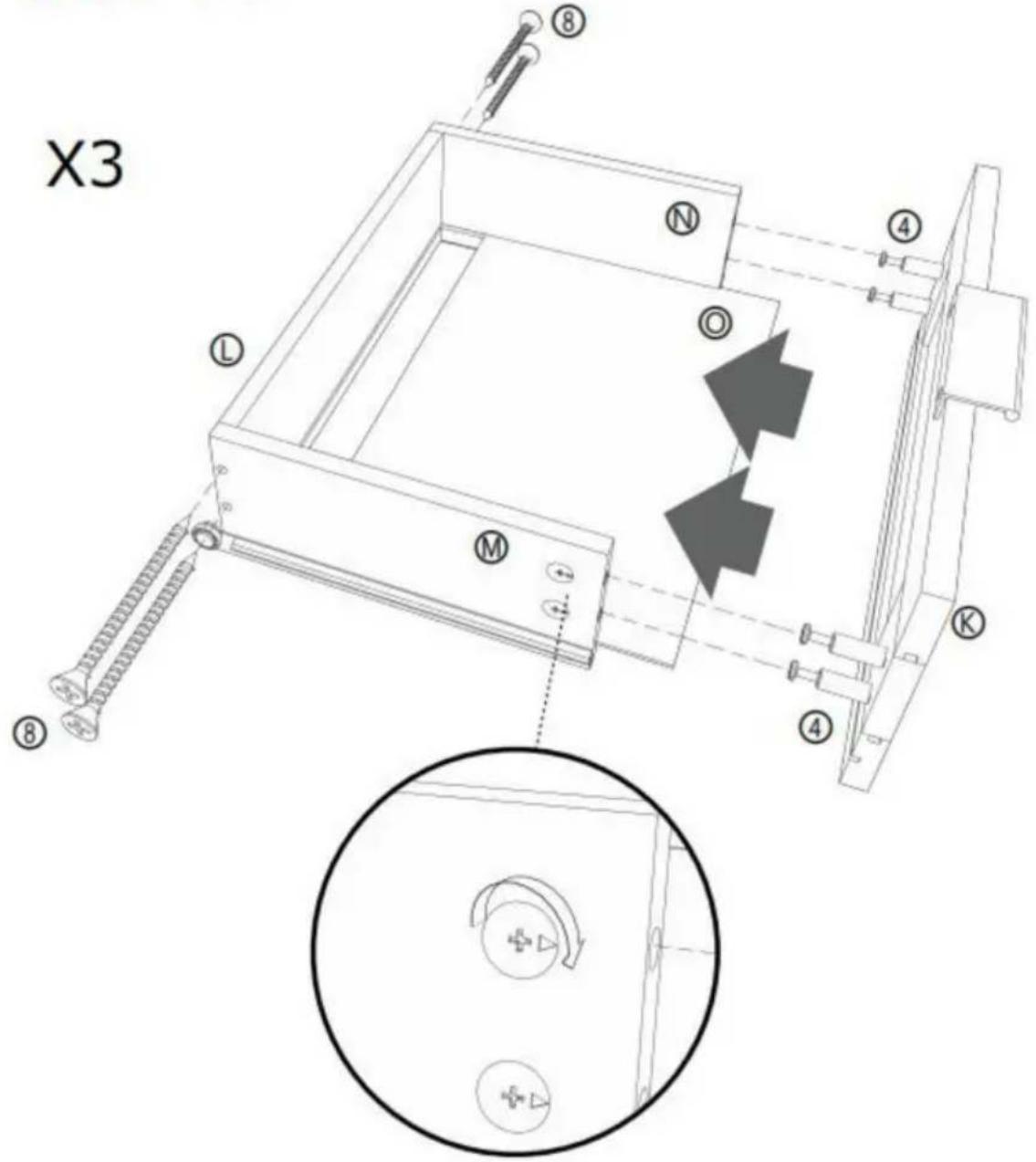
⑧ X 12 PCS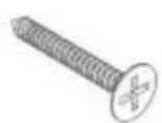
④ X 12 PCS, ⑤ X 3 PCS, ① X 3 PCS, ⑧ X 3 PCS, ⑨ X 3 PCS, ⑨ X 3 PCS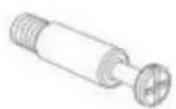
STEP 10:
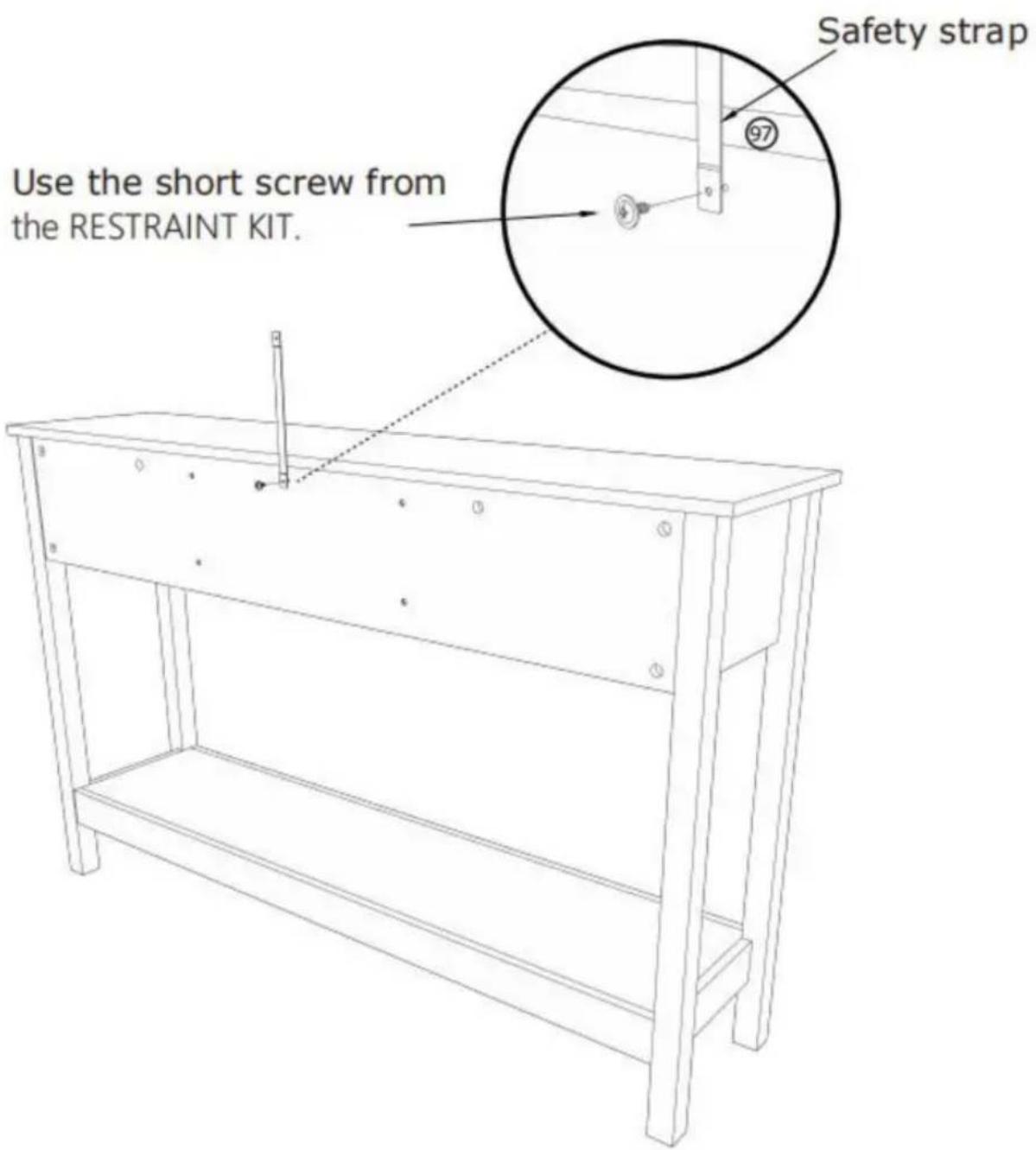
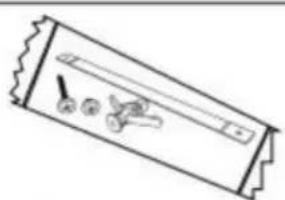
⑨7 X 1 PCS
STEP 11:
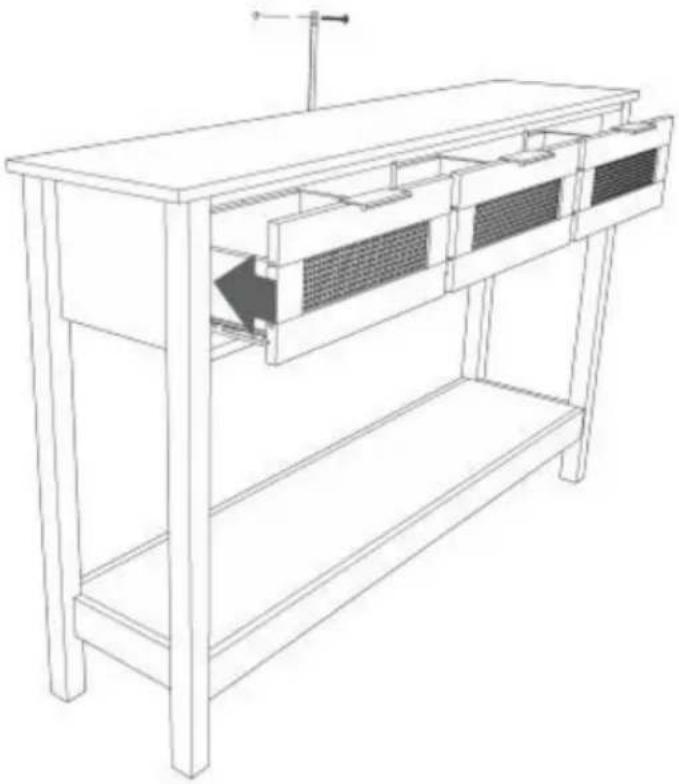
Mark and drill a 1/8" hole into the wall stud.
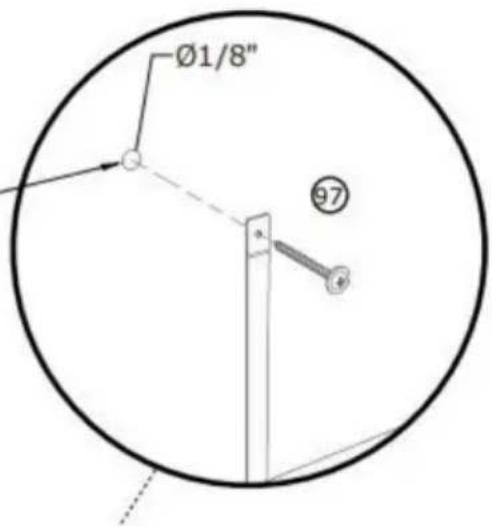
Carefully stand your unit upright against the wall in its final location.
1st- Locate the center of a stud in your wall near your unit and mark it with a pencil.
2nd- Drill a 1/8" hole on the mark and into the stud in your wall.
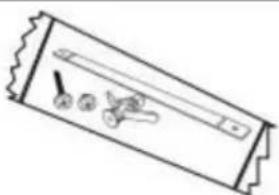
3rd- Fasten the unit to the wall. Use the long screw through the other end of the strap and into the 1/8" hole.
⑨7 X 1 PCS
STEP 12 :
Mark and drill a 3/8" hole into the wall stud.
Carefully stand your unit upright against the wall in its final location.
1st- With your pencil, strike a mark through the center of the hole in the SAFETY STRAP.
2nd- Drill a 3/8" hole on the mark.
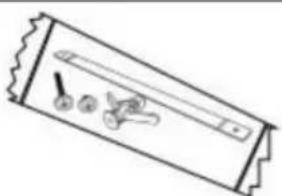
3rd- While you squeeze the wings together, gently tap the WALL ANCHOR from the FURNITURE TIPPING RESTRAINT KIT (97) into the hole until it is even with the surface of the wall.
4th- Turn the long screw through the hole in the SAFETY STRAP and into the WALL ANCHOR.
⑨7 X 1 PCS
TERMINATION
Manufacturer: Shanghaimuxinmuyeyouxiangongsi
Address: Shuangchenglu 803nong11hao1602A-1609shi, baoshanqu, shanghai 200000 CN.
Imported to Australia: SIHAO PTY LTD. 1 ROKEVA STREETEASTWOOD
C/O YH Consulting Limited Office 147, Centurion House, London Road, Staines-upon-Thames, Surrey, TW18 4AX
VEVOR®
TOUGH TOOLS, HALF PRICE
NEED HELP? CONTACT US!
STEP 2:![P 2 : ① ② ③ ④ ⑤ ⑥ [1] [2] [3] [4] [5] [6] [7] [8] [9] [10] 180° ① ② ③ ④ ⑤ ⑥ [1] [2] [3] [4] [5] [6] [7] [8] [9] [10]](/content/2026/04/735012/images/e85c121f4739ae4243cf1e43f64d440d3d10eeb3a7ada95b724222d8ff993310.jpg)
![[R] [L] ① X 2 PCS](/content/2026/04/735012/images/95fc5284c876e193f2a32da1d2deb19bff5f42804c3a6dee2535578d06e7d6f1.jpg)
STEP 3: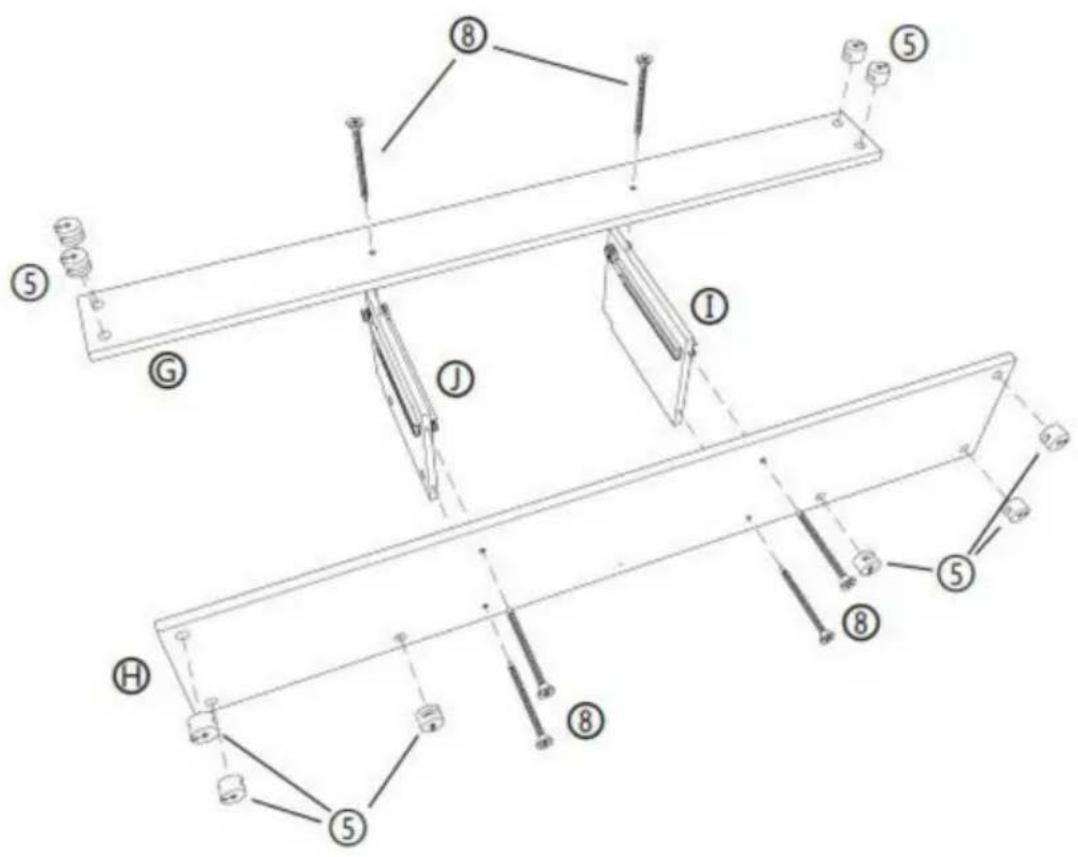
STEP 4: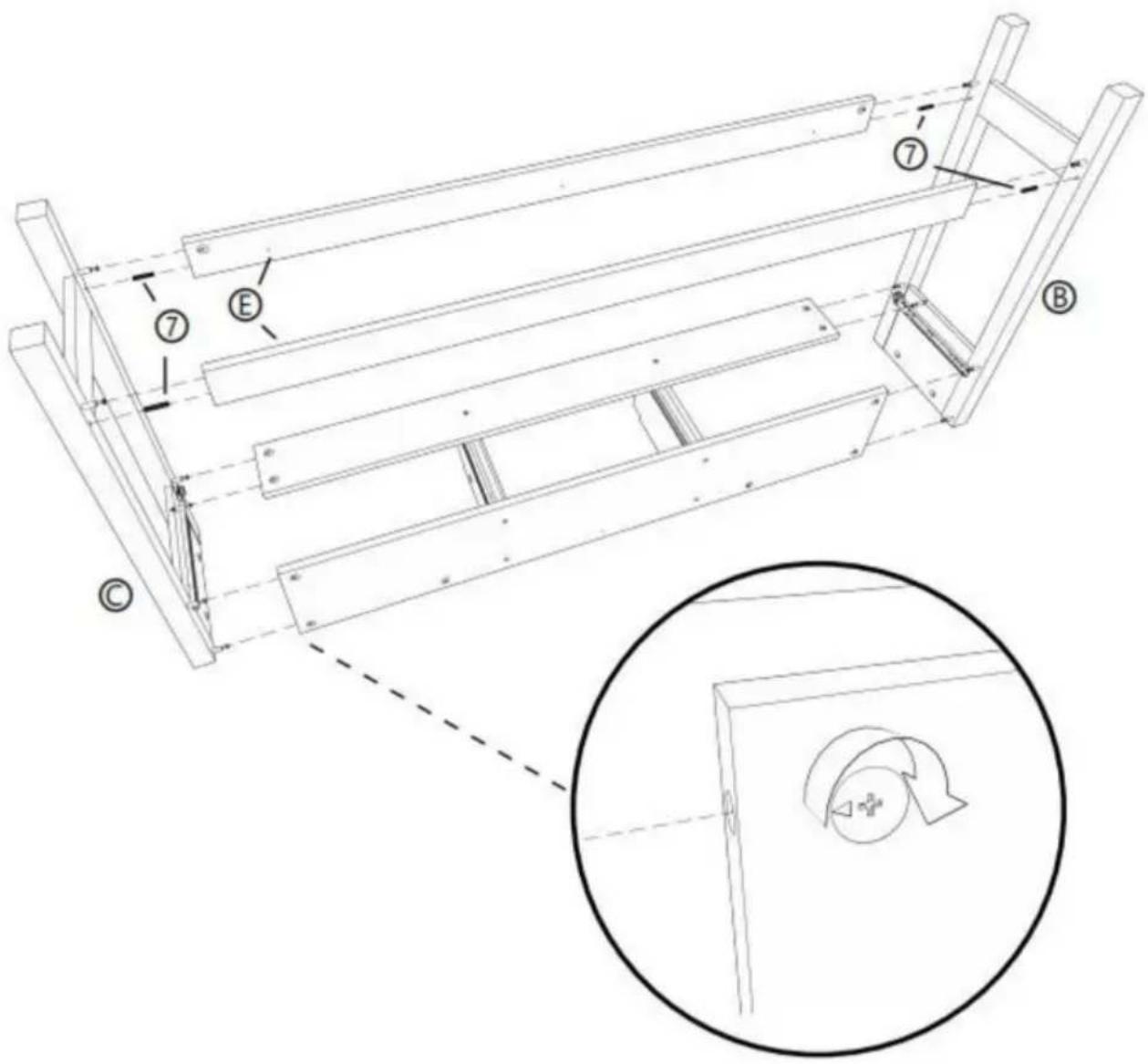
STEP 5: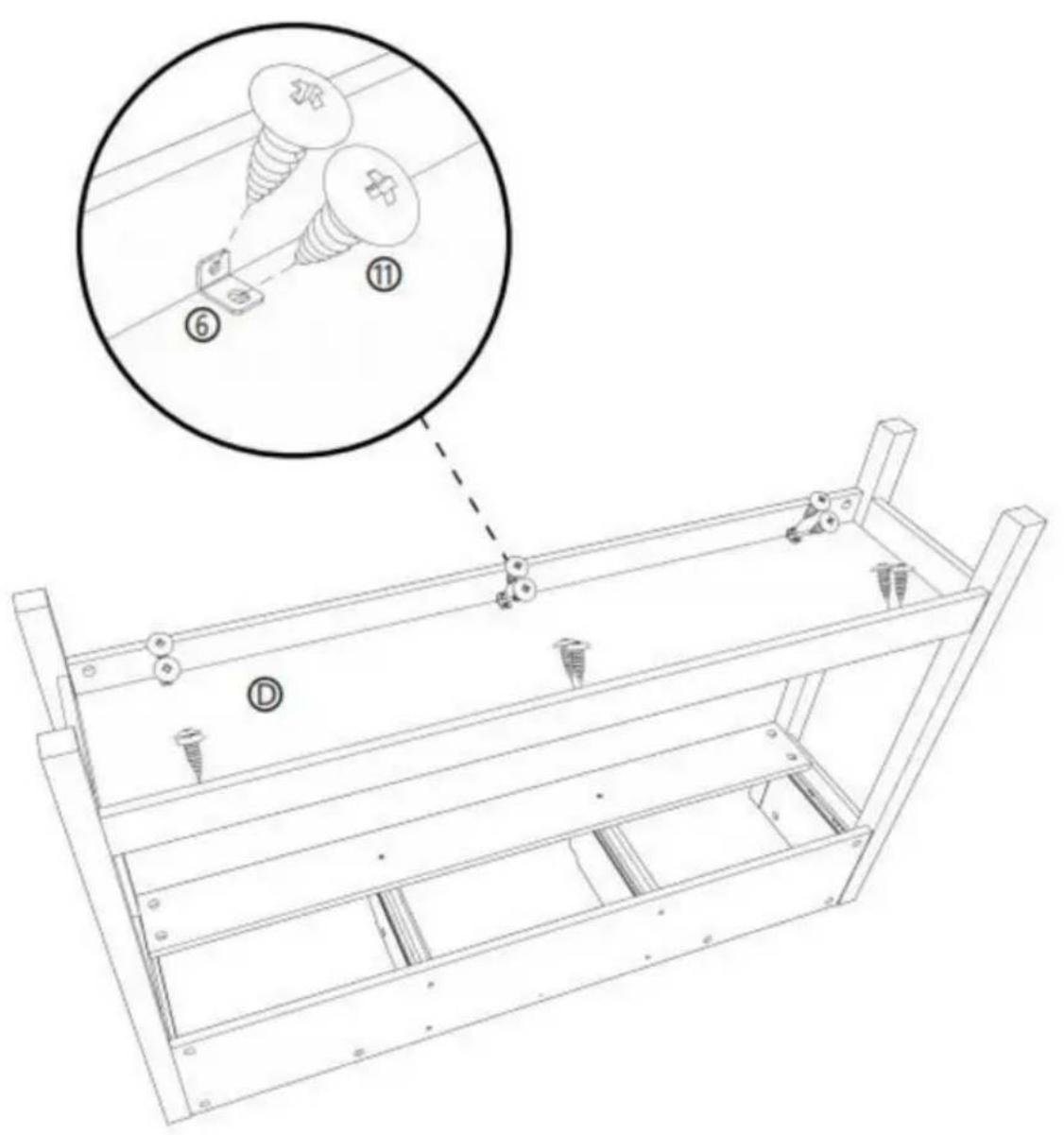
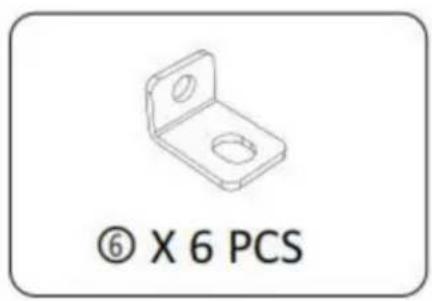
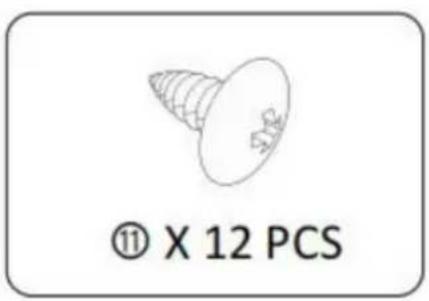

STEP 6: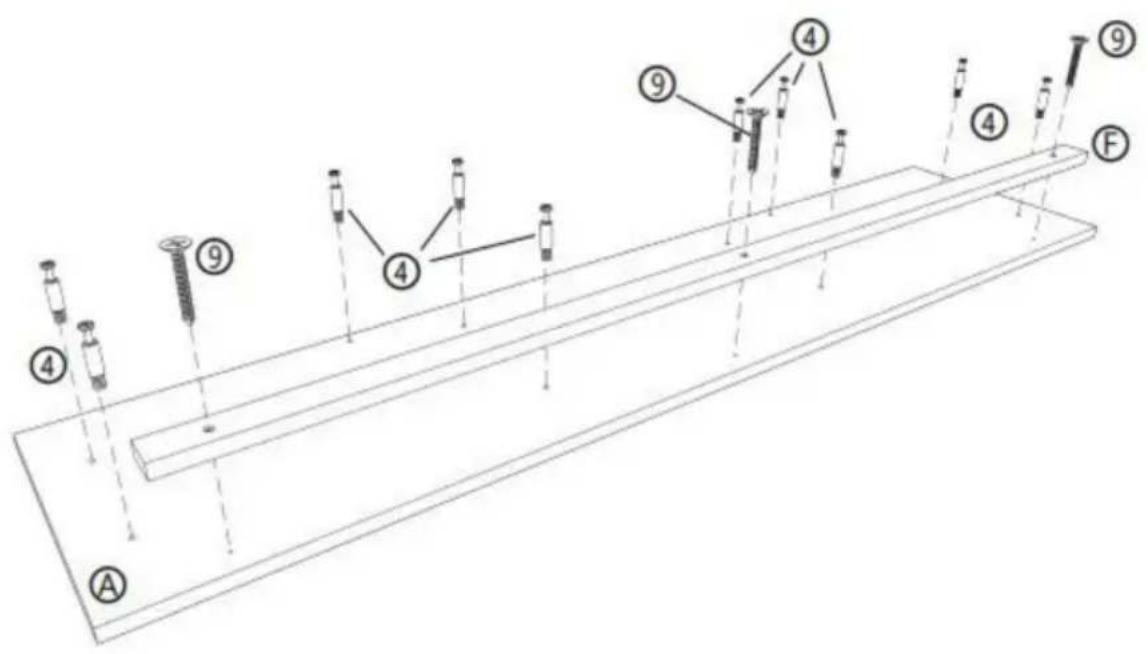
④ X 10 PCS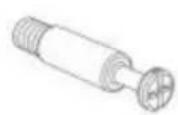
⑨ X 3 PCS Ⓐ X 1 PCS ⑤ X 1 PCS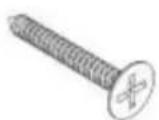
STEP 7: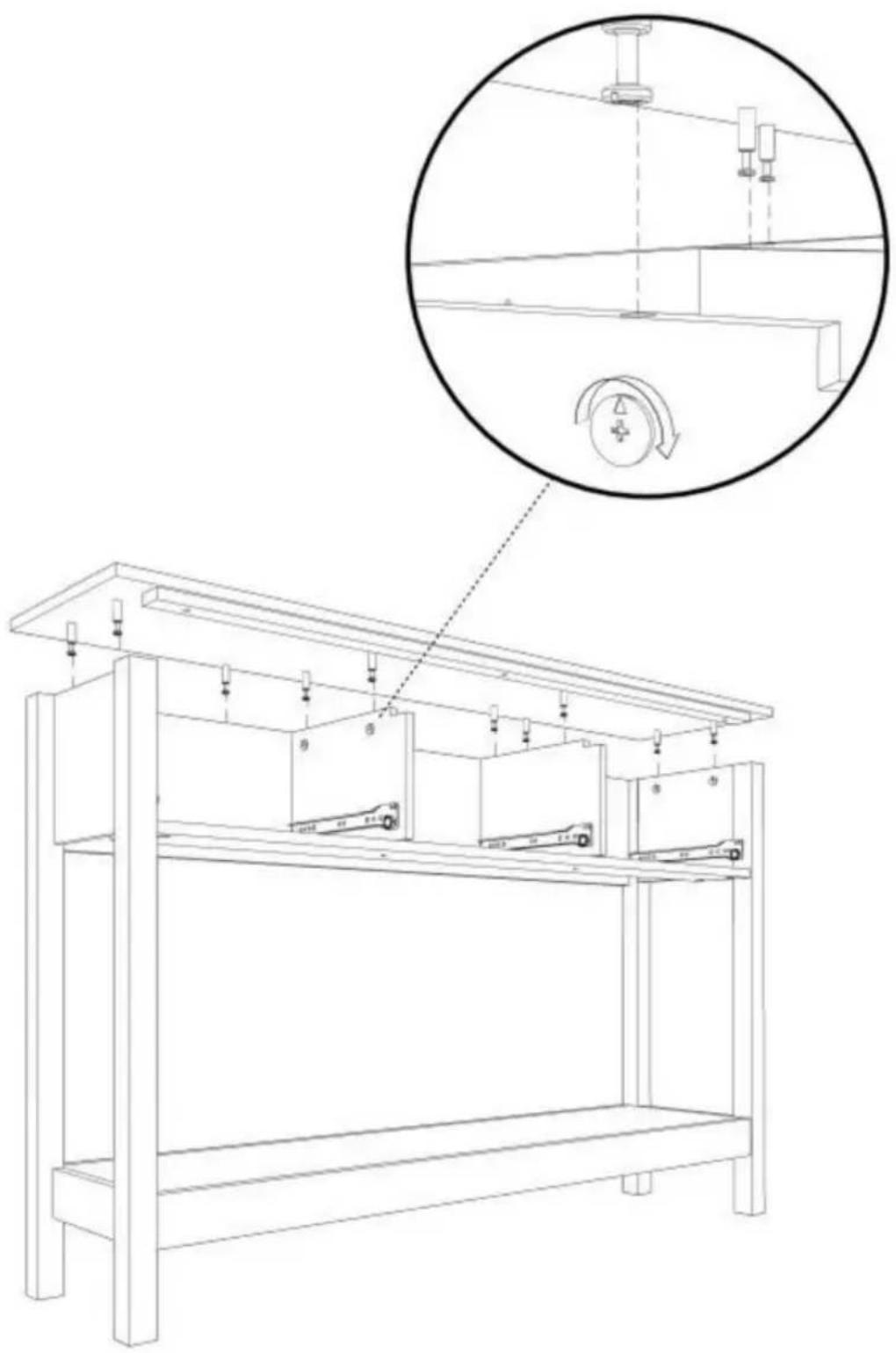
STEP 8: X3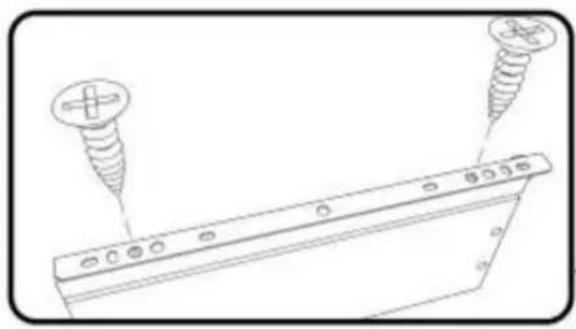
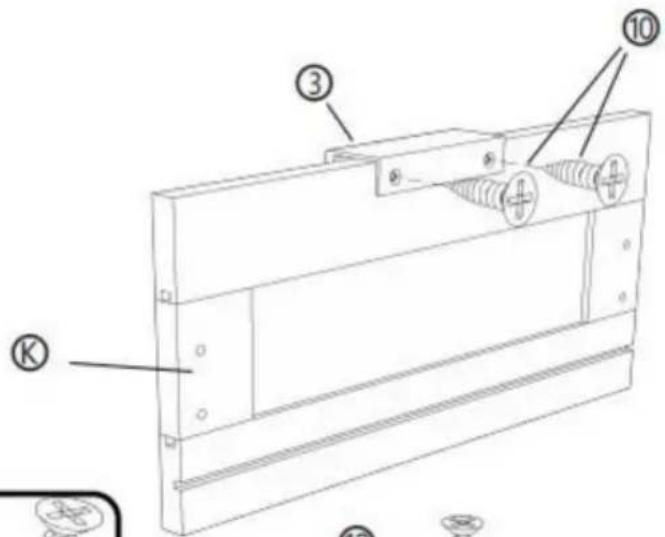
![[R] [M] [L] ① ② ⑩ ⑩ ② ④](/content/2026/04/735012/images/2bae232a0262ceccbe9c438051d363996f24e7edee00082443926d02cab96091.jpg)
![Technical line drawing of a mechanical component with labeled parts [R] and [L], showing no text or symbols beyond labels.](/content/2026/04/735012/images/c4e4c8d20b20d24ea8cc0e4bb777c625166e999fdc31cae0afe2a5ea3994ff00.jpg)
② X 3 PCS
③ X 3 PCS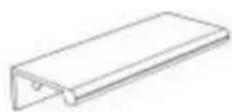
⑩ X 18 PCS © X 3 PCS ⑧ X 3 PCS ⑨ X 3 PCS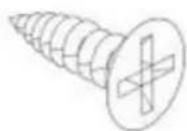
STEP 9: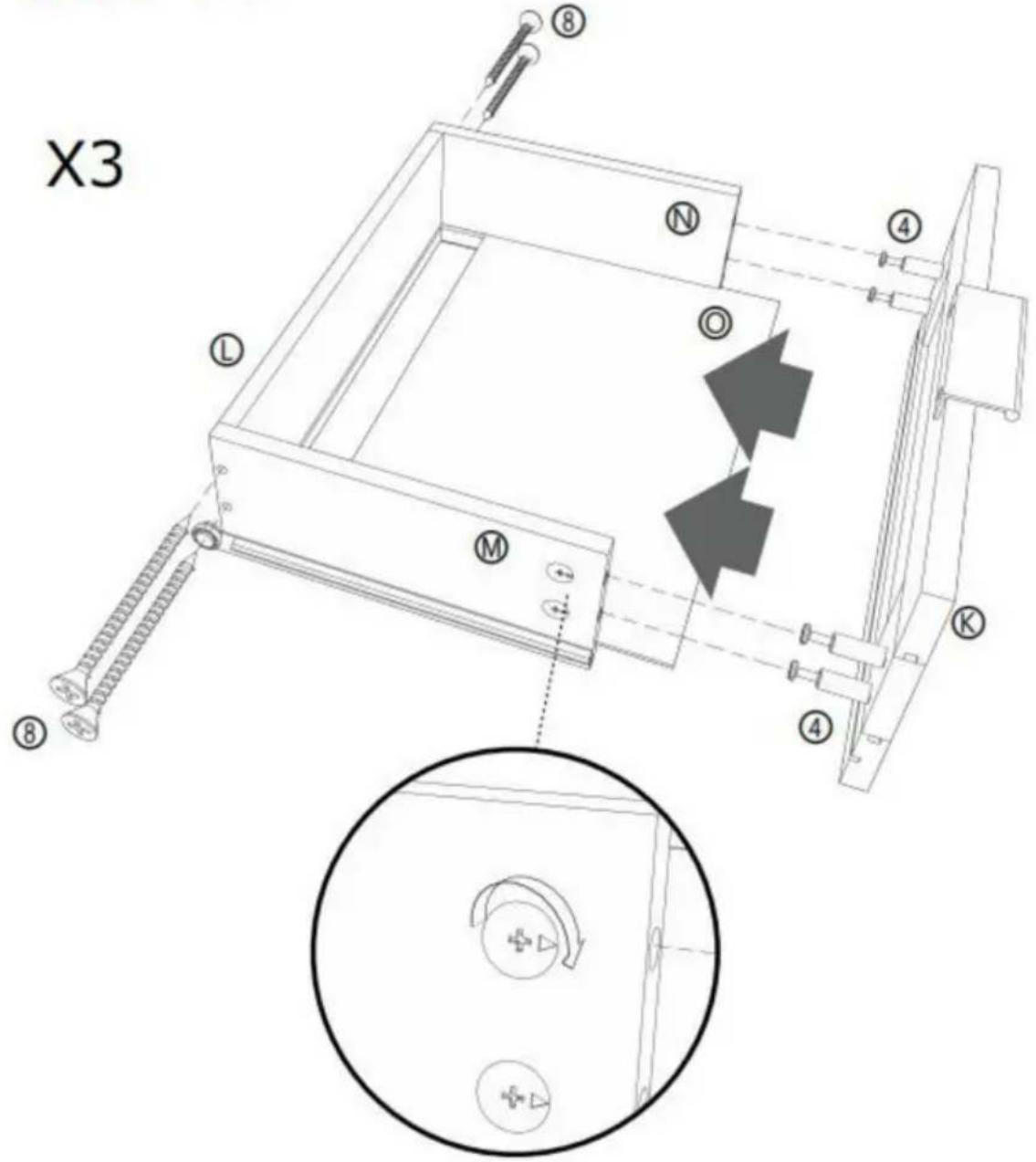
⑧ X 12 PCS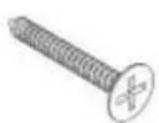
④ X 12 PCS © X 3 PCS ① X 3 PCS ⑧ X 3 PCS ⑨ X 3 PCS ⑨ X 3 PCS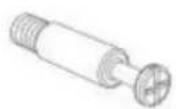
STEP 10:
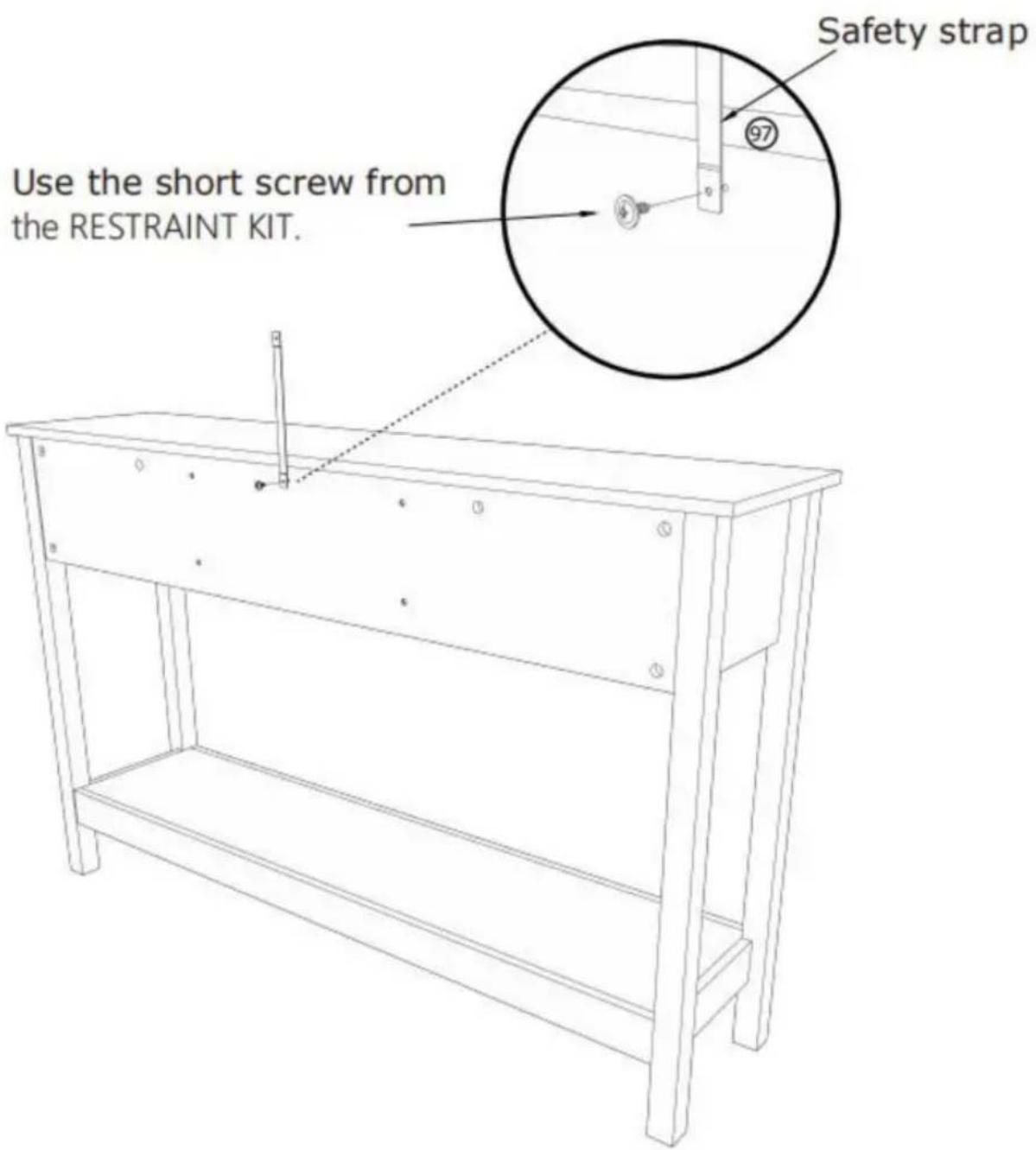
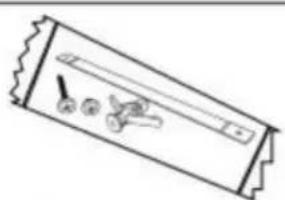
⑨7 X 1 PCS
STEP 11:
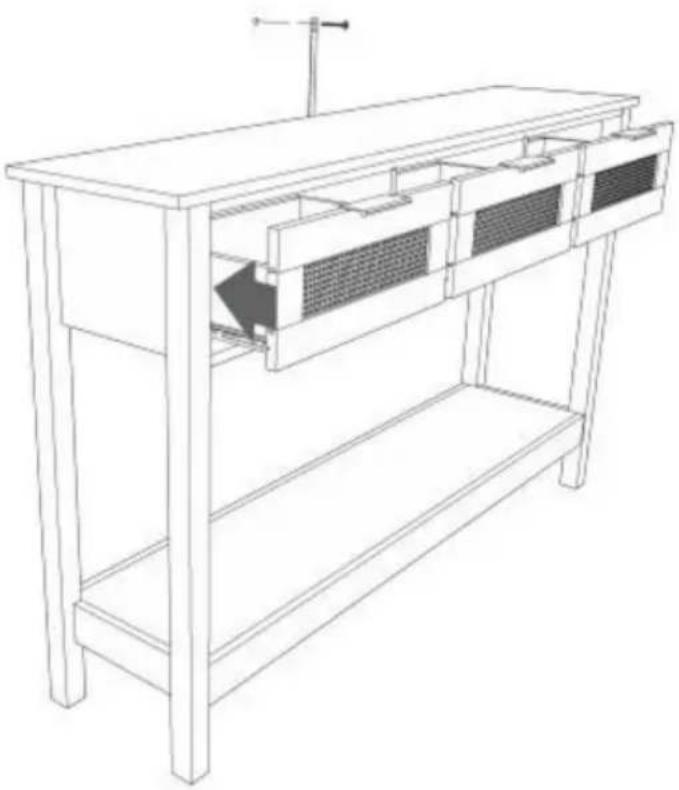
Mark and drill a 1/8" hole into the wall stud.
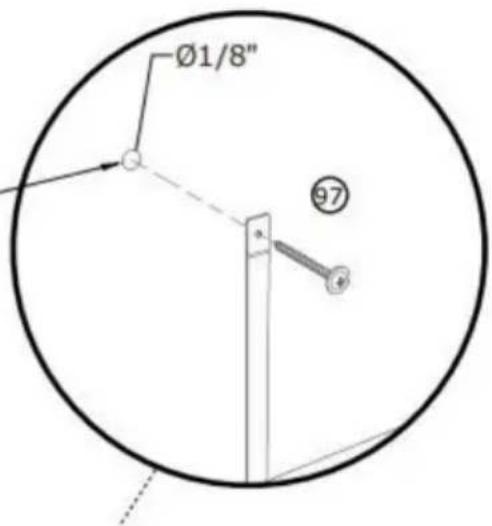
Carefully stand your unit upright against the wall in its final location.
1st- Locate the center of a stud in your wall near your unit and mark it with a pencil.
2nd- Drill a 1/8" hole on the mark and into the stud in your wall.
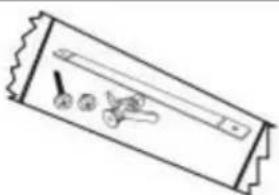
3rd- Fasten the unit to the wall. Use the long screw through the other end of the strap and into the 1/8" hole.
⑨7 X 1 PCS
STEP 12:
Mark and drill a 3/8" hole into the wall stud.
Carefully stand your unit upright against the wall in its final location.
1st- With your pencil, strike a mark through the center of the hole in the SAFETY STRAP.
2nd- Drill a 3/8" hole on the mark.
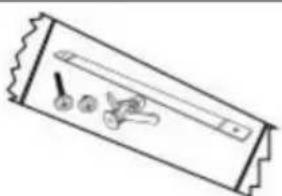
3rd- While you squeeze the wings together, gently tap the WALL ANCHOR from the FURNITURE TIPPING RESTRAINT KIT (97) into the hole until it is even with the surface of the wall.
4th- Turn the long screw through the hole in the SAFETY STRAP and into the WALL ANCHOR.
⑨7 X 1 PCS
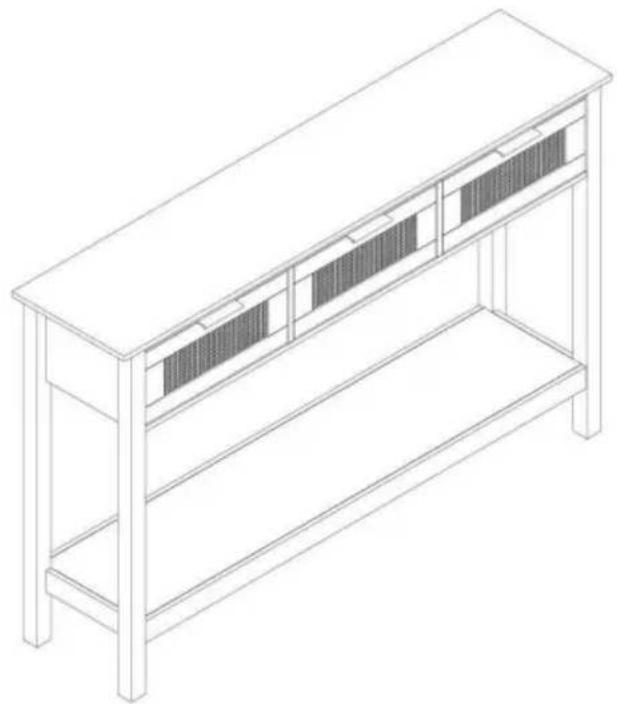
COMPLETION
Manufacturer: Shanghaimuxinmuyeyouxiangongsi
Address: Shuangchenglu 803nong11hao1602A-1609shi, baoshanqu, Shanghai 200000 CN.
Imported into AUS: SIHAO PTY LTD. 1 ROKEVA STREETEASTWOOD NSW 2122 Australia
C/O YH Consulting Limited Office 147, Centurion House, London Road, Staines-upon-Thames, Surrey, TW18 4AX
VEVOR®
TOUGH TOOLS, HALF PRICE
NEED HELP? CONTACT US!
STEP 2 :![P 2 : ① ② ③ ④ ⑤ ⑥ [1] [2] [3] [4] [5] [6] [7] [8] [9] [10] 180° ① ② ③ ④ ⑤ ⑥ [1] [2] [3] [4] [5] [6] [7] [8] [9] [10]](/content/2026/04/735012/images/875e961c381d843bef09c9c27124e5b83cc5689c7ebe4a2e60bdc79cf058e607.jpg)
![[R] [L] ① X 2 PCS](/content/2026/04/735012/images/7c1135796fa7e635f5a9d983ada9b4f42df692c8b50615f8e89c87fb2c505f43.jpg)
STEP 3 :
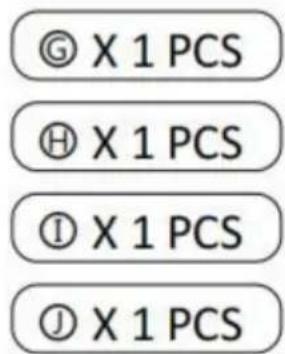
STEP 4 :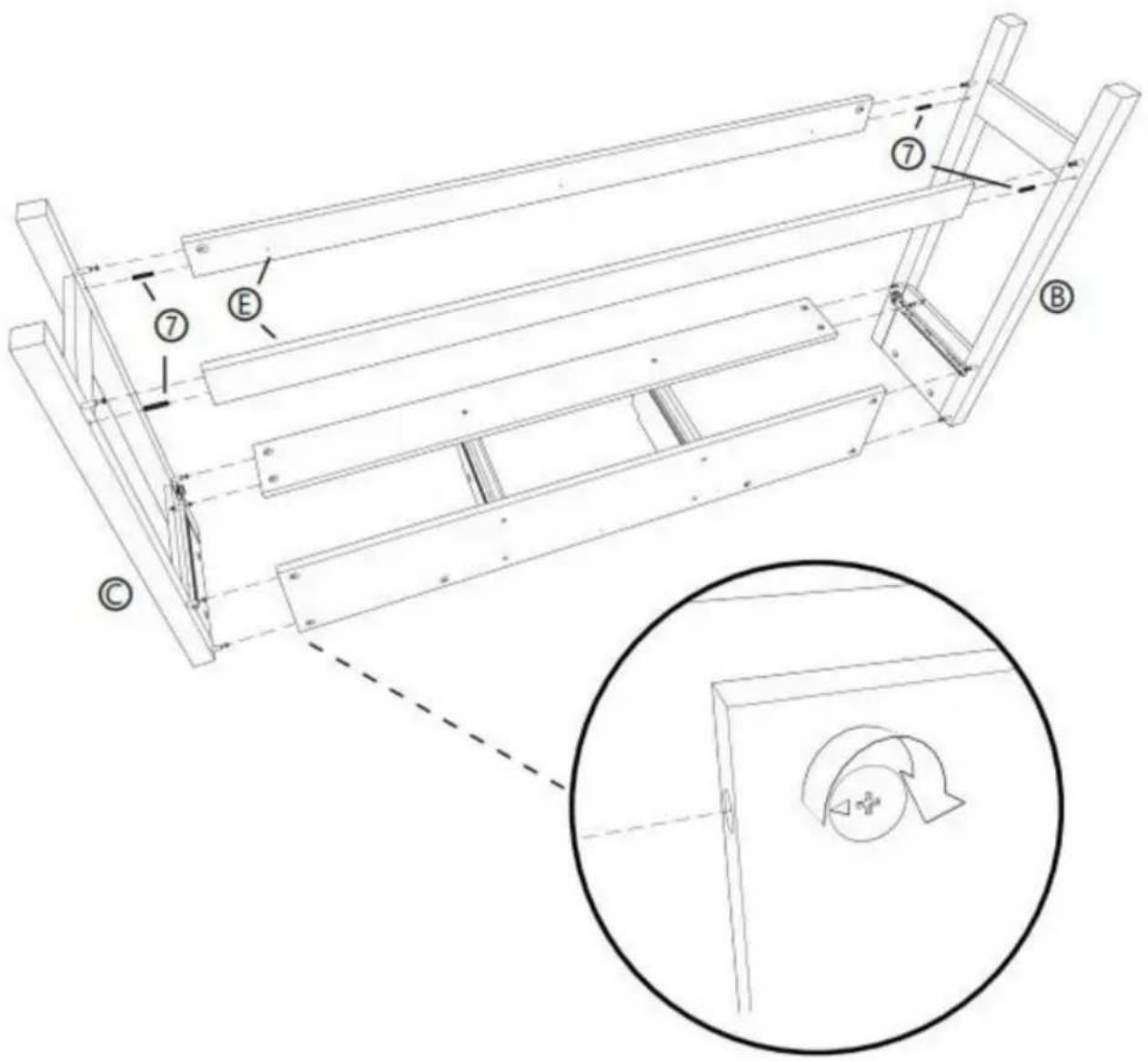
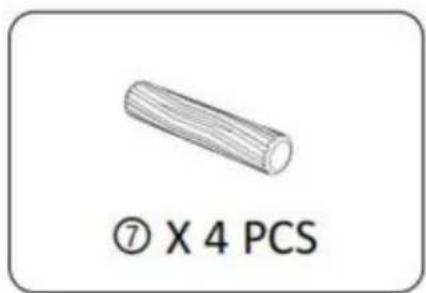
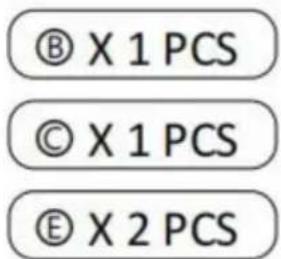
STEP 5 :

STEP 6:
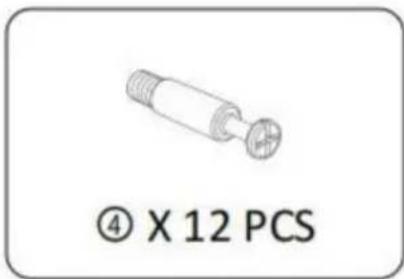
④ X 10 PCS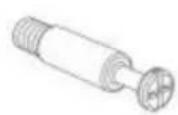
⑨ X 3 PCS Ⓐ X 1 PCS ⑤ X 1 PCS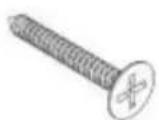
STEP 7: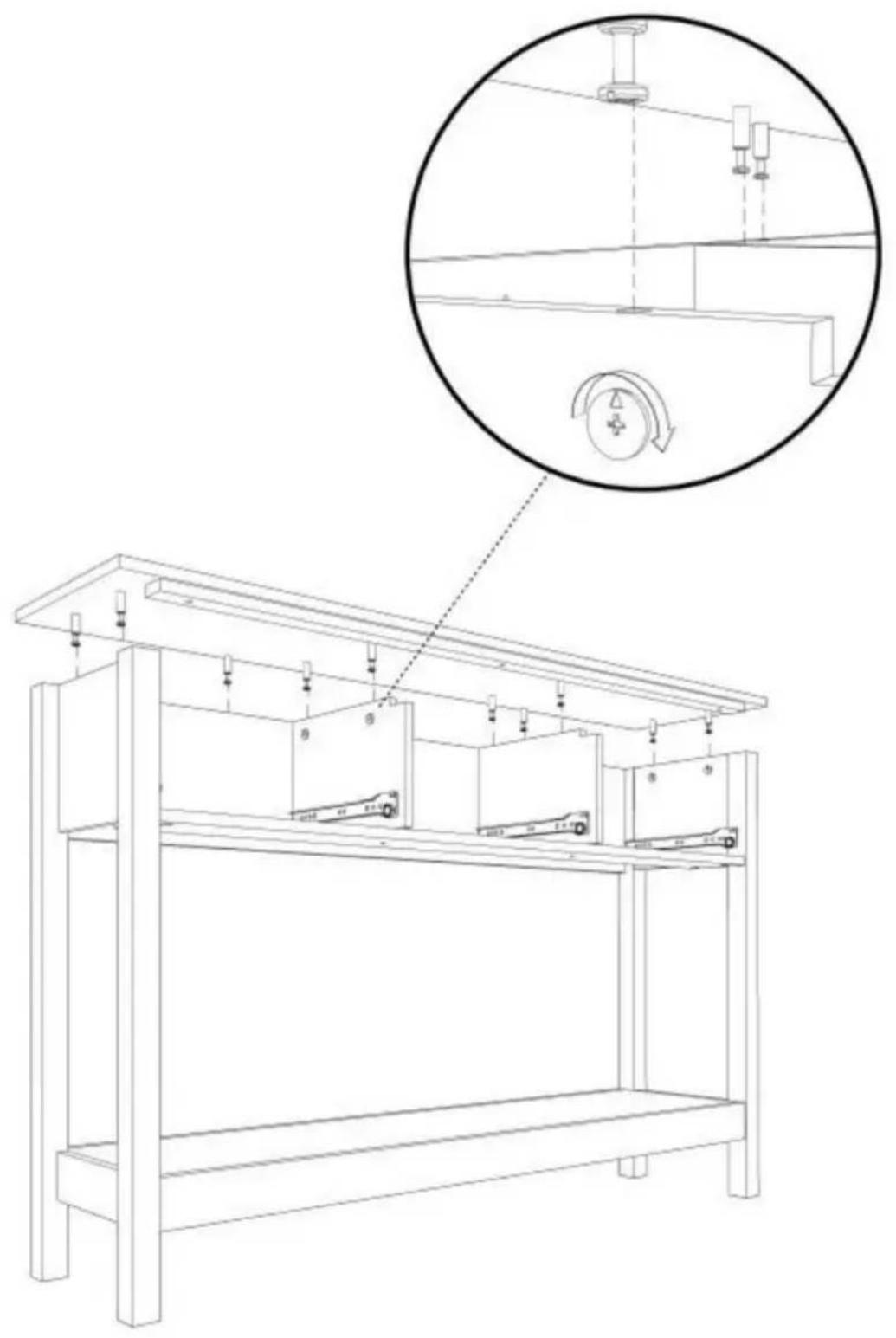
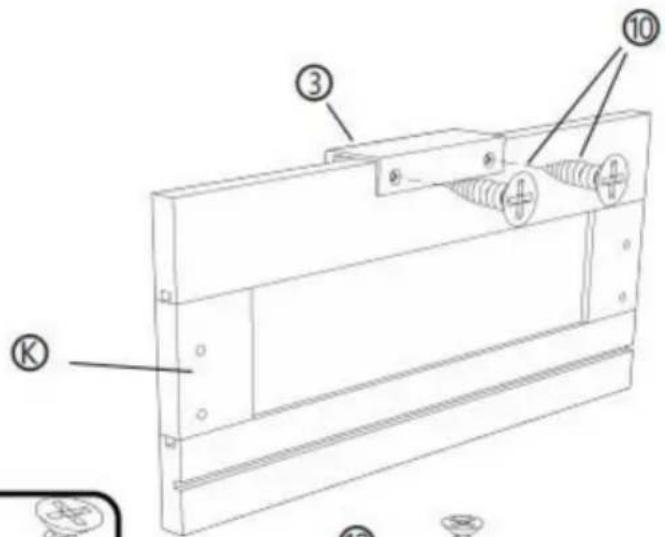
STEP 8: X3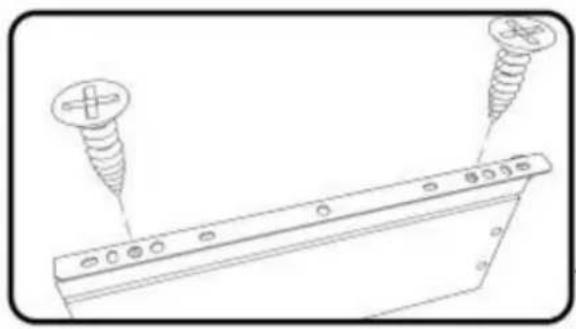
![[R] [M] [L] ① ② ⑩ ⑩ ② ④](/content/2026/04/735012/images/f424578a40ec60029c3b03972c3a480ae823513741b8bbc352003a4c13edc102.jpg)
![Technical line drawing of a mechanical component with labeled parts [R] and [L], showing no text or symbols beyond labels.](/content/2026/04/735012/images/d9f15f932561a204d9662e7a341f3d532c19e3e5cfbb28f608f1b67bf11cdb68.jpg)
② X 3 PCS
③ X 3 PCS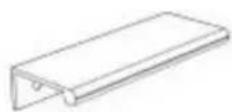
⑩ X 18 PCS © X 3 PCS ⑧ X 3 PCS ⑨ X 3 PCS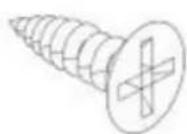
STEP 9: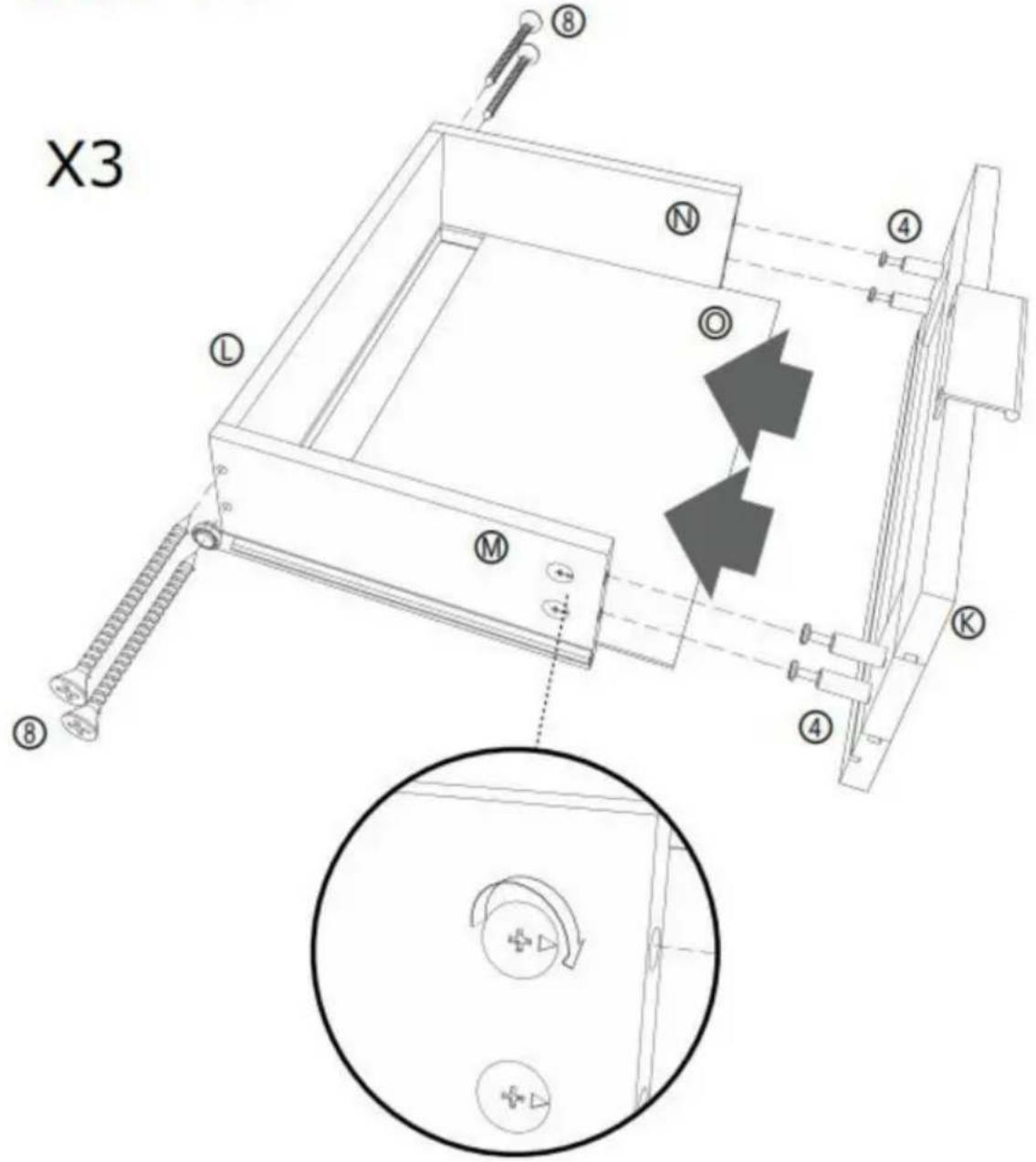
⑧ X 12 PCS
④ X 12 PCS © X 3 PCS ⑤ X 3 PCS ⑧ X 3 PCS ⑨ X 3 PCS ⑨ X 3 PCS
STEP 10:
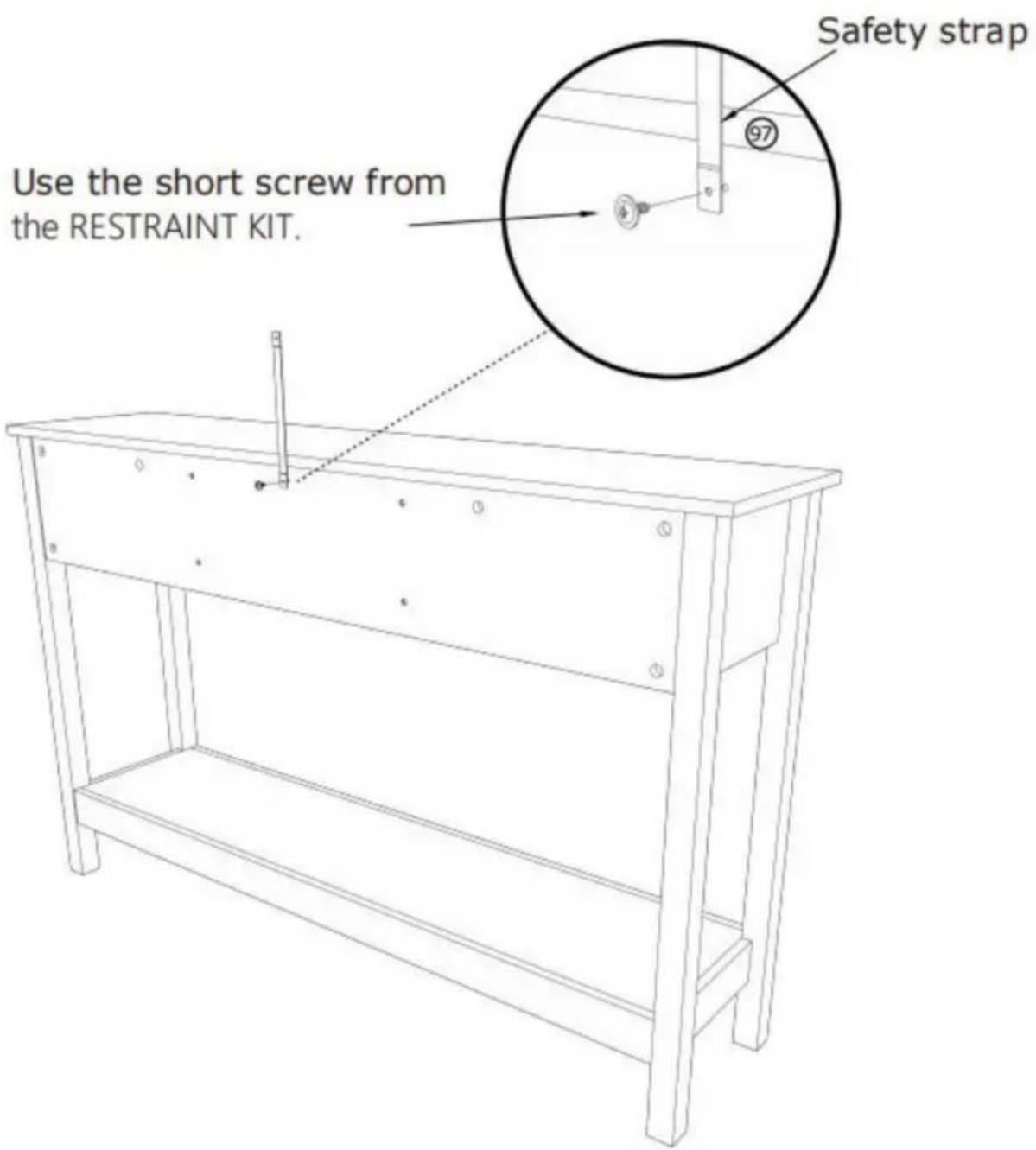
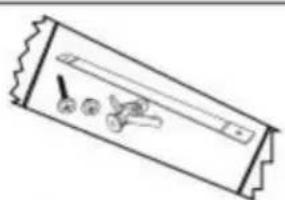
⑨7 X 1 PCS
STEP 11:
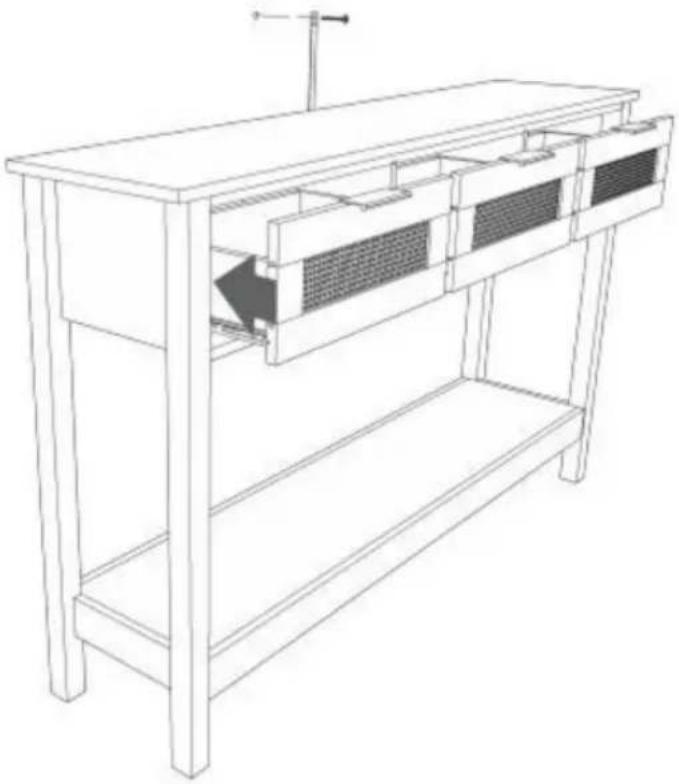
Mark and drill a 1/8" hole into the wall stud.
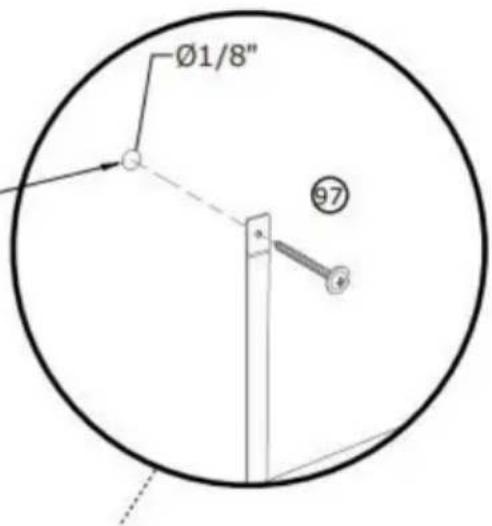
Carefully stand your unit upright against the wall in its final location.
1st- Locate the center of a stud in your wall near your unit and mark it with a pencil.
2nd- Drill a 1/8" hole on the mark and into the stud in your wall.
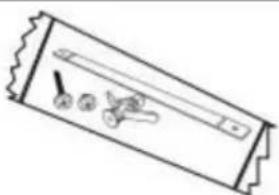
3rd- Fasten the unit to the wall. Use the long screw through the other end of the strap and into the 1/8" hole.
⑨7 X 1 PCS
STEP 12 :
Mark and drill a 3/8" hole into the wall stud.
Carefully stand your unit upright against the wall in its final location.
1st- With your pencil, strike a mark through the center of the hole in the SAFETY STRAP.
2nd- Drill a 3/8" hole on the mark.
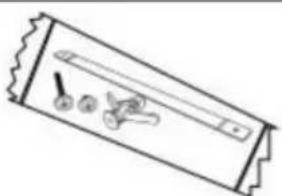
3rd- While you squeeze the wings together, gently tap the WALL ANCHOR from the FURNITURE TIPPING RESTRAINT KIT (97) into the hole until it is even with the surface of the wall.
4th- Turn the long screw through the hole in the SAFETY STRAP and into the WALL ANCHOR.
⑨7 X 1 PCS
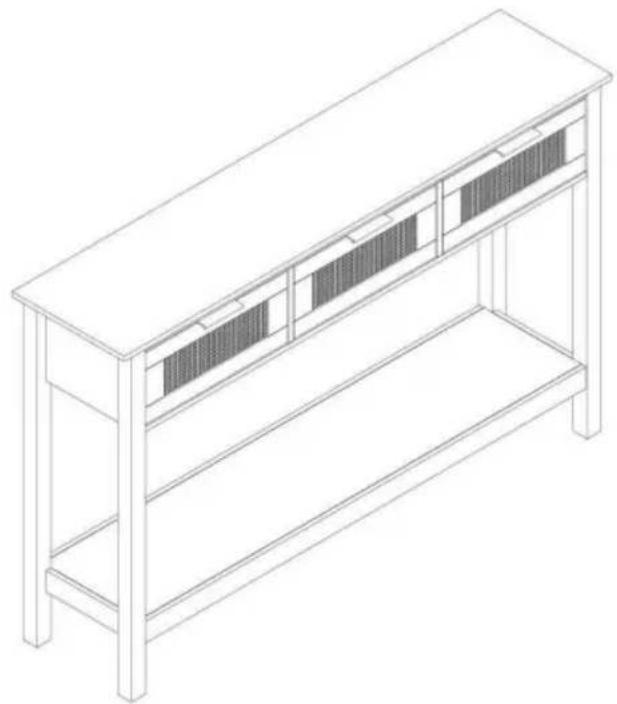
COMPLETION
Manufacturer: Shanghaimuxinmuyeyouxiangongsi
Address: Shuangchenglu 803nong11hao1602A-1609shi, Baoshan District, Shanghai 200000 CN.
C/O YH Consulting Limited, Office 147, Centurion House, London Road, Staines-upon-Thames, Surrey, TW18 4AX
VEVOR®
TOUGH TOOLS, HALF PRICE
Warranty certificate www.vevor.com/support
VEVOR®
TOUGH TOOLS, HALF PRICE
CONSOLE TABLE FOR STEERING WHEEL
USER MANUAL
MODEL NO: CSF-D24102
NEED HELP? CONTACT US!
STEP 2:![P 2: ① ② ③ ④ ⑤ ⑥ [1] [2] [3] [4] [5] [6] [7] [8] [9] [10] 180° ① ② ③ ④ ⑤ ⑥ [1] [2] [3] [4] [5] [6] [7] [8] [9] [10]](/content/2026/04/735012/images/4bbaadf3eeaae6df8b5e4ed0f77c8ed6179c8fa7f4141157cb453f7deeb577aa.jpg)
![[R] [L] ① X 2 PCS](/content/2026/04/735012/images/387f370dc60725104e2f1a75b067ebf26038bd358d750a5d66d7de64f6d23026.jpg)
STEP 3: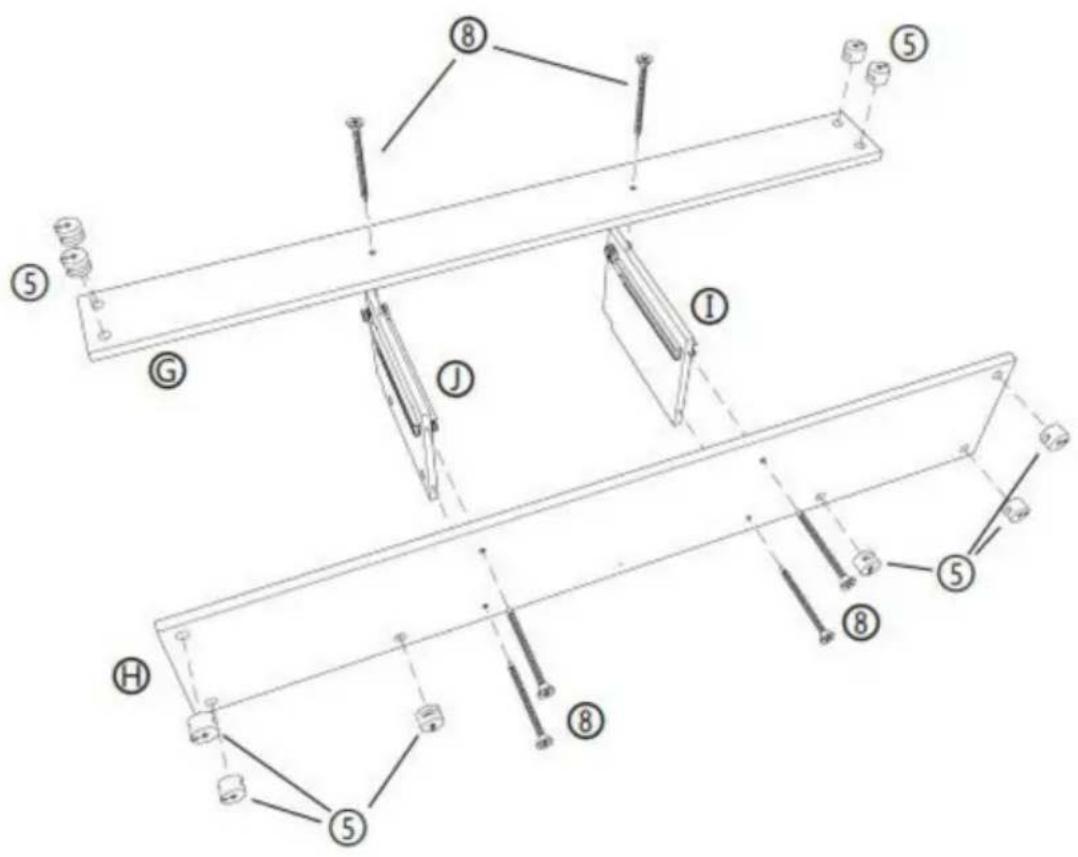
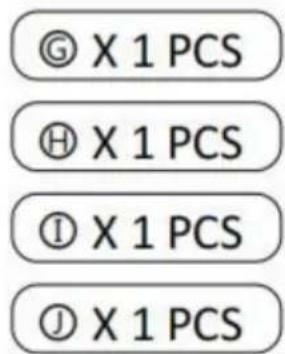
STEP 4: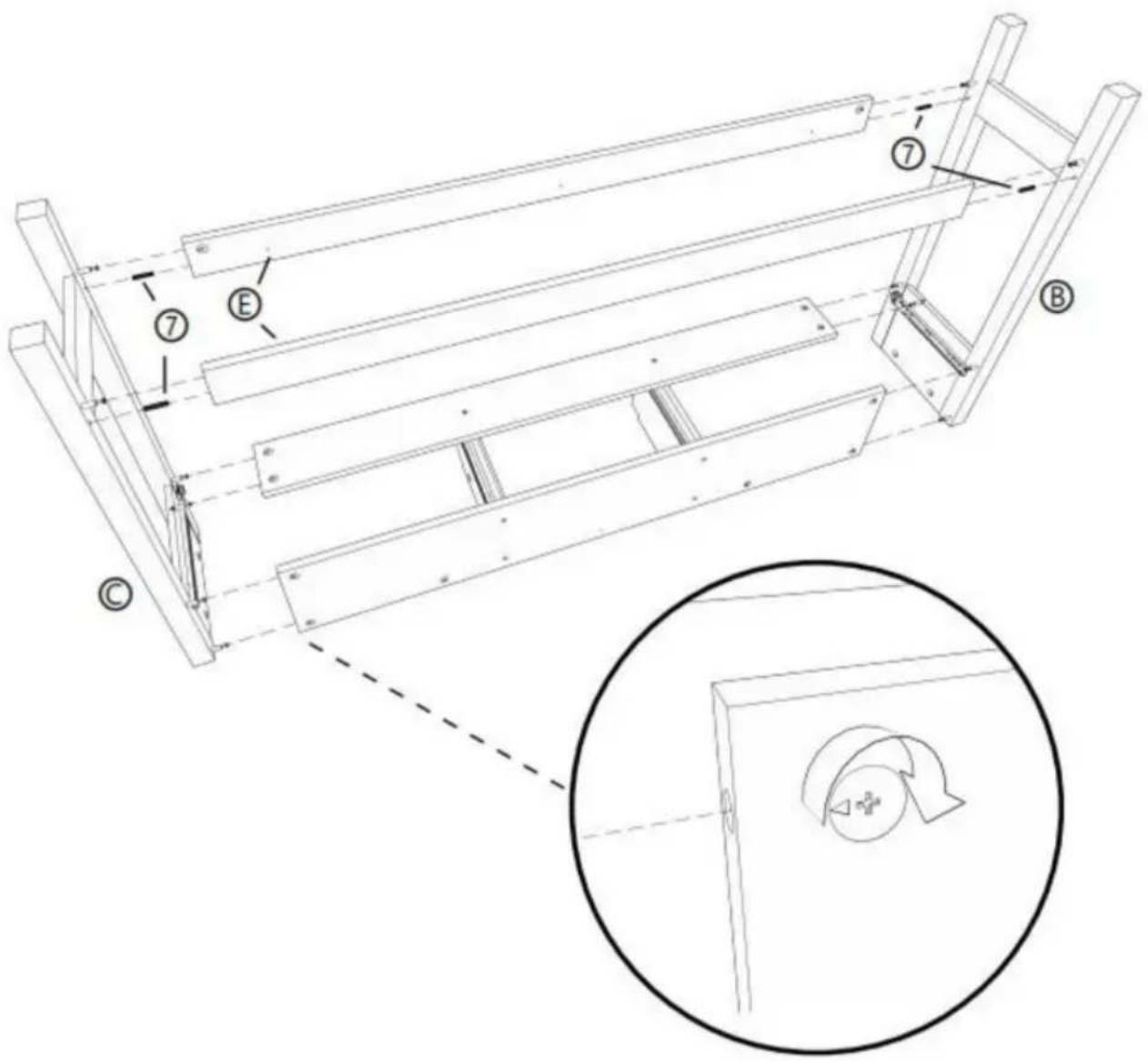
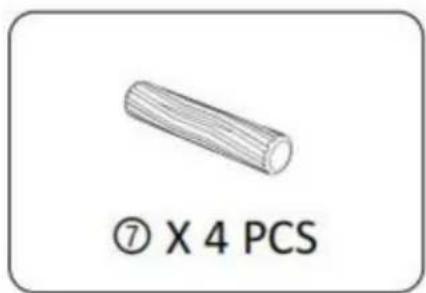
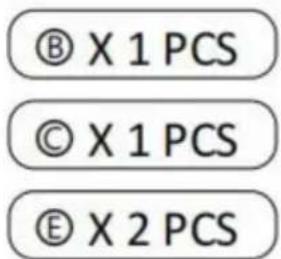
STEP 5: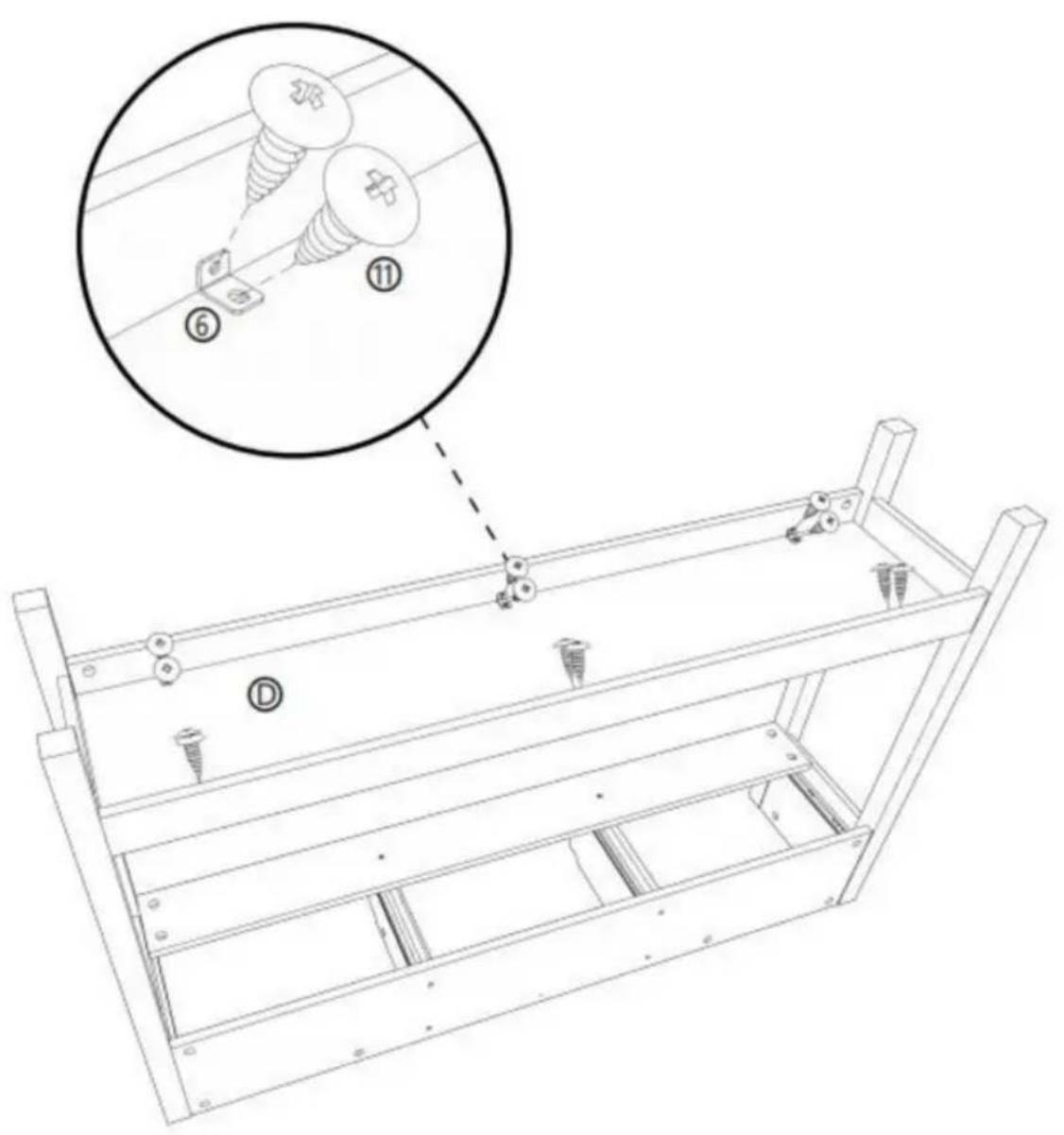

STEP 6: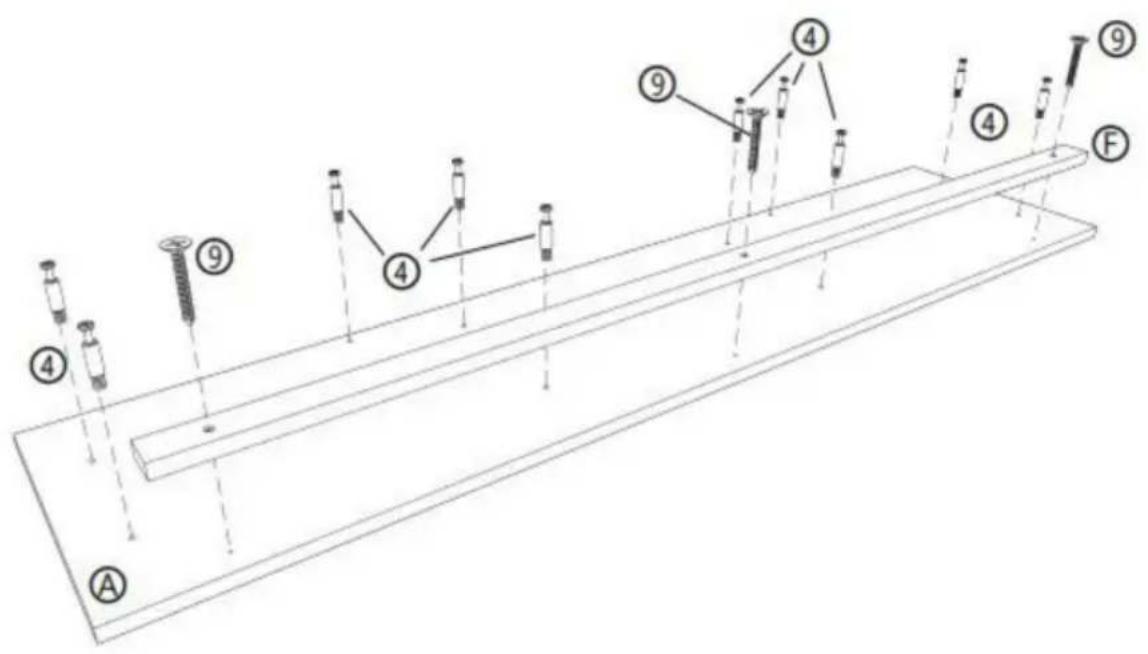
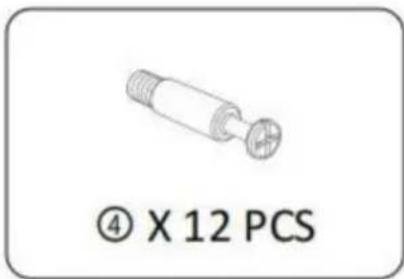
④ X 10 PCS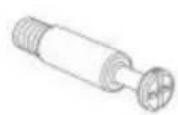
⑨ X 3 PCS Ⓐ X 1 PCS ⑤ X 1 PCS
STEP 7: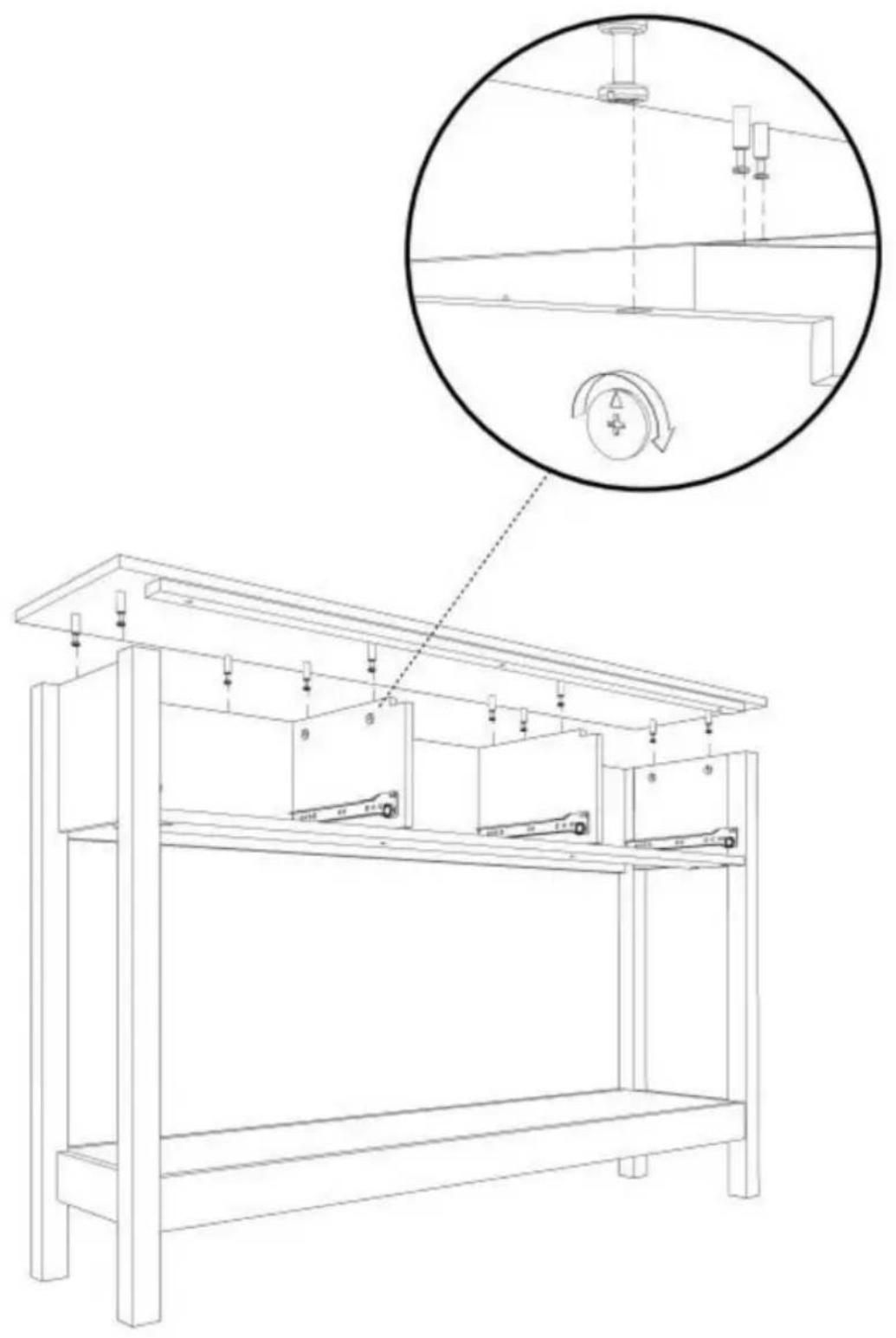
STEP 8: X3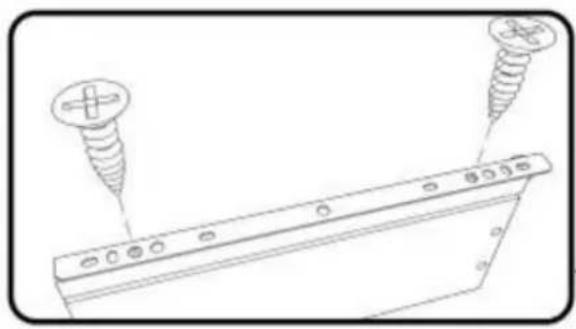
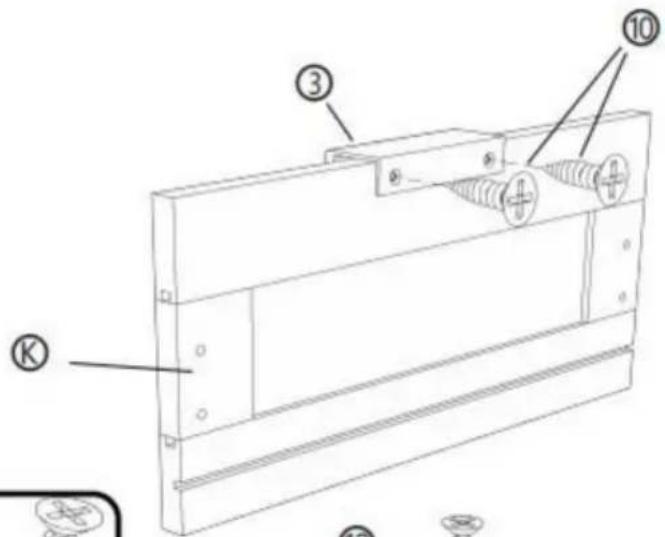
![[R] [M] [L] ① ② ⑩ ⑩ ② ④](/content/2026/04/735012/images/374dfa3ef2b5b5ad94b238fa026c6cfd35bd7cf01b95b6669d2cb6dceca6bc9c.jpg)
![Technical line drawing of a mechanical component with labeled parts [R] and [L], showing no text or symbols beyond labels.](/content/2026/04/735012/images/3be2d9dcc1a1c51b63e115b3af395efd37bbc0bfb3dde204d11cfa8dd5d629fd.jpg)
② X 3 PCS
③ X 3 PCS
⑩ X 18 PCS © X 3 PCS ⑧ X 3 PCS ⑨ X 3 PCS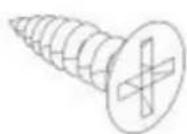
STEP 9: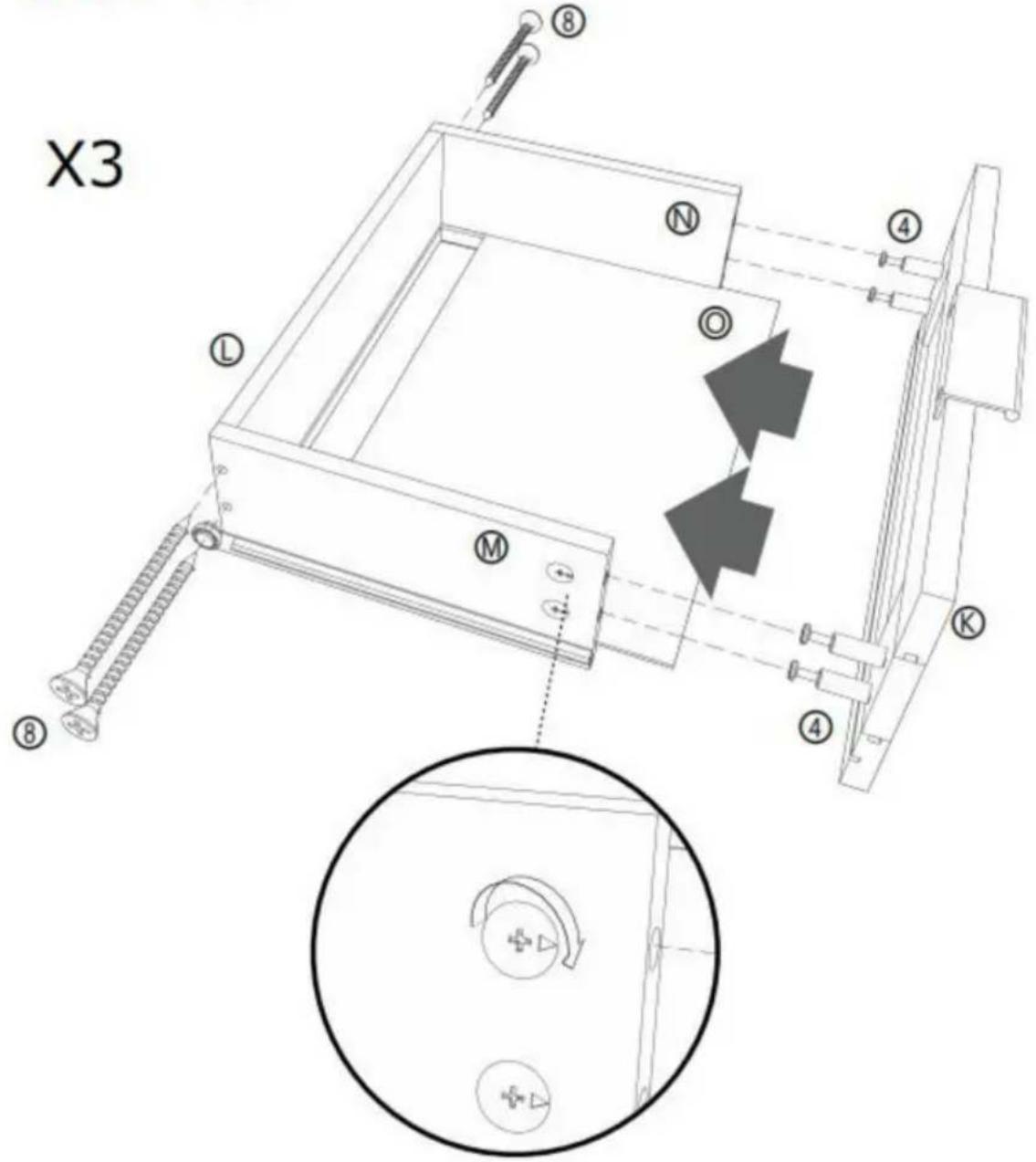
⑧ X 12 PCS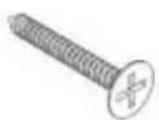
④ X 12 PCS © X 3 PCS ⑤ X 3 PCS ⑧ X 3 PCS ⑨ X 3 PCS ⑨ X 3 PCS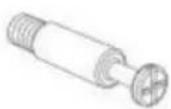
STEP 10:
⑨7 X 1 PCS
STEP 11:
Mark and drill a 1/8" hole into the wall stud.
Carefully stand your unit upright against the wall in its final location.
1st- Locate the center of a stud in your wall near your unit and mark it with a pencil.
2nd- Drill a 1/8" hole on the mark and into the stud in your wall.
3rd- Fasten the unit to the wall. Use the long screw through the other end of the strap and into the 1/8" hole.
⑨7 X 1 PCS
STEP 12 :
Mark and drill a 3/8" hole into the wall stud.
Carefully stand your unit upright against the wall in its final location.
1st- With your pencil, strike a mark through the center of the hole in the SAFETY STRAP.
2nd- Drill a 3/8" hole on the mark.
3rd- While you squeeze the wings together, gently tap the WALL ANCHOR from the FURNITURE TIPPING RESTRAINT KIT (97) into the hole until it is even with the surface of the wall.
4th- Turn the long screw through the hole in the SAFETY STRAP and into the WALL ANCHOR.
⑨7 X 1 PCS
COMPLETION
Manufacturer: Shanghaimuxinmuyeyouxiangongsi
Address: Shuangchenglu 803nong11hao1602A-1609shi, Baoshan District, Shanghai 200000 CN.
Imported to AUS: SIHAO PTY LTD. 1 ROKEVA STREET EASTWOOD NSW 2122 Australia
Imported to USA: Sanven Technology Ltd. Suite 250, 9166 Anaheim Place, Rancho Cucamonga, CA 91730
| EC | REP |
E-CrossStu GmbH
Mainzer Landstr.69, 60329 Frankfurt am Main.
| UK | REP |
YH CONSULTING LIMITED.
C/O YH Consulting Limited Office 147, Centurion House, London Road, Staines-upon-Thames, Surrey, TW18 4AX
VEVOR®
TOUGH TOOLS, HALF PRICE
www.vevor.com/support
Brand : Vevor
Model : CSF-D24102
Category : Console table