
SS-SQH01 - Safe Vevor - Free user manual and instructions
Find the device manual for free SS-SQH01 Vevor in PDF.
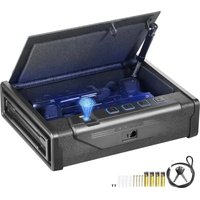


| Product Type | Handgun Safe |
| Brand | Vevor |
| Model | SS-SQH01 |
| Dimensions (L x W x H) | 320 x 260 x 82 mm |
| Net Weight | 4.65 kg |
| Power Supply | DC 6V (4 AA 1.5V batteries) |
| Capacity | 2 Handguns |
| Opening Modes | Numeric Code (4-6 digits) and Fingerprint |
| Emergency Key | 2 emergency keys included |
| Auto-Lock | After 5 incorrect code or fingerprint attempts, locks for 5 minutes |
| Low Battery Alarm | Yellow light and 6 beeps when voltage is below 4.8V |
| Interior Light | LED light inside |
| Silent Function | Disables beeps by pressing the I key for 3 seconds |
| Factory Reset | Press the reset button for 3-5 seconds to clear fingerprints and reset password to 1234 |
| Color | Black |
| Material | Steel (reasonable estimate) |
| Wall Mounting | Can be mounted with provided screws (2 security screws) |
| Included Accessories | 1 security cable, 2 emergency keys, 4 screws, 2 security screws, 4 AA batteries |
| Maintenance | Clean with a soft dry cloth, avoid solvents |
| Standards | Compliant with FCC (Part 15) and European Directive 2012/19/EC |
Frequently Asked Questions - SS-SQH01 Vevor
User questions about SS-SQH01 Vevor
0 question about this device. Answer the ones you know or ask your own.
Ask a new question about this device
Download the instructions for your Safe in PDF format for free! Find your manual SS-SQH01 - Vevor and take your electronic device back in hand. On this page are published all the documents necessary for the use of your device. SS-SQH01 by Vevor.
USER MANUAL SS-SQH01 Vevor
Technical Support and E-Warranty Certificate www.vevor.com/support
HAND GUN SAFE
USER MANUAL
MODEL:SS-SQH01
We continue to be committed to provide you tools with competitive price.
"Save Half," "Half Price" or any other similar expressions used by us only represents an estimate of savings you might benefit from buying certain tools with us compared to the major top brands and does not necessarily mean to cover all categories of tools offered by us. You are kindly reminded to verify carefully when you are placing an order with us if you are actually saving half in comparison with the top major brands.
VEVOR®
TOUGH TOOLS, HALF PRICE
HAND GUN SAFE
MODEL:SS-SQH01
NEED HELP? CONTACT US!
Have product questions? Need technical support? Please feel free to contact us: Technical Support and E-Warranty Certificate www.vevor.com/support
This is the original instruction, please read all manual instructions carefully before operating. VEVOR reserves a clear interpretation of our user manual. The appearance of the product shall be subject to the product you received. Please forgive us that we won't inform you again if there are any technology or software updates on our product.
IMPORTANT SAFEGUARDS
Warning - To reduce the risk of injury, user must read instructions manual carefully. Failure to do so can result in serious injury.
- DO NOT SIT, STAND OR CLIMB ON THIS ITEM.
- This product is not a toy. Do not allow children to play with or near this item.
- Use as intended only. Keep away from sharp points, blades and other items, so as not to scratch the product.
- Flammable: Keep away from open flame. This product will ignite and burn if brought into contact with an open flame.
- Battery Replacement: When the batteries are not high enough and must be replaced immediately. To replace the batteries, turn off the hand gun safe first. Replace the old batteries with new ones of the same type, make sure that the polarity connections are correct (see the polarity indications at the bottom of the battery compartment). Reinstall the battery cover.
SAVE THESE INSTRUCTIONS
INSTRUCTIONS
| Model SS-SQH01 | |
| Product Size | 320*260*82 mm |
| Net Weight 4.65 kg | |
| Working Power | DC 6V (4x AA batteries needed) 2.4-3.0A |
| Gun Capacity | 2 piece |
| FCC STATEMENT: This device complies with Part 15 of the FCC Rules.Operation is subject to the following two conditions:(1)This device may not cause harmful interference, and (2)this device must accept any | |
interference received, including interference that may cause undesired operation
PARTS LIST
| Emergency key*2 Safety rope + | 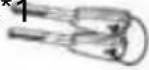 | 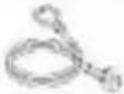 | |
| Install the screw*4 |  | Safety line screw*2 |  |
| AA(1.5V) Batteries*4 |  |
SCHEMATIC DIAGRAM
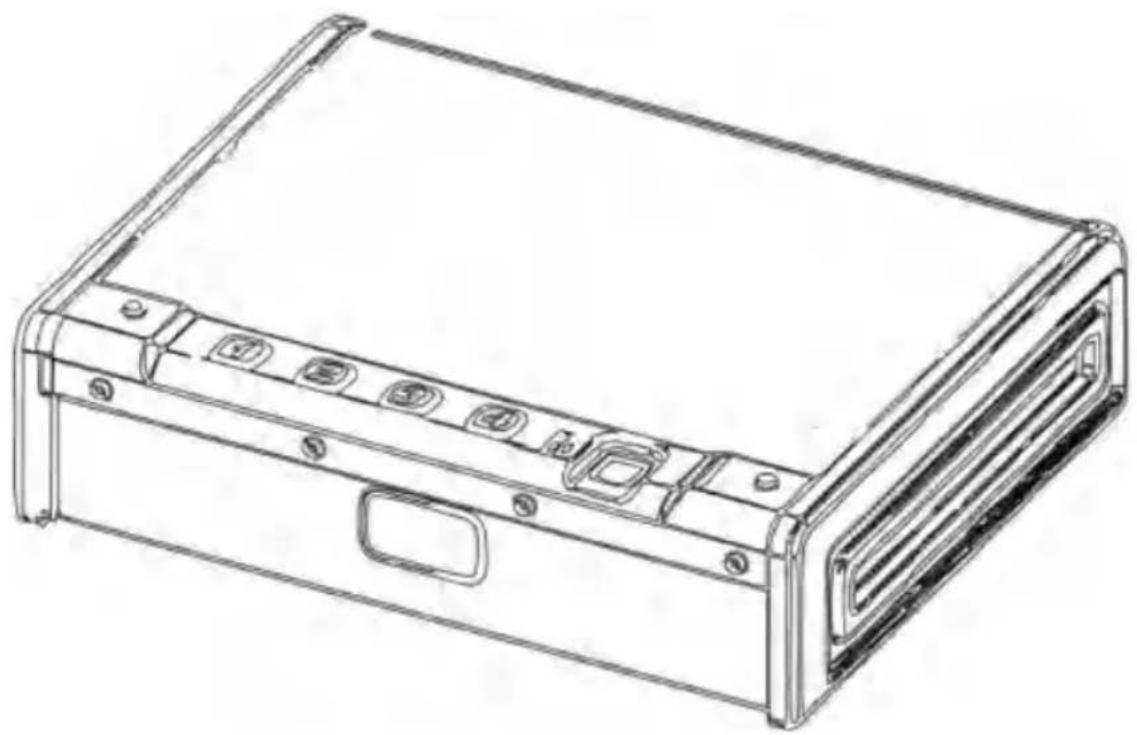
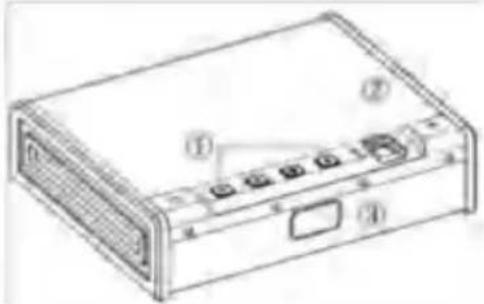
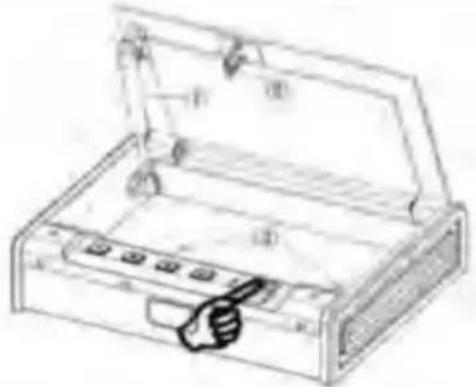
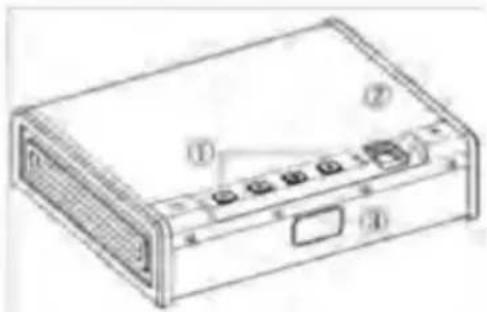
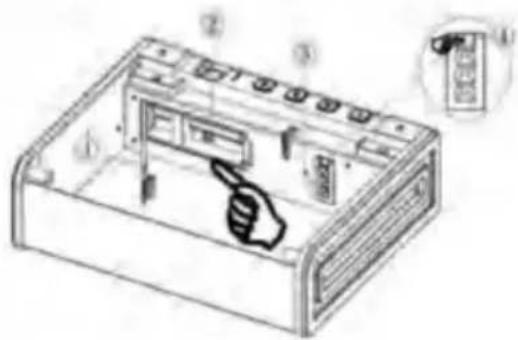
① Digital keys ② Fingerprint collector (3) Hide emergency keyholes
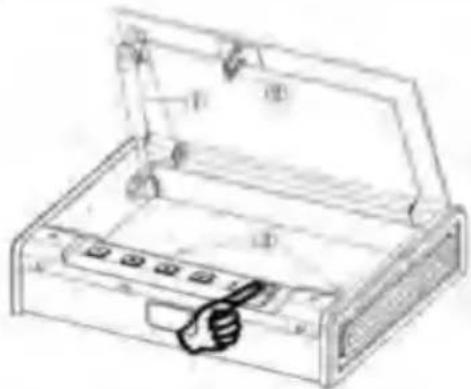
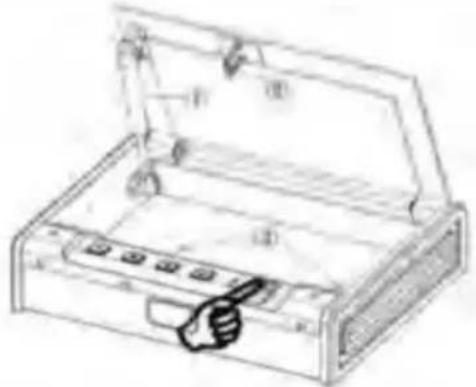
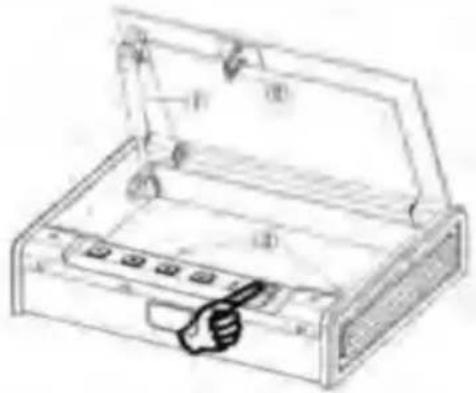
① Hydraulic rod ② Latches Hook (3) Reserved mounting hole
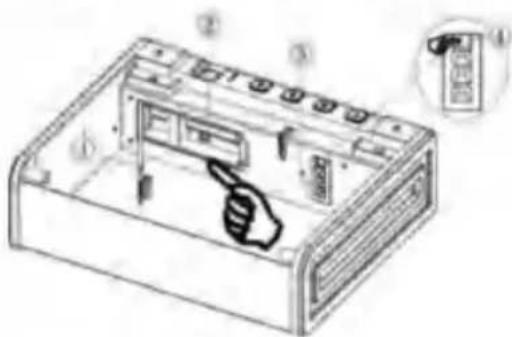
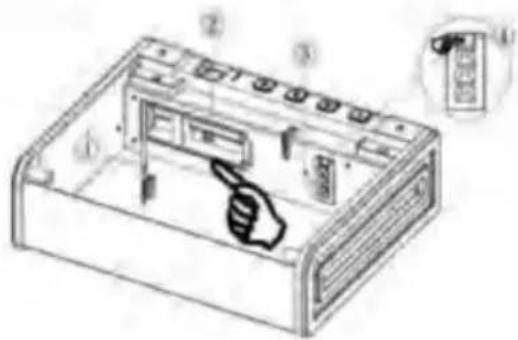
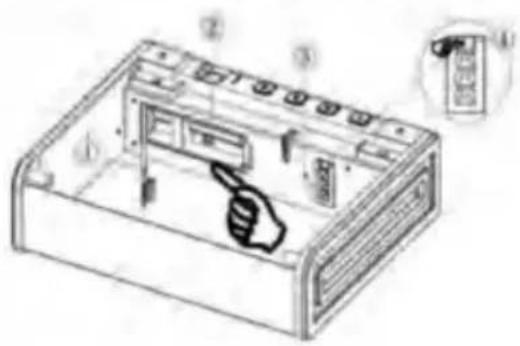
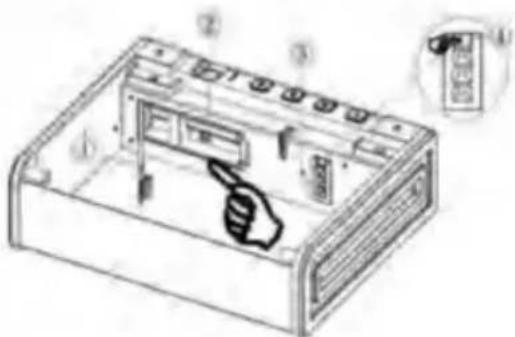
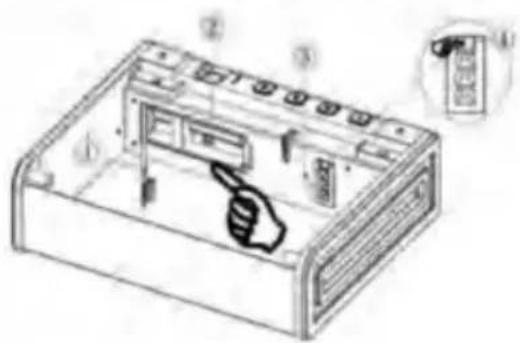
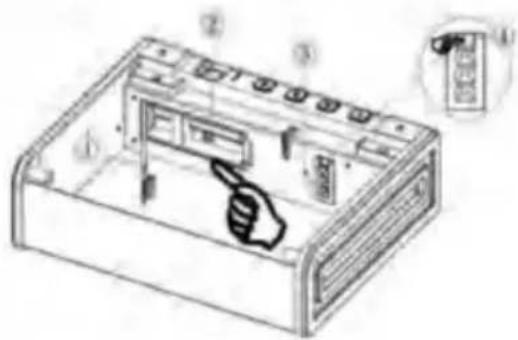
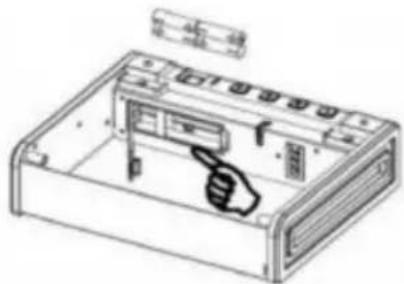
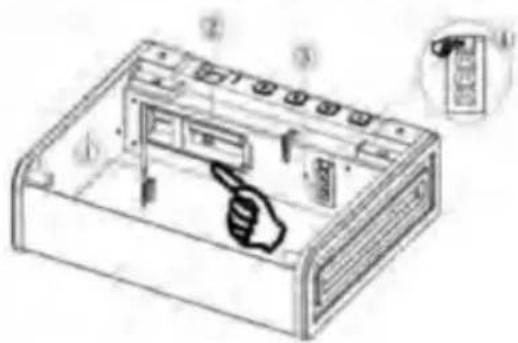
① Battery case cover ② Install the battery box ③ Interior LED Light ④ Set the keys
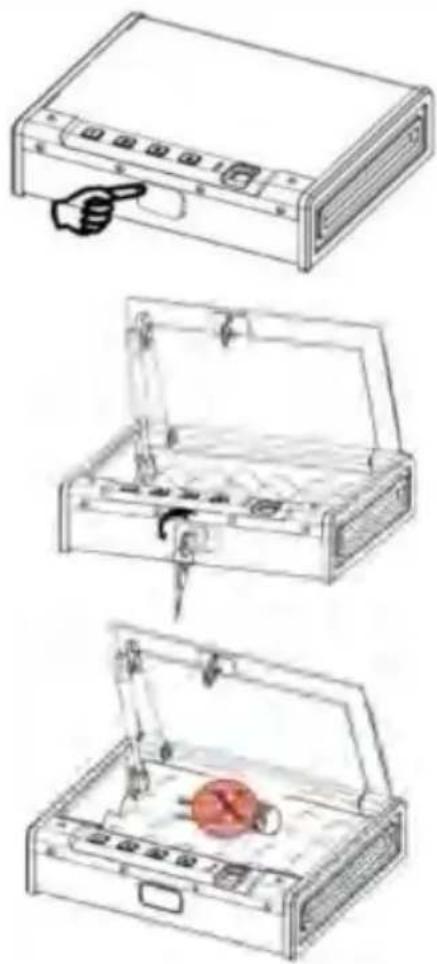
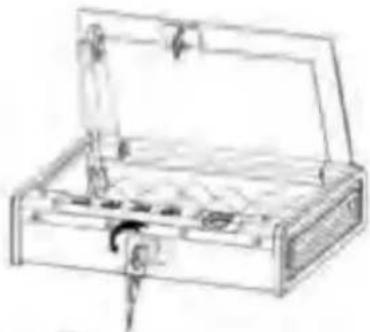
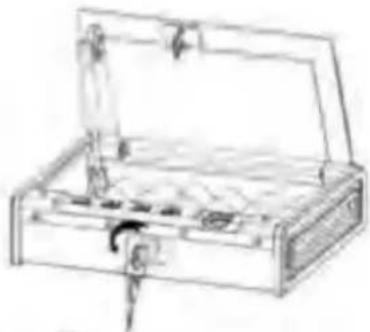
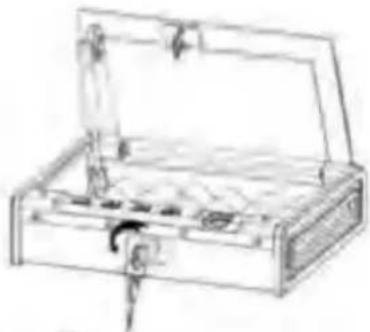
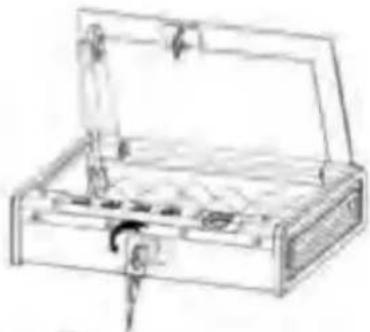
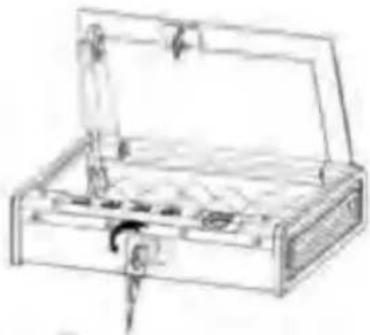
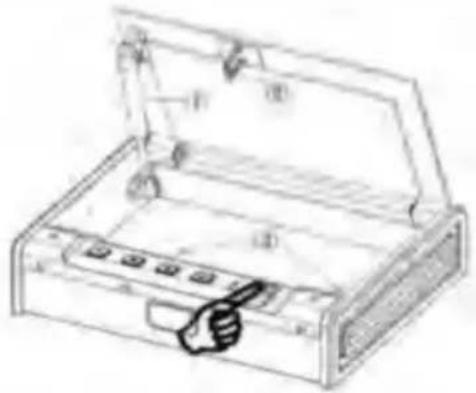
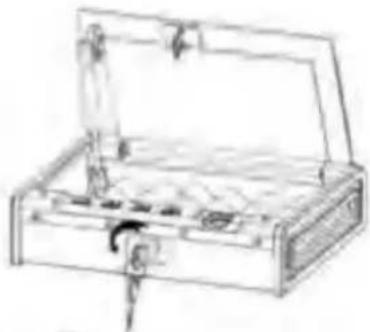
① Find the location of the mark, and press the upper left or right corner of the mark to open the emergency cover.
② Expose the emergency key channel, insert it, and turn it counterclockwise 40° , then the door will open.
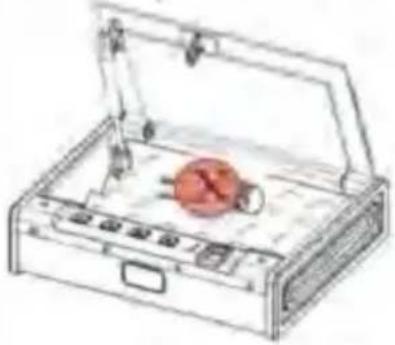
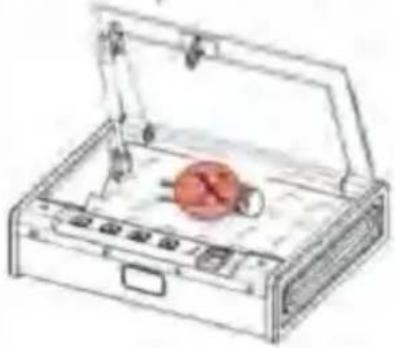
Note: After finishing the operation, take out the emergency key and keep it properly. Don't put the key in the safe.
INSTALL THE BATTERY
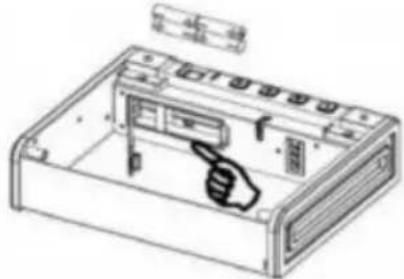
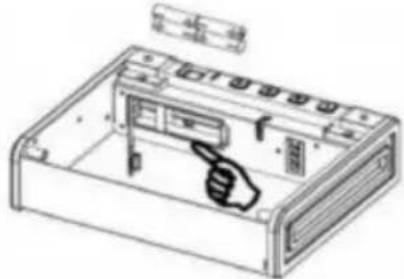
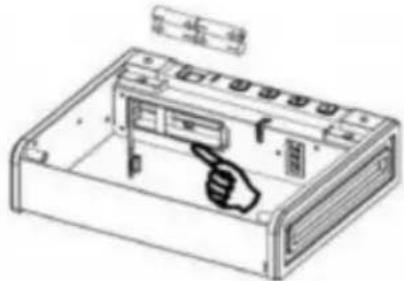
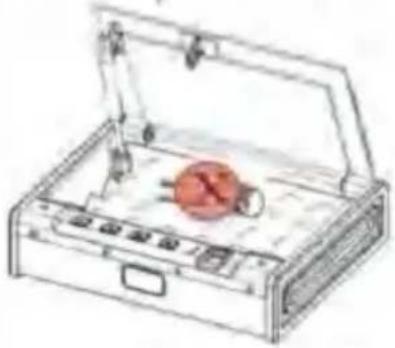
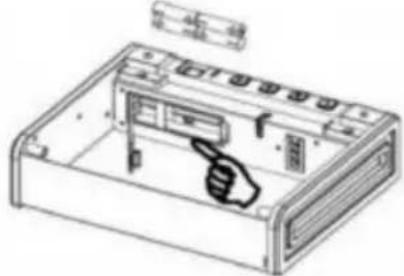
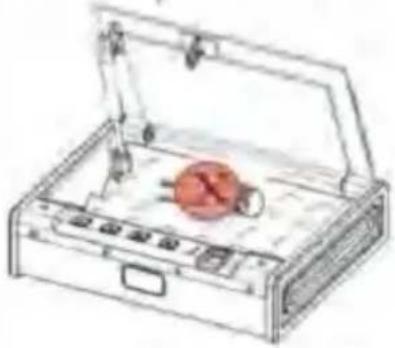
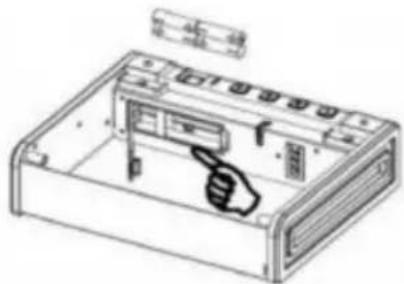
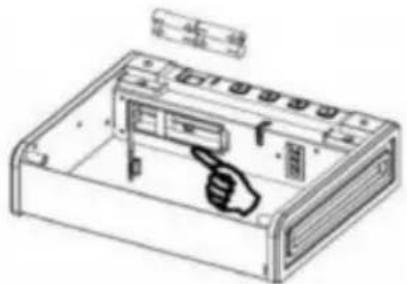
Open the cover plate of the internal battery box and install four AA alkaline batteries in the positive and negative directions. When the buzzer "beep" sounds, it means that the power has been connected and the operation can continue normally.
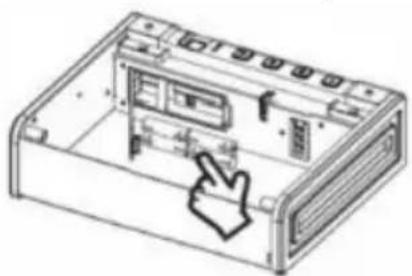
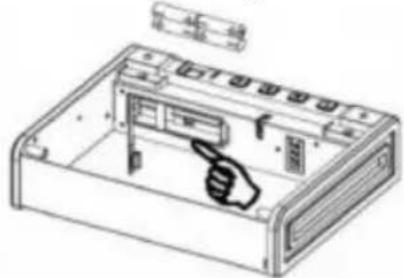
Note: Install 4 new batteries of the same brand, avoid using lithium batteries.
After the battery is installed in the internal battery box, the buzzer beeps once, indicating that the power has been connected and the operation can continue normally. The blue light in the indicator area indicates the setting and door opening states, the red light indicates the error code alarm state and the yellow light indicates the battery undervoltage state. (The factory original password is 1234, the password can be set to 4-6 digits, and the door cannot be opened with a blank fingerprint.) This product has two modes of opening the door with a digital password and fingerprint opening. The door can be opened by entering any correct password or correct fingerprint. After the door is opened, the blue light flashes once, and the buzzer beeps for a long time and the lock opens. The lighting inside the box lights up.
SET PASSWORD
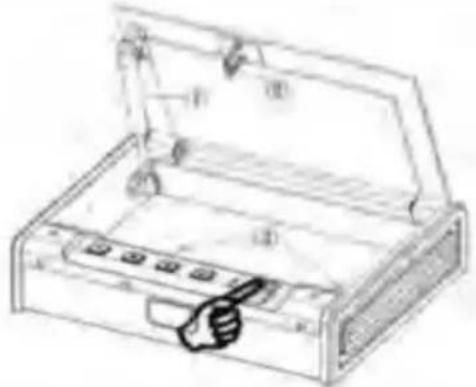
In the standby state, press the setting button once, the blue light will shine, and the buzzer "beep" will sound twice. Enter a new password, press the setting button again, the blue light will light up, and the buzzer "beep" will sound for a long time, indicating that the password has been set successfully.
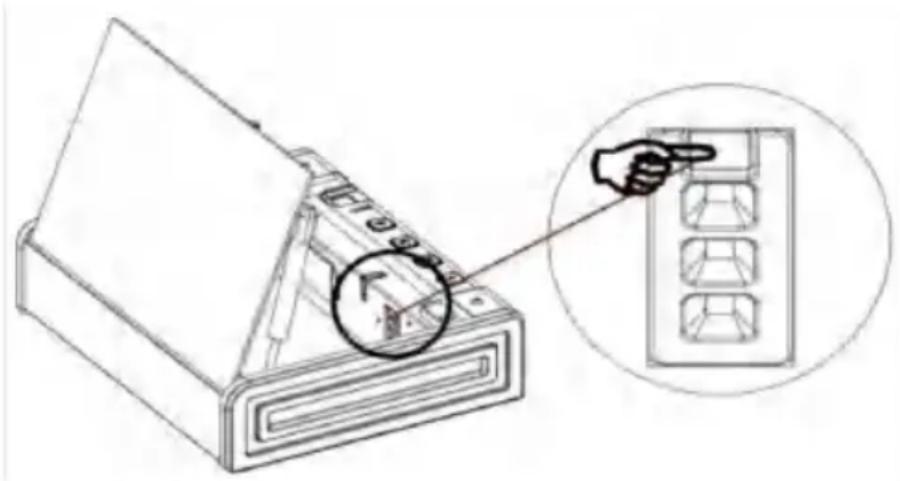
(20 FINGERPRINTS CAN BE REGISTERED)
In the standby state, press the setting button once, the blue light will light up and the buzzer will "beep" twice. At this point, put your finger on the fingerprint collector, raise your finger when you hear the "beep" sound, and then put the same finger back on the fingerprint collector, and press it repeatedly 3 times. At this time, the buzzer "beep", indicating that the fingerprint is set successfully. If the red light is on, the buzzer "beep" twice, indicating that the fingerprint setting was unsuccessful.
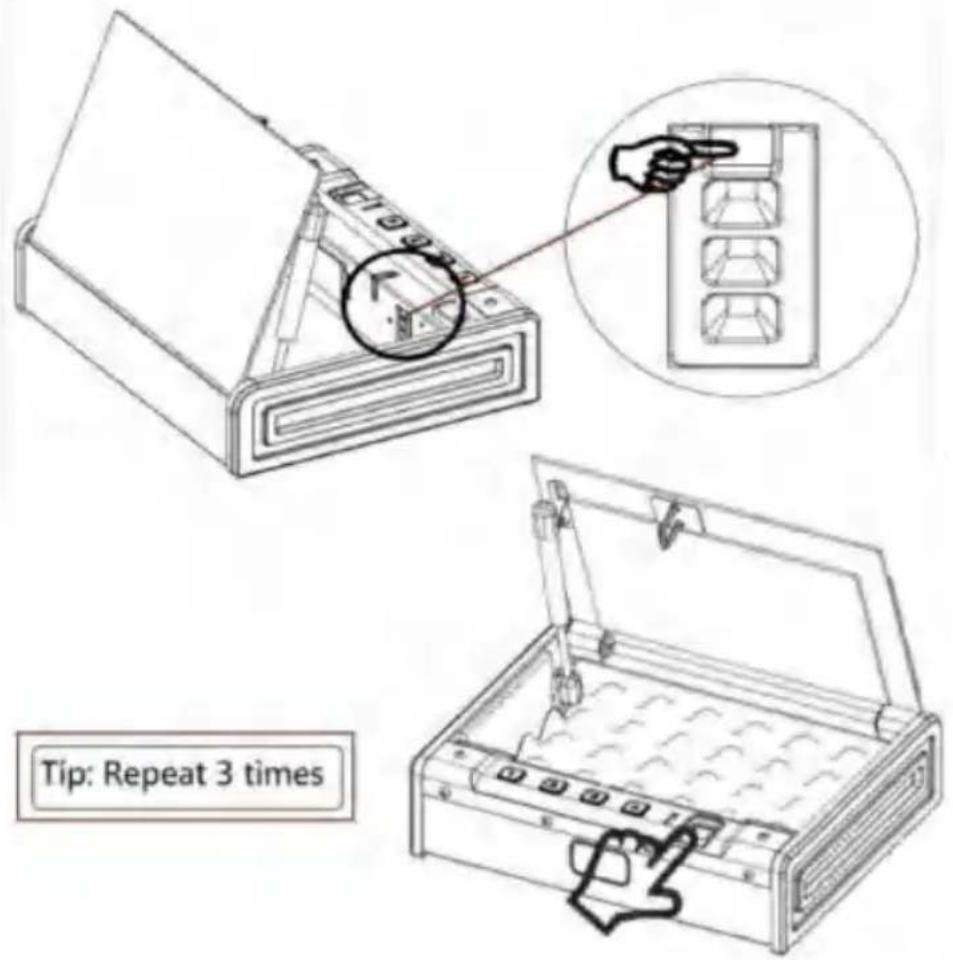
MUFFLER FUNCTION
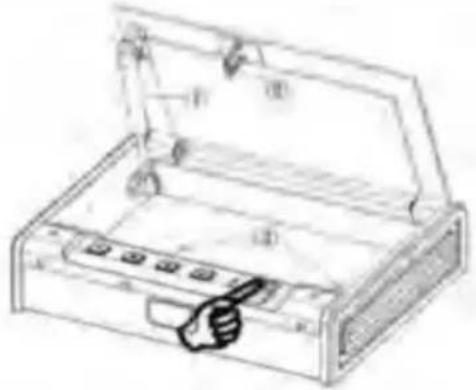
1. Long press the number "I" key (about 3 seconds), the blue light will shine and the sound will be silenced successfully. 2. Long press the "I" button again (about 3 seconds). The blue light will shine and the sound will turn on.
Note: "I" is the muffler button, and it will return to normal without electricity.
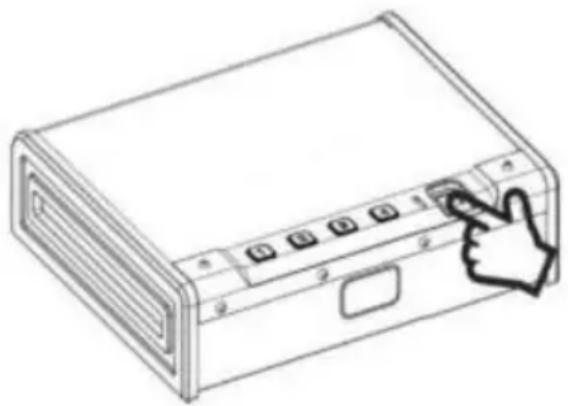
Press for 3 seconds to lift the finger
ERROR ALARM FUNCTION
When the wrong password or wrong fingerprint is entered, the red light flashes five times, and the buzzer "beep" five times to alarm. After 5 consecutive times of wrong code or wrong fingerprint, the button and fingerprint will self-lock for 5 minutes. (Both the digital keys and fingerprints are invalid when the alarm is wrong, and they will be returned to normal use after the alarm is over).
RESTORE FACTORY SETTINGS
Press the setting button for 3-5 seconds, and the blue light will shine, and the buzzer "beep" will ring, indicating that the fingerprint has been removed successfully. The numeric password is reset to the original password 1234. (At this point, any fingerprint cannot be verified.) Reset the fingerprint.
When the voltage is around 4.8V, the yellow light will shine 6 times after opening the door, and the buzzer "beep" will ring 6 times to alarm, reminding the low power to replace the new battery, so as not to affect the normal opening of the door next time.
Tip: Do not use lithium batteries, different brands of batteries.
INSTALLATION AND FIXATION DIAGRAM
① Secure the safe in a place that cannot be moved easily. ② Clamp the screws in the correct position, secure the box body to the board, make sure the installation is in place, then tighten all screws. (3) Note: Use clamping screws when, wooden wall surfaces are available.
Each product comes with 2 screws.
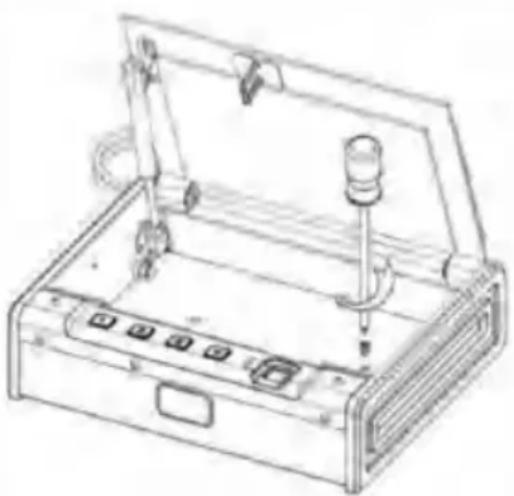
CORRECT DISPOSAL:

This product is subject to the provision of European Directive 2012/19/EC. The symbol showing a wheelie bin crossed through indicates that the product requires separate refuse collection in the European Union. This applies to the product and all accessories marked with this symbol. Products marked as such may not be discarded with normal domestic waste, but must be taken to a collection point for recycling electrical and electronic devices.
VEVOR®
TOUGH TOOLS, HALF PRICE
Technical Support and E-Warranty Certificate
www.vevor.com/support
ETVMLER®
H ÀTOMCO, HALF P RIZ
NEED HELP? CONTACT US!
OPENING YOUR SAFE FOR THE FIRST TIME
advantage
INSTALLING THE BATTERY
Note: Install 4 new batteries of the same brand, avoid using lithium batteries.
PRODUCT PERFORMANCE
(20 FINGERPRINTS CAN BE REGISTERED)
SILENT FUNCTION
www.vevor.com/support
Hydraulic rod
Locking hook
OPENING YOUR SAFE FOR THE FIRST TIME
Note: Install 4 new batteries of the same brand, avoid using
lithium batteries.
PRODUCT PERFORMANCE
SILENCER FUNCTION
CORRECT DISPOSAL:

www.vevor.com/support
VEVOR®
CLOSE YOUR SAFE FOR THE FIRST TIME
benefit
INSTALLING THE BATTERY
Open the cover of the internal battery compartment and install four AA alkaline batteries, inserting them according to the positive and negative poles.
Note: Install 4 new batteries of the same brand, avoid using lithium batteries.
(20 FINGERPRINTS CAN BE REGISTERED)
SILENCER FUNCTION
www.vevor.com/support
VEVOR®
Interior LED light Place
the keys
OPENING YOUR SAFE FOR THE FIRST TIME
benefit
Note: Install 4 new batteries of the same brand, avoid using
Lithium batteries.
PRODUCT PERFORMANCE
(20 FINGERPRINTS CAN BE REGISTERED)
www.vevor.com/support

VIVTOR®
NEED HELP? CONTACT US!
FIRST TIME OPENING THE SAFE
INSTALL THE BATTERY
Note: Install 4 new batteries of the same brand, avoid using
Lithium batteries.
PRODUCT PERFORMANCE
(20 FINGERPRINTS CAN BE REGISTERED)
MUTE FUNCTION
CORRECT DISPOSAL:

www.vevor.com/support

ENVVER®
TOG H NAAROLS, H ALF-P RIJST
Technical support and e-warranty certificate www.vevor.com/support
SAFE HANDGUN
USER MANUAL
MODEL: SS-SQH01
NEED HELP? CONTACT US!
www.vevor.com/support
FIRST TIME MOUNTING YOUR SAFE
BATTERY INSTALLATION
Note: Install 4 new batteries of the same brand, avoid using lithium batteries.
PRODUCT PERFORMANCE
SETTING FINGERPRINTS
(20 FINGERPRINTS CAN BE REGISTERED)
FUNCTION OF THE OUTLET
[Press 3 seconds to lift the finger]
ERROR ALARM FUNCTION
CORRECT DISPOSAL:

www.vevor.com/support

OCHV DER®
NEED HELP? CONTACT US!
www.vevor.com/support
BREW YOUR COFFEE FOR THE FIRST TIME
förmán
Note: After the operation is completed,
Note: Install 4 new batteries of the same brand, avoid using lithium batteries.
PRODUCT PERFORMANCE
SETTING Fingerprint
(20 FINGERPRINTS CAN BE REGISTERED)
SOUND DAMPING FUNCTION
INSTALLATION AND FIXING DIAGRAM
CORRECT DISPOSAL OF THIS PRODUCT:

www.vevor.com/support

- HAND GUN SAFE
- USER MANUAL
- VEVOR®
- NEED HELP? CONTACT US
- IMPORTANT SAFEGUARDS
- SAVE THESE INSTRUCTIONS
- PARTS LIST
- SCHEMATIC DIAGRAM
- INSTALL THE BATTERY
- SET PASSWORD
- (20 FINGERPRINTS CAN BE REGISTERED)
- MUFFLER FUNCTION
- ERROR ALARM FUNCTION
- RESTORE FACTORY SETTINGS
- INSTALLATION AND FIXATION DIAGRAM
- CORRECT DISPOSAL
- ETVMLER®
- OPENING YOUR SAFE FOR THE FIRST TIME
- INSTALLING THE BATTERY
- PRODUCT PERFORMANCE
- SILENT FUNCTION
- SILENCER FUNCTION
- CLOSE YOUR SAFE FOR THE FIRST TIME
- VIVTOR®
- FIRST TIME OPENING THE SAFE
- MUTE FUNCTION
- ENVVER®
- SAFE HANDGUN
- FIRST TIME MOUNTING YOUR SAFE
- BATTERY INSTALLATION
- SETTING FINGERPRINTS
- FUNCTION OF THE OUTLET
- OCHV DER®
- BREW YOUR COFFEE FOR THE FIRST TIME
- SETTING FINGERPRINT
- SOUND DAMPING FUNCTION
- INSTALLATION AND FIXING DIAGRAM
- CORRECT DISPOSAL OF THIS PRODUCT
Brand : Vevor
Model : SS-SQH01
Category : Safe