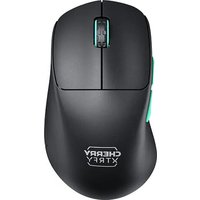
XTRFY M64 WIRELESS - Mouse Cherry - Free user manual and instructions
Find the device manual for free XTRFY M64 WIRELESS Cherry in PDF.


| Product type | Wireless gaming mouse |
| Brand | Cherry |
| Model | XTRFY M64 WIRELESS |
| Connectivity | Wireless 2.4 GHz via USB dongle |
| Power supply | Rechargeable Li-ion battery, charges via USB cable |
| Battery life | Approximately 70 hours (estimated) |
| Sensor | High-precision optical |
| CPI adjustment (sensitivity) | Multiple levels, select via switch and button |
| Polling rate | Adjustable via switch and button |
| Debounce | Adjustable via switch and button |
| Lift-off height | Adjustable via key combination |
| Factory reset | Side buttons + right click held |
| Weight | Approximately 55 g (estimated) |
| Dimensions (L x W x H) | Approximately 120 x 64 x 38 mm (estimated) |
| Care and cleaning | Clean with a soft dry cloth. Avoid liquids. |
| Safety | Charge only via a computer USB port |
| Spare parts and repairability | Contact Cherry customer service |
| Warranty | 2 years (subject to legal conditions) |
Frequently Asked Questions - XTRFY M64 WIRELESS Cherry
User questions about XTRFY M64 WIRELESS Cherry
0 question about this device. Answer the ones you know or ask your own.
Ask a new question about this device
Download the instructions for your Mouse in PDF format for free! Find your manual XTRFY M64 WIRELESS - Cherry and take your electronic device back in hand. On this page are published all the documents necessary for the use of your device. XTRFY M64 WIRELESS by Cherry.
USER MANUAL XTRFY M64 WIRELESS Cherry
natural_image
Line drawing of a computer mouse head (no text or symbols)M64
QUICK-START GUIDE • GUIDE DE DÉMARRAGE RAPIDE
A Connect the cable to the adapter and dongle.

flowchart
graph LR
    A["Input"] --> B["Process"]
    B --> C["Output"]
    style A fill:#fff,stroke:#000
    style B fill:#fff,stroke:#000
    style C fill:#fff,stroke:#000
B Plug the USB cable into your computer.
Move the switch from the OFF position to turn on the mouse.

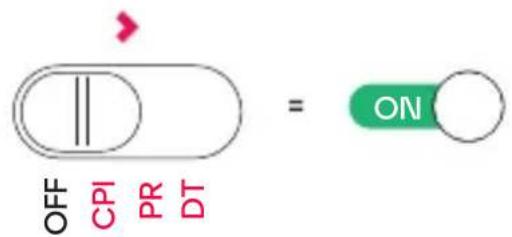
1 CHARGING THE BATTERY
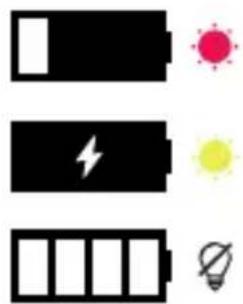
Charge the battery via the USB cable. The indicator light shows charging status.
natural_image
Three black battery icons with corresponding colored indicators: red for sun, yellow for light, and blue for light bulb (no text or symbols)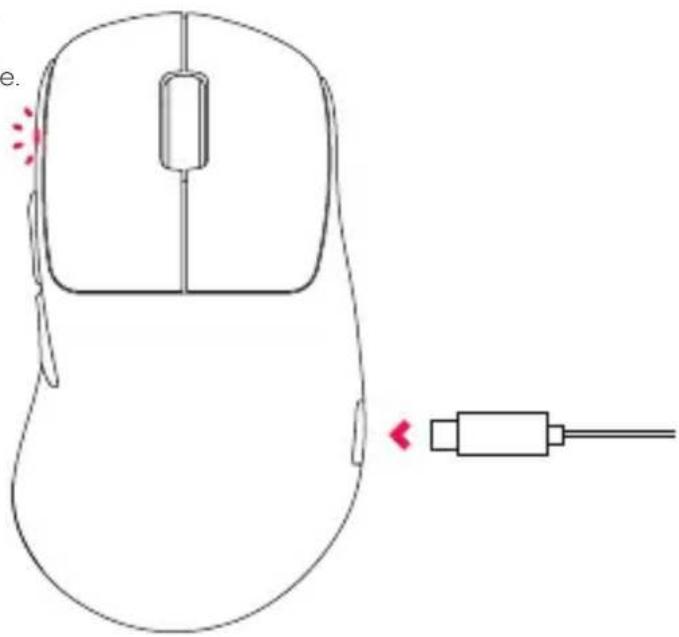
natural_image
Line drawing of a computer mouse with a cable connector, no text or symbols present2 BATTERY LEVEL
To check the battery level, press and hold both side buttons + left click for 3 seconds. The color of the indicator light shows the current battery level.

< 25%
< 50%
< 75%
< 100%
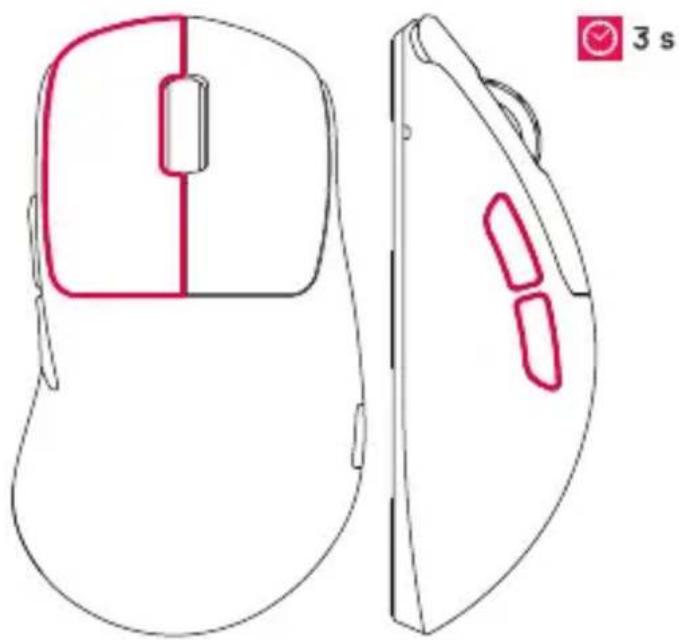
natural_image
Line drawing of a computer mouse with front and side views, no text or symbols present3 CPI (MOUSE SENSITIVITY)
Set the switch into CPI mode. Then press the bottom button repeatedly to adjust the mouse sensitivity. The color of the indicator light shows the current setting.
400 800 1200 1600 3200
4000 7200 26000
OFF
CPI
PR
DT
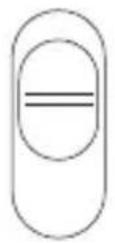
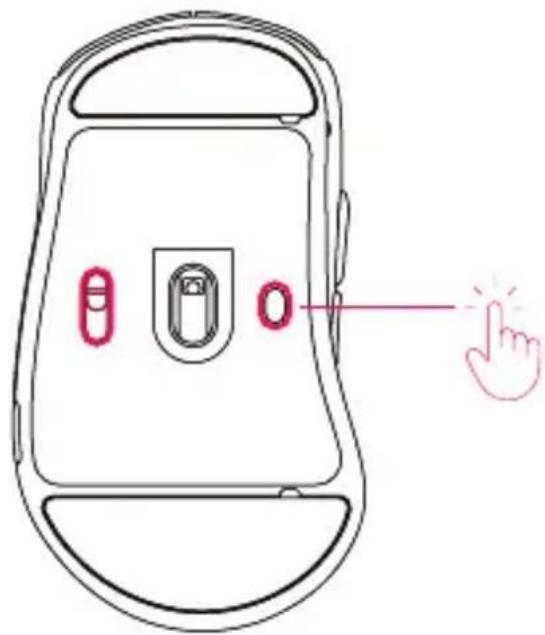
4 POLLING RATE
Set the switch into PR mode. Then press the bottom button repeatedly to adjust the polling rate.
125 Hz 250 Hz 500 Hz 1000 Hz
OFF
CPI
PR
DT
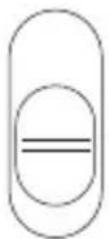
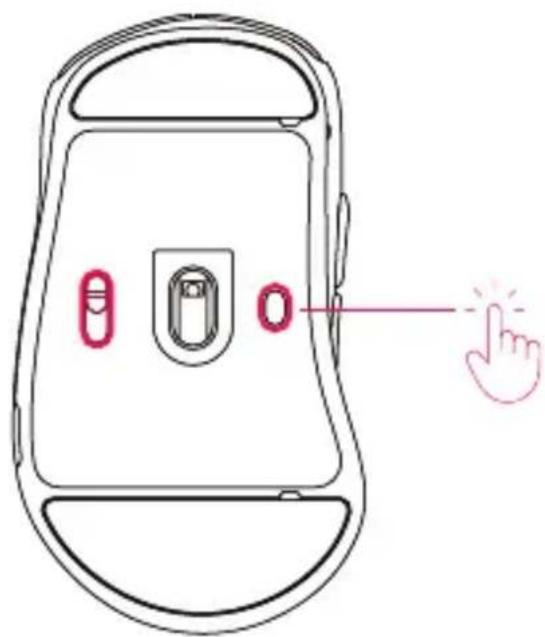
\$ DEBOUNCE TIME
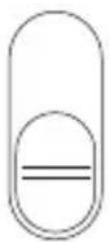
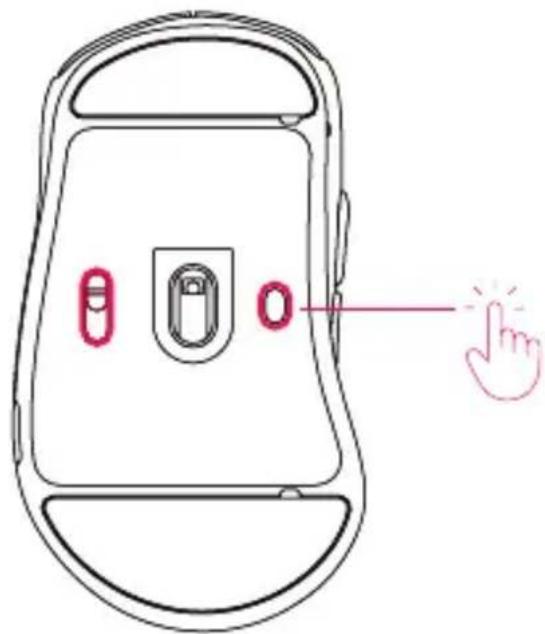
Set the switch into DT mode. Then press the bottom button repeatedly to adjust the debounce time.
2 ms 4 ms 8 ms 12 ms
OFF
CPI
PR
DT
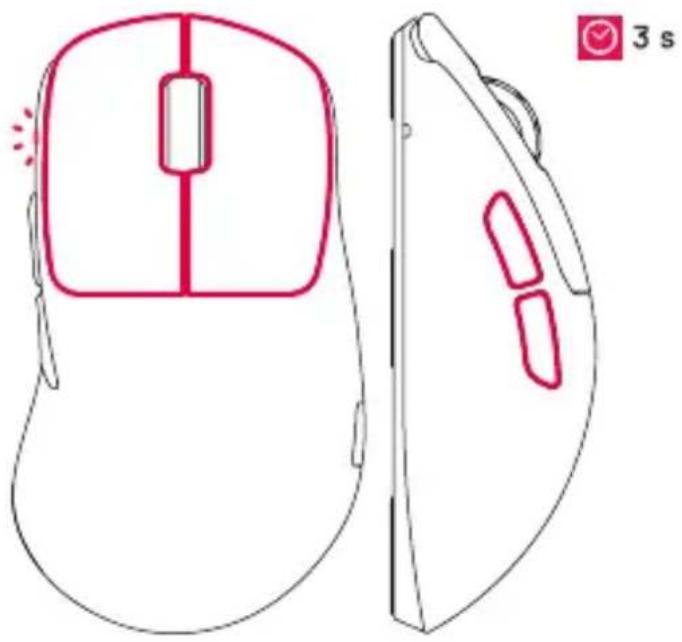
6 LIFT-OFF DISTANCE
Press and hold both side buttons + left and right click to change the lift-off distance.
1 mm 2 mm
natural_image
Line drawing of a computer mouse with front and side views, no text or symbols present7 MOTION SYNC
Press and hold both side buttons + scroll click to turn motion sync on or off.
OFF ON

natural_image
Line drawing of a computer mouse with red highlighted regions, shown from front and side views (no text or symbols)8 FACTORY RESET
Press and hold both side buttons + right click to reset all settings.
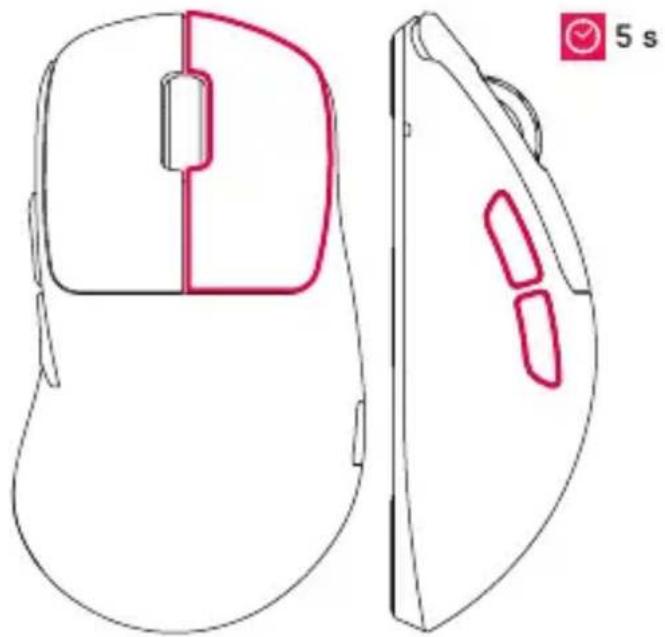
natural_image
Line drawing of a computer mouse with front and side views, no text or symbols present
CHARGE THE MOUSE VIA COMPUTER USB PORT ONLY.

DEU
7 SYNCHRONISATION DU MOU- VEMENT

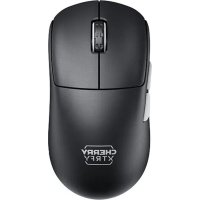
Brand : Cherry
Model : XTRFY M64 WIRELESS
Category : Mouse