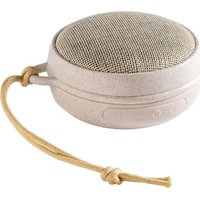
White Noise - Speaker Membantu - Free user manual and instructions
Find the device manual for free White Noise Membantu in PDF.


User questions about White Noise Membantu
0 question about this device. Answer the ones you know or ask your own.
Ask a new question about this device
Download the instructions for your Speaker in PDF format for free! Find your manual White Noise - Membantu and take your electronic device back in hand. On this page are published all the documents necessary for the use of your device. White Noise by Membantu.
USER MANUAL White Noise Membantu
text_image
10 white noise sounds available
Please read the manual online for further
information. Scan the QR code or visit
membantustore.com
GB 4-8
DE 9-14
ES 15-20
FR 21-26
DK 27-32
GB / IMPORTANT! READ CAREFULLY AND KEEP FOR FUTURE REFERENCE
Read this user guide carefully before first use. It contains important safety information as well as instructions for the use and care of the device. Save the guide for later reference and include it with the device when transferring it to a third party.
To avoid dangerous situations, do not use device for any purpose other than those described in the instructions. Improper use is dangerous and voids the warranty.
This product is not intended to be used by persons (including children) with reduced physical, sensory or mental abilities or lack of experience and / or lack of knowledge unless they are supervised by a person responsible for their safety or have received instructions on how to use the product.
Children should be supervised to ensure that they do not play with the product.
Never expose rechargeable batteries to excessive heat (e.g. bright sun, fire), and never throw them into fire.
The rechargeable batteries could explode.
The rechargeable battery is permanently built into the product and cannot be replaced.
Never damage the rechargeable battery. Damaging the casing of the rechargeable battery might cause an explosion or a fire!
Never short-circuit the contacts of the rechargeable battery. Do not throw the rechargeable battery or the product into fire. There is a danger of fire and explosion!
Charge the rechargeable battery regularly, even if you are not using the product. Do not need to discharge.
No naked flame sources, such as lighted candles, should be placed on the product.
Make sure no objects or liquids penetrate through openings into the housing.
Never immerse electric parts of the product in water or other liquids while cleaning or using it. Never place the product under running water.
Do not place the product in the vicinity of devices producing strong magnetic fields (for example motors, loudspeakers, transformers).
Do not expose the product to direct sunlight, humidity, dirt, hot light sources or strong magnetic fields. Do not expose the product to high temperatures and strong vibrations & avoid high mechanical stress.
The product may not function properly or not react to the operation of any control due to electrostatic discharge. Switch off and disconnect the product; reconnect/switch on after a few seconds.
If the product shows damages, do not use it any longer and have it repaired by a qualified technician, or contact our customer service department. Do not disassemble the product, and do not try to repair it yourself.


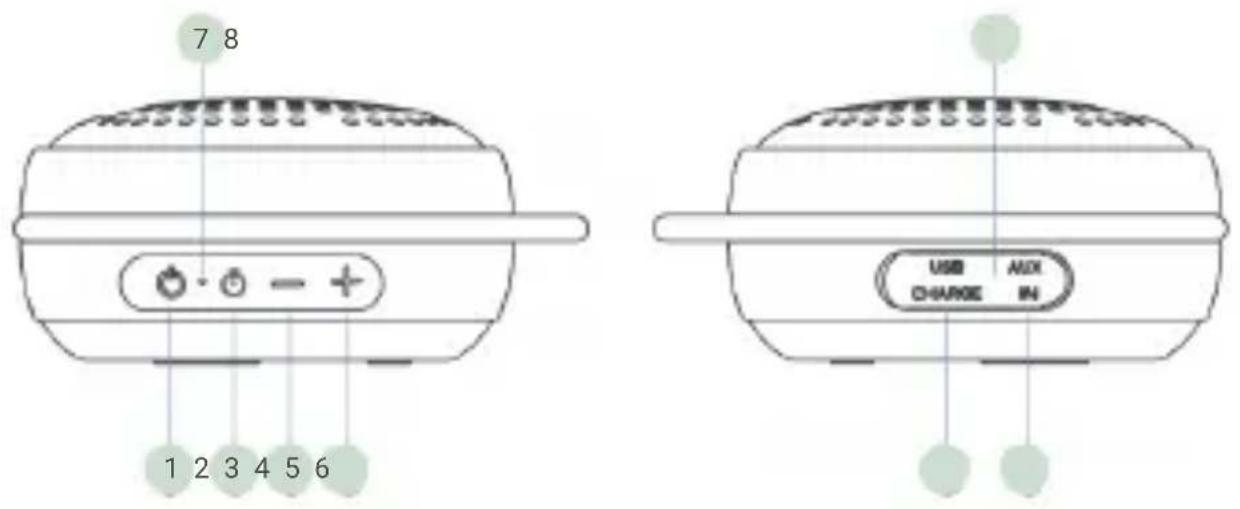
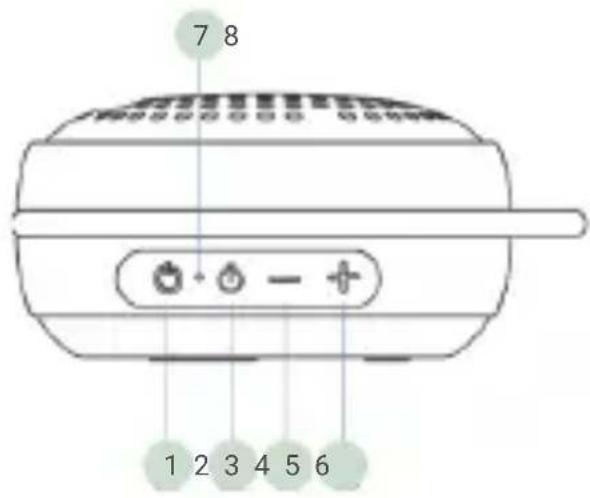
OVERVIEW
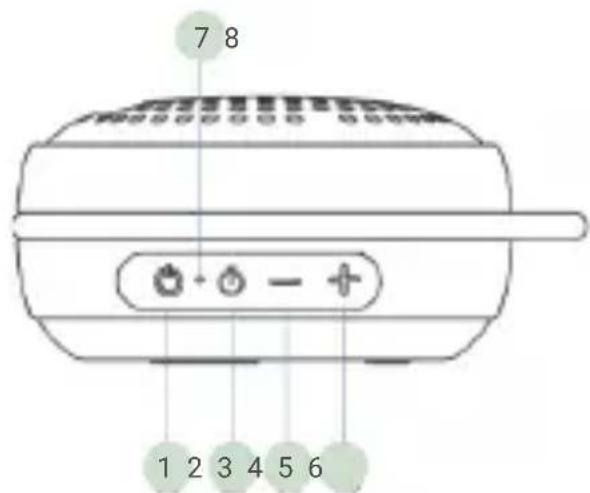
text_image
7 8 1 2 3 4 5 6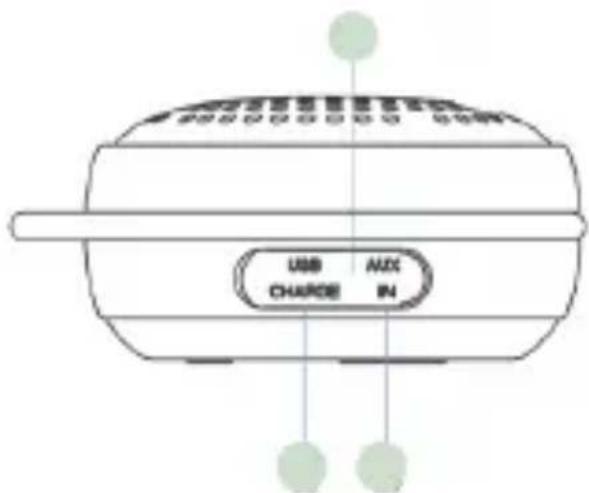
text_image
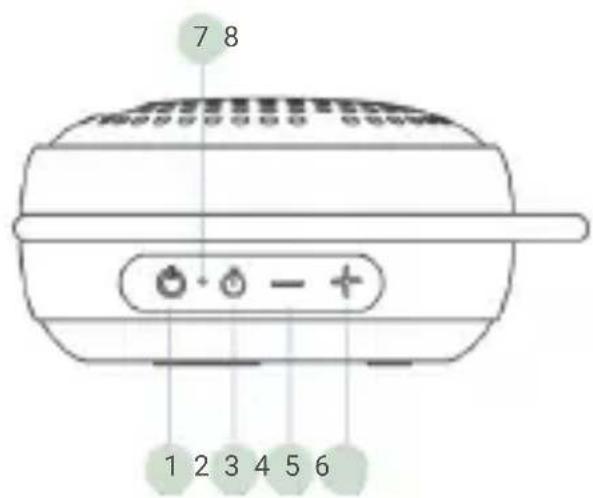
USB CHARGE IN MIX1 Power on/off
2 Timer / Play / Pause
3 Volume - / PREV track
4 Volume + / NEXT track
5 USB-C charge port
6 Aux in
7 Wireless indicator
8 Charge indicator
Power
Power on/off:
Long press ON/OFF button
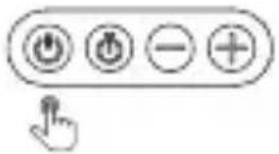
text_image
User interface button with five function icons and a finger pointing to itWhite Noise Sound Selection:
Previous track:
Short press button
Next track:
Short press button
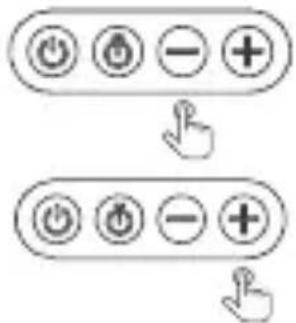
text_image
Diagram showing two button states with icons and a finger pointing to the first state, followed by a hand cursor.White Noise Sounds:
1 Heartbeat Scanning
5 Flight
9 Water
2 Heartbeat Classic
6 Hairdryer
10 Birds
3 Schyyy
7 Rain
4 Train
8 Waves
Volume Control
GB
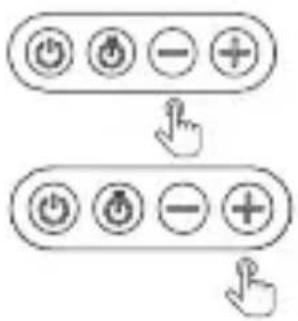
Volume down: Long press button
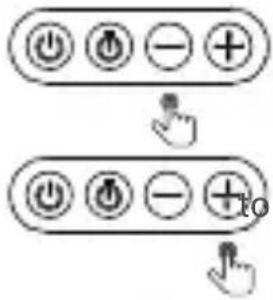
text_image
Diagram showing two button states with power and minus signs, connected by a cursor icon to a plus sign and a hand cursor.to decrease volume
Volume up: Long press button
increase volume
White Noise Timer:
30/60/90/continuous: Short press on timer button to set timer for 30 minutes, 60 minutes, 90 minutes or continuous. (The default mode is continuous playback)
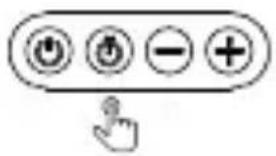
text_image
Icon set with four circular buttons labeled with power, current, minus, and plus symbols, plus a finger pointing to it.Indicators:
Wireless indicator:
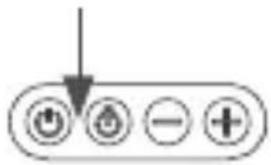
text_image
Diagram showing a control panel with four labeled buttons: Power, Stroke, minus sign, and plus sign.In wireless mode, the indicator flash in blue when waiting for connection, the indicator stays constant blue if connected.
Charge indicator:
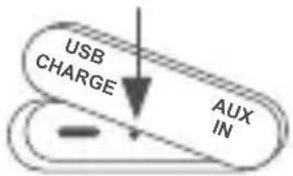
text_image
USB CHARGE AUX INWhen charging, the indicator will light up in red. When charging finish, the indicator will light off.
Wireless Speaker Mode for Mobile Music Play
GB
Pair: Step 1: Echno01 is in white noise mode by default when long press button to power on. To switch into wireless speaker mode, short press button
Step 2: Go to mobiles setting page and pair the device named 'Echo01'.
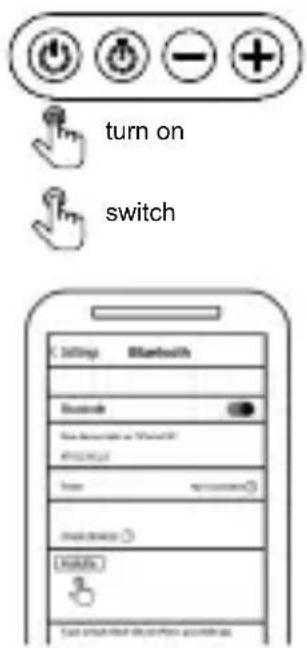
text_image
turn on switchPlay/Pause:
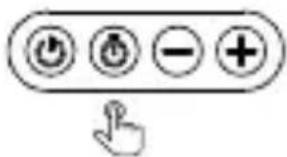
Short press button pause.
text_image
Icon set with four circular buttons labeled with power and minus signs, plus a plus sign, next to a hand cursor pointing at it.to switch between music play and
Disconnect:
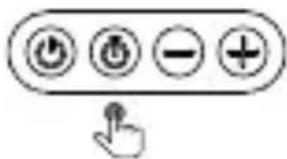
Long press button
text_image
Hand-drawn interface buttons including power, current, minus, and plus signs with a finger pointing to itto disconnect from mobile phone.
Track Control
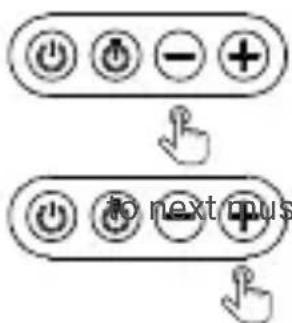
Previous:
Short press button
text_image
→ to next menuto previous music
Next:
Short press button
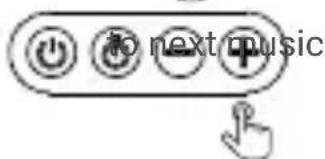
text_image
to next musicVolume Control
GB
Volume down:
Long press button
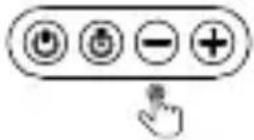
to decrease volume
Volume up: Long press button
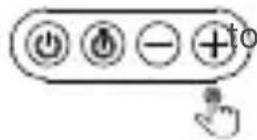
increase volume
SPECIFICATIONS
| Power supply 5V DC | |
| Speaker output 3W | |
| Wireless range 10 meters | |
| Timer 30/60/90/continuous | |
| Wireless pairing name Echno01 | |
| Battery 3.7V 600mAh | |
| White noise sounds 10 sounds | |
| Charging time 1 hour |
CAUTION
Disposal of electrical and electronic equipment
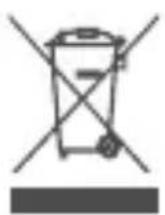
This symbol, a fixed to the product or its packaging, indicates that the product must not be processed with household waste. It must be brought to an electric and electronic waste collection point for recycling and disposal. By ensuring the appropriate disposal of this product you also help in preventing potentially negative consequences for the environment and human health. The recycling of materials helps preserve our natural resources. For further information regarding the recycling of this product, please contact your municipality, local waste disposal centre or the store where the product was purchased.
DE /WICHTIG! BITTE SORGFÄLTIG LESEN UND FÜR SPÄTE- RES NACHLESEN UNBEDINGT AUFBEWAHREN
natural_image
Simple line drawing of a circular object with concentric rings and dots, resembling a patterned plate or vent (no text or symbols)
natural_image
Simple line drawing of a folded paper or document (no text or symbols)

ÜBERSICHT

text_image
7 8 1 2 3 4 5 6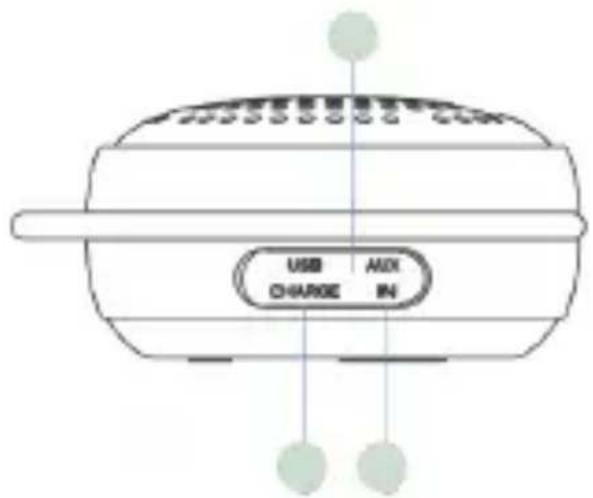
text_image
USB AUX CHARGE INtext_image
User interface toolbar with four function buttons: Power, OK, Left, and Plus, plus a cursor pointer.text_image
Icon set with four circular buttons labeled with power, battery, minus, and plus symbols, plus a hand pointing to it.text_image
Icon set with four circular buttons labeled with power, battery, minus, and plus symbols, accompanied by a pointing hand.White Noise Sounds:
text_image
Electrical control buttons with power, current, minus, and plus symbols, accompanied by a cursor pointer.Lautstärke erhöhen:
text_image
Icon set with four circular buttons and a plus sign, accompanied by a hand cursor pointing to it.Indicators:
Drahtlose Anzeige:
text_image
Electrical control panel with four buttons labeled Power, Current, AC, and +text_image
turn on switch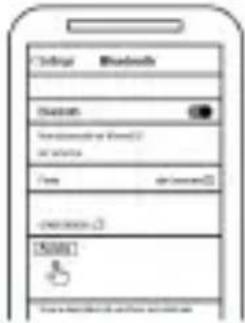
text_image
Internet Bluetooth Access Form Form OK [OK]Wiedergabe/Pause:
text_image
Icon set with four circular buttons labeled with plus, minus, and minus signs, plus a finger pointing to it.text_image
Hand-drawn interface button with four circular icons and a cursor pointer pointing to the right button.text_image
Electrical control buttons including power, battery, minus, and plus signs with a cursor pointing to ittext_image
Icon set with four circular buttons labeled with power, current, minus, and plus symbols, plus a hand pointing to it.text_image
Icon set with four circular buttons labeled with power, current, minus, and plus signs, with a hand cursor pointing to the right button.text_image
Electrical control buttons with power and minus signs, one hand cursor pointing to itTECHNISCHE DATEN
Children should be supervised to ensure that they do not play with the product.
natural_image
Four line drawings: a circular device, a closed notebook, a USB plug, and a coiled cable (no text or symbols)CONTROLES E INDICADORES DEL PRODUCTO
text_image
7 8 1 2 3 4 5 6 USB AUX CHARGE INtext_image
User interface button with four circular icons and a cursor pointing to ittext_image
Diagram showing two rounded rectangular buttons with plus, minus, and minus signs, each followed by a hand cursor icon.text_image
Hand cursor clicking a button with four circular icons: Power, OK, minus, and plusIndicadores:
text_image
Diagram showing a control panel with four function buttons: Power, OK, minus, and +text_image
turn on switch
text_image
Settings Bluetooth MacOS My Documents or Password @ 10.0000 Setup Auto Connected Windows Windows System: Black Windows desktop: Windowstext_image
Diagram showing two button states with icons and a hand cursor pointing to the first statetext_image
User interface button with power, battery, and minus signs, plus a cursor pointer iconla música anterior
Siguiente:
text_image
Electrical control buttons with power, current, and minus signs arranged in a rowtext_image
Icon set with four circular buttons labeled with power, current, minus, and plus signs, plus a hand cursor pointing to it.text_image
Control panel with four buttons: Power, OK, minus, and Add, plus a hand icon pointing to the right button.ESPECIFICACIONES
natural_image
Circular patterned object with concentric rings and a small triangular top (no text or symbols)

PRÉSENTATION
text_image
7 8 1 2 3 4 5 6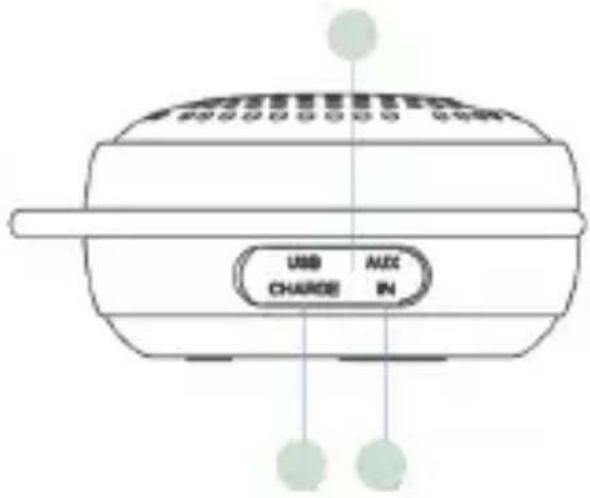
text_image
USB CHARGE AUX INflowchart
graph TD
    A["Step 1: Click Button"] --> B["Step 2: Click Button with Left/Right buttons"]
    B --> C["Arrow pointing to the second step"]
text_image
Icon set with four circular buttons labeled with plus, minus, and minus signs, plus a hand cursor pointing to it.Voyants:
text_image
Electrical control buttons with power and current icons, one arrow pointing downwardtext_image
turn on switch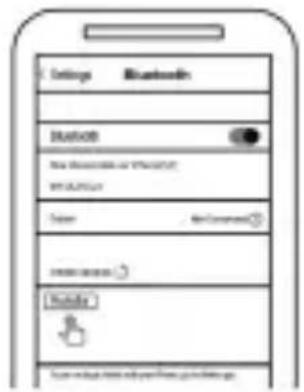
text_image
Settings Bluetooth MASCOS New Bluetooth or WiFi/AT WiFi/AT Color Not Content FREE ACCESS Mobile To account the website at https://www.msg.comtext_image
Diagram showing two button states with icons and a hand cursor pointing to the first stateContrôle de piste
text_image
Diagram showing two labeled buttons with directional arrows, one pointing at a minus sign and the other with plus signs.pour
SPÉCIFICATIONS
natural_image
Four technical icons: a circular device, a closed book, a USB plug, and a coiled cable (no text or symbols)OVERBLIK
text_image
7 8 1 2 3 4 5 6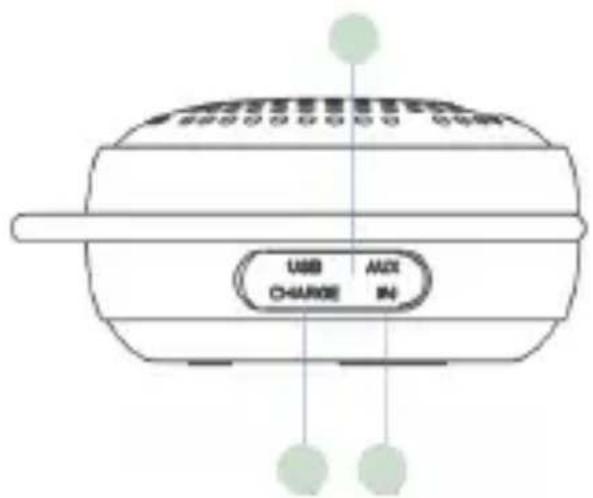
text_image
USB CHARGE AUX INtext_image
User interface control buttons including power, battery, minus, and plus signs with a cursor pointing to itLydvalg
Forrige lydspor:
Kort tryk på minus-knappen
Næste lydspor:
Kort tryk på plus-knappen
flowchart
graph TD
    A["Power"] --> B["Load"] --> C["Power"] --> D["Load"] --> E["Power"] --> F["Load"] --> G["Power"] --> H["Load"] --> I["+"]
    J["Hand Click"] --> K["Arrow Down"]
White Noise lyde:
1 Hjerteslag skanning
2 Hjerteslag klassisk
3 Shyyy
4 Tog
5 Fly
6 Hårtørrer
7 Regn
8 Bølger
9 Vand
10 Fugl
for at indstille tiden
text_image
Icon set with four circular buttons labeled with plus, minus, and minus signs, with a cursor pointing to the right button.Indikatorer:
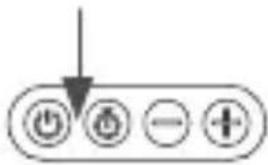
Trådløs indikator:
text_image
Electrical control buttons with power and current icons, including a downward arrow indicatortext_image
turn on switch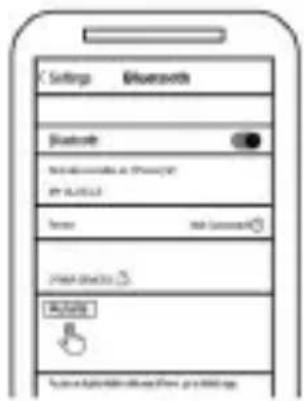
text_image
Settings Bluetooth Bluetooth WiFi WiFi LAN Phone USB Connection FREE ACCESS PHONE System: Bluetooth System, 2018-03-09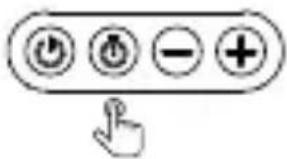
text_image
Icon set with four circular buttons labeled with plus, minus, and minus signs, plus a hand cursor pointing to it.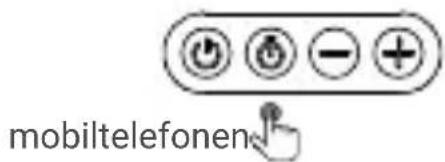
text_image
mobiltelefonenSporstyring
flowchart
graph TD
    A["Power Button"] --> B["Control Button"]
    B --> C["Arrow to for at skifte Button"]
    C --> D["Arrow to for at skifte Button"]
White Noise Speaker | Echo01
MANUFACTURERI Membantu ApS
Smedevangen 4 | 3540 Lynge | DK | CVR DK39332140
www.membantustore.com • info@membantustore.com