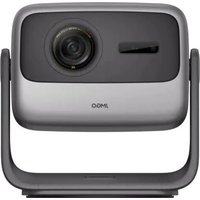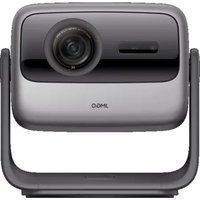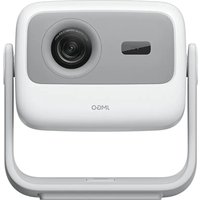
N1S - Projector JMGO - Free user manual and instructions
Find the device manual for free N1S JMGO in PDF.


User questions about N1S JMGO
0 question about this device. Answer the ones you know or ask your own.
Ask a new question about this device
Download the instructions for your Projector in PDF format for free! Find your manual N1S - JMGO and take your electronic device back in hand. On this page are published all the documents necessary for the use of your device. N1S by JMGO.
USER MANUAL N1S JMGO
Thank you for choosing JMGO projectors to enhance your life! Whether it is for an immersive home cinema experience, creating a healthier viewing environment for your children, or elevating your outdoor adventures, we are truly honored to be part of your journey. Your trust and expectations inspire us to keep innovating. With advanced pure Triple-color laser technology, a revolutionary gimbal design for versatile projection, and our proprietary operating system, we have redefined the audiovisual experience. We have also introduced eco-friendly, portable packaging to make your projector travel-friendly, ensuring you can take your cinematic experience anywhere.
At JMGO, our mission goes beyond delivering outstanding visuals; we strive to inspire a more relaxed, diverse lifestyle. Whether it is bonding with family, celebrating with friends, or enjoying peaceful moments alone, we hope JMGO becomes your trusted companion. We are excited to continue surprising you with more as you explore your JMGO projector. If you have any feedback or suggestions, we would love to hear from you via email at: after-sales@jmgo.com.
Thank you for letting us be part of your story.
Warm regards,
Chief Executive Officer & Chief Experience Officer JMGO
Safety Notice
- Read this product manual thoroughly before attempting to use this product. Store the product manual in a safe location so it may be referenced at any time.
- Do not look directly into the light lens of the device as your eyes may be damaged by a strong laser.
- When the projector is working, do not block the projection lens with any object.
- If you encounter an issue with the product, do not attempt to disassemble it without authorization. Contact professional after-sales personnel to resolve the issue.
Certificate of Conformity
CERTIFICATE INSPECTED
Scope of Delivery
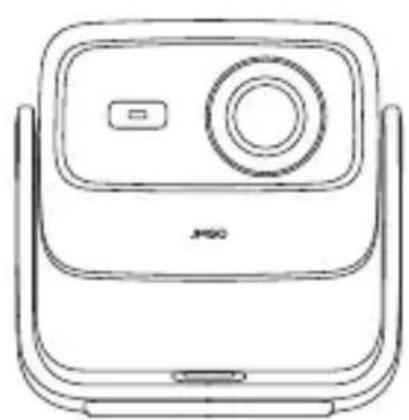
natural_image
Line drawing of a mobile phone device with front panel and screen (no text or symbols)Projector Body
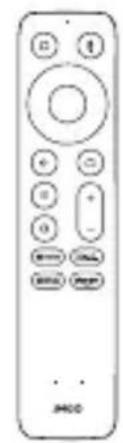
natural_image
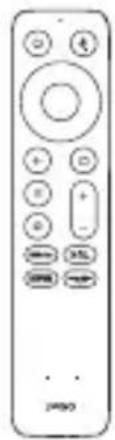
Front view of a remote control device with no visible text or symbols on the device itselfRemote Control

natural_image
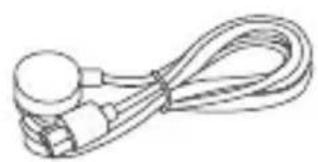
Line drawing of a coiled cable with connectors (no text or symbols)
natural_image
Simple line drawing of a rectangular device connected to a cable and plug (no text or symbols)Power Cable Power Adapter
Manual
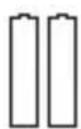
AAA Battery
x 2
Allen Wrench
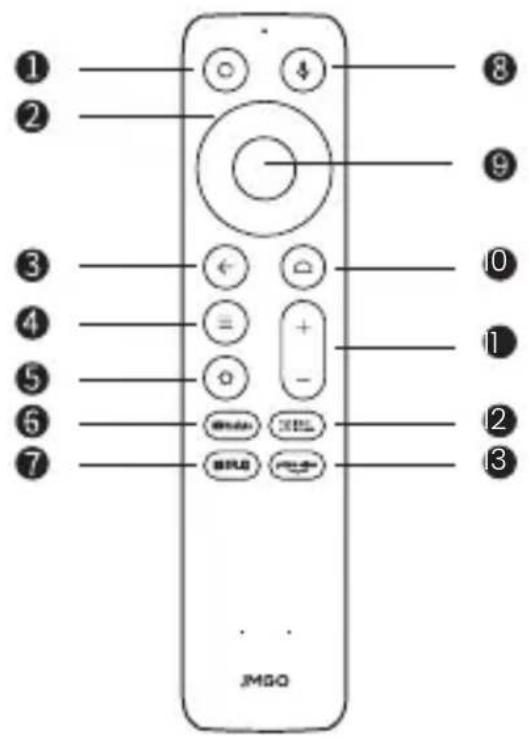
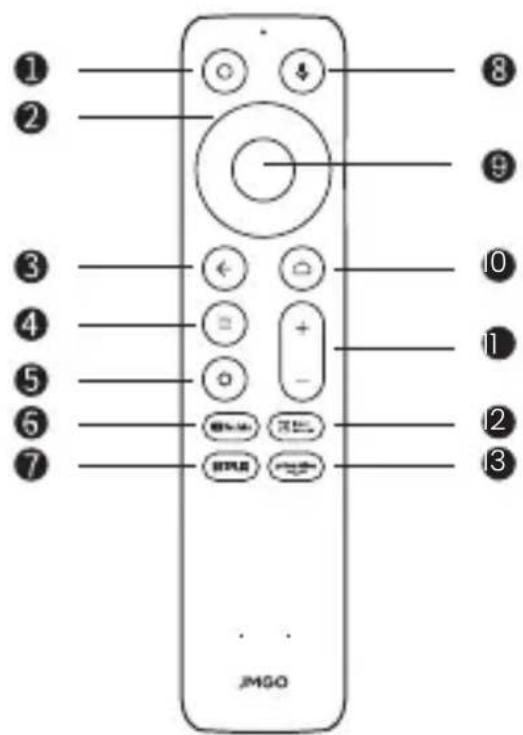
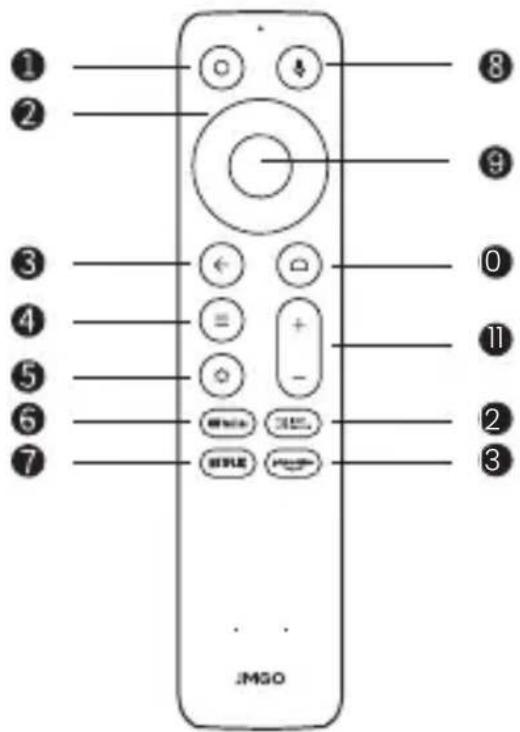
Remote Control
text_image
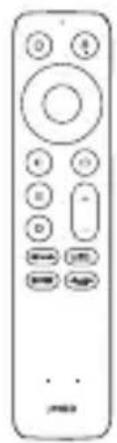
① ② ③ ④ ⑤ ⑥ ⑦ ⑧ ⑨ ⑩ ⑪ ⑫ ⑬ JMSQ1 Power On/Off
2 Direction Keys
3 Return
4 Menu
5 Settings
6 YouTube
7 Netflix
8 Google Assistant
9 Confirm
0 Home
Volume
② Input Source
3 Prime Video
text_image
Diagram showing two vertical containers with internal symbols and a downward arrow, likely illustrating a process or storage mechanism.-
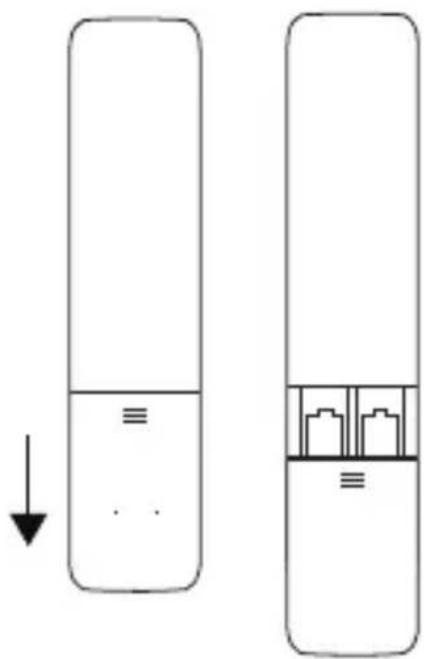
Slide down to open the back cover, and then install 2 AAA batteries.
-
Insert new batteries matching the polarity (+/-) and close the battery compartment.
• After the projector is turned on, press and hold return button and home button on the remote control for 3 seconds at the same time to enter Bluetooth pairing.
Product Manual
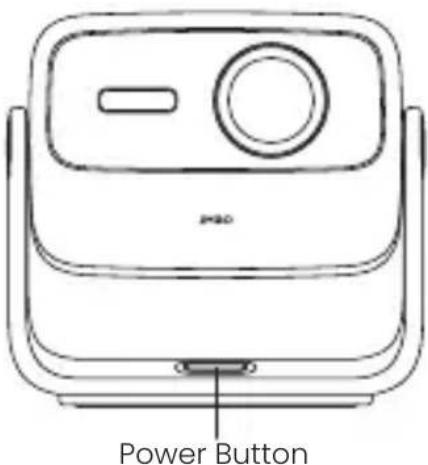
text_image
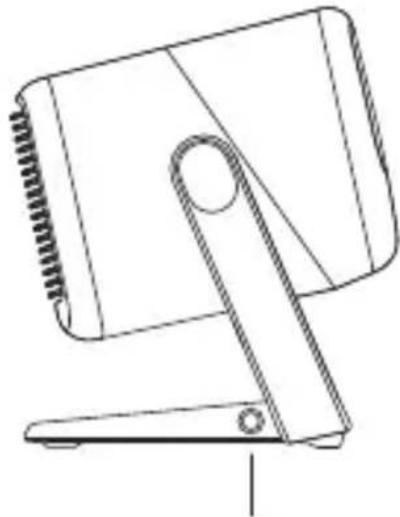
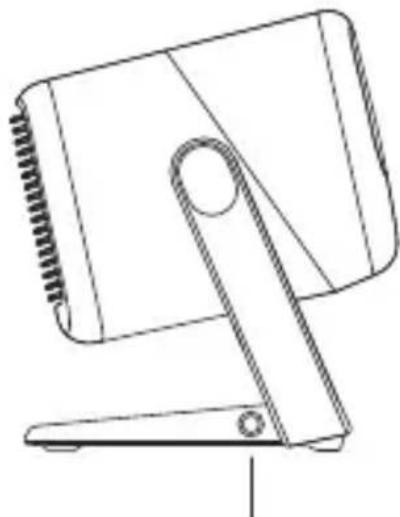
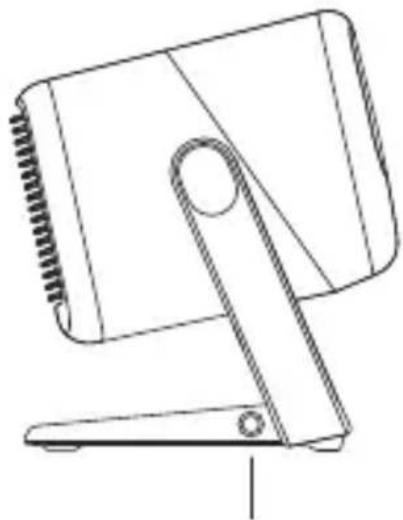
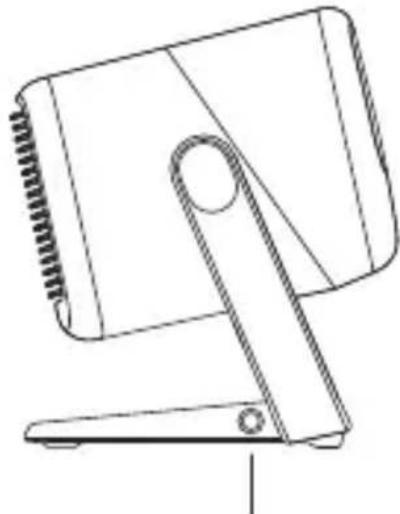
Power Button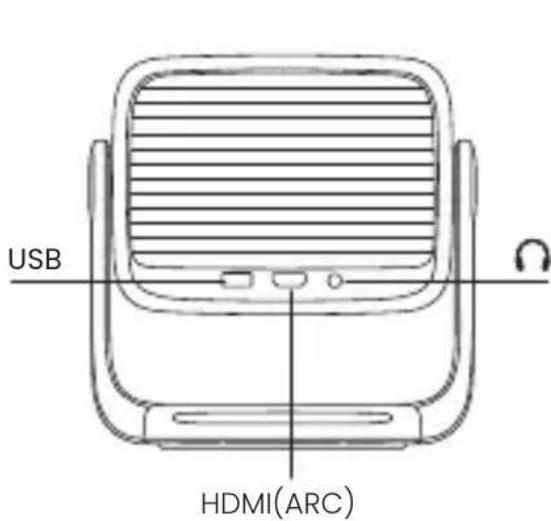
text_image
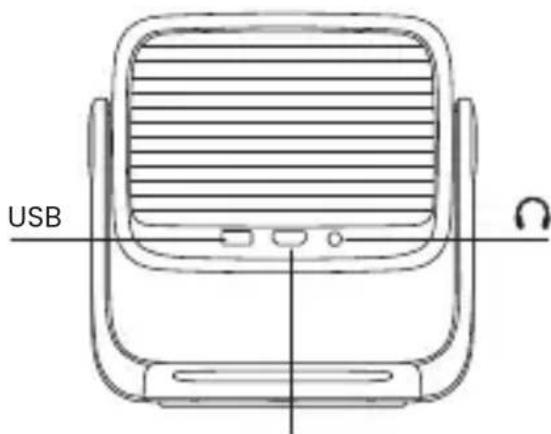
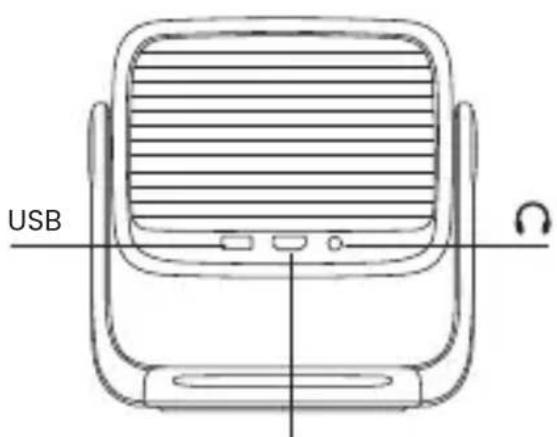
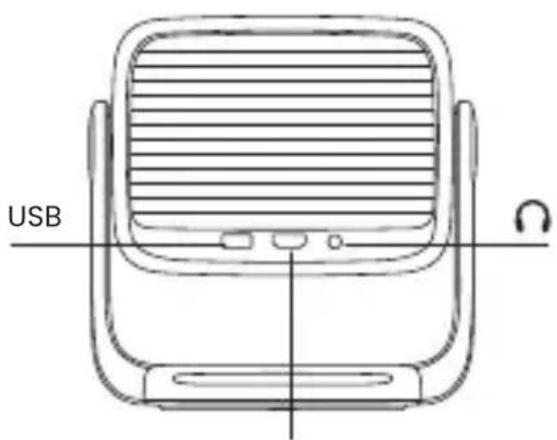
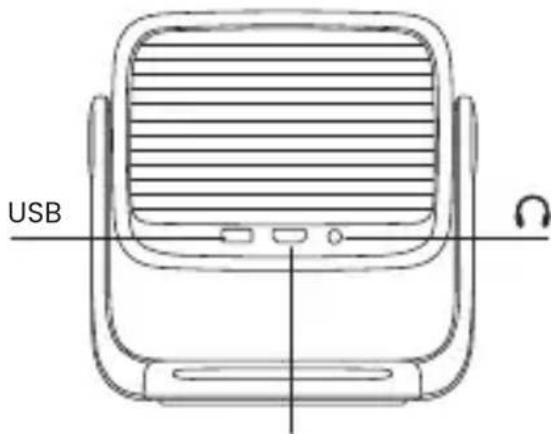
USB HDMI(ARC)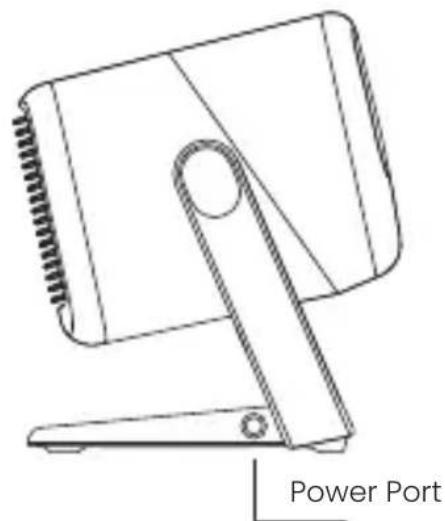
natural_image
Line drawing of a portable electronic device with a power port indicator (no text or symbols on the device itself)Power on/off: The power button is a physical button, short press to power on or off.
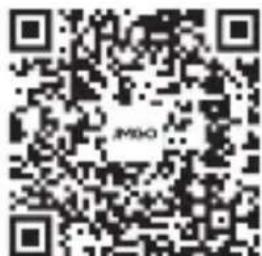
Download and Install of "JMGO App"
- JMGO App is a mobile application for multi-screen interaction with JMGO projector. Using JMGO App can help you obtain better projection experience.
- Mobile phone for remote control—the mobile phone is also a remote control with JMGO App, and the projection remote control is more convenient.
text_image
QR code image with central logo containing 'JMSO'Product Laser Safety Parameters
Laser Safety Standard: Class 1 in compliance with the IEC 60825-1:2014.
The maximum output of laser radiation: 0.39mW
Emission Wavelength:
Blue: 455\~475nm
Red: 635\~655nm
Green: 515\~535nm
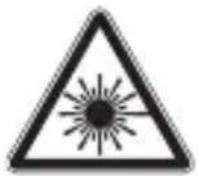
Caution
Class 1 Laser product
RG0
Complies with IEC 60825-1:2014 and IEC
62471-5:2015.
text_image
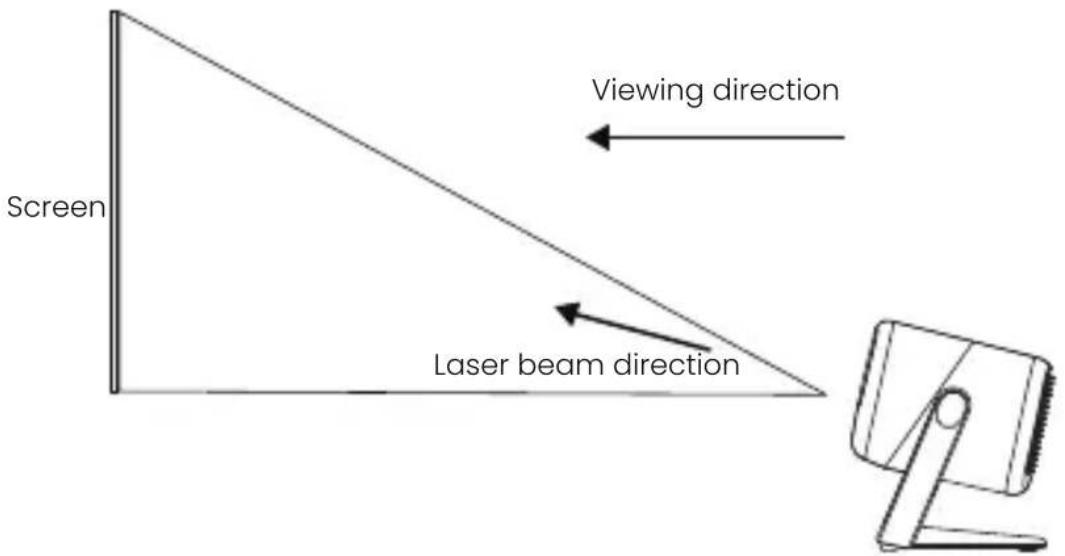
Screen Viewing direction Laser beam directionSafety Warning:
This product contains a laser module. Do not disassemble or modify this module in a manner not specified in the manual without authorization. Failure to follow this guideline may result in personal injury.
Google TV is the name of this device's software experience and a trademark of Google LLC.
Google, YouTube and Google Cast are trademarks of Google LLC. Google Assistant is not available in certain languages and countries. Availability of services varies by country and language.

This device complies with Part 15 of the FCC Rules. Operation is subject to the following two conditions:(1) this device may not cause harmful interference, and (2) this device must accept any interference received, including interference that may cause undesired operation.
Note: This equipment has been tested and found to comply with the limits for a Class B digital device, pursuant to part 15 of the FCC Rules. These limits are designed to provide reasonable protection against harmful interference in a residential installation. This equipment generates, uses and can radiate radio frequency energy and, if not installed and used in accordance with the instructions, may cause harmful interference to radio communications. However, there is no guarantee that interference will not occur in a particular installation. If this equipment does cause harmful interference to radio or television reception, which can be determined by turning the equipment off and on, the user is encouraged to try to correct the interference by one or more of the following measures:
- Reorient or relocate the receiving antenna.
- Increase the separation between the equipment and receiver.
- Connect the equipment into an outlet on a circuit different from that to which the receiver is connected.
- Consult the dealer or an experienced radio/TV technician for help.
FCC Radiation Exposure Statement
This projector complies with FCC RF radiation exposure limits set forth for an uncontrolled environment. This device should be installed and operated with a minimum distance of 20cm between the radiator and user body. This transmitter must not be co-located or operating in conjunction with any other antenna or transmitter.
FCC WARNING: This equipment may generate or use radio frequency energy. Changes or modifications to this equipment may cause harmful interference unless the modifications are expressly approved in the instruction manual. The user could lose the authority to operate this equipment if an unauthorized change or modification is made.
This remote has been evaluated to meet general RF exposure requirement.
This remote can be used in portable exposure condition without restriction.
Dolby Audio
Manufactured under license from Dolby Laboratories. Dolby, Dolby Audio, and the double-D symbol are trademarks of Dolby Laboratories Licensing Corporation.
Bluetooth
The Bluetooth® word mark and logos are registered trademarks owned by Bluetooth SIG, Inc. and any use of such marks by [licensee name] is under license. Other trademarks and trade names are those of their respective owners
CE
EU Declaration Conformity
Hereby, SHENZHEN HOLATEK CO., LTD. declares that this device is in compliance with the essential requirements and other relevant provisions of Directive 2014/53/EU. In accordance with Article10(2) and Artical10(10), This product is allowed to use in all EU member states. A complete declaration of conformity can be obtained at: https://global.jmgo.com/
The device can operate in EU Member State without restricted.
| D | |||
| AT BE BG | HR | ||
| CY | CZ | DK SE | |
| EE FI FR DE | |||
| EL | HU | IE | LI |
| IT LV LT | LU | ||
| MT NL | PL | ES | |
| PT RO SK SI | |||
The device is restricted to indoor use only when operating in the 5150 to 5250MHz frequency range.
Warnings
- EUT operation temperature range: 0°C to 40°C.
- Do not store the device in temperatures lower -20 °C and higher than 60 °C.
- Adapter shall be installed near the equipment and shall be easily accessible.
- To power the device, Please use a matching power supply adapter offered by the authorized producer, unauthorized adapter may cause charger exploding or damage the machine.
- Plug the adapter power socket in 100-240VAC socket, others may cause charger exploding or damage the machine. The plug considered as disconnect device of adapter.
Adapter:
Input: AC 100-240V 50/60Hz 2.0A
Output: 24V— 4.17A 100W
Technical description:
Rating: 24V - 4.17A
Frequency Range: Bluetooth: 2402-2480 MHz
2.4G WiFi (20 MHz): 2412 - 2472 MHz
2.4G WiFi (40 MHz): 2422 - 2462 MHz
5G WiFi(H20): 5180 - 5240 MHz
5G WiFi(H40): 5190 - 5230 MHz
5G WiFi(H80): 5210 MHz
5G WiFi: 5745 - 5825 MHz
Transmit Power: Bluetooth: 4.62 dBm EIRP
2.4G WiFi: 17.48 dBm EIRP
5G WiFi: 18.11 dBm EIRP
Radiation Exposure Statement
This device complies with RF radiation exposure limits set forth for an uncontrolled environment. This transmitter must not be co-located or operating in conjunction with any other antenna or transmitter. This device must operate with a minimum distance of 20 cm between the radiator and user body.
After-Sales Service Channels
If you encounter any problems while using the product, contact us through one of the following channels:
After-Sales Website: https://global.jmgo.com/
After-Sales service email: after-sales@jmgo.com
FR
natural_image
Line drawing of a mobile phone device with front panel and control panel (no text or symbols)
natural_image
Front view of a remote control with multiple buttons and dials (no text or symbols visible)natural_image
Line drawing of a coiled cable or wire with a bulb and connector (no text or symbols)natural_image
Simple line drawing of a rectangular device connected to a coiled cable and terminal connector (no text or symbols)Adaptateur secteur
text_image
① ② ③ ④ ⑤ ⑥ ⑦ ⑧ ⑨ ⑩ ⑪ ⑫ ⑬ ⑭ ⑮ JMOOtext_image
Diagram showing two vertical containers with internal symbols and a downward arrow, likely illustrating a process or storage mechanism.natural_image
Line drawing of a device with a circular button and a rectangular frame (no text or symbols)natural_image
Line drawing of a handheld electronic device with a circular button and stand (no text or symbols)Port d'alimentation
text_image
QR code image with central logo and text 'APSO' visibleCE
Description technique :
Classement: 24V = 4.17A
Chief Executive Officer & Chief Experience Officer:
Sicherheitshinweise
natural_image
Line drawing of a mobile phone device with front panel and screen (no text or symbols)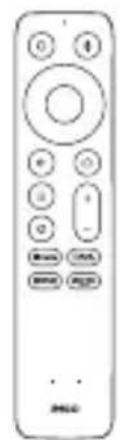
text_image
Front panel of a remote control with labeled buttons and portsnatural_image
Line drawing of a coiled cable with a bulb and connector (no text or symbols)
natural_image
Simple line drawing of a rectangular device connected to a cable and plug (no text or symbols)Netzkabel Adapter
text_image
Diagram showing two vertical containers with internal symbols and a downward arrow, likely illustrating a process or storage mechanism.CEO & Chief Experience Officer:
Forrest
natural_image
Line drawing of a mobile phone device with a circular lens and two side connectors (no text or symbols)natural_image
Line drawing of a remote control with buttons and a blank face (no text or symbols)Mando a Distancia
natural_image
Line drawing of a coiled cable or wire with a spherical connector (no text or symbols)natural_image
Simple line drawing of a rectangular device with attached cables and a terminal connector (no text or symbols)text_image
Diagram showing two cylindrical objects with internal symbols and a downward arrow, possibly illustrating a physical or mathematical concept.natural_image
Line drawing of a portable electronic device with a circular button and ventilation slots (no text or symbols)Botón de Encendido
text_image
USB ACHDMI(ARC)
natural_image
Line drawing of a handheld device with a circular knob and stand (no text or symbols)CEO & Chief Experience Officer:
Forrest
natural_image
Line drawing of a JMSO device with front panel and control panel (no text or symbols)natural_image
Front view of a remote control with multiple buttons and a mouse (no text or symbols visible)Telecomando
natural_image
Line drawing of a coiled cable with connectors (no text or symbols)natural_image
Line drawing of a rectangular device with a coiled cable and plug, no text or symbols presenttext_image
Diagram showing two cylindrical containers with symbols indicating equal and unequal states, one downward arrow pointing to the left.natural_image
Line drawing of a portable electronic device with a circular button and ventilation slots (no text or symbols)natural_image
Line drawing of a handheld device with a circular handle and base mount (no text or symbols)text_image
QR code image containing the text 'JIMGO' in the centerCE
CEO & Chief Experience Officer:
natural_image
Line drawing of a mobile phone device with a circular screen and speaker grille (no text or symbols)Corpo do projeto
natural_image
Front view of a remote control with buttons and a 'no' button (no text or symbols beyond basic design)Controle remoto
natural_image
Line drawing of a coiled cable with a bulb (no text or symbols)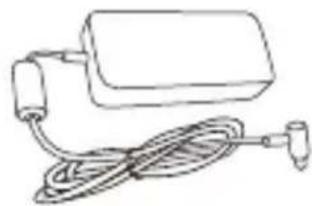
natural_image
Simple line drawing of a rectangular device with a coiled cable and plug, no text or symbols present.text_image
① ② ③ ④ ⑤ ⑥ ⑦ ⑧ ⑨ ⑩ ⑪ ⑫ ② ③ JMSOtext_image
Diagram showing two cylindrical containers with symbols indicating liquid level and battery arrangement, one with downward arrow.natural_image
Line drawing of a portable electronic device with a circular button and ventilation slots (no text or symbols)Botão de energia
text_image
USB ACHDMI(ARC)
natural_image
Line drawing of a handheld device with a circular handle and base mount (no text or symbols)Porta de energia
Chief Executive Officer & Chief Experience Officer JMGO
natural_image
Line drawing of a mobile phone device with a circular screen and two speakers (no text or symbols)Projektor
natural_image
Front view of a remote control with multiple buttons and a small mouse (no text or symbols visible)Pilot
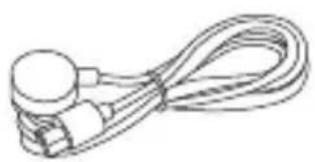
natural_image
Line drawing of a coiled cable or wire with two connectors (no text or symbols)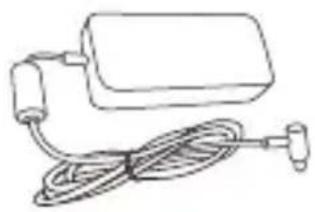
natural_image
Line drawing of a medical device with tubing and connector (no text or symbols)text_image
Diagram showing two cylindrical containers with internal compartments, one with a downward arrow and the other with stacked blocks inside.natural_image
Line drawing of a portable electronic device with a circular button and ventilation slots (no text or symbols)Przycisk zasilania
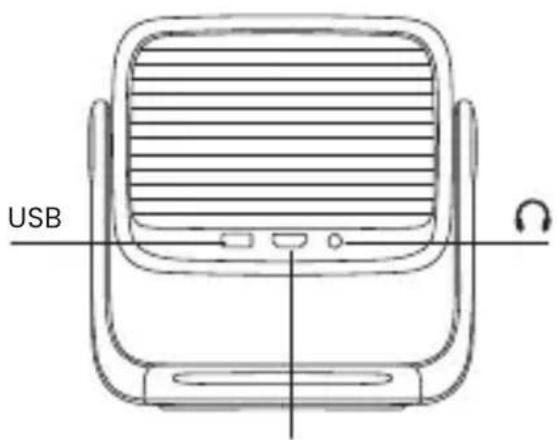
text_image
USB ACHDMI(ARC)
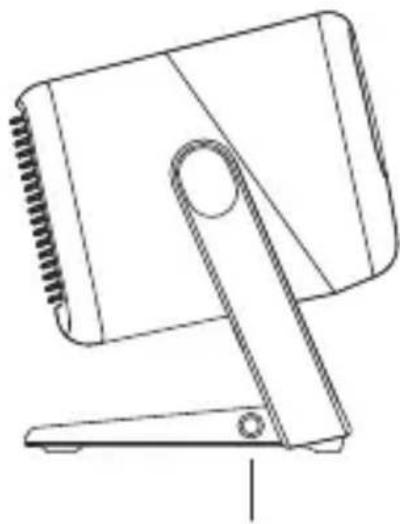
natural_image
Line drawing of a handheld device with a circular handle and base mount (no text or symbols)Port zasilania
text_image
QR code image with central logo containing 'JMSO'natural_image
Line drawing of a JMSO device with a circular button and rectangular frame (no text or symbols)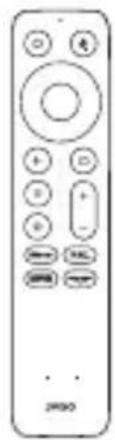
natural_image
Front view of a remote control device with no visible text or symbols on the device itselfプロジェクター 本体 リモコン
natural_image
Line drawing of a coiled cable or wire with a circular connector (no text or symbols)電源ケーブル

natural_image
Simple line drawing of a rectangular device with attached cable and connector (no text or symbols)電源アダプター
クイックスタートガイド
单4電池 × 2
六角レンチ
リモコン
text_image
① ② ③ ④ ⑤ ⑥ ⑦ ⑧ ⑨ ⑩ ⑪ ⑫ ⑬ ⑭ JMOtext_image
Diagram showing two cylindrical objects with symbols and a downward arrow, possibly illustrating a physical or mathematical concept.natural_image
Line drawing of a portable electronic device with a circular button and a label 'MAG' at the base (no text or symbols on the device itself)電源ボタン
text_image
USB UHDMI(ARC)
natural_image
Line drawing of a handheld device with a circular knob and stand (no text or symbols)電源ポート
text_image
QR code image containing the text 'JIMSO' in the centerアフターサービスについて
natural_image
Line drawing of a mobile phone device with a circular lens and attached stand (no text or symbols)投影機本體
natural_image
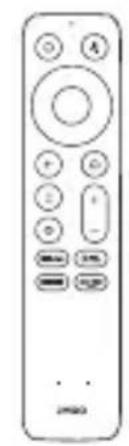
Line drawing of a remote control with buttons and a small mouse (no text or symbols)遥控器

natural_image
Line drawing of a cable with a circular connector and terminal connectors (no text or symbols)電源線 電源供應器
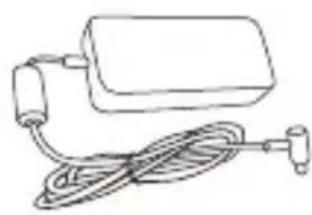
natural_image
Simple line drawing of a rectangular device connected to a coiled cable and a terminal plug (no text or symbols)
快速啟動指南
電池 AAA × 2
六角扳手
遙控器
text_image
① ② ③ ④ ⑤ ⑥ ⑦ ⑧ ⑨ ⑩ ⑪ ⑫ ⑬ ⑭ JMOOtext_image
Diagram showing two cylindrical objects with internal symbols and a downward arrow, possibly illustrating a physical or mathematical concept.natural_image
Line drawing of a portable electronic device with a circular button and a labeled port (no text or symbols beyond the label)電源按鈕
text_image
USBHDMI(ARC)
natural_image
Line drawing of a mechanical device with a knob and lever (no text or symbols)電源端口
text_image
QR code image containing the text 'JMDD' in the center限用物質含有情況
Declaration of the Presence Condition of the Restricted Substances Marking
| 設備名稱:智能投影機,型號(型式):J61-7K3Sample and its location Type designation (Type)Equipment name | ||||||
| 單元Unit | 限用物質及其化學符號Restricted substances and its chemical symbols | |||||
| 鉛Lead(Pb) | 汞Mercury(Hg) | 鎘Cadmium(Cd) | 六價鉻Hexavalent chromium(Cr+6) | 多溴聯苯Polybrominated biphenyls(PBB) | 多溴二苯醚Polybrominated diphenyl ethers(PBDE) | |
| 印刷電路板 | - | 00000 | ||||
| 光源組件 | - | 00000 | ||||
| 風扇組件 | - | 00000 | ||||
| 電源線 | 0 | 00000 | ||||
| 包裝配件 | 00000 | |||||
| 備考1.‘超出0.1 wt %’及‘超出0.01 wt %’係指限用物質之百分比含量超出百分比含量基準值。Note 1:“Exceeding 0.1 wt %”and“exceeding 0.01 wt %”indicate that percentage content of the restricted substance exceeds the reference percentage value of presence condition.備考2.‘○’係指該項限用物質之百分比含量未超出百分比含量基準值。Note 2:“○”indicates that the percentage content of the restricted substance does not exceed the percentage of reference value of presence.備考3.‘-’係指該項限用物質為排除項目。Note 3:The “-”indicates that the restricted substance corresponds to the exemption. | ||||||