USER MANUAL NXTWEAR G TCL
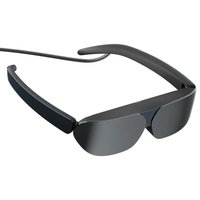
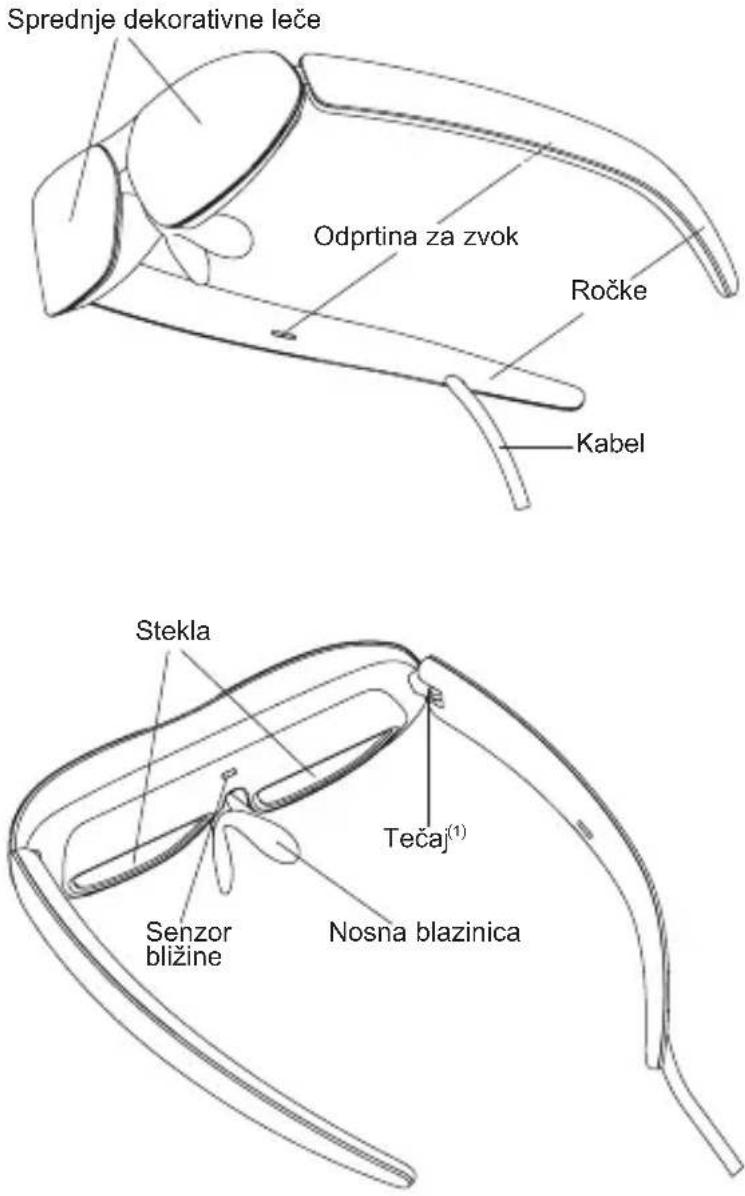
TCL NXTWEAR G Glasses
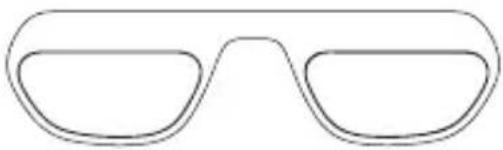
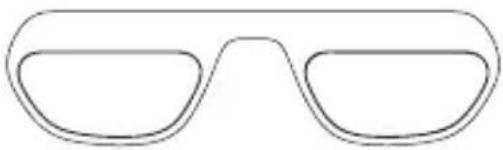
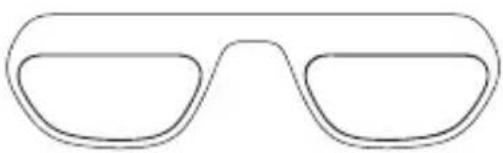
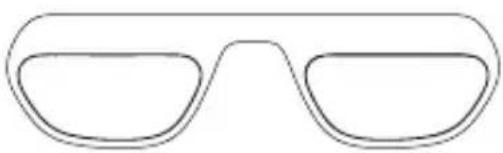
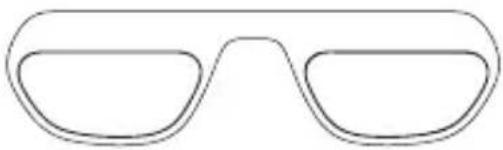
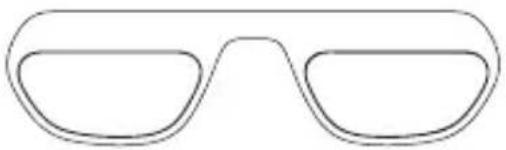
Corrective Lens Frame
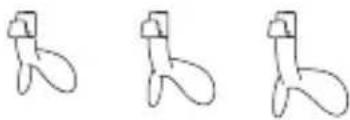
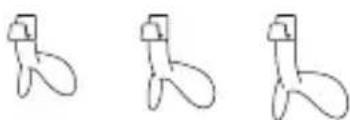
3 Nose Pads
Cleaning Cloth
TCL NXTWEAR G Glasses
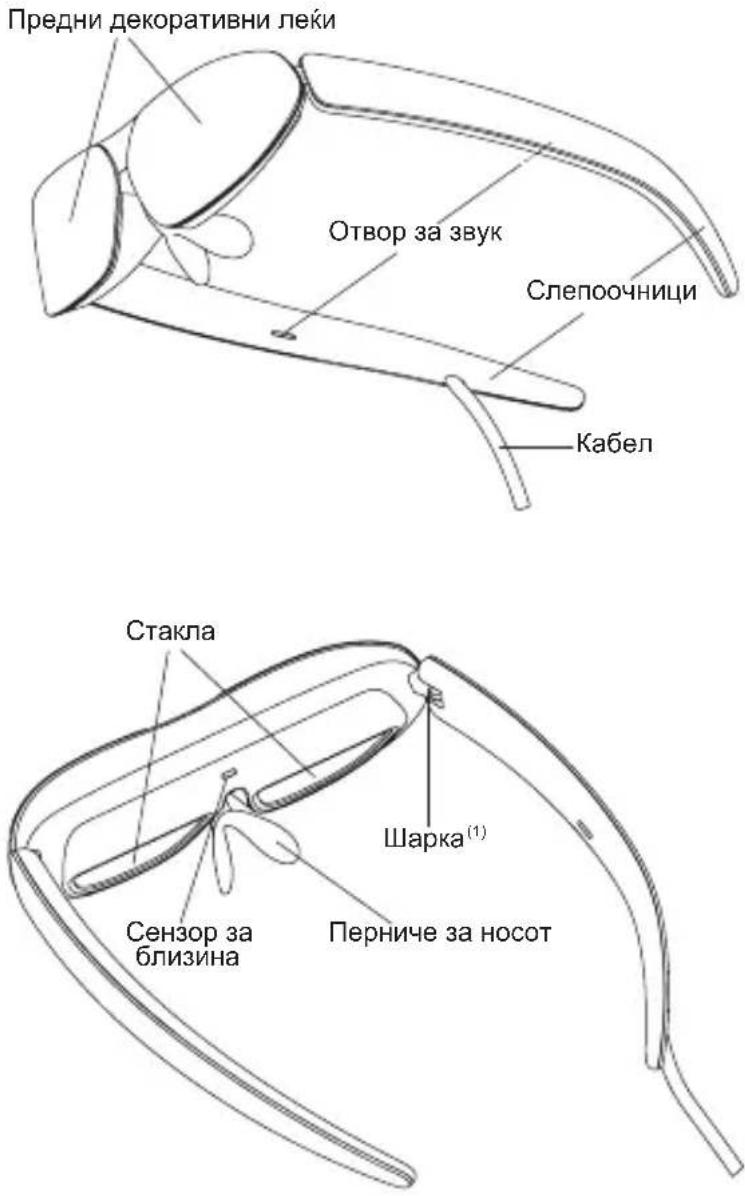
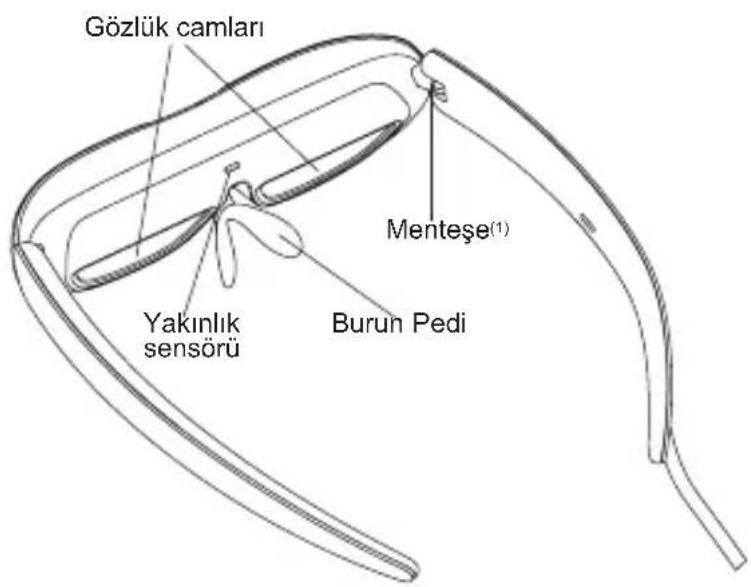
(1) The hinge has a limited amount of flexibility. Please be careful not to over-extend the temples to avoid damaging them.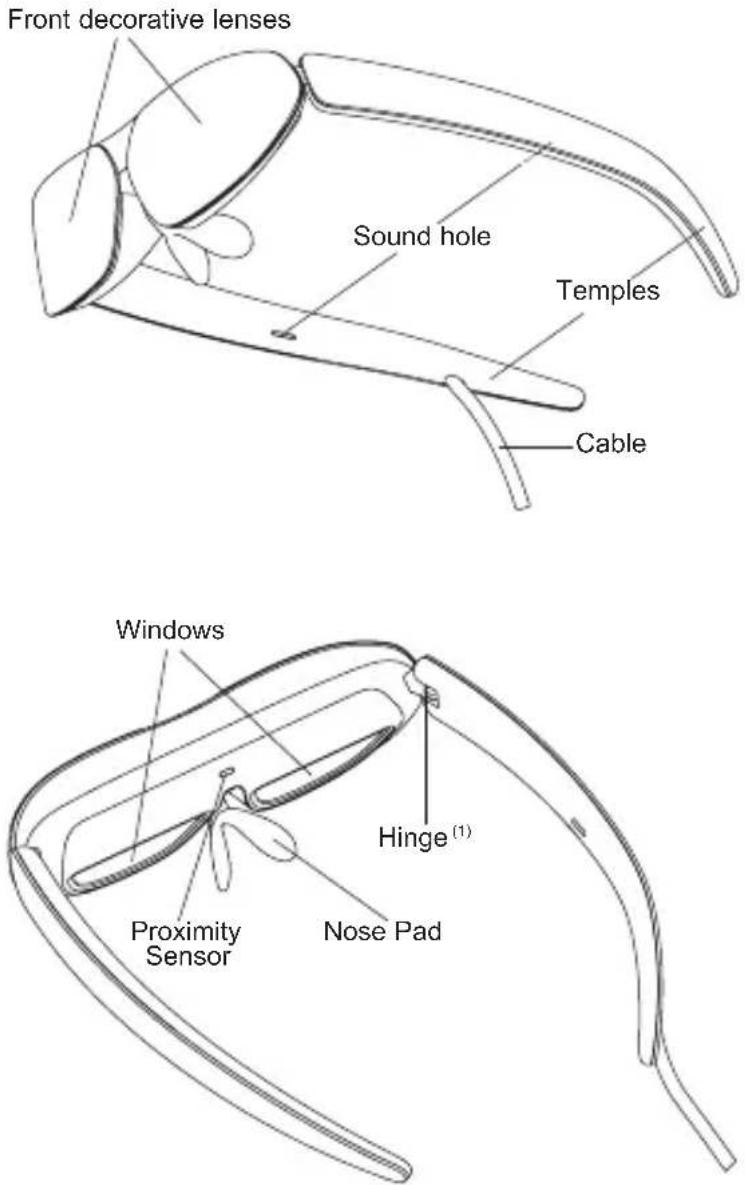
Selecting the Nose Pad
Select a nose pad that best fits your nose shape, and install it onto the glasses.
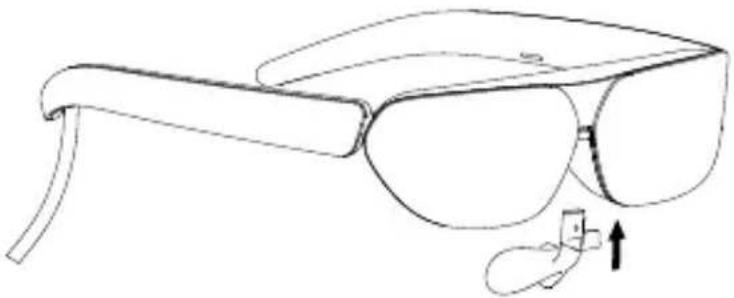
You may slightly adjust the position and width of the nose pad, according to your personal preference.
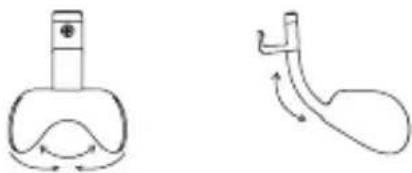
Note: It is recommended that you avoid frequent adjustments and vigorous activities, which may cause the nose pad to break.
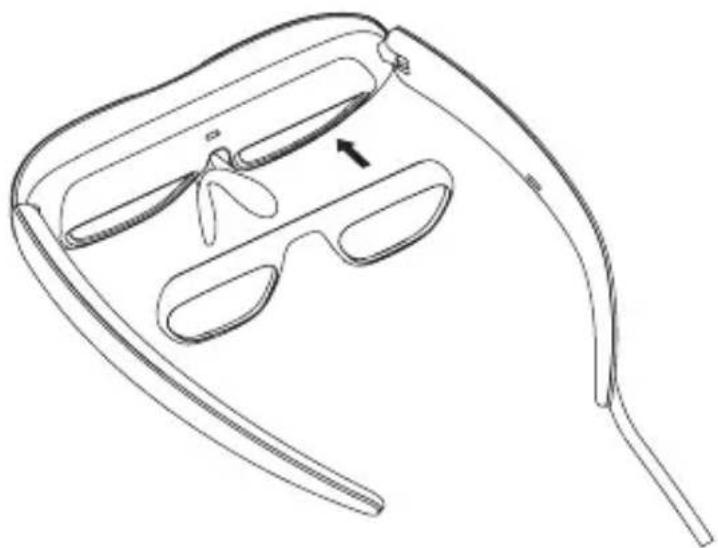
Prescription Lenses (If Needed)
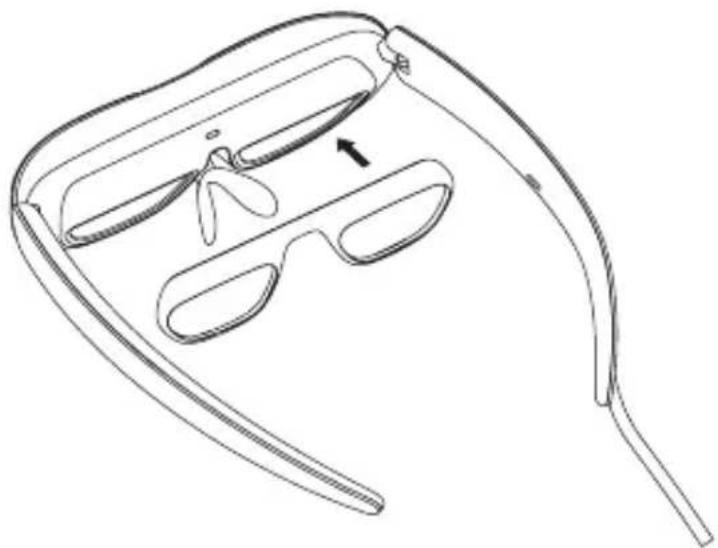
If necessary, please bring the corrective lens frame to your local optical store to purchase suitable correction lenses. Then magnetically attach them onto the inner side of the glasses.
Connecting to the Mobile Phone
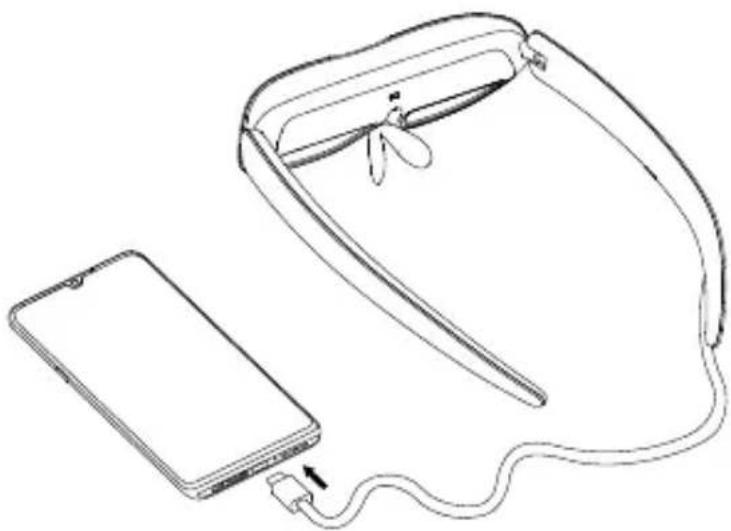
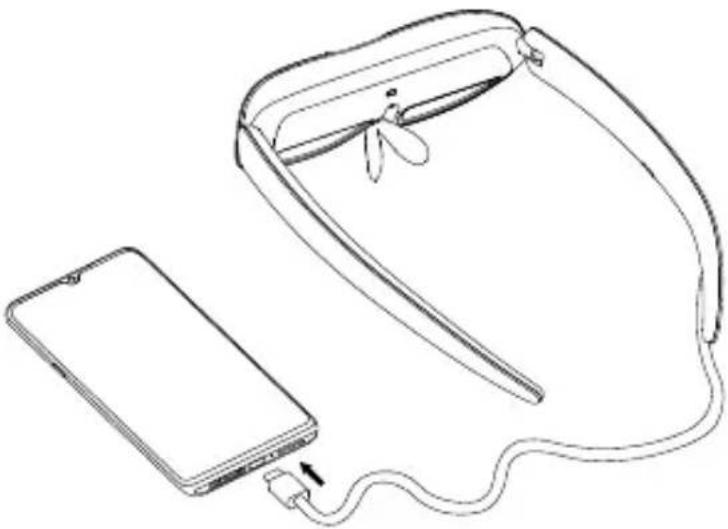
Connect the cable of the glasses to the USB Type-C connector of your mobile phone.
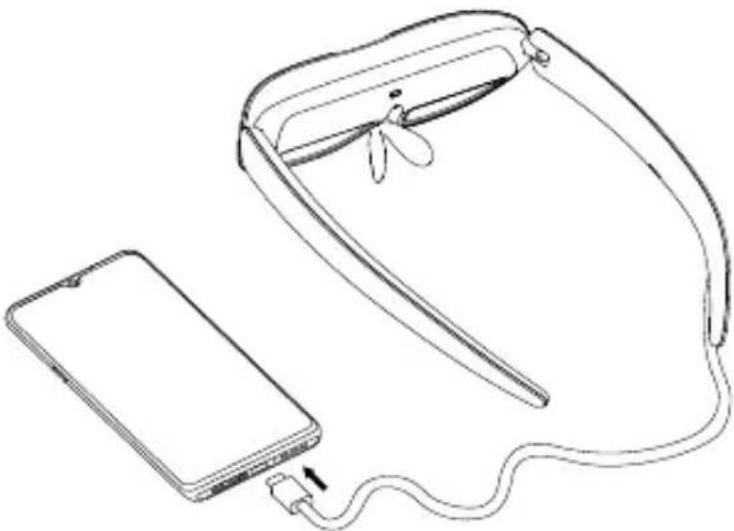
If your device is equipped with USB Type-C with DisplayPort Alternate Mode, you may connect the glasses with the device directly. Please download and install the Smart Glasses app from the website: https://www.tcl.com/global/en/mobile-support.html.
The Smart Glasses app provides the following functions:
- Brightness adjustment
- 2D/3D mode switch
- Product firmware update
Tip: The maximum brightness will be adjusted according to your device's OTG output capacity.
Wearing the Glasses
When putting on the Glasses, open the temples completely and slide them onto your face from your forehead to your ears, as shown in the illustration below.
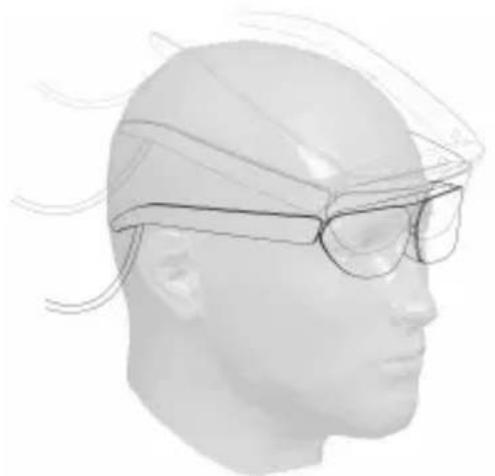
Notes:
- Do not bend the temples when they are opened outwards.
- Make sure the temples are fully open before wearing to avoid pinching your hands or hair during this process.
Warning
To use TCL NXTWEAR G Glasses, users must read the entire user manual to become familiar with the features of this product before using it. Failure to use this product in a safe and responsible manner within its intended purpose could result in personal injury or damage to the product or other property.
This product is not intended for use by children under the age of 14 without direct adult supervision.
Disclaimer
Congratulations on purchasing our TCL NXTWEAR G Glasses.
There may be certain differences between the user manual description and the phone's operation, depending on the software release of your phone and the Glasses or specific carrier services.
TCL Communication Ltd. shall not be legally responsible for such differences.
TO REDUCE THE RISK OF PERSONAL INJURY, DISCOMFORT OR PROPERTY DAMAGE, PLEASE ENSURE THAT YOU HAVE READ THE BELOW SAFETY INFORMATION CAREFULLY BEFORE USING OUR TCL NXTWEAR G GLASSES.
Use only in a safe environment.
To prevent possible hearing damage, do not listen at high volume levels for long periods.
Do not use these Glasses during sudden or intensive activity.
If your Glasses feel hot to the touch or are uncomfortably warm, stop using and allow them to cool down.
Immediately discontinue using these Glasses if you are experiencing eye strain or dizziness.
Please immediately stop using these Glasses if they are damaged.
Do not expose to liquid.
Consult your doctor before using these Glasses. Do not use these Glasses if you are sick, fatigued, under the influence of intoxicants/drugs, or are not feeling generally well.
Do not squeeze these Glasses during use to avoid damage to the Glasses or cause the lenses to become extruded which could risk damaging the wearer's face.
Stop using these Glasses if you notice swelling, itchiness, skin irritation or other discomforts of your skin that is in contact with them. If symptoms persist, please contact a doctor.
Do not use strong chemicals, cleaning agents or strong detergents to clean the Glasses, otherwise it may lead to material changes, thus affecting eye health. Please use a clean, dry, soft cloth to wipe the Glasses.
Please stop using the Glasses and disconnect all connections or cables with other equipment before cleaning and maintenance.
Do not let children or pets bite the Glasses to avoid injury or failure of the Glasses.
Do not place these Glasses in direct sunlight, such as car wash dashboard or window sill.
Do not treat these Glasses as ordinary domestic waste.
Please comply with the local ordinance for these Glasses and support recycling initiatives.
These Glasses are not equipped with prescription spectacle lenses by default, users who need corrective lenses should purchase them by themselves.
These Glasses are not a waterproof product, please do not use them in water or rain.
The manufacturer's recommended operating temperature range is 0°C (32°F) to 50°C (122°F).
- Internet address: https://www.tcl.com/global/en/mobile-support.html. On our website, you will find our FAQ (Frequently Asked Questions) and Smart Glasses app etc. • Manufacturer: TCL Communication Ltd.
- Address: 5/F, Building 22E, 22 Science Park East Avenue, Hong Kong Science Park, Shatin, NT, Hong Kong
Hereby, TCL Communication Ltd. declares that the product type TCL NXTWEAR G is in compliance with Directive 2014/30/EU.
The full text of the EU declaration of conformity is available at the following internet address: www.tcl.com/global/en/service-support-mobile/eu-doc.html
The description of accessories and components, including software, which allow the product to operate as intended, can be obtained in the full text of the EU declaration of conformity at the following internet address: www.tcl.com/global/en/service-support-mobile/eu-doc.html
QUICK START GUIDE
Contents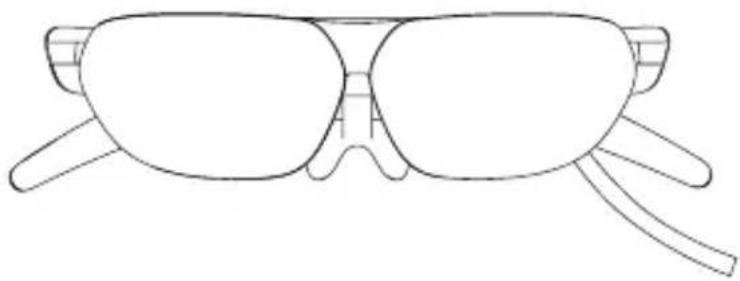
TCL NXTWEAR G glasses
3 nose pads
Cleaning cloth
TCL NXTWEAR G glasses
Notes:
TCL NXTWEAR G glasses
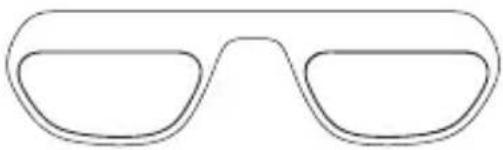
3 nose pads
Cleaning cloth
TCL NXTWEAR G glasses
Notes:
TCL NXTWEAR G glasses
3 nose pads
Cleaning cloth
TCL NXTWEAR G glasses
Notes:
TCL NXTWEAR G glasses
3 nasal pads
TCL NXTWEAR G glasses
Notes:
TCL NXTWEAR G glasses
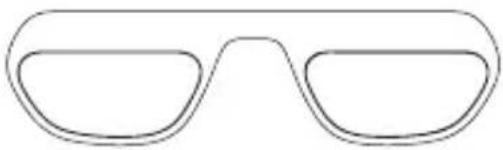
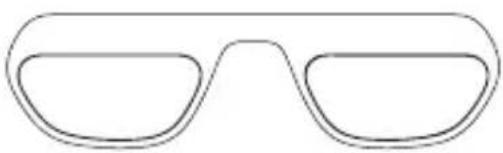
Frame for corrective lenses
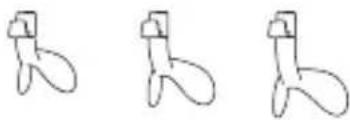
3 nasal pads
Cleaning cloth
TCL NXTWEAR G glasses
Note: it is recommended not to adjust it frequently and to avoid intense activities as this may lead to breakage of the nasal pads.
Prescription lenses (if needed)
If needed, take the frame for corrective lenses to a local optician to purchase suitable corrective lenses. Then attach the lenses magnetically to the inside of the glasses.
Connecting to a mobile phone
Connect the glasses cable to the USB Type-C connector on your mobile phone.
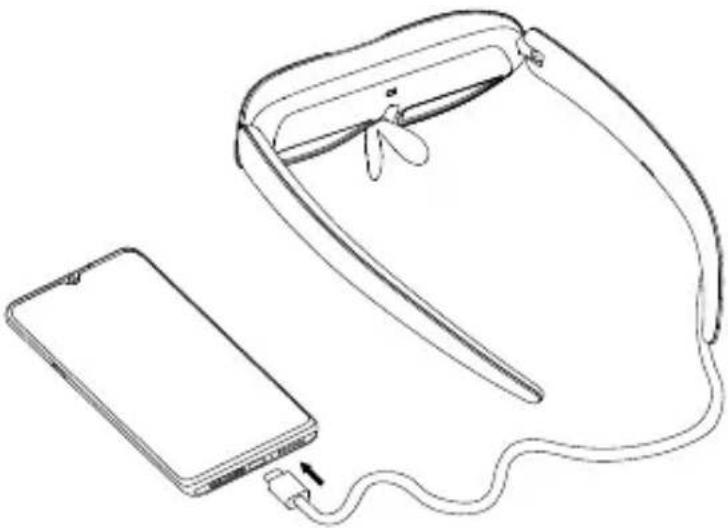
If your device is equipped with a USB Type-C connector and DisplayPort alternate mode, you can connect the glasses directly to the device. Download and install the Smart Glasses app from https://www.tcl.com/global/en/mobile-support.html.
Notes:
TCL NXTWEAR G glasses
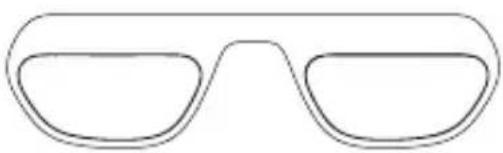
Frame for corrective lenses
Cleaning cloth
TCL NXTWEAR G glasses
Notes:
TCL NXTWEAR G glasses
3 nose pads
Cleaning cloth
TCL NXTWEAR G glasses
Connecting to a mobile phone
Connect the glasses cable to the USB Type-C connector on your mobile phone.
Notes:
TCL NXTWEAR G glasses
3 nose pads
Cleaning cloth
TCL NXTWEAR G glasses
Connecting to a mobile phone
Connect the glasses cable to the USB-C connector on the mobile phone.
Notes:
TCL NXTWEAR G glasses
Nose pads
Cleaning cloth
TCL NXTWEAR G glasses
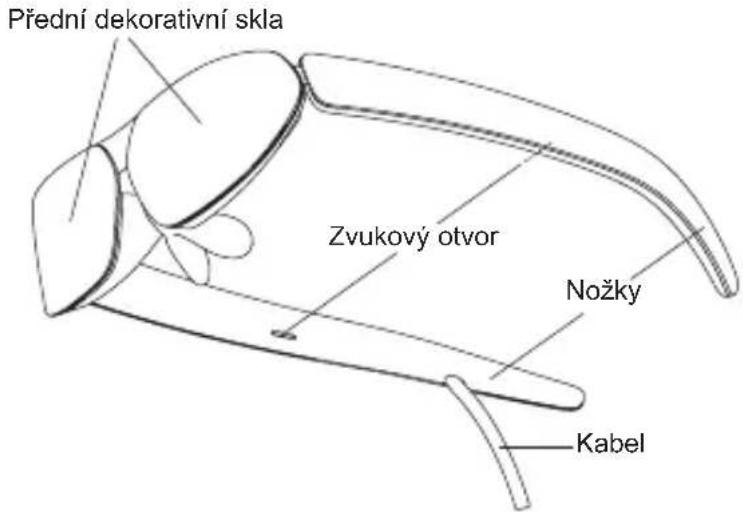
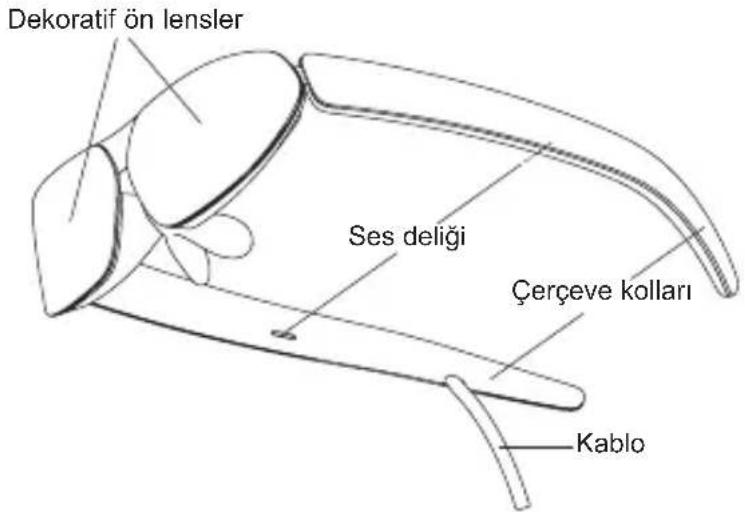
Front decorative lenses
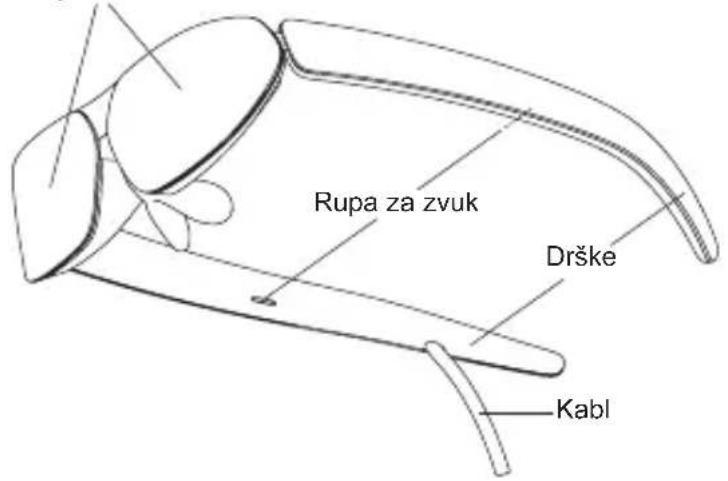
If your device is equipped with a USB Type-C port with DisplayPort alternate mode, you can connect the glasses directly to the device. Download and install the Smart Glasses app from the website: https://www.tcl.com/global/en/mobile-support.html.
Notes:
- Do not bend the temples outward when opening them.
- Before wearing, check that the temples are fully extended to avoid pinching your hand or hair during placement.
Warning
To use the TCL NXTWEAR G glasses, users must read the entire user manual to familiarize themselves with the features of this product before starting to use it. If you do not use this product in a safe and responsible manner for its intended purposes, it may result in bodily injury or damage to the product or other property.
TCL NXTWEAR G Glasses
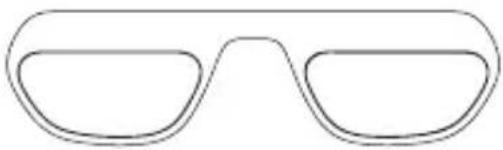
3 Nose Pads
Cleaning Cloth
TCL NXTWEAR G Glasses
Notes: