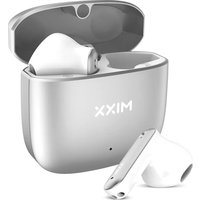
StreamBuds Custom 2 - Earphones MIXX - Free user manual and instructions
Find the device manual for free StreamBuds Custom 2 MIXX in PDF.


User questions about StreamBuds Custom 2 MIXX
0 question about this device. Answer the ones you know or ask your own.
Ask a new question about this device
Download the instructions for your Earphones in PDF format for free! Find your manual StreamBuds Custom 2 - MIXX and take your electronic device back in hand. On this page are published all the documents necessary for the use of your device. StreamBuds Custom 2 by MIXX.
USER MANUAL StreamBuds Custom 2 MIXX
[NL] SNELSTARTGIDS 16
[SV] SNABBSTARTSGUIDE 51
[PL] SKRÓCONA INSTRUKCJA OBSŁUGI 56
[CF] GUIDE DE DÉMARRAGE RAPIDE 61
IMPORTANT!
When first taking your earbuds out of the packaging, please remove protective film covering the charge points.
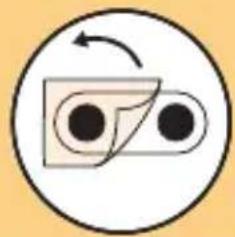
natural_image
Simple circular diagram with two black dots and a curved arrow, no text or symbols present.LET'S STAY CHARGED
Note: If your earbuds and charge case do not have any power when you first unpack them, place the earbuds into the charge case and plug the charge case into a USB port using the USB C cable [8] provided.
The Earbuds
A voice prompt "Battery low" allows for 2 minutes play time before the earbud(s) powers down stating "Battery low, power off". The Earbuds LED Light [2] will flash WHITE once and will then switch off. Charge the earbuds using the Portable Charging Case [5].
While charging, each Earbud LED Light 2] will be WHITE and once fully charged the LED Lights will turn off. Secure the earbuds by closing the lid.
When the earbuds are placed inside the case and the lid is closed, the charge indicator light 7 will turn WHITE for 4 seconds to indicate charging and then turn off.
The Portable Charging Case
Always connect the case via the USB C port 6, to a suitable USB wall charger, computer USB port or a power bank using the USB C charging cable 8 supplied. Plug the supplied cable into the USB C port [6] on the charge case.
The charge light indicator 7) will blink RED, on and off, to show the case is charging.
TIP: 15 MINUTE QUICK CHARGE
If you're running low on power, charge your earbuds in the case for 15 minutes and get 2 hours extra play time while on the go
LET'S CONNECT
First time pairing
When you open the Portable Charging Case 5 both earbuds will turn on and connect together. A voice prompt will confirm with 'Power on, pairing'. One Earbud LED Light 2] will flash WHITE to indicate pairing mode.
Go to the Bluetooth settings on your audio device to select 'MIXX StreamBuds Custom' from the list. Once paired successfully you will hear 'Connected' and the Earbud LED Lights [2] will turn off.
You can now enjoy your music, watch a video or take a call hands free. The earbuds will automatically reconnect to the last device they were paired with, confirming 'Connected'.
FACTORY RESET
When in pairing mode, independently 'tap' 4 times until power off is announced, return bud to case. repeat with other bud. This will complete the Factory Reset process.
LET'S PLAY
Power on
Remove both earbuds from the case. They will automatically turn on and dual pair together. A voice prompt will state "Connected" as confirmation. To manually turn on, long press each Touch Sensor [1] and [3] for 3 seconds.
Power off
Place both earbuds in the case. This will automatically turn off the earbuds and the Bluetooth.
Play / Pause
Tap and hold either Touch Sensor [1] or [3]
Increase Volume
Single tap RIGHT Touch Sensor 3]
Decrease Volume
Single tap LEFT Touch Sensor 1
Previous Track
Double tap LEFT Touch Sensor [1]
Skip Track
Double tap RIGHT Touch Sensor [3]
Answer / End Call
Tap and hold either Touch Sensor [1] or [3]
(Audio is picked up via the microphones 4.)
You can customise your earbuds using the MIXX control app, see page 4 for further details
LET'S ASK GOOGLE ASSISTANT / SIRI
To activate Siri or Google Assistant, please use the MIXX Control app.
Your Voice Assist familiar 'Beep' will sound to confirm connection.
You can now ask Siri or Google Assistant a question or state a command.
LET'S INSTALL THE APP

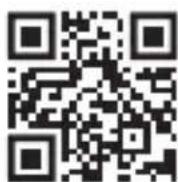
Scan the QR code here to download the free MIXX Control app

Follow the on-screen instructions to create an account
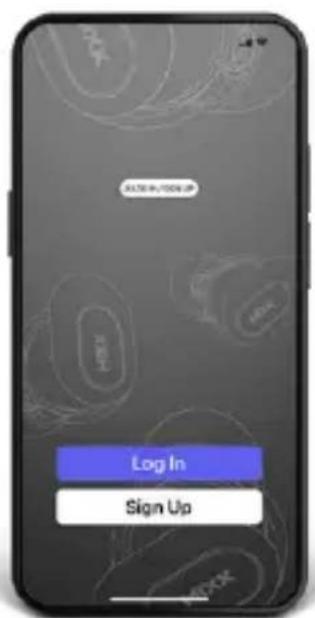
text_image
30.78 in 100% UP Log In Sign Up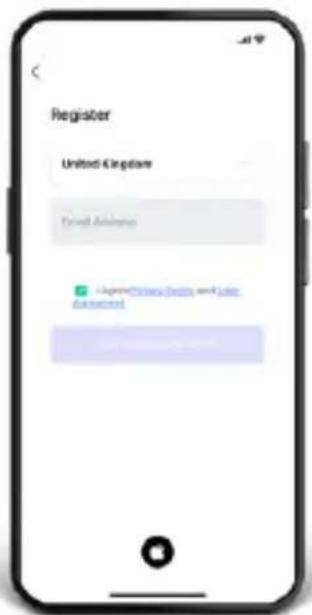
text_image
Register United Kingdom Credit Advisors Credit Advisors Credit AdvisorsFollow the on-screen instructions to connect to your earphones
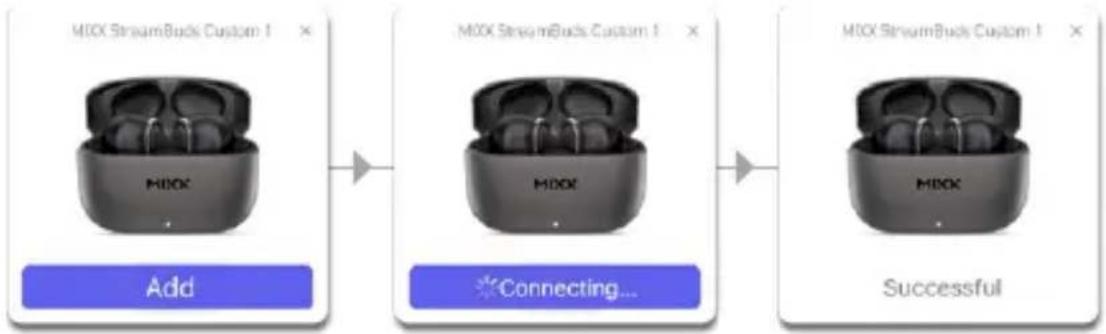
flowchart
graph LR
    A["MIOX StreamBuck Custom 1"] --> B["Add"]
    B --> C["Connecting..."]
    C --> D["Successful"]
HOW TO CUSTOMISE YOUR EARBUDS USING THE APP

Scan the QR code here to view our online tutorials (https://bit.ly/3sN4fGd), for instructions on how to customise your earbud settings.

LET'S BE SAFE
IT IS IMPORTANT THAT YOU PLEASE READ THIS SECTION COMPLETELY.
For your protection
Check with your doctor before use if you are fitted with a medical device such as a pacemaker or a programmable shunt.
Ensure the product is correctly connected using the manufacturer's original accessories included with the product.
Do NOT make unauthorized alterations to this product.
Product may contain small parts which can be a choking hazard. Please keep the product out of reach from children under 6 and animals.
Whilst this product has been made using hypo-allergenic materials, you may suffer some skin irritation after prolonged use.
Do NOT listen to loud music for a long duration of time. We recommend turning the volume down before placing the device in your ears to avoid hearing damage.
Do NOT use the product while operating machinery, including cars, trucks or other vehicles.
Do NOT use noise cancelling mode or use your device in areas where the use of hearing is required for safety. e.g., while riding a bicycle, at a construction site or railroad etc.
Clean only with a dry cloth - Wipe off sweat from the earbuds and the charging case before charging.
IMPORTANT!
Do NOT use a non-certified PD or QC3 wall charger as this may damage the product. Only use the cable supplied to charge your device.
If your product has become damaged in any way, does not operate normally or has been dropped, please refer to a qualified person to have the product checked before continuing to use it.
WARNING:
This product contains a Lithium battery. Incorrect disposal of this battery may result in an explosion.
The operating temperature range for this product is 5^ - 40^ celsius.
Please avoid exposing the product, charging case and cable connectors to prolonged rain, moisture, or liquid spills/splashing.
Please remove your device from your ears immediately if they emit any loud unusual noise or you experience a warming sensation.
If you experience any of the issues listed above, please turn off your device and contact MIXX Ltd on support@mixx-io.com

[FR] GUIDE DEDÉMARRAGE RAPIDE
IMPORTANT!
natural_image
Simple circular diagram with two black dots and a curved arrow, no text or symbols present.CHARGE
text_image
Log In Sign Up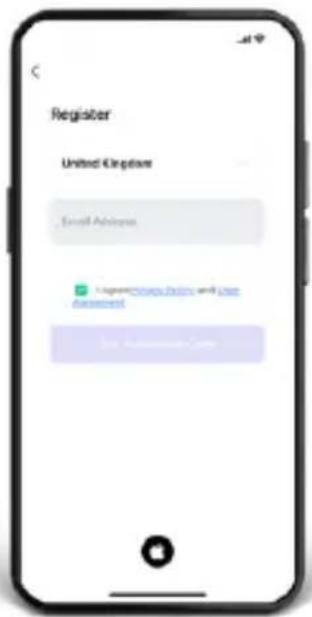
text_image
Register United Eclipse Email Address Login: http://www.elsevier.com Get App Storetext_image
MIOX StreamBuck Custom I Add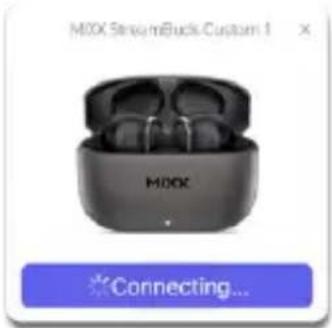
text_image
M0X Stream iBuck Custom 1 M0X Connecting...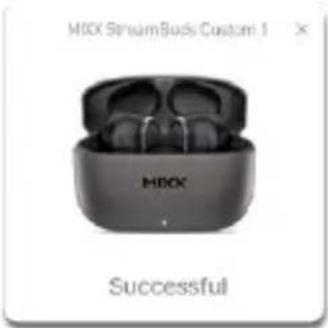
text_image
M80X StreamBuck Custom 1 M80X SuccessfulCOMMENT PERSONNALISER VOS ÉCOUTEURS À L'AIDE DE L'APPLICATION

natural_image
Simple circular diagram with two black dots and a curved arrow, no text or symbols present.AUFLADEN
text_image
Log In Sign Up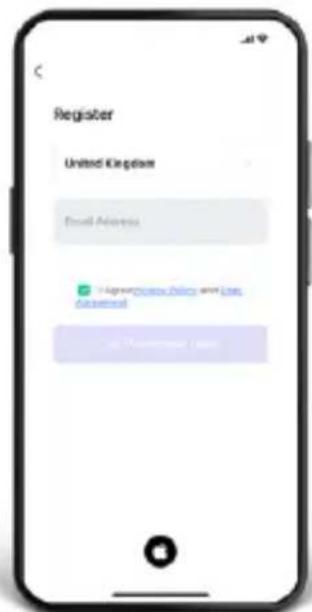
text_image
Register United Kingdom Email Address + 8000000000000000000000000000000000000000000000000000000000000000000000000000000000text_image
M60X StreamBuds Custom I Add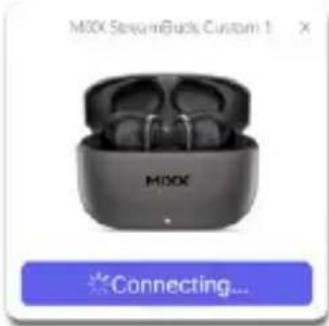
text_image
M0XX SmartBuds Custom 1 M0XX Connecting...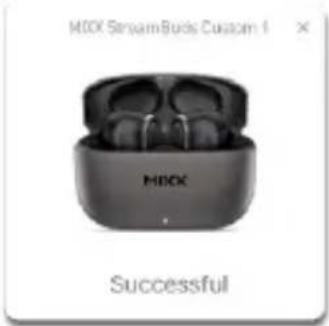
text_image
MBOX StreamBuds Custom I MBOX SuccessfulSO PASSEN SIE IHRE OHRHÖRER MIT DER APP AN

natural_image
Simple circular diagram with two black dots and a curved arrow, no text or symbols present.OPGELADEN BLIJVEN
text_image
Log In Sign Up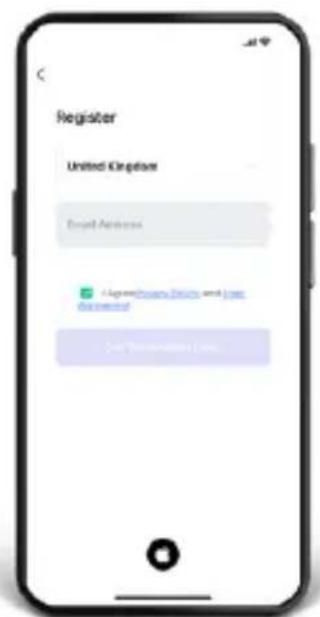
text_image
Register United Kingdom Email Address @agrechuate Data and less document On Transaction Date.text_image
MIOX StreamBuds Custom 1 Add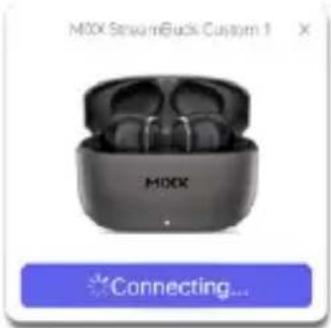
text_image
M0X Stream iBack Custom 1 M0X Connecting...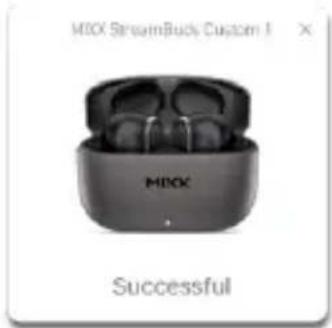
text_image
MIOX StreamBuck Custom I MIOX SuccessfulHOE JE JE OORDOPJES AANPASSEN MET DE APP

natural_image
Simple circular icon with a stylized arrow and two black dots inside, no text or symbols present.SIGAMOS CARGADOS
text_image
Log In Sign Up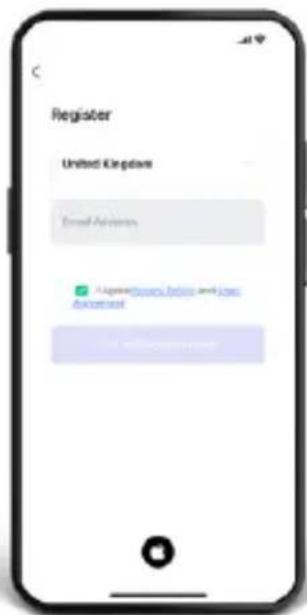
text_image
Register United Kingdom Email Address A registered address (e-mail) and job Accessant 1. www.issc.comtext_image
MIOX StreamBuds Custom 1 Add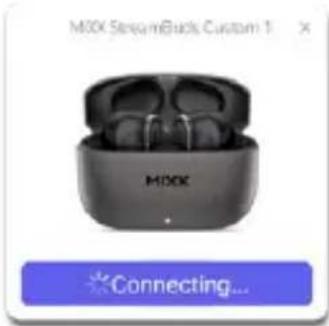
text_image
M00X StreamingBuds Custom 1 M00X Connecting...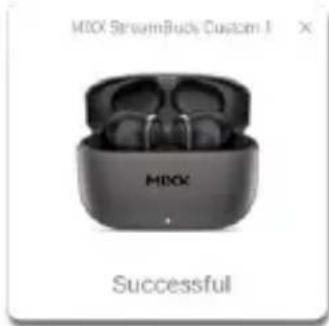
text_image
MIOX StreamBuck Custom I MIOX Successfulnatural_image
Simple circular diagram with two black circles inside a rectangle and an arrow indicating rotation (no text or symbols)RESTIAMO CARICHI
text_image
Log In Sign Up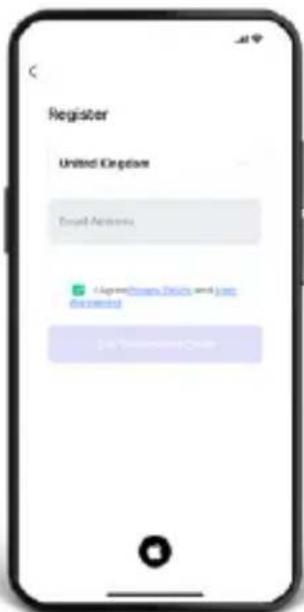
text_image
Register United Kingdom Target Accounts + Superclose Deals and Loss discontinued 2x 1 - 2text_image
MIOX Streaming Buds Custom 1 Add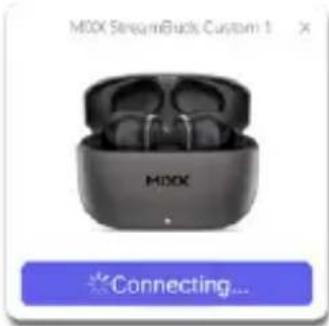
text_image
M00X StreamBuck Custom 1 M00X Connecting...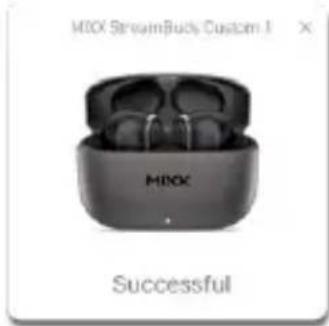
text_image
MIOX StreamBuck Custom I MIOX SuccessfulCOME PERSONA LIZZARE I TUOI AURICOLARI UTILIZZANDO L'APP

natural_image
Simple circular icon with a stylized arrow and two black dots inside, no text or symbols present.text_image
LOG IN: LOG UP Log In Sign Up
text_image
Register United Kingdom Email AddressUpgrades Email and Join Account
On Account Datetext_image
MIOX Streaming Brooks Custom 1 MIOX Connecting...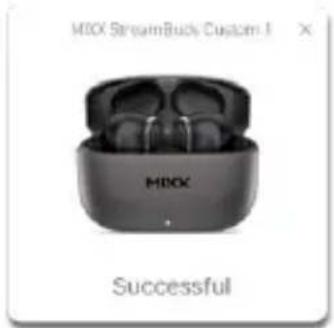
text_image
MIOX StreamBuck Custom-I MIOX SuccessfulCOMO PERSONALIZAR SEUS FONES DE OUVIDO USANDO O APLICATIVO

natural_image
Simple circular diagram with two black circles inside a divided rectangle and an arrow indicating rotation (no text or symbols)LAD OS FORBLIVE OPLADET
text_image
Log In Sign Up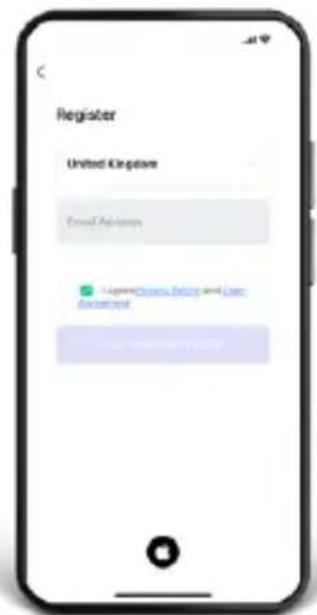
text_image
Register United Kingdom Email Address LoganAccess, Delay and Use Description Logan Accesstext_image
MIOX StreamBuck Custom 1 MIOX SuccessfulSÅDAN TILPASSER DU DINE ∅REK∅P VED HJÆLP AF APPEN
natural_image
Simple circular diagram with two black dots and a curved arrow, no text or symbols present.PYSYTÄÄN LADATTUNA
text_image
Log In Sign Up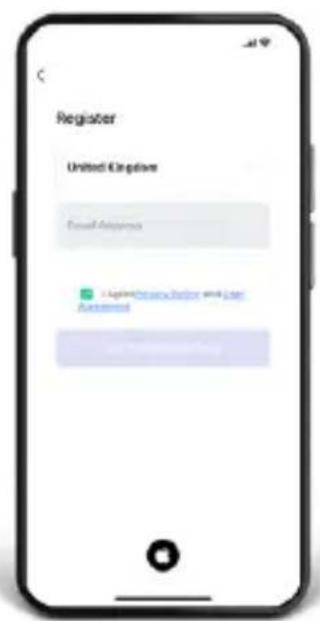
text_image
Register United Kingdom Email Address 1. Copyright Account Number and User Assistedtext_image
MINX Connecting...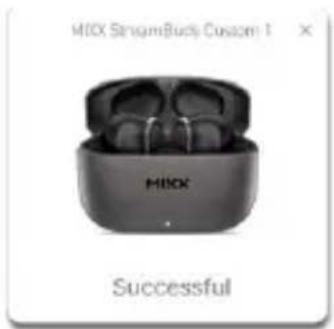
text_image
MIOX StringBuck Custom 1 MIOX SuccessfulHOW TO CUSTOMISE YOUR EARBUDS USING THE APP

natural_image
Simple circular diagram with a curved arrow and two black dots inside, no text or symbols present.NABÍJENÍ
NAINSTALUJME APLIKACI

text_image
Log In Sign Up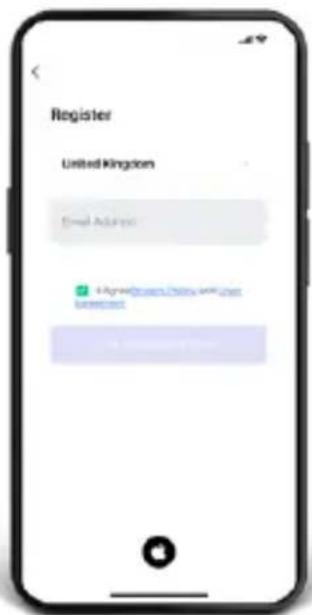
text_image
Register United Kingdom Email Address Hyagène@City-UK-UK Internettext_image
MIOX StreamBuck Custom 1 MIOX Add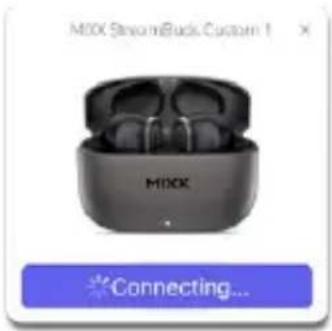
text_image
M0X SmartBuck Custom 1 MIOX Connecting...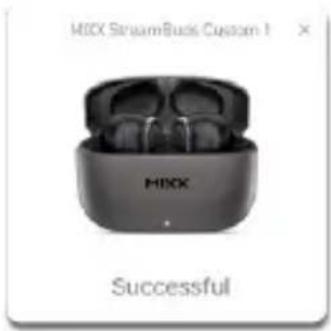
text_image
MIXK StreamBuck Custom 1 MIXK SuccessfulJAK PŘIZPŮSOBIT SLUCHÁTKA POMOCÍ APLIKACE

[SV] SNABBSTARTSGUIDE
VIKTIGT!
natural_image
Simple circular diagram with two black dots and a curved arrow, no text or symbols present.LÅT OSS HÅLLA OSS LADDADE
text_image
Log In Sign Up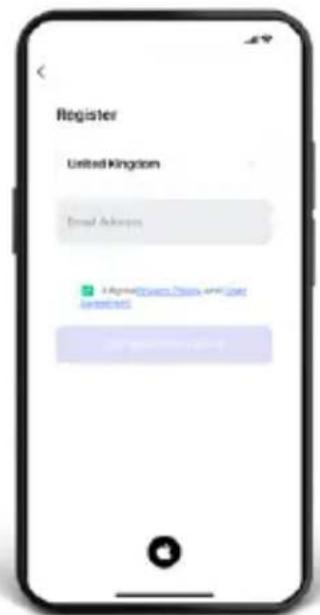
text_image
Register United Kingdom Email Address © Instagram China 4.0.2.2015 www.163.com.cntext_image
MIOX StreamBuck Custom 1 Add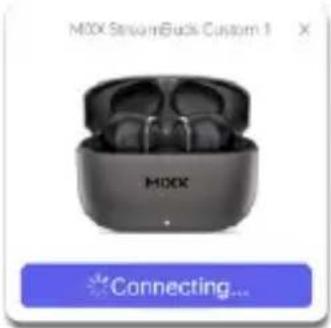
text_image
M0X StreamBuck Custom 1 M0X Connecting...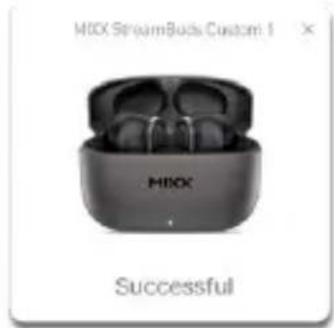
text_image
MIOX StreamBuds Custom 1 MIOX SuccessfulHUR DU ANPASSAR DINA HÖRSNAPPAR MED APPEN

Do NOT use a non-certified PD or QC3 wall charger as this may damage the product. Only use the cable supplied to charge
your device.
If your product has become damaged in any way, does not operate normally or has been dropped, please refer to a qualified person to have the product checked before continuing to use it.
natural_image
Simple circular icon with a stylized arrow and two black dots inside, no text or symbols present.NAŁADUJ SIE,
ZAINSTALUJMY APLIKACJE,

text_image
Log In Sign Up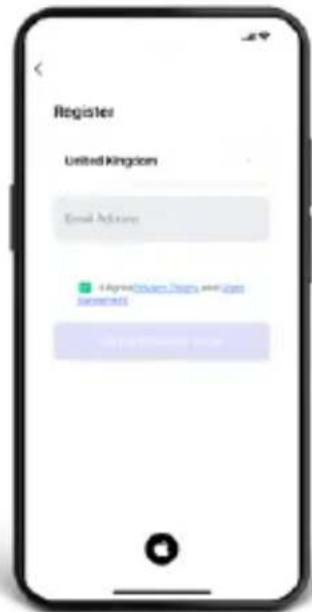
text_image
Register United Kingdom Email Address © Instagram Dubai and its registered © Instagram Dubaitext_image
M80X StreamBuds Custom I Add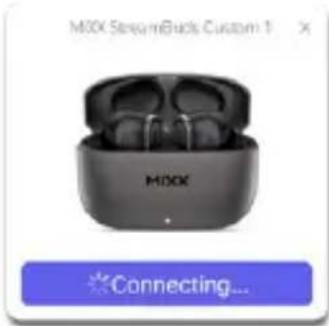
text_image
M0XX StreamingBuds Custom 1 M0XX Connecting...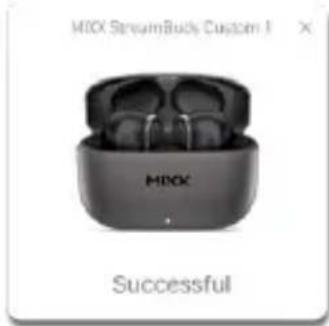
text_image
MIXX StreamBuck Custom I MIXX SuccessfulJAK DOSTOSOWAĆ SŁUCHAWKI ZA POMOCA APLIKACJI

natural_image
Simple circular diagram with two black dots inside a rectangle and an arrow indicating rotation (no text or symbols)TOUJOURS CHARGÉS
text_image
Log In Sign Up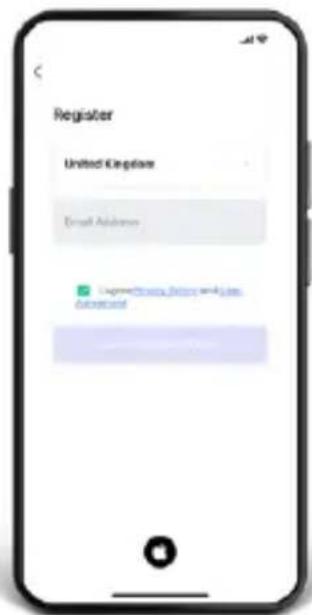
text_image
Register United Keplive Email Address Login @www.Keplive.com Availableflowchart
graph LR
    A["M0X StreamBuck Custom 1"] --> B["Add"]
    B --> C["Connecting..."]
    C --> D["Successful"]
COMMENT PERSONNALISER VOS ÉCOUTEURS À L'AIDE DE L'APPLICATION

[EN] [US] This product can be recycled. Products bearing this symbol must NOT be thrown away with normal household waste. Take the product to a collection point designated for recycling of electronic devices. Find out more about return and collection points through your local authority.