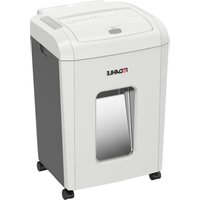
ShredMATIC SM 150 - Shredder Dahle - Free user manual and instructions
Find the device manual for free ShredMATIC SM 150 Dahle in PDF.


| Product Type | Document Shredder |
| Brand | Dahle |
| Model | ShredMATIC SM 150 |
| Usage | Home and normal office environment |
| Power supply | 230 V / 50 Hz (standard model) |
| Cut type | Cross-cut (particles) |
| Types of destructible media | Paper, bank and credit cards, staples and paper clips (in normal quantities) |
| Paper feed | Automatic for stacks of unfolded sheets (max. 100 g/m²) and manual |
| Automatic stop | Yes, in case of overheating, full bin or open casing |
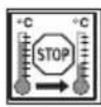
| Operating temperature | 10 °C to 25 °C |
| Ambient humidity | 15 % to 95 % (without condensation) |
| Maintenance | Regularly empty the bin, clean the device, oil the rollers periodically |
| Safety instructions | Do not open the device, unplug before maintenance, keep away from children and heat sources |
| Storage and transport position | Vertical position only |
| Building electrical protection | 16 A max. (20 A max. in the USA) |
Frequently Asked Questions - ShredMATIC SM 150 Dahle
User questions about ShredMATIC SM 150 Dahle
0 question about this device. Answer the ones you know or ask your own.
Ask a new question about this device
Download the instructions for your Shredder in PDF format for free! Find your manual ShredMATIC SM 150 - Dahle and take your electronic device back in hand. On this page are published all the documents necessary for the use of your device. ShredMATIC SM 150 by Dahle.
USER MANUAL ShredMATIC SM 150 Dahle
de Originalgebrauchsanleitung.... 4
en Instructions....7
fr Mode d'emploi....10
es Instrucciones.... 13
it Istruzioni perl'uso 16
pt Manual de instruções 19
nl Gebruikershandleiding....22
da Betjeningsvejledning.... 25
fi Käyttöohje 28
no Bruksanvisning.... 31
sv Bruksanvisning.... 34
sl Navodilo za uporabo 37
hr Upute za uporabu....40
hu Használati utasítás.... 43
ru Инструкция по применению 46
et Juhised....49
It Naudojimo instrukcija....52
lv Lietošanas norādījumi....55
cs Návod k použití 58
sk Návod na použitie.... 61
pl Instrukcja użytkowania....64
ro Instructiuni de utilizare....67
bg Указание за употреба.... 70
tr Kullanım kılavuzu 73
el Odnyies xphons 76
ar
تعليمات 79
ja 取扱説明書 82
zh 使用说明 85
Read the operating and safety instructions BEFORE placing the document shredder into operation.

You must follow the instructions. Keep the operating instructions in a safe place ready for later use.
Table of Contents
1 Important information....7
1.1 Intended use,
warranty....7
1.2 Safety instructions....8
1.3 Key to pictograms 8
1.4 Scope of supply 88
1.5 Technical data 88
2 Operation....89
2.2 Connecting the device to the power supply ..... 89
2.3 Switching on the device 89
2.4 Paper shredding 90
2.10 Continuous operation .....92
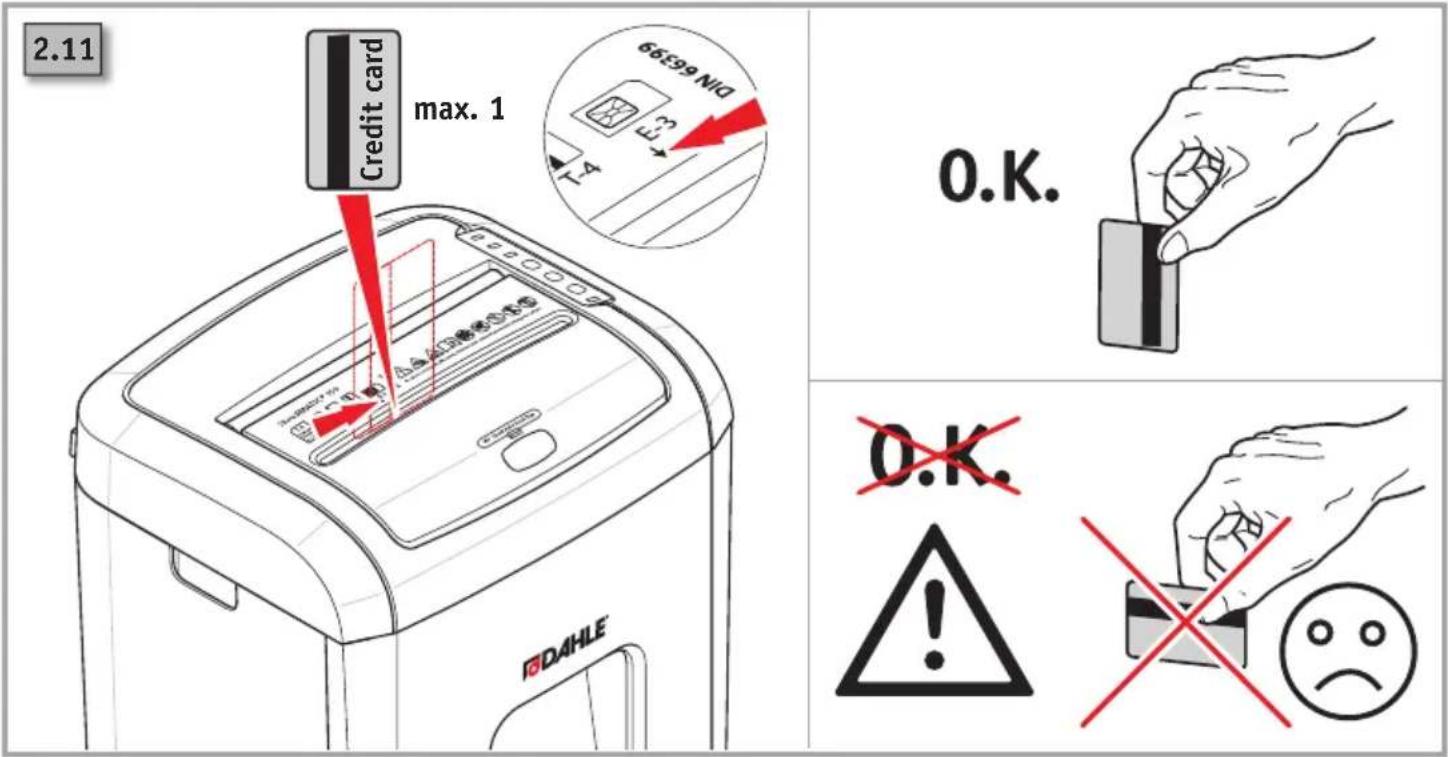
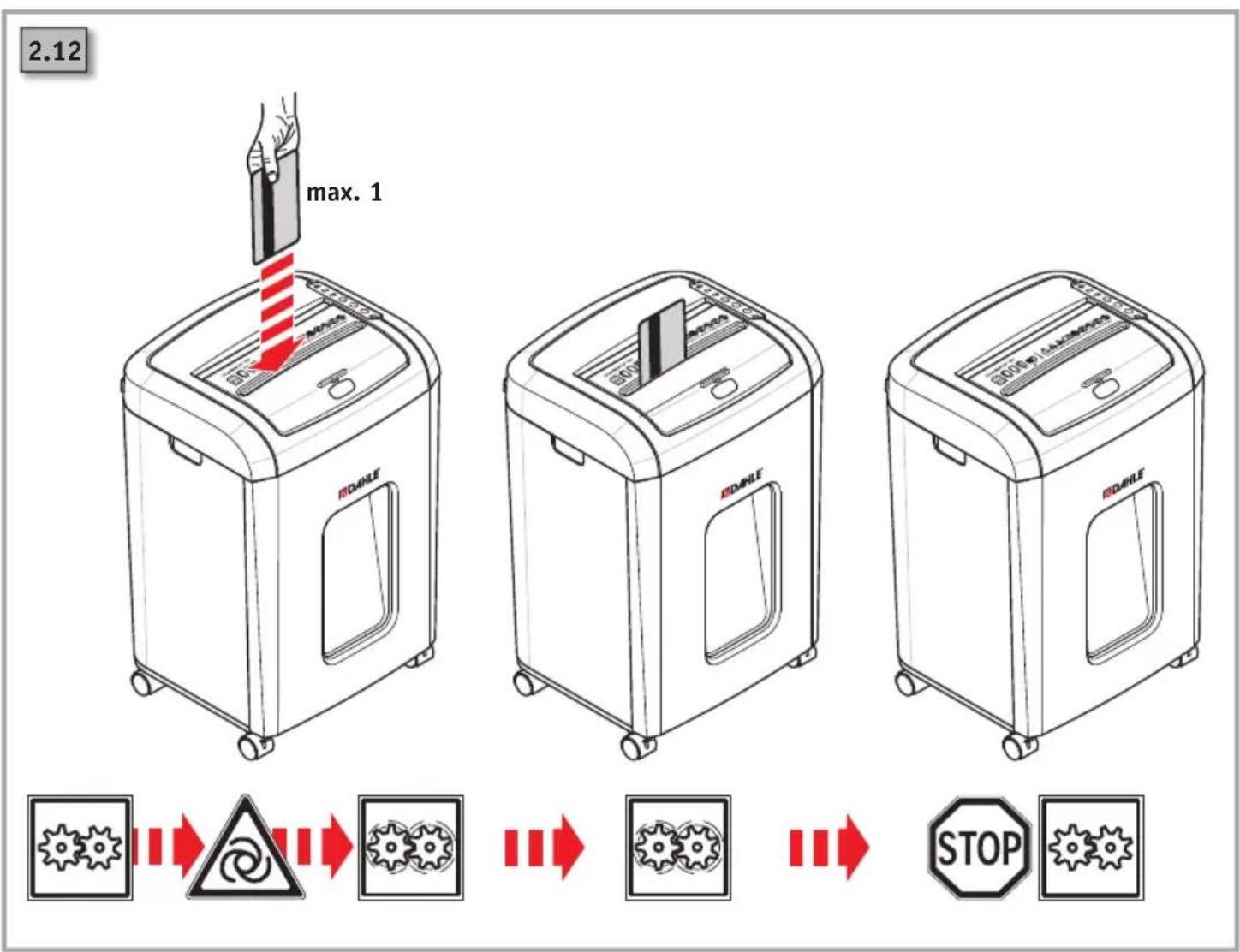
2.11 Card shredding....93
3 Maintenance/troubleshooting....94
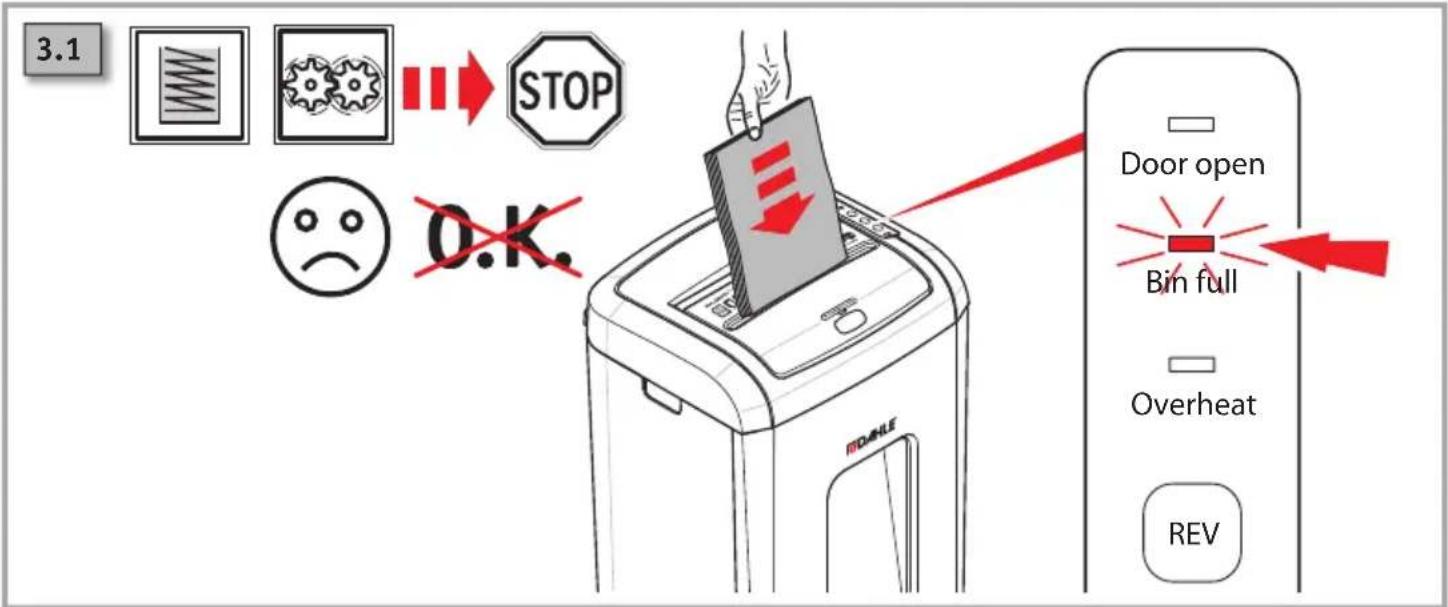
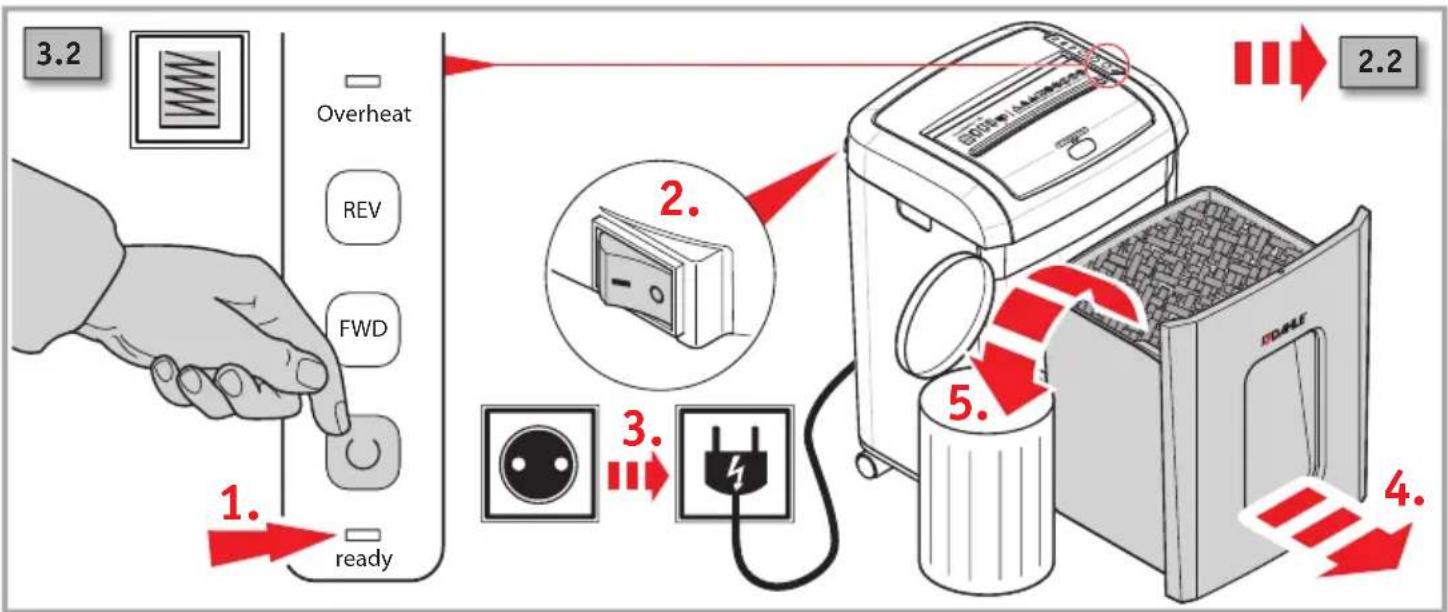
3.1 Empty shredded waste 94
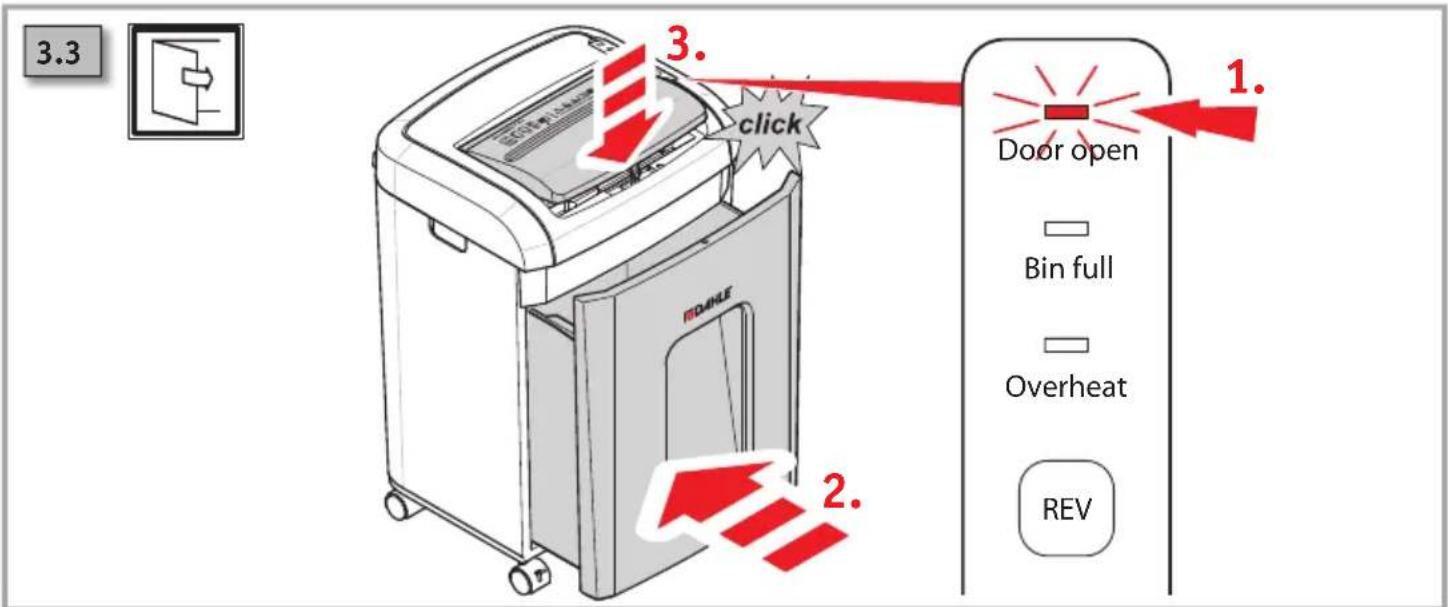
3.3 Container/cover open .....94
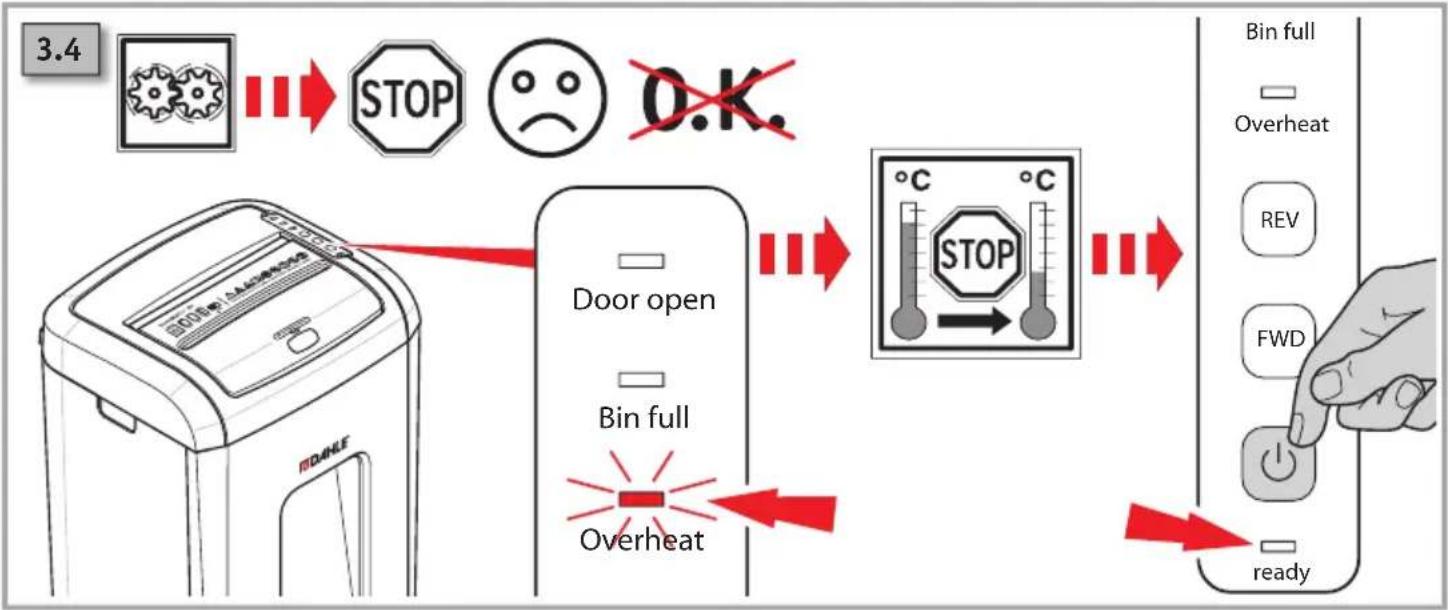
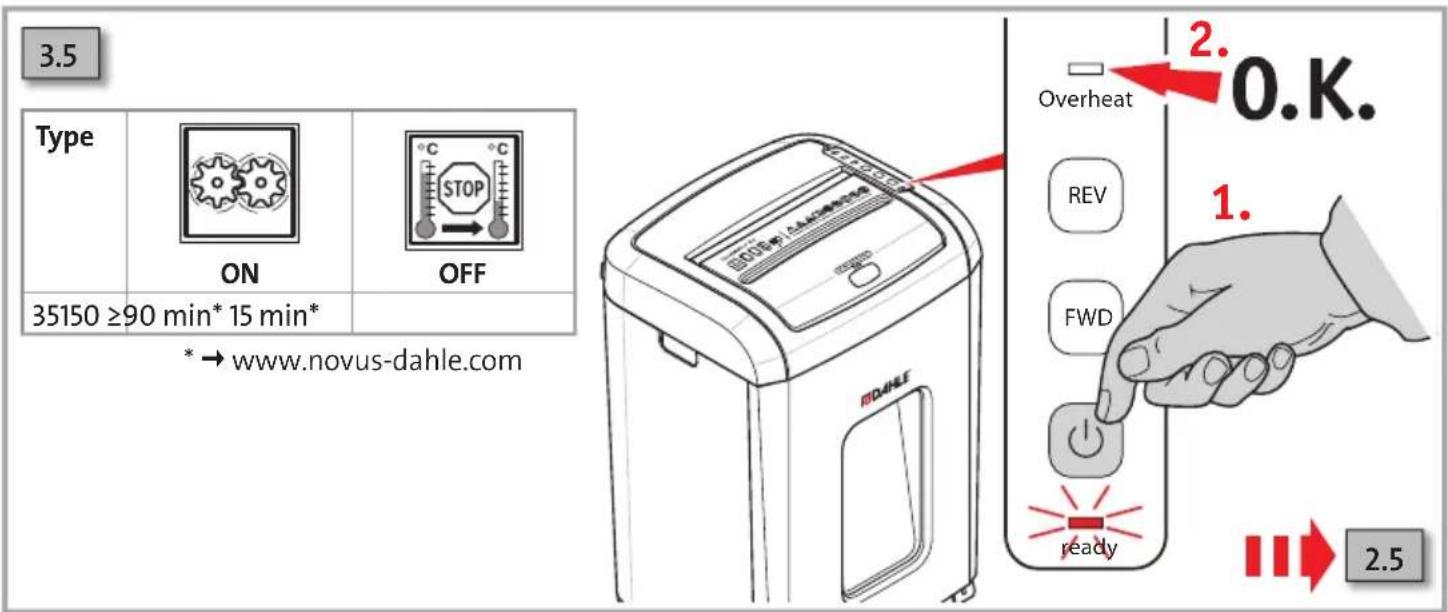
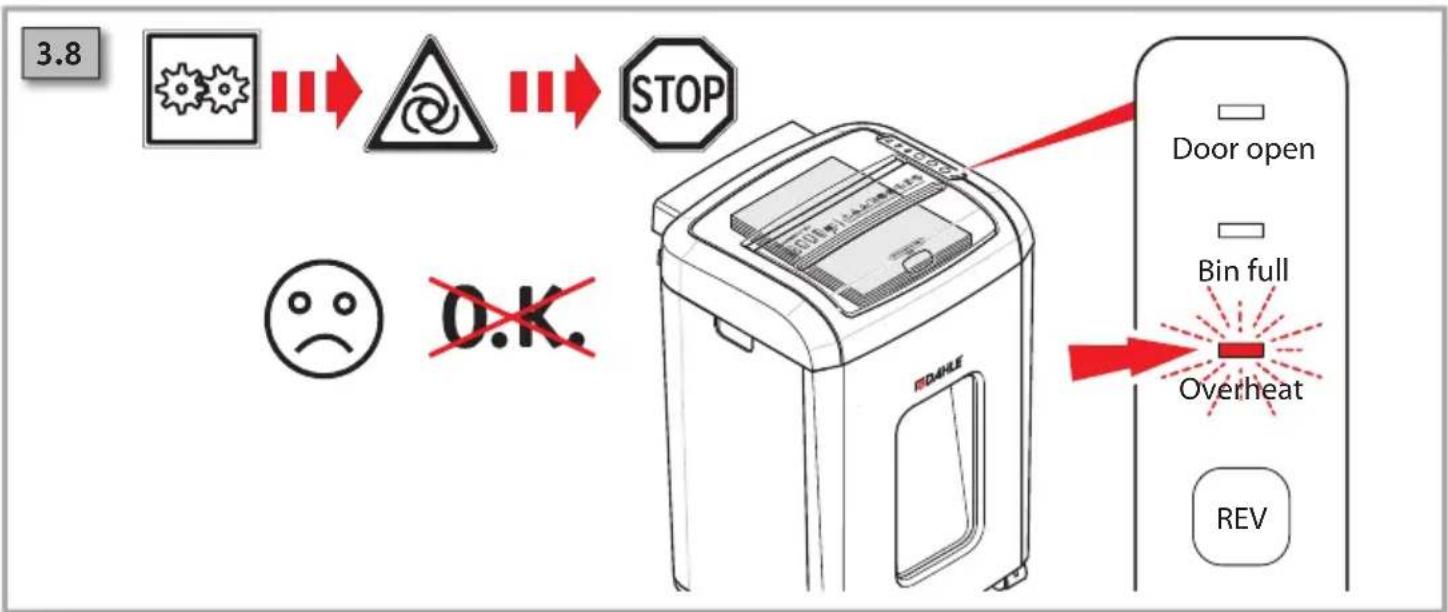
3.4 Overheating....95
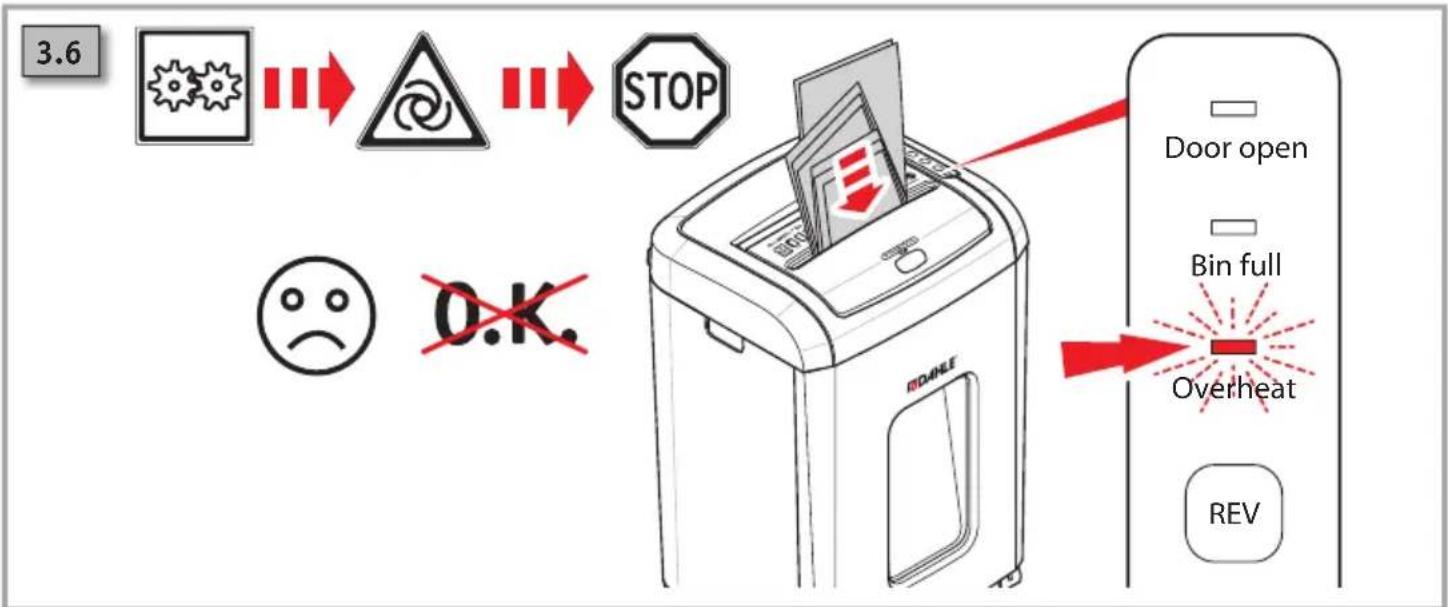
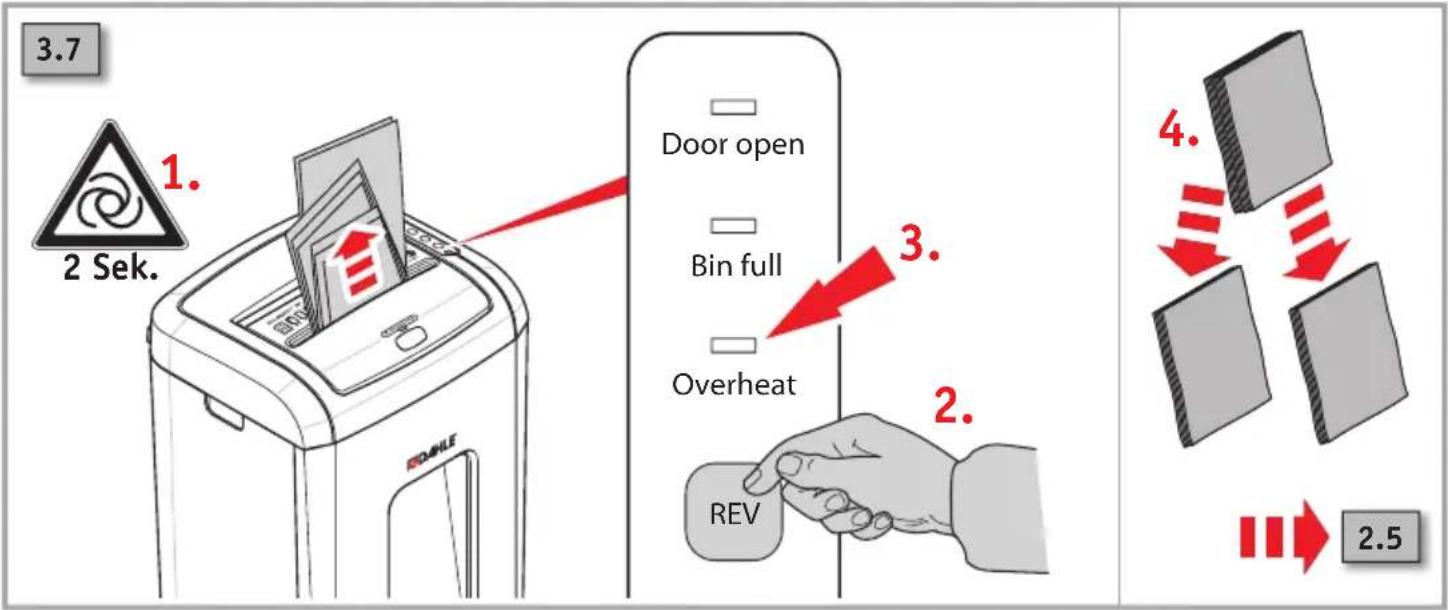
3.6 Paper jam, manual intake....95
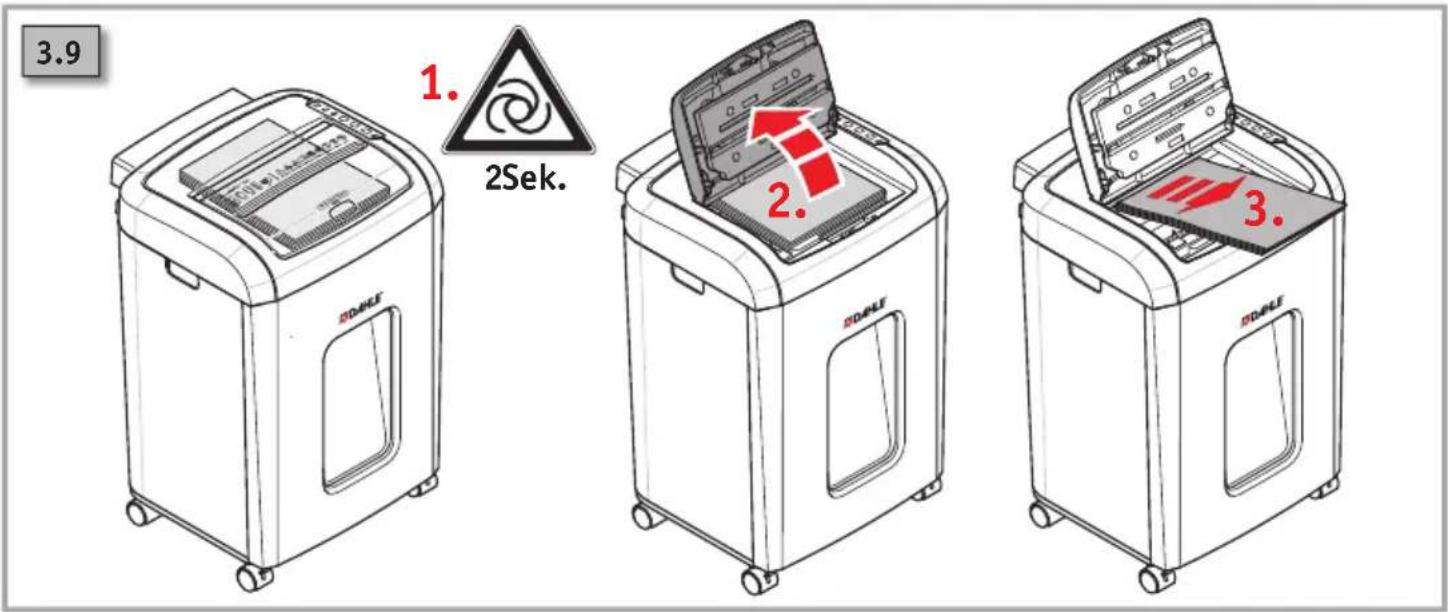
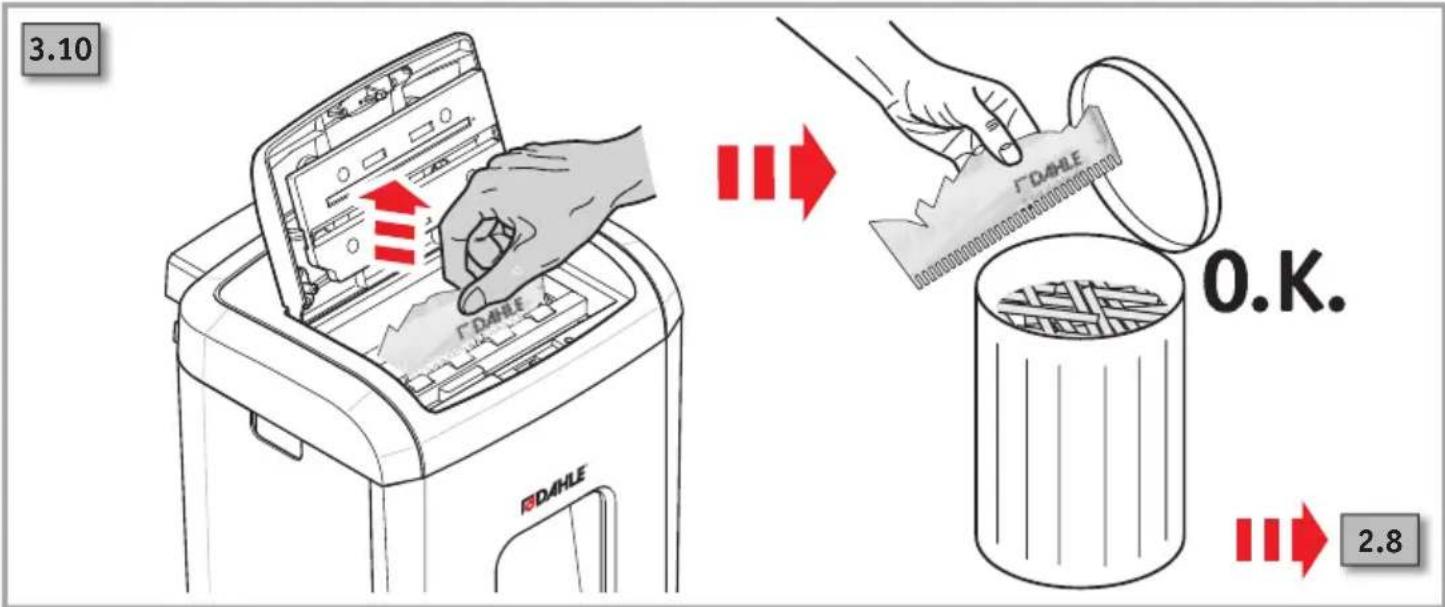
3.8 Paper jam, automatic intake....96
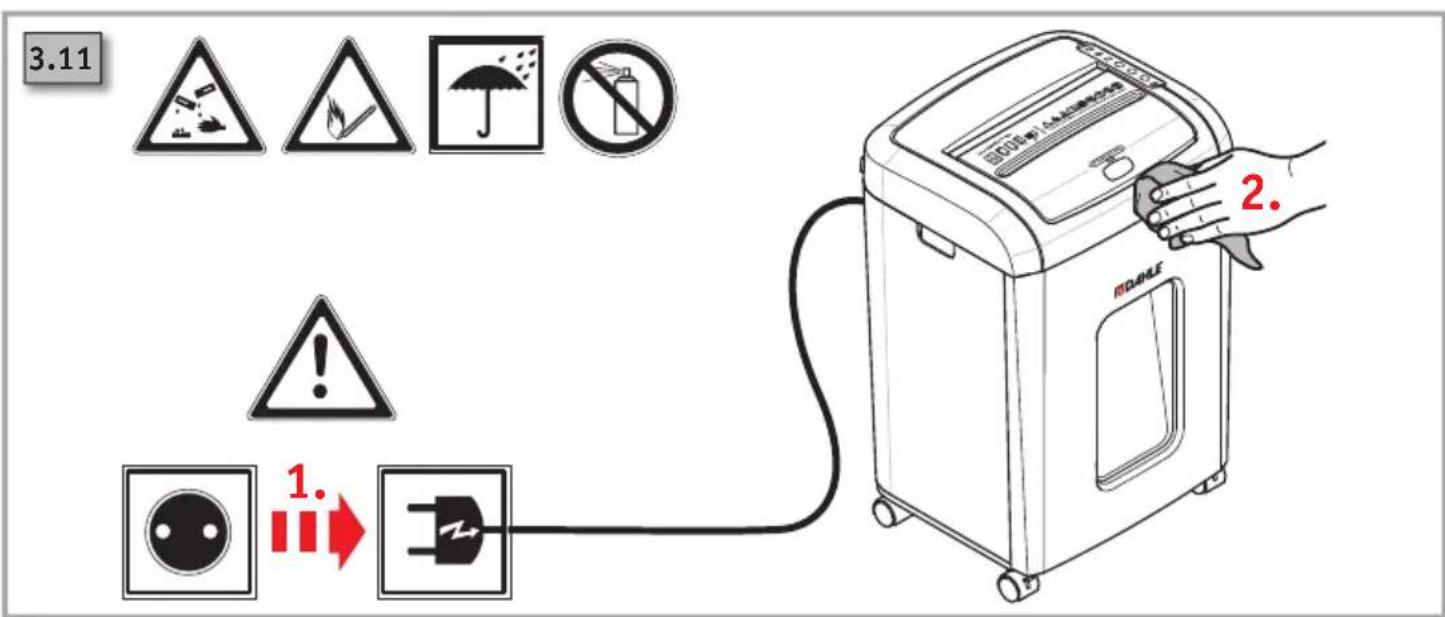
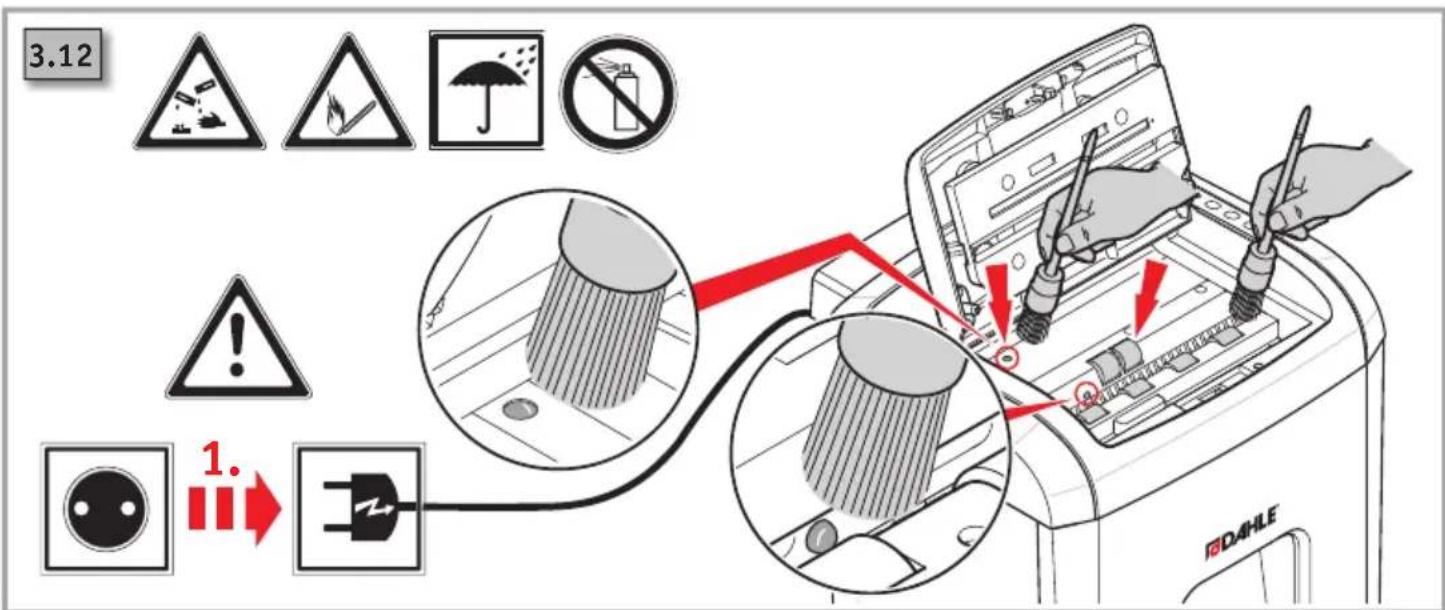
3.11 Cleaning the device .....97
1.1 Intended use, warranty
The document shredder is intended to be used for shredding paper.
Depending on the model variant, a small amount of the following materials can also be shredded:
- CDs/DVDs, bank cards and credit cards (see technical data).
- The normal staples and paper clips found in paper documents (exception: security level P6 and P7 devices).
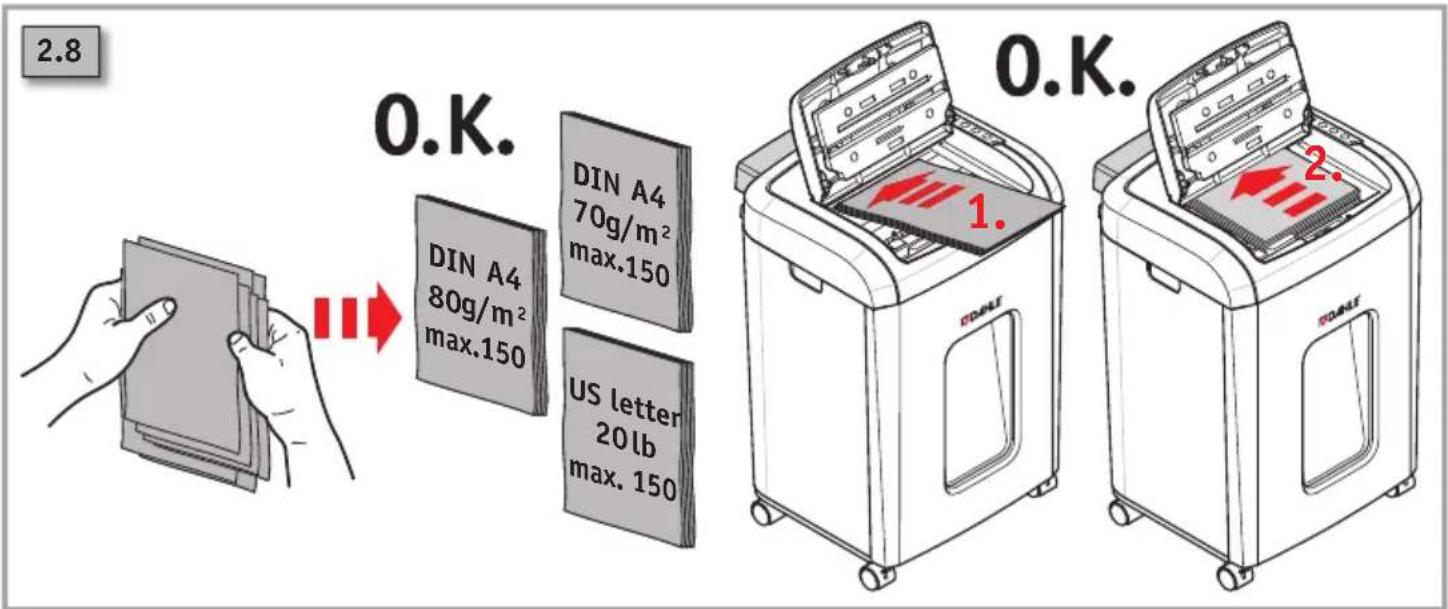
The device has an automatic intake for paper stacks that consist of individual sheets that are not folded (max. 100g / m2 ). Paper clipped together, either with paper clips or staples, can generally also be processed in the stacks. The precondition for this that the clips should be on the rear side of the paper tray (pointing away from the user).
However, removing the office clips/staples before shredding is recommended to extend the life of the device. In individual cases, depending on the quantity and position of the clips and the thickness of the clipped stack, misfeeding and hence an interruption of the shredding process may occur.
Wear, damage due to improper use or unauthorised modifications and repairs are not covered by the warranty or the guarantee.
The document shredder was designed for private use and for use in normal office environments.
The following conditions apply to the performance in terms of sheets listed under technical data:
Maximum number of sheets that are shredded in one pass under the following conditions: New cutting rollers, oiled if needed, cold motor, power supply with nominal voltage and nominal frequency (230 V/50 Hz; 120 V/60 Hz).
Deviations may result in reduced sheet processing and increased operating noises. The sheets are fed centrally and lengthwise at a 90 degree angle. The performance in terms of sheets can also vary depending on the paper properties and input.
1.2 Safety instructions
- Check that the voltage and mains frequency of your electricity supply match the information on the name-plate.
- Do not place the device near a source of heat.
- Store, transport and operate the device in an upright position only.
- Only use liquids and gases on the device that comply with DAHLE guidelines.
- Do not open up the device. Risk of electric shock.
- Only operate the device in closed spaces, at temperatures of between 10 °C and 25 °C (50 °F to 77 °F) and at a non-condensing humidity of between 15 % and 95 %.
-
Ensure that the building installation has short-circuit protection: max. 16 A(US max. 20 A).
-
Do not operate the document shredder without inserting documents.
- The device is not intended for use by persons (including children) with restricted physical, sensory or mental capabilities or a lack of experience and knowledge, unless they are working under supervision or receive detailed instruction about how to use the device from a person who is responsible for safety.
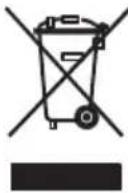
Dispose of the document shredder properly in an environmentally friendly way at an authorised collection point. Do not dispose of any parts of the document shredder or packaging in domestic waste.
1.3 Key to pictograms

Important information

User information/safety instructions

WARNING
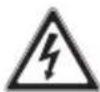
CAUTION! Risk of electric shock.

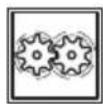
WARNING, moving parts This equipment is not intended for use use by children. Avoid touching the media feed opening with the hands, clothing or hair. Unplug this equipment when not in use for an extended period of time, hazardous moving parts in this equipment, keep body parts away from moving parts.
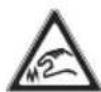
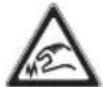
ATTENTION, sharp edges. Do not touch.
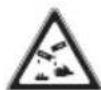
Do not use near caustic substances.

Place the device in a stable position on the floor, leaving a gap of 100 mm to the wall, ensure no heat can accumulate, engage brake mechanisms (depending on type)
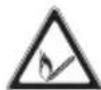
Do not use near inflammable liquids or gases.
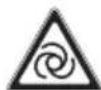
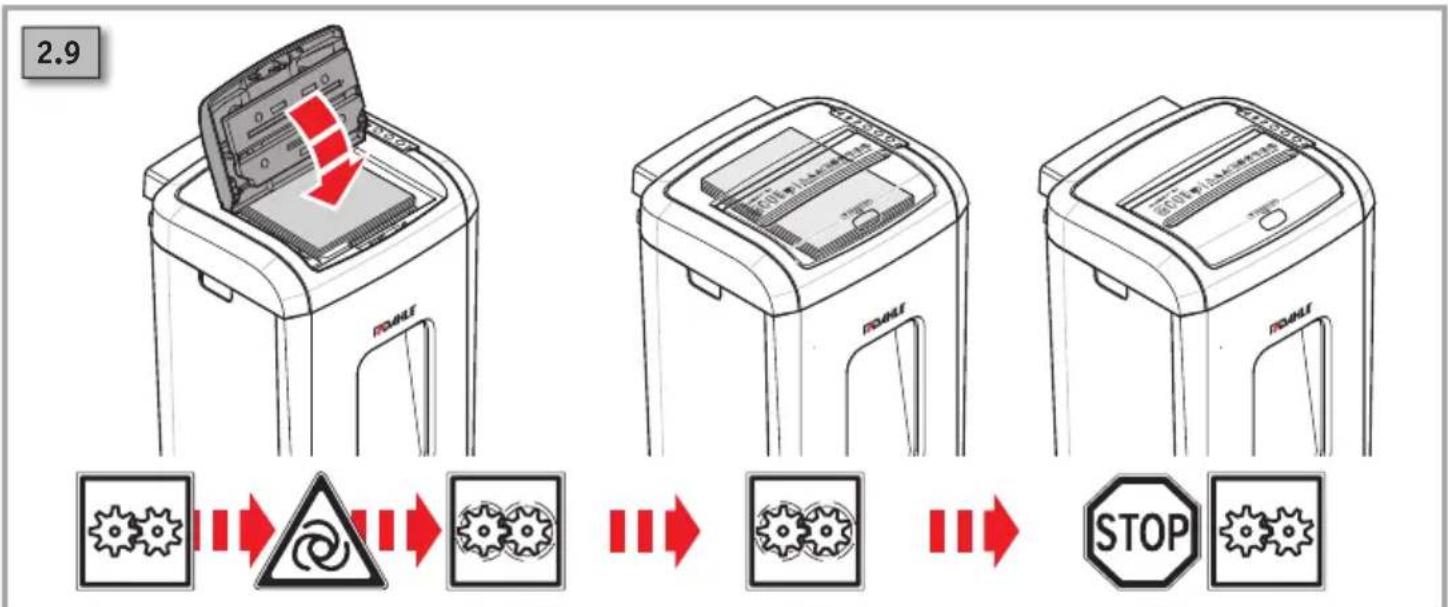
Automatic start-up

Do not expose to moisture

This document shredder is not intended to be used by children (the product is not a toy).

Do not touch the paper feed with your hands.

Do not allow items of clothing to come into contact with the paper feed.

Do not allow your hair to come into contact with the paper feed.

Keep spray cans away from the device.

Remove paper clips and staples before shredding.
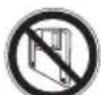
Do not insert any diskettes.

Disconnect the document shredder from the electrical power supply before performing maintenance work.
Technical specifications - Subject to technical modifications.
Noise level when operated without shredding documents
Intake speed
Paper - cross cut
Card - cross cut

Weight
The power plug is used to disconnect the power supply.
The mains socket must be easily accessible at all times.

How to use
Document shredder on standby
Document shredder in operation

Automatic shut-down!
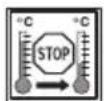
The document shredder will switch off automatically to cool down if used for a long time and /or if overloaded
Maintenance instructions / troubleshooting
Container full

Possible malfunctions
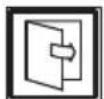
Automatic switch-off when housing is open
fr Mode d'emploi

ATTENTION!
ATTENTION, pièces mobiles
Makulator i stand-by
Makulator i drift

Automatisk slukning!
DÉMESIO!
UZMANIBU!
flowchart
graph LR
    A["1. Hand placement"] --> B["2. Washing Machine with Red Arrow"]
    B --> C["3. Closed Washing Machine with Red Arrow"]
flowchart
graph LR
    A["Start"] --> B{Shutdown}
    B -->|Yes| C["Stop"]
    B -->|No| D["Recovery"]
    D --> E{Recovery}
    E -->|Yes| F["Stop"]
    E -->|No| G["Recovery"]
    G --> H{Recovery}
    H -->|Yes| I["Stop"]
    H -->|No| J["Recovery"]
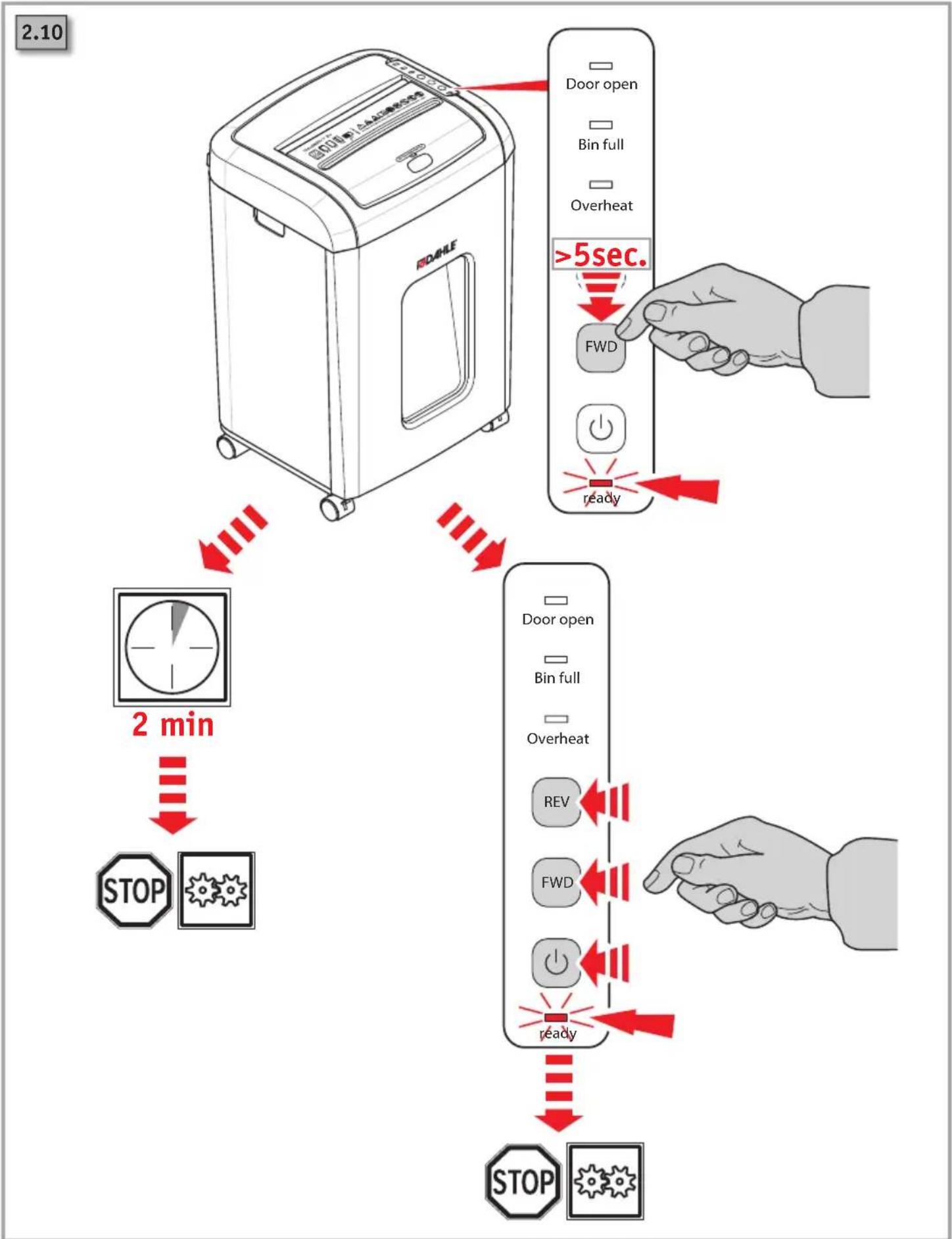
flowchart
graph TD
    A["2 min"] --> B["STOP"]
    B --> C["Stop Open"]
    C --> D["Door open"]
    D --> E["Bin full"]
    E --> F["Overheat"]
    F --> G["FWD"]
    G --> H[">5sec."]
    H --> I["Ready"]
    I --> J["Stop"]
flowchart
graph TD
    A["3.2"] --> B["Overheat"]
    B --> C["REV"]
    C --> D["FWD"]
    D --> E["ready"]
    B --> F["2."]
    F --> G["3."]
    G --> H["4."]
    H --> I["5."]
    I --> J["DOATE"]
    style A fill:#f9f,stroke:#333
    style J fill:#bbf,stroke:#333
flowchart
graph LR
    A["Door open"] --> B["Stop"]
    B --> C["Bin full"]
    C --> D["Overheat"]
    D --> E["STOP"]
    E --> F["Bin full"]
    F --> G["Overheat"]
    G --> H["REV"]
    G --> I["FWD"]
    G --> J["Power Supply"]
    G --> K["Ready"]
Headquarters:
Novus Dahle GmbH
Breslauer Straße 34 - 38
DE-49808 Lingen (Ems)
Service contact:
Novus Dahle GmbH

Brand : Dahle
Model : ShredMATIC SM 150
Category : Shredder