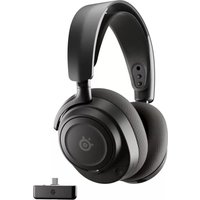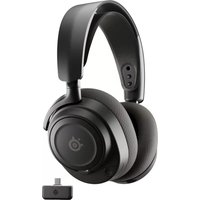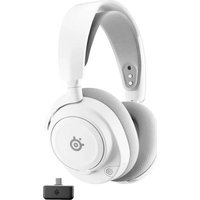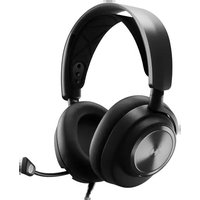
Arctis Nova Pro X - Headphones STEELSERIES - Free user manual and instructions
Find the device manual for free Arctis Nova Pro X STEELSERIES in PDF.



User questions about Arctis Nova Pro X STEELSERIES
0 question about this device. Answer the ones you know or ask your own.
Ask a new question about this device
Download the instructions for your Headphones in PDF format for free! Find your manual Arctis Nova Pro X - STEELSERIES and take your electronic device back in hand. On this page are published all the documents necessary for the use of your device. Arctis Nova Pro X by STEELSERIES.
USER MANUAL Arctis Nova Pro X STEELSERIES
natural_image
Simple line drawing of a mechanical component with a circular base and handle (no text or symbols)ARCTIS NOVA PRO
PRODUCT INFORMATION GUIDE
TABLE OF CONTENTS
General 3
Product Overview 4
Setup 6
GameDAC Operation 7
Audio Options 8
Audio Output Settings 9
Microphone 10
Perfect Fit 11
Speaker Plates 12
Translations 13
Deutsch 13
Español 15
Français 17
Italiano 19
Polski 21
Português 23
Русский 25
日本語 27
简体中文 29
繁體中文 31
한국어 33
Regulatory 35
PACKAGE CONTENTS
Arctis Nova Pro X Headset
GameDAC
Main Audio Cable
2x USB-C to USB-A Cable
Microphone Pop Filter
Product Information Guide
SYSTEM COMPATIBILITY
Xbox Series X|S
Xbox One
PC
PlayStation 5
PlayStation 4
Nintendo Switch
Android
SOFTWARE
text_image
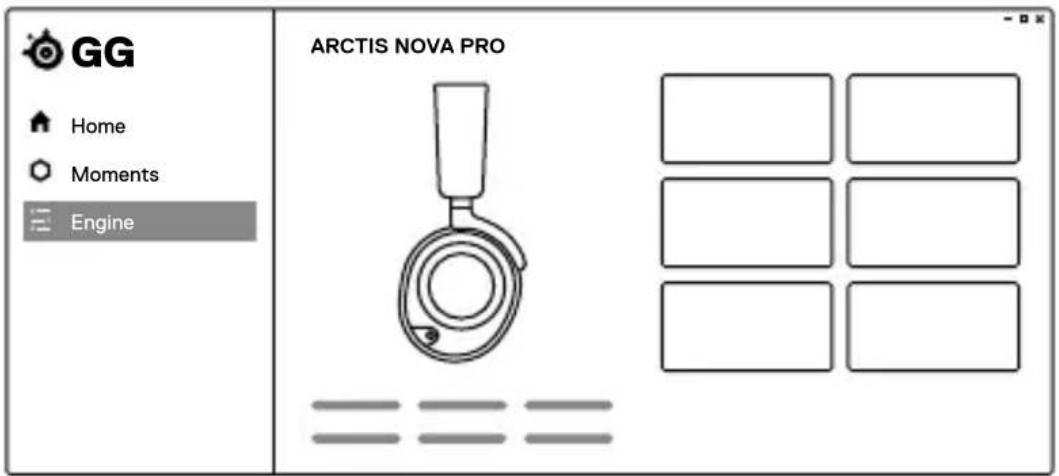
GG Home Moments Engine ARCTIS NOVA PRO =Use Engine inside SteelSeries GG to set custom equalizer settings and control your mic.
GG also has other amazing apps like Sonar, a breakthrough in gaming sound, that allows you to hear what matters most, through cutting-edge audio tools.

DOWNLOAD NOW
steelseri.es/gg
HEADSET
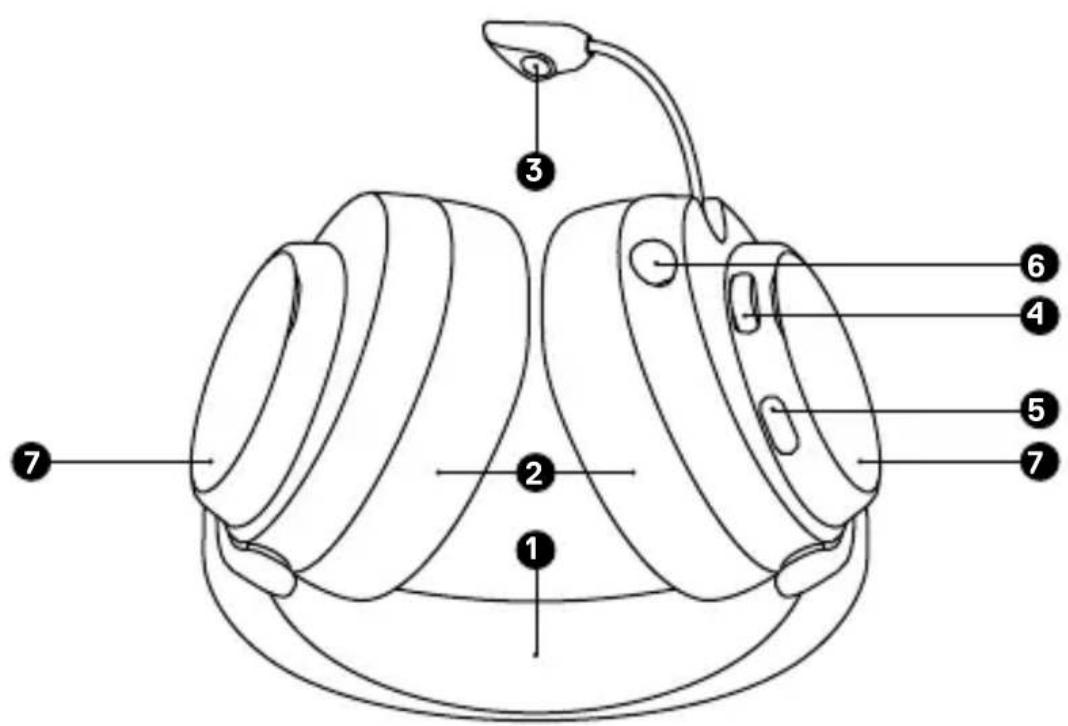
1 Elastic Headband
2 Premium Leatherette Ear Cushions*
3 Retractable ClearCast Microphone
4 Volume Wheel
5 Microphone Mute Button
6 3.5 mm Audio Jack
7 Removable Speaker Plates*
text_image
Labeled diagram of a pump device with numbered parts for identificationACCESSORIES\*
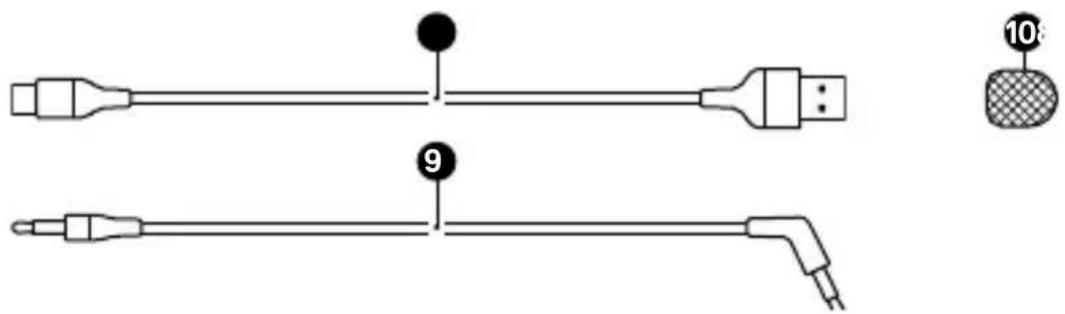
8 USB-C to USB-A Cable (×2)
9 Main Audio Cable
10 Microphone Pop Filter
text_image
Diagram showing two labeled electrical connectors with pin numbers and a close-up of a textured component labeled '10'.GAMEDAC
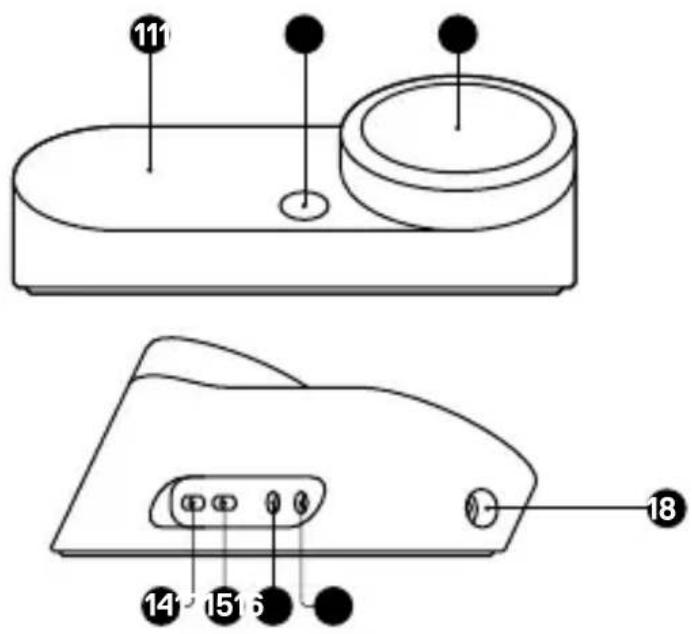
11 OLED Screen
12 Secondary Button
13 Control Wheel
14 Xbox Jack
15 USB Jack
16 Line Out Jack
17 Line-In Jack
18 Headset Jack
text_image
Technical diagram of a device with numbered components and labeled partsCONNECTIONS
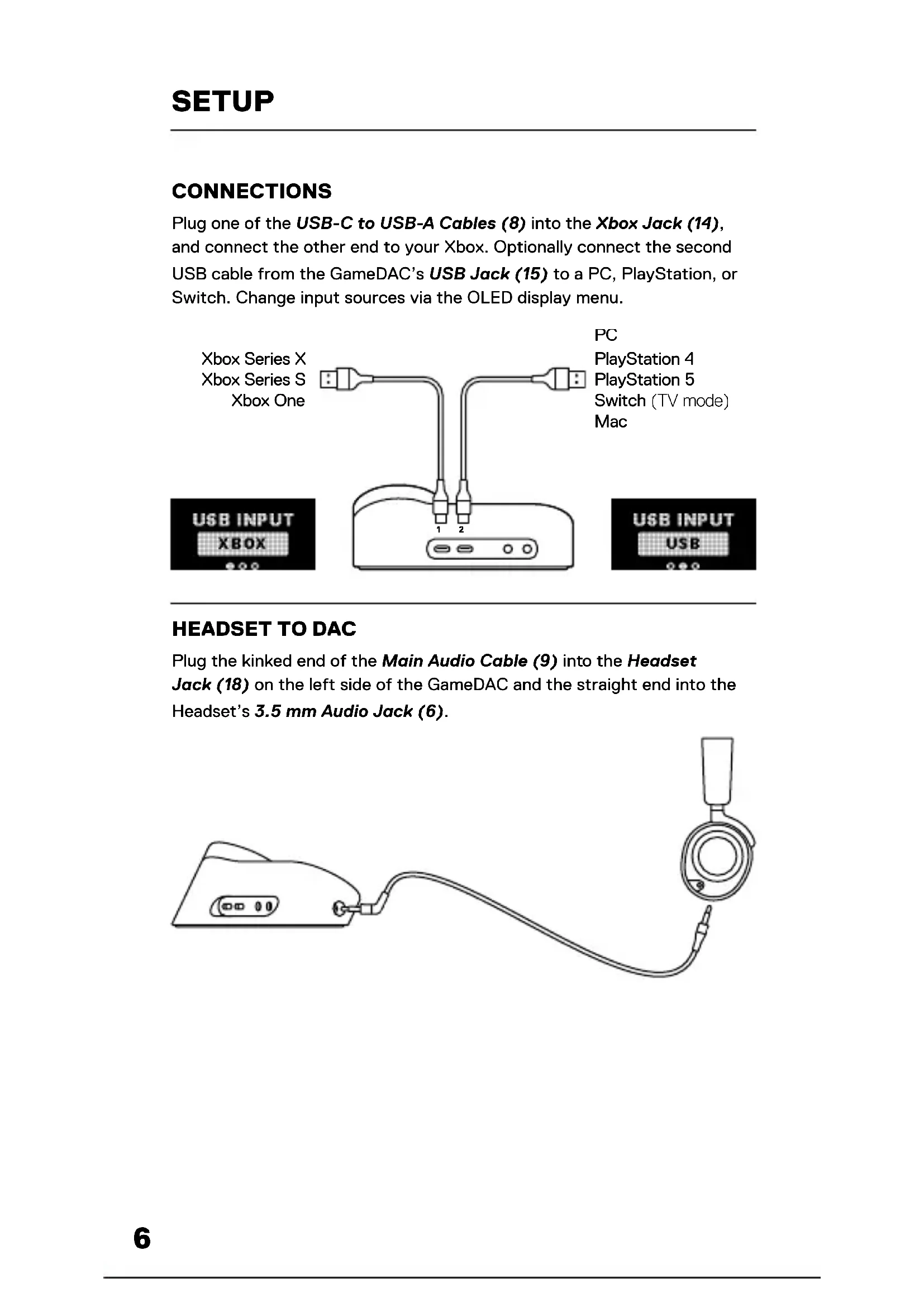
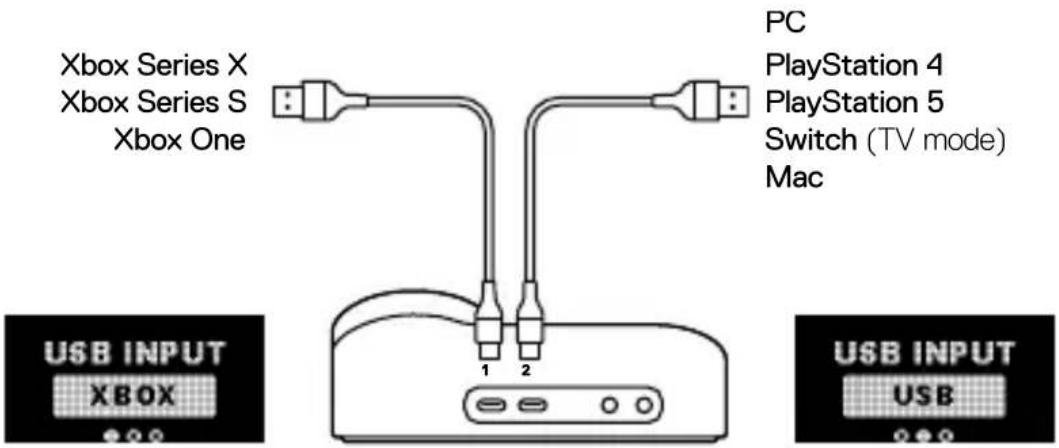
Plug one of the USB-C to USB-A Cables (8) into the Xbox Jack (14), and connect the other end to your Xbox. Optionally connect the second USB cable from the GameDAC's USB Jack (15) to a PC, PlayStation, or Switch. Change input sources via the OLED display menu.
text_image
Xbox Series X Xbox Series S Xbox One PC PlayStation 4 PlayStation 5 Switch (TV mode) Mac USB INPUT XBOX 1 2 USB INPUT USBHEADSET TO DAC
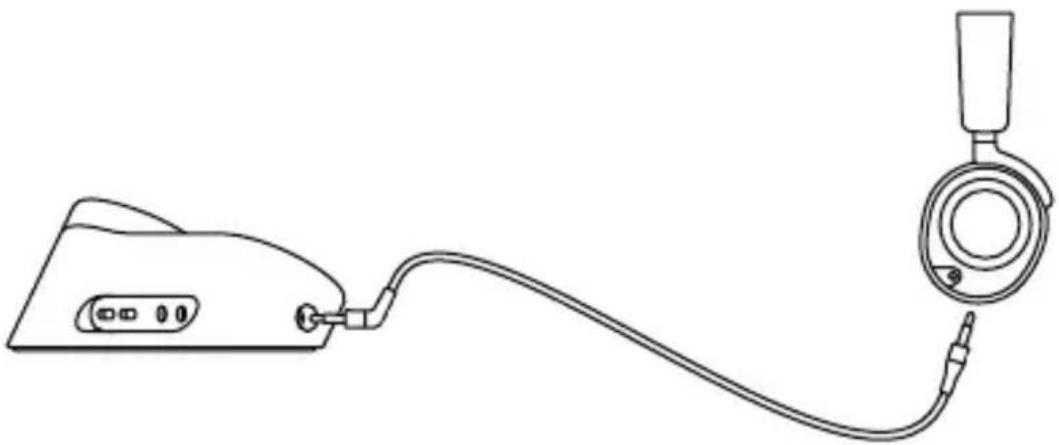
Plug the kinked end of the Main Audio Cable (9) into the Headset Jack (18) on the left side of the GameDAC and the straight end into the Headset's 3.5 mm Audio Jack (6).
natural_image
Line drawing of a medical device with attached tubing and connector (no text or symbols)HOME SCREEN
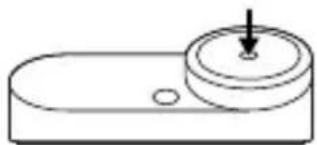
19 Press and release the Control Wheel (13) to toggle between Volume and ChatMix (*available on PC with software installed).
natural_image
Simple line drawing of a mechanical component with a circular top and two holes (no text or symbols)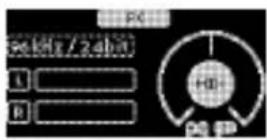
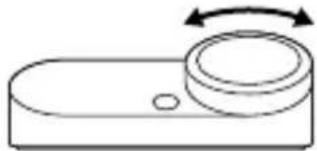
20 Rotate the Control Wheel (13) to adjust the selected parameter.
natural_image
Simple line drawing of a remote control handle with a circular button and directional arrow (no text or symbols)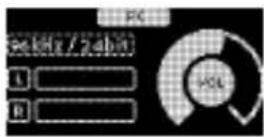
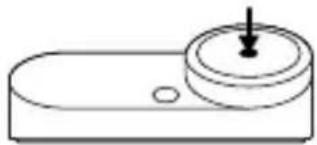
21 Press and hold the Control Wheel (13) to bring up the main menu.
natural_image
Simple line drawing of a mechanical component with a circular top and central hole (no text or symbols)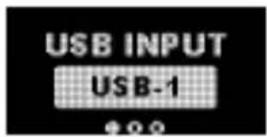
MAIN MENU
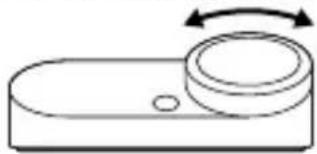
1 Rotate the Control Wheel (13) to cycle menu items.
natural_image
Simple line drawing of a remote control switch with a circular dial and bidirectional arrow (no text or symbols)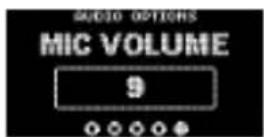
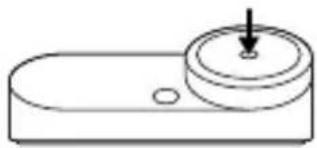
2 Press and release the Control Wheel (13) to select.
natural_image
Simple line drawing of a mechanical component with a circular top and two holes (no text or symbols)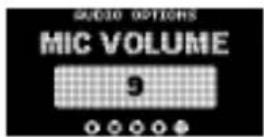
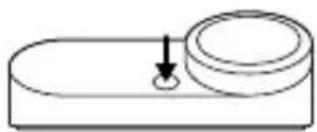
3 Press and release the Secondary Button (12) to move back in the menu.
natural_image
Simple line drawing of a mechanical component with a circular top and a downward arrow indicating force or motion (no text or symbols)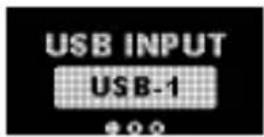
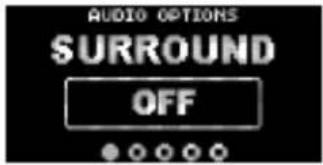
1 SURROUND
Toggle Software Surround Sound On/Off (PC only, requires software install)
2 EQUALIZER
Customize your sound with included presets or fully adjustable 10-band EQ
3 GAIN
Changes the maximum output level of the GameDAC
4 SIDETONE
Select the amount of your own voice you wish to hear in the headphones
5 MIC VOLUME
Optimize the level of the microphone for your system
6 MIC MUTE
When enabled, the Secondary Button (12) toggles microphone mute
text_image
AUDIO OPTIONS SURROUND OFF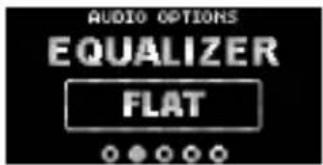
text_image
AUDIO OPTIONS EQUALIZER FLAT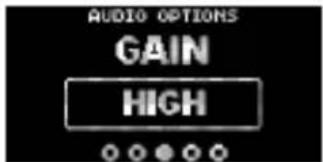
text_image
AUDIO OPTIONS GAIN HIGH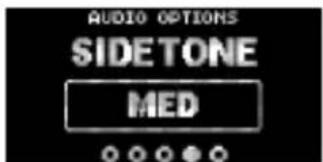
text_image
AUDIO OPTIONS SIDETONE MED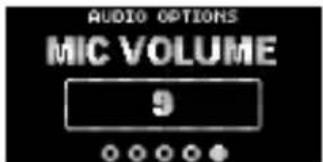
text_image
AUDIO OPTIONS MIC VOLUME 9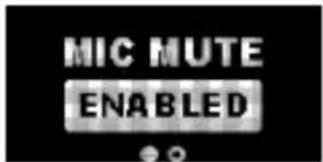
text_image
MIC MUTE ENABLEDSPEAKERS
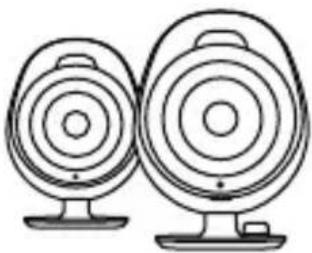
Play game and chat audio through a pair of external speakers.
1 Connect a 3.5 mm cable (not included) from the GameDAC Line Out Jack (16) to your speakers.
2 In the OLED menu set the Line Out option to 'Speakers'.
natural_image
Line drawing of two identical circular speakers with speaker bases (no text or symbols)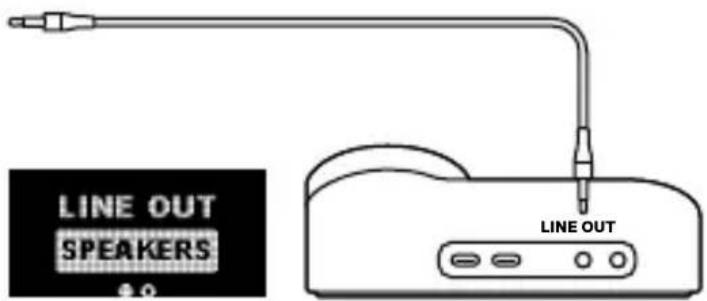
text_image
LINE OUT SPEAKERS LINE OUTSTREAM
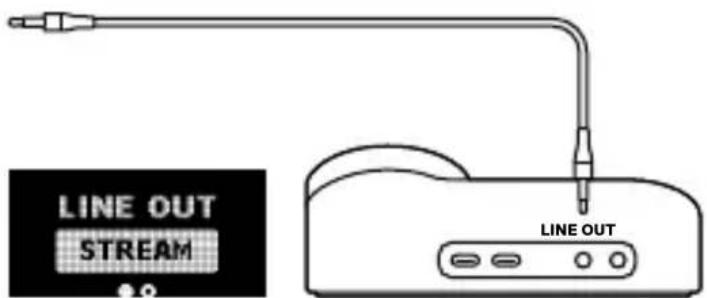
Mix your Main, Aux, and Mic audio together to send to a PC for streaming.
1 Connect a 3.5 mm cable (not included) from the GameDAC Line Out Jack (16) to your stream PC's soundcard input.
2 In the OLED menu set the Line Out option to 'Stream'.
3 Adjust your custom mix via the Stream Mixer on the OLED screen.
text_image
LINE OUT STREAM LINE OUTRETRACTABLE MICROPHONE
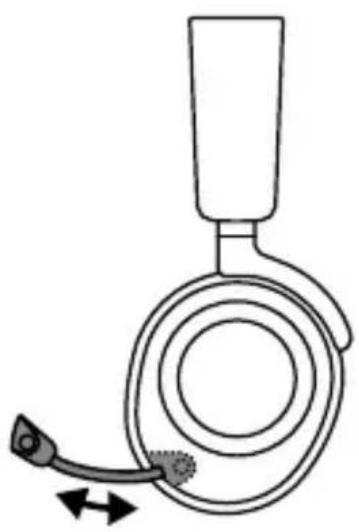
Out of the box, the Retractable ClearCast Microphone (3) is retracted. To use the microphone, slide it away from the headset until it reaches full extension.
natural_image
Diagram of a medical device with a bulb and needle inserted, showing motion direction (no text or symbols)POSITIONING
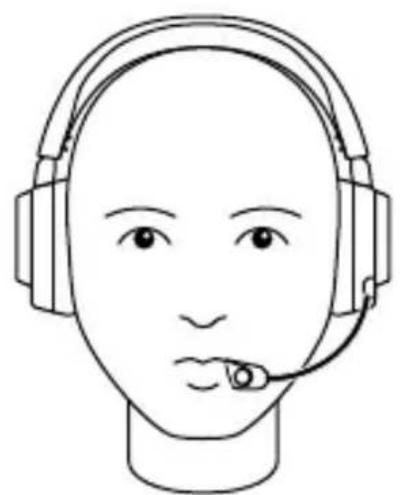
Position the Retractable ClearCast Microphone (3) close to the corner of your mouth with the front surface facing you.
Note: The microphone should not be used when retracted.
natural_image
Line drawing of a human head with headset and ear connector (no text or symbols)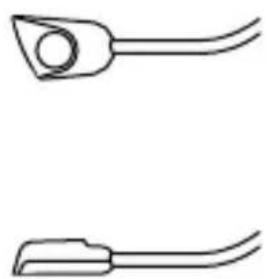
natural_image
Two simple line drawings of a tool or connector with curved ends and a central circular hole (no text or symbols)There are two ways to adjust the fit of your headset
1 Slide the earcups up or down to change the overall height.
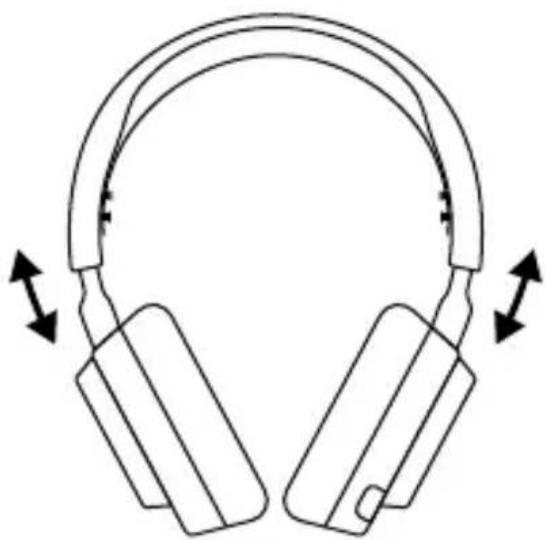
natural_image
Line drawing of a pair of headphones with bidirectional arrows indicating head movement (no text or symbols)1 Change the position of the Elastic Headband (1) on one or both sides to achieve the desired tension and flex.
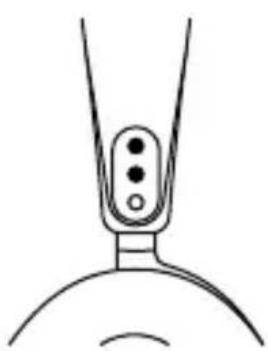
natural_image
Simple line drawing of a mechanical component with three circular holes and a curved base (no text or symbols)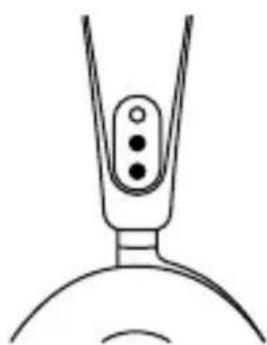
natural_image
Simple line drawing of a laboratory flask with three beakers (no text or symbols)The Removable Speaker Plates (7) are attached with magnets. To remove for replacement, place your fingernail in the groove at the bottom of the plate and gently lift.
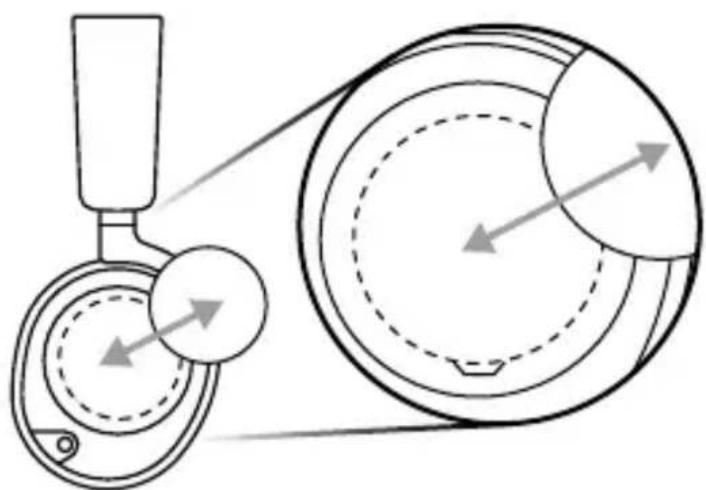
natural_image
Diagram of a pulley system with two circular components and directional arrows indicating motion (no text or labels)DEUTSCH
ALLGEMEIN
LIEFERUMFANG
ANPASSEN DER OHRMUSCHELN
9 Câble audio principal
GAMEDAC
FONCTIONNEMENT DU GAMEDAC
ÉCRAN D'ACCUEIL
*在steelseries.com/gaming-accessories查找配件和替换件
设置
连接
*在steelseries.com/gaming-accessories查找配件和替换件
設定
連接
Europe – EU Declaration of Conformity
Hereby, SteelSeries ApS. declares that the equipment which is compliance with directive RoHS 2.0 (2015/863/EU), EMC Directive (2014/30/EU), and LVD (2014/35/EU) which are issued by the Commission of the European Community.
The full text of the EU declaration of conformity is available at the following internet address: https://steelseries.com/
SteelSeries ApS. hereby confirms, to date, based on the feedback from our suppliers indicates that our products shipping to the EU territory comply with REACH (Registration, Evaluation, Authorization, and Restriction of Chemicals - (EC) 1907/2006) compliance program. We are fully committed to offering REACH compliance on the products and posting accurate REACH compliance status for the all of products.
UK CA
UK Declaration of Conformity
Hereby, SteelSeries ApS. declares that the following equipment which is compliance with Electromagnetic Compatibility Regulations 2016, Electrical Equipment (Safety) Regulations 2016 and The Restriction of the Use of Certain Hazardous Substances in Electrical and Electronic Equipment Regulations 2012 issued by the Department for Business, Energy& Industrial Strategy.
The full text of the UK declaration of conformity is available at the following internet address: www.steelseries.com
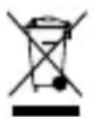
WEEE
This product must not be disposed of with your other household waste or treat them in compliance with the local regulations or contact your local city office, your household waste disposal service or the shop where you purchased the product.
Turkey RoHS Compliance
Federal Communication Commission Interference Statement
This device complies with Part 15 of the FCC Rules. Operation is subject to the following two conditions:
- This device may not cause harmful interference, and
- this device must accept any interference received, including interference that may cause
undesired operation.
This equipment has been tested and found to comply with the limits for a Class B digital device, pursuant to Part 15 of the FCC Rules. These limits are designed to provide reasonable protection against harmful interference in a residential installation. This equipment generates, uses and can radiate radio frequency energy and, if not installed and used in accordance with the instructions, may cause harmful interference to radio communications. However, there is no guarantee that interference will not occur in a particular installation. If this equipment does cause harmful interference to radio or television reception, which can be determined by turning the equipment off and on, the user is encouraged to try to correct the interference by one of the following measures:
- Reorient or relocate the receiving antenna.
- Increase the separation between the equipment and receiver.
- Connect the equipment into an outlet on a circuit different from that to which the receiver is connected.
- Consult the dealer or an experienced radio/TV technician for help.
| Region Address Telephone | ||
| USA SteelSeries ApS.,656 W Randolph St., Suite 3E,Chicago, IL 60661, USA | +1 312 258 9467 | |
Industry Canada Statement
This device complies with RSS standards of the Industry Canada Rules. Operation is subject to the following two conditions:
- This device may not cause harmful interference, and
- This device must accept any interference received, including interference that may cause undesired operation.
This Class B digital apparatus complies with Canadian ICES-003.
SteelSeries Products and Australian Consumer Law
Our goods come with guarantees that cannot be excluded under Australian consumer law. You are entitled to a repair, replacement, or refund for a major failure and compensation for any other
reasonably foreseeable loss or damage. You are also entitled to have the goods repaired or replaced if the goods fail to be of acceptable quality and the failure does not amount to a major failure.
Should your product be defective, you can make a claim under Australian consumer law.
SteelSeries will provide its own remedies equivalent to those remedies in the consumer guarantee provisions of the Australian Consumer Law at any time within 24 months of the date of purchase. For the avoidance of doubt, SteelSeries acknowledges that the Australian Consumer Law may provide for remedies beyond 24 months for a number of its products.
Summary of Australian statutory consumer guarantees
Consumer guarantees in relation to goods
The goods will be of acceptable quality, The goods will be fit for a particular purpose, The goods will match their description, The goods will match the sample or demonstration model, You have title to the goods, You have undisturbed possession of the goods, There are no undisclosed securities on the goods.
Consumer guarantees in relation to services
We will provide the services with due care and skill, The services will be fit for a particular purpose, The services will be provided within a reasonable time.
For SteelSeries-branded goods, in addition to the above, we also guarantee that we will provide repairs or spare parts for a reasonable time. Under Australian consumer law, the remedy you are entitled to if a product fails to meet a consumer guarantee will depend on whether the failure to comply with the guarantee is major or minor.
Minor failures to comply with a consumer guarantee can normally be fixed or resolved in a reasonable amount of time. In this case, the seller can choose to offer you a refund, replacement, repair or, in the case of services, resupply. If the seller does not fix the problem or takes too long, you may be able to get it fixed by someone else and recover the costs from the seller depending on the circumstances.
Remedies for major failure with goods
Return the product and ask for a refund, Return the product and ask for an identical replacement, or one of similar value if reasonably available, Keep the product and ask for compensation for the drop in value caused by the problem.
Remedies for major failure with services
Cancel the contract and pay a reasonable amount for the work done, or seek a refund. For money already paid, keep the contract and negotiate a reduced price for the drop in value of the service — this may mean asking for some of your money back if you have already paid.
For goods, there is a major failure to comply with a consumer guarantee when:
- You would not have purchased the product if you had known about the problem.
- The product is significantly different from the description, sample or demonstration model you were shown.
- The product is substantially unfit for its normal purpose and cannot easily be made fit within a reasonable time.
- The product is substantially unfit for a purpose that you told the supplier about, and cannot easily be made fit within a reasonable time.
• The product is unsafe.
For services, there is a major failure to comply with a consumer guarantee when:
- You would not have engaged the service if you had known the nature and extent of the problem.
- The service does not meet the reasonable expectations for that type of service, and the problem cannot be rectified within a reasonable time.
-
You told the supplier that you wanted the service for a specific purpose, which was not fulfilled, and the problem could not be easily rectified within a reasonable time.
-
You told the supplier that you wanted a specific result, yet the service and end result failed to meet your specifications and could not be easily rectified within a reasonable time.
• The supply of the service has created an unsafe situation.
For information on Australian consumer laws, please visit Australian consumer law website at www.consumerlaw.gov.au.
Importer Name and Address: Ingram Micro Pty LTD / Level1, 61 Dunning Avenue. Rosebery NSW 2018
Telephone technical support: +61-2-9381-6000
Restriction on Hazardous Substances statement (India)
This product complies with the "India E-waste Rule 2011" and prohibits use of lead, mercury, hexavalent chromium, polybrominated biphenyls or polybrominated diphenyl ethers in concentrations exceeding 0.1 weight % and 0.01 weight % for cadmium, except for the exemptions set in Schedule 2 of the Rule.
More information and support from steelseries.com

Custom Union Compliance.
(Russia / Belarus / Kazakhstan / Armenia / Kyrgyzstan)

ACMA Compliance
(Australia/ New Zealand)
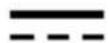
Direct Current
Product Name (產品名稱/产品名称): Headset (耳機/耳机)
Model No. (型號/型号): HS-00022
Rated (規格/規格): 3.5mm Audio Plug
Accessories information (配件資訊/配件信息)
Model No. (型號/型号): SC-00008
Rated (規格/規格): 5V = 500mA
Operating Temperature: 0 to +40 °C
產品使用環境溫度: 0 - 40度