Smart Sock 3 - Baby monitors Owlet - Free user manual and instructions
Find the device manual for free Smart Sock 3 Owlet in PDF.


| Product Type | Baby Sleep Monitor (Pulse Oximeter) |
| Brand | Owlet |
| Model | Smart Sock 3 |
| Maximum Child Weight | 24.9 kg (55 lbs) |
| Included Sock Sizes | Sizes 1, 2 and 3 (size 3 only in Smart Sock Plus) |
| Measurement Technology | Pulse Oximetry (oxygen level and heart rate) |
| Connectivity | Wi-Fi 2.4 GHz and Bluetooth |
| Mobile App | Owlet Care (iOS and Android) |
| Base Station Power Supply | AC power adapter 100-240 V, 50-60 Hz, output 5 V 1 A |
| Sensor Battery | Rechargeable, charges on base station |
| Sensor Battery Life | Approximately 1 hour after low battery notification |
| Bluetooth Range | Up to 30 meters |
| Notifications | Visual (light ring) and audible (base and app): yellow (poor positioning), blue (out of range), red (abnormal heart rate or oxygen) |
| Sensor and Sock Maintenance | Hand wash in cold water with mild soap every 2 weeks |
| Safety Instructions | Do not use as a medical device, does not replace parental supervision, keep base station at least 0.9 m from the crib |
| Included Accessories | 3 pairs of socks (sizes 1,2,3*), sensor, base station, cable, adapter, user manual |
| Warranty | 1 year for new products, 30-night satisfaction guarantee (purchases on owletcare.com) |
Frequently Asked Questions - Smart Sock 3 Owlet
User questions about Smart Sock 3 Owlet
0 question about this device. Answer the ones you know or ask your own.
Ask a new question about this device
Download the instructions for your Baby monitors in PDF format for free! Find your manual Smart Sock 3 - Owlet and take your electronic device back in hand. On this page are published all the documents necessary for the use of your device. Smart Sock 3 by Owlet.
USER MANUAL Smart Sock 3 Owlet
What product is this manual for?
Smart Sock 3
Smart Sock Plus
What's in the box
Socks size 1, 2, and 3 right and left sock for each size*
Smart Sock sensor
Base Station
Base Station cord
Power adapter
Quick start guide
* Size 3 socks only included in Smart Sock Plus
How does the Owlet Sock work?
natural_image
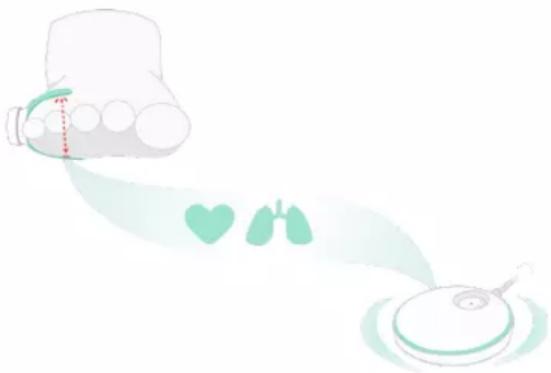
Illustration of a medical device with a stethoscope and two lungs, no text or symbols presentThe Sock sensor uses pulse oximetry to get readings from your child's foot while they sleep. A small light shines through the skin and the amount of blood flow and oxygen levels are estimated based on how much light is transmitted to the sensor.
The Sock sensor collects data and sends it to the Base Station. The Base Station notifies as needed based on the data sent from the Sock. The Base Station is your primary notification device in the event of a red notification and as such should be placed in a location where you can hear it if it sounds.
How the App works
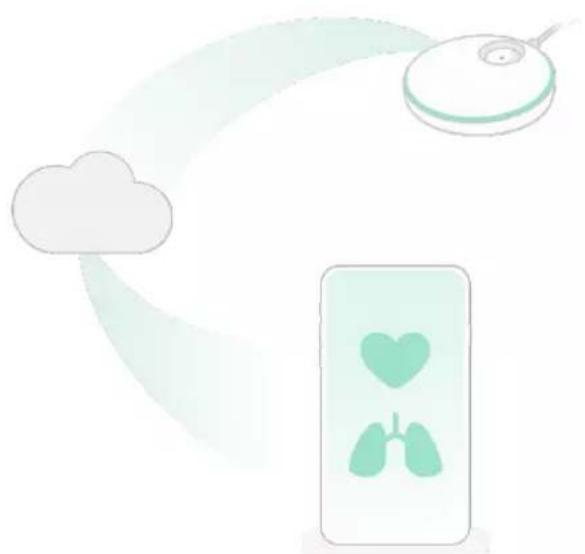
When connected to Wi-Fi: The Base Station sends information to the Owlet cloud via Wi-Fi. The Owlet cloud enables this data to be shown in the Owlet app. This enables real-time readings and notifications on the app from anywhere.
LAN (Local area network) mode:
To use LAN mode your phone must be on the same Wi-Fi connection as your Base Station. Using Wi-Fi, the app establishes an initial connection to the Owlet cloud and will deliver data to the app as long as the app is not closed and the Wi-Fi connection does not change on the app or Base Station.
natural_image
Illustration of a cloud, a CD, and a mobile device with heart and lungs symbols (no text or labels)How to set up and use the Owlet Sock
Requirements
The Owlet Smart Sock requires access to an iOS or Android device with the Owlet Care App downloaded; minimum OS versions apply, see app stores for details.
The Smart Sock Plus works for children weighing maximum 55 lbs (24.9 kg)
A 2.4 GHz wireless internet connection is required for live readings in the Owlet app, remote access to the app and some app features. HotSpot WiFi and 5 GHz are not supported.
To set up the Owlet Sock:
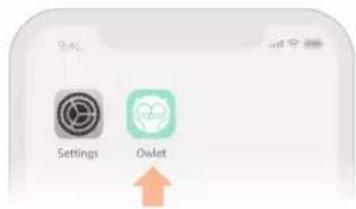
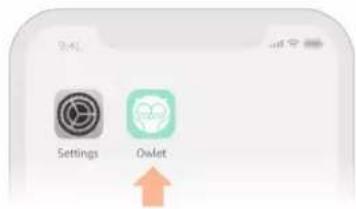
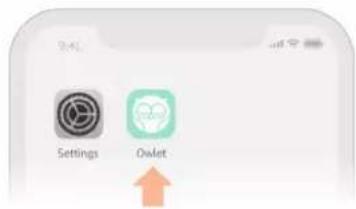
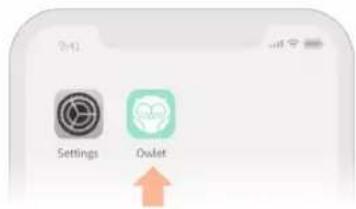
① Download the Owlet app Available for iOS and Android

Hi there! Let's make you an account.
Password (+6 characters long)
Re-enter Password
② Create an account
Follow the in-app instructions to create an account.
<
'Hoo' are you?
First Name
Last Name
Phone
Your Birthday
Zip
<
An email with a confirmation code has just been sent to you.
Resend email

Your account has been confirmed. Welcome to the Owlet family!
To home >

natural_image
Baby lying on a white surface with a medical tape patch, no visible text or symbolsLearn more about the Owlet Smart Sock >
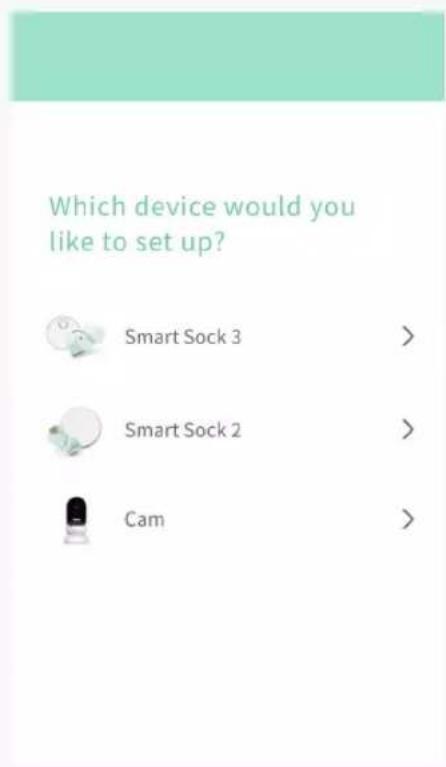
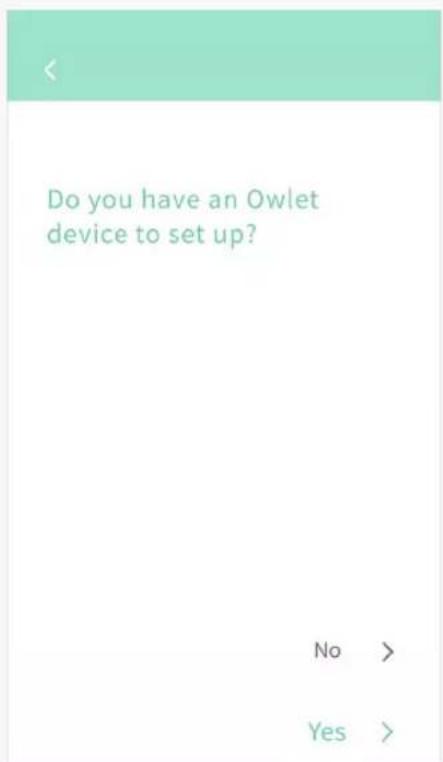
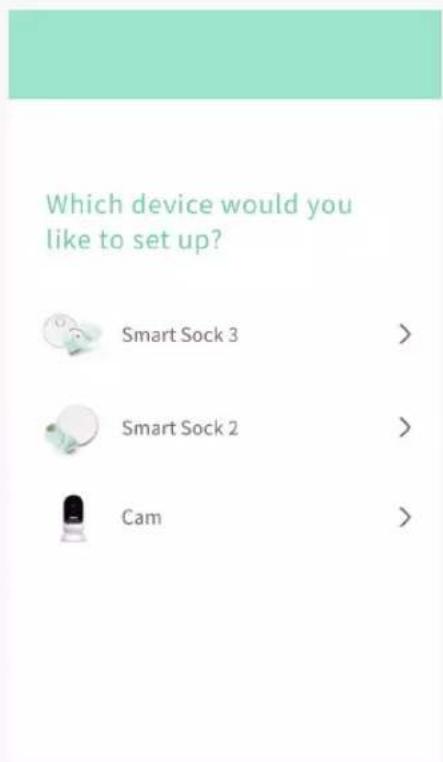
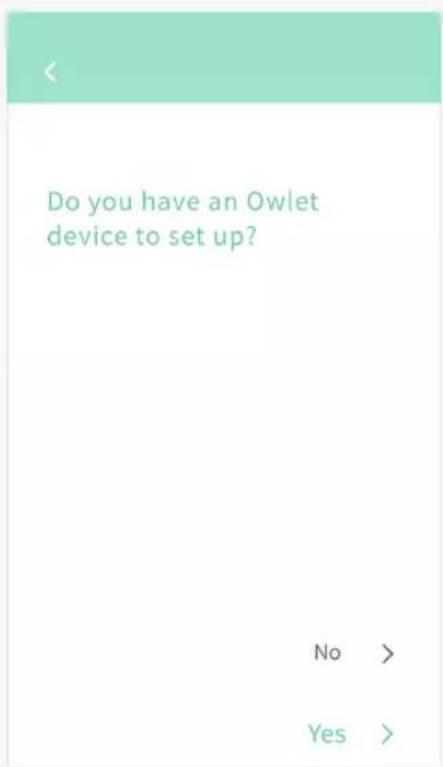
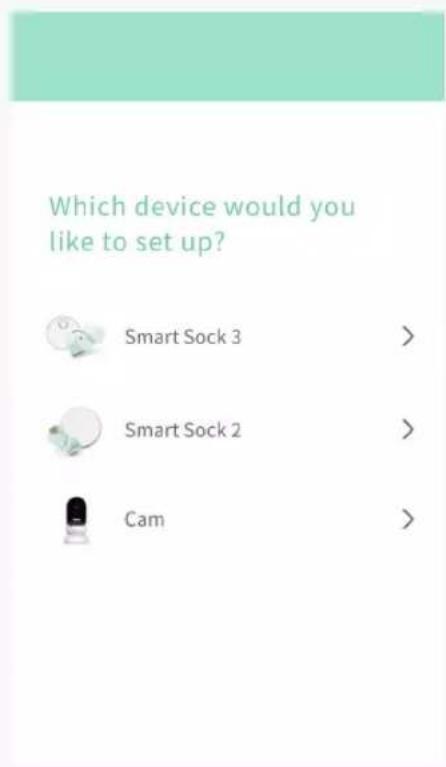
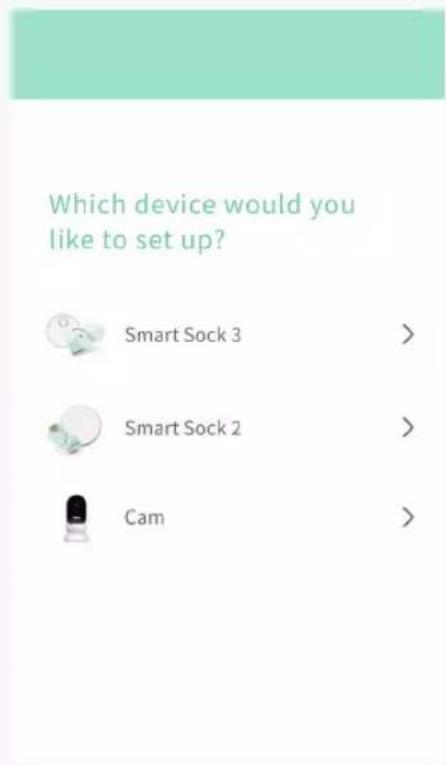
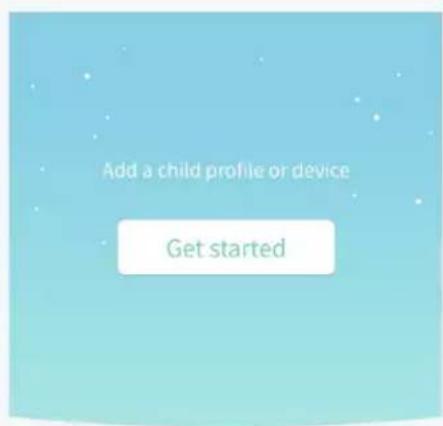
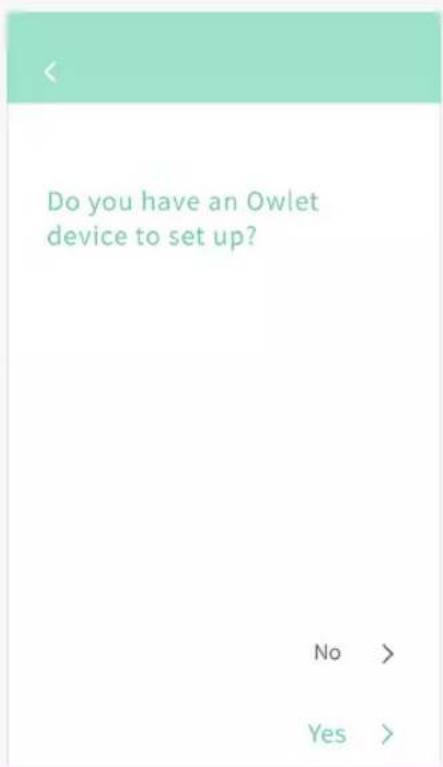
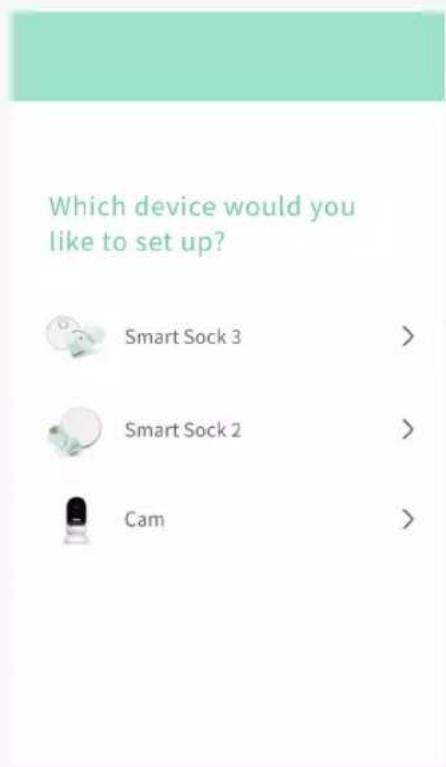
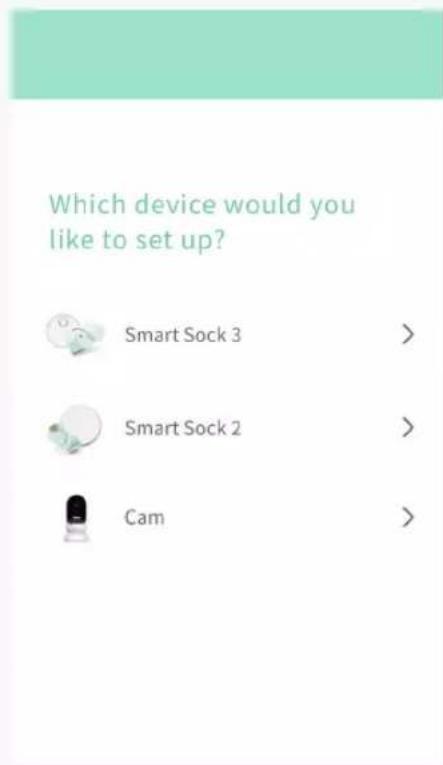
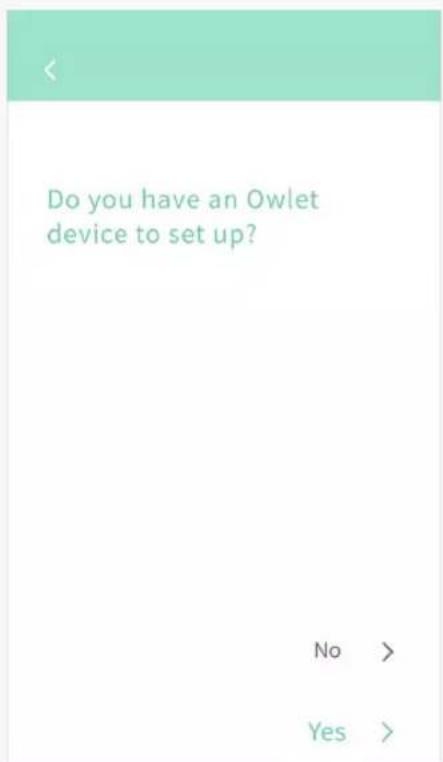
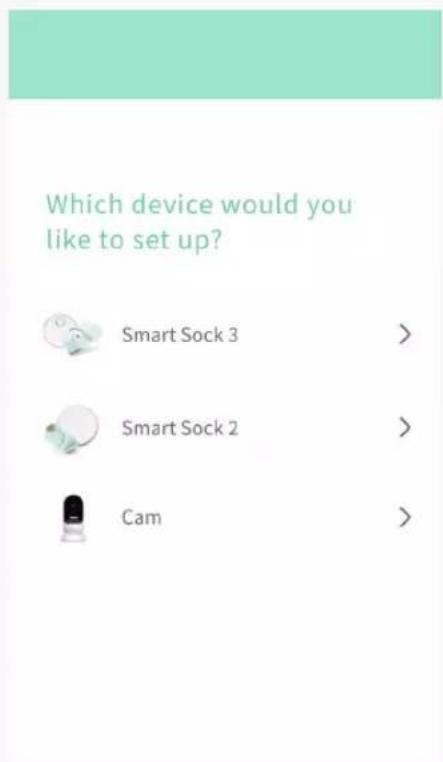
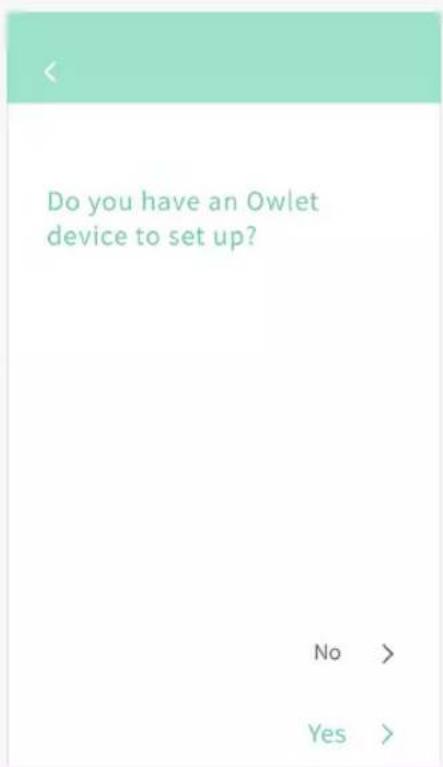
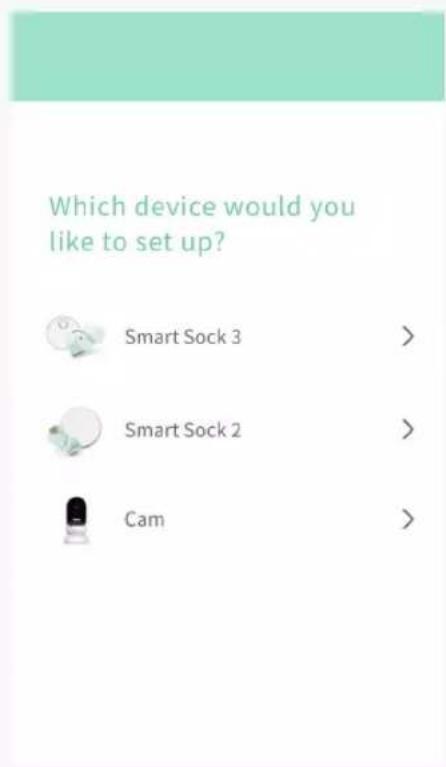
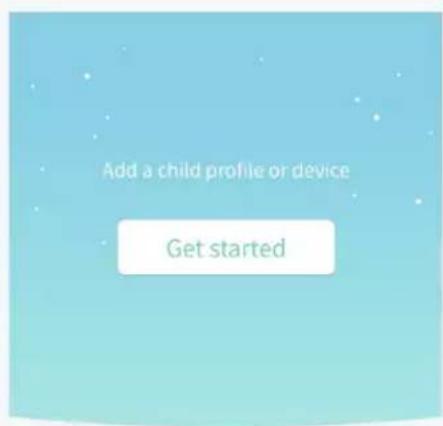
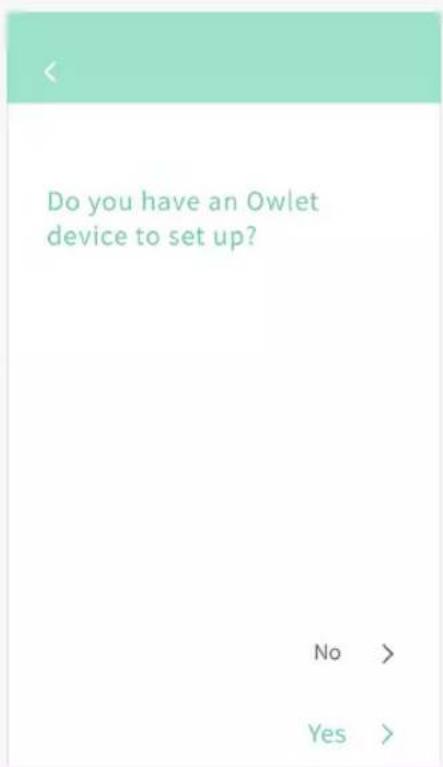
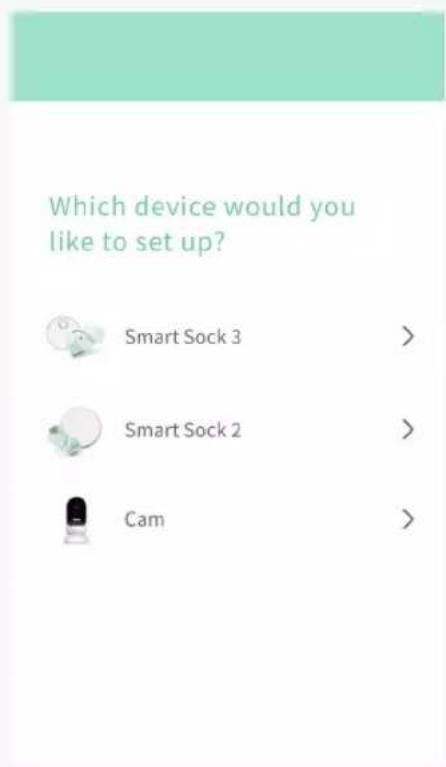
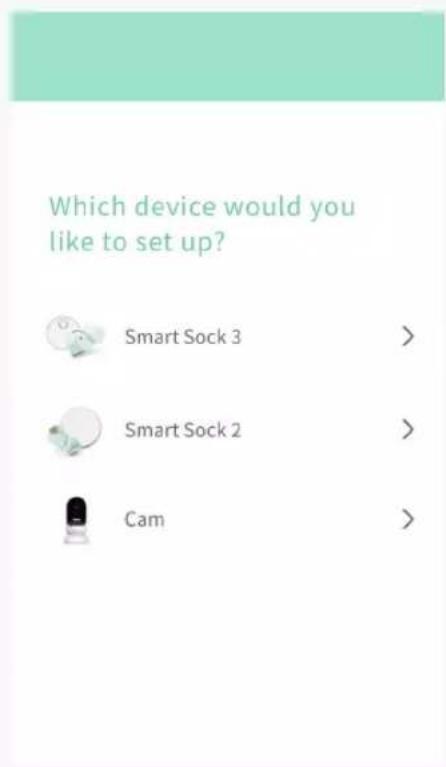
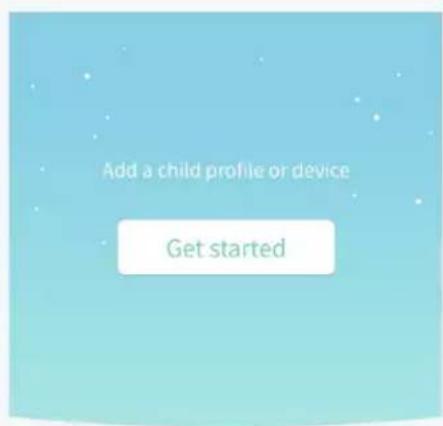
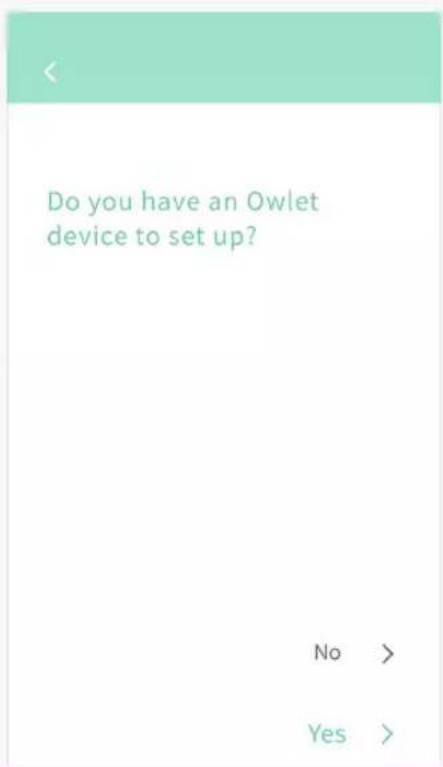
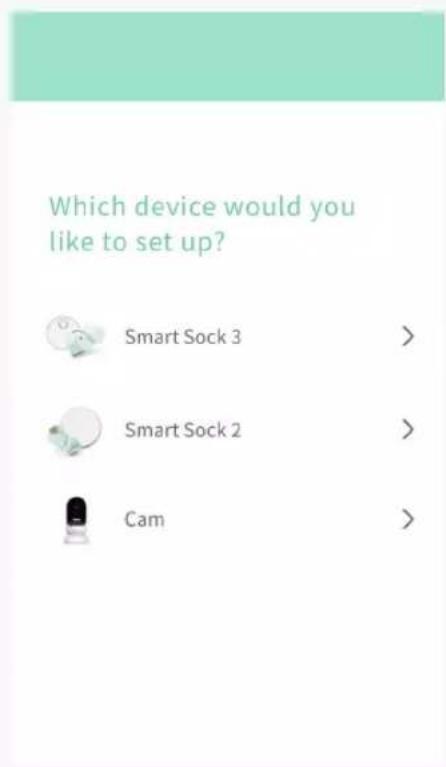
③ Set up a device
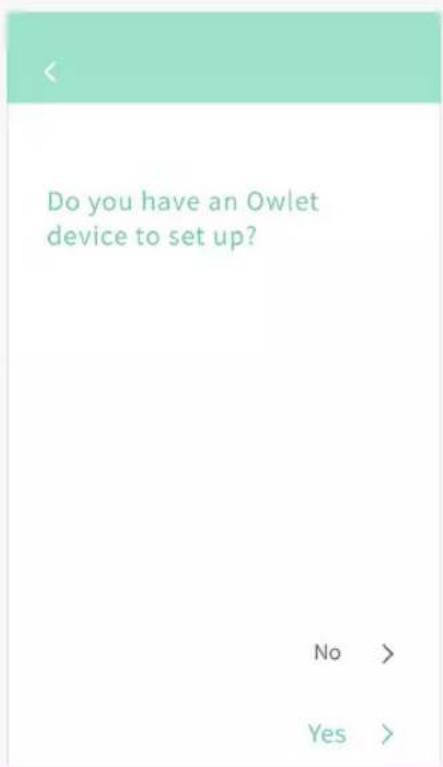
NOTE: If already have an Owlet account and are adding an additional Owlet device, follow the instructions in the app to add a new device.
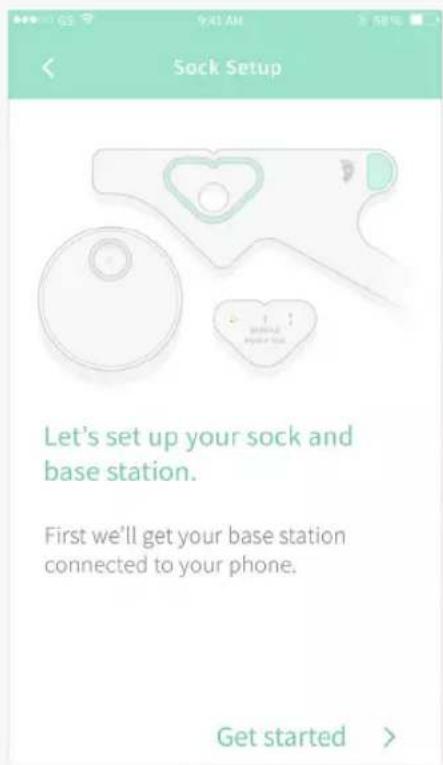
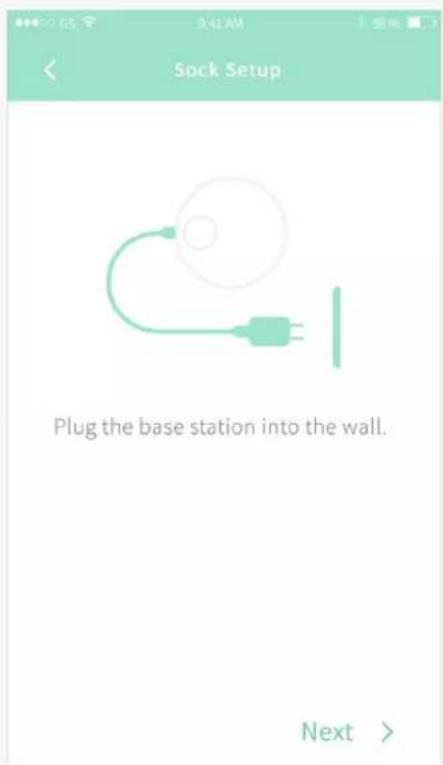
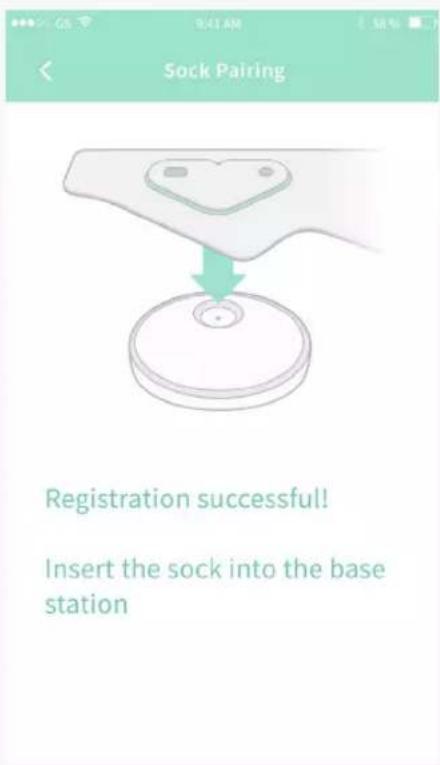
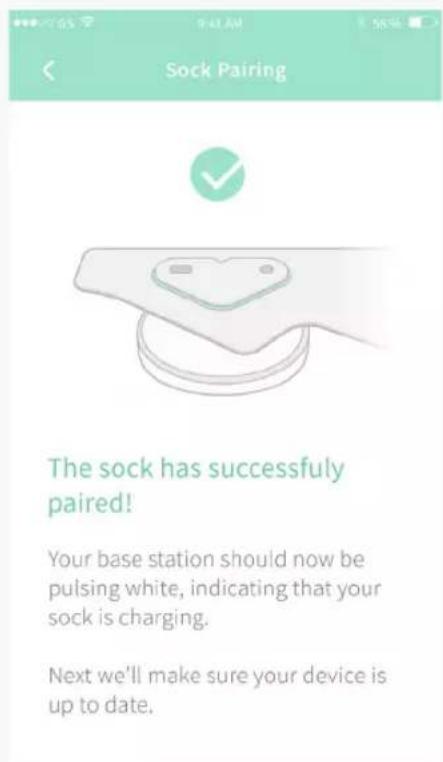
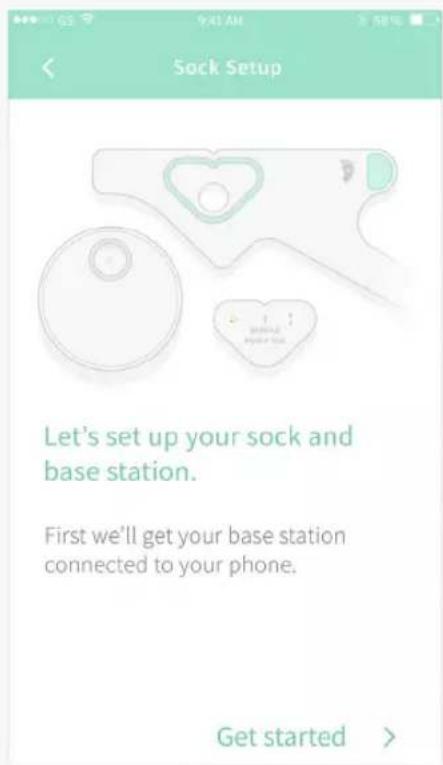
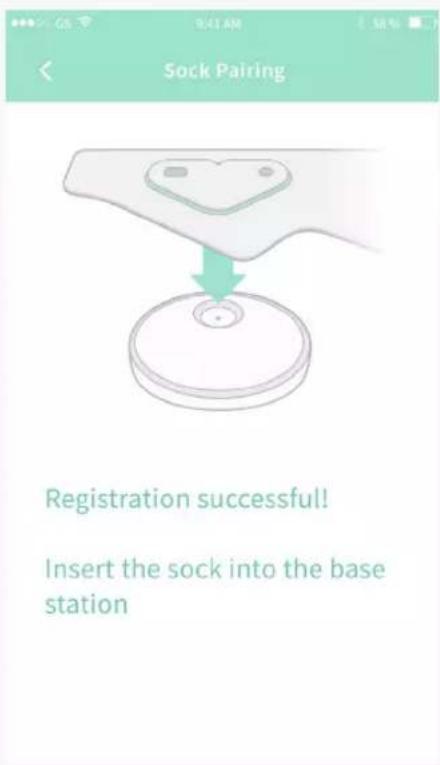
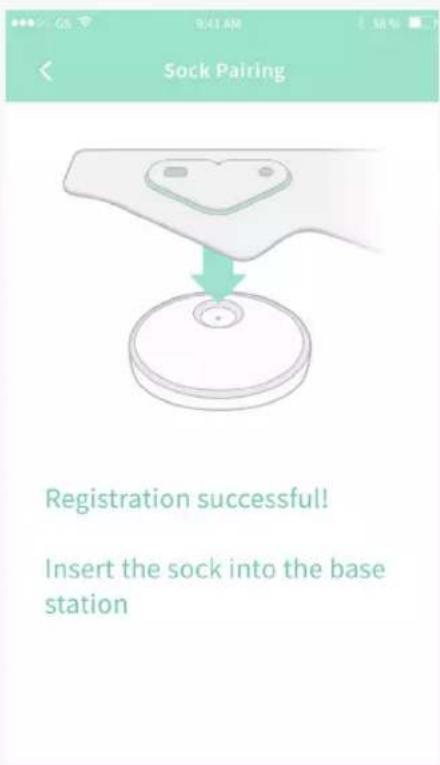
④ Plug in the Base Station to a power source and plug the Sock into the Base Station.
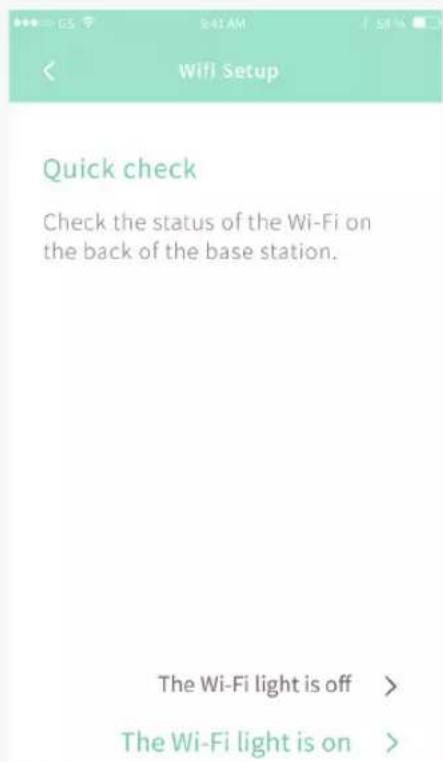
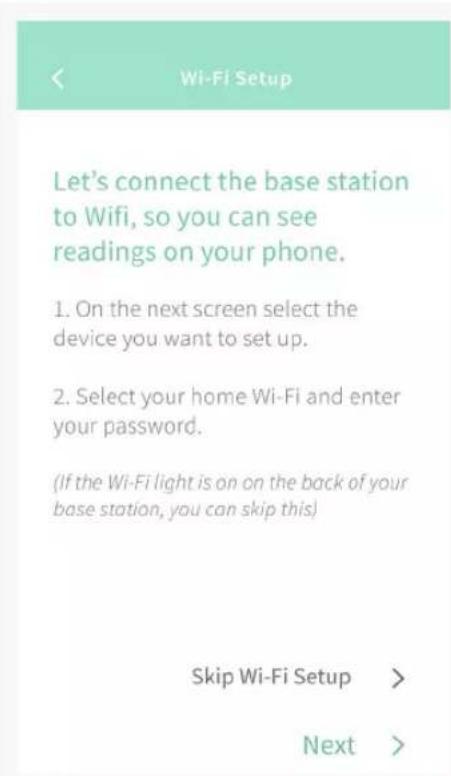
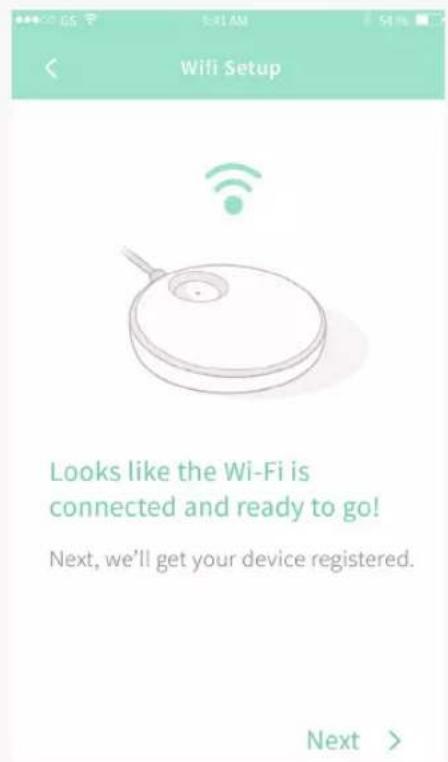
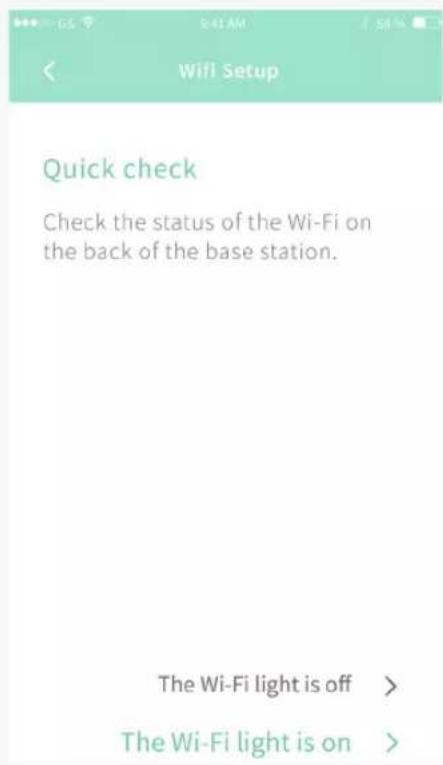
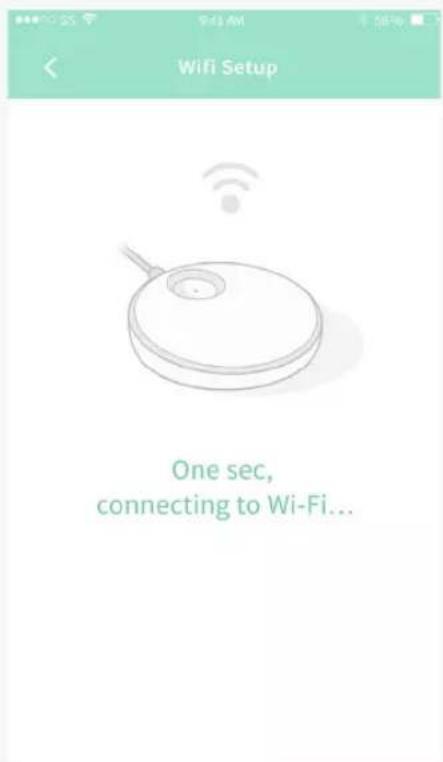
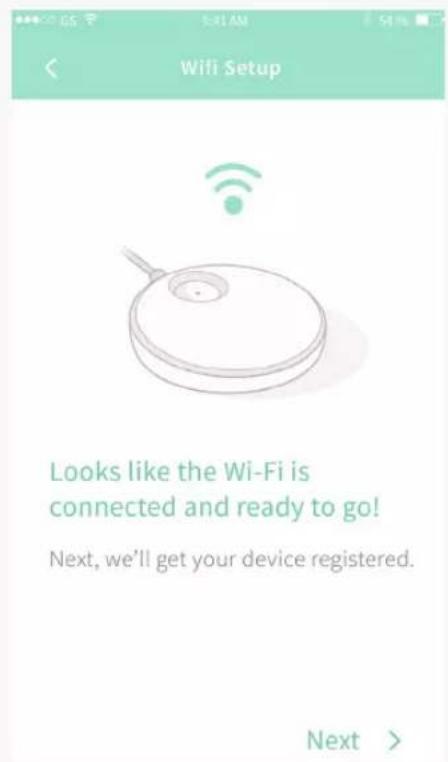
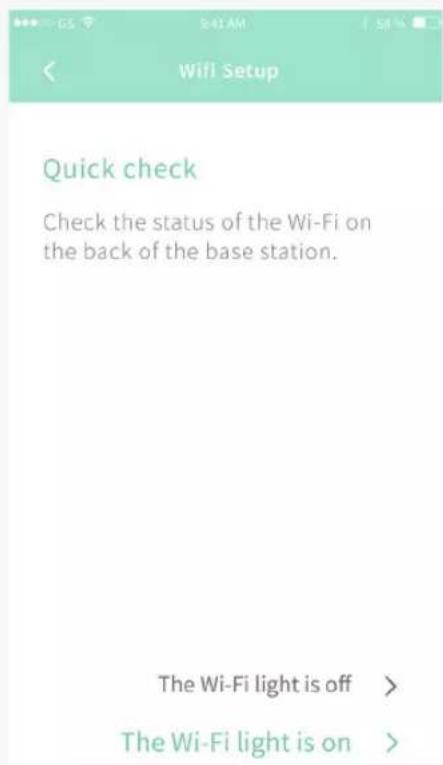
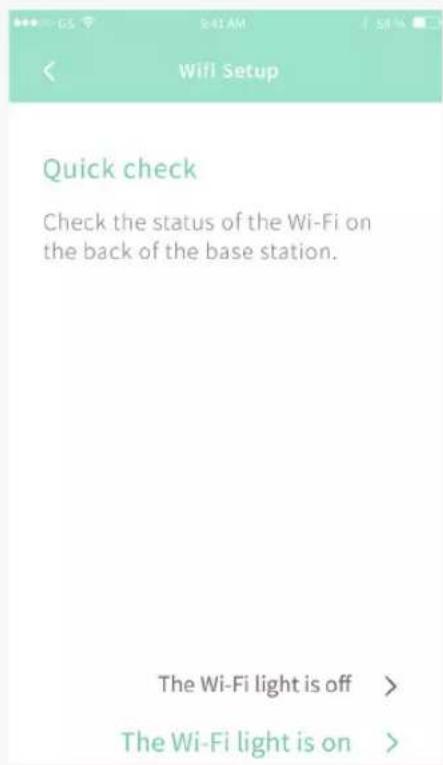
Let's connect your base station to Wi-Fi, so you can see readings on your phone.
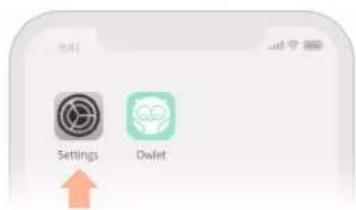
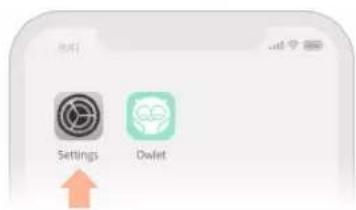
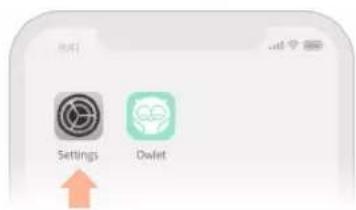
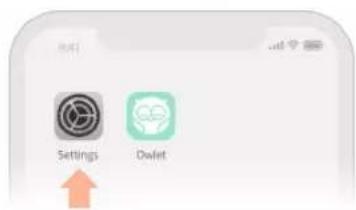
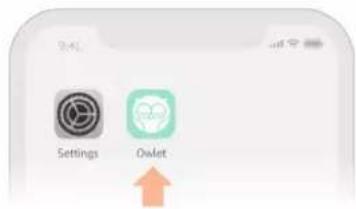
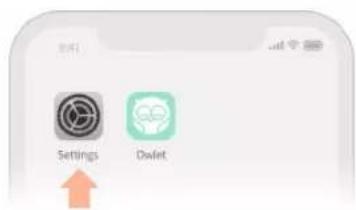
- Go to your phone's Wi-Fi settings and select the "Owlet" network
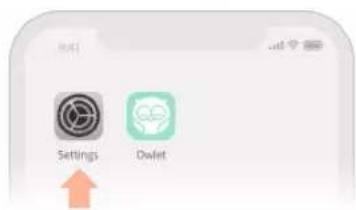
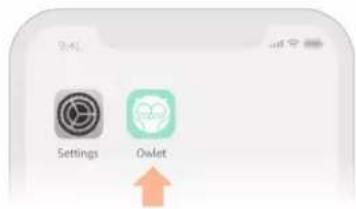
- Come back to the Owlet App
If you are redirected or see a "failed to redirect" message, that's okay! Just come back to the Owlet app.
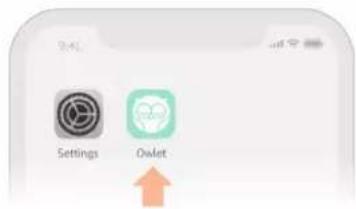
(This screen iOS only)

Your account has been confirmed. Welcome to the Owlet family!
To home >
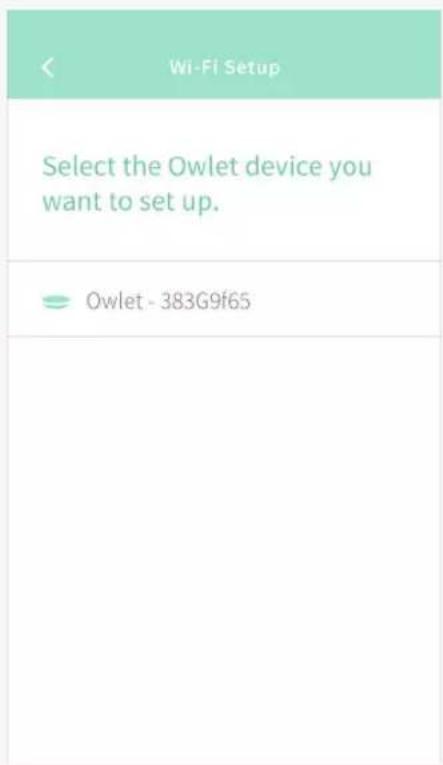
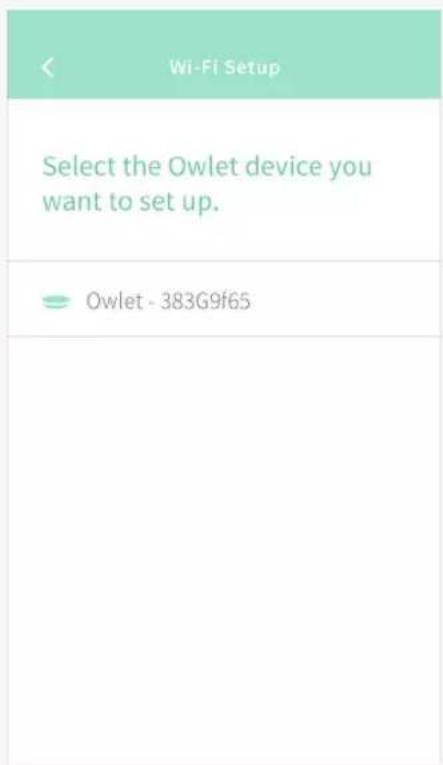
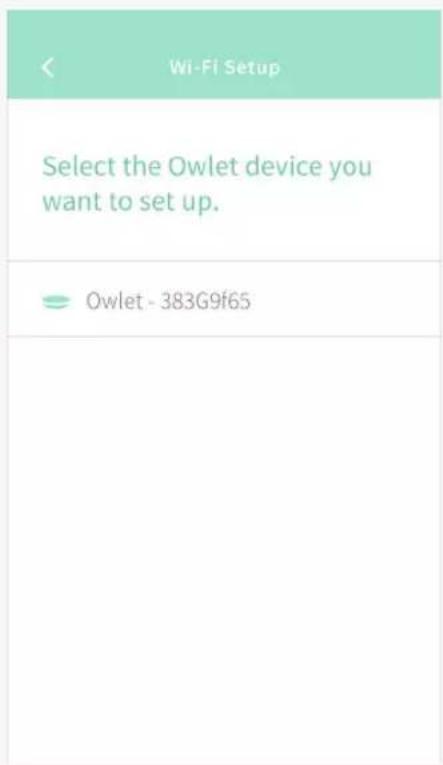
< Wi-Fi Setup
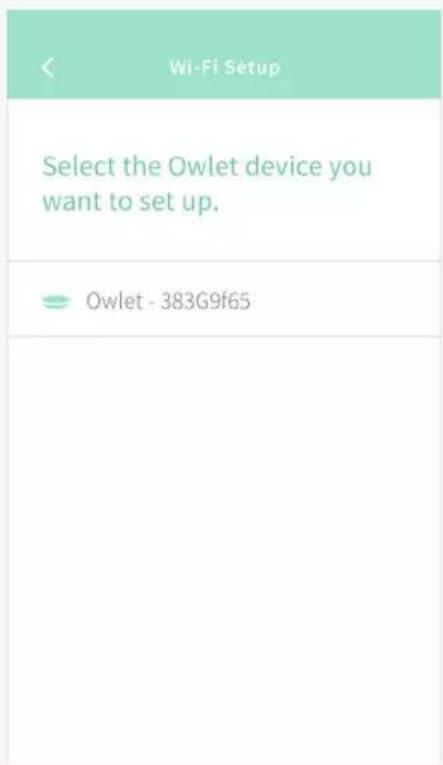
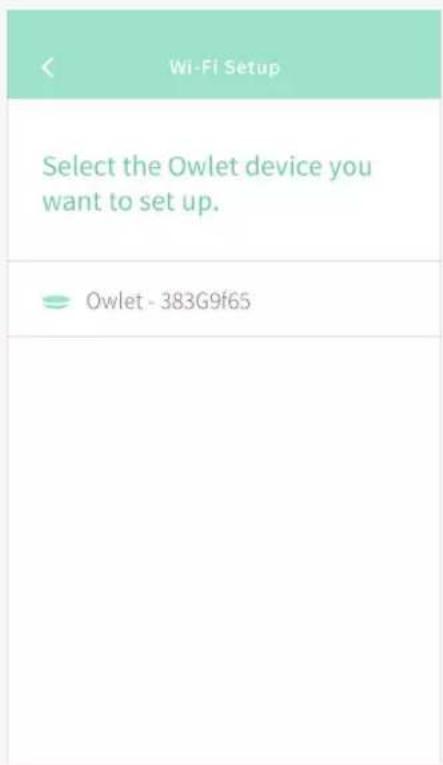
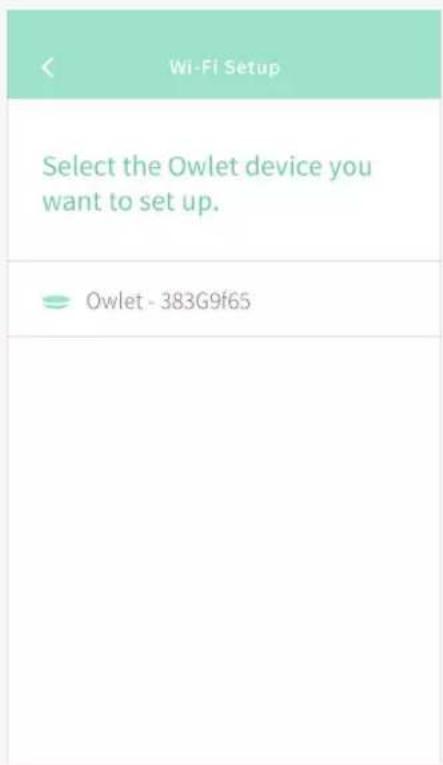
Select the Owlet device you want to set up.
Owlet-383G9f65
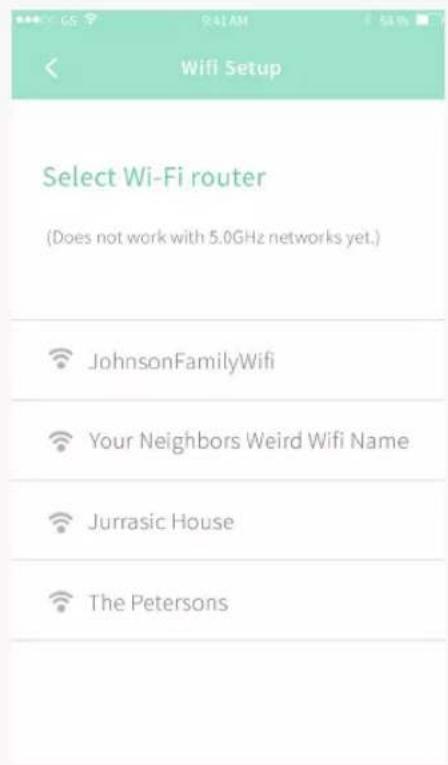
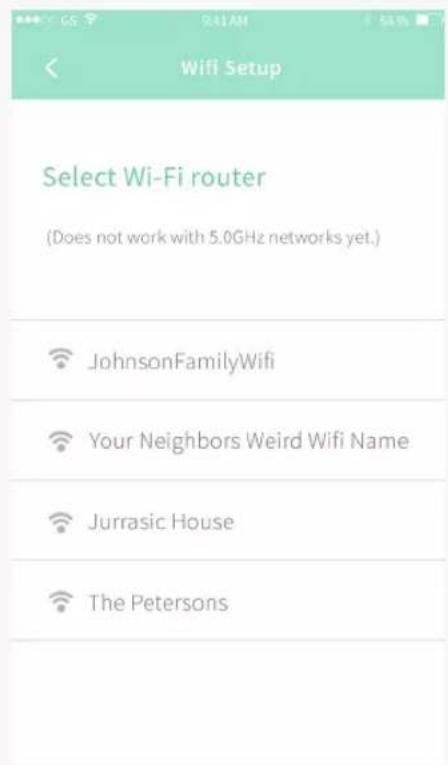
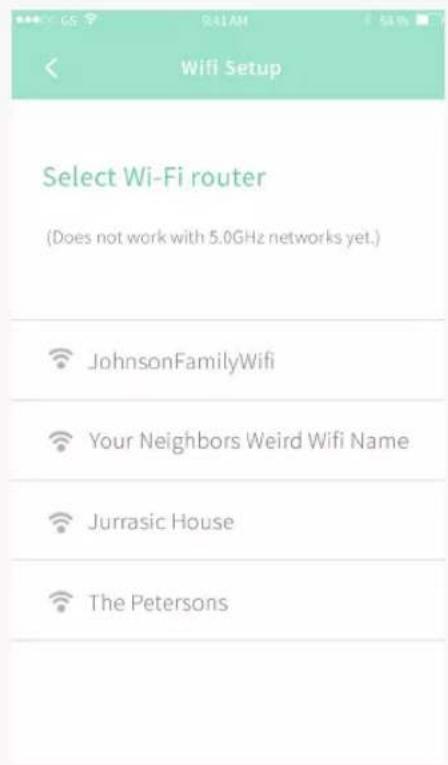
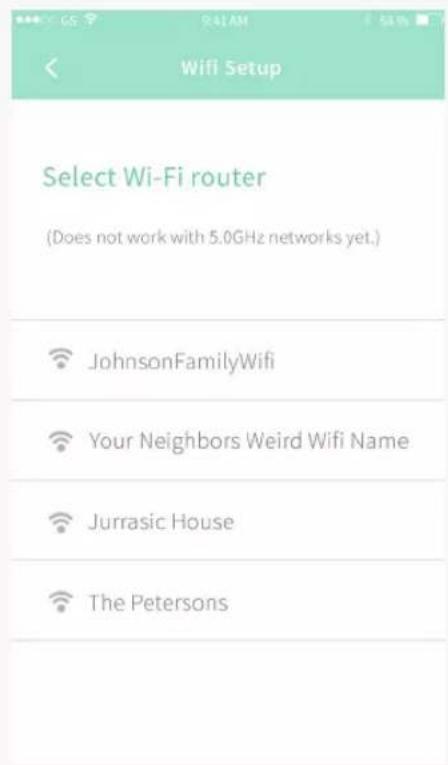
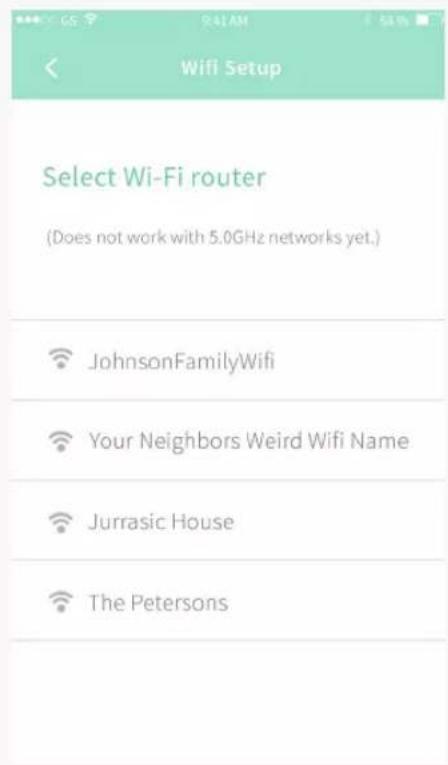
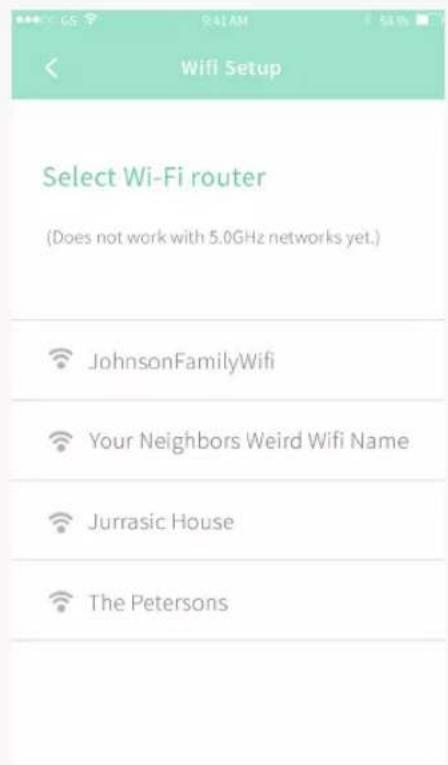
Select Wi-Fi router
(Does not work with 5.0GHz networks yet.)
JohnsonFamilyWifi
Your Neighbors Weird Wifi Name
Jurrasic House
The Petersons
(This screen Android only) (This screen Android only)
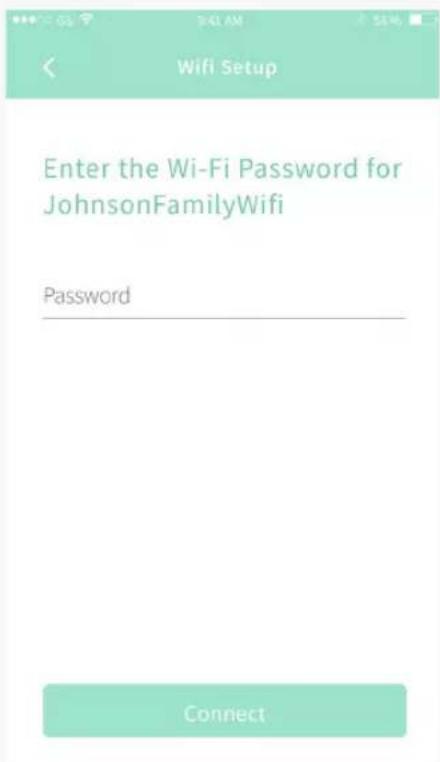
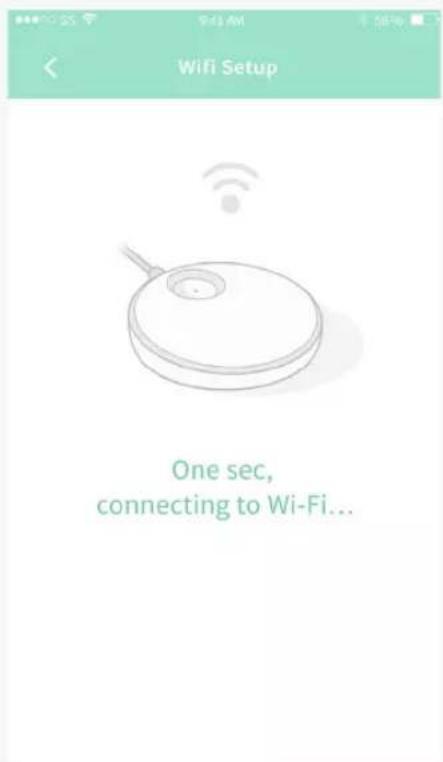
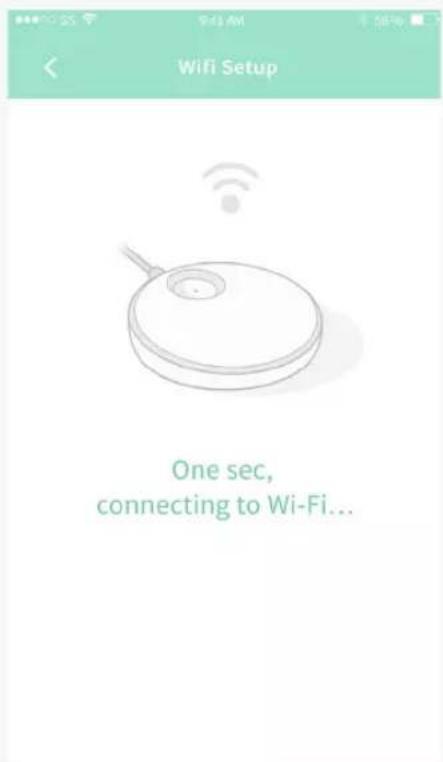
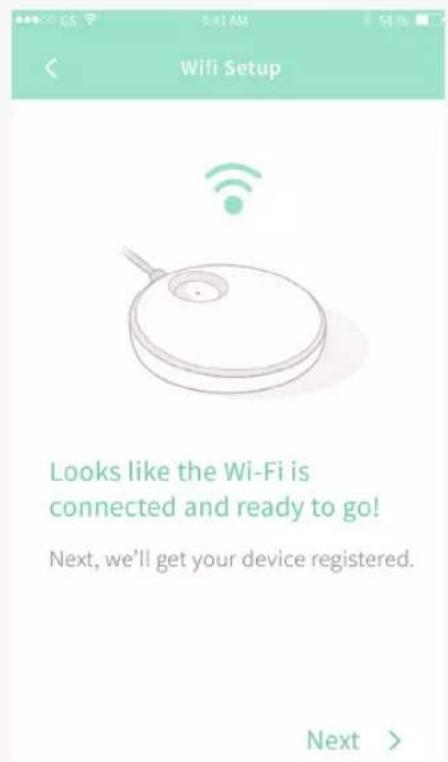
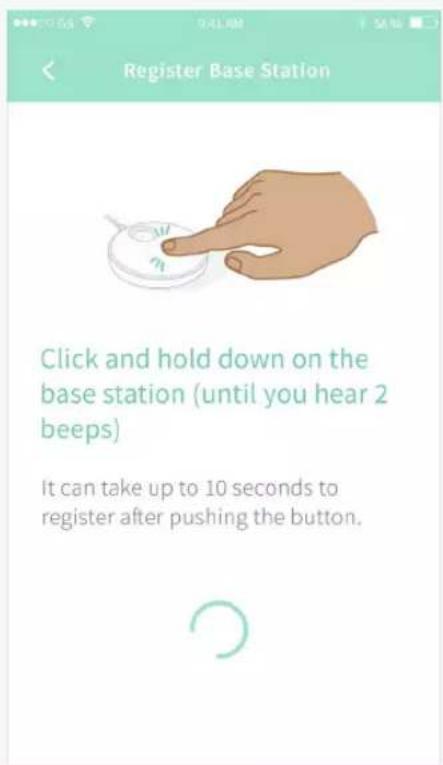
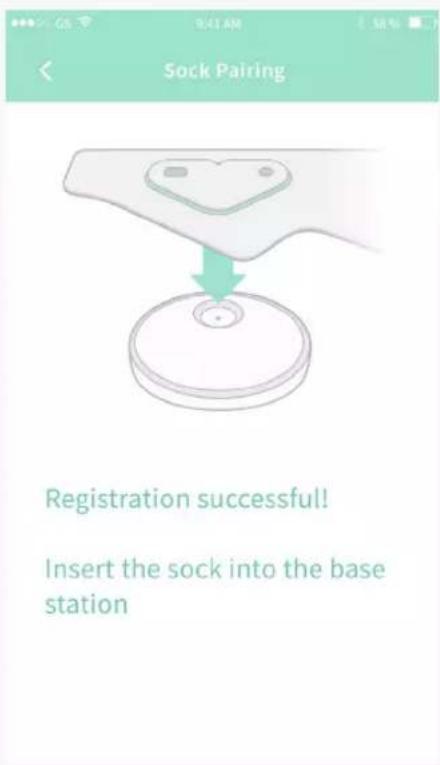
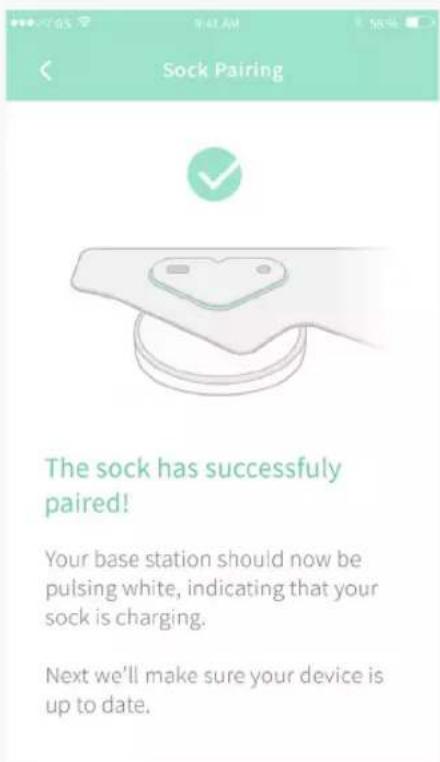
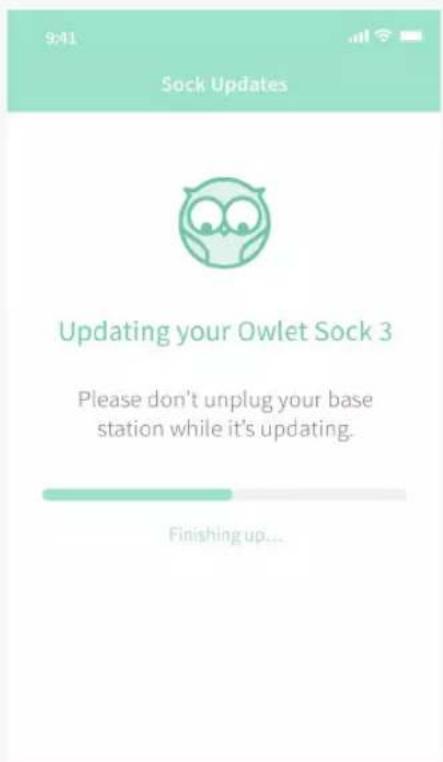
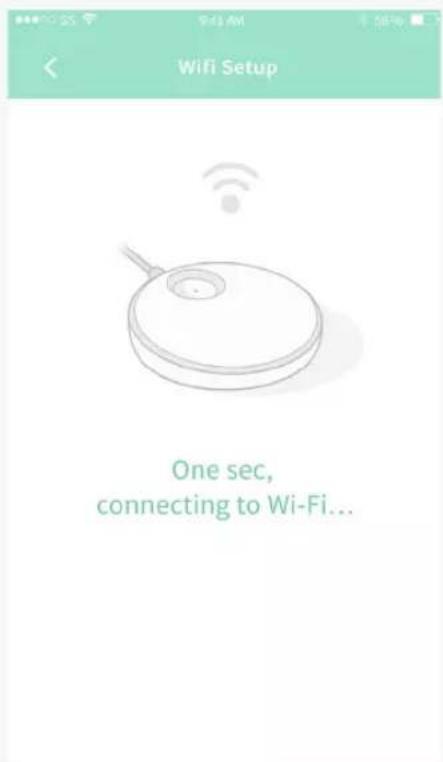
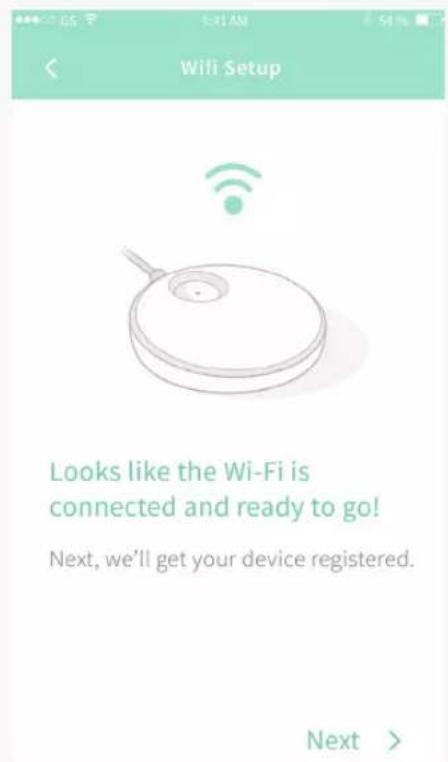
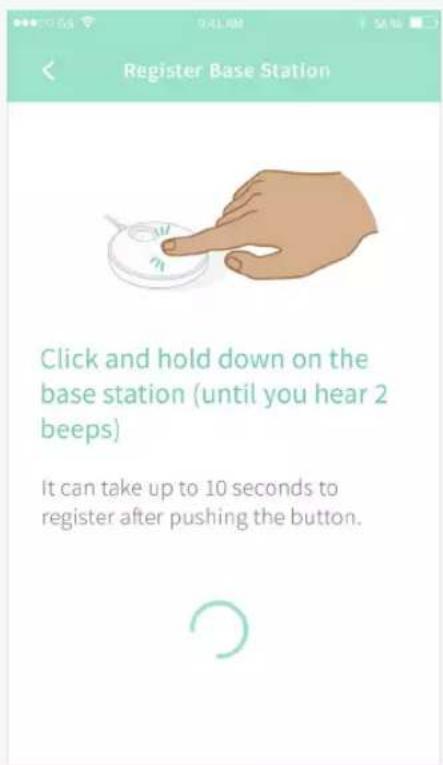
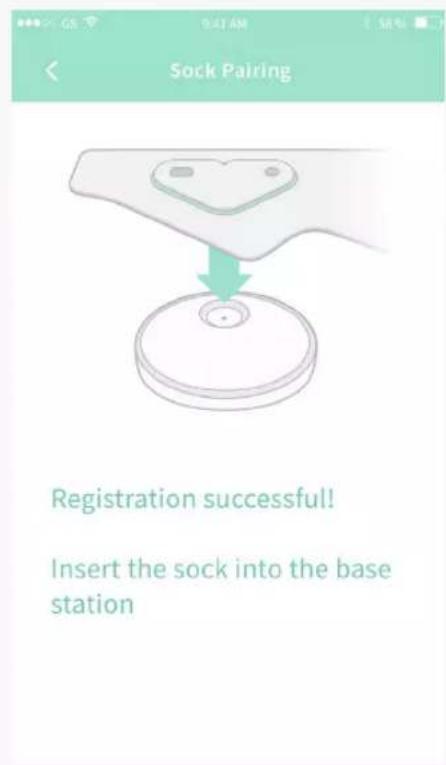
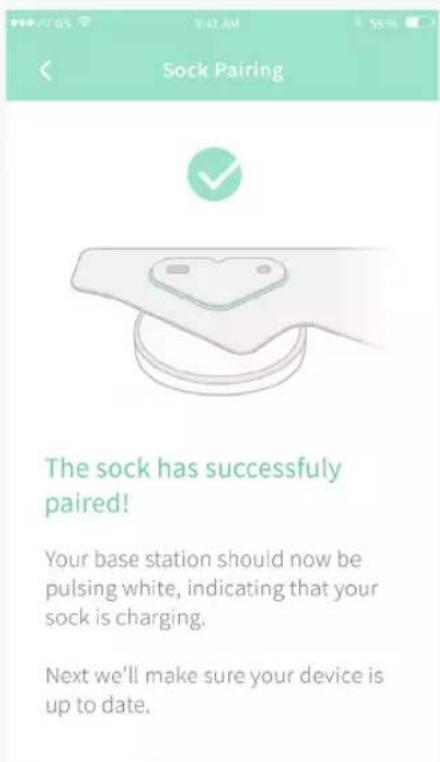
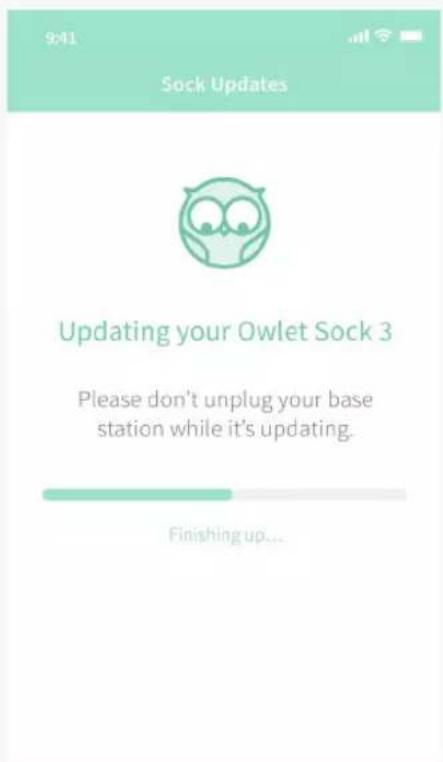
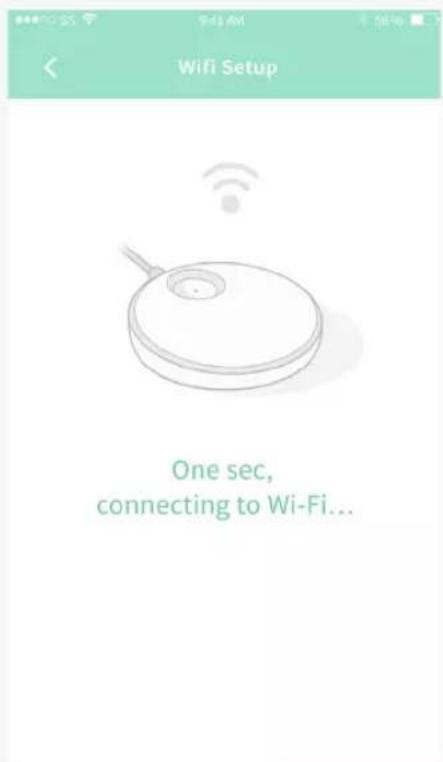
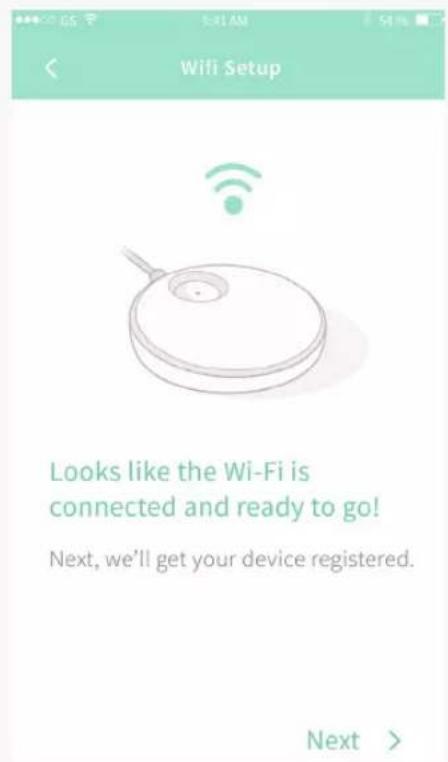
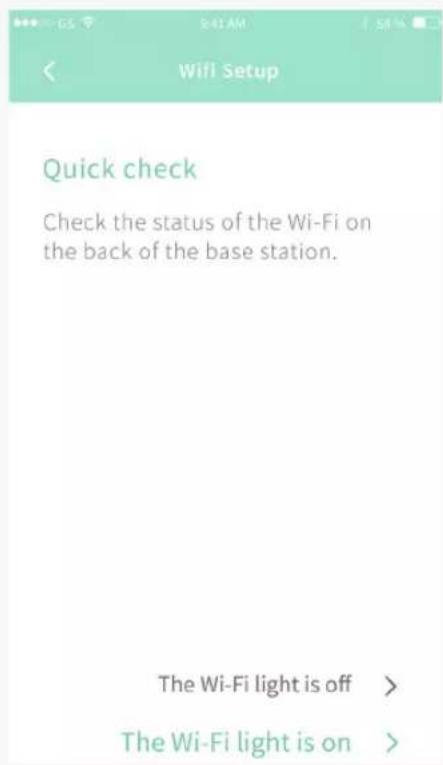
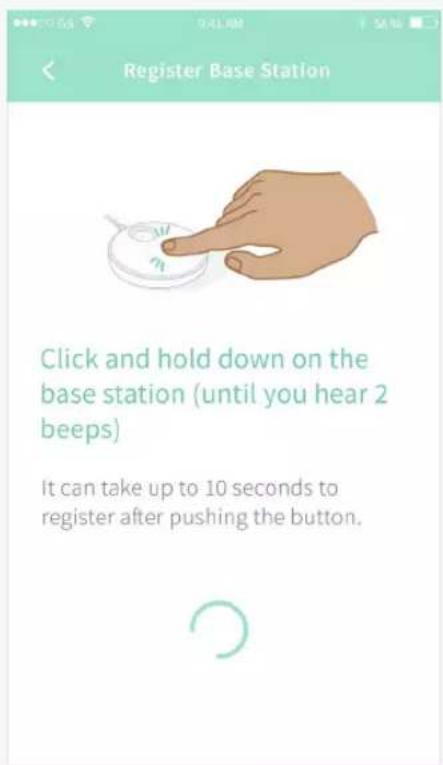
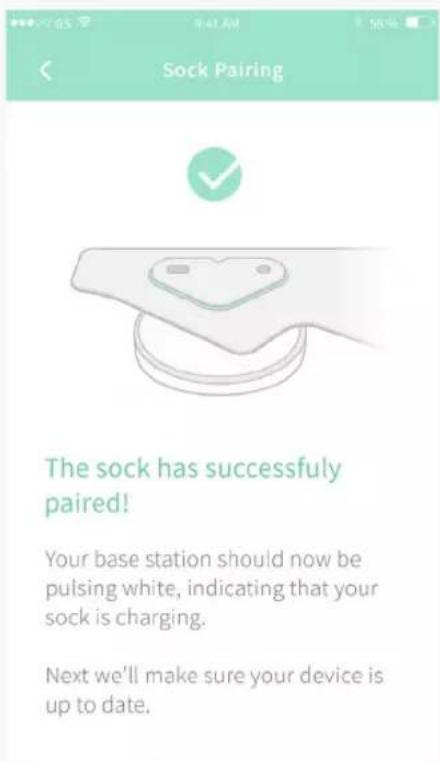
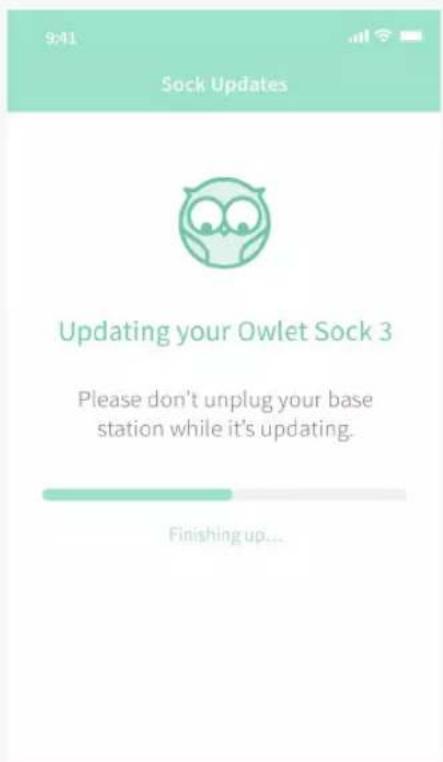
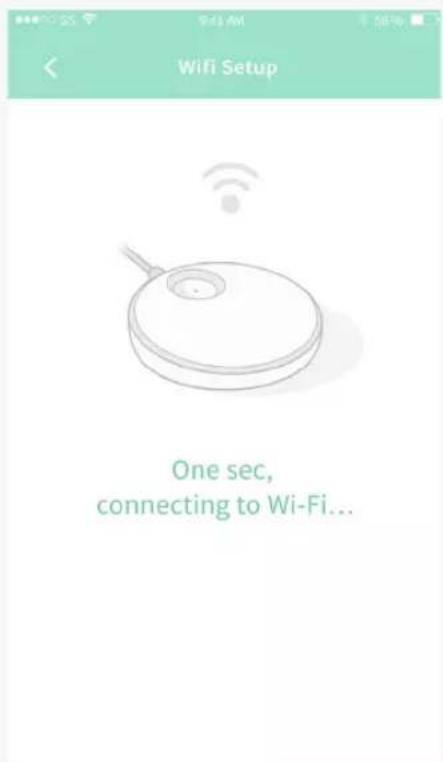
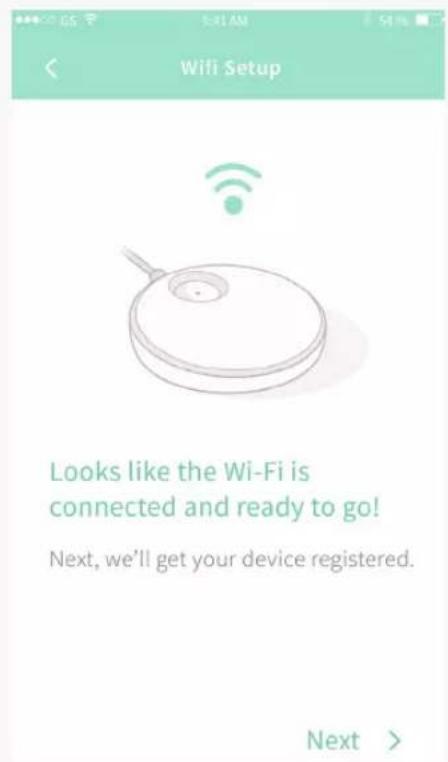
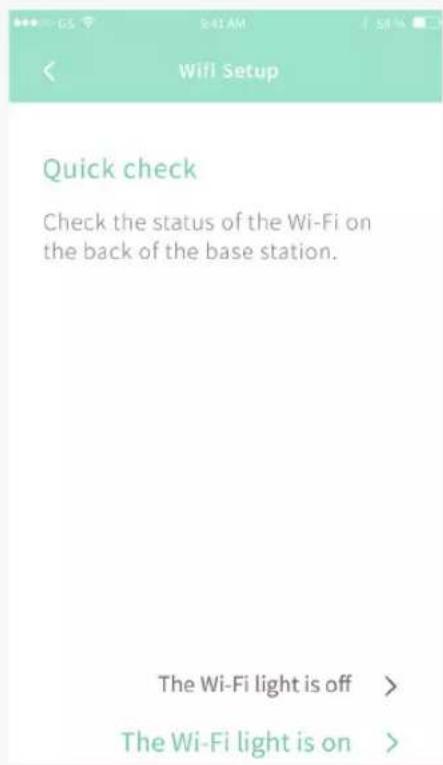
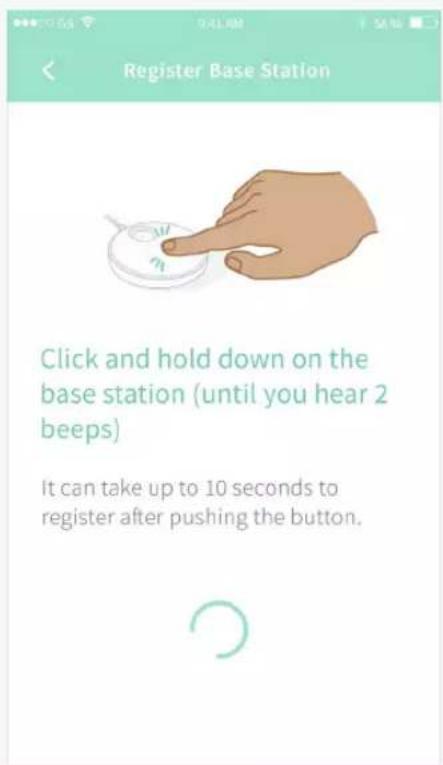
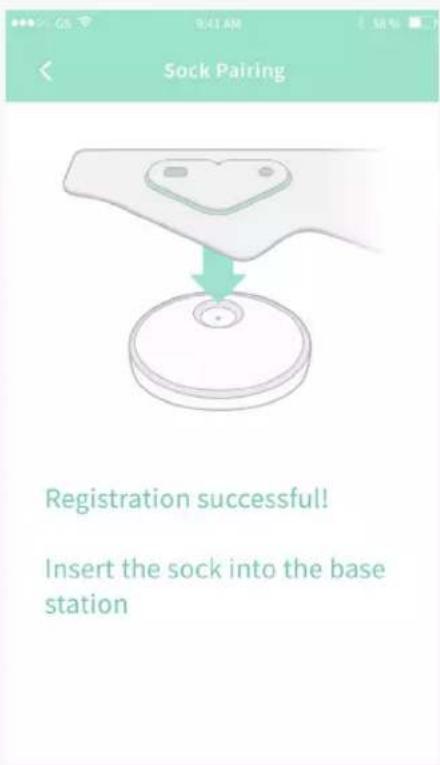
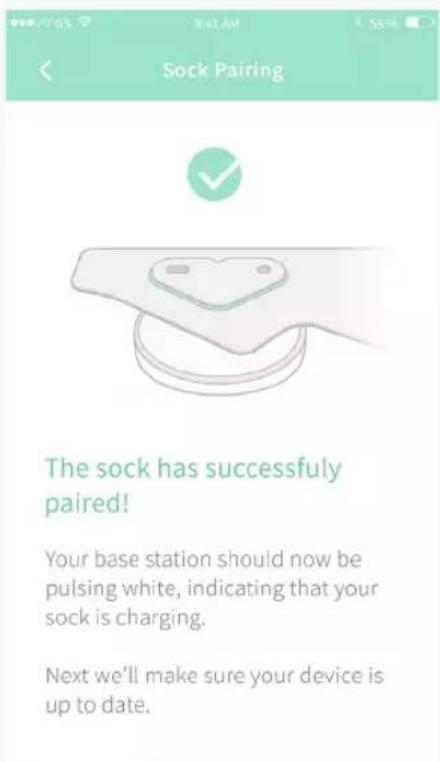
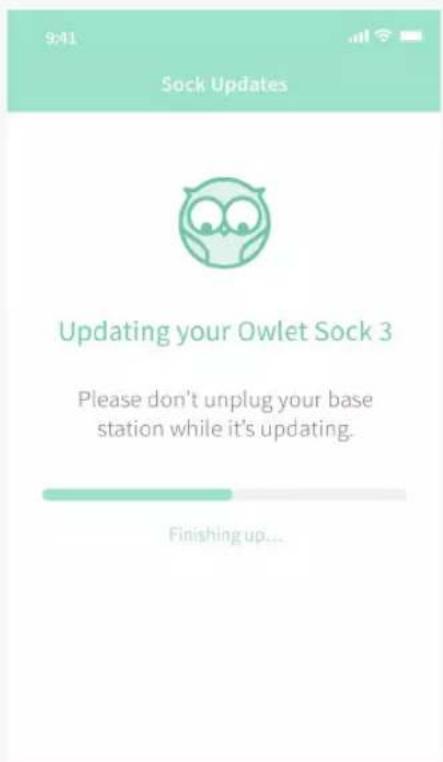
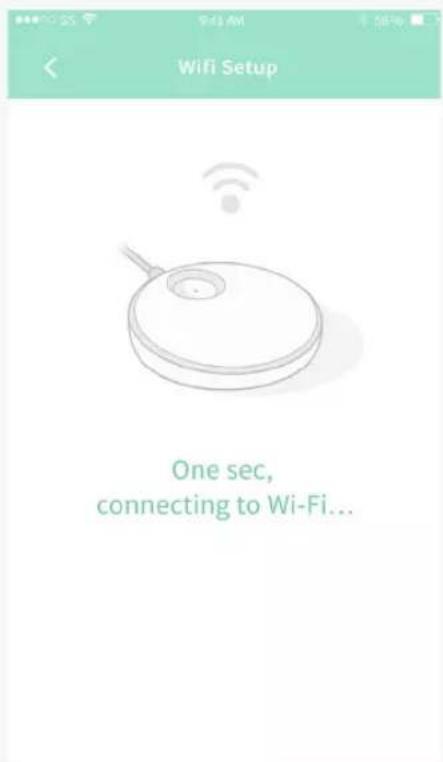
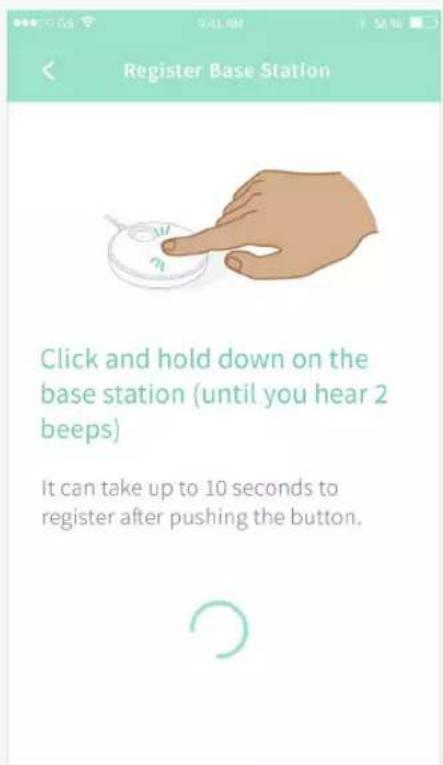
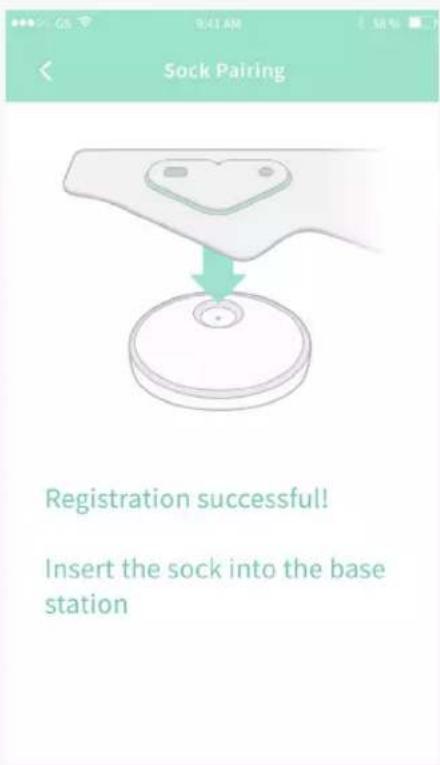
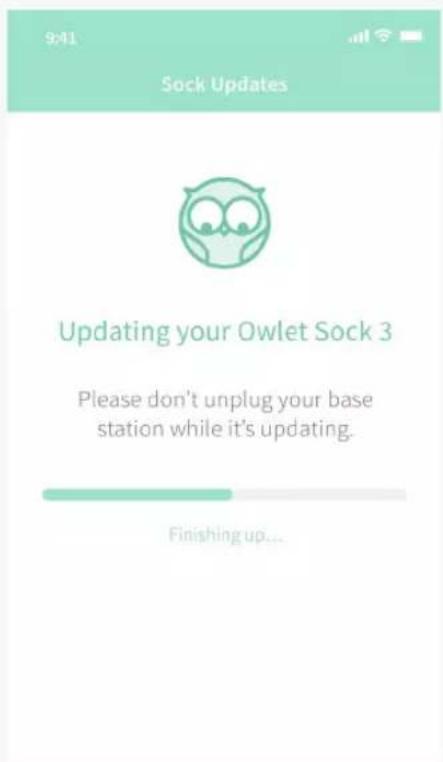
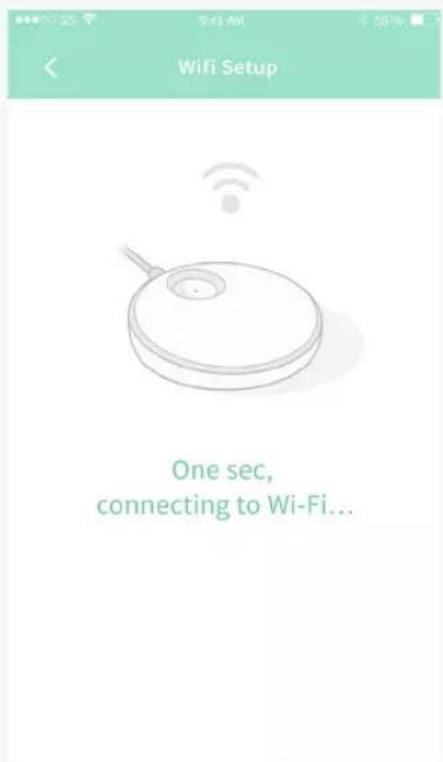
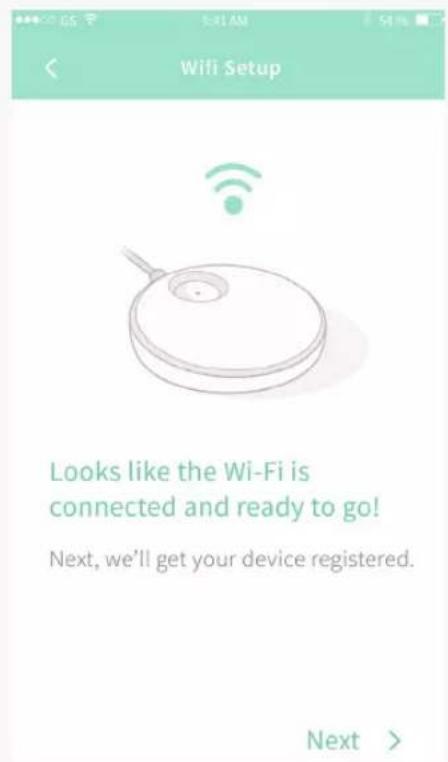
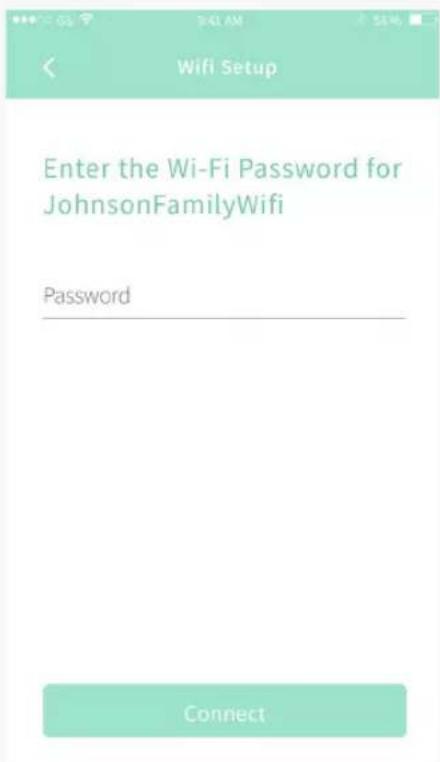
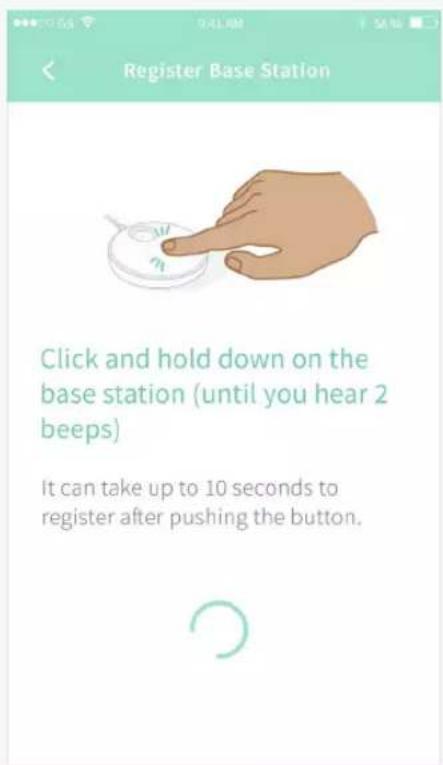
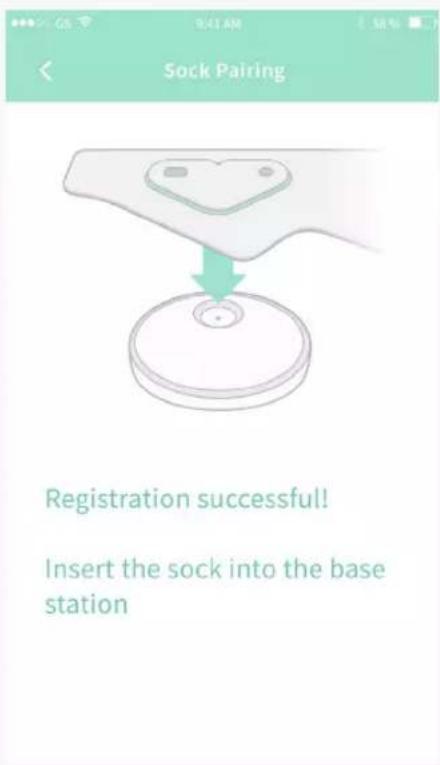
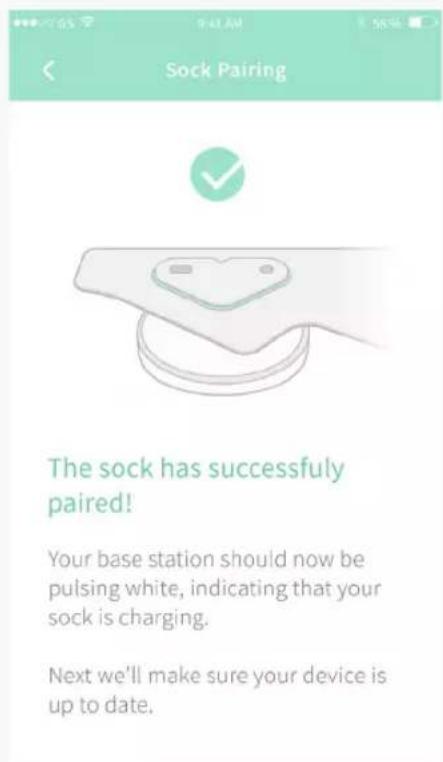
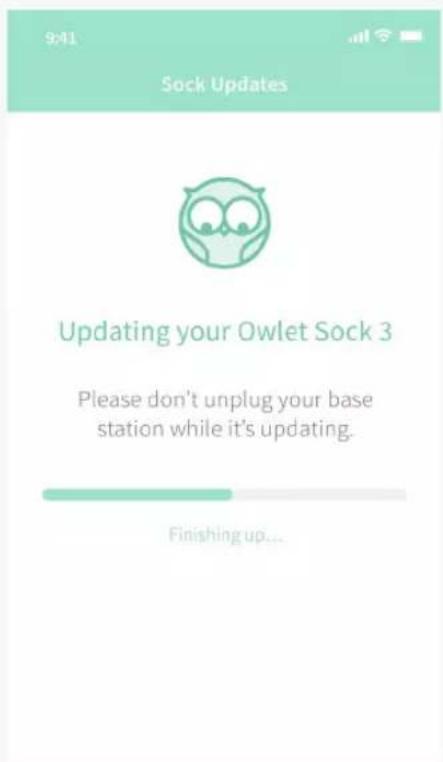
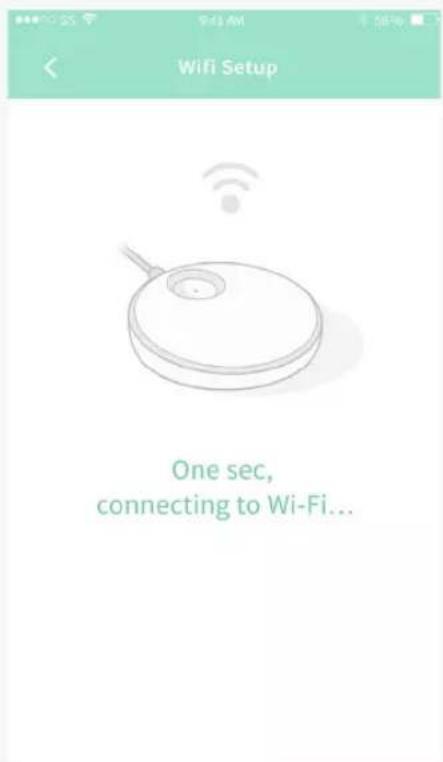
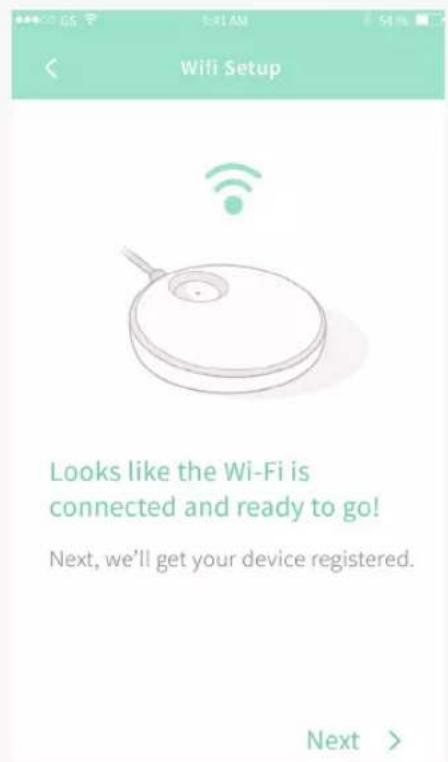
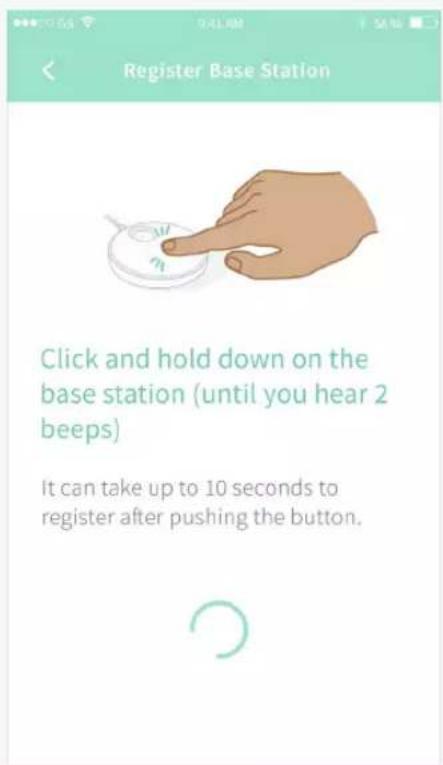
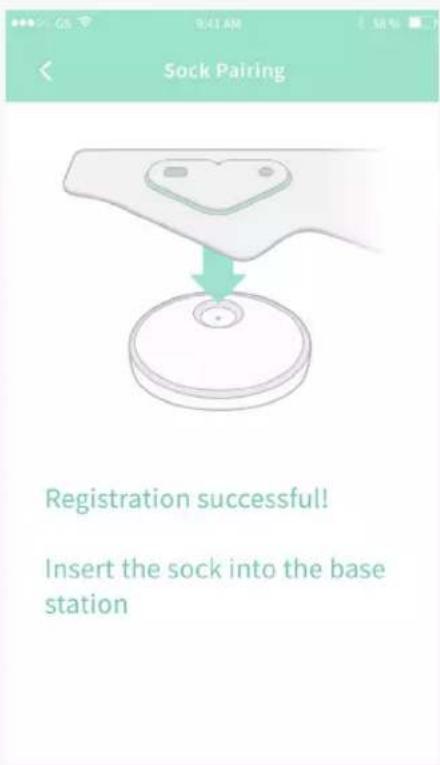
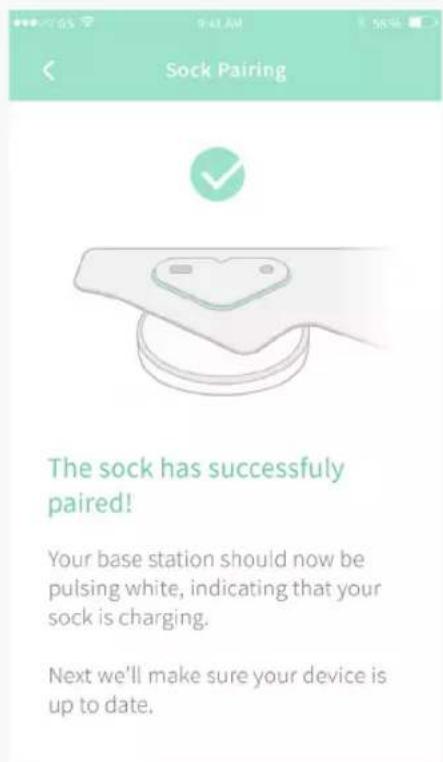
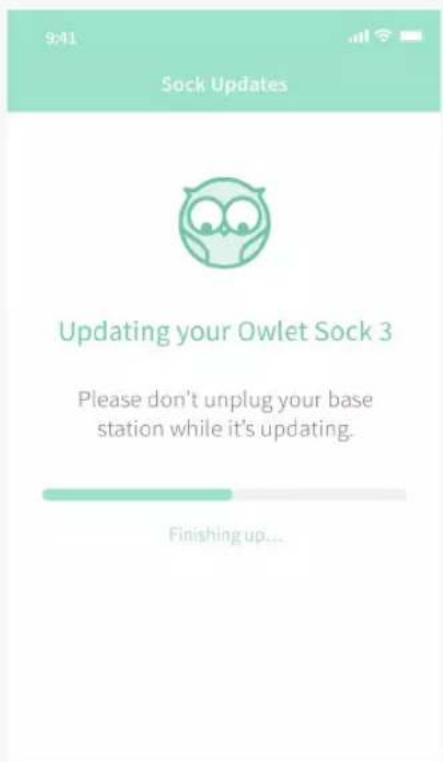
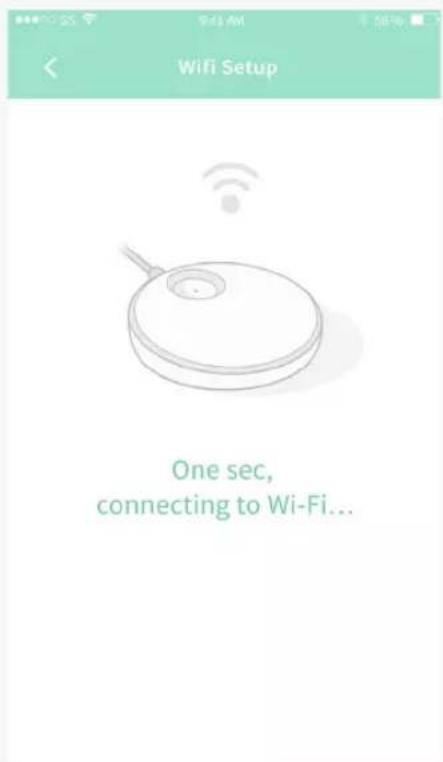
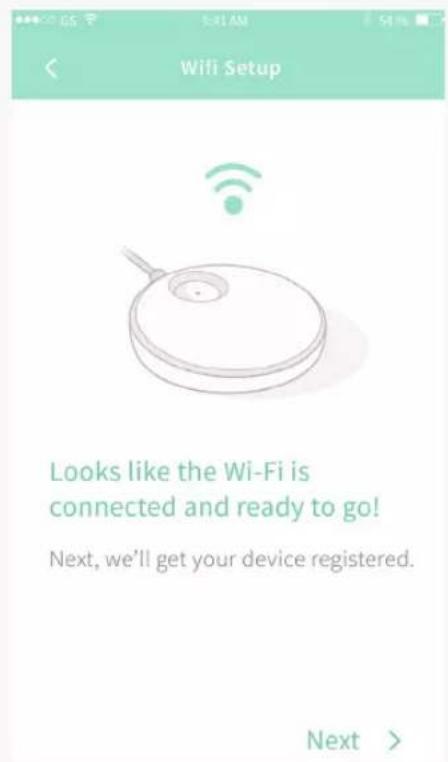
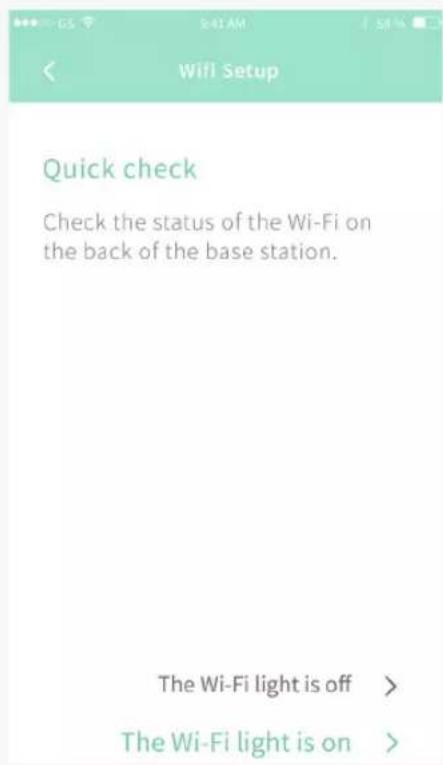
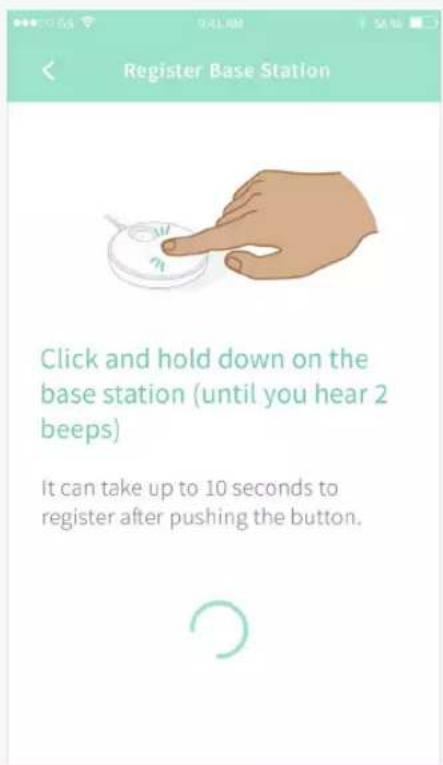
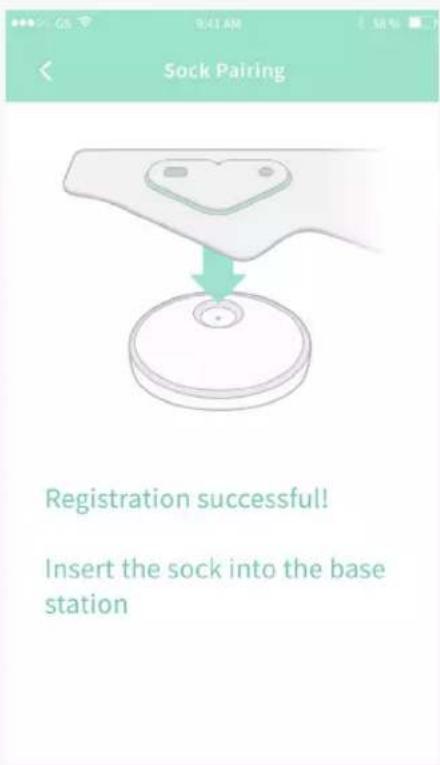
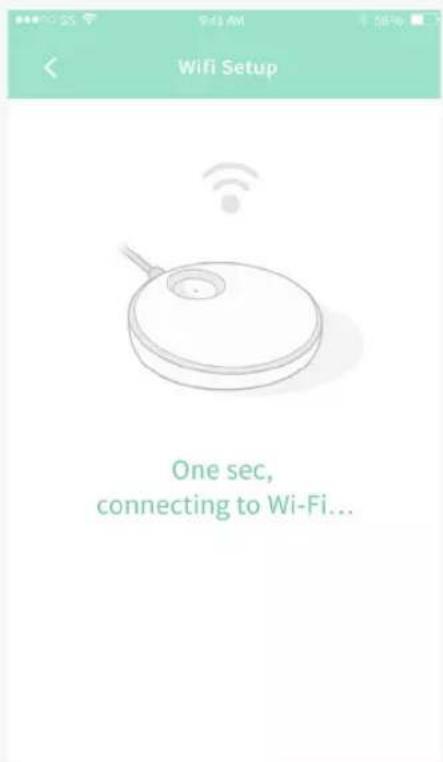
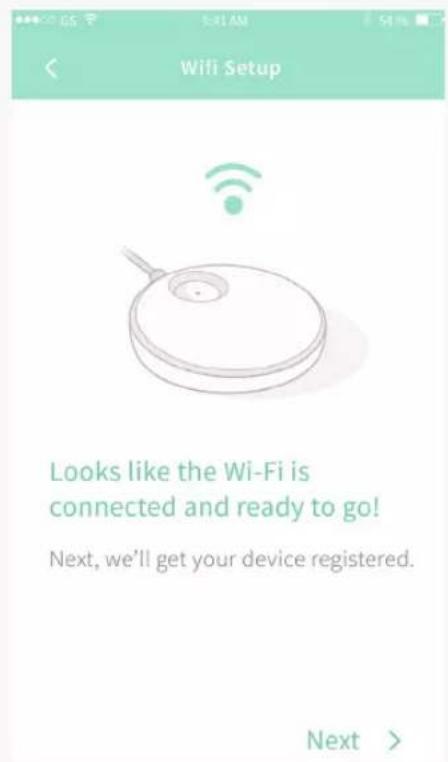
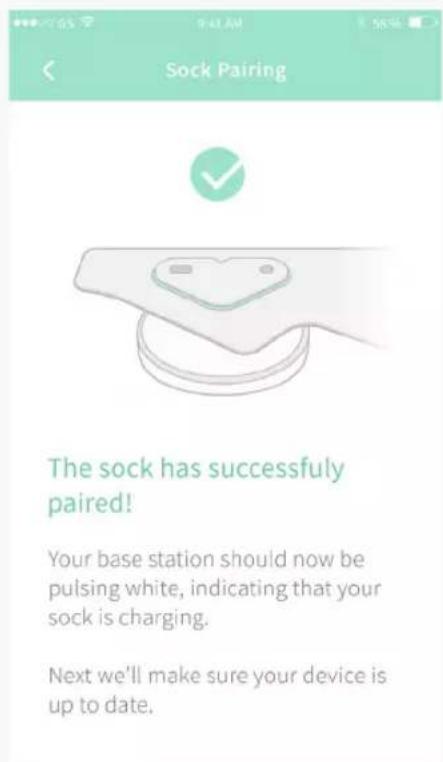
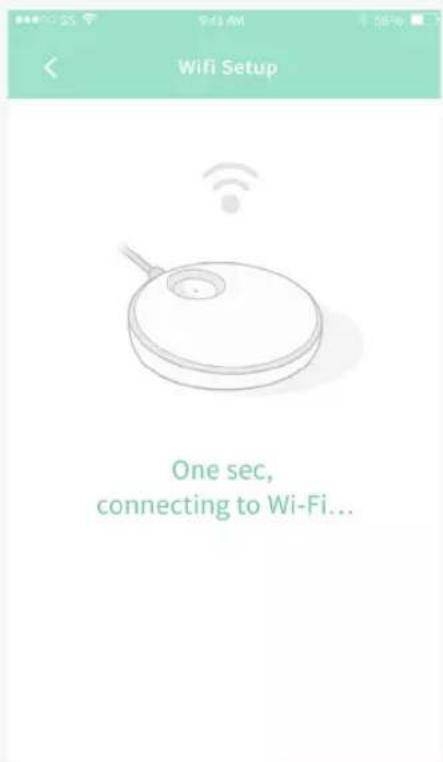
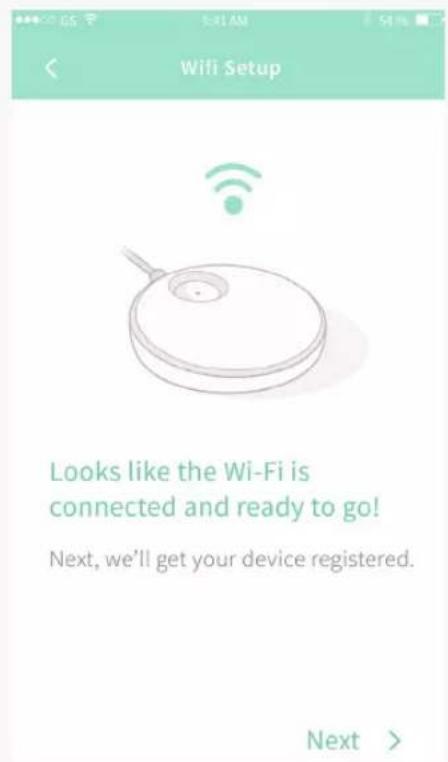
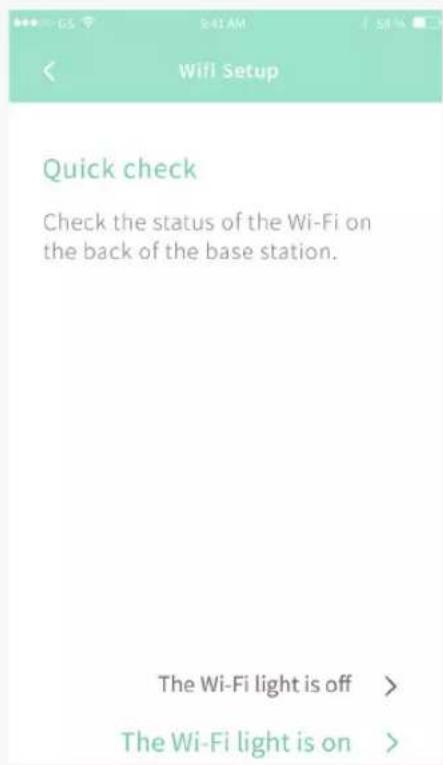
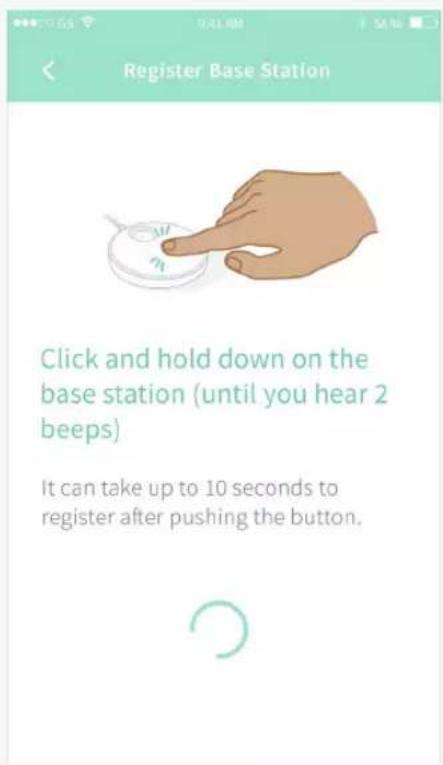
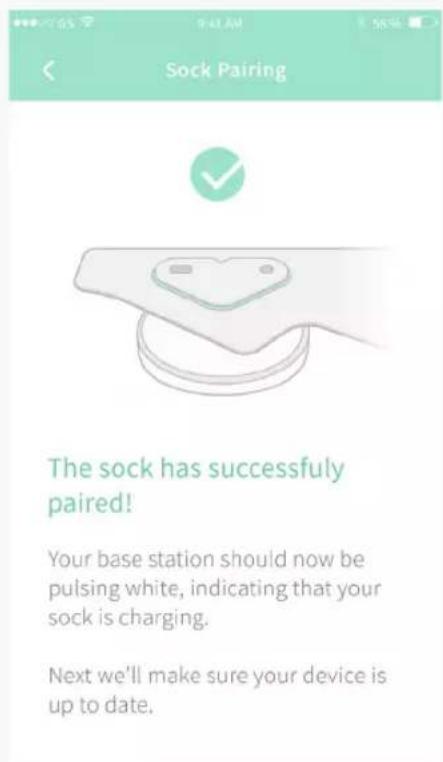
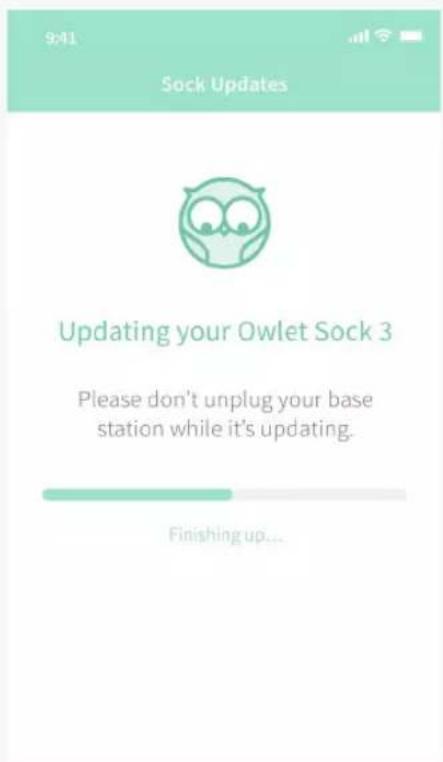
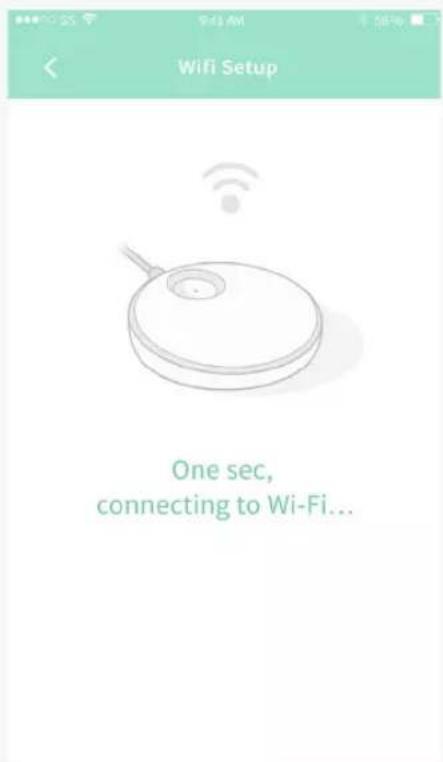
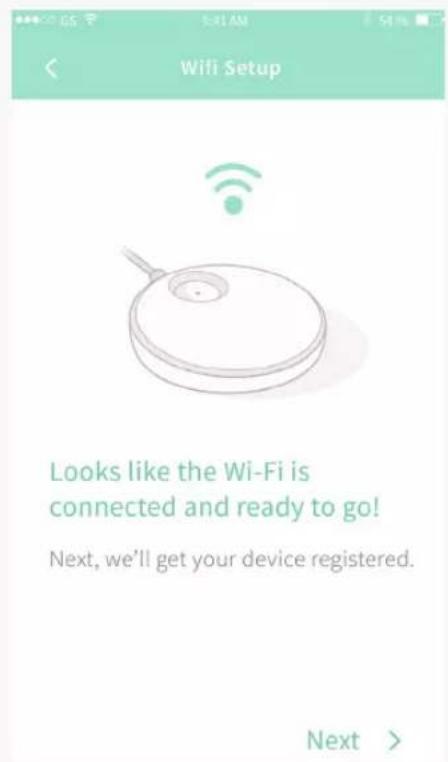
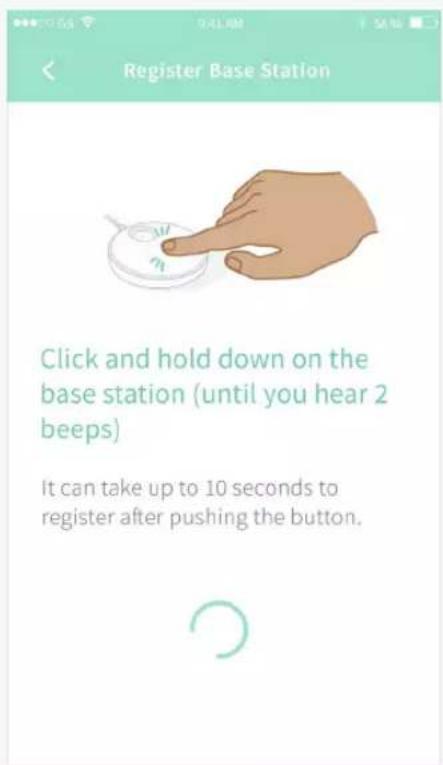
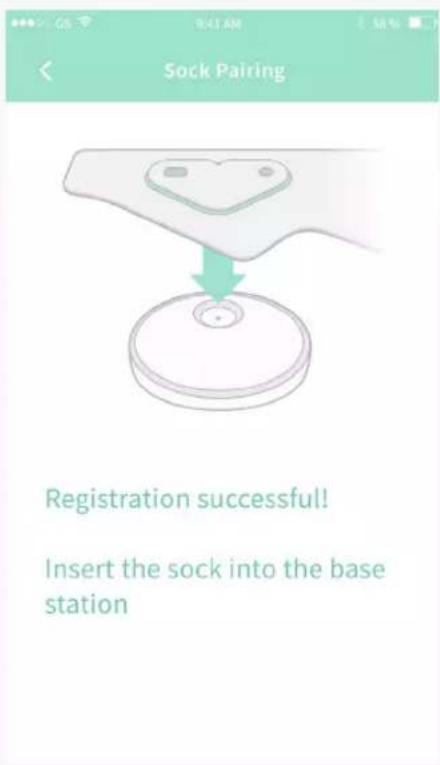
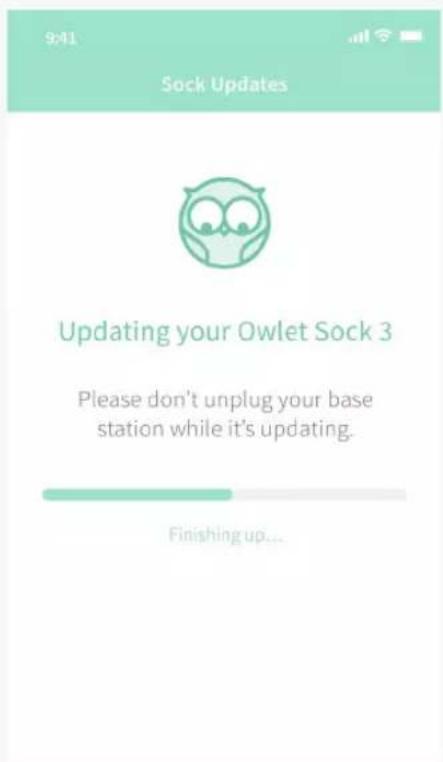
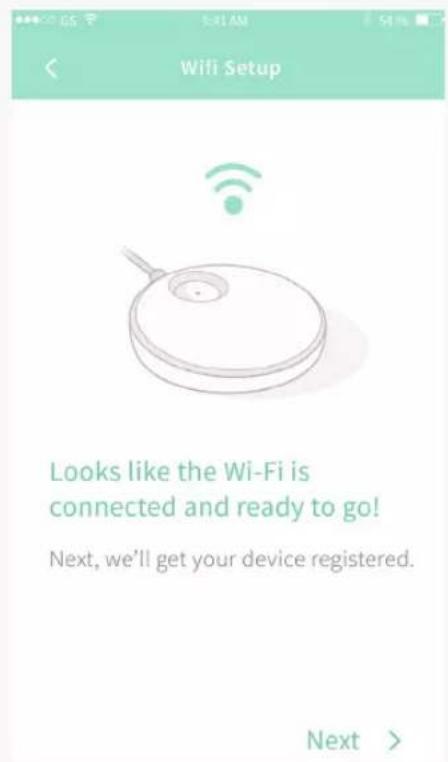
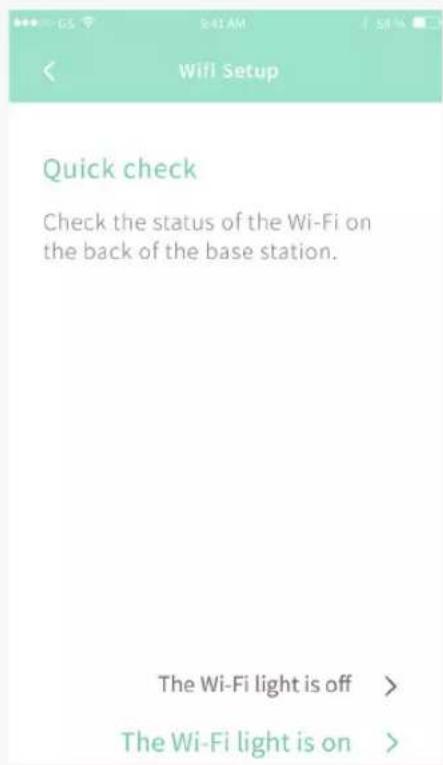
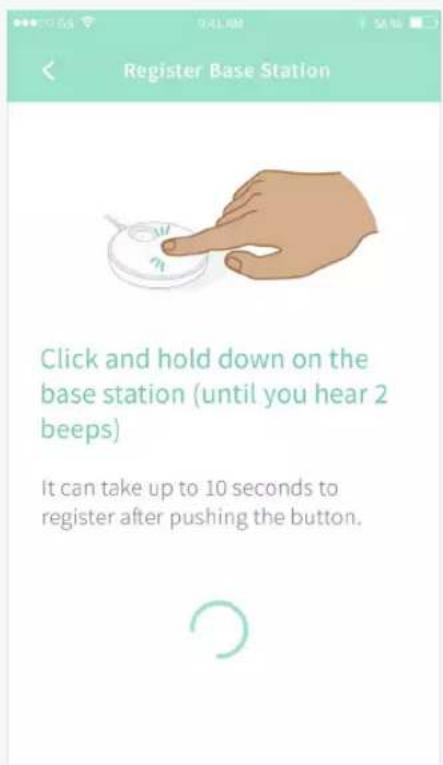
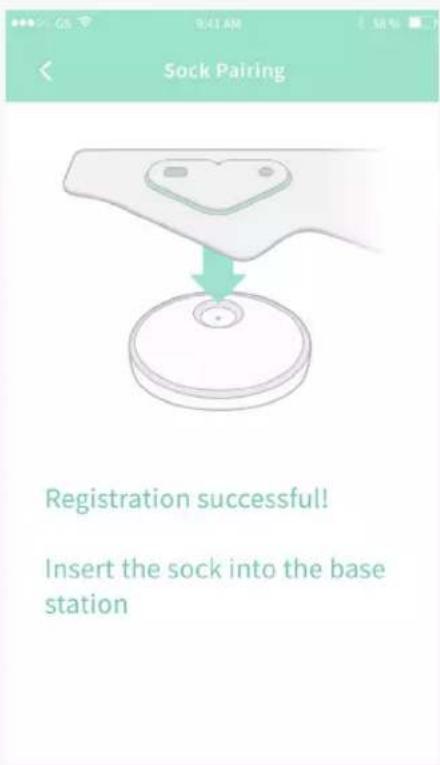
Follow the in-app instructions to connect the Sock to Wi-Fi, as well as
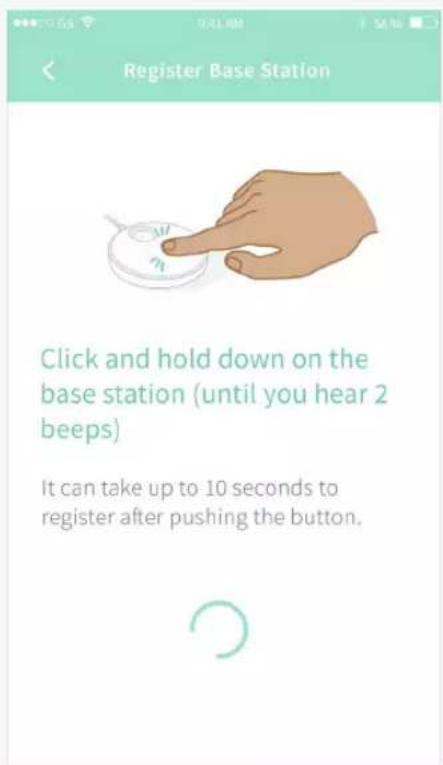
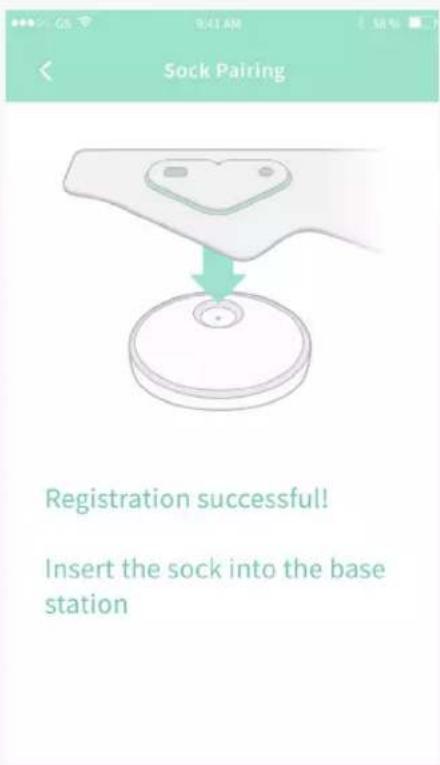
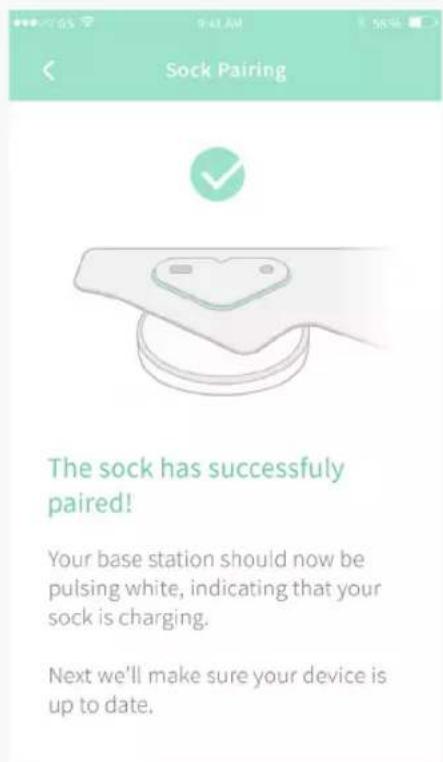
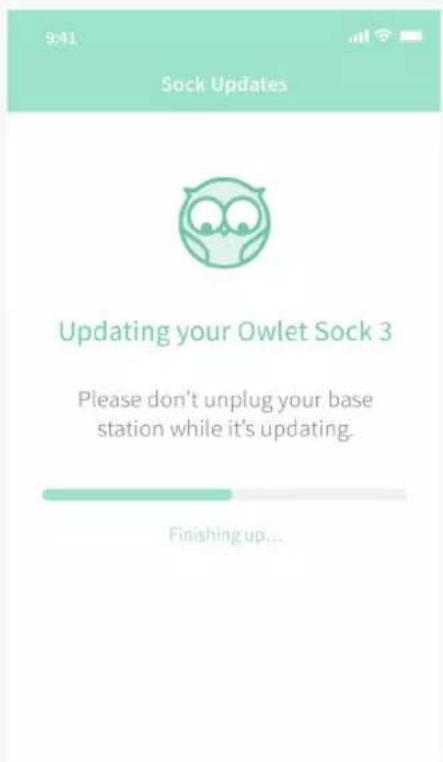
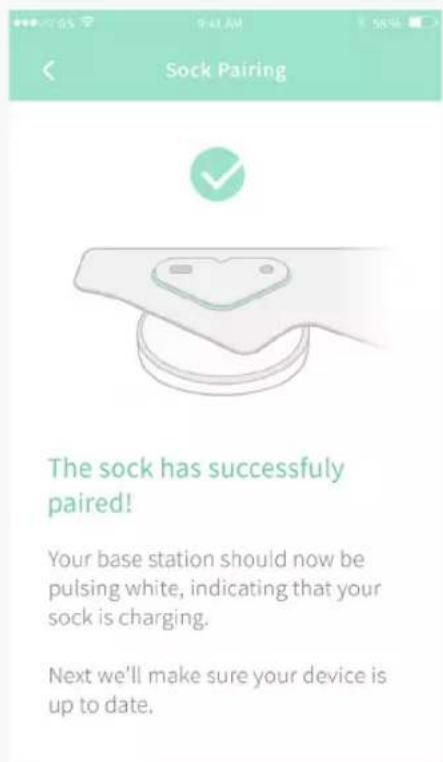
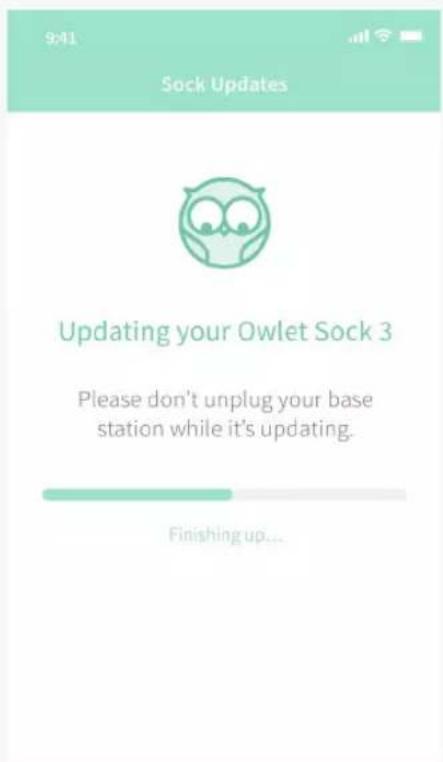
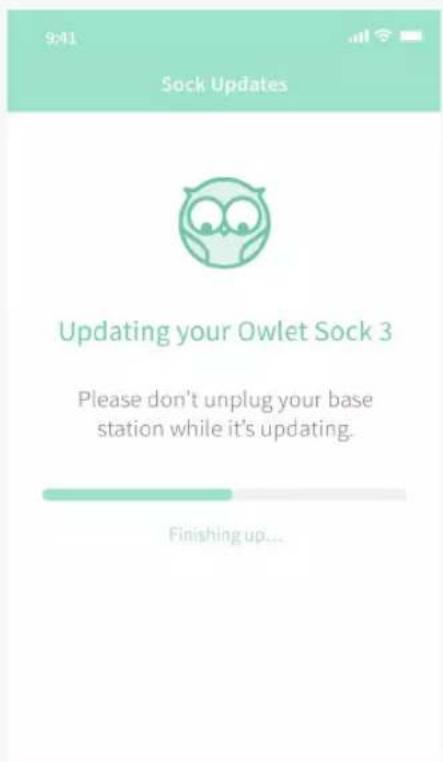
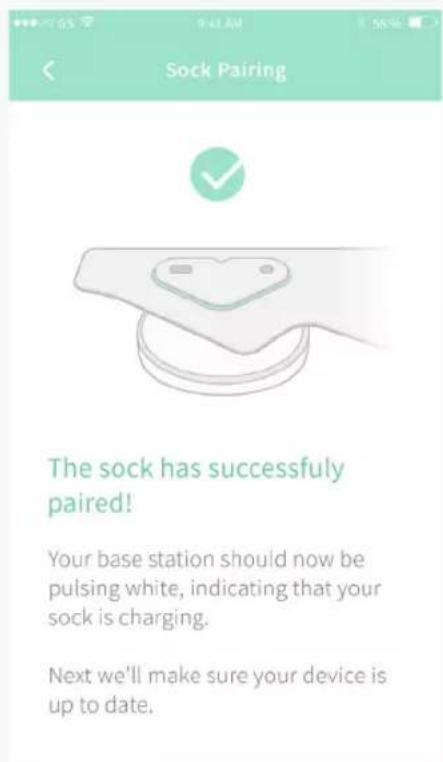
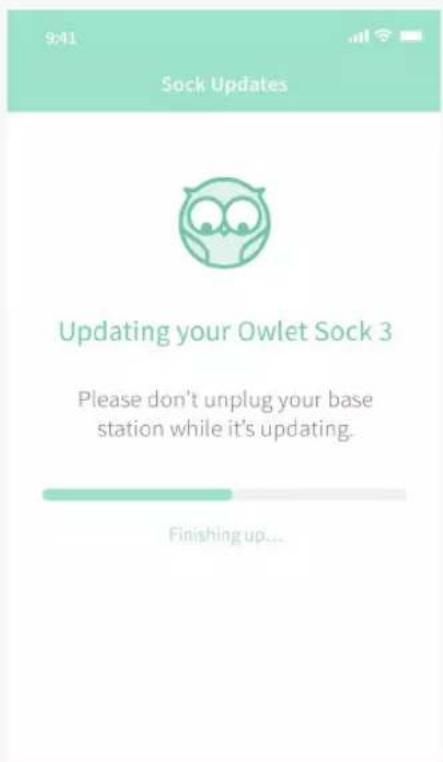
register and pair the Sock and make updates to the Sock, if necessary.
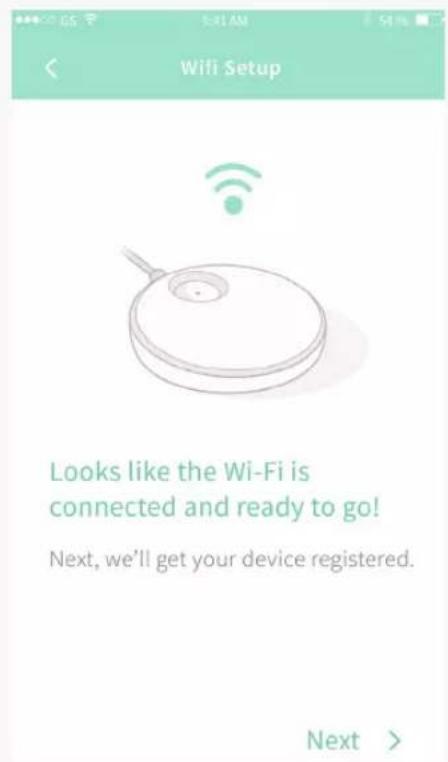
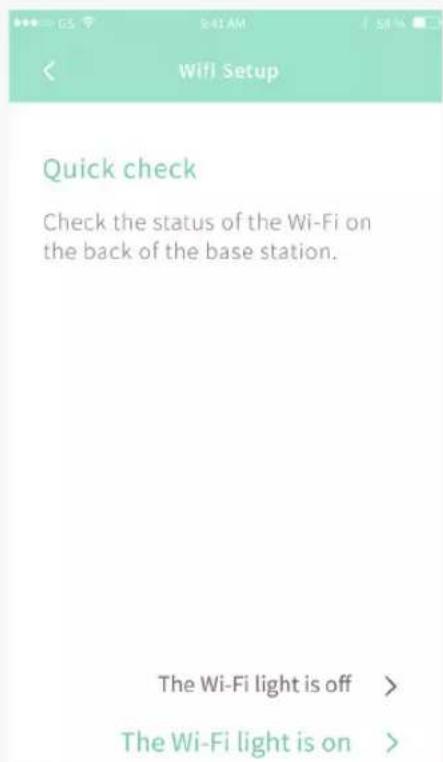
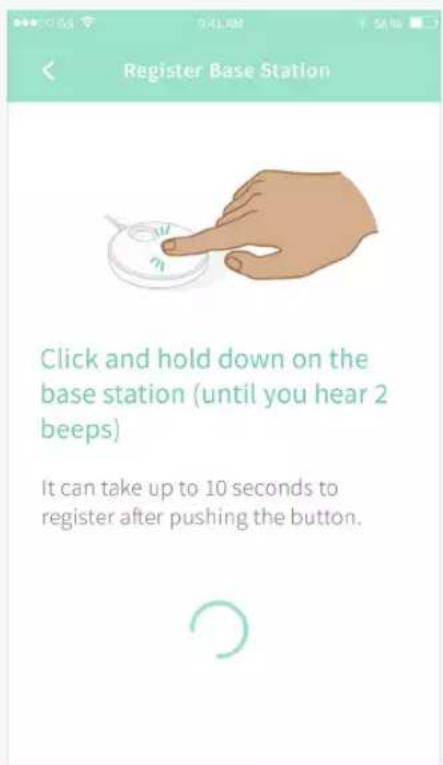
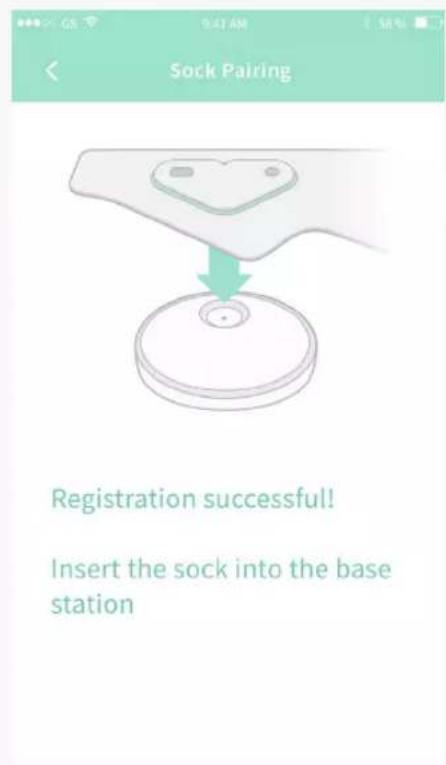
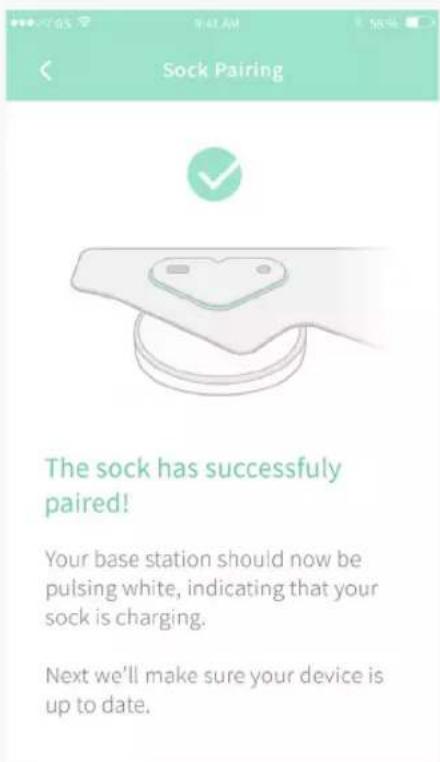
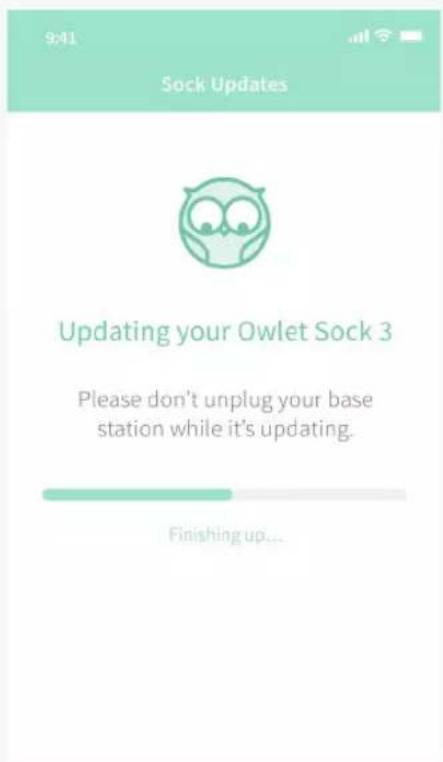
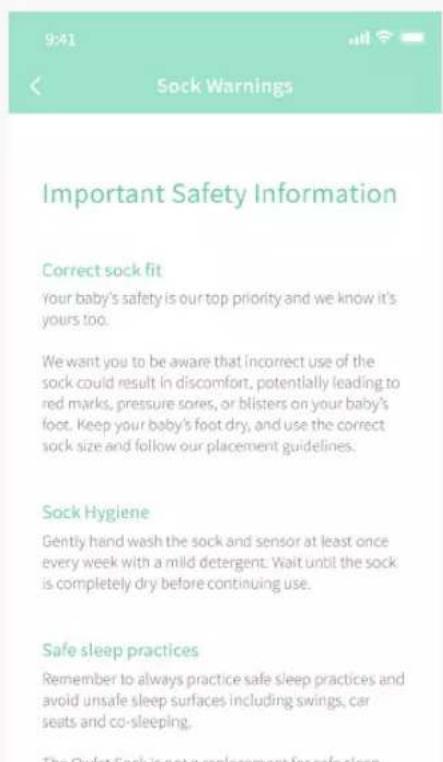
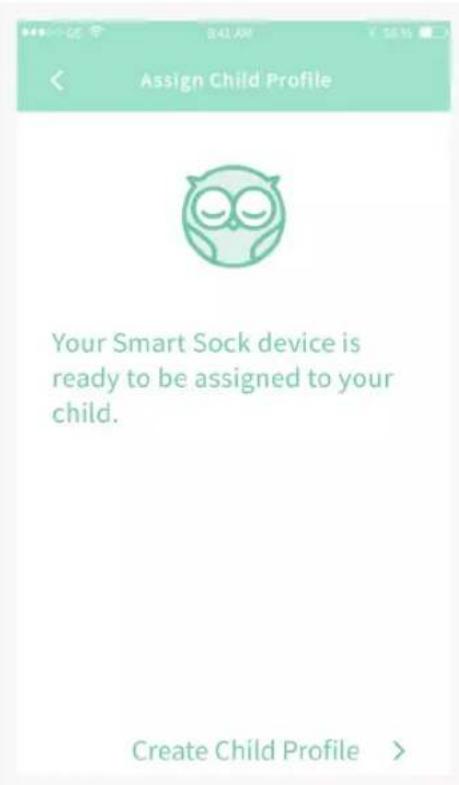
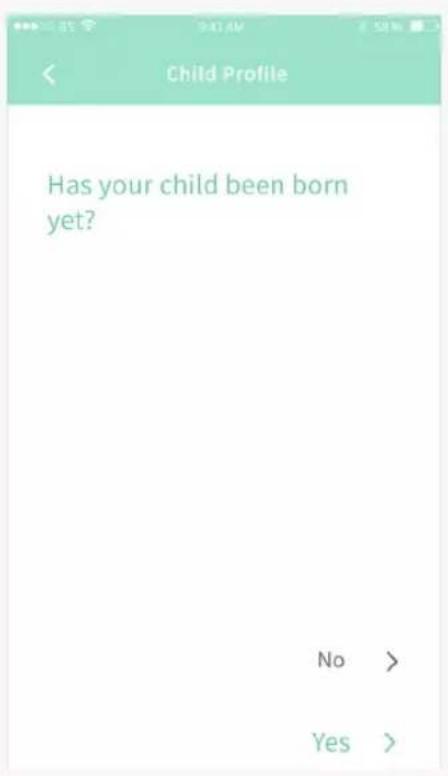
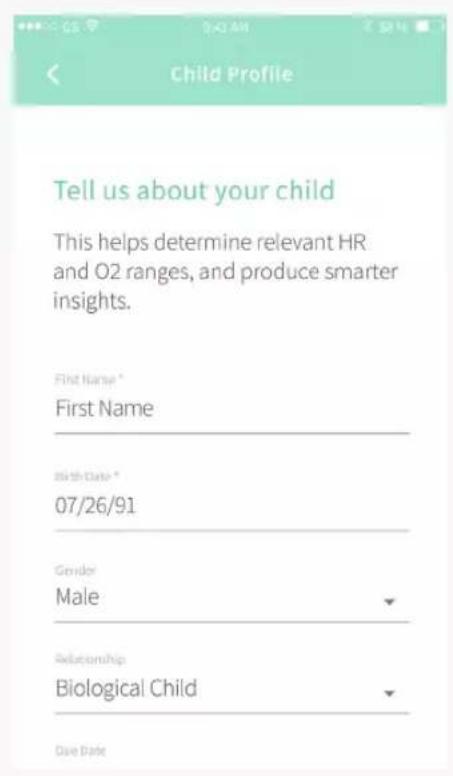
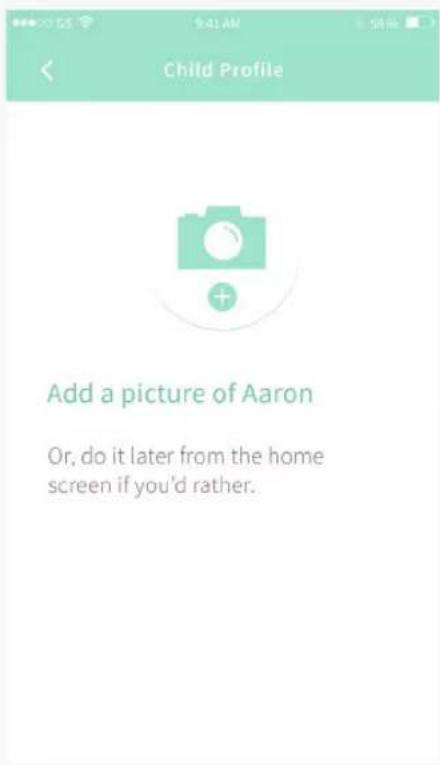
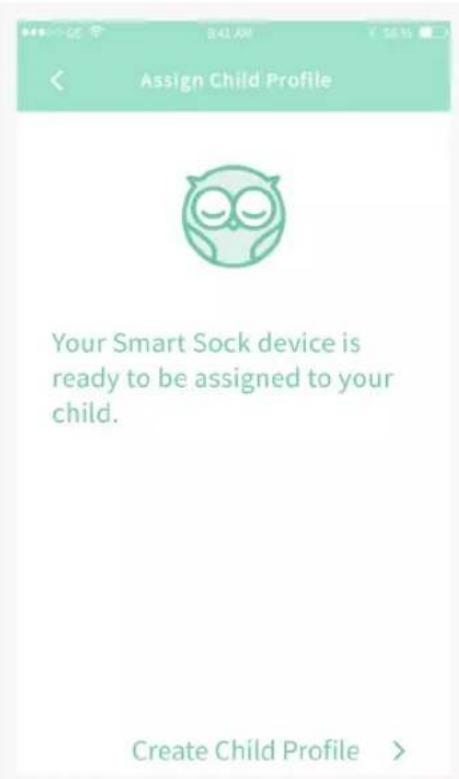
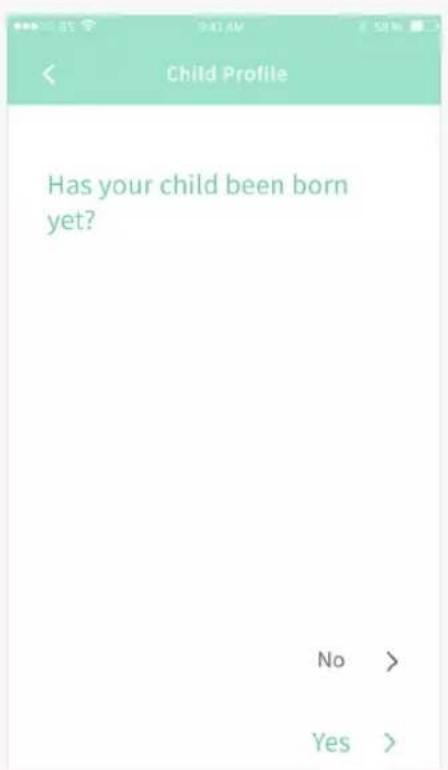
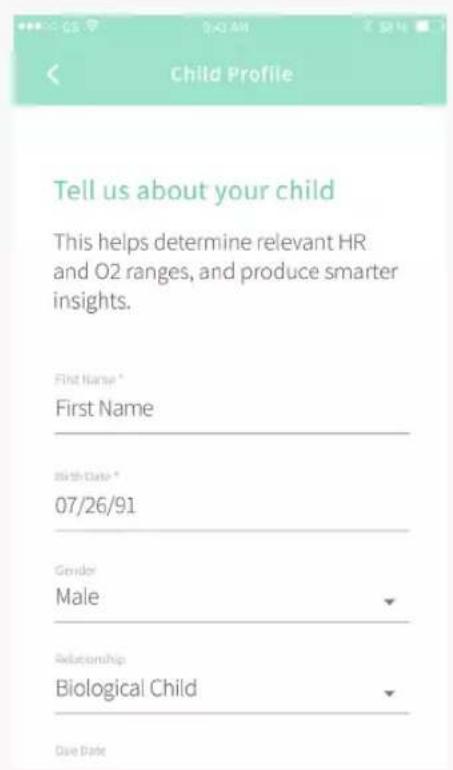
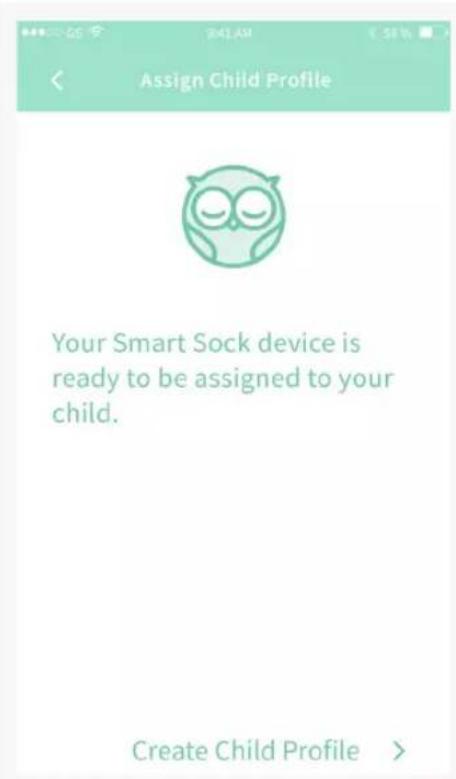
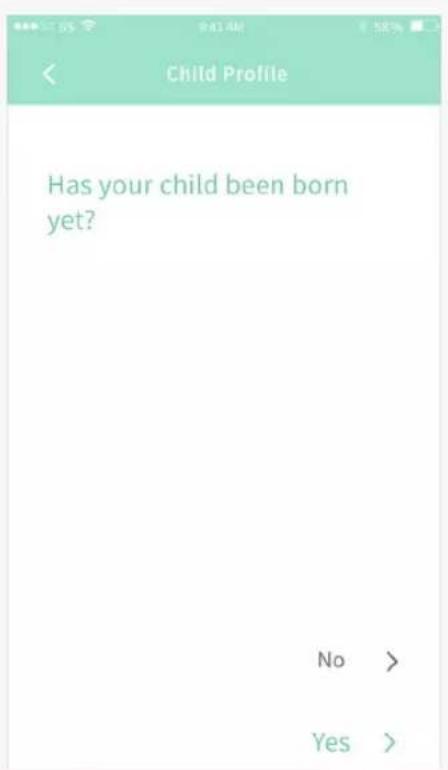
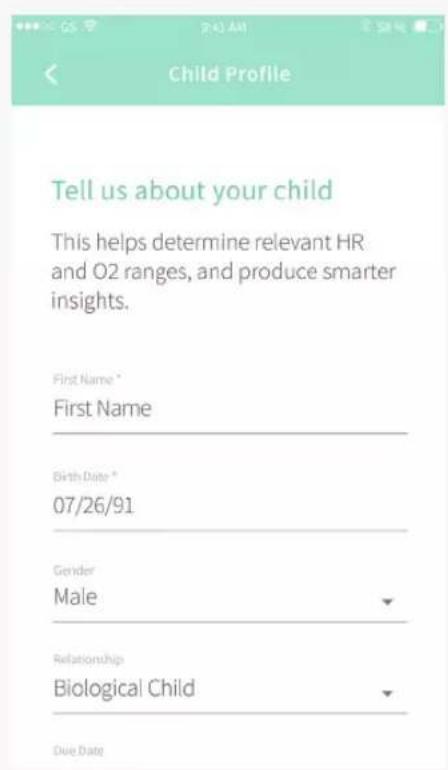
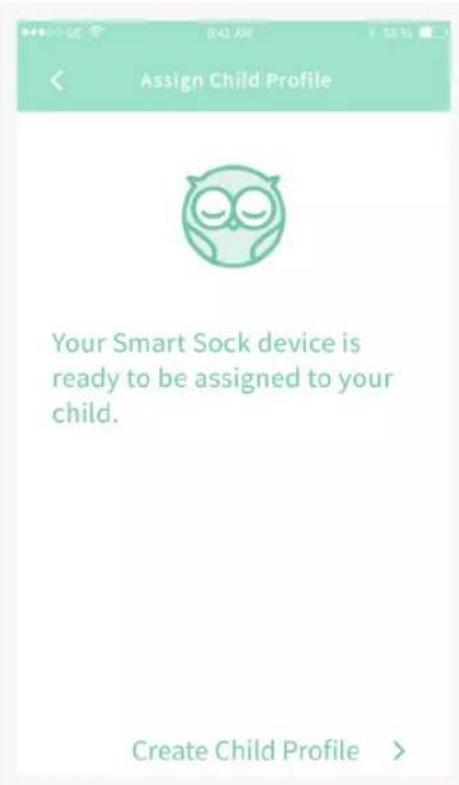
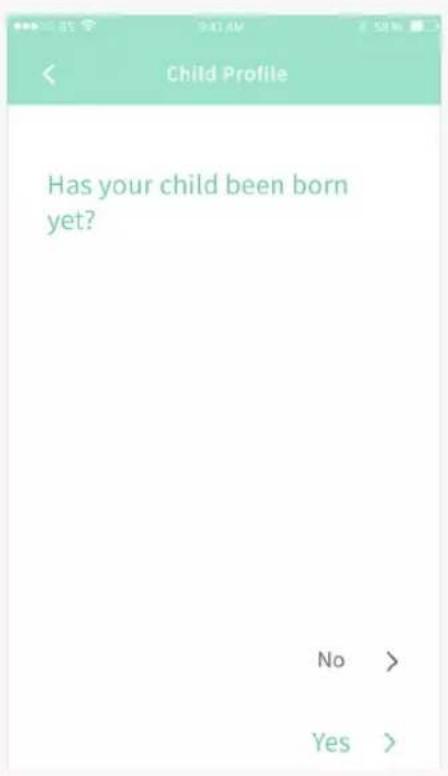
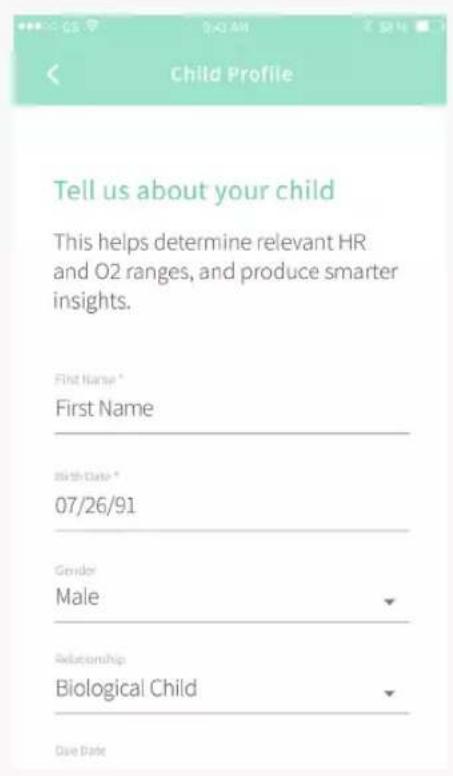
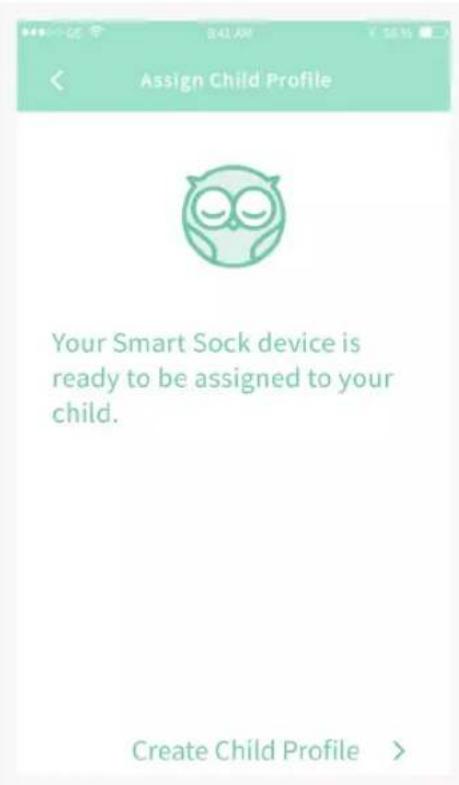
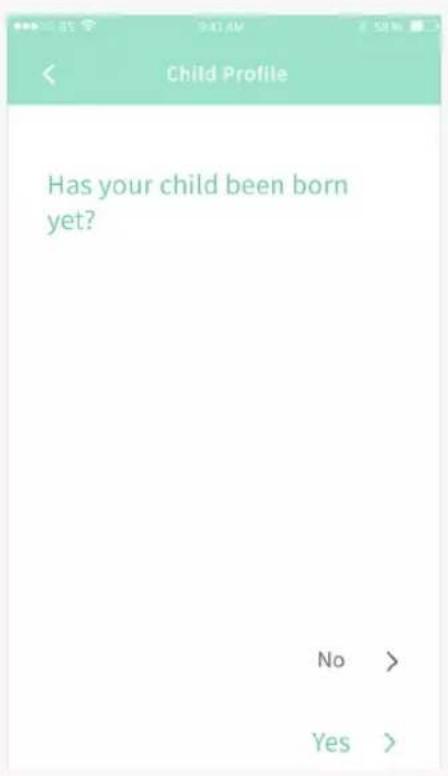
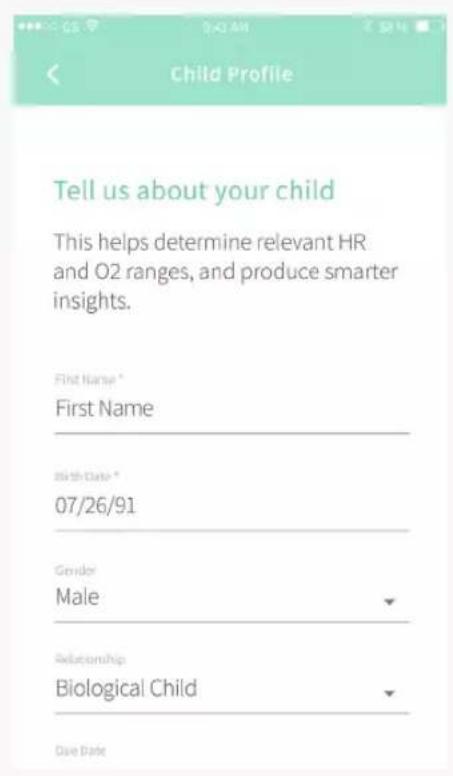
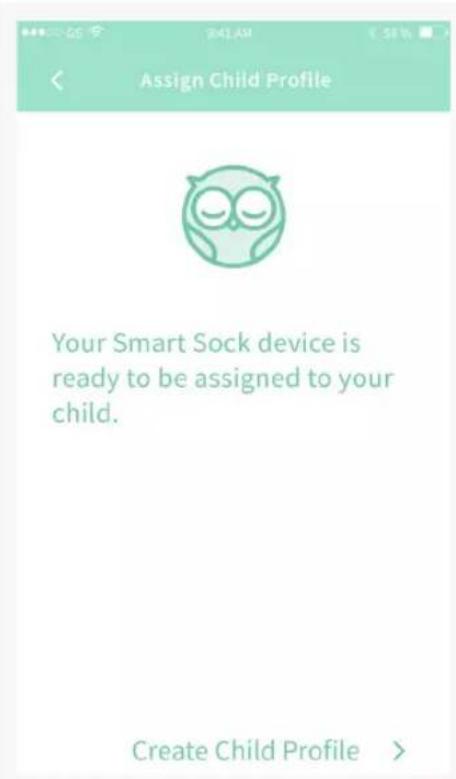
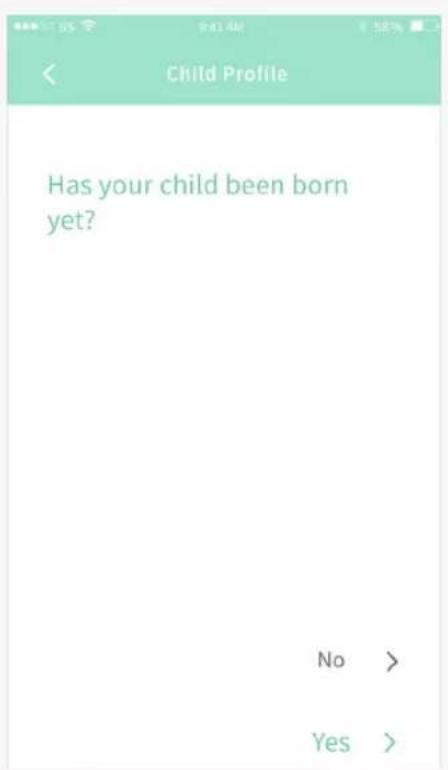
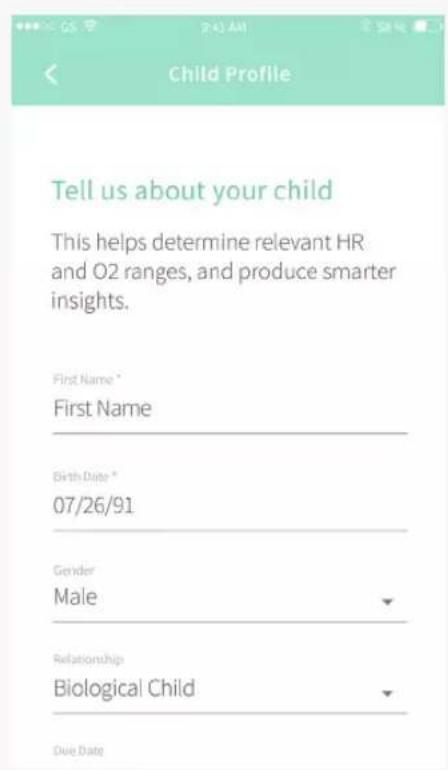
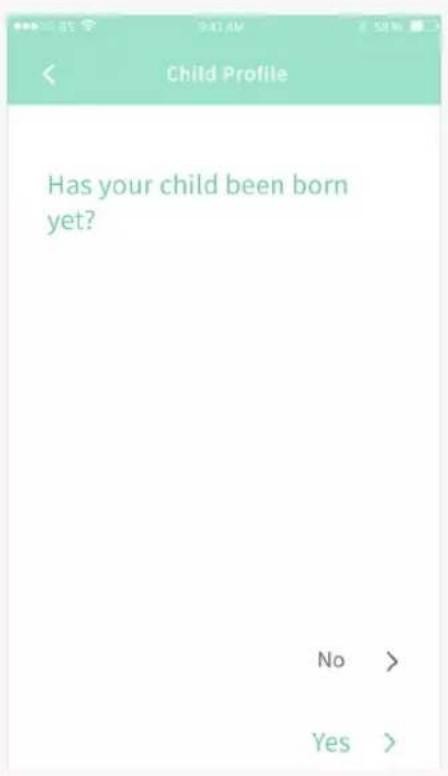
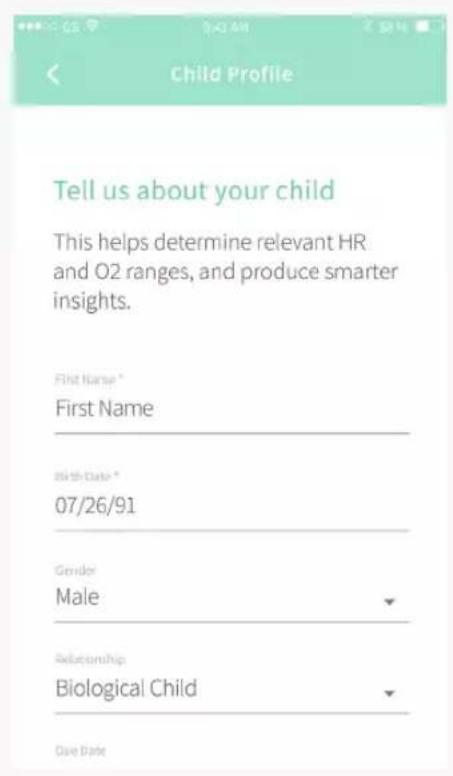
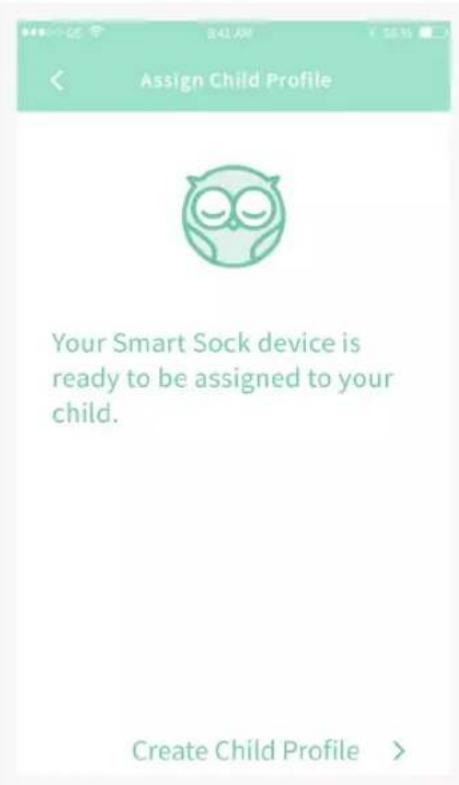
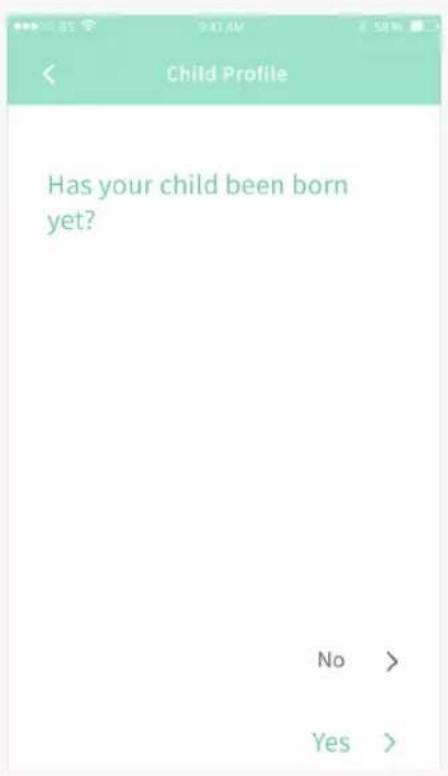
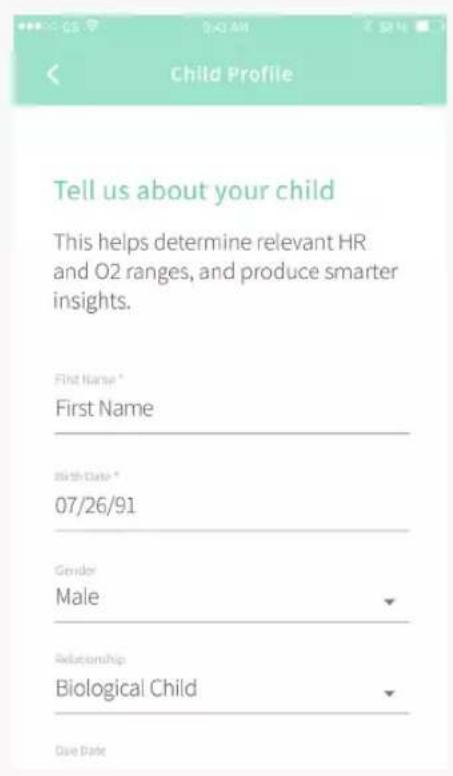
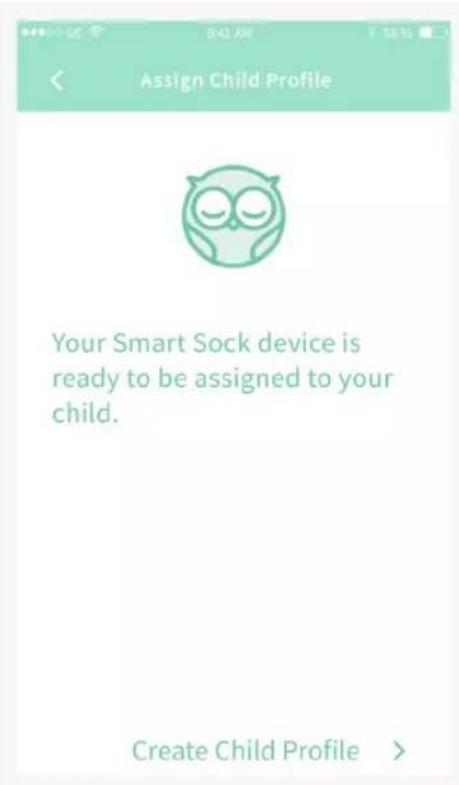
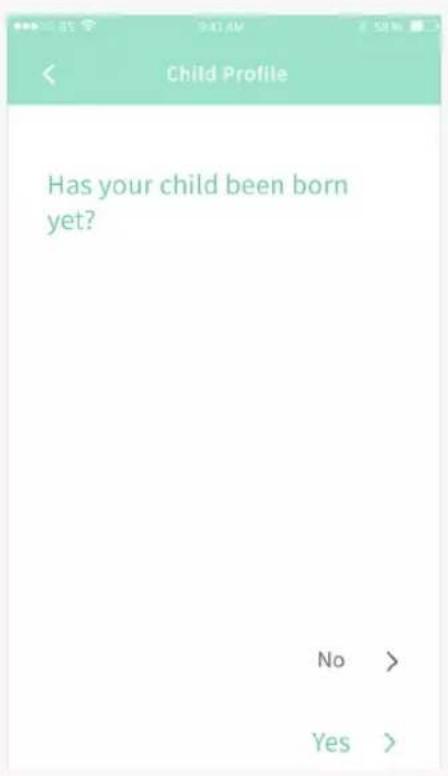
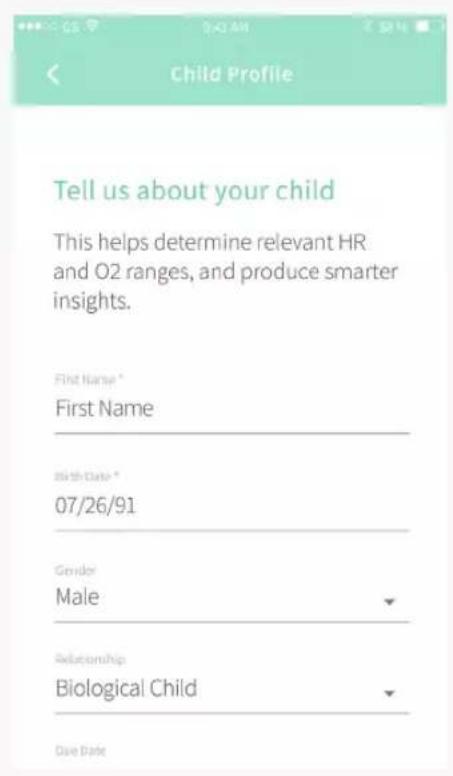
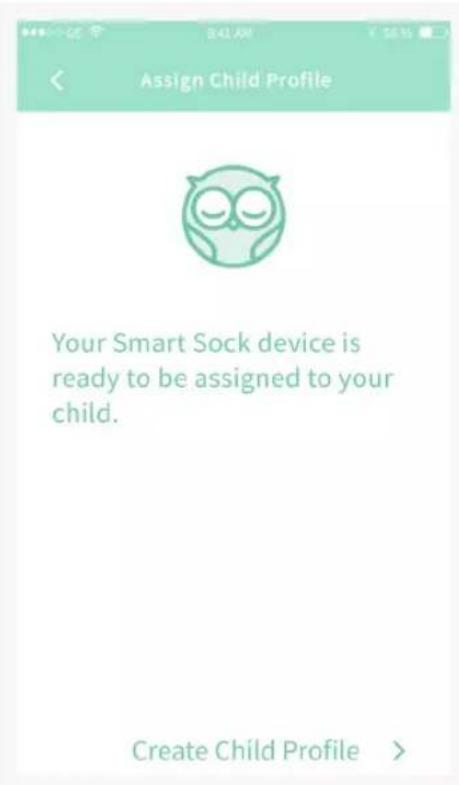
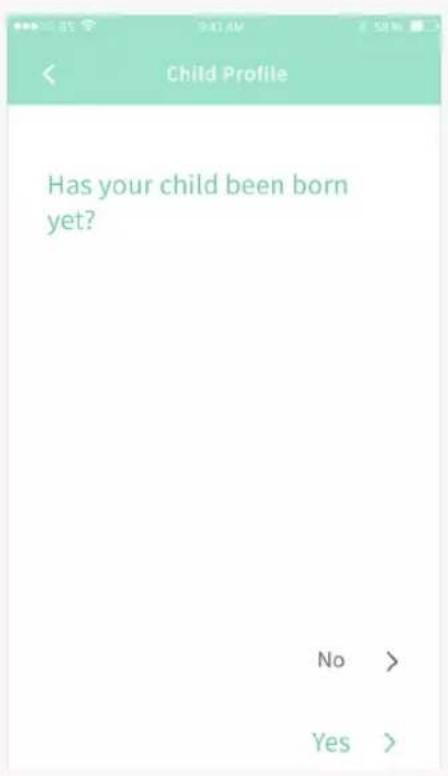
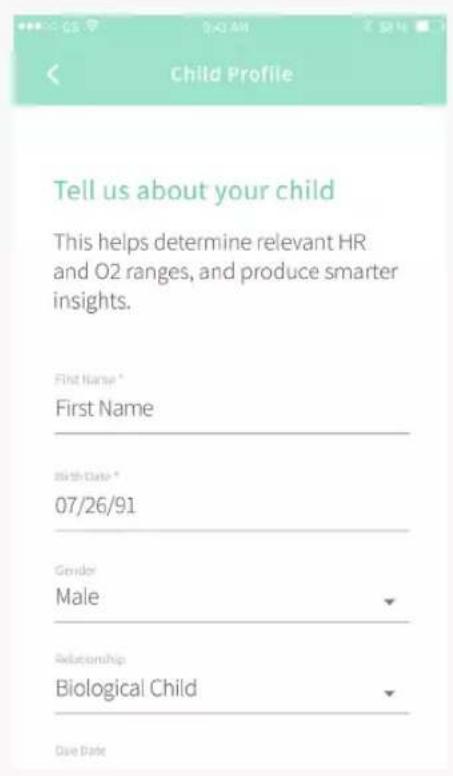
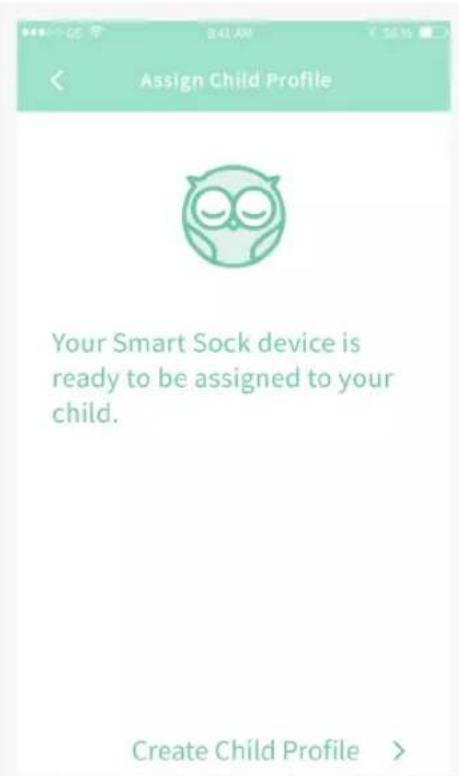
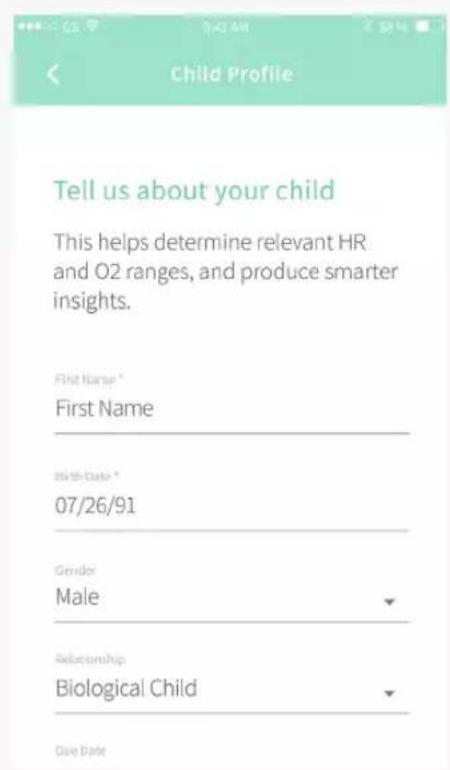
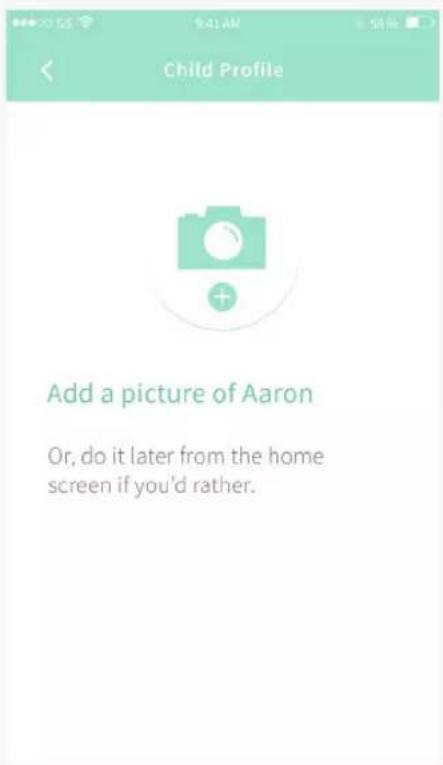
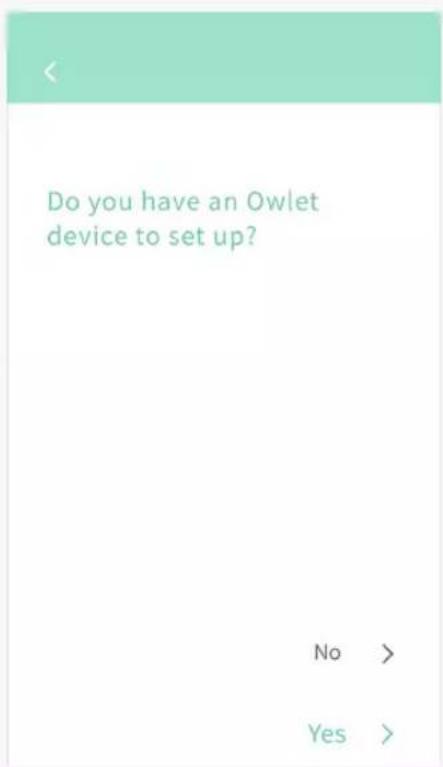
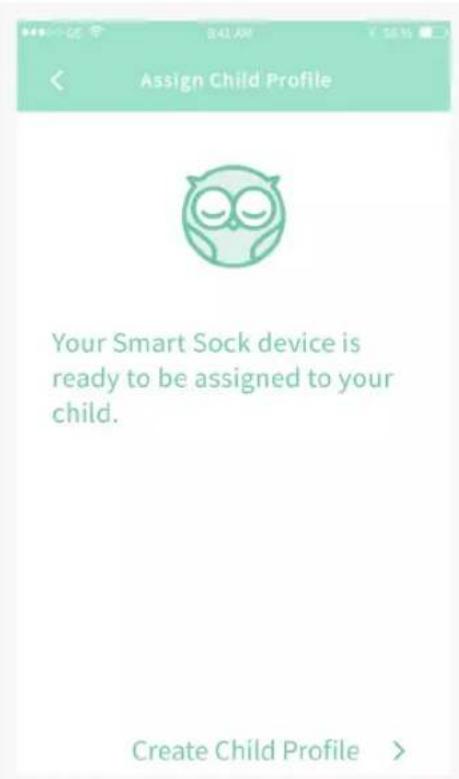
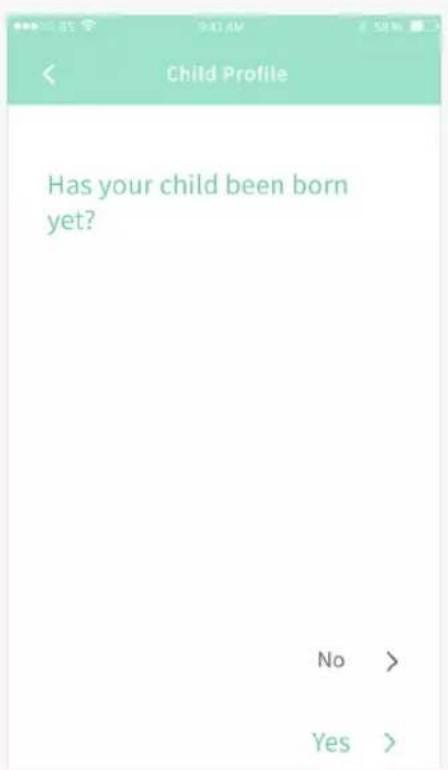
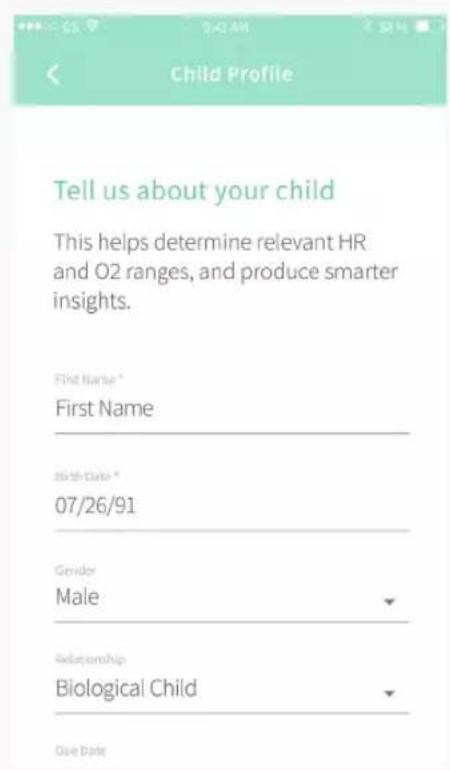
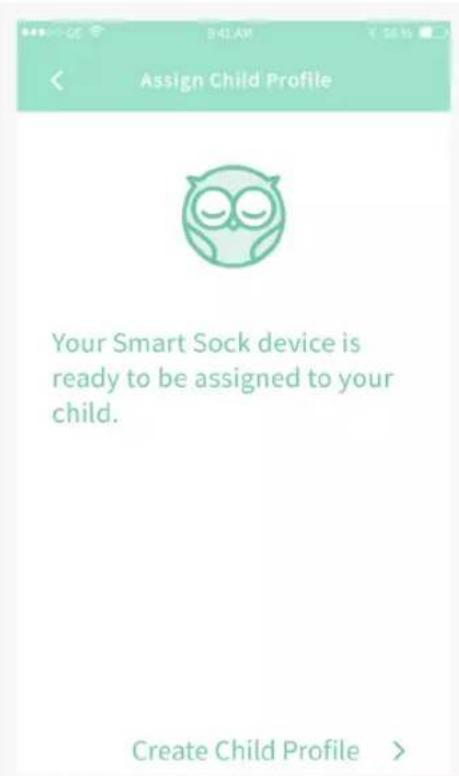
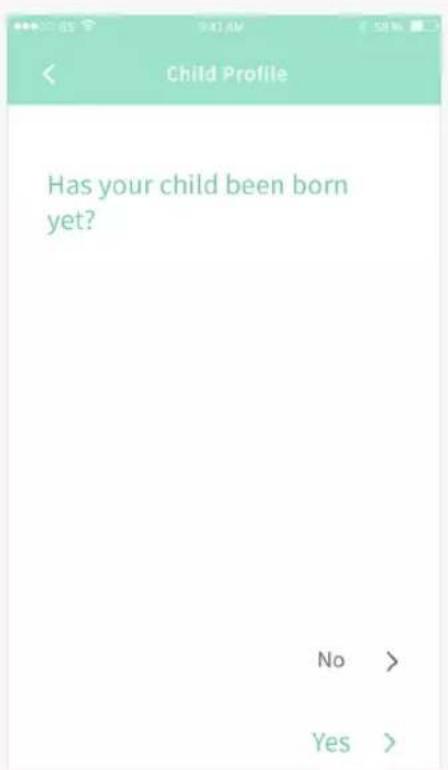
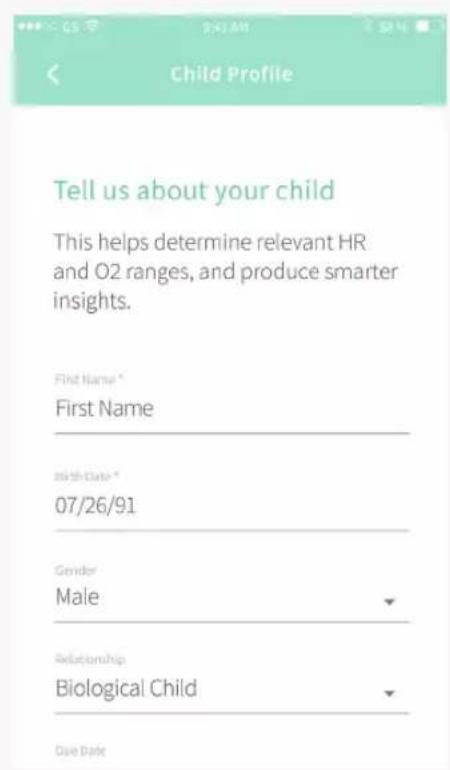
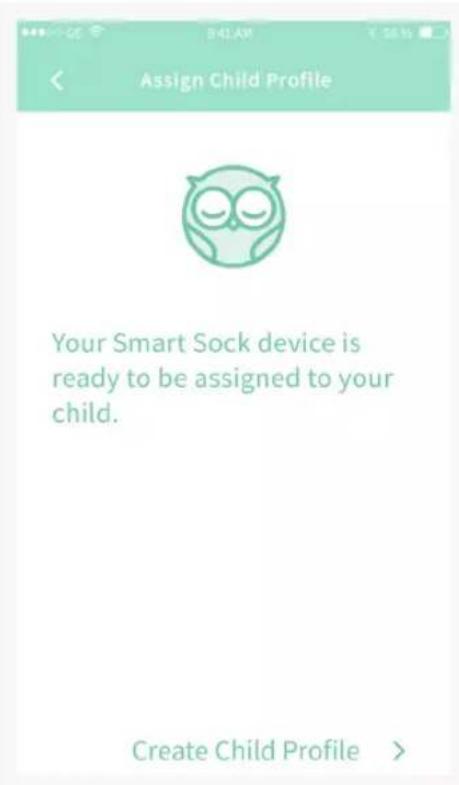
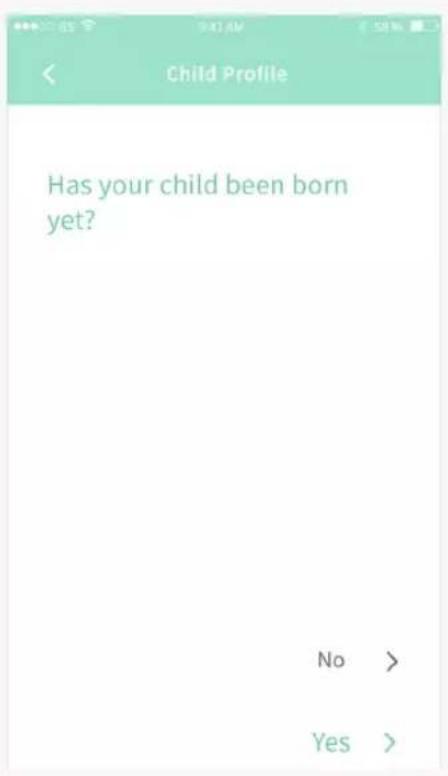
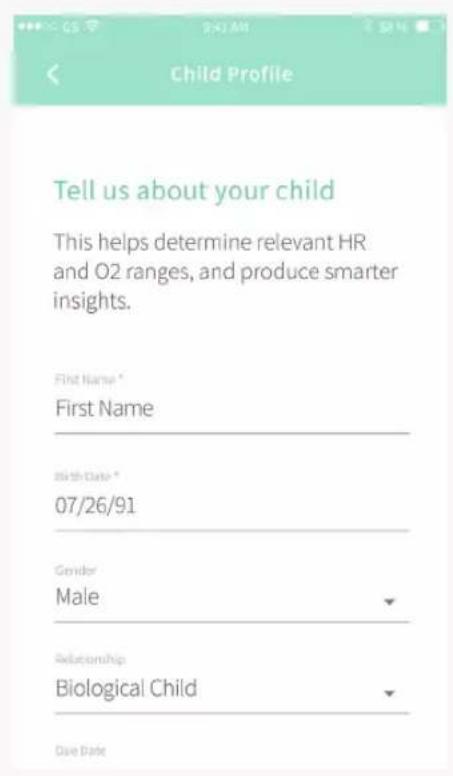
⑤ Create a child profile. The app will walk you through creating a profile for your child and assigning that profile to an Owlet device.
Sock sizing, placement and fit
The Owlet Smart Sock comes with two sock sizes, and a right and left sock for each size:
Size 1 fits babies up to 12 lbs. (5.4 kg)
Size 2 is for babies from 12 - 30 lbs. (5.4 - 13.5 kg)
Size 3 for children from 30 - 55 lbs (13.5 kg - 24.9 kg)*
natural_image
Diagram showing a heart-shaped object with a small circular hole inside, partially submerged in a smooth surface (no text or symbols)*Size 3 socks only included in Smart Sock Plus
natural_image
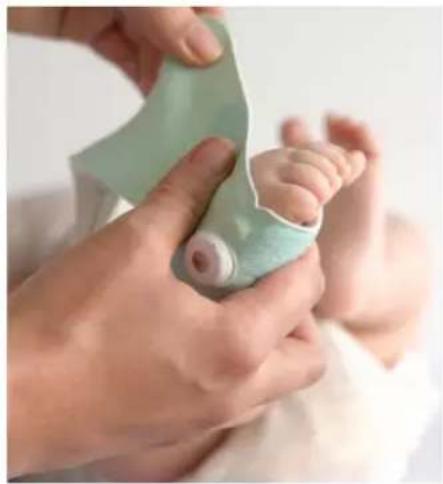
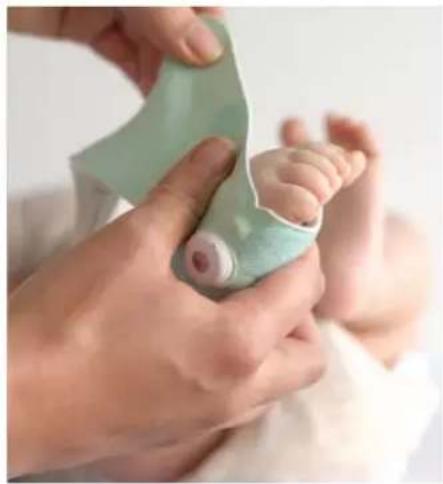
Close-up of hands gently holding a baby's foot with a green bandage, no visible text or symbolsAttach the sensor to the Fabric Sock
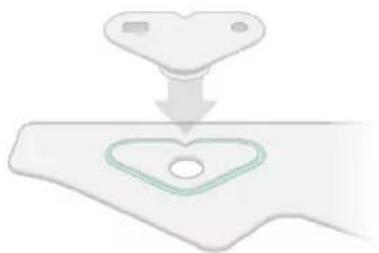
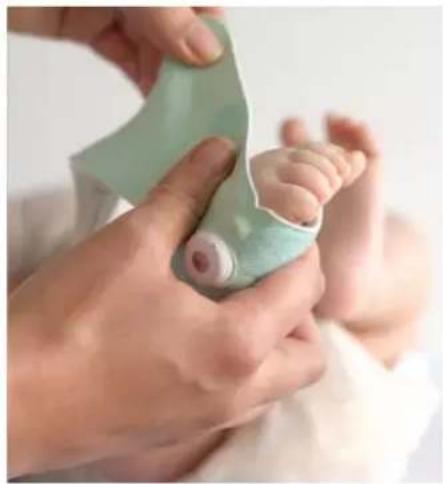
Align the notch in the sensor with the notch in the fabric sock; press the sensor to the sock to attach and pop the sensor into place.
TIP:
If in doubt, start with the smaller size first.
natural_image
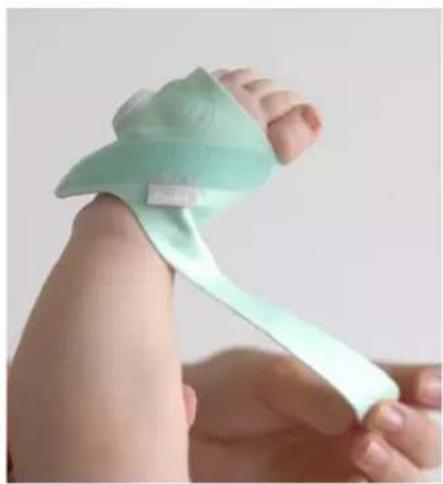
Close-up of a baby's foot with a green bandage and wristband, no visible text or symbolsFit the Sock
Place the notch in the Sock behind the pinky toe of your child on the side of the foot.
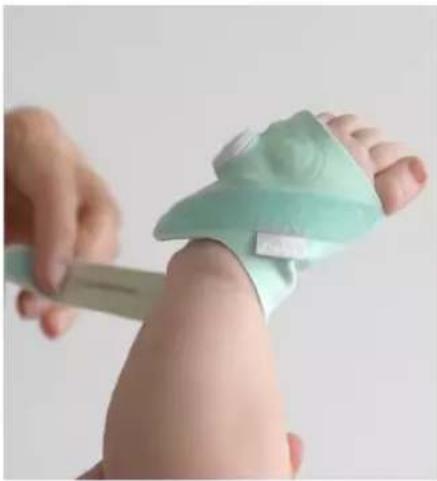
Secure the toe strap around the foot above the toes, then wrap the ankle
natural_image
Close-up of a hand using a tool to lift a foot, no visible text or symbolsstrap around the back of the ankle and secure it on top of the foot.
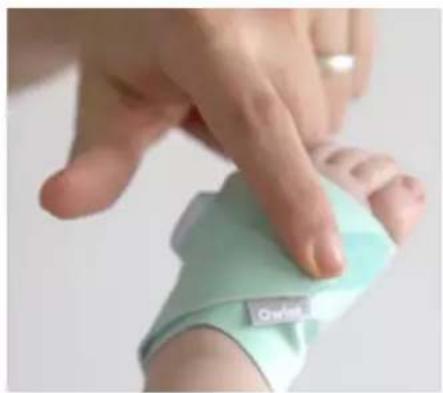
When placed correctly the strap on the top of the foot should point to the big toe, and the sensor should be on the outside of the pinky toe with the top of the owl's head pointed towards the toes.
natural_image
Close-up of a hand pressing down on a light-colored wristband (no visible text or symbols)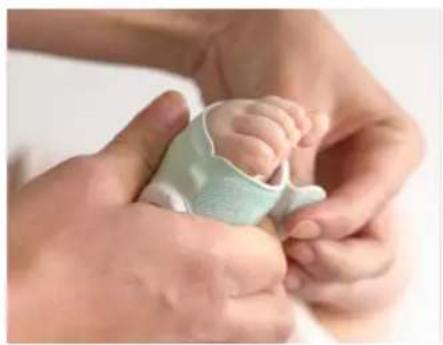
natural_image
Close-up of a baby being held by adult hands, no visible text or symbolsTIPS FOR USING THE SS3 WITH TODDLERS AND PRESCHOOLERS:
Because toddlers and preschoolers are more mobile and active than infants we'd like to share a few helpful tips:
- Put the Smart Sock on after your child is in bed for the night to minimize how often they will be walking with it on. Walking with the sensor on can damage it.
- Wait to turn your Base Station on to monitor until after your child falls asleep. This helps reduce the chance of unnecessary yellow notifications due to restlessness as children fall asleep. You can do this in the app and or on the Base Station.
- If your child has never worn a Smart Sock before, know that they might be hesitant and ask questions. Let them get comfortable with the device and inspect it before trying to put it on.
Getting readings and notifications
Before naps and overnight sleep, remove the Sock from the Base Station and place it on your child.
The Base Station will display bouncing green lights when it's attempting to take readings. When the Base Station is getting readings it will pulse green.

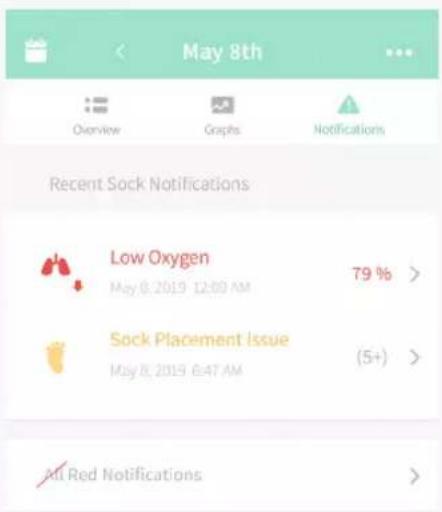
Yellow notifications
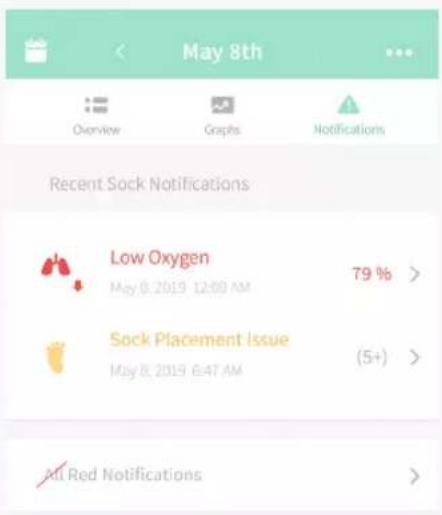
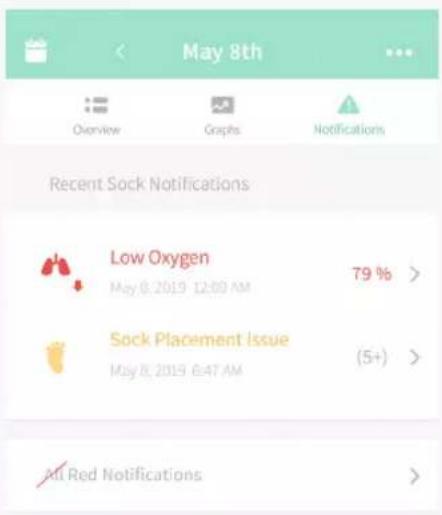
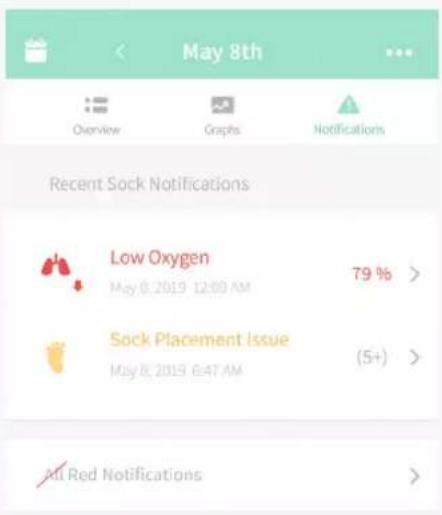
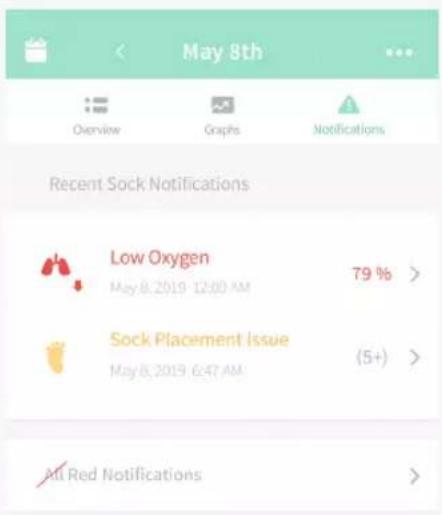
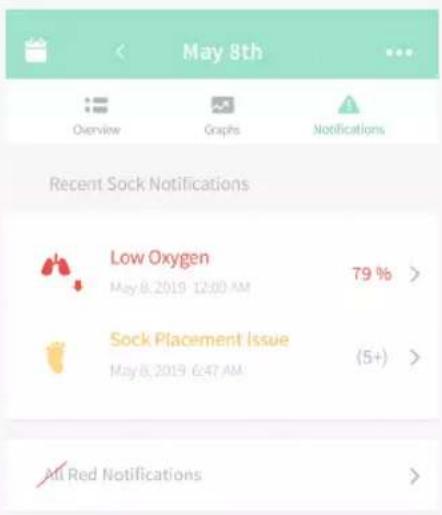
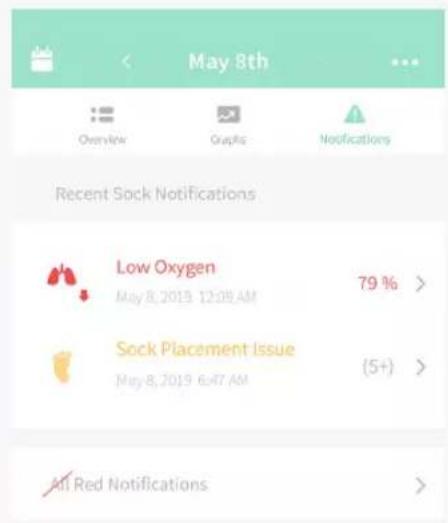
During a yellow notification the Base Station will flash yellow and play a lullaby, and you will receive a push notification in the app. A yellow indicates there is a Sock placement issue or the Sock has fallen off of your child's foot and was unable to get good readings for at least 60 seconds.

Blue notifications
During a blue notification the Base Station will flash blue and play a lullaby, and you will receive a push notification in the app. A blue notification indicates the Sock is out of range of the Base Station, the battery is depleted or the signal is blocked for at least 60 seconds.
Because the human body can act as a barrier between the base and Sock connection, try not to hold your child with your back facing the Base Station to avoid notifications. If blue notifications are recurring, move the Sock and Base Station closer together to avoid repeated notifications.

Red notifications
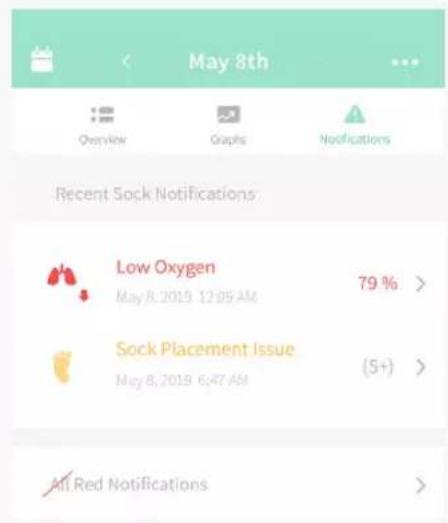
Red is the highest priority notification. There are three kinds of red notifications, during which the Base Station will flash red and emit a high pitched sound.
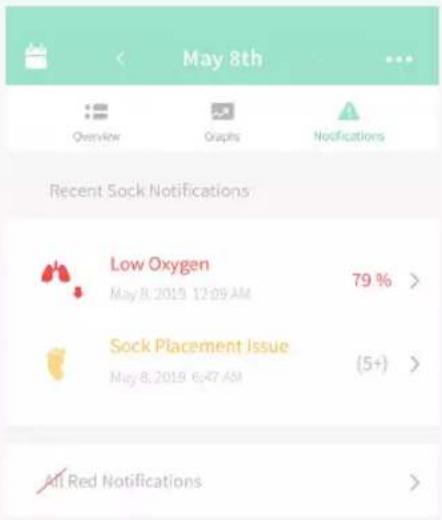
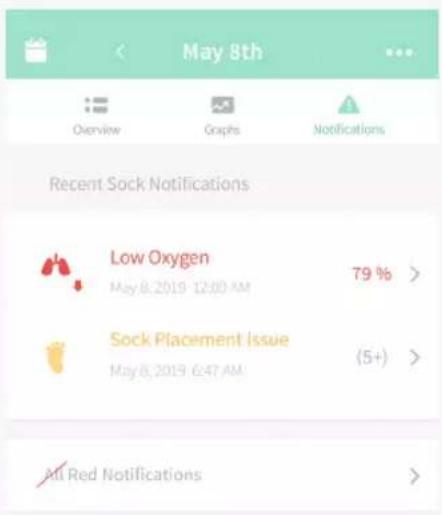
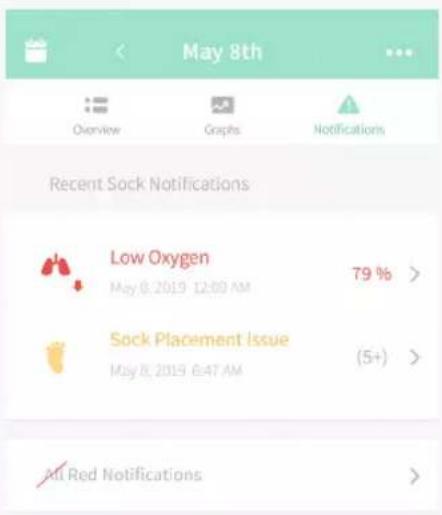
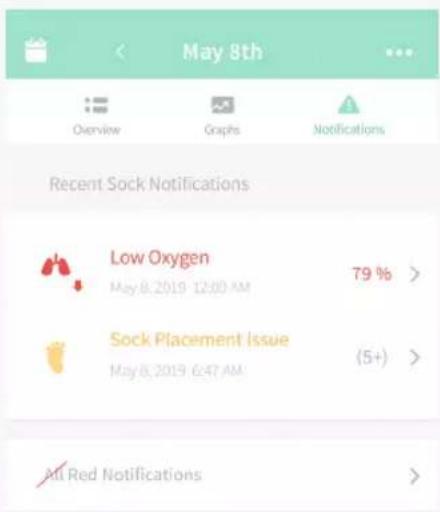
Low Oxygen: notifies if your child's oxygen has dropped below 80%
Low Heart Rate: notifies if your child's heart rate goes below 60 beats per minute when oxygen is also below 85%
High Heart Rate: notifies if your child's heart rate goes above 220 beats per minute
TIP:
If you have your child wear the Sock while feeding, you may get red notifications as oxygen naturally decreases and heart rate rises at this time.
Snooze notification sounds
When there is an active notification of any kind you can snooze the notification sound for 60 seconds with a short press on the Base Station or in the app.
Snoozing will only pause the Base Station and app sound—the light ring will continue to show on the Base Station and details are available in the app. The notification remains in effect until the condition is resolved. If the triggering event (low oxygen, low heart rate or high heart rate) ceases while snoozed the notification will stop.
If a new notification with the same or higher priority occurs while snoozed, the new notification will begin without being snoozed.
Base Station
The Smart Sock Base Station communicates different states with the following colored lights:
Bouncing green: Getting readings
Pulsing green: Readings are within normal range
Flashing blue: Sock is out of range from Base Station, the battery is depleted or the signal is blocked
Flashing yellow: Sock is improperly placed or has fallen off
Flashing red: Heart rate or oxygen levels are outside of preset range
Pulsing white: Sock is charging
White: Sock is fully charged
Bouncing white: Sock is not paired
How do I turn the Base Station monitoring on?
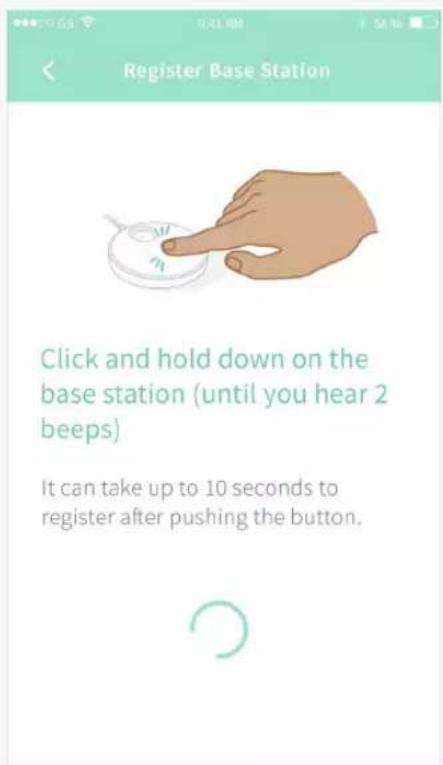
If sensor is charging, remove the sensor from the charging port or press down on the Base Station and release. You will hear a beep after the Base Station is pressed and the Base Station will light green.
How do I turn the Base Station and monitoring off?
Press down on the Base Station and hold until the green light turns off and you hear a beep.
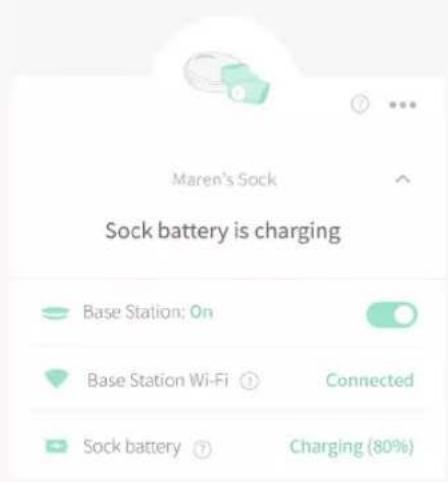
Charging the Sock
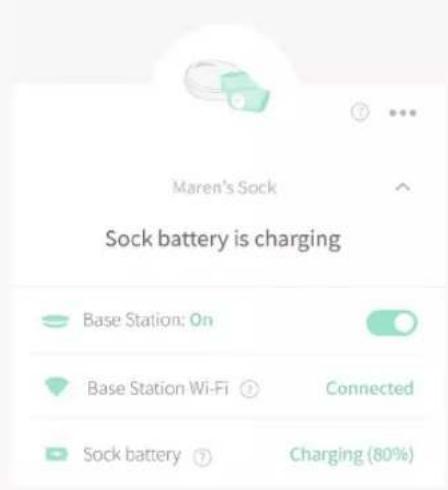
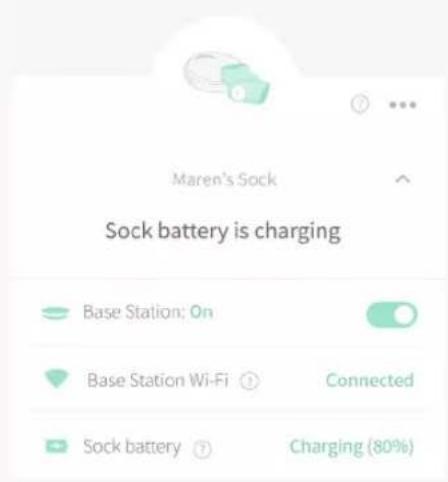
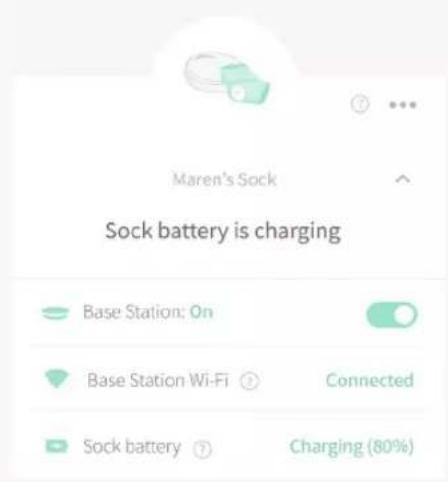
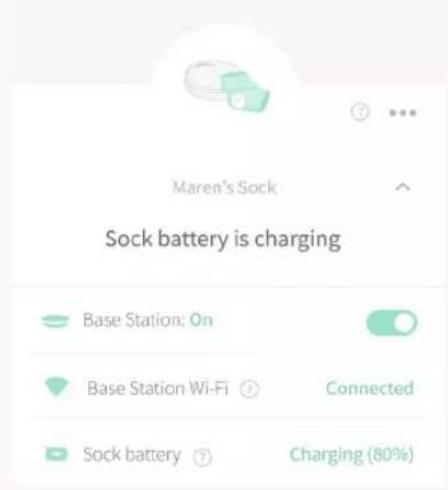
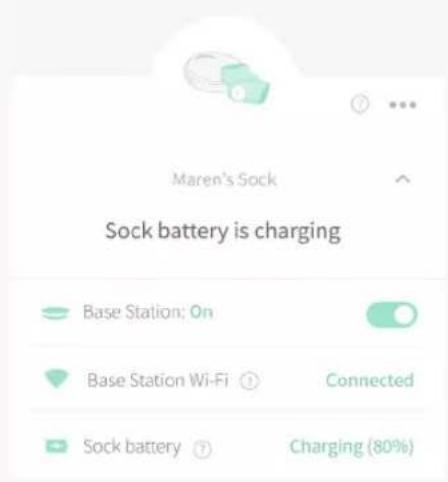
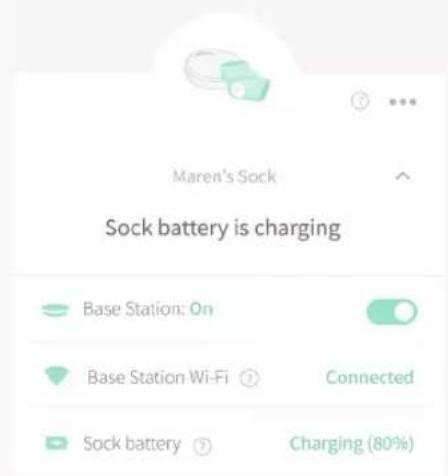
Place the Sock sensor onto the charging port located on the top of the Base Station and ensure the Base Station light glows white.
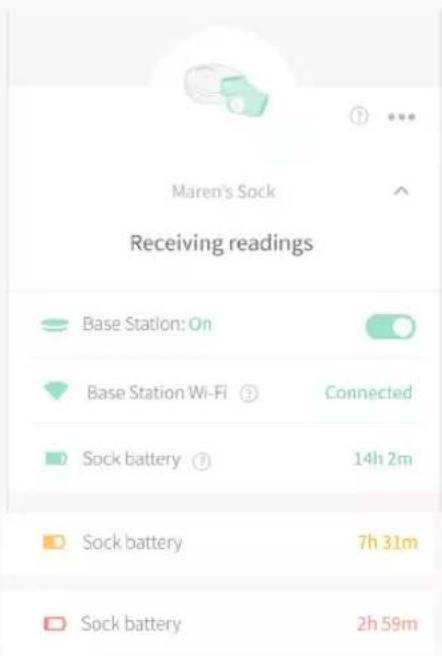
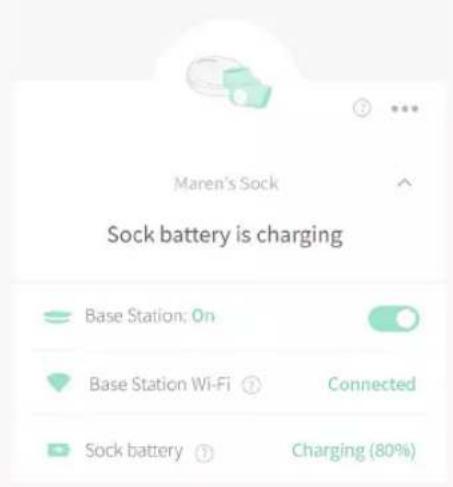
Sock battery level
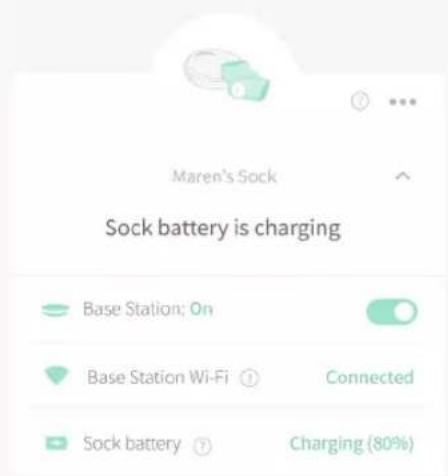
You can check the Sock's battery level in the app.
When the Base Station light is pulsing white the Sock is charging; when it is static white the Sock has fully charged.
Low Sock battery notification
If your Sock battery has less than 1 hour of operation time we will notify you in the app with a blue notification. The Base Station will not play a sound or flash for this notification.
You can also view battery status at any time in the device status screen.
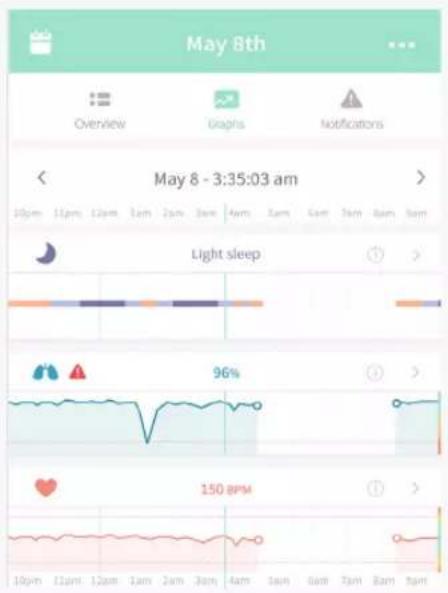
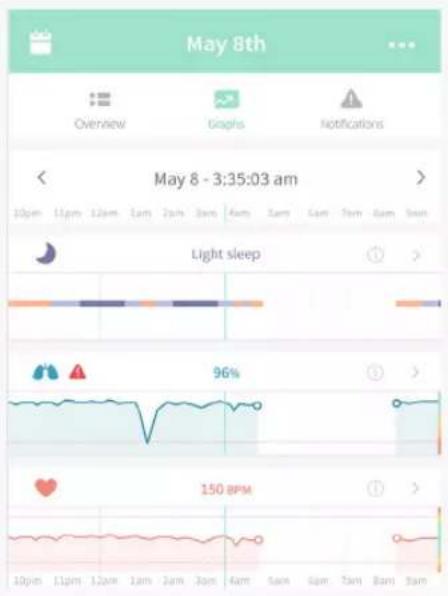
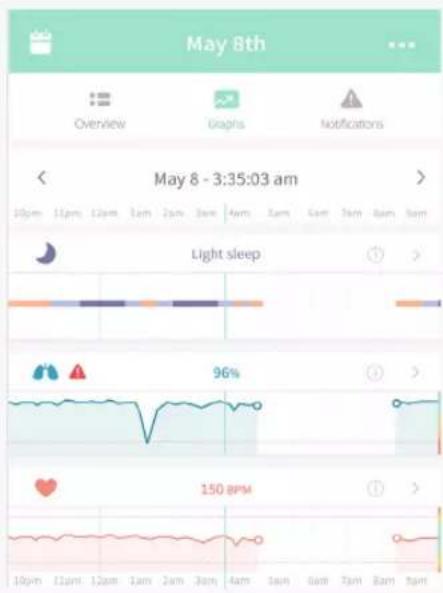
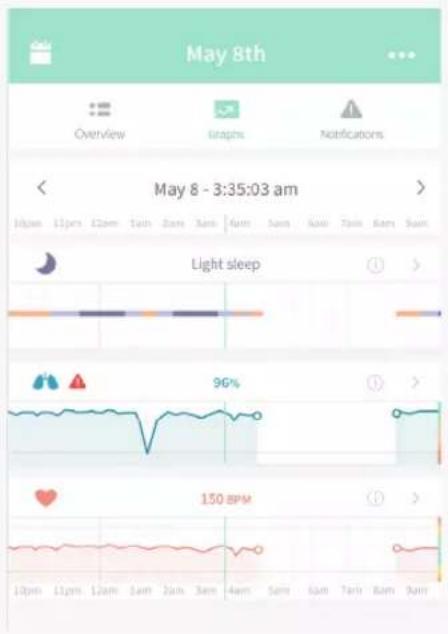
History
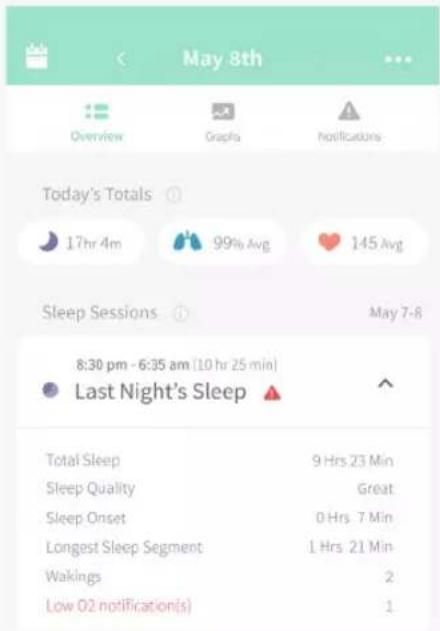
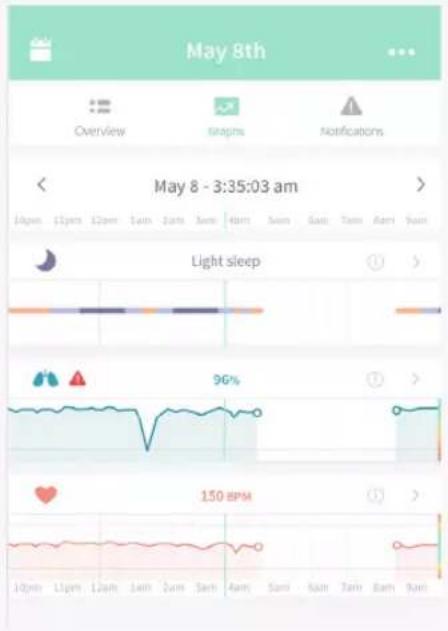
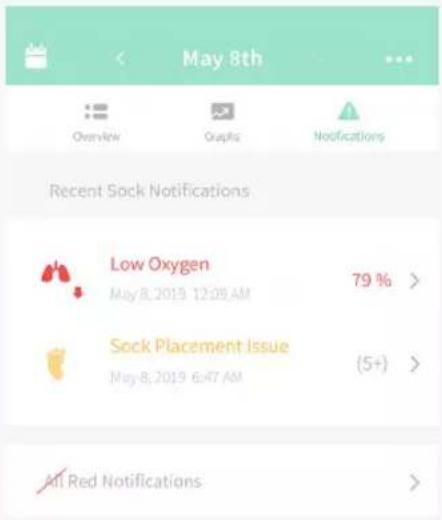
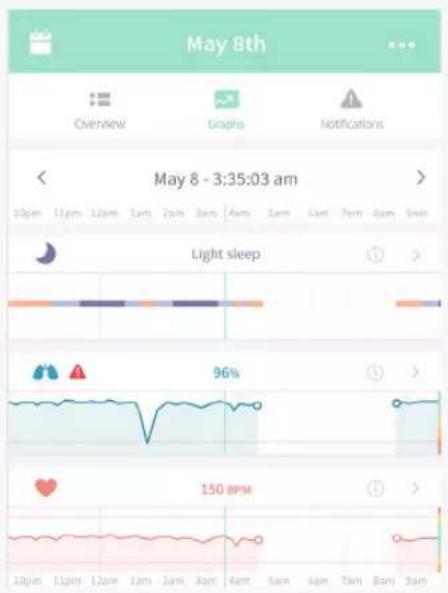
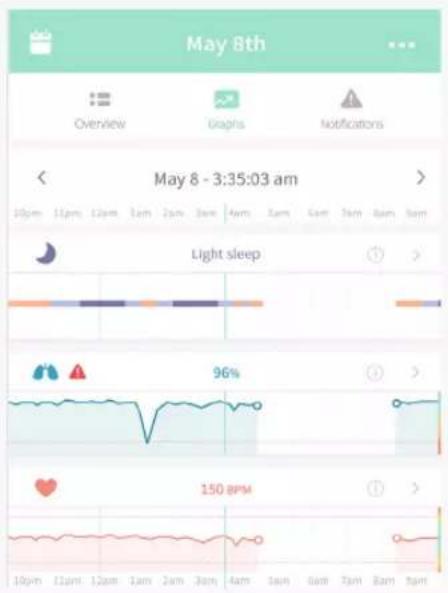
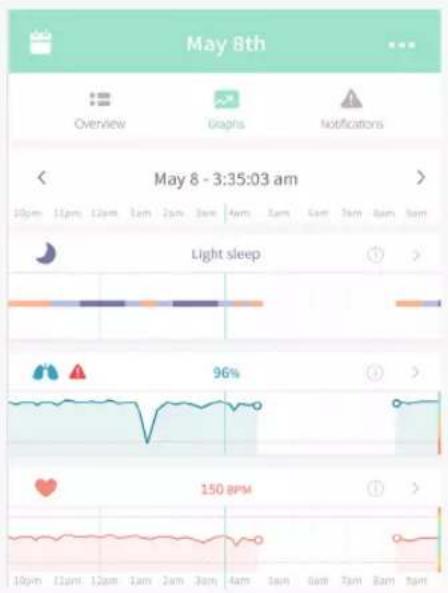
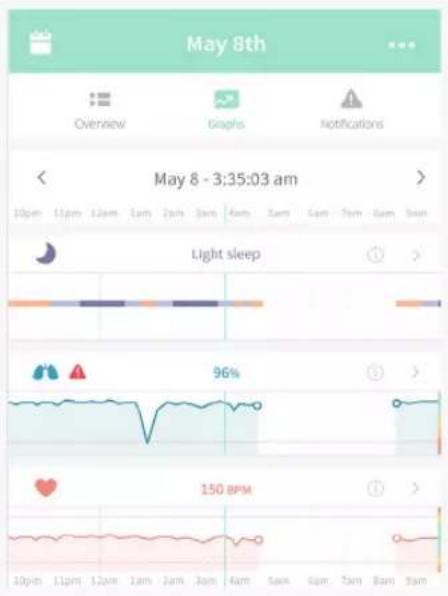
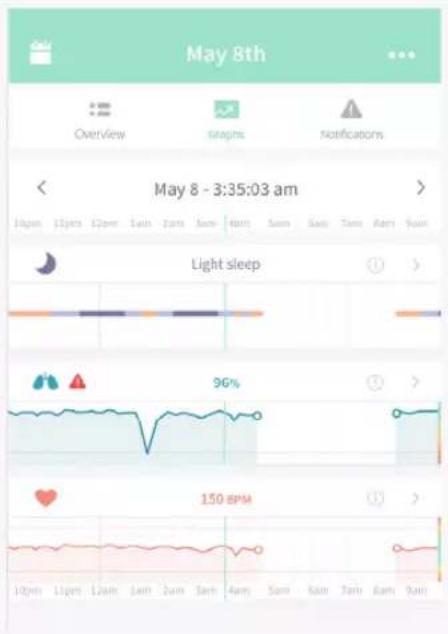
The History tab in the app displays your recent sleep sessions, readings and notifications. The Base Station and app require a Wi-Fi connection to view History.
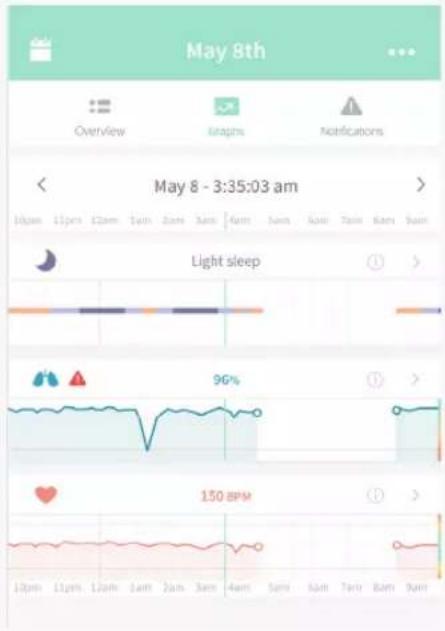
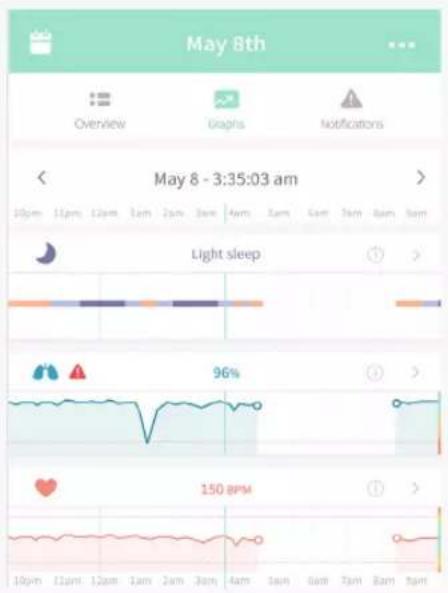
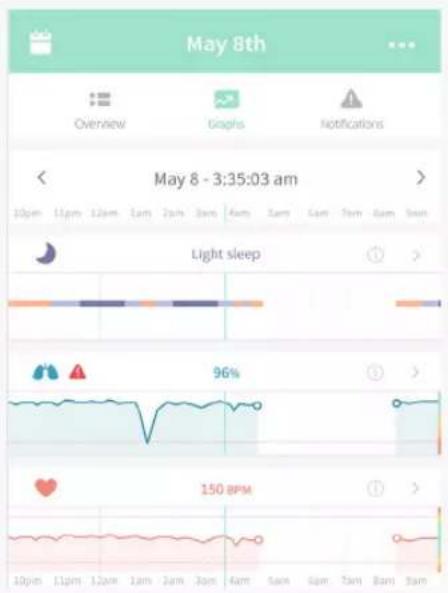
Graphs display the average readings of heart rate, oxygen and sleep for the previous 10 minutes, updating every 10 minutes during each sleep session.
Pull down on the graphs to refresh data, or close and re-open the app. History is available for the past 30 days of sleep sessions.
After a sleep session
Return the Sock sensor to the Base Station to charge whenever it is not on your child.
Sock care and storage
Keep the second Sock in the size you are currently using in an easily accessible place so you can rotate use between feet regularly. Store the other size for later use.
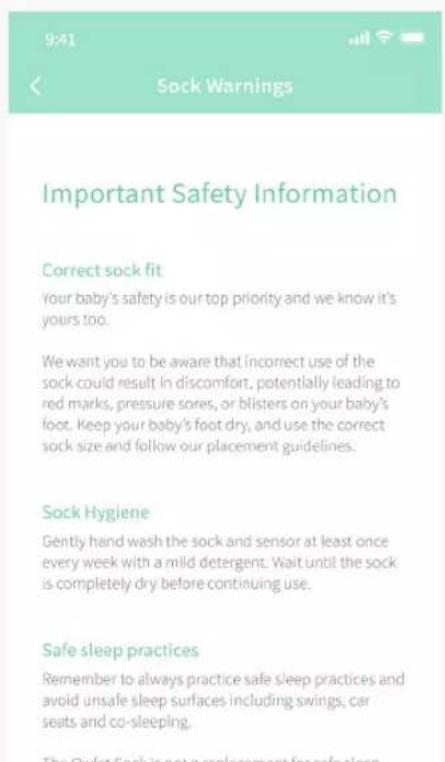
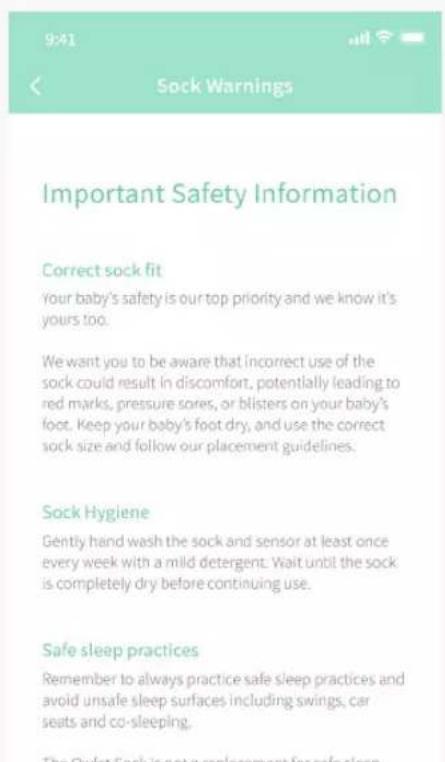
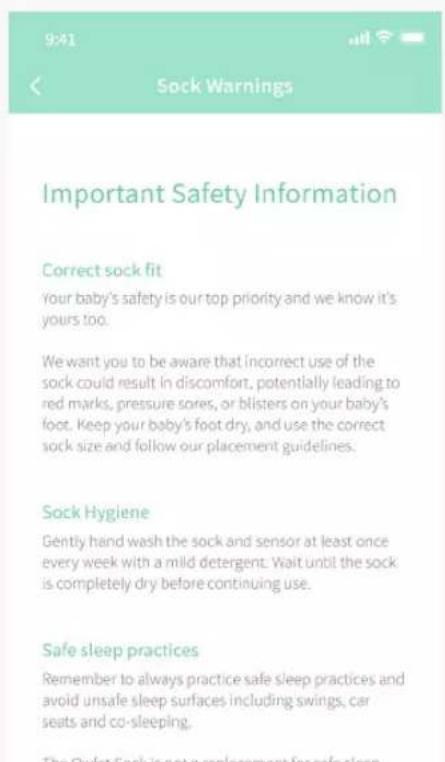
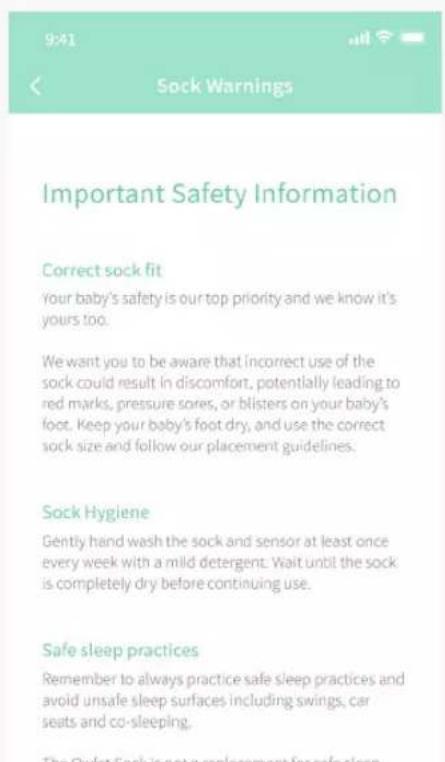
Owlet recommends washing your Sock and sensor every 2 weeks at minimum to avoid skin irritation caused by a soiled Sock and sensor. Wash by hand with a mild detergent and cold water. Allow to dry completely before using.
How to turn off Sock sensor
Remove the sensor from the Base Station. Disconnect the power cord from the Base Station. Press and hold the Base Station button while inserting the power cord. Hold the Base Station button until light glows orange and you hear 4 beeps. Tap button once. The light in the Sock will turn off. To turn the Sock back on place the sensor into the Base Station charging port.
Tips and Tricks
Sock placement
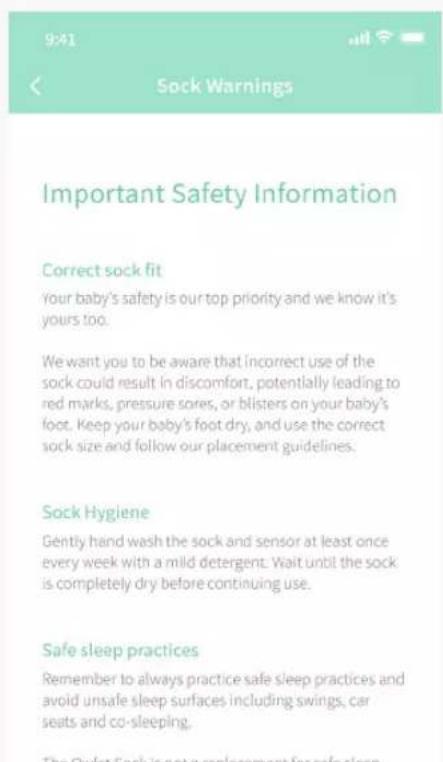
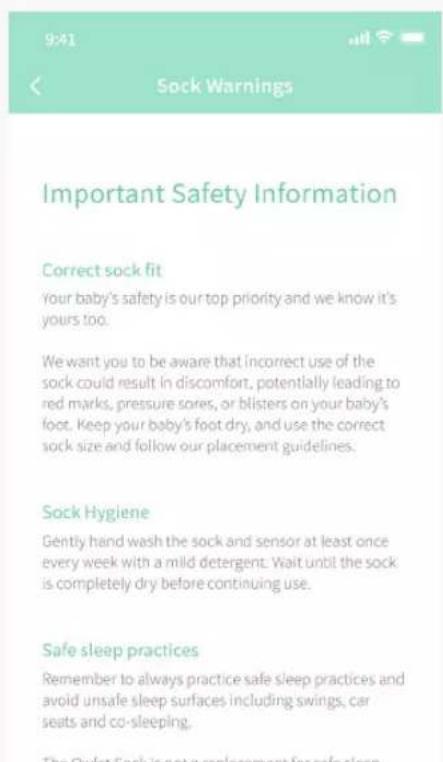
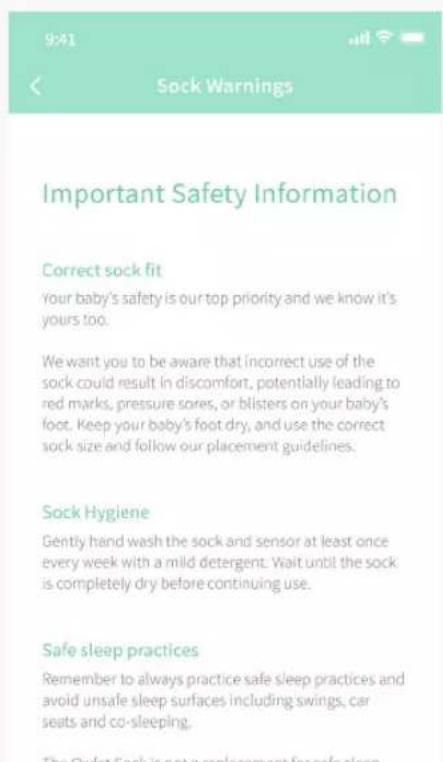
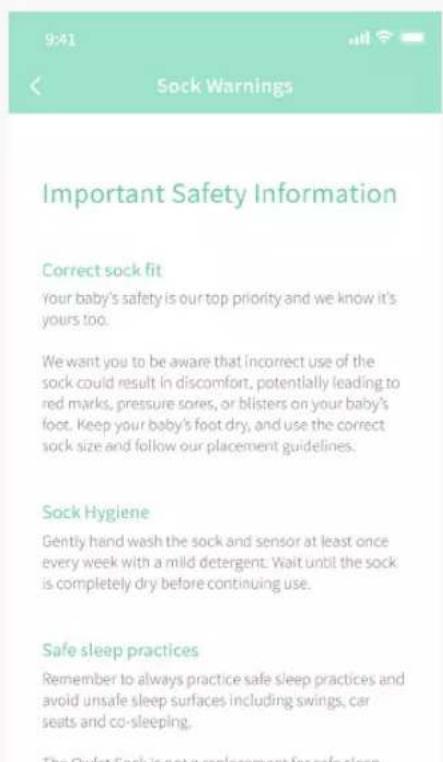
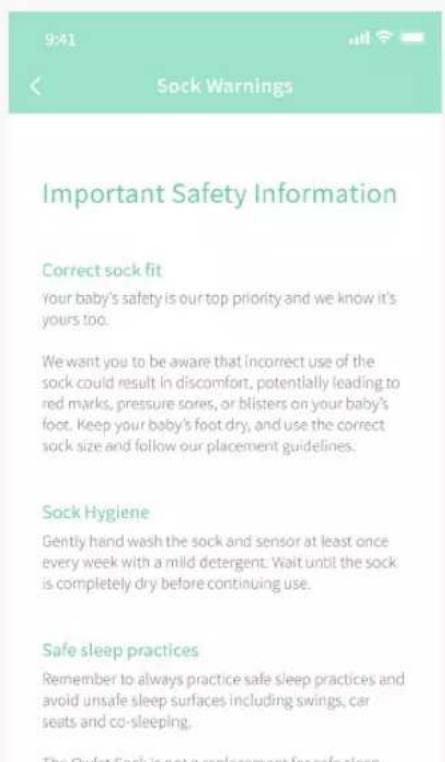
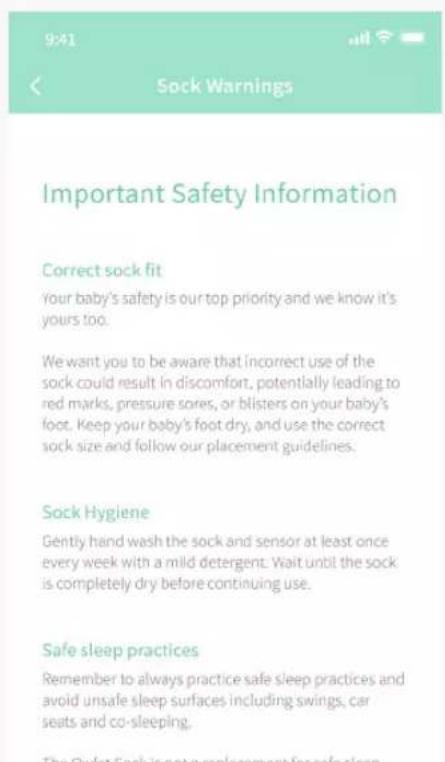
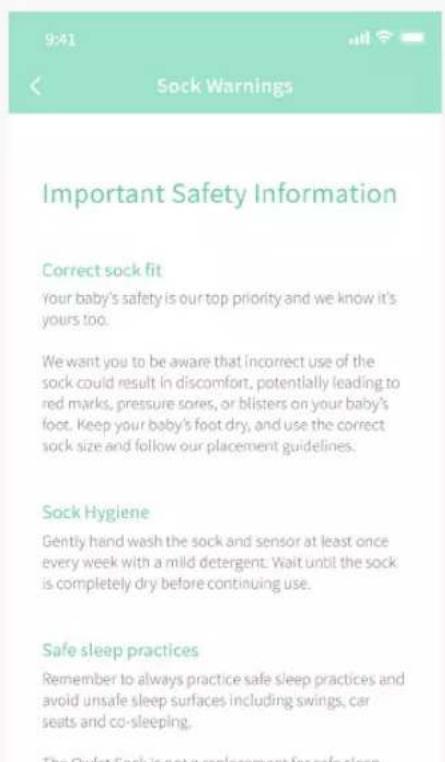
Incorrect use of the Sock could result in discomfort, potentially leading to red marks, pressure sores or blisters on your child's foot. Ensure your child is wearing the right size Sock: you want the Sock to fit snugly but not tight around both toes and ankle. We recommend you regularly rotate the foot your child wears the Sock on. If redness appears, discontinue use on the affected foot and apply the Sock only to the unaffected foot until redness resolves completely.
Where should my Base Station go?
Your Base Station must be within the range of the Sock when it is in use by your child to avoid unnecessary blue notifications. The Bluetooth range is up to 100 feet. The Base Station is your primary notification device in the event of a red notification and as such should be placed in a location where you can hear it if it sounds.
How to test notifications
Red
Remove the sensor from the Base Station and keep monitoring turned on. Press and hold the Base Station until you hear 3 beeps, then release. Snooze the sound by pressing the Base Station again or pressing pause in the app. To reset, press and hold the Base Station until the light turns off and you hear a beep, then press to turn back on again.
Blue
Remove the sensor from the Base Station and keep monitoring turned on. Holding the sensor, put as much distance as possible between you and the Base Station.
Yellow
Remove the sensor from the Base Station and keep monitoring turned on. Place Sock on child's foot or adult finger until you have a reading. Remove Sock and wait. This may take up to 60 seconds.
How to forget Wi-Fi
Via Base Station
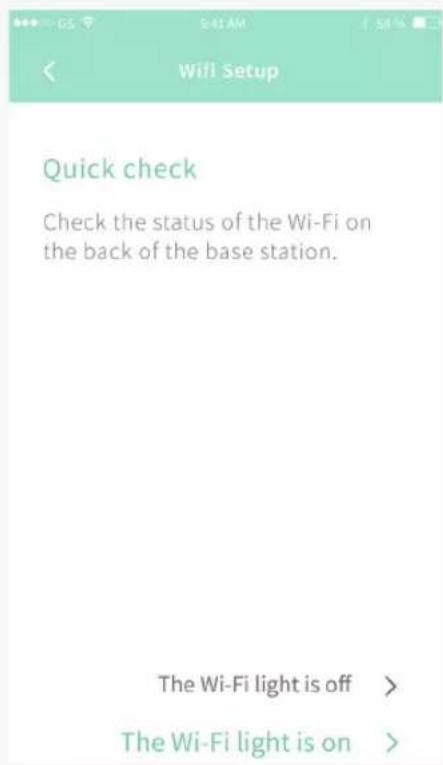
Remove the sensor from the Base Station. Press and hold the base button while inserting the power cord into the base. Hold the base button until the base light glows orange and you hear 4 beeps. Then tap the base button three times. Confirm the Wi-Fi light on the bottom of the base is off.
Wiggling
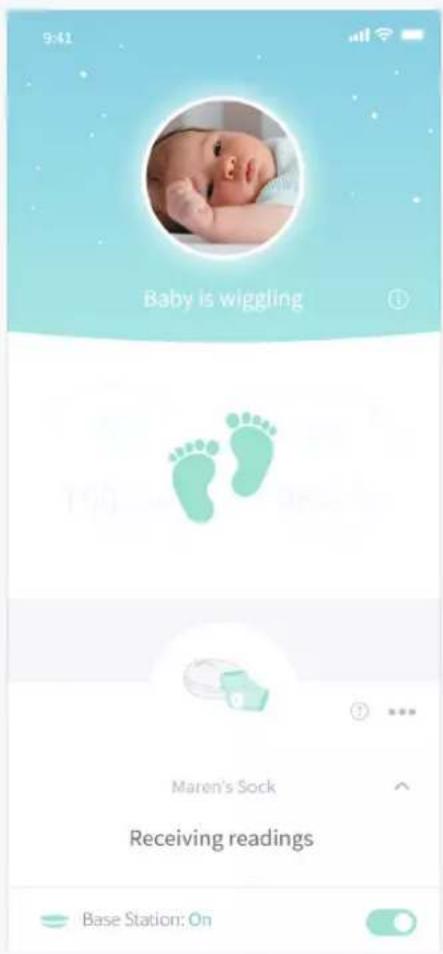
Owlet works hard to monitor your child in as many situations as possible, but sometimes there is too much movement for the sensor to get readings. When this happens we show you wiggling feet in the app. Movement impacts the quality of the readings, so rather than notifying you unnecessarily, the reading and notifications are momentarily paused until quality readings are detected again.
Does the Sock work under child clothes?
The Owlet Sock is designed to fit under footy pajamas, swaddles and socks to keep your child comfortable while they sleep.
Sharing access to the app
Owlet is working on the ability to add multiple accounts to share app access. In the meantime to share the app with friends or family simply share your account credentials with them.
Multiples
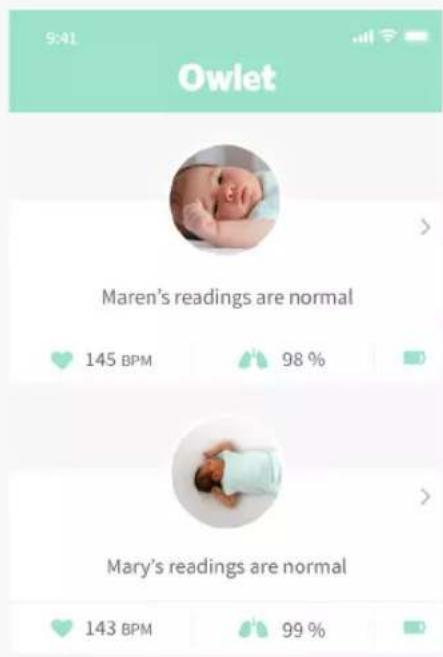
The Owlet app supports multiple child profiles and devices to allow you to monitor in any combination. Be sure to keep your Socks and their assigned Base Stations separated by child to ensure there is no confusion in the event of a notification.
Base Station brightness
The Base Station has an ambient light sensor and will automatically adjust the brightness of its lights based on the light in the room.
Help and support center
In the app go to Account > Help and Support to contact our customer service team via in-app chat, email and phone, or go to http://support. owletcare.com/. For more tips and tricks view the Guide tab in the app.
Storing your Owlet Sock
The Sock sensor contains a battery which will drain over longer periods of time, and if drained completely will affect the sensor's ability to recover.
There are 6 steps to storing your Sock sensor:
- Fully charge the sensor
- Remove sensor from the Base Station
- Turn off the Sock as instructed on page 20
- Unplug the Base Station
- Store the sensor, Base Station, cords, plug and Socks in a cool dry place
- Recharge sensor every 6 months, repeat steps 1 - 5
Satisfaction guarantee
Every Owlet product comes with a 30-night Peace of Mind Guarantee. If you aren't 100% satisfied with your product, you can return it within 30 days of purchase. (Only applies to purchases from owletcare.com)
Warranty
LIMITED WARRANTY
We warrant that if you use our products as they are intended, our products will be free from defects in materials and workmanship for a period of 1 year from the date of set up for new products and 6 months for refurbished products. We do not warrant our products against general wear and tear or damage as a result of misuse, modifications or improper maintenance.
If you believe you have received a defective product, we will either repair or replace the defective product or its defective component part(s) in accordance with the terms of this limited warranty. We warranty the replacement for the remaining unexpired period of the original product's warranty.
This limited warranty applies only to the original purchaser of the product and to products purchased directly
from us or one of our authorized sellers, unless otherwise prohibited by law. Our products are legitimately sold only by us and our authorized sellers who are required to follow our policies, procedures, and quality control standards. We reserve the right to reject warranty claims for products purchased from unauthorized sellers, including unauthorized websites. This limited warranty does not warrant that the operation of the product will be uninterrupted or error-free.
Please note: This limited warranty is the only warranty available for our products.
We limit the applicability of implied warranties, including the implied warranties of merchantability and fitness for a particular purpose, to the duration of this limited warranty. To the extent permitted by law, we disclaim all other warranties of any kind. Some States and countries
do not allow limitations on implied warranties, so the above limitation may not apply to you. Our sole liability for any defect shall be as set forth in this limited warranty and excludes any claims for incidental or consequential damages. Some States and countries do not allow the exclusion or limitation of incidental or no consequential damages, so the above limitation or exclusion may not apply to you. No person or entity is authorized to make any other warranty on our behalf. This warranty gives you specific legal rights. You may also have other rights which vary from State to State and country to country.
For example, customers in some jurisdictions may have additional rights under applicable national legislation such as the Australian Consumer Law or national laws implementing EC Directive 99/44. This limited warranty does not affect any such rights.
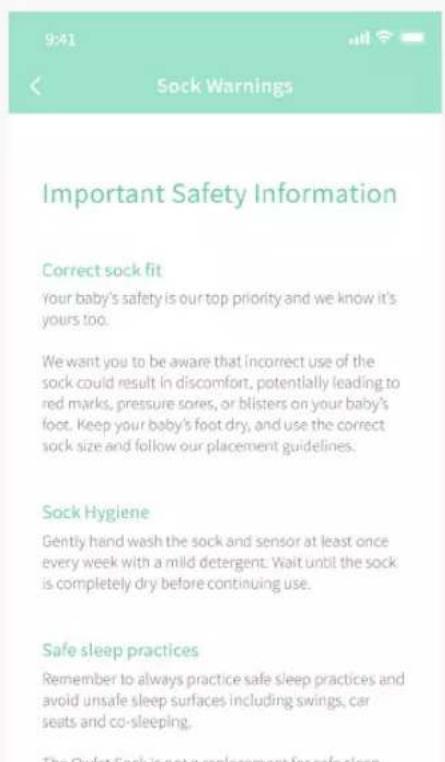
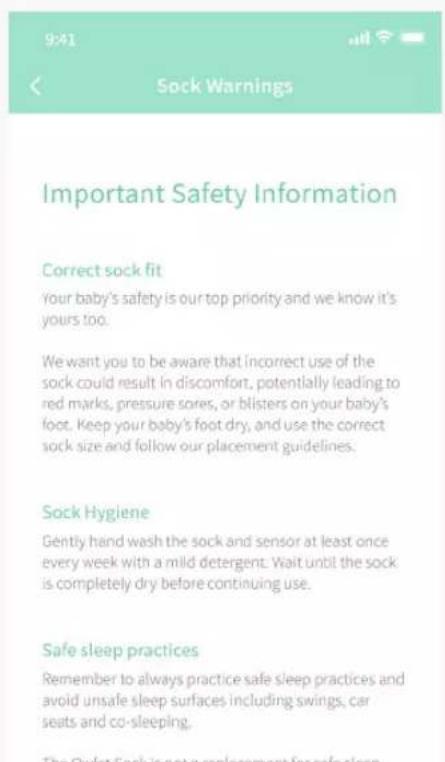
EN Warnings / Important Safety Information

WARNING: The Owlet Smart Sock is not
a medical device. It is not intended for use as a
medical device or to replace a medical device. It does not and is not intended to diagnose, cure, treat, alleviate or prevent any disease or health condition or investigate, replace or modify anatomy or any physiological process.
The Owlet Smart Sock is meant for healthy babies up to 18 months of age and the notification thresholds on Owlet Smart Sock are not as stringent as a medical monitor.
Remember: This product is only intended to assist you in tracking your baby's wellbeing and is not intended to replace you as a caregiver. You are responsible for the health and wellbeing of your baby and following safe sleep, health and care guidelines.
- Do not use Owlet Smart Sock as a diagnostic tool
- Do not use Owlet Smart Sock if your doctor recommends the use of a hospital pulse oximeter or hospital apnea monitor
- Do not use The Owlet Smart Sock as an excuse for unsafe sleep habits
- Do not use The Owlet Smart Sock as a replacement for or in lieu of adult care
Warranty
Owlet proudly stands behind its products. Our warranties are found at: https://owletcare.com/pages/warranty.
Terms and Conditions
The use of Owlet's products is subject to the terms and conditions found at: https://owletcare.com/pages/terms. By using an Owlet product, you agree to those terms.
For contact information specific to your region, please visit https://support.owletcare.com
Safety
Your safety and the safety of others are very important to us. There are many important safety messages in this manual and in the Owlet Baby Care App. Always read and obey all safety messages.

FOR YOUR SAFETY AND THE SAFETY OF THE BABY:
RESPOND IMMEDIATELY WHENEVER A NOTIFICATION SOUNDS.

WARNING: ALWAYS KEEP THE BASESTATION AT LEAST 3 FEET AWAY FROM YOUR BABY'S CRIB BECAUSE THE CORD CAN POSE A STRANGULATION HAZARD.
THE OWLET SMART SOCK IS AN AID. IT IS NOT A SUBSTITUTE FOR ADULT SUPERVISION.
FOR PREMATURE BABIES, BABIES ON SUPPLEMENTAL OXYGEN, OR BABIES WITH HEALTH CONDITIONS, PLEASE CONSULT YOUR HEALTH PROFESSIONAL TO DETERMINE WHETHER OR NOT THE OWLET SOCK IS RIGHT FOR YOU.
FC Changes or modifications to this unit not expressly approved by the party responsible for compliance could void the user's authority to operate this equipment. Please ONLY use the supplied power adapter. Failure to do so may void our limited warranty. This equipment has been tested and found to comply with the limits for a Class B digital device, pursuant to Part 15 of the FCC rules. These limits are designed to provide reasonable protection against harmful interference in a residential installation. This equipment generates, uses and can radiate radio frequency energy and, if not installed and used in accordance with the manufacturer's instructions, may cause interference harmful to radio communications.
IC:21386-OBL3A (Base Station)
IC: 21386-OSS3A (Sensor)
This device complies with part 15 of the FCC rules and with Innovation, Science and Economic Development Canada's license-exempt RSS(s). Operation is subject to the following two conditions: (1) this device may not cause interferences, and (2) this device must accept any interferences, including interferences that may cause undesired operation of the device.
CAN ICES-3 (B)/NMB-3(B)

Owlet Baby Care declares that the Owlet Smart Sock is in compliance with Directive 2014/53/EU.
The full text of the EU declaration of conformity is available at the following internet address: https://owletbabycare.co.uk/pages/ce-compliance
2402 - 2480MHz (63mW Output Power) Base Station Bluetooth
2412 - 2462MHz (75mW Output Power) Base Station Wi-Fi
2402 - 2480MHz (6.3mW Output Power) Sensor Bluetooth

Owlet is committed to meeting the requirements of directive 2012/19/EU on waste electrical and electronic equipment (WEEE). Please visit our website at owletcare.com to find out more about the proper disposal of Owlet products in the EU and UK.
INPUT:100-240V-0.2A 50-60Hz OUTPUT:5V--1A

800433
Conforms to UL 62368-1
and CAN/CSA-C22.2
No.62368-1
U.S. Pat. Nos. 9,693,730 and 10,449,837.
Other patents pending.

natural_image
Illustration of a medical device emitting a light bulb with heart symbols, no text or labels presentnatural_image
Illustration of a mobile health app with lungs and cloud, no text or symbols presentExigences
natural_image
Simple graphic of an owl icon above a downward arrow, no text or symbols present
Hi there! Let's make you an account.
Password (+6 characters long)
Re-enter Password
② Créer un compte
An email with a confirmation code has just been sent to you.
Resend email

Your account has been confirmed. Welcome to the Owlet family!
To home >

natural_image
Baby lying on a white surface with a medical or cosmetic patch visible (no text or symbols)Learn more about the Owlet Smart Sock >
③ Configurer un appareil
Let's connect your base station to Wi-Fi, so you can see readings on your phone.
- Go to your phone's Wi-Fi settings and select the "Owlet" network
- Come back to the Owlet App
If you are redirected or see a "failed to redirect" message, that's okay! Just come back to the Owlet app.
Your account has been confirmed. Welcome to the Owlet family!
To home >
< Wi-Fi Setup
Select the Owlet device you want to set up.
Owlet-383G9f65
Select Wi-Fi router
(Does not work with 5.0GHz networks yet.)
JohnsonFamilyWifi
Your Neighbors Weird Wifi Name
Jurrasic House
The Petersons
natural_image
Simple diagram showing a heart-shaped object falling into a square with a circular hole, no text or symbols present.natural_image
Close-up of a baby's foot being held by hands, with a green bandage partially visible (no text or symbols)natural_image
Close-up of a baby's foot with a light green bandage, no visible text or symbolsAjustez la Sock
natural_image
Close-up of a hand holding a white tool next to a light green foot with a small object on the ankle (no text or symbols visible)natural_image
Close-up of a hand pressing down on a wrist with a light blue bandage labeled 'Cristel' (no other text or symbols visible)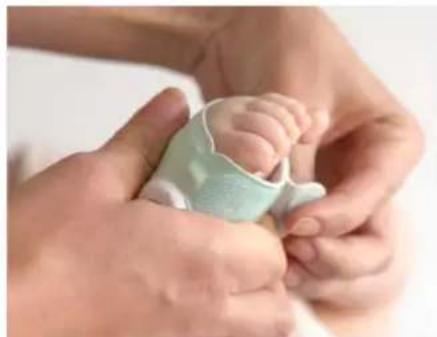
natural_image
Close-up of hands gently holding a baby's foot, with a light blue bandage partially visible (no text or symbols)CONSEILS D'UTILISATION DE LA SMART SOCK 3 AVEC DES ENFANTS EN BAS ÂGE:
Historique
Remove the sensor from the Base Station. Disconnect the power cord from the Base Station. Press and hold the Base Station button while inserting the power cord. Hold the Base Station button until light glows orange and you hear 4 beeps. Tap button once. The light in the Sock will turn off. To turn the Sock back on place the sensor into the Base Station charging port.
Bleue
Multiples
Conforms to UL 62368-1
and CAN/CSA-C22.2
No.62368-1
U.S. Pat. Nos. 9,693,730 and 10,449,837.
natural_image
Illustration of a medical device emitting a light bulb with heart symbols, no text or labels presentnatural_image
Illustration of a mobile health app with lungs, heart symbols, and a cloud (no text or labels)natural_image
Simple graphic of an owl icon above a downward arrow, no text or symbols present<
Hi there! Let's make you an account.
Password (+6 characters long)
Re-enter Password
An email with a confirmation code has just been sent to you.
Resend email

Your account has been confirmed. Welcome to the Owlet family!
To home >

natural_image
Baby lying on stomach with a baby's leg raised, wearing pink outfit (no text or symbols visible)Learn more about the Owlet Smart Sock >
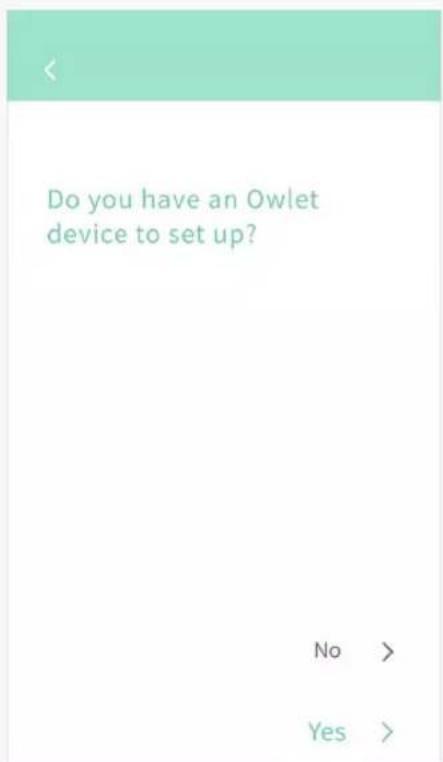
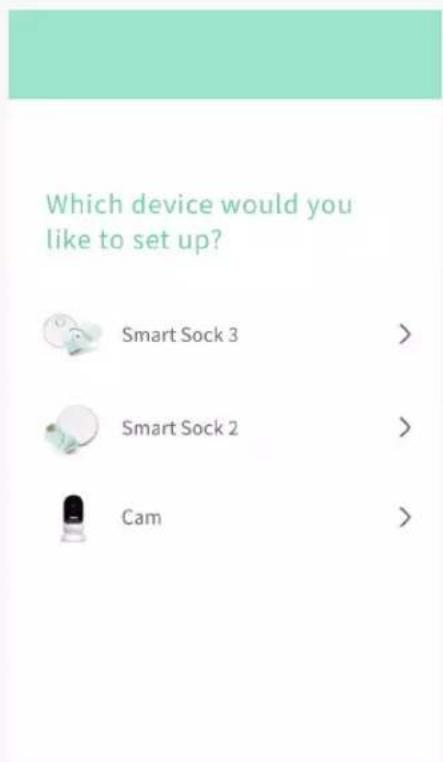
Let's connect your base station to Wi-Fi, so you can see readings on your phone.
- Go to your phone's Wi-Fi settings and select the "Owlet" network
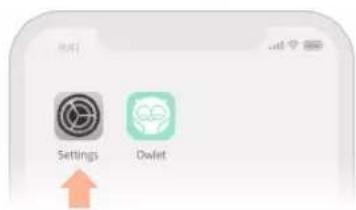
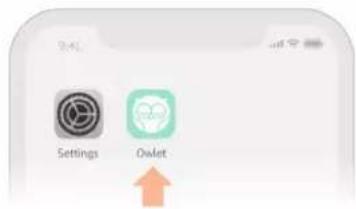
- Come back to the Owlet App
If you are redirected or see a "failed to redirect" message, that's okay! Just come back to the Owlet app.
natural_image
Diagram showing a heart-shaped object being processed into a square plate with a circular hole (no text or symbols)natural_image
Close-up of a baby's foot being held by hands, with a green bandage partially covering the sole (no text or symbols visible)natural_image
Close-up of a baby's foot with a light green bandage, no visible text or symbolsAnlegen der Socke
natural_image
Close-up of a hand holding a light-colored wrist brace with a small object, no visible text or symbolsnatural_image
Close-up of a hand pressing down on a wrist with a light blue bandage and a small label tag (no readable text or symbols)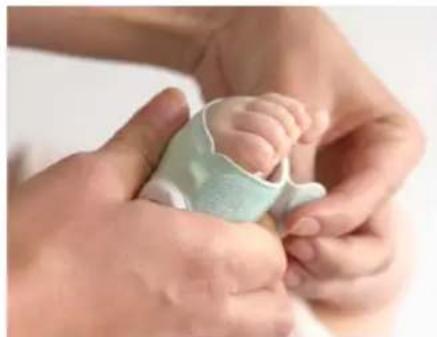
natural_image
Close-up of hands gently holding a baby's foot, no visible text or symbols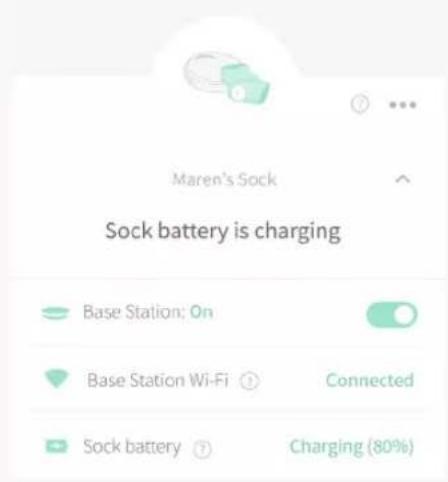
Verlauf
Nach dem Schlafen
Mehrere
U.S. Pat. Nos. 9,693,730 and 10,449,837.
natural_image
Illustration of a medical device with a stethoscope and two lungs, no text or symbols presentnatural_image
Illustration of a mobile health app with lungs and cloud, no text or symbols presentnatural_image
Simple graphic of an owl icon above a downward arrow, no text or symbols present
Hi there! Let's make you an account.
Password (+6 characters long)
Re-enter Password
<
'Hoo' are you?
First Name
Last Name
Phone
Your Birthday
Zip
<
An email with a confirmation code has just been sent to you.
Resend email

Your account has been confirmed. Welcome to the Owlet family!
To home >
② Crea un account

natural_image
Baby lying on a white surface, wearing pink outfit and holding a small object (no text or symbols visible)Learn more about the Owlet Smart Sock >
Let's connect your base station to Wi-Fi, so you can see readings on your phone.
- Go to your phone's Wi-Fi settings and select the "Owlet" network
- Come back to the Owlet App
If you are redirected or see a "failed to redirect" message, that's okay! Just come back to the Owlet app.
(Schermata solo per iOS)
natural_image
Diagram showing a heart-shaped object falling into a circular hole on a surface (no text or symbols)natural_image
Close-up of a baby's foot being held by hands, with a green bandage partially covering the sole (no text or symbols visible)natural_image
Close-up of a baby's foot with a light green bandage, no visible text or symbolsAdattare il Sock
natural_image
Close-up of a hand holding a white bandage over a light green foot with a small object on the ankle (no text or symbols visible)natural_image
Close-up of a hand pressing down on a wrist with a light blue bandage (no visible text or symbols)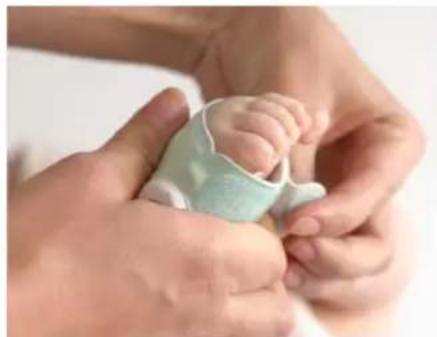
natural_image
Close-up of hands gently holding a baby's foot, no visible text or symbolsSUGGERIMENTI PER L'UTILIZZO DELL'SS3 CON I BAMBINI PICCOLI E DI ETÀ PRESCOLARE:
Cronologia
Multipli
U.S. Pal. Nos. 9,693,730 and 10,449,837.
natural_image
Illustration of a medical device emitting a light bulb with heart symbols, no text or labels presentnatural_image
Illustration of a mobile health app with lungs and cloud, no text or symbols presentnatural_image
Simple graphic of an owl icon above a downward arrow, no text or symbols present
Hi there! Let's make you an account.
Password (+6 characters long)
Re-enter Password
<
'Hoo' are you?
First Name
Last Name
Phone
Your Birthday
Zip
<
An email with a confirmation code has just been sent to you.
Resend email

Your account has been confirmed. Welcome to the Owlet family!
To home >
② Crear una cuenta

natural_image
Baby lying on a white surface, wearing pink outfit and holding a small object (no text or symbols visible)Learn more about the Owlet Smart Sock >
③ Configurar un dispositivo
Let's connect your base station to Wi-Fi, so you can see readings on your phone.
- Go to your phone's Wi-Fi settings and select the "Owlet" network
- Come back to the Owlet App
If you are redirected or see a "failed to redirect" message, that's okay! Just come back to the Owlet opp.
natural_image
Diagram showing a heart-shaped object being placed on a surface with a circular hole (no text or symbols)natural_image
Close-up of a baby's foot being held by hands, with a green bandage partially visible (no text or symbols)natural_image
Close-up of a baby's foot with a light green bandage, no visible text or symbolsAjustar el Sock
natural_image
Close-up of a hand holding a white tool next to a light-colored foot with a small object on the ankle (no text or symbols visible)natural_image
Close-up of a hand pressing down on a wrist with a light blue bandage (no visible text or symbols)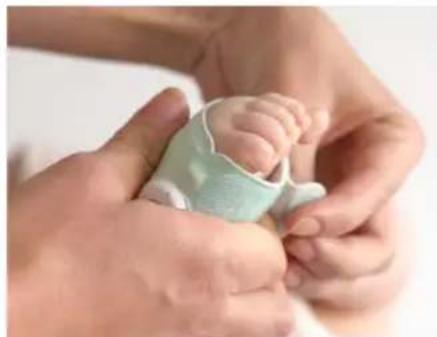
natural_image
Close-up of hands gently holding a baby's foot, wearing a light blue medical device (no text or symbols visible)CONSEJOS PARA USAR EL SS3 CON NIÑOS PEQUEÑOS Y PREESCOLARESE:
Historia
Múltiples
U.S. Pat. Nos. 9,693,730 and 10,449,837.
Owlet Sock 3rd Generation
Logistics Plus Mexico
Aldama 1218 Centro
Nuevo Laredo, Tams 88000
natural_image
Illustration of a medical device with a stethoscope and two lungs, no text or symbols presentnatural_image
Illustration of a mobile health app with lungs and cloud, no text or symbols presentnatural_image
Simple graphic of an owl icon above a downward arrow, no text or symbols present
Hi there! Let's make you an account.
Password (+6 characters long)
Re-enter Password
An email with a confirmation code has just been sent to you.
Resend email

Your account has been confirmed. Welcome to the Owlet family!
To home >

natural_image
Baby lying on a white surface with a medical tape patch, no visible text or symbolsLearn more about the Owlet Smart Sock >
Let's connect your base station to Wi-Fi, so you can see readings on your phone.
- Go to your phone's Wi-Fi settings and select the "Owlet" network
- Come back to the Owlet App
If you are redirected or see a "failed to redirect" message, that's okay! Just come back to the Owlet opp.
natural_image
Diagram showing a mechanical component being processed into a green circular feature on a base plate (no text or symbols)natural_image
Close-up of hands gently holding a baby's foot with a green medical tube, no visible text or symbolsnatural_image
Close-up of a baby's foot with a light green bandage, no visible text or symbolsDe sok passen
natural_image
Close-up of a hand holding a white object with a teal-colored bandage, possibly a medical or cosmetic device (no visible text or symbols)natural_image
Close-up of a hand pressing down on a wrist with a light blue bandage (no visible text or symbols)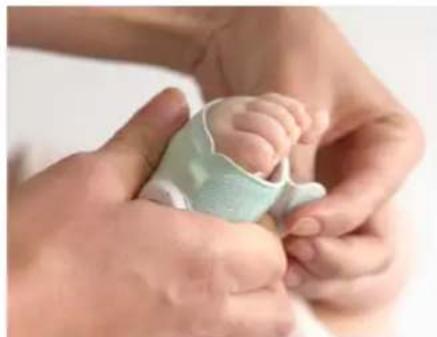
natural_image
Close-up of a baby being held by adult hands, no visible text or symbolsTIPS VOOR HET GEBRUIK VAN DE SS3 MET PEUTERS EN KLEUTERS:
Geschiedenis
Na een slaapsessie
Verschillende
U.S. Pat. Nos. 9,693,730 and 10,449,837.
natural_image
Illustration of a medical device with a stethoscope and two lungs, no text or symbols presentnatural_image
Illustration of a cloud, a CD, and a mobile device with two lungs inside, connected by curved lines (no text or symbols)natural_image
Simple graphic of an owl icon above a downward arrow, no text or symbols present
Hi there! Let's make you an account.
Password (+6 characters long)
Re-enter Password
② Opprett en konto
An email with a confirmation code has just been sent to you.
Resend email

Your account has been confirmed. Welcome to the Owlet family!
To home >

natural_image
Baby lying on a white surface with a medical or cosmetic patch visible on the leg (no text or symbols)Learn more about the Owlet Smart Sock >
③ Sett opp en enhet
Let's connect your base station to Wi-Fi, so you can see readings on your phone.
- Go to your phone's Wi-Fi settings and select the "Owlet" network
- Come back to the Owlet App
If you are redirected or see a "failed to redirect" message, that's okay! Just come back to the Owlet app.
(Denne skjermen gjelder for Android) (Denne skjermen gjelder for Android)
natural_image
Diagram showing a hand pressing down on a circular object with a green outline (no text or symbols)*Sokker med størrelse 3 er kun inkludert i Smart Sock Plus
natural_image
Close-up of a baby's foot being held by adult hands, with a green bandage partially visible (no text or symbols)natural_image
Close-up of a baby's foot with a light-colored bandage, no visible text or symbolsFest sokken
natural_image
Close-up of a hand holding a white object with a teal-colored bandage, possibly a medical or cosmetic device (no visible text or symbols)natural_image
Close-up of a hand pressing down on a wrist with a light blue bandage (no visible text or symbols)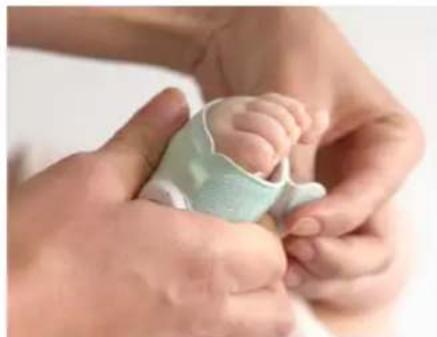
natural_image
Close-up of a baby being held by adult hands, no visible text or symbolsTIPS FOR BRUK AV SS3TIL SMÅBARN OG F∅RSKOLEBARN:
Historikk
Etter en soveøkt
Sett sensoren til sokken tilbake i Base Station for å lade den när den ikke er i bruk.
Fungerer sokken under babyens klær?
Multiplier
U.S. Pat. Nos. 9,693,730 and 10,449,837.
Andre patenter venter.

natural_image
Illustration of a medical device with a stethoscope and two lungs, no text or symbols presentnatural_image
Illustration of a cloud, a CD, and a mobile device with two lungs inside, connected by curved lines (no text or symbols)natural_image
Simple graphic of an owl icon above a downward arrow, no text or symbols present
Hi there! Let's make you an account.
Password (+6 characters long)
Re-enter Password
② Skapa ett konto
An email with a confirmation code has just been sent to you.
Resend email

Your account has been confirmed. Welcome to the Owlet family!
To home >

natural_image
Baby lying on a white surface, wearing a light-colored outfit with pink pants (no text or symbols visible)Learn more about the Owlet Smart Sock >
③ Installera en enhet
Let's connect your base station to Wi-Fi, so you can see readings on your phone.
- Go to your phone's Wi-Fi settings and select the "Owlet" network
- Come back to the Owlet App
If you are redirected or see a "failed to redirect" message, that's okay! Just come back to the Owlet opp.
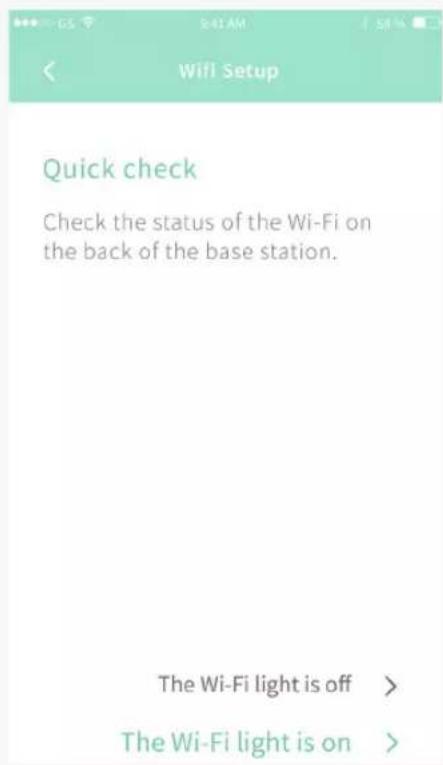
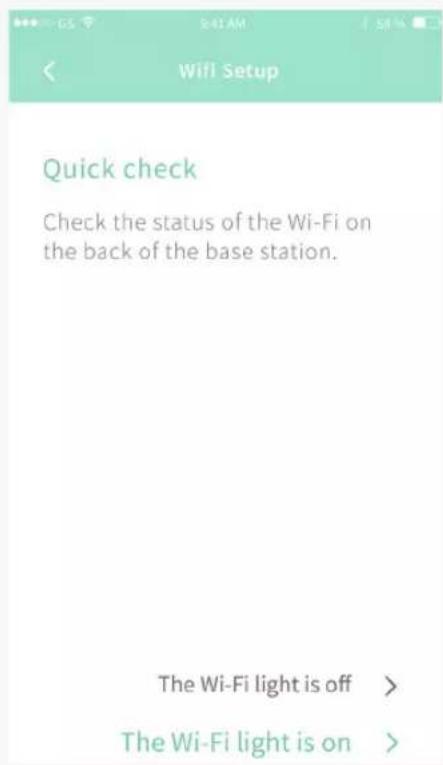
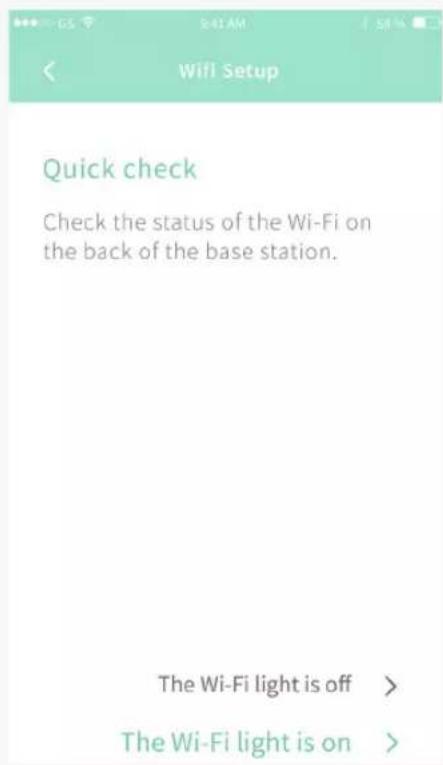
| < Wi-Fi Setup |
| Let's connect the base station to Wifi, so you can see readings on your phone. |
| 1. On the next screen select the device you want to set up. |
| 2. Select your home Wi-Fi and enter your password. |
| (If the Wi-Fi light is on on the back of your base station, you can skip this) |
| Skip Wi-Fi Setup > |
| Next > |
| < Wi-Fi Setup |
| Select the Owlet device you want to set up. |
| = Owlet - 383G9f65 |
| Wifi Setup |
| Select Wi-Fi router(Does not work with 5.0GHz networks yet.) |
| JohnsonFamilyWifi |
| Your Neighbors Weird Wifi Name |
| Jurrasic House |
| The Petersons |
natural_image
Diagram showing a mechanical component being processed into a green circular feature on a surface (no text or symbols)natural_image
Close-up of a baby's foot being held by hands, with a green bandage partially visible (no text or symbols)natural_image
Close-up of a baby's foot with a light green bandage and wristband, no visible text or symbolsTrä på sockan
natural_image
Close-up of a hand holding a white object with a teal-colored bandage, possibly a medical or cosmetic device (no visible text or symbols)natural_image
Close-up of a hand pressing down on a wrist with a light blue bandage (no visible text or symbols)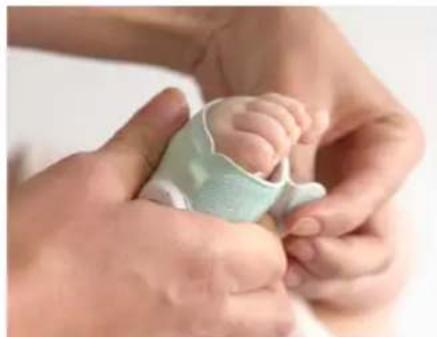
natural_image
Close-up of a baby being held by adult hands, no visible text or symbolsTIPS FÖR ATT ANVÄNDA SS3 MED SMÅ BARN OCH FÖRSKOLEBARN:
Historikfliken
Flera
Owlet Baby Care declares that the Owlet Smart
Sock is in compliance with Directive 2014/53/EU.
The full text of the EU declaration of conformity is available at the following internet address:
https://owletbabycare.co.uk/pages/ce-compliance
2402 - 2480MHz (63mW Uteffekt)
Basstation Bluetooth
2412 - 2462MHz (75mW Uteffekt)
Basstation Wifi
2402 - 2480MHz (6.3mW Uteffekt)
Sensor Bluetooth

co.uk/pages/ce-compliance
INPUT:100-240V-0.2A 50-60Hz
OUTPUT:5V-1A

800433
Uppfyller UL 62368-1
och CAN/CSA-C22.2
No. 62368-1
natural_image
Illustration of a medical device with a stethoscope and two lungs, no text or symbols presentnatural_image
Illustration of a mobile health app with lungs and cloud, no text or symbols presentnatural_image
Simple graphic of an owl icon above a downward arrow, no text or symbols present
Hi there! Let's make you an account.
Password (+6 characters long)
Re-enter Password
② Luo tili
An email with a confirmation code has just been sent to you.
Resend email

Your account has been confirmed. Welcome to the Owlet family!
To home >

natural_image
Baby lying on a white surface, wearing a light-colored outfit with pink pants (no text or symbols visible)Learn more about the Owlet Smart Sock >
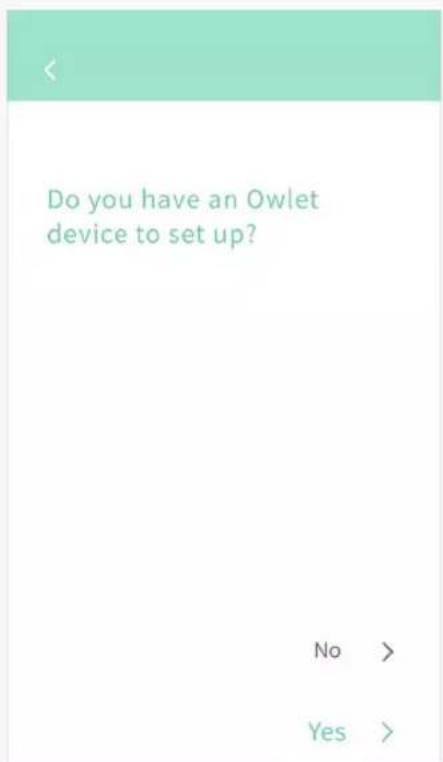
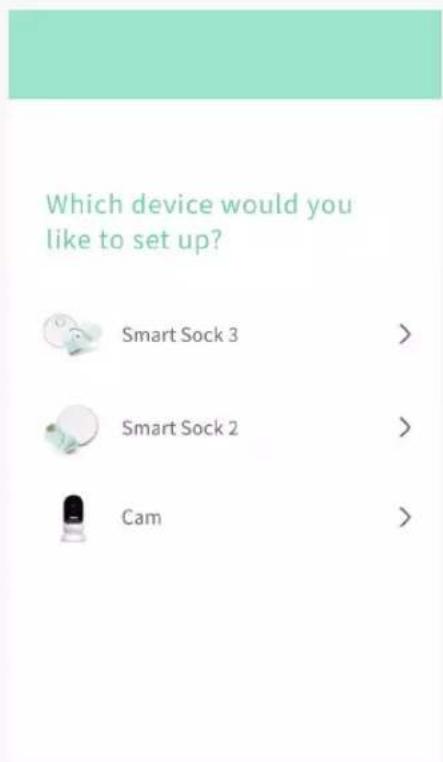
Let's connect your base station to Wi-Fi, so you can see readings on your phone.
- Go to your phone's Wi-Fi settings and select the "Owlet" network
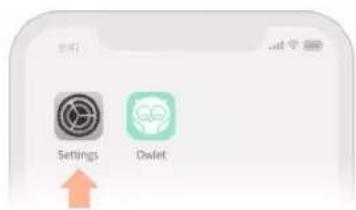
- Come back to the Owlet App
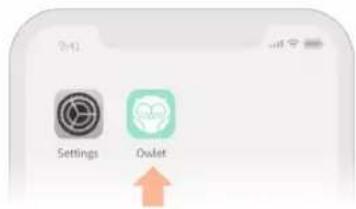
If you are redirected or see a "failed to redirect" message, that's okay! Just come back to the Owlet app.
natural_image
Diagram showing a heart-shaped object falling into a green heart-shaped cavity on a white surface (no text or symbols)natural_image
Close-up of a baby's foot being held by adult hands, with a green bandage partially visible (no text or symbols)natural_image
Close-up of a baby's foot with a light green bandage, no visible text or symbolsSukan pukeminen
natural_image
Close-up of a hand holding a white plastic wrist strap with a small circular object, no visible text or symbols.natural_image
Close-up of a hand pressing down on a wrist with a light blue bandage (no visible text or symbols)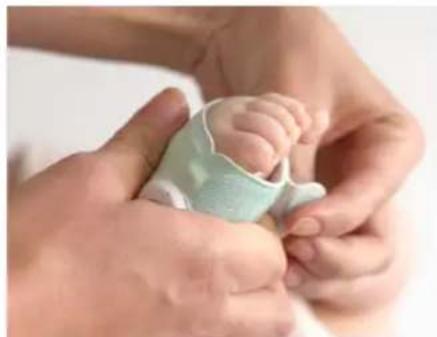
natural_image
Close-up of a baby being held by adult hands, no visible text or symbolsVIHJEET SS3 KÄYTÖLLE PIKKULASTEN JA ESIKOULULAISTEN TAPAUKSESSA:
Historia
Unijakson jälkeen
Kaksoiskappaleet
Owlet Baby Care declares that the Owlet Smart Sock is in compliance with Directive 2014/53/EU.
The full text of the EU declaration of conformity is available at the following internet address: https://owletbabycare.co.uk/pages/ce-compliance
2402 - 2480MHz (63mW Lähtövirta) Tukiaseman Bluetooth
2412 - 2462MHz (75mW Output Power) Tukiaseman WiFi
2402 - 2480MHz (6.3mW Output Power) Anturin Bluetooth

U.S. Pat. Nos. 9,693,730 and 10,449,837.
natural_image
Illustration of a medical device with a stethoscope and two lungs, no text or symbols presentnatural_image
Illustration of a cloud, a CD, and a mobile device with two lungs inside, connected by curved lines (no text or symbols)natural_image
Simple graphic of an owl icon above a downward arrow, no text or symbols present
Hi there! Let's make you an account.
Password (+6 characters long)
Re-enter Password
② Opret en konto
Følg instruktionerne i appen for at oprette en konto.
<
'Hoo' are you?
First Name
Last Name
Phone
Your Birthday
Zip
<
An email with a confirmation code has just been sent to you.
Resend email

Your account has been confirmed. Welcome to the Owlet family!
To home >

natural_image
Baby lying on a white surface, wearing pink outfit and holding a small green object (no text or symbols visible)Learn more about the Owlet Smart Sock >
③ Konfigurer en enhed
Let's connect your base station to Wi-Fi, so you can see readings on your phone.
- Go to your phone's Wi-Fi settings and select the "Owlet" network
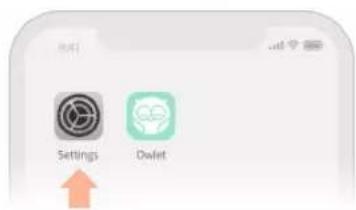
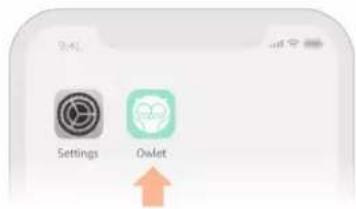
- Come back to the Owlet App
If you are redirected or see a "failed to redirect" message, that's okay! Just come back to the Owlet opp.
| < Wi-Fi Setup |
| Let's connect the base station to Wifi, so you can see readings on your phone. |
| 1. On the next screen select the device you want to set up. |
| 2. Select your home Wi-Fi and enter your password. |
| (If the Wi-Fi light is on on the back of your base station, you can skip this) |
| Skip Wi-Fi Setup > |
| Next > |
| < Wi-Fi Setup |
| Select the Owlet device you want to set up. |
| = Owlet - 383G9f65 |
| Wifi Setup |
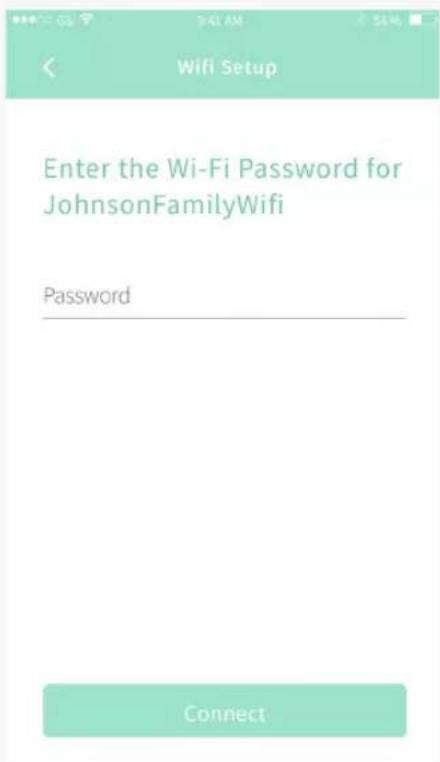
| Select Wi-Fi router(Does not work with 5.0GHz networks yet.) |
| JohnsonFamilyWifi |
| Your Neighbors Weird Wifi Name |
| Jurrasic House |
| The Petersons |
natural_image
Diagram showing a heart-shaped object being placed on a surface with a green outline (no text or symbols)natural_image
Close-up of a baby's foot being held by adult hands, no visible text or symbolsSæt sensoren fast på Sock'en
Sæt sensorens hak mod hakket i din stof-Sock; pres sensoren mod sokken for at fastgøre sensoren og klikke den på plads.
TIP:
natural_image
Close-up of a person's foot wearing a light green medical or cosmetic bandage, with no visible text or symbols.Tilpas Sock'en
natural_image
Close-up of a hand holding a white object with a teal-colored bandage, possibly a medical or cosmetic device (no text or symbols visible)natural_image
Close-up of a hand pressing down on a wrist with a light blue bandage (no visible text or symbols)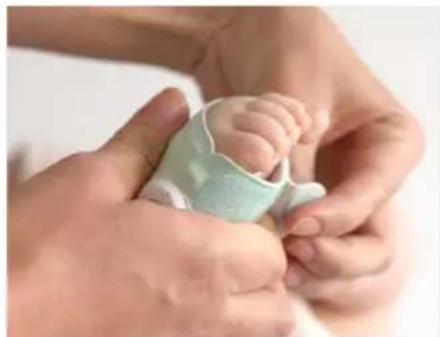
natural_image
Close-up of hands gently holding a baby's foot, wearing a light green medical device (no text or symbols visible)TIPS TIL AT BRUGE SS3 TIL SMÅ B∅RN OG B∅RNEHAVEB∅RN:
Historik
Efter en søvnperiode
Virker Sock'en under barnets tøj?
Owlet Smart Sock er designet til at passe fint under sparkedragt, pyjamas, futter og sokker, så dit ban kan have det rart, mens det sover
Del adgang til appen
Flere
Owlet Baby Care declares that the Owlet Smart Sock is in compliance with Directive 2014/53/EU.
The full text of the EU declaration of conformity is available at the following internet address: https://owletbabycare.co.uk/pages/ce-compliance
2402 - 2480MHz (63mW Udgangseffekt) Basestation Bluetooth
2412 - 2462MHz (75mW Udgangseffekt) Basestation Wi-Fi
2402 - 2480MHz (6.3mW Udgangseffekt) Bluetoothsensor
Owlet Baby Care erklærer, at Owlet Smart Sock overholder direktiv 2014/53 / EU. Den fulde tekst fra EU-overensstemmelseserklæringen kan ses på følgende internetadresse: https://owletbabycare.co.uk/pages/ce-compliance
INPUT:100-240V-0.2A 50-60Hz OUTPUT:5V--1A

800433
Overholder UL 62368-1
og CAN/CSA-C22.2
No.62368-1
U.S. Pat. Nos. 9,693,730 and 10,449,837.
Andre ventende patenter.

natural_image
Illustration of a medical device with lungs and heart symbols, no text or labels presentnatural_image
Illustration of a cloud, a CD, and a mobile device with two lungs inside, connected by curved lines (no text or symbols)Hi there! Let's make you an account.
Password (+6 characters long)
Re-enter Password
- انتى حساب
An email with a confirmation code has just been sent to you.
Resend email

Your account has been confirmed. Welcome to the Owlet family!
To home >

natural_image
Baby lying on a white surface with a medical tape patch, no visible text or symbolsLearn more about the Owlet Smart Sock >
- قم بعاد الجهاز
Let's connect your base station to Wi-Fi, so you can see readings on your phone.
- Go to your phone's Wi-Fi settings and select the "Owlet" network
- Come back to the Owlet App
If you are redirected or see a "failed to redirect" message, that's okay! Just come back to the Owlet opp.
| < Wi-Fi Setup |
| Let's connect the base station to Wifi, so you can see readings on your phone. |
| 1. On the next screen select the device you want to set up. |
| 2. Select your home Wi-Fi and enter your password. |
| (If the Wi-Fi light is on on the back of your base station, you can skip this) |
| Skip Wi-Fi Setup > |
| Next > |
| < Wi-Fi Setup |
| Select the Owlet device you want to set up. |
| Owlet - 383G9f65 |
| Wifi Setup |
| Select Wi-Fi router(Does not work with 5.0GHz networks yet.) |
| JohnsonFamilyWifi |
| Your Neighbors Weird Wifi Name |
| Jurassic House |
| The Petersons |
natural_image
Diagram showing a heart-shaped object falling into a green circular shape on a surface (no text or symbols)natural_image
Close-up of a baby's foot being held by hands, with a green bandage partially visible (no text or symbols)natural_image
Close-up of a baby's foot with a light green bandage, no visible text or symbolsقم يضبط حجم الجورب
natural_image
Close-up of a hand holding a white bandage with a light green foam roller, no visible text or symbolsnatural_image
Close-up of a hand pressing down on a wrist with a light blue bandage (no visible text or symbols)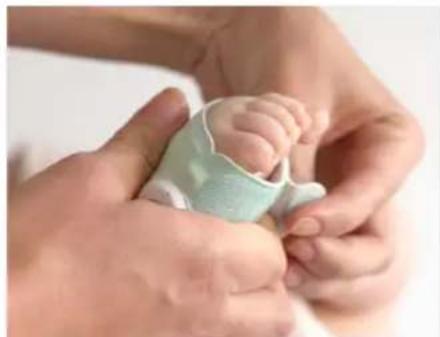
natural_image
Close-up of hands gently holding a baby's foot, no visible text or symbols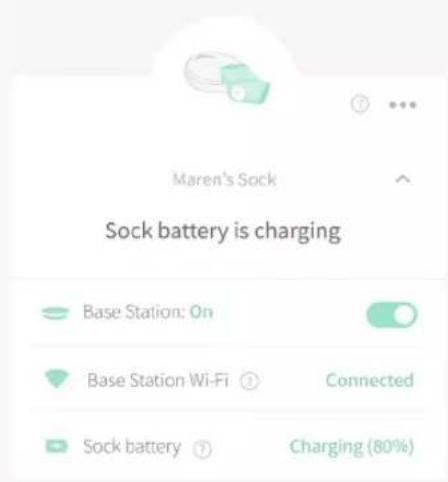
التاريخ
بعد جلسة النوم
ال tangدائية
Owlet: https://owletcare.com/pages/warranty.
طورشناو ماكحالا
دَلَعْ كَنَوْجِرُجًا مَاكَحَالَار وَطُورِشَلَّ لَ Owlet https://owletcare.com/pages/terms. چکنم مادخشساب Owlet
owletbabycare.co.uk/pages/ce-compliance
2402 - 2480MHz
(63mW عقاط W
(جارخالا)
فطحملا ثوتولب
أَيْسَاسِ الَا
2412 - 2462MHz
(7SmW عقاط
(دارعال)
تطحجلا ياف ياو
أيسياس ألا
2402 - 2480MHz
(6.3 mW عقاط
(جارخالا)
شوتولب رعشتم
عَيْسَاسِ
natural_image
Illustration of a medical device emitting a light-colored liquid, with two lungs and heart symbols (no text or labels)natural_image
Illustration of a cloud, a CD, and a mobile device with heart and lungs symbols (no text or labels)Hi there! Let's make you an account.
Password (+6 characters long)
Re-enter Password
An email with a confirmation code has just been sent to you.
Resend email

Your account has been confirmed. Welcome to the Owlet family!
To home >

natural_image
Baby lying on a white surface, wearing pink outfit and holding a small green object (no text or symbols visible)Learn more about the Owlet Smart Sock >
③ 设置设备
Let's connect your base station to Wi-Fi, so you can see readings on your phone.
- Go to your phone's Wi-Fi settings and select the "Owlet" network
- Come back to the Owlet App
If you are redirected or see a "failed to redirect" message, that's okay! Just come back to the Owlet opp.
(本界面仅限 iOS)

Your account has been confirmed. Welcome to the Owlet family!
To home >
< Wi-Fi Setup
Select the Owlet device you want to set up.
Owlet-383G9f65
Select Wi-Fi router
(Does not work with 5.0GHz networks yet.)
JohnsonFamilyWifi
Your Neighbors Weird Wifi Name
Jurrasic House
The Petersons
(本界面仅限 Android) (本界面仅限 Android)
婴儿袜尺码与穿戴
natural_image
Diagram showing a heart-shaped object being placed on a surface, with no visible text or symbols.* 仅智能婴儿袜 Plus 随附 3 码袜套
natural_image
Close-up of a baby's foot being held by adult hands, with a green bandage partially visible (no text or symbols)将传感器固定至布袜套
natural_image
Close-up of a baby's foot with a light green bandage, no visible text or symbols婴儿袜穿戴
natural_image
Close-up of a hand holding a tool next to a foot with a teal-colored bandage (no text or symbols visible)natural_image
Close-up of a hand pressing down on a light-colored wristband (no visible text or symbols)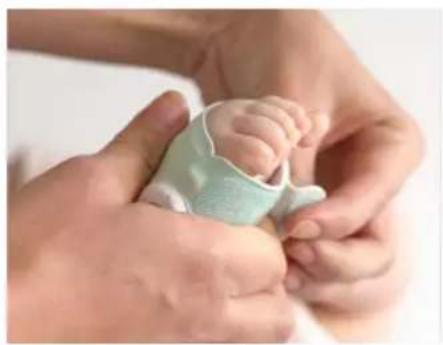
natural_image
Close-up of a baby being held by adult hands, no visible text or symbols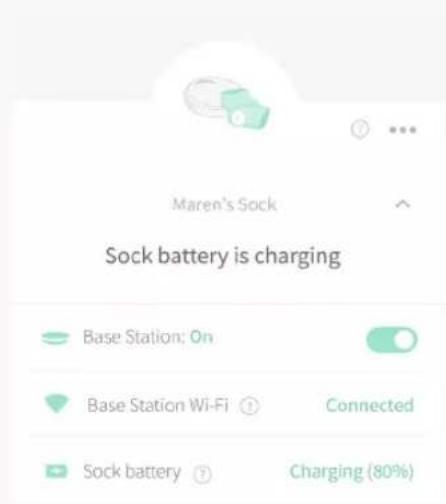
历史记录
完成一次睡眠后
婴儿袜穿在宝宝衣物内仍能起作用吗?
多个宝宝
natural_image
Illustration of a medical device emitting a light bulb with heart symbols, no text or labels presentnatural_image
Illustration of a cloud, a CD, and a mobile device with two lungs inside, no text or symbols present.natural_image
Simple graphic of an owl icon above a downward arrow, no text or symbols present
Hi there! Let's make you an account.
Password (+6 characters long)
Re-enter Password
② アカウントを作成します。
An email with a confirmation code has just been sent to you.
Resend email

Your account has been confirmed. Welcome to the Owlet family!
To home >

natural_image
Baby lying on a white surface with a medical tape patch, no visible text or symbolsLearn more about the Owlet Smart Sock >
③ デバイスを設定します。
Let's connect your base station to Wi-Fi, so you can see readings on your phone.
- Go to your phone's Wi-Fi settings and select the "Owlet" network
- Come back to the Owlet App
If you are redirected or see a "failed to redirect" message, that's okay! Just come back to the Owlet app.
(この画面はiOSの場合です)

Your account has been confirmed. Welcome to the Owlet family!
To home >
< Wi-Fi Setup
Select the Owlet device you want to set up.
Owlet-383G9f65
Select Wi-Fi router
(Does not work with 5.0GHz networks yet.)
JohnsonFamilyWifi
Your Neighbors Weird Wifi Name
Jurrasic House
The Petersons

ソックサイズ 選 抱 取付作業、着用
natural_image
Diagram showing a heart-shaped object being placed on a surface with a green circular feature (no text or symbols)natural_image
Close-up of a baby's foot being held by adult hands, with a green bandage partially visible (no text or symbols)natural_image
Close-up of a baby's foot with a light green bandage, no visible text or symbolsソックを着用する
natural_image
Close-up of a hand holding a tool next to a baby's foot, with a light green foam roller being adjusted (no text or symbols visible)natural_image
Close-up of a hand pressing down on a light-colored wristband (no visible text or symbols)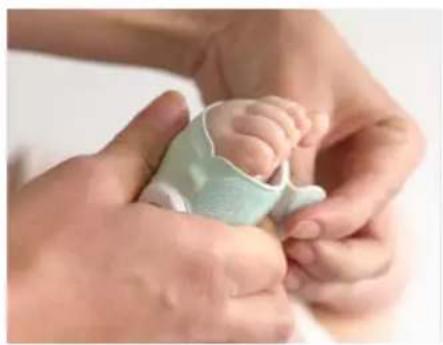
natural_image
Close-up of a baby's feet being held by adult hands, no text or symbols visible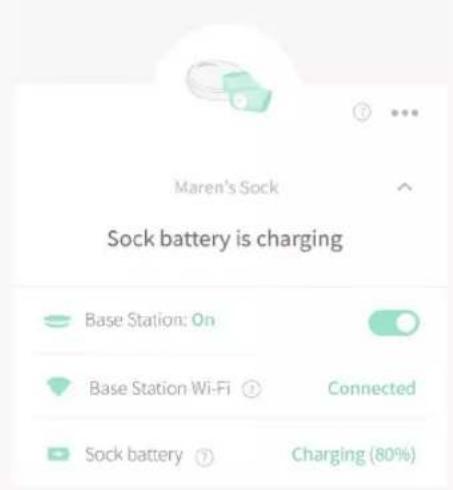
履歷
睡眠サイクル後
お子様の衣服下でのソックの動作
複数のプロフィール情報とデバイスの監視
https://owletcare.com/pages/warranty
ご利用規約
natural_image
Illustration of a medical device emitting a cupping cup, with two lungs and heart symbols (no text or labels)natural_image
Illustration of a cloud, a laptop, and a mobile device with two lungs inside, symbolizing health or healthcare (no text or symbols present)Hi there! Let's make you an account.
Password (+6 characters long)
Re-enter Password
②계정을 생성합니다
An email with a confirmation code has just been sent to you.
Resend email

Your account has been confirmed. Welcome to the Owlet family!
To home >

natural_image
Baby lying on a white surface, wearing a light-colored outfit with pink pants (no text or symbols visible)Learn more about the Owlet Smart Sock >
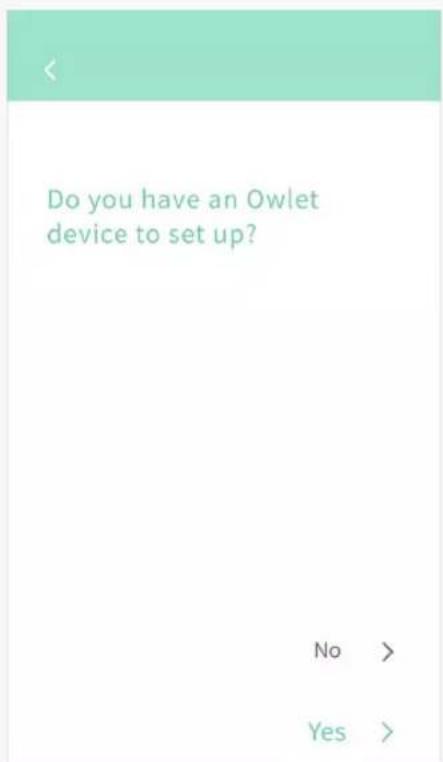
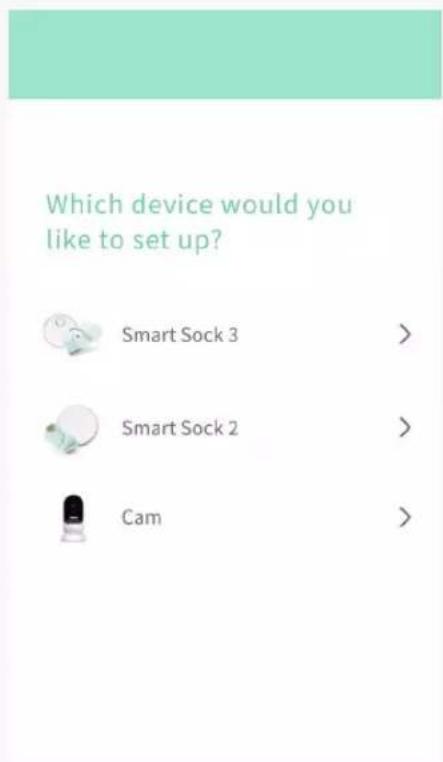
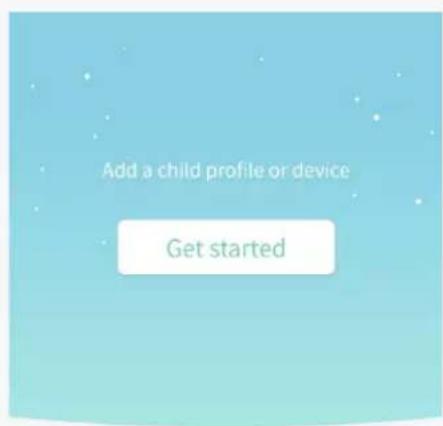
③ 장치를 설정합니다
Let's connect your base station to Wi-Fi, so you can see readings on your phone.
- Go to your phone's Wi-Fi settings and select the "Owlet" network
- Come back to the Owlet App
If you are redirected or see a "failed to redirect" message, that's okay! Just come back to the Owlet app.
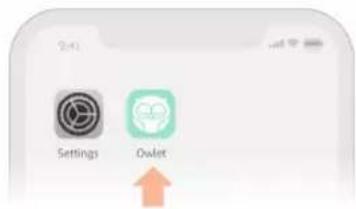
(iOS 전용 화면)

Your account has been confirmed. Welcome to the Owlet family!
To home >
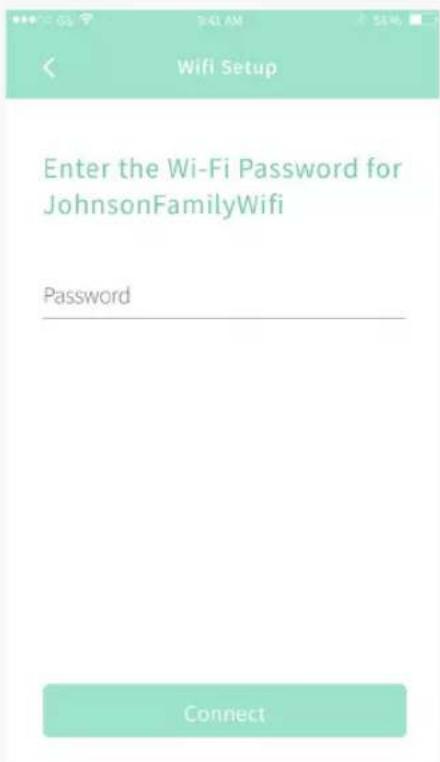
Select the Owlet device you want to set up.
Owlet-383G9f65
Select Wi-Fi router
(Does not work with 5.0GHz networks yet.)
JohnsonFamilyWifi
Your Neighbors Weird Wifi Name
Jurrasic House
The Petersons
natural_image
Diagram showing a heart-shaped object falling into a green circular shape on a surface (no text or symbols)natural_image
Close-up of hands gently holding a baby's foot with a green medical tube, no visible text or symbols패브릭 색스에 센서를 부착합니다
natural_image
Close-up of a baby's foot with a light green bandage, no visible text or symbols삭스 고정하기
natural_image
Close-up of a child's foot with a green medical or cosmetic device attached, being handled by a hand (no visible text or symbols)natural_image
Close-up of a hand pressing down on a light blue wristband (no visible text or symbols)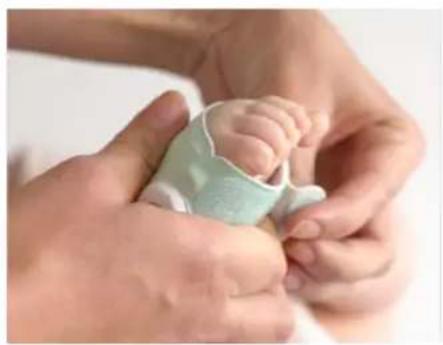
natural_image
Close-up of a baby's feet being held by adult hands, no text or symbols visible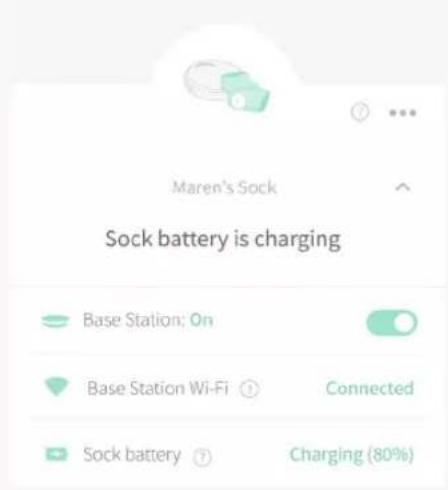
내역