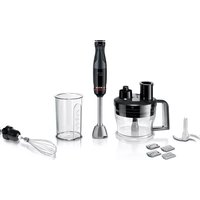
MSM4B670 - Blender BOSCH - Free user manual and instructions
Find the device manual for free MSM4B670 BOSCH in PDF.


User questions about MSM4B670 BOSCH
0 question about this device. Answer the ones you know or ask your own.
Ask a new question about this device
Download the instructions for your Blender in PDF format for free! Find your manual MSM4B670 - BOSCH and take your electronic device back in hand. On this page are published all the documents necessary for the use of your device. MSM4B670 by BOSCH.
USER MANUAL MSM4B670 BOSCH
| [de] | Scannen Sie den QR-Code oder besuchen Sie die Webseite, um die erweiterten Hinweise zur Benutzung zu öffnen. Dort finden Sie zusätzliche Informationen zu Ihrem Gerät oder Zubehör. |
| [en] | Scan the QR code or visit the website to open the Further Notices for Use. You can find additional information about your appliance or accessory here. |
| [fr] | Scanner le code QR ou visiter le site Web pour ouvrir les informations d'utilisation complémentaires. Vous y trouverez des informations supplémentaires concernant votre appareil ou accessoire. |
| [it] | Scansionare il codice QR oppure visitare il sito Web per indicazioni dettagliate sull'uso. Si trovano informazioni aggiuntive sull'apparecchio o gli accessori. |
| [nl] | Scan de QR-code of bezoek de website om de uitgebreide gebruiksinstructies te openen. Hierin vindt u meer informatie over het apparaat of toebehoren. |
| [da] | Scan QR-koden, eller besøg hjemmesiden, for at åbne de udvidede anvisninger om anvendelse. Der kan der findes yderligere oplysninger om apparatet eller tilbehøret. |
| [no] | Skann QR-koden eller besøk nettstedet for å åpne mer informasjon om bruken. Der finner du mer informasjon om apparatet eller tilbehøret. |
| [sv] | Scanna QR-koden eller gå till webbplatsen och öppna de utökade användningsanvisningarna. Där finns mer information om din apparat eller dina tillbehör. |
| [fi] | Skannaa QR-koodi tai vieraile internet-sivustollamme, jotta voit avata laajennetut käyttötiedot. Sieltä löydät laitetta tai varustetta koskevia lisätietoja. |
| [es] | Para abrir las indicaciones ampliadas sobre el uso, visite la página web o escanee el código QR. Allí encontrará más información sobre el aparato o los accesorios. |
| [pt] | Leia o código QR ou visite a página web para abrir as indicações avançadas relativas à utilização. Aí encontra informações adicionais sobre o seu aparelho ou acessório. |
| [el] | Σαρώστε τον κωδικό QR ή επισκεφτείτε την ιστοσελίδα, για να ανοίξετε τις διευρυμένες υποδείξεις για τη χρήση. Εκεί θα βρείτε πρόσθετες πληροφορίες για τη συσκευή σας ή τα εξαρτήματα. |
| [tr] | Ayrıntılı kullanım bilgilerine ulaşmak için QR kodu taratin veya web sayfasını ziyaret ediniz. Cihaz ve aksesuarlar ile ilgili ayrıntılı bilgileri bu şekilde edinebilirsiniz. |
| [pl] | Aby uzyskać rozszerzone informacje na temat zastosowań urządzenia, należy zeskanować kod QR albo wejść na stronę internetową. Można tam znaleźć dodatkowe informacje na temat posiadanego urządzenia i akcesoriów. |
| [uk] | Щоб отримати докладніші вказівки з користування, зіскануйте QR-код або відвідайте сайт. Там ви знайдете додаткові відомості про прилад або приладдя. |
| [ru] | Чтобы узнать больше о пользовании, отсканируйте QR-код или зайдите на сайт. Там вы найдете более подробные сведения о приборе и принадлежностях. |
| [ar] | امسع رمز الاستجابة السليغوة ضوئيا ت tightّ بزيارة الموقع الإلكتروني لفتح الإرشادات الموسّعة حول الاستخدام. تجد هناك |
2
3
4
5
6
natural_image
Illustration of a hand pouring liquid into a beaker with a downward arrow (no text or symbols)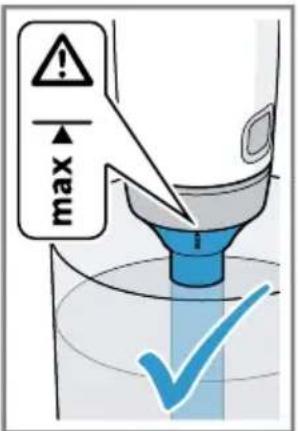
7
8
natural_image
Illustration of a hand holding a glass tube containing liquid, with an hourglass icon nearby (no text or symbols)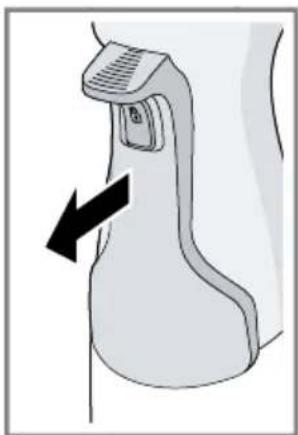
natural_image
Diagram of a medical or laboratory device with a black arrow pointing to a component (no text or symbols present)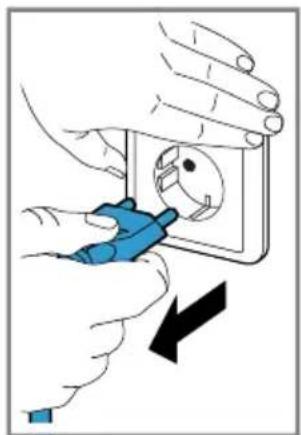
natural_image
Illustration of hands using a power tool to switch an electrical socket (no text or symbols present)9
10
natural_image
Illustration of a pitcher pouring liquid into a beaker with liquid, accompanied by an inset image showing a sandwich (no text or symbols)The image is too blurry to recognize any text content.
11
natural_image
Illustration showing a funnel pouring liquid into a glass with a hand holding a cup, indicating a process (no text or symbols present)13
natural_image
Illustration of a hand using a pipette to press or lift a container, with an arrow indicating motion (no text or symbols present)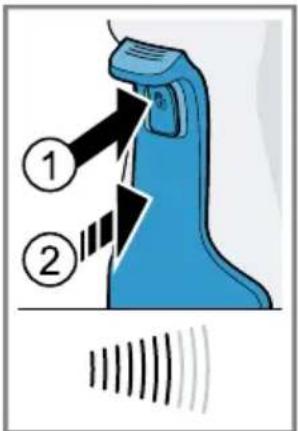
natural_image
Illustration of a hand holding a spray bottle over a container with an hourglass, no text or symbols present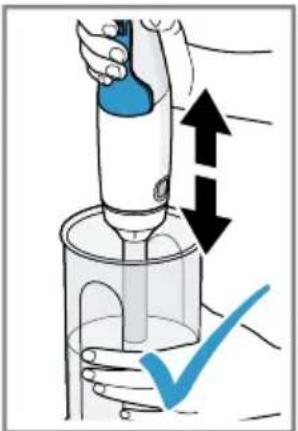
15
natural_image
Line drawing of a cleaning or cleaning device with a central handle and base, no text or symbols present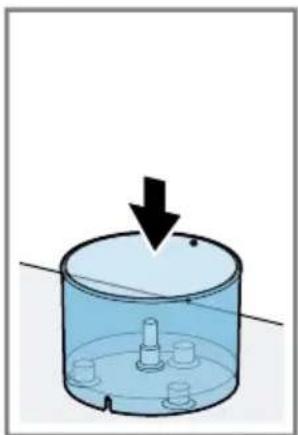
natural_image
Diagram of a cylindrical container with a downward arrow indicating force or movement, no text or symbols present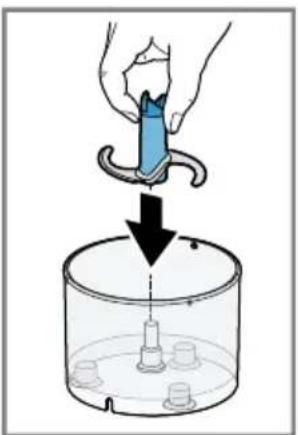
natural_image
Illustration of a hand using a tool to lift a container with a needle inserted into it (no text or symbols)17
19
natural_image
Simple line drawing of a cylindrical object with a square patch and a blue checkmark below (no text or symbols)21
natural_image
Illustration of a blue electrical plug inserted into a square socket, with an arrow indicating direction (no text or symbols)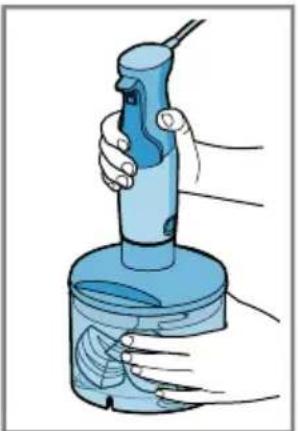
natural_image
Illustration of a hand holding a blue handheld device with a brush, surrounded by hands and a circular base (no text or symbols)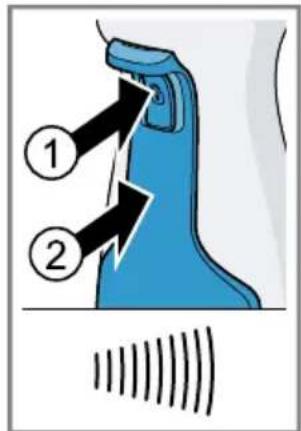
natural_image
Illustration of a hand using an ultrasonic instrument to interact with a container of liquid, accompanied by a small hourglass symbol (no text or labels present)23
natural_image
Diagram of a medical or laboratory device with a black arrow pointing to a specific area (no text or symbols present)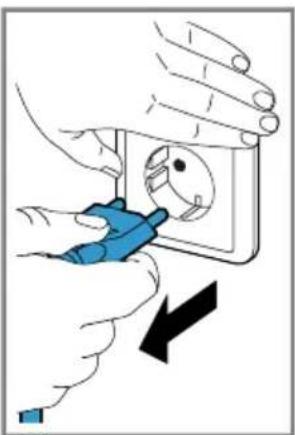
natural_image
Illustration of hands installing or adjusting a wall socket with a blue tool, showing a black arrow indicating the process (no text or symbols present)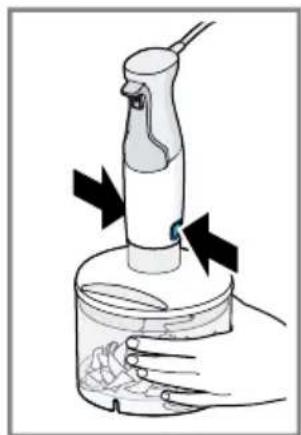
natural_image
Illustration of a hand holding a small container with a tool, showing a dropper and a rose inside (no text or symbols)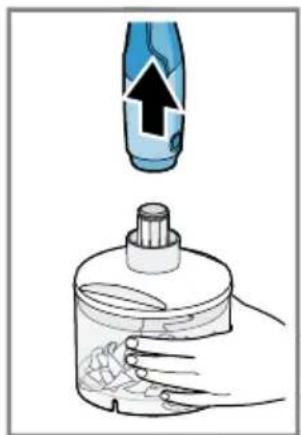
natural_image
Illustration of a hand holding a bottle with a dropper and a blue spray bottle above it (no text or symbols)25
natural_image
Illustration of a blue plastic container with a black arrow indicating flow or movement, containing granular material (no text or symbols)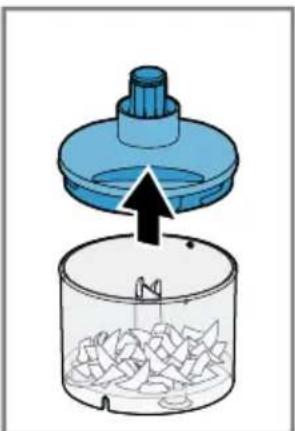
natural_image
Diagram showing a blue lid being inserted into a container with granular material (no text or symbols)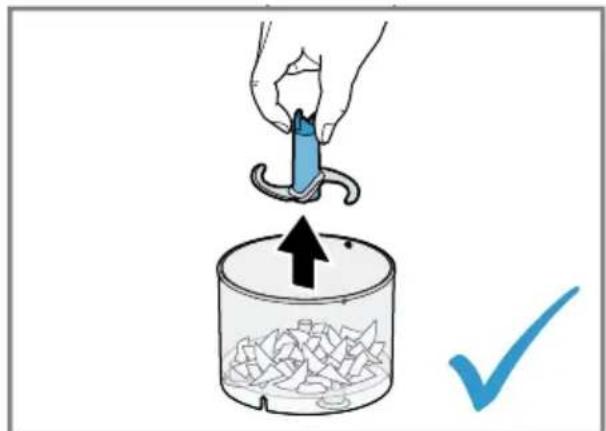
27
 |  |  | |
| CNHR28 | 130 g | 30 g | 2 s |
| CNHR29C | 130 g | 30 g | 2 s |
| CNHR29 | 110 g | 30 g | 3 s |
natural_image
Line drawing of a hand mixer with a whisk (no text or symbols)30
The image is too blurry to recognize any text content.
32
The image is too blurry to recognize any text content.
34
natural_image
Illustration of a hand using a blue cleaning brush to clean or wash a bowl (no text or symbols present)The image is too blurry to recognize any text content.
36
natural_image
Illustration of a hand using a digital brush to clean water in a bowl, with an hourglass icon nearby (no text or symbols)The image is too blurry to recognize any text content.
natural_image
Diagram of a medical or laboratory device with an arrow indicating direction (no text or symbols present)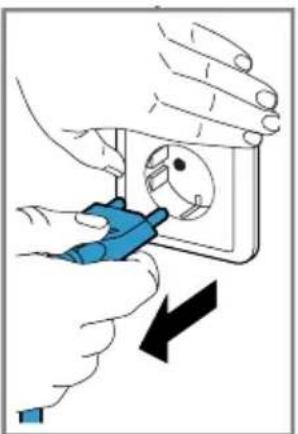
natural_image
Illustration of hands installing or adjusting a wall socket with a blue tool, showing a black arrow indicating direction (no text or symbols present)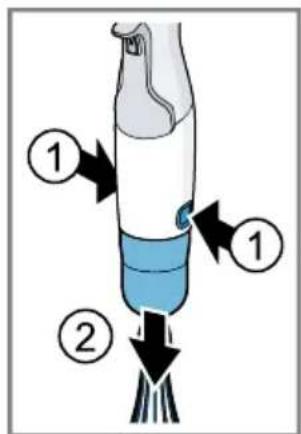
38
natural_image
Simple line drawing of a cooking pot with steaming steam rising from the lid (no text or symbols)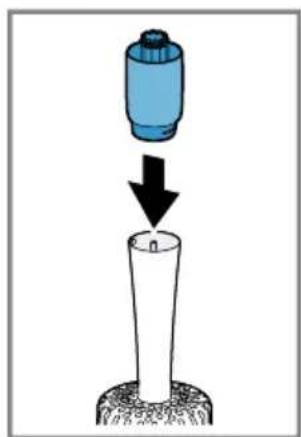
natural_image
Diagram showing a blue cylindrical object being dropped into a white cylindrical container, with a black arrow indicating the process (no text or symbols present)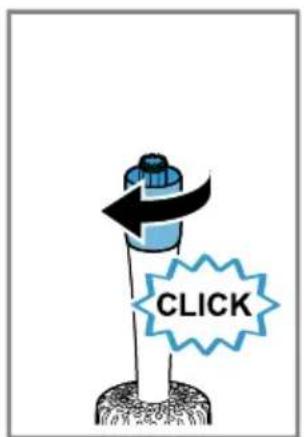
40
natural_image
Illustration of a blue electrical plug inserted into a square socket, with an arrow indicating direction (no text or symbols)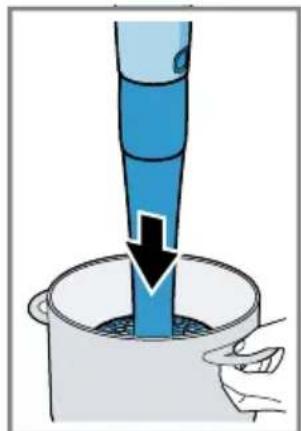
natural_image
Illustration of a blue funnel pouring liquid into a container with a hand holding the cup (no text or symbols)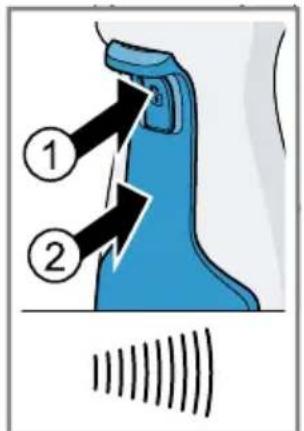
42
natural_image
Illustration of a hand pouring liquid into a container with an hourglass symbol (no text or labels)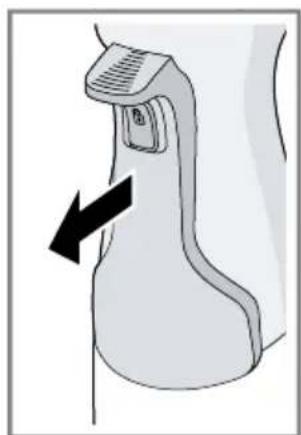
natural_image
Diagram of a medical or laboratory device with a black arrow pointing to a component (no text or symbols present)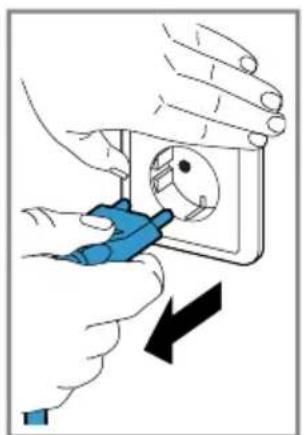
natural_image
Illustration of hands using a blue tool to adjust or install an electrical socket (no text or symbols visible)44
natural_image
Illustration of a mechanical component with an upward arrow and a checkmark, no text or symbols present.46
 |  |  |  |  | |
 |  |  | 200-600 g | 40-90 s | |
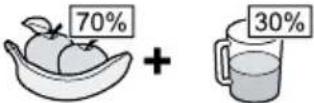 |  | 200-500 g | 60-90 s | ||
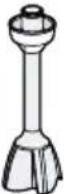 | 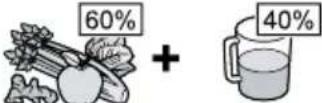 |  | 200-500 g | 60-90 s | |
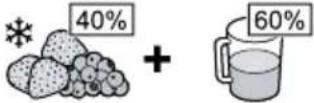 |  | 200-600 g | 60-90 s | ||
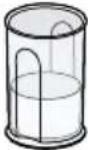
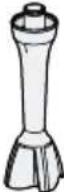 | 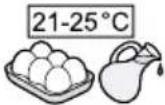 | 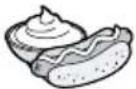 | 1 x O | 60-90 s | |
 |  |  | 200-600 g | 40-60 s | |
 |  | 200-600 g | 60-90 s | ||
 |  |  |  |  _ _  | |
 | 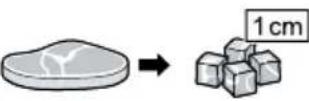 | 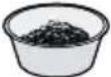 | 50-100 g | 10-20 s | |
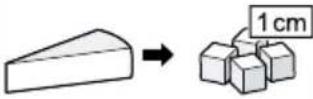 | 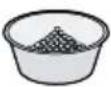 | 50-100 g | 20-40 s | ||
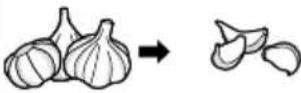 | 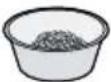 | 5-20 x | 3-15 s | ||
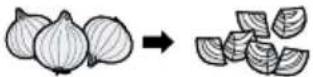 | 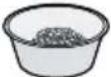 | 50-100 g | (3-8) x 1 s | ||
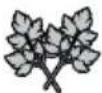 | 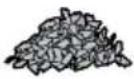 | 5-15 g | (7-10) x 1 s | ||
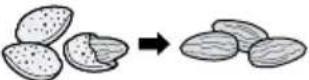 | 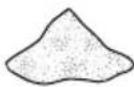 | 50-150 g | 5-30 s | ||
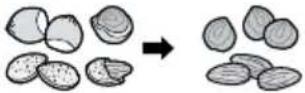 | 150 g | ● L 7 - 10 s | |||
| ● M 16 - 20 s | |||||
| ● S 20 - 30 s | |||||
 | 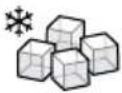 | 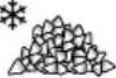 | 100 g | 5 s | |
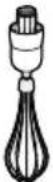 |  |  | 100-300 g | 20-180 s | |
 | 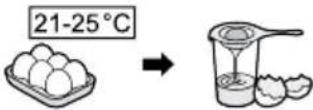 |  | 1-3 x O | 40-120 s | |
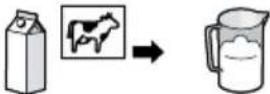 | 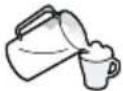 | 50-150 g | 60-120 s | ||
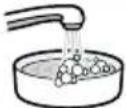 | |||||
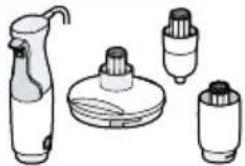 | √ | × |  | × | × |
 | × | × |  | √ | √ |
 | √ | √ |  | √ | √ |
 | √ | √ |  | √ |  |
49
natural_image
Diagram showing a blue cylindrical object being inserted into a white cylindrical tube, with a black arrow indicating the process (no text or symbols present)50
natural_image
Cross-sectional illustration of a mechanical gear or cam mechanism with no visible text or symbols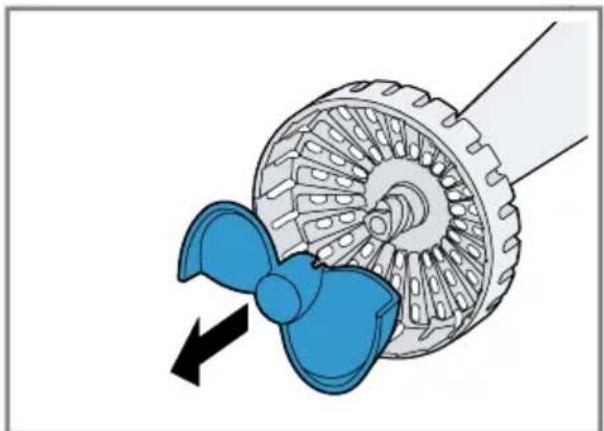
natural_image
Diagram of a propeller with blue blades and mechanical components, showing internal gear structure (no text or symbols)52
natural_image
Diagram of a mechanical gear or cam mechanism with blue internal components and black arrows indicating rotational direction (no text or symbols)
Sicherheit
- Read this instruction manual carefully.
- Keep the instruction manual and the product information safe for future reference or for the next owner.
Only use this appliance:
■ With genuine parts and accessories.
■ For cutting up, chopping, mixing, puréeing and emulsifying liquid or semi-solid food.
■ In private households and in enclosed spaces in a domestic environment at room temperature.
■ for normal processing quantities and for normal processing times for domestic use.
■ Up to an altitude of max. 2000 m above sea level.
After each use, whenever the appliance is unsupervised, prior to assembly, disassembly or cleaning and in the event of an error, it must always be disconnected from the mains.
This appliance can be used by persons with reduced physical, sensory or mental capabilities or a lack of experience and/or knowledge if they have been given supervision or instruction concerning use of the appliance in a safe way and if they understand the hazards involved.
Do not let children play with the appliance.
Cleaning and user maintenance must not be performed by children.
The appliance must not be used by children. Keep children away from the appliance and power cable.
- Connect and operate the appliance only in accordance with the specifications on the rating plate.
If the power cord of this appliance is damaged, it must be replaced by the manufacturer, the manufacturer's Customer Service or a similarly qualified person in order to prevent any risk.
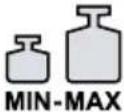
▶ Never immerse the appliance or the power cord in water or clean in the dishwasher. - Only immerse the blender foot into the ingredients as far as the "max" marking.
-
Never use the appliance further if it has fallen into water or any other liquid.
-
Do not use the appliance with damp hands.
▶ Never operate a damaged appliance.
▶ Never let the power cord come into contact with hot parts or be dragged over sharp edges.
▶ Never place the appliance on or near hot surfaces.
▶ After switching off, wait until the drive has come to a complete standstill. - Keep hands, hair, clothing and utensils away from rotating parts.
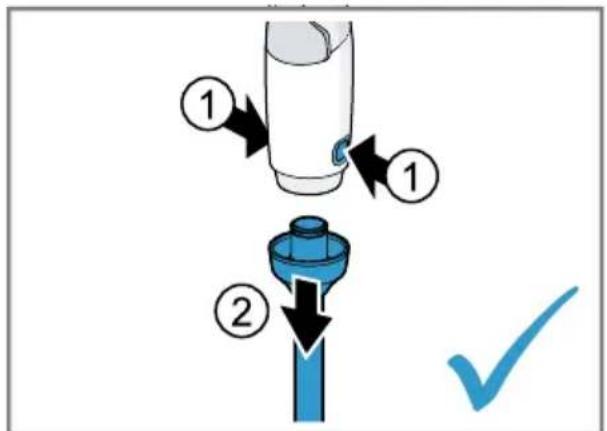
- Only attach and remove accessories once the drive has stopped and the appliance has been unplugged.
▶ Only use the accessories once fully assembled.
▶ Never touch the edges of the blades with bare hands. - Care should be taken when handling sharp blades, emptying the container and during cleaning.
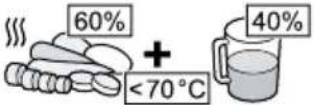
▶ Be careful when processing hot food. - Leave boiling food to cool down to at least 70 °C before processing.
▶ Follow the cleaning instructions. - Clean surfaces which come in contact with food before each use.
Avoiding material damage
- Do not operate the appliance at no-load.
▶ Never use the blender jug in the microwave or oven.
▶ Never immerse the gear attachments in liquids and do not clean under running water or in the dishwasher.
▶ Never use the universal cutter container in the microwave or oven.
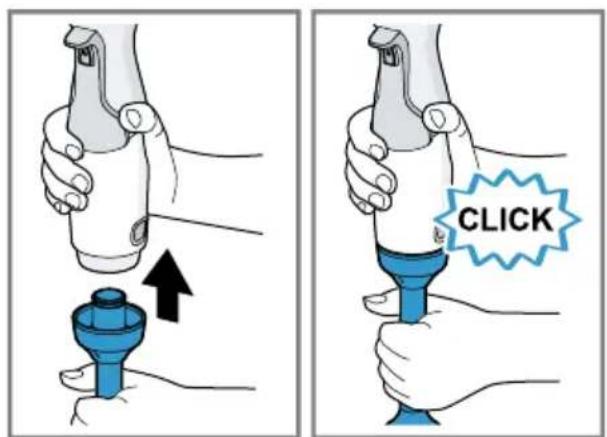
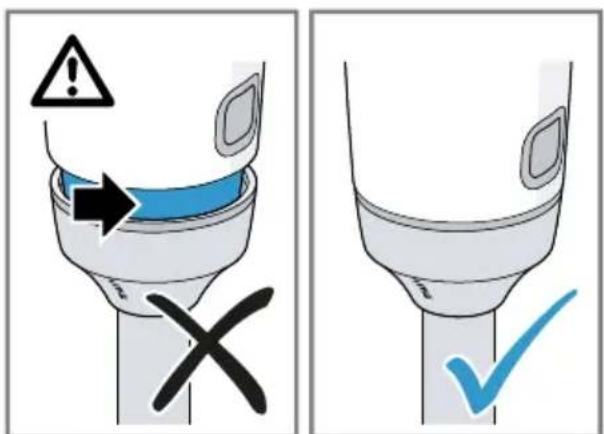
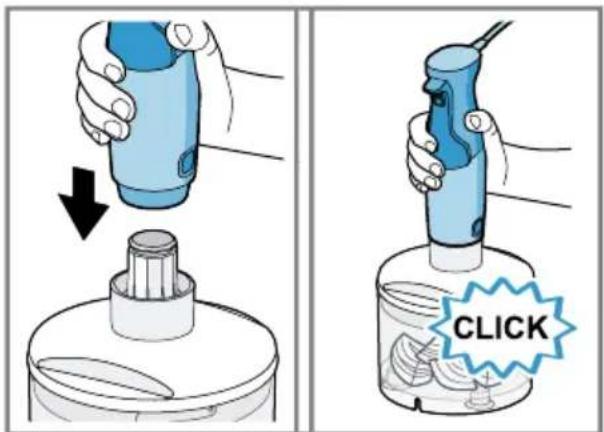
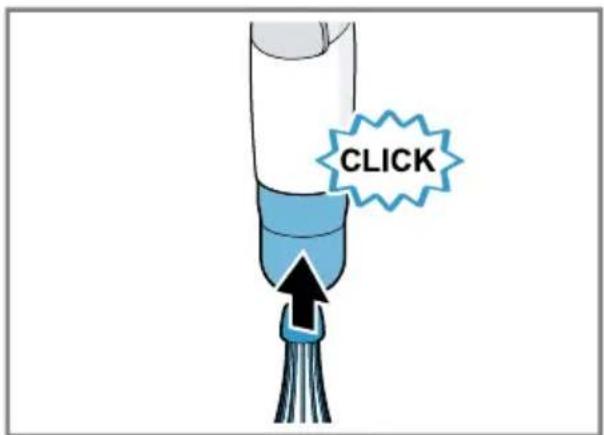
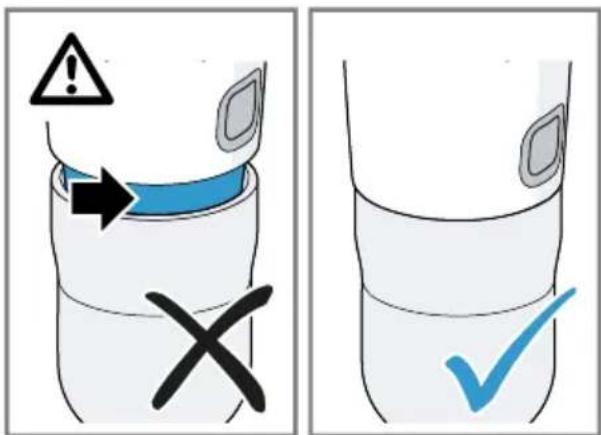
▶ Never use the blender foot or the whisk in the universal cutter container. - Place the base unit fully on the blender foot or accessory and lock into position with a click.
Overview
→ Fig. 1
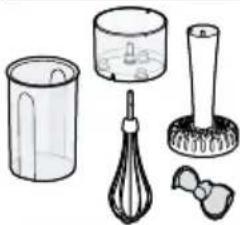
| A | Whisk ^1 |
| B | "ProPuree" masher attachment ^1 |
^1 Depending on the model
| C | Universal cutter ^1 |
| 1 | Switch-on lock |
| 2 | Control lever |
| 3 | Release buttons |
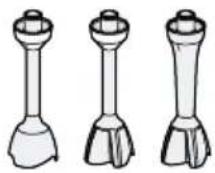
| 4 | Blender foot ^1 |
| 5 | Plastic blender jug ^1 |
| 6 | Gear attachment for the whisk |
| 7 | Gear attachment for the masher attachment |
| 8 | Masher paddle (detachable) |
| 9 | Gear attachment for the universal cutter |
| 10 | Ice crusher blade ^1 |
| 11 | Universal blade |
| 12 | Container |
^1 Depending on the model
en Controls
Note: If an accessory is not included in the scope of supply, it can be ordered from customer service.
Controls
Control lever with switch-on lock
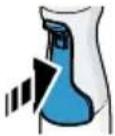
You can use the control lever for stepless control of the speed of your appliance.
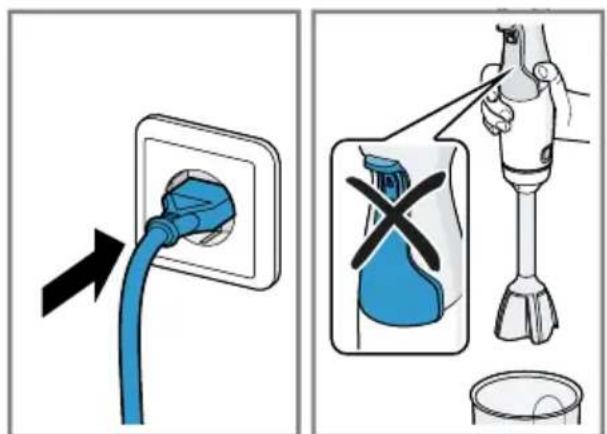
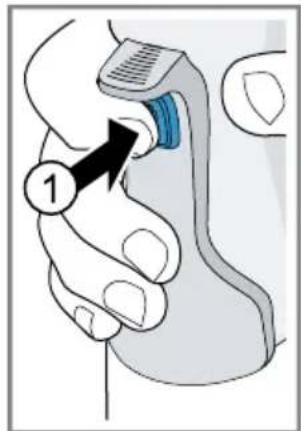
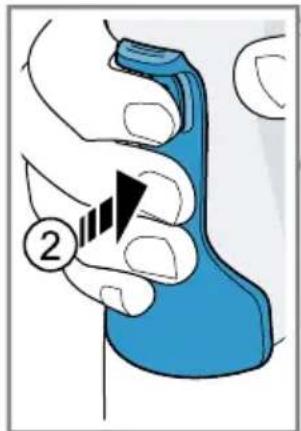
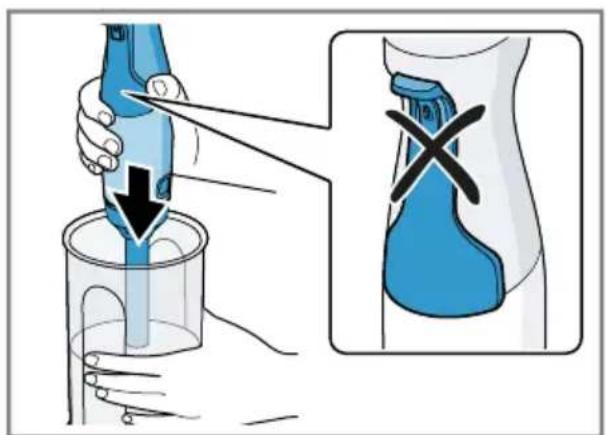
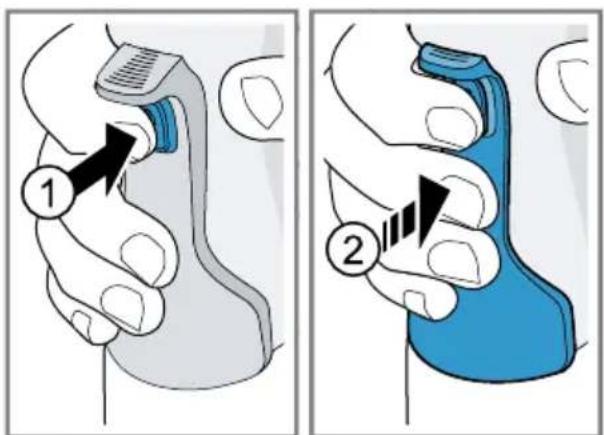
To switch on the appliance, first press the switch-on lock and then the control lever.
The more firmly the control lever is pressed, the higher the speed of the motor.
Note: The appliance remains switched on as long as the control lever is pressed.
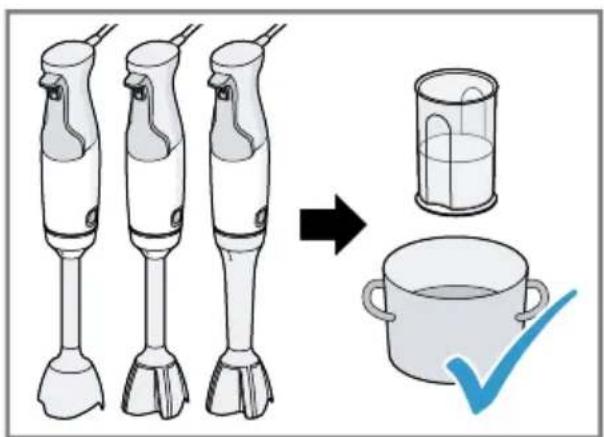
→ Fig. 2
Blender feet
Note: The blender feet are not suitable for preparing purées consisting only of potatoes or foods with a similar consistency.
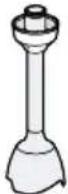
The blender feet are suitable for the following purposes:
■ Mixing drinks
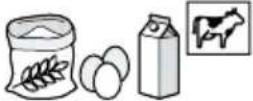
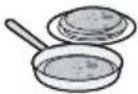
■ Making pancake batter, mayonnaise, sauces and baby food
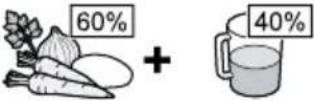
■ Puréeing cooked food, e.g. fruit, vegetables, soup
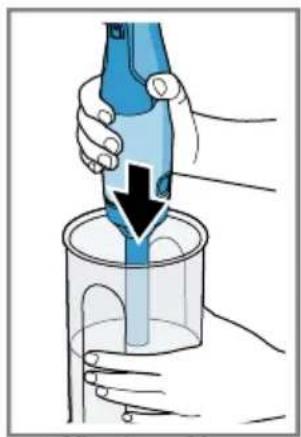
Processing food with the blender foot
Notes
■ Solid foods should always be cut up and cooked until soft before processing, e.g. apples, potatoes or meat.
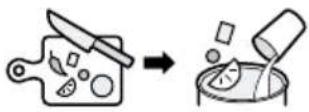
■ Use the universal cutter for cutting up raw food without adding liquid, e.g. onions, garlic or herbs.
■ Before processing the food in a pan, take the pan off the heat.
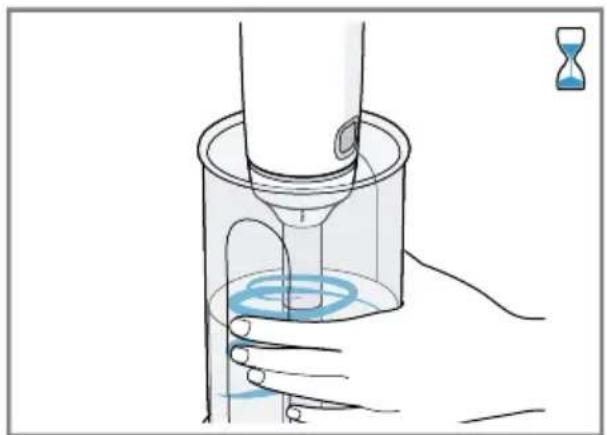
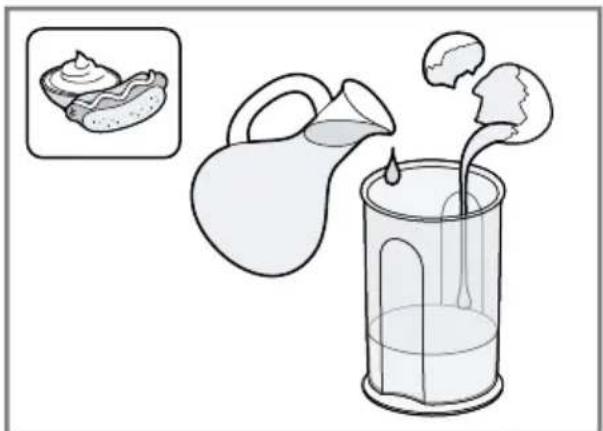
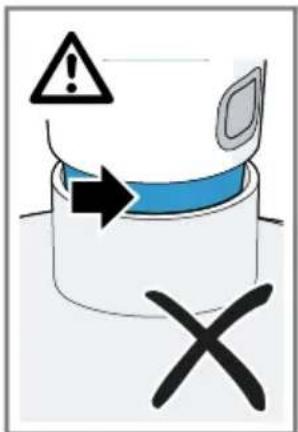
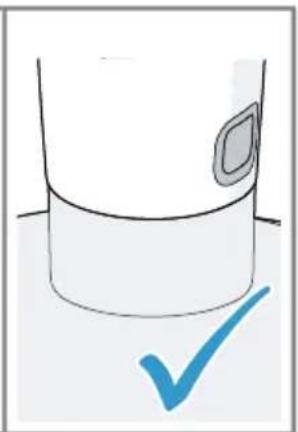
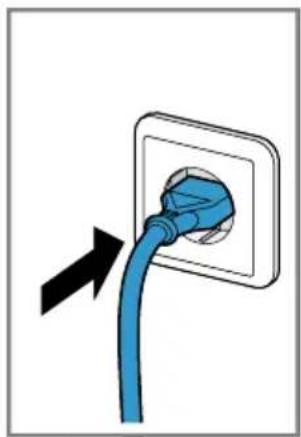
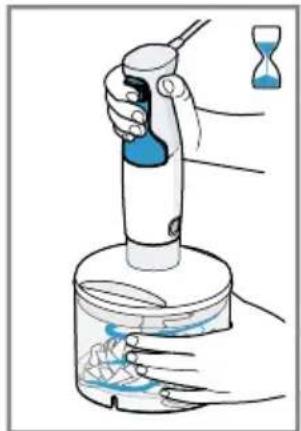
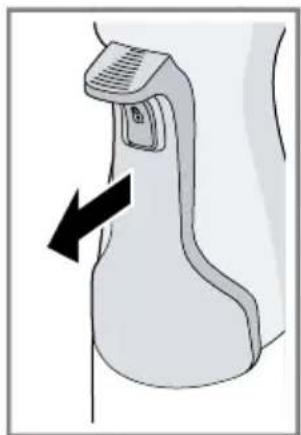
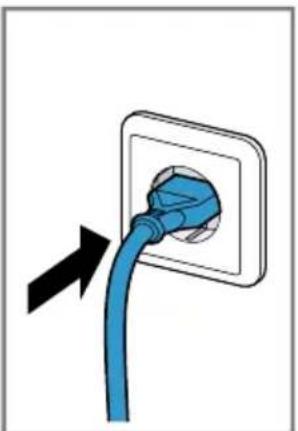
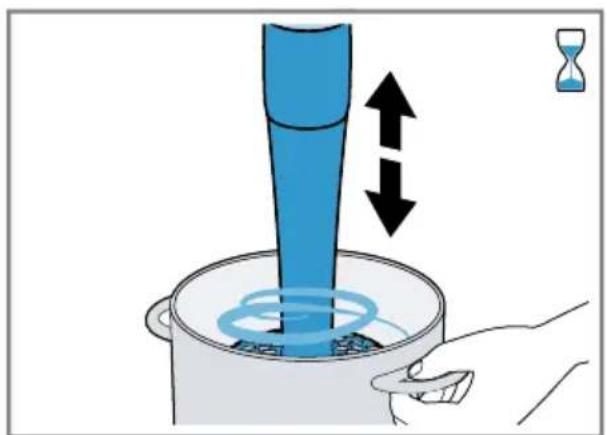
→ Fig. 3 - 11
Sample recipe Mayonnaise
■ 1 egg (egg yolk and egg white)
■ 1 tbsp mustard
■ 1 tbsp lemon juice or vinegar
■ 200-250 ml oil
■ Salt and pepper to taste
Making mayonnaise
Notes
■ When using the blender foot, mayonnaise can only be made with whole eggs (egg white and egg yolk).
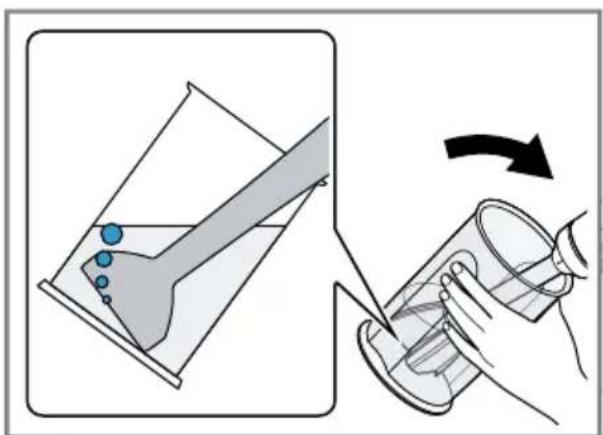
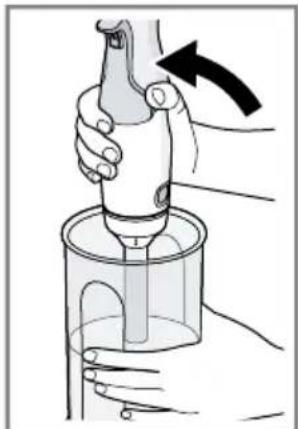
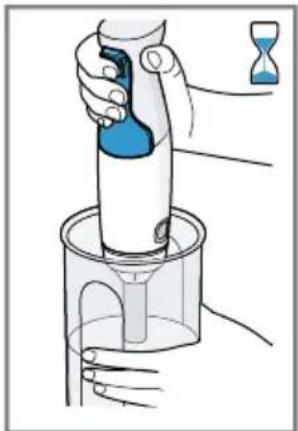
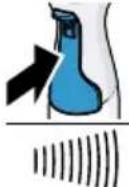
- When making mayonnaise, air underneath the blender foot prevents the ingredients blending together well. For optimum results, let the air escape before mixing.
→ Fig. 12 - 16
Universal cutter
The universal cutter is suitable for cutting up food, e.g. meat, hard cheese, onions, garlic, fruit, vegetables, herbs, nuts or almonds.
Notes
■ Remove hard pieces of food before processing, e.g. gristle, bones, sinews or stones from stone fruit.
■ The universal cutter is not suitable for cutting up very hard ingredients, e.g. coffee beans, nutmegs, radishes or frozen food.
■ Only process ice cubes with the ice crusher blade.
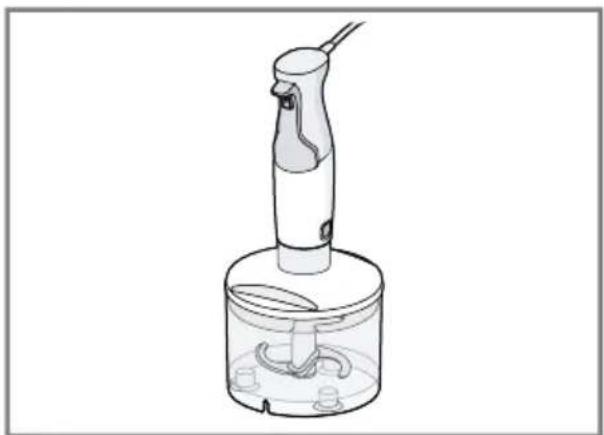
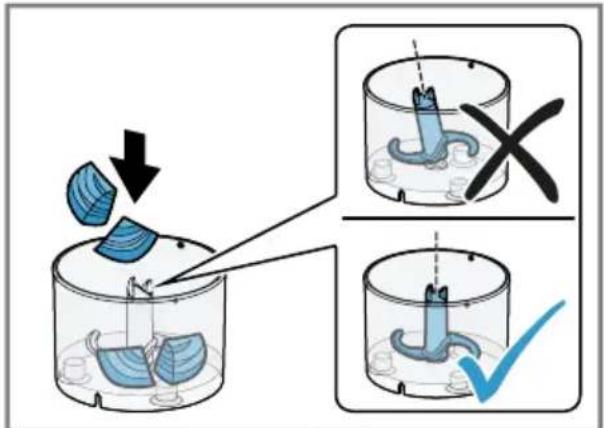
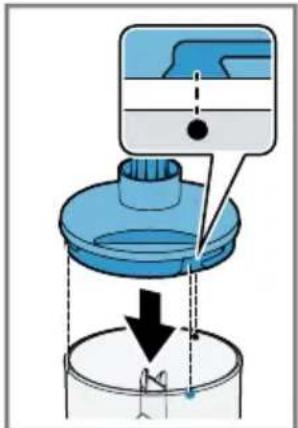
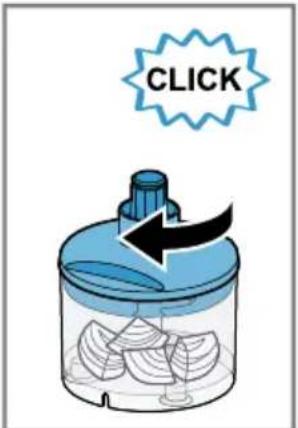
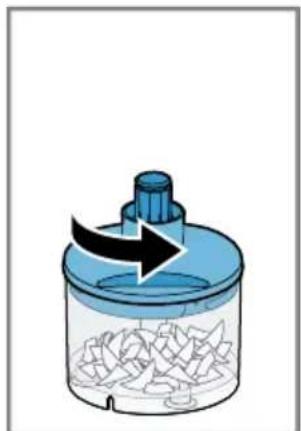
Using the universal cutter
→ Fig. 17 - 28
Honey cake with apples
Honey-apple mixture
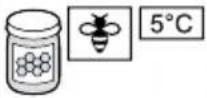
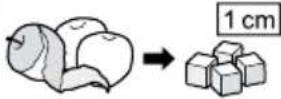
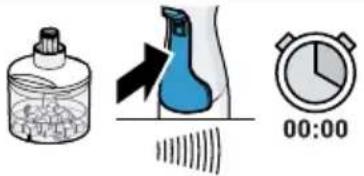
→ Fig. 29
Cakes
Ingredients
■ 3 eggs
■ 60 g butter
■ 100 g plain white flour
■ 60 g ground walnuts
■ 1 tsp cinnamon
■ 2 tbsp vanilla sugar
■ 1 tsp baking powder
■ 1 apple
Preparation
- Separate the eggs and whisk the egg whites until stiff.
■ Beat the egg yolk with the sugar until light and fluffy. Add the soft butter and the prepared honey-apple mixture.
■ Mix the rest of the ingredients in a separate bowl, add to the moist ingredients and stir in.
■ Carefully fold in the beaten egg whites with a spatula.
■ Line a rectangular loaf tin (35 x 11 cm) with greaseproof paper and add the prepared cake mixture.
- Peel the apple, cut into slices and arrange on the cake.
■ Preheat the oven to 180 °C and bake the cake for 30 minutes.
Whisk
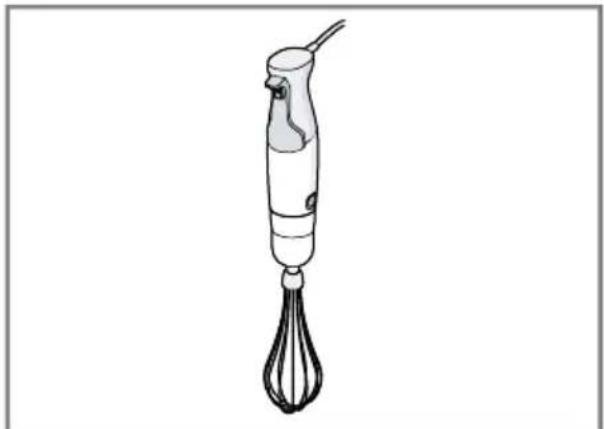
The whisk is suitable for whipping cream, beating egg whites or milk froth and for making sauces or desserts.
Recommendations for optimum results:
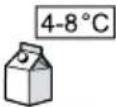
■ Use cream with a minimum fat content of 30% and a temperature of 4-8 °C
■ Use milk with a high protein content and a temperature of max. 8 °C
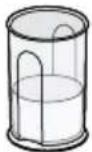
■ Whip cream or beat egg whites in a wide jug
Note: To prevent splashing, use deep containers with the whisk.
Using the whisk
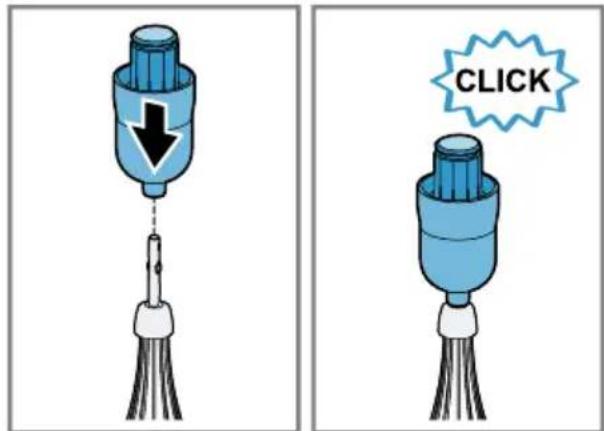
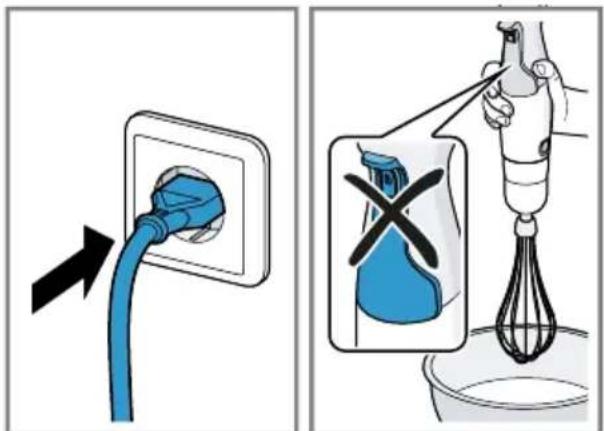
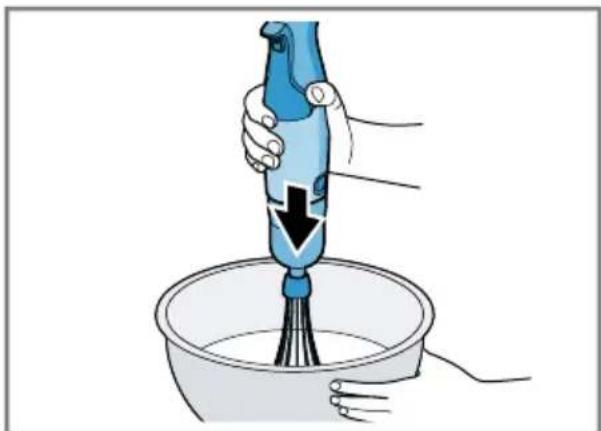
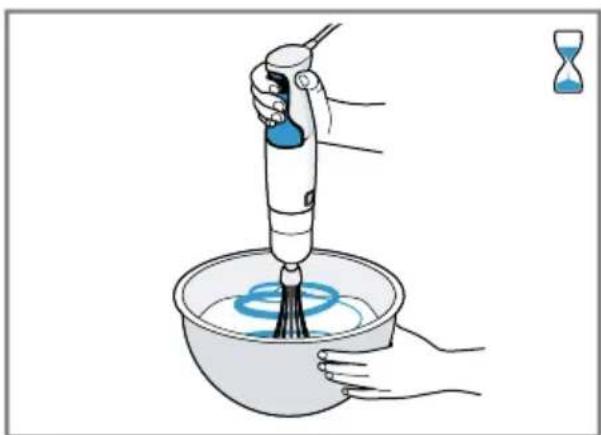
→ Fig. 30 - 39
"ProPuree" masher attachment
The masher attachment is suitable for preparing purées from boiled potatoes, peas, fruit or foods with a similar consistency.
Notes
■ Do not process hard ingredients.
■ Before processing the food in a pan, take the pan off the heat.
■ Do not strike the masher attachment against hard edges (e.g. pots, bowls).
Using the masher attachment
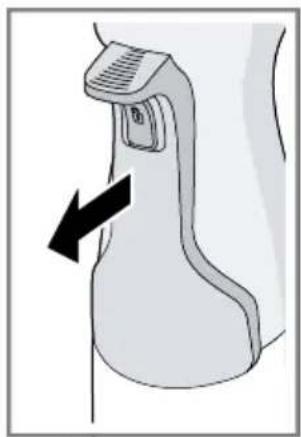
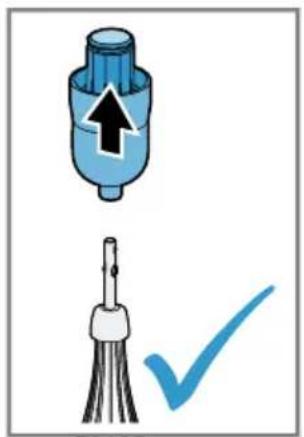
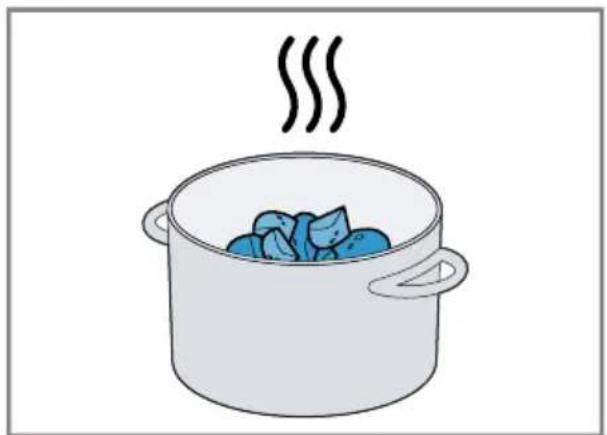
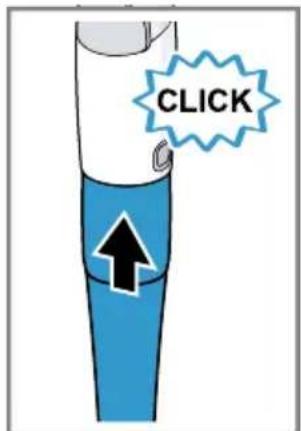
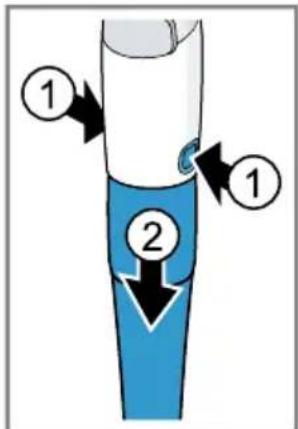
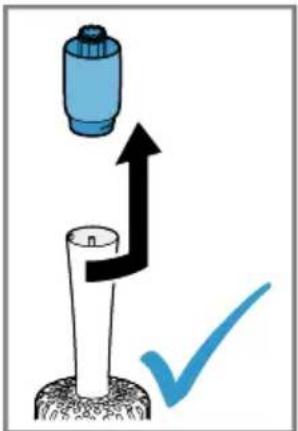
→ Fig. 40 - 46
Mashed potatoes
■ 1 kg boiled potatoes
■ 0.15 I warm milk
Printed on 100% recycled paper 21
■ 50 g soft butter
■ Salt, pepper and nutmeg
Preparation
- Add the ingredients to a suitable jug and process with the masher attachment for approx. 1 minute.
■ Lastly, season to taste with salt, pepper and nutmeg.
Application examples
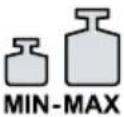
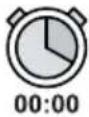
Always observe the maximum quantities and processing times in the tables.
Examples for the blender foot
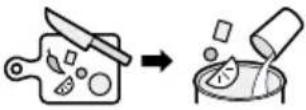
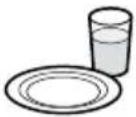
After each operating cycle let the appliance cool down to room temperature.
→ Fig. 47
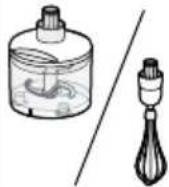
Examples for the universal cutter and whisk
→ Fig. 48
Overview of cleaning
Clean the individual parts as indicated in the table.
→ Fig. 49
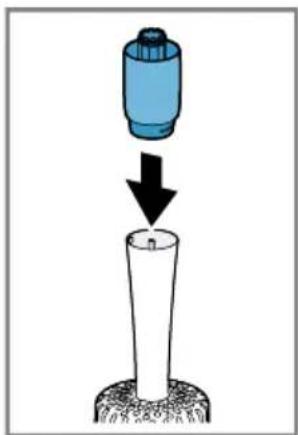
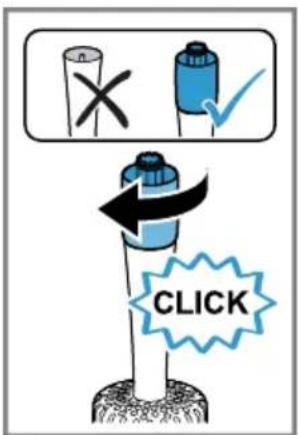
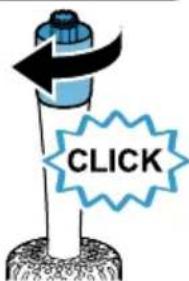
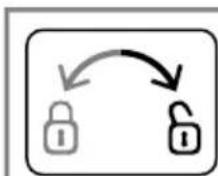
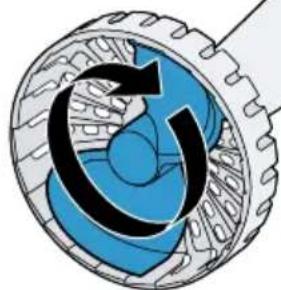
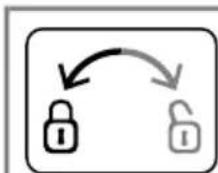
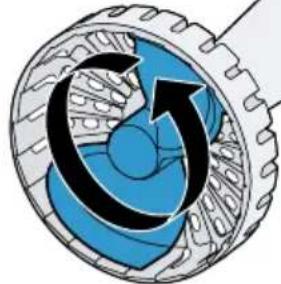
Cleaning the masher attachment
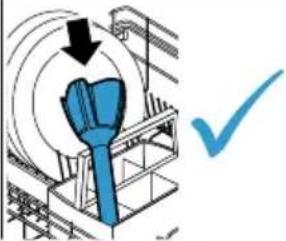
Remove the masher paddle to ensure especially thorough cleaning.
→ Fig. 50 - 53
Troubleshooting
Appliance switches off during processing (800 W – 1200 W models only).
The overload protection feature has been activated.
- Remove the mains plug and leave the appliance to cool down for approx. 1 hour to deactivate the overload protection device.
Note: If the fault cannot be eliminated, please contact customer service.
Disposing of old appliance
- Dispose of the appliance in an environmentally friendly manner.
Information about current disposal methods are available from your specialist dealer or local authority.
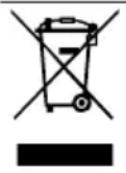
This appliance is labelled in accordance with European Directive 2012/19/EU concerning used electrical and electronic appliances (waste electrical and electronic equipment - WEEE).
The guideline determines the framework for the return and recycling of used appliances as applicable throughout the EU.
Customer Service
Detailed information on the warranty period and terms of warranty in your country is available from our after-sales service, your retailer or on our website.
The contact details for Customer Service can be found in the enclosed Customer Service directory or on our website.

Sécurité
الأمان
■. Grenية
■ ق أو
electrical and electronic
.(equipment - WEEE