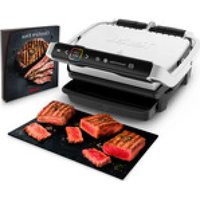
OptiGrill Elite GC750D16 - Griddle TEFAL - Free user manual and instructions
Find the device manual for free OptiGrill Elite GC750D16 TEFAL in PDF.



| Product type | Electric plancha / Electric grill |
| Model | OptiGrill Elite GC750D16 |
| Brand | Tefal |
| Power supply | 220-240 V, ~2000 W (estimate) |
| Automatic programs | 12 preset programs (beef, chicken, sausage, bacon, hamburger, panini, fish, seafood, potato, bell pepper, eggplant, tomato) |
| Manual mode | Temperature adjustment from 120°C to 240°C, adjustable timer |
| Special functions | Frozen food, Intensive searing (only in automatic mode) |
| Cooking indicator | Display of doneness level (rare, medium, well-done) with audible signal |
| Cooking plates | Removable, non-stick coating, dishwasher safe |
| Drip tray | Removable, collects cooking juices, dishwasher safe |
| Cleaning | Plates and tray in dishwasher; body and control panel with soft dry cloth; heating element to clean dry after cooling |
| Safety | Automatic shutdown if opened too long, overheating protection, do not use without plates, do not immerse |
| Spare parts | Replacement plates available from authorized after-sales service; do not repair yourself |
| Warranty | Complies with standards, household use only |
| Interface languages | French, English, German, etc. (selectable at first power-on) |
Frequently Asked Questions - OptiGrill Elite GC750D16 TEFAL
User questions about OptiGrill Elite GC750D16 TEFAL
0 question about this device. Answer the ones you know or ask your own.
Ask a new question about this device
Download the instructions for your Griddle in PDF format for free! Find your manual OptiGrill Elite GC750D16 - TEFAL and take your electronic device back in hand. On this page are published all the documents necessary for the use of your device. OptiGrill Elite GC750D16 by TEFAL.
USER MANUAL OptiGrill Elite GC750D16 TEFAL
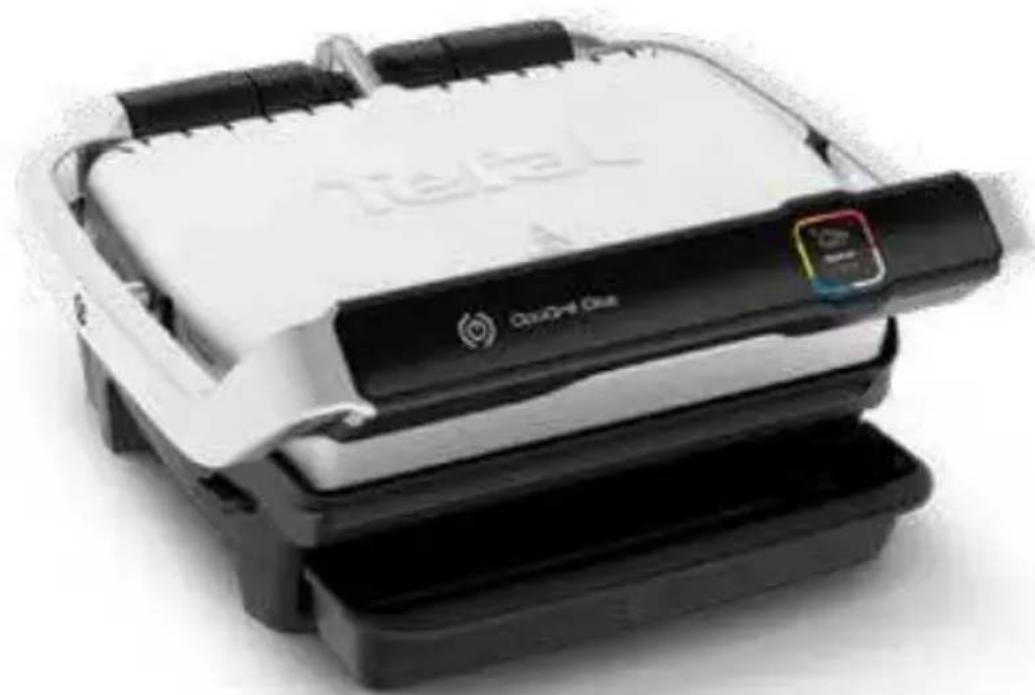
Tefal® OptiGrill Elite
natural_image
Stacked black and white product packaging with a 'Cherry One' brand logo (no visible text or symbols on the main subject)Mode d'emploi - Instructies voor gebruik-Bedienungsanleitung - Instructions for use - Istruzioni d'uso -Instrucciones de uso - Manual de instruções - Οδηγίες χρήσης
CONSIGNES DE SÉCURITÉ PRÉCAUTIONS IMPORTANTES
natural_image
Close-up of a hand pressing down on a mechanical component (no visible text or symbols)2
natural_image
Illustration of a Taobao printer with a paper feeding into a container (no text or symbols visible)3
natural_image
Close-up of a printer's front panel showing the Tef2 logo and its open base, with 'OK' text below (no readable document text or symbols on device)4
5
natural_image
Illustration of a hand pressing down on a computer keyboard (no text or symbols visible)6
7
8
12 13
14 15
18 19
17-19
Fonction
Marquage
Intensif
natural_image
Close-up of a finger pressing a button on a device interface (no text or symbols visible)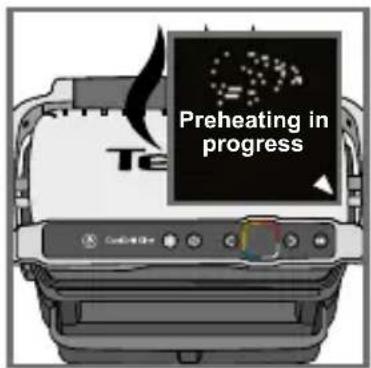
Préchauffe en cours
24
Mettez vos aliments
natural_image
Diagram showing a hand pressing down on a textured surface with an arrow indicating motion (no text or symbols present)25 26
natural_image
Diagram of a machine with open lid and internal mesh structure, showing a curved arrow indicating motion (no text or symbols present)27 28
natural_image
Illustration of a printer emitting steam from its lid (no text or symbols)25-26
natural_image
Illustration of a kitchen grater with a bag being opened, showing a rotating handle (no text or symbols)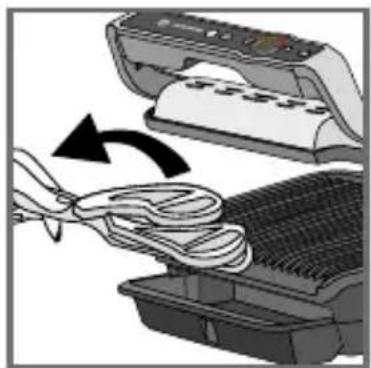
natural_image
Illustration of a printer being inserted into a rack with a bandage, showing the process (no text or symbols)33 34
natural_image
Illustration of a printer being cleaned into a mesh container with a cloth, showing the process (no text or symbols)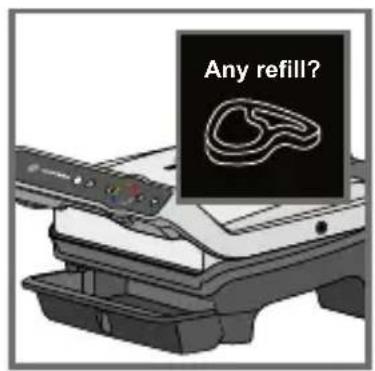
Nouvelle cuisson ?
Préchauffe en cours
Attendez Mettez vos aliments
45 46
47 48
natural_image
Illustration of a hand inserting a device into an open scanner (no text or symbols visible)51 52
natural_image
Illustration of a printer emitting steam with a stopwatch above it (no text or symbols)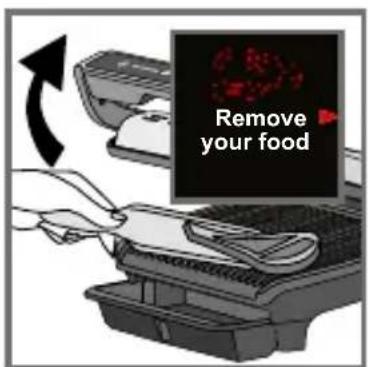
natural_image
Illustration of a hand holding a wall-mounted electrical socket next to a wall-mounted switch, with an arrow indicating direction (no text or symbols)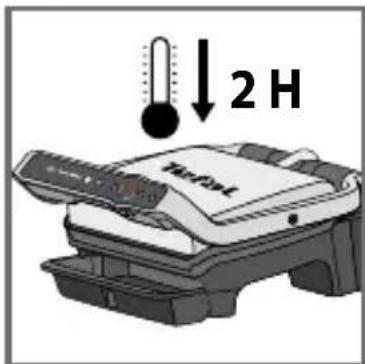
57
natural_image
Close-up of a hand pressing down on a mechanical component (no visible text or symbols)2
natural_image
Illustration of a Tiefat printer with a base tray and control panel (no text or symbols visible)3
natural_image
Close-up of a printer's front panel showing internal components and a 'OK' button (no readable text or symbols beyond the label)4
5
natural_image
Illustration of a hand pressing down on a computer keyboard (no text or symbols visible)6
7
8
12 13
14 15
18 19
22 23
natural_image
Illustration of a printer's internal structure with a hand holding a tray, showing no text or symbols.26
25-26
natural_image
Diagram of a printer or scanner with a paper feeding into a gridded base, showing internal components and a curved arrow indicating motion (no text or symbols present)27
natural_image
Illustration of a T&F5 printer emitting steam from its lid (no text or symbols on the device itself)31 32
Well-done in 01:35
natural_image
Diagram of a device with a scroll and a plate, showing a rotating arrow (no text or symbols)33 34
natural_image
Illustration of a printer being inserted into a rack with a cloth, showing the process (no text or symbols)natural_image
Illustration of a printer being inserted into a rack, showing paper roll and cable being inserted (no text or symbols)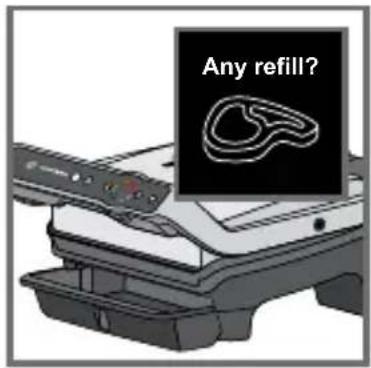
Bijvullen?
45 46

47 48
natural_image
Illustration of a hand inserting a device into a printer (no text or symbols visible)51 52
natural_image
Illustration of a printer emitting steam with a stopwatch above it (no text or symbols)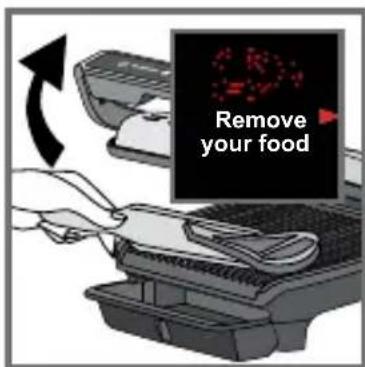
Risico op te gaar
51-53
natural_image
Illustration of a hand holding a wall-mounted electrical socket next to a wall-mounted plug, with an arrow indicating direction (no text or symbols)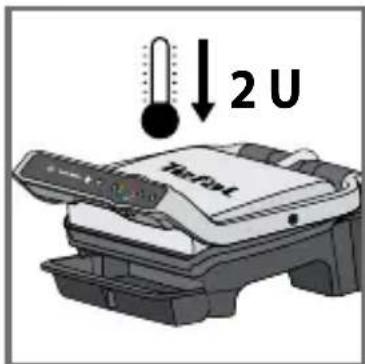
57
natural_image
Close-up of a car grille with arrows indicating movement or adjustment (no text or symbols visible)58 59
natural_image
Diagram showing a container with contents being lifted by an arrow, with additional plates and containers below (no text or symbols)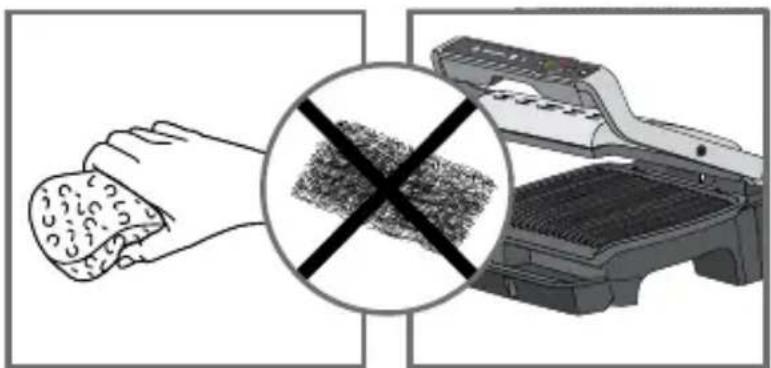
natural_image
Illustration of a hand cleaning a textured surface with a magnified inset showing a crossed-out texture (no text or symbols)60 61
natural_image
Illustration of a hand cleaning a food item from a printer (no text or symbols visible)62 63
natural_image
Illustration of a Tefal device mounted on a stand, no visible text or symbols on the device itself64

natural_image
Illustration of a hand pressing down on a mechanical component (no text or symbols visible)2
natural_image
Illustration of a Tiefat printer with a tray and base (no text or symbols visible)3
natural_image
Close-up of a printer's internal structure with no visible text or symbols on the device itself4
5

natural_image
Illustration of a hand pressing down on a computer keyboard (no text or symbols visible)6
7
8
18 19
Wird vorgeheizt
24
Speisen einlegen
natural_image
Diagram showing a hand pressing down on a textured surface next to a computer monitor (no text or symbols visible)26
(25-26)
natural_image
Diagram of a device with a scroll and directional arrow indicating motion (no text or symbols)27
Garvorgang starten
28
Garvorgang beginnt
natural_image
Illustration of a printer emitting steam from its lid (no text or symbols visible)30
27-29
natural_image
Diagram of a printer or scanner with a scroll and base, showing internal components and a rotation arrow (no text or symbols)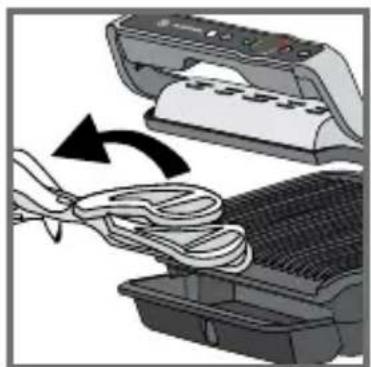
natural_image
Illustration of a printer being inserted into a rack with a bandage, showing the process (no text or symbols)33 34
Garvorgang beenden
35 36
natural_image
Illustration of a printer being cleaned into a rack, showing paper roll and cable attachment (no text or symbols)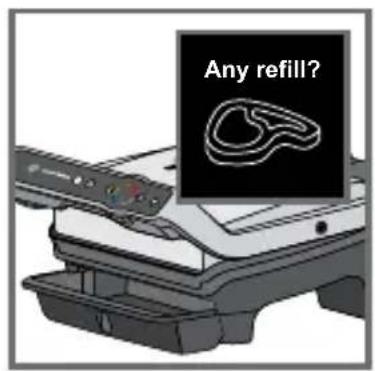
Nachlegen?
Wird vorgeheizt
45 46
47 48

Garvorgang beenden
natural_image
Illustration of a hand inserting a device into a printer case, showing the process with no text or symbols.51 52
natural_image
Illustration of a food processor with steam rising, emitting smoke, and a stopwatch above (no text or symbols)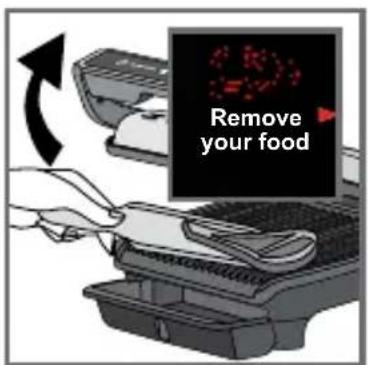
natural_image
Illustration of a hand holding a wall-mounted electrical socket next to a wall-mounted plug, with an arrow indicating direction (no text or symbols)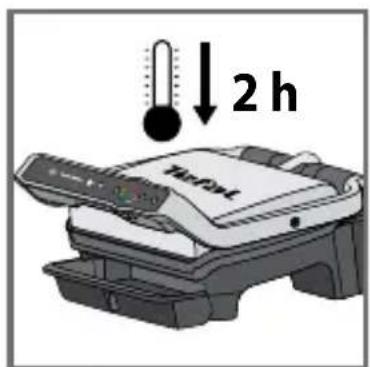
57
natural_image
Close-up of a car grille with arrows indicating movement or adjustment (no text or symbols visible)58 59
natural_image
Diagram showing a window with a tree inside and three stacked plates above, indicating storage or processing (no text or symbols present)natural_image
Illustration showing a hand cleaning a textured surface with a crossed-out grid pattern, alongside an open grill (no text or symbols)60 61
natural_image
Illustration of a hand holding a food item next to a printer labeled 'TGFAT' (no other text or symbols visible)62 63
natural_image
Illustration of a Tefal device mounted on a shelf, no visible text or symbols on the device itself64
60-61
SAFETY INSTRUCTIONS IMPORTANT SAFEGUARDS
Operation, maintenance, cleaning and product installation guidelines: for your own safety, please read through all paragraphs of the instruction manual including the associated pictograms.
This appliance is intended for indoor, domestic household use only. It is not intended to be used in the following applications, and the guarantee will not apply for:
- staff kitchen areas in shops, offices and other working environments;
- farm houses;
- by clients in hotels, motels and other residential type environments;
- bed and breakfast type environments.
Before first use remove all packaging materials, stickers and accessories from the inside and the outside of the appliance.
This appliance is not intended for use by persons (including children) with reduced physical, sensory or mental capabilities, or lack of experience and knowledge, unless they have been given supervision or instruction concerning use of the appliance by an adult responsible for their safety. Children should be supervised to ensure that they do not play with the appliance, and do not use as a toy.
This appliance can be used by children aged from 8 years and above and persons with reduced physical, sensory or mental capabilities or lack of experience and knowledge if they have been given supervision or instruction concerning use of the appliance in a safe way and understand the hazards involved. Cleaning and user maintenance shall not be made by children unless they are older than 8 and supervised.
Keep the appliance and its cord out of reach of children less than 8 years.
Never leave the appliance unattended when in use.
Accessible surface temperatures can be high when the appliance is operating. Never touch the hot surfaces of the appliance.
This appliance is not intended to be operated by means of an external timer

or separate remote-control system.
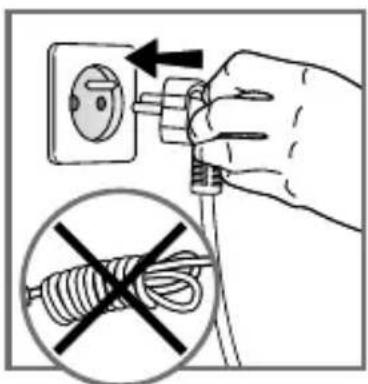
Fully unwind the power cord before plugging in the appliance.
If the power supply cord is damaged, it must be replaced by the manufacturer or its after sales service in order to avoid any danger.
Do not use an extension lead. If you accept liability for doing so, only use an extension lead which is in good condition, has a plug with an earth connection and is suited to the power rating of the appliance. Take all necessary precautions to prevent anyone tripping over an extension cord.
Always plug the appliance into an earthed socket.
Make sure that the electric power supply is compatible with the power rating and voltage indicated on the bottom of the appliance.
Use a sponge, hot water and washing up liquid to clean the cooking plates.
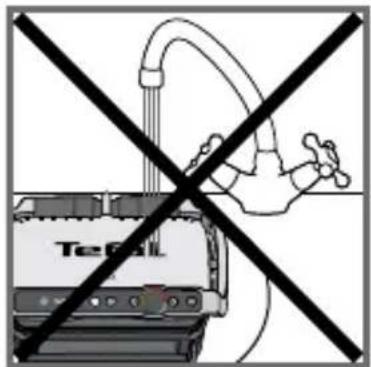
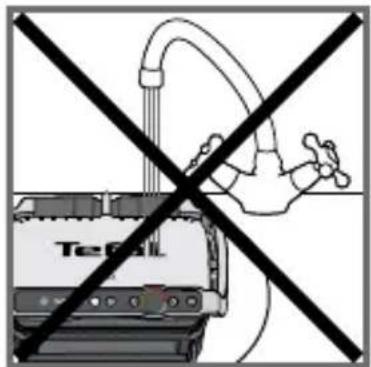
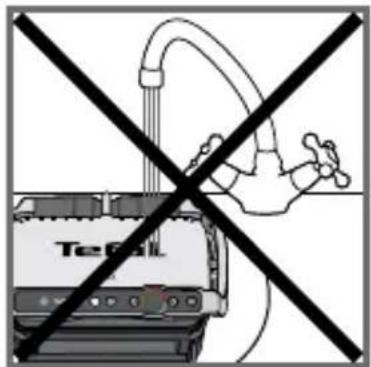
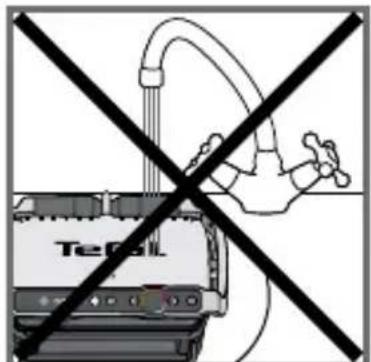
Never immerse the appliance, its power cord or plug in water or any other liquid.
WARNING: Do not heat or pre-heat without the 2 cooking plates inside the grill.
Do
- Read the instructions carefully, common to different models depending on the accessories your appliance with supplied with. Keep the instructions within reach.
- If an accident occurs, rinse the burn immediately with cold water and call a doctor if necessary.
- Before first use, wash the plates (see paragraph 5), pour a little cooking oil onto the plates and wipe with a soft cloth or paper kitchen towel.
- Position the power cord carefully, whether an extension is used or not, so that guests can move freely around the table without tripping over it.
- Cooking fumes may be dangerous for animals which have a particularly sensitive respiratory system, such as birds. We advise bird owners to keep them away from the cooking area.
• Always keep the appliance out of the reach of children. - Check that both faces of the plate are clean before use.
- To prevent damage to the plates, only use them on the appliance for which they were designed (e.g., do not place in an oven, on the gas ring or electric hot-plate, etc.).
- Ensure that the plates are stable, well positioned and correctly clipped to the appliance. Only use the plates provided with the appliance or bought from an Approved Service Centre.
• Always use a wooden or plastic spatula to avoid damaging the cooking plates. - Only use parts or accessories provided with the appliance or bought from an Approved Service Centre. Do not use them for other appliances or intention.
Do not
- Do not use the appliance outside.
- Never leave the appliance unattended when plugged in or in use.
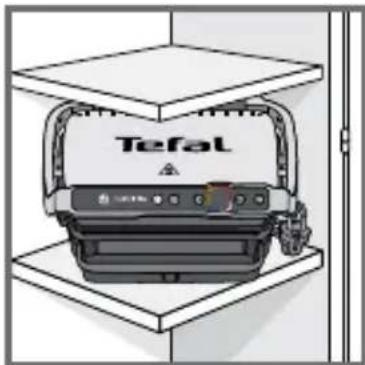
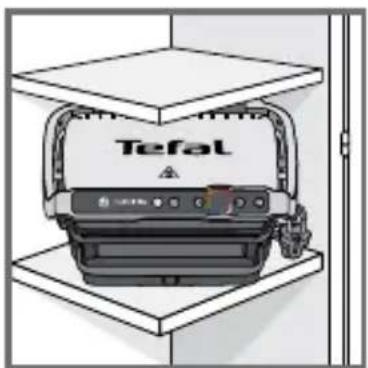
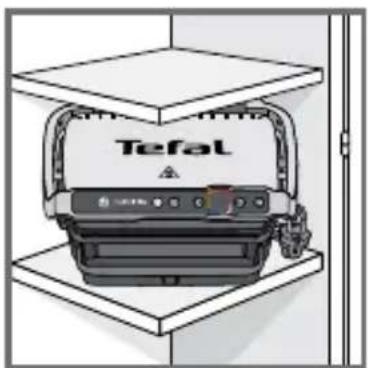
- To prevent the appliance from overheating, do not place it in a corner or below a wall cupboard.
-
Never place the appliance directly on a fragile surface (glass table, tablecloth, varnished furniture, etc.) or on a soft surface such as a tea-towel.
-
Never place the appliance under a cupboard attached to a wall or a shelf or next to inflammable materials such as blinds, curtains or wall hangings.
- Never place the appliance on or near hot or slippery surfaces; the power cord must never be close to or in contact with hot parts of the appliance, close to a source of heat or resting on sharp edges.
- Do not place cooking utensils on the cooking surfaces of the appliance.
- Never cut food directly on the plates,
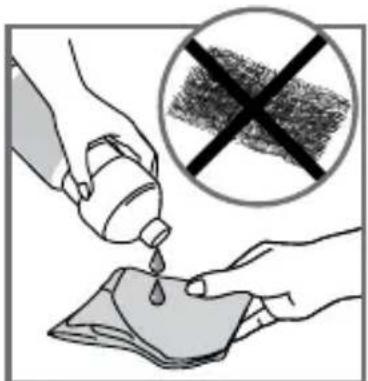
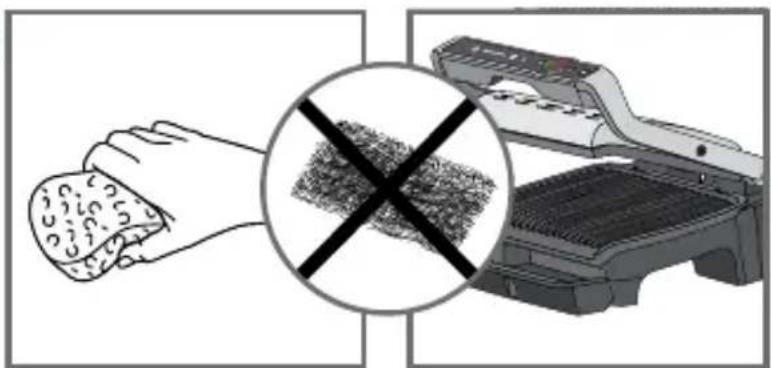
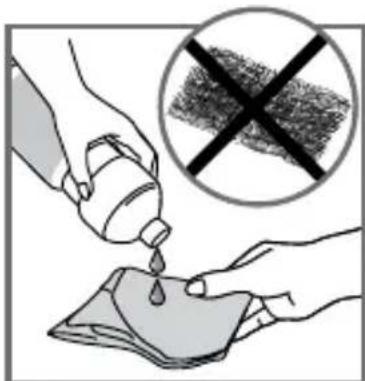
- Do not use metal scouring pads, abrasive wire wool or harsh scouring powder as this may damage the nonstick coating.
- Do not move the appliance when in use.
- Do not carry the appliance by the handle or metallic wires.
- Never run the appliance empty.
- Do not use aluminium foil or other objects between the plate and the food being cooked.
- Do not remove the grease collection tray while cooking. If the grease collection tray becomes full when cooking: let the appliance cool down before emptying.
- Do not place the hot plate on a fragile surface or under water.
- To preserve the non-stick properties of the coating, avoid excessive pre-heating with the appliance empty.
- The plates should never be handled when hot.
- Do not cook food in aluminium foil.
- To avoid spoiling your appliance, do not use flambé recipes in connection with it at any time.
- Do not place a sheet of aluminum or any other object between the plates and the heating element.
- Never heat or cook whilst the grill is open.
- Never heat up the appliance without the cooking plates.
Tips/information
- Thank you for buying this appliance, which is intended for domestic use only.
- For your safety, this appliance complies with the applicable standards and regulations - Low voltage directive - Electromagnetic compatibility - The environment - Materials in contact with food.
- On first use, there may be a slight odour and a little smoke during the first few minutes.
- Our company has an ongoing policy of research and development and may modify these products without prior notice.
- Do not consume foodstuff that comes into contact with the parts marked with logo
- If the food is too thick, the safety system will stop the appliance from working.
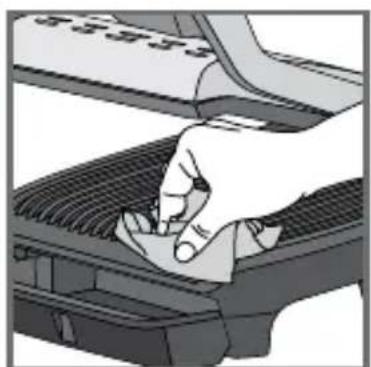
- The instrument panel is fragile: clean, wipe and dry with a dry, soft cloth only. Do not clean it with a wet sponge as this may damage its functions.
Environment
Environment protection first!
① Your appliance contains valuable materials which can be recovered or recycled.
Leave it at a local civic waste collection point.

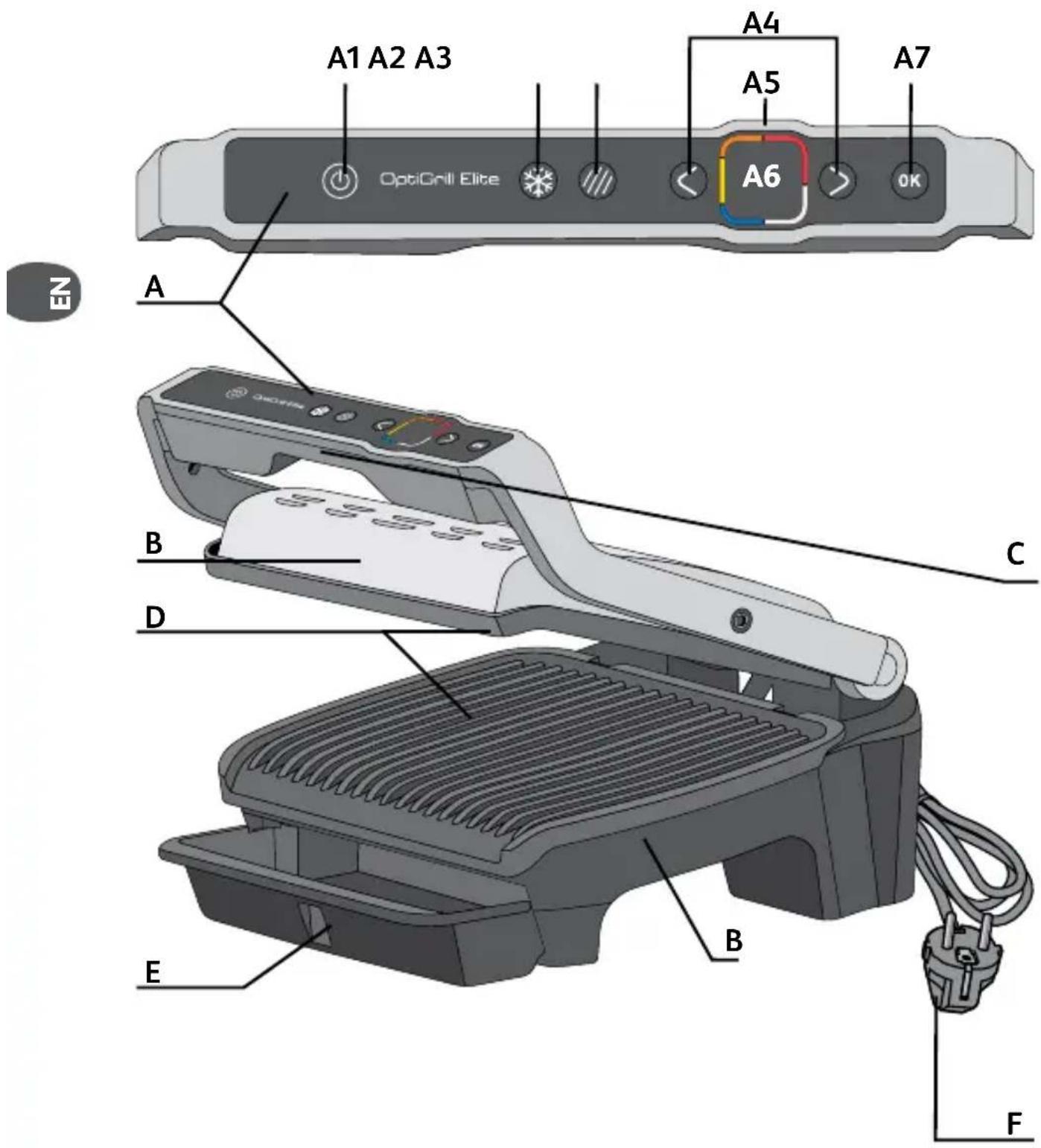
Description
A Control panel
A1 On/Off button
A2 Frozen food function
A3 Searing function
A4 Adjustment and navigation buttons
A5 Preheating indicator and cooking level
A6 Display screen
A7 OK button
B Appliance body
C Handle
D Cooking plates
E Drip tray
F Power cord
12 automatic cooking programs
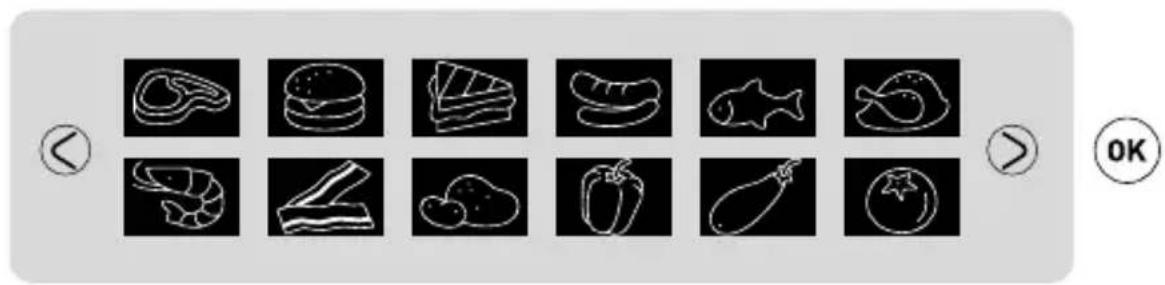

Two additional cooking options in automatic mode

Frozen food function
Searing function
Note: The Frozen food function and Searing function can be used independently or both at the same time.
Manual mode
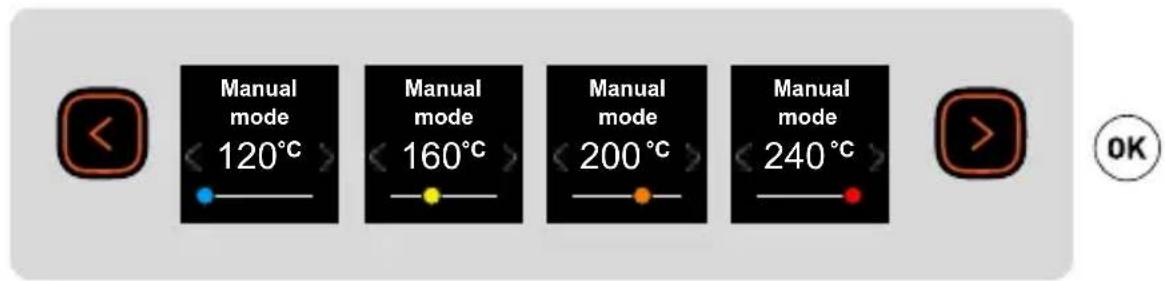
1 Before first use

1
natural_image
Close-up of a hand pressing down on a mechanical component (no visible text or symbols)2
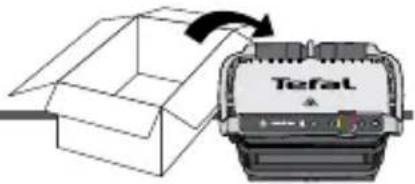
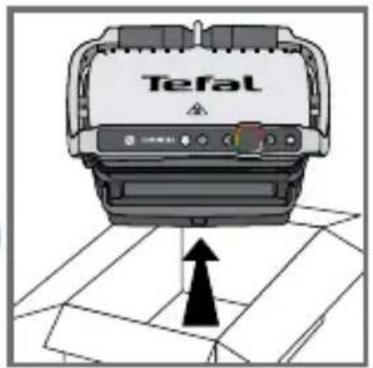
1 Remove all packaging, stickers and various accessories from both the inside and outside of the appliance.
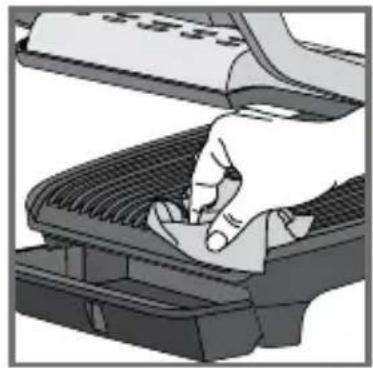
2 Prior to first use, thoroughly clean the cooking plates using some hot water and some washing-up liquid, carefully rinse and dry.
natural_image
Illustration of a printer with a TisPat label and a small container (no text or symbols on the device itself)3
natural_image
Close-up of a printer's internal structure with no visible text or symbols on the device itself4
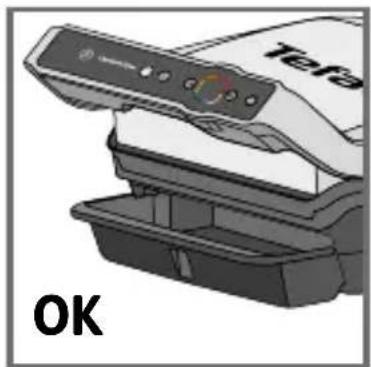
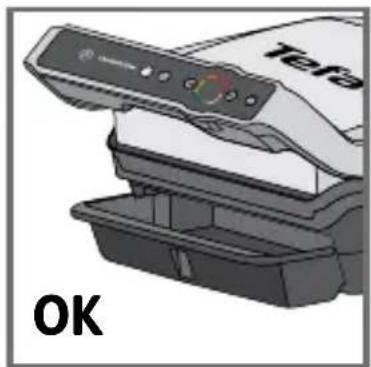
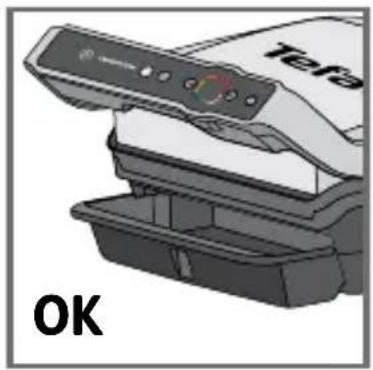
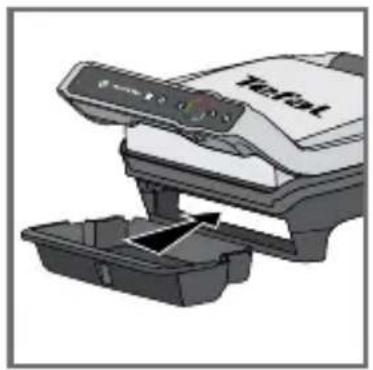
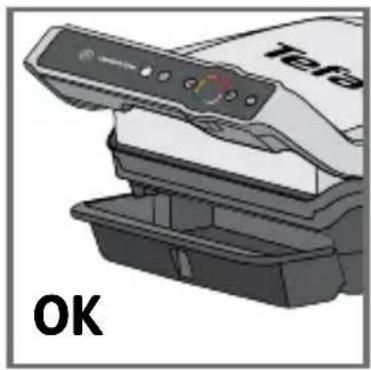
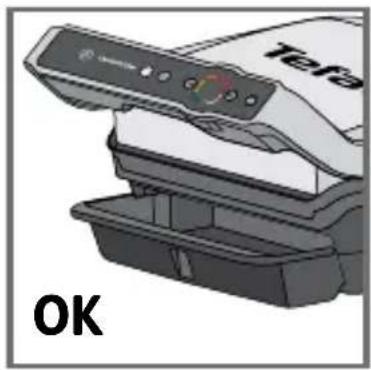
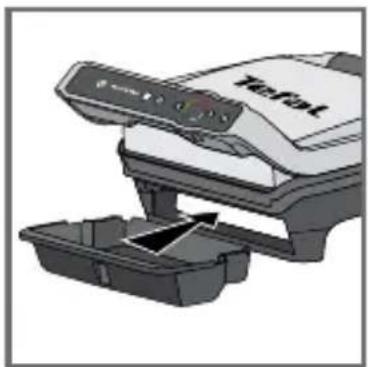
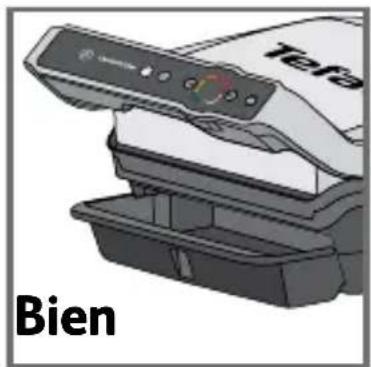
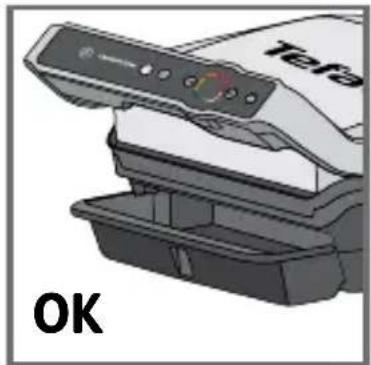
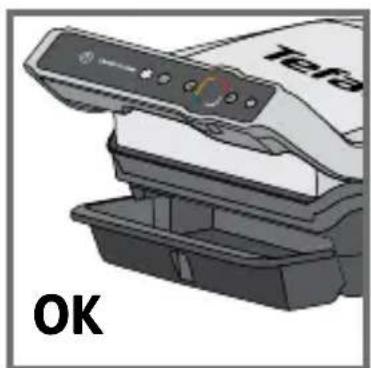
3-4 Install the removable drip tray at the front of the machine.
5
natural_image
Illustration of a hand pressing down on a computer keyboard (no text or symbols visible)6
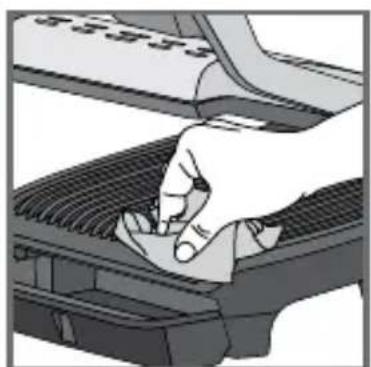
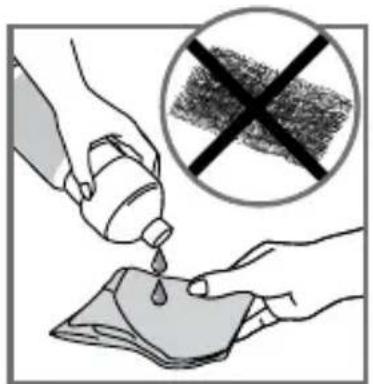
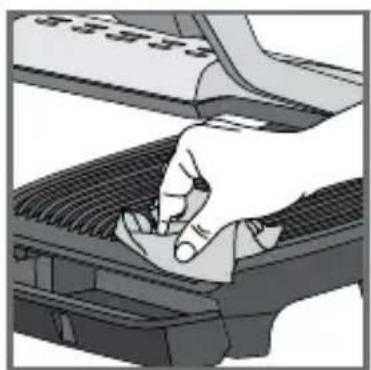
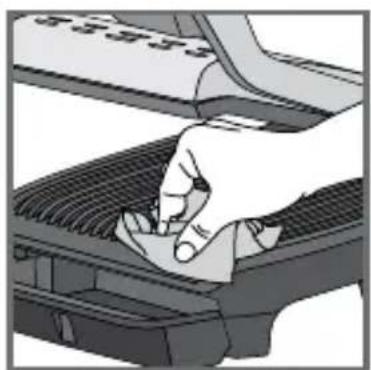
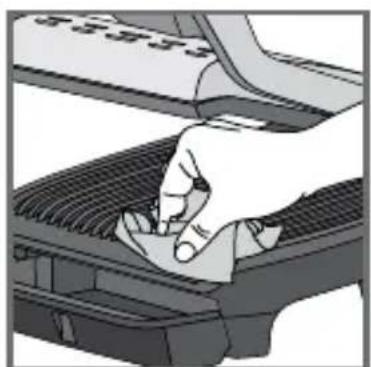
5If you wish, for best results and to improve the effectiveness of the non-stick surface, you can wipe the cooking plates with a paper towel dipped in a little cooking oil.
6 Remove any excess oil with a clean paper towel.
7
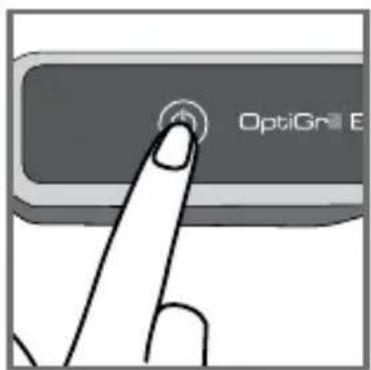
8
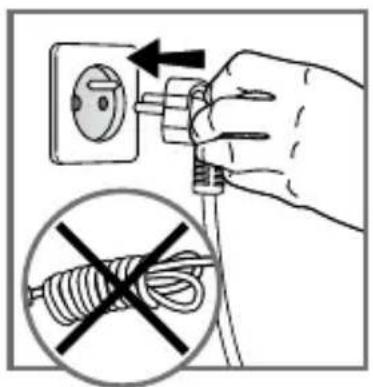
7 Make sure the top and bottom plates are correctly positioned in the appliance. Do not start preheating without the plates. Connect the appliance to the mains supply. (the cable must be completely unwound).
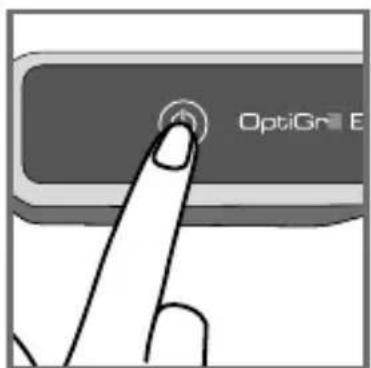
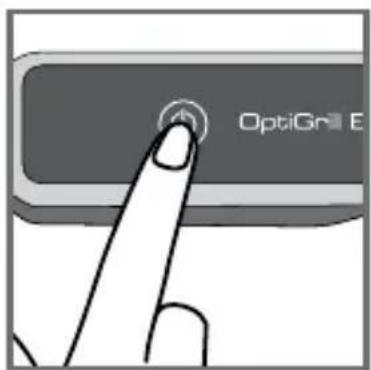
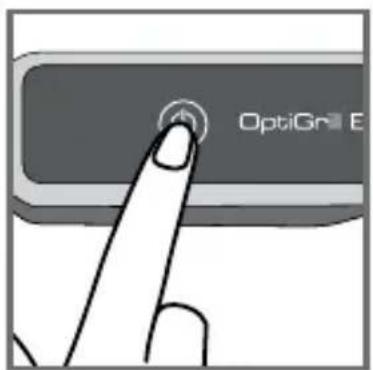
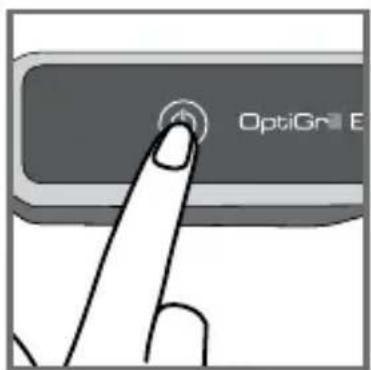
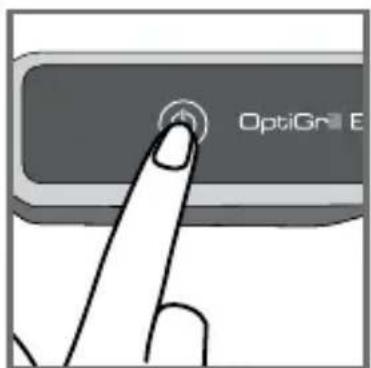
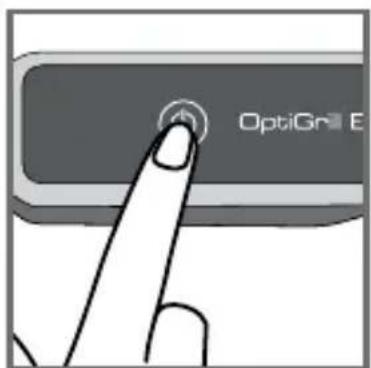
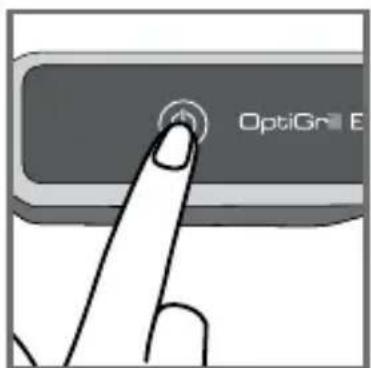
8 Press the On/Off button.
Caution: Ensure that there is no food between the plates.
2 Using for the first time
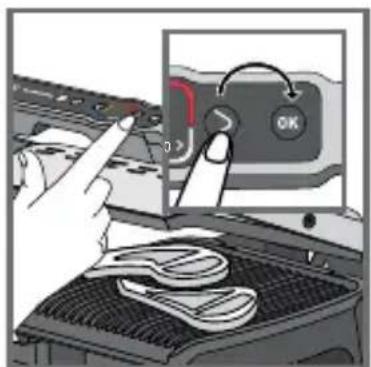
9 Select your language using the arrows then press ok.
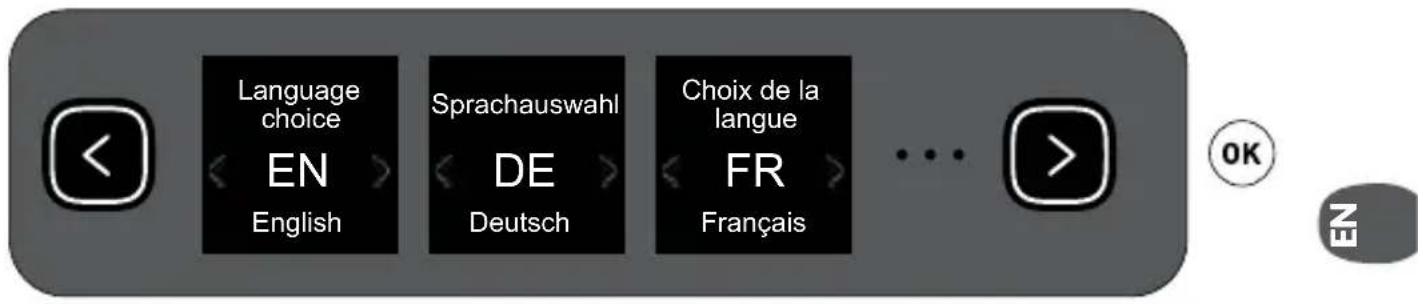
9
3 On/Off button
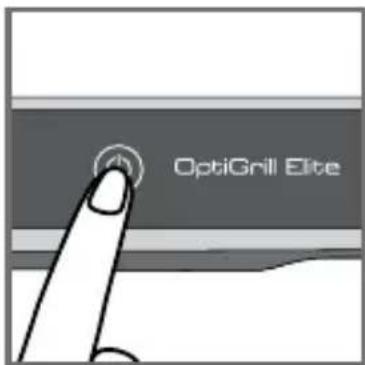
10 11
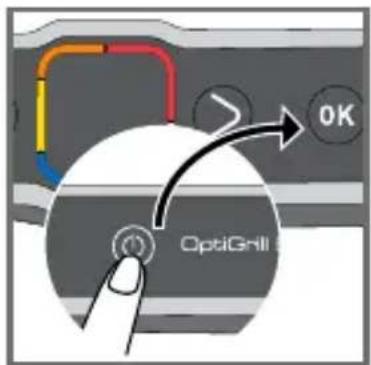
10 Switch on fig. 10.
11 To switch off the grill press once on the On/Off button and once on the OK button to switch off the appliance.
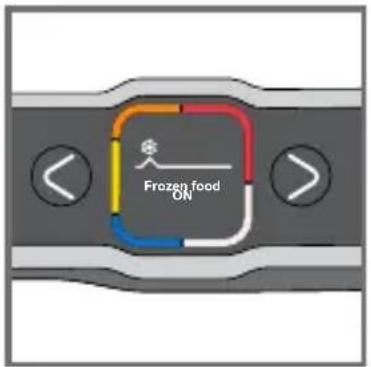
4 Frozen food function in automatic mode only
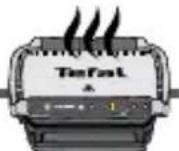

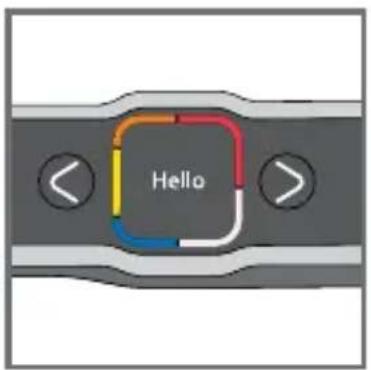
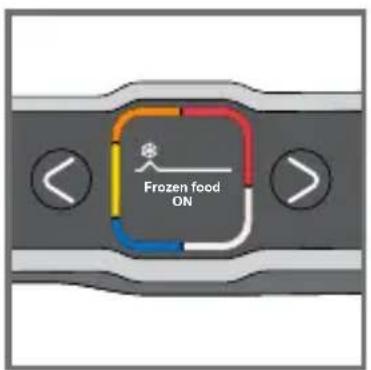
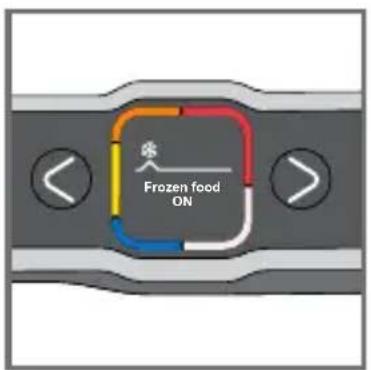
12 13
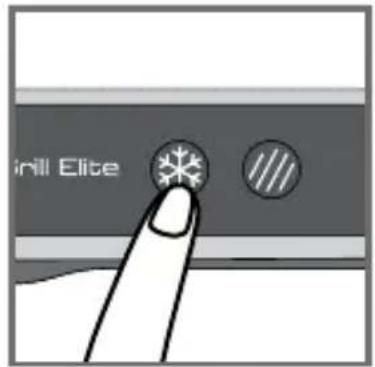
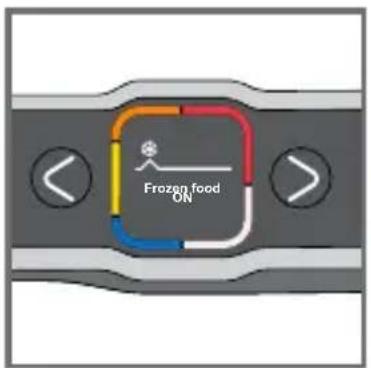
14 15
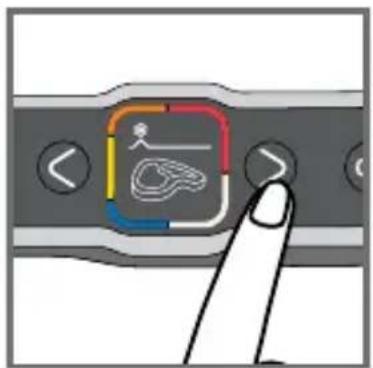
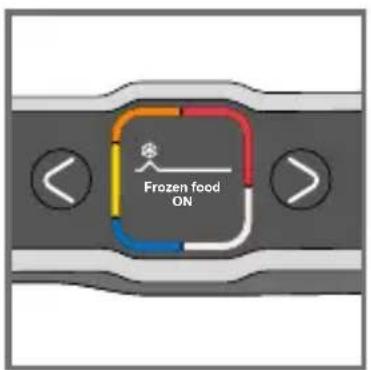
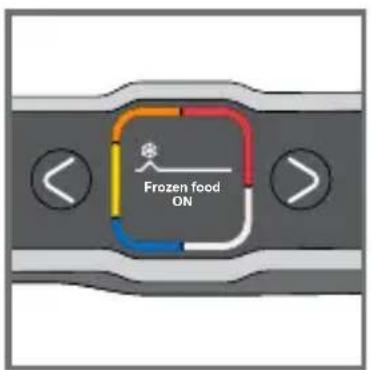
13-15 Frozen food function must be activated before starting preheating, if the food to be cooked is frozen/deep frozen.
If you forget to activate the option, turn off the appliance and repeat the steps.
This function is only available in automatic mode, not in manual mode.
5 Searing function in automatic only
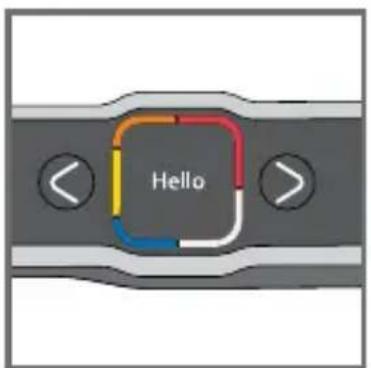
16 17
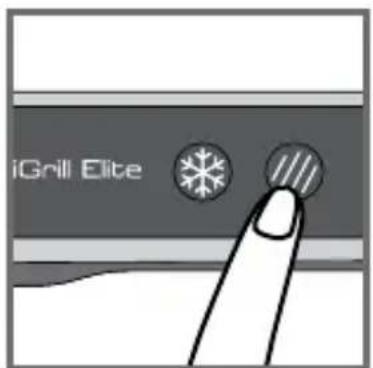
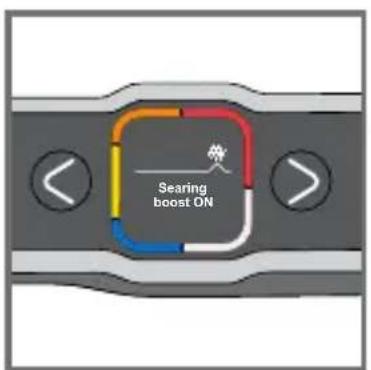
18 19
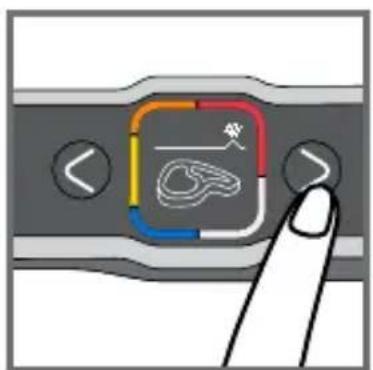
17-19 Searing function must be activated before starting preheating, if you want significant searing on the food to be cooked.
If you forget to activate the option, turn off the appliance and repeat the steps.
This function is only available in automatic mode, not in manual mode.
6 Cooking in automatic mode
20 21
natural_image
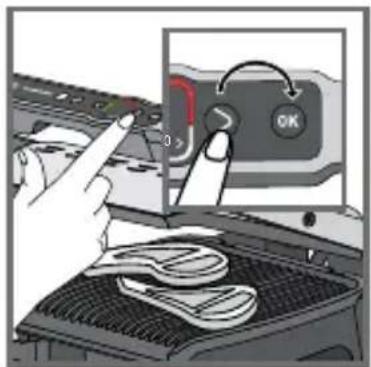
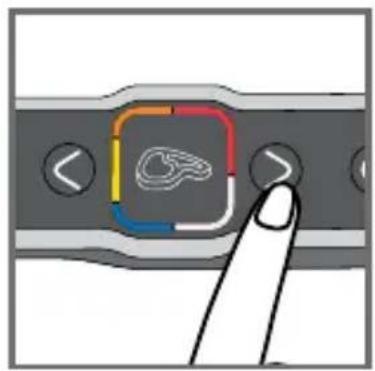
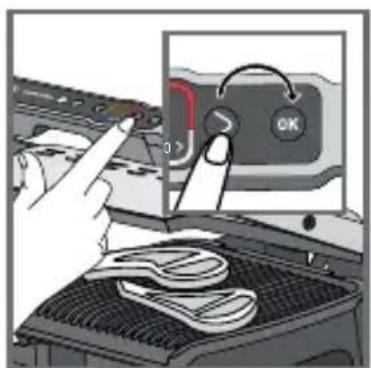
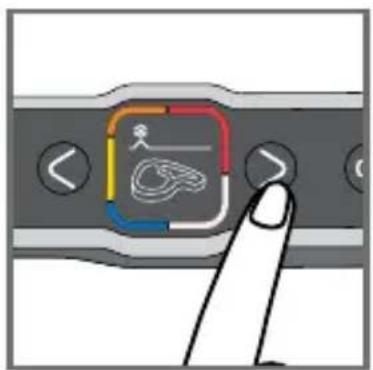
Hand pointing at a finger icon on a device panel with a colorful square overlay (no text or symbols)21 Select the appropriate cooking mode according to the type of food to be cooked.
Note about meat: the cooking results of the pre-defined programs may vary depending on the origin, the cut and the quality of the food to be cooked; the programs having been developed and tested with food of good quality.
Similarly, the thickness of the meat must be taken into account during cooking; you must not cook foods over 4 cm thick.
If you are unsure of which cooking mode to use, please refer to the Cooking Guide, page 89.

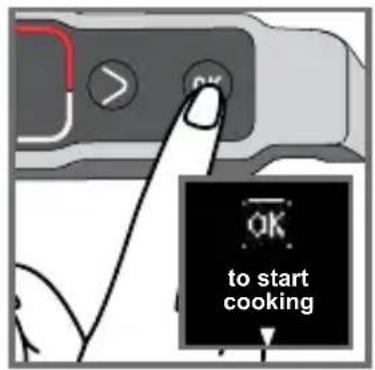
22 23
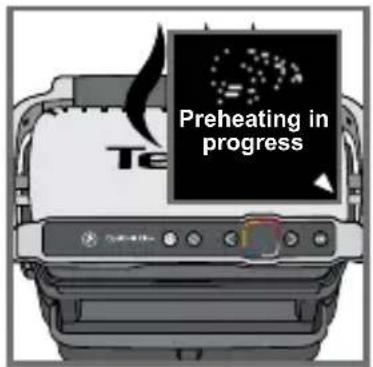
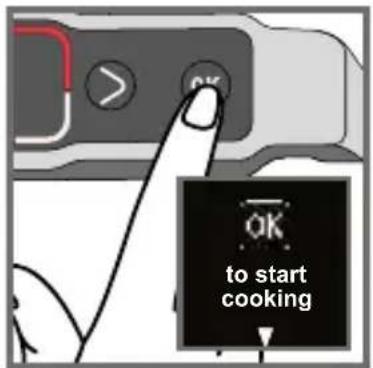
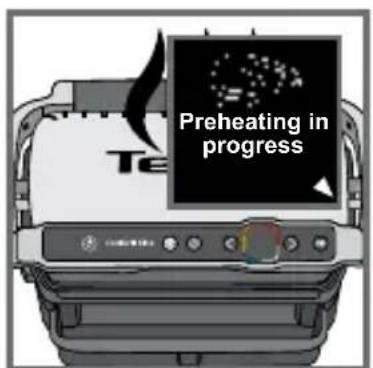
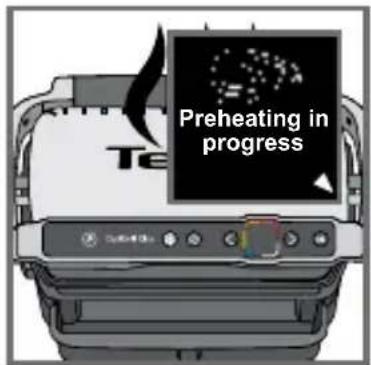
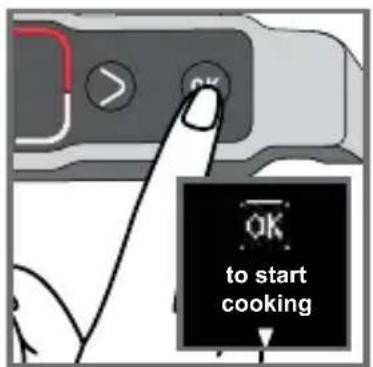
22PresstheOK button: the appliance starts to preheat.
Note: if you select the wrong program, switch off the grill and go back to step 8.
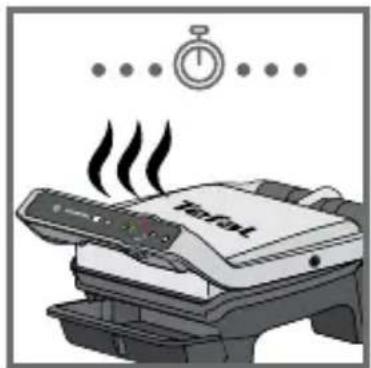
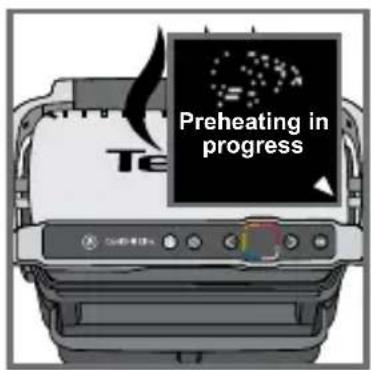
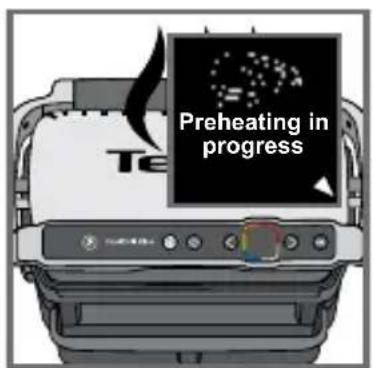
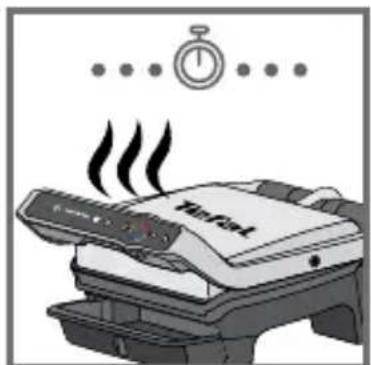
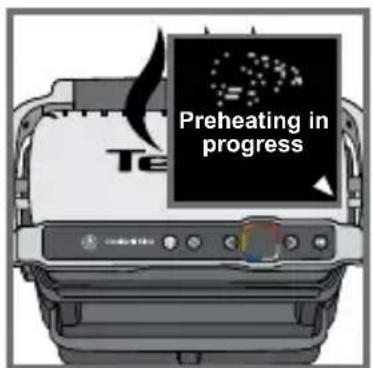
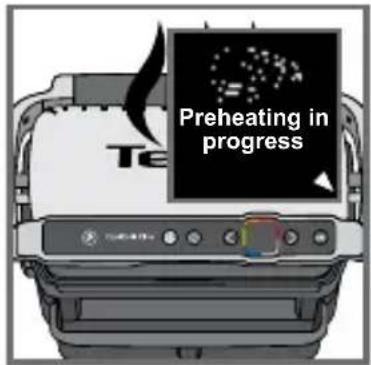
23 Wait 4 to 7 minutes.
24
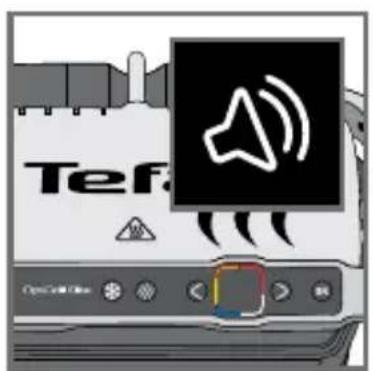
24 A beep sounds to signal that preheating is finished.
Caution: if the appliance remains closed for too long after preheating is finished, the safety system will turn off the appliance.

25 26
natural_image
Illustration of a printer emitting a textured surface with an arrow indicating process (no text or symbols)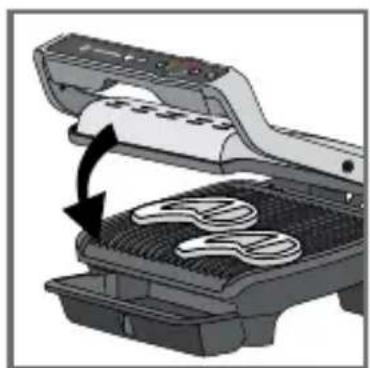
natural_image
Illustration of a food processor with a bag being opened, showing a black arrow indicating the process (no text or symbols present)27 28
29 30
natural_image
Illustration of a Trafal printer emitting steam (no text or symbols on the device itself)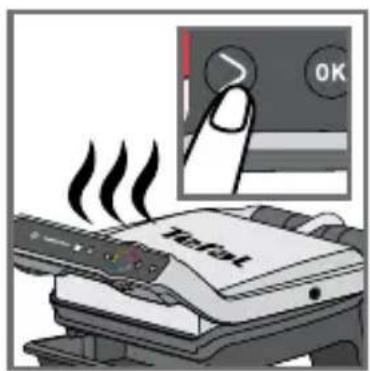
31 32
25-26
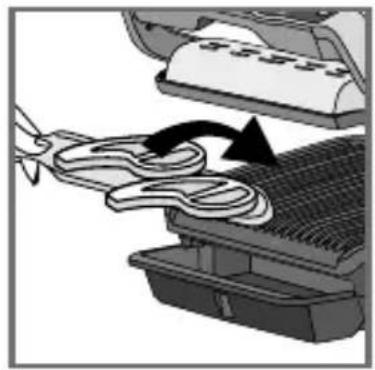
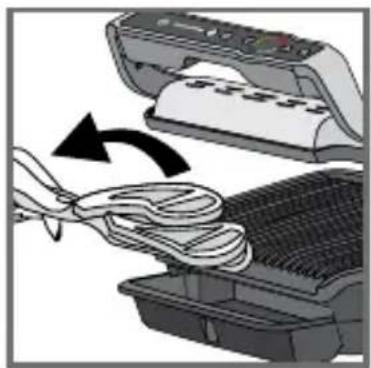
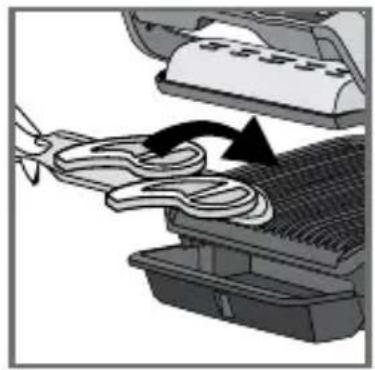
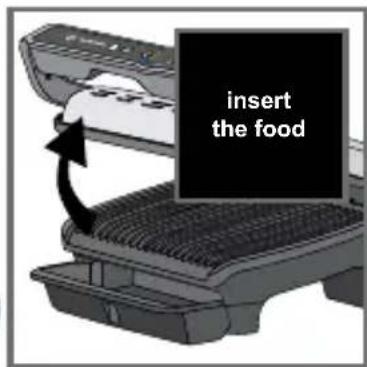
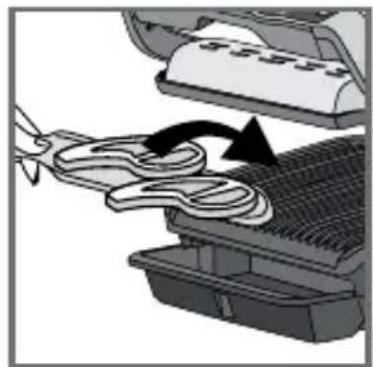
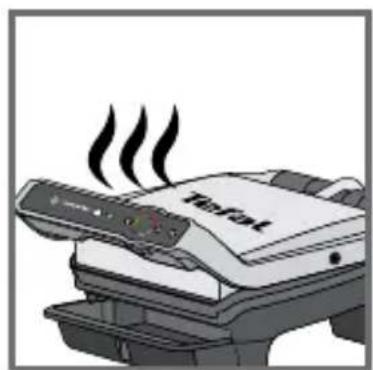
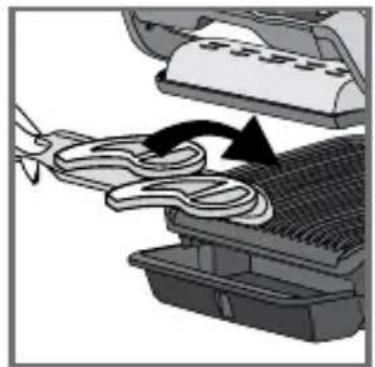
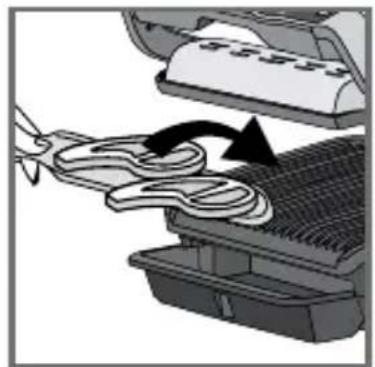
Once preheating has finished, you can insert your ingredients. Fully lift the grill lid and place the food on the grill.
Caution: if the appliance remains open for too long, the safety system will turn off the appliance.
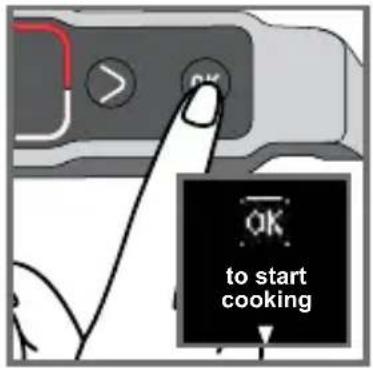
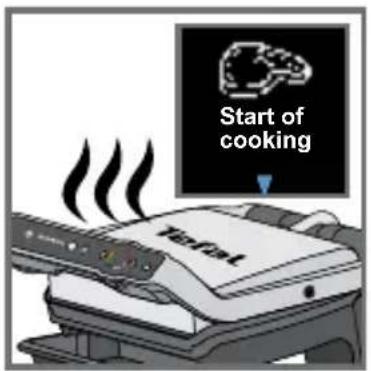
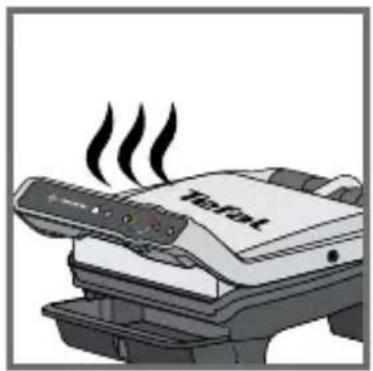
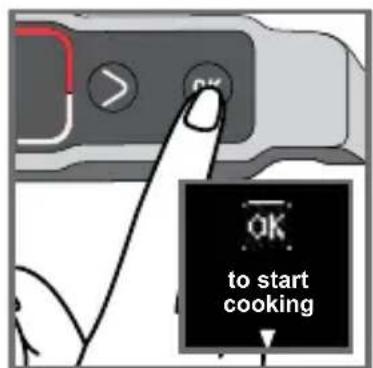
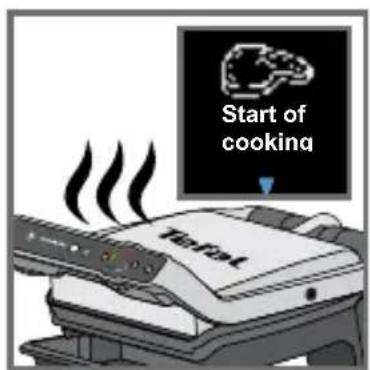
27-29
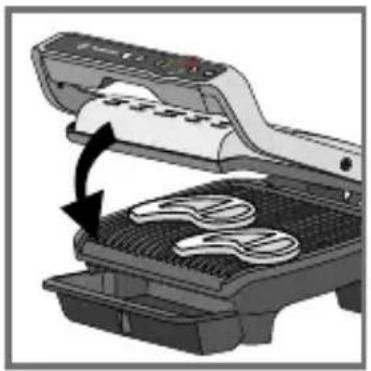
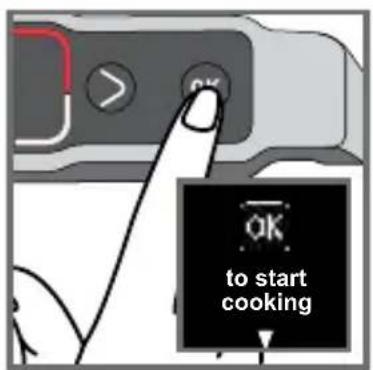
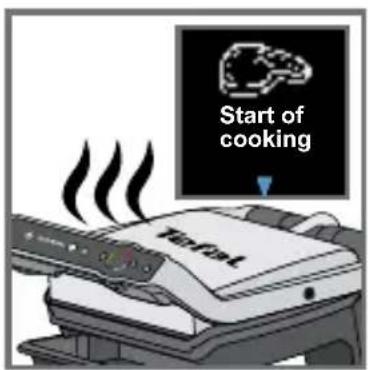
The appliance automatically calculates the cooking cycle (time and temperature) according to the quantity and thickness of the food.
Close the appliance so that the cooking cycle can start.
Note for very thin foods, such as bacon: The "OK" button is on. Then press "OK" again to make sure that the appliance recognises the food and that the cooking cycle starts.
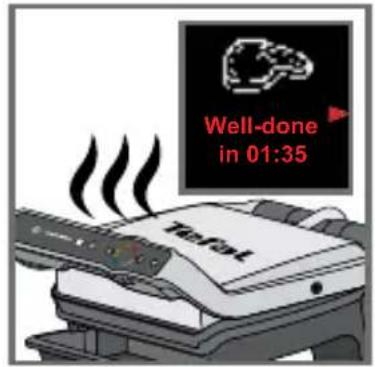
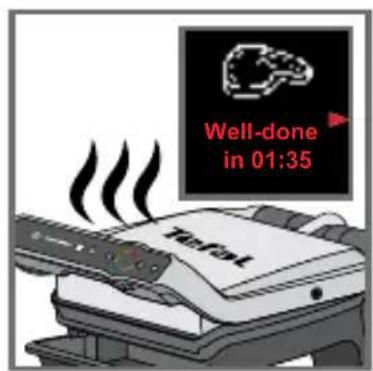
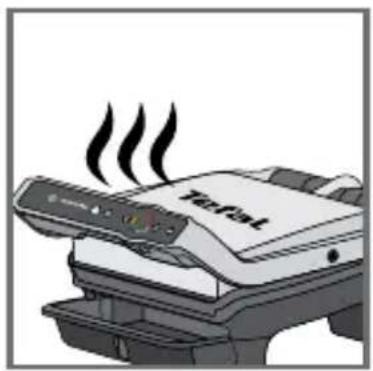
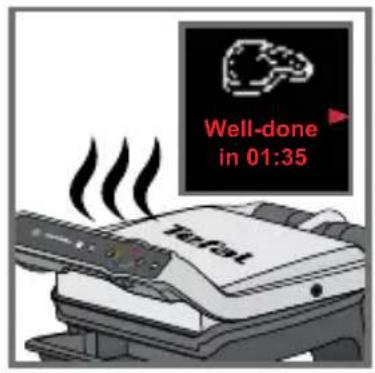
The arrow moves along the cooking level indicator and when it reaches a cooking level, the level is displayed and a beep sounds.
Note: the cooking levels are pre-programmed for each automatic mode.
During cooking, a beep will alert the user each time a cooking level is reached (e.g. rare/yellow).
Depending on the degree of cooking, the indicator changes colour and the cooking progress arrow moves on the screen.
Note, especially for meat, that it is normal for the cooking results to vary according to the type, quality and origin of the food.
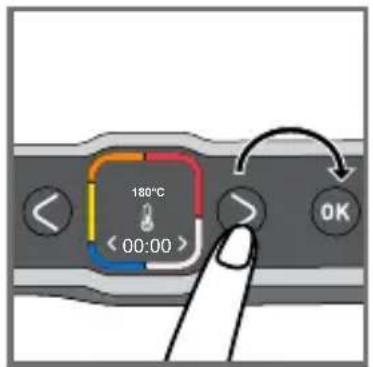
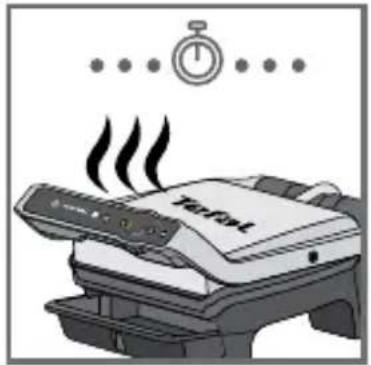
31-32 At any time, you can find out the time remaining to reach the different levels of cooking. Press the right arrow if you want to see in how long before the next cooking level is reached. Note that this does not select the cooking levels. The grill continues to cook to the last cooking level and a beep sounds at each level.
natural_image
Illustration of a printer's internal structure with a paper feeding into a tray, showing a black arrow indicating rotation (no text or symbols present)33 34
natural_image
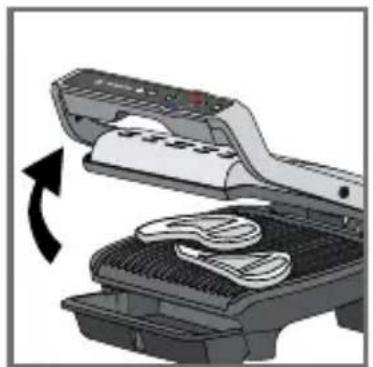
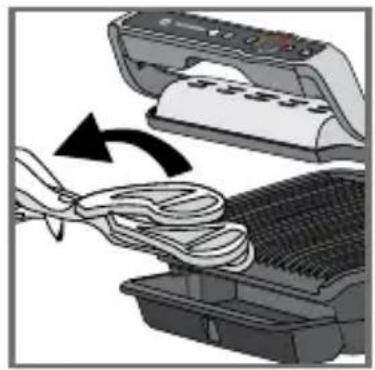
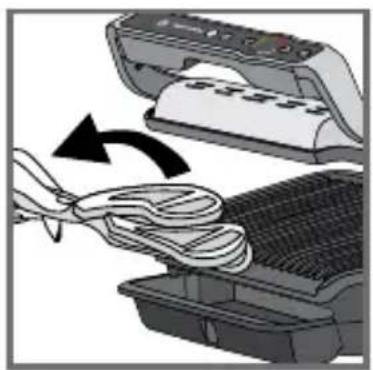
Illustration of a printer being inserted into a rack with a bandage, showing the process (no text or symbols)33-34 When the cooking level of your choice is reached and the beep sounds, open the appliance and remove your food.
Z
35
36
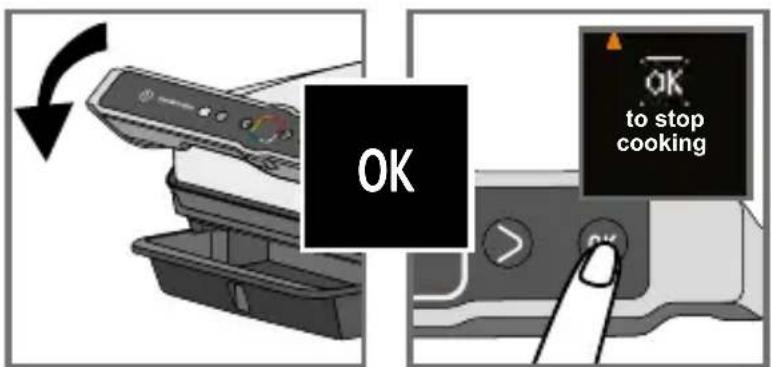
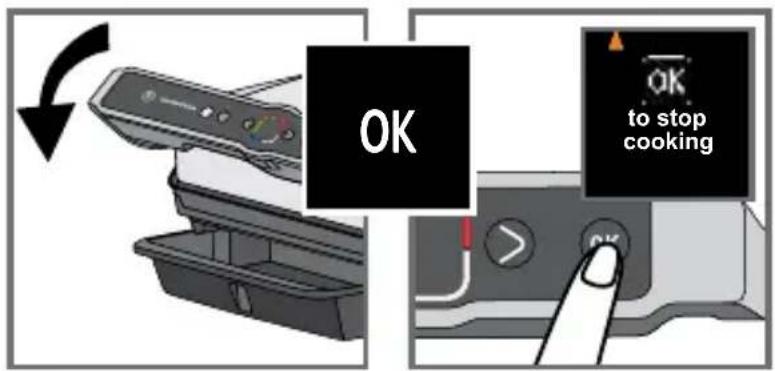
35-36 Close the lid. The screen asks for your confirmation to stop cooking. Confirm with OK if all foods have been removed, otherwise allow it to continue cooking.
If you wish to cook more food, refer to section 7, page 82.
Note: the safety system will turn off the power automatically if no program is selected after a certain time.
7 How to cook a second batch
Second batch of the same type of food

natural_image
Illustration of a printer being inserted into a rack with a bandage, showing the process (no text or symbols)37 38
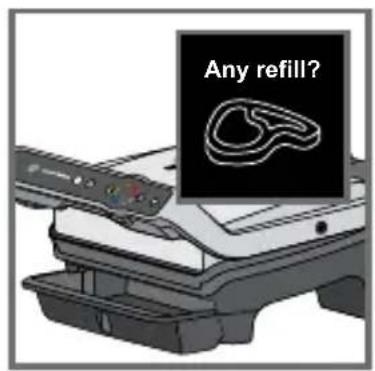
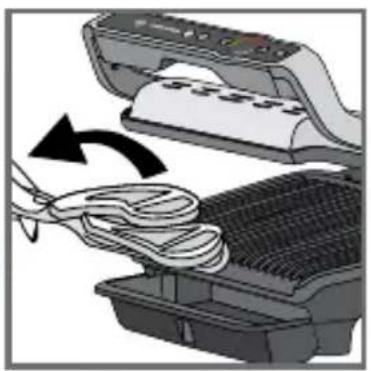
37-38 At the end of the first cook, an "any refill" screen appears. If you want to grill the same type of food, press OK.
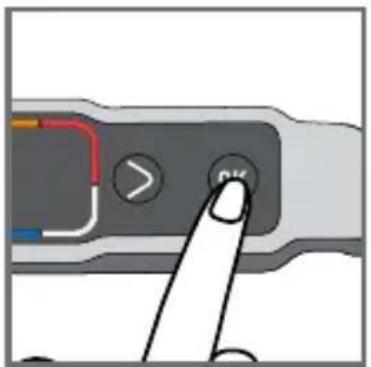
39 40
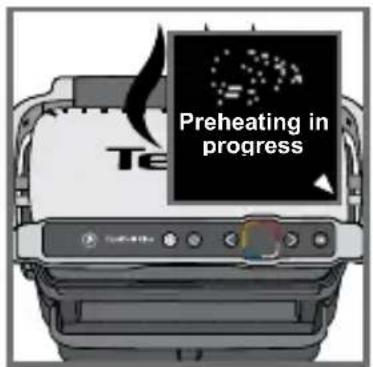
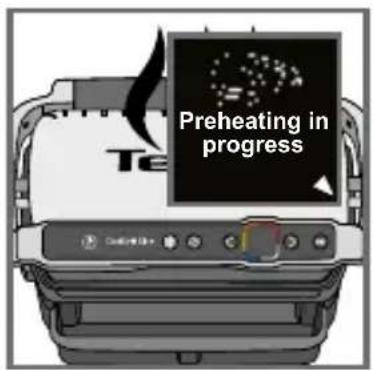
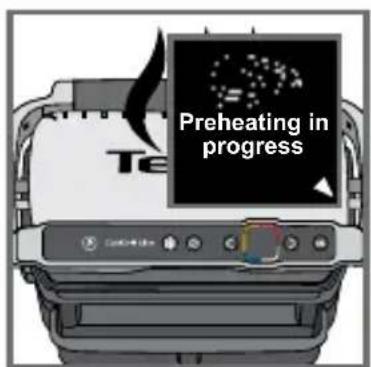
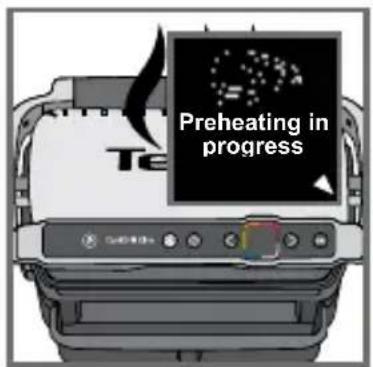
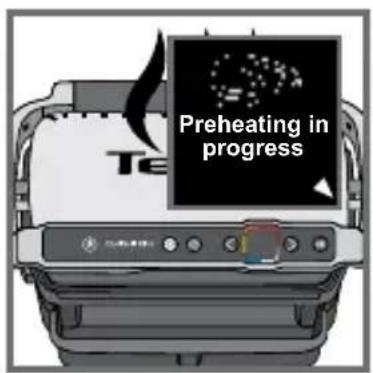
39 The appliance starts preheating.
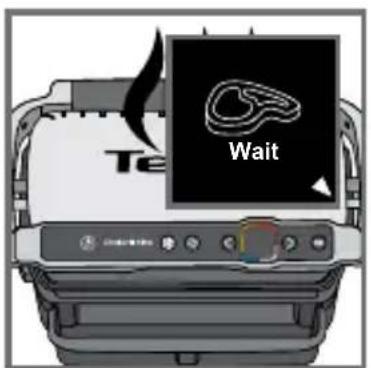
40 Wait until preheating has finished.
41 42
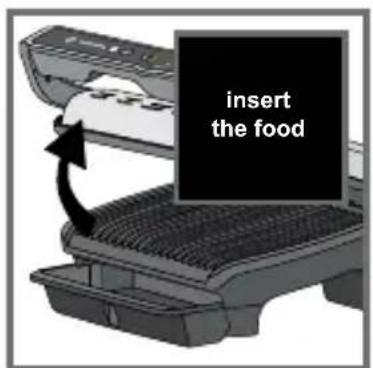
41 Put the food on the grill.
42 Then follow steps 26 to 36.
Second cooking with a different type of food
Once cooking your first ingredient has finished:
- Ensure that the appliance is closed and that there is no food inside.
- Select the appropriate cooking program or mode.
- Press the OK button to start preheating. During preheating, the preheating indicator is displayed on the screen.
- Once preheating has finished, a beep sounds and the preheating information is shown on the screen.
- The appliance is ready to use once preheating has finished. Lift the grill lid and place the food inside the grill. Then follow steps 26-36.
Important:
- Preheating is essential to cooking.
Reminder: before starting preheating, ensure that the appliance is closed and that there is no food inside.
Wait until preheating is finished before opening the grill and putting food inside.
Note: if the new preheating cycle is started immediately after the end of the previous cycle, the preheating time will be shorter.
8 Cooking in manual mode
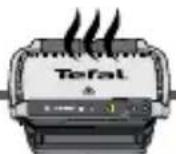
Z
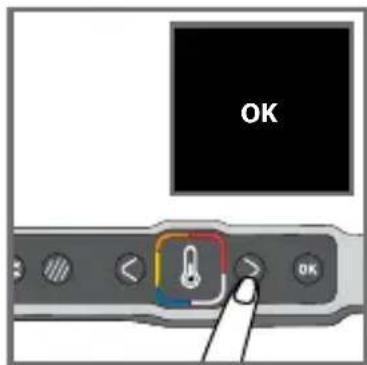
43 44
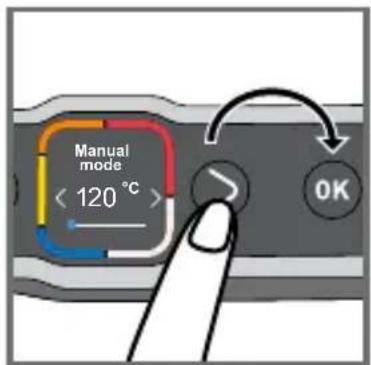
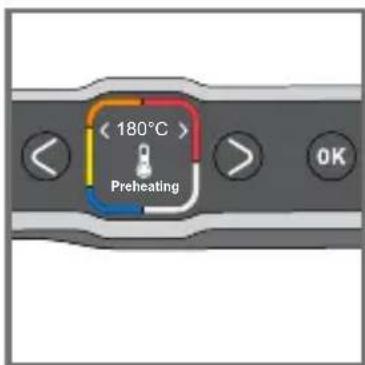
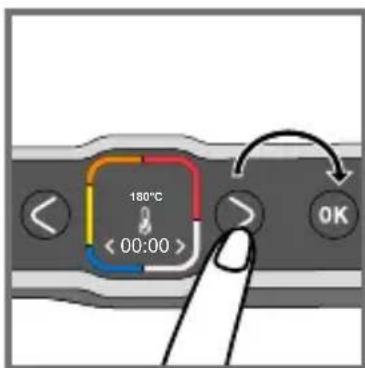
45 46

47 48
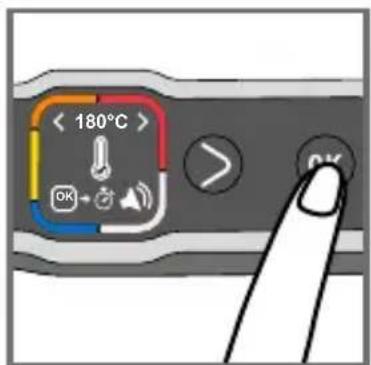
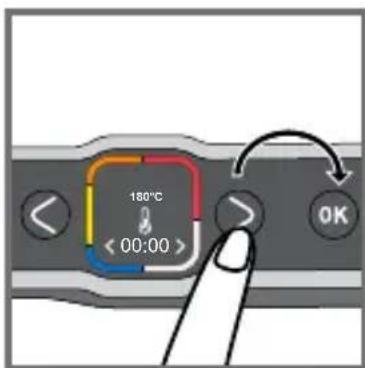
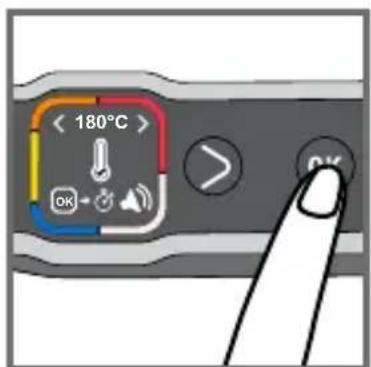
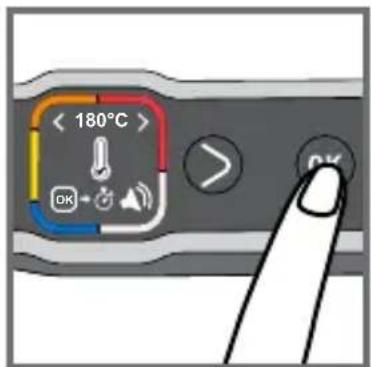
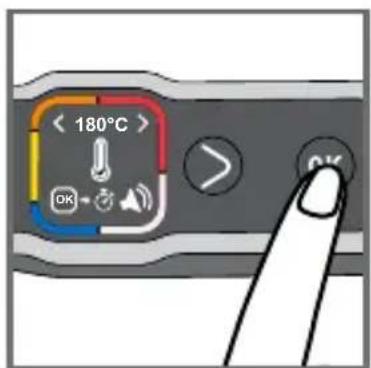
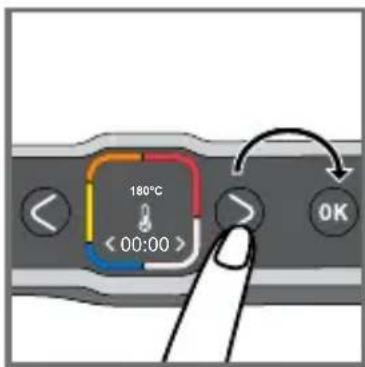
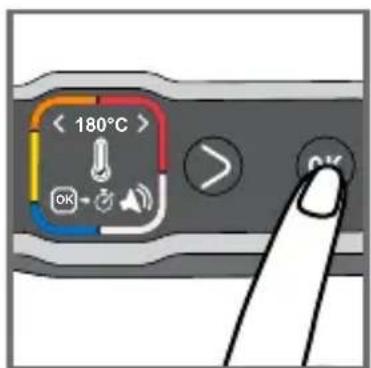
43 Select manual mode and press OK to confirm.
44 Select the desired temperature using the adjustment buttons. Please refer to manual cooking guide page 90.
Press OK to confirm the selected temperature.
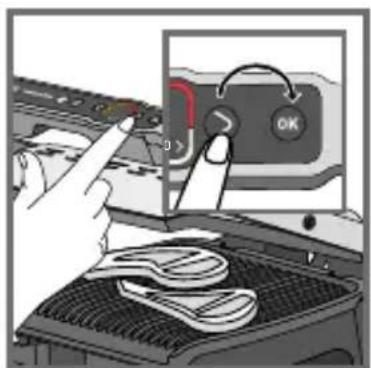
45 Wait until preheating has finished.
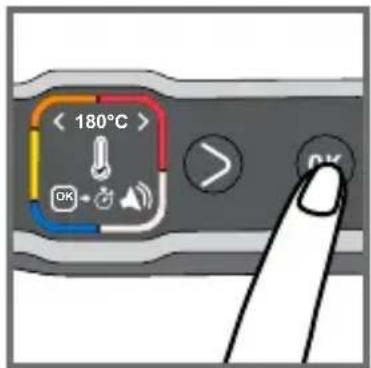
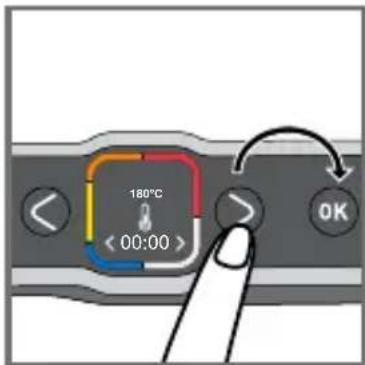
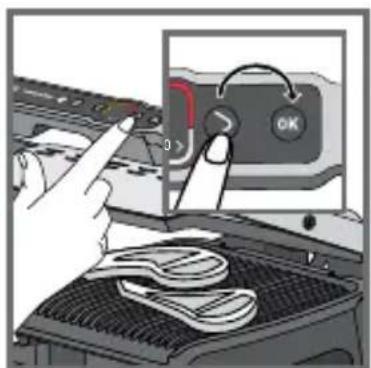
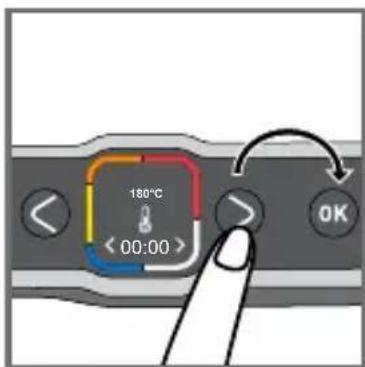
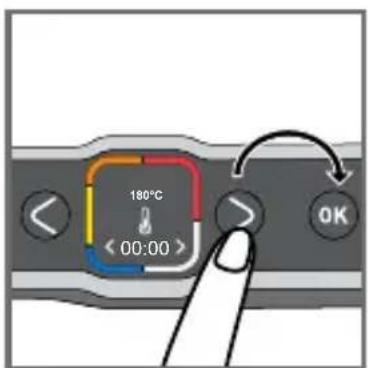
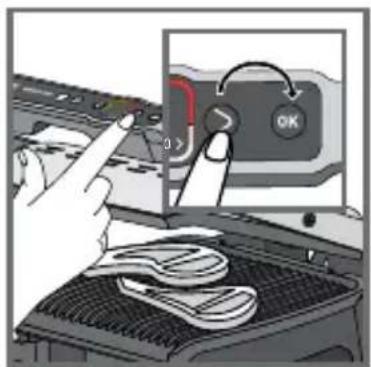
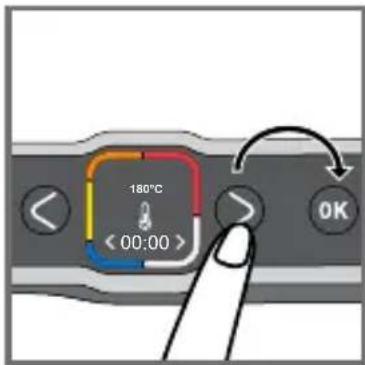
46 Once preheating has finished, press OK to start the timer.
Note: the cooking time can also be set from the start of preheating.
47 Press the adjustment buttons to select the desired cooking time.
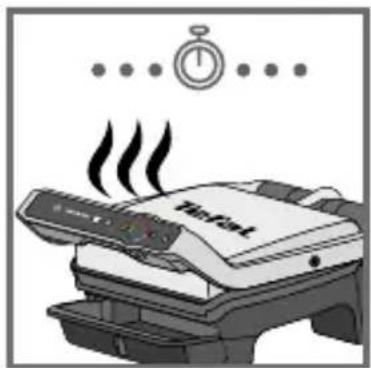
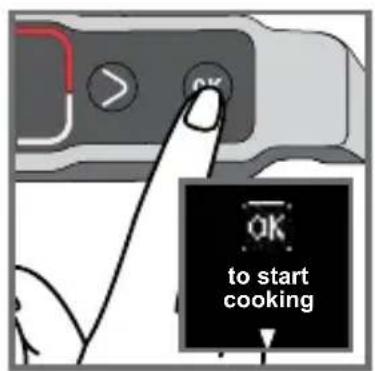
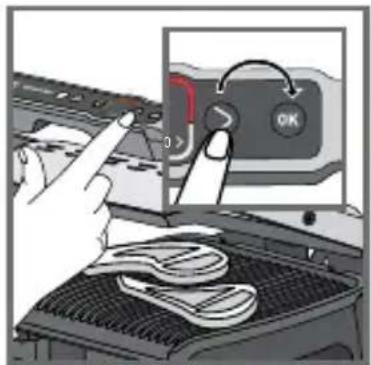
48 Insert your food and press OK to start cooking.
49 50
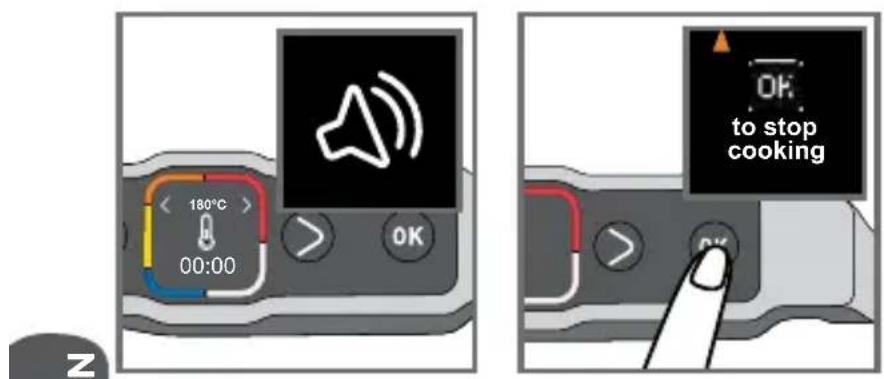
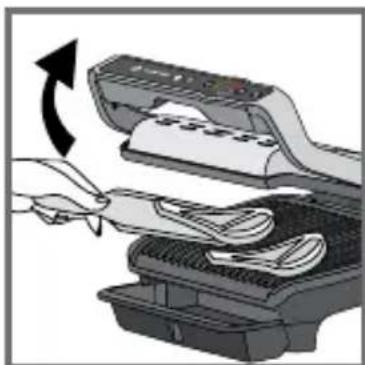
49-50 A beep sounds to indicate when the cooking time has finished. Remove your food.
Press OK to stop cooking and remove your food.
9 Comments
natural_image
Illustration of a hand inserting a device into a printer (no text or symbols visible)51 52
natural_image
Illustration of a printer emitting steam, with a stopwatch above (no text or symbols on the diagram itself)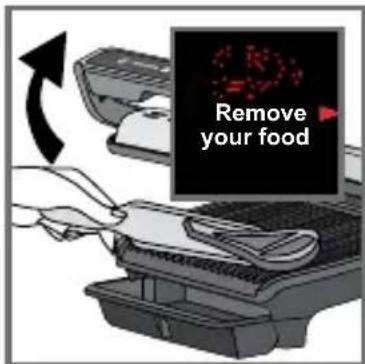
53 54
51-53
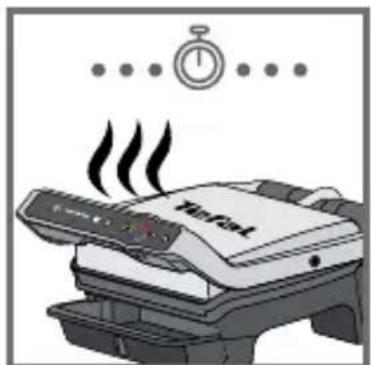
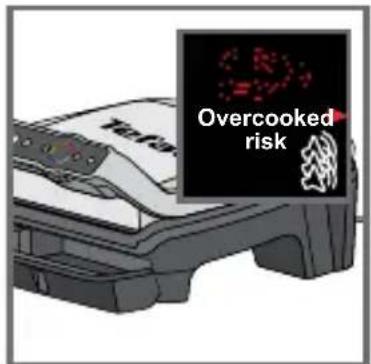
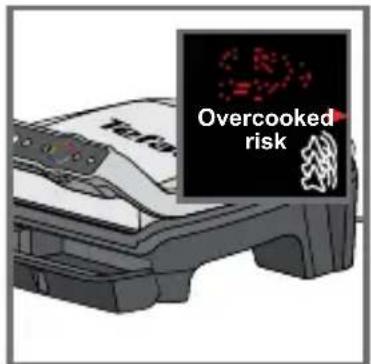
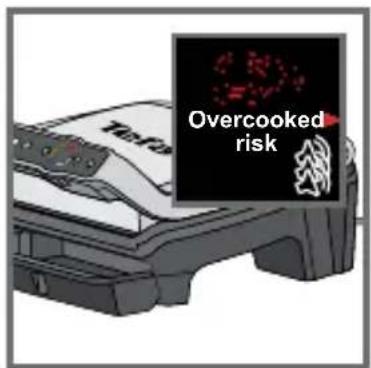
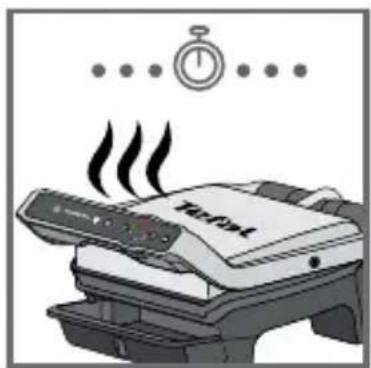
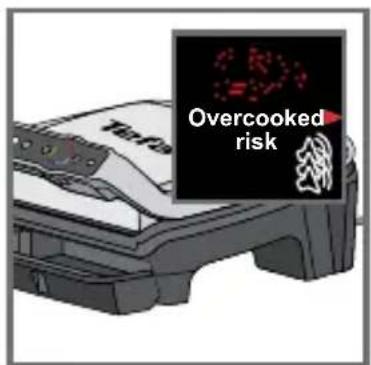
Depending on your personal preferences, open the grill and remove foods that have reached the desired cooking level, then close the grill to continue cooking other foods. The program will continue the cooking cycle until the last cooking level of the selected mode.
54Note: the safety system will turn off the power automatically after a certain time.
10 End of use
55 56
57
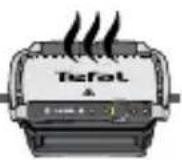
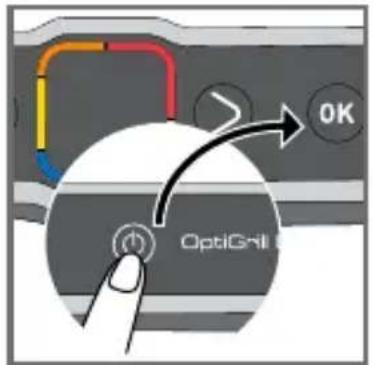
55 Press the On/Off button and confirm by pressing the OK button.
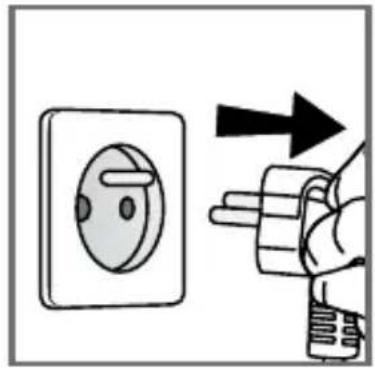
56 Unplug the appliance.
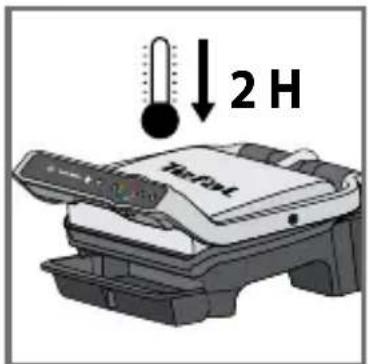
57 Let it cool for at least 2 hours.
To prevent accidental burns, allow the grill to cool completely before cleaning.
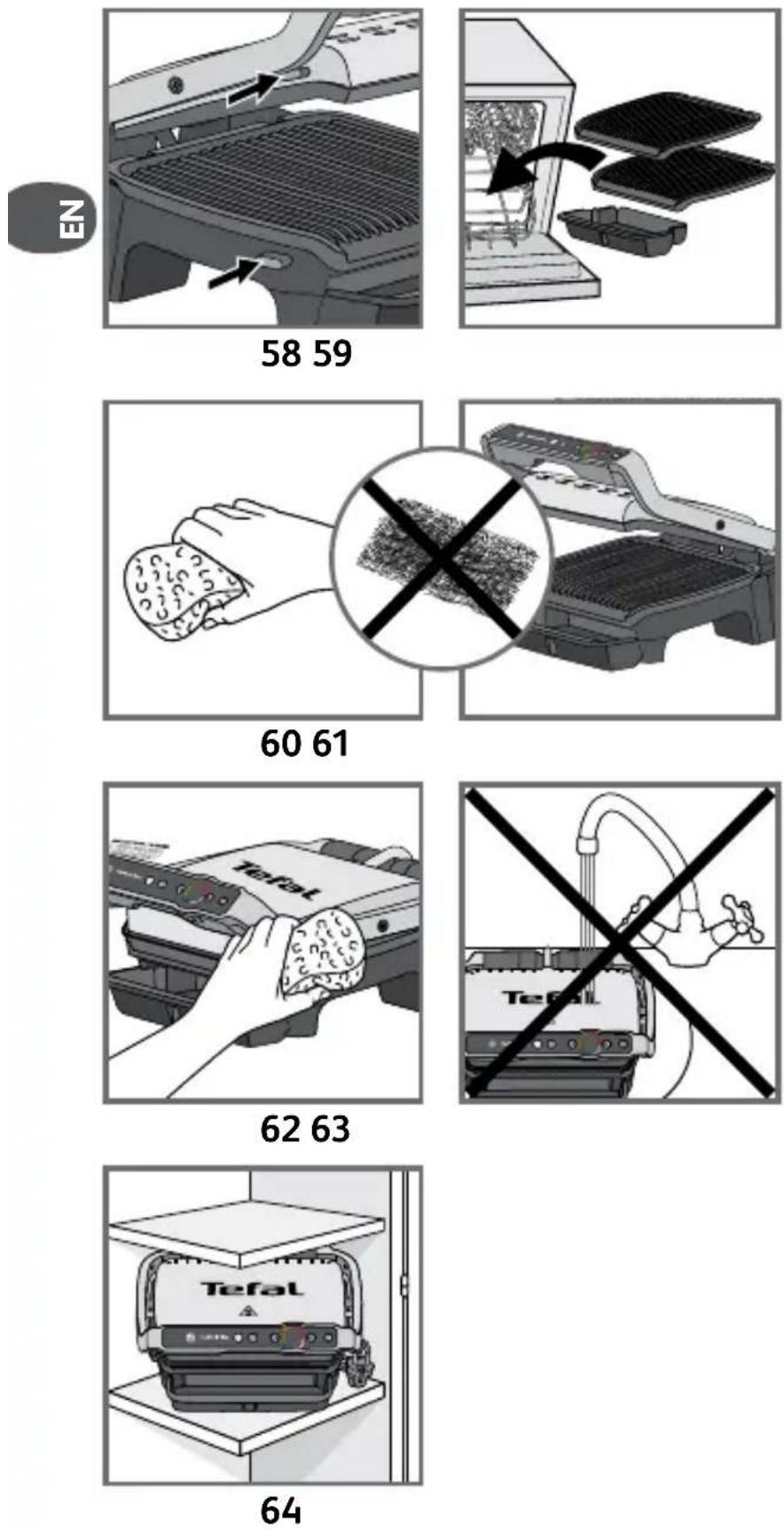
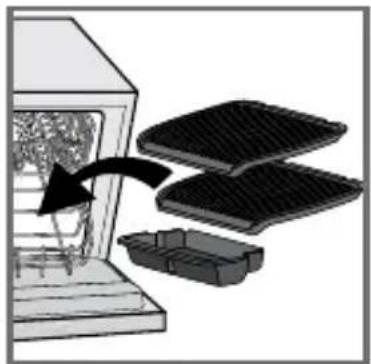
58 To unlock the plates, press the release tabs on the left hand side of the appliance. Before cleaning, unlock and remove the plates to prevent damage to the cooking plates.
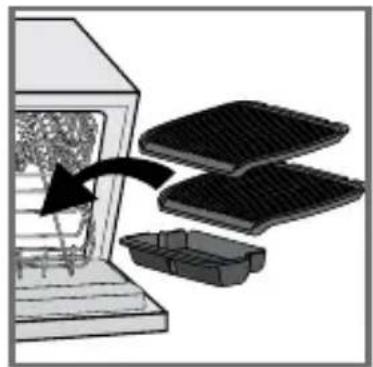
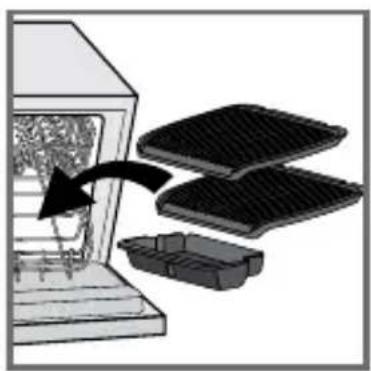
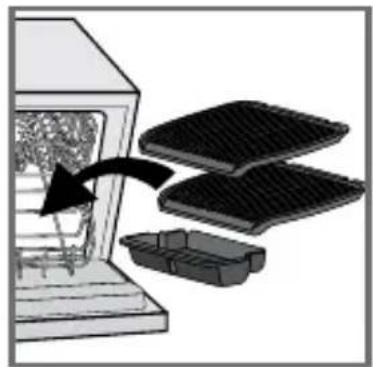
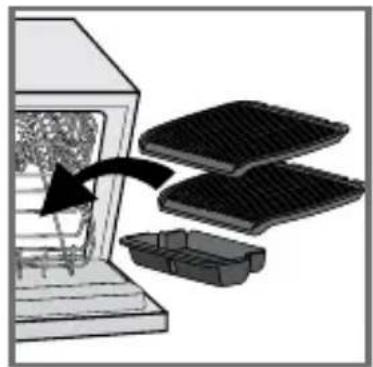
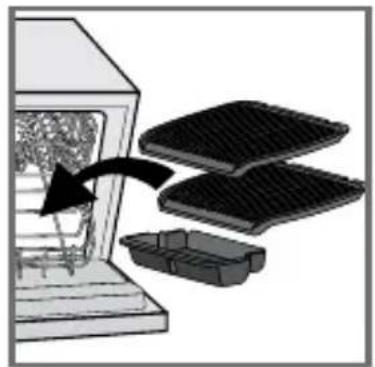
59 The drip tray and cooking plates are dishwasher safe. The appliance and its power cord must never be put in the dishwasher. If you wash the plates in a dishwasher, always wipe the plates over with a little cooking oil on next use in order to condition the coating and ensure the best performance from the non-stick. The heating elements should never be cleaned after the plates have been removed. If they are very dirty, wait until the appliance has cooled down completely and clean them with a dry cloth.
60-61
If you do not wish to put the plates in the dishwasher, use some hot water and some washing-up liquid to wash them, then rinse thoroughly to remove all residue. Dry them gently with a paper towel.
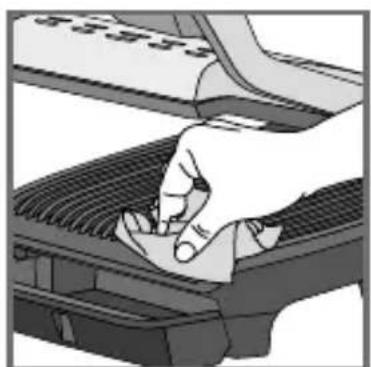
Do not use metal scouring pads, steel wool or abrasive cleaners to clean any part of the grill or cooking plates, use only nylon or non-metallic cleaning pads suitable for non-stick surfaces. Empty the drip tray and wash it in warm, slightly soapy water, then wipe it thoroughly with a paper towel.
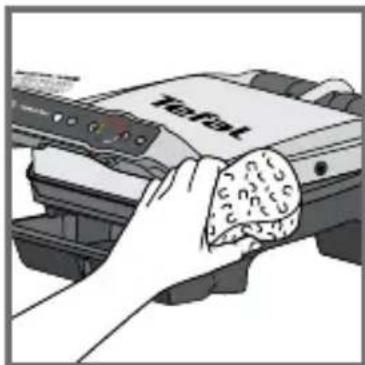
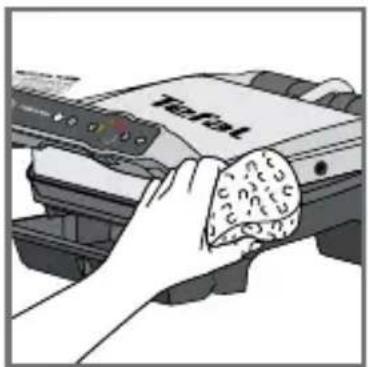
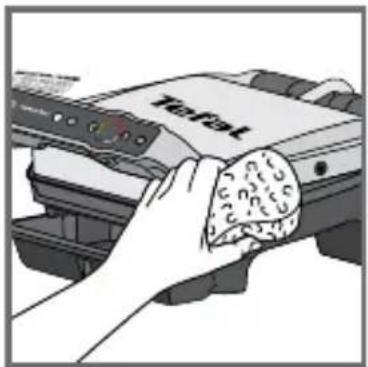
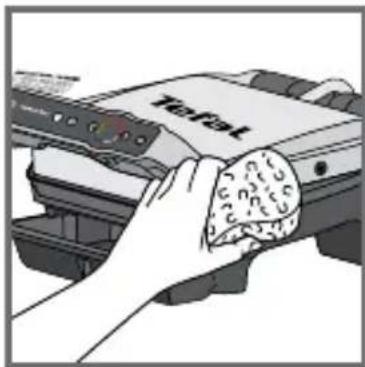
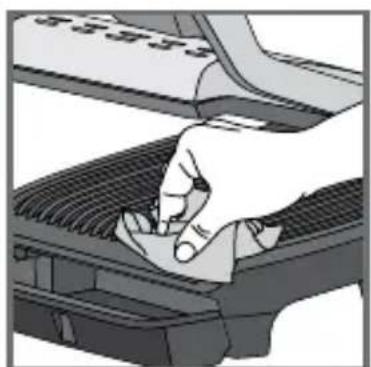
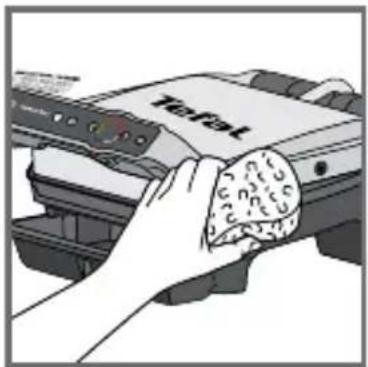
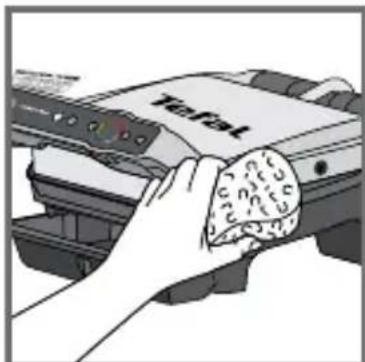
62 To clean the grill lid, wipe with a sponge moistened with warm water and dry with a soft, dry cloth. To clean the control panel, use only a soft, dry cloth.
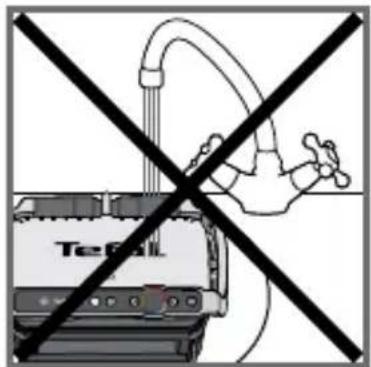
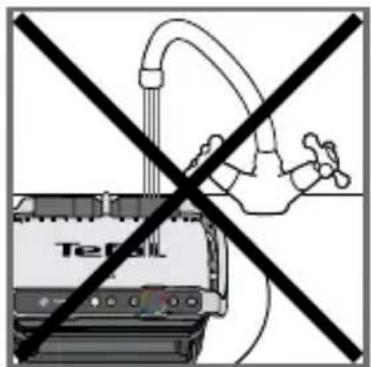
63 The appliance must not be submerged in water or in any other liquid.
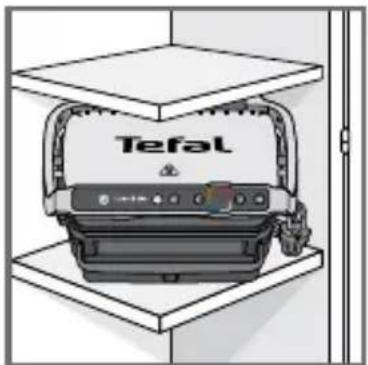
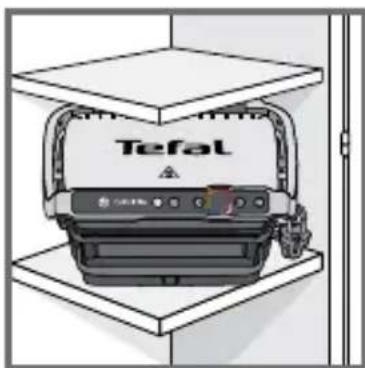
64 Always ensure that the appliance is clean, cold and dry prior to storage.
All repairs must be done by an authorised service centre.
Troubleshooting Guide
| OPTIGRILL ELITE TROUBLESHOOTING GUIDE | ||
| Problem Cause | Solution | |
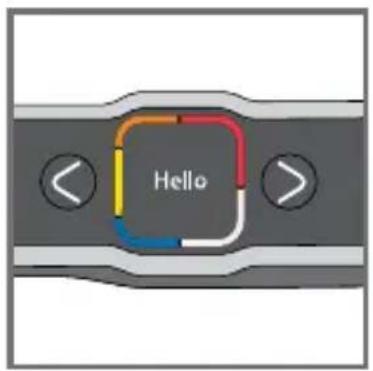
| A change of language S | Switch on the grill, press ON, then | immediately on the Frozen button (while the screen displays "Hello") |
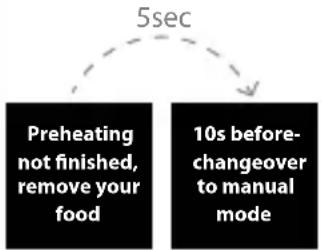 | The preheating time was not completely finished. The grill was opened and the food placed on the plate before the end of preheating. | It is possible to cook the food, but you have to check the cooking progress because the grill is in manual mode. The temperature can be adjusted. Or Open the grill, remove the food, close the grill properly and wait until the end of preheating. |
| My appliance does not switch off | Missing a second press or too long a time between the 2 presses. | Press the On/Off button twice. Or Press the On/Off button once then press OK |
| Err 1 to Err 8 The unit has been stored or used in a room that is too cold. Appliance overheating. | Unplug the appliance and wait a few minutes. Plug the grill in again and switch it on. If the problem persists, contact customer services. | |
| Err 9 to Err 13 Appliance failure. Unplug the appliance and contact customer services. | ||
| The appliance shuts down itself during the preheating or cooking cycle. | The appliance remained open for too long during cooking. The unit has been idle for too long after preheating or preheating has finished. | Unplug the appliance and wait a few minutes. Then plug in your appliance again and turn it on. |


| OPTIGRILL ELITE TROUBLESHOOTING GUIDE | |||
| Problem Cause | Solution | ||
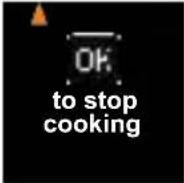 | End of cooking confirmation request | 2 solutions:Press OK if all of the food has been removedOrDo not press OK and leave the food to cook a little longer | |
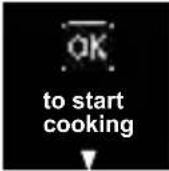 | Food not detected because it is too thin, for example bacon | Press OK to start cooking | |
 | Food too thick, over 4 cm 2 solutions | Press OK to continue cooking in manual modeOrRemove the food and cut thinner to reduce the thickness, to allow cooking in automatic mode | |
| I cannot set a time in manual mode | The screen is stuck on temperature setting | Press OK once to go to the time setting and then adjust it using the arrows.Press OK to confirm.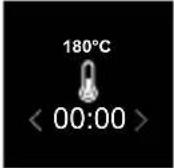 | |
Cooking levels for each automatic program
| 12 AUTOMATIC PROGRAMS | |||||
| AUTOMATIC PROGRAMS | COOKING LEVEL INDICATOR | ||||
| MENUS |  |  |  |  | |
| Beef | Very rare (Blue) | Rare Medium Well done | |||
| Chicken breast* --- Well done | |||||
| Sausage --- Well done | |||||
| Bacon** --- Medium Crispy | |||||
| Beef Burger*** --- Well done | |||||
| Panini - | Lightly cooked | Toasted Crispy | |||
| Fish | - Medium | Medium to well-done | Well done | ||
| Seafood - Medium | Medium to well-done | Well done | |||
| Potato | --- Soft | ||||
| Pepper | -- Crunchy Soft | ||||
| Aubergine | --- Grilled | ||||
| Tomato | -- Crunchy Soft | ||||
* For the UK only: do not cook chicken breast from frozen. Always thaw completely first.
** As bacon is a thin food, after closing the lid, press the "OK" button to make sure the appliance recognise the food and the cooking cycle starts.
*** For the UK only: For food safety reasons the Food Standards Agency do not advise serving rare or medium burgers. Only serve well done burgers.

| COOKING ADVICE FOR OTHER FOODS | ||
| PRODUCTS | COOKINGPROGRAM | COOKINGTIP |
| Pork tenderloin (boneless), pork belly |  | Well done* |
| Bratwurst (pre-cooked pork) | min 30 sec  | 220°C / 8 min 30 sec |
| Rindswurst (pre-cooked beef) 220°C / 8 | ||
| Nürnberger Wurst (pre-cooked pork) 220°C / 4 min 30 sec | ||
| MANUAL MODE | ||
| FRUIT OR VEGETABLES | ||
| From 180°C to 195°C | From 220°C to 235°C | From 225°C to 270°C |
| -- Courgette (slides) | ||
| -- Asparagus (whole) | ||
| -- Mushroom | ||
| - Onion - | ||
| Broccoli florets -- | ||
| Baby carrot -- | ||
| - Fennel - | ||
| Sweet potato (slices) | - | - |
| - Apple (slices) - | ||
| - Banana - | ||
| - Peach (Stoned and sliced) - | ||
| OPTIGRILL ELITE PREPARATION ADVICE | |
| For more significant searing, it is best to return the grilled food to the grill before serving it to your guests. | |
| PRODUCTS PREPARATION ADVICE | |
| POTATO | Cut lengthwaysCoat or brush the potato slices with oil for the best cooking results. |
| PEPPER • Cut in half lengthway and remove seeds | |
| AUBERGINE | Cut lengthwaysCoat or brush the aubergine slices with oil for the best cooking results. |
| TOMATO | Use round tomatoesUse tomatoes that are not too ripeCut in half widthwaysFor optimal cooking, place the rounded side of the halved tomato on the bottom plate of the grill. |
| PORK * Use the searing function if the thickness is more than 20 mm. | |

ISTRUZIONI DI SICUREZZA AVVERTENZE IMPORTANTI
natural_image
Close-up of a hand pressing down on a mechanical component (no visible text or symbols)2
natural_image
Illustration of a Tiefat printer with a tray and base (no text or symbols)3
natural_image
Close-up of a printer's internal structure with no visible text or symbols on the device itself4
5
natural_image
Illustration of a hand pressing down on a computer keyboard (no text or symbols visible)6
7
8
12 13
14 15
18 19
Inserire l'alimento
natural_image
Diagram showing a hand pressing down on a computer keyboard with a scroll inside (no text or symbols)26
25-26
natural_image
Diagram of a printer's internal structure showing paper feeding into a tray with a curved arrow indicating rotation (no text or symbols present)27
inizio cottura
28
natural_image
Illustration of a Trafok printer emitting steam (no text or symbols on the device itself)30
27-29
Ben cotta tra 01:35
natural_image
Illustration of a device with a scroll and a bag, showing a rotating mechanism (no text or symbols)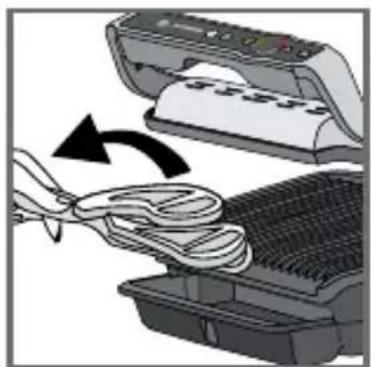
natural_image
Illustration of a printer being inserted into a rack with a cloth, showing fabric and paper handling (no text or symbols)33 34
Arresto cottura
natural_image
Illustration of a printer being cleaned into a rack, showing the blade and cloth (no text or symbols)
Un'altra cottura?
45 46
47 48
natural_image
Illustration of a hand pressing down on a keyboard with a key labeled 'OK' (no text or symbols beyond the label)Arresto cottura
natural_image
Illustration of a hand inserting a device into an open scanner (no text or symbols visible)51 52
natural_image
Illustration of a coffee machine with steam rising, accompanied by a stopwatch above (no text or symbols on the machine itself)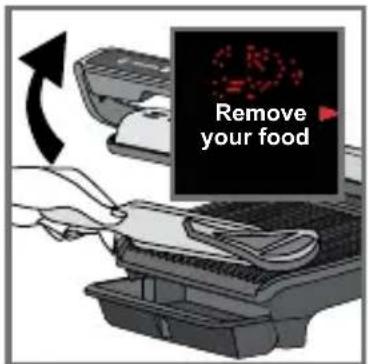
natural_image
Illustration of a hand holding a wall-mounted electrical socket next to a wall-mounted switch, with an arrow indicating direction (no text or symbols)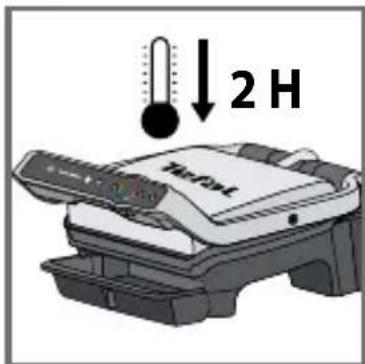
57
natural_image
Diagram of a car interior showing a grating and seat with arrows indicating movement or force (no text or symbols present)58 59
natural_image
Diagram showing a container with contents being placed into a storage tray, with an arrow indicating direction (no text or symbols present)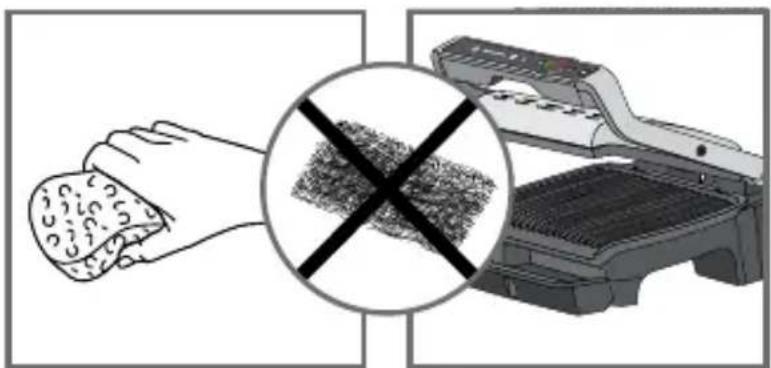
natural_image
Illustration showing a hand cleaning a textured surface with a crossed-out grid pattern, alongside an open refrigerator (no text or symbols)60 61
natural_image
Illustration of a hand holding a food bag next to a printer labeled 'Total' (no text or symbols on the device itself)62 63
natural_image
Illustration of a Tefal printer device mounted on a stand, no visible text or symbols on the device itself.64
natural_image
Close-up of a hand pressing down on a mechanical component (no visible text or symbols)2
natural_image
Illustration of a Taobao printer with a tray and base, no visible text or symbols3
4
5
natural_image
Illustration of a hand pressing down on a computer keyboard (no text or symbols visible)6
7
8
12 13
14 15
18 19
17-19
natural_image
Close-up of a finger pointing at a control panel with a colorful icon (no text or symbols visible)22 23
Precalentando
natural_image
Illustration of a hand pressing down on a textured surface next to a computer monitor (no text or symbols visible)26
25-26
natural_image
Illustration of a printer's front panel with a paper feeding into a grating tray, showing internal components and a curved arrow indicating rotation (no text or symbols present)27
natural_image
Illustration of a printer emitting steam from its paper, no text or symbols present30
27-29
Muy hecho en 01:35
natural_image
Illustration of a printer with paper being inserted, showing blade and base components (no text or symbols)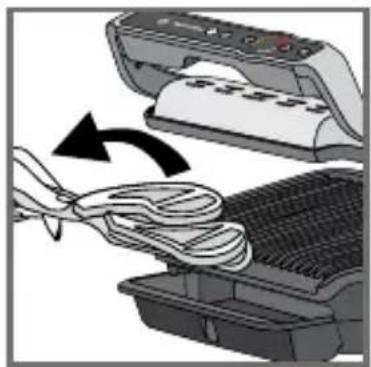
natural_image
Illustration of a printer being inserted into a rack with a bandage, showing the process (no text or symbols)33 34
natural_image
Illustration of a printer being cleaned into a mesh machine, showing paper roll and cloth (no text or symbols)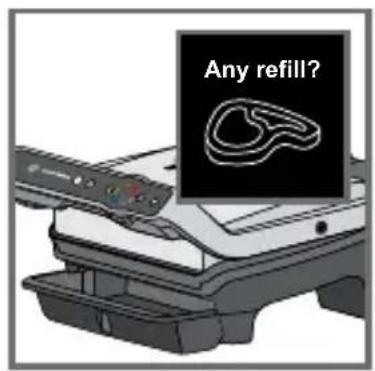
¿Añadir?
natural_image
Close-up of a finger pressing a button on a device component (no visible text or symbols)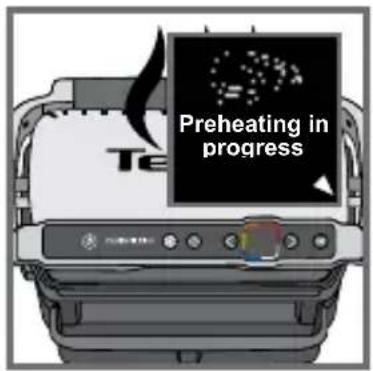
Precalentando
45 46
47 48
natural_image
Illustration of a hand inserting a device into an open scanner (no text or symbols visible)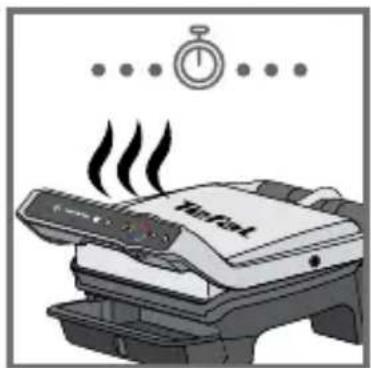
natural_image
Illustration of a printer emitting steam with a stopwatch above it (no text or symbols)51 52
51-53

natural_image
Illustration of a hand holding a wall-mounted electrical socket next to a switch, with an arrow indicating direction (no text or symbols)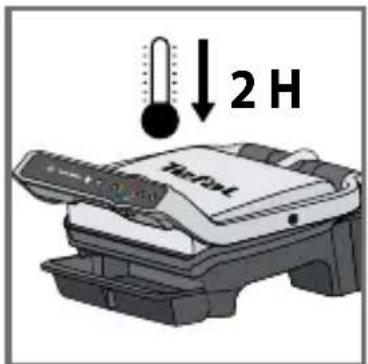
57
natural_image
Close-up of a car interior showing a grille and seat, with arrows indicating movement or force (no text or symbols visible)58 59
natural_image
Diagram showing a container with contents being processed by two stacked plates, one with an arrow indicating process (no text or symbols present)ES
natural_image
Illustration showing a hand cleaning a textured surface with a crossed-out grid pattern, alongside an open refrigerator (no text or symbols)60 61
natural_image
Illustration of a hand cleaning a food item using a printer (no text or symbols visible)62 63
natural_image
Illustration of a Tefal printer device mounted on a stand, no visible text or symbols on the device itself.64
natural_image
Illustration of a hand pressing down on a mechanical component (no text or symbols visible)2
natural_image
Illustration of a Tiefat printer with a paper tray and control panel (no text or symbols visible)3
natural_image
Close-up of a Tefa printer with open lid and control panel (no visible text or symbols)4
5
natural_image
Illustration of a hand pressing down on a mechanical component (no text or symbols visible)6
7
8
14 15
18 19
20 21
natural_image
Illustration of a printer's internal structure being placed on top of a grid, with no visible text or symbols.natural_image
Diagram of a food processor with open lid and internal grating, showing a black arrow indicating process (no text or symbols present)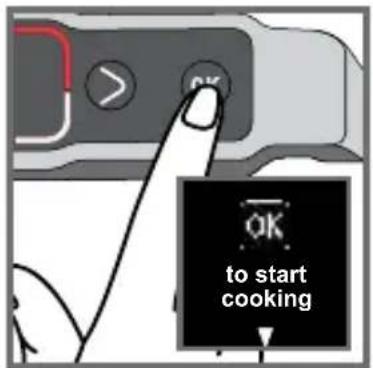
natural_image
Illustration of a printer emitting steam, no text or symbols presentnatural_image
Diagram of a device with a scroll and fan, showing a rotating mechanism (no text or symbols)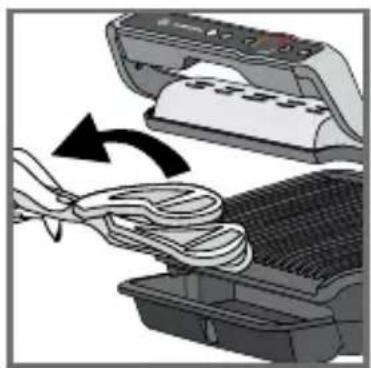
natural_image
Illustration of a printer being inserted into a rack, showing paper being folded (no text or symbols)33 34
natural_image
Illustration of a printer being cleaned into a rack, showing paper roll and cloth (no text or symbols)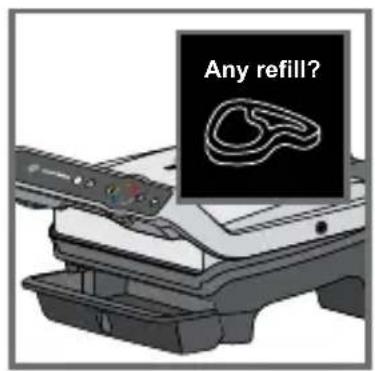
Grelhar novamente?
45 46
47 48
natural_image
Illustration of a hand inserting a device into an open printer (no text or symbols visible)51 52

natural_image
Illustration of a printer emitting steam with a stopwatch above it (no text or symbols)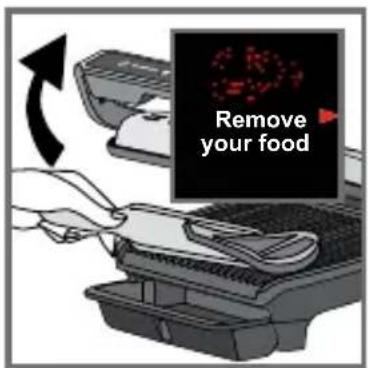
natural_image
Illustration of a hand holding a wall-mounted electrical socket next to a wall-mounted plug, with an arrow indicating direction (no text or symbols)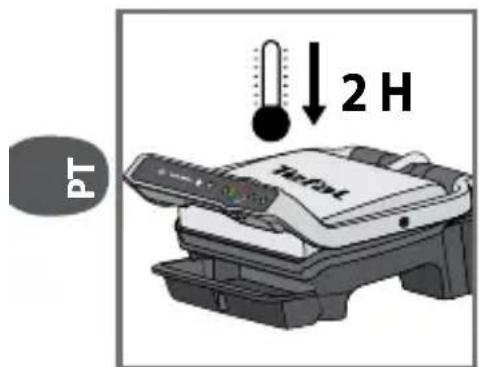
57
natural_image
Close-up of a car intake manifold showing meshing and exhaust components (no text or symbols)58 59
natural_image
Diagram showing a window with a brush and two stacked plates, one being lifted by an arrow (no text or symbols present)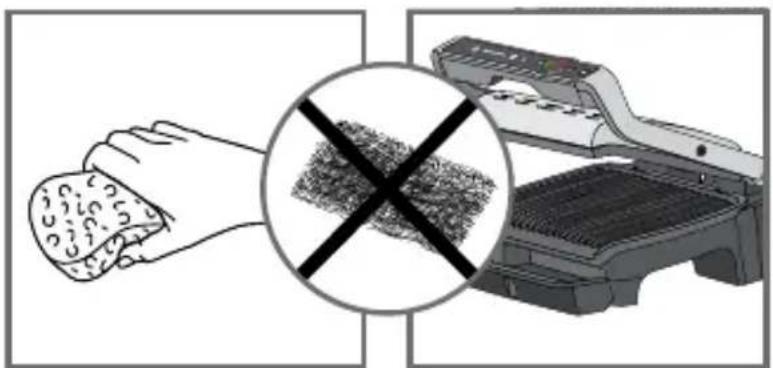
natural_image
Illustration showing a hand cleaning a textured surface with a crossed-out grid pattern, alongside an open refrigerator (no text or symbols)60 61
natural_image
Illustration of a hand holding a food bag next to a printer labeled 'Total' (no text or symbols on the device itself)62 63
natural_image
Illustration of a Tefal printer device mounted on a stand, no visible text or symbols on the device itself.64
Preheating not finished, remove your food
10s before-changeover to manual mode
natural_image
Close-up of a hand pressing down on a mechanical component (no visible text or symbols)2
natural_image
Illustration of a Trafet printer with a tray and base (no text or symbols)3
natural_image
Close-up of a Tefa printer with open lid and control panel (no visible text or symbols)4
5
natural_image
Illustration of a hand pressing down on a computer keyboard (no text or symbols visible)6
7
8
12 13
Κατεψυγμένα ΑΠΕΝ
14 15
18 19
natural_image
Close-up of a finger pressing a button on a device interface (no text or symbols visible)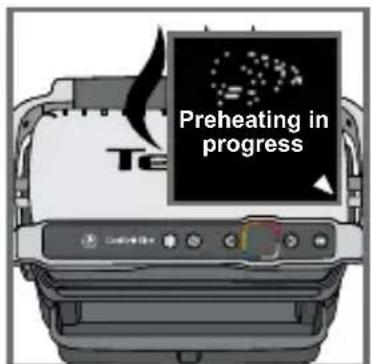
24
natural_image
Diagram showing a printer printing process with a paper airplane being placed on a textured surface (no text or symbols present)26
25-26
natural_image
Illustration of a grater being cut with a paper filter, showing internal components and a curved arrow indicating motion (no text or symbols)27
natural_image
Illustration of a Trafal printer emitting steam (no text or symbols on the device itself)30
27-29
31 32
Καλοψημένο σε 01:35
natural_image
Illustration of a printer with paper being opened, showing the blade and cover (no text or symbols)33 34
natural_image
Illustration of a printer being inserted into a rack with a cloth, showing the process (no text or symbols)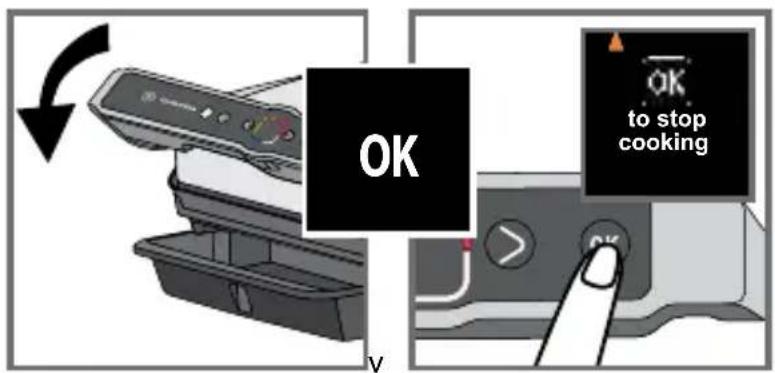
natural_image
Illustration of a printer being inserted into a rack with a bandage, showing the paper being folded (no text or symbols present)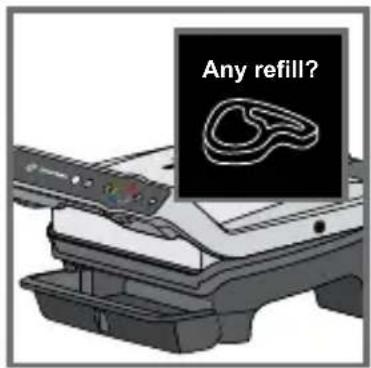
Θα ψήσετε κι άλλα;
45 46
47 48
natural_image
Illustration of a hand inserting a device into a printer (no text or symbols visible)51 52
natural_image
Illustration of a printer emitting steam with a stopwatch above it (no text or symbols)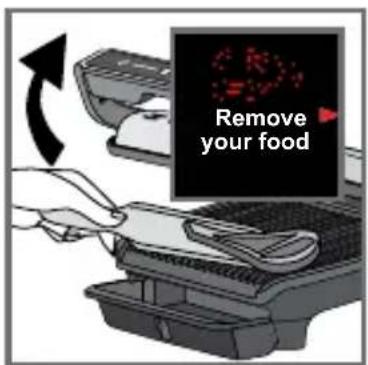
natural_image
Illustration of a hand inserting a plug into an electrical socket (no text or symbols)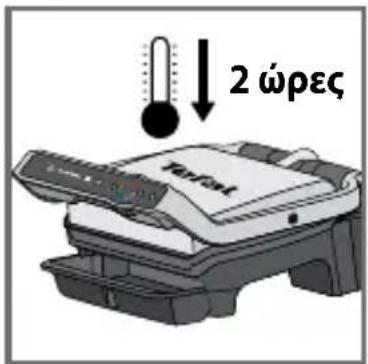
natural_image
Close-up of a car intake manifold showing grille and exhaust slots (no text or symbols)58 59
natural_image
Diagram showing a container with contents being processed into two trays, one with an arrow indicating process (no text or symbols present)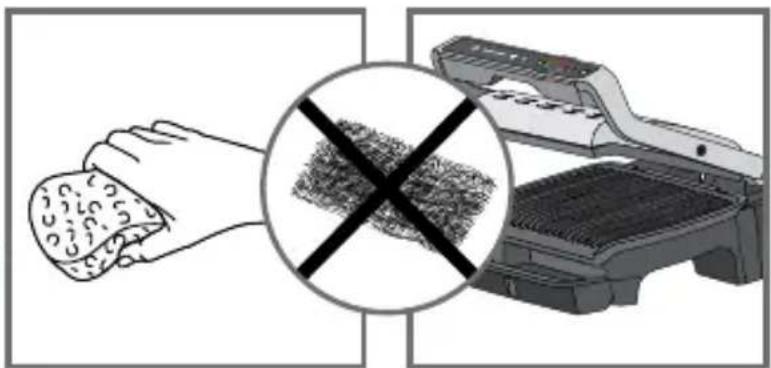
natural_image
Illustration showing a hand cleaning a textured surface with a magnified inset of a washing machine (no text or symbols)60 61
natural_image
Illustration of a hand cleaning a food item from a printer labeled 'Tecfat' (no text or symbols on the object itself)62 63

natural_image
Illustration of a Tefal device mounted on a shelf, no visible text or symbols64
- Tefal® OptiGrill Elite
- CONSIGNES DE SÉCURITÉ PRÉCAUTIONS IMPORTANTES
- 17-19
- 25-26
- 51-53
- (25-26)
- 27-29
- 60-61
- SAFETY INSTRUCTIONS IMPORTANT SAFEGUARDS
- Do
- Do not
- Tips/information
- Environment
- Environment protection first!
- Description
- automatic cooking programs
- Two additional cooking options in automatic mode
- Manual mode
- Before first use
- Using for the first time
- On/Off button
- Frozen food function in automatic mode only
- Searing function in automatic only
- Cooking in automatic mode
- How to cook a second batch
- Second batch of the same type of food
- Second cooking with a different type of food
- Important:
- Cooking in manual mode
- Comments
- End of use
- Troubleshooting Guide
- Cooking levels for each automatic program
- ISTRUZIONI DI SICUREZZA AVVERTENZE IMPORTANTI
Brand : TEFAL
Model : OptiGrill Elite GC750D16
Category : Griddle