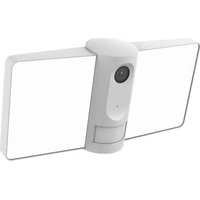
F1 - Surveillance Camera Laxihub - Free user manual and instructions
Find the device manual for free F1 Laxihub in PDF.


| Brand | Laxihub |
| Model | F1 |
| Product type | Surveillance camera |
| Power supply | AC 100-240V |
| Connectivity | WiFi |
| App | Arenti (iOS and Android) |
| Local storage | microSD card up to 128 GB |
| Night vision | Yes, even in total darkness |
| Motion detection | PIR sensor |
| Audio | Two-way audio (talk and listen) |
| Built-in light | Yes, manual or automatic control |
| LED indicators | Red light (error / WiFi waiting), blue light (operating / connected) |
| Reset | Reset button (hold for 5 seconds) |
| Installation | Wall mount, adjustable angle |
| Outdoor use | Yes, with included weatherproof junction box |
| Recording | On SD card or cloud storage (optional service) |
| Main functions | Light control, two-way audio, PIR detection, recording, day/night vision |
| Maintenance | Clean with a soft, dry cloth |
Frequently Asked Questions - F1 Laxihub
User questions about F1 Laxihub
0 question about this device. Answer the ones you know or ask your own.
Ask a new question about this device
Download the instructions for your Surveillance Camera in PDF format for free! Find your manual F1 - Laxihub and take your electronic device back in hand. On this page are published all the documents necessary for the use of your device. F1 by Laxihub.
USER MANUAL F1 Laxihub
Compatible with Amazon Alexa & Google Assistant
What's in the box
Consult the checklist below for all components.
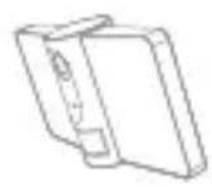
F1
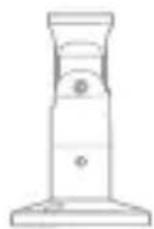
Bracket
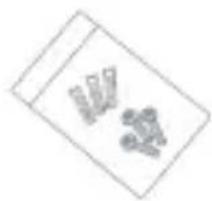
Bracket screws

Pin
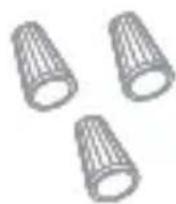
Wire nuts

Screwdriver

Disc bracket
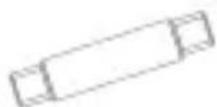
Waterproof terminal

User manual
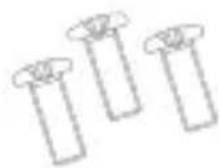
Screws
Introduction
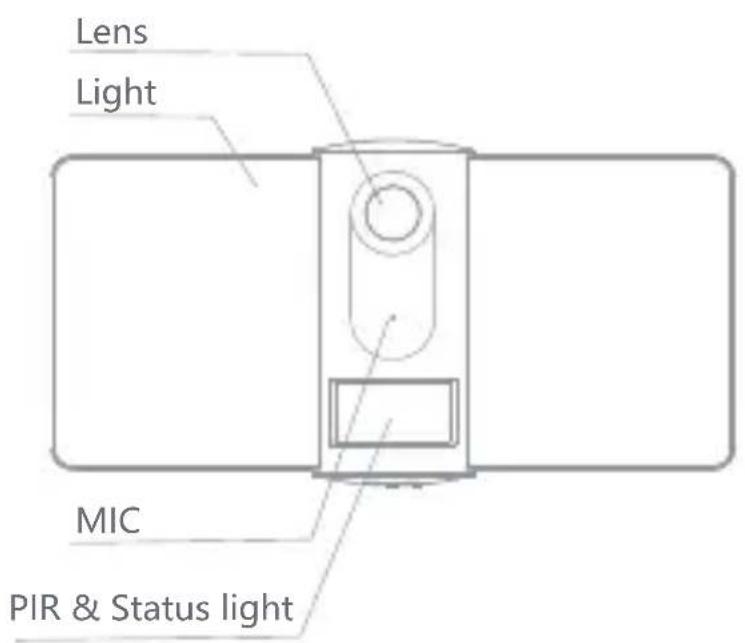
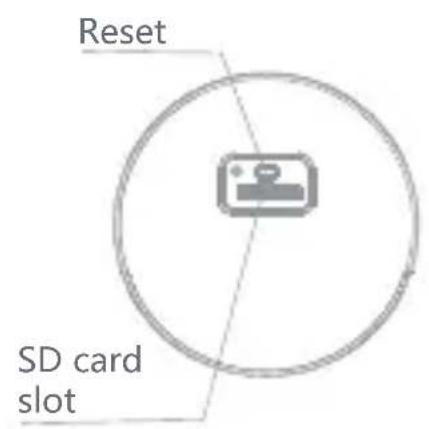
Description
| Power | AC 100~240V |
| Status light | • Red light solids on: the camera network is abnormal • Blinking red light: awaiting WiFi connecting • Blue light solids on: camera running correctly • Blinking blue light: currently connecting |
| Microphone | Records sounds for your video |
| SD card slot | Supports local SD Card storage (Max.128G) |
| Reset | Press and hold the 'reset' for 5 seconds to reset the device(if you have modified settings, they will return to factory defaults) |
| Light Turn the light on/off manually or automatically | |
Installation
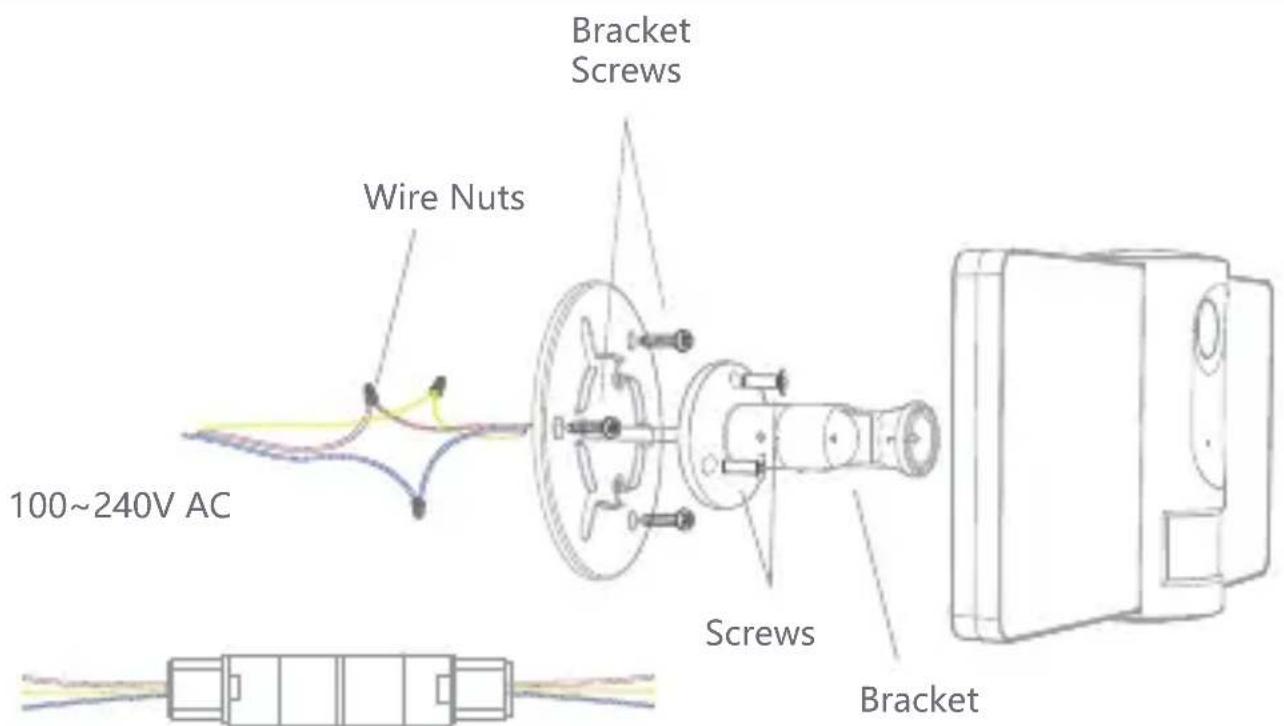
If the wires are placed in an outdoor environment, the included waterproof terminal is suggested to use.
For the Europe Region
NOTE: Different countries may have different colors for wiring. Please connect the wires of the same color together.
Installation
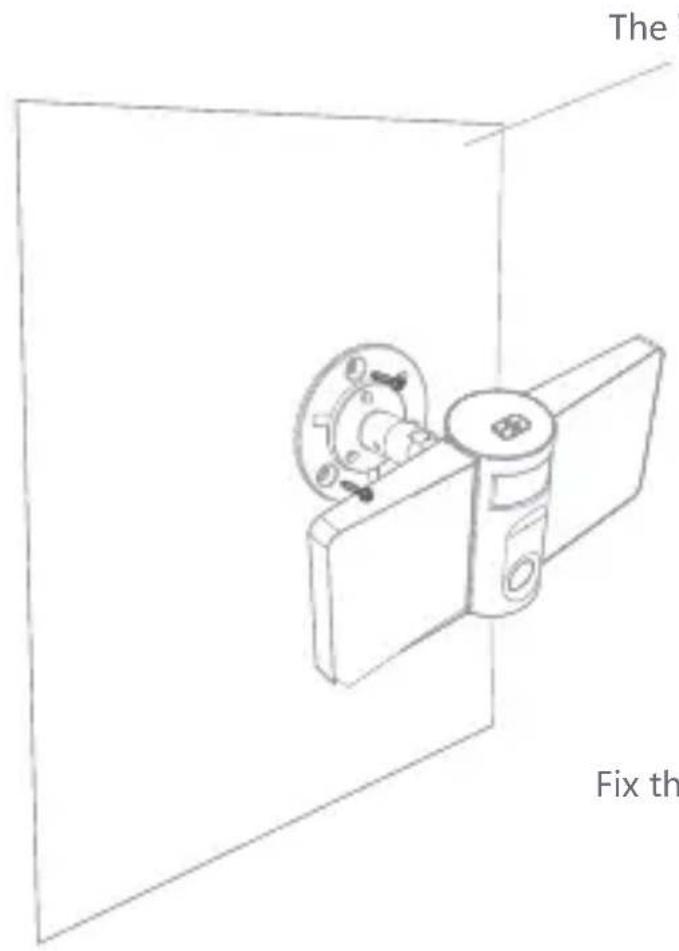
Fix the F1 to the bracket
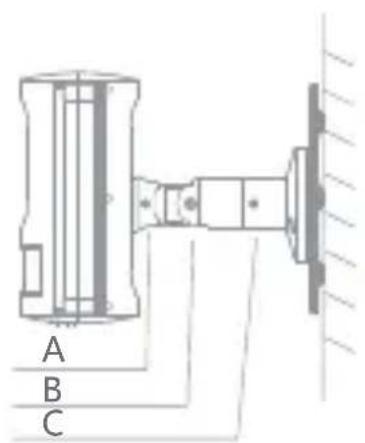
** Note
A. Fix the camera
B. Adjust the angle
C. Adjust the direction and fix the camera.
Connection
Download
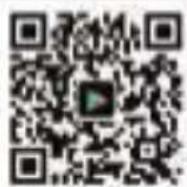
Arenti is available for both iOS and Android OS. Search the name 'Arenti' in App Store or Android Market, or scan below QR-Code to download the App.

Add device
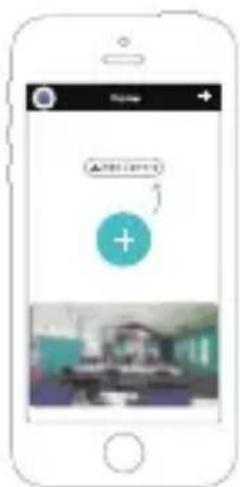
Log in the Arenti, select "Add Device", and add the smart camera to the App according to the screen tips(Make the smart camera close to the router when configuring).
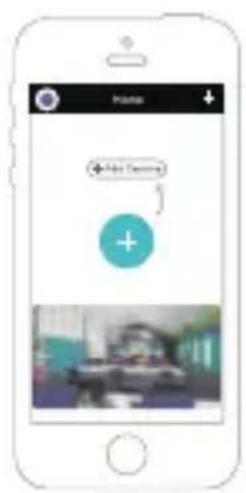
NOTE: If you need to re-select the WiFi network, please press and hold the "RESET" button for 5 seconds, the device will restart, and the indicator will be flashing red.
Function
Lighting Control
You can turn the light on or off with time setting or PIR.
Full-Duplex Audio
You can see and hear the vistor in your App from the camera.
PIR
When the camera detects someone stopping by, it sends an alarm message to your cell phone.
Record
Using SD card or activating the Cloud-Storage Service to keep recording for every moment.
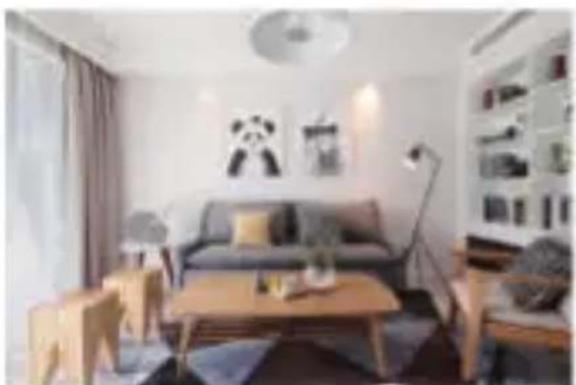
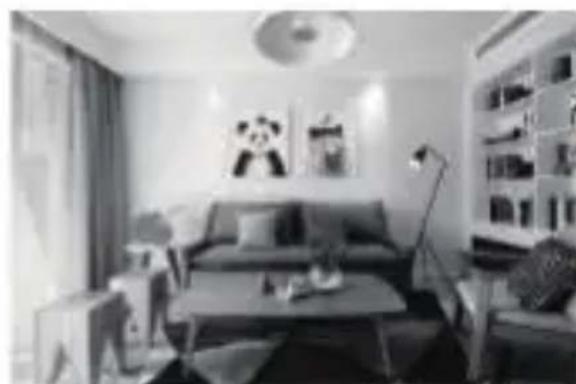
Day & Night
Powerful night vision without any interruption, even in complete darkness.
Daytime Night
| Power | AC 100~240V |
| Status light | • Red light solids on: the camera network is abnormal • Blinking red light: awaiting WiFi connecting • Blue light solids on: camera running correctly • Blinking blue light: currently connecting |
| Microphone | Records sounds for your video |
| SD card slot | Supports local SD Card storage (Max.128G) |
| Reset | Press and hold the 'reset' for 5 seconds to reset the device(if you have modified settings, they will return to factory defaults) |
| Light Turn the light on/off manually or automatically | |
Installazione
coctoHna Mraoun KpaHbI CBeT: B OxuaHn coeHHeHn WiFi
Topnt cHnCBeT: Kamepa pa6otaet npaBnIbHo
MiraOuCnHnCBeT:BdaHHbIMOMeHTNoDKJIIOUaETc3aNNCbIBAeT 3ByKnДJaBaWeroBnDeo
MnKpoΦoH ΠoДepeXka loKaIbHoro xpaHEny SD-KapTbI (MaKc. 128G) Cnot Ia SD- NaXMMTe n ydepeXkBaIte KHOIIky «C6poc» B TeueHne 5 KapTbI
C6poc ckyH, yTO6bI c6pocntb HacTpoiKu ycTpoiCTBa (ecn Bbl n3MeHJIHacTpoiKu, OHn BeHyTCa K 3aBOdCKm HacTpoiKaM no yMOJIaHIO)
IodcBeTka BkJIoueHne / BBIKJIoueHne IODcBETKn BpyHyIO nJIaBTOMaTNUeCKN
YcTaHOBka
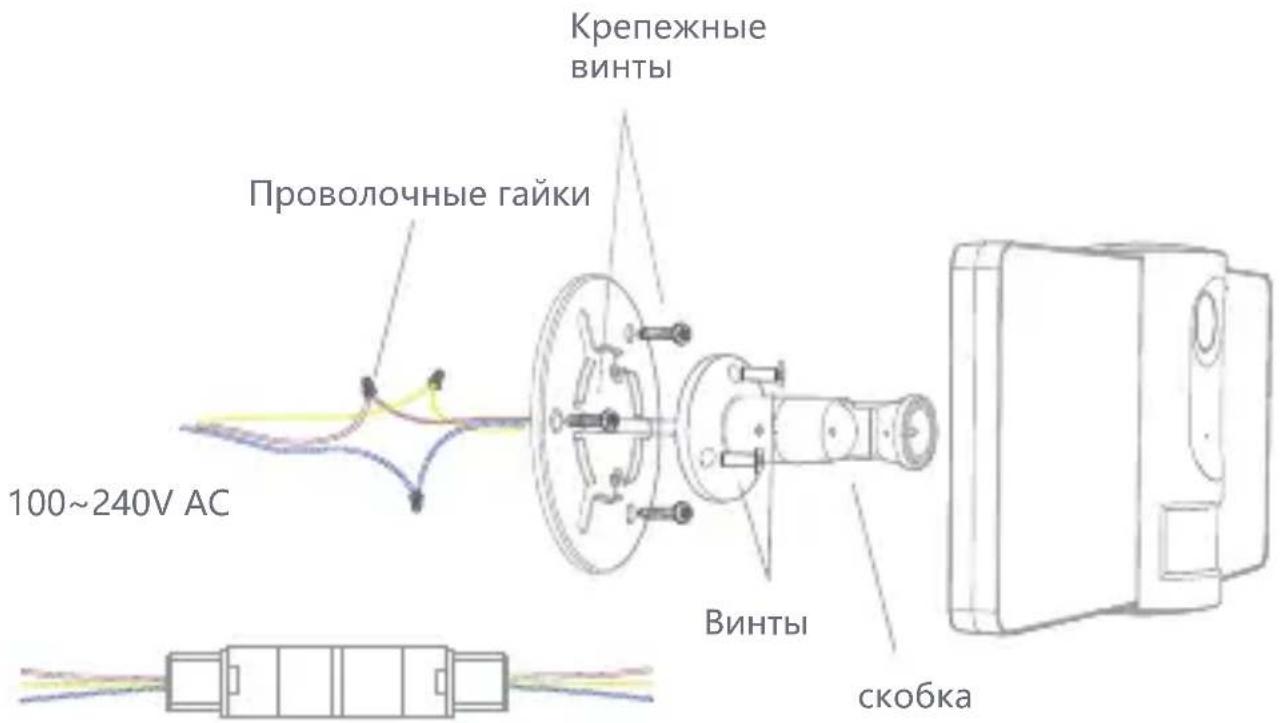
Ecn npoBoda pa3MeueHbI BHe nOmeueHna, peKOMeHyetcNc NOlb3OBaTb npJIraeMbI BOHOENPOHnuaeMbI TepMNHaJ.
ДляpernoHaEbponbl
ПРIMECHИЕ:В pa3ньх CTpaHax Moryt 6bITb pa3ньe CBeta npOBOD KN. CoeINHte npOBODa ODHORO CBeta Bmecte.
yctaHOBka
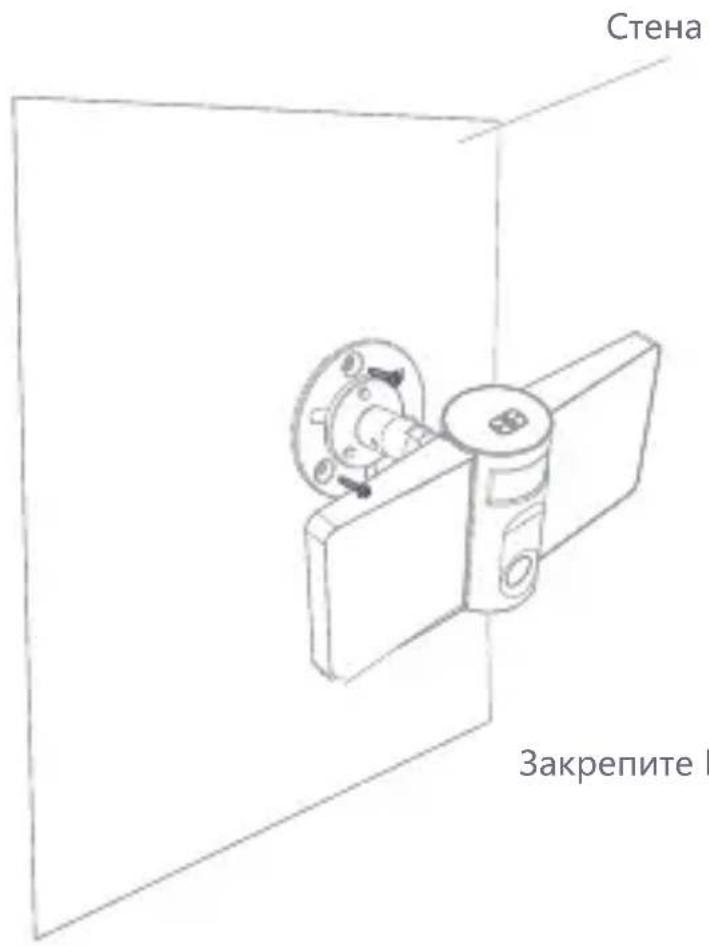
3aKpeNte F1 Ha KPOHsTeHne
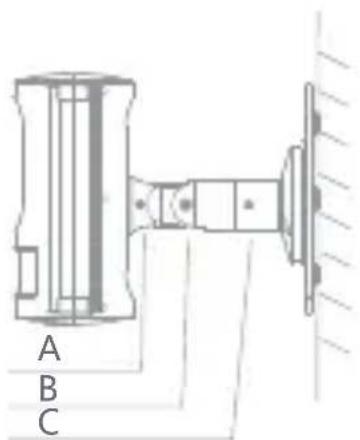
** 3ametka
A.ПочиHTь камеру
5. OTPerynnpyte yrol
C. OTPeryIpyIte HappaBJIeHne I 3aKpeNITe KaMepy.
coeHHHeHne
CkaaTaB
Arenti doctynen iOS n Android OS. Nock no mMeHn 'Arenti' B App Store nn Android Market, nn otckaHpyte Hxke QR-KoD, uTo6bI 3arpy3ntb npJIoKxeHne.

O6aBtbyyctpoCTBO
BoiDnTe B Arenti, BbI6epnte «ДобaВntb yCtpoiCTBO» n Do6aBbTe HHTeJIeKTyalbHyO KaMepy B npInIOxHne. B COOTBeTCTBn C NOdCKa3KaMn Ha 3KpaHe (cdeJaTe HHTeJIeKTyalbHyO KaMepy 6JnxKe K MapspTu3aTopy npn HacTpoiKe).
© 2020 Laxihub. All rights reserved. All trade names are registered trademarks of respective companies Apple, the Apple logo, iPhone are trademarks of Apple Inc. registered in the U.S. and other countries. Google, the Google logo, Android are trademarks of Google Inc. App Store is a service mark of Apple Inc. Google Play is a service mark of Google Inc.

Laxihub Europe
Zandsteen 50, 2132 MR Hoofddorp, The Netherlands
www.laxihub.com