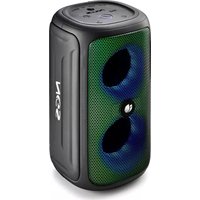
Roller Beast - Loudspeaker NGS - Free user manual and instructions
Find the device manual for free Roller Beast NGS in PDF.



| Product type | Portable speaker |
| Brand | NGS |
| Model | Roller Beast |
| Bluetooth version | 5.0 |
| TWS function (wireless stereo connection) | Yes, connect two speakers |
| Output power | 32W |
| RMS power | 16W |
| Power supply | Rechargeable Li-Ion battery 6000 mAh |
| Battery life (with lights) | 7 h (100% volume) to 30 h (50% volume) |
| Battery life (without lights) | 7 h (100% volume) to 30 h (50% volume) |
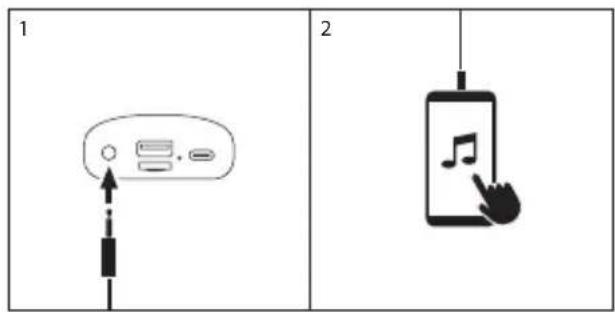
| AUX audio input | Yes |
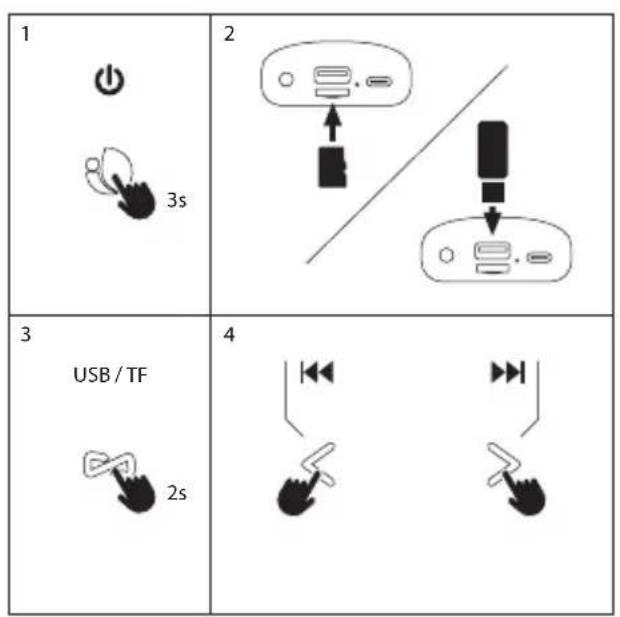
| USB audio input | Yes (file playback) |
| SD audio input | Yes (file playback) |
| Volume control | Yes |
| Water resistance | IPX5 (splash resistant) |
| Charging | USB Type-C port |
| Mode/TWS button | Short press: TWS; Long press: mode change |
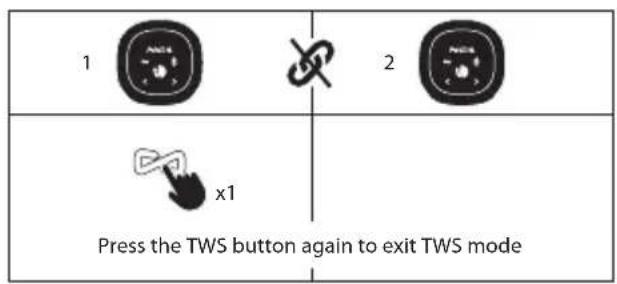
| Light button | One press: change light; Long press: turn light on/off; Two presses: unpair Bluetooth |
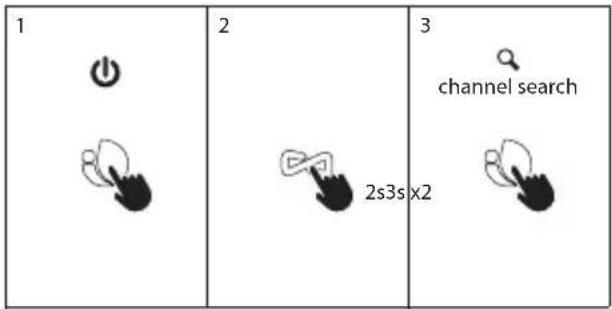
| Play/Pause button | Short press: play/pause; Long press: power on/off; In FM: double press for search |
| Volume/previous/next buttons | Quick press: previous/next track; Hold: volume -/+ |
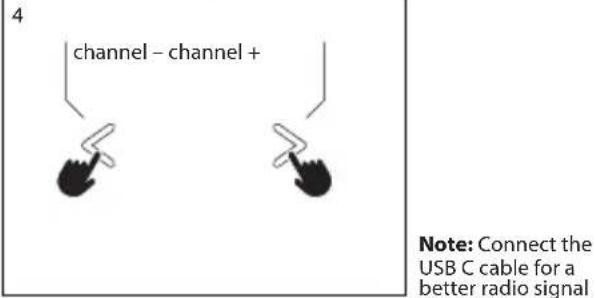
| FM radio mode | Connect USB-C cable for better signal |
| Battery warranty | 12 months (consumable) |
| Recycling | Do not dispose of with household waste, recycle at a waste disposal center |
Frequently Asked Questions - Roller Beast NGS
User questions about Roller Beast NGS
0 question about this device. Answer the ones you know or ask your own.
Ask a new question about this device
Download the instructions for your Loudspeaker in PDF format for free! Find your manual Roller Beast - NGS and take your electronic device back in hand. On this page are published all the documents necessary for the use of your device. Roller Beast by NGS.
USER MANUAL Roller Beast NGS
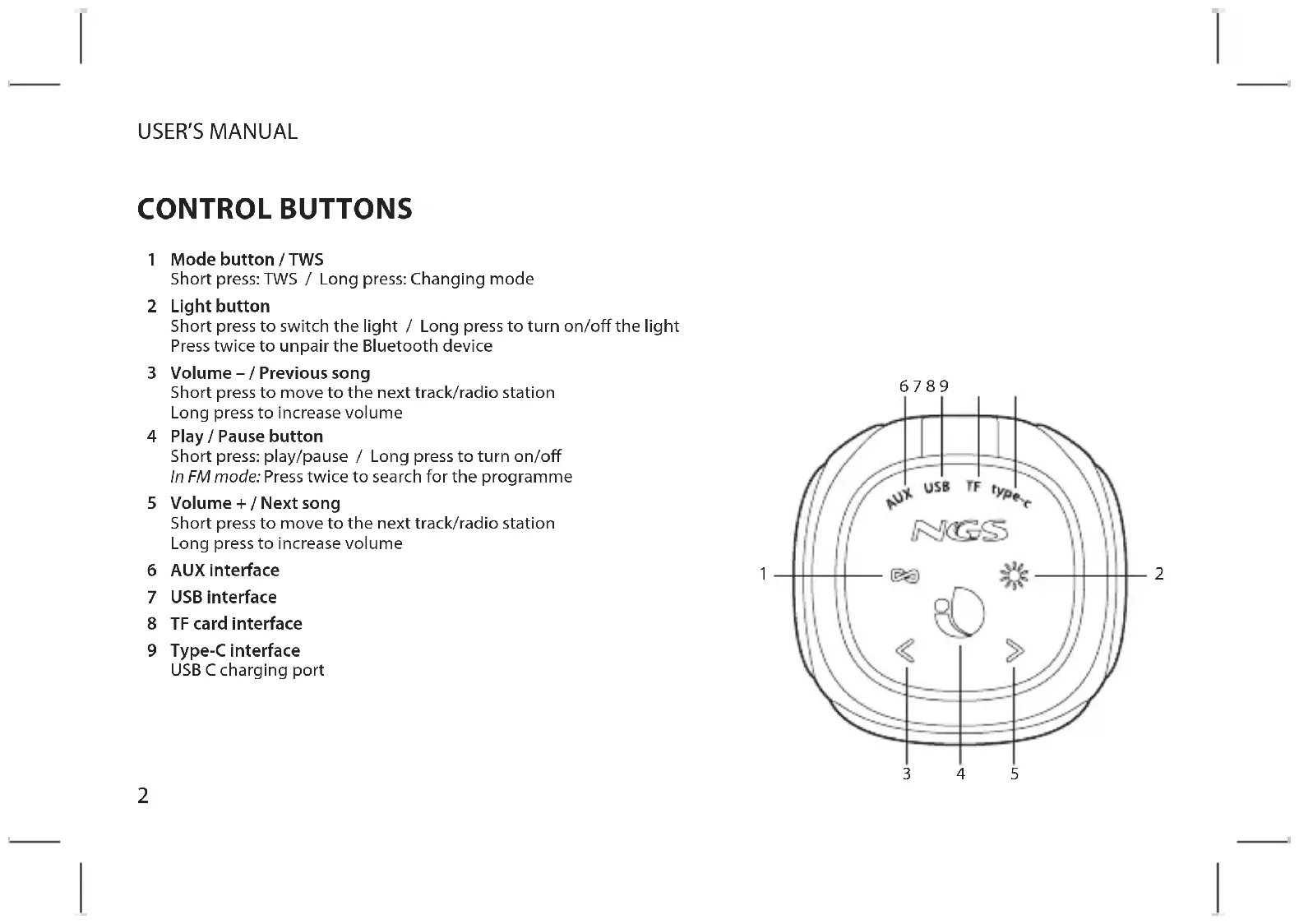
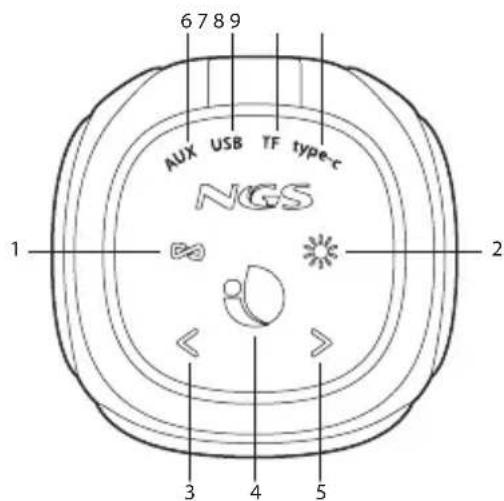
1 Mode button / TWS
Short press: TWS / Long press: Changing mode
2 Light button
Short press to switch the light / Long press to turn on/off the light
Press twice to unpair the Bluetooth device
3 Volume - / Previous song
Short press to move to the next track/radio station
Long press to increase volume
4 Play / Pause button
Short press: play/pause / Long press to turn on/off In FM mode: Press twice to search for the programme
5 Volume + / Next song
Short press to move to the next track/radio station
Long press to increase volume
6 AUX interface
7 USB interface
8 TF card interface
9 Type-C Interface
USB C charging port
BLUETOOTH MODE HOW TO CHARGE?
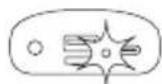
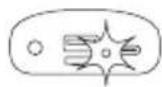
1 Press and hold the button for 3 seconds to switch on the speaker Press and hold the button for 3 seconds to switch on the speaker | 2  The LED will flash because the speaker is in search mode The LED will flash because the speaker is in search mode |
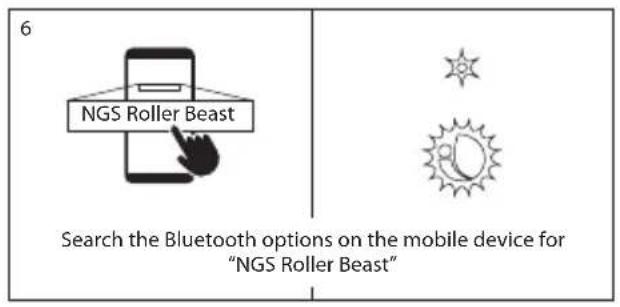
3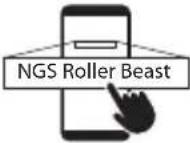 Search for NGS Roller Beast in the Bluetooth options of the mobile device Search for NGS Roller Beast in the Bluetooth options of the mobile device | 4 Fixed LED: connected Fixed LED: connected |
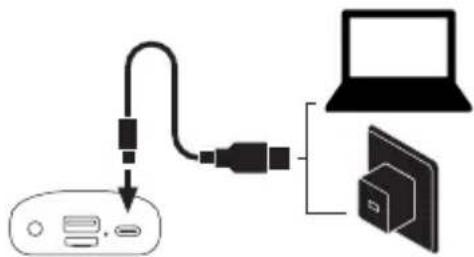
flowchart
graph TD
    A["Device"] --> B["Laptop"]
    B --> C["Device"]
    style A fill:#f9f,stroke:#333
    style B fill:#ccf,stroke:#333
    style C fill:#cfc,stroke:#333
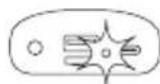
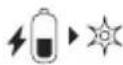
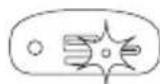
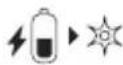
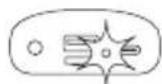
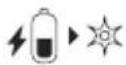
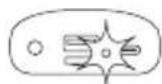
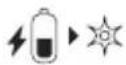
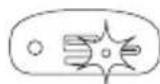
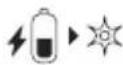
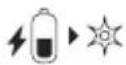
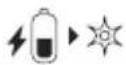
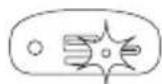
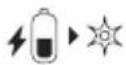
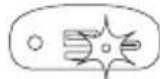
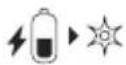
Red LED switched on: charging

LED switched off: charged
USER'S MANUAL
TWS
| 1 |  |  | 2 |  |
| 1 |  | 3s | [6xnd] |  3s 3s |
| Press and hold for 3 seconds to switch on the speakers | ||||
| 2 |  | x2 |  |  x2 x2 |
 | [xwx5] | |||
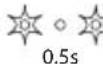
| Press the button twice on both speakers to unpair them and place them in search mode | ||||
Press the button twice on both speakers to unpair them and place them in search mode
| 3 |  x1 x1 x1 x1 |  |
| Press the TWS button to pair them | ||
| 4 | "Beep" | "Beep" |
| You will hear a beeping sound on both speakers | ||
| 5 |  |  |
| The LED on the first speaker will remain fixed and the otherwill flash | ||
RADIO MODE
USER'S MANUAL
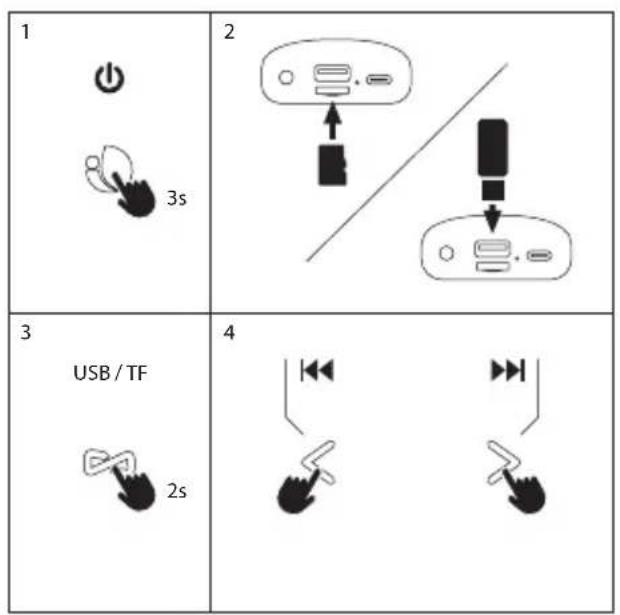
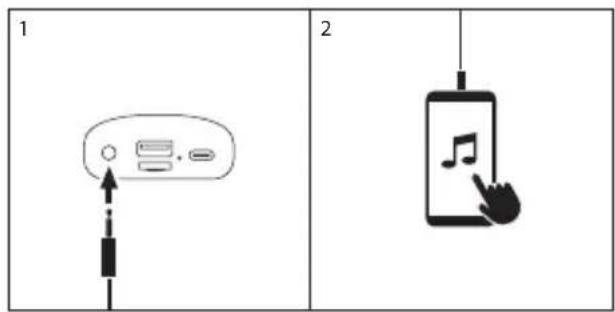
AUX IN MODEUSB/TF MODE
ENGLISH

NGS
TECHNICAL SPECIFICATIONS
Compatible with bluetooth 5.0 Yes
TWS (get double power connecting
2 speakers at the same time without
cables) Yes
Output power 32W
RMS power 16W
AUX audio input Yes
USB audio input Yes
TF audio input Yes
Volume control Yes
Battery Ion-Li 6000mAh
Battery life 7 hours*
Waterproof IPX5
* with lights
11 hours at 50% volume
7 hours at 70% volume
4 hours at 100% volume
without lights
30 hours at 50% volume
20 hours at 70% volume
7 hours at 100% volume
Battery warranty
The battery is a consumer product, and as such it is under warranty for 12 months.
If at any time in the future you should need to dispose of this product please note that:
Waste electrical products should not be disposed of with household waste. Please recycle where facilities exist.
Check with your Local Authority or retailer for recycling advice.
(Waste Electrical and Electronic Equipment Directive)
MANUEL DE L'UTILISATEUR
BOUTONS DE COMMANDE
4 Bouton Lecture/Pause
Rode LED ingeschakeld: laden

REŽIM AUX INREŽIM USB/TF
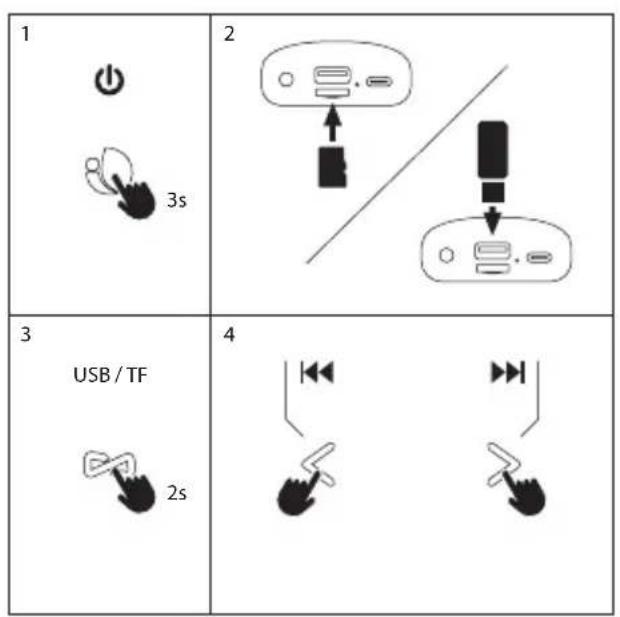
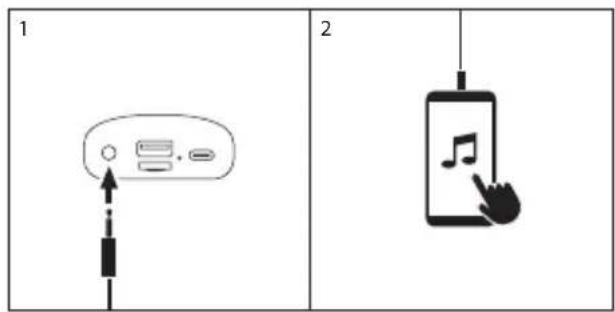
ČEŠTINA

NGS
TECHNICKÉ SPECIFIKACE
REŽIM AUX INREŽIM USB/TF
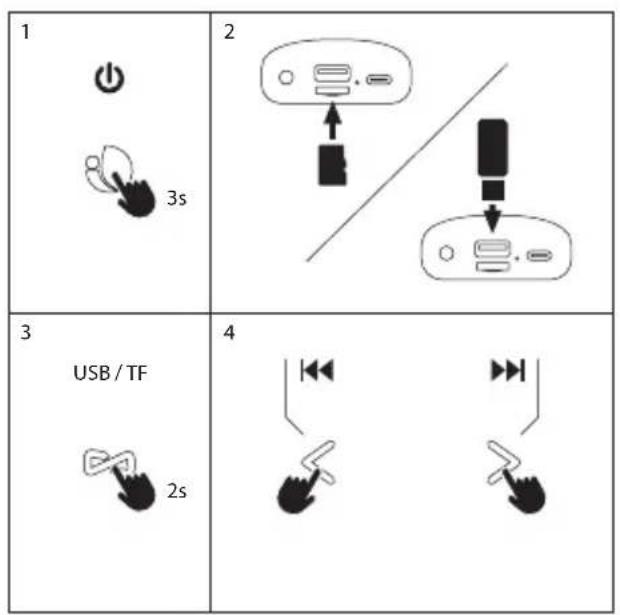
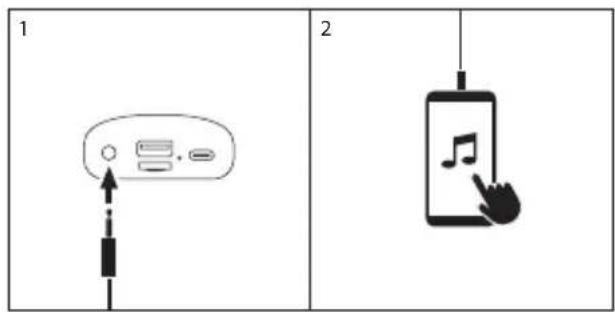
SLOVENČINA

NGS
TECHNICKÉ ŠPECIFIKÁCIE
Kompatibilné s Bluetooth 5.0 Áno
BLUETOOTH MÓD HOGYAN KELL TÖLTENI?

"AUX IN" REŽIMAS"USB/TF" REŽIMAS
LIETUVIŲ

NGS
TECHNINĖS SPECIFIKACIJOS
Suderinamas su "Bluetooth" 5,0 taip
HAS BEEN TESTED AND FOUND IN CONFORMITY WITH THE FOLLOWING HARMONIZED EUROPEAN STANDARDS:
HA SIDO TESTADO EN CONFORMIDAD CON LAS SIGUIENTES NORMAS STANDARD EUROPEAS ARMONIZADAS:
ETSI EN 301 489-1 V 2.1.1 (2017-02) IEC 62321-4:2013
ETSI EN 301 489-17 V 3.1.1 (2017-02) IEC 62321-5:2013
ETSI EN 300 328 V 2.1.1 (2016-11) IEC 62321-7-1:2015
ETSI EN 303 345 V 1.1.7 (2017-03) IEC 62321-7-2:2017
EN 62479:2010 IEC 62321-6:2015
EN 60065:2014
AND THEREFORE COMPLY WITH THE ESSENTIAL REQUIREMENTS AND PROVISIONS OF THE FOLLOWING DIRECTIVES OF THE EUROPEAN PARLIAMENT AND EUROPEAN COUNCIL:
Y, POR LO TANTO, CUMPLE CON LOS REQUERIMIENTOS Y PROVISIONES DE LAS SIGUIENTES DIRECTIVAS DEL PARLAMENTO EUROPEO:
RADIO EQUIPMENT DIRECTIVE 2014/53/EU
ROHS DIRECTIVE 2011/65/EU & (EU) 2015/863
DIRECTIVA DE EQUIPOS DE RADIO 2014/53/EU DIRECTIVA ROHS 2011/65/EU & (EU) 2015/863
AUTHORIZED REPRESENTATIVE: LURBE GRUP S.A
REPRESENTANTE AUTORIZADO: PORTUETXE 27
20018 SAN SEBASTIÁN (GUIPÚZCOA)
SPAIN
SAN SEBASTIAN, JULY 13TH, 2022
SAN SEBASTIÁN, 13 DE JULIO DE 2022
SIGNED
FIRMADO
RAÚL MARTÍN
PRODUCT MANAGER
LURBE GRUP S.A, SAN SEBASTIAN, ESPAGNE, SOUS SA RESPONSABILITÉ EXCLUSIVE, CERTIFIE LA CONFORMITÉ DU PRODUIT :
LURBE GRUP S.A, SAN SEBASTIÁN, ESPAÑA, DECLARA SOB A SUA EXCLUSIVA RESPONSABILIDADE A CONFORMIDADE DO PRODUTO:
FR
PT
NGS : HAUT-PARLEUR BLUETOOTH NGS / MODELE : ROLLER BEAST
NGS: ALTO-FALANTE BLUETOOTH NGS / MODELO: ROLLER BEAST
A ÉTÉ TESTÉ CONFORMÉMENT AUX NORMES STANDARD EUROPÉENNES HARMONISÉES SUIVANTES :
FOI TESTADO EM CONFORMIDADE COM AS SEGUINTES NORMAS STANDARD EUROPEIAS HARMONIZADAS:
ETSI EN 301 489-1 V 2.1.1 (2017-02) IEC 62321-4:2013
ETSI EN 301 489-17 V 3.1.1 (2017-02) IEC 62321-5:2013
ETSI EN 300 328 V 2.1.1 (2016-11) IEC 62321-7-1:2015
ETSI EN 303 345 V 1.1.7 (2017-03) IEC 62321-7-2:2017
EN 62479:2010 IEC 62321-6:2015
EN 60065: 2014
ET RESPECTE DONC LES EXIGENCES ET LES DISPOSITIONS DES DIRECTIVES SUIVANTES DU PARLEMENT EUROPÉEN :
E, POR CONSEGUINTE, CUMPRE COM OS REQUISITOS E PROVISÕES DAS SEGUIENTES DIRECTIVAS DO PARLAMENTO EUROPEU:
DIRECTIVE SUR LES ÉQUIPEMENTS RADIO 2014/53/EU
DIRECTIVE ROHS 2011/65/EU & (EU) 2015/863
DIRECTIVA RELATIVA AOS EQUIPAMENTOS DE RÁDIO 2014/53/EU DIRECTIVA ROHS 2011/65/EU & (EU) 2015/863
REPRÉSENTANT AUTORISÉ : LURBE GRUP S.A
REPRESENTANTE AUTORIZADO: PORTUETXE 27
20018 SAN SEBASTIÁN (GUIPÚZCOA)
SPAIN
SAN SEBASTIAN, LE 13 JUILLET 2022
SAN SEBASTIÁN, 13 DE JULHO DE 2022
SIGNÉ
ASSINADO
RAÚL MARTÍN
PRODUCT MANAGER
CE

technical support: www.ngs.eu/support
www.ngs.eu
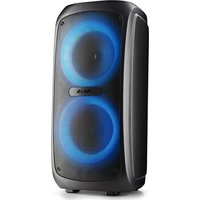
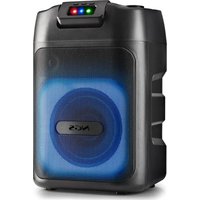
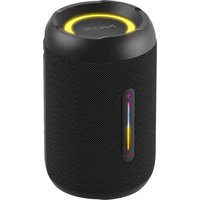
Brand : NGS
Model : Roller Beast
Category : Loudspeaker