Actío - Smartwatch Stenlille - Free user manual and instructions
Find the device manual for free Actío Stenlille in PDF.


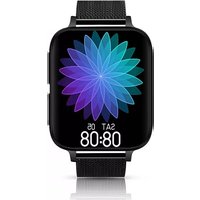
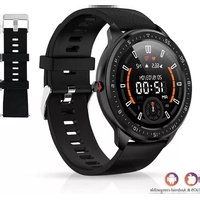
| Product type | Smartwatch |
| Brand | Stenlille |
| Model | Actío (Z06) |
| Case dimensions | Approximately 38 mm x 10 mm |
| Weight | Approximately 50 g |
| Strap material | Silicone |
| Screen type | Color touch LCD |
| Screen size | 1.4 inches |
| Battery | Lithium-ion 200 mAh |
| Battery life | Approximately 7 days of normal use |
| Charging | USB charger 0.5-1 A |
| Connectivity | Bluetooth 5.0 |
| Sensors | Accelerometer, heart rate sensor, blood pressure sensor |
| Main functions | Step counter, sleep tracking, heart rate, blood pressure, stopwatch, countdown timer, sport GPS, notifications, sedentary reminder, alarm, music control, remote photo capture |
| Water resistance | Splash resistant (IP67) |
| Compatible operating system | iOS and Android |
| App | HBAND |
| Box contents | Watch, charging cable, user manual |
| Care | Clean with a soft cloth, avoid chemicals |
Frequently Asked Questions - Actío Stenlille
User questions about Actío Stenlille
0 question about this device. Answer the ones you know or ask your own.
Ask a new question about this device
Download the instructions for your Smartwatch in PDF format for free! Find your manual Actío - Stenlille and take your electronic device back in hand. On this page are published all the documents necessary for the use of your device. Actío by Stenlille.
USER MANUAL Actío Stenlille
Android IOS
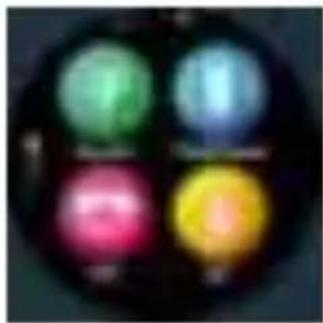
2.4. Functiescherm
natural_image
Circular object with four colored circular spots (green, blue, pink, yellow) against a dark background, no visible text or symbols.
natural_image
Four colored circular icons arranged in a grid, no visible text or symbols
natural_image
Circular dark object with a bright blue circular light at center, possibly a lens or abstract light source (no text or symbols visible)2.5 Hartslagmeter
2.7 Stopwatch
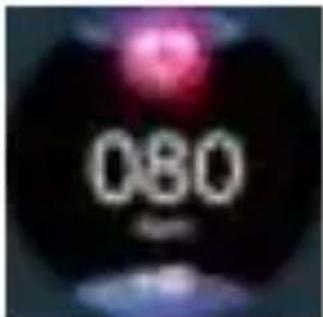
2.6 Bloeddruk
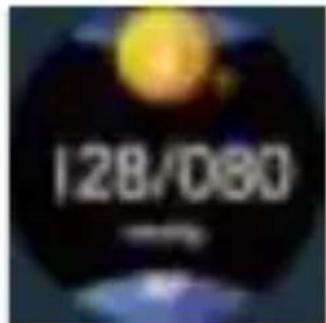
2.8. Timer (stel handmatig in met
natural_image
Circular dark image with a faint purple circular shape and a horizontal white line at the bottom (no text or symbols)
natural_image
Abstract dark circular shape with a central white wavy line and a blue base (no text or symbols)2.13. Instellingen
natural_image
Circular object with a bright yellow sphere and directional arrows, no visible text or symbolsnatural_image
Circular dark object with a faint purple light source and partial white text below (no legible characters or symbols)2.13.4. Schakel instellingen
3. App-functies
natural_image
Blurred abstract image with a circular white shape and faint vertical lines, no discernible text or symbols.
bar
| Category | Value | |---|---| | Bar 1 | 100 | | Bar 2 | 85 | | Bar 3 | 75 | | Bar 4 | 65 | | Bar 5 | 55 | | Bar 6 | 45 | | Bar 7 | 35 | | Bar 8 | 25 | | Bar 9 | 15 | | Bar 10 | 10 |
natural_image
Blurred image with no discernible text, symbols, or identifiable objects

natural_image
Blurred image with indistinct pink and yellow shapes, no readable text or symbols3.2. Hardlopen
3.2.1. GPS-tracking (zet de sportmodus

3.3.1.1 Berichtmelding
Please make a full charge before use it. APPROHland.
1. Download & Pairing
1.1. Long press the power button to turn on.
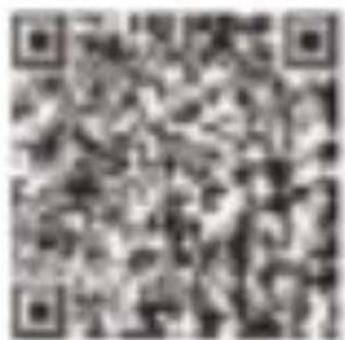
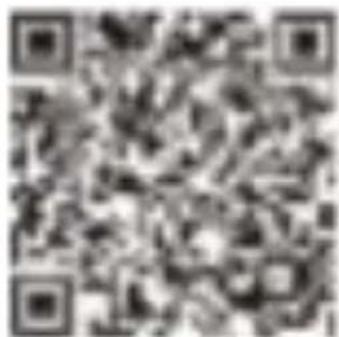
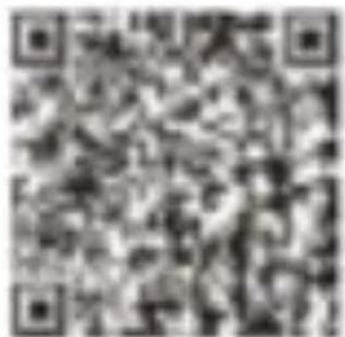
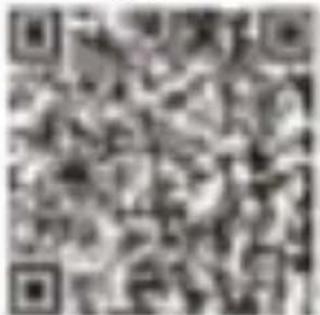
1.2. Scan the following QR code to install APP or Download "Hband" App from App store or Google play, by searching for "Hband".
Android IOS
Compatibility System : Android4.4 and above, IOS 8.0 and above.
Enter the APP "Dashboard" to bind the device Step1: Enable Bluetooth on the mobile phone; Step2: Open "Hband" APP, tap "Connect adevice" to bind.
- Please keep bluetooth address consistent with your smart bracelet when you connecting
- Slide right from the default interface to check bluetooth address
2. Smart Bracelet FunctiOFsS ( slide
from the default interface )
2.1 Time Interface ( Default interface )
2.1.1 Power on: Long press power button, slide the default interface up and down for different bracelet interfaces.
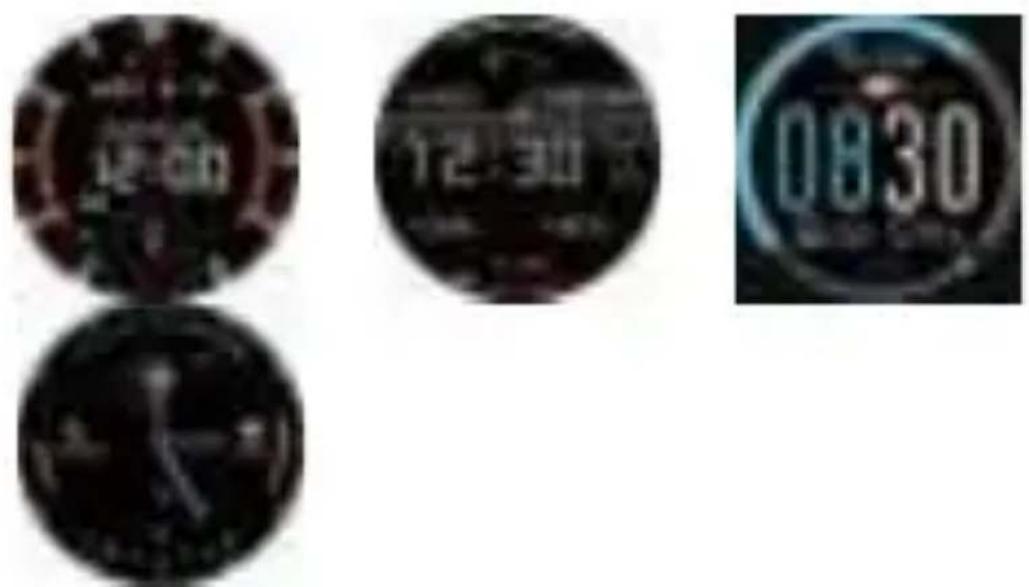
2.1.2. Power off: Long press power button on the time interface; or enter" Power Off" interface(slide right from time interface) and
long press
2.1.3. Wake up screen: press the power button; Take wrist(enter Hband APP "setting" --find "Z06 my device" --turn on" turn the wrist", and also enter bracelet menu "setting" - "switch" -turn on "turn the wrist" at same time(only Hband app and bracelet both turn on switch which come ture light screen function)
2.2. Steps record (Steps, distance, calorie)
( monitor time : pm6:00-next day pm4:00 ; Ensure fall asleep time :pm6:00-next day am8:00 syc data to app by wearing device )
natural_image
Circular dark object with a bright blue spot and faint surrounding light (no visible text or symbols)2.4. Function interface
natural_image
Four colored circular icons arranged in a grid on a dark background (no text or symbols visible)
natural_image
Circular icon with four colored circular buttons, no visible text or symbols
natural_image
Blurred circular object with a bright blue circular light at center, no visible text or symbols2.5 Heart Rate monitor 2.6 Blood Pressure
2.7 Stopwatch
2.8.CountDown(manually adjust
time span by or
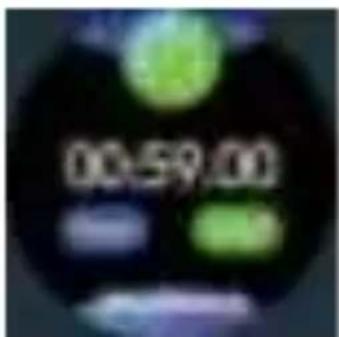
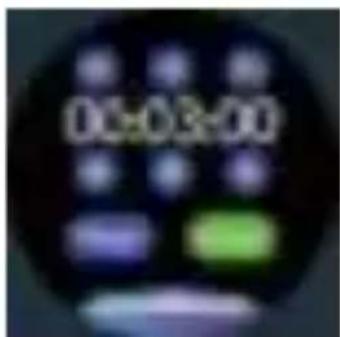
2.9. Message(save 3 messages)
natural_image
Circular dark object with a purple gradient and white horizontal line at bottom (no text or symbols)2.10. Sport (slide up to end or pause sport)
2.11. Female physiological cycle reminder (enterAPP "setting" --tap "headportrait" --edit" Gender" into "female" --choose your status.
2.12. Find my phone ( phone will ring when bluetooth connected with smart bracelet )
natural_image
Abstract dark circular shape with a glowing blue light source and white Wi-Fi symbol at center (no text or symbols)2.13. Setting
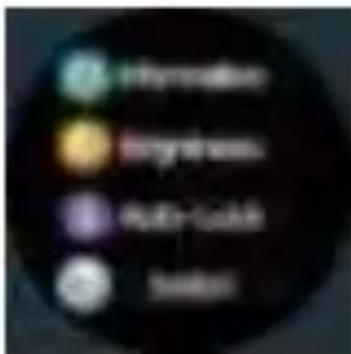
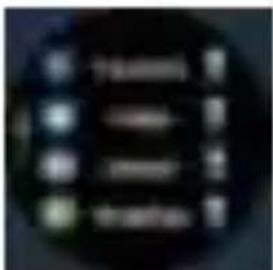
2.13.1. Information(Synchronize message, calls
and soical app messages: Please ensure return on watch corresponding switch in the “information” under “setting” menu and also turn on Hband
App" Message Notification" menu corresponding switCh meanwhile)
natural_image
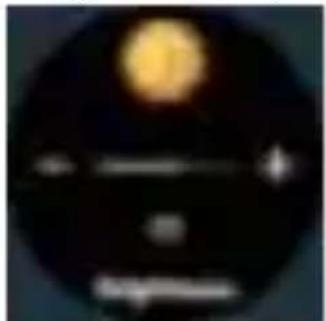
Blurred dark circular shape with indistinct white and red markings (no readable text or symbols)2.13.2. Brightness(manually adjust screen brightness)
natural_image
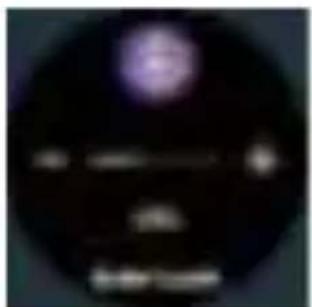
Circular object with a bright yellow sphere and horizontal line, possibly a celestial body or light source (no text or symbols visible)lim . I -Lock ( manually adjust lock screen
b
natural_image
Circular dark image with a faint purple light source and faint white text below (no legible characters or symbols)2.13.4.Switch(Please ensure turn on corresponding switch on the bracelet "switch" under "setting" menu and also turn on switch on the "hband" app meanwhile)
3. APP functions
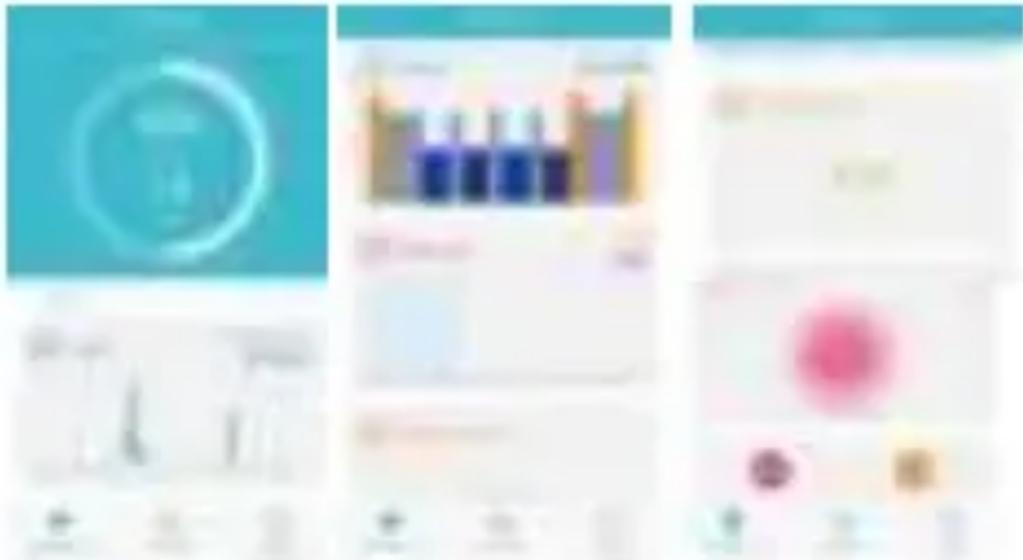
3.1. APP data record interface
( Steps, Sports, HeartRate, Blood pressure, Blood oxygen, Female )
natural_image
Blurred abstract shape with no discernible text or symbols
bar
| Category | Value | |---|---| | Category 1 | 100 | | Category 2 | 80 | | Category 3 | 60 |
natural_image
Blurred image with no discernible text, symbols, or identifiable objects

natural_image
Blurred image with indistinct shapes and colors, no readable text or symbols3.2. Running
3.2.1. GPS movement(manually turn on sport
mode:click

on the screen and enter
"map" mode to tap" Start sport"; also check historical record)
3.2.2. Bracelet movement check history records)
3.3. Setting interface
3.3.1.My device
3.3.1.1 Message notification ( Synchronize message, calls and soical app messages: please turn on app switch and meanwhile turn on watch corresponding switch in the "information "under" setting" menu )
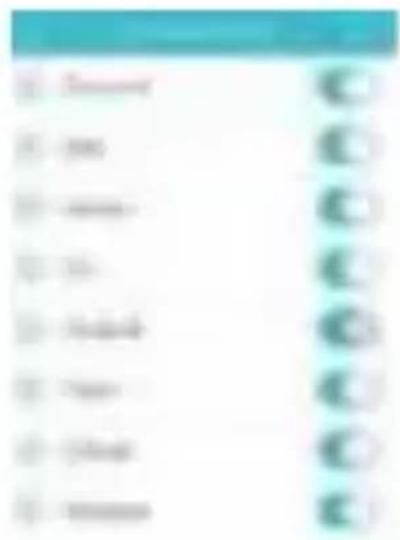
Important to follow below setup steps so watch can receive notifications:
Find out Mobile phone app like Wechat, : Wechat/about me/setting/new message inform and display all message details MUST be turned on; Mobile phone setting/ find out wechat/ notifications/ you have to turn on all options like allow notifications, badges, show previews etc.
PIs make sure your wechat/QQ/Skype is NOT log in & online on your computer, otherwise the message received on mobile can' I sync on the watch as the computer already received the notification.
3.3.1.2 Alarm settings
3.3.1.3.Sedentary setting(manually set begin&ens and time span)
3.3.1.4. Heart rate alarm ( manually set heart rate upper limit )
3.3.1.5. Turn the wrist(manully set time begin&end and wrist sensitivity)
3.3.1.6. Pair device(Turn on "pair device", watch data will be uploaded to cloud server, in case you want connecting smartwatch to another mobile phone, the new connected mobile phone still can download previous datas from the cloud server.)
3.3.1.7.BP private mode
3.3.1.8.Screen-on time manually set screen-on time span)
3.3.1.9. Switch setting (please ensure turn on
app switch and also turn on watch switch under "setting" menu)
3.3.1.10. Brightness adjustment
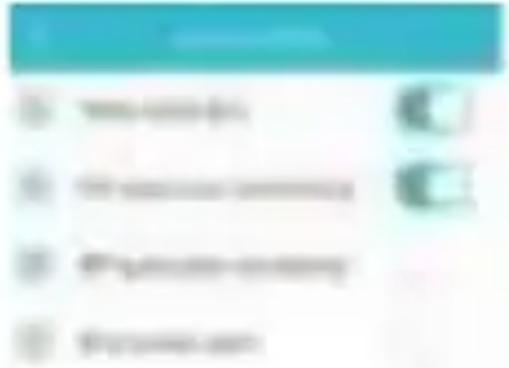
( turn off “automatic adjustment” can set brightness index )
3.3.1.11. Take photo(enter it to take picture by shaking bracelet)
3.3.1. 11.Clear Data: Reset
3.3.1.12.Disconnect
3.3.2 Setting goal (Sport goal, sleep)
3.3.3 More ( Unit setting : Metric8dmperial , Change theme , About us )
3.3.4 Third-party Platform (you can band wechat sport, syc to third app)
4.Warm notes
4.1. Connect Bluetooth :
4.1.1 Please power on your phone bluetooth and turn on smart bracelet before connecting;
4.1.2 Please ensure your smart bracelet didn't connect other phone before connecting;
4.1.3. Please close to you smart bracelet when you are connecting.
4.2. Please turn on authorization of if your Mobile Assistant or other similar Apps for Dafit APP, in order to guarantee normal operation of the APP in the background, otherwise you will not receive the messages.
4.3. Battery Recharge: Power adaptor. 5V 0.5-1A requirement. If the bracelet won’ I be used for long period, please ensure a full charging every month and turn it off after get full charged 4.4. To ensure the accuracy of blood pressure data, after entering blood pressure monitor mode, please hold the smart band at the same height as your heart, relax yourself and calm down. Do not speak when the monitor is working. (This function is to monitor the blood pressure data change before 8t after exercise. The data are only for reference, can’ I use for special medical purpose)
Disclaimer
Warning: This product is not a medical device. The smart band and its applications should not be used in diagnosis, treatment or as a preventive treatment for diseases and sickness. Please consult medical professionals before changing exercise habit or sleep habit to avoid serious injuries. The manufacturer reserves the right to modify and improve any functions description in this user guide and continuous update of the new content without further notice. This user guide is for reference only, the smart band for selling is subject to the final product.
Android 105
natural_image
Close-up of a dark circular object with no visible text or symbols1.2. Ausschalten:
natural_image
Circular object with four colored spheres (green, blue, pink, yellow) against a dark background, no visible text or symbols.
natural_image
Circular icon displaying four colored circular icons with no visible text or symbols
natural_image
Circular dark object with a bright blue circular highlight, possibly a lens or abstract light source (no text or symbols visible)natural_image
Three-panel collage showing abstract UI elements: a teal circular icon with 'T' symbol, a blue bar chart with grid layout, and two separate panels with colored blocks (no readable text or symbols)- Sport
2.1 GPS Sport
3.1.1 NachricHenerinnerung
In all value-draft prime use, progressive the size to materials with complete movements barges.
Android 105
natural_image
Close-up of a red circular button labeled 'Z06' with no other visible text or symbolsnatural_image
Four colored circular objects arranged in a 2x2 grid on a dark background (no text or symbols visible)
natural_image
Circular icon with six colored circular icons (green, blue, purple, pink, red) on a dark background, no text or symbols present.
natural_image
Circular dark object with a bright blue circular light at center, no visible text or symbols
natural_image
Blurred abstract image with no discernible text, numbers, or symbols
natural_image
Circular object with a bright yellow sphere and horizontal line, resembling a moon or light source (no text or symbols visible)4.9.2 4.9.3
natural_image
Circular object with a purple light source and a white horizontal bar, labeled 'Auto book' at bottom (no other text or symbols visible)
4.94
4.9.4
natural_image
Abstract blue background with a white circular logo or symbol (no text or readable numbers)
natural_image
Pure electrical circuit lines without any symbols
natural_image
Blurred abstract graphic with no discernible text or symbols
natural_image
Completely blank or indistinct image with no visible text, symbols, or discernible content.
natural_image
Blank white image with no visible content or text
natural_image
Blurred abstract image with no discernible text, symbols, or identifiable objects2. Ejercicio
2.1 Movimiento GPS
3.1.1 Recordatorio de informacidn
Coeuec uu ari cucreuia: Android 4.4 u ebiuJe, uo6uabnbifi TenegoH Bluetooth 4.0, vo6uabnbiiñ reaegon Apple, iOS 8.0 u ebnue 3. B x +o u n r s APP, esi6pars ns «naHea•
qannbix» yc pos e eo, uy»K,qaouteecP e npuePaxe. nepesifi mar: eg+ounrs Bluetooth uo6nasHnxa; B opon usar: exaouu b «Hband», ebi6pa b «Ha e a b pae nopxa+oueHuR ycTpoucTea» qaR nopuiouenuri ceoero 6pauera.
- F!pu cnapueaHuu nopreeppur6 aqpec 6z+oTy c a na k4o6n/ibnn<e ra<nr x<e, <a< yxasaHHbm ua 6pacae e.
- FI poe ec ki naabL\elu Bnpaeo no un ep\$eñcy Bpeluenki x nanez+o Bbi+«/i+ouenu9, Tan cuoryt npoBepu b aApec 6s+area.
natural_image
Circular object with a glowing red-orange core and a scale bar labeled 'Z06' (no other text or symbols visible)
€>ynxqnonaziunuie cneqn\n«aqnu (nepeicnrouenue nnxep\eñca BpeMenn x nnzep\eñcaui \ynxr\ma)
- Hutepgeñc epeueun(unTep§'eiac noyuoauanuio)
1.1. B xn a u e u n e: H a a n lu a 9 n yqep nea9 KHonKy nnTaHne, BKniouaTb ycTponcTBo. CqBura z b nHzepgeiac no yiuonuaHuo BBepx u Bnus, u uoryr nepeKnlouazb paynnuHbie ungep6aazbi.
1.2. B si x n +o u en n e: e la n ep\eñce epeluenki HawaTb la y,qepwiaBaTb xnonxy nuzanue p9 Bbl KBIONe HN9 ACTIONCTB6 j k1f k1 f1OCT/flk|Tb B ia H ep\eiac «aui /iioueH we» (c,qeuratu nnzep\$eñc epe/vienn enpaeo). @u ezbHo namki luaTb na axpan
I.3.Oynruna npo6y»«xenun: nama s xuonxy ma aHiag la aacee ne b axpan ; noeepny b aangc be (noc ma b e APP «Hband»— «Ha c pon xia** « Z06 Moe yczpończeo» - Bxniou lamb «npoc BeTreTb axpa H npki noBopoTe aanacTba», o,qHoepeueHHo o6ecneunea s enouenne aeon we \$yHKL\iaia e weHe nac poex 6pacne a, Ayn x L\ la 9 npo6y»x,qeHiaa axpana pa6o ae onbiro npia Bnouen la la ee la B APP ki na 6pacneTe.)
2 Flo/tcuez uiaroe (aanucb xozuuec ea uJaroe peu enuR, npo ri enuri u pacxo,qa enaa, r.e. ,q annbix cunxponusaL\uu APP)
- Cnan•e (zeczoa•in nepnoA ape eHn: 18:00 - 16 e epnoA: 18:00 i' ii .epy eero*pnn,p a n n"bi e
Hocur• 6pacaez Aa• 'x H ^e g *•'n m s epe e/ HHux).
2.
3.
- Hutep§s eñc §§yuxr\nñ
natural_image
Circular object with four colored spheres (green, blue, pink, yellow) against a dark background, no visible text or symbols.
natural_image
Circular dark object with a bright blue circular highlight, possibly a lens or abstract light source (no text or symbols visible)4.1 Flpoaepxa uucen ypapoa ceppua
4.2 Flpoaepxa xpoaauoro ,4aaaennn
4.3 Cecyuqouep
4.4 Kaynz/tayu
( luowHo ycTaHoBuTb p/iuTezbnocTb Bpevenu
pyu<oia, no <Hon<alu aKparie)
n
4.1 4.2
4.3
4.4
4.5 Flpocnsotp nn§sopuaquu (uovHo coxpaHu u 3)
4.6 /{enaeuue (cq,e u ny e eepx, orczynurb ua pe>ulua pBuaenue uzu npuoc anoeuzb ero)
natural_image
Circular dark image with a faint purple square and horizontal white line at bottom (no text or symbols)4.5
4.6 4.6 4.6
4.7 7Keuutnua (e uo6iazbHou APP «HacTponKa»)
- Ha aTb Ha aeaTapKy - ebi6op noma « eHcKian»
- e «znuHon iaH\$oplviaqiaia» ebi6paTb Hy>Hoe eau ycroeiae, KaK noKayaHo Hiave)
4.8 Hcxanue uo6uaunuxa (npu noAe+ouenuu x Bluetooth 6yae aeouox uo6nabunxa)
4.9 Hactpofi«a
4.7 4.7

natural_image
Blurred abstract image with indistinct shapes and colors, no readable text or symbols4.8 4.9
4.9.1 Hactpoñ«a coo6utenuñ
(cnHxpoHnaagiae SMS, BxoAeutiax zeaerpalulu non ppyrnx coo6uteHkin coqkiazbHbix APP:
o6ecneuneaTb o,q H o e p e u e H H o e enioueHkie cooreercrey+ou\ux gyHxr\uñ n Ha 6pacaeze u BAPP)
natural_image
Blurred circular image with indistinct white and red shapes, no readable text or symbols4.9.2 Pemnupoaxa • paoc n (uo•Ho epyuHyw peryaupoea b fipxoc b axpaHa)
4.9.3 Bpeua 6n o x u po e x u »xpaua (uo Ho Bpyunyio ycraHoeuT6 npo,qoz iarezbHocib 9pxoro aKpaHa)
4.9.4 Hacipoñxa exnoueuna n eoixnoueuna (nu enepeuucneHH6ie \$yHKqiaia peñciey+or roabxo npu cx o A+Joepeuen now exe+oue+Juu u na 6pac ere n e APP «HBAND»).
natural_image
Circular object with a bright yellow-orange highlight and faint horizontal lines, resembling a celestial body or light source (no text or symbols visible)4.9.2 4.9.3
natural_image
Circular dark image with a faint purple light source and faint horizontal lines, no visible text or symbols.
4.9.4
natural_image
Dark circular object with three vertical gradient dots and a plus sign, no readable text or symbols4.9.4
@ynxqldld B APP
- Flauenu /tauuuix (oro6paaeHue xoauuecTea iJJaroe, qaHHuix o pBu eH uu, uuc e ypapoe ceppqa, xpoaznoro qaeaeHua n @., <a< noxasaHo Hume)
natural_image
Three-panel collage showing abstract digital interface elements (no readable text or symbols)
- /{a+'men+'ie
2.1 GPS-Aen+enne
(uo Ho epyuHyfo en+ouu b cnopTkieHbin
pevuu: HanaTu

- nocynur6 e «xapy»,
na*aib «nauaibqez*enze»;vo*uonpocuoipeib 3auwcwqez*euzx)
2.2 Qsnxenne 6pacnma (npocuoTp 3anuceñ Aew*enwz)
- Hutep§seFac uactpodxia
3.1 Moe yczpończeo
3.1.1 Flpnuieuanne: nn enepeuncnennbie
p A ppe H a+oue uu na 6pacae e, tax . _B AND..'
3.1 3.1
3.1.1
3.1.2 Hac poñ xa 6yAnn• nn xa (uo•Ho ycTa noenTb Hecxoa biro 6ypna bHn toe)
3.13 HacTpoñca paccz#e«mx (uo*noepyuuyoyciauoeuib epeum «auana,oco«a«s « »«iepeaa)
3.1.4 Cnruann3ar\na no cep,qeunonsy puznsy (=ox<no spyuHyio yczaH oanz• aepxH nn npeAea
3.1.5 3 a c e t n e u n e axpana npu noeopote aanactba (kiowHo epyuHyio ycTa Ho eiaTb Bpelu9 nauaaa, oKoHua Hia9 ki uyeczenz eabH oczb npn noBopoze y anacrba)
3.1.6 tlpuea3xa yczpończea (aeeczu e peaclu «npki egaxki yc poncrea», p a u u bi e 6y,qyT aar pyaensi na o6na unsin cepeep, ecnu uacsi o xnouenbi o uo6uzbnu xa, a a a r e i nopxnouenbi x q,pyroluy uo6iaz bHla xy, nocne,qnia ñ rose civioret cxauueatu ncxoAHuie paririsie)
3.1.7 P ew•••a n••unoro apoe•rioro aaeneri• • (IvioaHo yc anoeki b p a n n bi e peakilua nounoro xpoegHoro paenenkig)
3.3..8 tlpoto a wu t ea unoctu npaoro 3apaua
3.L9 Hac*poñxa esamowe«s«e&»cs
3.1.10 Perynnpoexa apxoctn (euixz+ountu «Ae I o la a l u u e c x y +o peryaupoexy» n uo Ho epyuuyo o peryzupoea b epxoc b)
3.1.11 Cnnu«a (eeec u e «cHuuxy» n paauaxne arb 6paue)
3.1.12 Ounctxa ,auuuix: eoccraHoen b aaeopcxue nactpouxu
3.2 ¥'ctauoa«a ueneñ (r\eas Aen eHna n cHa)
3.3 Noapo6nee
(cue era equunur\: ue puuecxae n n/unepcxae;
cuenurb zeñruiorue; o Has)
3.4 Ctopouuaa naazgoprsa (luo Ho npuaasazb < WeChat An• ocyru,ec anenn• nepeqaun qaHHbix e cTopoHHioio nna \$opluy)
Flynicrbl j\ne ann·iannn
- FlopK/iioueH ne K Bluetooth:
1.1 o6ecneunaaz• am+ouenne 6n+oyca n 6pacneTa.
1.2 FI p n noiacKe 6zioyca yrBep,qiaze, ISO WgfgUCTd, WTO K g p}/FOIN yHeTHOIN 3dFt IN CIX
Association revenue per 1st February net complementated otherwise revient to permitted utilisation. Cut approximately net premium plus bills allocated overmaintenance of the business out facility. S&P: Jollman
et Appariement
SU flUf B lflfltoOth 4.0, ct US Sm6I1QhOnRs iOS 8.0 ct
- Interface de stlection des Functions
natural_image
Circular object with four colored circular buttons (green, blue, pink, yellow) on a dark background, no visible text or symbols.
natural_image
Circular icon with four colored circular elements (green, blue, purple, red) on a dark background, no text or symbols visible.
natural_image
Circular dark object with a bright blue circular spot, possibly a lens or light source (no visible text or symbols)natural_image
Circular dark image with a faint purple gradient and white horizontal line at bottom (no text or symbols)4.5
4.6 4.6 4.6
g 9\$ us Gun* «Pcram*tres' des messages» sur le
4.9.2 4.9.3 d.9.d d.9.d
natural_image
Abstract blue and white graphic with circular and rectangular shapes (no text or symbols)
natural_image
Blurred abstract image with no discernible text, symbols, or identifiable objects2. Sport
iii. Telecommunications and Internet-based power services for renewable energy and low renewable energy technologies are used at the end of 2018.
destiné ñ un usage médical.)
7.60% total
涨跌
natural_image
Close-up of a dark circular clock face showing time (no visible text or numbers)注:
- 植酸滴度测值
natural_image
Circular object with four colored circular buttons (green, blue, pink, yellow) against a dark background, no text or symbols visible.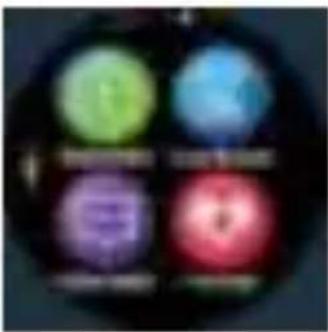
natural_image
Circular icon with four colored circular elements (green, blue, purple, red) on a dark background, no text or symbols visible.
natural_image
Blurred circular object with a bright blue circular light at center, no visible text or symbolsnatural_image
Circular dark image with a faint purple circular shape and a horizontal white line below (no text or symbols)4.5

4.6 4.6 4.6

4.7

4.7
natural_image
Blurred abstract image with indistinct shapes and colors, no readable text or symbols4.5
4.9
natural_image
Blurred dark circular image with indistinct red and white shapes (no readable text or symbols)natural_image
Circular object with a bright yellow-orange light source and faint horizontal lines, resembling a celestial body or abstract pattern (no text or symbols)4.9.2
natural_image
Blurred dark circular shape with indistinct light and dark center (no text or symbols visible)4.9.3
natural_image
Close-up of a black circular object with horizontal white lines and small circular elements (no visible text or symbols)4.9.4
4.9.4
三、携帯アプリの機能
natural_image
Abstract circular design with a white ring on a teal background (no text or symbols)
natural_image
Blank white image with no visible text, symbols, or discernible subject

natural_image
Blank or nearly blank image with no discernible text, symbols, or structured content.
natural_image
Abstract colorful shapes on white background (no text or symbols)- 运动
3.1.1 メッセージのお知らせ
Systeme compatible: Android 4.0 x versioni successive, Bluetooth 4.0 mobile; Apple iOS 8.0 mobile o versione
natural_image
Circular object with a glowing red-orange core and a white label 'Z06' on the right side (no other text or symbols visible)natural_image
Four colored circular icons arranged in a 2x2 grid on a dark background (no text or symbols)
natural_image
Close-up of a dark circular object with a bright blue circular highlight (no text or symbols visible)natural_image
Circular dark image with a faint purple circular shape and the word 'In my face' below it (no other text or symbols)4.5
4.7 D'ordine Institute "regcontamination" - 1st 2nd, last quarter - selodication trial gevoire "formula" - 2nd "informational personnel" - telominee for status after 30 seconds, course enrollment
squillerâ)
natural_image
Abstract icon with Wi-Fi signal symbol inside a dark circle, no text or symbols present
natural_image
Circular object with a bright yellow-orange light source and faint horizontal lines, resembling a celestial body or abstract pattern (no text or symbols visible)49.2
natural_image
Blurred circular image with indistinct purple and white shapes, no readable text or symbols49.3
4.9.4
4.2.4
natural_image
Abstract blue gradient background with a faint circular outline (no text or symbols)
natural_image
Blurred abstract image with no discernible text, numbers, or symbols2.mozione