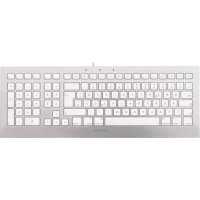
STRAIT 3.0 - Keyboard Cherry - Free user manual and instructions
Find the device manual for free STRAIT 3.0 Cherry in PDF.



| Product type | Keyboard |
| Brand | Cherry |
| Model | STRAIT 3.0 |
| Power supply | 5.0 V/DC ±5% SELV |
| Power consumption | 45 mA average |
| Storage temperature | -20 °C to +65 °C |
| Operating temperature | 0 °C to +50 °C |
| Connection | USB |
| Key marking | Laser, very wear-resistant |
| Programmable keys | 5 hotkeys, via KeyM@n software (free download) |
| Recommended cleaning | Slightly damp cloth + mild detergent |
| Cleaning precautions | Do not use solvents, do not remove keycaps |
| Warranty | Legal warranty, unauthorized repairs void warranty |
| Manufacturer | Cherry GmbH, Cherrystraße, 91275 Auerbach/OPf., Germany |
| Website | www.cherry.de |
| Programming software | KeyM@n, available at www.cherry.de |
| Ergonomic care | Regular breaks, stretching exercises, proper posture |
Frequently Asked Questions - STRAIT 3.0 Cherry
User questions about STRAIT 3.0 Cherry
0 question about this device. Answer the ones you know or ask your own.
Ask a new question about this device
Download the instructions for your Keyboard in PDF format for free! Find your manual STRAIT 3.0 - Cherry and take your electronic device back in hand. On this page are published all the documents necessary for the use of your device. STRAIT 3.0 by Cherry.
USER MANUAL STRAIT 3.0 Cherry
text_image
Screenshot of a standard computer keyboard with white and gray color scheme, showing function keys and input fields.
text_image
CHERRYCHERRY STRAIT 3.0
CHERRY STRAIT 3.0 BLACK
Corded Keyboard
text_image
Cropped image of a keyboard layout showing standard numeric keypad keys with function keys and keyboard shortcutsHerzlichen Glückwunsch ...
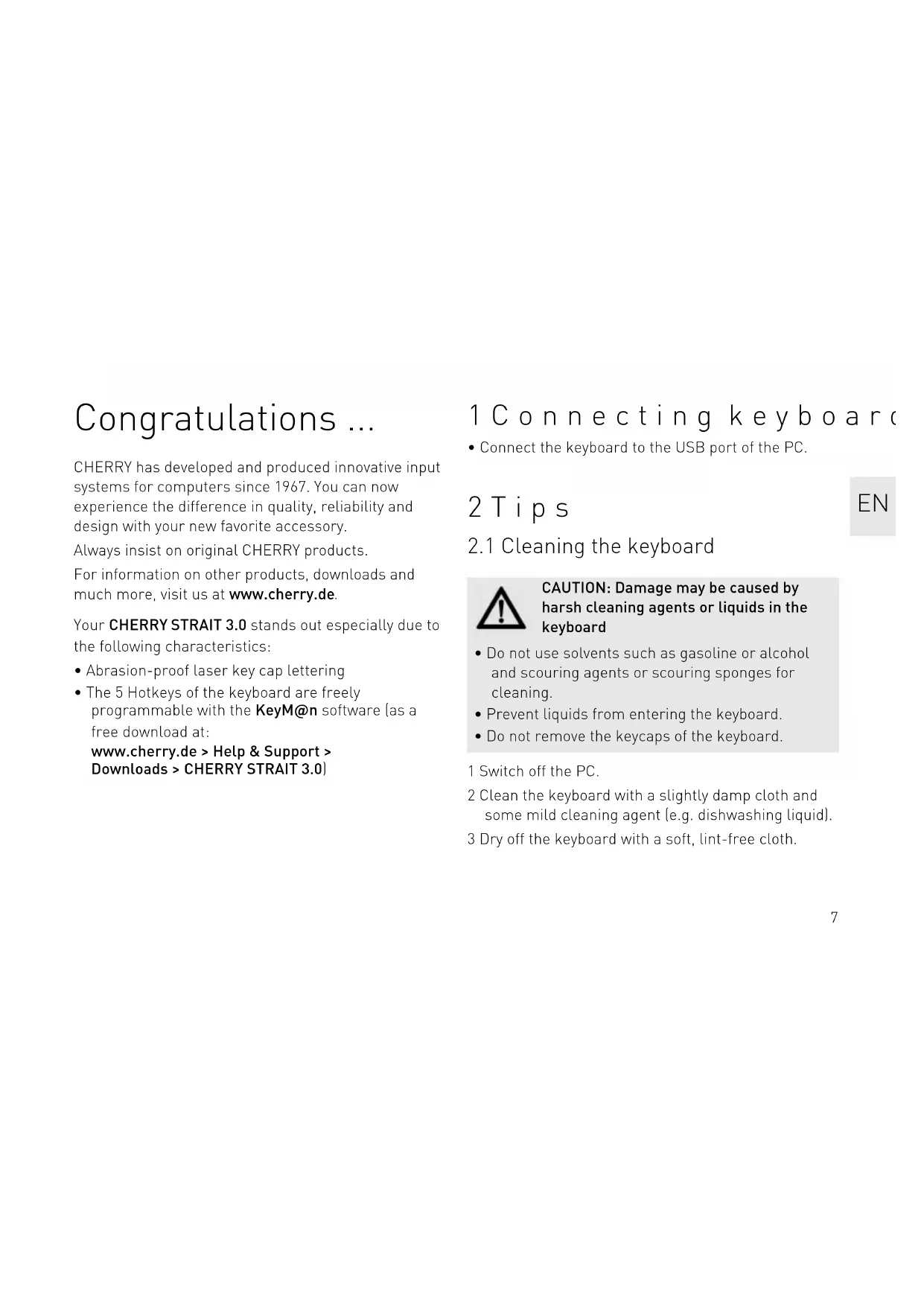
CHERRY has developed and produced innovative input systems for computers since 1967. You can now experience the difference in quality, reliability and design with your new favorite accessory.
Always insist on original CHERRY products.
For information on other products, downloads and much more, visit us at www.cherry.de.
Your CHERRY STRAIT 3.0 stands out especially due to the following characteristics:
- Abrasion-proof laser key cap lettering
- The 5 Hotkeys of the keyboard are freely programmable with the KeyM@n software (as a free download at:
www.cherry.de > Help & Support > Downloads > CHERRY STRAIT 3.0)
1 Connecting keyboard
- Connect the keyboard to the USB port of the PC.
2 Tips
2.1 Cleaning the keyboard

CAUTION: Damage may be caused by harsh cleaning agents or liquids in the keyboard
- Do not use solvents such as gasoline or alcohol and scouring agents or scouring sponges for cleaning.
- Prevent liquids from entering the keyboard.
- Do not remove the keycaps of the keyboard.
1 Switch off the PC.
2 Clean the keyboard with a slightly damp cloth and some mild cleaning agent (e.g. dishwashing liquid).
3 Dry off the keyboard with a soft, lint-free cloth.
2.2 RSI syndrome

RSI stands for "Repetitive Strain Injury". RSI arises due to small movements continuously repeated over a long period of time.
Typical symptoms are discomfort in the fingers or neck.
- Set up your workspace ergonomically.
- Position the keyboard and mouse in such a manner that your upper arms and wrists are outstretched and to the sides of your body.
• Take several short breaks, with stretching exercises if necessary. - Change your posture often.
2.3 Troubleshooting
- Use another USB port on the PC/laptop.
- To make sure that the keyboard is not defective, test it if possible with another PC/laptop.
- Set the option "USB Keyboard Support" or "USB Legacy Mode" to enabled in the BIOS of the PC.
3 Disposal

Dispose of the used device at an official collection point for electronic waste or at your local dealer.
4 Technical data
Designation Value
| Supply voltage 5.0 V/DC ±5% SELV |
| Current consumption Typ. 45 mA |
| Storage temperature -20 °C ... +65 °C |
| Operating temperature 0 °C ... +50 °C |
5 Contact
Please have the following information on hand when contacting technical support:
- Item and serial no. of the product
• Name and manufacturer of your system - Operating system and, if applicable, installed service pack version
For Europe:
Cherry GmbH
Cherrystraße
91275 Auerbach/OPf.
Germany
Cherry Americas, LLC
5732 95th Avenue
Suite 850
Kenosha, WI 53144
USA
Tel.: +1 262 942 6508
Email: sales@cherryamericas.com
Internet: www.cherryamericas.com
6 General advice
We reserve the right to make technical modifications which serve the development of our products. Improper use and storage can lead to faults and damage to the product.
These instructions are only valid for the supplied product.
7 Warranty
The statutory warranty applies. Please contact your specialist dealer or contractual partner.
The warranty expires completely once unauthorized modifications to the product have been carried out. Do not carry out any unauthorized repairs and do not open up the product.
8 Certifications
8.1 Federal Communications Commission (FCC) Radio Frequency Interference Statement
This device complies with part 15 of the FCC Rules. Operation is subject to the following two conditions: (1) This device may not cause harmful interference, and (2) this device must accept any interference received, including interference that may cause undesired operation.
Note: This equipment has been tested and found to comply with the limits for a Class B digital device, pursuant to part 15 of the FCC Rules. These limits are designed to provide reasonable protection against harmful interference in a residential installation. This equipment generates, uses and can radiate radio frequency energy and, if not installed and used in accordance with the instructions, may cause harmful interference to radio communications. However, there is no guarantee that interference will not occur in a particular installation. If this equipment does cause harmful interference to radio or television reception,
which can be determined by turning the equipment off and on, the user is encouraged to try to correct the interference by one or more of the following measures:
- Reorient or relocate the receiving antenna.
- Increase the separation between the equipment and receiver.
- Connect the equipment into an outlet on a circuit different from that to which the receiver is connected.
- Consult the dealer or an experienced radio/TV technician for help.
Caution: Any changes or modifications not expressly approved by the party responsible for compliance could void the user's authority to operate the equipment.
8.2 For UL
For use with Listed Personal Computers only!